Download to read offline
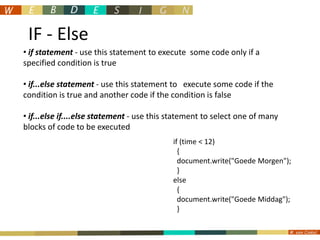
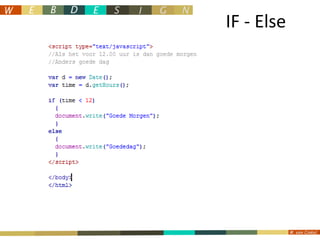
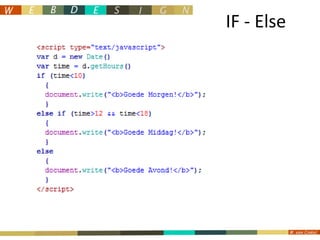
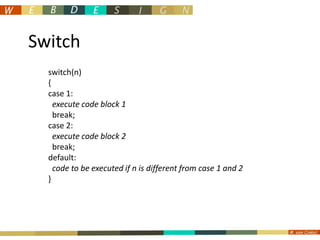
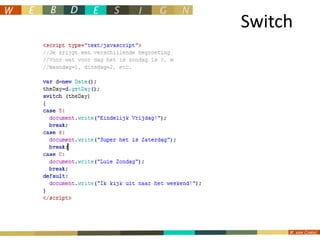
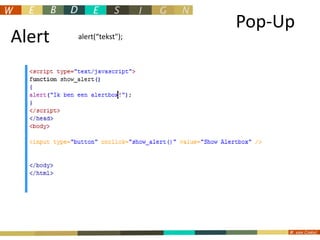
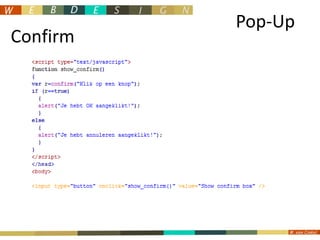
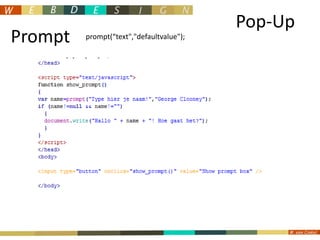
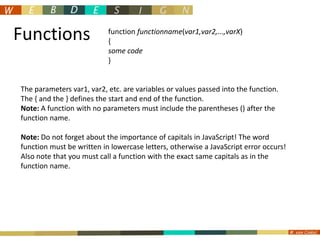
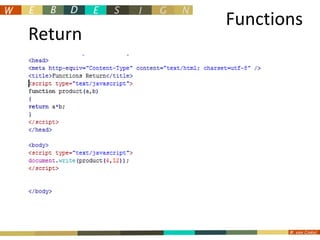
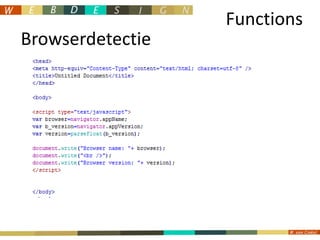
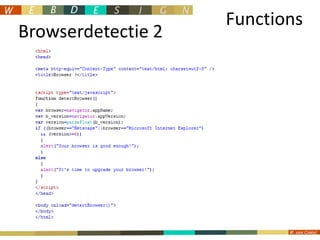

This document discusses JavaScript concepts including IF-Else statements, Switch statements, popup boxes, and functions. IF-Else statements allow executing code based on conditional logic. Switch statements select code blocks to execute based on different cases. Popup boxes include alerts, confirms, and prompts. Functions define reusable blocks of code that can accept parameters and return values.


![1.4 core programming [understand error handling]](https://cdn.slidesharecdn.com/ss_thumbnails/1-4coreprogrammingunderstanderrorhandling-110330031948-phpapp01-thumbnail.jpg?width=640&height=640&fit=bounds)


