Using mobile devices 
for performance support 
Piers Lea 
Chief Strategy Officer 
FOLLOW US ON @leolearning @pierslea
Fast changing world 
FOLLOW US ON @leolearning @pierslea
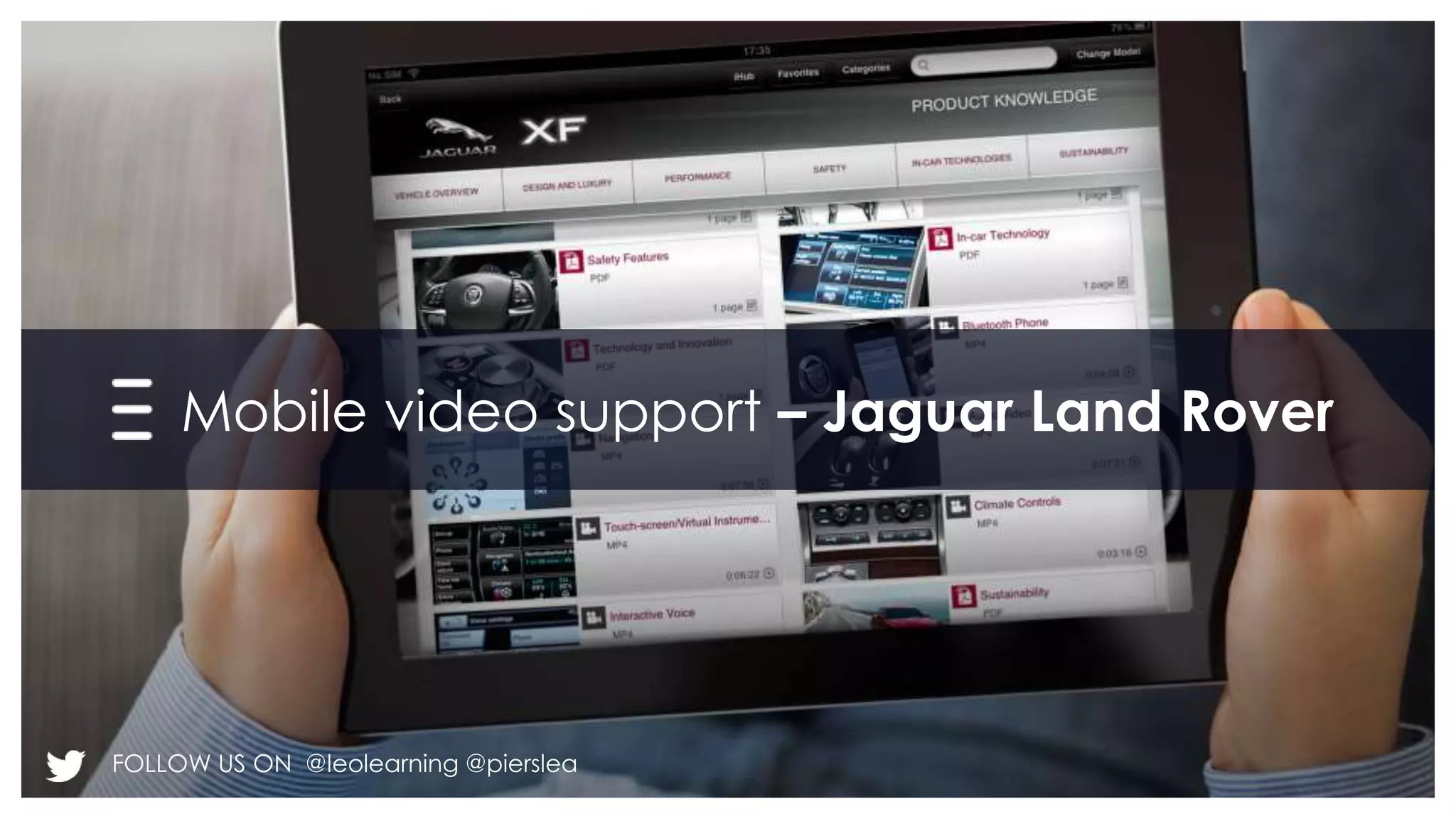
Mobile video support – Jaguar Land Rover 
FOLLOW US ON @leolearning @pierslea
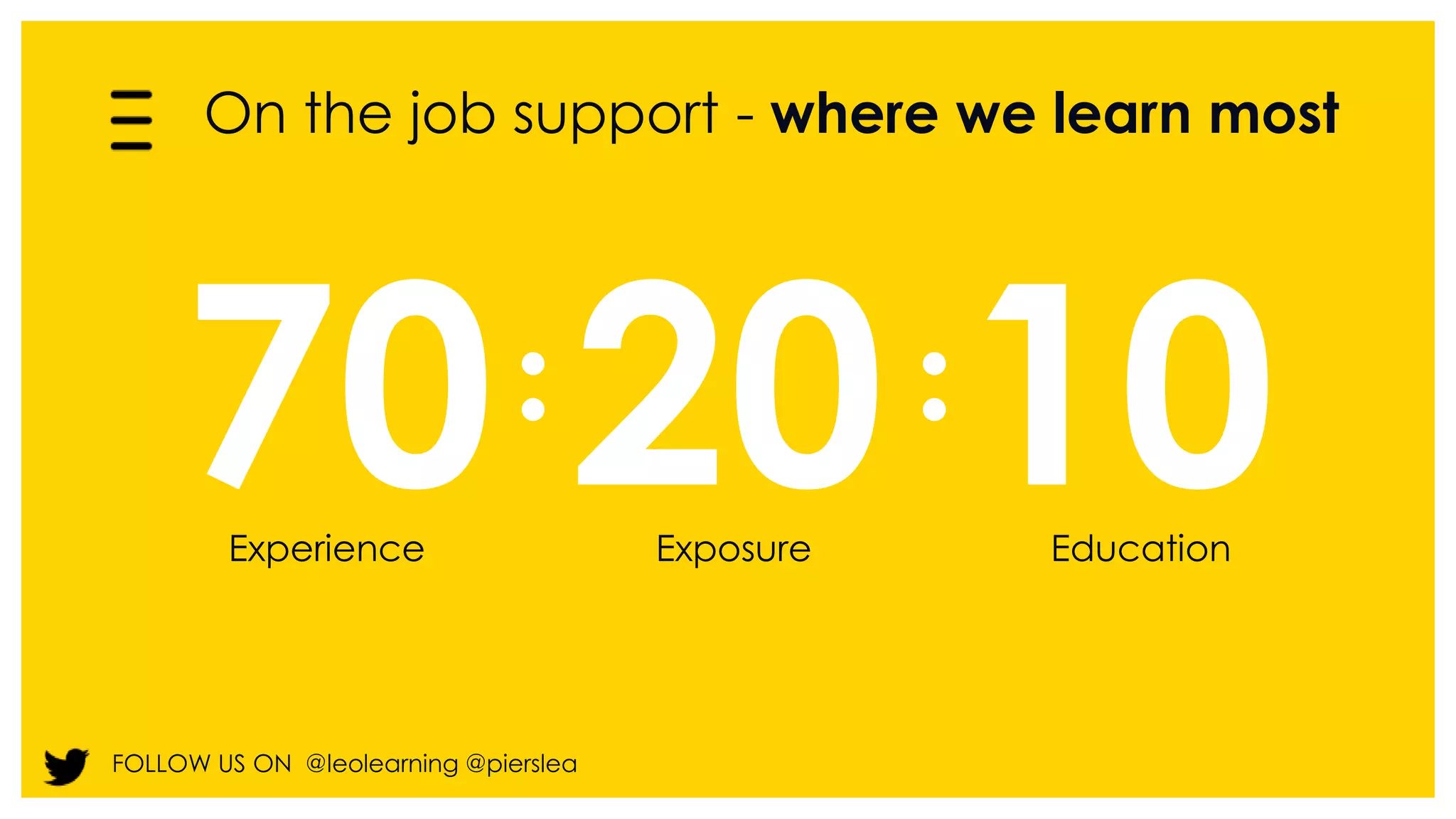
On the job support - where we learn most 
70 20 10 
Experience Exposure Education 
FOLLOW US ON @leolearning @pierslea
Mobile devices can help 
FOLLOW US ON @leolearning @pierslea
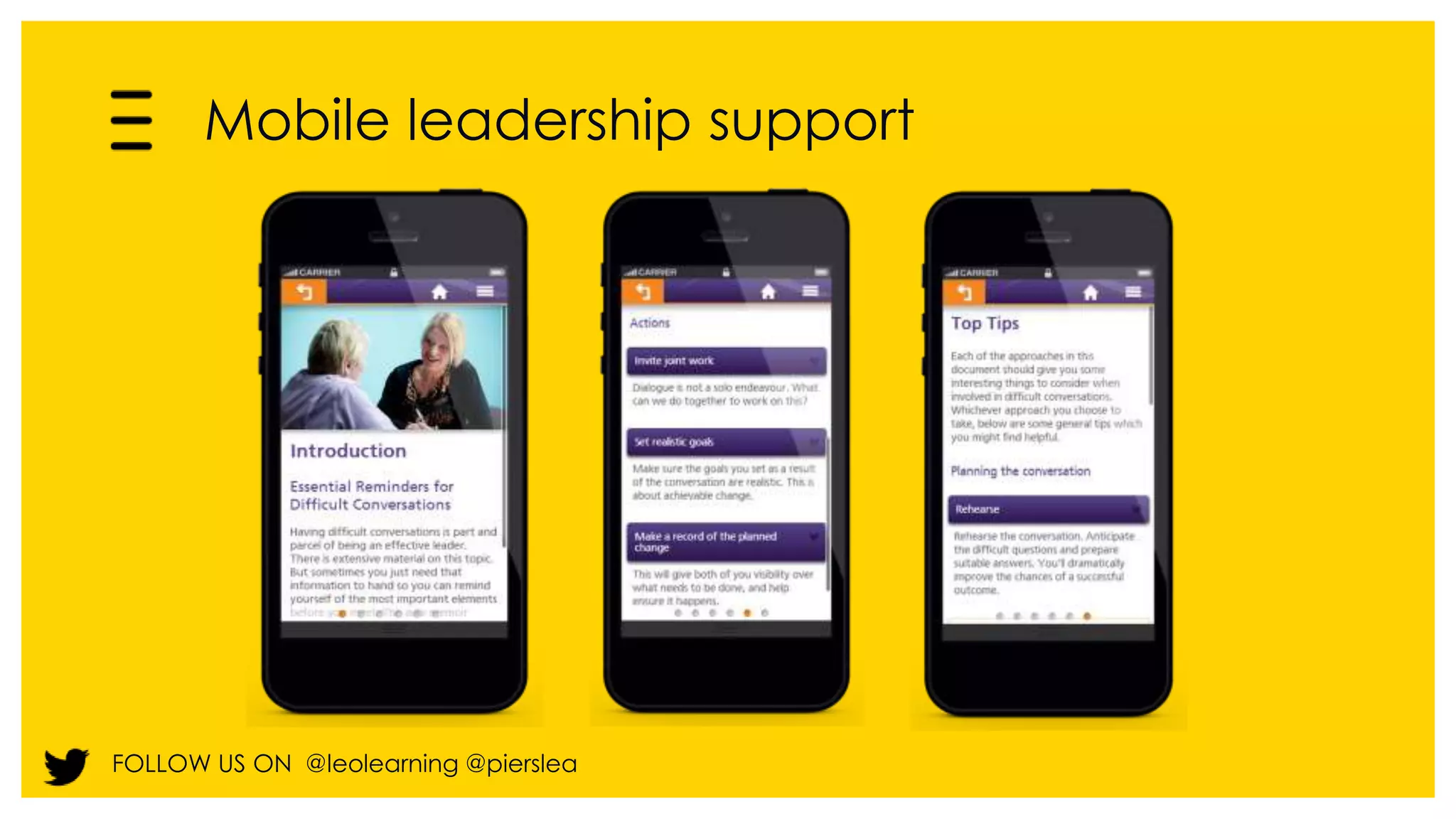
Mobile leadership support 
FOLLOW US ON @leolearning @pierslea
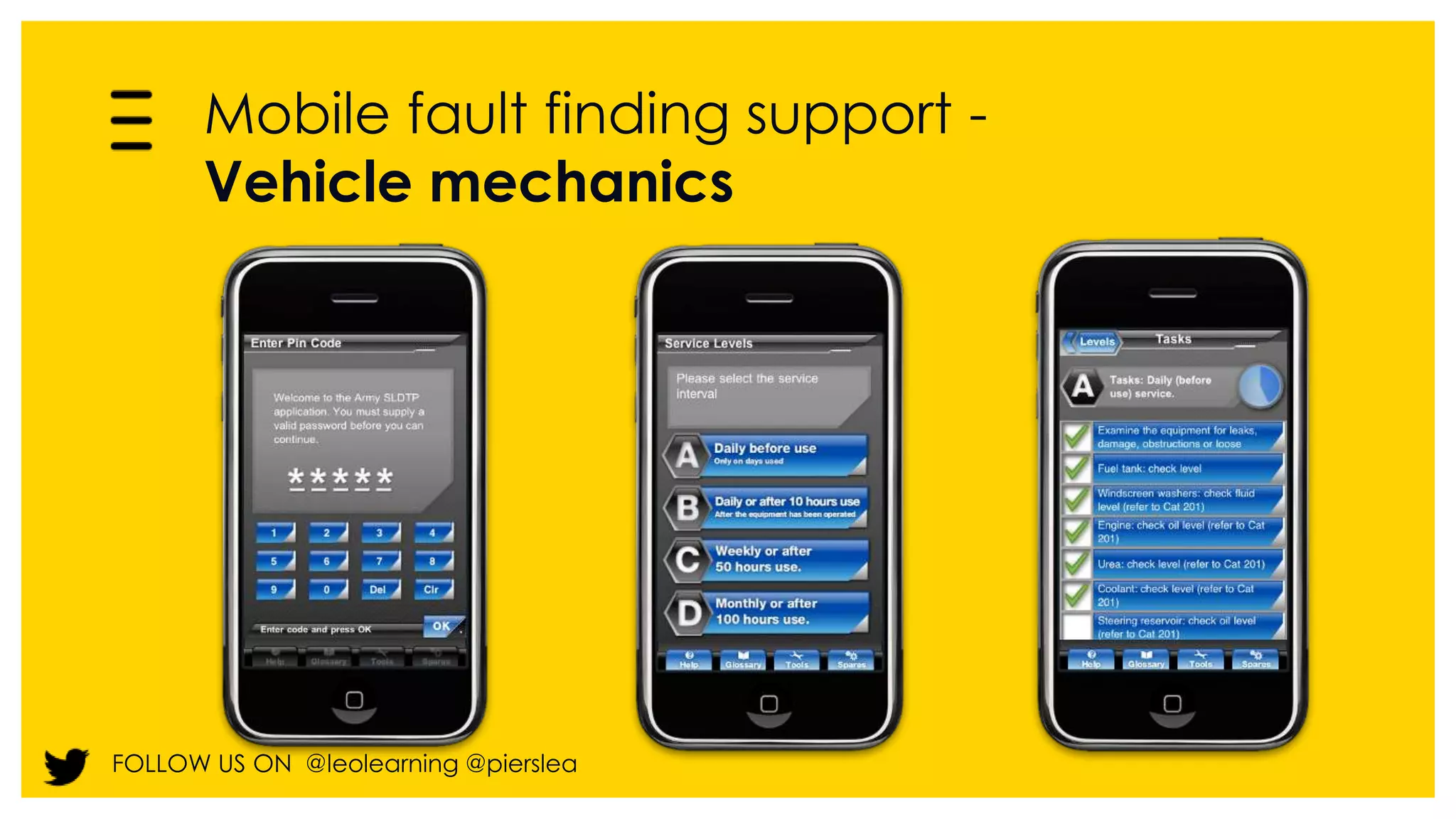
Mobile fault finding support - 
Vehicle mechanics 
FOLLOW US ON @leolearning @pierslea
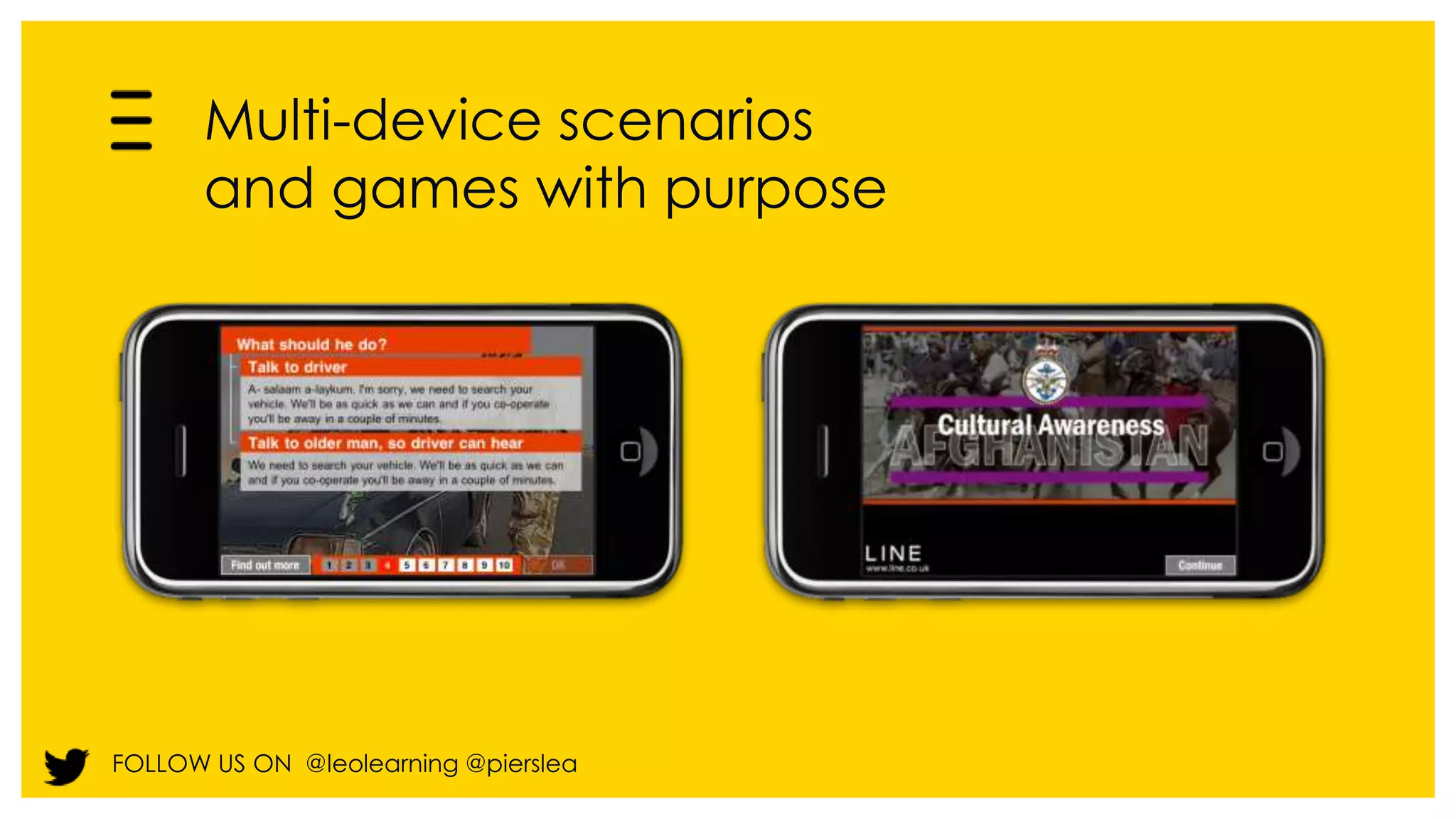
Multi-device scenarios 
and games with purpose 
FOLLOW US ON @leolearning @pierslea
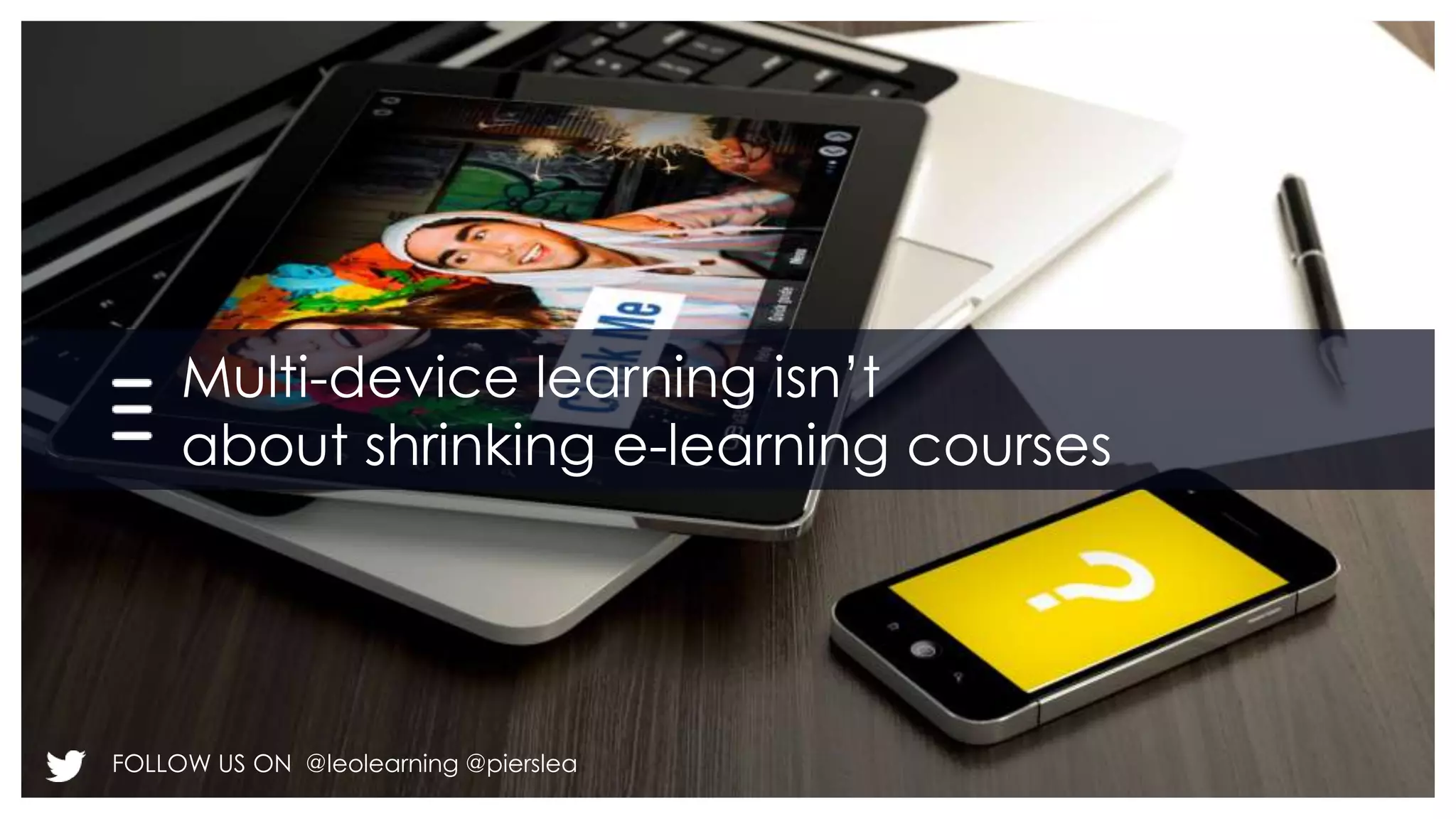
Multi-device learning isn’t 
about shrinking e-learning courses 
FOLLOW US ON @leolearning @pierslea
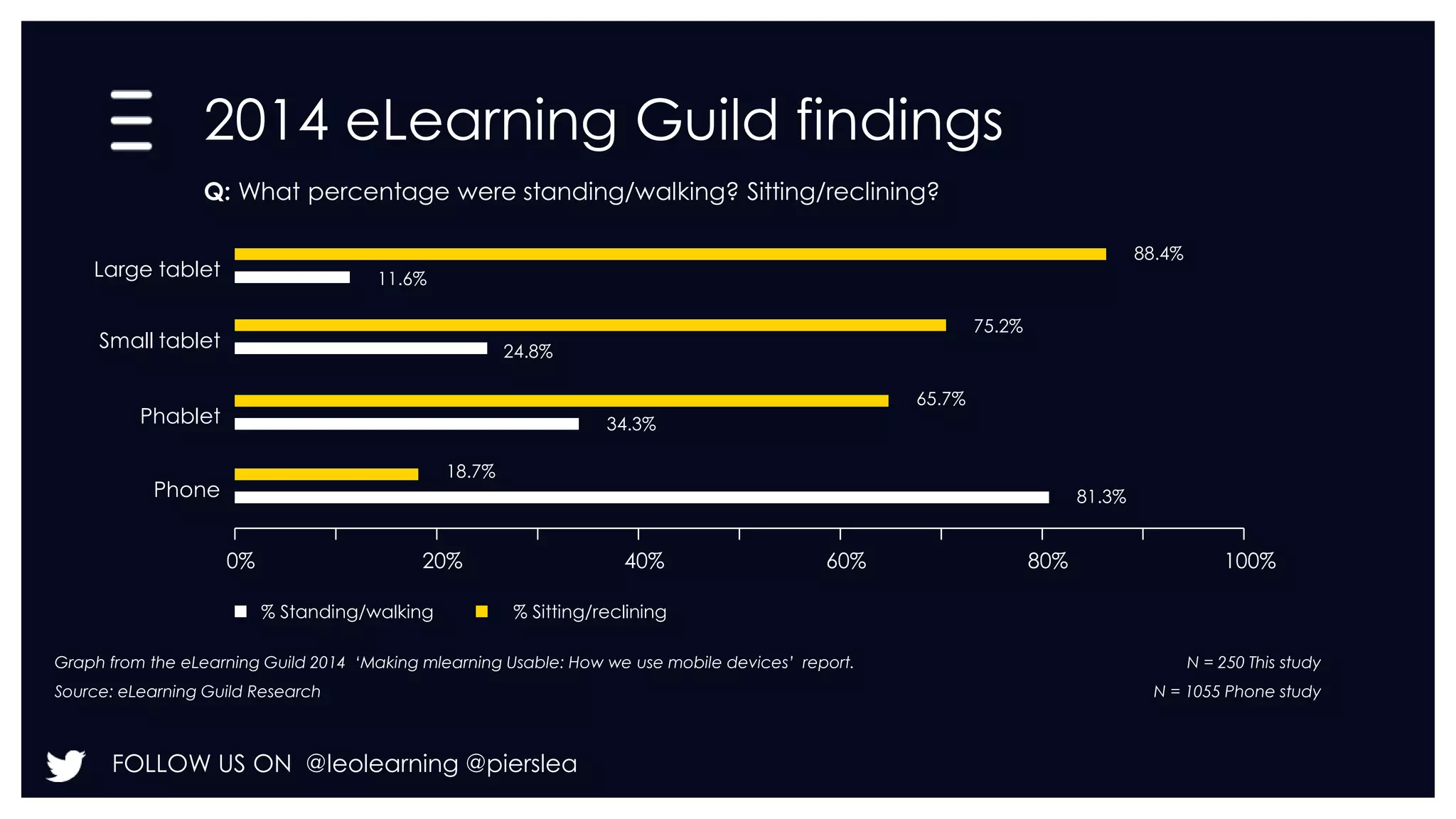
2014 eLearning Guild findings 
0% 20% 40% 60% 80% 100% 
Large tablet 
FOLLOW US ON @leolearning @pierslea 
88.4% 
11.6% 
Small tablet 
75.2% 
24.8% 
Phablet 
65.7% 
34.3% 
Phone 
18.7% 
81.3% 
Q: What percentage were standing/walking? Sitting/reclining? 
% Standing/walking % Sitting/reclining 
Graph from the eLearning Guild 2014 ‘Making mlearning Usable: How we use mobile devices’ report. 
Source: eLearning Guild Research 
N = 250 This study 
N = 1055 Phone study
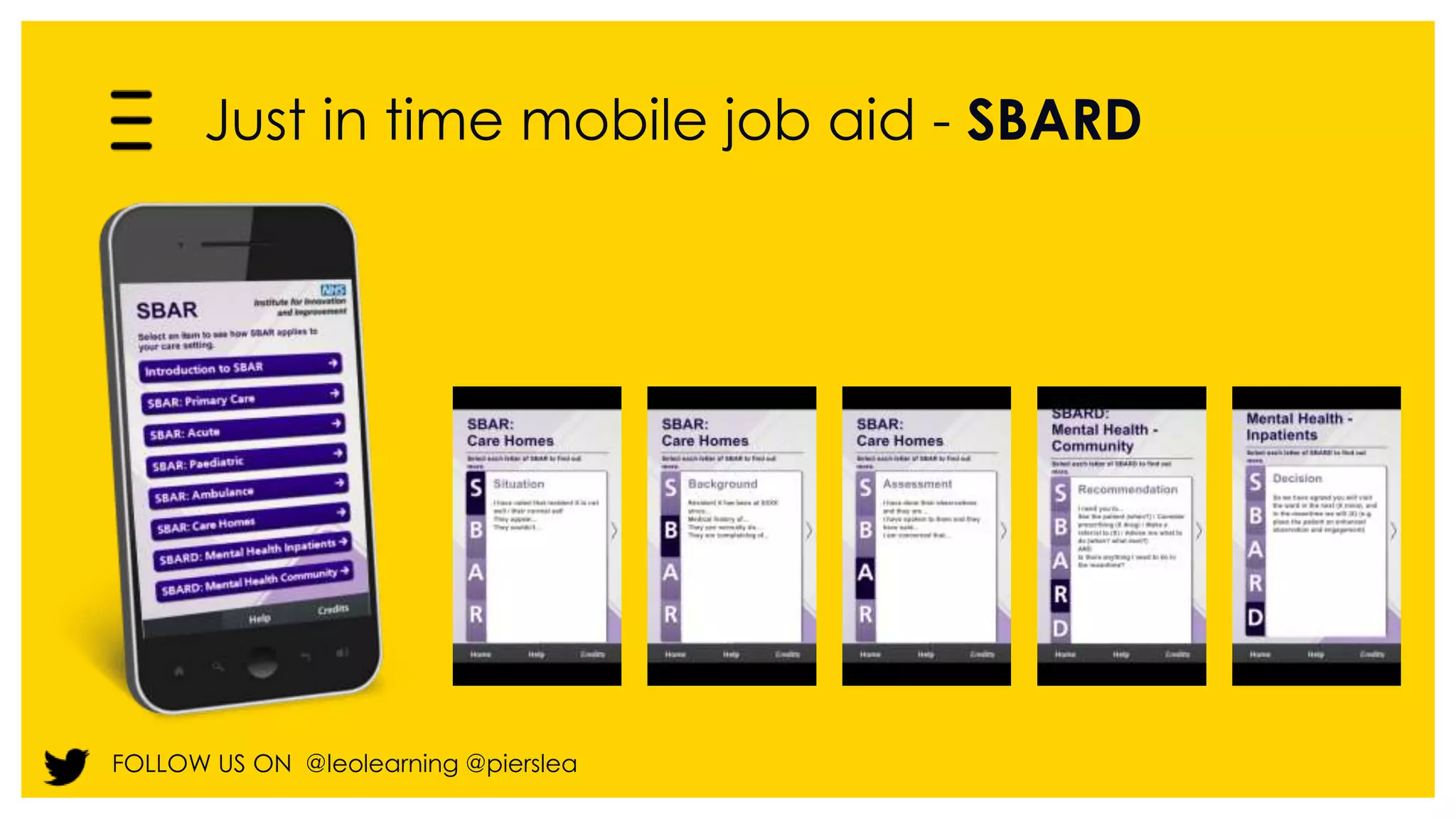
Just in time mobile job aid - SBARD 
FOLLOW US ON @leolearning @pierslea
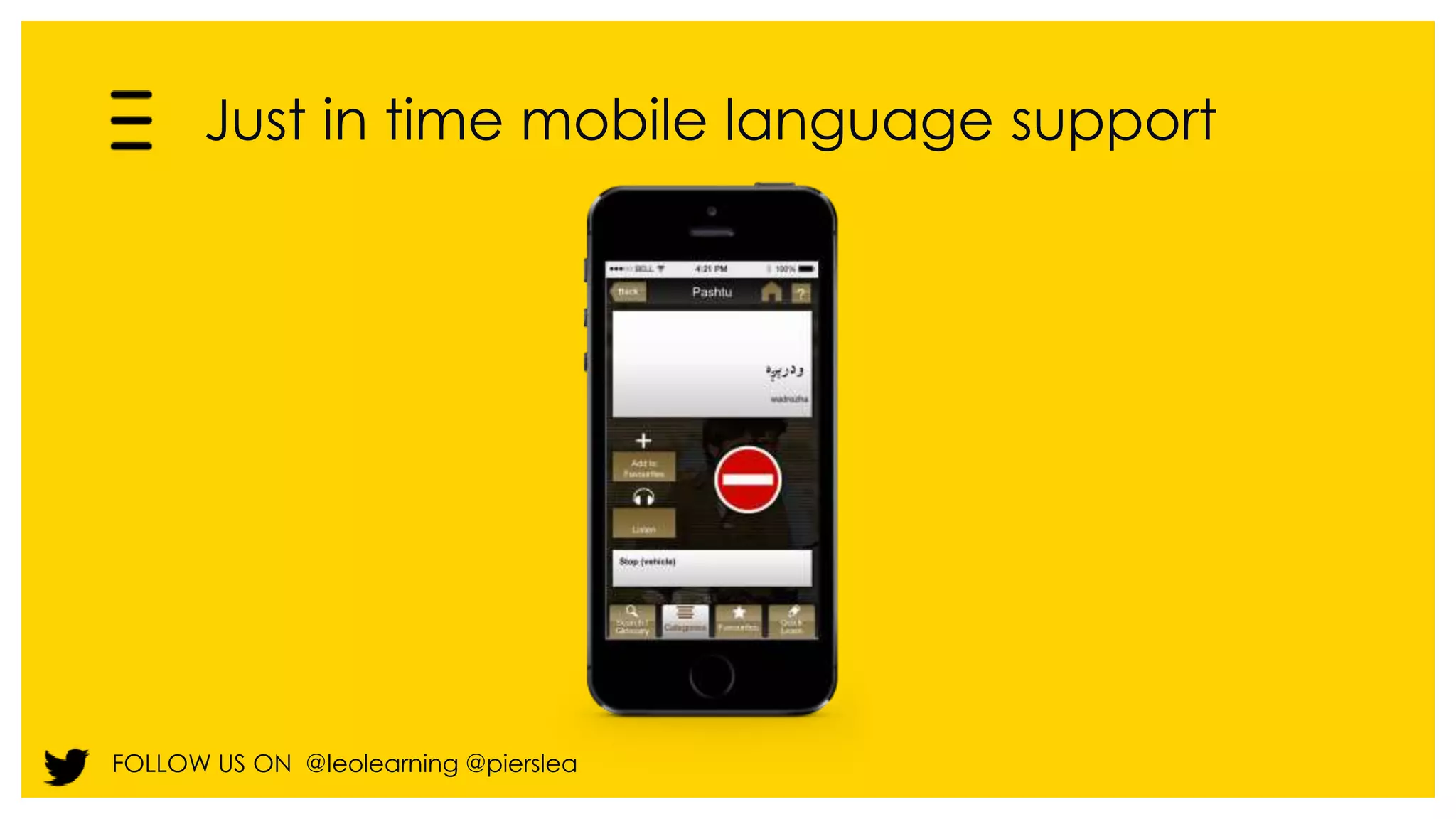
Just in time mobile language support 
FOLLOW US ON @leolearning @pierslea
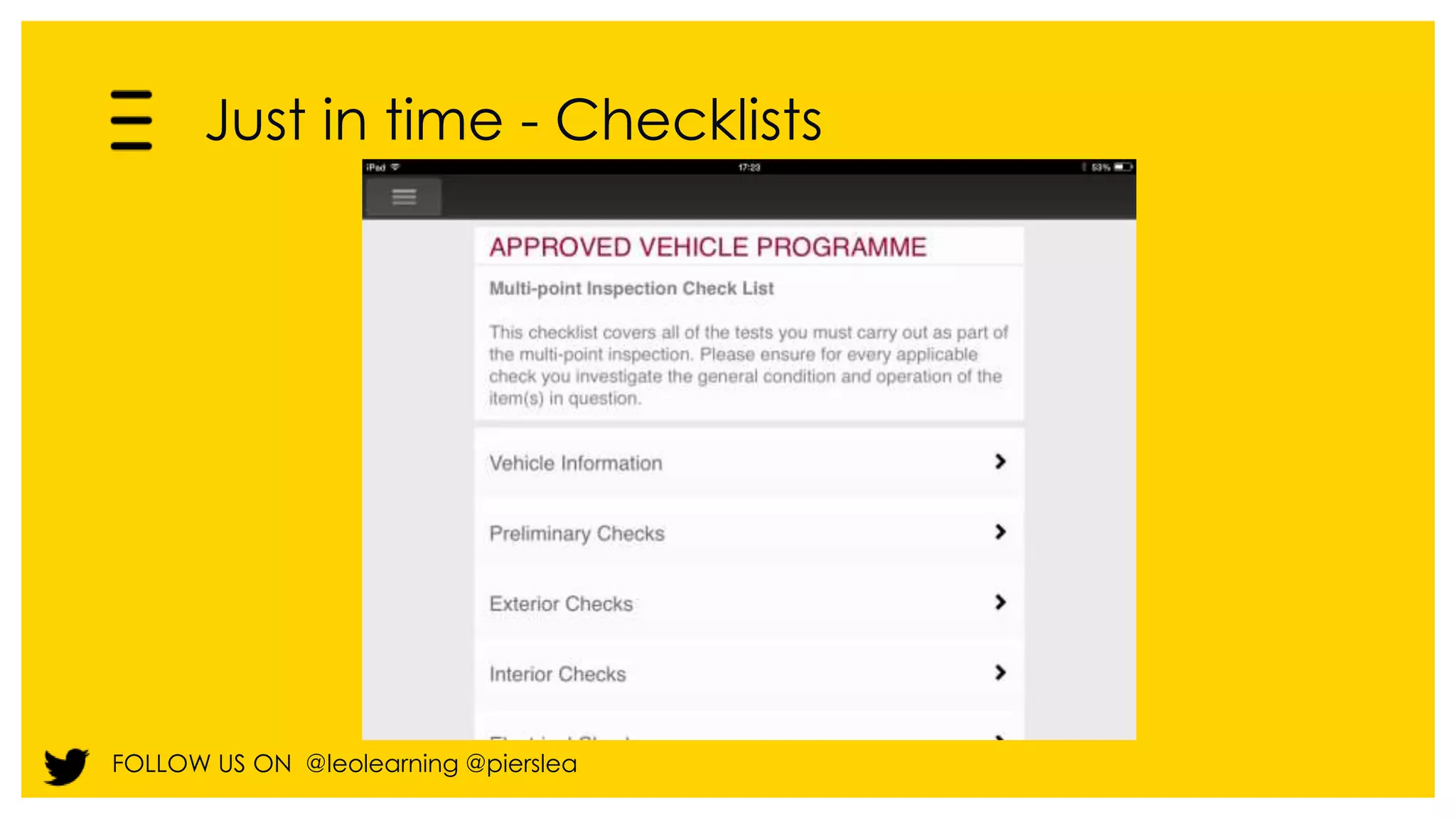
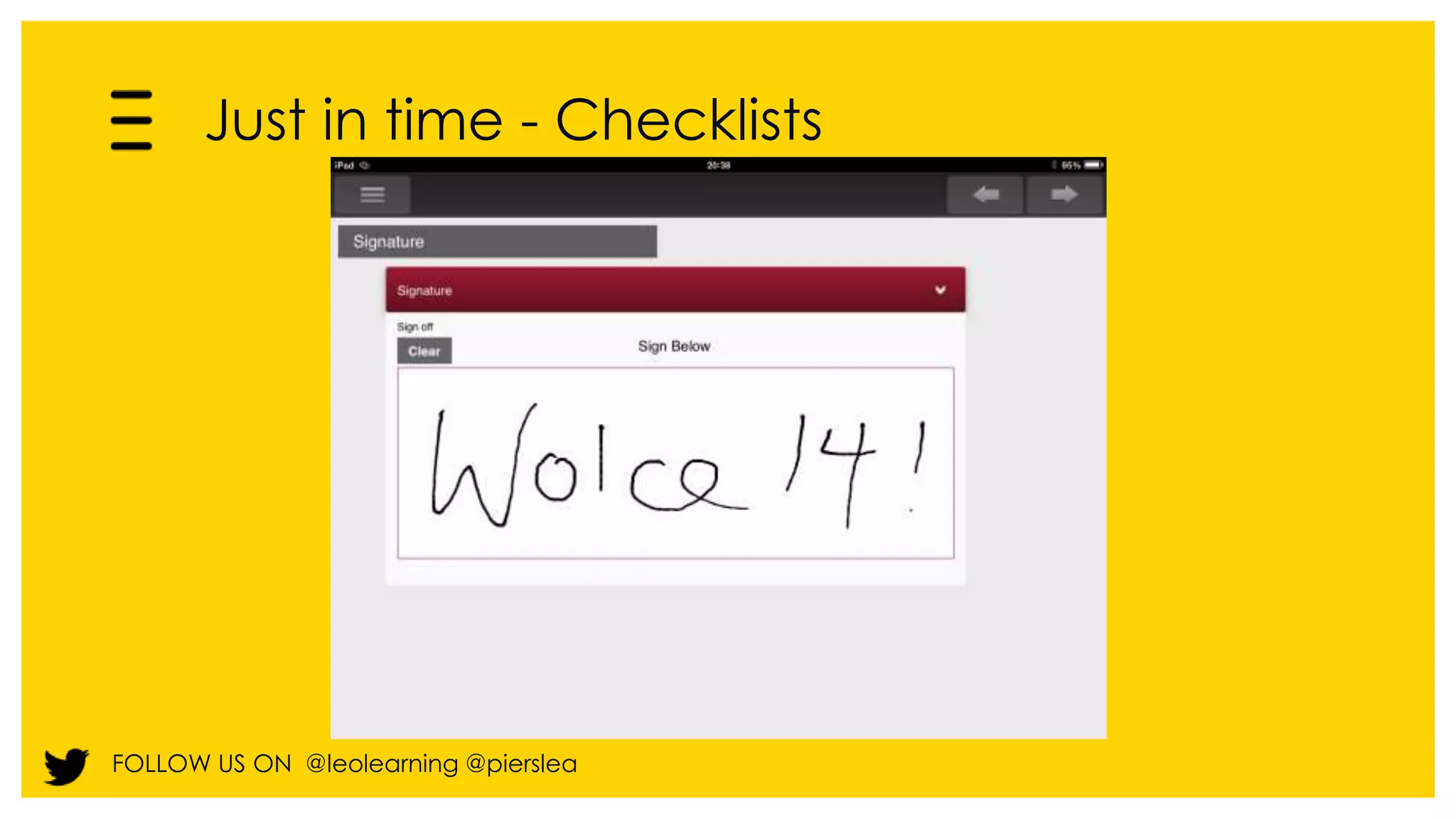
Just in time - Checklists 
FOLLOW US ON @leolearning @pierslea
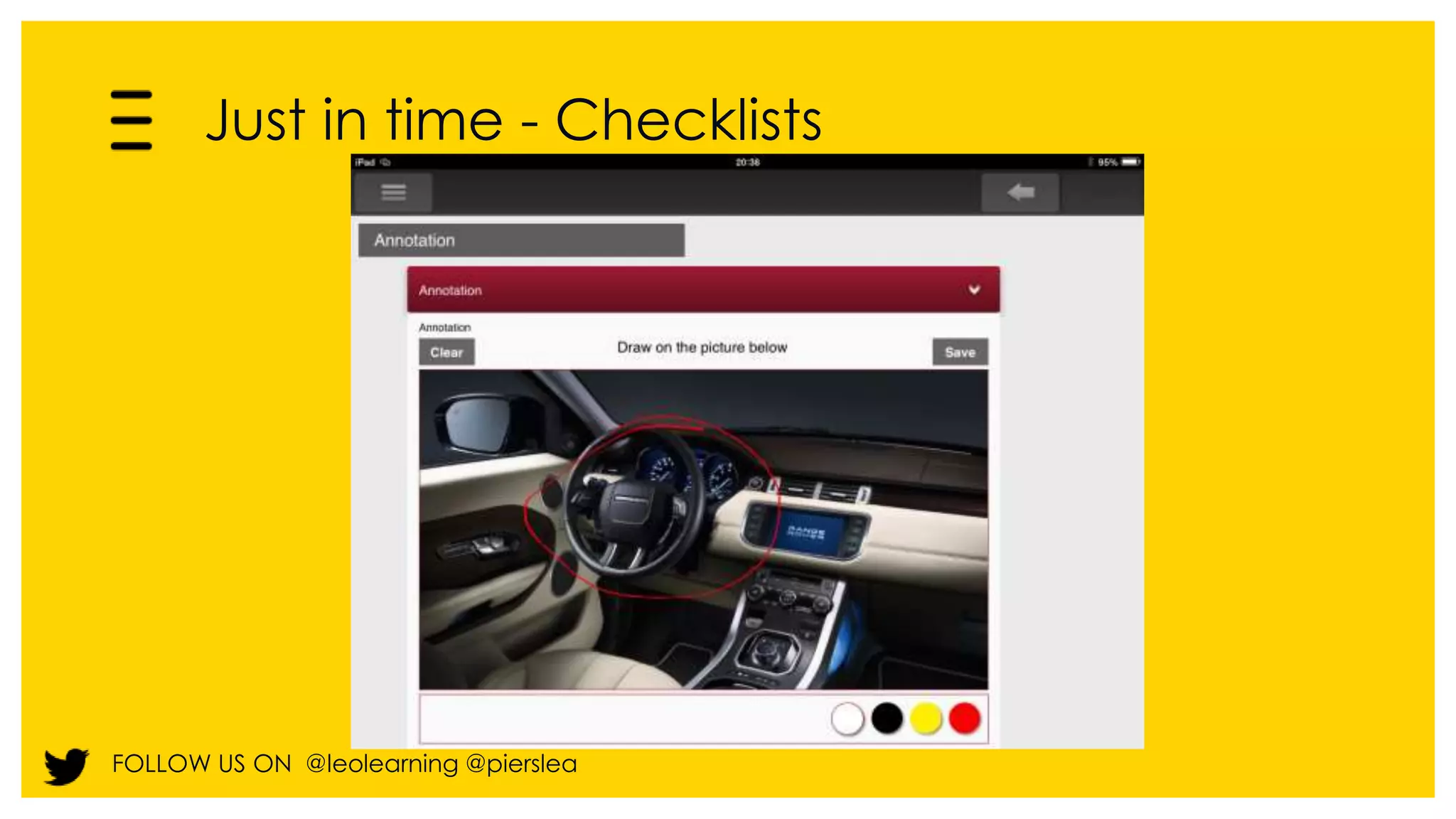
Just in time - Checklists 
FOLLOW US ON @leolearning @pierslea
Just in time - Checklists 
FOLLOW US ON @leolearning @pierslea
Just in time - Checklists 
FOLLOW US ON @leolearning @pierslea
Just in time - Checklists 
FOLLOW US ON @leolearning @pierslea
Just in time - Checklists 
FOLLOW US ON @leolearning @pierslea
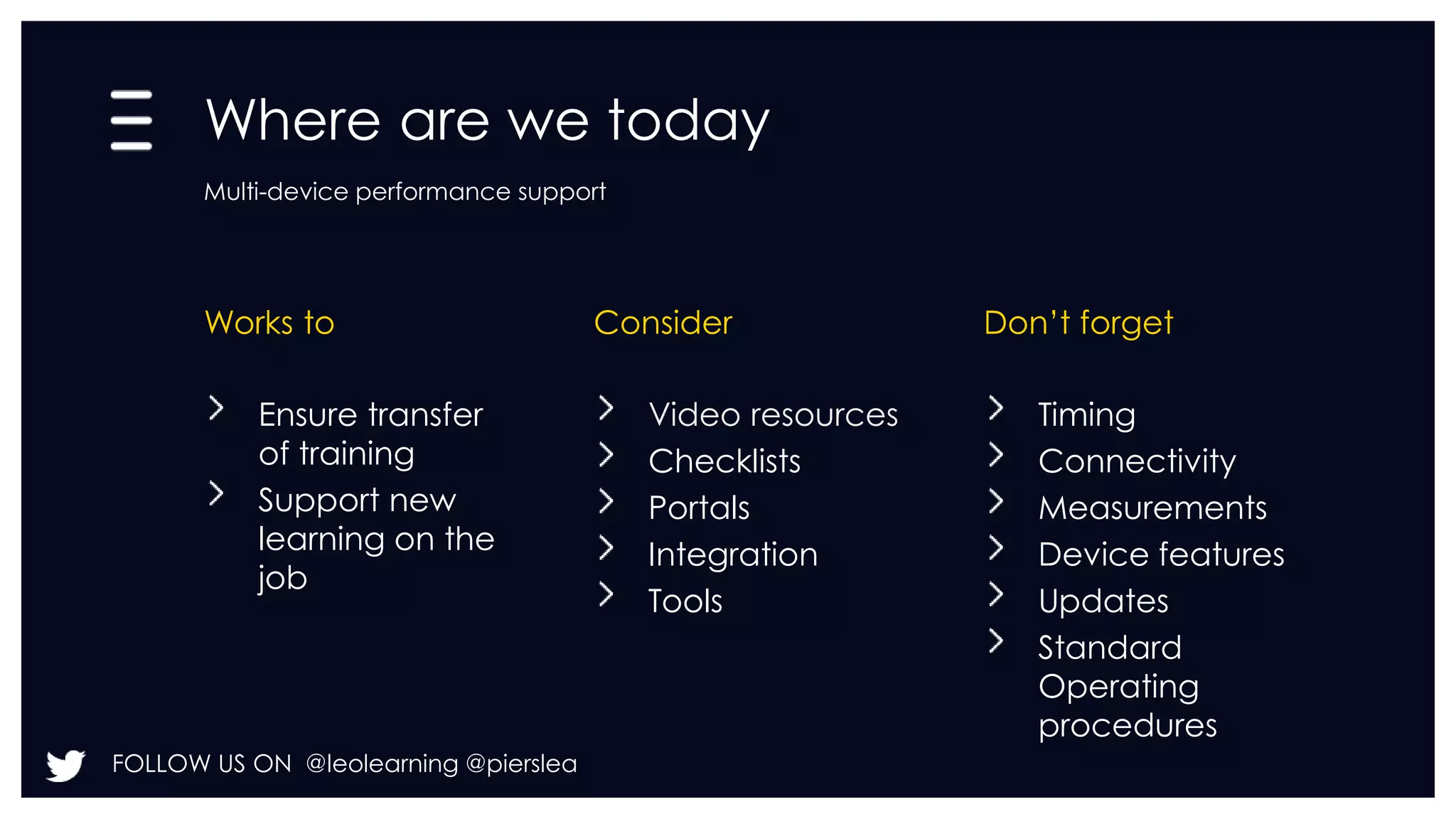
Where are we today 
Multi-device performance support 
Works to Consider Don’t forget 
Ensure transfer 
of training 
Support new 
learning on the 
job 
FOLLOW US ON @leolearning @pierslea 
Video resources 
Checklists 
Portals 
Integration 
Tools 
Timing 
Connectivity 
Measurements 
Device features 
Updates 
Standard 
Operating 
procedures
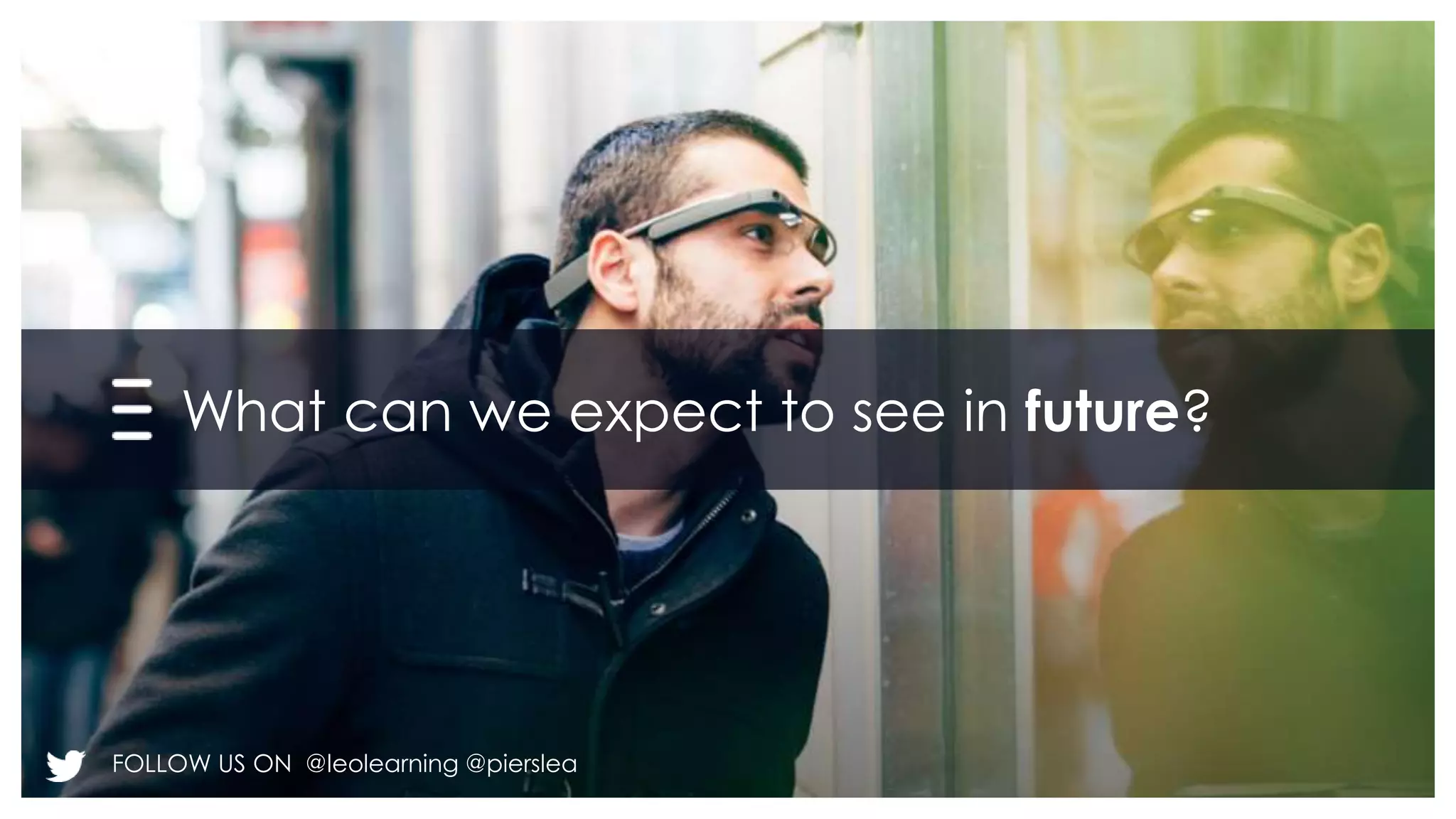
What can we expect to see in future? 
FOLLOW US ON @leolearning @pierslea
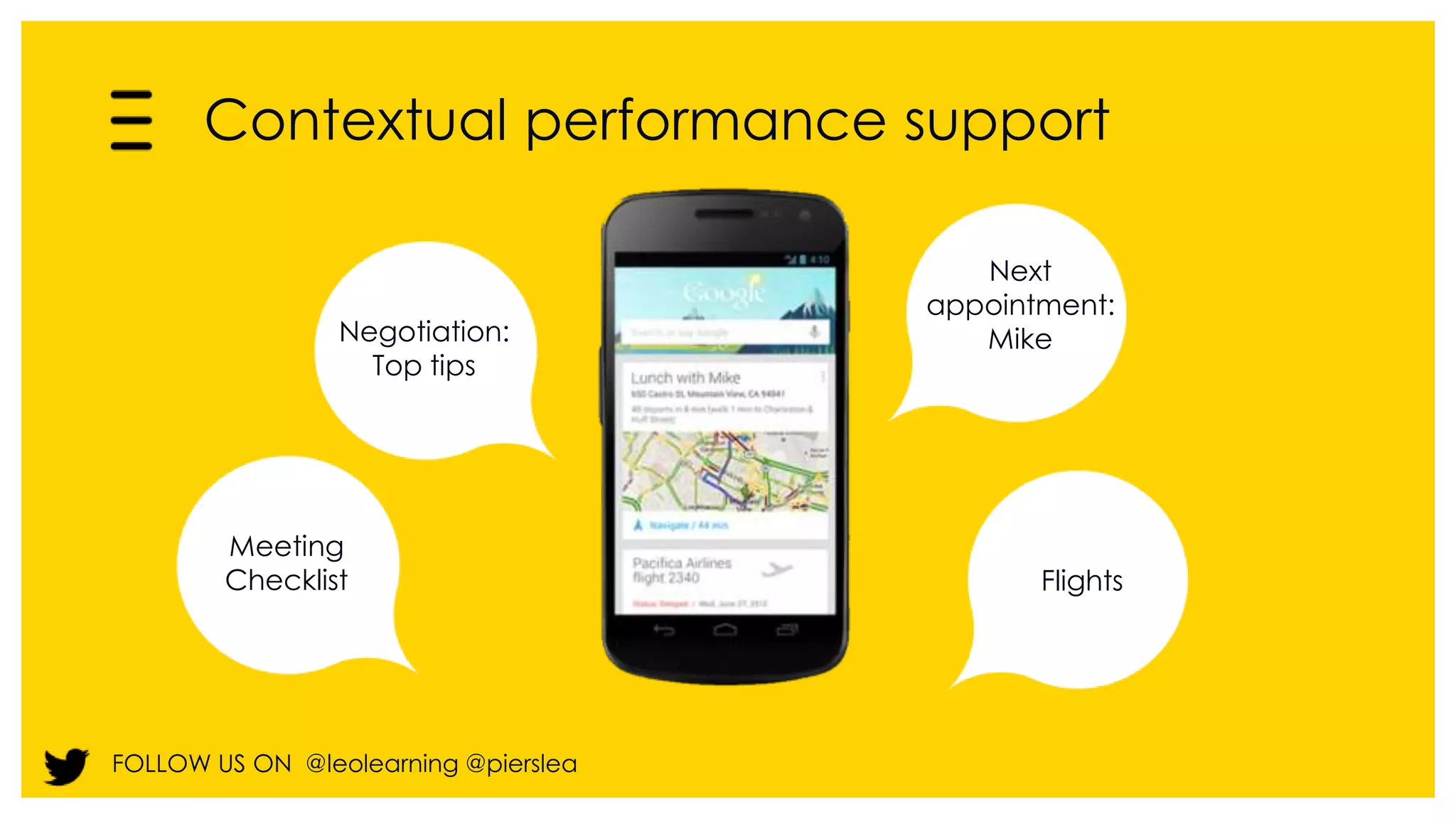
Contextual performance support 
Negotiation: 
FOLLOW US ON @leolearning @pierslea 
Next 
appointment: 
Mike 
Flights 
Meeting 
Checklist 
Top tips
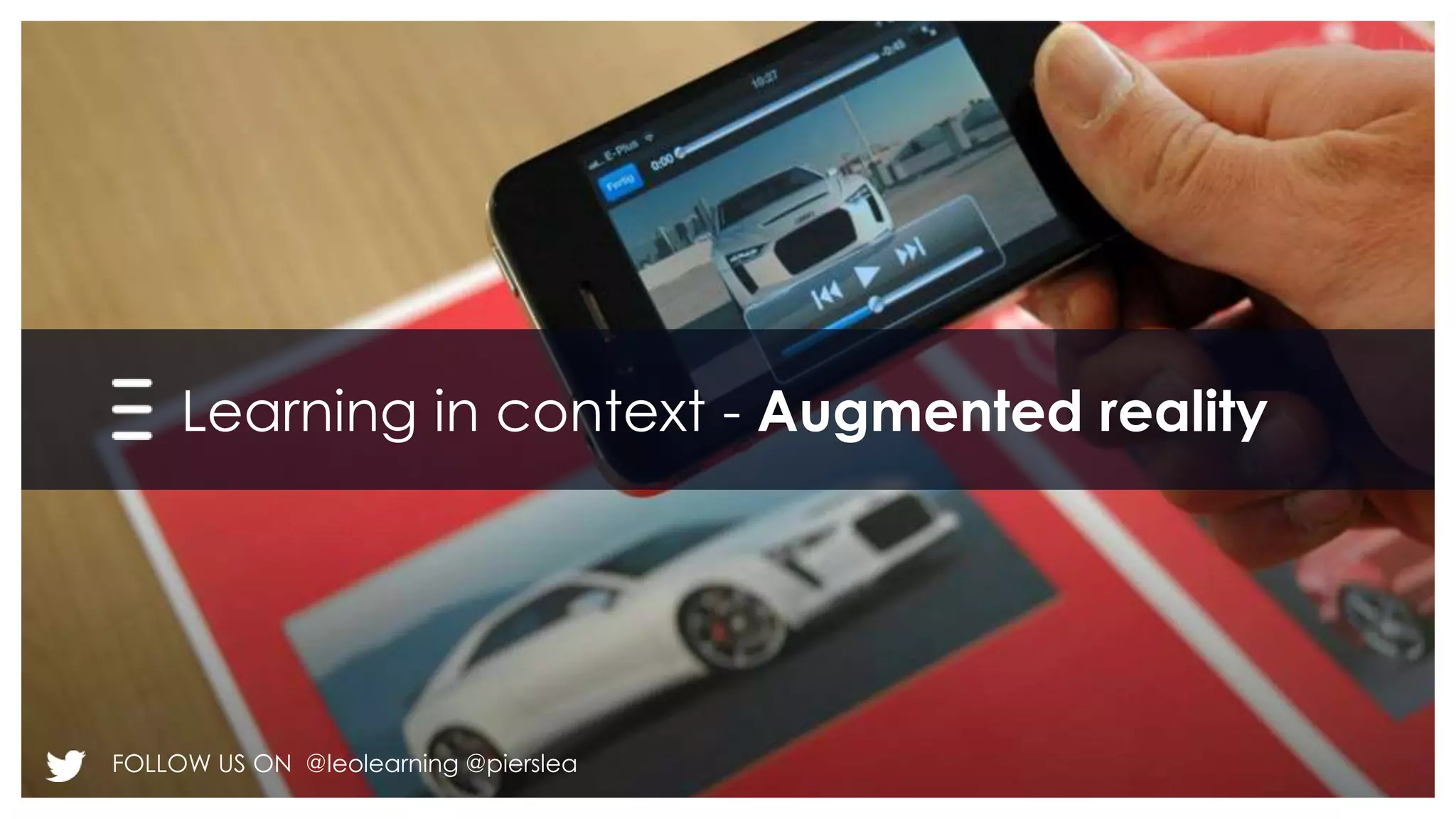
Learning in context - Augmented reality 
FOLLOW US ON @leolearning @pierslea
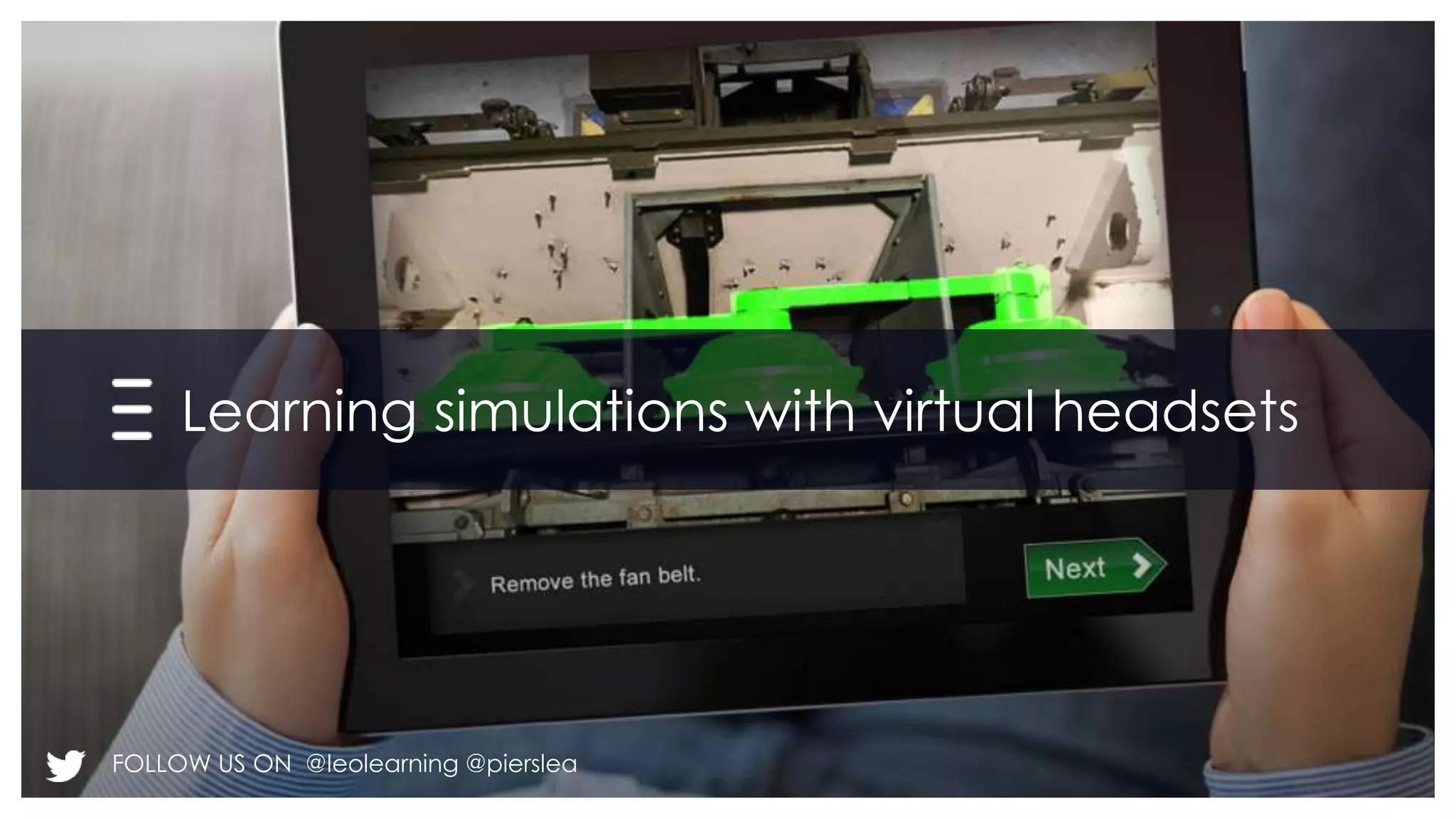
Learning simulations with virtual headsets 
FOLLOW US ON @leolearning @pierslea
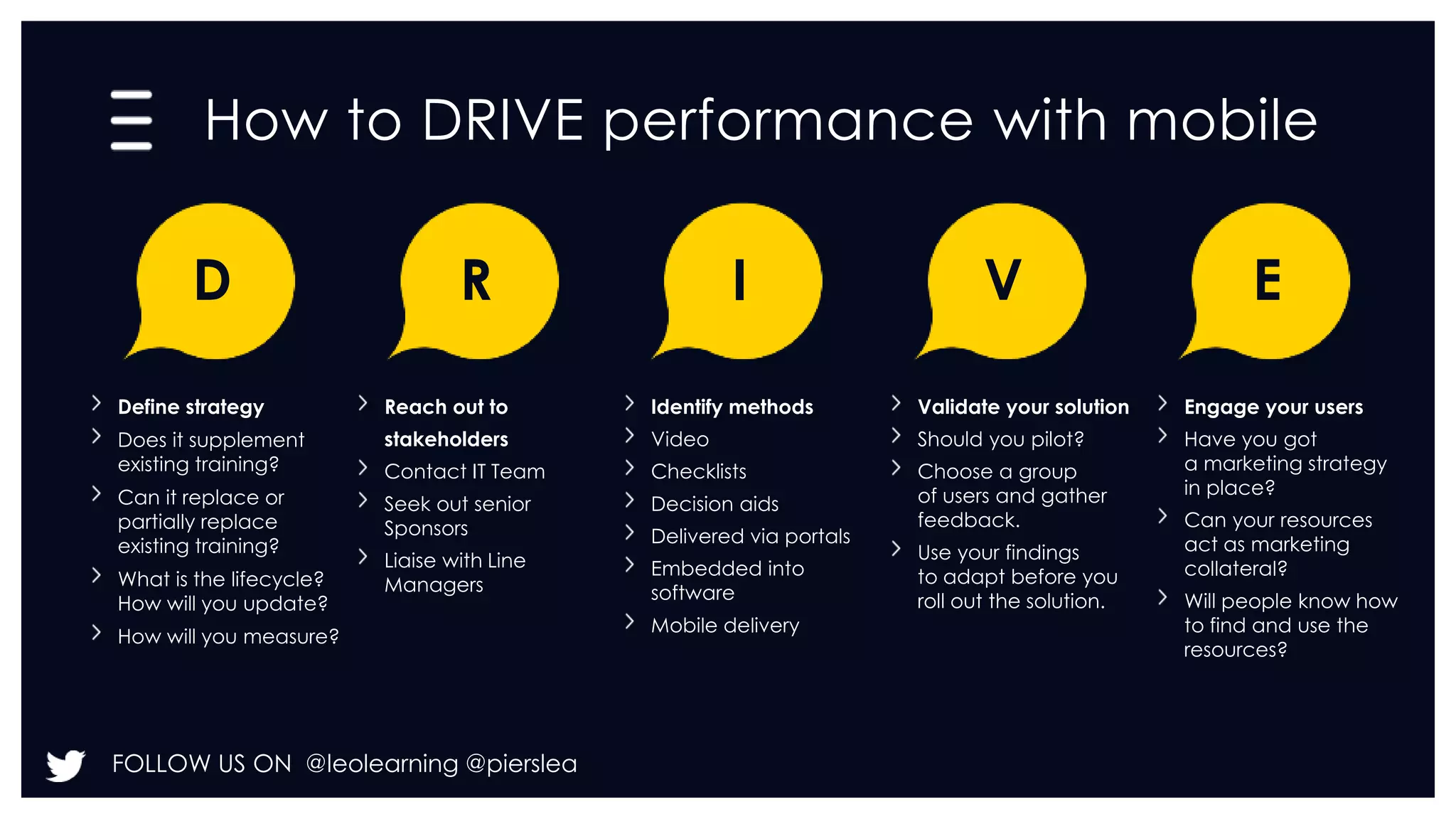
How to DRIVE performance with mobile 
D 
Define strategy 
Does it supplement 
existing training? 
Can it replace or 
partially replace 
existing training? 
What is the lifecycle? 
How will you update? 
How will you measure? 
R 
Reach out to 
stakeholders 
Contact IT Team 
Seek out senior 
Sponsors 
Liaise with Line 
Managers 
FOLLOW US ON @leolearning @pierslea 
I 
Identify methods 
Video 
Checklists 
Decision aids 
Delivered via portals 
Embedded into 
software 
Mobile delivery 
V 
Validate your solution 
Should you pilot? 
Choose a group 
of users and gather 
feedback. 
Use your findings 
to adapt before you 
roll out the solution. 
E 
Engage your users 
Have you got 
a marketing strategy 
in place? 
Can your resources 
act as marketing 
collateral? 
Will people know how 
to find and use the 
resources?
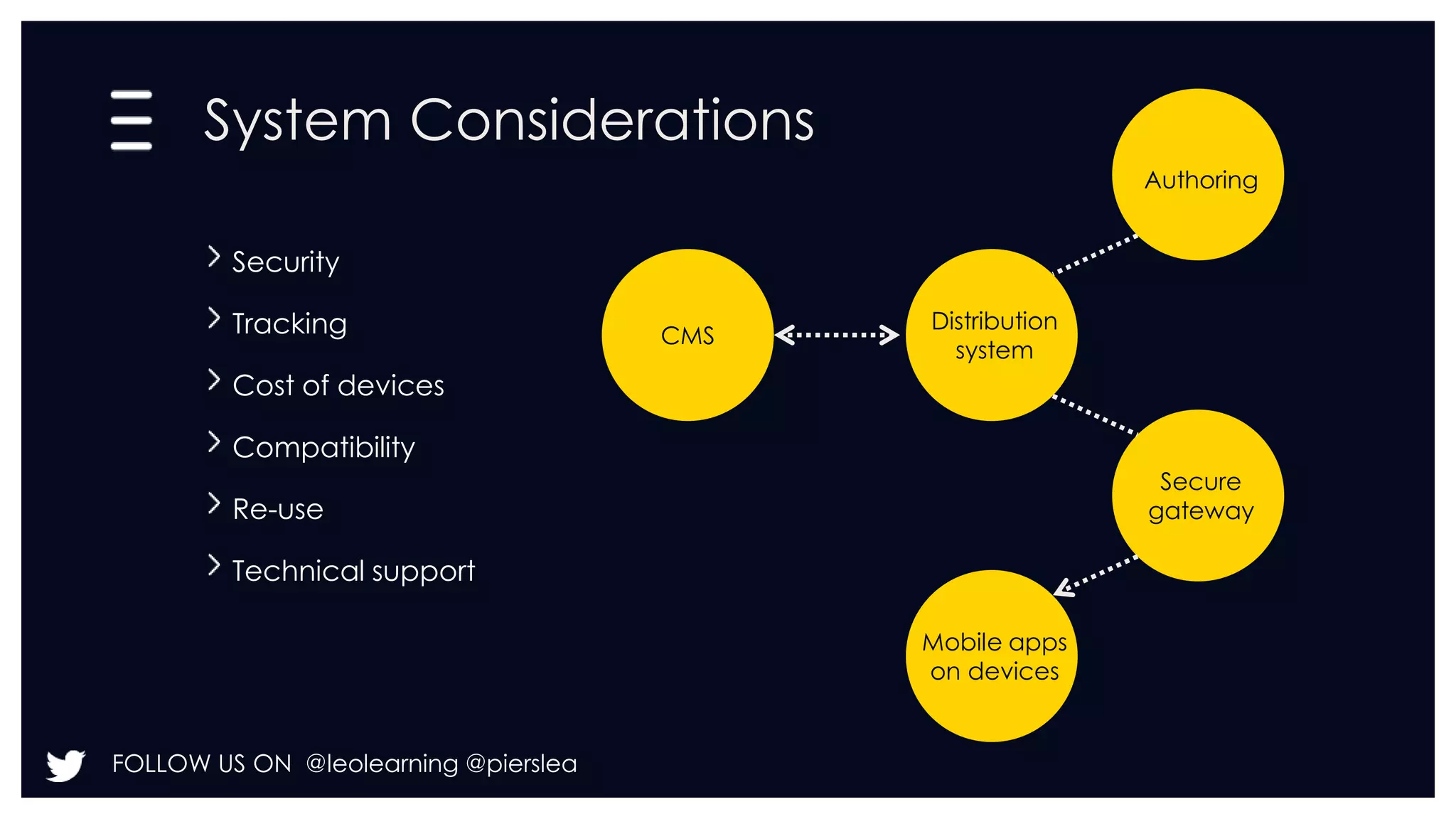
System Considerations 
Security 
Tracking 
Cost of devices 
Compatibility 
Re-use 
Technical support 
FOLLOW US ON @leolearning @pierslea 
Authoring 
Distribution 
system 
Secure 
gateway 
Mobile apps 
on devices 
CMS
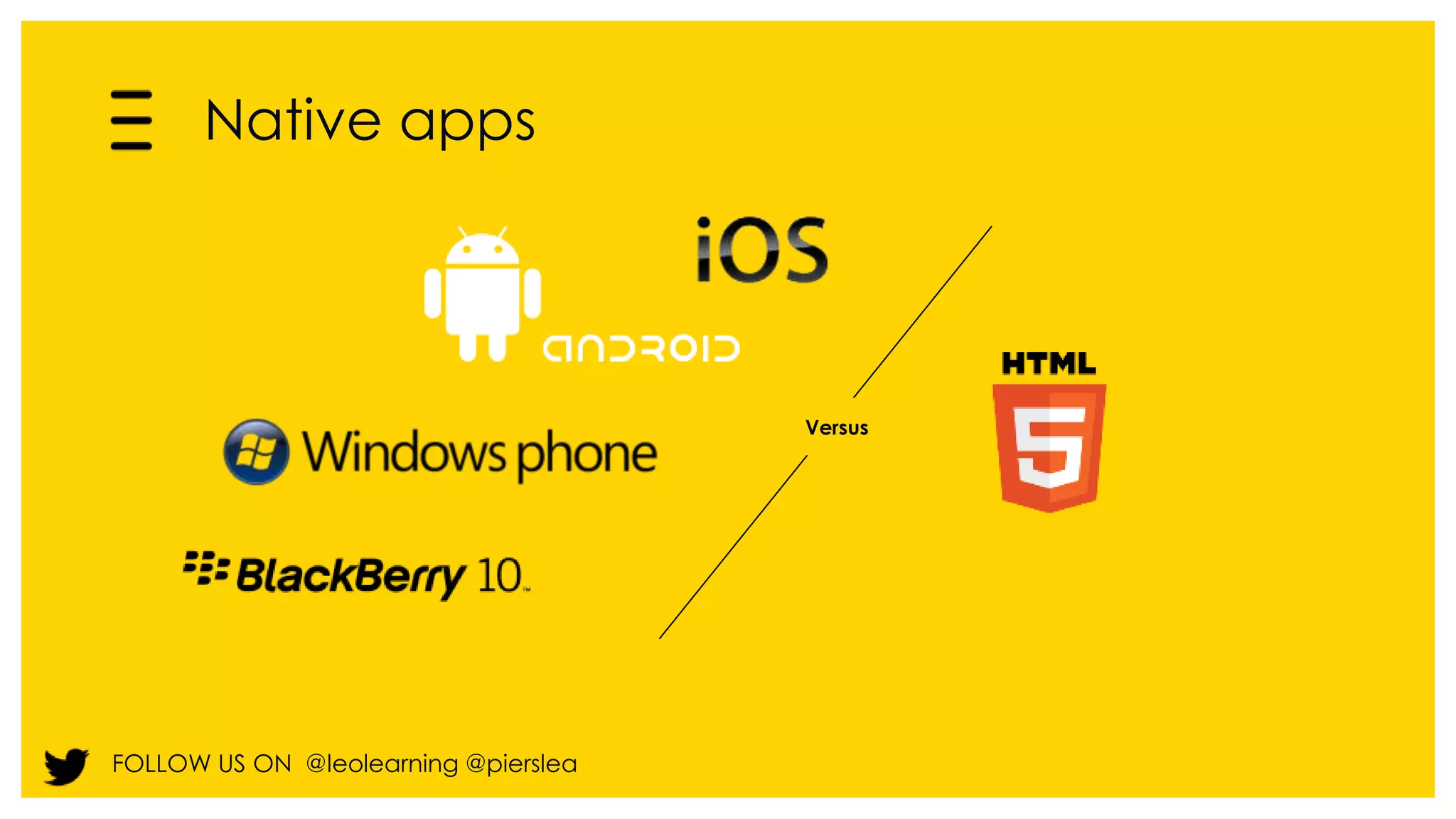
Native apps 
FOLLOW US ON @leolearning @pierslea 
Versus
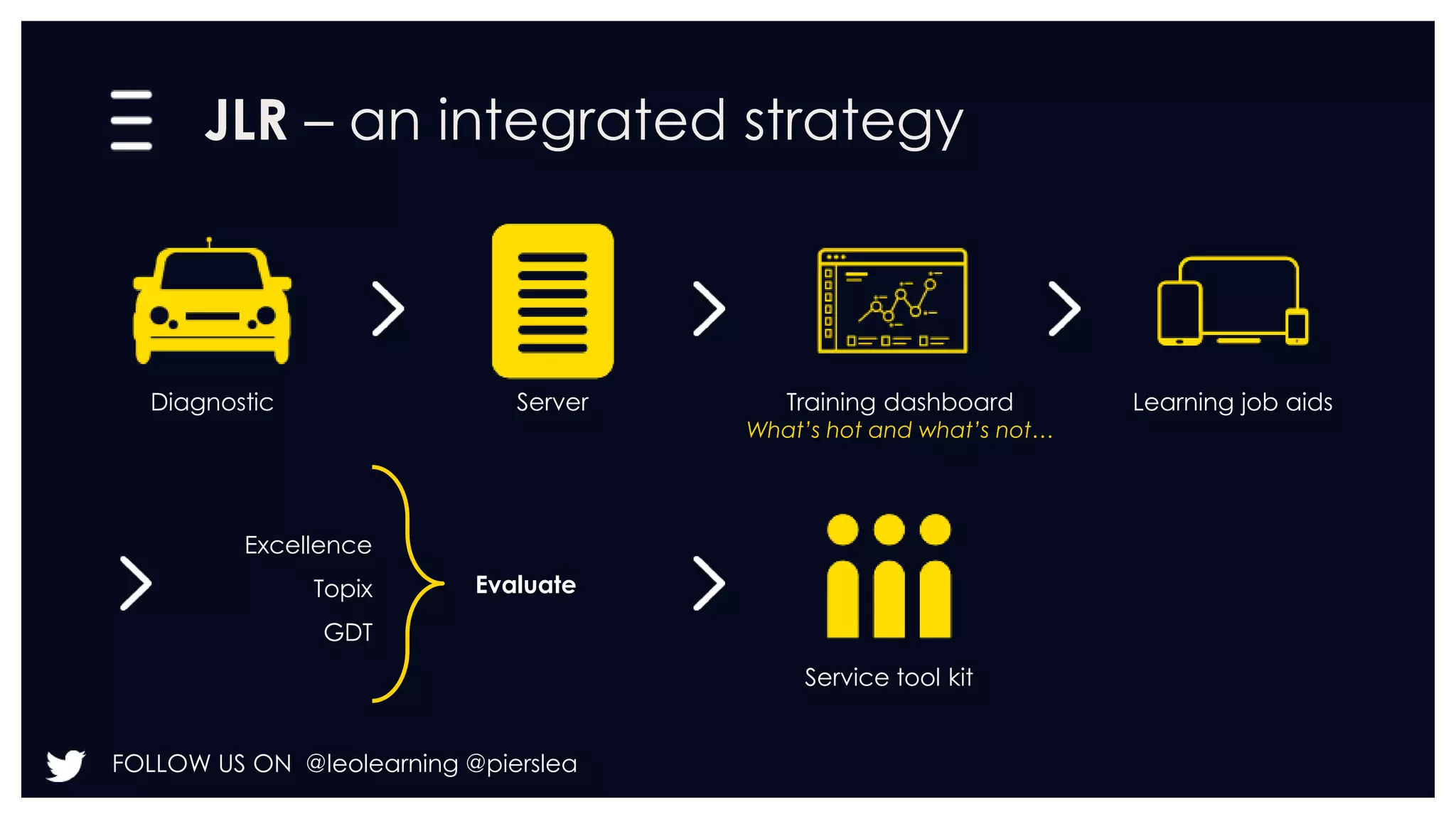
JLR – an integrated strategy 
Diagnostic Server Training dashboard 
FOLLOW US ON @leolearning @pierslea 
What’s hot and what’s not… 
Learning job aids 
Service tool kit 
Excellence 
Topix 
GDT 
Evaluate
Build, buy or both? 
FOLLOW US ON @leolearning @pierslea
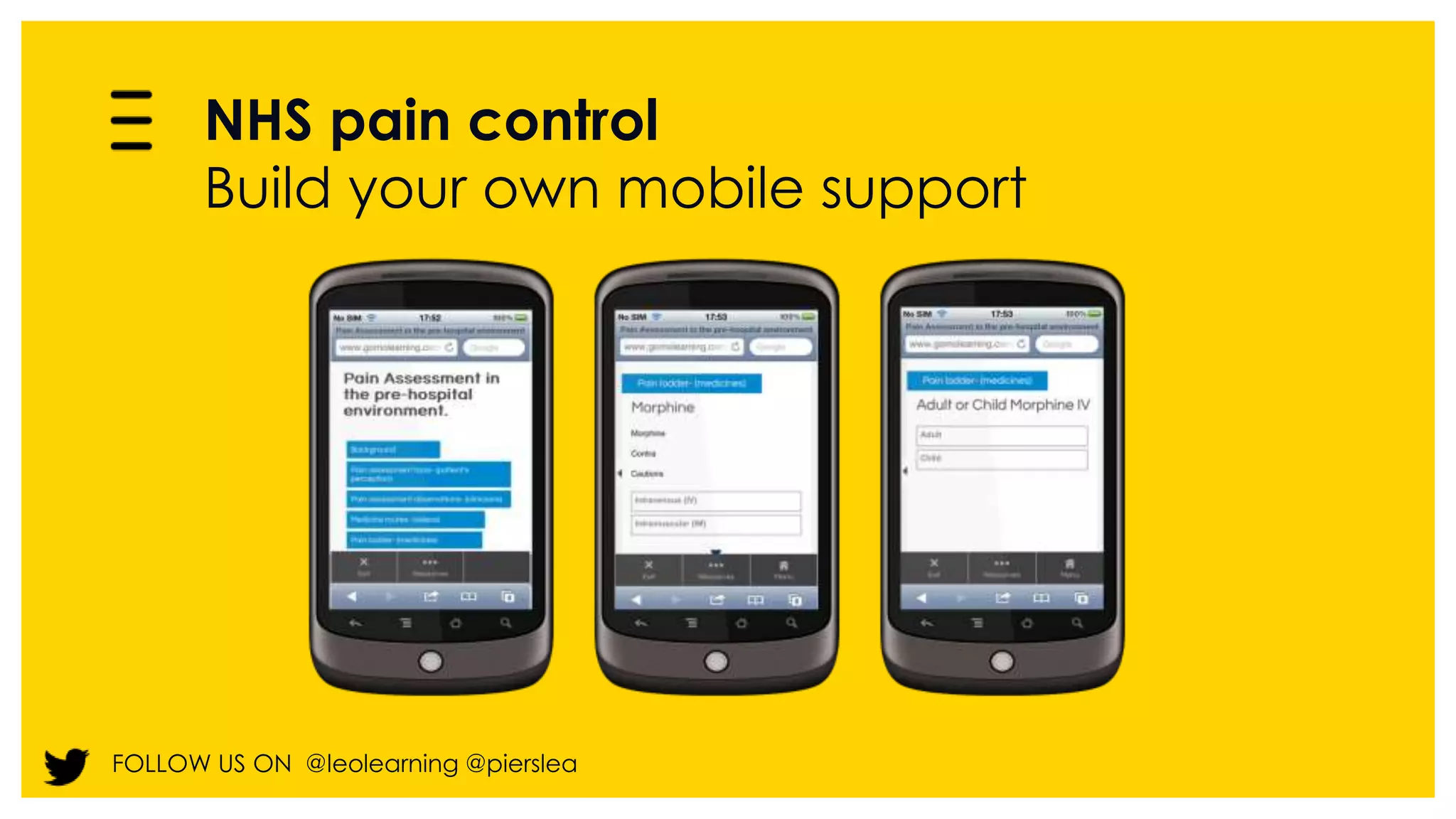
NHS pain control 
Build your own mobile support 
FOLLOW US ON @leolearning @pierslea
Step 4: Validate your solution - 
Test and measure results 
FOLLOW US ON @leolearning @pierslea
New ways of measuring 
FOLLOW US ON @leolearning @pierslea
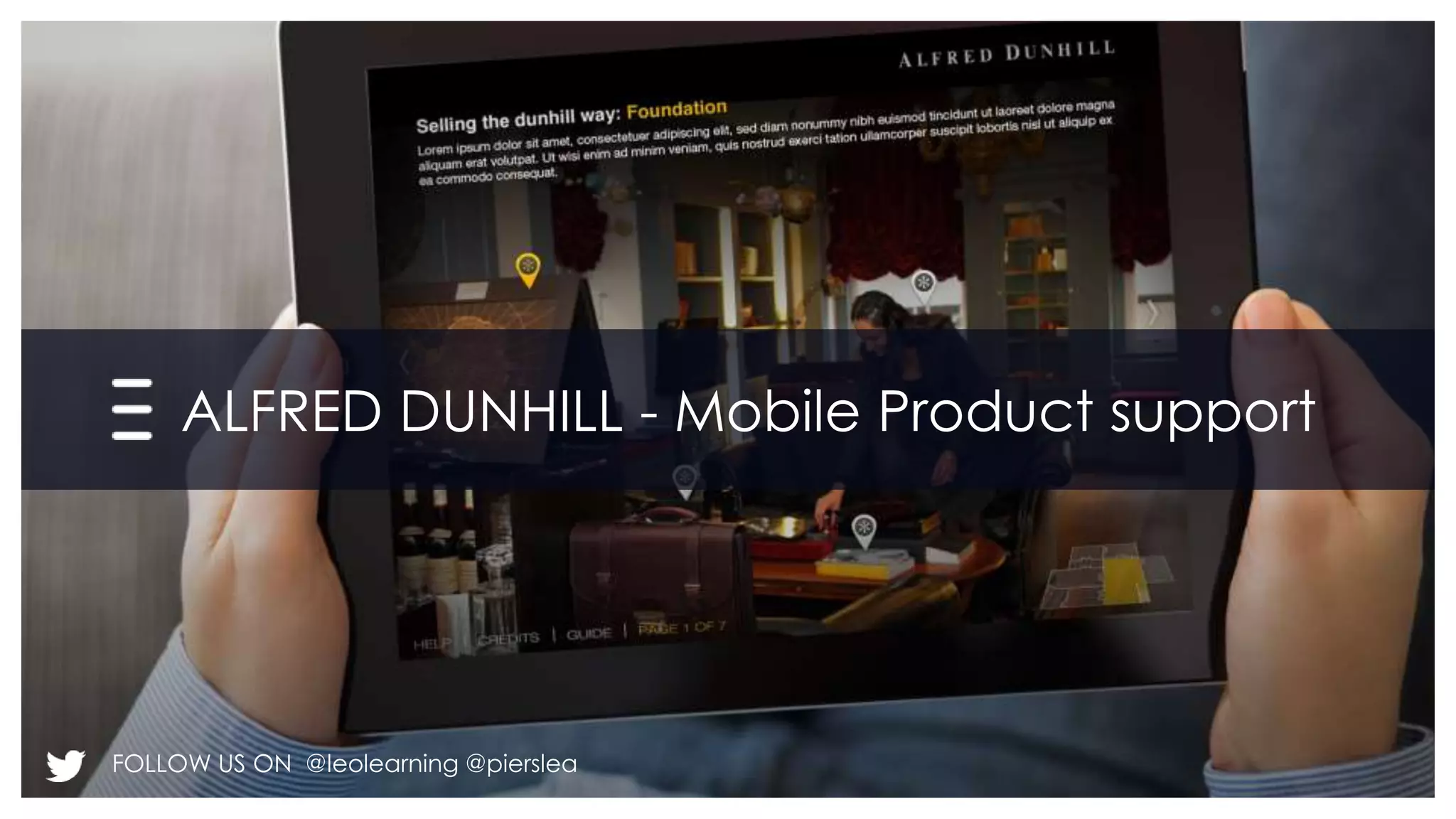
ALFRED DUNHILL - Mobile Product support 
FOLLOW US ON @leolearning @pierslea
FOLLOW US ON @leolearning @pierslea 
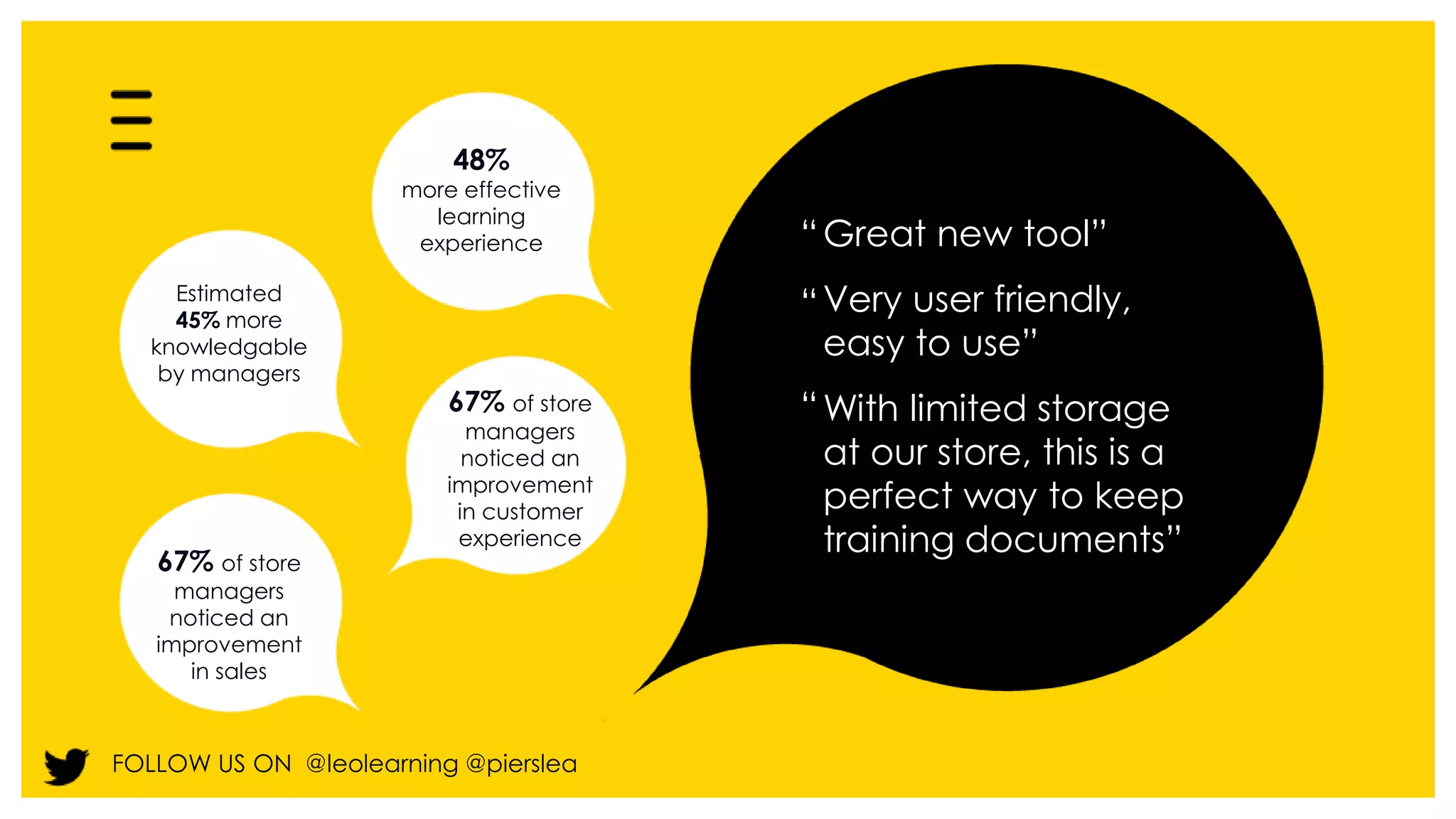
Great new tool” 
Very user friendly, 
easy to use” 
With limited storage 
at our store, this is a 
perfect way to keep 
training documents” 
48% 
more effective 
learning 
experience “ 
“ 
“ 
Estimated 
45% more 
knowledgable 
by managers 
67% of store 
managers 
noticed an 
improvement 
in customer 
experience 
67% of store 
managers 
noticed an 
improvement 
in sales
leolearning.com 
FOLLOW US ON @leolearning @pierslea 
Thank you

LEO - WOLCE mobile learning presentations

  • 1.
    Using mobile devices for performance support Piers Lea Chief Strategy Officer FOLLOW US ON @leolearning @pierslea
  • 2.
    Fast changing world FOLLOW US ON @leolearning @pierslea
  • 3.
    Mobile video support– Jaguar Land Rover FOLLOW US ON @leolearning @pierslea
  • 4.
    On the jobsupport - where we learn most 70 20 10 Experience Exposure Education FOLLOW US ON @leolearning @pierslea
  • 5.
    Mobile devices canhelp FOLLOW US ON @leolearning @pierslea
  • 6.
    Mobile leadership support FOLLOW US ON @leolearning @pierslea
  • 7.
    Mobile fault findingsupport - Vehicle mechanics FOLLOW US ON @leolearning @pierslea
  • 8.
    Multi-device scenarios andgames with purpose FOLLOW US ON @leolearning @pierslea
  • 9.
    Multi-device learning isn’t about shrinking e-learning courses FOLLOW US ON @leolearning @pierslea
  • 10.
    2014 eLearning Guildfindings 0% 20% 40% 60% 80% 100% Large tablet FOLLOW US ON @leolearning @pierslea 88.4% 11.6% Small tablet 75.2% 24.8% Phablet 65.7% 34.3% Phone 18.7% 81.3% Q: What percentage were standing/walking? Sitting/reclining? % Standing/walking % Sitting/reclining Graph from the eLearning Guild 2014 ‘Making mlearning Usable: How we use mobile devices’ report. Source: eLearning Guild Research N = 250 This study N = 1055 Phone study
  • 11.
    Just in timemobile job aid - SBARD FOLLOW US ON @leolearning @pierslea
  • 12.
    Just in timemobile language support FOLLOW US ON @leolearning @pierslea
  • 13.
    Just in time- Checklists FOLLOW US ON @leolearning @pierslea
  • 14.
    Just in time- Checklists FOLLOW US ON @leolearning @pierslea
  • 15.
    Just in time- Checklists FOLLOW US ON @leolearning @pierslea
  • 16.
    Just in time- Checklists FOLLOW US ON @leolearning @pierslea
  • 17.
    Just in time- Checklists FOLLOW US ON @leolearning @pierslea
  • 18.
    Just in time- Checklists FOLLOW US ON @leolearning @pierslea
  • 19.
    Where are wetoday Multi-device performance support Works to Consider Don’t forget Ensure transfer of training Support new learning on the job FOLLOW US ON @leolearning @pierslea Video resources Checklists Portals Integration Tools Timing Connectivity Measurements Device features Updates Standard Operating procedures
  • 20.
    What can weexpect to see in future? FOLLOW US ON @leolearning @pierslea
  • 21.
    Contextual performance support Negotiation: FOLLOW US ON @leolearning @pierslea Next appointment: Mike Flights Meeting Checklist Top tips
  • 22.
    Learning in context- Augmented reality FOLLOW US ON @leolearning @pierslea
  • 23.
    Learning simulations withvirtual headsets FOLLOW US ON @leolearning @pierslea
  • 24.
    How to DRIVEperformance with mobile D Define strategy Does it supplement existing training? Can it replace or partially replace existing training? What is the lifecycle? How will you update? How will you measure? R Reach out to stakeholders Contact IT Team Seek out senior Sponsors Liaise with Line Managers FOLLOW US ON @leolearning @pierslea I Identify methods Video Checklists Decision aids Delivered via portals Embedded into software Mobile delivery V Validate your solution Should you pilot? Choose a group of users and gather feedback. Use your findings to adapt before you roll out the solution. E Engage your users Have you got a marketing strategy in place? Can your resources act as marketing collateral? Will people know how to find and use the resources?
  • 25.
    System Considerations Security Tracking Cost of devices Compatibility Re-use Technical support FOLLOW US ON @leolearning @pierslea Authoring Distribution system Secure gateway Mobile apps on devices CMS
  • 26.
    Native apps FOLLOWUS ON @leolearning @pierslea Versus
  • 27.
    JLR – anintegrated strategy Diagnostic Server Training dashboard FOLLOW US ON @leolearning @pierslea What’s hot and what’s not… Learning job aids Service tool kit Excellence Topix GDT Evaluate
  • 28.
    Build, buy orboth? FOLLOW US ON @leolearning @pierslea
  • 29.
    NHS pain control Build your own mobile support FOLLOW US ON @leolearning @pierslea
  • 30.
    Step 4: Validateyour solution - Test and measure results FOLLOW US ON @leolearning @pierslea
  • 31.
    New ways ofmeasuring FOLLOW US ON @leolearning @pierslea
  • 32.
    ALFRED DUNHILL -Mobile Product support FOLLOW US ON @leolearning @pierslea
  • 33.
    FOLLOW US ON@leolearning @pierslea Great new tool” Very user friendly, easy to use” With limited storage at our store, this is a perfect way to keep training documents” 48% more effective learning experience “ “ “ Estimated 45% more knowledgable by managers 67% of store managers noticed an improvement in customer experience 67% of store managers noticed an improvement in sales
  • 34.
    leolearning.com FOLLOW USON @leolearning @pierslea Thank you

Editor's Notes

  • #3 The world is changing faster than ever – Piers anecdotes about how fast stocks change hands now compared to earlier etc. There are now too many new models coming out for sales people to learn and remember all the features. In medicine, the medical handbook has become so much bigger and more complex than it was 20 or 30 years ago that it is becoming impossible to commit everything to memory – rather than rote learning the equivalent of an entire encyclopaedia, learners need to get good at finding information fast and that means knowing where to look. As learning and development professionals, we need to design tasks so that they come accompanied by learning, rather than developing courses by default
  • #4 The iHub provides comprehensive and ongoing performance support, giving retail sales consultants a flexible set of tools for use at the point of sale. Rather than having to leave the vehicle to access information that the customer may request, the dealer can use the iPad device and within three touches, access videos, PDF documents and short e-learning nuggets. In 2012, iHub won an IVCA Silver Award for Best Digital Communications.
  • #5 Furthermore, there is evidence to suggest that much learning always tool place on the job in the first place, so performance support can help not just in the transfer of existing training, but also in help people learn things for the first time Information taken from the 70:20:10 forum (created by Charles Jennings) show Professor Allen Tough’s work on adult learning projects in the 1960s and 1970s found that the majority of learning occurred as self-directed and in the workplace. In researching adult learning and intentional change, Tough identified that ‘about 70% of all learning projects are planned by the learner himself’. Although Tough at the time didn’t refer to a 70:20:10 split, he later acknowledged that is what he found. A further study published by the US Bureau of Labor Statistics (1998) referencing research from 1993 and 1994 suggested that people learn about 70% of their jobs informally. Studies supporting evidence that most learning occurs in the workplace include that published by the Education Development Center in Massachusetts in 1997. Following a two-year study involving Boeing, Ford Electronics, Siemens and Motorola, the EDC reported that “70% of what people know about their jobs, they learn informally from the people they work with”. 70: Experience 20: Exposure - informal coaching 10: Eduction
  • #6 Mobile devices are perfectly placed to help us integrate tasks and performance support and get things to people quickly.
  • #7 Mobile devices are personal in a way that no other technology has been and mobile performance support can also be personalised and interactive, like this multi-device leadership course. Here, as well as learning resources, learners were encouraged to fill out checklists and note progress, with all of their data saved in their own personal portfolio.
  • #8 For these students of vehicle mechanics, a mobile fault finding tree was much more portable and quicker to use than the equivalent printed manual and it was also much more immediate than completing a course.
  • #9 Multi-device learning support isn’t wholly restricted to just in time resources – there is a role for multi-device courses and scenarios, if you know a proportion of your target audience has mobile devices, sufficient time to use them to learn, and will be motivated to do so. There is also a role for games with a purpose, which can be take the form of mini-simulations that users can use to drill and practice key concepts for example, LEO designed a vocabulary game as part of a larger blended course – the aim of the game was to memorise unfmilair acronyms, so learners could follow the course more easily.
  • #10 Generally, though, multi-device learning is not about shrinking down e-learning courses and upfront training to fit on the smallest device. Some audiences will want the option of accessing courses on every device, and as I’ve said, drill and practice lends itself well to mobile devices as it can be fitted into snatches of ‘found time’ when learners aren’t doing anything else. However the affordances of smaller mobile devices are more aligned to support in the moment, rather than upfront learning.
  • #11 Cited with permission from the eLearning Guild ‘Making mlearning Usable: How we use mobile devices’ report. But don’t just take my word for it, you can see from this recent research, across 22 countries, that people are much more likely to be standing or walking when using a smartphone – so smartphones are much less conducive to prolonged or concentrated study. Comparing smartphones of different sizes to tablets, the same research also found that the smaller the devices, the more likely people were to be holding it with one hand, while operating it with the other.
  • #12 And this is born out by research that LEO conducted for the NHS in 2012, looking at making compliance training multi-device. Given a choice of devices, and with a PC easily available, learners we surveyed in 2012 prefer to take e-learning on a PC. Taking a course is more likely to be a planned activity you want to make an appointment to do, something you plan to do on a larger device. However, the same study showed that people were eager to access performance support on mobile devices.
  • #13 What does that mean? Here are a few examples Looking up business related information - Dictionary.com A mobile diagnostic/ workflow which gave immediate advice and solutions to mechanics in the field How to use LinkedIn to get a job – videos helping use a system Video case studies for quick reference
  • #14  Here is another example of need driven support Healthcare workers are a mobile workforce and often make use of on the job performance support aids such as side-kicks, reference guides and reminders. This performance support solution (designed by LEO to support people handing over to other practitioners at the end of shifts) was previously delivered on printed cards, which medical practitioners carried in their pockets. Moving it to mobile devices cuts down on printing, and allows the medical practitioners access to more of the cards
  • #15 This solution was developed by LEO for military use in the field and has since been rolled out across Nato. It complements a wider study programme and allows users to check pronunciations and spellings of words as and when they need it.
  • #16 This solution was developed by LEO for military use in the field and has since been rolled out across Nato. It complements a wider study programme and allows users to check pronunciations and spellings of words as and when they need it.
  • #17 This solution was developed by LEO for military use in the field and has since been rolled out across Nato. It complements a wider study programme and allows users to check pronunciations and spellings of words as and when they need it.
  • #18 This solution was developed by LEO for military use in the field and has since been rolled out across Nato. It complements a wider study programme and allows users to check pronunciations and spellings of words as and when they need it.
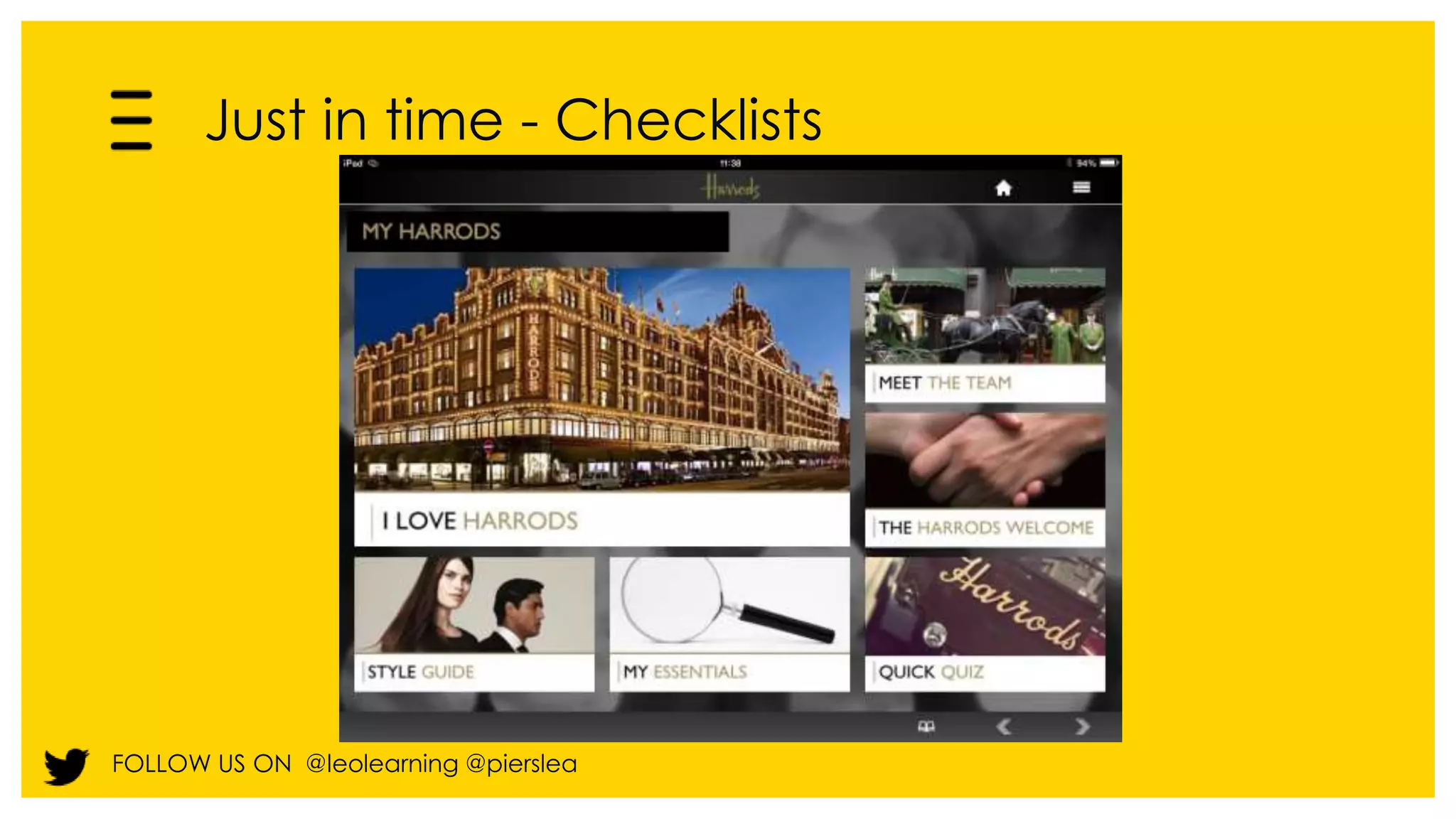
  • #19 This solution was developed by LEO for Harrods Induction.
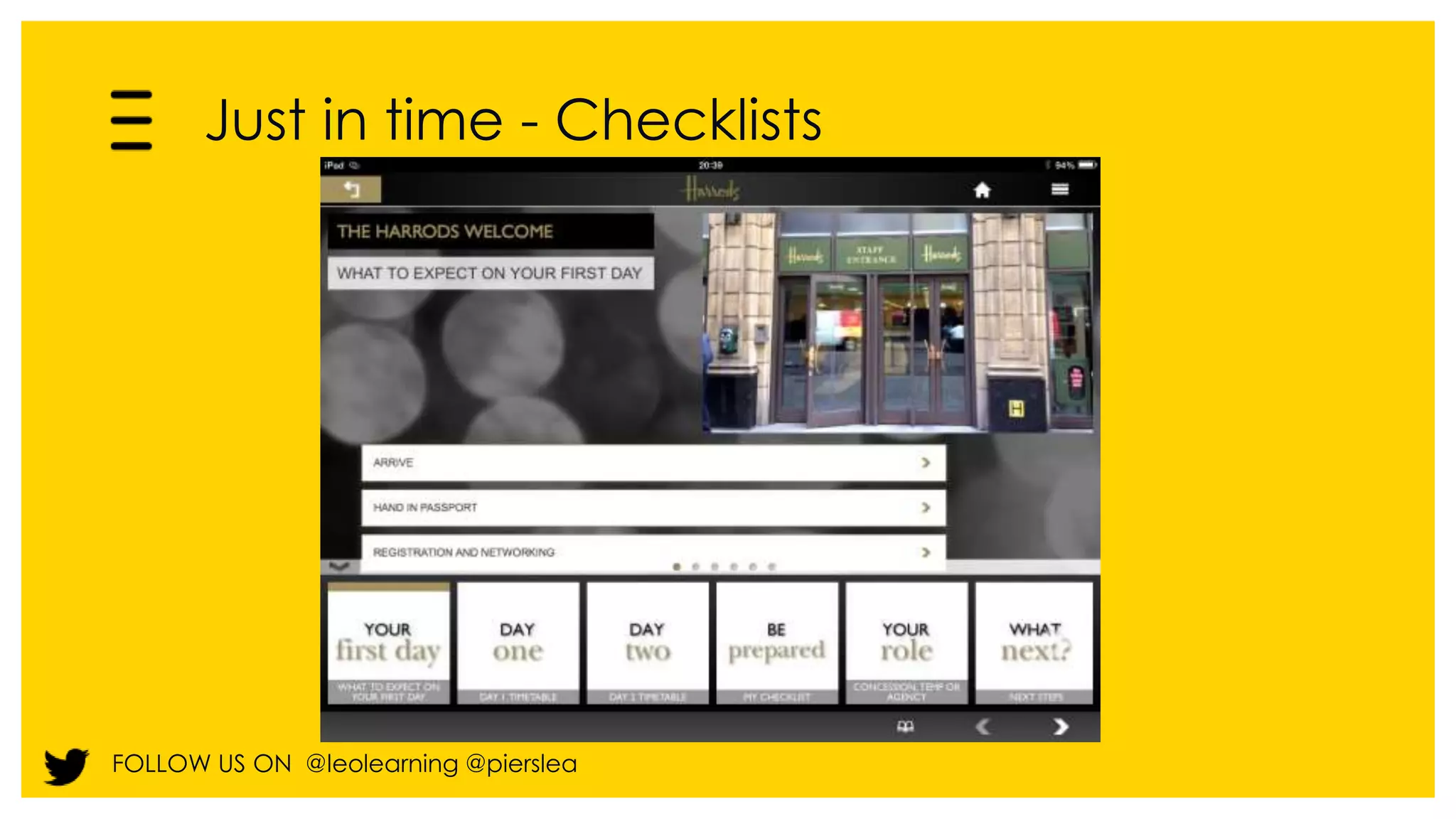
  • #20 This solution was developed by LEO for Harrods Induction.
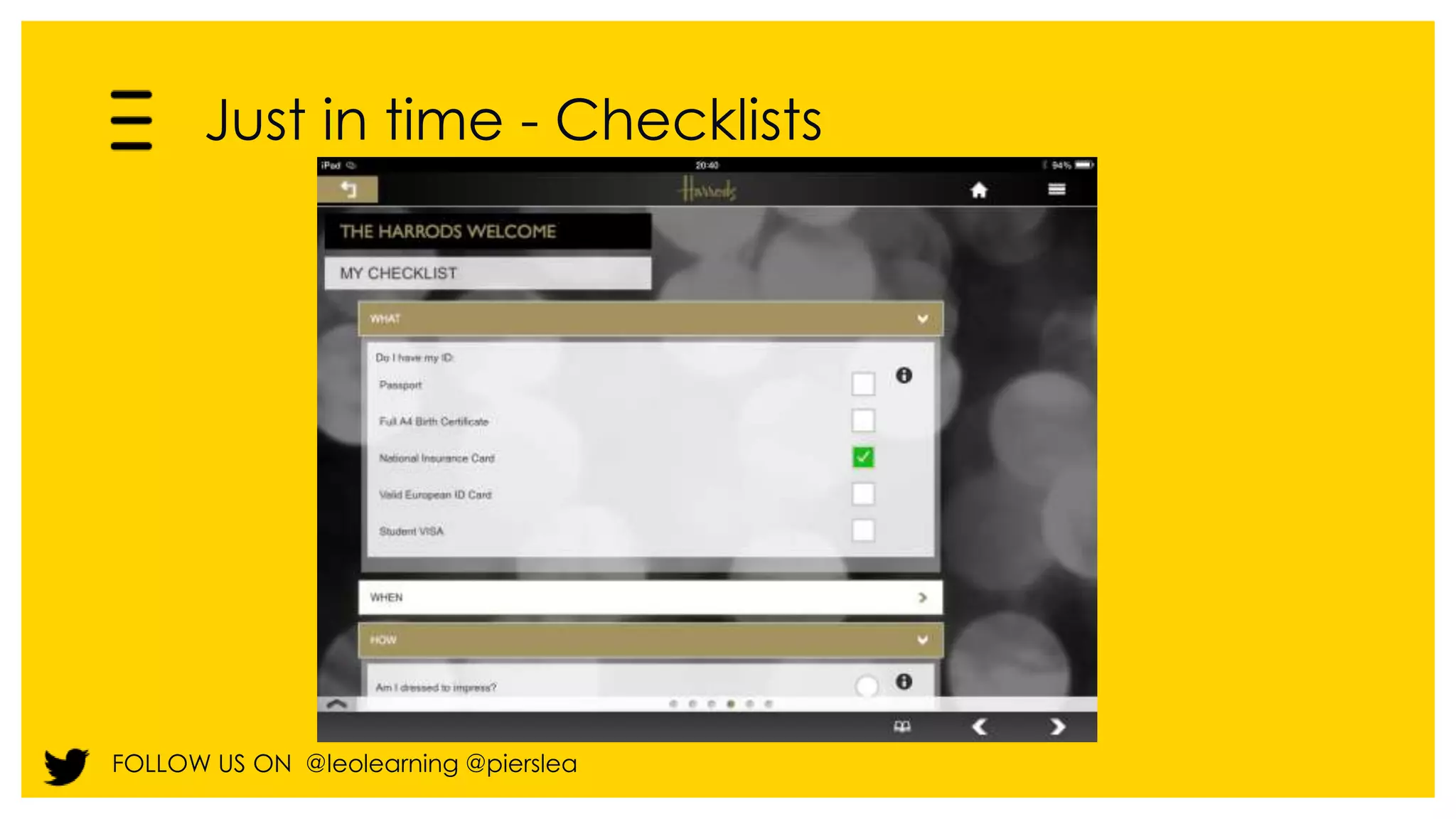
  • #21 This solution was developed by LEO for Harrods Induction. It provides checklist tools and linked learning on how to follow the required process. So…this is both a tool and a learning mechanism in one.
  • #23 So hopefully that has given you some food for thought about what you could be doing today, but I would also like to take a moment to talk about what you could be doing tomorrow.
  • #24 A lot of the performance support we have been looking at is pull-based – that is to say that it relies on the user searching for support at the moment of need, but we are excited by the future of performance support – which can be contextual and push based – it can anticipate the moment of need, or prompt learners as they go about their tasks. Mobile devices can pop related up reminders based on GPS or your calendar.
  • #27 So how do you go about putting mobile performance support in place in your organisation?
  • #28 So the first step is to take stock of your business strategy and your existing learning and development strategy and current learning provision. What is the need that mobile and multi-device delivery will address? For example, are there areas which might be better addressed if learners could use technology to access resources or courses on the move?
  • #29 More recently, Gottfriedson and Mosher have built on Gery’s thinking in their book, Innovative performance support. They talk about the 5 moments of learning need, and explain which are most closely aligned to upfront training and which are better supported by performance support. Learning for the first time Learning more Applying what has been learned Learning when things go wrong Learning when things change
  • #30 Often people don’t need upfront formal training and can learn on the job – a well designed performance support tool removes the need for a course altogether.
  • #31 And in those cases where formal training is needed, there is still a need for support when making the move from the classroom or the training session to putting what has been learnt into practice in the workplace In these tough economic times, a powerful way for learning and development to ensure their place at the top table of their organisation is to offer convincing evidence that training programmes are delivering behavioural change and that the behavioural change correlates with positive organisational impact such as cost savings or increased sales – what the Kirkpatrick partners refer to as the ‘chain of evidence’. But too many training departments don’t undertake level 3 and 4 evaluation, and those that do often find that training, which may be very successful in itself, isn’t being applied back in the workplace, often because of lack of support. Where it is still appropriate to have a formal upfront course, job aids and performance support tools are key to ensuring transfer of training to the workplace. Background notes below: In a March 2011 survey conducted by ESI International, more than 3,000 government and commercial training-related managers assessed three key phases in the application and transfer of learning: pre-training strategies, post-training reinforcement, and rewards or incentives used to motivate employees. Overall, the study found several weak areas in the on-the-job application of learning, including manager support, trainee preparation, incentives, and an overall formal design and measurement process. Sixty percent of those surveyed did not have a systematic approach to preparing a trainee to transfer, or apply, learning on the job. Nearly 60 percent stated the “possibility of more responsibility,” followed closely by an impact on their HR/performance review, as specific trainee motivators. Only 20 percent indicated financial rewards or other incentives as motivators. Sixty-three percent said managers formally endorse the program, while only 23 percent of managers hold more formal pre- and post-training discussions. The study revealed striking contradictions regarding how well organizations think they transfer learning and the proof required to back up their estimate of on-the-job application. While two-thirds of respondents estimated they apply more than 25 percent of training knowledge on the job, nearly 60 percent admitted the primary method for proving or measuring this estimate is either anecdotal feedback or “simply a guess.” Organizations often fail to establish success criteria or identify expectations for learning engagements. This is a key pre-training strategy to measure trainee performance against agreed upon standards. When it comes to post-learning tools and programs, survey responses show employees leveraging an expanding array of tactics to recall information, including post-course discussions with a manager or team leader, on-the-job tools, informal support through social networks or online forums, and communities such as peer groups. In order to facilitate the transfer of learning, trainees must have the time, resources and responsibility to apply learning; trainees must have manager support; and the instruction approach must simulate the actual work environment
  • #32 You may have heard of the learning curve – first outlined by Ebbinghaus in the C19. Well, he also talked about the forgetting curve – how quickly skills and knowledge that have been learnt are lost when they are not exercised. Performance support is a way to prop up the forgetting curve so that upfront training initiatives are more likely to remain effective.
  • #33 Performance support is a way of stopping this from happening – ensuring that performance remains high.
  • #34 Think of this as a change initiative – as with all change initiatives, it’s vital that your reach out to stakeholders. It’s vital you reach out to your IT department. A multi-device solution may need to target PCs, as well as tablets and smartphones. And for mobile devices you may have several operating systems in play. So it’s vital to establish which devices you will be targeting. Is this a BYOD initiative? Or will these by office issues devices? What are the security implications – these will be different for a BYOD initiative. Ask yourselves a series of question to identify the full sweep of technical options, and design constraints. Involve the IT department early on and plan Which devices? Connectivity? Mobile compatible LMS? What are the other distribution options? BYOD policy? Accessibility? Security ? to remove any potential barriers.
  • #36 You may also want to inform your thinking by looking at case studies and use cases, like this one available from the eLearning Guild, highlighting organisations who are already having success with mobile learning.
  • #37 Gloria Gery first came up with the concept of electronic performance support way back in 1991 in her book, Electronic performance support. What Gery said about how performance support should be constructed still holds good today when integrating multi-device into large initiatives – it is best integrated directly into the workflow, something mobile delivery methods can help with – it needs to be the right thing and the right amount – and it needs to be explicit and easy to understand
  • #38 Delivery/version control (include provisioning) BYOD? A fool with a tool – putting content onto a device does not necessarily make learning effective Left: Content Creation Top: Application Creation Right: Application Distribution Bottom: Content Distribution
  • #39 With an HTML 5 web app it is easy to go anywhere and to get your learning to people regardless of operating system spec and device. However, learners will need a WiFi connection to make the most of learning. Unless you can guarantee this, it isn’t a very reliable mechanism for delivering performance support.
  • #40 When your vehicle is taken in for repair – the first step taken by a technician is often to hook the vehicle up to a computer which automatically analyses where the fault might be. The diagnostic software generates ‘fault codes.’ These are gathered locally and then fed to a global database in the UK. Here master technicians look for patterns in the data. They feed this into a training dashboard which shows ‘what’s hot and what’s not.’ The technical training team is planning to use this data to either update the learning objectives in the core curriculum or develop ‘just-in-time’ solutions to solve one off issues. They will then track whether the incidence of the fault is falling This will be particularly useful for the launch of new vehicles – the system will be able to identify at a very early stage frequently occurring faults on new vehicles and take mitigating action
  • #41 Build: if you have internal resources. Choose a tool which meets your needs (as determined in steps 1-3) of course, we would recommend gomo 2 as the most powerful tool out there Buy: Use a mobile provider, to create mobile content with you. Both: Depending on your needs, and the size of your team, you may decide to do a bit of both. Your choice should be influenced by your update needs.
  • #42 So, we’ve shown you some examples of our work over the course of this presentation, but if you don’t have the budget to commission an external supplier to create mobile performance support, that doesn’t mean you can’t build it inhouse. This is an example of a performance support app on the pain ladder, created by an instructional designer working for the NHS using the gomo Learning authoring tool.
  • #43   We’ve talked about a large number of decisions – By the time you get to this point, you’ve identified The business need The integration strategy including the projected lifecycle of the apps The appropriate design You’ve also decided: Whether this is a BYOD solution What the security strategy will be How you will make deploy and make updates Whether it will be native or web How you will measure and track success That is a large number of decisions and even having done the appropriate research, it is likely you will want to review and make adjustments It makes sense to identify a representative pilot group and test early, before you roll it out to your entire audience  
  • #44 Take a lesson from marketing – track visit rate, track click-throughs, track buzz Identify bottom line indicators, such as sales figures or turnover that you expect to see move – and by how much? Plan how you will tie those figures together Talk to line managers – get their view Set up interviews, collect learner stories, case studies etc. And the new Tin Can standard has the potential to power this type of initiative, by helping track what others have found useful at this point, or what you yourself have done in the past.
  • #45 Alfred Dunhill are not the cigarettes manufacturer of a similar name, but an international company creating luxury menswear and goods. With over 100 years experience in the world of luxury, Alfred Dunhill's history is filled with unique and exquisite products made to the specification of its most discerning patrons at the highest level of craftsmanship. They are based in the US, UK, Europe, Middle East and Asia (60 in China, 45 in Japan and 11 in Hong Kong, 9 in Taiwan) How it was done 2 seasonal collections per year 9 Training Packs per season
  • #46 Reaction to the shell apps across the UK has been overwhelmingly positive, and early indications are good.... Good feedback from CEO.
  • #47 These types of highly integrated initiatives are very different from a one off training intervention. They are at the other end of the spectrum. To ensure success as you need to market the offering, monitor uptake and ensure suitable support is available.