Chapter-15
Operator Overloading
Abu Saleh Musa Miah
M.Sc. Engg(On going)
University of Rajshahi
Operator Overloading
An operator function is created using the keyword operator. Operator
functions can be either members or nonmembers of a class.
Nonmember operator functions are almost always friend functions of
the class
Creating a Member Operator Function
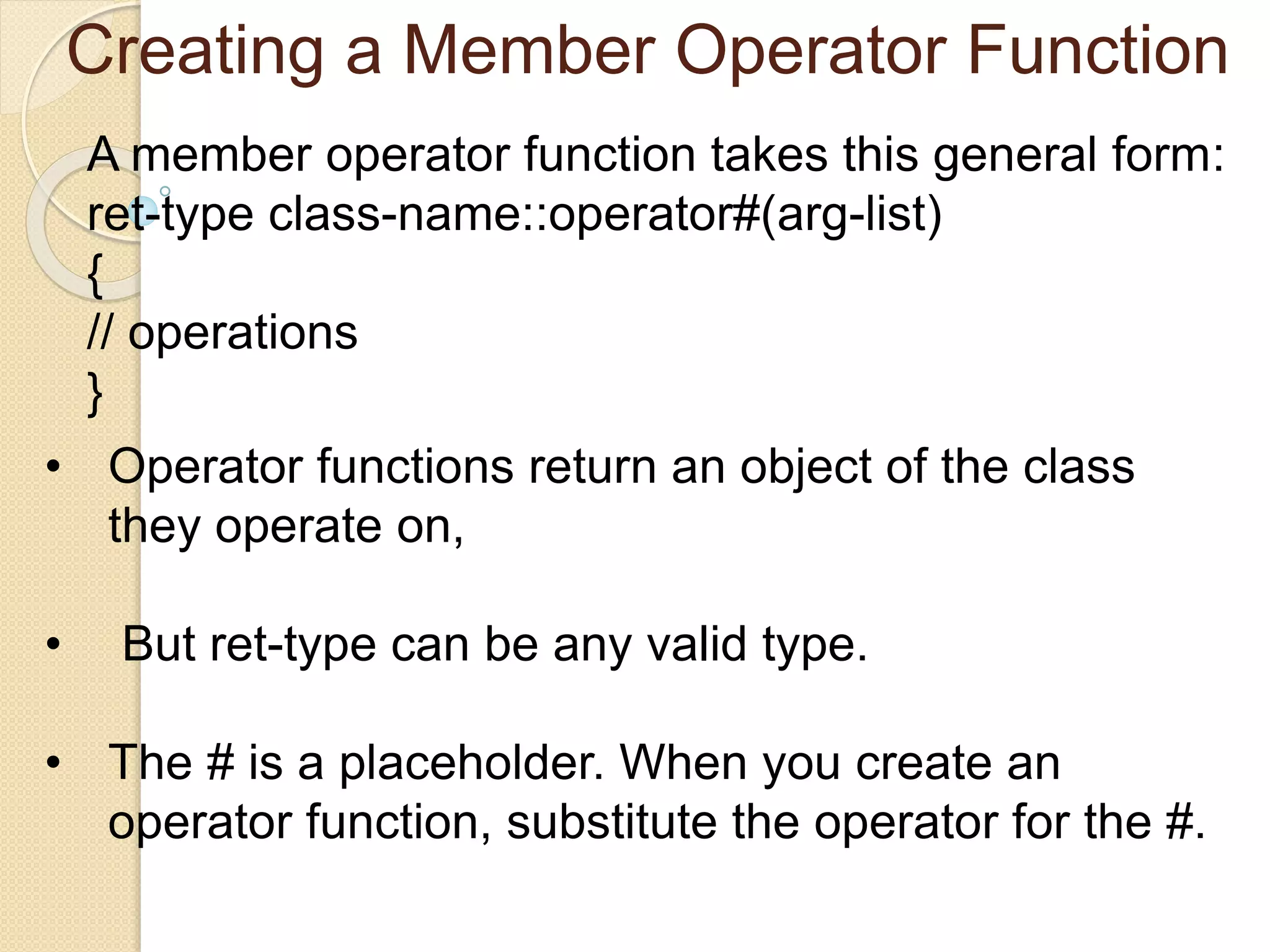
A member operator function takes this general form:
ret-type class-name::operator#(arg-list)
{
// operations
}
• Operator functions return an object of the class
they operate on,
• But ret-type can be any valid type.
• The # is a placeholder. When you create an
operator function, substitute the operator for the #.
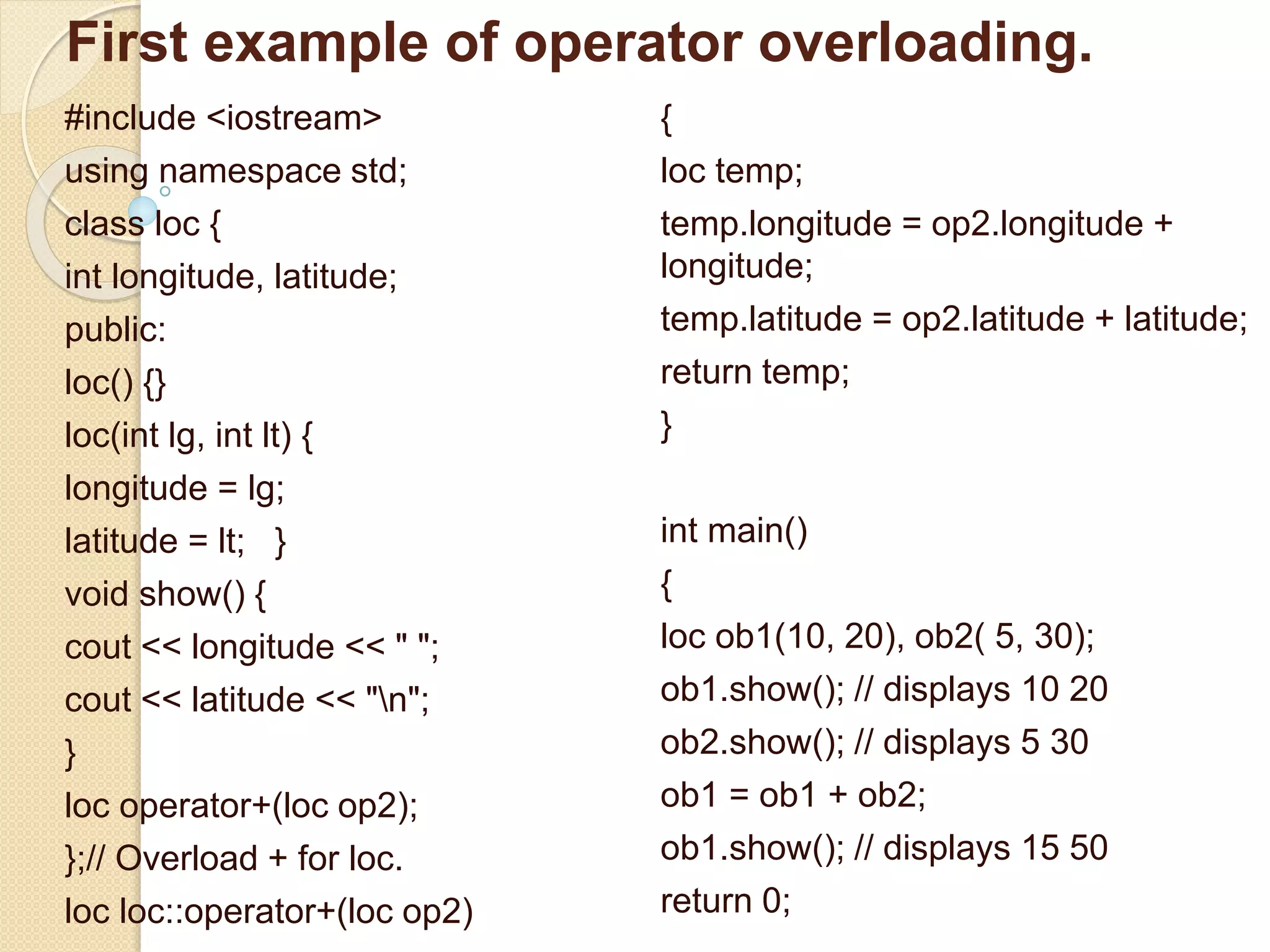
First example of operator overloading.
#include <iostream>
using namespace std;
class loc {
int longitude, latitude;
public:
loc() {}
loc(int lg, int lt) {
longitude = lg;
latitude = lt; }
void show() {
cout << longitude << " ";
cout << latitude << "n";
}
loc operator+(loc op2);
};// Overload + for loc.
loc loc::operator+(loc op2)
{
loc temp;
temp.longitude = op2.longitude +
longitude;
temp.latitude = op2.latitude + latitude;
return temp;
}
int main()
{
loc ob1(10, 20), ob2( 5, 30);
ob1.show(); // displays 10 20
ob2.show(); // displays 5 30
ob1 = ob1 + ob2;
ob1.show(); // displays 15 50
return 0;
Creating a Member Operator Function
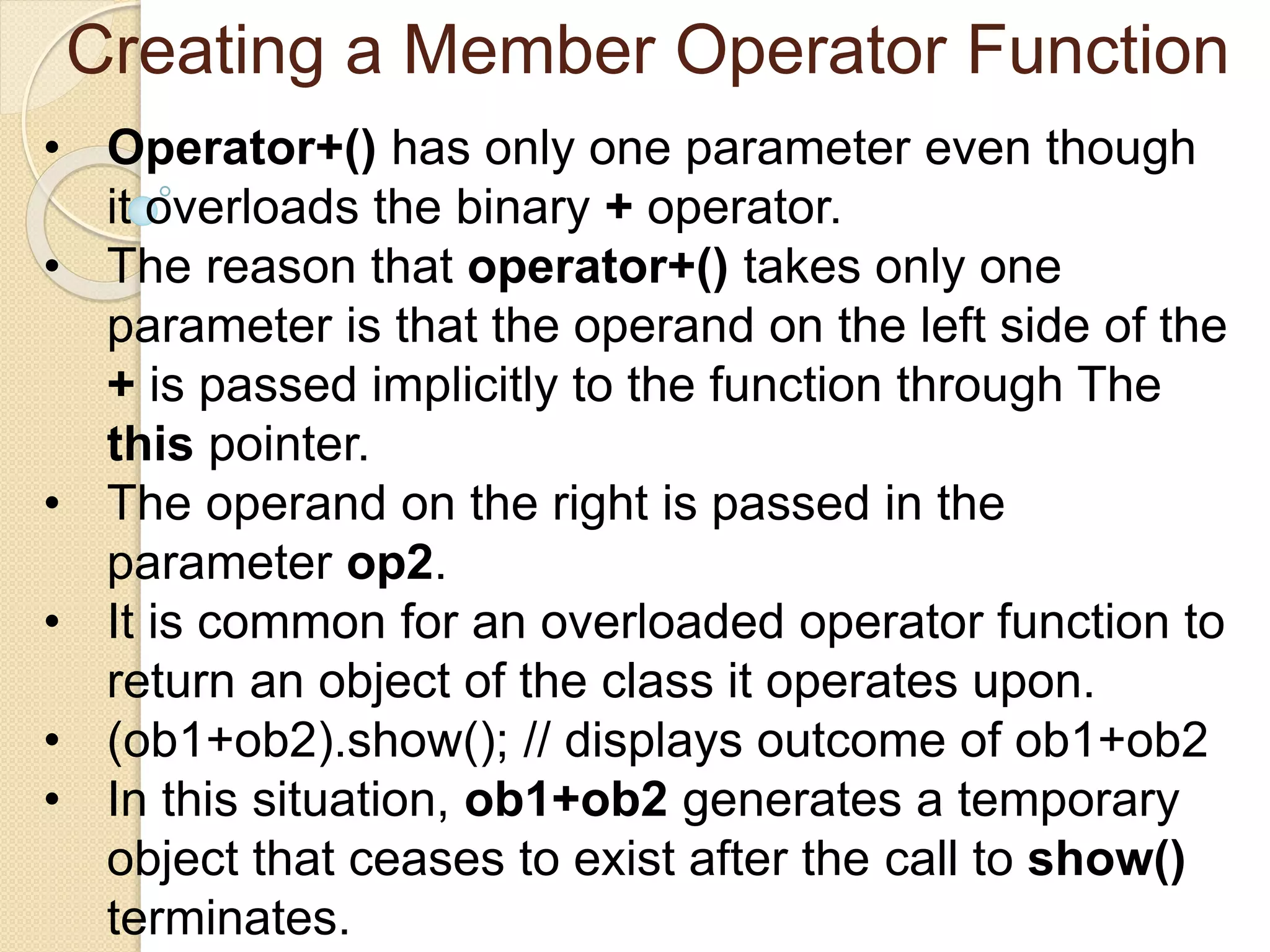
• Operator+() has only one parameter even though
it overloads the binary + operator.
• The reason that operator+() takes only one
parameter is that the operand on the left side of the
+ is passed implicitly to the function through The
this pointer.
• The operand on the right is passed in the
parameter op2.
• It is common for an overloaded operator function to
return an object of the class it operates upon.
• (ob1+ob2).show(); // displays outcome of ob1+ob2
• In this situation, ob1+ob2 generates a temporary
object that ceases to exist after the call to show()
terminates.
The next program adds three additional
overloaded operators to the loc class: the –,
the =, and the unary ++.
• Operator+() has only one parameter even though
it overloads the binary + operator.
• The reason that operator+() takes only one
parameter is that the operand on the left side of the
+ is passed implicitly to the function through The
this pointer.
• The operand on the right is passed in the
parameter op2.
• It is common for an overloaded operator function to
return an object of the class it operates upon.
• (ob1+ob2).show(); // displays outcome of ob1+ob2
• In this situation, ob1+ob2 generates a temporary
Overloading Constructor Functions:
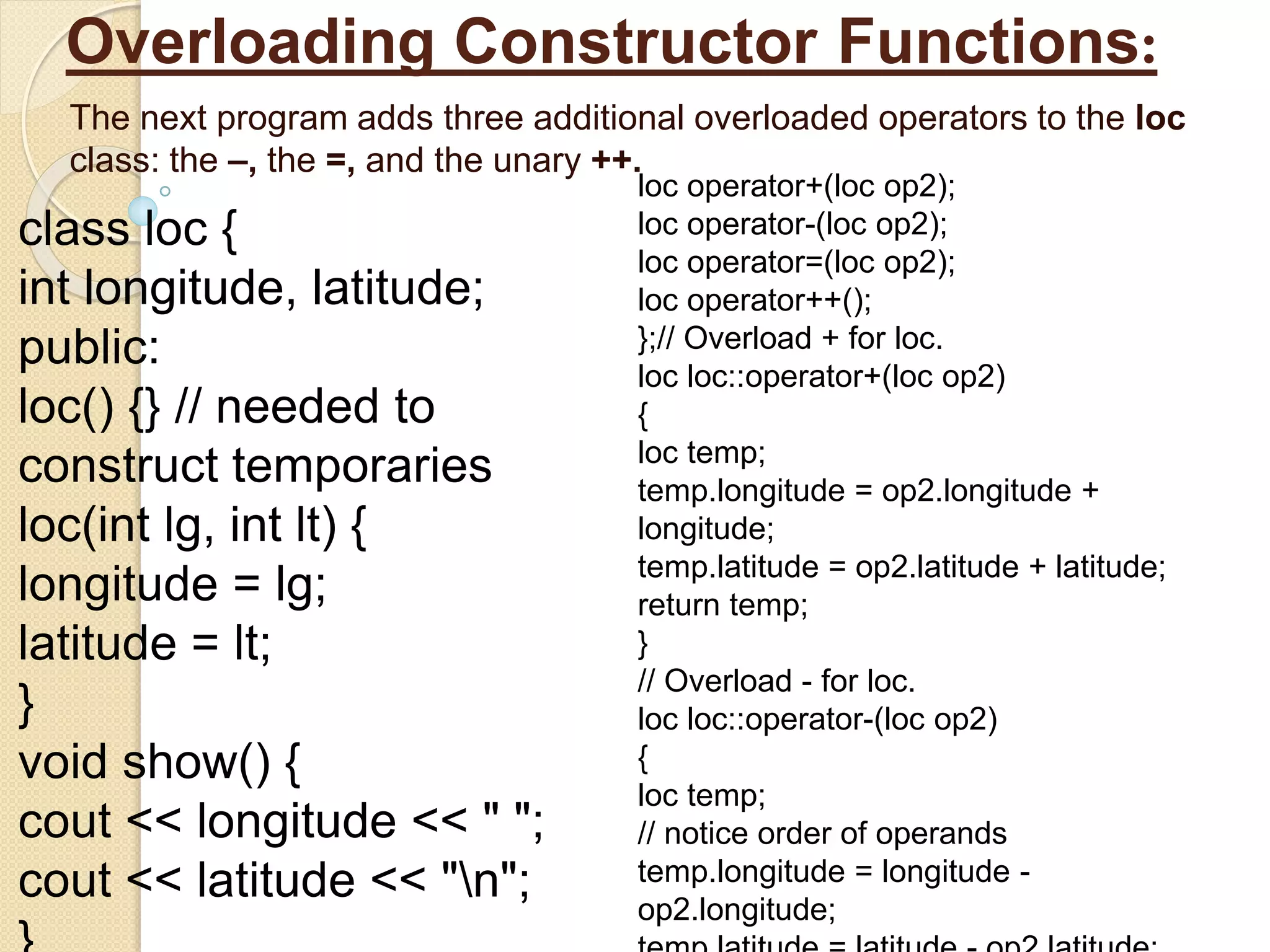
The next program adds three additional overloaded operators to the loc
class: the –, the =, and the unary ++.
class loc {
int longitude, latitude;
public:
loc() {} // needed to
construct temporaries
loc(int lg, int lt) {
longitude = lg;
latitude = lt;
}
void show() {
cout << longitude << " ";
cout << latitude << "n";
loc operator+(loc op2);
loc operator-(loc op2);
loc operator=(loc op2);
loc operator++();
};// Overload + for loc.
loc loc::operator+(loc op2)
{
loc temp;
temp.longitude = op2.longitude +
longitude;
temp.latitude = op2.latitude + latitude;
return temp;
}
// Overload - for loc.
loc loc::operator-(loc op2)
{
loc temp;
// notice order of operands
temp.longitude = longitude -
op2.longitude;
Overloading Constructor Functions:
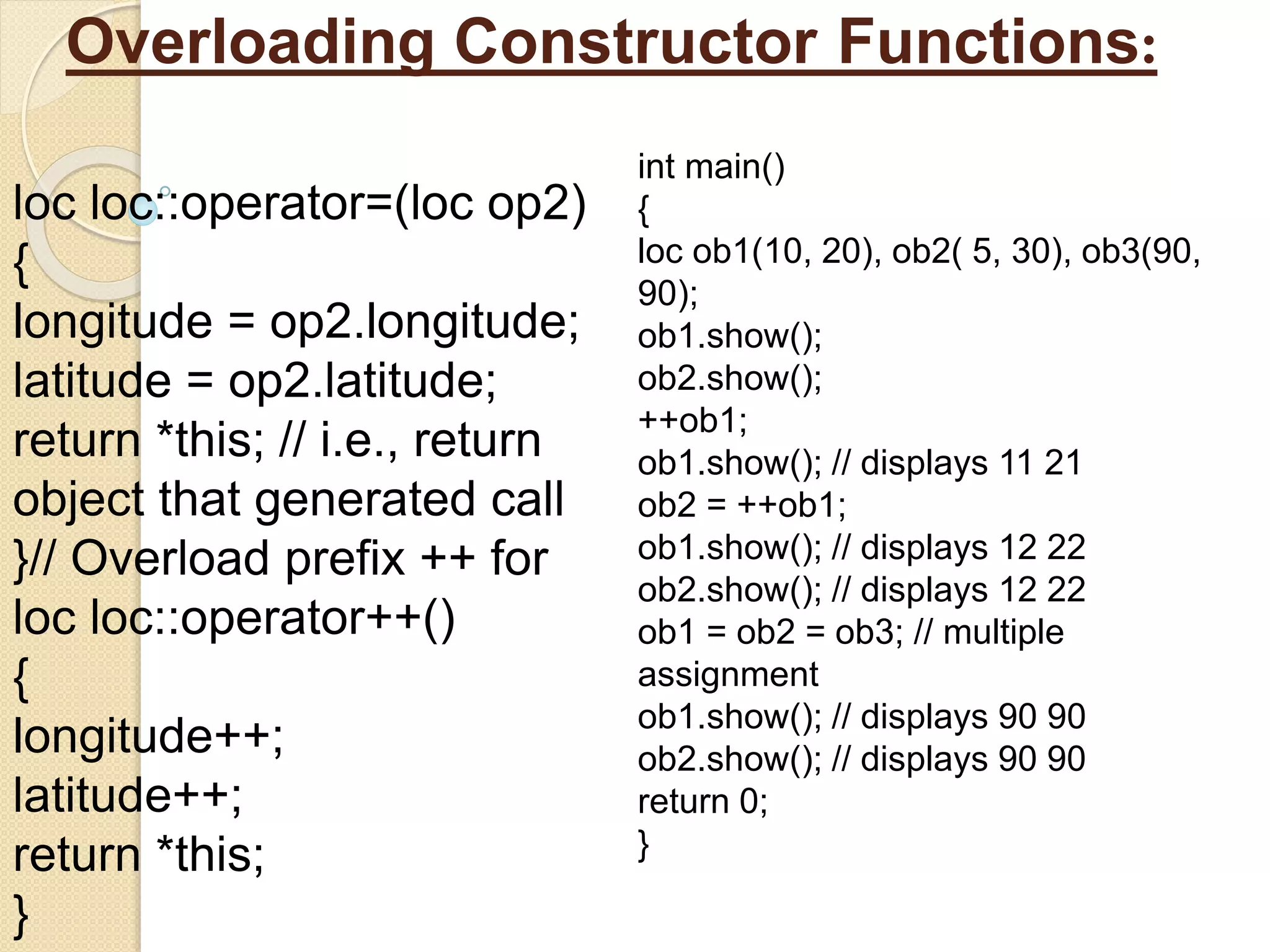
loc loc::operator=(loc op2)
{
longitude = op2.longitude;
latitude = op2.latitude;
return *this; // i.e., return
object that generated call
}// Overload prefix ++ for
loc loc::operator++()
{
longitude++;
latitude++;
return *this;
}
int main()
{
loc ob1(10, 20), ob2( 5, 30), ob3(90,
90);
ob1.show();
ob2.show();
++ob1;
ob1.show(); // displays 11 21
ob2 = ++ob1;
ob1.show(); // displays 12 22
ob2.show(); // displays 12 22
ob1 = ob2 = ob3; // multiple
assignment
ob1.show(); // displays 90 90
ob2.show(); // displays 90 90
return 0;
}
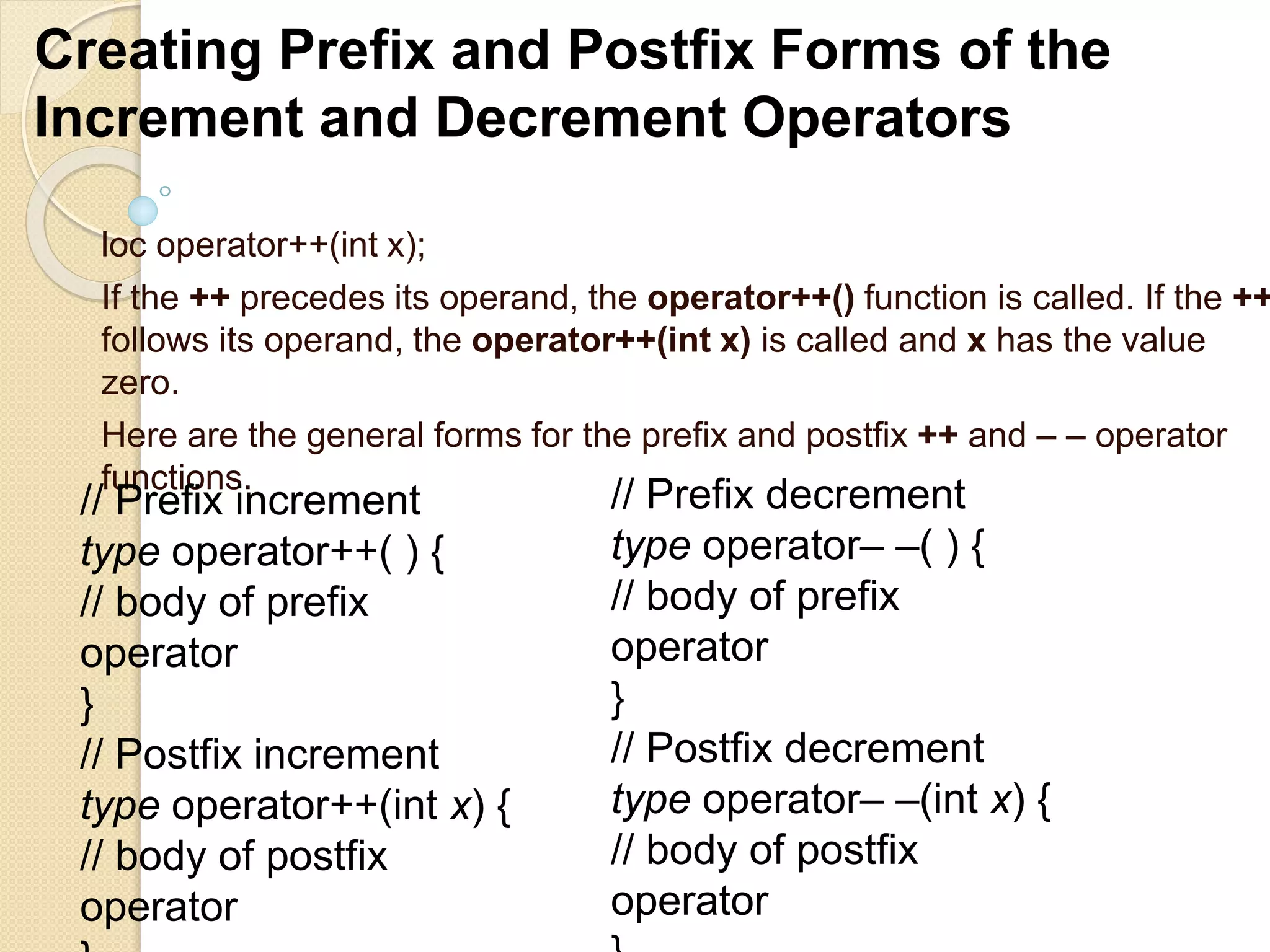
loc operator++(int x);
If the ++ precedes its operand, the operator++() function is called. If the ++
follows its operand, the operator++(int x) is called and x has the value
zero.
Here are the general forms for the prefix and postfix ++ and – – operator
functions.
Creating Prefix and Postfix Forms of the
Increment and Decrement Operators
// Prefix increment
type operator++( ) {
// body of prefix
operator
}
// Postfix increment
type operator++(int x) {
// body of postfix
operator
// Prefix decrement
type operator– –( ) {
// body of prefix
operator
}
// Postfix decrement
type operator– –(int x) {
// body of postfix
operator
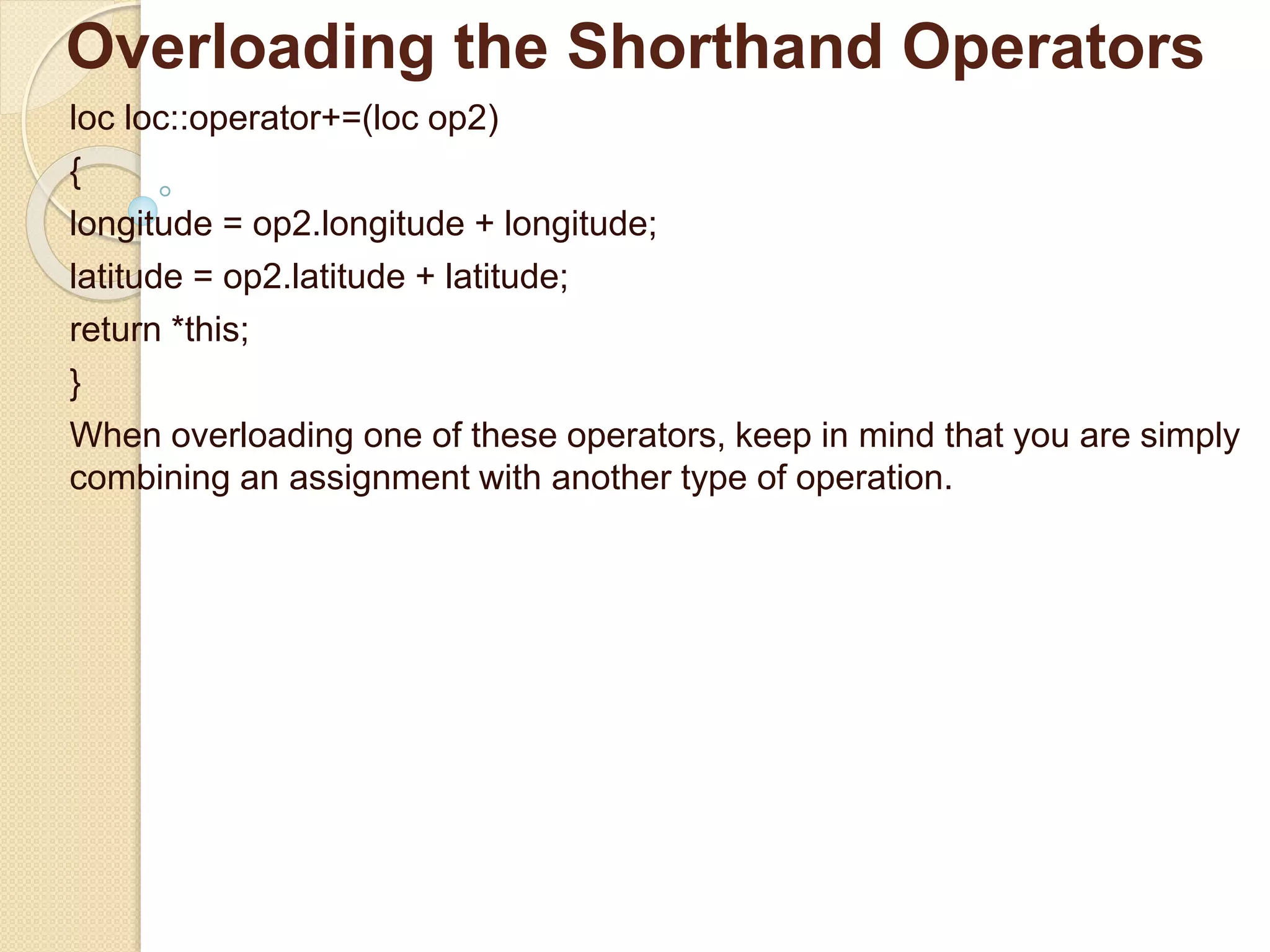
Overloading the Shorthand Operators
loc loc::operator+=(loc op2)
{
longitude = op2.longitude + longitude;
latitude = op2.latitude + latitude;
return *this;
}
When overloading one of these operators, keep in mind that you are simply
combining an assignment with another type of operation.
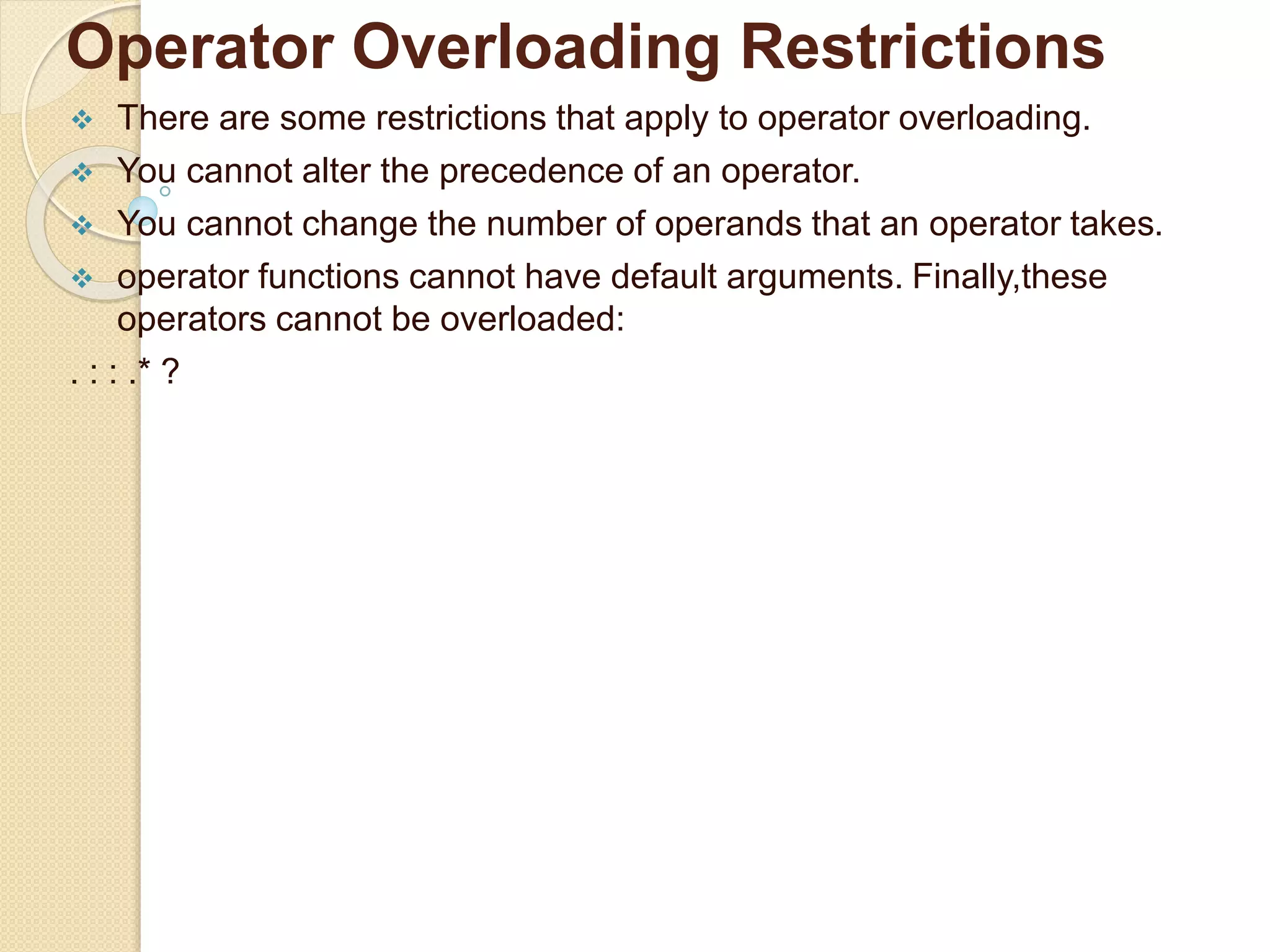
Operator Overloading Restrictions
 There are some restrictions that apply to operator overloading.
 You cannot alter the precedence of an operator.
 You cannot change the number of operands that an operator takes.
 operator functions cannot have default arguments. Finally,these
operators cannot be overloaded:
. : : .* ?
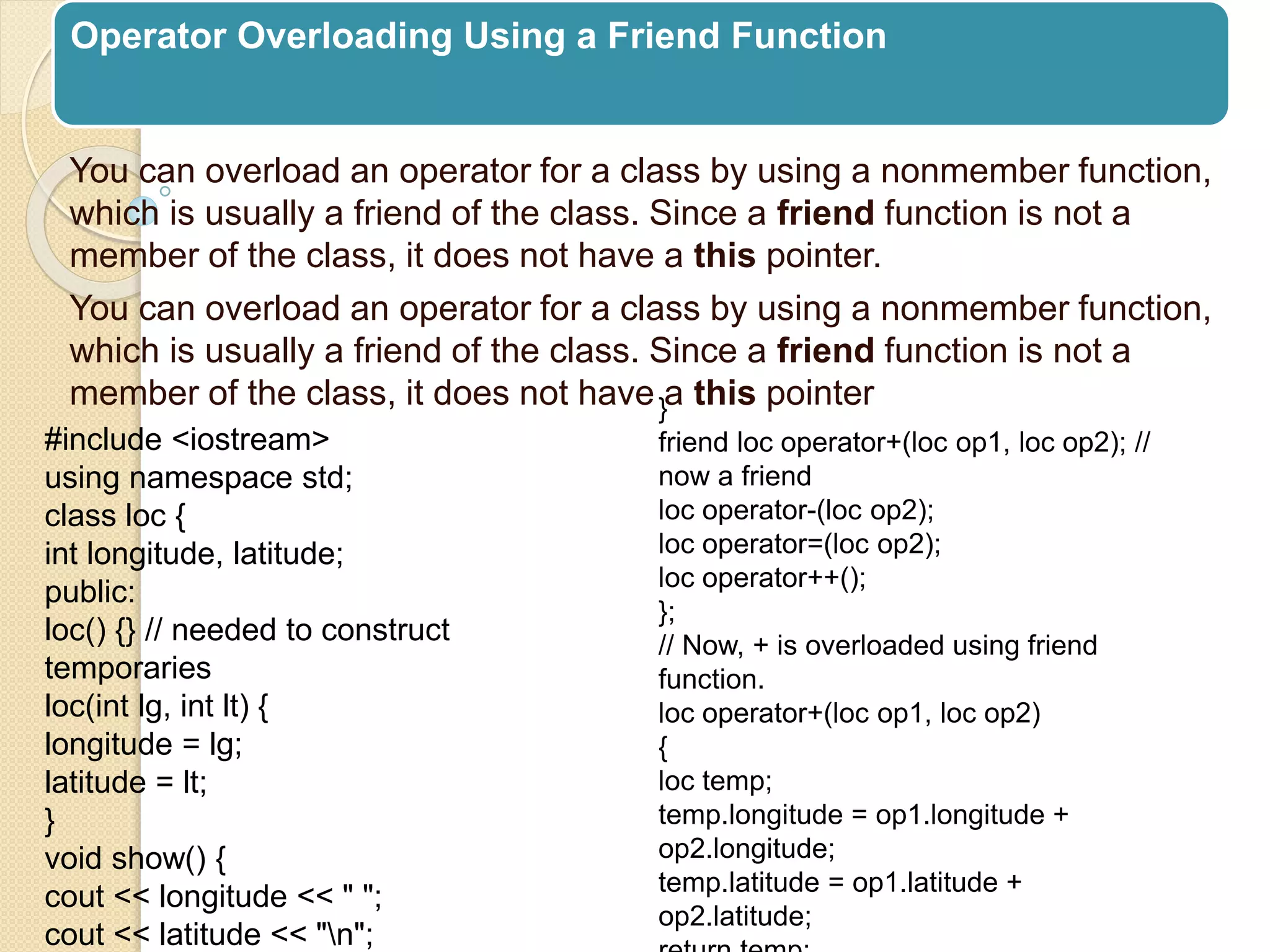
Operator Overloading Using a Friend Function
You can overload an operator for a class by using a nonmember function,
which is usually a friend of the class. Since a friend function is not a
member of the class, it does not have a this pointer.
You can overload an operator for a class by using a nonmember function,
which is usually a friend of the class. Since a friend function is not a
member of the class, it does not have a this pointer
#include <iostream>
using namespace std;
class loc {
int longitude, latitude;
public:
loc() {} // needed to construct
temporaries
loc(int lg, int lt) {
longitude = lg;
latitude = lt;
}
void show() {
cout << longitude << " ";
cout << latitude << "n";
}
friend loc operator+(loc op1, loc op2); //
now a friend
loc operator-(loc op2);
loc operator=(loc op2);
loc operator++();
};
// Now, + is overloaded using friend
function.
loc operator+(loc op1, loc op2)
{
loc temp;
temp.longitude = op1.longitude +
op2.longitude;
temp.latitude = op1.latitude +
op2.latitude;
Operator Overloading Using a Friend Function
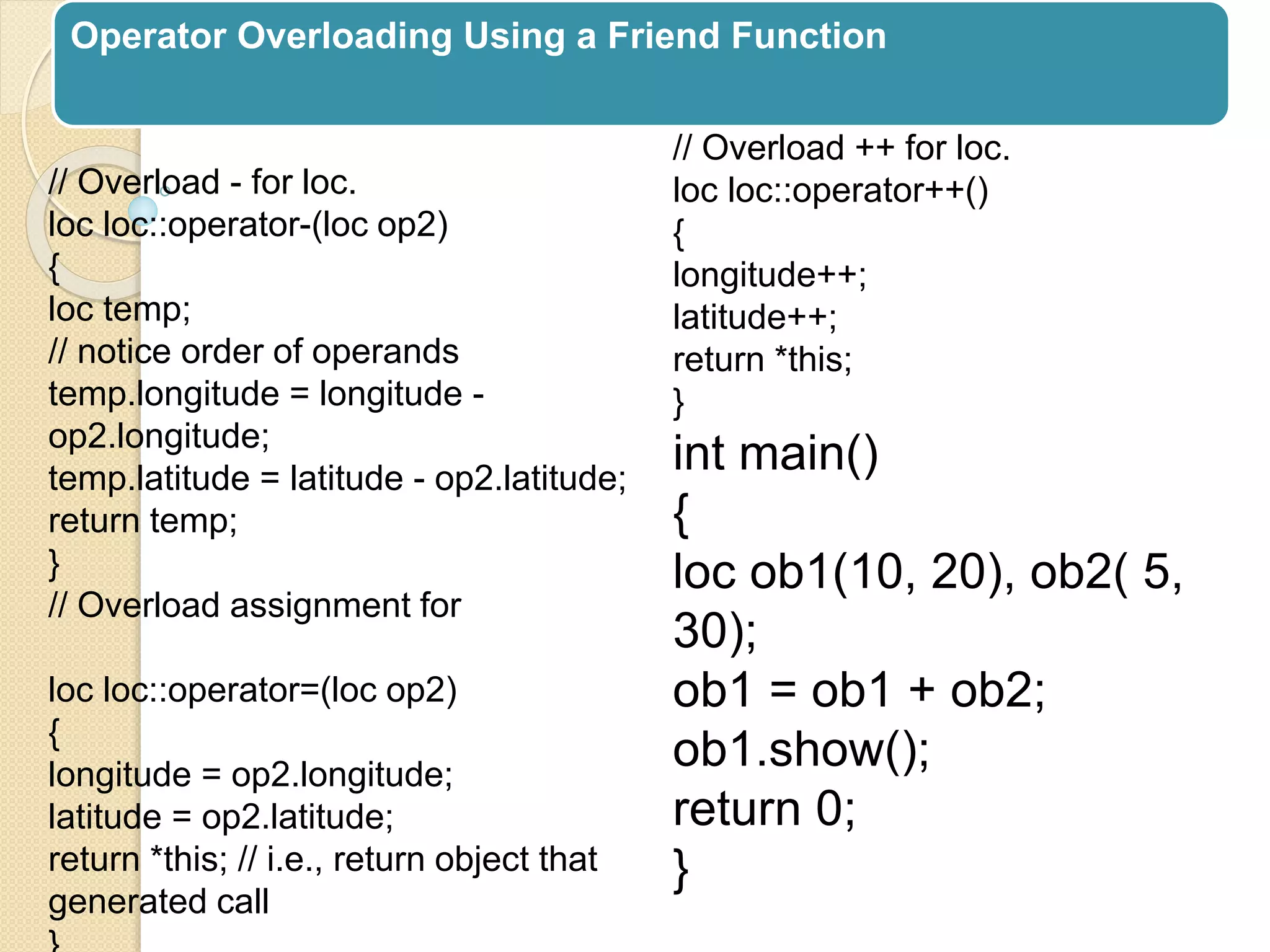
// Overload - for loc.
loc loc::operator-(loc op2)
{
loc temp;
// notice order of operands
temp.longitude = longitude -
op2.longitude;
temp.latitude = latitude - op2.latitude;
return temp;
}
// Overload assignment for
loc loc::operator=(loc op2)
{
longitude = op2.longitude;
latitude = op2.latitude;
return *this; // i.e., return object that
generated call
// Overload ++ for loc.
loc loc::operator++()
{
longitude++;
latitude++;
return *this;
}
int main()
{
loc ob1(10, 20), ob2( 5,
30);
ob1 = ob1 + ob2;
ob1.show();
return 0;
}
Operator Overloading Using a Friend Function
There are some restrictions that apply
to friend operator functions.
First, you may not overload the =, ( ), [
], or –> operators by using a friend
function.
 Second, as explained in the next
section, when overloading the
increment or decrement operators,
you will need to use a reference
Using a Friend to Overload ++ or – –
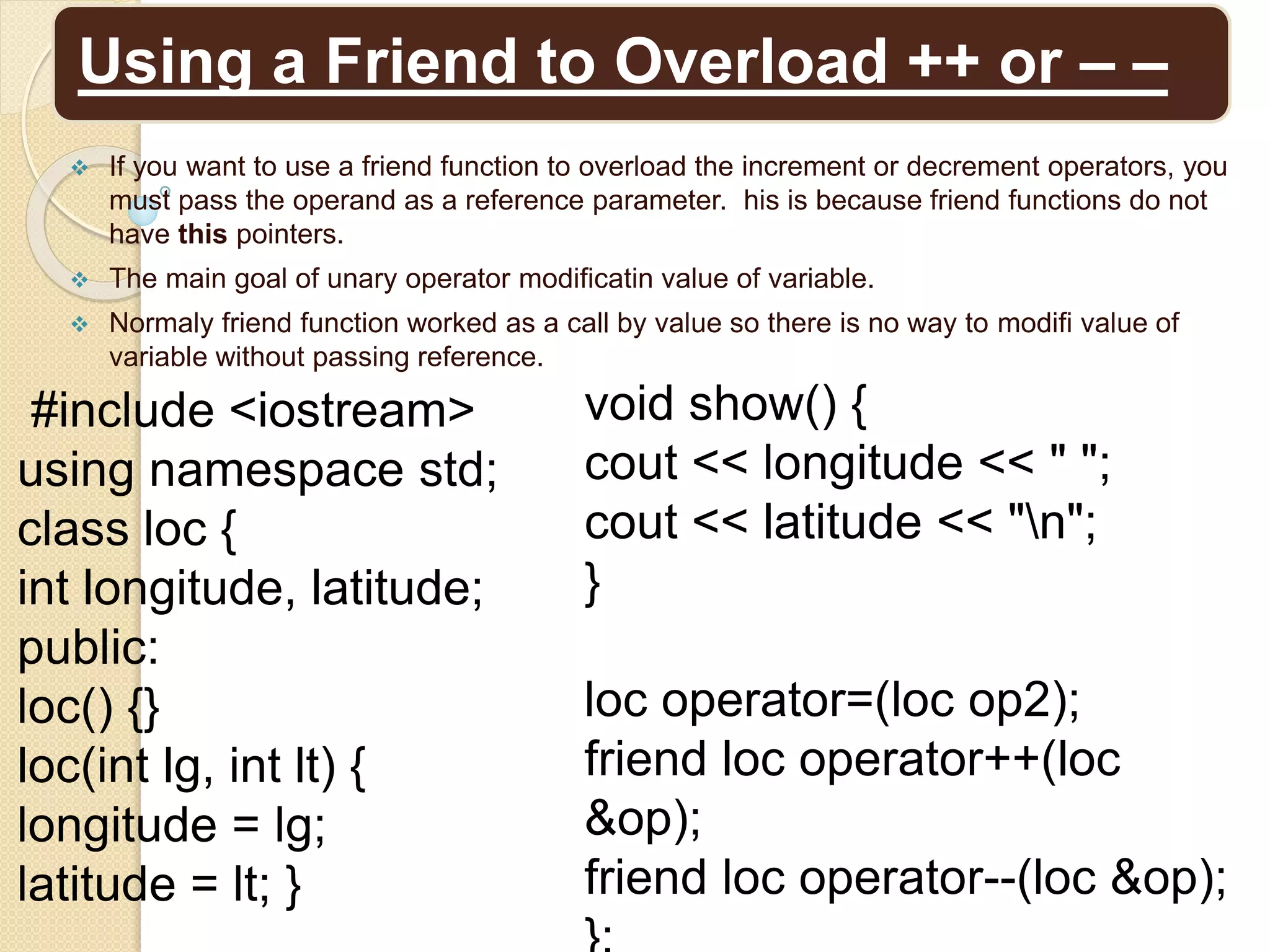
 If you want to use a friend function to overload the increment or decrement operators, you
must pass the operand as a reference parameter. his is because friend functions do not
have this pointers.
 The main goal of unary operator modificatin value of variable.
 Normaly friend function worked as a call by value so there is no way to modifi value of
variable without passing reference.
#include <iostream>
using namespace std;
class loc {
int longitude, latitude;
public:
loc() {}
loc(int lg, int lt) {
longitude = lg;
latitude = lt; }
void show() {
cout << longitude << " ";
cout << latitude << "n";
}
loc operator=(loc op2);
friend loc operator++(loc
&op);
friend loc operator--(loc &op);
Using a Friend to Overload ++ or – –
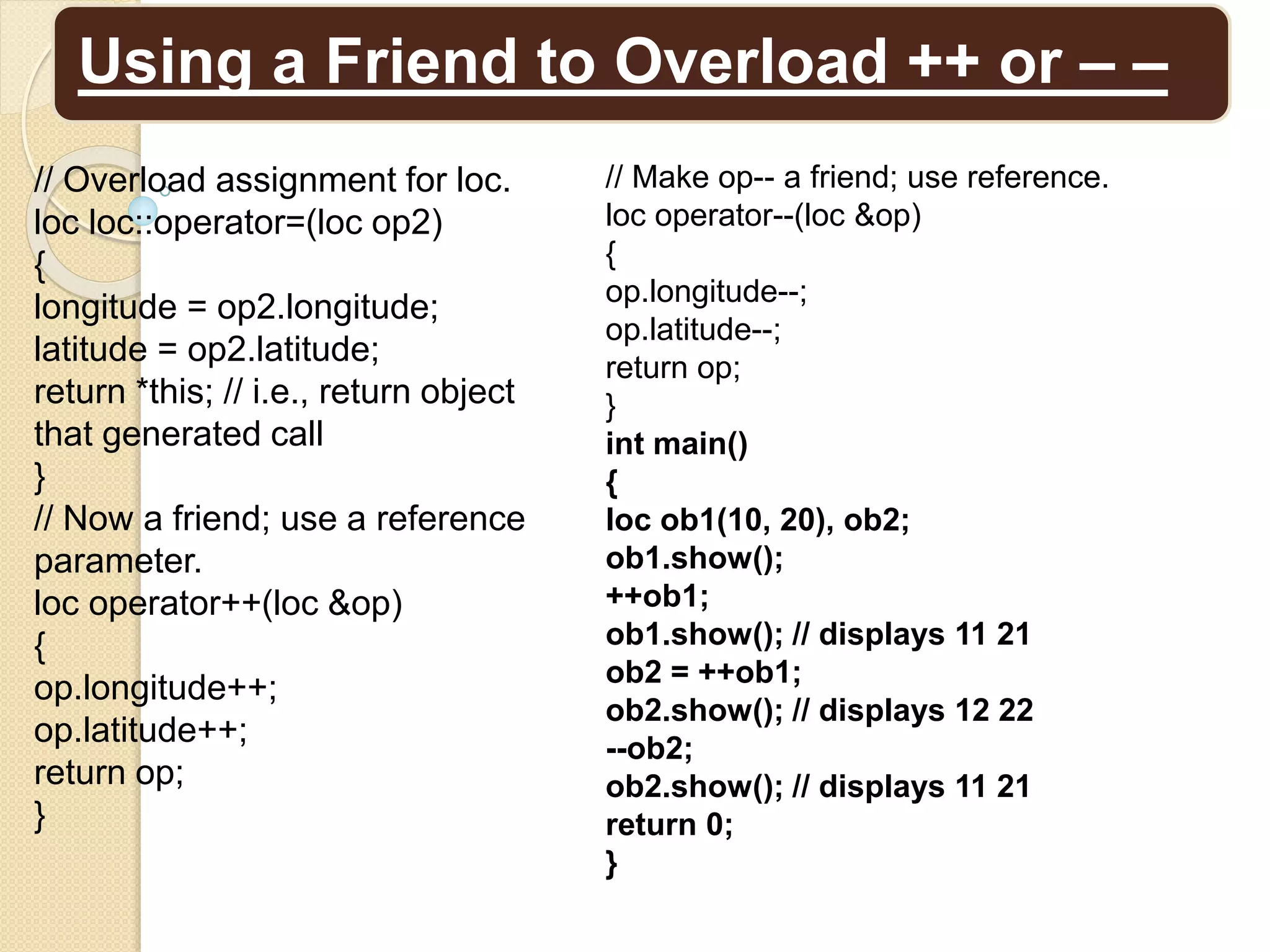
// Make op-- a friend; use reference.
loc operator--(loc &op)
{
op.longitude--;
op.latitude--;
return op;
}
int main()
{
loc ob1(10, 20), ob2;
ob1.show();
++ob1;
ob1.show(); // displays 11 21
ob2 = ++ob1;
ob2.show(); // displays 12 22
--ob2;
ob2.show(); // displays 11 21
return 0;
}
// Overload assignment for loc.
loc loc::operator=(loc op2)
{
longitude = op2.longitude;
latitude = op2.latitude;
return *this; // i.e., return object
that generated call
}
// Now a friend; use a reference
parameter.
loc operator++(loc &op)
{
op.longitude++;
op.latitude++;
return op;
}
Overloading new and delete
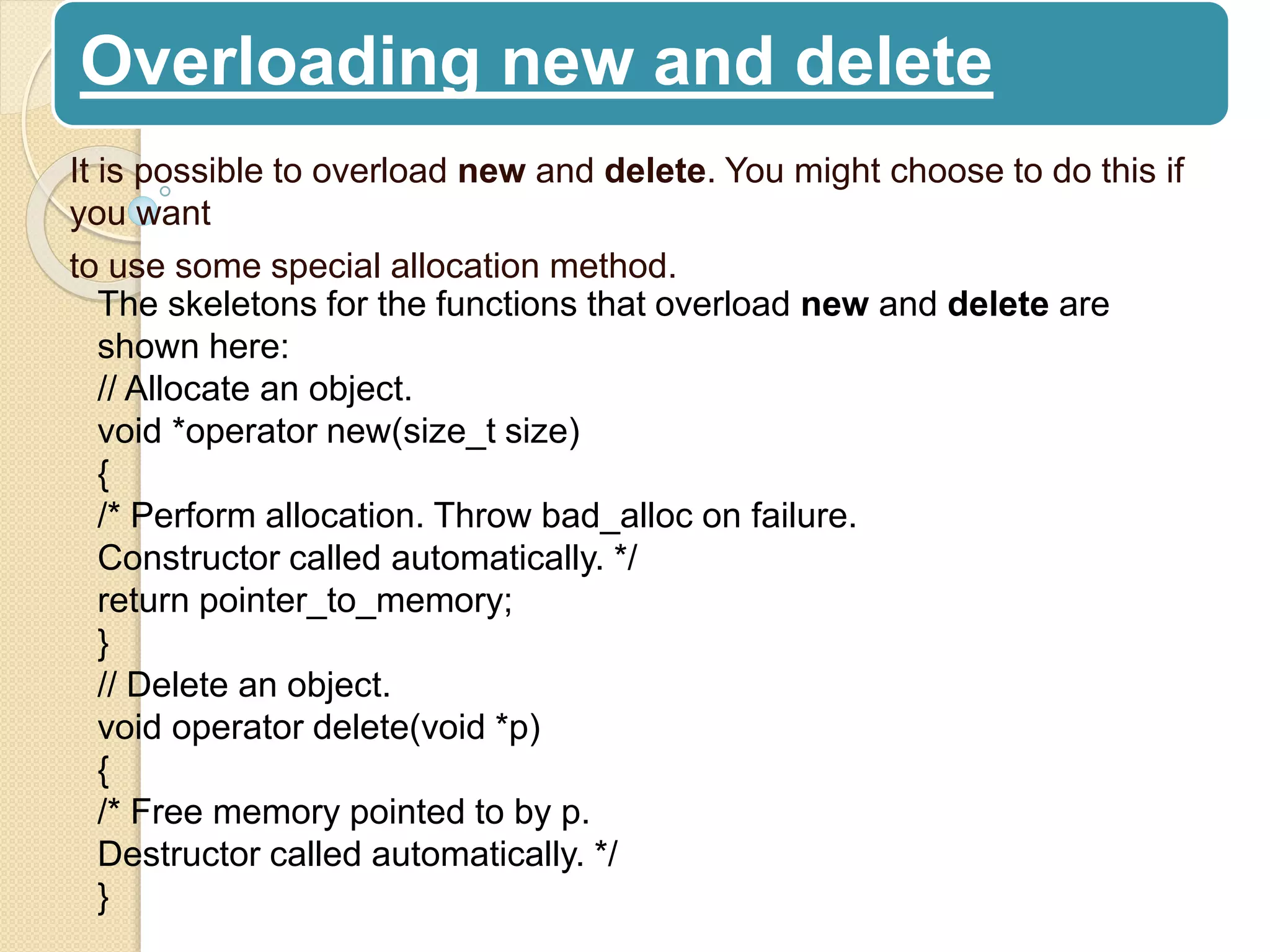
It is possible to overload new and delete. You might choose to do this if
you want
to use some special allocation method.
The skeletons for the functions that overload new and delete are
shown here:
// Allocate an object.
void *operator new(size_t size)
{
/* Perform allocation. Throw bad_alloc on failure.
Constructor called automatically. */
return pointer_to_memory;
}
// Delete an object.
void operator delete(void *p)
{
/* Free memory pointed to by p.
Destructor called automatically. */
}
Overloading new and delete
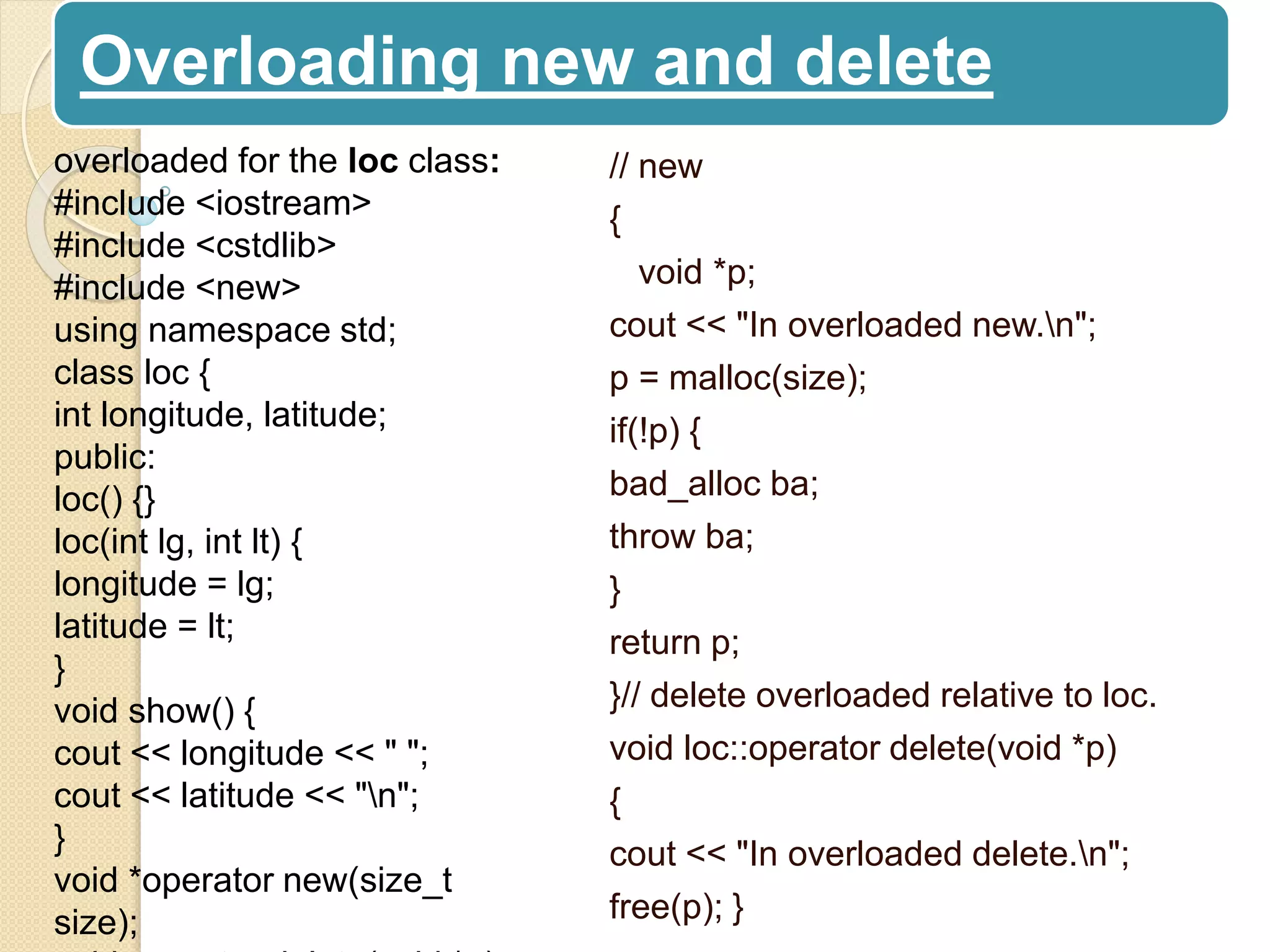
// new
{
void *p;
cout << "In overloaded new.n";
p = malloc(size);
if(!p) {
bad_alloc ba;
throw ba;
}
return p;
}// delete overloaded relative to loc.
void loc::operator delete(void *p)
{
cout << "In overloaded delete.n";
free(p); }
overloaded for the loc class:
#include <iostream>
#include <cstdlib>
#include <new>
using namespace std;
class loc {
int longitude, latitude;
public:
loc() {}
loc(int lg, int lt) {
longitude = lg;
latitude = lt;
}
void show() {
cout << longitude << " ";
cout << latitude << "n";
}
void *operator new(size_t
size);
Overloading new and delete
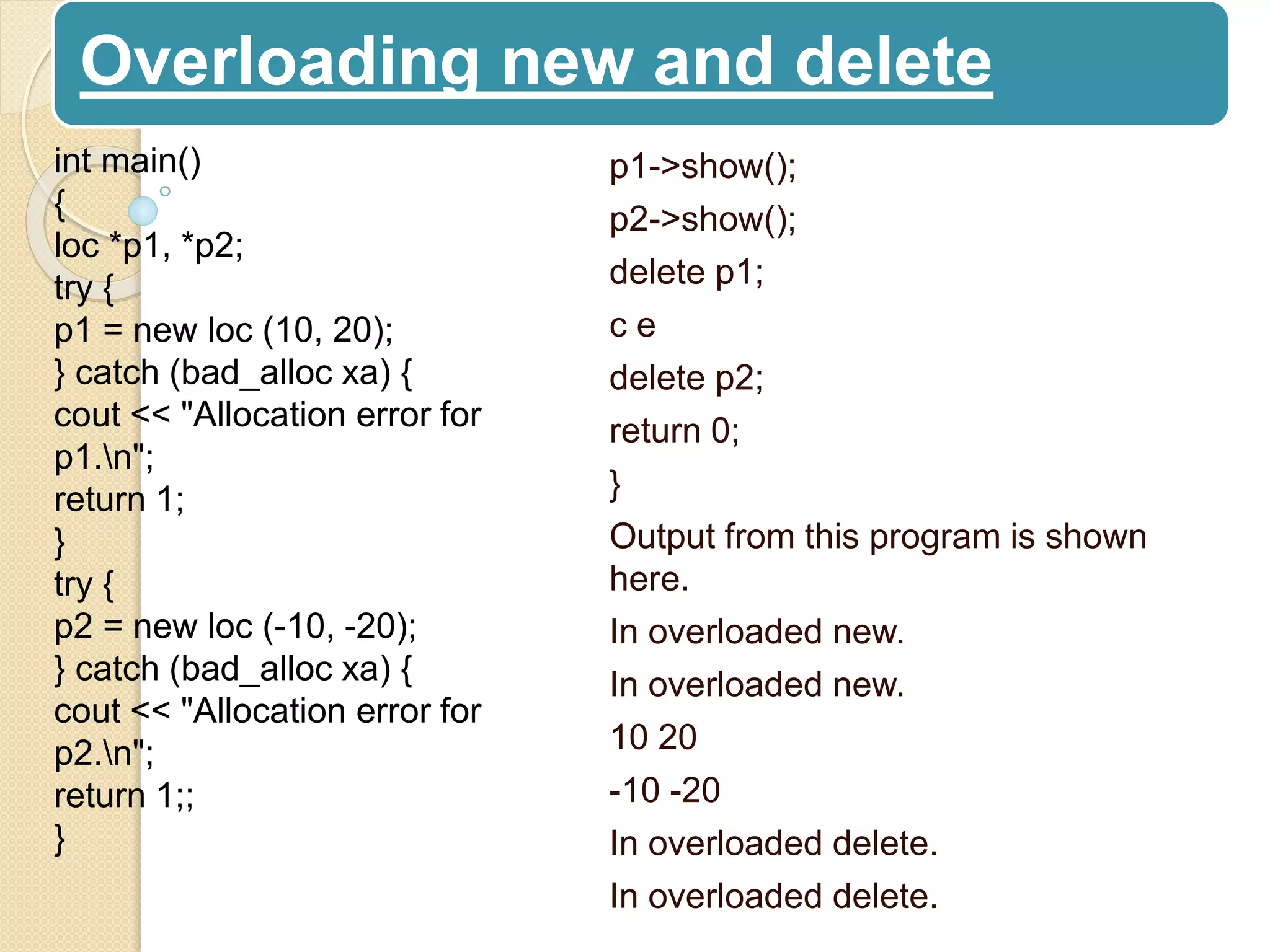
p1->show();
p2->show();
delete p1;
c e
delete p2;
return 0;
}
Output from this program is shown
here.
In overloaded new.
In overloaded new.
10 20
-10 -20
In overloaded delete.
int main()
{
loc *p1, *p2;
try {
p1 = new loc (10, 20);
} catch (bad_alloc xa) {
cout << "Allocation error for
p1.n";
return 1;
}
try {
p2 = new loc (-10, -20);
} catch (bad_alloc xa) {
cout << "Allocation error for
p2.n";
return 1;;
}
Overloading the nothrow Version of new and delete
// Nothrow version of new.
void *operator new(size_t size, const nothrow_t &n)
{
// Perform allocation.
if(success) return pointer_to_memory;
else return 0;
}// Nothrow version of new for arrays.
void *operator new[](size_t size, const nothrow_t &n)
{// Perform allocation.
if(success) return pointer_to_memory;
else return 0;
}void operator delete(void *p, const nothrow_t &n)
{
// free memory
}
void operator delete[](void *p, const nothrow_t &n)
{
// free memory
}
Chapter 15
End
Thank you

Lecture 5, c++(complete reference,herbet sheidt)chapter-15

  • 1.
    Chapter-15 Operator Overloading Abu SalehMusa Miah M.Sc. Engg(On going) University of Rajshahi
  • 2.
    Operator Overloading An operatorfunction is created using the keyword operator. Operator functions can be either members or nonmembers of a class. Nonmember operator functions are almost always friend functions of the class
  • 3.
    Creating a MemberOperator Function A member operator function takes this general form: ret-type class-name::operator#(arg-list) { // operations } • Operator functions return an object of the class they operate on, • But ret-type can be any valid type. • The # is a placeholder. When you create an operator function, substitute the operator for the #.
  • 4.
    First example ofoperator overloading. #include <iostream> using namespace std; class loc { int longitude, latitude; public: loc() {} loc(int lg, int lt) { longitude = lg; latitude = lt; } void show() { cout << longitude << " "; cout << latitude << "n"; } loc operator+(loc op2); };// Overload + for loc. loc loc::operator+(loc op2) { loc temp; temp.longitude = op2.longitude + longitude; temp.latitude = op2.latitude + latitude; return temp; } int main() { loc ob1(10, 20), ob2( 5, 30); ob1.show(); // displays 10 20 ob2.show(); // displays 5 30 ob1 = ob1 + ob2; ob1.show(); // displays 15 50 return 0;
  • 5.
    Creating a MemberOperator Function • Operator+() has only one parameter even though it overloads the binary + operator. • The reason that operator+() takes only one parameter is that the operand on the left side of the + is passed implicitly to the function through The this pointer. • The operand on the right is passed in the parameter op2. • It is common for an overloaded operator function to return an object of the class it operates upon. • (ob1+ob2).show(); // displays outcome of ob1+ob2 • In this situation, ob1+ob2 generates a temporary object that ceases to exist after the call to show() terminates.
  • 6.
    The next programadds three additional overloaded operators to the loc class: the –, the =, and the unary ++. • Operator+() has only one parameter even though it overloads the binary + operator. • The reason that operator+() takes only one parameter is that the operand on the left side of the + is passed implicitly to the function through The this pointer. • The operand on the right is passed in the parameter op2. • It is common for an overloaded operator function to return an object of the class it operates upon. • (ob1+ob2).show(); // displays outcome of ob1+ob2 • In this situation, ob1+ob2 generates a temporary
  • 7.
    Overloading Constructor Functions: Thenext program adds three additional overloaded operators to the loc class: the –, the =, and the unary ++. class loc { int longitude, latitude; public: loc() {} // needed to construct temporaries loc(int lg, int lt) { longitude = lg; latitude = lt; } void show() { cout << longitude << " "; cout << latitude << "n"; loc operator+(loc op2); loc operator-(loc op2); loc operator=(loc op2); loc operator++(); };// Overload + for loc. loc loc::operator+(loc op2) { loc temp; temp.longitude = op2.longitude + longitude; temp.latitude = op2.latitude + latitude; return temp; } // Overload - for loc. loc loc::operator-(loc op2) { loc temp; // notice order of operands temp.longitude = longitude - op2.longitude;
  • 8.
    Overloading Constructor Functions: locloc::operator=(loc op2) { longitude = op2.longitude; latitude = op2.latitude; return *this; // i.e., return object that generated call }// Overload prefix ++ for loc loc::operator++() { longitude++; latitude++; return *this; } int main() { loc ob1(10, 20), ob2( 5, 30), ob3(90, 90); ob1.show(); ob2.show(); ++ob1; ob1.show(); // displays 11 21 ob2 = ++ob1; ob1.show(); // displays 12 22 ob2.show(); // displays 12 22 ob1 = ob2 = ob3; // multiple assignment ob1.show(); // displays 90 90 ob2.show(); // displays 90 90 return 0; }
  • 9.
    loc operator++(int x); Ifthe ++ precedes its operand, the operator++() function is called. If the ++ follows its operand, the operator++(int x) is called and x has the value zero. Here are the general forms for the prefix and postfix ++ and – – operator functions. Creating Prefix and Postfix Forms of the Increment and Decrement Operators // Prefix increment type operator++( ) { // body of prefix operator } // Postfix increment type operator++(int x) { // body of postfix operator // Prefix decrement type operator– –( ) { // body of prefix operator } // Postfix decrement type operator– –(int x) { // body of postfix operator
  • 10.
    Overloading the ShorthandOperators loc loc::operator+=(loc op2) { longitude = op2.longitude + longitude; latitude = op2.latitude + latitude; return *this; } When overloading one of these operators, keep in mind that you are simply combining an assignment with another type of operation.
  • 11.
    Operator Overloading Restrictions There are some restrictions that apply to operator overloading.  You cannot alter the precedence of an operator.  You cannot change the number of operands that an operator takes.  operator functions cannot have default arguments. Finally,these operators cannot be overloaded: . : : .* ?
  • 12.
    Operator Overloading Usinga Friend Function You can overload an operator for a class by using a nonmember function, which is usually a friend of the class. Since a friend function is not a member of the class, it does not have a this pointer. You can overload an operator for a class by using a nonmember function, which is usually a friend of the class. Since a friend function is not a member of the class, it does not have a this pointer #include <iostream> using namespace std; class loc { int longitude, latitude; public: loc() {} // needed to construct temporaries loc(int lg, int lt) { longitude = lg; latitude = lt; } void show() { cout << longitude << " "; cout << latitude << "n"; } friend loc operator+(loc op1, loc op2); // now a friend loc operator-(loc op2); loc operator=(loc op2); loc operator++(); }; // Now, + is overloaded using friend function. loc operator+(loc op1, loc op2) { loc temp; temp.longitude = op1.longitude + op2.longitude; temp.latitude = op1.latitude + op2.latitude;
  • 13.
    Operator Overloading Usinga Friend Function // Overload - for loc. loc loc::operator-(loc op2) { loc temp; // notice order of operands temp.longitude = longitude - op2.longitude; temp.latitude = latitude - op2.latitude; return temp; } // Overload assignment for loc loc::operator=(loc op2) { longitude = op2.longitude; latitude = op2.latitude; return *this; // i.e., return object that generated call // Overload ++ for loc. loc loc::operator++() { longitude++; latitude++; return *this; } int main() { loc ob1(10, 20), ob2( 5, 30); ob1 = ob1 + ob2; ob1.show(); return 0; }
  • 14.
    Operator Overloading Usinga Friend Function There are some restrictions that apply to friend operator functions. First, you may not overload the =, ( ), [ ], or –> operators by using a friend function.  Second, as explained in the next section, when overloading the increment or decrement operators, you will need to use a reference
  • 15.
    Using a Friendto Overload ++ or – –  If you want to use a friend function to overload the increment or decrement operators, you must pass the operand as a reference parameter. his is because friend functions do not have this pointers.  The main goal of unary operator modificatin value of variable.  Normaly friend function worked as a call by value so there is no way to modifi value of variable without passing reference. #include <iostream> using namespace std; class loc { int longitude, latitude; public: loc() {} loc(int lg, int lt) { longitude = lg; latitude = lt; } void show() { cout << longitude << " "; cout << latitude << "n"; } loc operator=(loc op2); friend loc operator++(loc &op); friend loc operator--(loc &op);
  • 16.
    Using a Friendto Overload ++ or – – // Make op-- a friend; use reference. loc operator--(loc &op) { op.longitude--; op.latitude--; return op; } int main() { loc ob1(10, 20), ob2; ob1.show(); ++ob1; ob1.show(); // displays 11 21 ob2 = ++ob1; ob2.show(); // displays 12 22 --ob2; ob2.show(); // displays 11 21 return 0; } // Overload assignment for loc. loc loc::operator=(loc op2) { longitude = op2.longitude; latitude = op2.latitude; return *this; // i.e., return object that generated call } // Now a friend; use a reference parameter. loc operator++(loc &op) { op.longitude++; op.latitude++; return op; }
  • 17.
    Overloading new anddelete It is possible to overload new and delete. You might choose to do this if you want to use some special allocation method. The skeletons for the functions that overload new and delete are shown here: // Allocate an object. void *operator new(size_t size) { /* Perform allocation. Throw bad_alloc on failure. Constructor called automatically. */ return pointer_to_memory; } // Delete an object. void operator delete(void *p) { /* Free memory pointed to by p. Destructor called automatically. */ }
  • 18.
    Overloading new anddelete // new { void *p; cout << "In overloaded new.n"; p = malloc(size); if(!p) { bad_alloc ba; throw ba; } return p; }// delete overloaded relative to loc. void loc::operator delete(void *p) { cout << "In overloaded delete.n"; free(p); } overloaded for the loc class: #include <iostream> #include <cstdlib> #include <new> using namespace std; class loc { int longitude, latitude; public: loc() {} loc(int lg, int lt) { longitude = lg; latitude = lt; } void show() { cout << longitude << " "; cout << latitude << "n"; } void *operator new(size_t size);
  • 19.
    Overloading new anddelete p1->show(); p2->show(); delete p1; c e delete p2; return 0; } Output from this program is shown here. In overloaded new. In overloaded new. 10 20 -10 -20 In overloaded delete. In overloaded delete. int main() { loc *p1, *p2; try { p1 = new loc (10, 20); } catch (bad_alloc xa) { cout << "Allocation error for p1.n"; return 1; } try { p2 = new loc (-10, -20); } catch (bad_alloc xa) { cout << "Allocation error for p2.n"; return 1;; }
  • 20.
    Overloading the nothrowVersion of new and delete // Nothrow version of new. void *operator new(size_t size, const nothrow_t &n) { // Perform allocation. if(success) return pointer_to_memory; else return 0; }// Nothrow version of new for arrays. void *operator new[](size_t size, const nothrow_t &n) {// Perform allocation. if(success) return pointer_to_memory; else return 0; }void operator delete(void *p, const nothrow_t &n) { // free memory } void operator delete[](void *p, const nothrow_t &n) { // free memory }
  • 21.