Control 
Statements (1) 
Lecture 3 
Dr. Hakem Beitollahi 
Computer Engineering Department 
Soran University
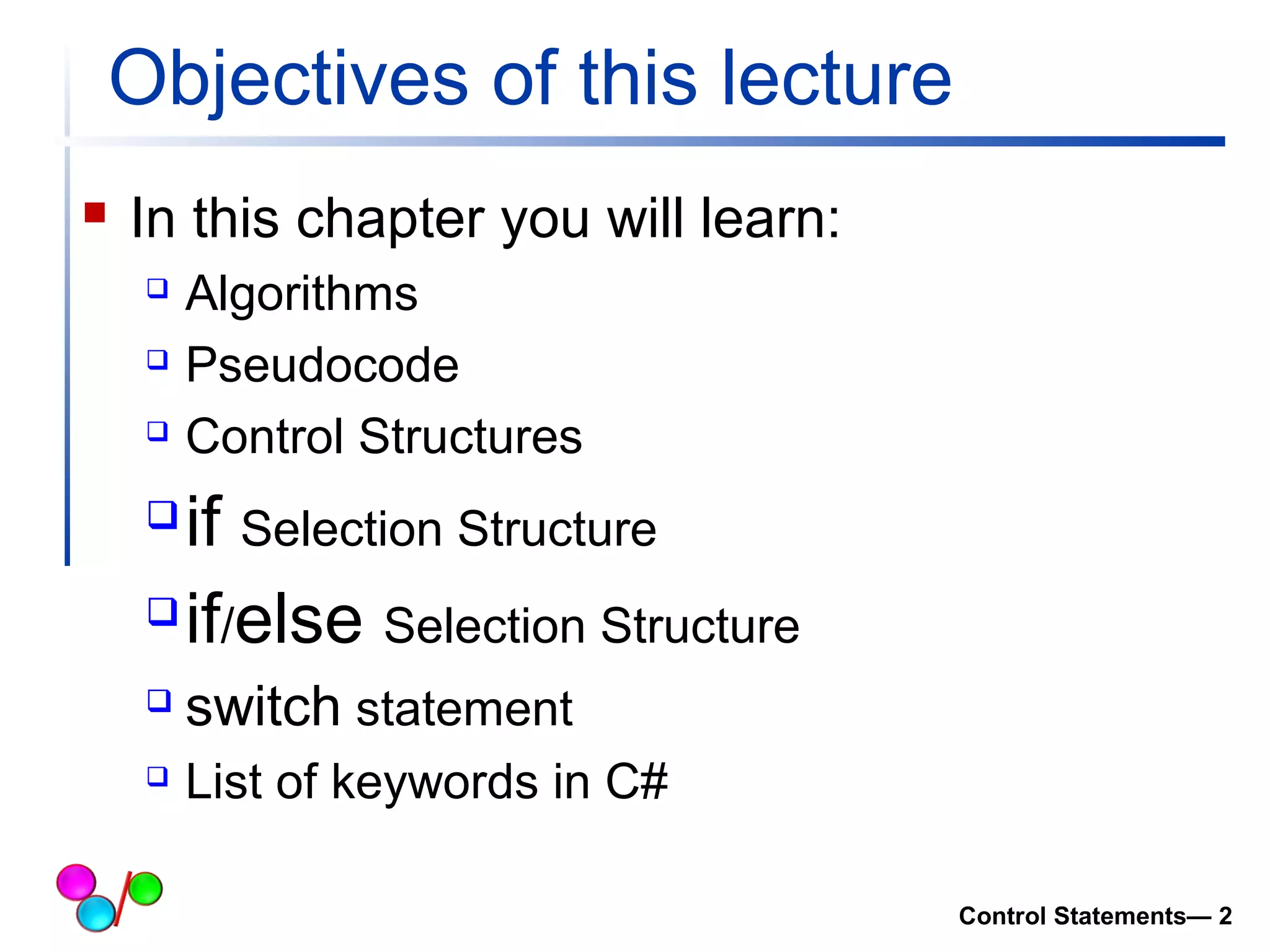
Objectives of this lecture 
 In this chapter you will learn: 
 Algorithms 
 Pseudocode 
 Control Structures 
if Selection Structure 
if/else Selection Structure 
 switch statement 
 List of keywords in C# 
Control Statements— 2
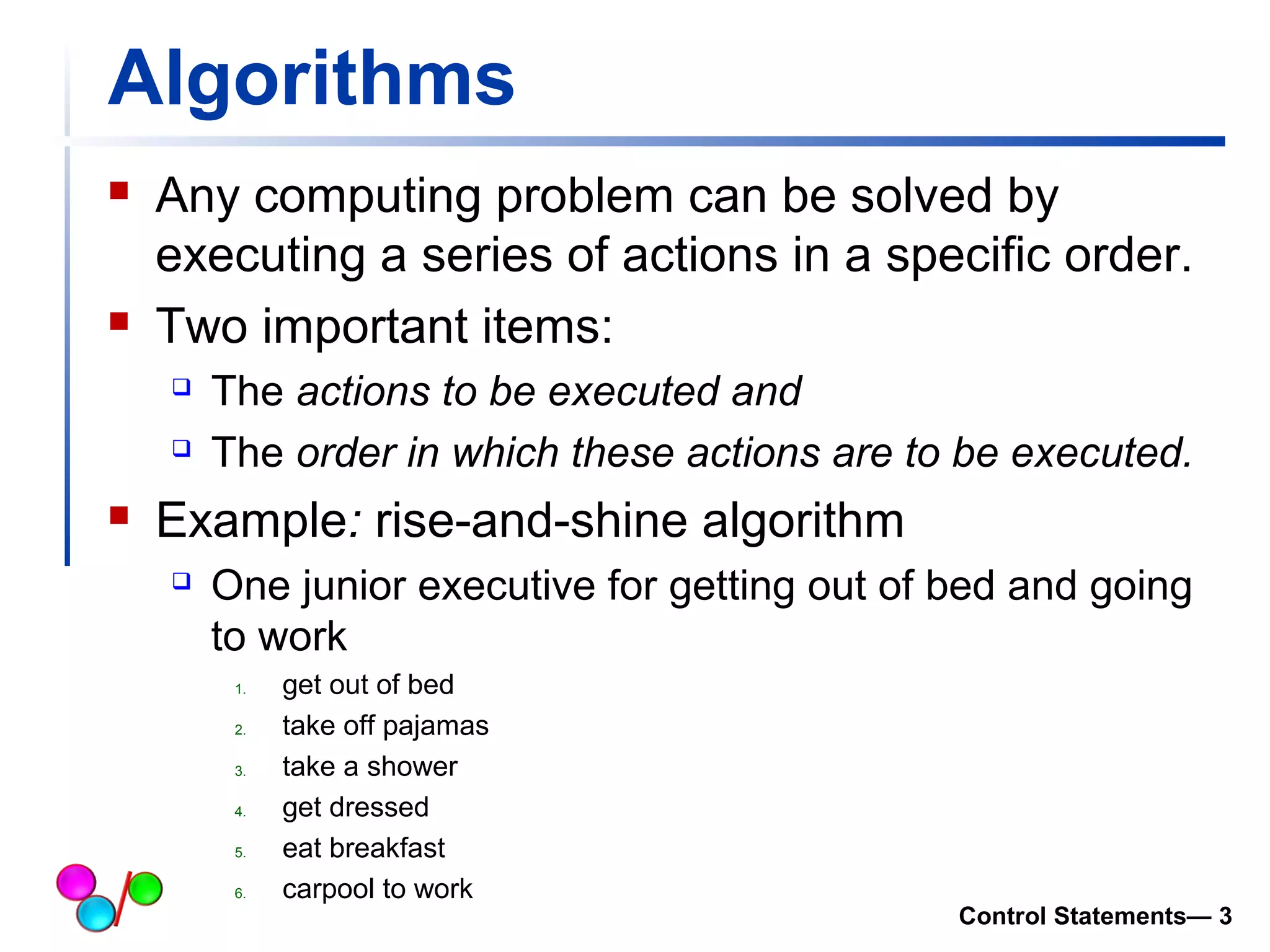
Algorithms 
 Any computing problem can be solved by 
executing a series of actions in a specific order. 
 Two important items: 
 The actions to be executed and 
 The order in which these actions are to be executed. 
 Example: rise-and-shine algorithm 
 One junior executive for getting out of bed and going 
to work 
1. get out of bed 
2. take off pajamas 
3. take a shower 
4. get dressed 
5. eat breakfast 
6. carpool to work 
Control Statements— 3
Pseudocode 
 Pseudocode is an artificial and informal 
language that helps programmers develop 
algorithms. 
 Pseudocode is similar to everyday English; it is 
convenient and user-friendly 
 it is not an actual computer programming 
language 
 Pseudocode is not executed on computers. 
 pseudocode helps the programmer “think out” a 
program before attempting to write it in a 
programming language 
Control Statements— 4
Control Statements 
Control Statements— 5
Control Statements 
 Three control structures 
 Sequence structure 
o Programs executed sequentially by default 
 Selection structures 
o if, if…else, switch 
 Repetition structures 
o while, do…while, for 
Control Statements— 6
if Selection Statement (I) 
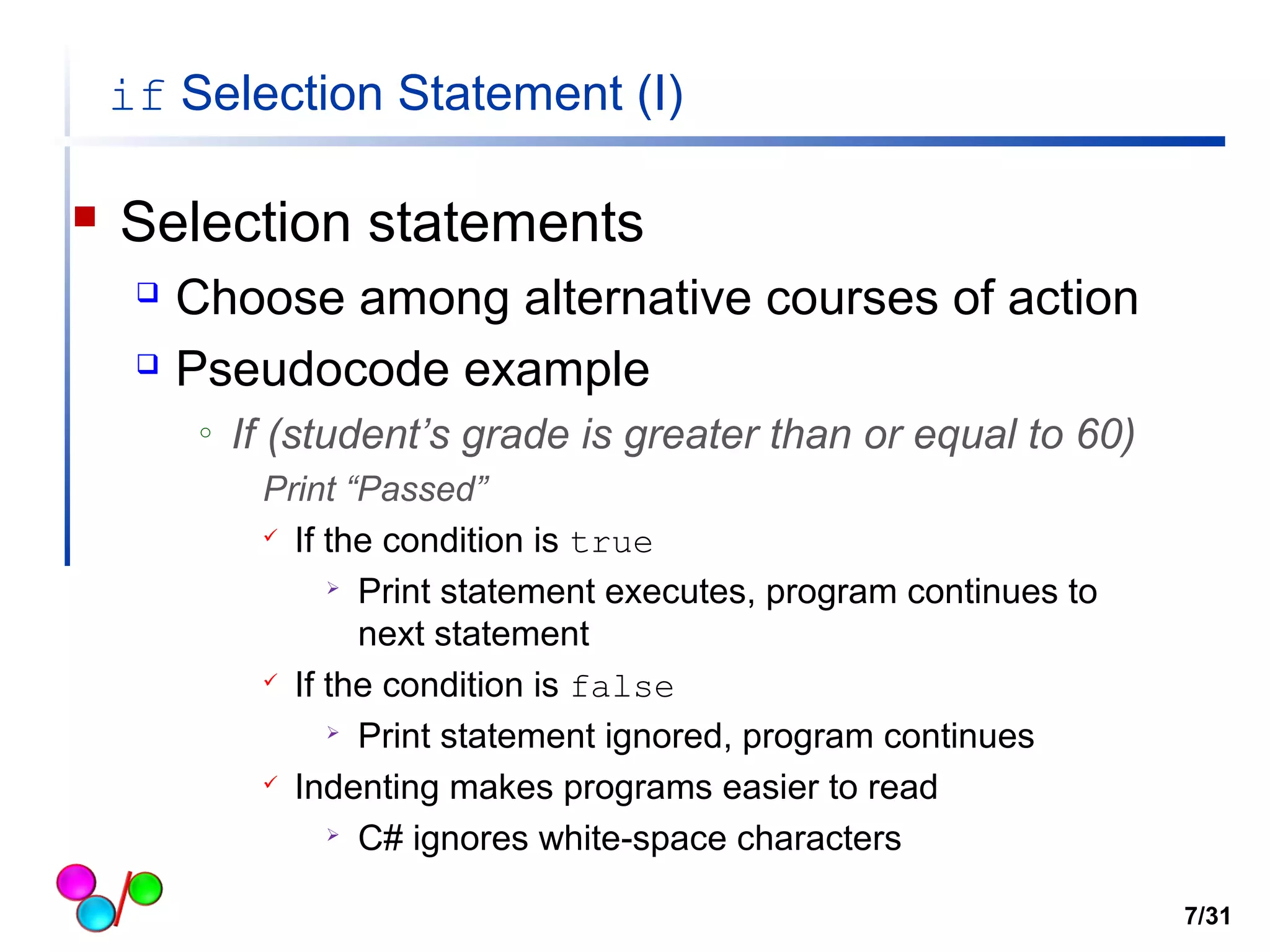
 Selection statements 
 Choose among alternative courses of action 
 Pseudocode example 
o If (student’s grade is greater than or equal to 60) 
Print “Passed” 
 If the condition is true 
 Print statement executes, program continues to 
next statement 
 If the condition is false 
 Print statement ignored, program continues 
 Indenting makes programs easier to read 
 C# ignores white-space characters 
7/31
if Selection Statement (II) 
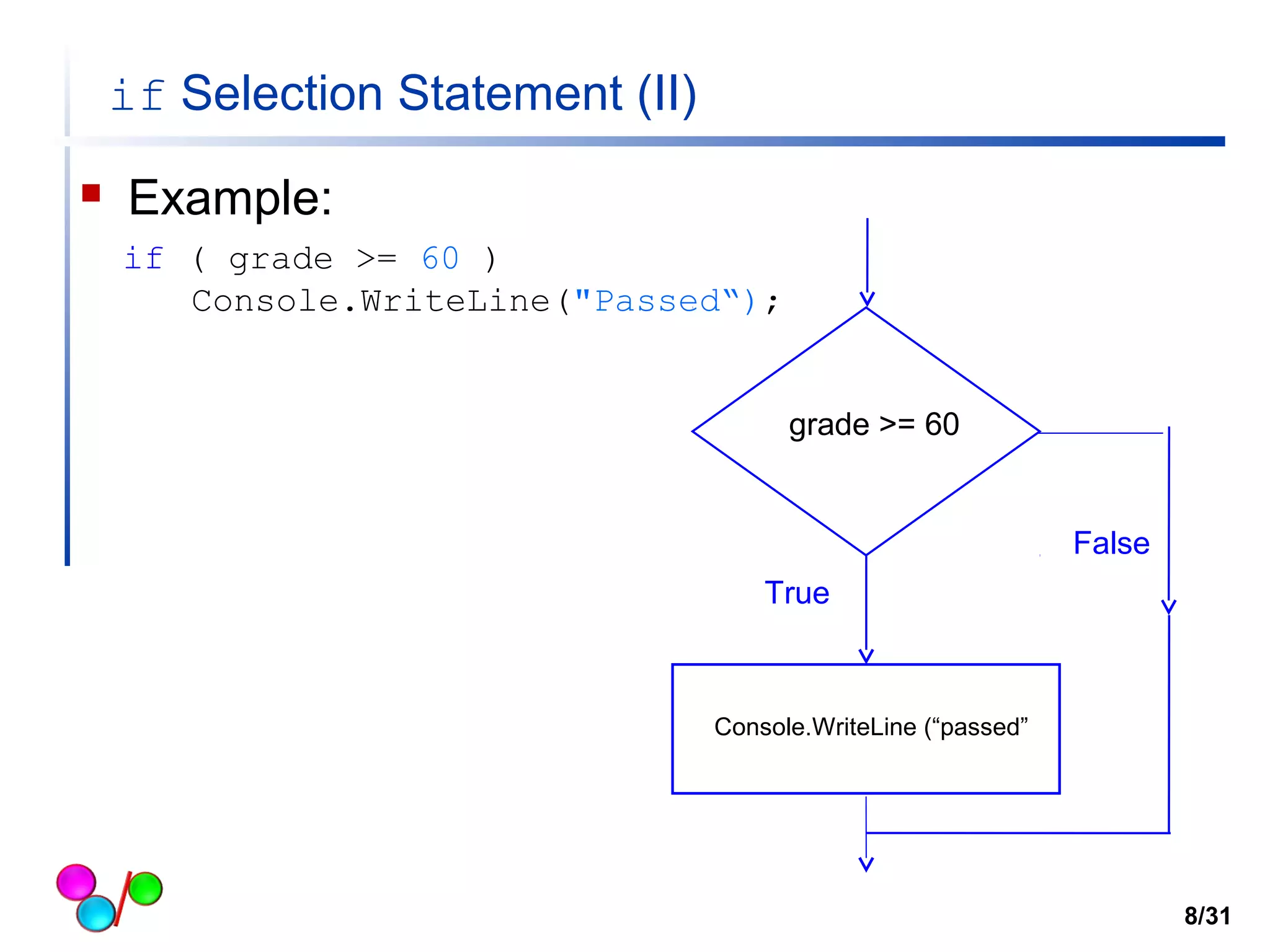
 Example: 
if ( grade >= 60 ) 
Console.WriteLine("Passed“); 
grade >= 60 
False 
True 
Console.WriteLine (“passed” 
8/31
Good Programming Practice 1 
 Indent both body statements of an if/else 
structure. 
Control Statements— 9
if…else Double-Selection Statement (I) 
 if 
 Performs action if condition true 
 if…else 
 Performs one action if condition is true, a different action if it is 
false 
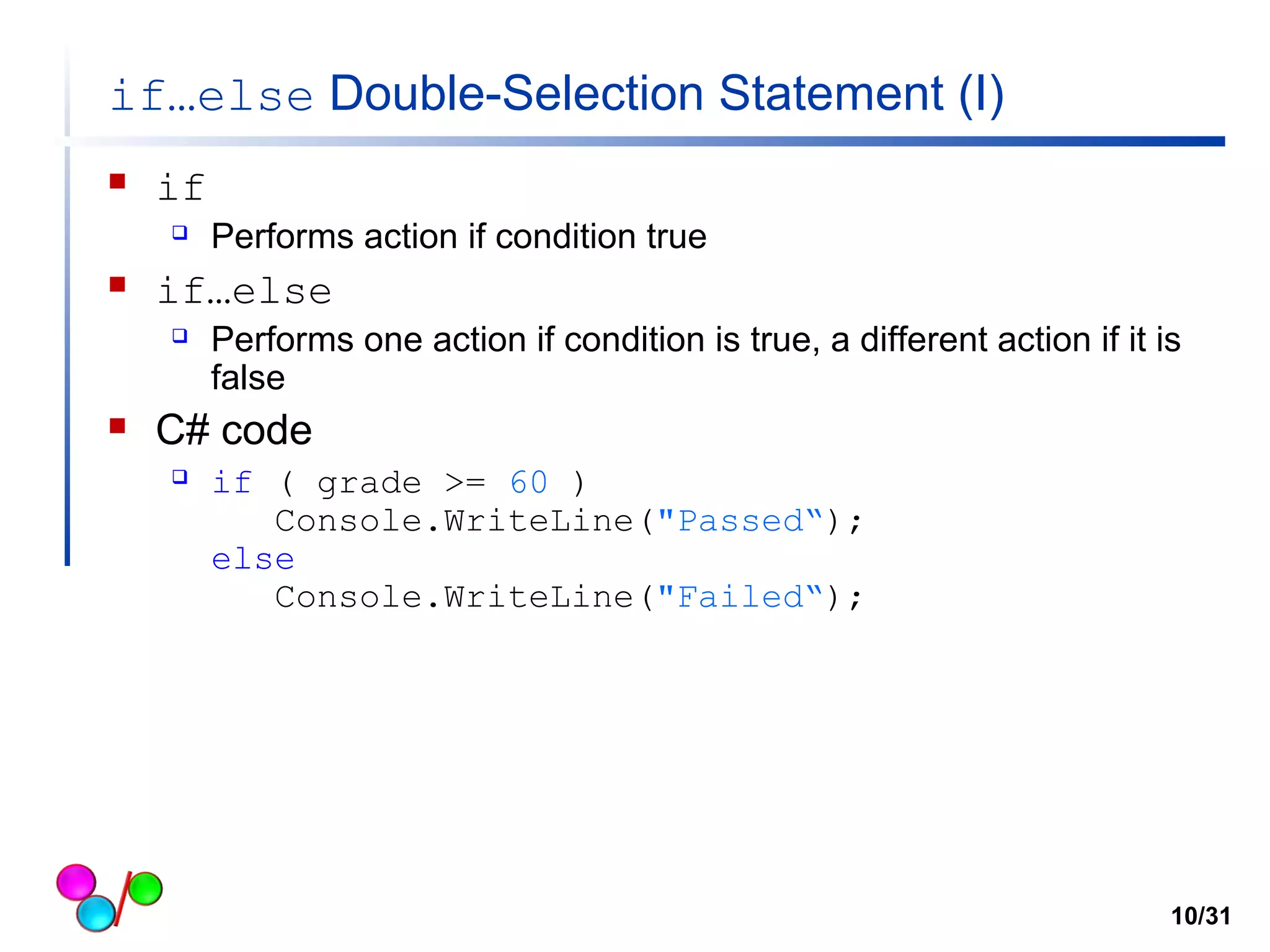
 C# code 
 if ( grade >= 60 ) 
Console.WriteLine("Passed“); 
else 
Console.WriteLine("Failed“); 
10/31
if…else Double-Selection Statement (II) 
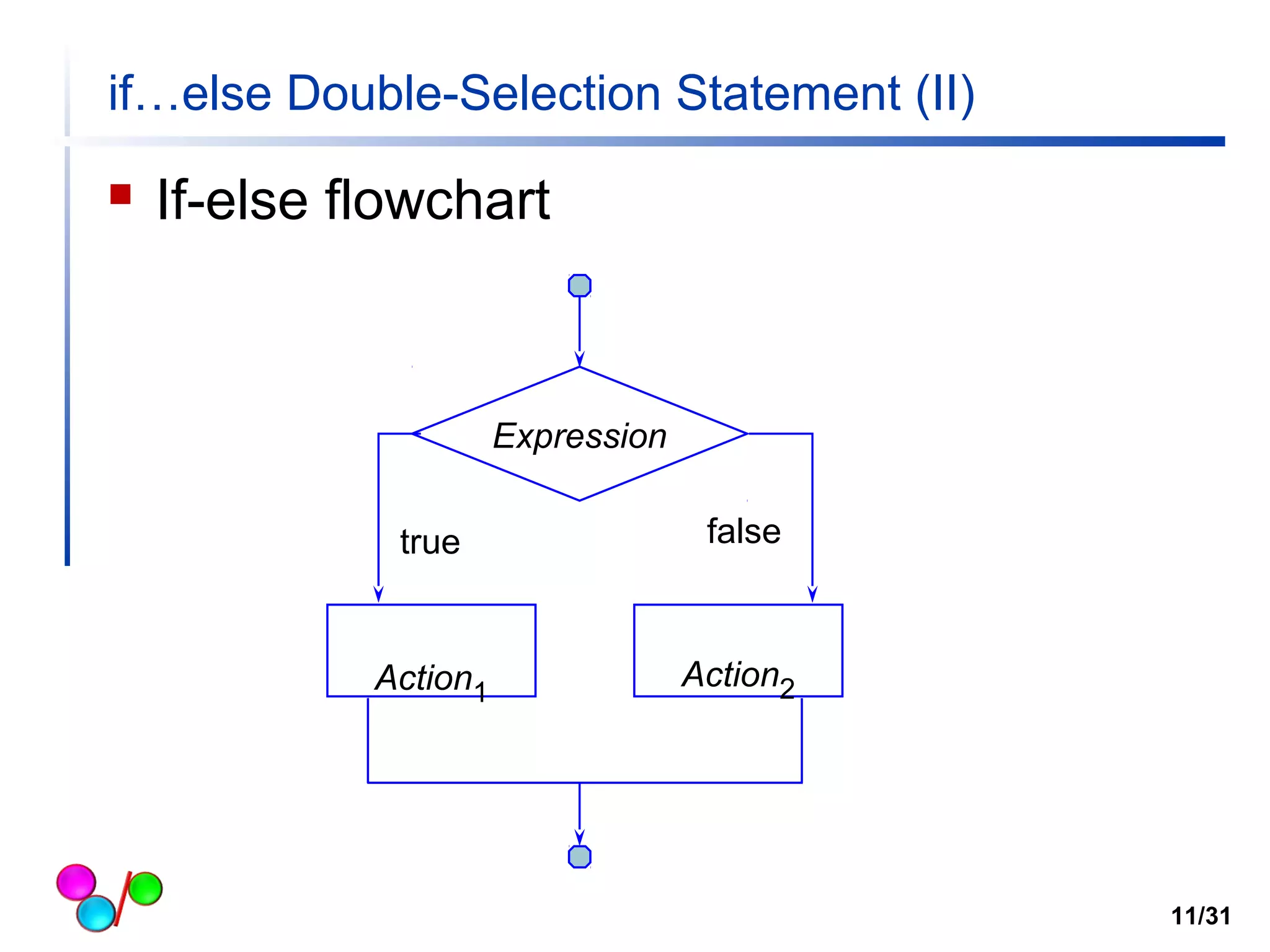
 If-else flowchart 
Expression 
true false 
Action1 Action2 
11/31
if…else Double-Selection Statement (III) 
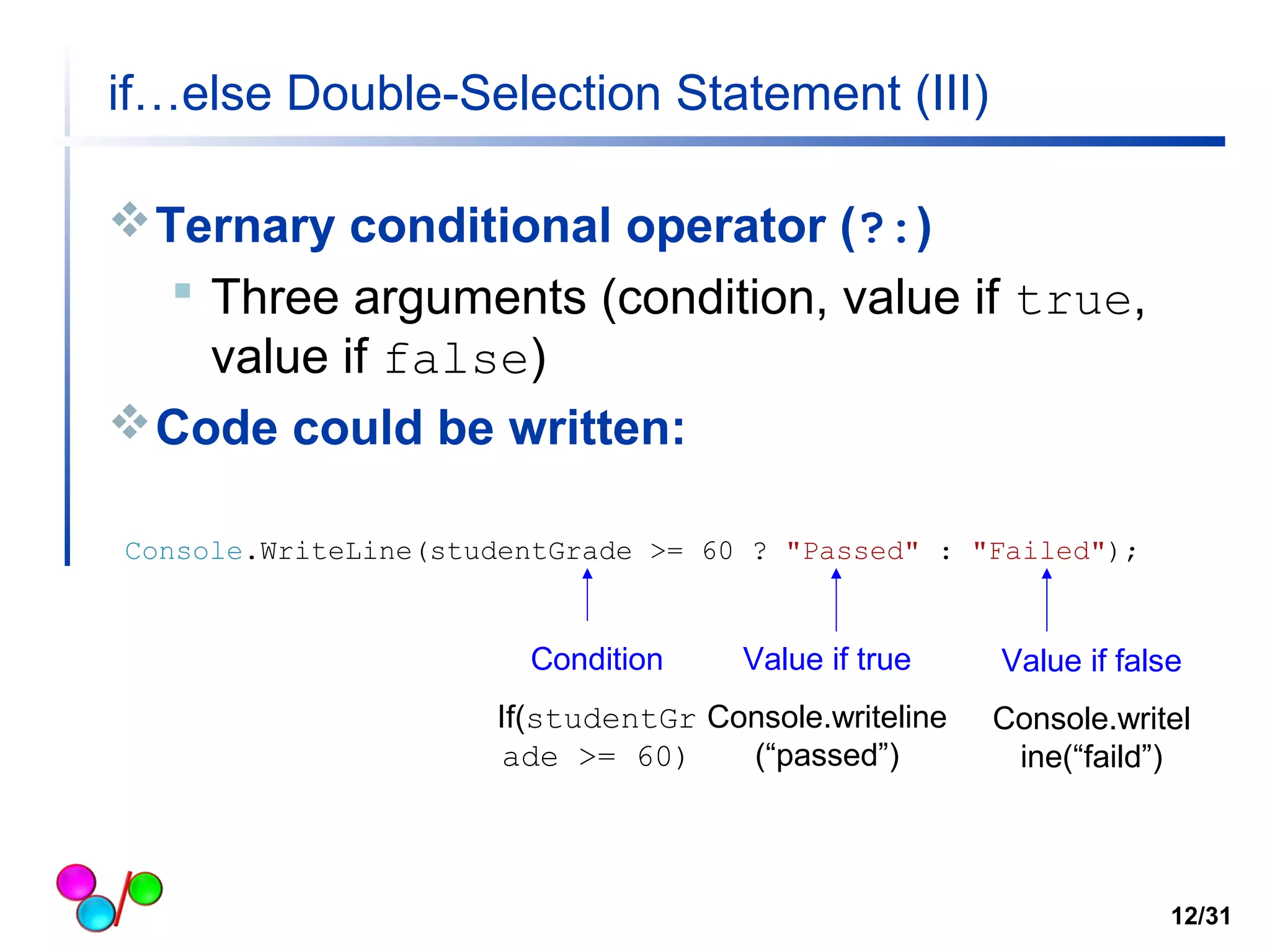
Ternary conditional operator (?:) 
 Three arguments (condition, value if true, 
value if false) 
Code could be written: 
Console.WriteLine(studentGrade >= 60 ? "Passed" : "Failed"); 
Condition 
If(studentGr 
ade >= 60) 
Value if true 
Console.writeline 
(“passed”) 
Value if false 
Console.writel 
ine(“faild”) 
12/31
If…else (example) 
// Control Statement example via random generation 
using System; 
class Conditional_logical 
{ 
static void Main( string[] args ) 
{ 
int magic; /* magic number */ 
string guess_str; /* user's guess string*/ 
int guess; /* user's guess */ 
Random randomObject = new Random(); 
magic = randomObject.Next(100); //this code generates a magic number between 0 to 100 */ 
Console.Write("Guess the magic number: "); 
guess_str = Console.ReadLine(); 
guess = Int32.Parse(guess_str); 
Console.WriteLine("Computer's guess is: " + magic); 
if (guess == magic) 
Console.WriteLine("** Right **"); 
else 
Console.WriteLine("** Wrong **"); 
}// end method Main 
} // end class 
13/31 
Define a randomObject 
Next method: generate a random 
number between 0 to 100 
if-else statement
if…else Double-Selection Statement (IV) 
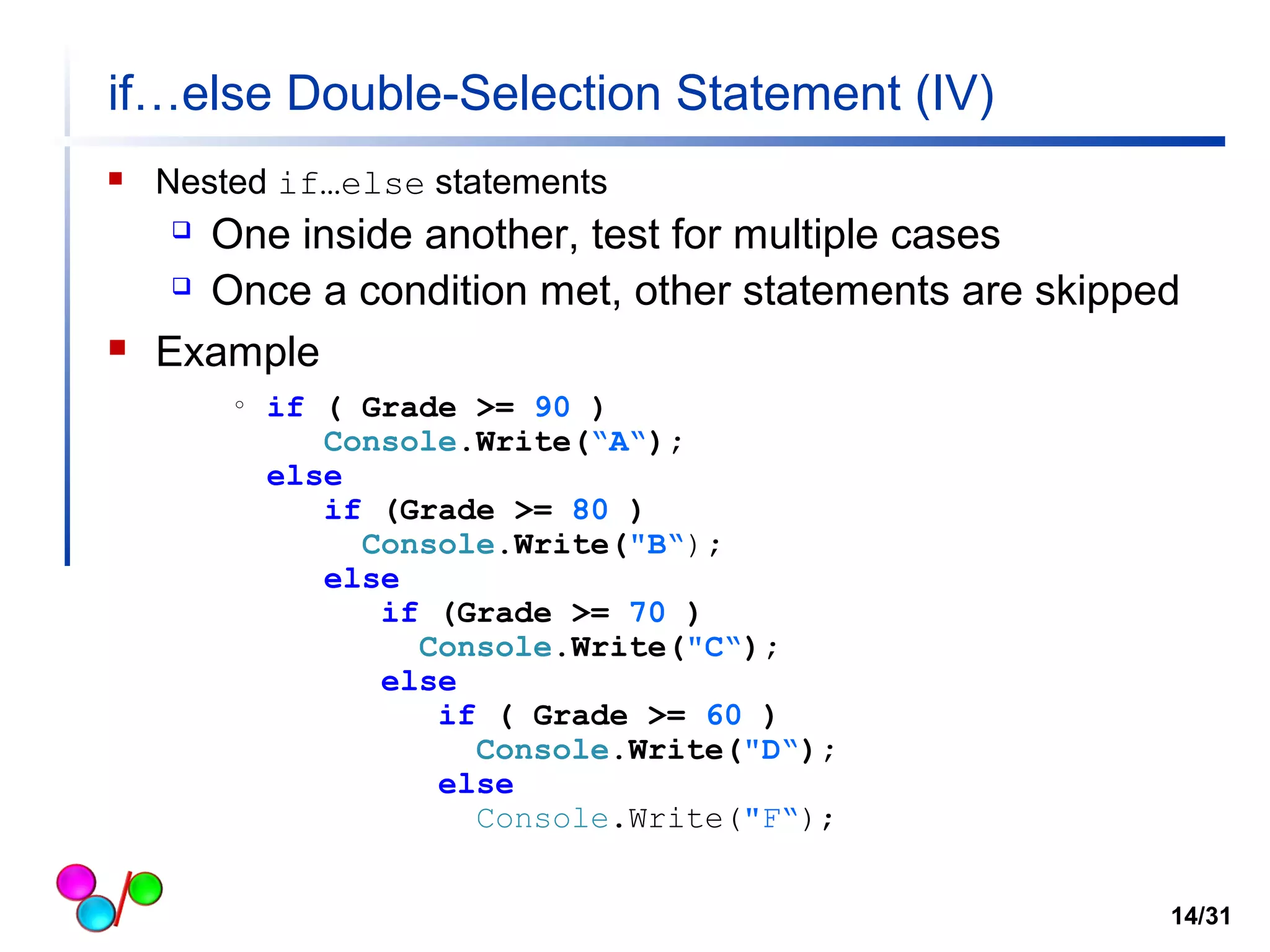
 Nested if…else statements 
 One inside another, test for multiple cases 
 Once a condition met, other statements are skipped 
 Example 
o if ( Grade >= 90 ) 
Console.Write(“A“); 
else 
if (Grade >= 80 ) 
Console.Write("B“); 
else 
if (Grade >= 70 ) 
Console.Write("C“); 
else 
if ( Grade >= 60 ) 
Console.Write("D“); 
else 
Console.Write("F“); 
14/31
if…else Double-Selection Statement (V) 
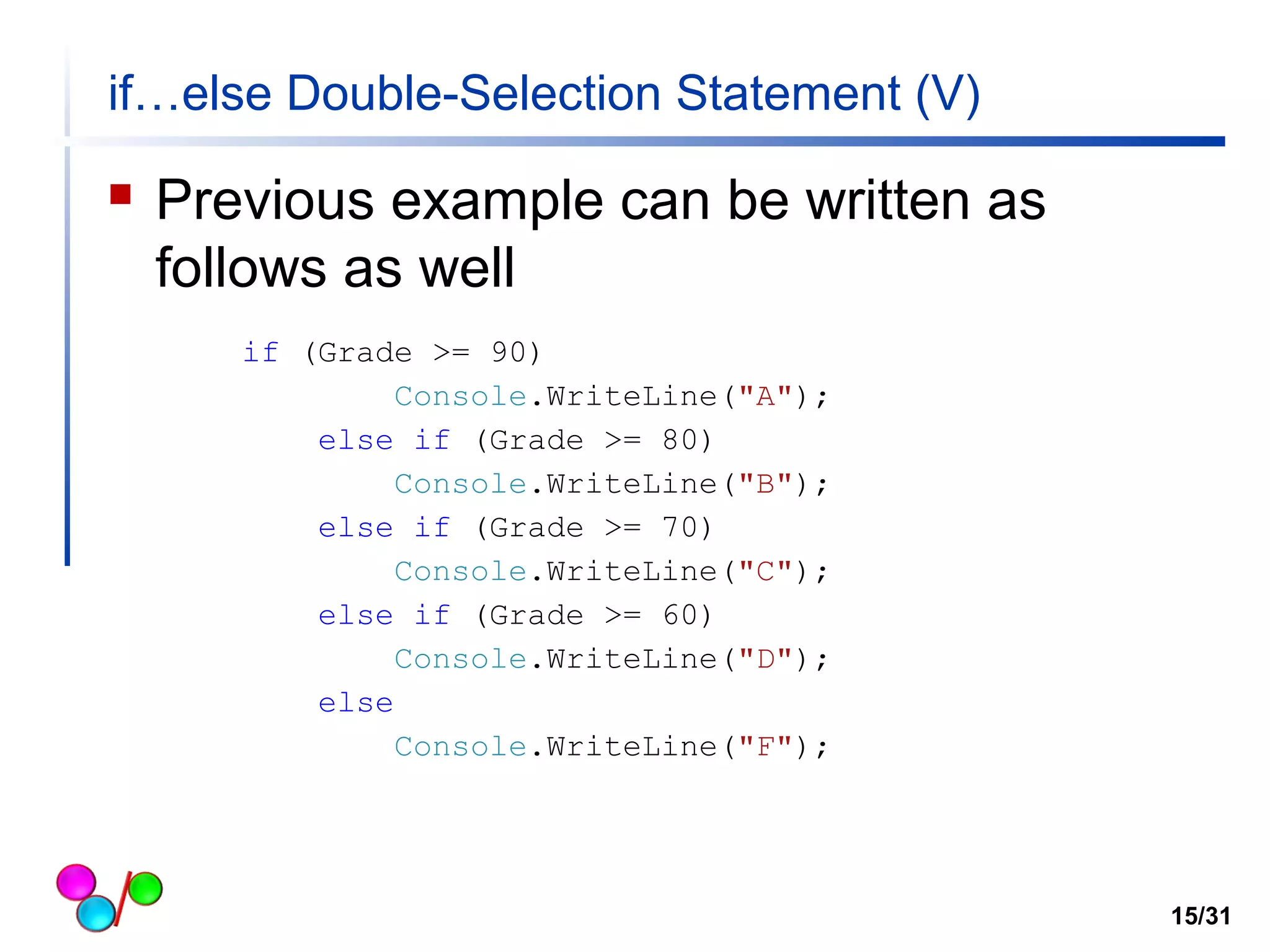
 Previous example can be written as 
follows as well 
15/31 
if (Grade >= 90) 
Console.WriteLine("A"); 
else if (Grade >= 80) 
Console.WriteLine("B"); 
else if (Grade >= 70) 
Console.WriteLine("C"); 
else if (Grade >= 60) 
Console.WriteLine("D"); 
else 
Console.WriteLine("F");
Good Programming Practice 2 
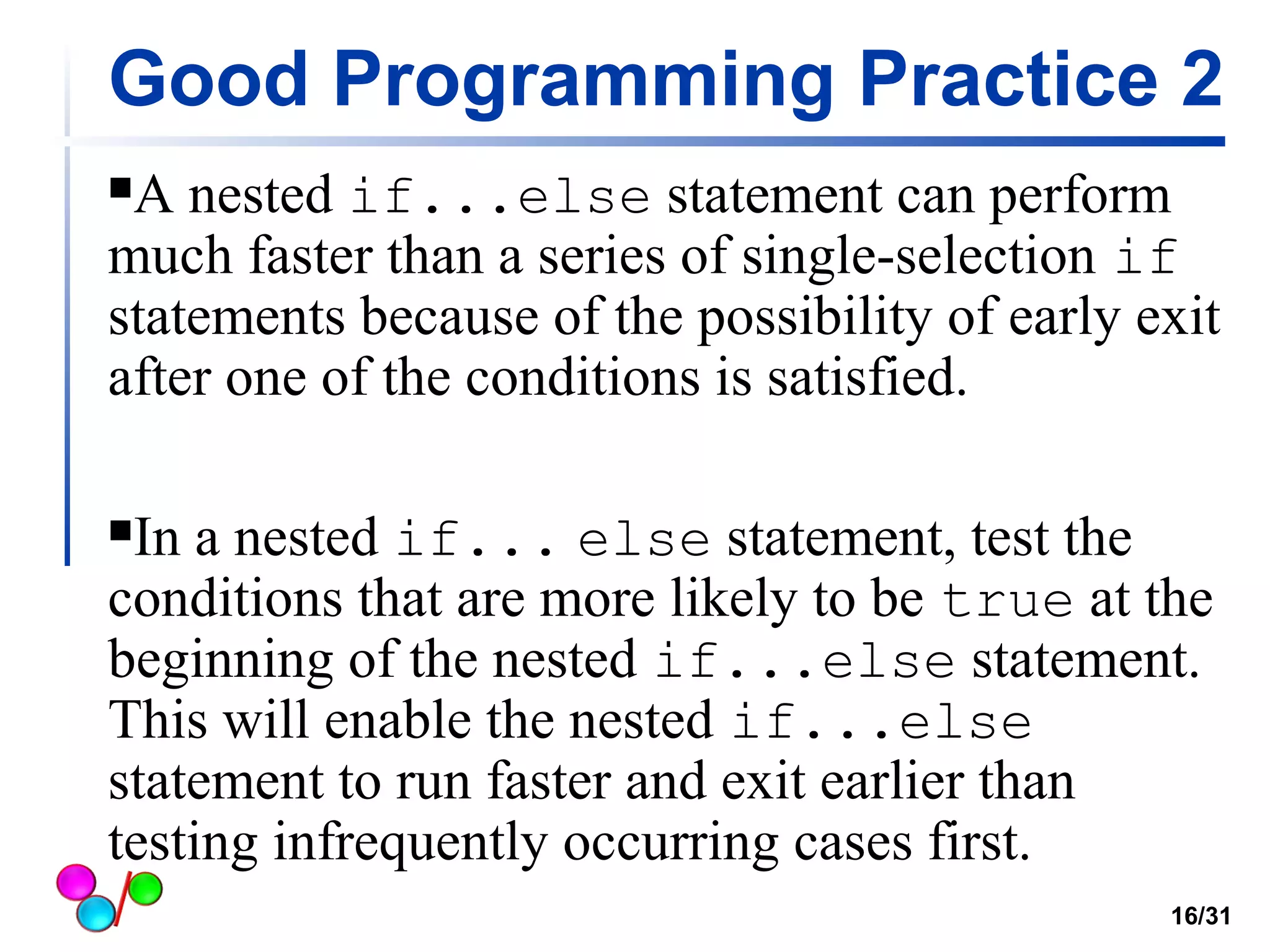
A nested if...else statement can perform 
much faster than a series of single-selection if 
statements because of the possibility of early exit 
after one of the conditions is satisfied. 
In a nested if... else statement, test the 
conditions that are more likely to be true at the 
beginning of the nested if...else statement. 
This will enable the nested if...else 
statement to run faster and exit earlier than 
testing infrequently occurring cases first. 
16/31
if…else double-selection statement (VI) 
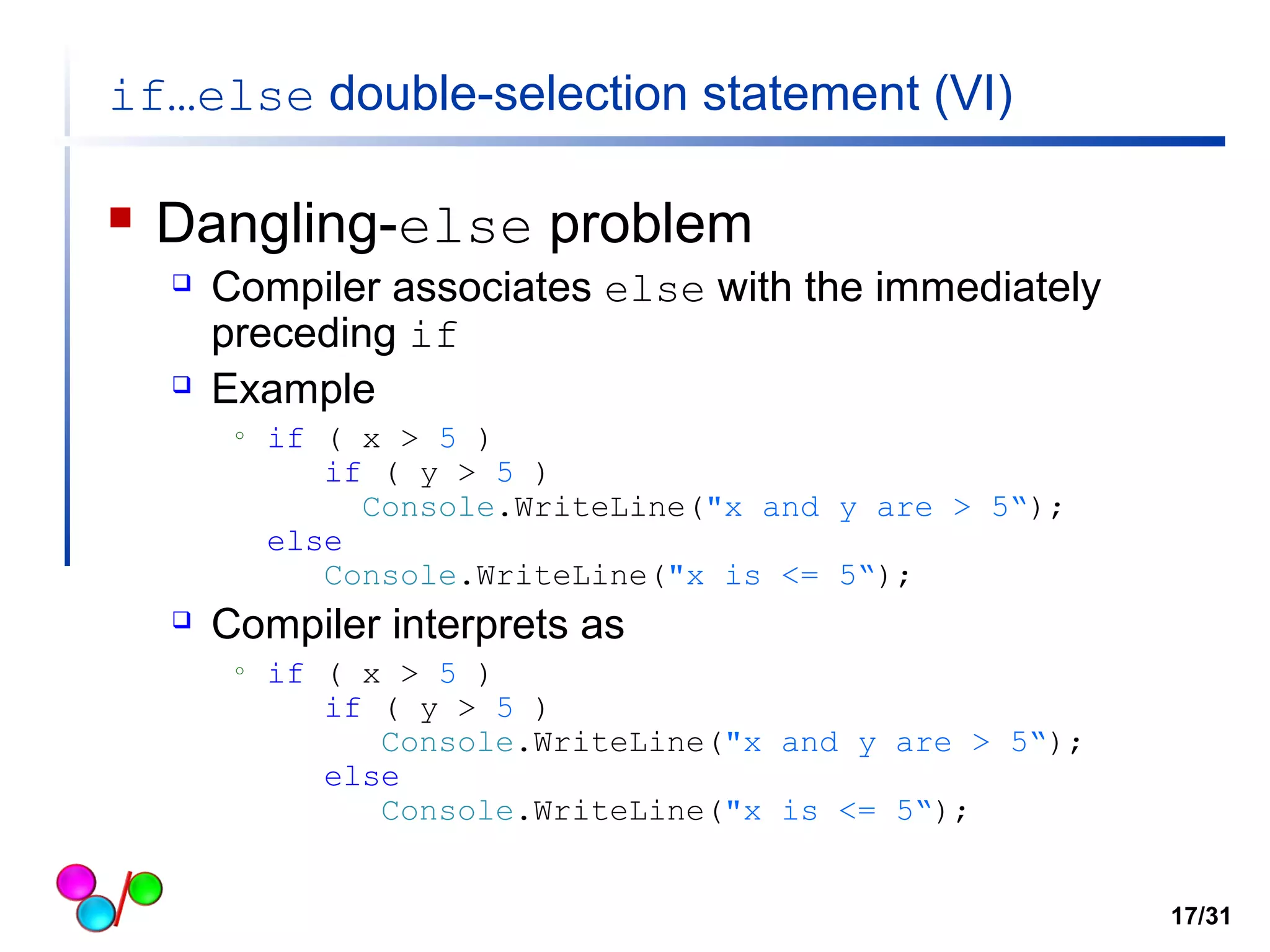
 Dangling-else problem 
 Compiler associates else with the immediately 
preceding if 
 Example 
o if ( x > 5 ) 
if ( y > 5 ) 
Console.WriteLine("x and y are > 5“); 
else 
Console.WriteLine("x is <= 5“); 
 Compiler interprets as 
o if ( x > 5 ) 
if ( y > 5 ) 
Console.WriteLine("x and y are > 5“); 
else 
Console.WriteLine("x is <= 5“); 
17/31
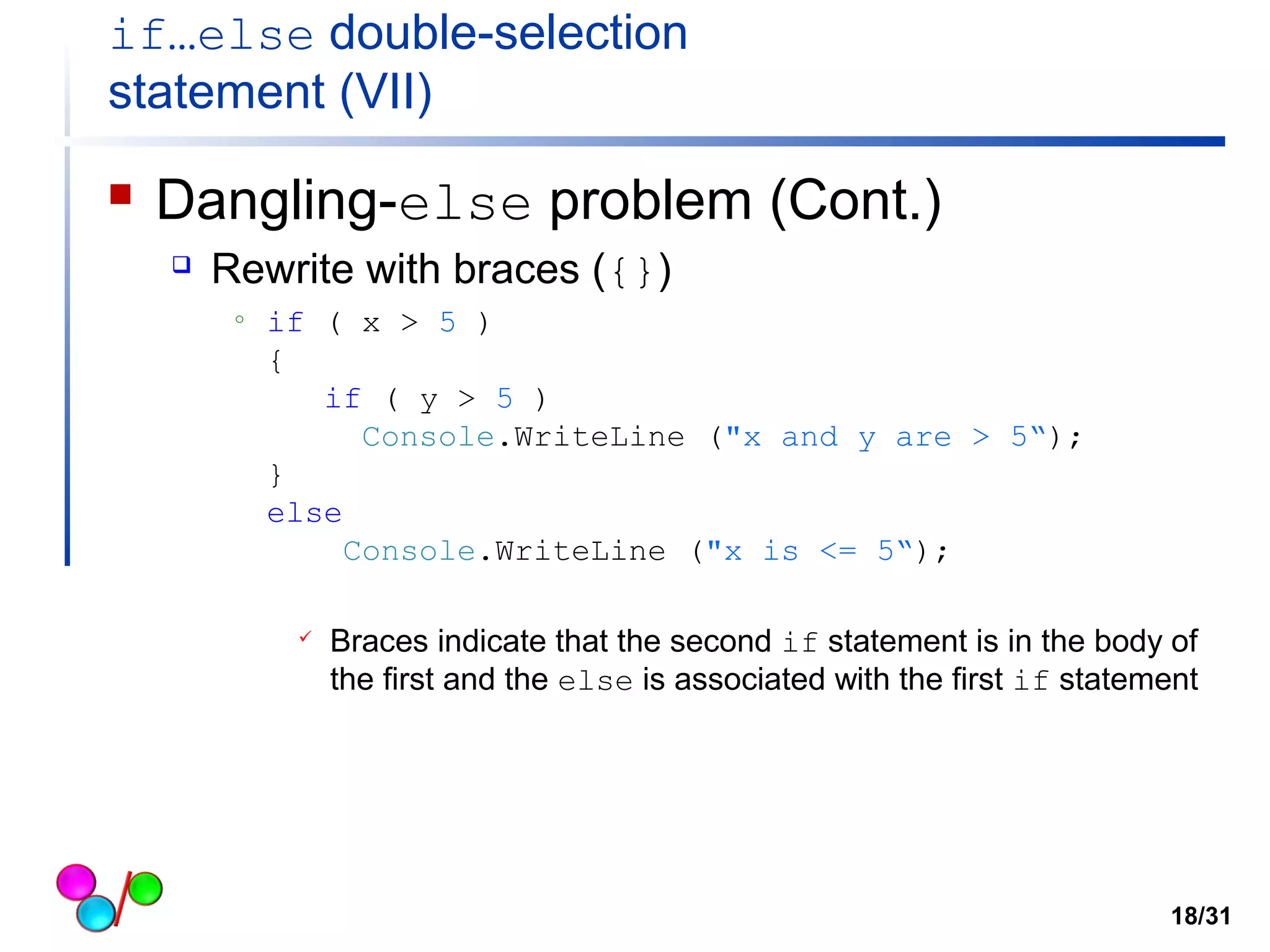
if…else double-selection 
statement (VII) 
 Dangling-else problem (Cont.) 
 Rewrite with braces ({}) 
o if ( x > 5 ) 
{ 
if ( y > 5 ) 
Console.WriteLine ("x and y are > 5“); 
} 
else 
Console.WriteLine ("x is <= 5“); 
 Braces indicate that the second if statement is in the body of 
the first and the else is associated with the first if statement 
18/31
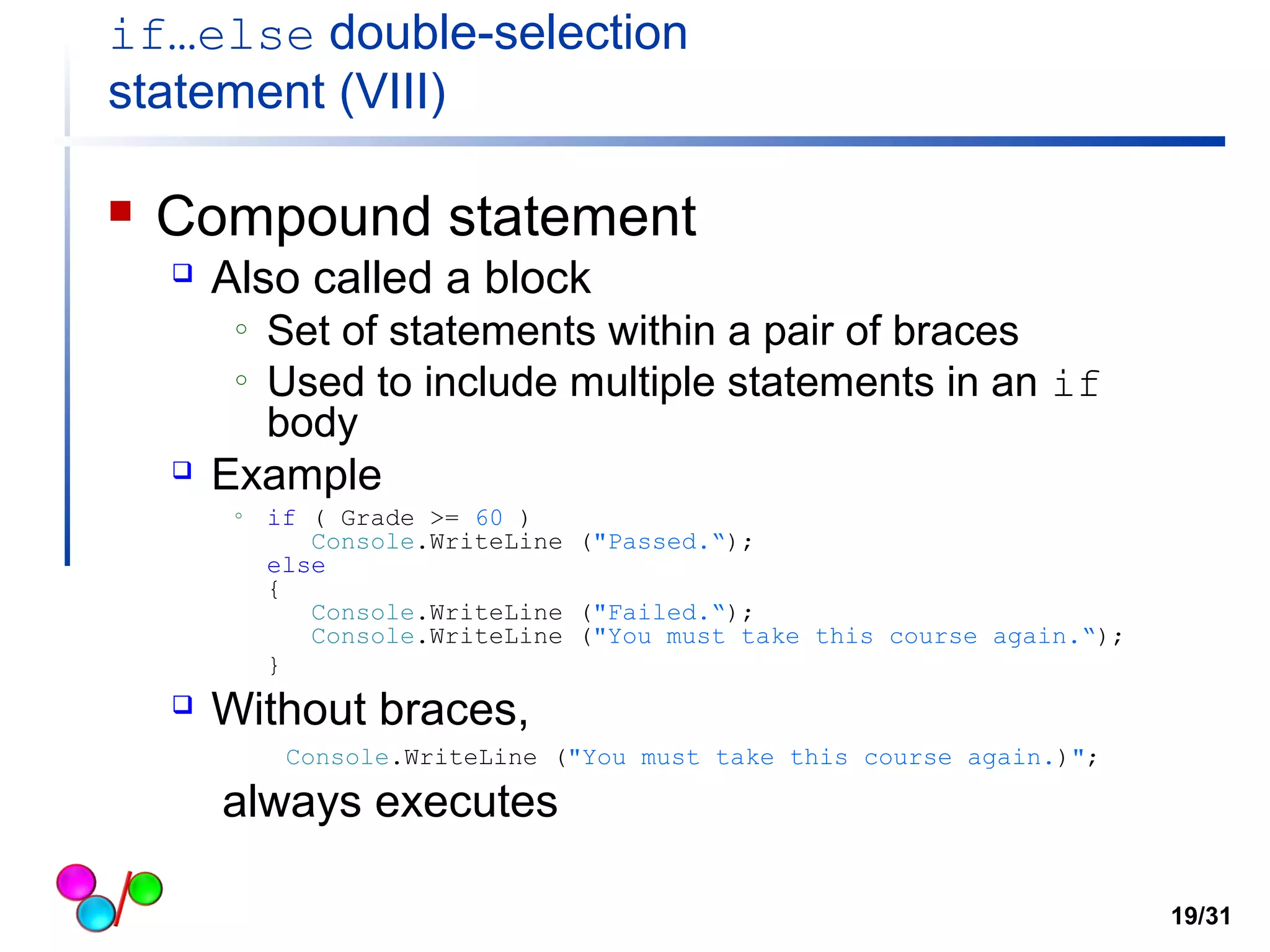
if…else double-selection 
statement (VIII) 
 Compound statement 
 Also called a block 
o Set of statements within a pair of braces 
o Used to include multiple statements in an if 
body 
 Example 
o if ( Grade >= 60 ) 
Console.WriteLine ("Passed.“); 
else 
{ 
Console.WriteLine ("Failed.“); 
Console.WriteLine ("You must take this course again.“); 
} 
 Without braces, 
Console.WriteLine ("You must take this course again.)"; 
always executes 
19/31
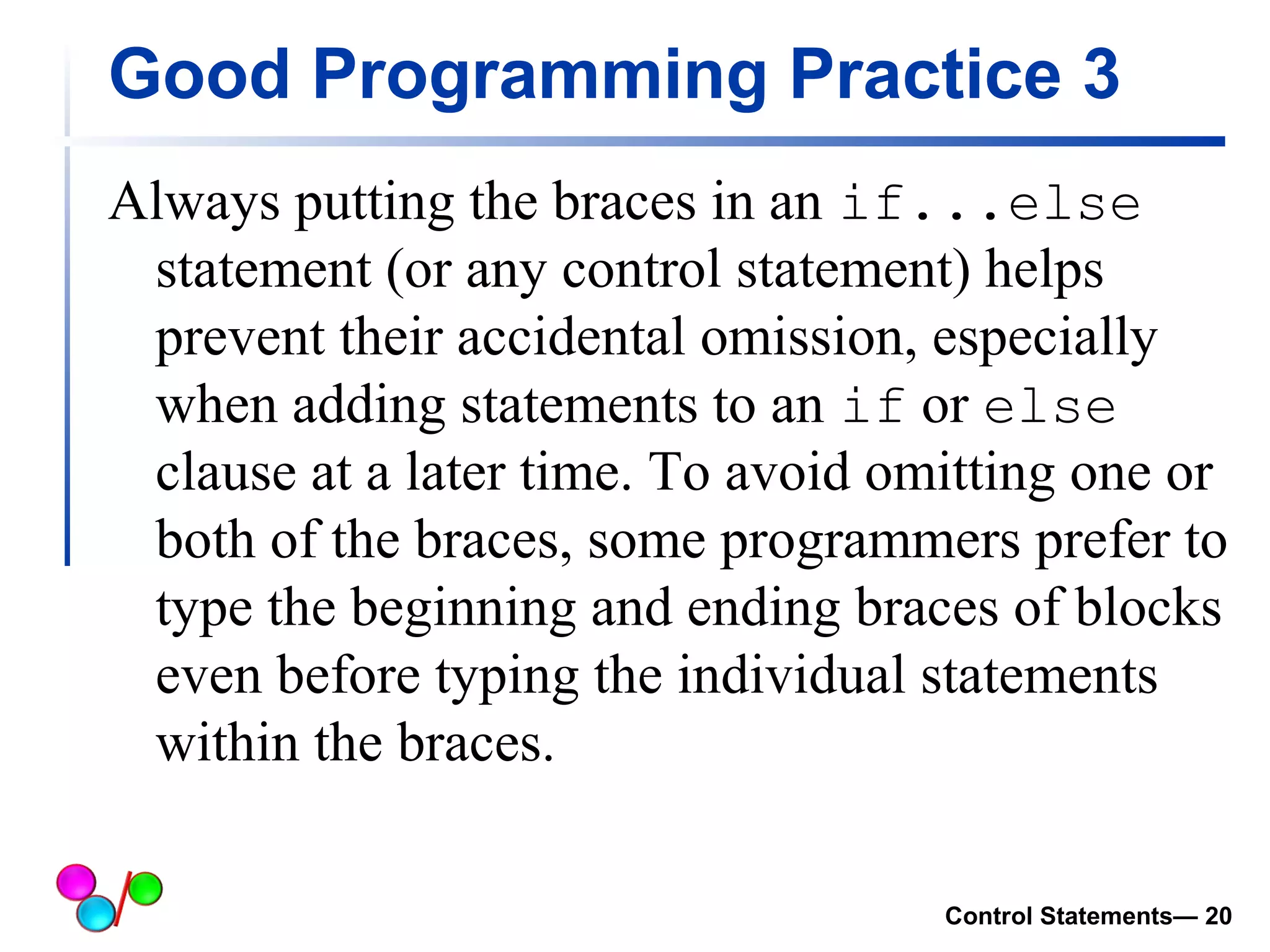
Good Programming Practice 3 
Always putting the braces in an if...else 
statement (or any control statement) helps 
prevent their accidental omission, especially 
when adding statements to an if or else 
clause at a later time. To avoid omitting one or 
both of the braces, some programmers prefer to 
type the beginning and ending braces of blocks 
even before typing the individual statements 
within the braces. 
Control Statements— 20
Switch Statement 
Control Statements— 21
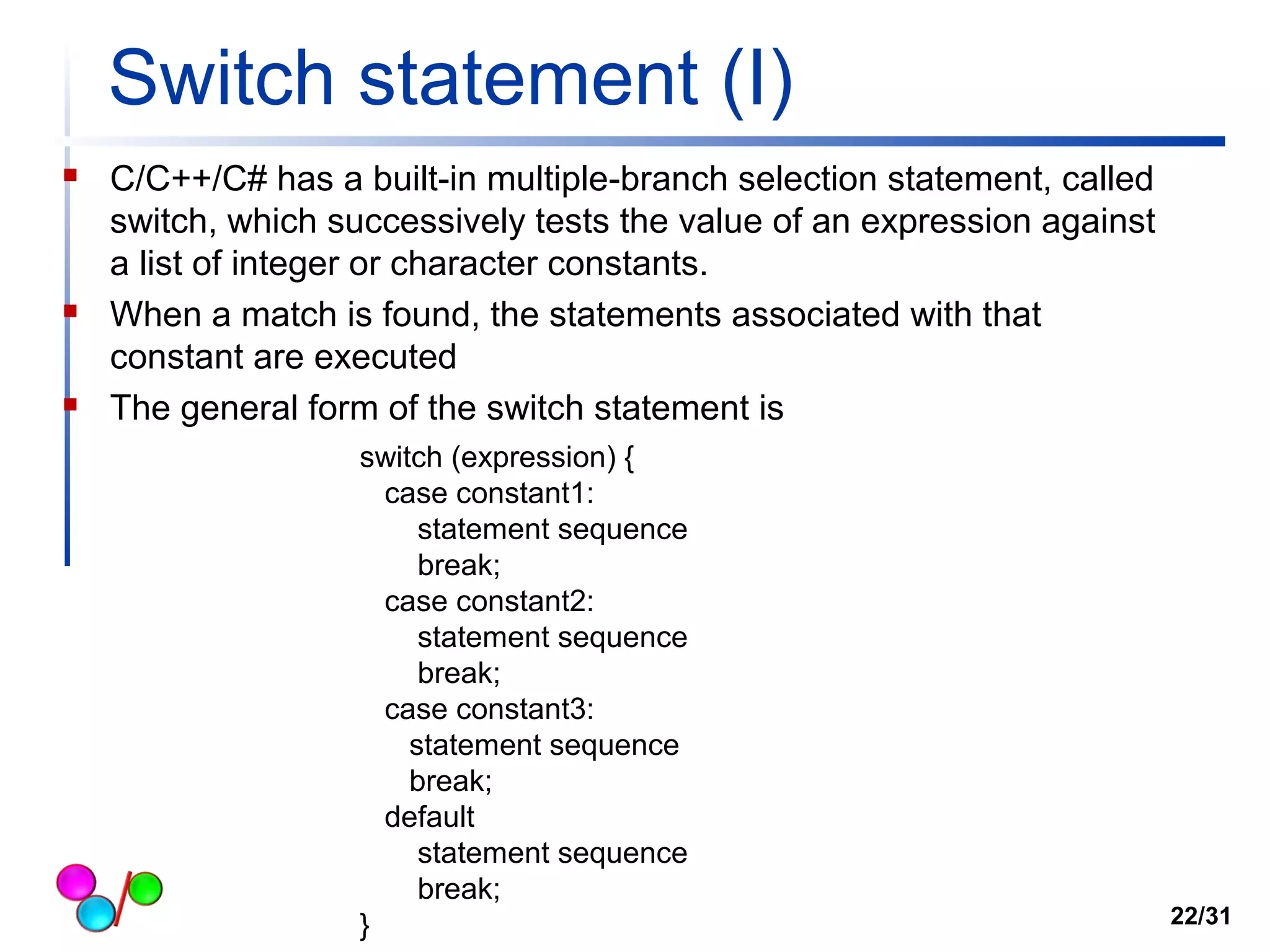
Switch statement (I) 
 C/C++/C# has a built-in multiple-branch selection statement, called 
switch, which successively tests the value of an expression against 
a list of integer or character constants. 
 When a match is found, the statements associated with that 
constant are executed 
 The general form of the switch statement is 
switch (expression) { 
case constant1: 
statement sequence 
break; 
case constant2: 
statement sequence 
break; 
case constant3: 
statement sequence 
break; 
default 
statement sequence 
break; 
} 22/31
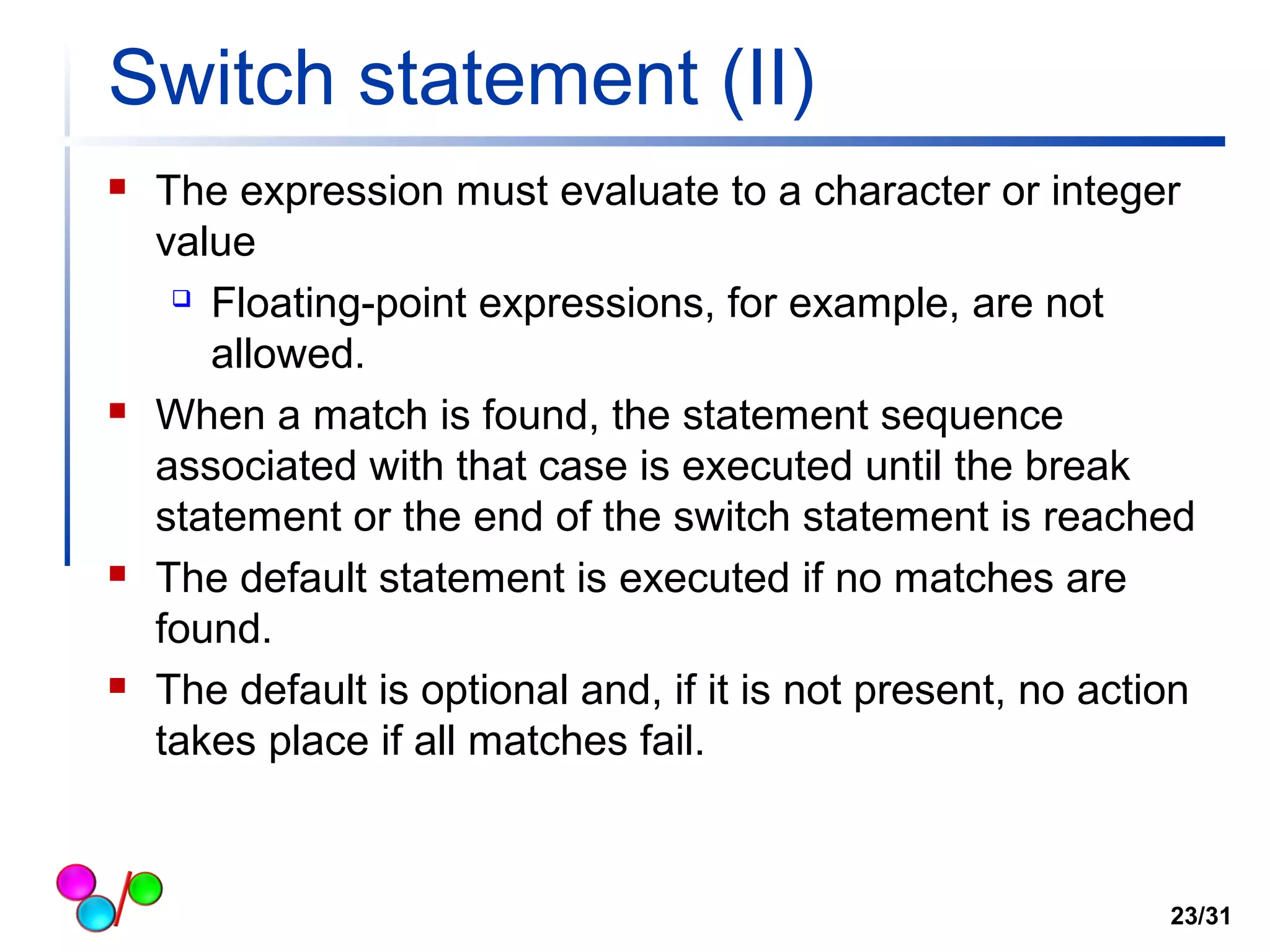
Switch statement (II) 
 The expression must evaluate to a character or integer 
value 
 Floating-point expressions, for example, are not 
allowed. 
 When a match is found, the statement sequence 
associated with that case is executed until the break 
statement or the end of the switch statement is reached 
 The default statement is executed if no matches are 
found. 
 The default is optional and, if it is not present, no action 
takes place if all matches fail. 
23/31
Switch statement (III) 
// switch statement example 
using System; 
class Conditional_logical 
{ 
static void Main( string[] args ) 
{ 
int num; 
Console.Write("Enter a number between 0 to 4: "); 
num = Int32.Parse(Console.ReadLine()); 
switch(num) { 
case 1: 
Console.WriteLine("You enterd number 1"); 
break; 
case 2: 
Console.WriteLine("You entered number 2"); 
break; 
case 3: 
Console.WriteLine("You enterd number 3"); 
break; 
default: 
Console.WriteLine("Either your number is less than 1 or bigger than 3"); 
break; 
} 
}// end method Main 
} // end class 
24/31 
Prompt user 
Read user’s number and convert it to int 
Switch based on num 
You must have break after each case
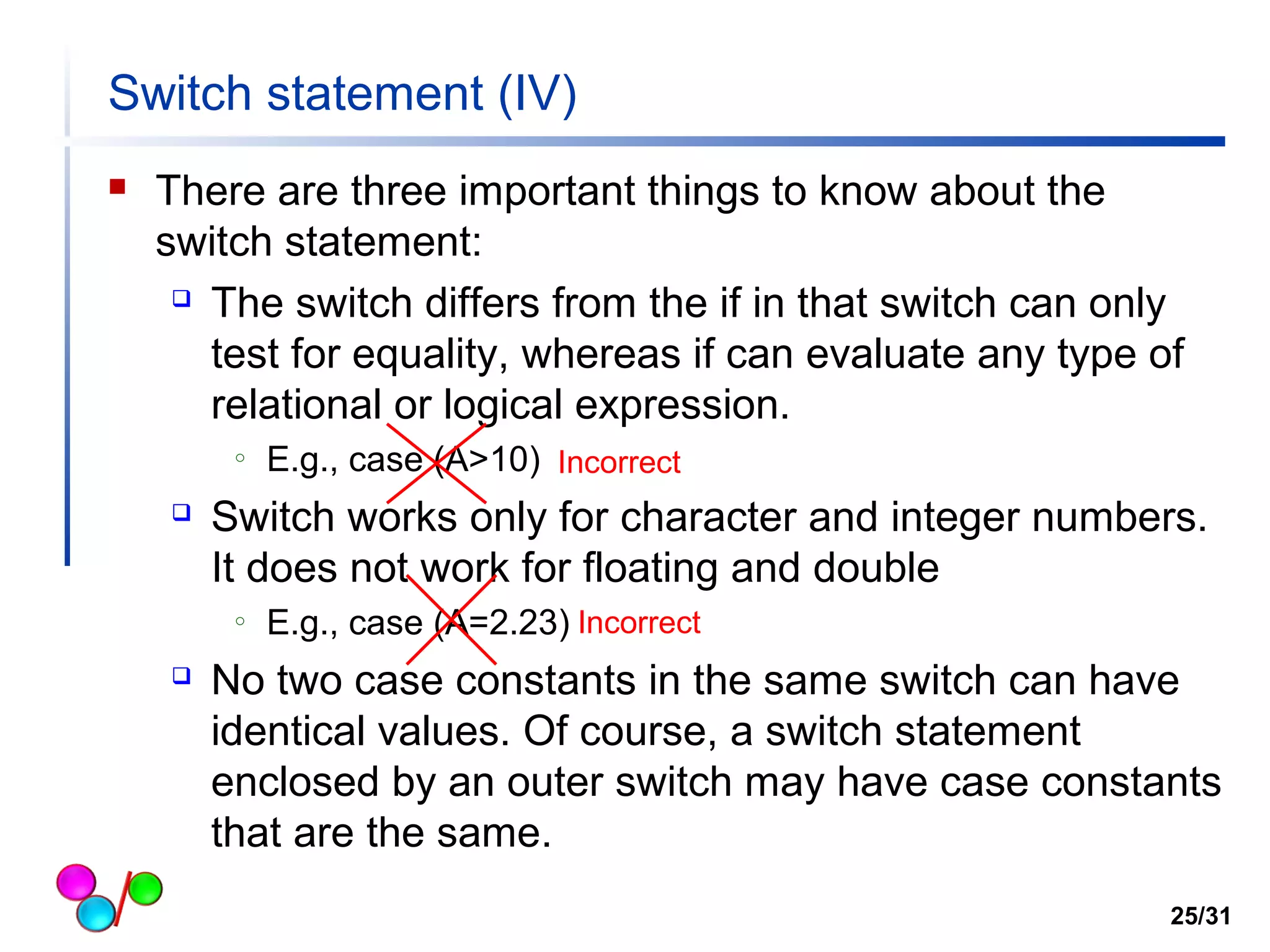
Switch statement (IV) 
 There are three important things to know about the 
switch statement: 
 The switch differs from the if in that switch can only 
test for equality, whereas if can evaluate any type of 
relational or logical expression. 
o E.g., case (A>10) 
Incorrect 
 Switch works only for character and integer numbers. 
It does not work for floating and double 
o E.g., case (A=2.23) 
Incorrect 
 No two case constants in the same switch can have 
identical values. Of course, a switch statement 
enclosed by an outer switch may have case constants 
that are the same. 
25/31
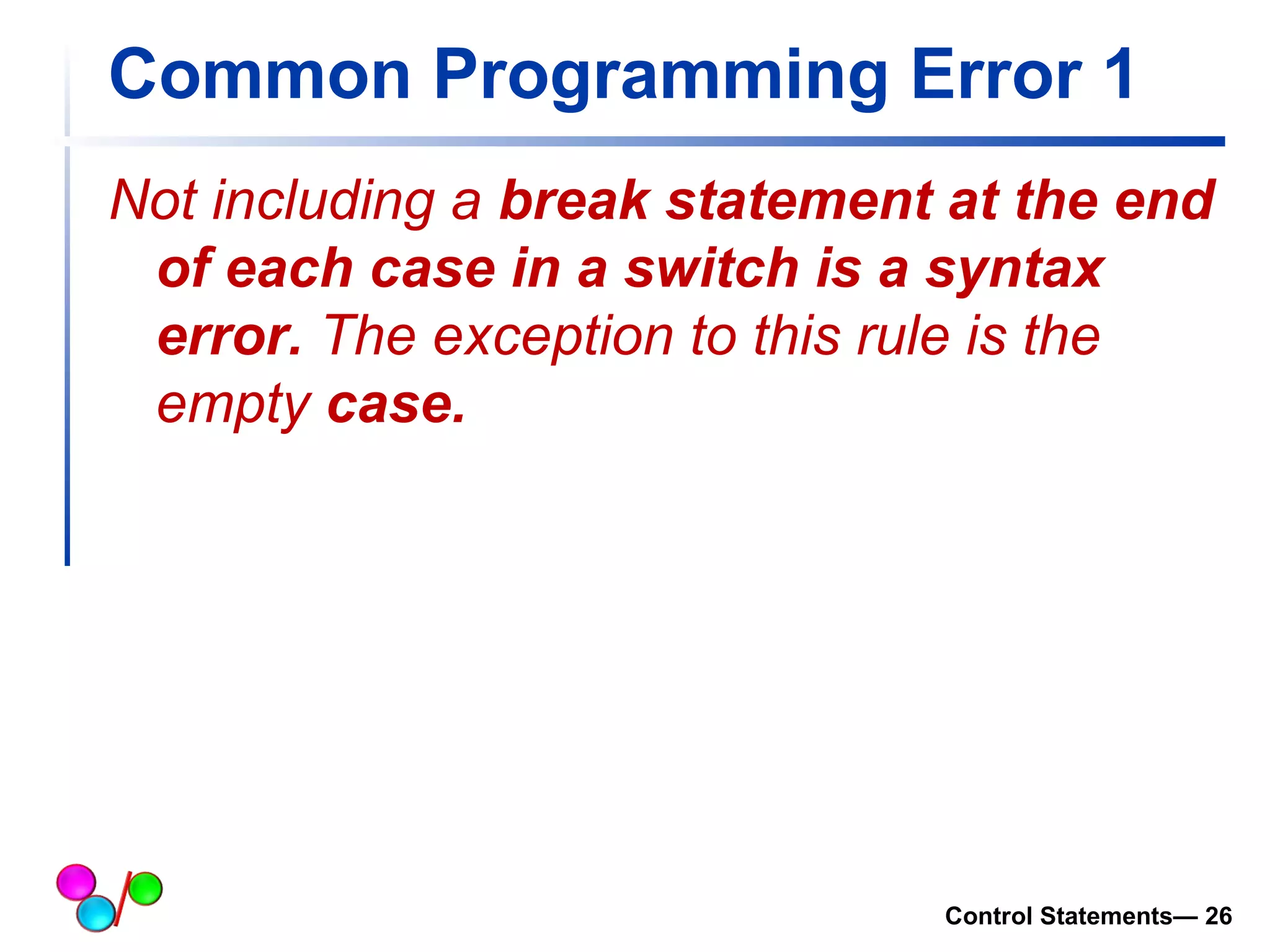
Common Programming Error 1 
Not including a break statement at the end 
of each case in a switch is a syntax 
error. The exception to this rule is the 
empty case. 
Control Statements— 26
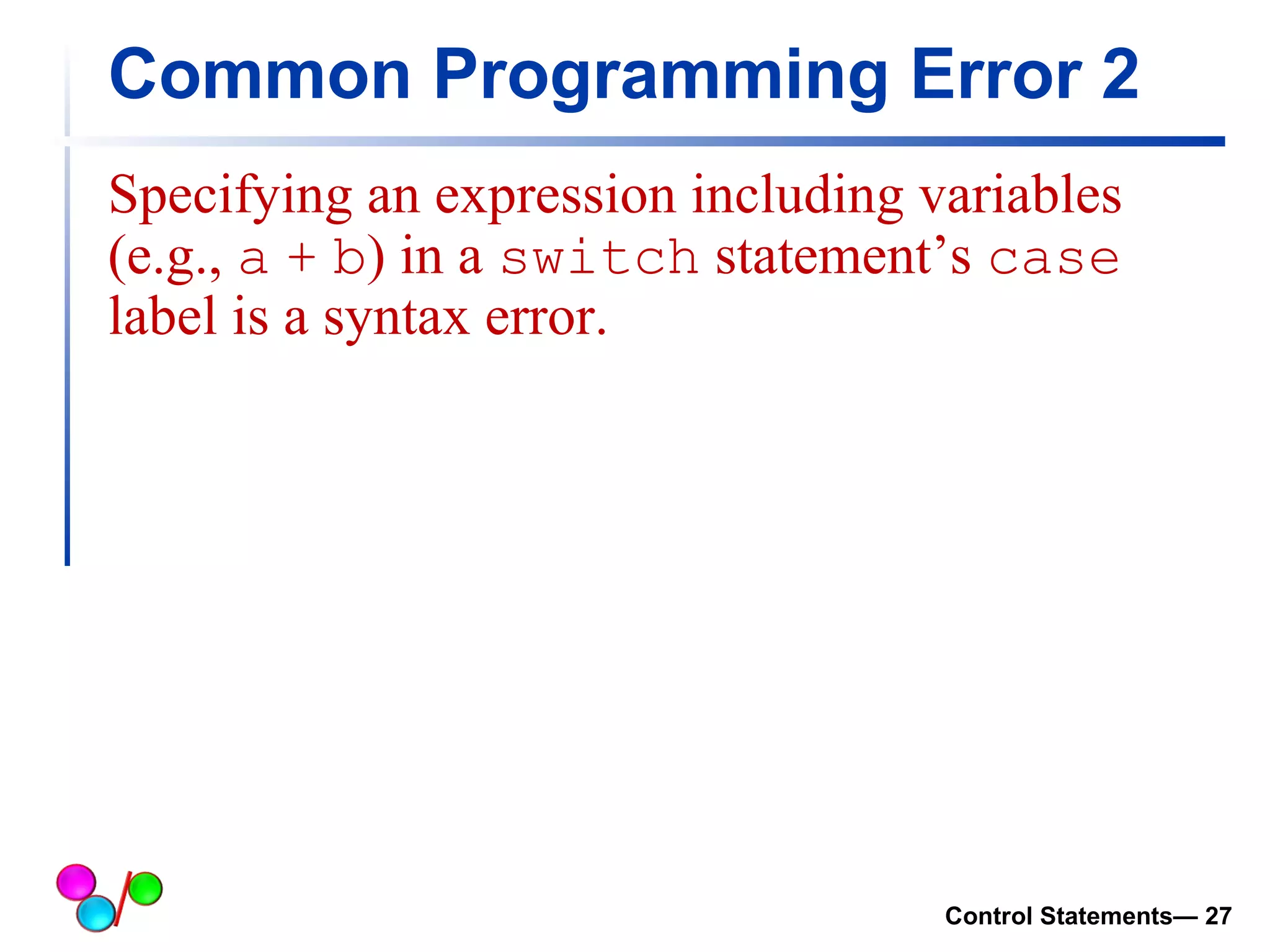
Common Programming Error 2 
Specifying an expression including variables 
(e.g., a + b) in a switch statement’s case 
label is a syntax error. 
Control Statements— 27
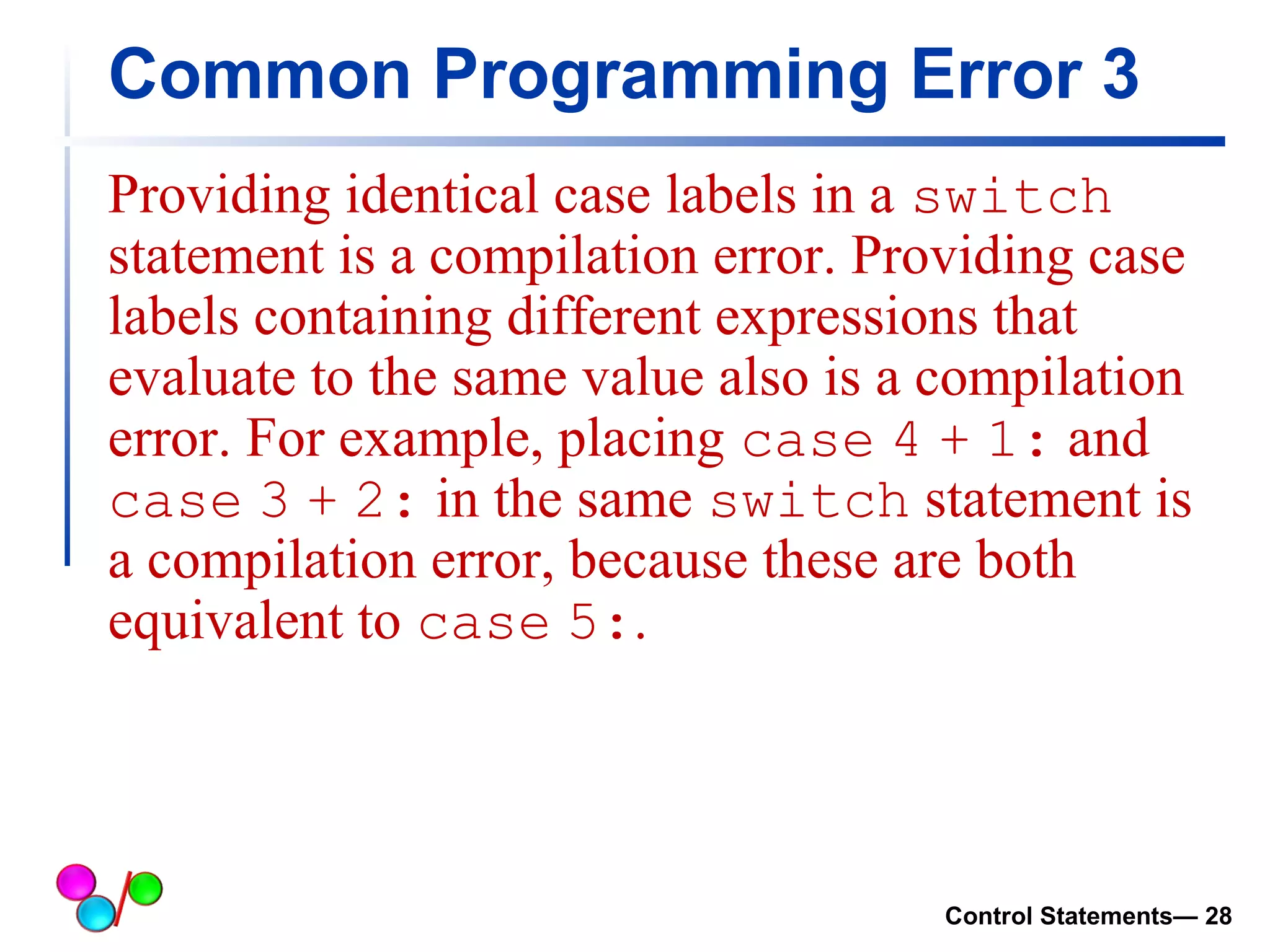
Common Programming Error 3 
Providing identical case labels in a switch 
statement is a compilation error. Providing case 
labels containing different expressions that 
evaluate to the same value also is a compilation 
error. For example, placing case 4 + 1: and 
case 3 + 2: in the same switch statement is 
a compilation error, because these are both 
equivalent to case 5:. 
Control Statements— 28
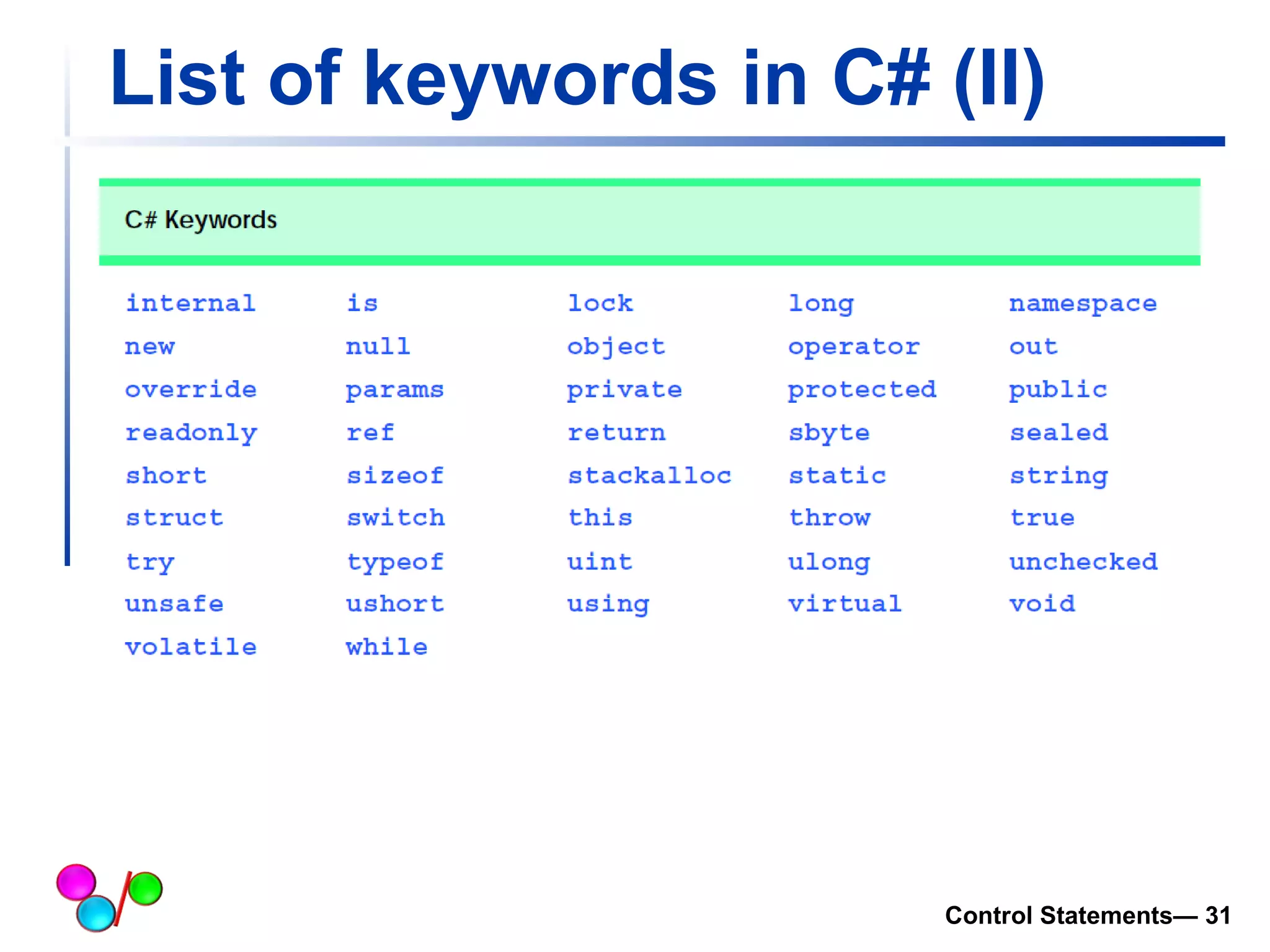
List of keywords in C# 
Control Statements— 29
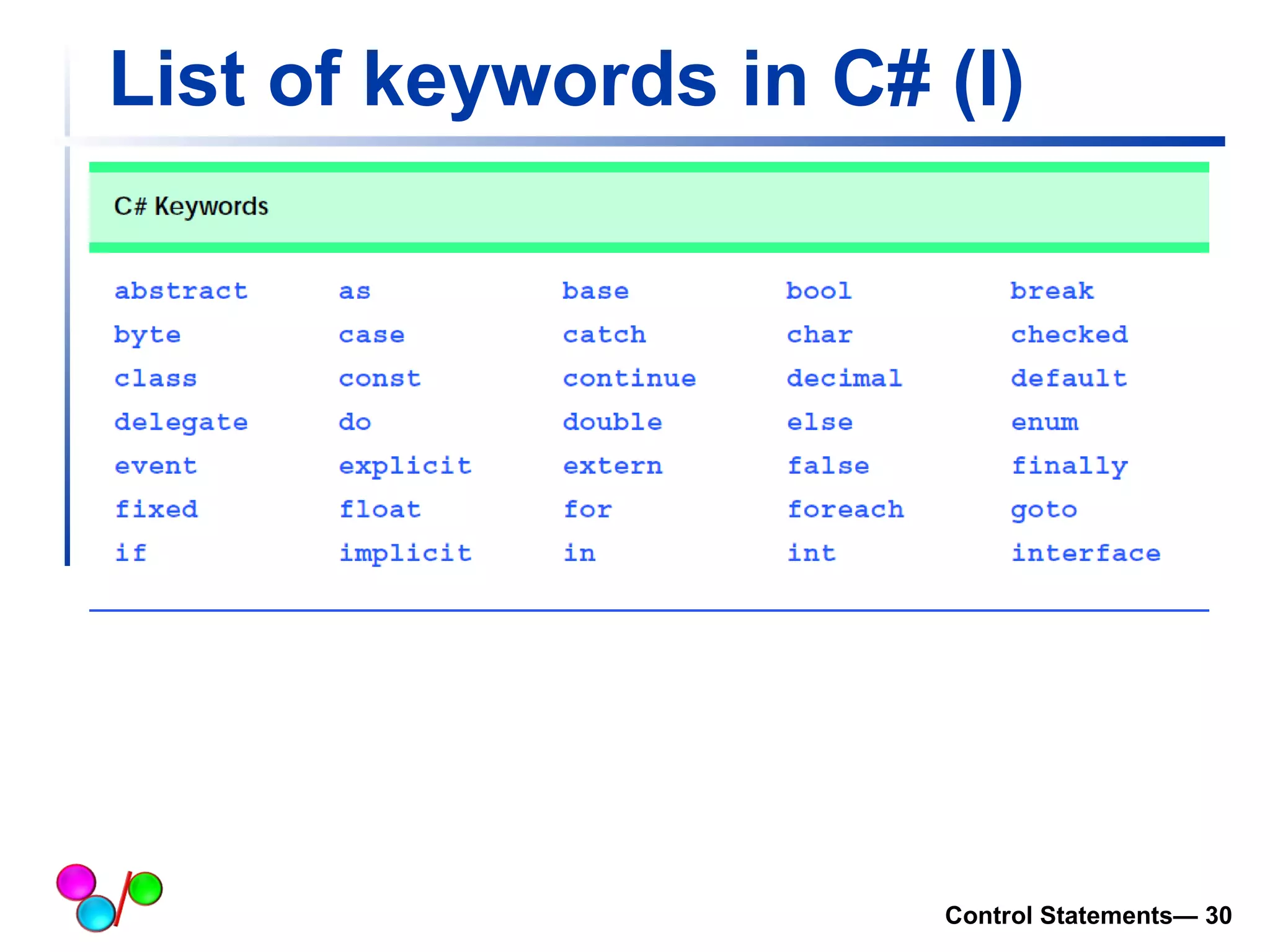
List of keywords in C# (I) 
Control Statements— 30
List of keywords in C# (II) 
Control Statements— 31

Lecture 3

  • 1.
    Control Statements (1) Lecture 3 Dr. Hakem Beitollahi Computer Engineering Department Soran University
  • 2.
    Objectives of thislecture  In this chapter you will learn:  Algorithms  Pseudocode  Control Structures if Selection Structure if/else Selection Structure  switch statement  List of keywords in C# Control Statements— 2
  • 3.
    Algorithms  Anycomputing problem can be solved by executing a series of actions in a specific order.  Two important items:  The actions to be executed and  The order in which these actions are to be executed.  Example: rise-and-shine algorithm  One junior executive for getting out of bed and going to work 1. get out of bed 2. take off pajamas 3. take a shower 4. get dressed 5. eat breakfast 6. carpool to work Control Statements— 3
  • 4.
    Pseudocode  Pseudocodeis an artificial and informal language that helps programmers develop algorithms.  Pseudocode is similar to everyday English; it is convenient and user-friendly  it is not an actual computer programming language  Pseudocode is not executed on computers.  pseudocode helps the programmer “think out” a program before attempting to write it in a programming language Control Statements— 4
  • 5.
  • 6.
    Control Statements Three control structures  Sequence structure o Programs executed sequentially by default  Selection structures o if, if…else, switch  Repetition structures o while, do…while, for Control Statements— 6
  • 7.
    if Selection Statement(I)  Selection statements  Choose among alternative courses of action  Pseudocode example o If (student’s grade is greater than or equal to 60) Print “Passed”  If the condition is true  Print statement executes, program continues to next statement  If the condition is false  Print statement ignored, program continues  Indenting makes programs easier to read  C# ignores white-space characters 7/31
  • 8.
    if Selection Statement(II)  Example: if ( grade >= 60 ) Console.WriteLine("Passed“); grade >= 60 False True Console.WriteLine (“passed” 8/31
  • 9.
    Good Programming Practice1  Indent both body statements of an if/else structure. Control Statements— 9
  • 10.
    if…else Double-Selection Statement(I)  if  Performs action if condition true  if…else  Performs one action if condition is true, a different action if it is false  C# code  if ( grade >= 60 ) Console.WriteLine("Passed“); else Console.WriteLine("Failed“); 10/31
  • 11.
    if…else Double-Selection Statement(II)  If-else flowchart Expression true false Action1 Action2 11/31
  • 12.
    if…else Double-Selection Statement(III) Ternary conditional operator (?:)  Three arguments (condition, value if true, value if false) Code could be written: Console.WriteLine(studentGrade >= 60 ? "Passed" : "Failed"); Condition If(studentGr ade >= 60) Value if true Console.writeline (“passed”) Value if false Console.writel ine(“faild”) 12/31
  • 13.
    If…else (example) //Control Statement example via random generation using System; class Conditional_logical { static void Main( string[] args ) { int magic; /* magic number */ string guess_str; /* user's guess string*/ int guess; /* user's guess */ Random randomObject = new Random(); magic = randomObject.Next(100); //this code generates a magic number between 0 to 100 */ Console.Write("Guess the magic number: "); guess_str = Console.ReadLine(); guess = Int32.Parse(guess_str); Console.WriteLine("Computer's guess is: " + magic); if (guess == magic) Console.WriteLine("** Right **"); else Console.WriteLine("** Wrong **"); }// end method Main } // end class 13/31 Define a randomObject Next method: generate a random number between 0 to 100 if-else statement
  • 14.
    if…else Double-Selection Statement(IV)  Nested if…else statements  One inside another, test for multiple cases  Once a condition met, other statements are skipped  Example o if ( Grade >= 90 ) Console.Write(“A“); else if (Grade >= 80 ) Console.Write("B“); else if (Grade >= 70 ) Console.Write("C“); else if ( Grade >= 60 ) Console.Write("D“); else Console.Write("F“); 14/31
  • 15.
    if…else Double-Selection Statement(V)  Previous example can be written as follows as well 15/31 if (Grade >= 90) Console.WriteLine("A"); else if (Grade >= 80) Console.WriteLine("B"); else if (Grade >= 70) Console.WriteLine("C"); else if (Grade >= 60) Console.WriteLine("D"); else Console.WriteLine("F");
  • 16.
    Good Programming Practice2 A nested if...else statement can perform much faster than a series of single-selection if statements because of the possibility of early exit after one of the conditions is satisfied. In a nested if... else statement, test the conditions that are more likely to be true at the beginning of the nested if...else statement. This will enable the nested if...else statement to run faster and exit earlier than testing infrequently occurring cases first. 16/31
  • 17.
    if…else double-selection statement(VI)  Dangling-else problem  Compiler associates else with the immediately preceding if  Example o if ( x > 5 ) if ( y > 5 ) Console.WriteLine("x and y are > 5“); else Console.WriteLine("x is <= 5“);  Compiler interprets as o if ( x > 5 ) if ( y > 5 ) Console.WriteLine("x and y are > 5“); else Console.WriteLine("x is <= 5“); 17/31
  • 18.
    if…else double-selection statement(VII)  Dangling-else problem (Cont.)  Rewrite with braces ({}) o if ( x > 5 ) { if ( y > 5 ) Console.WriteLine ("x and y are > 5“); } else Console.WriteLine ("x is <= 5“);  Braces indicate that the second if statement is in the body of the first and the else is associated with the first if statement 18/31
  • 19.
    if…else double-selection statement(VIII)  Compound statement  Also called a block o Set of statements within a pair of braces o Used to include multiple statements in an if body  Example o if ( Grade >= 60 ) Console.WriteLine ("Passed.“); else { Console.WriteLine ("Failed.“); Console.WriteLine ("You must take this course again.“); }  Without braces, Console.WriteLine ("You must take this course again.)"; always executes 19/31
  • 20.
    Good Programming Practice3 Always putting the braces in an if...else statement (or any control statement) helps prevent their accidental omission, especially when adding statements to an if or else clause at a later time. To avoid omitting one or both of the braces, some programmers prefer to type the beginning and ending braces of blocks even before typing the individual statements within the braces. Control Statements— 20
  • 21.
    Switch Statement ControlStatements— 21
  • 22.
    Switch statement (I)  C/C++/C# has a built-in multiple-branch selection statement, called switch, which successively tests the value of an expression against a list of integer or character constants.  When a match is found, the statements associated with that constant are executed  The general form of the switch statement is switch (expression) { case constant1: statement sequence break; case constant2: statement sequence break; case constant3: statement sequence break; default statement sequence break; } 22/31
  • 23.
    Switch statement (II)  The expression must evaluate to a character or integer value  Floating-point expressions, for example, are not allowed.  When a match is found, the statement sequence associated with that case is executed until the break statement or the end of the switch statement is reached  The default statement is executed if no matches are found.  The default is optional and, if it is not present, no action takes place if all matches fail. 23/31
  • 24.
    Switch statement (III) // switch statement example using System; class Conditional_logical { static void Main( string[] args ) { int num; Console.Write("Enter a number between 0 to 4: "); num = Int32.Parse(Console.ReadLine()); switch(num) { case 1: Console.WriteLine("You enterd number 1"); break; case 2: Console.WriteLine("You entered number 2"); break; case 3: Console.WriteLine("You enterd number 3"); break; default: Console.WriteLine("Either your number is less than 1 or bigger than 3"); break; } }// end method Main } // end class 24/31 Prompt user Read user’s number and convert it to int Switch based on num You must have break after each case
  • 25.
    Switch statement (IV)  There are three important things to know about the switch statement:  The switch differs from the if in that switch can only test for equality, whereas if can evaluate any type of relational or logical expression. o E.g., case (A>10) Incorrect  Switch works only for character and integer numbers. It does not work for floating and double o E.g., case (A=2.23) Incorrect  No two case constants in the same switch can have identical values. Of course, a switch statement enclosed by an outer switch may have case constants that are the same. 25/31
  • 26.
    Common Programming Error1 Not including a break statement at the end of each case in a switch is a syntax error. The exception to this rule is the empty case. Control Statements— 26
  • 27.
    Common Programming Error2 Specifying an expression including variables (e.g., a + b) in a switch statement’s case label is a syntax error. Control Statements— 27
  • 28.
    Common Programming Error3 Providing identical case labels in a switch statement is a compilation error. Providing case labels containing different expressions that evaluate to the same value also is a compilation error. For example, placing case 4 + 1: and case 3 + 2: in the same switch statement is a compilation error, because these are both equivalent to case 5:. Control Statements— 28
  • 29.
    List of keywordsin C# Control Statements— 29
  • 30.
    List of keywordsin C# (I) Control Statements— 30
  • 31.
    List of keywordsin C# (II) Control Statements— 31