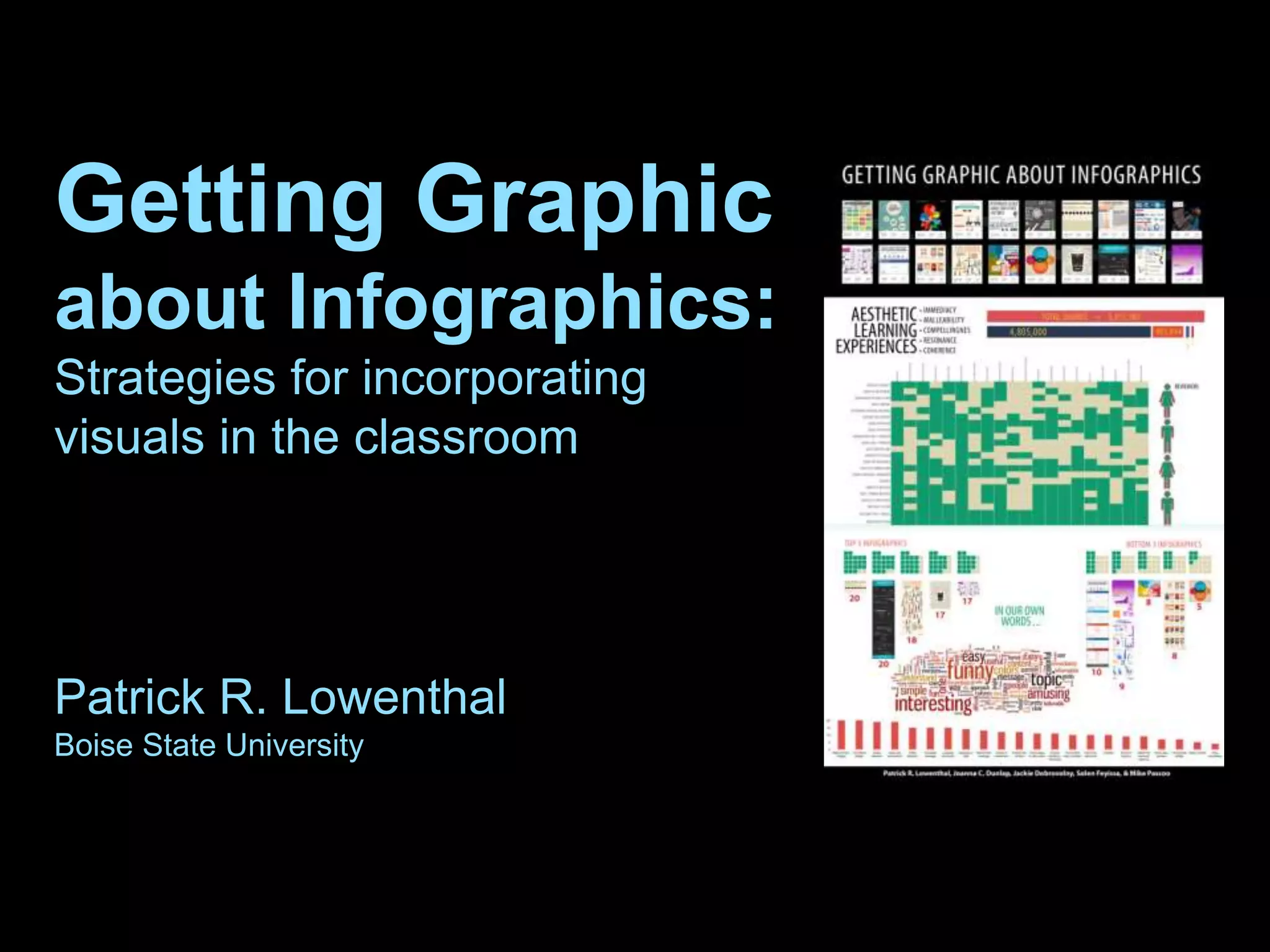





Getting Graphic
about Infographics:
Strategies for incorporating
visuals in the classroom
Patrick R. Lowenthal
Boise State University
ABOUT ME
educator
researcher
designer
developer
patricklowenthal.com
Twitter @plowenthalPatrick Lowenthal
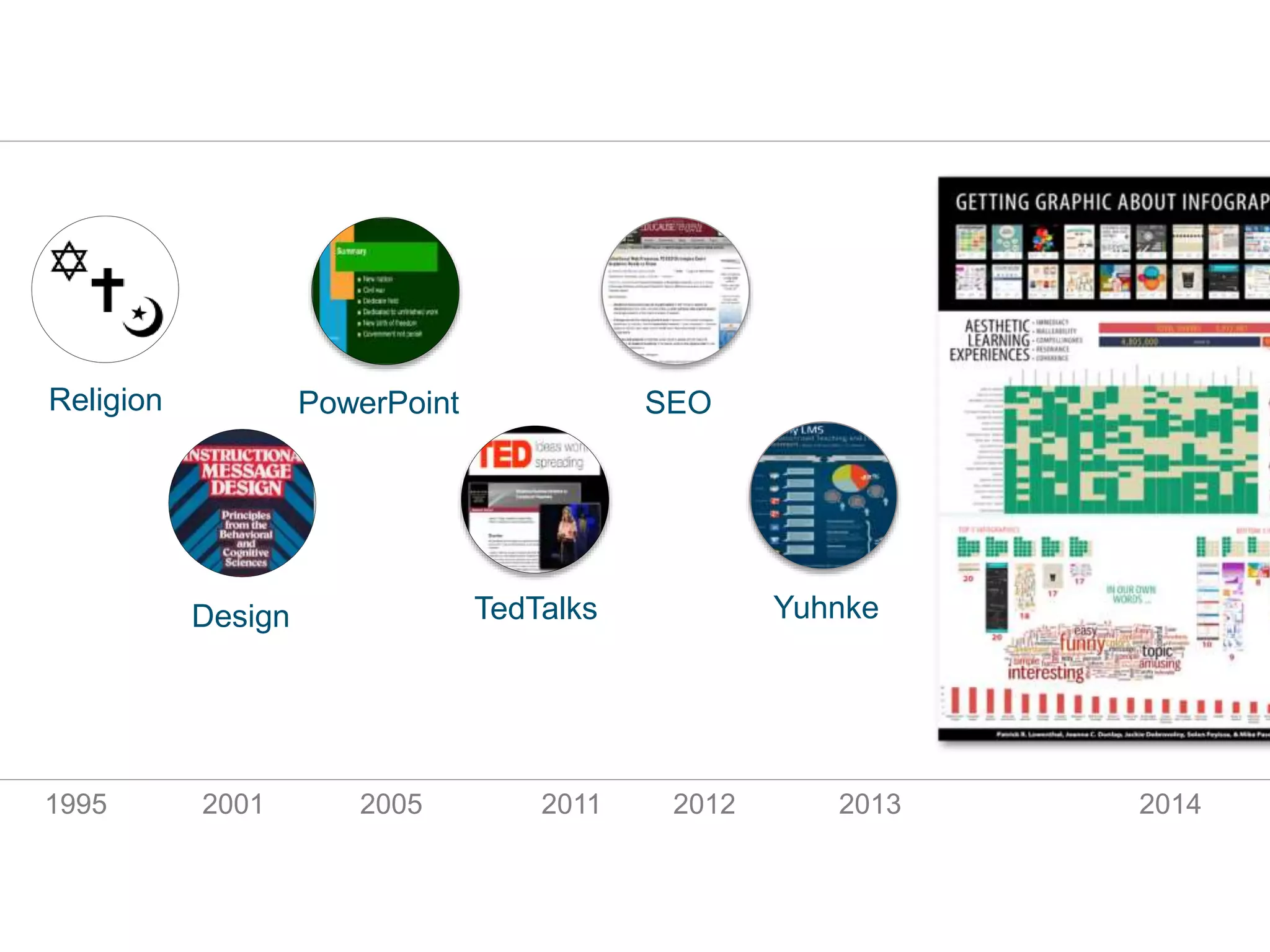
Religion PowerPoint
TedTalks
SEO
YuhnkeDesign
1995 2001 2005 2011 2012 2013 2014
OVERVIEW
Agenda
What Why How
I’m here to get
you excited about
infographics
WHAT’S AN INFOGRAPHIC?
Definitions…
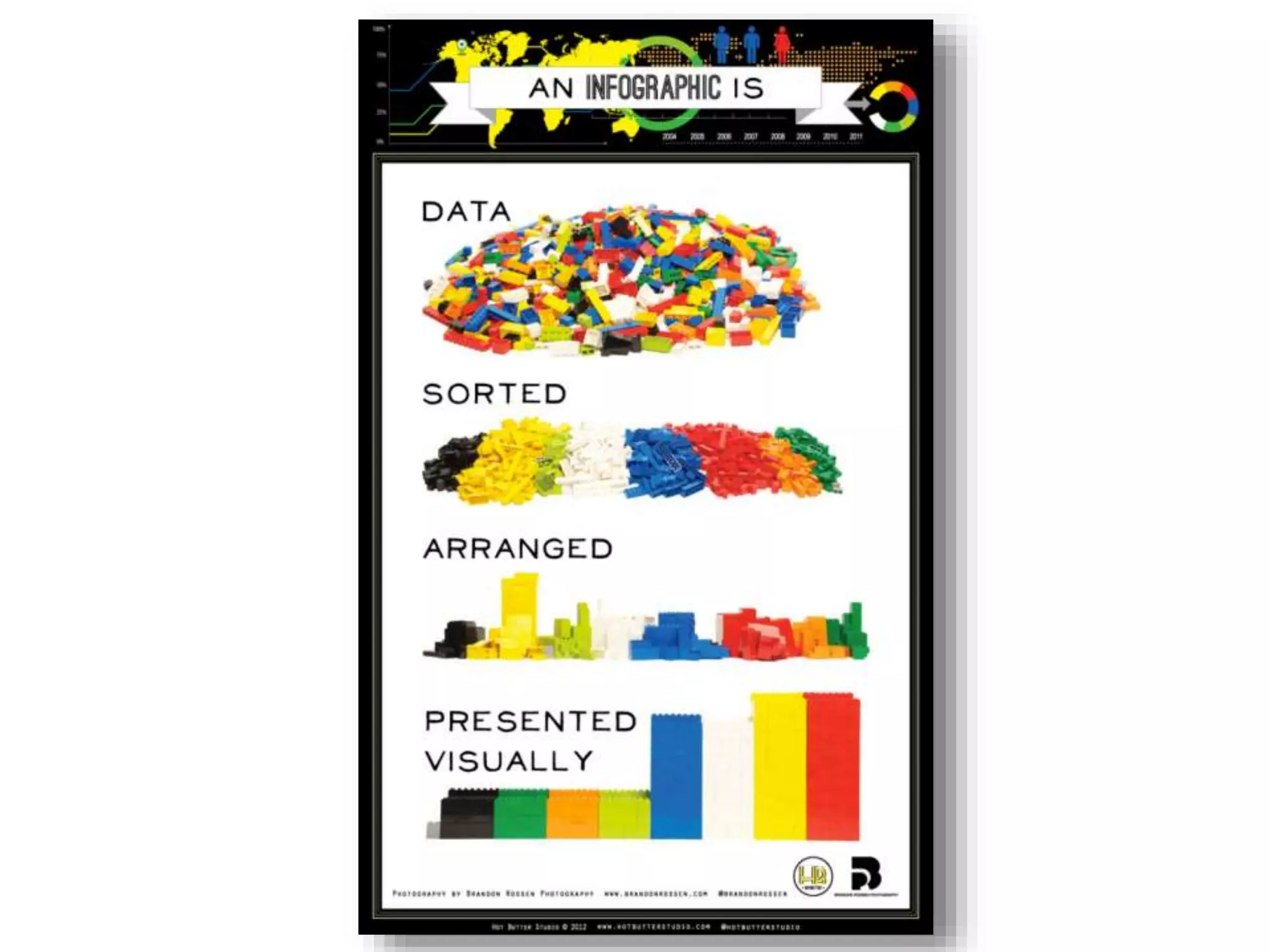
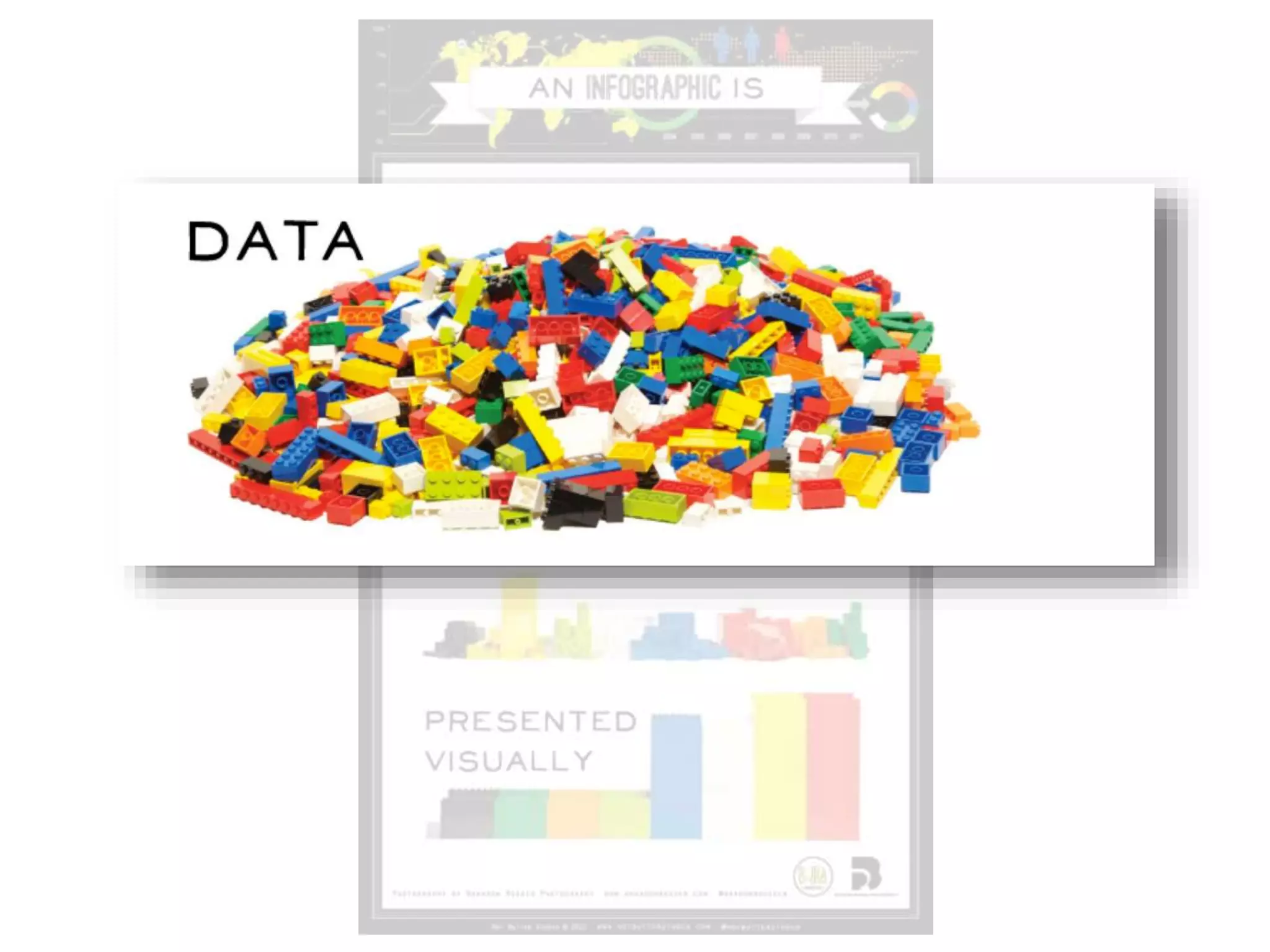
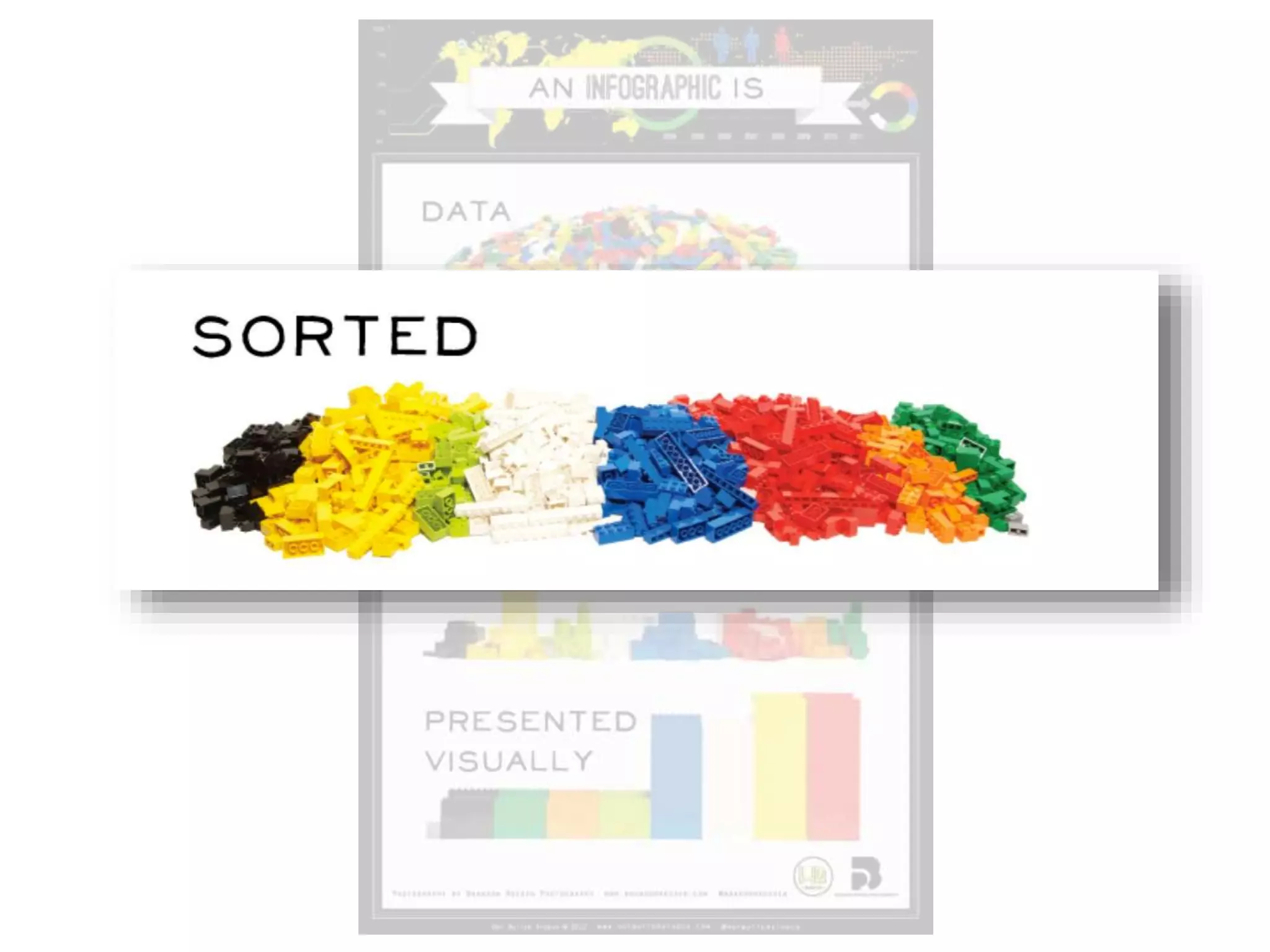
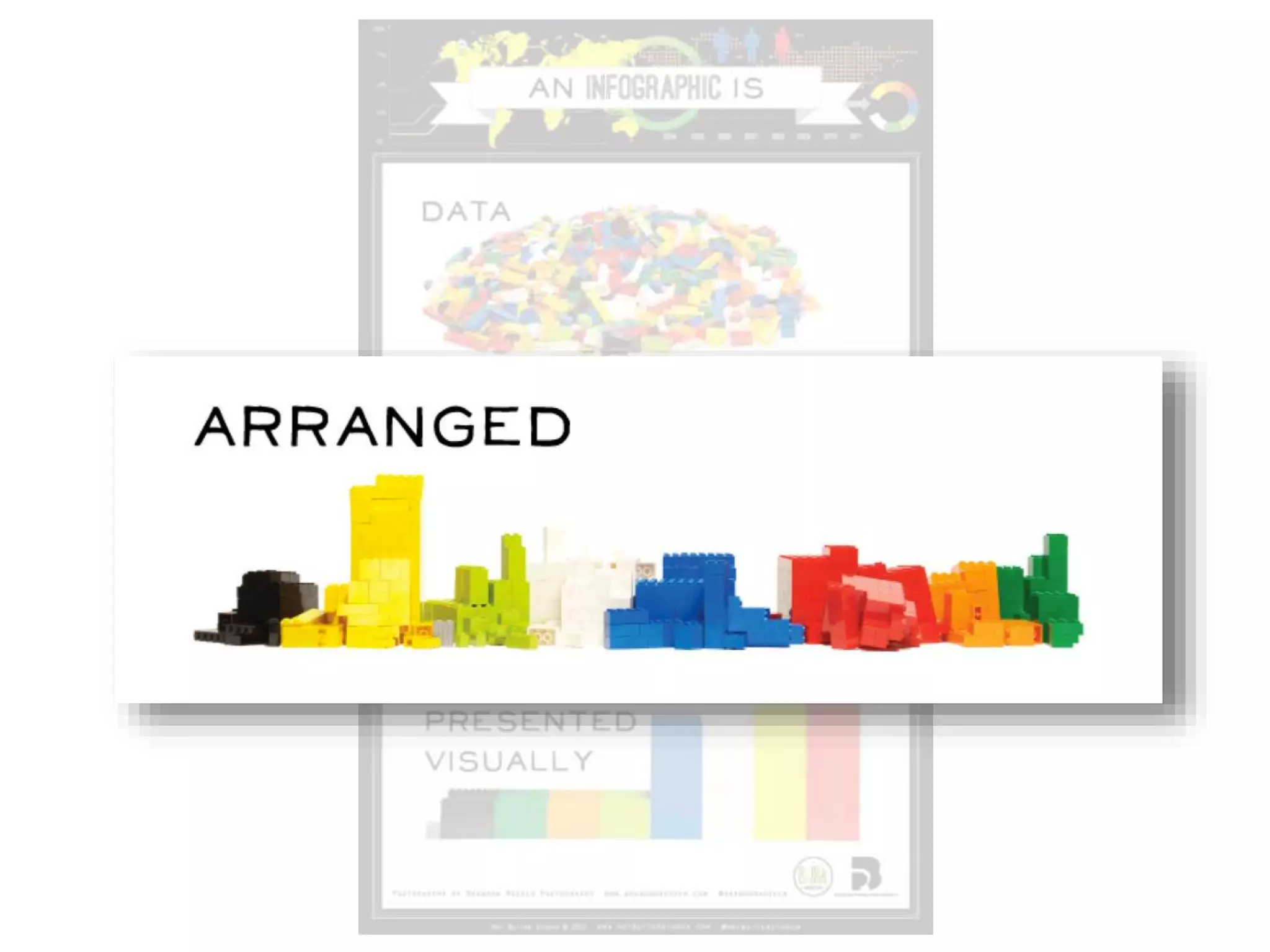
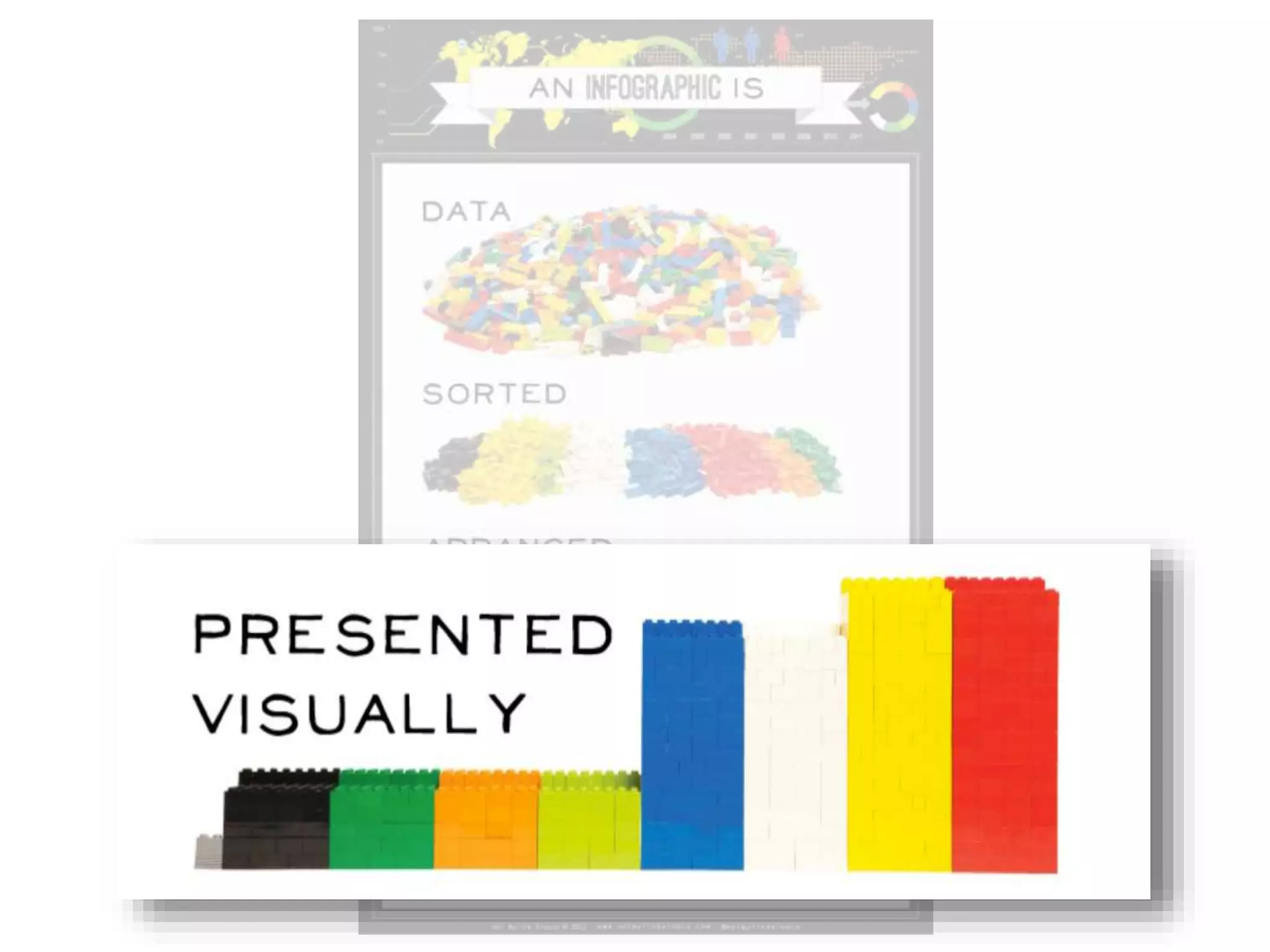
“A visual representation of data”
(data visualization = infographic)

“Information or data that is shown in a chart,
diagram…so that it is easy to understand”
(2011 added to Oxford dictionary)
“Larger graphic design that combines data
visualizations, illustrations, text, and images
together into a format that tells a complete story”
[ general specific
]
Definitions…
“A visual representation of data”
(data visualization = infographic)
“Information or data that is shown in a chart,
diagram…so that it is easy to understand”
(2011 added to Oxford dictionary)
“Larger graphic design that combines data
visualizations, illustrations, text, and images
together into a format that tells a complete story”
[ general specific
]
Definitions…
“A visual representation of data”
(data visualization = infographic)
“Information or data that is shown in a chart,
diagram…so that it is easy to understand”
(2011 added to Oxford dictionary)
“Larger graphic design that combines data
visualizations, illustrations, text, and images
together into a format that tells a complete story”
[ general specific
]
Definitions…
“A visual representation of data”
(data visualization = infographic)
“Information or data that is shown in a chart,
diagram…so that it is easy to understand”
(2011 added to Oxford dictionary)
“Larger graphic design that combines data
visualizations, illustrations, text, and images together
into a format that tells a complete story”
[ general specific
]
…more like
articles or
speeches than
charts
Google
Images
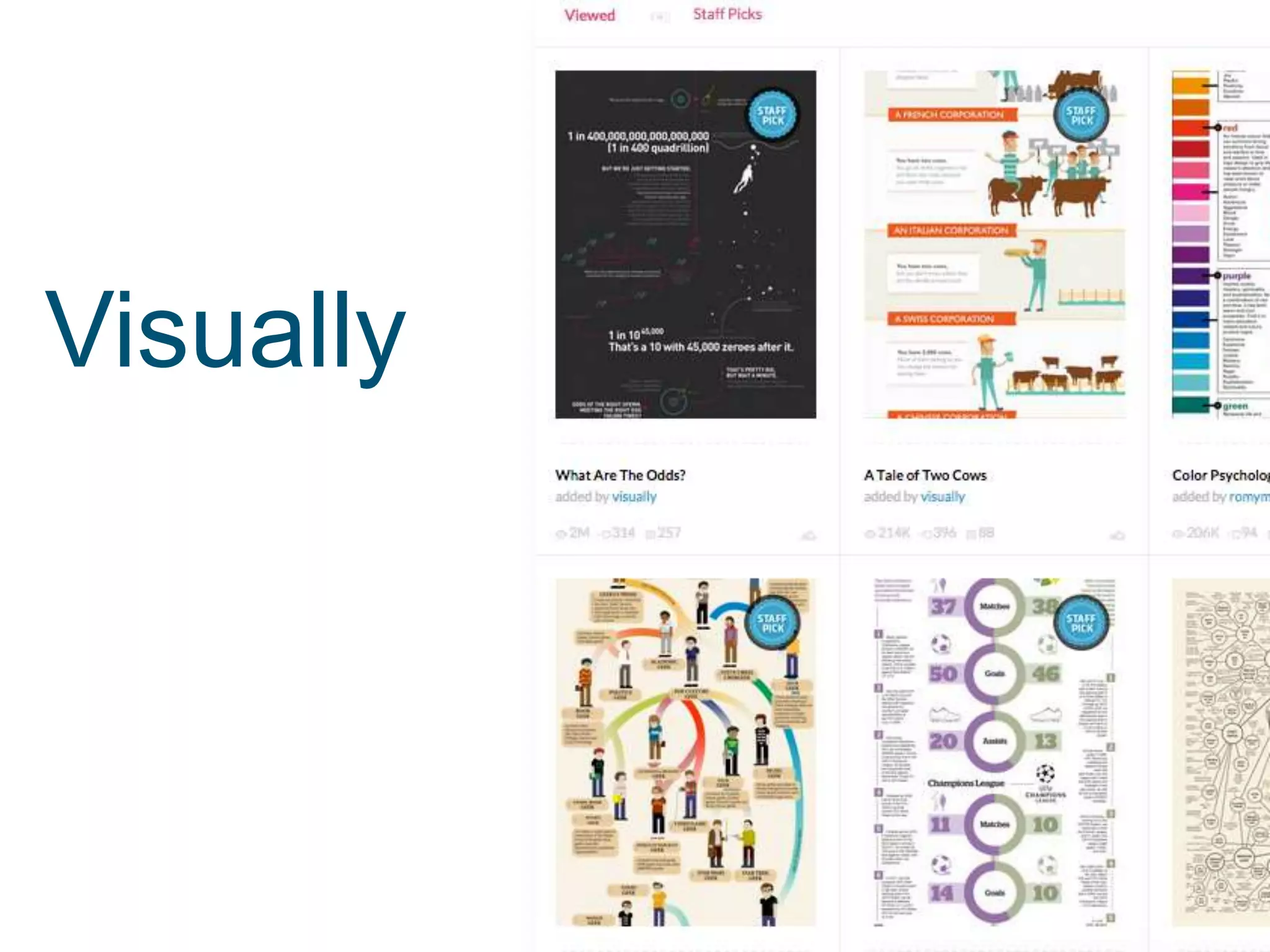
Visually
Pinterest
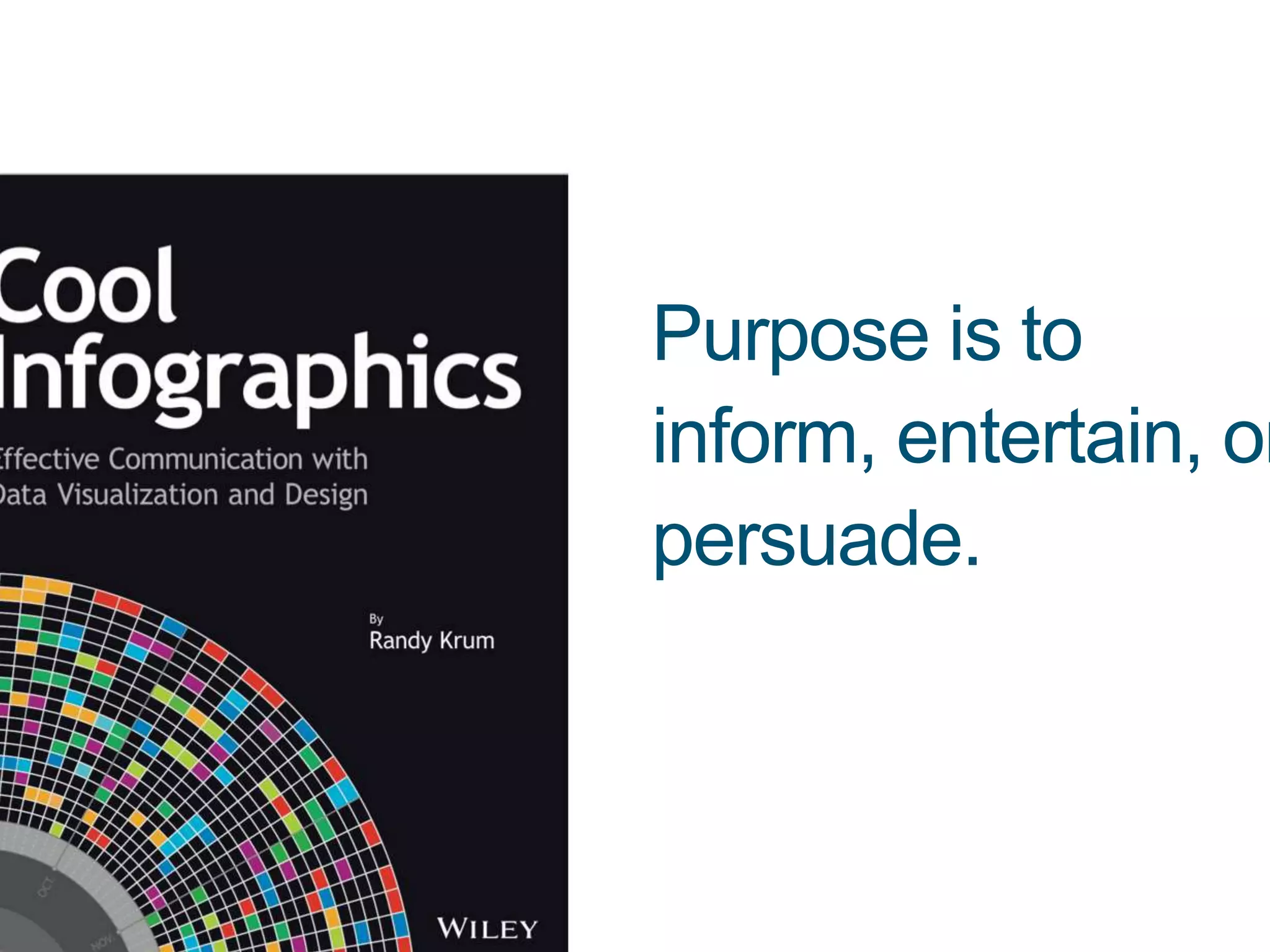
Purpose is to
inform, entertain, or
persuade.
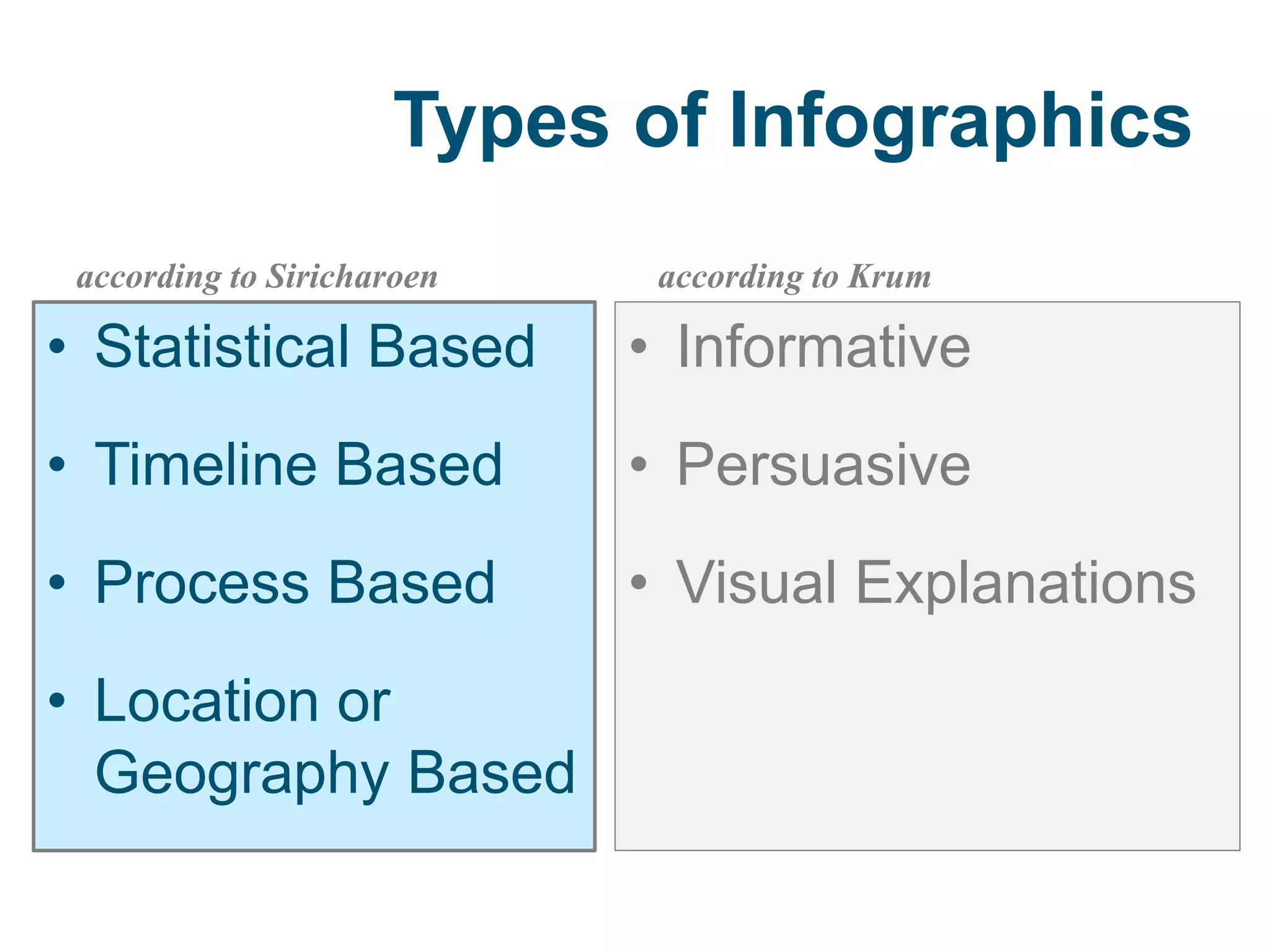
Types of Infographics
according to Siricharoen
• Statistical Based
• Timeline Based
• Process Based
• Location or
Geography Based
according to Krum
• Informative
• Persuasive
• Visual Explanations
Types of Infographics
according to Siricharoen
• Statistical Based
• Timeline Based
• Process Based
• Location or
Geography Based
according to Krum
• Informative
• Persuasive
• Visual Explanations
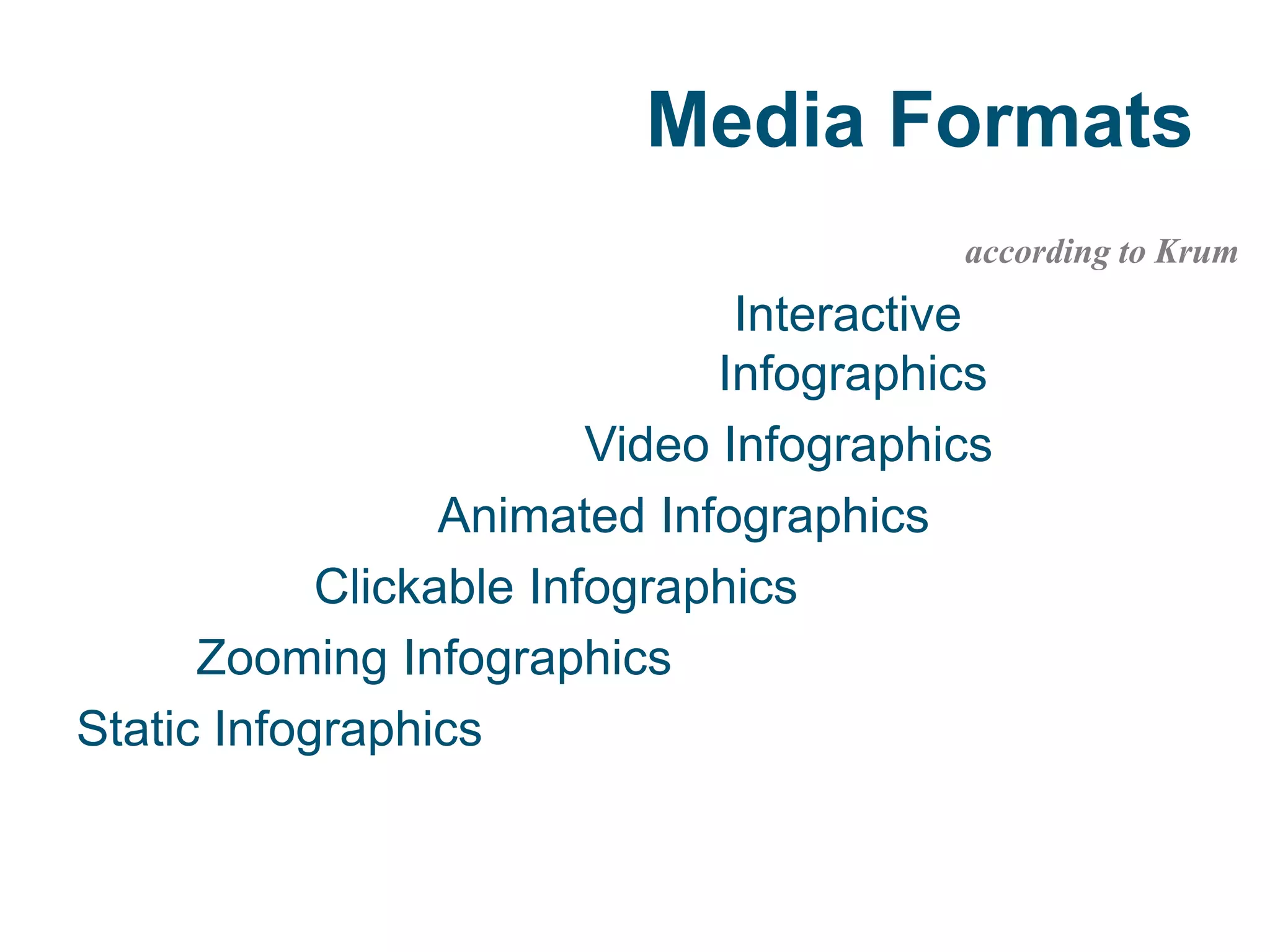
Media Formats
according to Krum
Interactive
Infographics
Video Infographics
Animated Infographics
Clickable Infographics
Zooming Infographics
Static Infographics
All
data visualization
is biased
(e.g., Google “abortion
infographics” OR “political
infographics”)
WHY USE INFOGRAPHICS?
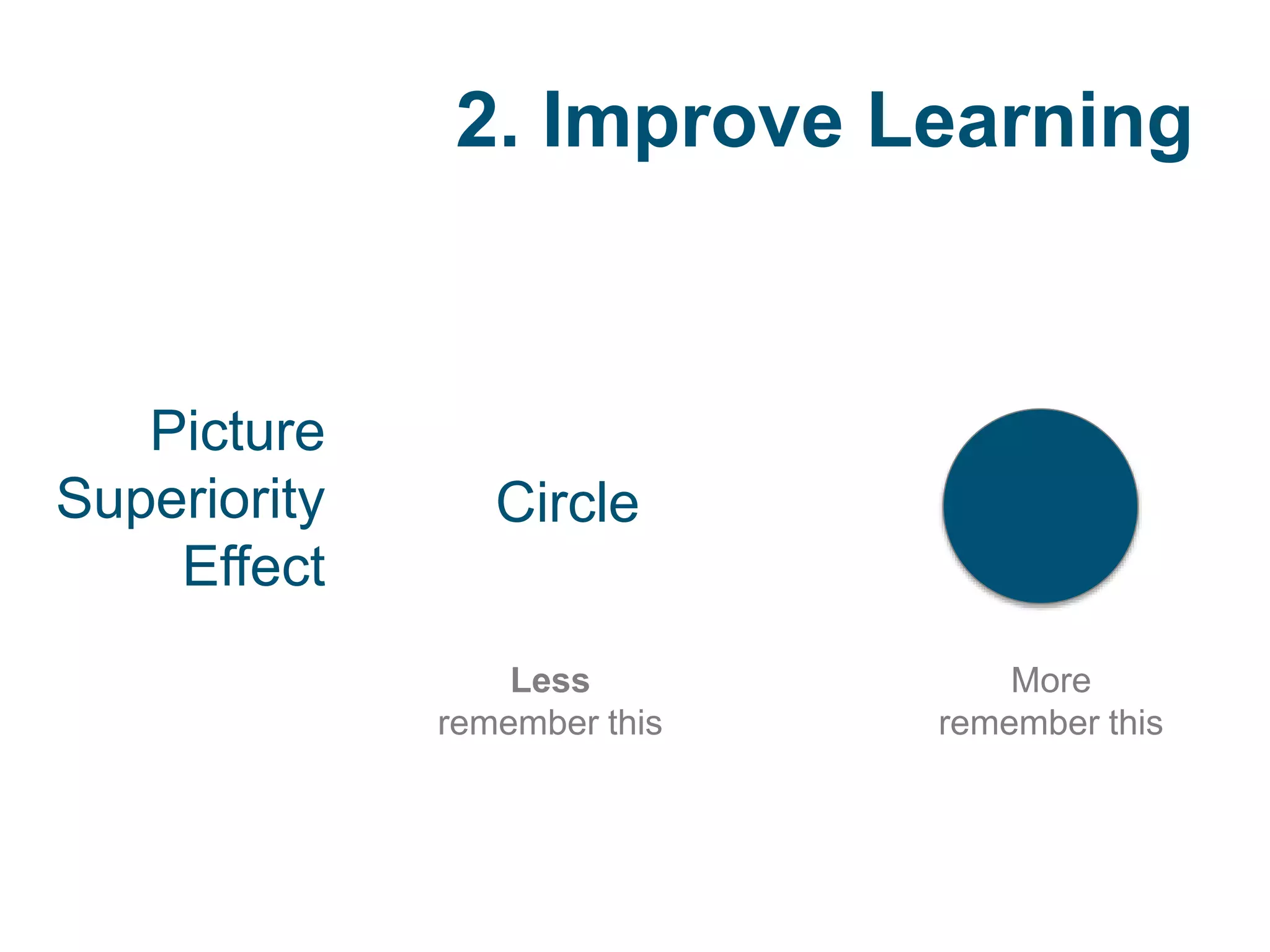
2. Improve Learning
1. Standards
3. Fun
1. Standards
Subject-matter
Sense-making and information literacy.
NETS for students
Creativity and innovation, communication and
collaboration, & research and information
fluency.
Common Core
College and career readiness touch on
integrating and evaluating diverse media.
2. Improve Learning
Picture
Superiority
Effect
Circle
More
remember this
Less
remember this
3. Fun
HOW TO USE INFOGRAPHICS?
General Ways to Use
1 Interpret
2 Create
WHAT’S A GOOD INFOGRAPHIC?
my research
Getting Graphic…
Dunlap, J., & Lowenthal, P. R. (under review).
Getting graphic about infographics:
Design lessons learned from popular
infographics.
Aesthetic Learning Experiences
Immediacy
Malleability
Compellingness
Resonance
Coherence
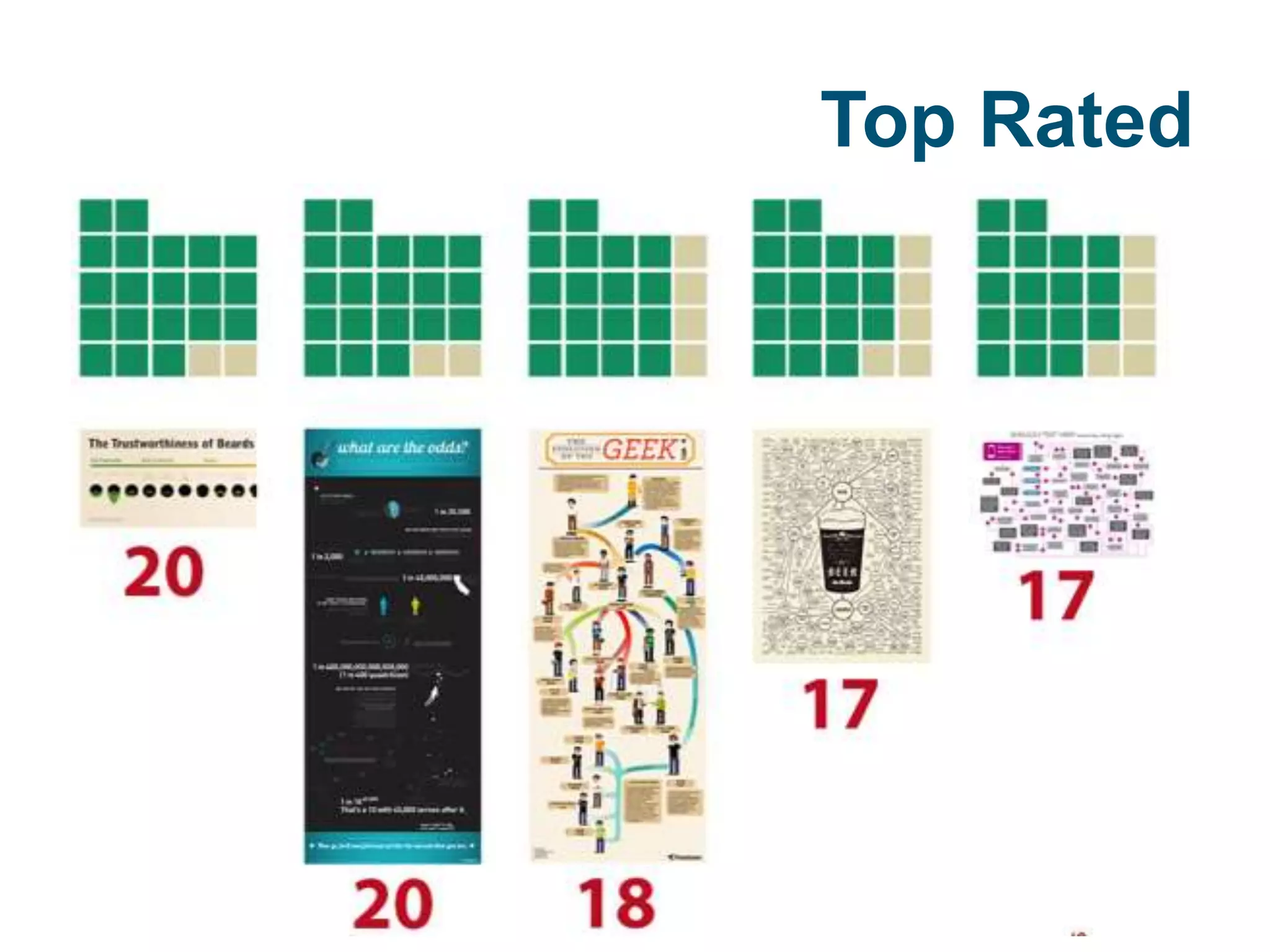
Top Rated
general RECOMMENDATIONS
Unexpected element (e.g., humor)
Not simply information + graphics
Allow multiple pathways
Use visuals + structure; less text
general RECOMMENDATIONS
Unexpected element (e.g., humor)
Not simply information + graphics
Allow multiple pathways
Use visuals + structure; less text
general RECOMMENDATIONS
Unexpected element (e.g., humor)
Not simply information + graphics
Allow multiple pathways
Use visuals + structure; less text
general RECOMMENDATIONS
Unexpected element (e.g., humor)
Not simply information + graphics
Allow multiple pathways
Use visuals + structure; less text
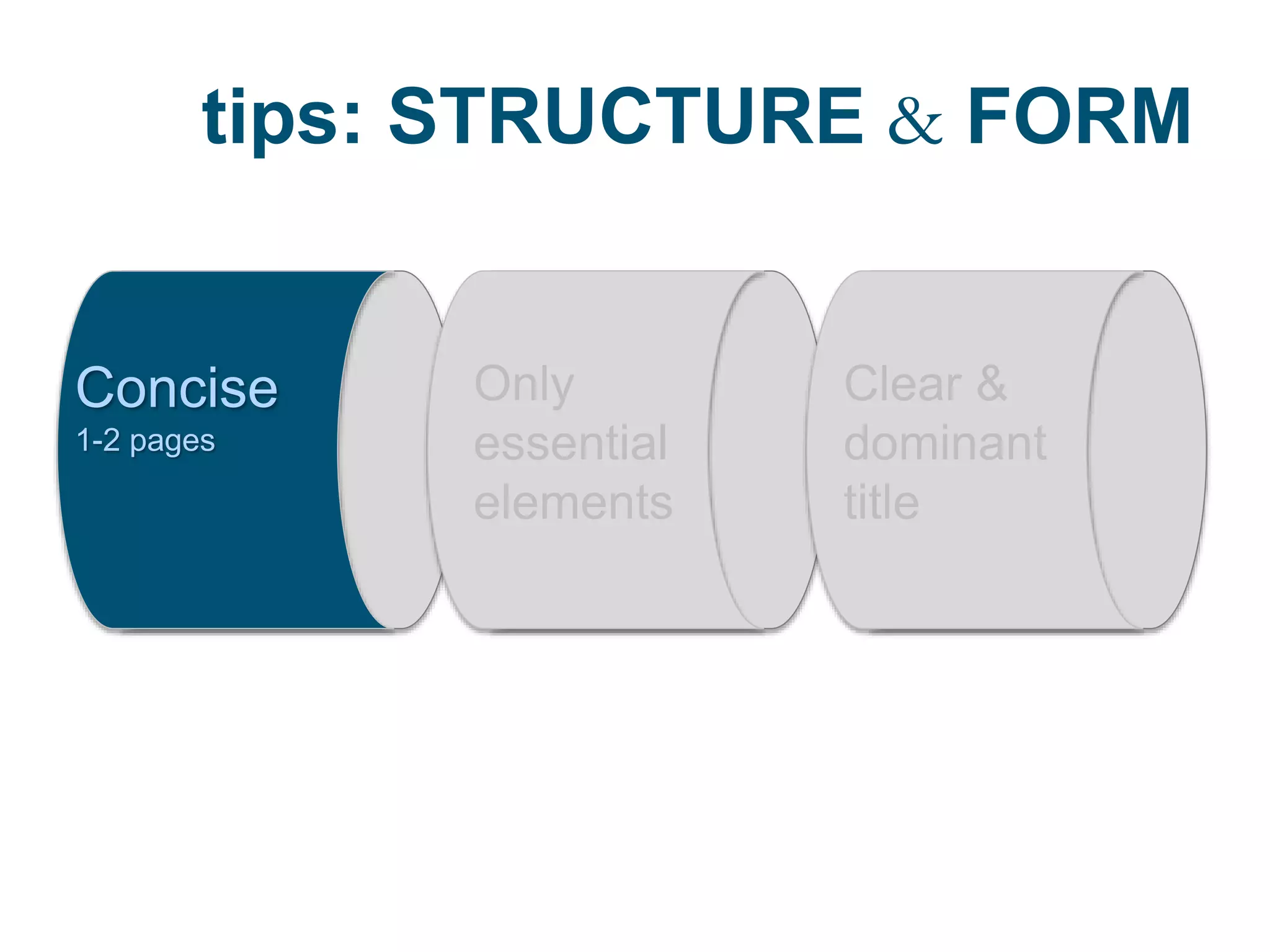
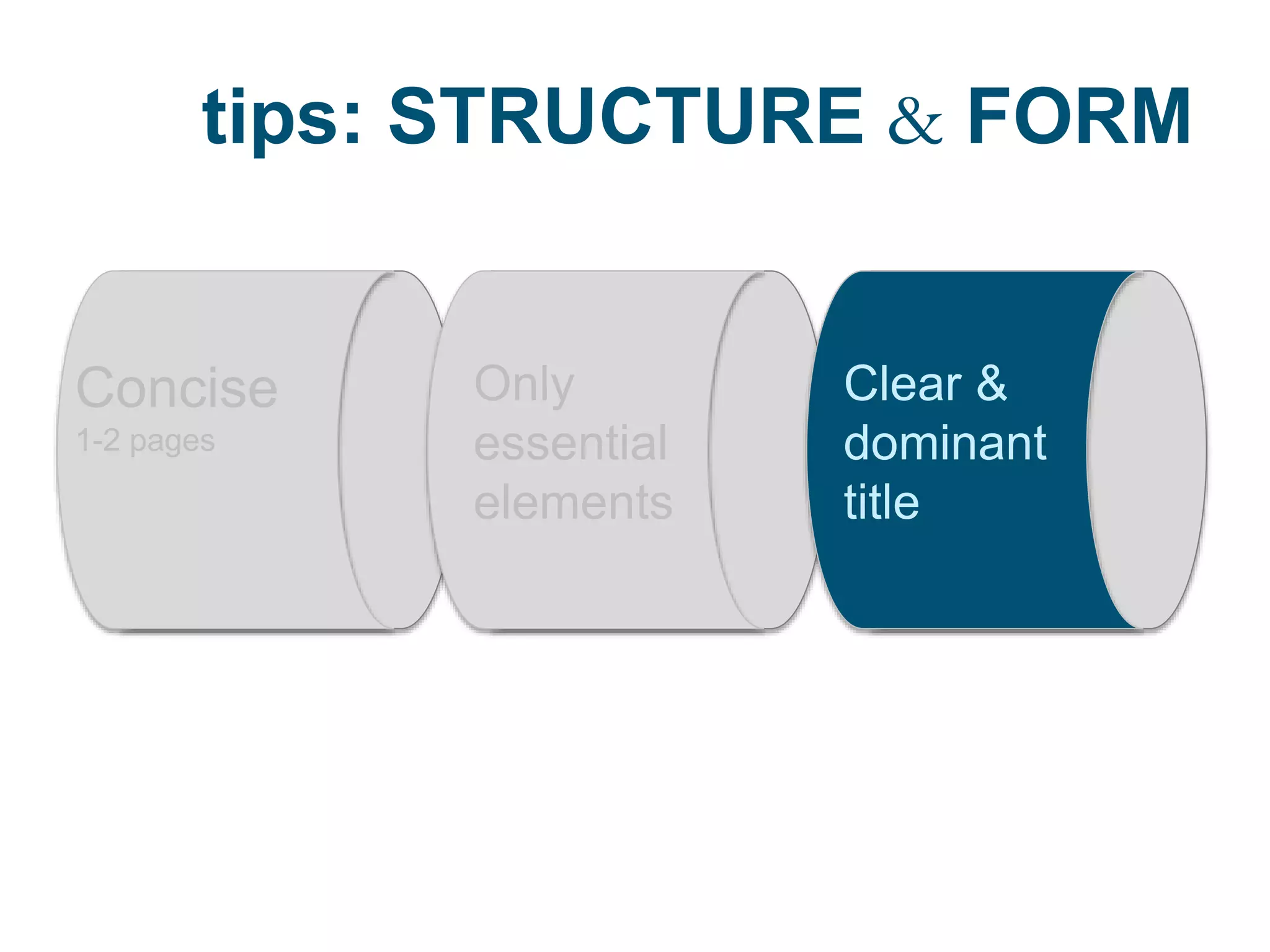
tips: STRUCTURE & FORM
Concise
1-2 pages
Only
essential
elements
Clear &
dominant
title
tips: STRUCTURE & FORM
Concise
1-2 pages
Only
essential
elements
Clear &
dominant
title
tips: STRUCTURE & FORM
Concise
1-2 pages
Only
essential
elements
Clear &
dominant
title
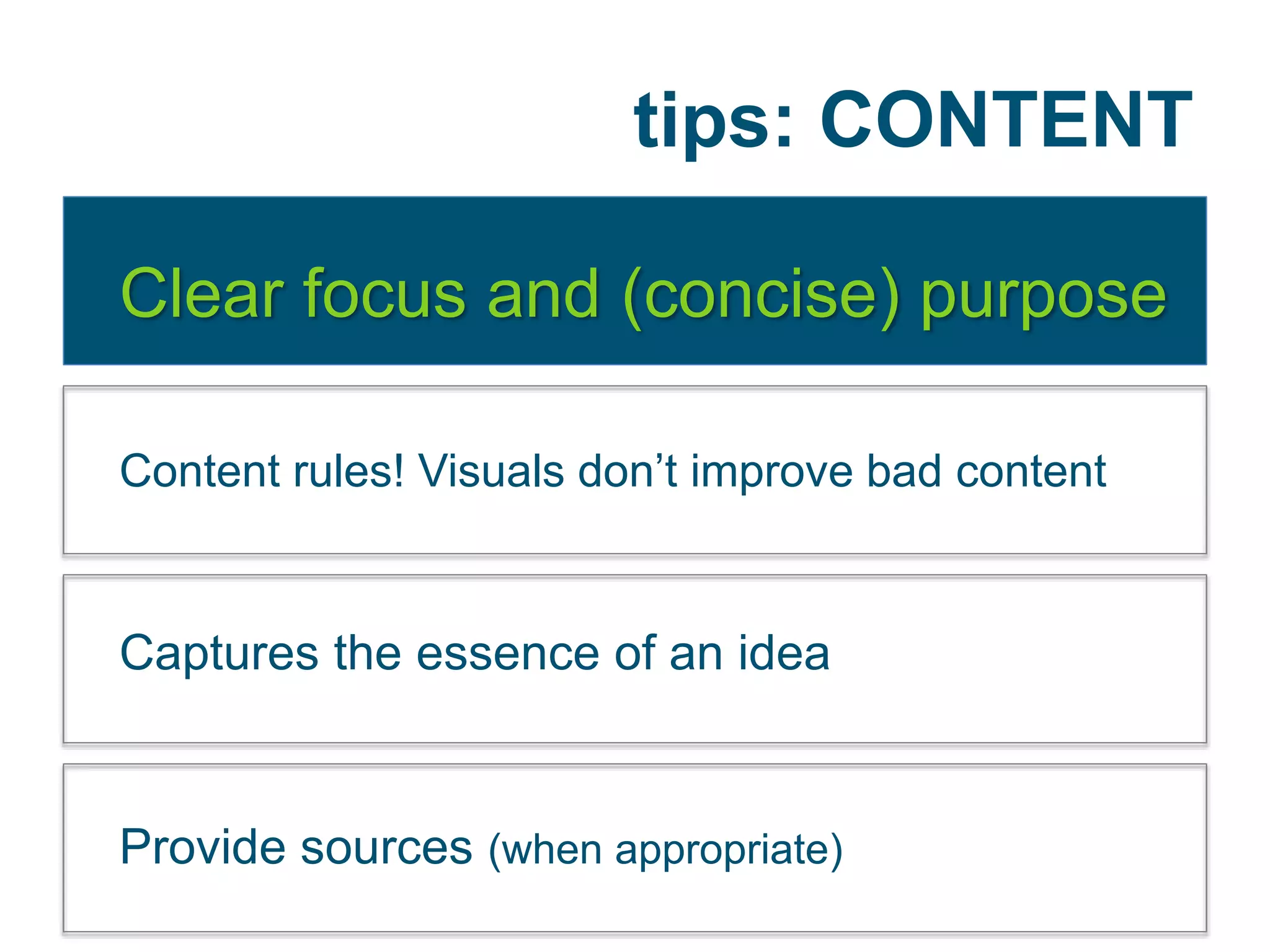
tips: CONTENT
Clear focus and (concise) purpose
Content rules! Visuals don’t improve bad content
Captures the essence of an idea
Provide sources (when appropriate)
tips: CONTENT
Clear focus and (concise) purpose
Content rules! Visuals don’t improve bad content
Captures the essence of an idea
Provide sources (when appropriate)
tips: CONTENT
Clear focus and (concise) purpose
Content rules! Visuals don’t improve bad content
Captures the essence of an idea
Provide sources (when appropriate)
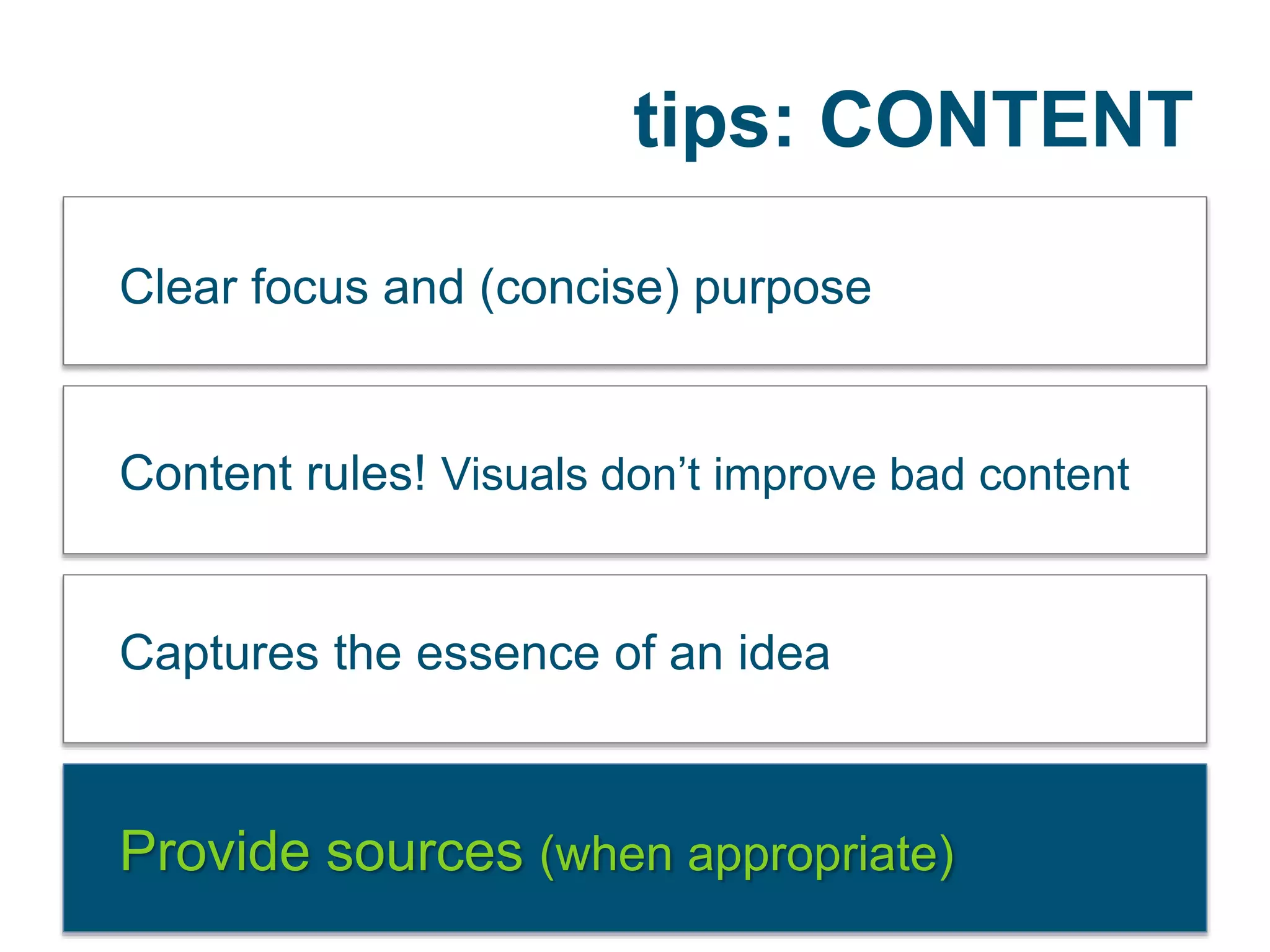
tips: CONTENT
Clear focus and (concise) purpose
Content rules! Visuals don’t improve bad content
Captures the essence of an idea
Provide sources (when appropriate)
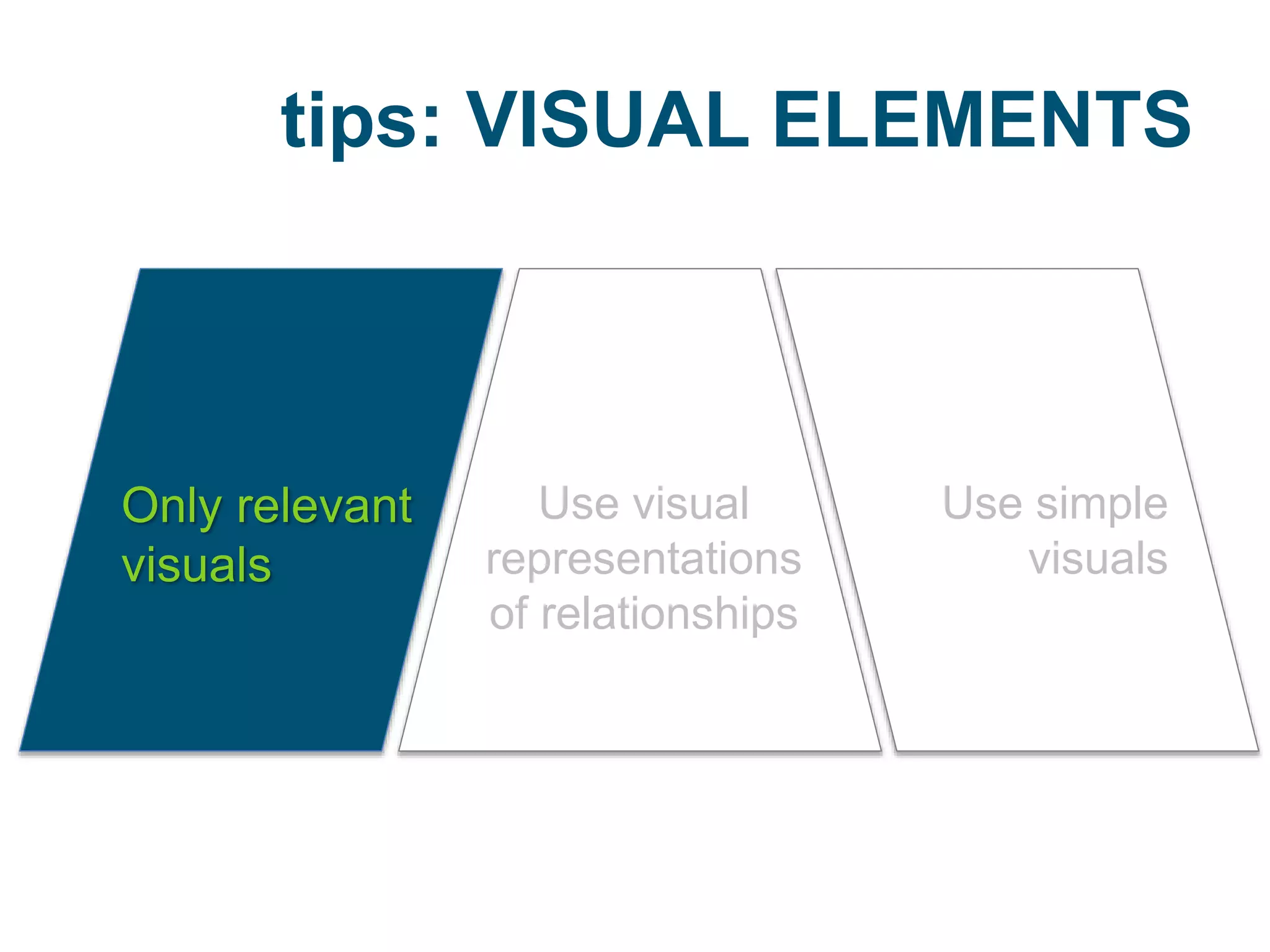
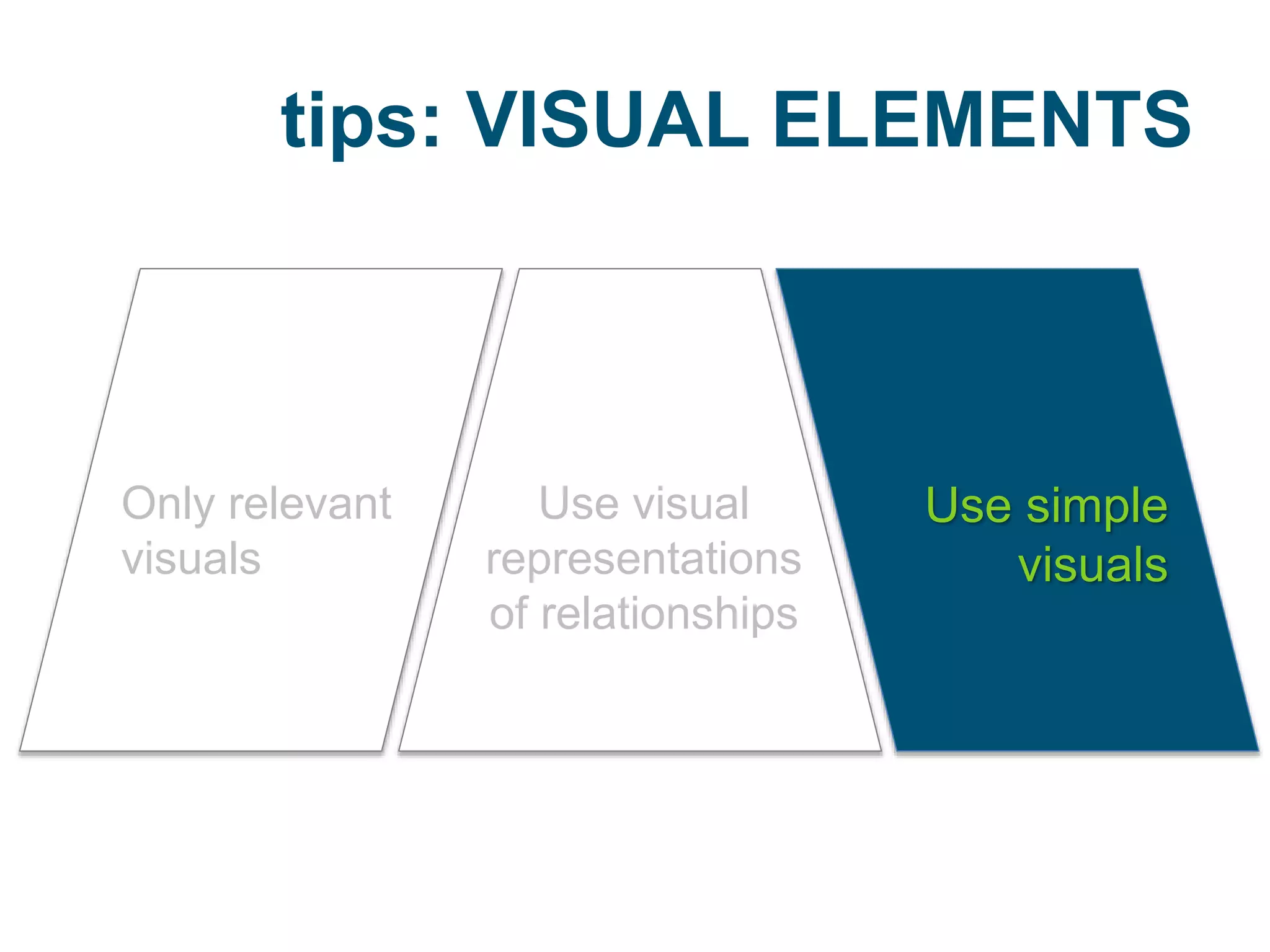
tips: VISUAL ELEMENTS
Only relevant
visuals
Use visual
representations
of relationships
Use simple
visuals
tips: VISUAL ELEMENTS
Only relevant
visuals
Use visual
representations
of relationships
Use simple
visuals
tips: VISUAL ELEMENTS
Only relevant
visuals
Use visual
representations
of relationships
Use simple
visuals
Tips According to Krum
according to Krum
• Engaging topic
• New, surprising information
• Visually appealing and distinctive
• Simple, focused message
• Quick and easy to read
• Easy to share
• Clear, easy to understand data visualizations
• Credible data sources
EXAMPLES
IMPLICATIONS
personal
IMPLICATIONS
classroom
General Ways to Use
1 Interpret
2 Create
Interpret Example
Visual read-aloud/think-alouds of
infographics
Re-visualizing the data in an infographic
Interpret Example
Visual read-aloud/think-alouds of
infographics
Re-visualizing the data in an infographic
General Ways to Use
1 Interpret
2 Create
Create Process
Step One: Get an idea
Step Two: Sketch it out
Step Three: Collect the data
Step Four: Develop proof of concepts
Step Five: Lay it out and have fun (Krauss)
Create Example
Students create their
own with something they
are comfortable with!
Lesson Plans
Investigate &
Solve a Problem!
More Ideas
according to Krauss
• Showing the percentage of family income that
goes toward food in countries around the world
• A visualization of time-travel plots in films and
TV
• An infographic that represents the largest
bankruptcies in history by showing insolvent
companies as sinking ships of relative size”
Other ideas? Let’s Share
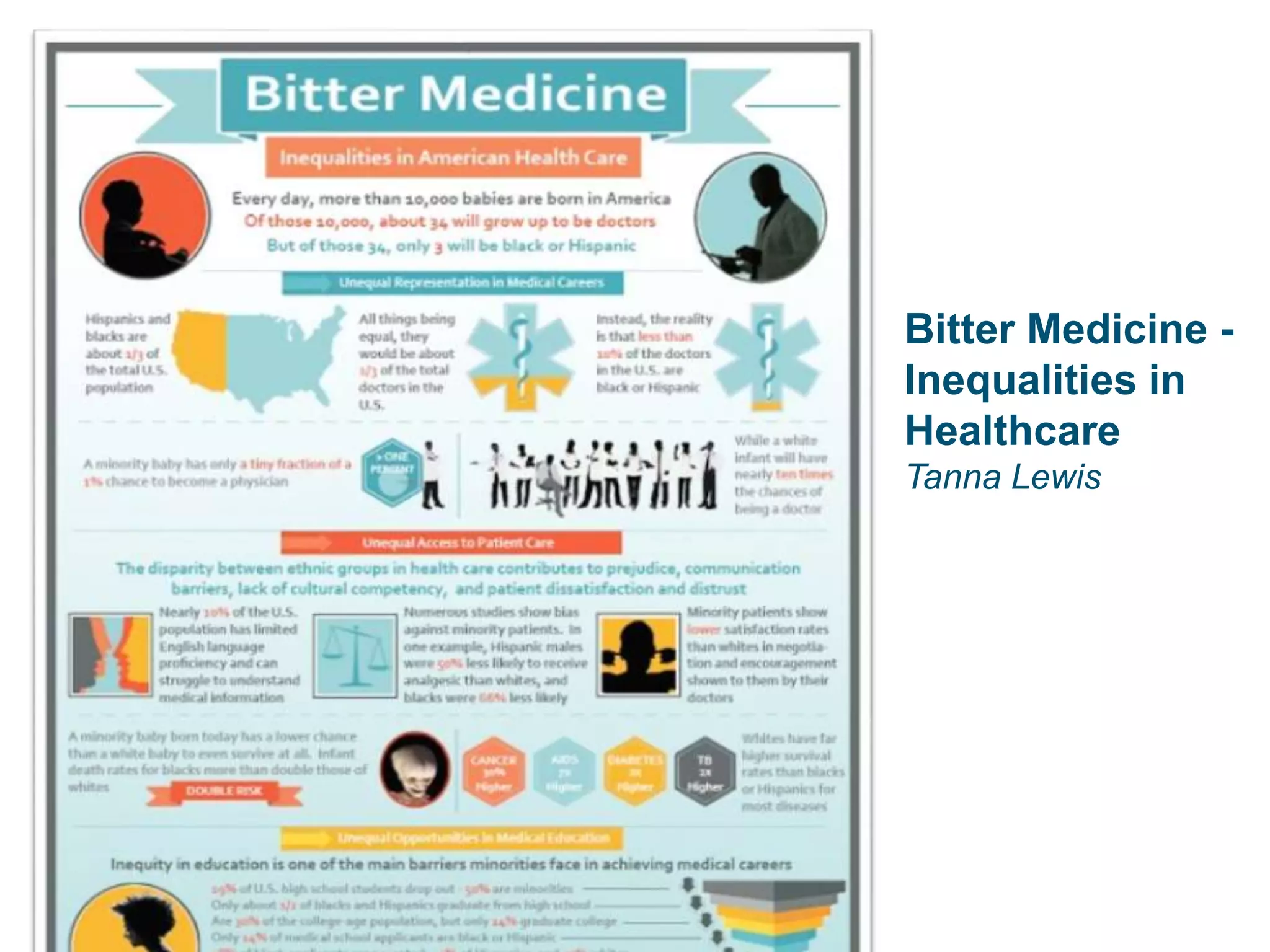
Bitter Medicine -
Inequalities in
Healthcare
Tanna Lewis
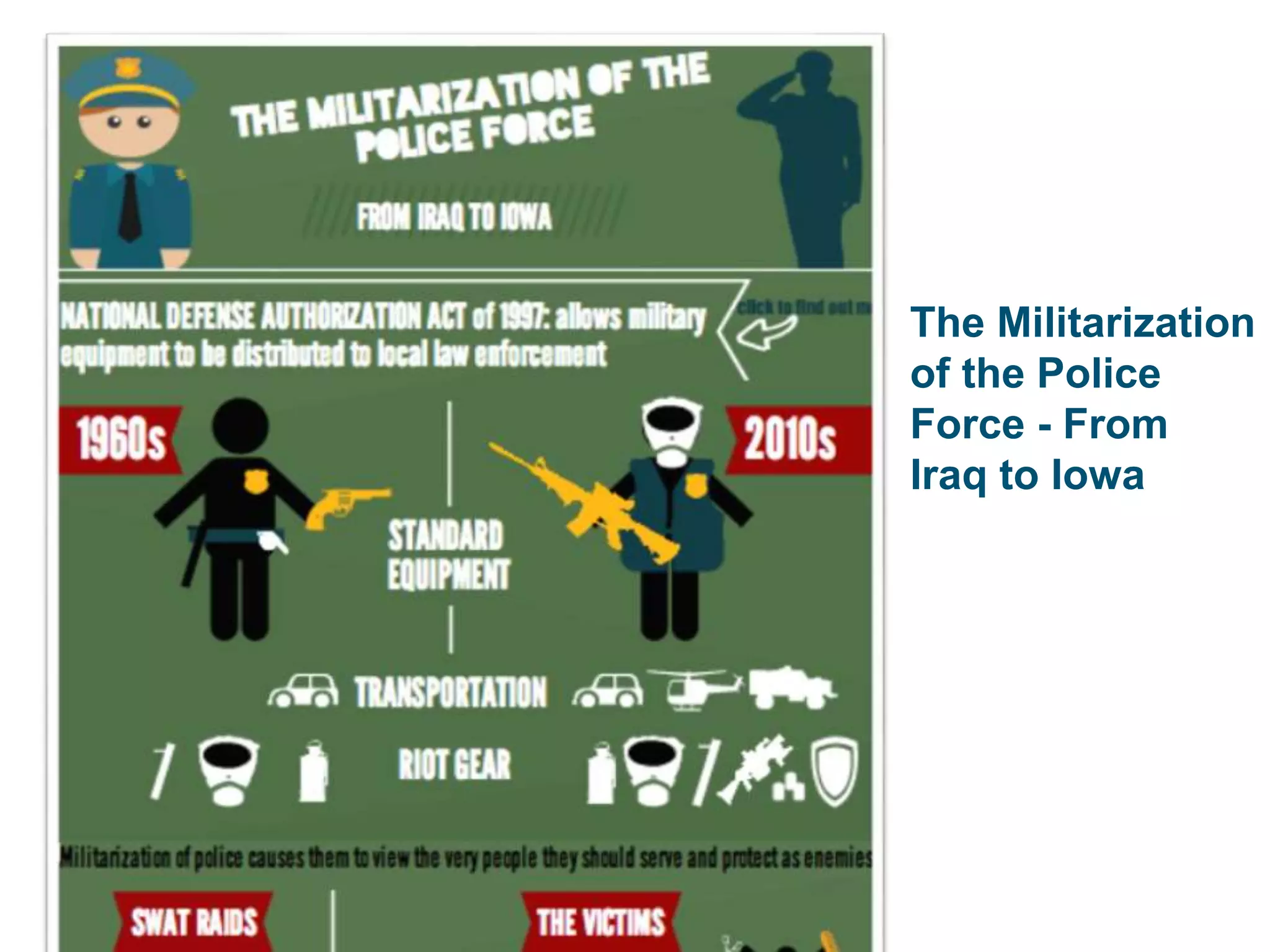
The Militarization
of the Police
Force - From
Iraq to Iowa
Kelly Mihalik
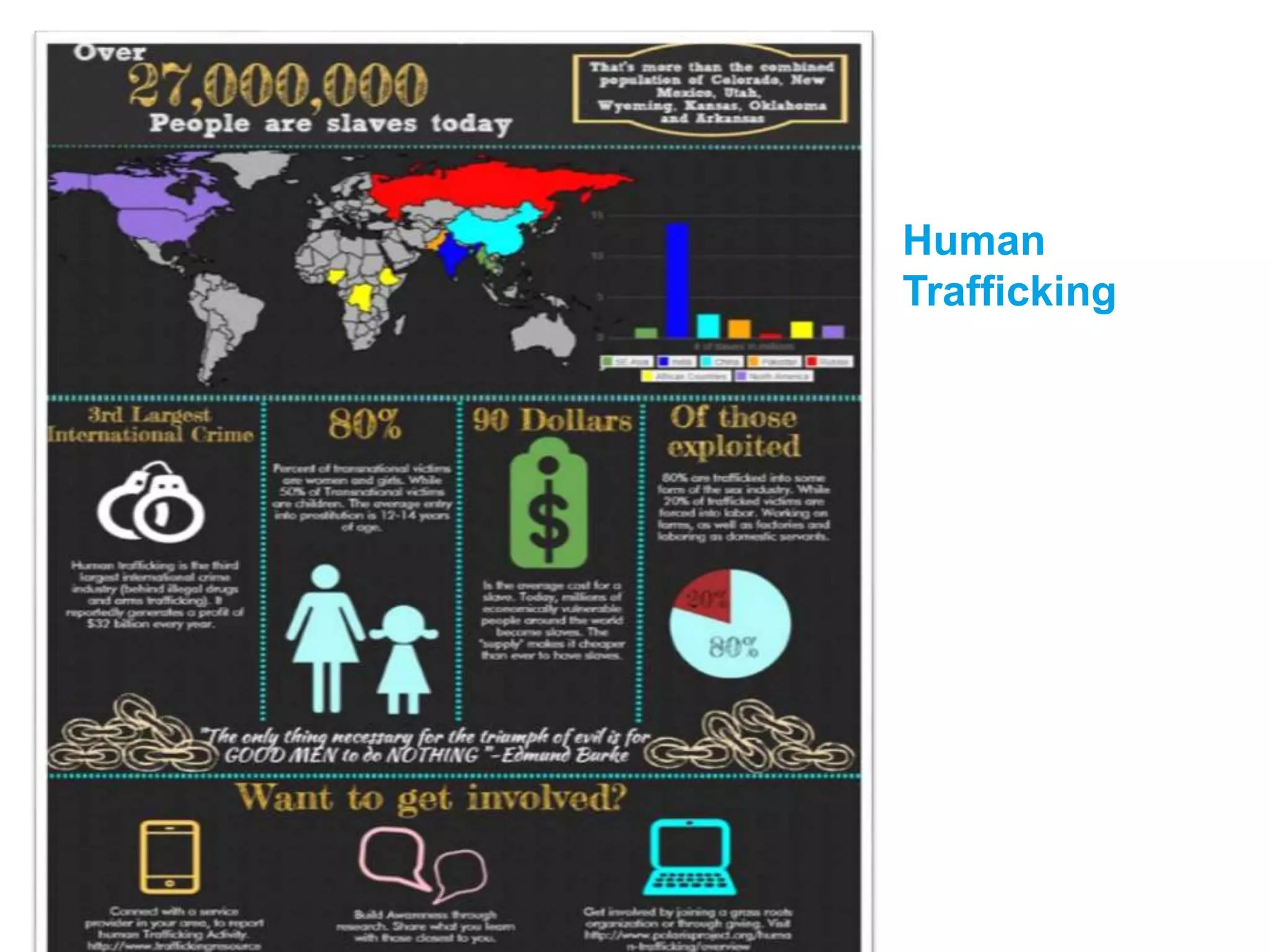
Human
Trafficking
Daniel Medina
Key Books
Cool Infographics
by Randy Krum
The Wall Street Journal
Guide to Information Graphics
by Dona M. Wong
Key Articles
Krauss, J. (2012). Infographics: More than words can say. Learning & leading with
Technology, 39(5), 10-14. Retrieved from http://goo.gl/bjurRW
Siricharoen, W. V. (2013). Infographics: The New Communication Tools in Digital Age.
In The international conference on e-technologies and business on the web (EBW2013)
(pp. 169-174). Retrieved from http://goo.gl/W6wDWg
Kos, B. A., Sims, E. (2014). Infographics: The new 5-paragraph essay. In 2014 Rocky
mountain celebration of women in computing. Laramie, WY, USA.
Vanichvasin, P. (2013). Enhancing the quality of learning through the use of
infographics as visual communication tool and learning tool. In IQCA ’13 (pp. 135–
142). Ratchathewi, Bangkok. Retrieved from http://www.icqa2014.com/downloads/
Proceeding_29.pdf#pa ge=135
Lamb, G. R., Polman, J. L., Newman, A., & Smith, C. G. (2014). Science news
infographics: Teaching students to gather, interpret, and present information
graphically. The Science Teacher, 81(3), 29.
Marcel, F. (2014). Infographics and data visualization tools to engage your language
learners. CONTACT, 40(1), 44-50. Retried from http://www.teslontario.net/uploads/
publications/contact/ContactSpring2014.pdf#page=12
Davidson, R. (2014). Using infographics in the science classroom. The Science Teacher, 81(3),
34-39. Retrieved http://sks.sirs.bdt.orc.scoolaid.net/text-pdf/0000361677.pdf
Key Tools
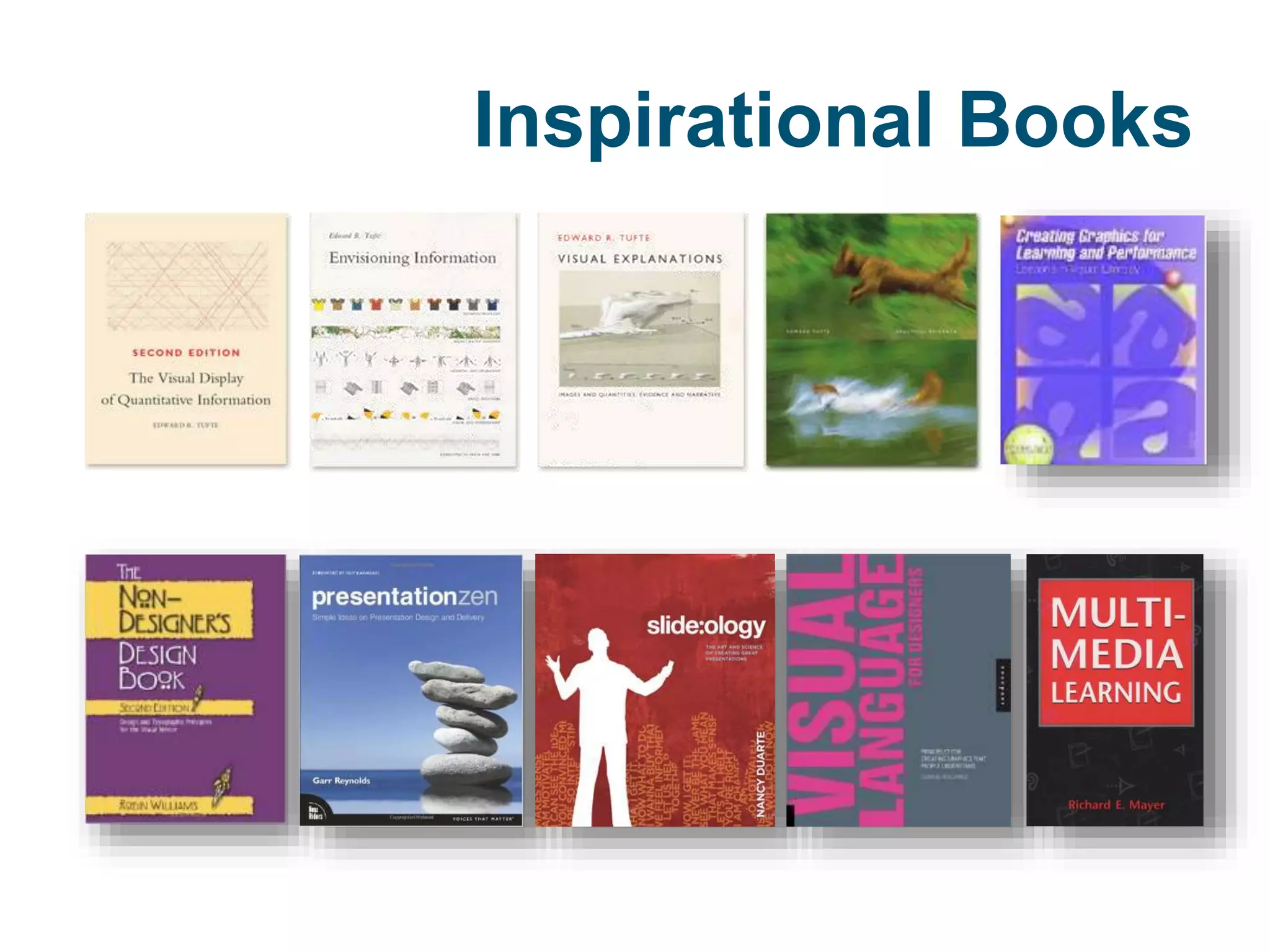
Inspirational Books
LET’S CONNECT
Patrick Lowenthal
patricklowenthal@boisestate.edu
w w w . p a t r i c k l o w e n t h a l . c o m

Learn it2015 keynote infographics

Editor's Notes

  • #2 Getting Graphic About Infographics: Strategies for Incorporating Visuals in the Classroom Infographics can quickly tell a story, show relationships, and reveal structure. And perhaps most importantly, viewing as well as creating infographics can be fun and engaging for teachers and students.
  • #10 https://visual.ly/what-infographic-2 “Humans have been drawing pictures to communicate with each other for thousands of years” “People love using pictures to communicate and tell stories because it’s hardwired into the human brain” “Data visualizations are the visual representations of numerical values. Charts and graphs are data visualizations and create a picture from a given set of data.”
  • #11 https://visual.ly/what-infographic-2
  • #12 https://visual.ly/what-infographic-2
  • #13 https://visual.ly/what-infographic-2
  • #14 https://visual.ly/what-infographic-2
  • #15 https://visual.ly/what-infographic-2
  • #30 Statistical Based [with diagrams, charts, graphs, tables, and lists] Timeline Based [shows sequence of events] Process Based [like a recipe] Location or Geography Based [map based] (Siricharoen, )
  • #31 Statistical Based [with diagrams, charts, graphs, tables, and lists] Timeline Based [shows sequence of events] Process Based [like a recipe] Location or Geography Based [map based] (Siricharoen, )
  • #33 Designers need to balance two conflicting demands—the need to communicate a message and the need to minimize bias in the design (KruM)
  • #36 Source Krauss
  • #37 Dual-coding theory, a theory of cognition, was hypothesized by Allan Paivio of the University of Western Ontario in 1971. In developing this theory, Paivio used the idea that the formation of mental images aids in learning (Reed, 2010). According to Paivio, there are two ways a person could expand on learned material: verbal associations and visual imagery. Dual-coding theory postulates that both visual and verbal information is used to represent information (Sternberg, 2003). Visual and verbal information are processed differently and along distinct channels in the human mind, creating separate representations for information processed in each channel. The mental codes corresponding to these representations are used to organize incoming information that can be acted upon, stored, and retrieved for subsequent use. Both visual and verbal codes can be used when recalling information (Sternberg, 200
  • #44 Immediacy: To establish immediacy, a designer or educator needs to involve learners directly and instantly with the content in order to create a sense of urgency or excitement. Storytelling, for example, is one way of establishing immediacy because it captures the emotional authenticity of the situation. An infographic’s structure and layout can also support immediacy through the sharing of emotional and sensual details, including clear examples and visual representations of complex ideas.
 Malleability: To be malleable, an infographic needs enough pliability so learners can influence their own experience of the infographic and the outcomes associated with influenced actions taken due to exposure to the infographic. Malleability allows learners to determine personal meaning and relevance, and be co-owner/co-creator of the experience. An infographic can establish malleability by encouraging learners to interact with the content (e.g., asking learners questions that encourage reflection, allowing learners to peruse the infographic in more than one way, providing content pathways based on decision trees). Compellingness: A compelling infographic is one that is so powerfully irresistible that it evokes learners’ interest, attention, and admiration. One way infographics can be compelling is by sharing provocative or novel ideas or problems; the unexpected can make a message memorable and sticky (Heath and Heath 2007). By extension, engaging learners in problem solving is another way of evoking their interest and attention. An infographic’s structure and sequence can help make it compelling, propelling the learner through the content via a succession of related ideas. Finally, another way to make an infographic compelling is to use a narrative structure that compels the learner forward through the content in order to find out what happens next. Resonance: Resonance is about reverberation, a sensory experience that leads to a lasting relevant effect. When an infographic is resonant, it kindles images, emotions, and memories. At its core, resonance is about connection, and when an infographic helps viewers establish connections, the infographic is more resonant for them. Storytelling, as well as using visual representations that illustrate connections and relationships, can help an infographic resonate for learners. Coherence: Simply stated, coherence refers to an infographic’s logic, clarity, and consistency. A coherent infographic is one that shares a complete and well-formed message that is credible and believable (Heath and Heath 2007); without coherence, an infographic can be disjointed which then negatively affects learners’ ability to engage and derive meaning from the infographic.
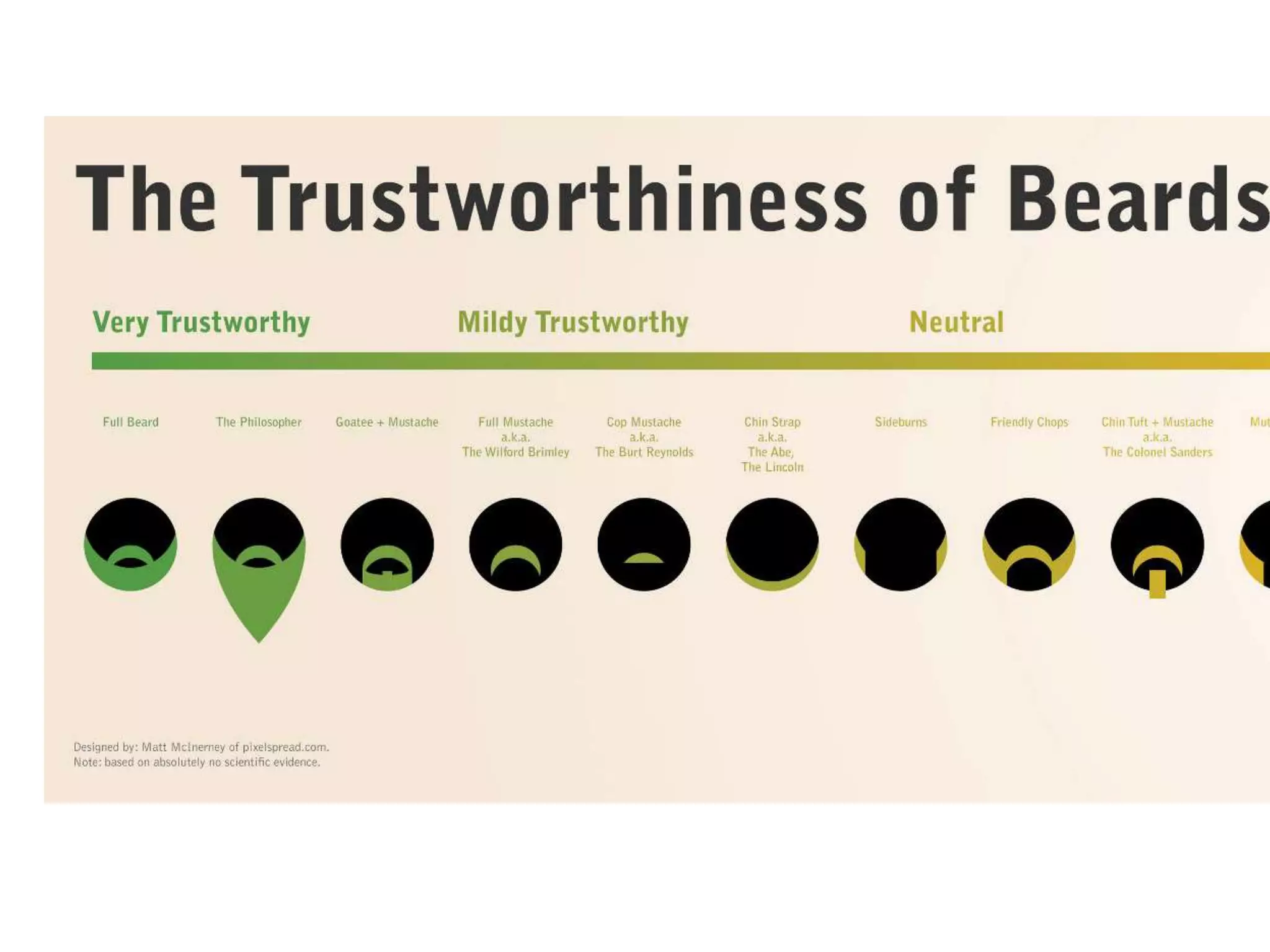
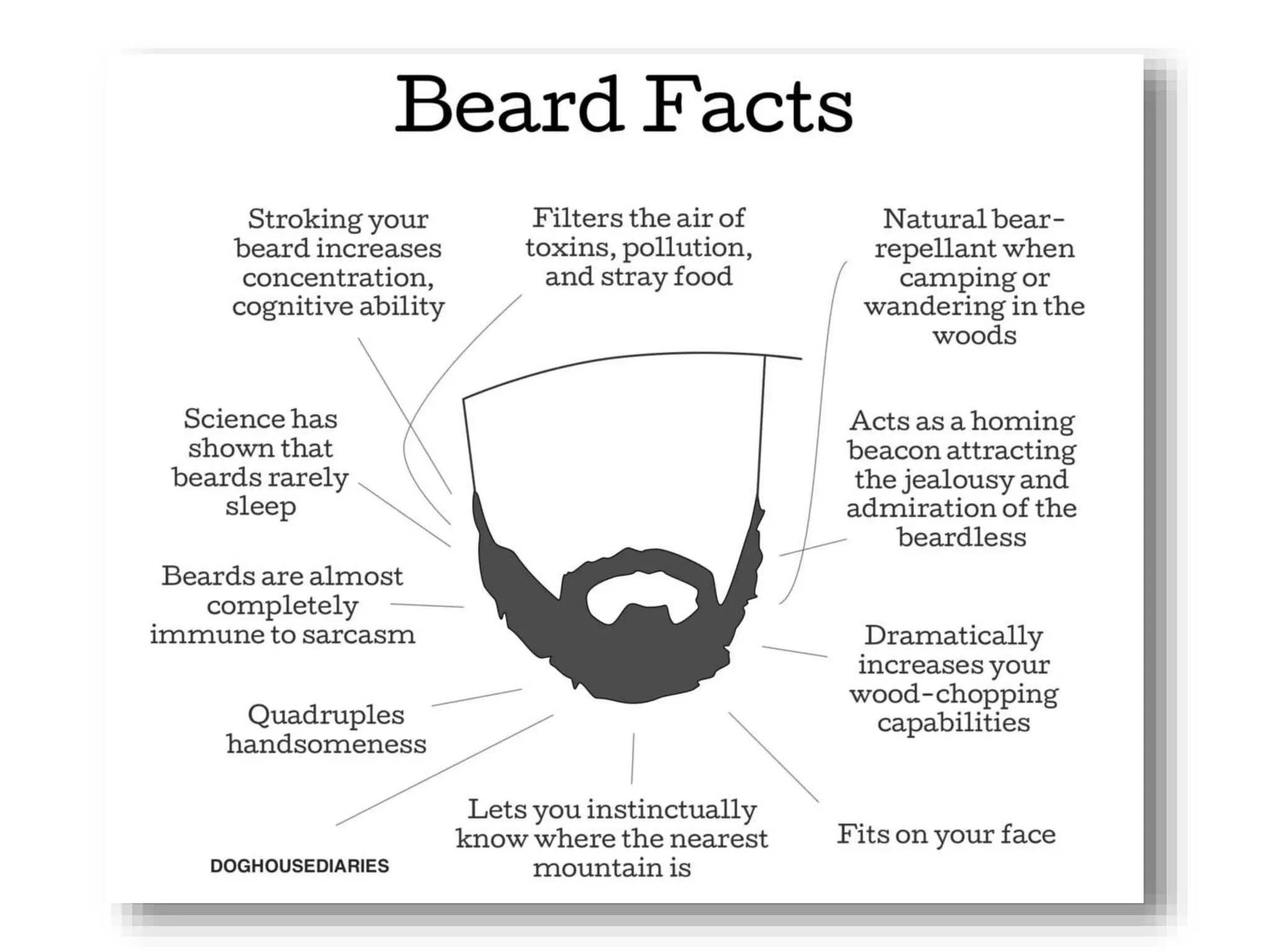
  • #46 http://www.noupe.com/wp-content/uploads/2012/04/23-beer.jpg
  • #73 “A read-aloud/think-aloud is a technique for modeling critical science news reading (Saul et al., 2012). Teachers read news articles aloud, occasionally pausing to explain their thoughts, modeling how to critically and scientifically read the article. This shows students how teachers perceive the world, creating closer teacher-student connections.”   “Every day, as students arrived in class, the teacher projected a science infographic on an interactive whiteboard…then, in the read-aloud/think-aloud lessons, the teacher explained how he would read the data, interpret its meaning, and understand its implications, both intellectually and personally. He asked questions that drew students’ attention to particular aspects of the infographics and encouraged student responses. He answered student questions, making clear how he used the information and data in the infographic, and how graphical representations communicated ideas and findings. He shared his knowledge about the infographic’s scientific content and the scientific practices that informed the sources, and at times he introduced new vocabulary. He discussed how the infographic’s author conveys or could have conveyed implications for society. If time permitted, the teacher guided students in researching the infographic’s credibility. Overall the goal was for the teacher to model his thinking and introduce his expert knowledge to help student better understand the visualizations. He also tied the discussion to diverse curricular aims that relate to other potions of the lesson unit. He occasionally built in mini lessons on topics such as the value of multiple credible sources and the proper use of shapes and colors to represent data….He finds students are initially quiet when he begins read-aloud/think-alouds, but as they become more comfortable with the genre, they articulate what they see. Soon, students bring infographics to class that they want to discuss. At some point a student asks if he or she can do a read-aloud. Class discussions lead to critical evaluation about how these infographics could be improved and how the students would have treated the data differently.”
  • #74 Presented with an infographic, “students measure a graphic element of the infographic with their computer or rules to back-calculate the number of specimens for each zoo. Then they organize the numbers on a spreadsheet. The teacher asks students to test and discuss the advantages of different chart forms for plotting the data. Which form best communicates the information? For instance, small groups of students create various xy graphs of data…they post all the graphs next to the infographic. This illustrates how much data the infographic contains. It also shows ways the data can be visualized and interpreted. Students then discuss what other data could be added to the infographic to answer more questions.”
  • #77 “students compile data from their own cell phones (number of contacts, photos, and songs) in a spreadsheet. The teacher guides them in the basic spreadsheet functions of SUM and percent to synthesize their data. They then open their word processing or publishing program and create a background using shapes they draw. They find icons to represent their variables on the web. We favor Iconspedia, which provides free and sharable graphic files…saving the icons as PNG files (allowing for scaling without pixilation), students drag the images into their layouts. Next, they roughly scale the icons to represent the value of each item and adjust the look by adding shadows and reflections. Students add labels, group the objects, and arrange them in order from most to least. In under 45 minutes, the students have produced something that looks almost professional. Next, students choose a topic of personal interest, and the teacher works with students to define a scientific aspect of the topic and how it can be examined numerically. Students research their topics on the web and must learn to evaluate a website’s credibility. This evaluation can be based on the author’s or sponsoring organization’s credentials, where the information came from, and who vetted it...students search the web for data using general services like “FindTheData” and specialized databases…these searches introduce students to government websites and other sources that provide credible public data and reports. This is often a student’s first experience of extracting data from a large database. To stay on track, students are required to turn in a checkpoint paper that describes their topic, sources, and how they expect to use those sources. Students then organize and create visual representations of their data and information. They usually have to process their numerical data into an understandable form and sometime normalize… to represent the scale or scope of a phenomenon. The goal is convey a clear message to readers in their age group. The deadline for the infographic’s first draft is typically short, so students can receive feedback from their peers, the teacher, and perhaps an expert that the teacher finds. …we use two formats for peer feedback. The gallery walk, half the students display the draft infogrpahics on their computers while the other half rotates through, providing input. The second format is provided on the commercial website VoiceThread …Teachers upload student graphics to VoiceThread, and students provide audio or text comments. Based on the feedback, students refine their infographics, often through several rounds of revisions. …These projects take approximately ten 50-minute class sessions, which the teacher schedules approximately one day per week across a two-to three-month period.
  • #78 Solve a Problem: “Solve a Problem A middle school class is studying livability in their town. After a student’s grandmother breaks her hip on a broken sidewalk, a project emerges that asks students to respond to the question: “Can everyone get where they need to go?” Students notice that many sidewalks are broken, making them impassable for people using strollers, wheelchairs, walkers, and canes. They notice that trash cans and cars block bike lanes. They begin to survey their neighborhoods, recording their neighbors’ mobility challenges and identifying the worst impediments. Imagine the data they can collect. How might they present their information pictorially to tell a story and make the case for resolving these problems? What might their infographic look like? Who might the audience be for a persuasive appeal that incorporates the infographic?”
  • #83 https://drive.google.com/file/d/0B76TEOiQtlswRGt2Ri11N0RZLW8/view
  • #84 https://magic.piktochart.com/output/2922003-untitled-infographic#
  • #85 https://docs.google.com/document/d/1XugiMW0IuwPdSJ_tbY3qn53SfDssw42SB03sv4pFNdo/edit
  • #88 Icon Archive Stat Planet Hohli Creately New York Times Visualization Lab Many Eyes Wordle Tableau Gapminder Inkscape AmCharts Infogram Visually Illustrator InDesign Photoshop Lucid Chart Science Pipes Rhino Many Eyes InkScape CIESE Real-time Data Projects Google Public Data Explorer United Nations Statistics Division Wolfram Alpha Computational Knowledge Engine