S
Turning Infographics Into Effective
Teaching Tools
Technology in Education
Conference
May 19 2014
Karen Megay Nespoli
Getting to know you
Name
Department
Why you are interested in infographics?
 Introduction to infographics
 Types of infographics
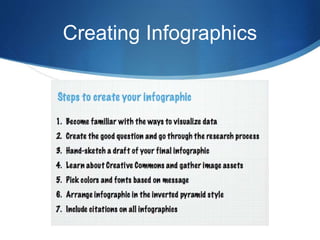
 Creating infographics
 Ideas for using infographics in the classroom
Infographics are visual representations of
Information data knowledge
Infographics
Used where complex information
needs to be explained quickly and
clearly such as in signs, maps,
journalism, technical writing and
education.
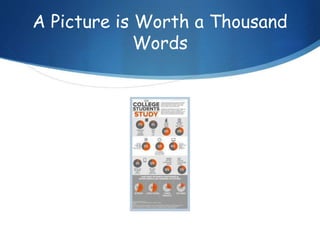
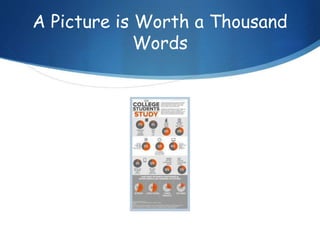
A Picture is Worth a Thousand
Words
S Learners are constantly bombarded by information.
A deluge of messages are conveyed through the
use of pictures, photographs, and video. Learning
how to “read” and evaluate visual media is a skill
that can be taught, just as reading is taught.
S Students must also learn to express their
understandings through visual representations.
S Writing, research, and planning, all while combining
digital and traditional text forms.
Visual Literacy
Why use infographics?
S Make it easy to understand complicated concepts or
how-to perform tasks
S Dynamically combine words and picture in ways that
are visually appealing
S Stand alone
S Reveal new information
S Are universally understood
Who will find infographics an engaging
way to learn course material?
S Fact oriented learners
S Data enthusiasts
S Creative minds
S
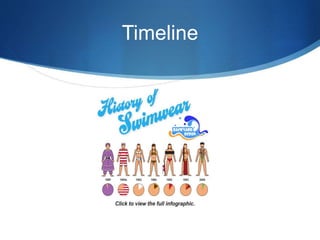
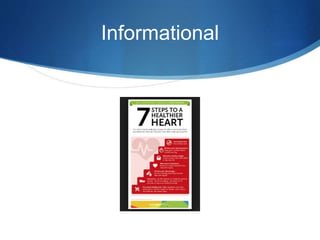
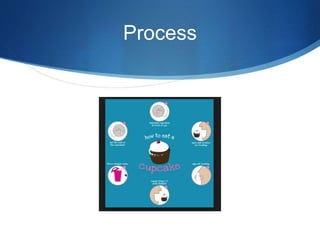
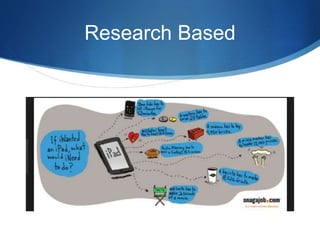
Types of Infographics
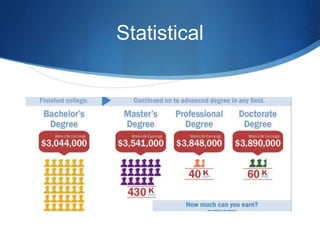
Statistical
Timeline
Informational
Process
Research Based
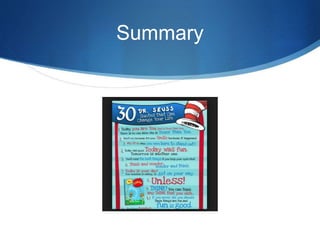
Summary
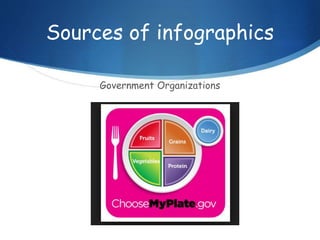
Sources of infographics
Government Organizations
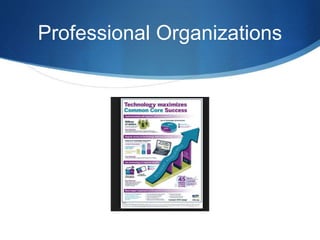
Professional Organizations
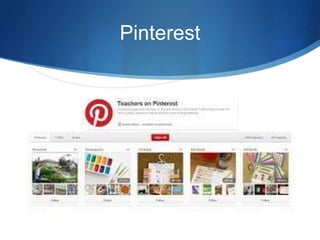
Pinterest
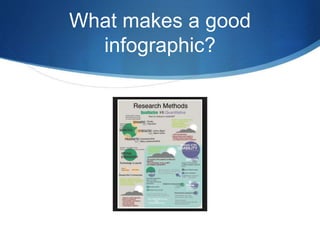
What makes a good
infographic?
Purpose
The audience should be able to
infer the author’s purpose, draw
conclusions based on the evidence,
and summarize the gist of the
infographic
Style
The graphic components including
the layout, text, symbols and color
scheme should address the tone of
the author.
Evidence
Data and text must be cited and
appropriately integrated in the
design to support the reader’s
understanding.
Format
The infographic can be
represented in a static format,
designed for print, or a dynamic
medium, allowing for interactivity.
A Picture is Worth a Thousand
Words
Creating Infographics
Online Infographic Tools
PiktoChart (www.picktochart.com) Free tools with simple
advanced features and a variety of templates
Glogster (http://edu.glogster.com) Interactive posters
PowerPoint - Free templates to use within a
PowerPoint Presentation
http://blog.hubspot.com/blog/tabid/6307/bid/33499/The-
Marketer-s-Simple-Guide-to-Creating-Infographics-in-
PowerPoint-Template.aspx
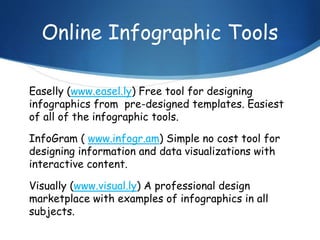
Online Infographic Tools
Easelly (www.easel.ly) Free tool for designing
infographics from pre-designed templates. Easiest
of all of the infographic tools.
InfoGram ( www.infogr.am) Simple no cost tool for
designing information and data visualizations with
interactive content.
Visually (www.visual.ly) A professional design
marketplace with examples of infographics in all
subjects.
Infographics
S Can support reading comprehension and writing while
strengthening critical thinking and synthesizing skills.
S Can be useful for connecting literacy content with
science, history or math lessons.
S Can be used as a visual resume
S Can be used as creative formative or summative
assessment to showcase a student’s mastery of
knowledge.
Using infographics in the
classroom to:
S review the steps of a science experiment
S talk about a character’s decision in literature
S highlight important historical events
S compare ways of looking at data
S discuss the historical setting of a book
S pre-teach a new subject
S present a new idea or topic
Resources
Kathy Schrock’s Guide to
Everything
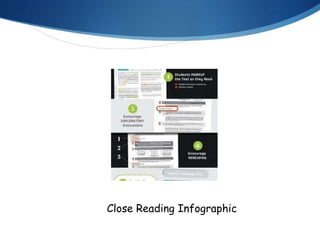
Close Reading Infographic
Resources
S Davis, M. & Quinn, D. (January, 2014) Visualizing text:
The New Literacy of Infographics. Reading Today.
S Kathy Schrock’s Guide to Everything
http://www.schrockguide.net/infographics-as-an-
assessment.html
S TeachThought: A Primer On Infographics in the
Classroom http://www.teachthought.com/literacy-2/a-
primer-on-infographics-in-the-classroom/
S Teaching with Infographics
http://www.slideshare.net/srichter/teaching-with-
infographics-27211531
Photo Credits
S Agenda icon - Creative Commons via partido-
pirata.blogspot.com
S Getting To Know You http://www.cartoonstock.com/
S Student infographic - http://www.classesandcareers.com/
S Infographic samples - Google images

Infographics as teaching tools ppt

  • 1.
    S Turning Infographics IntoEffective Teaching Tools Technology in Education Conference May 19 2014 Karen Megay Nespoli
  • 2.
    Getting to knowyou Name Department Why you are interested in infographics?
  • 3.
     Introduction toinfographics  Types of infographics  Creating infographics  Ideas for using infographics in the classroom
  • 4.
    Infographics are visualrepresentations of Information data knowledge
  • 5.
    Infographics Used where complexinformation needs to be explained quickly and clearly such as in signs, maps, journalism, technical writing and education.
  • 6.
    A Picture isWorth a Thousand Words
  • 7.
    S Learners areconstantly bombarded by information. A deluge of messages are conveyed through the use of pictures, photographs, and video. Learning how to “read” and evaluate visual media is a skill that can be taught, just as reading is taught. S Students must also learn to express their understandings through visual representations. S Writing, research, and planning, all while combining digital and traditional text forms. Visual Literacy
  • 8.
    Why use infographics? SMake it easy to understand complicated concepts or how-to perform tasks S Dynamically combine words and picture in ways that are visually appealing S Stand alone S Reveal new information S Are universally understood
  • 9.
    Who will findinfographics an engaging way to learn course material? S Fact oriented learners S Data enthusiasts S Creative minds
  • 10.
  • 11.
  • 12.
  • 13.
  • 14.
  • 15.
  • 16.
  • 17.
  • 18.
  • 19.
  • 20.
    What makes agood infographic?
  • 21.
    Purpose The audience shouldbe able to infer the author’s purpose, draw conclusions based on the evidence, and summarize the gist of the infographic
  • 22.
    Style The graphic componentsincluding the layout, text, symbols and color scheme should address the tone of the author.
  • 23.
    Evidence Data and textmust be cited and appropriately integrated in the design to support the reader’s understanding.
  • 24.
    Format The infographic canbe represented in a static format, designed for print, or a dynamic medium, allowing for interactivity.
  • 25.
    A Picture isWorth a Thousand Words
  • 26.
  • 27.
    Online Infographic Tools PiktoChart(www.picktochart.com) Free tools with simple advanced features and a variety of templates Glogster (http://edu.glogster.com) Interactive posters PowerPoint - Free templates to use within a PowerPoint Presentation http://blog.hubspot.com/blog/tabid/6307/bid/33499/The- Marketer-s-Simple-Guide-to-Creating-Infographics-in- PowerPoint-Template.aspx
  • 28.
    Online Infographic Tools Easelly(www.easel.ly) Free tool for designing infographics from pre-designed templates. Easiest of all of the infographic tools. InfoGram ( www.infogr.am) Simple no cost tool for designing information and data visualizations with interactive content. Visually (www.visual.ly) A professional design marketplace with examples of infographics in all subjects.
  • 29.
    Infographics S Can supportreading comprehension and writing while strengthening critical thinking and synthesizing skills. S Can be useful for connecting literacy content with science, history or math lessons. S Can be used as a visual resume S Can be used as creative formative or summative assessment to showcase a student’s mastery of knowledge.
  • 30.
    Using infographics inthe classroom to: S review the steps of a science experiment S talk about a character’s decision in literature S highlight important historical events S compare ways of looking at data S discuss the historical setting of a book S pre-teach a new subject S present a new idea or topic
  • 31.
  • 32.
  • 33.
    Resources S Davis, M.& Quinn, D. (January, 2014) Visualizing text: The New Literacy of Infographics. Reading Today. S Kathy Schrock’s Guide to Everything http://www.schrockguide.net/infographics-as-an- assessment.html S TeachThought: A Primer On Infographics in the Classroom http://www.teachthought.com/literacy-2/a- primer-on-infographics-in-the-classroom/ S Teaching with Infographics http://www.slideshare.net/srichter/teaching-with- infographics-27211531
  • 34.
    Photo Credits S Agendaicon - Creative Commons via partido- pirata.blogspot.com S Getting To Know You http://www.cartoonstock.com/ S Student infographic - http://www.classesandcareers.com/ S Infographic samples - Google images