XPages Mobile Development Lab Lance Spellman   |   President, WorkFlow Studios
Agenda Review existing Notes application
Think about mobile requirement
Model page flow of mobile app
Create mobile Xpage
Create page fragments that mobile app will transition between View
Document
Linked Doc
Existing Notes Application Movie database
Contains 3 types of documents/forms Movies
Actors
A join table for actors in movies Contains 3 views Movie list
Actor list
Actors, categorized by the movies they appear in
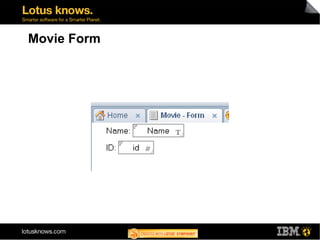
Movie Form
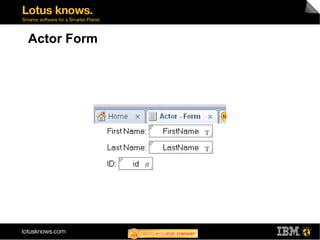
Actor Form
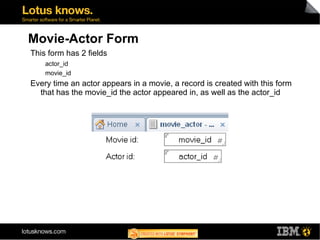
Movie-Actor Form This form has 2 fields actor_id
movie_id Every time an actor appears in a movie, a record is created with this form that has the movie_id the actor appeared in, as well as the actor_id
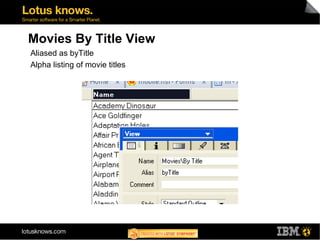
Movies By Title View Aliased as byTitle
Alpha listing of movie titles
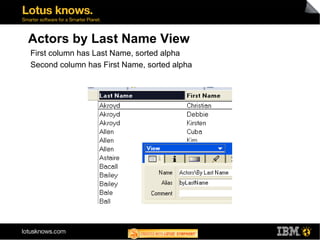
Actors by Last Name View First column has Last Name, sorted alpha
Second column has First Name, sorted alpha
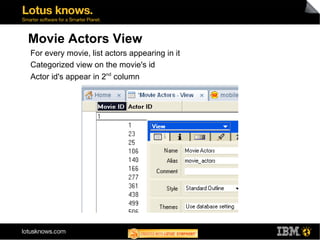
Movie Actors View For every movie, list actors appearing in it
Categorized view on the movie's id
Actor id's appear in 2 nd  column
Mobile Requirement Build an application that lists movies in alpha order
Allow selection of movie
For selected movie, show actors that appear in that movie
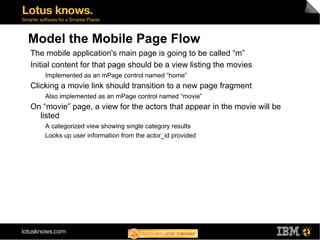
Model the Mobile Page Flow The mobile application's main page is going to be called “m”
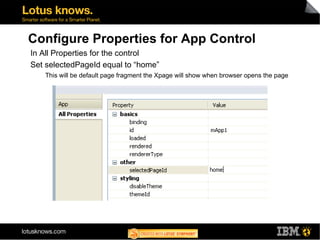
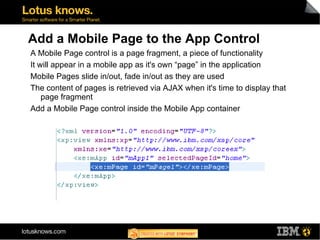
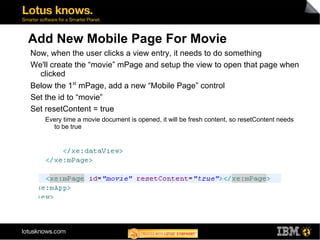
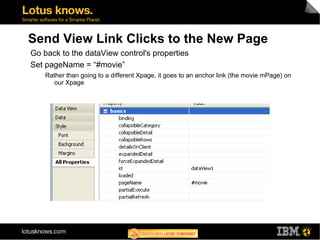
Initial content for that page should be a view listing the movies Implemented as an mPage control named “home” Clicking a movie link should transition to a new page fragment Also implemented as an mPage control named “movie” On “movie” page, a view for the actors that appear in the movie will be listed A categorized view showing single category results
Looks up user information from the actor_id provided
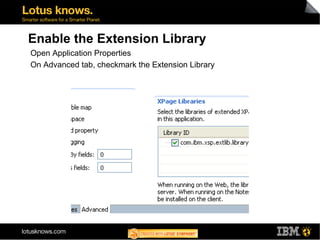
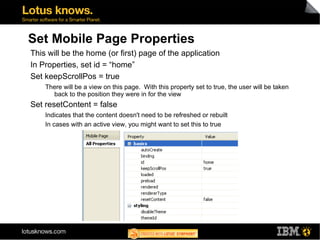
Enable the Extension Library Open Application Properties
On Advanced tab, checkmark the Extension Library
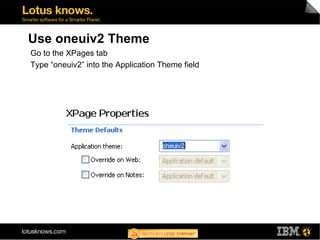
Use oneuiv2 Theme Go to the XPages tab
Type “oneuiv2” into the Application Theme field
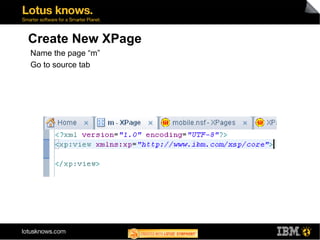
Create New XPage Name the page “m”
Go to source tab
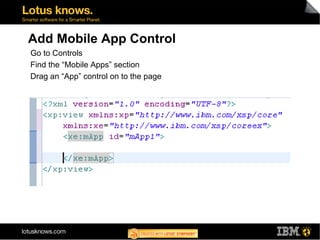
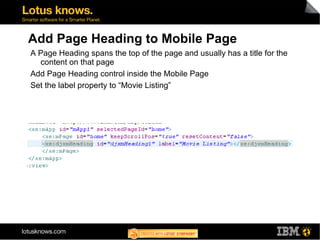
Add Mobile App Control Go to Controls

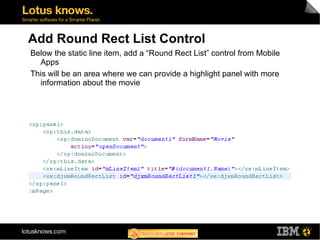
Lab: Mobile App Development with XPages and Extension Library