Sarah Schmidt
Reference and Government Information Librarian
Keywords,
Synonyms,
& Interlibrary Loan
@ the library:
get access to the info you need that isn’t freely
available online
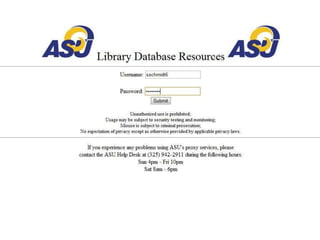
Library resources are free and only for ASU
community members, including students!
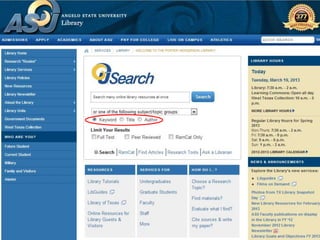
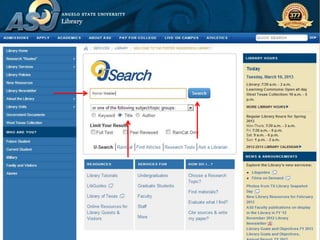
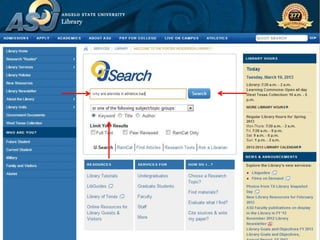
U-Search searches the full text of SOME
of the electronic information at the library
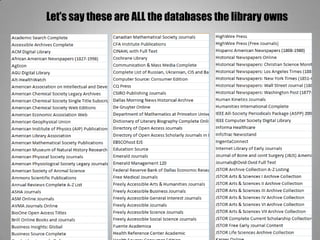
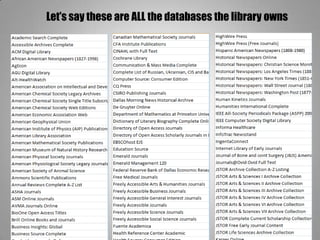
Let’s say these are ALL the databases the library owns
What’s a database?
• A little electronic library with books, articles,
videos, reports, etc – based on a subject like
history, math, science, art, music, and so on.
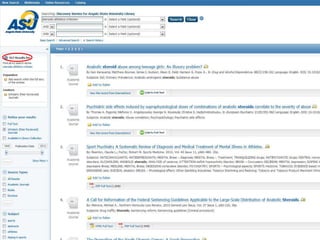
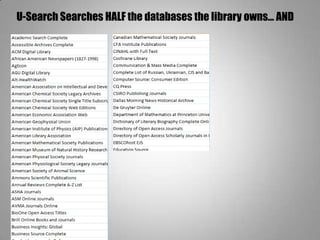
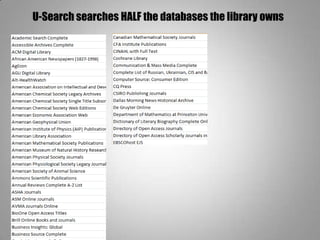
U-Search Searches HALF the databases the library owns… AND
RamCat, the library’s catalog.
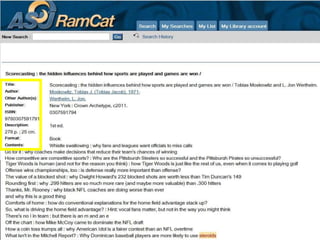
RamCat searches the records of every item the
library has access to
Your turn!
Let’s work on #1
Advanced Searches:
1. Formulate a research question
2. Tinker with the question in the database
How? Play around with:
• Your words
• Information type
• Subjects tagged on to articles
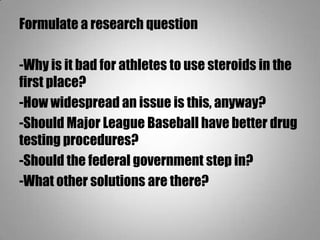
Formulate a research question
Think about:
• What you want to learn from the project
• Your current thesis statement
Formulate a research question
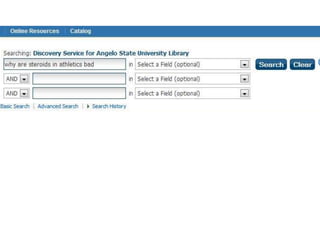
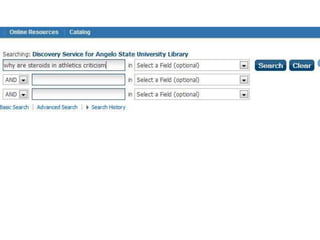
-Why is it bad for athletes to use steroids in the
first place?
-How widespread an issue is this, anyway?
-Should Major League Baseball have better drug
testing procedures?
-Should the federal government step in?
-What other solutions are there?
How to get more targeted results
Tip #1:
Use Synonyms
How to get more targeted results
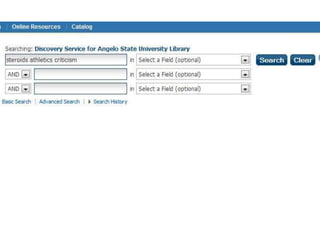
Tip #2:
Take out the seaweed
How to get more targeted results
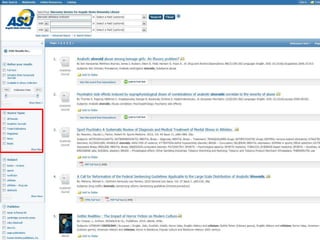
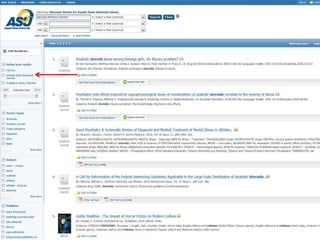
Tip #3:
Limit by information type
How to get more targeted results
Tip #4:
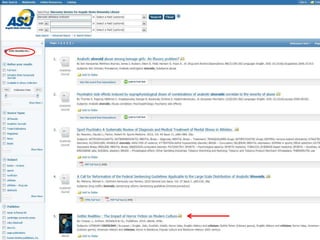
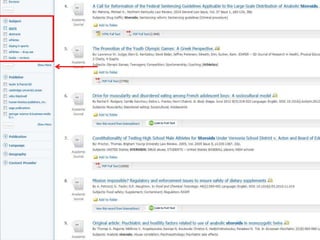
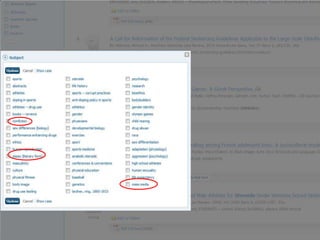
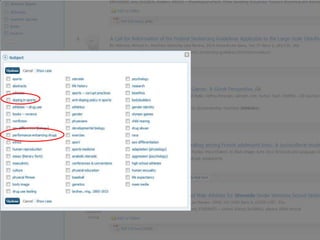
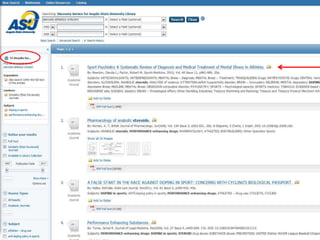
Limit by subject
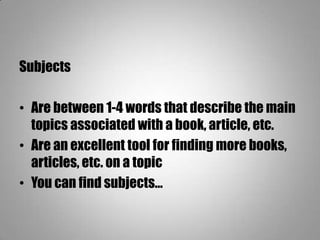
Subjects
• Are between 1-4 words that describe the main
topics associated with a book, article, etc.
• Are an excellent tool for finding more books,
articles, etc. on a topic
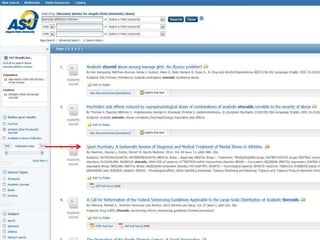
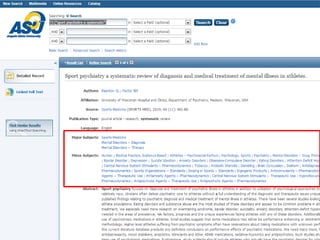
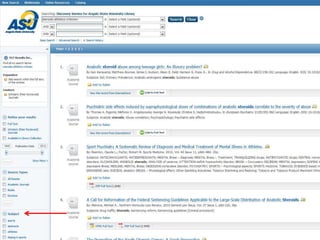
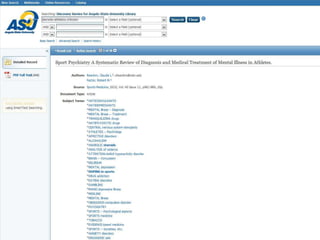
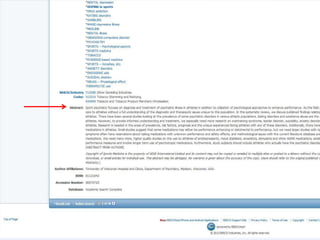
• You can find subjects…
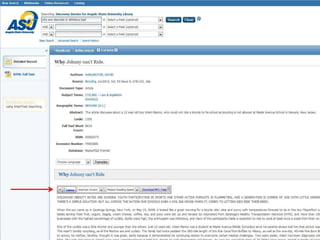
On an item record
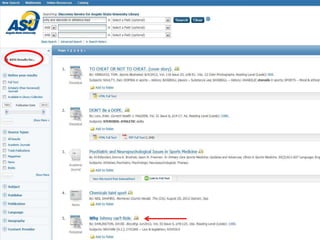
On your list of results
Your turn!
Let’s work on #2, 3, & 4
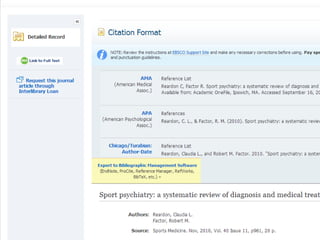
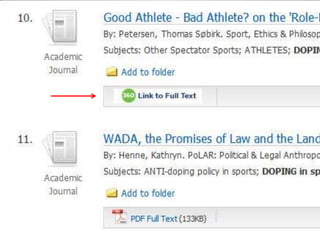
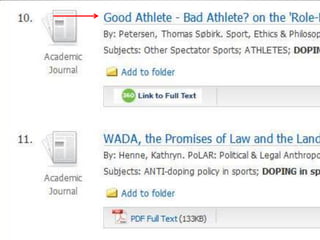
360 Link
Tells you which other databases have the full-
text of an article
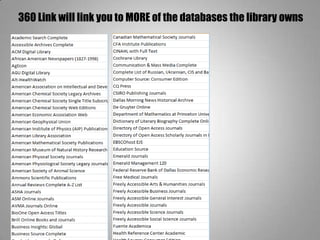
Let’s say these are ALL the databases the library owns
U-Search searches HALF the databases the library owns
360 Link will link you to MORE of the databases the library owns
If there’s time at the end…
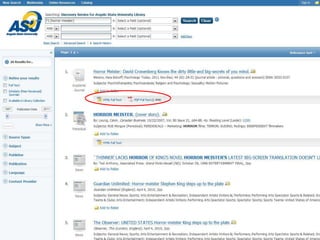
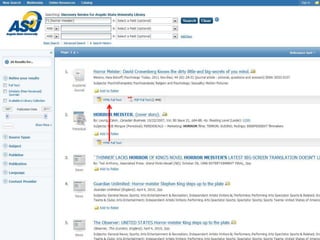
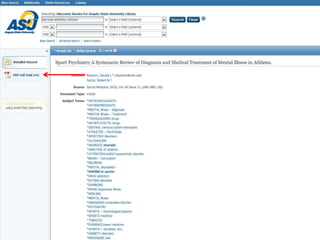
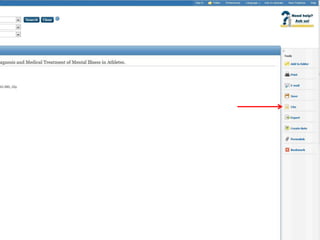
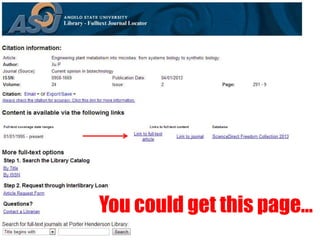
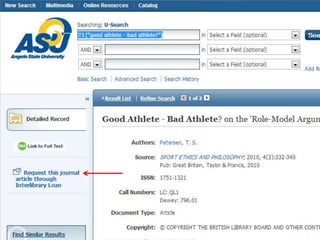
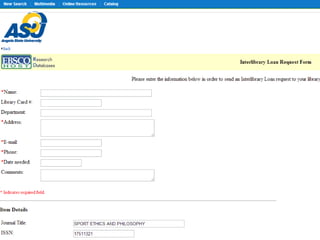
You could get this page…
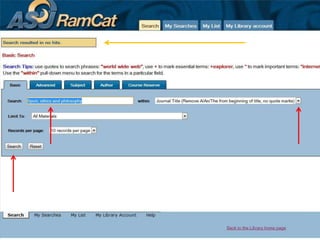
Or you could get this page…
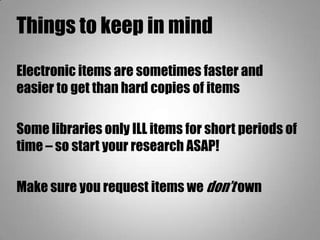
Things to keep in mind
Electronic items are sometimes faster and
easier to get than hard copies of items
Some libraries only ILL items for short periods of
time – so start your research ASAP!
Make sure you request items we don’t own
Your turn!
Complete the worksheet
Keywords, Synonyms, and 360 Link

Keywords, Synonyms, and 360 Link

  • 1.
    Sarah Schmidt Reference andGovernment Information Librarian Keywords, Synonyms, & Interlibrary Loan
  • 2.
    @ the library: getaccess to the info you need that isn’t freely available online Library resources are free and only for ASU community members, including students!
  • 8.
    U-Search searches thefull text of SOME of the electronic information at the library
  • 9.
    Let’s say theseare ALL the databases the library owns
  • 10.
    What’s a database? •A little electronic library with books, articles, videos, reports, etc – based on a subject like history, math, science, art, music, and so on.
  • 11.
    U-Search Searches HALFthe databases the library owns… AND
  • 12.
    RamCat, the library’scatalog. RamCat searches the records of every item the library has access to
  • 20.
  • 21.
    Advanced Searches: 1. Formulatea research question 2. Tinker with the question in the database How? Play around with: • Your words • Information type • Subjects tagged on to articles
  • 22.
    Formulate a researchquestion Think about: • What you want to learn from the project • Your current thesis statement
  • 23.
    Formulate a researchquestion -Why is it bad for athletes to use steroids in the first place? -How widespread an issue is this, anyway? -Should Major League Baseball have better drug testing procedures? -Should the federal government step in? -What other solutions are there?
  • 28.
    How to getmore targeted results Tip #1: Use Synonyms
  • 32.
    How to getmore targeted results Tip #2: Take out the seaweed
  • 36.
    How to getmore targeted results Tip #3: Limit by information type
  • 40.
    How to getmore targeted results Tip #4: Limit by subject
  • 41.
    Subjects • Are between1-4 words that describe the main topics associated with a book, article, etc. • Are an excellent tool for finding more books, articles, etc. on a topic • You can find subjects…
  • 42.
    On an itemrecord
  • 45.
    On your listof results
  • 56.
  • 57.
    360 Link Tells youwhich other databases have the full- text of an article
  • 58.
    Let’s say theseare ALL the databases the library owns
  • 59.
    U-Search searches HALFthe databases the library owns
  • 60.
    360 Link willlink you to MORE of the databases the library owns
  • 61.
    If there’s timeat the end…
  • 63.
    You could getthis page…
  • 64.
    Or you couldget this page…
  • 69.
    Things to keepin mind Electronic items are sometimes faster and easier to get than hard copies of items Some libraries only ILL items for short periods of time – so start your research ASAP! Make sure you request items we don’t own
  • 70.