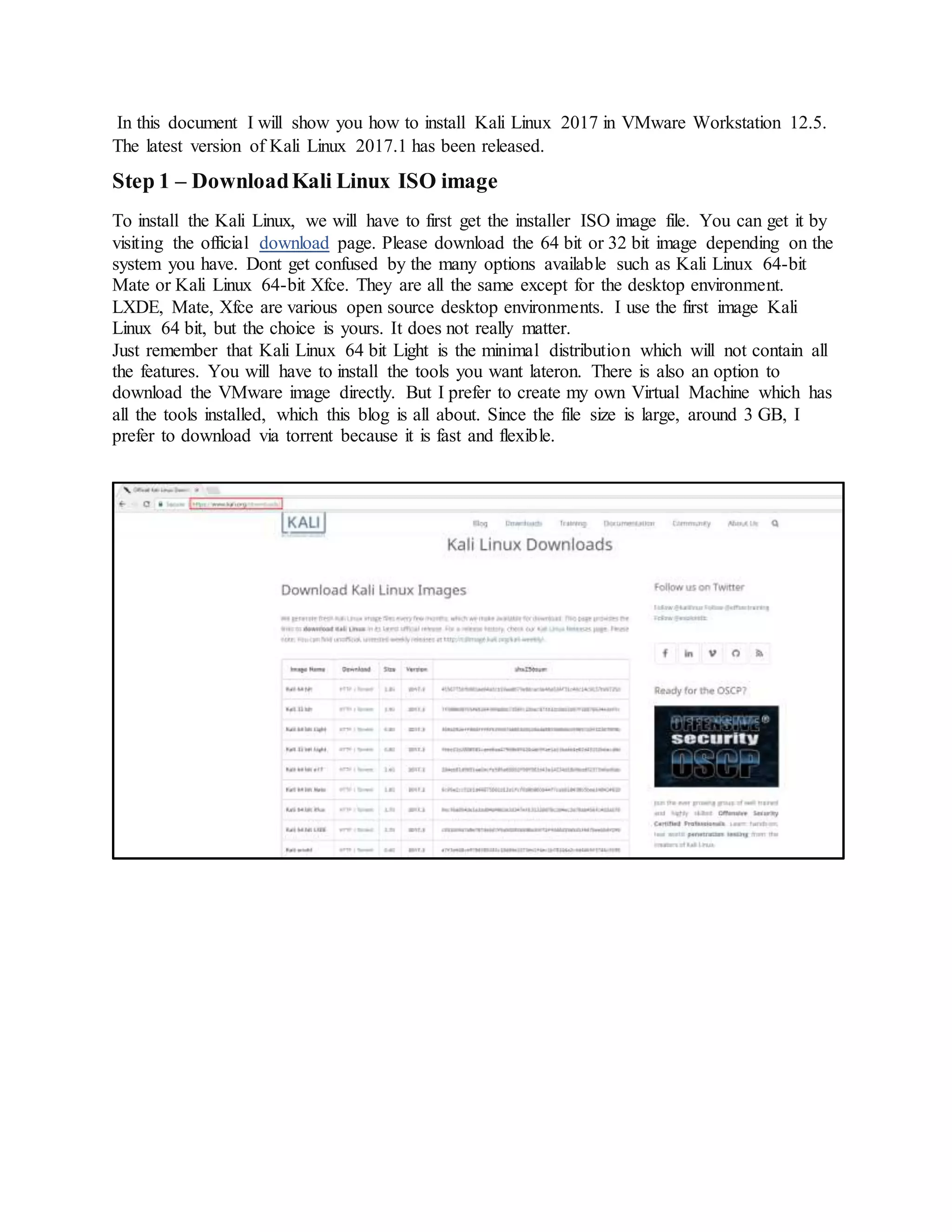
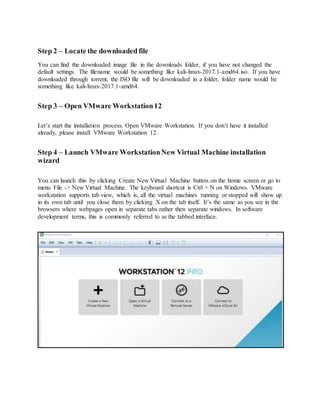
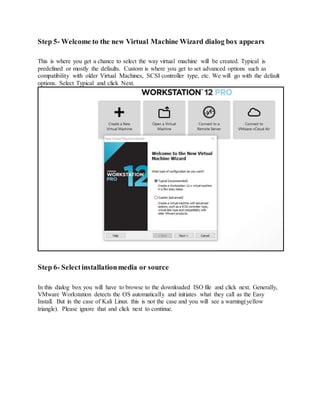
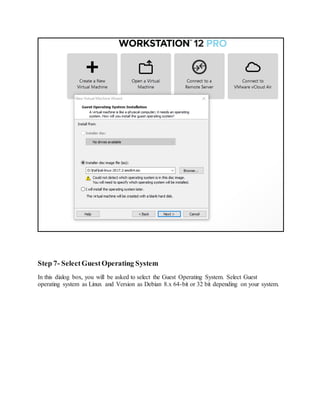
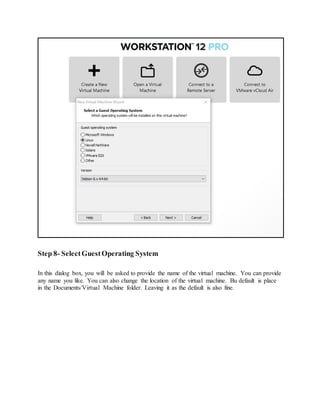
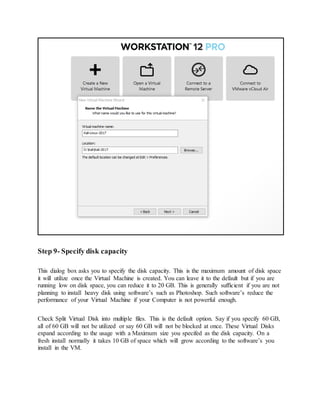
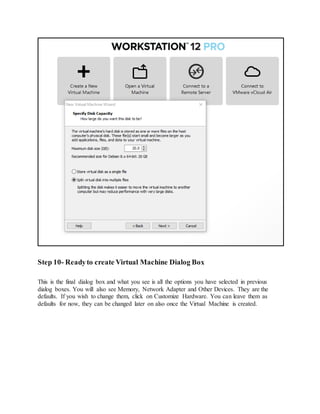
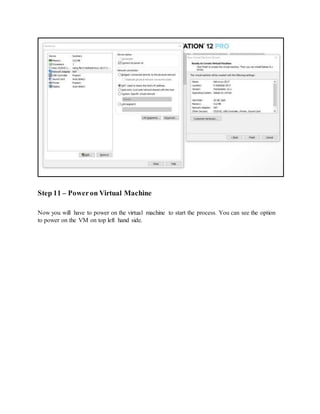
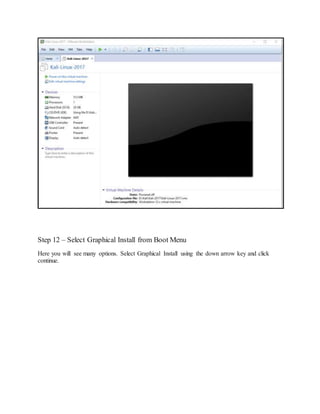
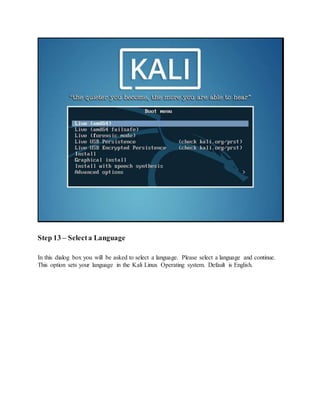
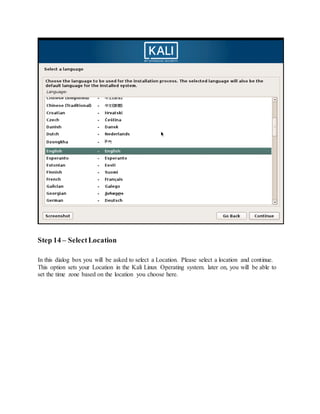
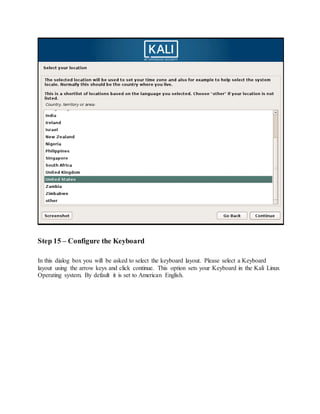
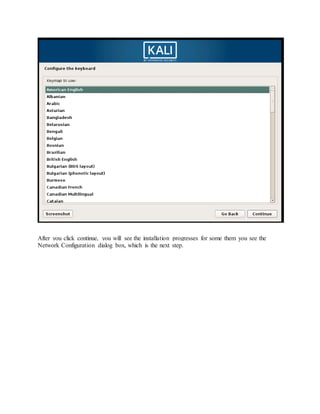
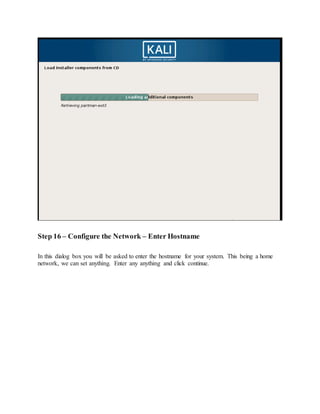
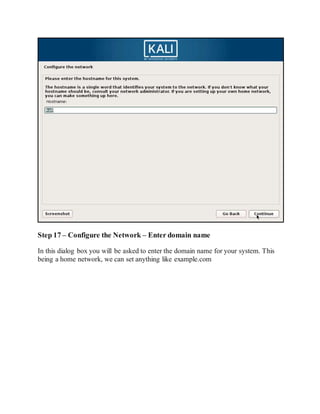
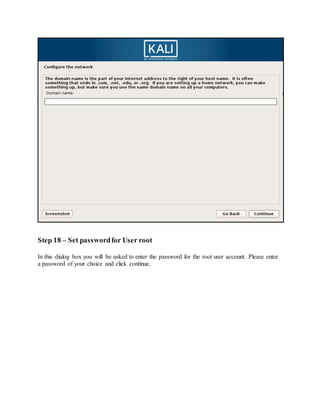
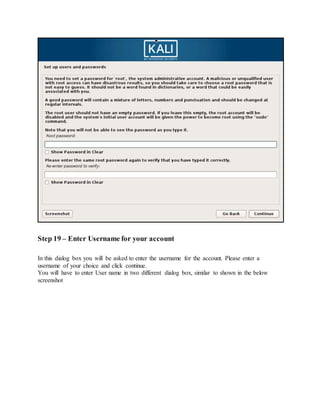
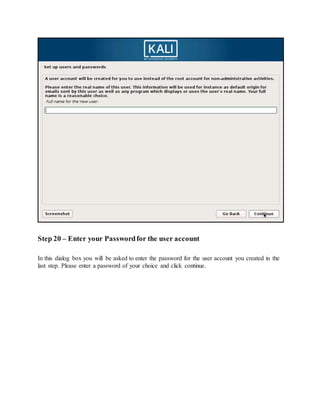
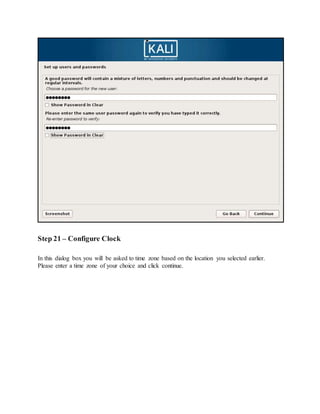
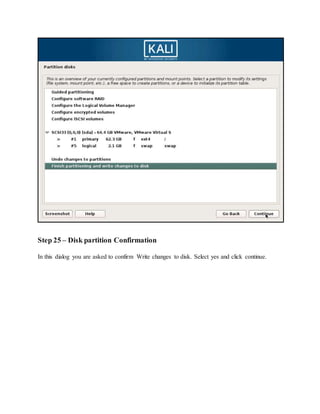
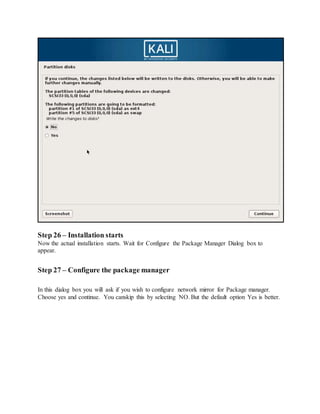
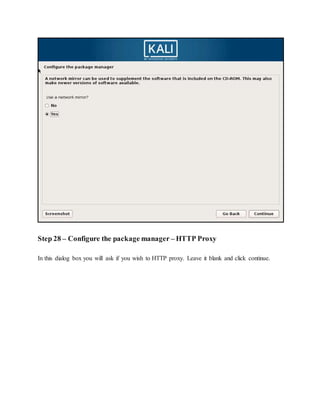
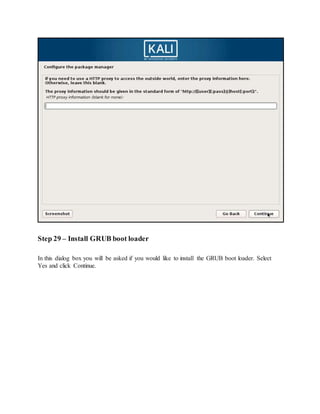
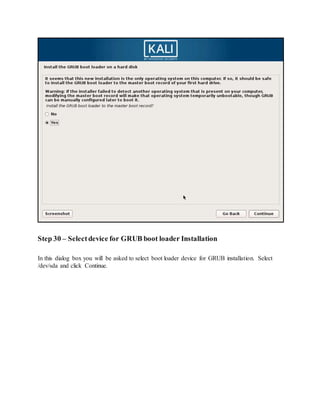
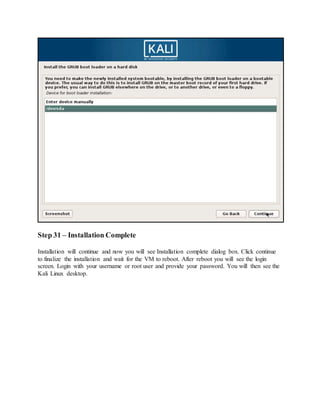
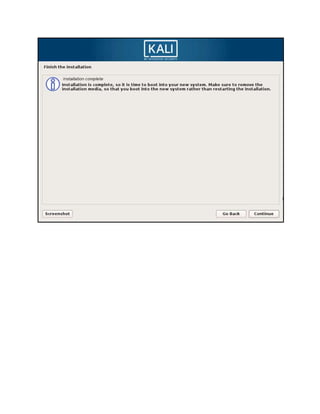
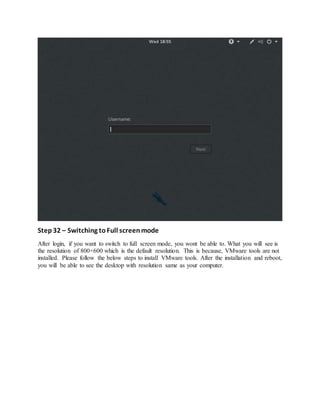
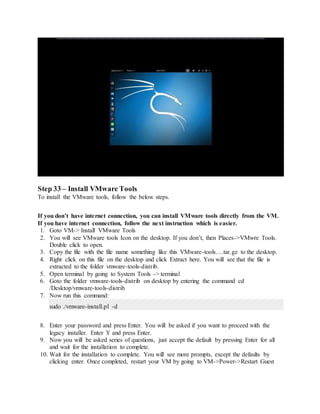
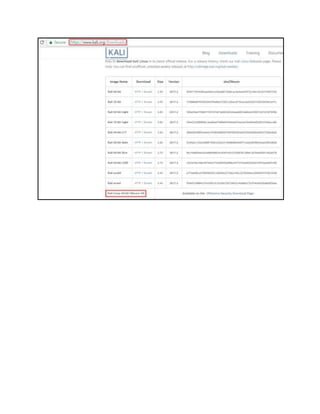
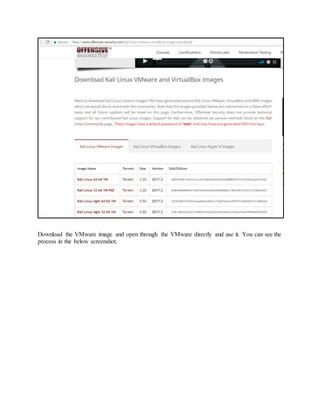
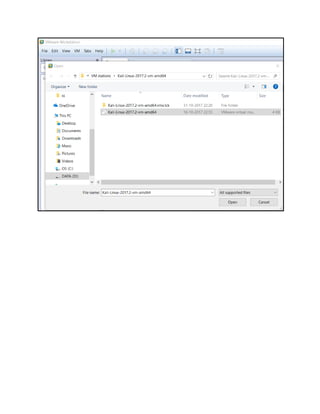
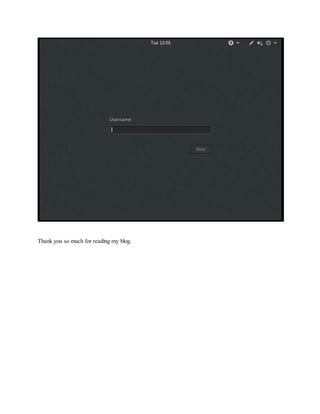
This document provides a step-by-step guide for installing Kali Linux 2017 on VMware Workstation 12.5. It covers downloading the ISO image, creating a new virtual machine, and completing the installation process, including configuration and installation of VMware tools for optimal performance. The document also includes options for downloading custom Kali Linux images and obtaining community support.


![Getting Started with Apache Spark: Big Data Made Simple [Free Meetup]](https://cdn.slidesharecdn.com/ss_thumbnails/apachesparkgettingstarted-260203175547-8361bcc3-thumbnail.jpg?width=640&height=640&fit=bounds)


