Hacker’s OS – Mastering Linux for Security
 Day 3: Linux Essentials & Hacking Lab Setup
 Become comfortable using Linux as your primary hacking
platform.
What is
Linux?
 Linux is a free, open-source operating
system used widely in cybersecurity.
 Distros: Kali, Ubuntu, Parrot OS.
 Key Traits: Lightweight,
customizable, terminal-based power.
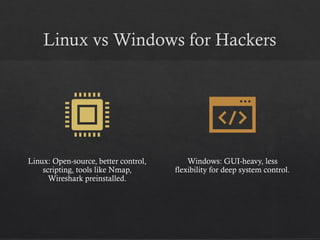
Linux vs Windows for Hackers
Linux: Open-source, better control,
scripting, tools like Nmap,
Wireshark preinstalled.
Windows: GUI-heavy, less
flexibility for deep system control.
Why Do Hackers Prefer Linux?
 • Strong community and documentation
 • Security-centric distros like Kali
 • Control over networking and permissions
 • Scripting and automation potential
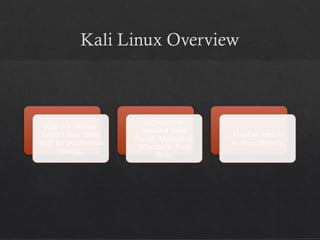
Kali Linux Overview
Kali is a Debian-
based Linux distro
built for penetration
testing.
Includes pre-
installed tools:
Nmap, Metasploit,
Wireshark, Burp
Suite.
Used by ethical
hackers globally.
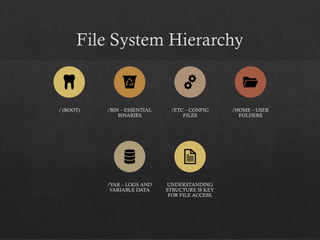
File System Hierarchy
/ (ROOT) /BIN – ESSENTIAL
BINARIES
/ETC – CONFIG
FILES
/HOME – USER
FOLDERS
/VAR – LOGS AND
VARIABLE DATA
UNDERSTANDING
STRUCTURE IS KEY
FOR FILE ACCESS.
Navigating the File System
 `cd`, `ls`, `pwd`, `tree`
 Example:
 cd /home/user
 ls -l
 pwd shows current directory
→
File Management Commands
 `cp` – copy
 `mv` – move/rename
 `rm` – delete
 `touch` – create file
 `nano` – edit file
Viewing File
Content
 `cat` – view file
 `less` – scrollable view
 `head`/`tail` – show beginning/end
 Use for analyzing logs or script
output.
Searching Files
 `grep` – search within files
 `find` – locate by path/name/type
 `locate` – quick filename search via database
File Permissions Explained
 r = read, w = write, x = execute
 Example: rwxr-xr--
 Owner/User/Other
 Use `ls -l` to view permissions.
Changing
Permissions
 `chmod` – change file mode
 `chown` – change file
ownership
 Example:
 chmod +x script.sh
 chown user:user file.txt
User and Group Management
`adduser`,
`deluser`,
`passwd`, `su`,
`sudo`
Use `sudo` for
root privileges.
Groups control
access rights.
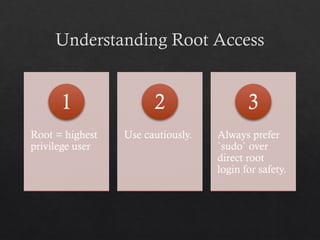
Understanding Root Access
Root = highest
privilege user
1
Use cautiously.
2
Always prefer
`sudo` over
direct root
login for safety.
3
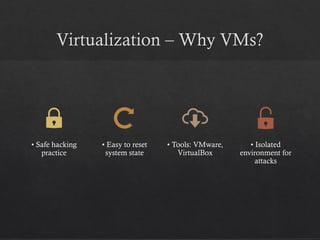
Virtualization – Why VMs?
• Safe hacking
practice
• Easy to reset
system state
• Tools: VMware,
VirtualBox
• Isolated
environment for
attacks
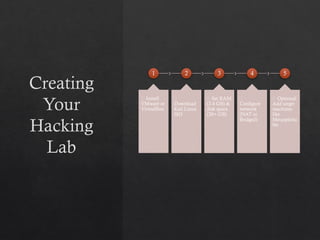
Creating
Your
Hacking
Lab
1
🔹 Install
VMware or
VirtualBox
2
🔹
Download
Kali Linux
ISO
3
🔹 Set RAM
(2-4 GB) &
disk space
(20+ GB)
4
🔹
Configure
network
(NAT or
Bridged)
5
🔹 Optional:
Add target
machines
like
Metasploita
ble
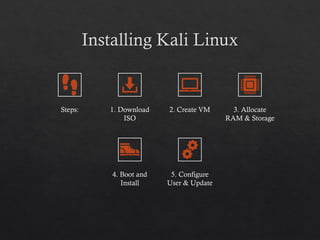
Installing Kali Linux
Steps: 1. Download
ISO
2. Create VM 3. Allocate
RAM & Storage
4. Boot and
Install
5. Configure
User & Update
System Updates
 `sudo apt update`
 `sudo apt upgrade`
 Ensure latest packages and
security patches are installed.
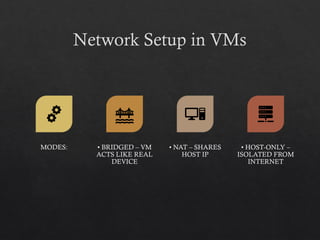
Network Setup in VMs
MODES: • BRIDGED – VM
ACTS LIKE REAL
DEVICE
• NAT – SHARES
HOST IP
• HOST-ONLY –
ISOLATED FROM
INTERNET
Installing Tools – Nmap
`sudo apt install nmap` Used for port scanning
and network discovery.
Installing Tools – Wireshark
 `sudo apt install wireshark`
 Captures and analyzes network traffic.
 Must run with elevated privileges.
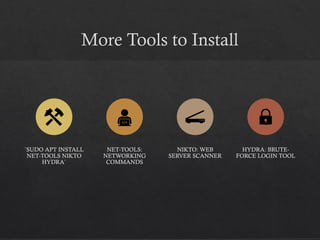
More Tools to Install
`SUDO APT INSTALL
NET-TOOLS NIKTO
HYDRA`
NET-TOOLS:
NETWORKING
COMMANDS
NIKTO: WEB
SERVER SCANNER
HYDRA: BRUTE-
FORCE LOGIN TOOL
Keeping Tools Updated
`sudo apt update && sudo apt upgrade`
Set regular update schedule
Prevents tool failure due to outdated
dependencies.
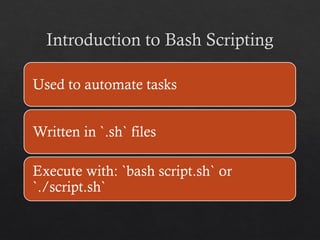
Introduction to Bash Scripting
Used to automate tasks
Written in `.sh` files
Execute with: `bash script.sh` or
`./script.sh`
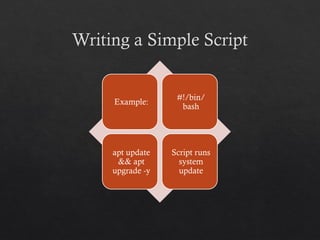
Writing a Simple Script
Example:
#!/bin/
bash
apt update
&& apt
upgrade -y
Script runs
system
update
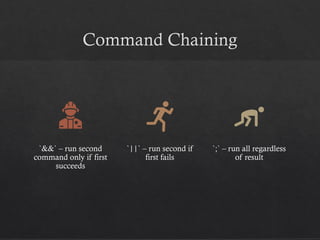
Command Chaining
`&&` – run second
command only if first
succeeds
`||` – run second if
first fails
`;` – run all regardless
of result
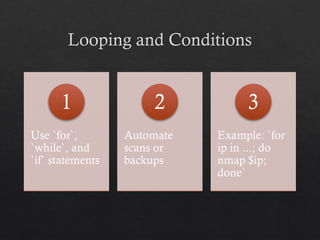
Looping and Conditions
Use `for`,
`while`, and
`if` statements
1
Automate
scans or
backups
2
Example: `for
ip in ...; do
nmap $ip;
done`
3
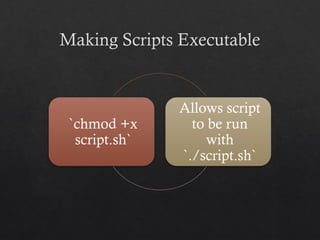
Making Scripts Executable
`chmod +x
script.sh`
Allows script
to be run
with
`./script.sh`
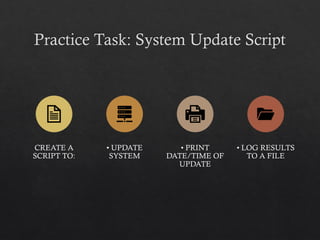
Practice Task: System Update Script
CREATE A
SCRIPT TO:
• UPDATE
SYSTEM
• PRINT
DATE/TIME OF
UPDATE
• LOG RESULTS
TO A FILE
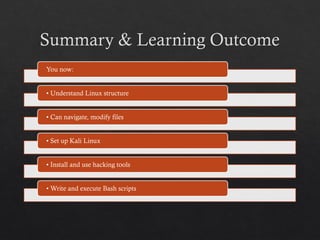
Summary & Learning Outcome
You now:
• Understand Linux structure
• Can navigate, modify files
• Set up Kali Linux
• Install and use hacking tools
• Write and execute Bash scripts
What’s Next?
 Prepare for Day 4: Reconnaissance & Scanning
 Install tools: WHOIS, nslookup, Nmap
 Review Bash scripting
 Practice using commands learned today

Day3_Linux_Hacking_Detailed.pptx for IT std

  • 1.
    Hacker’s OS –Mastering Linux for Security  Day 3: Linux Essentials & Hacking Lab Setup  Become comfortable using Linux as your primary hacking platform.
  • 2.
    What is Linux?  Linuxis a free, open-source operating system used widely in cybersecurity.  Distros: Kali, Ubuntu, Parrot OS.  Key Traits: Lightweight, customizable, terminal-based power.
  • 3.
    Linux vs Windowsfor Hackers Linux: Open-source, better control, scripting, tools like Nmap, Wireshark preinstalled. Windows: GUI-heavy, less flexibility for deep system control.
  • 4.
    Why Do HackersPrefer Linux?  • Strong community and documentation  • Security-centric distros like Kali  • Control over networking and permissions  • Scripting and automation potential
  • 5.
    Kali Linux Overview Kaliis a Debian- based Linux distro built for penetration testing. Includes pre- installed tools: Nmap, Metasploit, Wireshark, Burp Suite. Used by ethical hackers globally.
  • 6.
    File System Hierarchy /(ROOT) /BIN – ESSENTIAL BINARIES /ETC – CONFIG FILES /HOME – USER FOLDERS /VAR – LOGS AND VARIABLE DATA UNDERSTANDING STRUCTURE IS KEY FOR FILE ACCESS.
  • 7.
    Navigating the FileSystem  `cd`, `ls`, `pwd`, `tree`  Example:  cd /home/user  ls -l  pwd shows current directory →
  • 8.
    File Management Commands `cp` – copy  `mv` – move/rename  `rm` – delete  `touch` – create file  `nano` – edit file
  • 9.
    Viewing File Content  `cat`– view file  `less` – scrollable view  `head`/`tail` – show beginning/end  Use for analyzing logs or script output.
  • 10.
    Searching Files  `grep`– search within files  `find` – locate by path/name/type  `locate` – quick filename search via database
  • 11.
    File Permissions Explained r = read, w = write, x = execute  Example: rwxr-xr--  Owner/User/Other  Use `ls -l` to view permissions.
  • 12.
    Changing Permissions  `chmod` –change file mode  `chown` – change file ownership  Example:  chmod +x script.sh  chown user:user file.txt
  • 13.
    User and GroupManagement `adduser`, `deluser`, `passwd`, `su`, `sudo` Use `sudo` for root privileges. Groups control access rights.
  • 14.
    Understanding Root Access Root= highest privilege user 1 Use cautiously. 2 Always prefer `sudo` over direct root login for safety. 3
  • 15.
    Virtualization – WhyVMs? • Safe hacking practice • Easy to reset system state • Tools: VMware, VirtualBox • Isolated environment for attacks
  • 16.
    Creating Your Hacking Lab 1 🔹 Install VMware or VirtualBox 2 🔹 Download KaliLinux ISO 3 🔹 Set RAM (2-4 GB) & disk space (20+ GB) 4 🔹 Configure network (NAT or Bridged) 5 🔹 Optional: Add target machines like Metasploita ble
  • 17.
    Installing Kali Linux Steps:1. Download ISO 2. Create VM 3. Allocate RAM & Storage 4. Boot and Install 5. Configure User & Update
  • 18.
    System Updates  `sudoapt update`  `sudo apt upgrade`  Ensure latest packages and security patches are installed.
  • 19.
    Network Setup inVMs MODES: • BRIDGED – VM ACTS LIKE REAL DEVICE • NAT – SHARES HOST IP • HOST-ONLY – ISOLATED FROM INTERNET
  • 20.
    Installing Tools –Nmap `sudo apt install nmap` Used for port scanning and network discovery.
  • 21.
    Installing Tools –Wireshark  `sudo apt install wireshark`  Captures and analyzes network traffic.  Must run with elevated privileges.
  • 22.
    More Tools toInstall `SUDO APT INSTALL NET-TOOLS NIKTO HYDRA` NET-TOOLS: NETWORKING COMMANDS NIKTO: WEB SERVER SCANNER HYDRA: BRUTE- FORCE LOGIN TOOL
  • 23.
    Keeping Tools Updated `sudoapt update && sudo apt upgrade` Set regular update schedule Prevents tool failure due to outdated dependencies.
  • 24.
    Introduction to BashScripting Used to automate tasks Written in `.sh` files Execute with: `bash script.sh` or `./script.sh`
  • 25.
    Writing a SimpleScript Example: #!/bin/ bash apt update && apt upgrade -y Script runs system update
  • 26.
    Command Chaining `&&` –run second command only if first succeeds `||` – run second if first fails `;` – run all regardless of result
  • 27.
    Looping and Conditions Use`for`, `while`, and `if` statements 1 Automate scans or backups 2 Example: `for ip in ...; do nmap $ip; done` 3
  • 28.
    Making Scripts Executable `chmod+x script.sh` Allows script to be run with `./script.sh`
  • 29.
    Practice Task: SystemUpdate Script CREATE A SCRIPT TO: • UPDATE SYSTEM • PRINT DATE/TIME OF UPDATE • LOG RESULTS TO A FILE
  • 30.
    Summary & LearningOutcome You now: • Understand Linux structure • Can navigate, modify files • Set up Kali Linux • Install and use hacking tools • Write and execute Bash scripts
  • 31.
    What’s Next?  Preparefor Day 4: Reconnaissance & Scanning  Install tools: WHOIS, nslookup, Nmap  Review Bash scripting  Practice using commands learned today

Editor's Notes

  • #16 Encourage students to set this up at home and explore. Mention online labs as alternatives (TryHackMe, HackTheBox).