
![>>> os.listdir('.')
['class', 'jalase7', 'jalase7.py']
>>>
>>> os.listdir('/')
['opt', 'initrd.img.old', 'lib', 'selinux', 'dev', 'home',
'initrd.img', 'lost+found', 'bin', 'usr', 'sys', 'lib64',
'windows', 'vmlinuz.old', 'proc', 'tmp', 'cdrom', 'run',
'sbin', 'mnt', 'root', 'boot', 'media', 'var', 'vmlinuz',
'etc', 'srv']
>>>](https://image.slidesharecdn.com/jalase7-eraee3-130908153002-/85/slide-5-320.jpg)
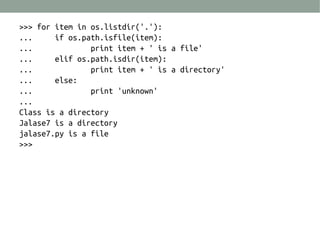


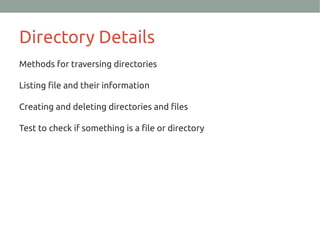
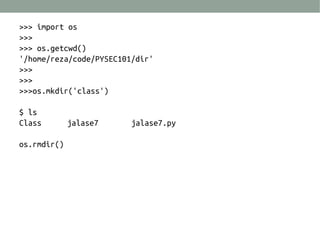
This document discusses Python directory navigation and file management. It shows how to use the os module to get the current working directory, list files in a directory, create and remove directories, check if an item is a file or directory, and traverse a directory listing files and their types. Code examples demonstrate os.getcwd(), os.listdir(), os.mkdir(), os.rmdir(), and os.path.isfile() and os.path.isdir() to interact with directories and files in Python.


![C99[2]](https://cdn.slidesharecdn.com/ss_thumbnails/c992-100302130206-phpapp01-thumbnail.jpg?width=640&height=640&fit=bounds)


