archlinux install
howto install a basic archlinux
s@mba
before everythig
* please please please: backup your docs
* check boot settings [CDROM, USB, HD]
* check if your system is i386 or x64
* insert iso, cdrom, usb and reboot
* select your arch system
After the boot
* Set the keyboard language
$ loadkeys LANG
LANG: en, es, it, fr, de, ….
example:
$ loadkeys it
Setup your disk
1. Partitioning the disk (fdisk)
2. Create a FS (xfs, ext3, ext4, zfs, … )
3. mount your new partition
1. fdisk - a cli tool used to manage partitions
usage:
$ fdisk -l
# print all the available partitions
$ fdisk /dev/sda
# enter in the /dev/sda setup
commands:
n - new (create a new partition)
p - list available partition
w - save and quit
h - print help
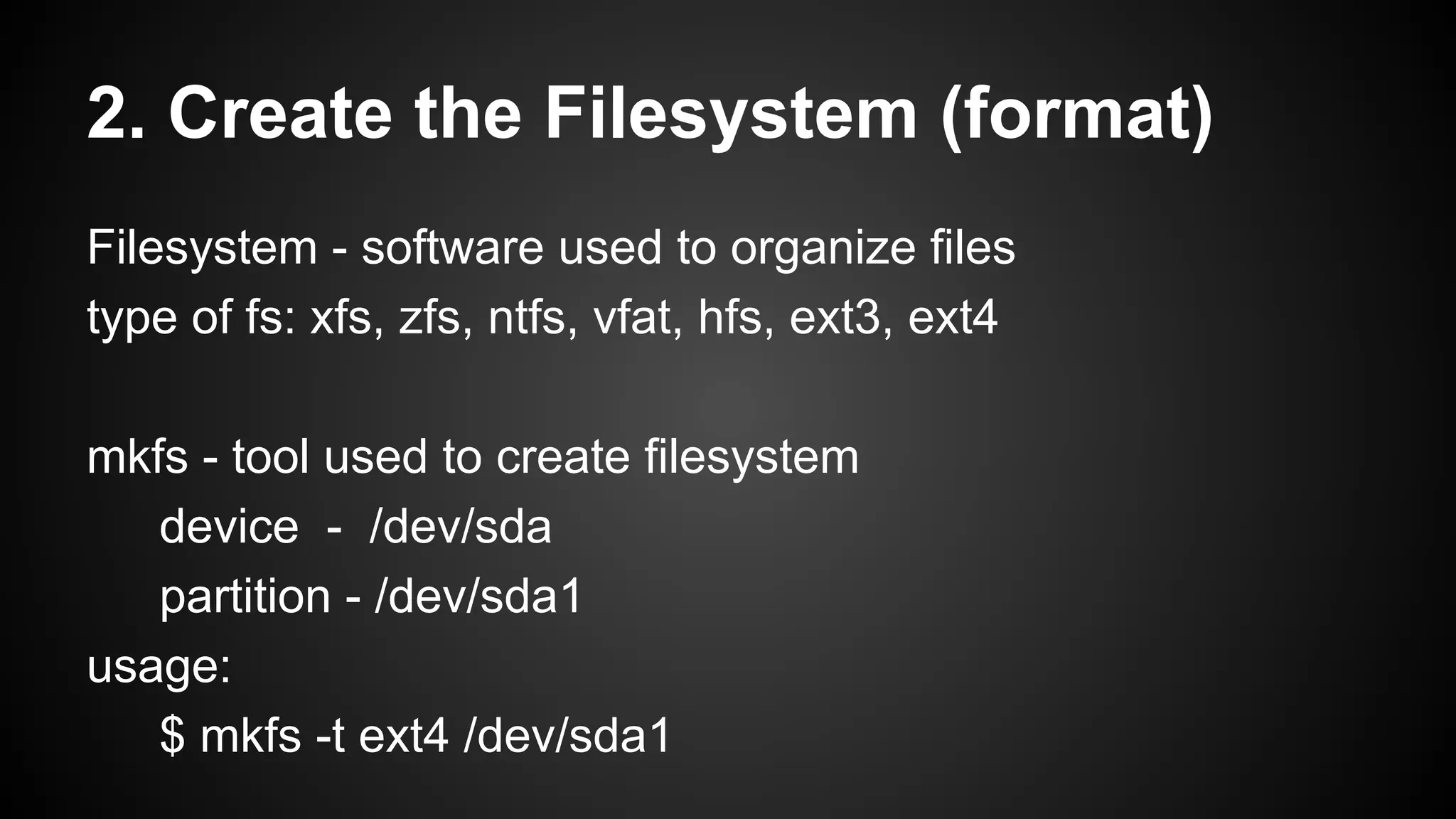
2. Create the Filesystem (format)
Filesystem - software used to organize files
type of fs: xfs, zfs, ntfs, vfat, hfs, ext3, ext4
mkfs - tool used to create filesystem
device - /dev/sda
partition - /dev/sda1
usage:
$ mkfs -t ext4 /dev/sda1
3. mount the partition
mount [partition] [mount point]
usage:
$ mount /dev/sda1 /mnt/arch
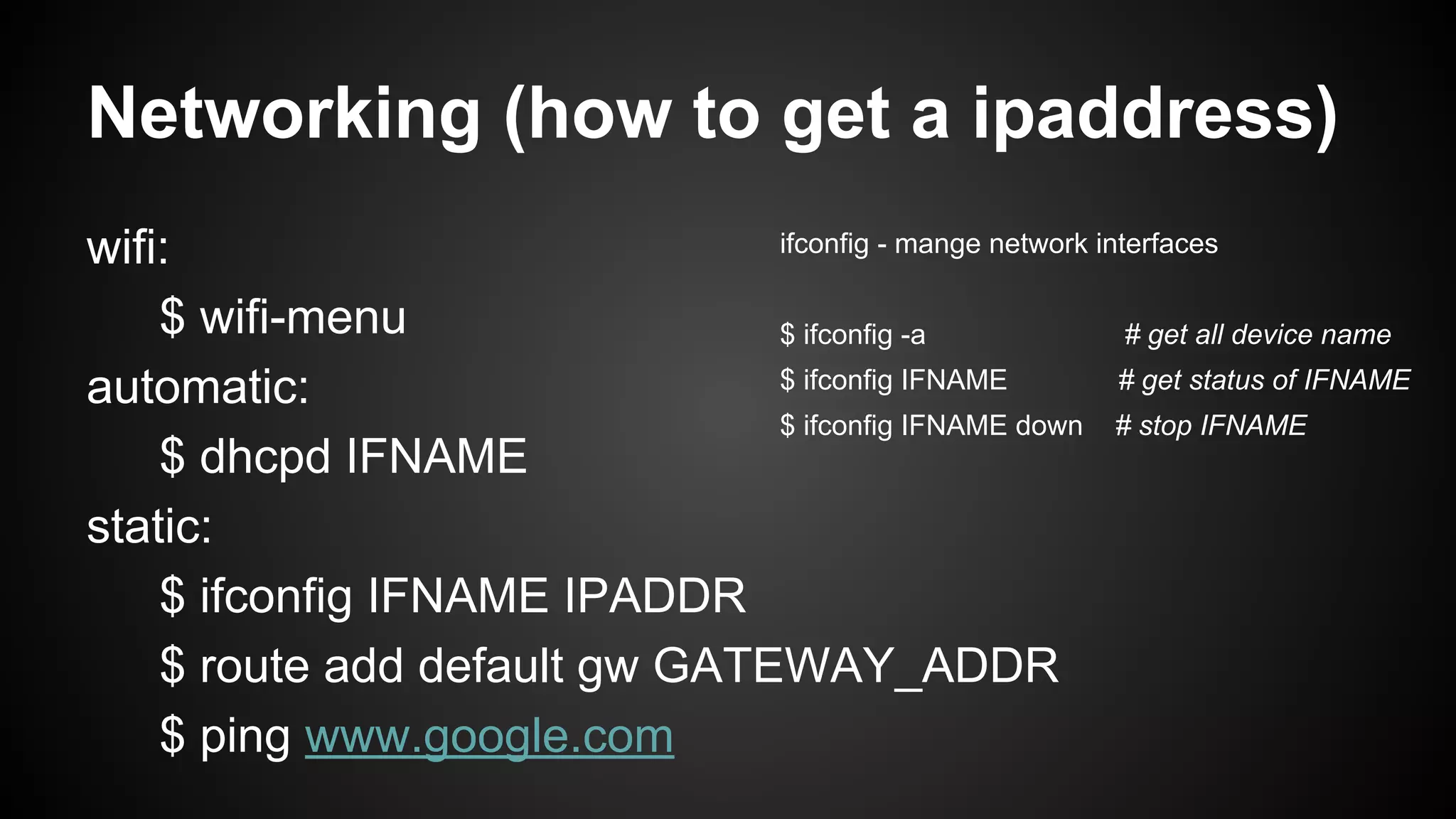
Networking (how to get a ipaddress)
ifconfig - mange network interfaces
wifi:
$ wifi-menu
$ ifconfig -a
# get all device name
$ ifconfig IFNAME
# get status of IFNAME
automatic:
$ ifconfig IFNAME down # stop IFNAME
$ dhcpd IFNAME
static:
$ ifconfig IFNAME IPADDR
$ route add default gw GATEWAY_ADDR
$ ping www.google.com
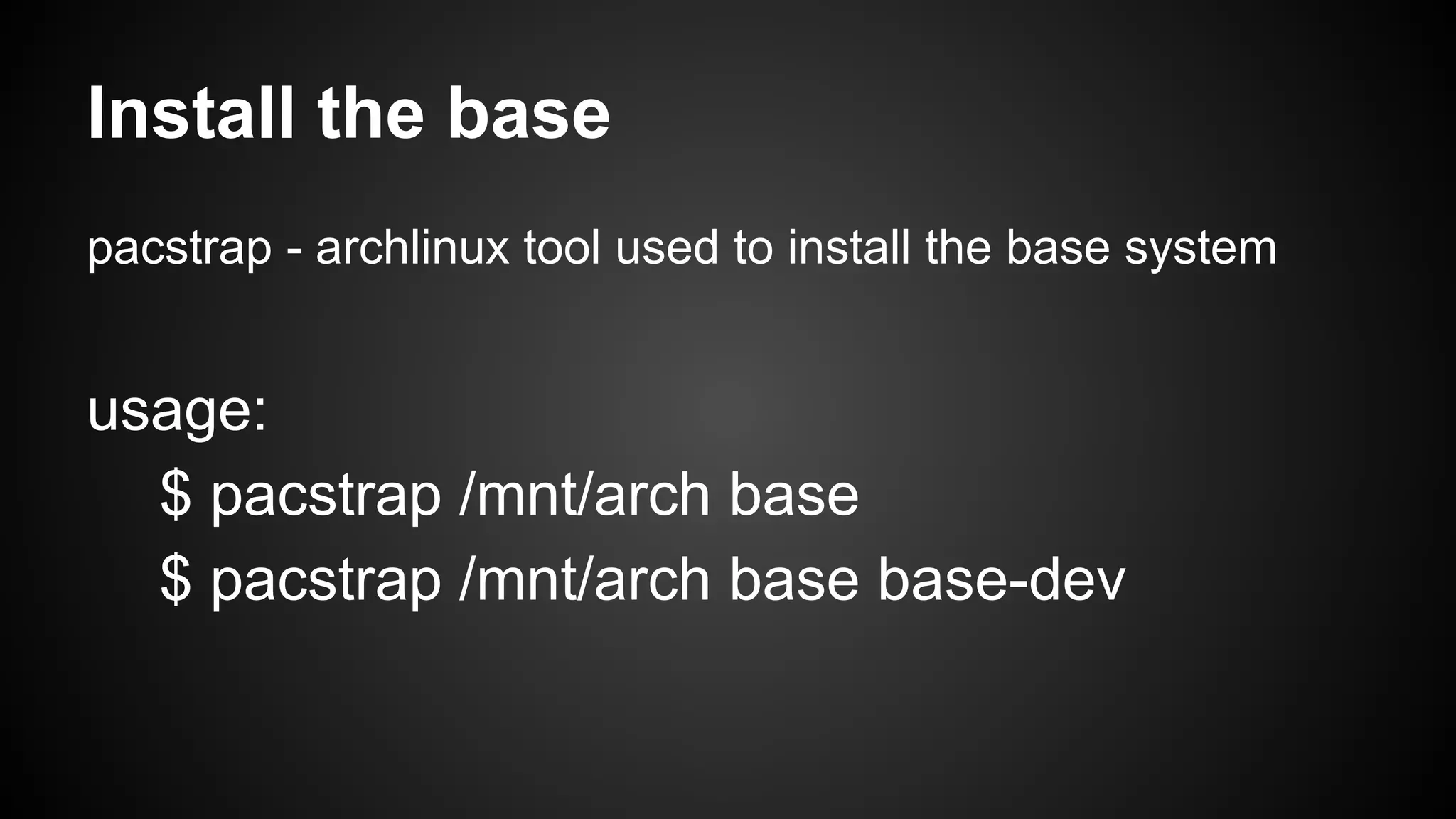
Install the base
pacstrap - archlinux tool used to install the base system

usage:
$ pacstrap /mnt/arch base
$ pacstrap /mnt/arch base base-dev
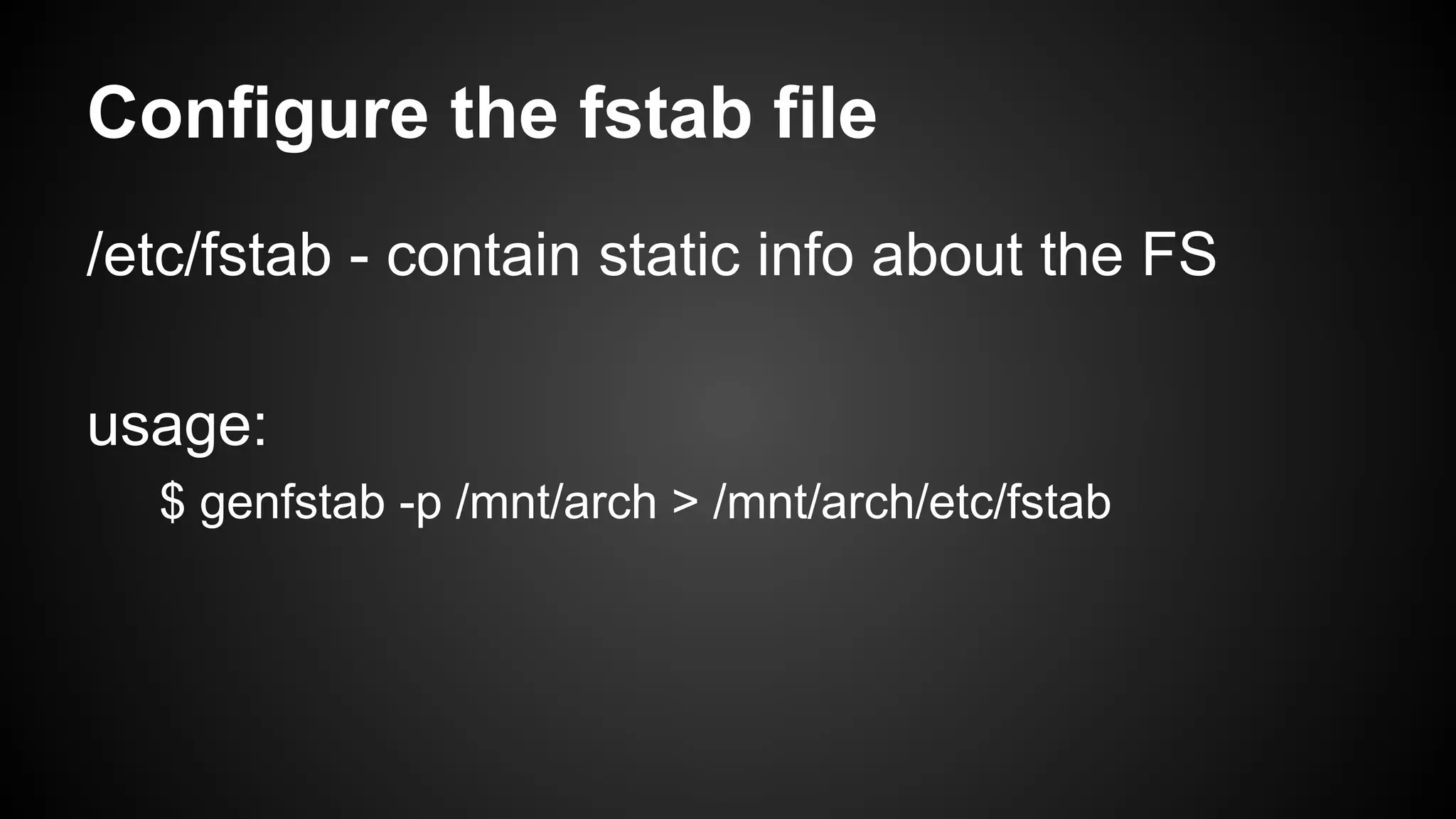
Configure the fstab file
/etc/fstab - contain static info about the FS
usage:
$ genfstab -p /mnt/arch > /mnt/arch/etc/fstab
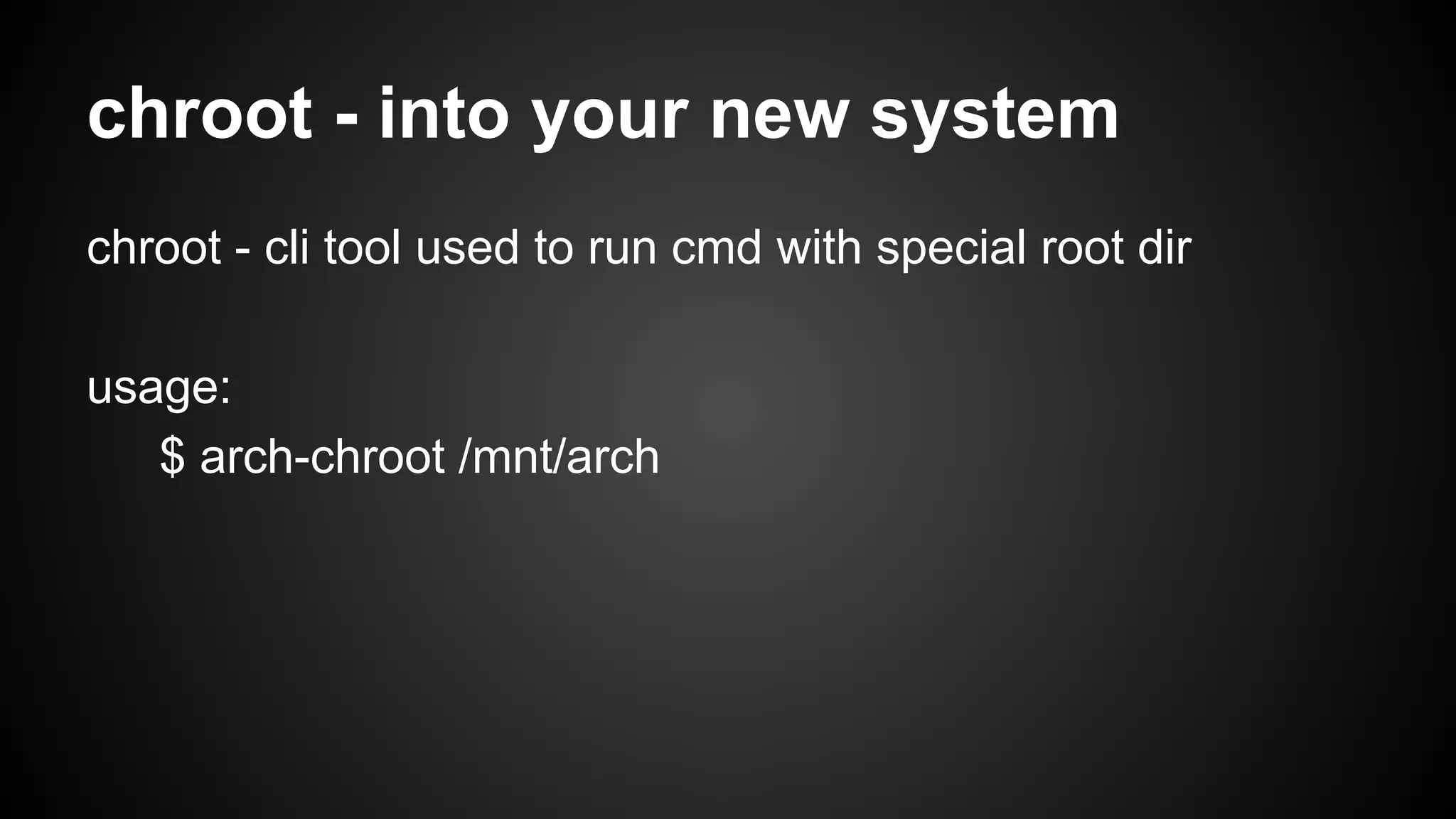
chroot - into your new system
chroot - cli tool used to run cmd with special root dir
usage:
$ arch-chroot /mnt/arch
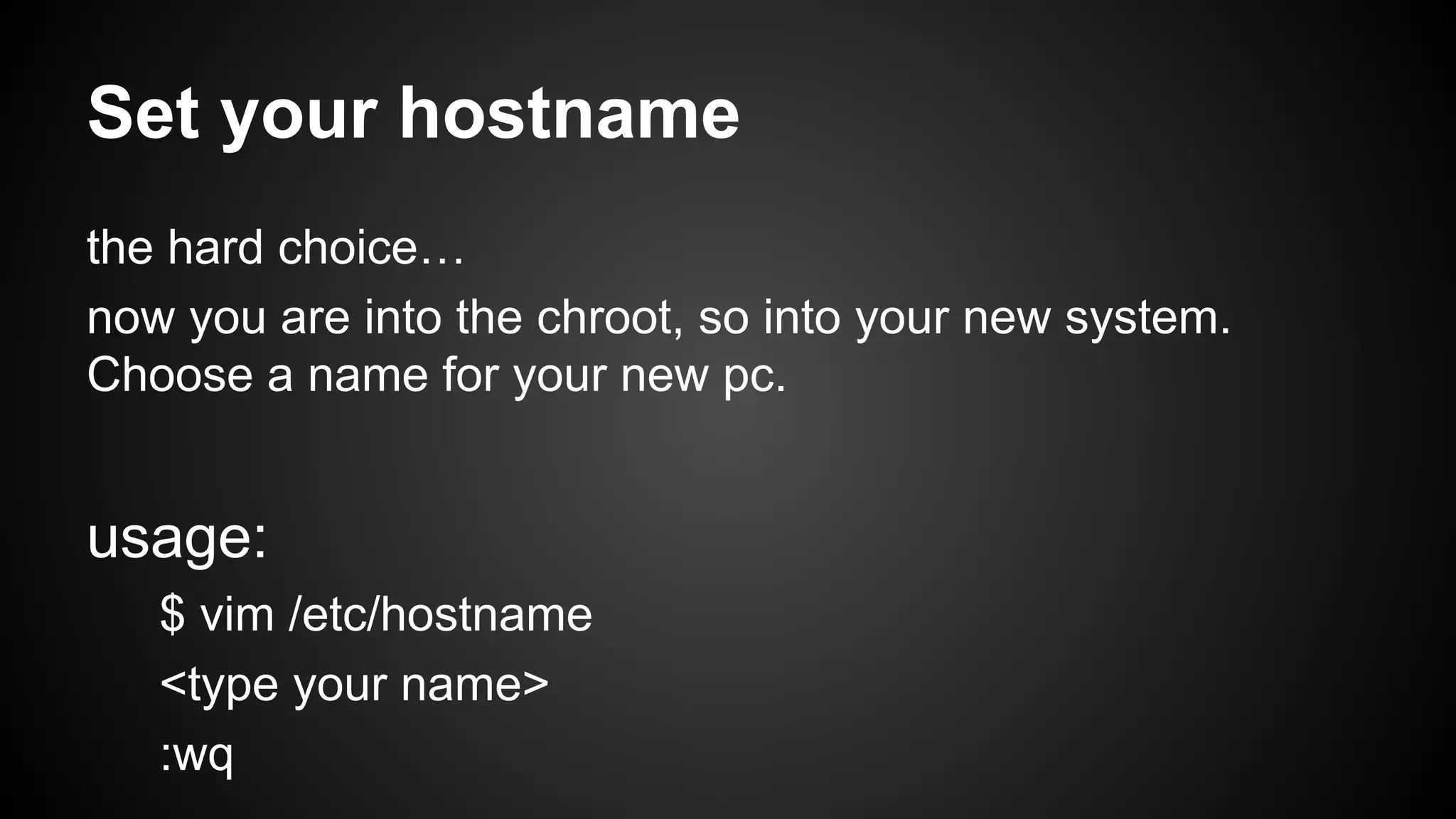
Set your hostname
the hard choice…
now you are into the chroot, so into your new system.
Choose a name for your new pc.

usage:
$ vim /etc/hostname
<type your name>
:wq
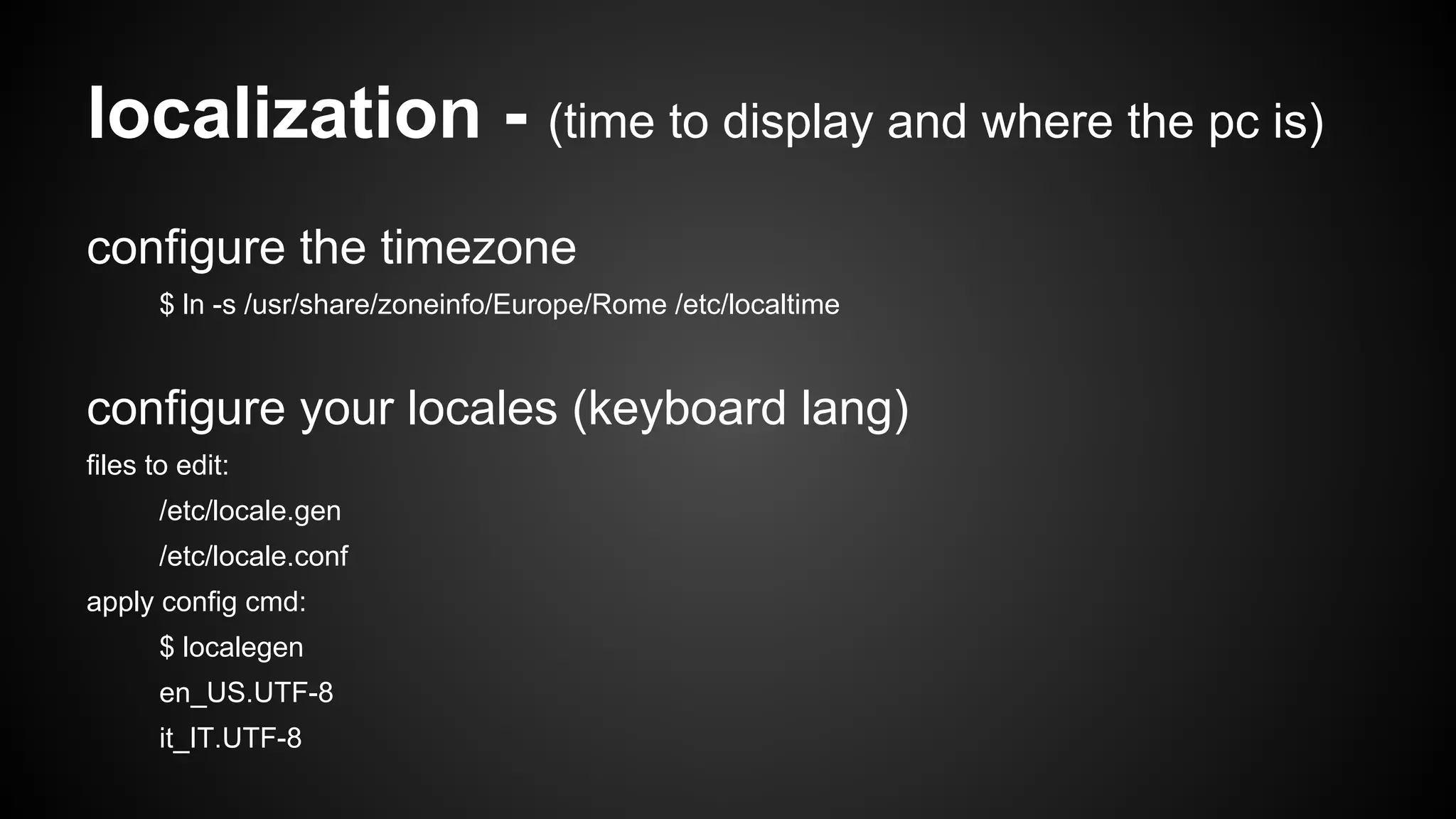
localization - (time to display and where the pc is)
configure the timezone
$ ln -s /usr/share/zoneinfo/Europe/Rome /etc/localtime

configure your locales (keyboard lang)
files to edit:
/etc/locale.gen
/etc/locale.conf
apply config cmd:
$ localegen
en_US.UTF-8
it_IT.UTF-8
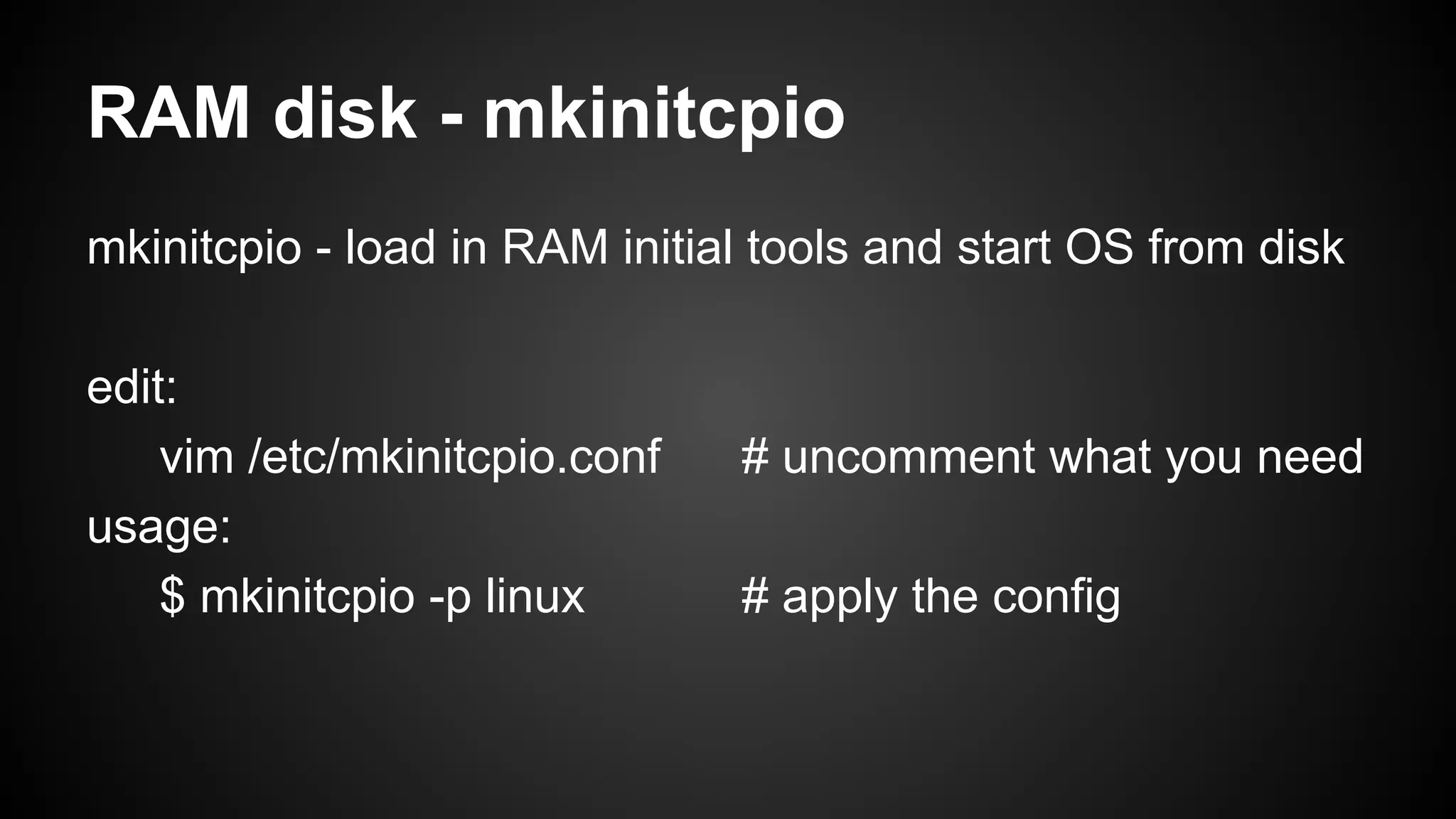
RAM disk - mkinitcpio
mkinitcpio - load in RAM initial tools and start OS from disk
edit:
vim /etc/mkinitcpio.conf
usage:
$ mkinitcpio -p linux

# uncomment what you need
# apply the config
Bootloader - what to boot: linux or windows?
grub - the first program your pc starts
install:
$ pacman -S grub
configure:
$ grub-mkconfig -o /boot/grub/grub.cfg
umount and reboot
Let’s exit from chroot and save all we’ve done
chroot exit :
“exit” or [CTL+d]
umount - sync/save all FS change:
$ umount /mnt/arch
reboot - now you can see if is all ok:
$ reboot
Copyleft
yes, you can share it!
You are free to:

●
●
●

Share — copy and redistribute the material in any medium or format
Adapt — remix, transform, and build upon the material
for any purpose, even commercially.

The licensor cannot revoke these freedoms as long as you follow the license terms.

http://creativecommons.org/licenses/by-sa/3.0/
Thanks
s@mba
* samba@netstudent.polito.it
* @opensamba
* http://sambismo.wordpress.com
yes, you can ask me everything :)

Archlinux install

  • 1.
    archlinux install howto installa basic archlinux s@mba
  • 2.
    before everythig * pleaseplease please: backup your docs * check boot settings [CDROM, USB, HD] * check if your system is i386 or x64 * insert iso, cdrom, usb and reboot * select your arch system
  • 3.
    After the boot *Set the keyboard language $ loadkeys LANG LANG: en, es, it, fr, de, …. example: $ loadkeys it
  • 4.
    Setup your disk 1.Partitioning the disk (fdisk) 2. Create a FS (xfs, ext3, ext4, zfs, … ) 3. mount your new partition
  • 5.
    1. fdisk -a cli tool used to manage partitions usage: $ fdisk -l # print all the available partitions $ fdisk /dev/sda # enter in the /dev/sda setup commands: n - new (create a new partition) p - list available partition w - save and quit h - print help
  • 6.
    2. Create theFilesystem (format) Filesystem - software used to organize files type of fs: xfs, zfs, ntfs, vfat, hfs, ext3, ext4 mkfs - tool used to create filesystem device - /dev/sda partition - /dev/sda1 usage: $ mkfs -t ext4 /dev/sda1
  • 7.
    3. mount thepartition mount [partition] [mount point] usage: $ mount /dev/sda1 /mnt/arch
  • 8.
    Networking (how toget a ipaddress) ifconfig - mange network interfaces wifi: $ wifi-menu $ ifconfig -a # get all device name $ ifconfig IFNAME # get status of IFNAME automatic: $ ifconfig IFNAME down # stop IFNAME $ dhcpd IFNAME static: $ ifconfig IFNAME IPADDR $ route add default gw GATEWAY_ADDR $ ping www.google.com
  • 9.
    Install the base pacstrap- archlinux tool used to install the base system usage: $ pacstrap /mnt/arch base $ pacstrap /mnt/arch base base-dev
  • 10.
    Configure the fstabfile /etc/fstab - contain static info about the FS usage: $ genfstab -p /mnt/arch > /mnt/arch/etc/fstab
  • 11.
    chroot - intoyour new system chroot - cli tool used to run cmd with special root dir usage: $ arch-chroot /mnt/arch
  • 12.
    Set your hostname thehard choice… now you are into the chroot, so into your new system. Choose a name for your new pc. usage: $ vim /etc/hostname <type your name> :wq
  • 13.
    localization - (timeto display and where the pc is) configure the timezone $ ln -s /usr/share/zoneinfo/Europe/Rome /etc/localtime configure your locales (keyboard lang) files to edit: /etc/locale.gen /etc/locale.conf apply config cmd: $ localegen en_US.UTF-8 it_IT.UTF-8
  • 14.
    RAM disk -mkinitcpio mkinitcpio - load in RAM initial tools and start OS from disk edit: vim /etc/mkinitcpio.conf usage: $ mkinitcpio -p linux # uncomment what you need # apply the config
  • 15.
    Bootloader - whatto boot: linux or windows? grub - the first program your pc starts install: $ pacman -S grub configure: $ grub-mkconfig -o /boot/grub/grub.cfg
  • 16.
    umount and reboot Let’sexit from chroot and save all we’ve done chroot exit : “exit” or [CTL+d] umount - sync/save all FS change: $ umount /mnt/arch reboot - now you can see if is all ok: $ reboot
  • 17.
    Copyleft yes, you canshare it! You are free to: ● ● ● Share — copy and redistribute the material in any medium or format Adapt — remix, transform, and build upon the material for any purpose, even commercially. The licensor cannot revoke these freedoms as long as you follow the license terms. http://creativecommons.org/licenses/by-sa/3.0/
  • 18.
    Thanks s@mba * samba@netstudent.polito.it * @opensamba *http://sambismo.wordpress.com yes, you can ask me everything :)