jQuery for Beginners
                                         write less, do more.


                                       October 18, 2012


    Sivasubramaniam Arunachalam
                      @sivaa_in
     http://www.meetup.com/Online-Technology-User-Group/events/86938772/
It’s me!

• Application Developer
• Technical Consultant
• Process Mentor
It’s about you!


Web(Site) Developer &
  Tasted JavaScript
Expectations
•   Introduction
•   JavaScript & jQuery
•   Basic features
•   Few static examples
•   Not a tutorial
•   Not a reference guide
My Bodhi Tree Moment
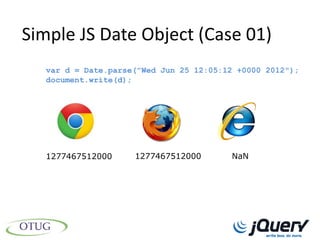
Simple JS Date Object (Case 01)
  var d = Date.parse("Wed Jun 25 12:05:12 +0000 2012");
  document.write(d);


  1277467512000     1277467512000       NaN
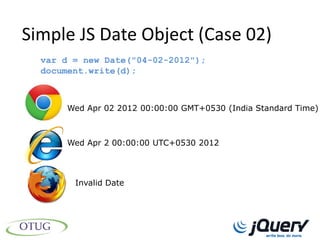
Simple JS Date Object (Case 02)
  var d = new Date("04-02-2012");
  document.write(d);


      Wed Apr 02 2012 00:00:00 GMT+0530 (India Standard Time)


      Wed Apr 2 00:00:00 UTC+0530 2012


        Invalid Date
jQuery - Introduction


jQuery = JavaScript
jQuery - Introduction


jQuery > JavaScript
jQuery - Introduction
jQuery History (Events)
 •   Barcamp NYC
 •   2006 (Version 1.0)
 •   Current Version 1.8.2
 •   Others
jQuery History (Founder)


          John Resig


     processing.js too
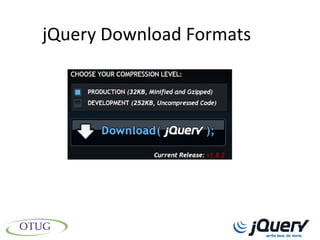
jQuery Download Formats
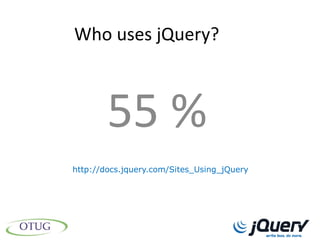
Who uses jQuery?


        55 %
http://docs.jquery.com/Sites_Using_jQuery
Why jQuery?
•   Cross Browser Support
•   Multi-Language Support
•   Works with Microsoft Tools
•   Awesome AJAX Support
•   Easy CSS Integration
•   Easy to learn and adopt
Benefits of jQuery
•    Write less, do more.
•    Deadlines
•    Keeps the code simple
•    Extensible & Lots of plugins
Does jQuery is faster than
       javascript?
Do NOT use jQuery
• About Page
• Info Pages
• Very less JS Actions
Lets Begin!
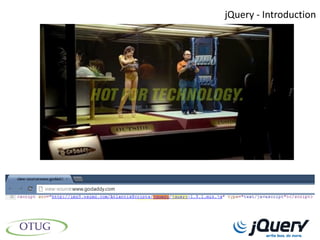
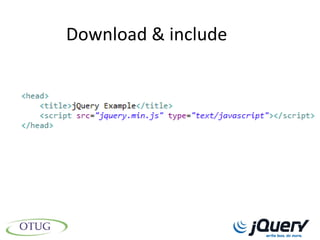
Download & include
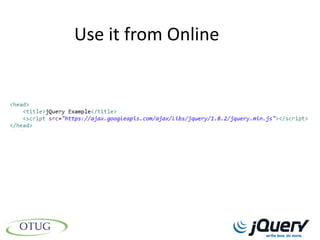
Use it from Online
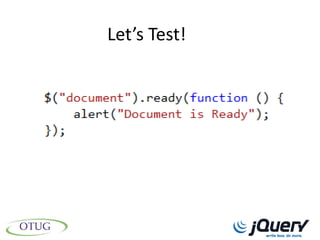
Let’s Test!
3 Examples
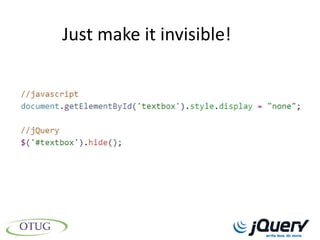
Just make it invisible!
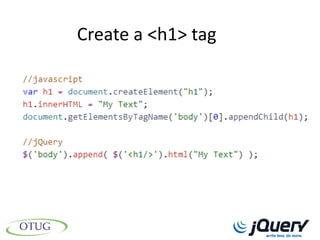
Create a <h1> tag
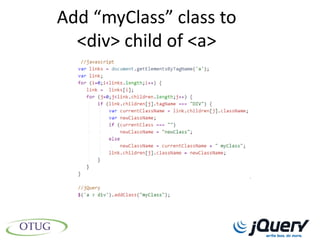
Add “myClass” class to
  <div> child of <a>
Selectors
• Select DOM Elements
• Single (or) Array
• jQuery Objects
Basic Selectors
• Tag Name
• Tag ID
• Tag Class
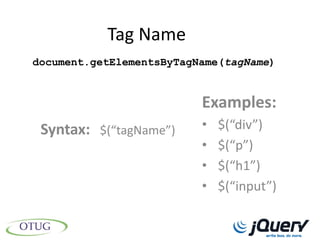
Tag Name
document.getElementsByTagName(tagName)


                          Examples:
 Syntax: $(“tagName”)     •   $(“div”)
                          •   $(“p”)
                          •   $(“h1”)
                          •   $(“input”)
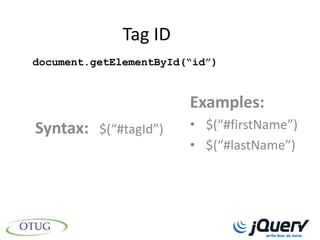
Tag ID
document.getElementById(“id”)


                        Examples:
Syntax: $(“#tagId”)     • $(“#firstName”)
                        • $(“#lastName”)
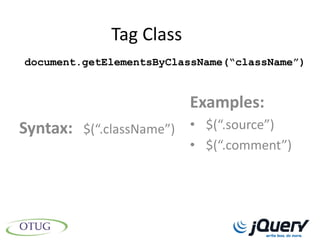
Tag Class
document.getElementsByClassName(“className”)


                         Examples:
Syntax: $(“.className”) • $(“.source”)
                         • $(“.comment”)
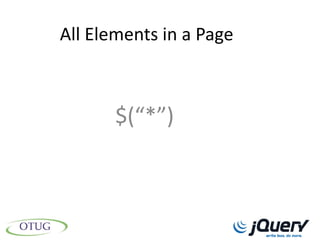
All Elements in a Page


       $(“*”)
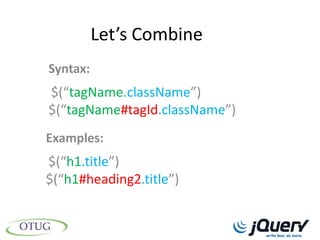
Let’s Combine
Syntax:
$(“tagName.className”)
$(“tagName#tagId.className”)
Examples:
$(“h1.title”)
$(“h1#heading2.title”)
Advanced Selectors
• Combination of Selectors
• Hierarchical
• Order
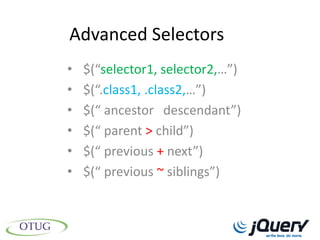
Advanced Selectors
•   $(“selector1, selector2,…”)
•   $(“.class1, .class2,…”)
•   $(“ ancestor descendant”)
•   $(“ parent > child”)
•   $(“ previous + next”)
•   $(“ previous ~ siblings”)
Filters
• Always used with Selectors
• Filter/Restrict the Selector results
• CSS Style Conditions
Basic Filters
• Mostly used with Index
• Tag Specific Conditions
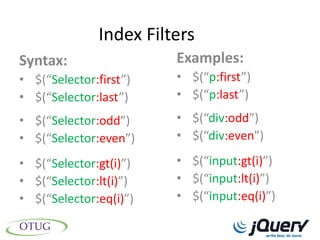
Index Filters
Syntax:                 Examples:
• $(“Selector:first”)   • $(“p:first”)
• $(“Selector:last”)    • $(“p:last”)
• $(“Selector:odd”)     • $(“div:odd”)
• $(“Selector:even”)    • $(“div:even”)

• $(“Selector:gt(i)”)   • $(“input:gt(i)”)
• $(“Selector:lt(i)”)   • $(“input:lt(i)”)
• $(“Selector:eq(i)”)   • $(“input:eq(i)”)
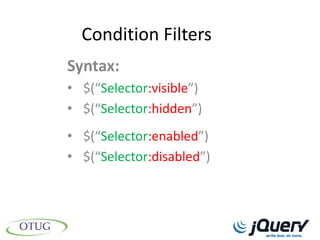
Condition Filters
Syntax:
• $(“Selector:visible”)
• $(“Selector:hidden”)
• $(“Selector:enabled”)
• $(“Selector:disabled”)
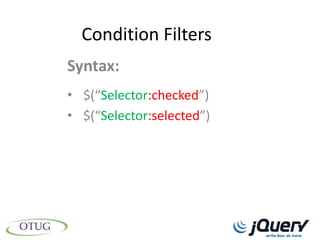
Condition Filters
Syntax:
• $(“Selector:checked”)
• $(“Selector:selected”)
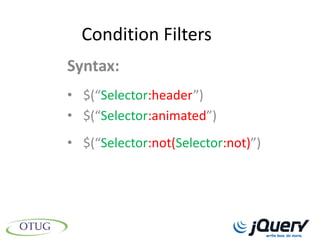
Condition Filters
Syntax:
• $(“Selector:header”)
• $(“Selector:animated”)
• $(“Selector:not(Selector:not)”)
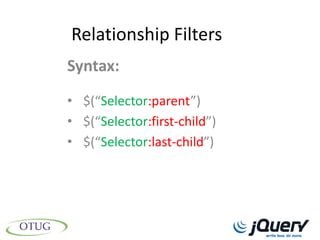
Relationship Filters
Syntax:
• $(“Selector:parent”)
• $(“Selector:first-child”)
• $(“Selector:last-child”)
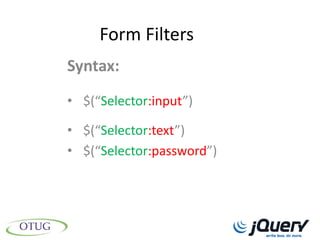
Form Filters
Syntax:
• $(“Selector:input”)

• $(“Selector:text”)
• $(“Selector:password”)
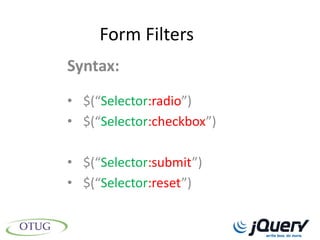
Form Filters
Syntax:
• $(“Selector:radio”)
• $(“Selector:checkbox”)

• $(“Selector:submit”)
• $(“Selector:reset”)
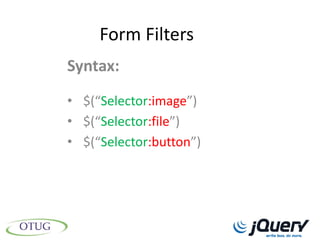
Form Filters
Syntax:
• $(“Selector:image”)
• $(“Selector:file”)
• $(“Selector:button”)
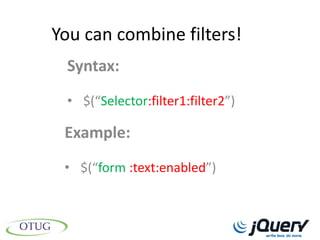
You can combine filters!
 Syntax:
 • $(“Selector:filter1:filter2”)

 Example:
 • $(“form :text:enabled”)
Attributes
• [Selector + Filter] Results
   Filter & Retrieve Attribute(s)
   Set Attribute(s)
   Change Attribute(s)
Filter Attributes
Syntax:
• $(“[attribute]”)
• $(“[attribute1] [attribute2+….”)
• $(“[attribute=value]”)
• $(“[attribute!=value]”)
Filter Attributes
Syntax:
• $(“[attribute^=value]”)
• $(“[attribute$=value]”)
• $(“[attribute*=value]”)
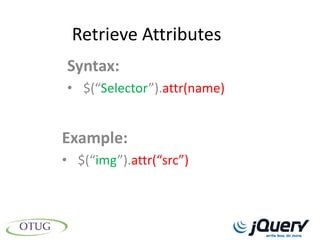
Retrieve Attributes
Syntax:
• $(“Selector”).attr(name)


Example:
• $(“img”).attr(“src”)
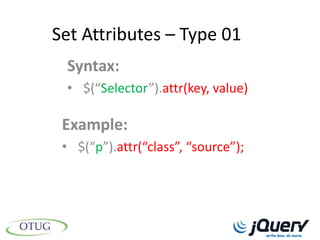
Set Attributes – Type 01
 Syntax:
 • $(“Selector”).attr(key, value)

 Example:
 • $(“p”).attr(“class”, “source”);
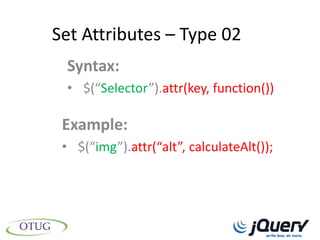
Set Attributes – Type 02
 Syntax:
 • $(“Selector”).attr(key, function())

 Example:
 • $(“img”).attr(“alt”, calculateAlt());
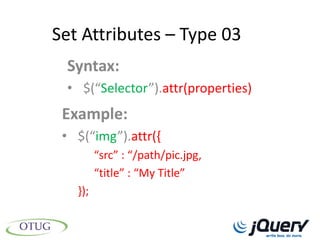
Set Attributes – Type 03
 Syntax:
 • $(“Selector”).attr(properties)
 Example:
 • $(“img”).attr({
         “src” : “/path/pic.jpg,
         “title” : “My Title”
   });
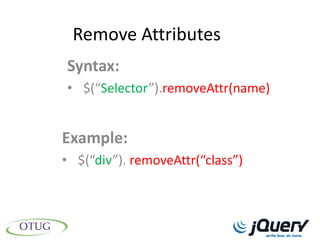
Remove Attributes
Syntax:
• $(“Selector”).removeAttr(name)


Example:
• $(“div”). removeAttr(“class”)
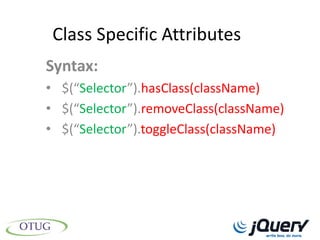
Class Specific Attributes
Syntax:
• $(“Selector”).hasClass(className)
• $(“Selector”).removeClass(className)
• $(“Selector”).toggleClass(className)
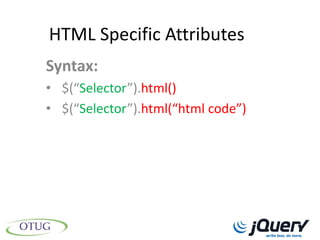
HTML Specific Attributes
Syntax:
• $(“Selector”).html()
• $(“Selector”).html(“html code”)
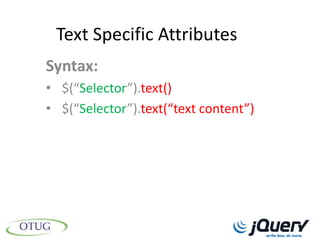
Text Specific Attributes
Syntax:
• $(“Selector”).text()
• $(“Selector”).text(“text content”)
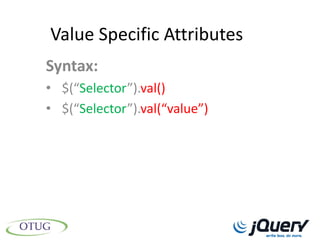
Value Specific Attributes
Syntax:
• $(“Selector”).val()
• $(“Selector”).val(“value”)
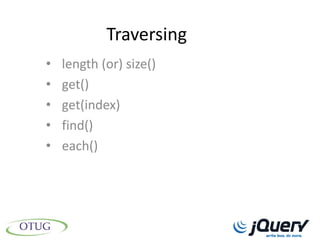
Traversing
•   length (or) size()
•   get()
•   get(index)
•   find()
•   each()
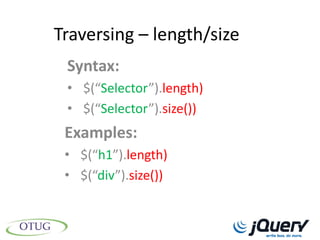
Traversing – length/size
 Syntax:
 • $(“Selector”).length)
 • $(“Selector”).size())
 Examples:
 • $(“h1”).length)
 • $(“div”).size())
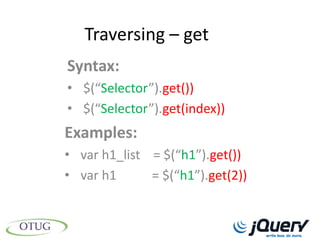
Traversing – get
Syntax:
• $(“Selector”).get())
• $(“Selector”).get(index))
Examples:
• var h1_list = $(“h1”).get())
• var h1      = $(“h1”).get(2))
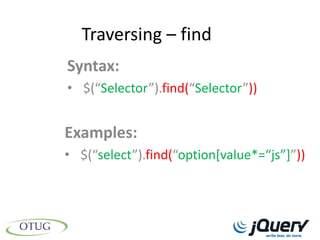
Traversing – find
Syntax:
• $(“Selector”).find(“Selector”))


Examples:
• $(“select”).find(“option*value*=“js”+”))
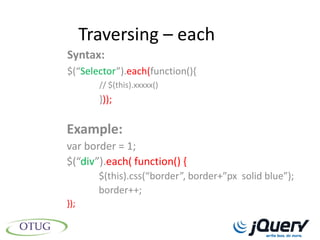
Traversing – each
Syntax:
$(“Selector”).each(function(){
        // $(this).xxxxx()
        }));

Example:
var border = 1;
$(“div”).each( function() {
        $(this).css(“border”, border+”px solid blue”);
        border++;
});
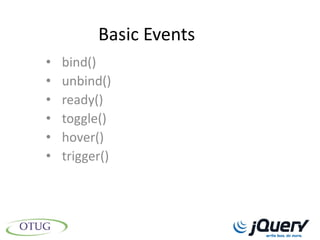
Basic Events
•   bind()
•   unbind()
•   ready()
•   toggle()
•   hover()
•   trigger()
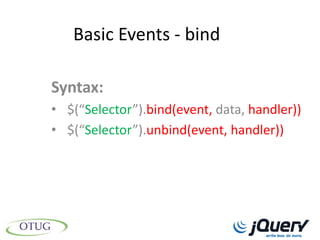
Basic Events - bind

Syntax:
• $(“Selector”).bind(event, data, handler))
• $(“Selector”).unbind(event, handler))
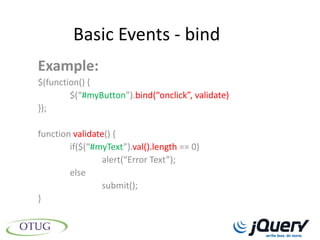
Basic Events - bind
Example:
$(function() {
        $(“#myButton”).bind(“onclick”, validate)
});

function validate() {
        if($(“#myText”).val().length == 0)
                alert(“Error Text”);
        else
                submit();
}
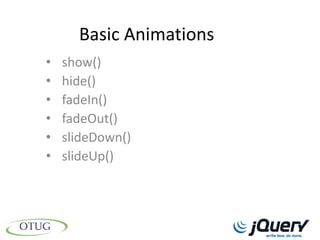
Basic Animations
•   show()
•   hide()
•   fadeIn()
•   fadeOut()
•   slideDown()
•   slideUp()
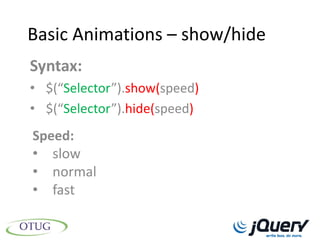
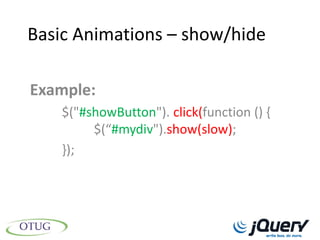
Basic Animations – show/hide
Syntax:
• $(“Selector”).show(speed)
• $(“Selector”).hide(speed)
Speed:
• slow
• normal
• fast
Basic Animations – show/hide

Example:
    $("#showButton"). click(function () {
         $(“#mydiv").show(slow);
    });
Plug-ins
• jQuery Themes
• jQuery UI Libraries
  • Interactions
  • Widgets
  • Effects
jQuery Themes


http://themeroller.com
Interactions UI Libraries
•    Draggable
•    Droppable
•    Resizable
•    Selectable
•    Sortable
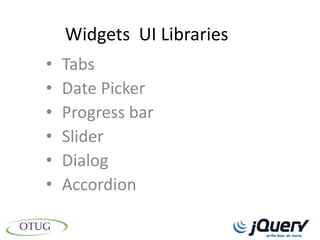
Widgets UI Libraries
•   Tabs
•   Date Picker
•   Progress bar
•   Slider
•   Dialog
•   Accordion
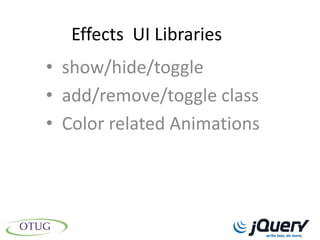
Effects UI Libraries
• show/hide/toggle
• add/remove/toggle class
• Color related Animations
AJAX
•   Awesome APIs
•   GET/POST
•   Event handlers
•   JSON Support
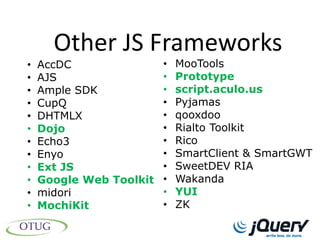
Other JS Frameworks
•   AccDC              • MooTools
•   AJS                • Prototype
•   Ample SDK          • script.aculo.us
•   CupQ               • Pyjamas
•   DHTMLX             • qooxdoo
•   Dojo               • Rialto Toolkit
•   Echo3              • Rico
•   Enyo               • SmartClient & SmartGWT
•   Ext JS             • SweetDEV RIA
•   Google Web Toolkit • Wakanda
•   midori             • YUI
•   MochiKit           • ZK
Demo
Thank You!
  siva@sivaa.in
References
•   http://naturalpatriot.org/2011/02/11/the-buddhas-last-instruction/
•   http://ie.microsoft.com/testdrive/Graphics/IEBeatz/assets/ie-logo-small.png
•   http://cdn-static.zdnet.com/i/story/60/80/010270/firefox_.jpg
•   http://profile.ak.fbcdn.net/hprofile-ak-snc6/195785_321662419491_6364709_n.jpg
•   http://www.godaddymobile.com/entertainment/commercials.aspx
•   http://www.funnycommercialsworld.com/wp-content/uploads/2012/07/sharleen.jpg
•   http://en.wikipedia.org/wiki/JQuery
•   http://sunpig.com/martin/archives/2009/11/22/fronteers-conference-2009.html
•   http://jquery.com/
•   http://en.wikipedia.org/wiki/Comparison_of_JavaScript_frameworks

jQuery for beginners