
Creating Web Applications
using jQuery
Akshay Mathur
Let’s Know Each Other
• Do you code?
• OS?
• Programing Language?
• HTML?
• JavaScript?
• JSON?
• Why are you attending?
Akshay Mathur
• Founding Team Member of
o ShopSocially (Enabling “social” for retailers)
o AirTight Neworks (Global leader of WIPS)
• 15+ years in IT industry
o Currently Principal Architect at ShopSocially
o Mostly worked with Startups
 From Conceptualization to Stabilization
 At different functions i.e. development, testing, release
 With multiple technologies
Advance JavaScript
• As we try creating real world web applications,
things go complex
• However, there immerges a pattern of
requirements
o Common functions can be created
JS Framework
• Library for simplifying JS coding
• Provides simple interface and syntactic sugar for
common JS work
o Selecting DOM element
o DOM traversal and manipulation
o Event handling
o Takes care of cross browser and cross version issues
jQuery
• Jquery is most popular
• Takes care of cross browser and cross version
issues
• Simplifys JS coding
o Selectors for easy DOM traversal
o Everything is via functions
o Same function for get and set
o …
jQuery Versions
• 2.x series doesn’t work on old IE browser
o Do not use if you need to support
 Internet Explorer 6.0
 Internet Explorer 7.0
 Internet Explorer 8.0
• 1.x series support old IE browsers
• Please carefully read jQuery download page
http://jquery.com/download/
jQuery Function
• jQuery registers a function in global scope
jquery()
• For convenience, this function is also mapped to
a single character $
$()
jQuery Function
• This functions takes an argument of various types
and returns jQuery objects
jquery(‘selector’)
$(DOM_element)
jQuery Object
• Always a list (Array)
o Methods of Array work normally on jQuery object
$(‘’).length // 0
o Members of the list are DOM elements
o Empty list, if no element
• Native JavaScript methods and properties are
o NOT available on jQuery Objects
o Available on the members of the Array
$(‘img’)[0].src
jQuery Object
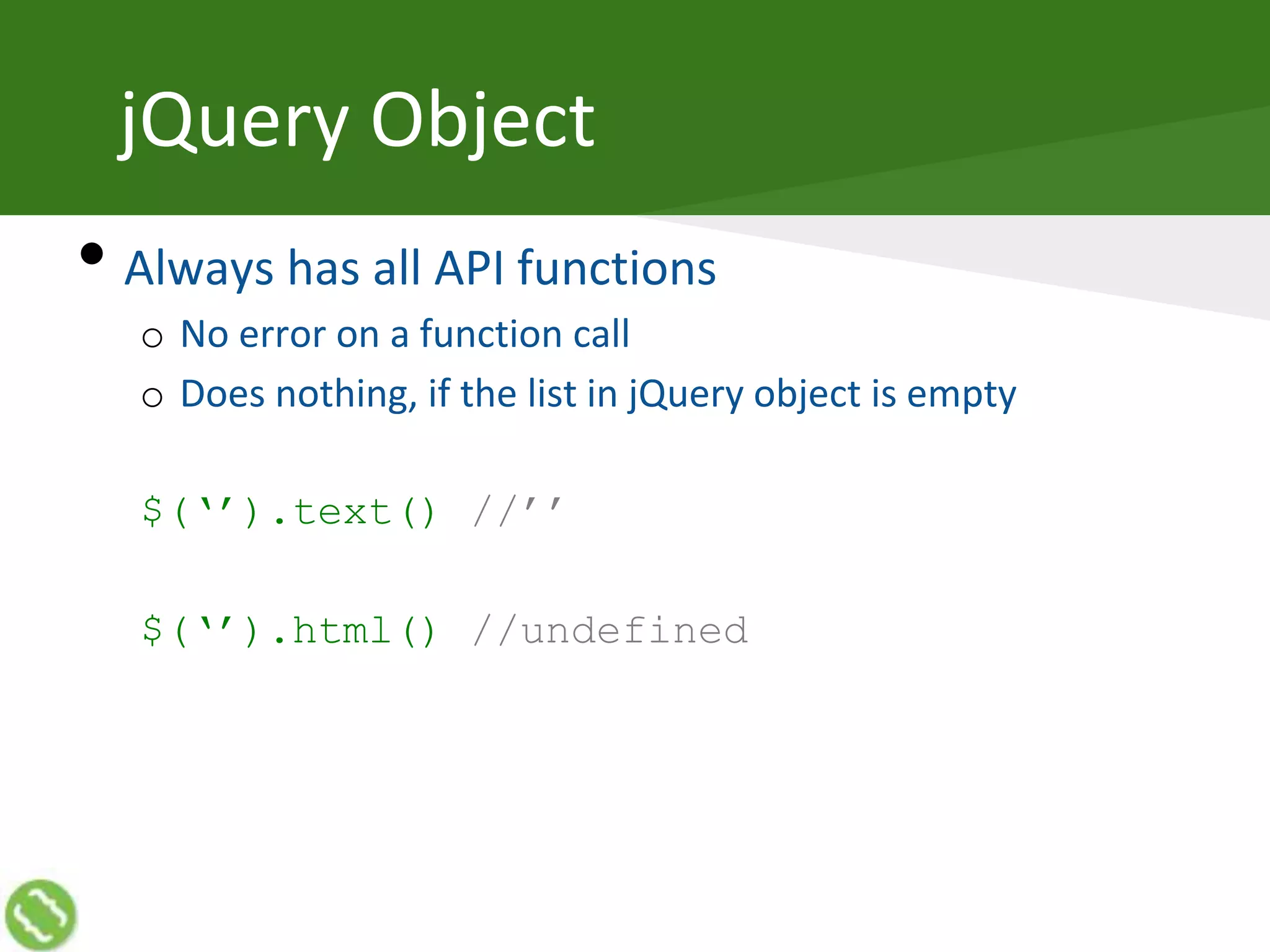
• Always has all API functions
o No error on a function call
o Does nothing, if the list in jQuery object is empty
$(‘’).text() //’’
$(‘’).html() //undefined
jQuery Selectors
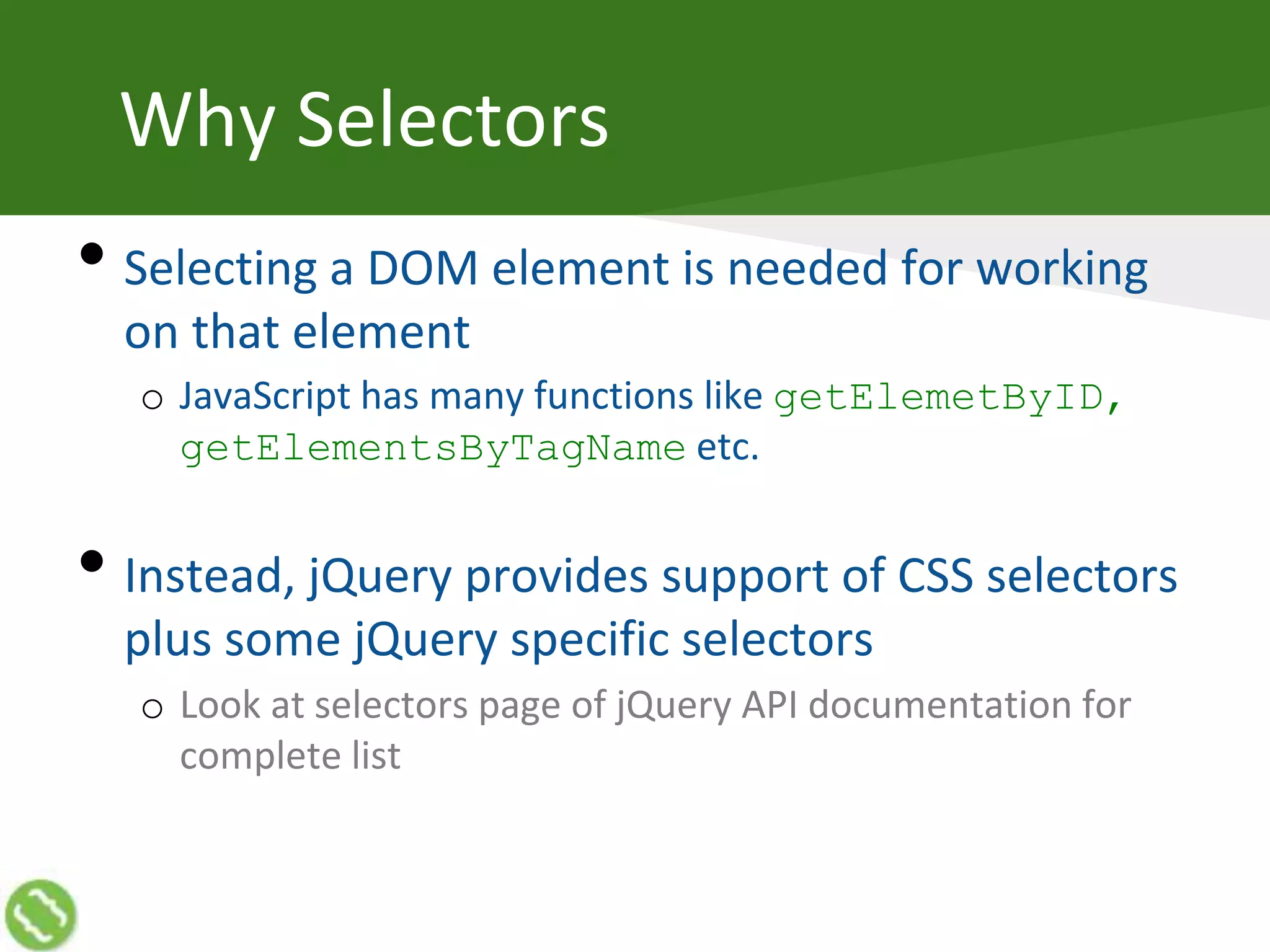
Why Selectors
• Selecting a DOM element is needed for working
on that element
o JavaScript has many functions like getElemetByID,
getElementsByTagName etc.
• Instead, jQuery provides support of CSS selectors
plus some jQuery specific selectors
o Look at selectors page of jQuery API documentation for
complete list
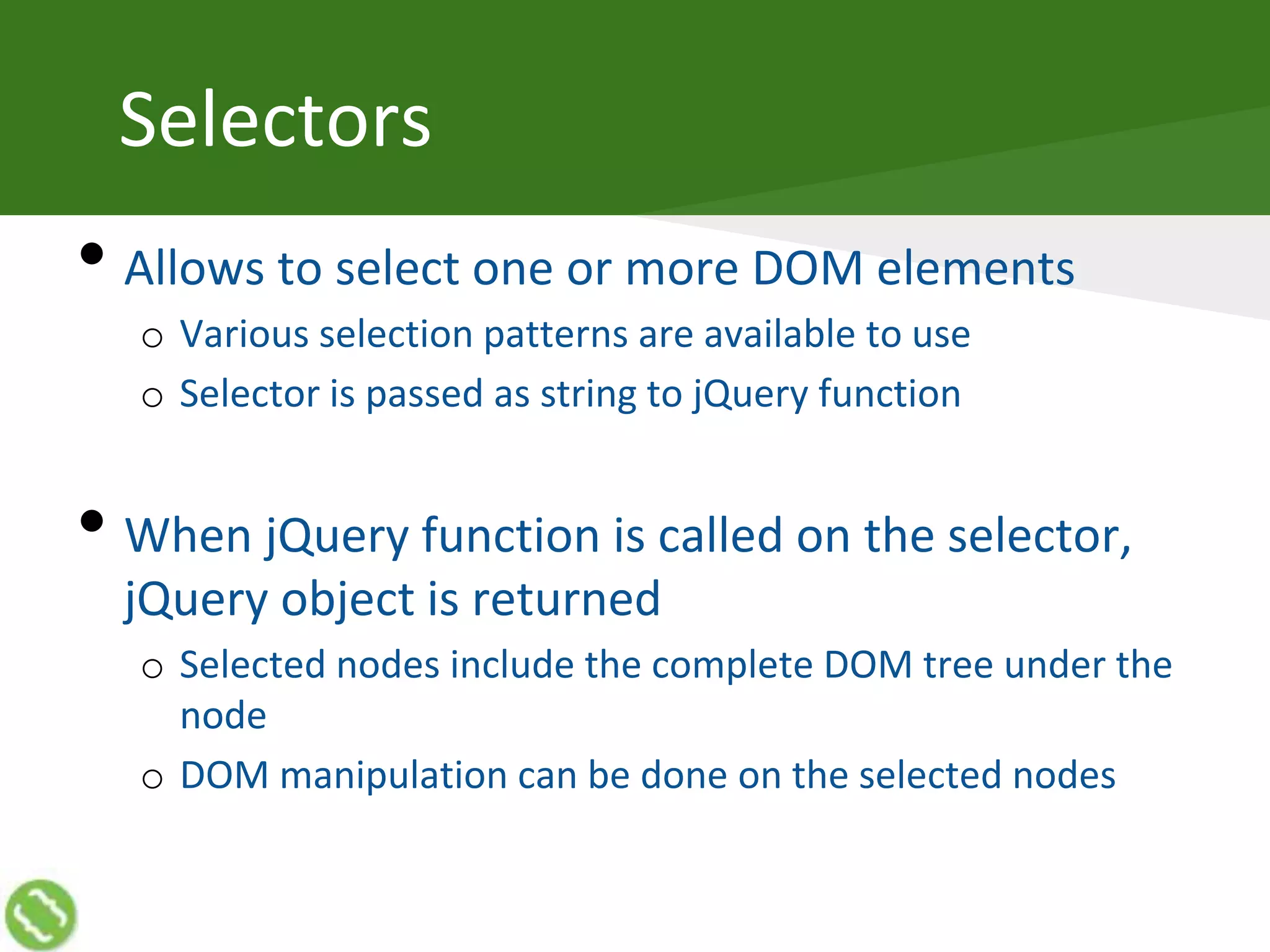
Selectors
• Allows to select one or more DOM elements
o Various selection patterns are available to use
o Selector is passed as string to jQuery function
• When jQuery function is called on the selector,
jQuery object is returned
o Selected nodes include the complete DOM tree under the
node
o DOM manipulation can be done on the selected nodes
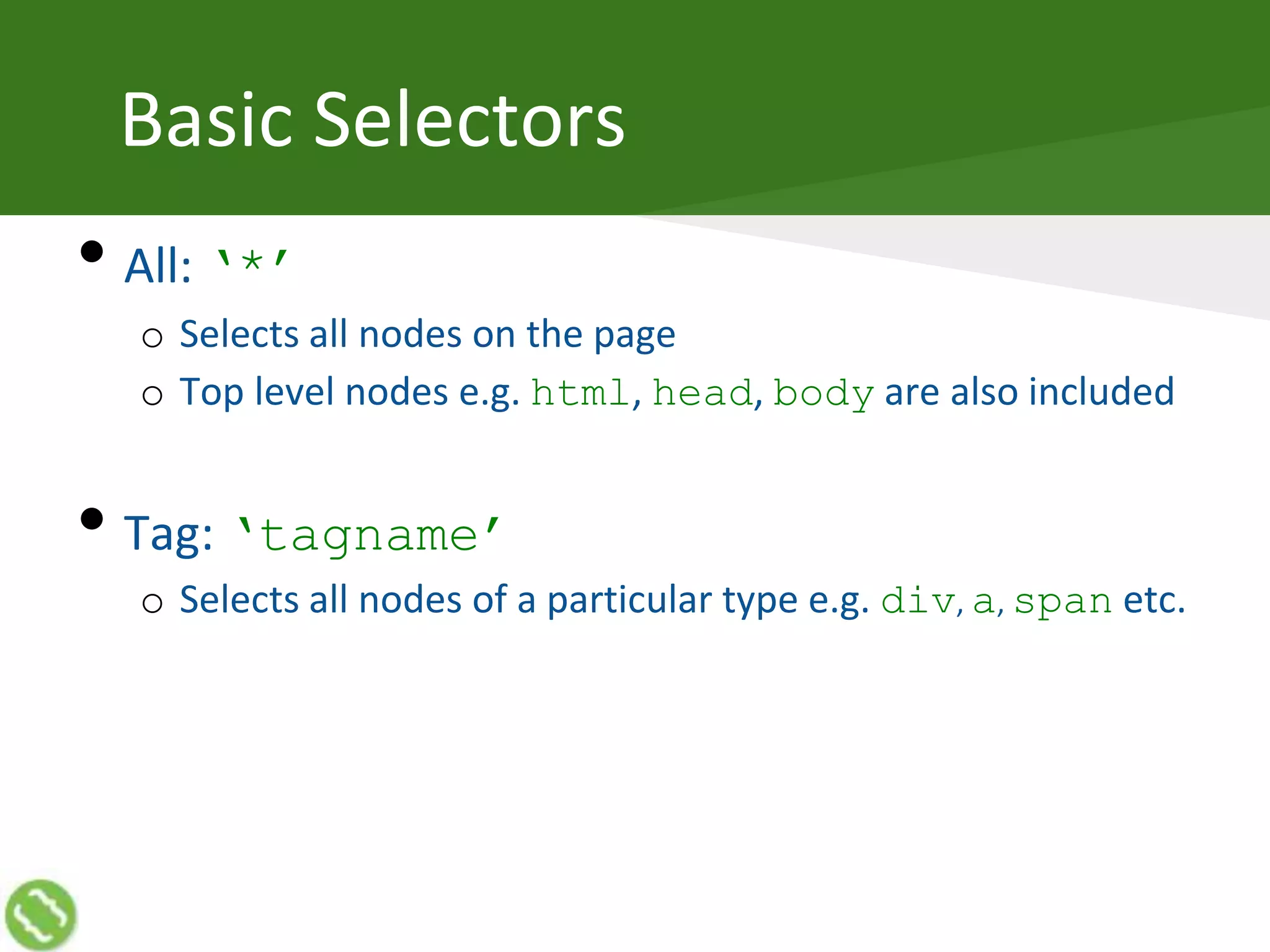
Basic Selectors
• All: ‘*’
o Selects all nodes on the page
o Top level nodes e.g. html, head, body are also included
• Tag: ‘tagname’
o Selects all nodes of a particular type e.g. div, a, span etc.
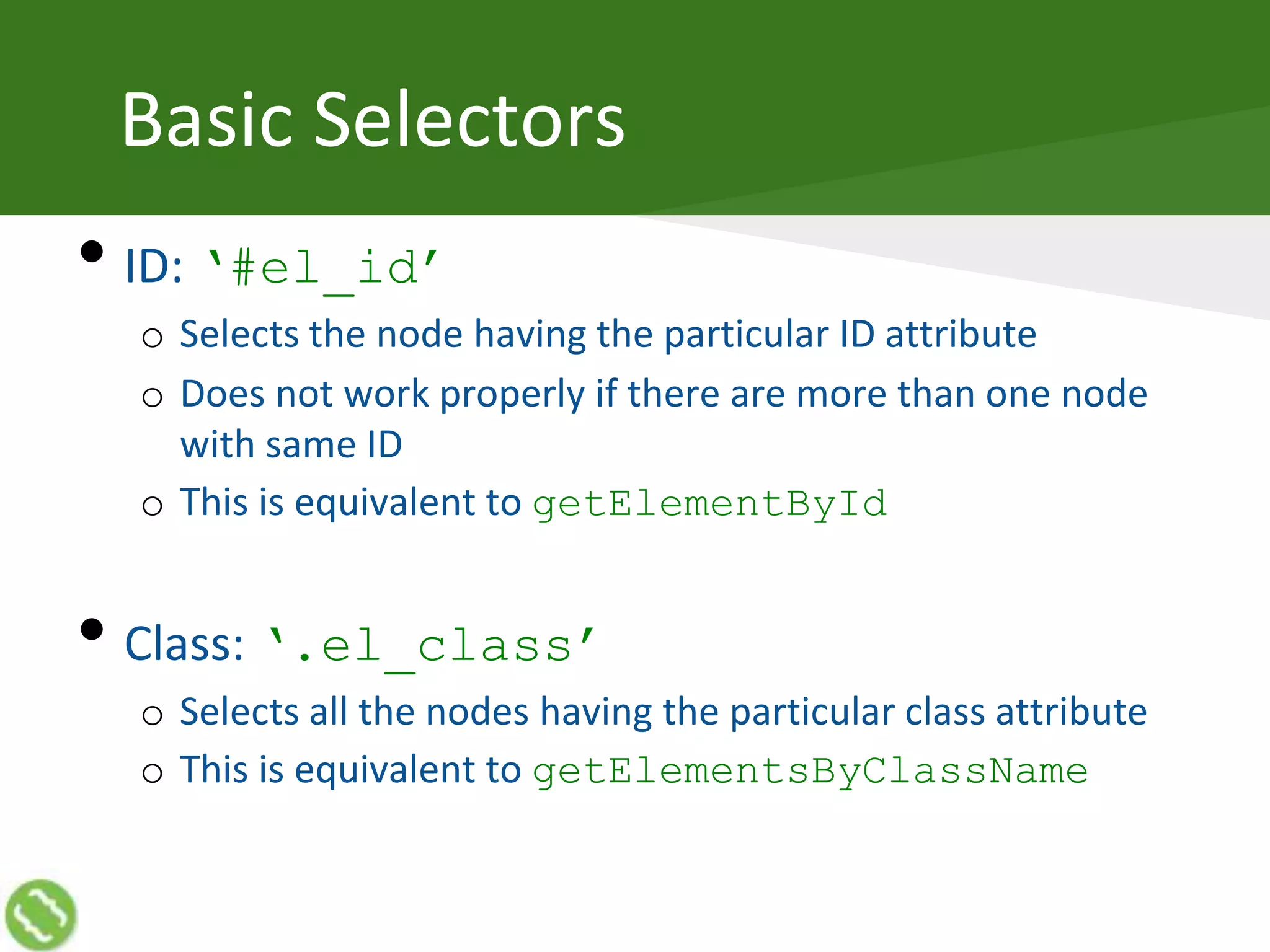
Basic Selectors
• ID: ‘#el_id’
o Selects the node having the particular ID attribute
o Does not work properly if there are more than one node
with same ID
o This is equivalent to getElementById
• Class: ‘.el_class’
o Selects all the nodes having the particular class attribute
o This is equivalent to getElementsByClassName
@akshaymathu
Reading DOM
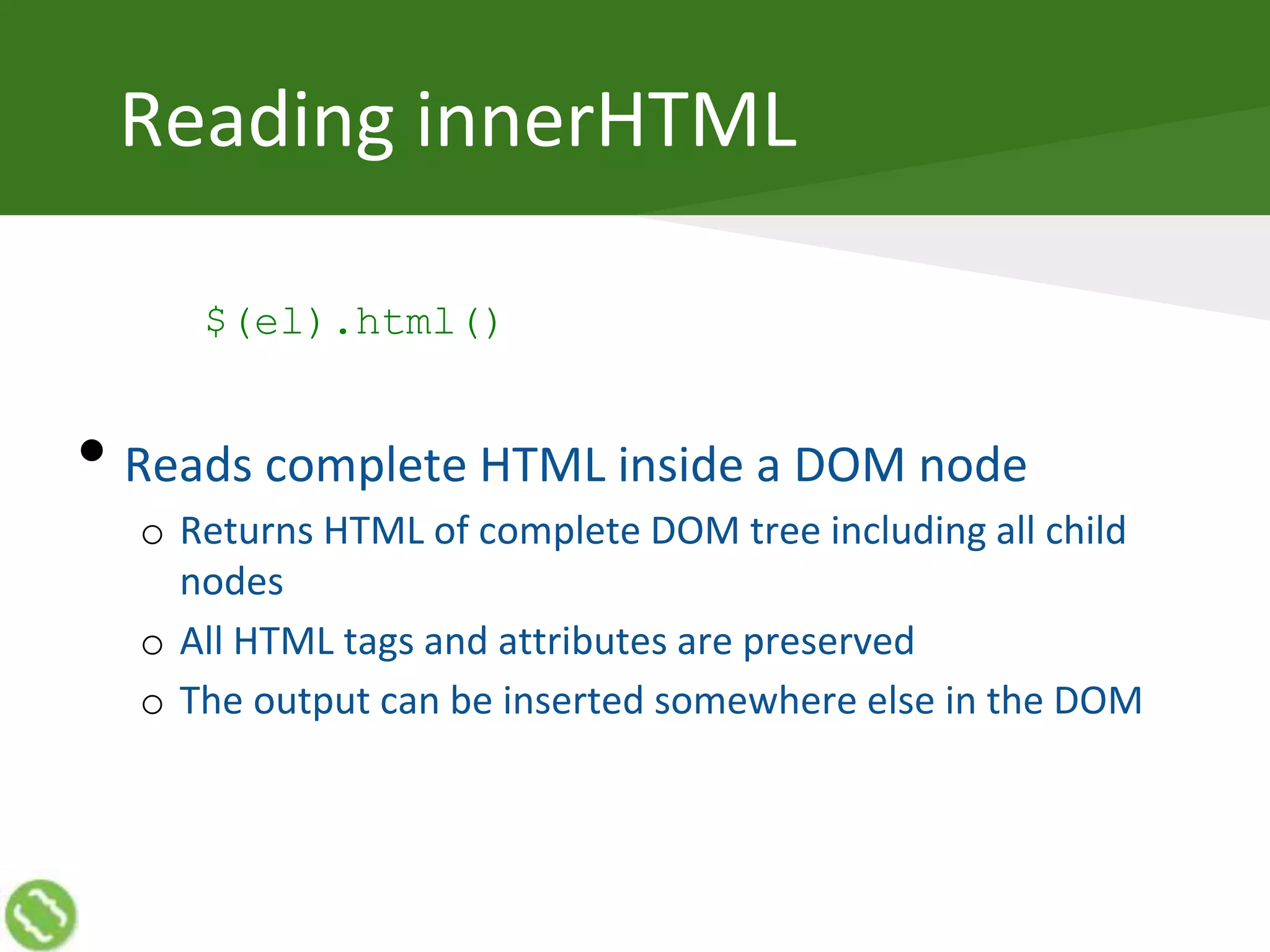
Reading innerHTML
$(el).html()
• Reads complete HTML inside a DOM node
o Returns HTML of complete DOM tree including all child
nodes
o All HTML tags and attributes are preserved
o The output can be inserted somewhere else in the DOM
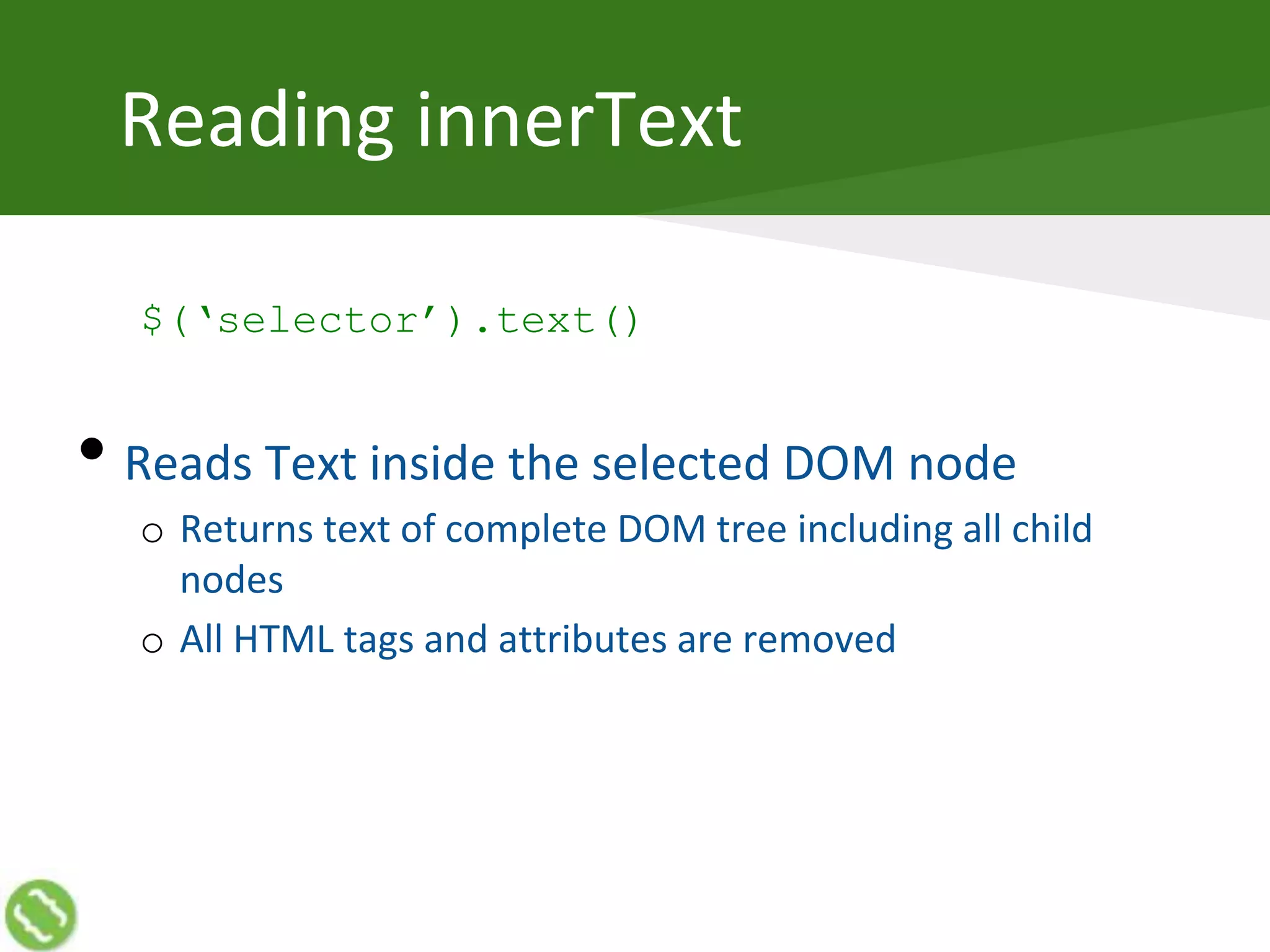
Reading innerText
$(‘selector’).text()
• Reads Text inside the selected DOM node
o Returns text of complete DOM tree including all child
nodes
o All HTML tags and attributes are removed
Advance Selectors
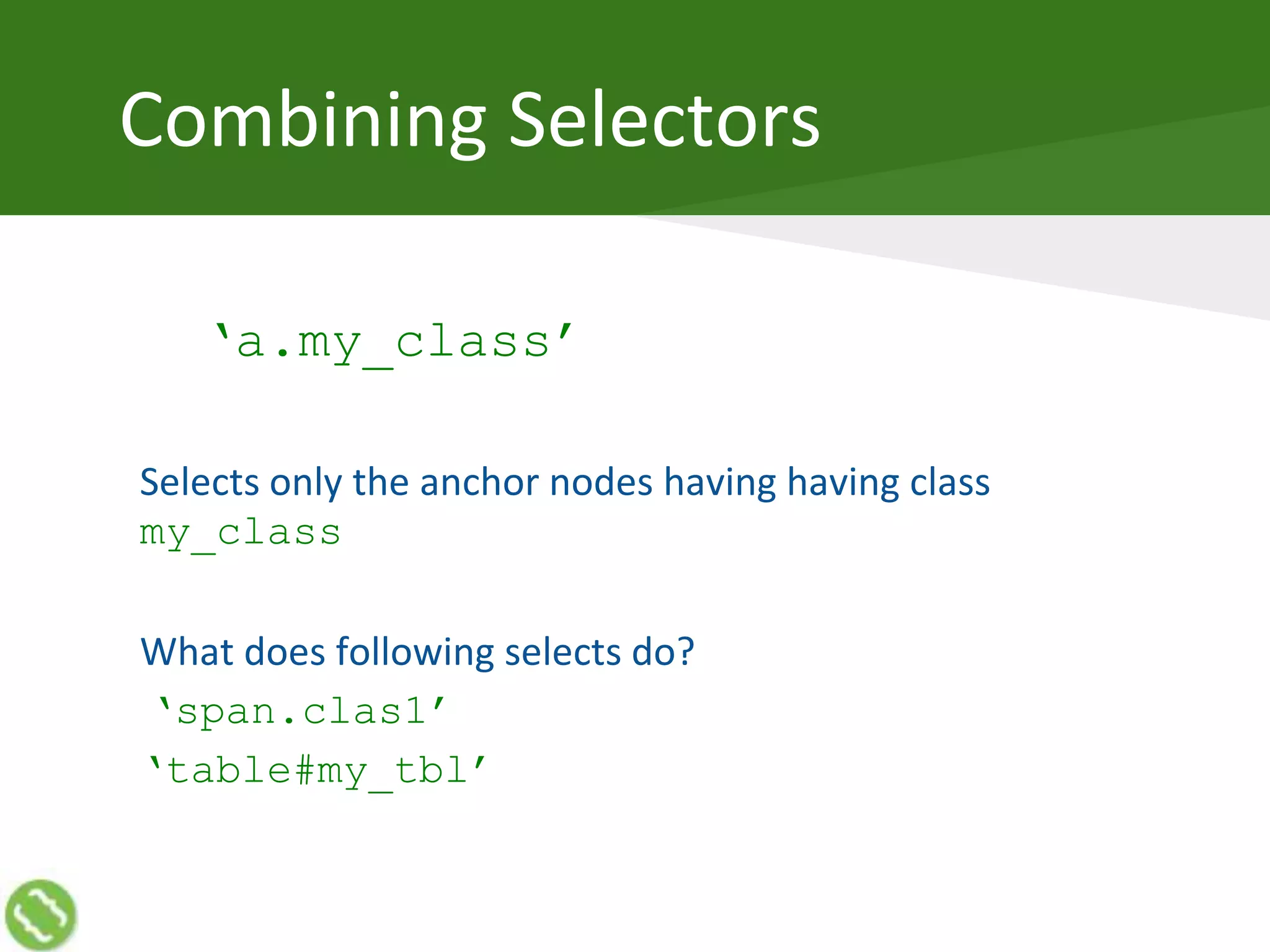
Combining Selectors
‘a.my_class’
Selects only the anchor nodes having having class
my_class
What does following selects do?
‘span.clas1’
‘table#my_tbl’
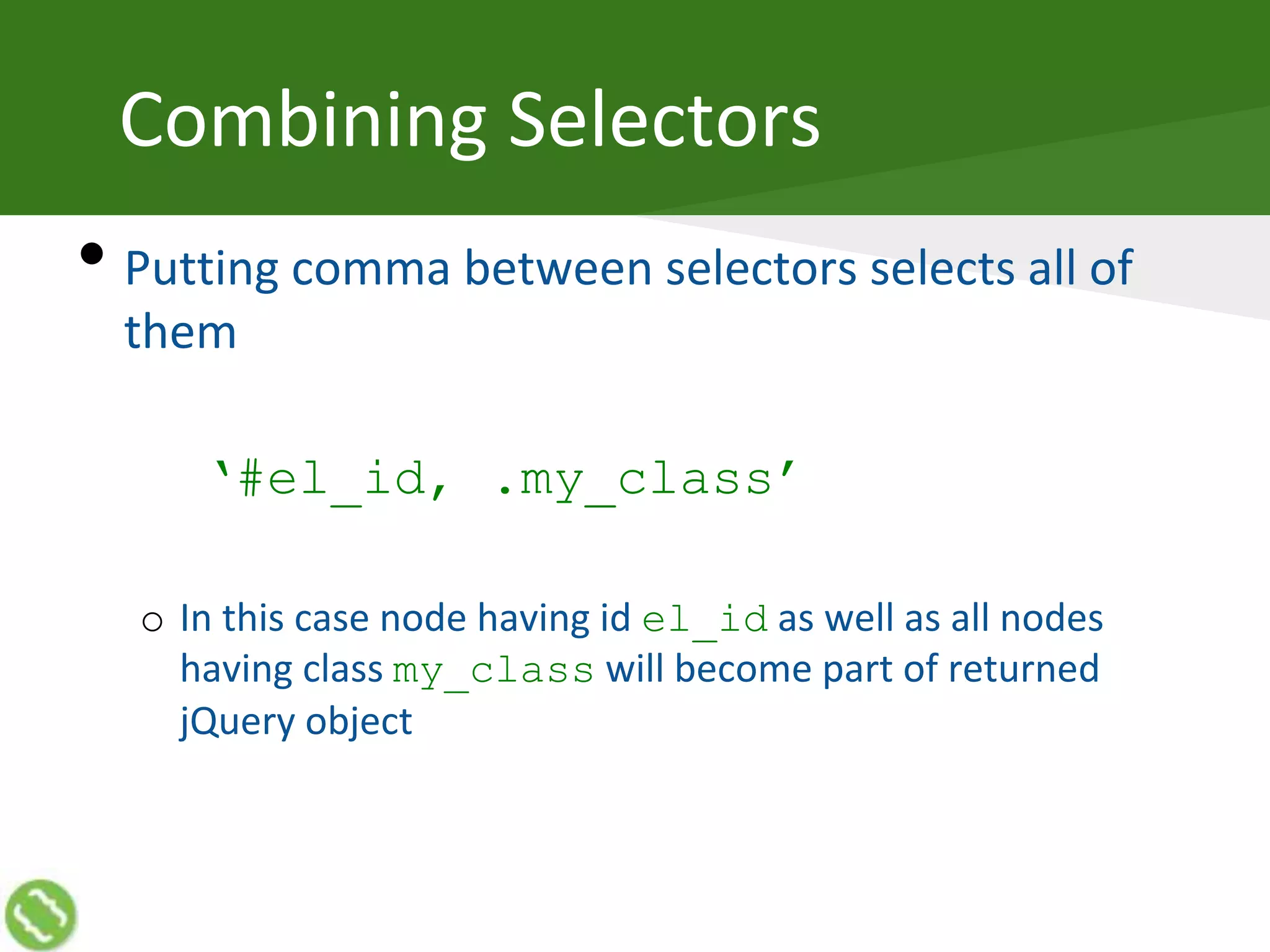
Combining Selectors
• Putting comma between selectors selects all of
them
‘#el_id, .my_class’
o In this case node having id el_id as well as all nodes
having class my_class will become part of returned
jQuery object
Attribute Selectors
• Attribute selectors allow to create a selection
based on any attribute of a HTML node
o Attribute Equals: “div[el_id=‘my_id’]”
o Attribute Not Equals: “div[el_id!=‘my_id’]”
o Attribute Starts with: “div[el_id^=‘my_id’]”
o Attribute Ends with: “div[el_id$=‘my_id’]”
o Attribute Contains: “div[el_id*=‘my_id’]”
• These work on custom (non-standard) attributes
as well
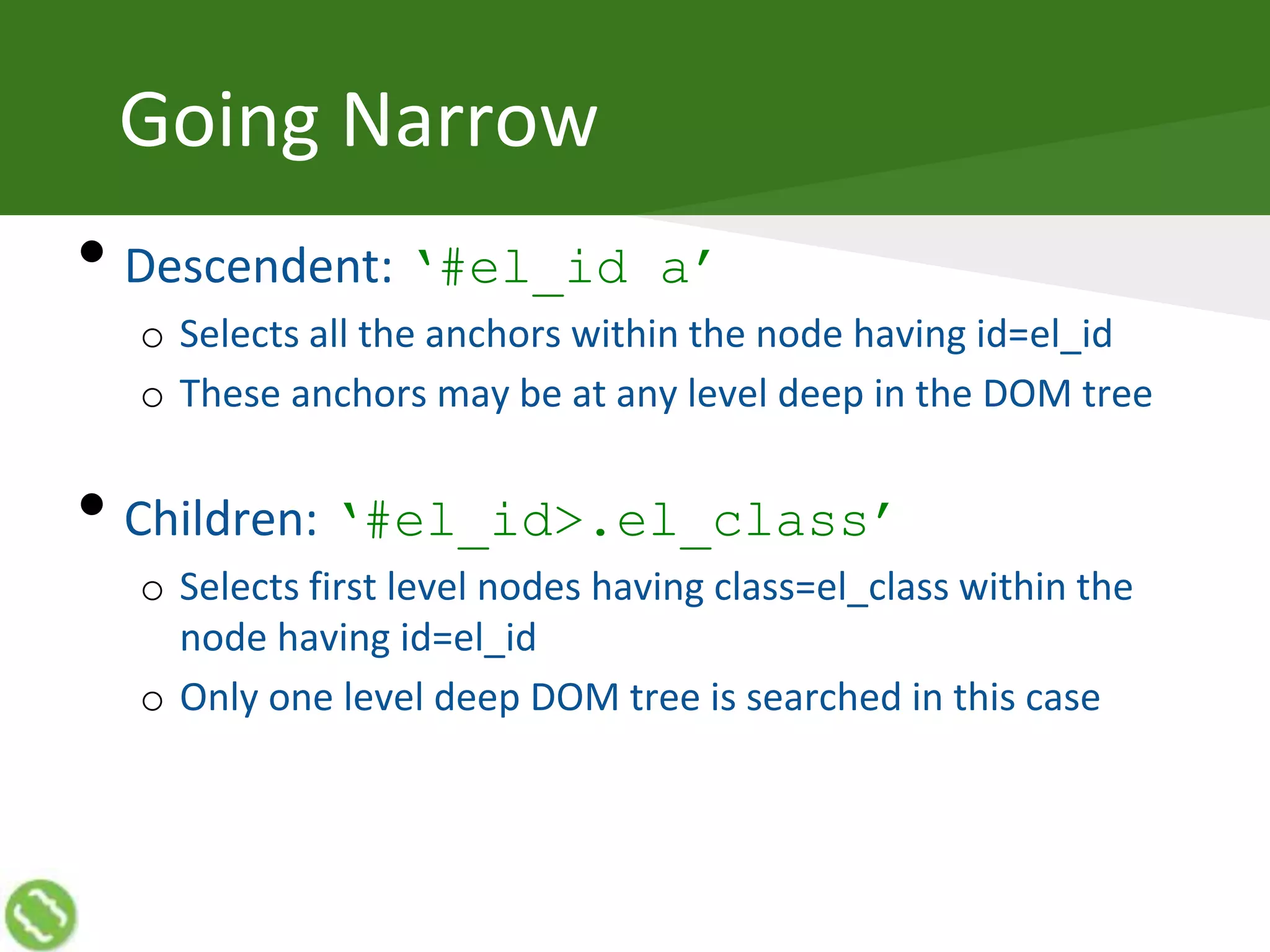
Going Narrow
• Descendent: ‘#el_id a’
o Selects all the anchors within the node having id=el_id
o These anchors may be at any level deep in the DOM tree
• Children: ‘#el_id>.el_class’
o Selects first level nodes having class=el_class within the
node having id=el_id
o Only one level deep DOM tree is searched in this case
Filters
Narrowing Down Selection
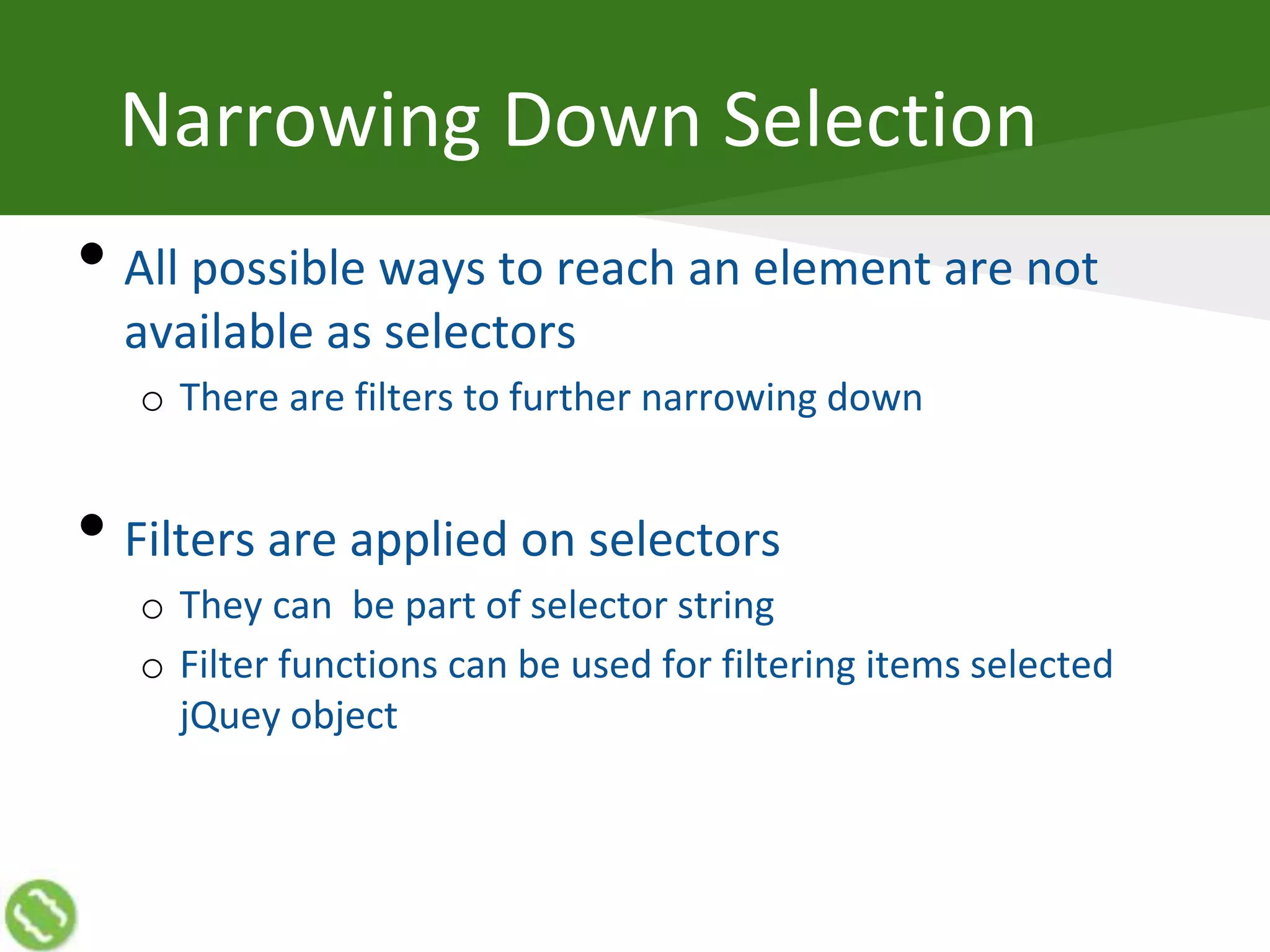
• All possible ways to reach an element are not
available as selectors
o There are filters to further narrowing down
• Filters are applied on selectors
o They can be part of selector string
o Filter functions can be used for filtering items selected
jQuey object
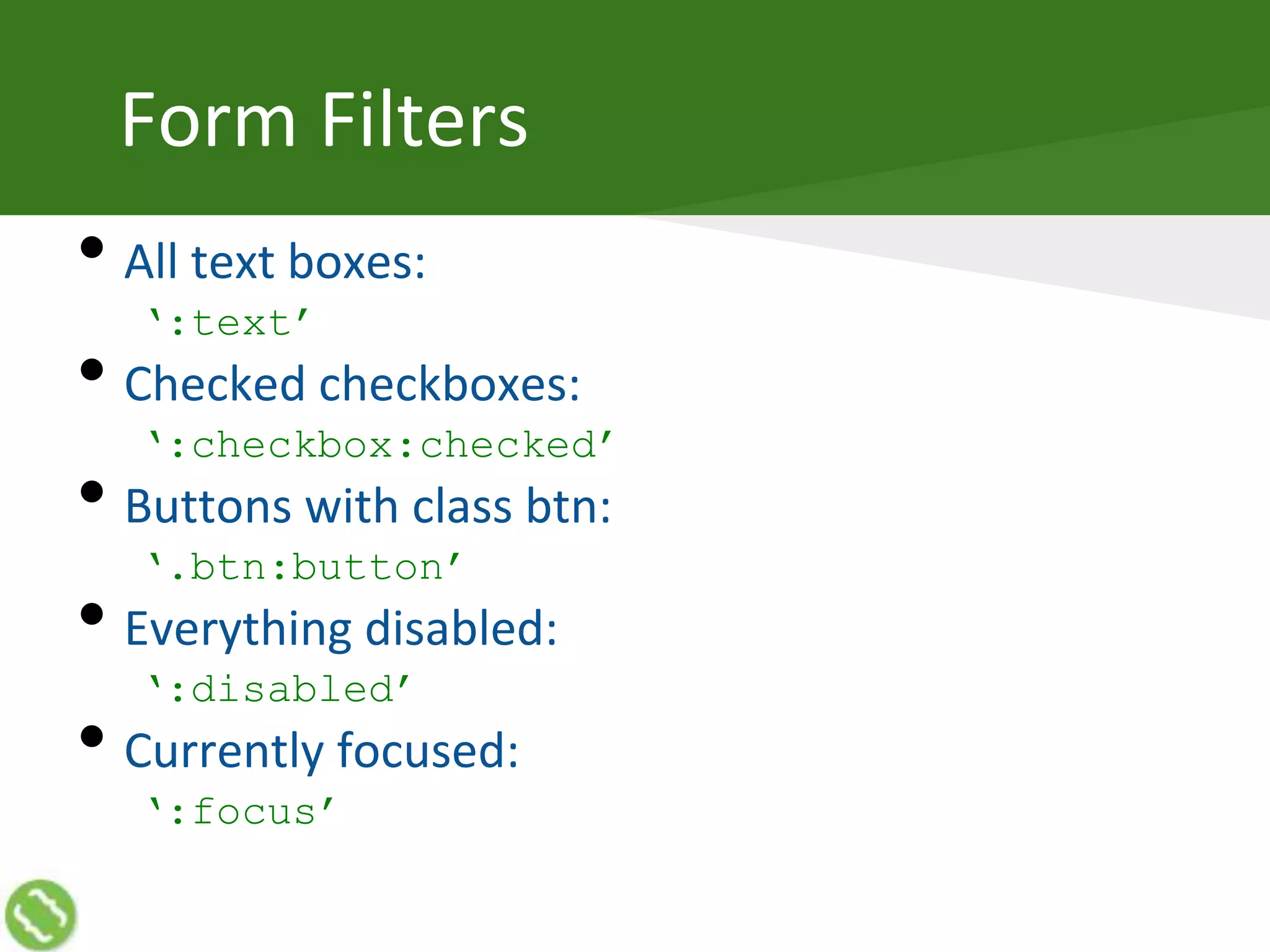
Form Filters
• All text boxes:
‘:text’
• Checked checkboxes:
‘:checkbox:checked’
• Buttons with class btn:
‘.btn:button’
• Everything disabled:
‘:disabled’
• Currently focused:
‘:focus’
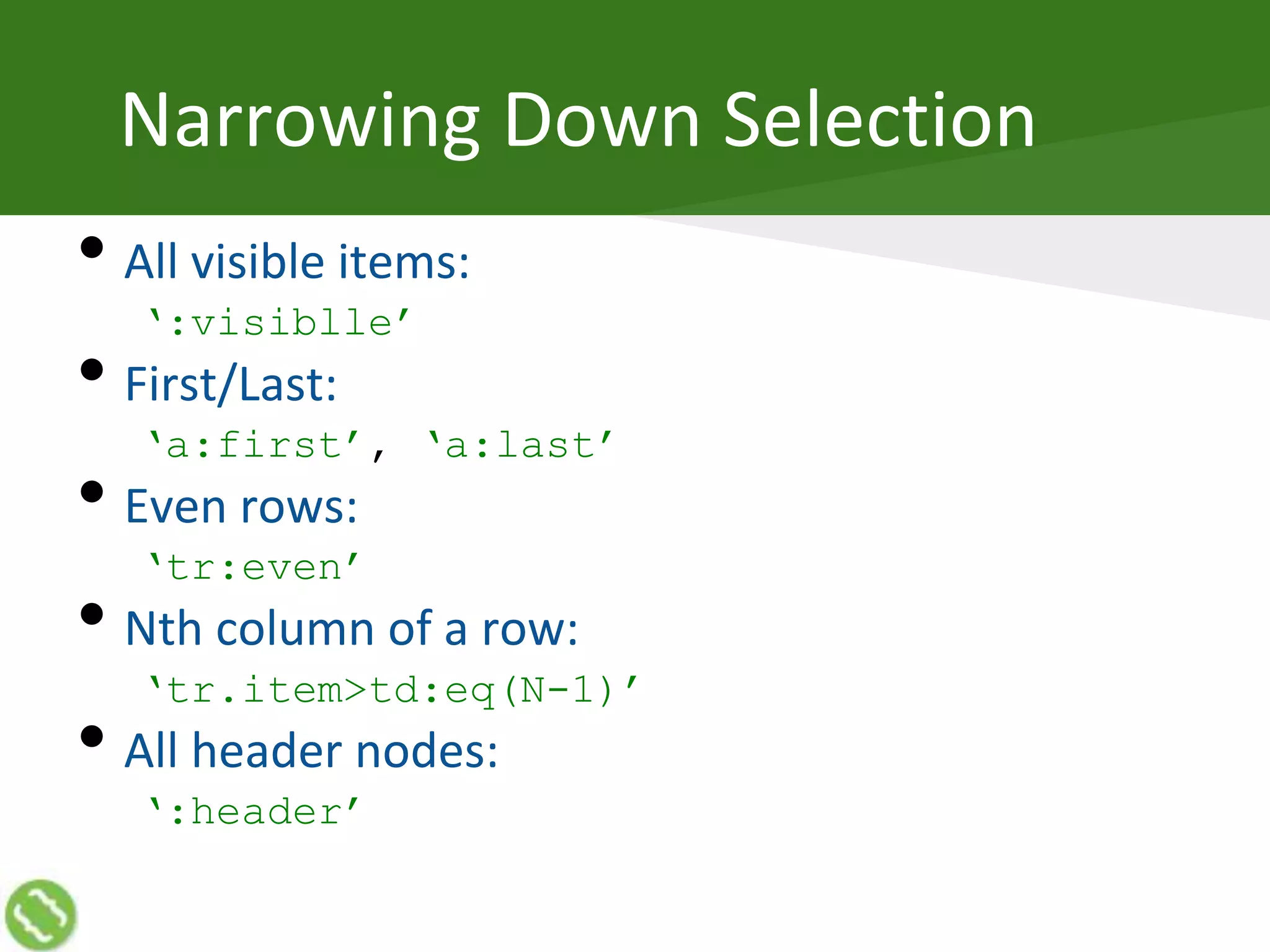
Narrowing Down Selection
• All visible items:
‘:visiblle’
• First/Last:
‘a:first’, ‘a:last’
• Even rows:
‘tr:even’
• Nth column of a row:
‘tr.item>td:eq(N-1)’
• All header nodes:
‘:header’
Filter Functions
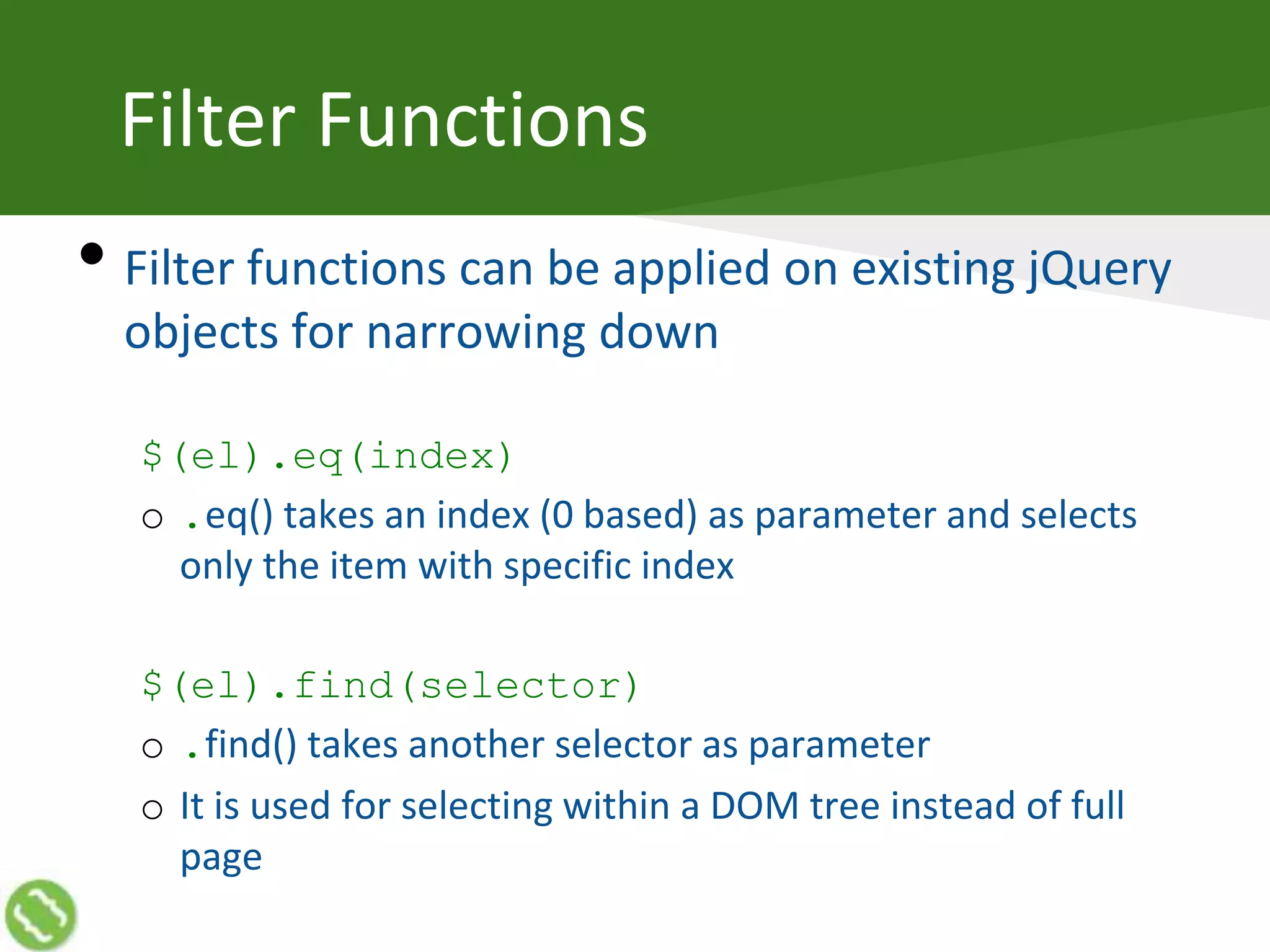
• Filter functions can be applied on existing jQuery
objects for narrowing down
$(el).eq(index)
o .eq() takes an index (0 based) as parameter and selects
only the item with specific index
$(el).find(selector)
o .find() takes another selector as parameter
o It is used for selecting within a DOM tree instead of full
page
Selection Outside
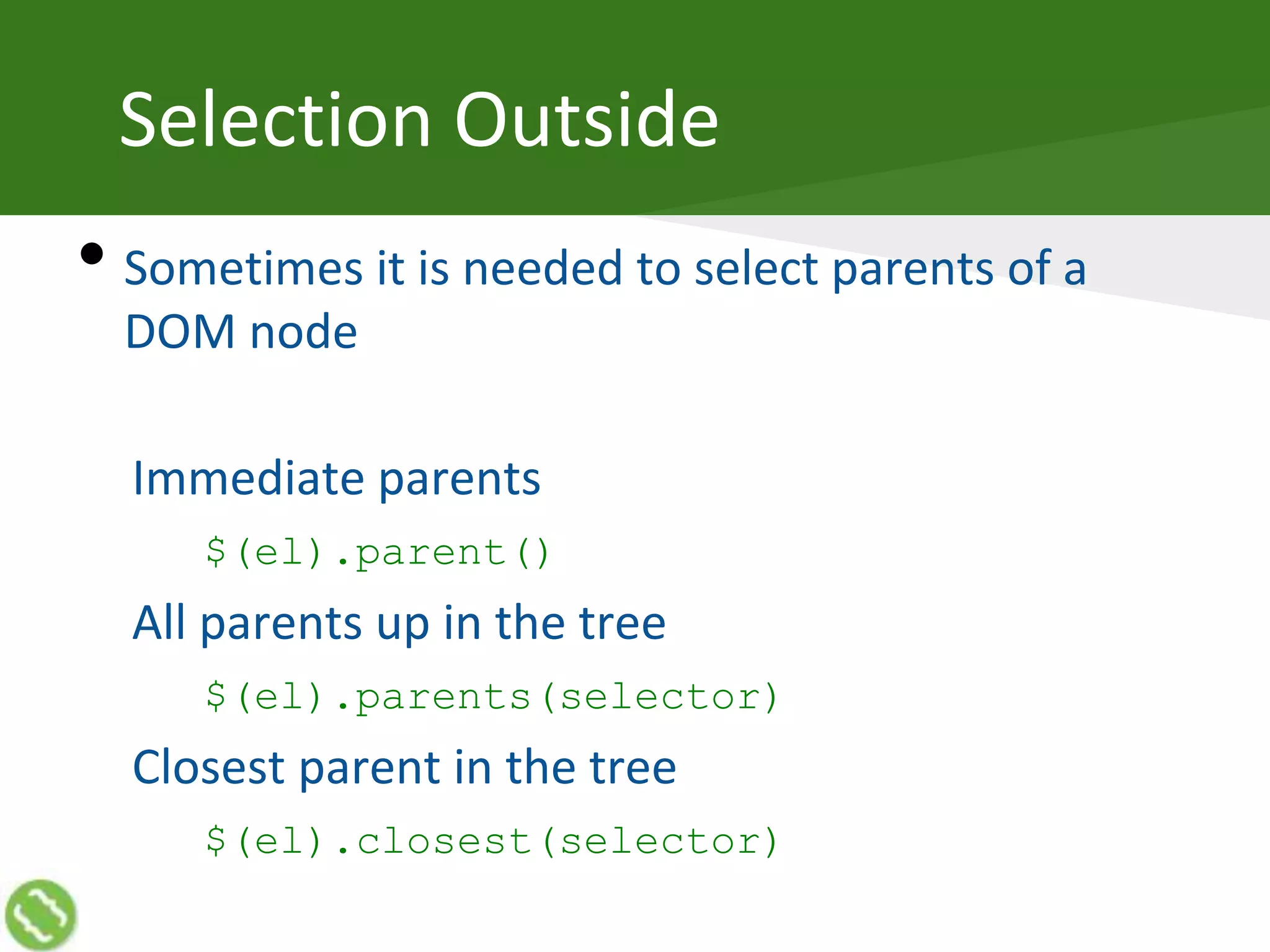
• Sometimes it is needed to select parents of a
DOM node
Immediate parents
$(el).parent()
All parents up in the tree
$(el).parents(selector)
Closest parent in the tree
$(el).closest(selector)
34@akshaymathu
Manipulating DOM
Reading DOM
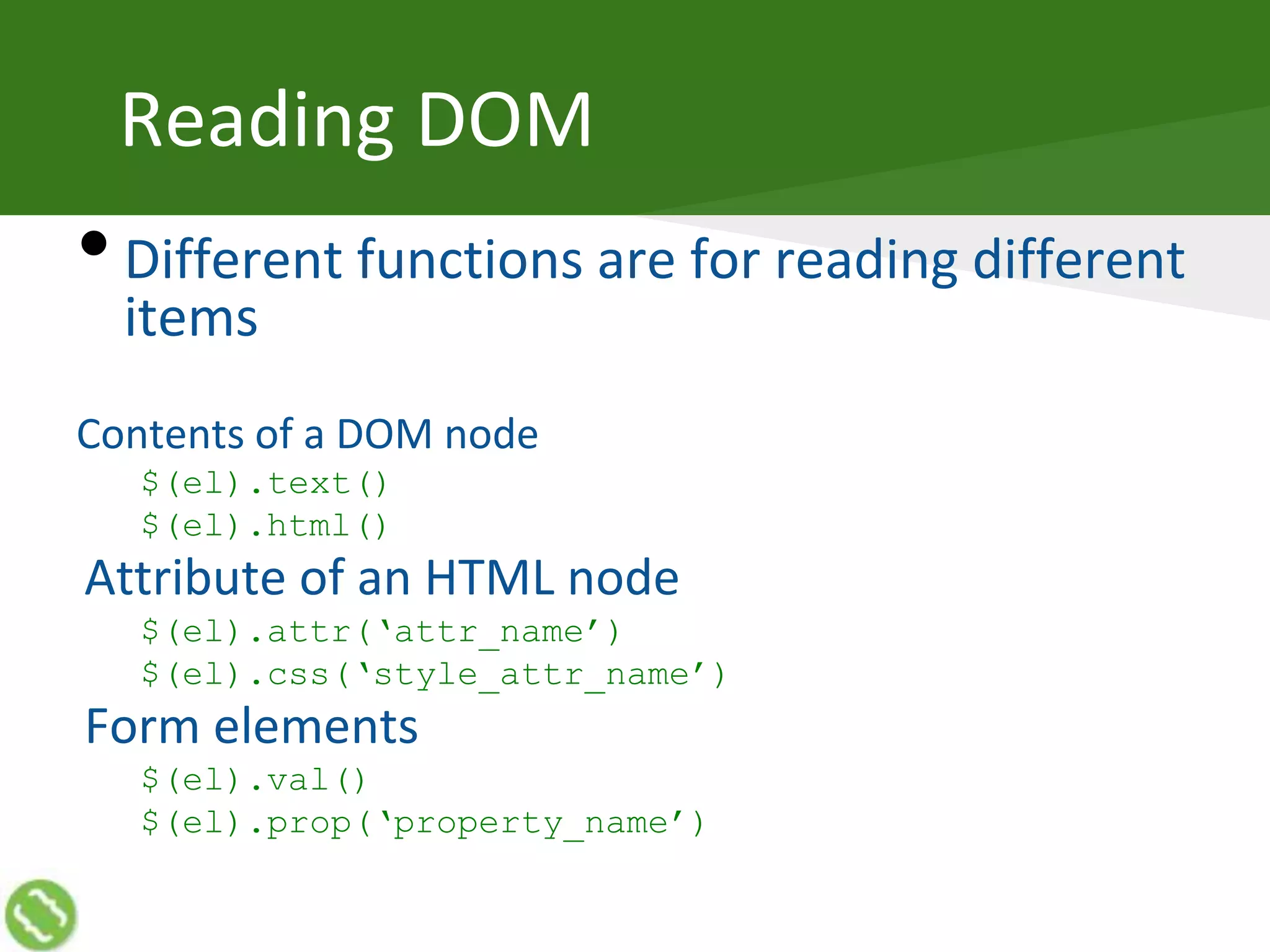
•Different functions are for reading different
items
Contents of a DOM node
$(el).text()
$(el).html()
Attribute of an HTML node
$(el).attr(‘attr_name’)
$(el).css(‘style_attr_name’)
Form elements
$(el).val()
$(el).prop(‘property_name’)
Writing DOM
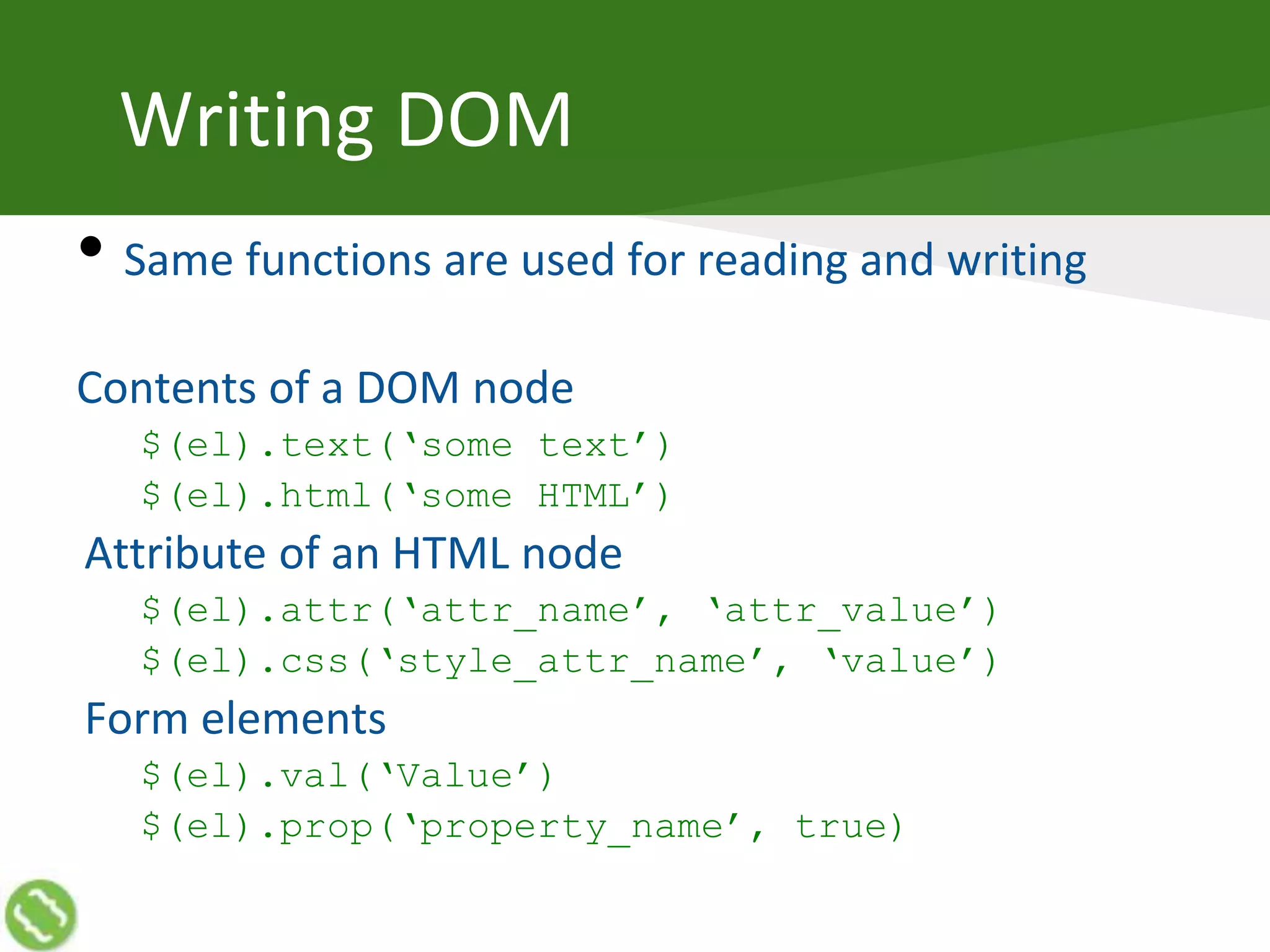
• Same functions are used for reading and writing
Contents of a DOM node
$(el).text(‘some text’)
$(el).html(‘some HTML’)
Attribute of an HTML node
$(el).attr(‘attr_name’, ‘attr_value’)
$(el).css(‘style_attr_name’, ‘value’)
Form elements
$(el).val(‘Value’)
$(el).prop(‘property_name’, true)
Adding and Removing Nodes
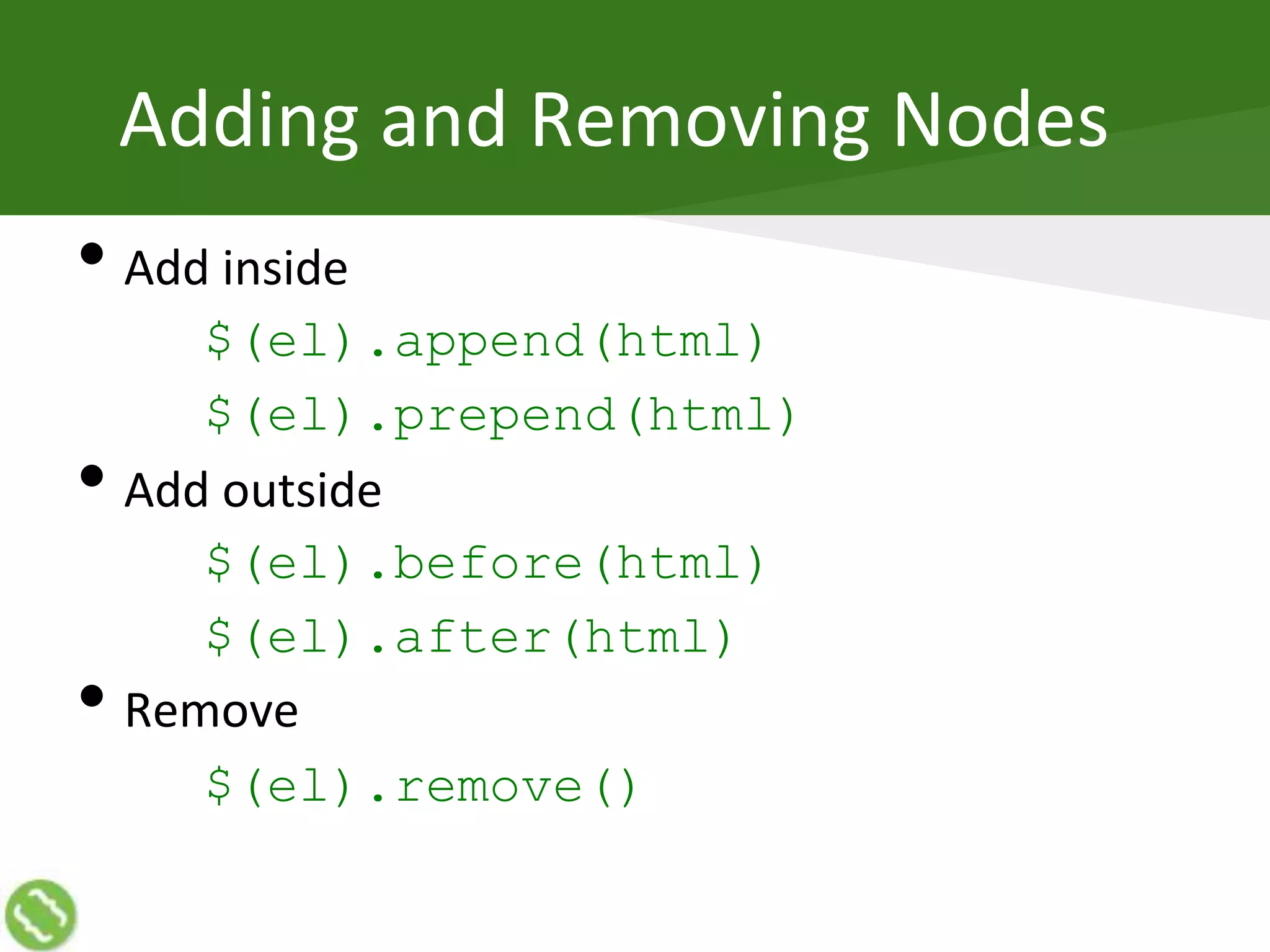
• Add inside
$(el).append(html)
$(el).prepend(html)
• Add outside
$(el).before(html)
$(el).after(html)
• Remove
$(el).remove()
Changing Looks
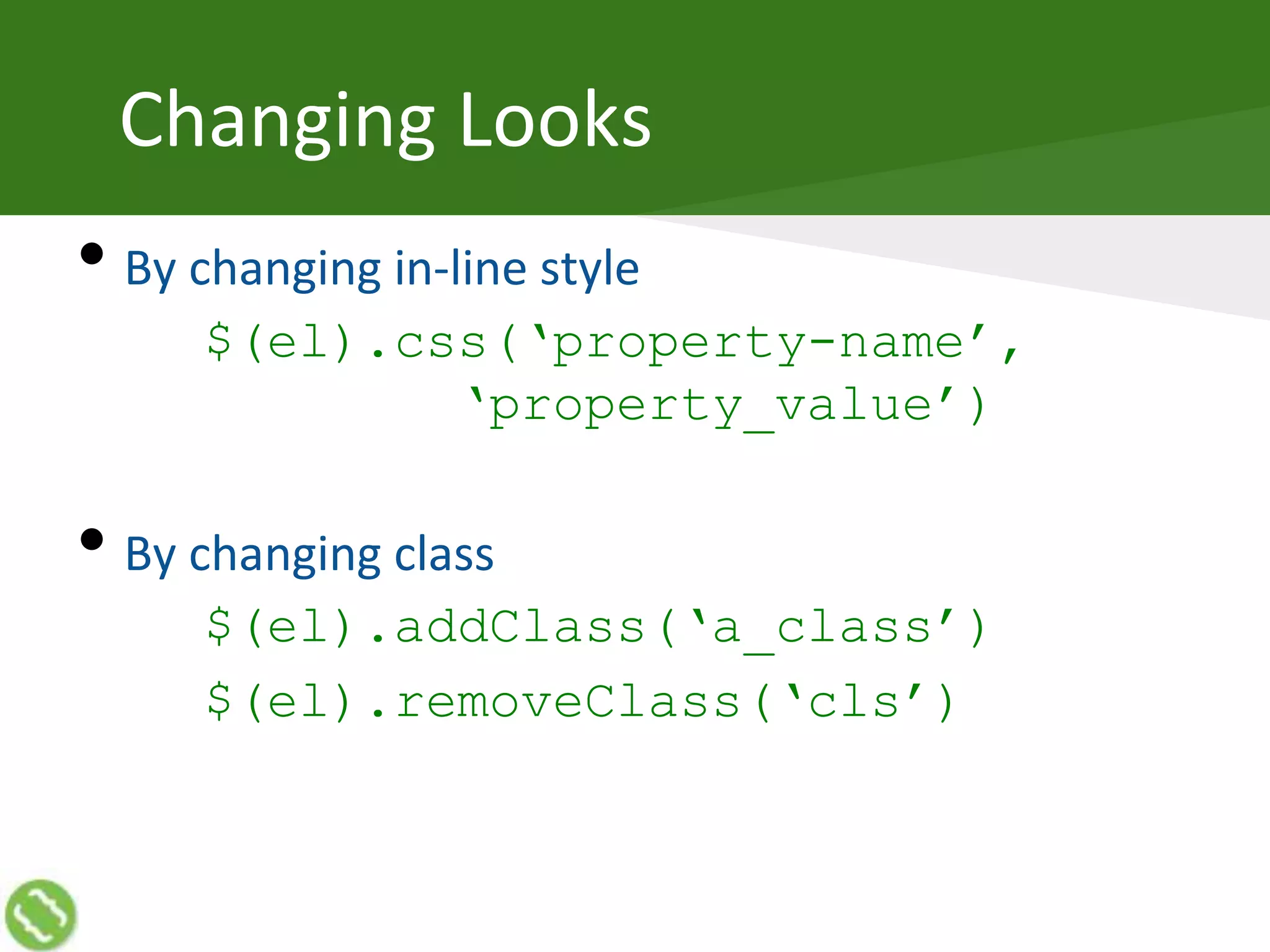
• By changing in-line style
$(el).css(‘property-name’,
‘property_value’)
• By changing class
$(el).addClass(‘a_class’)
$(el).removeClass(‘cls’)
Chaining
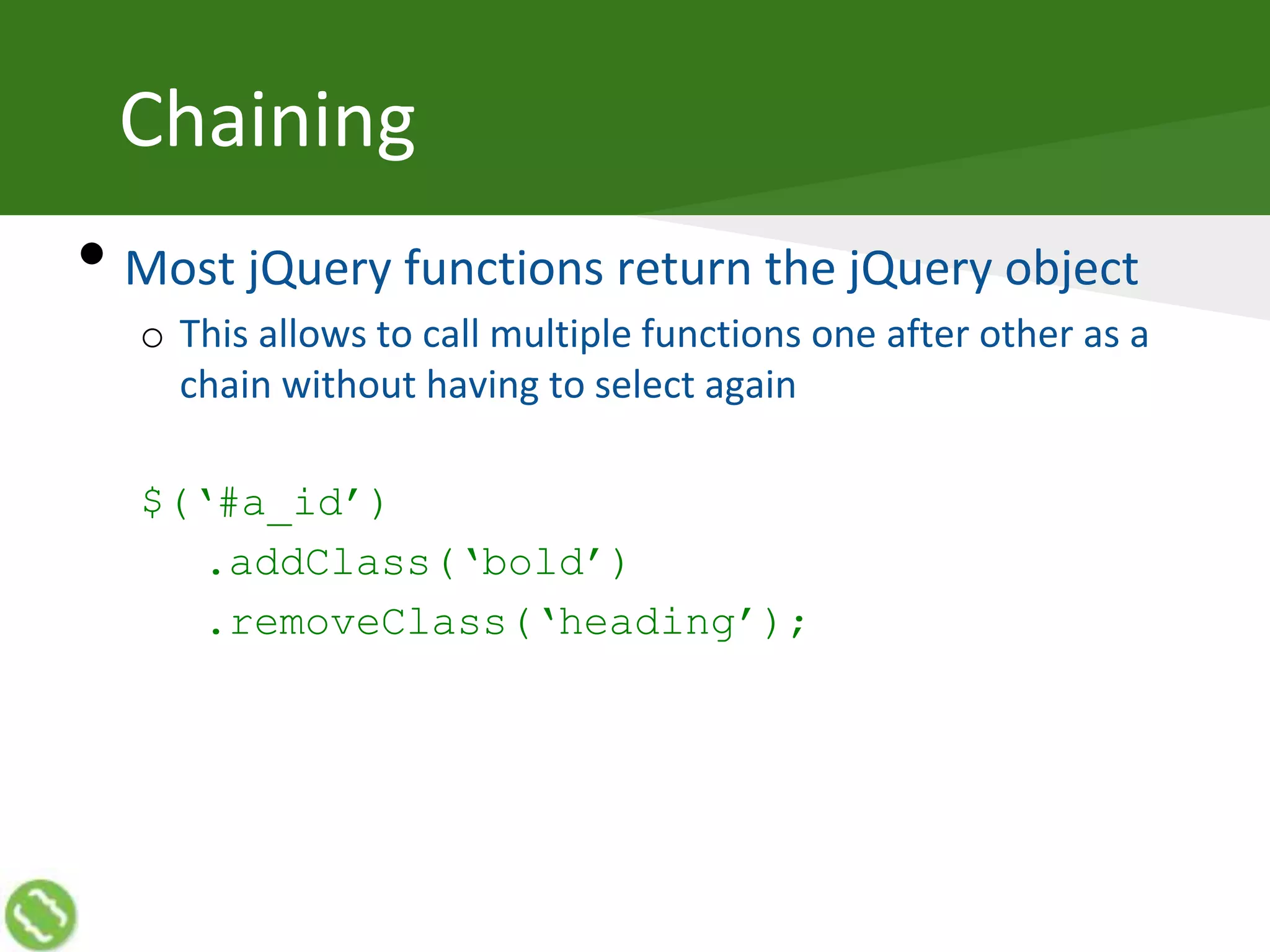
• Most jQuery functions return the jQuery object
o This allows to call multiple functions one after other as a
chain without having to select again
$(‘#a_id’)
.addClass(‘bold’)
.removeClass(‘heading’);
Dealing with User Actions
Triggering Event
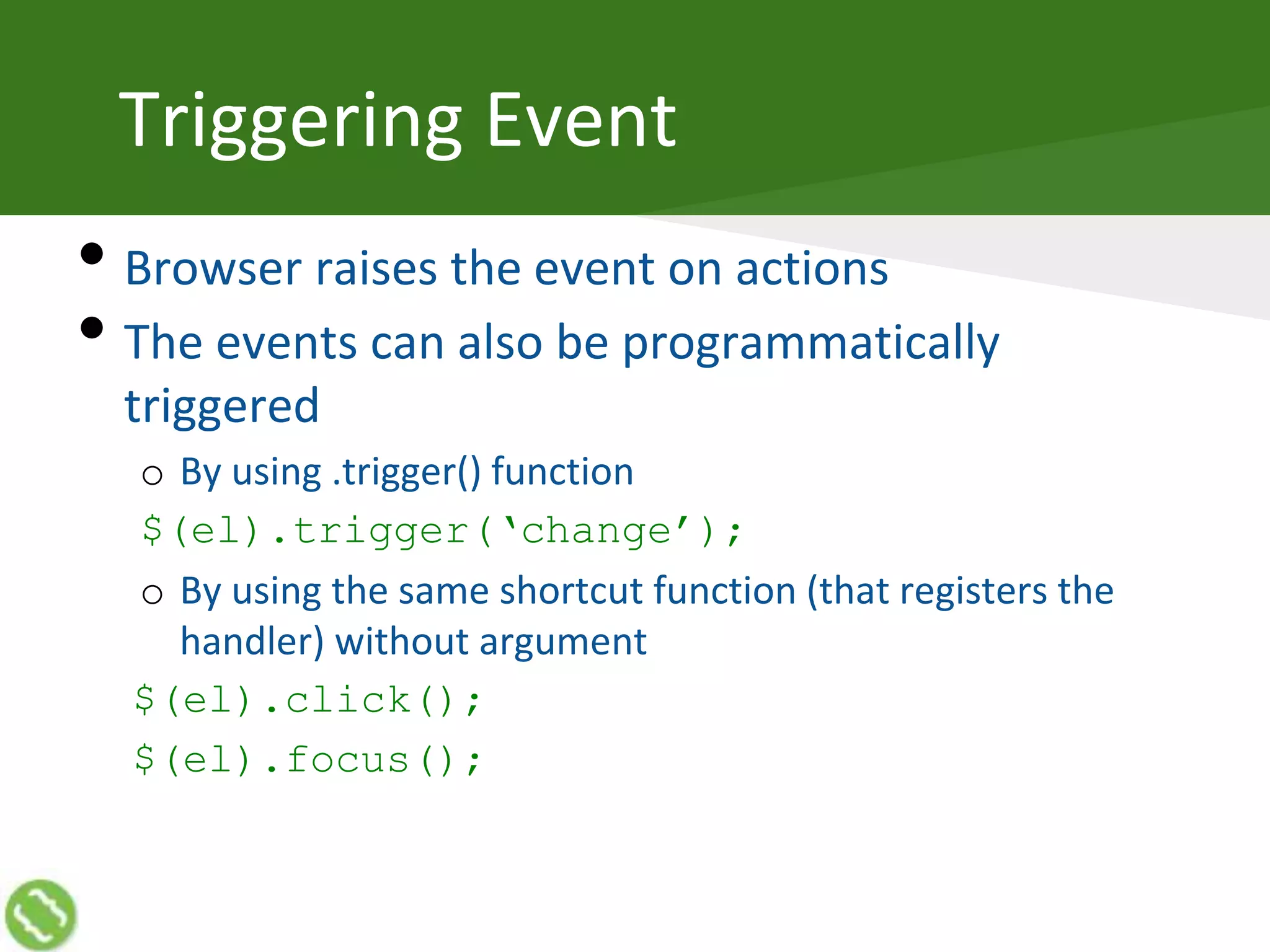
• Browser raises the event on actions
• The events can also be programmatically
triggered
o By using .trigger() function
$(el).trigger(‘change’);
o By using the same shortcut function (that registers the
handler) without argument
$(el).click();
$(el).focus();
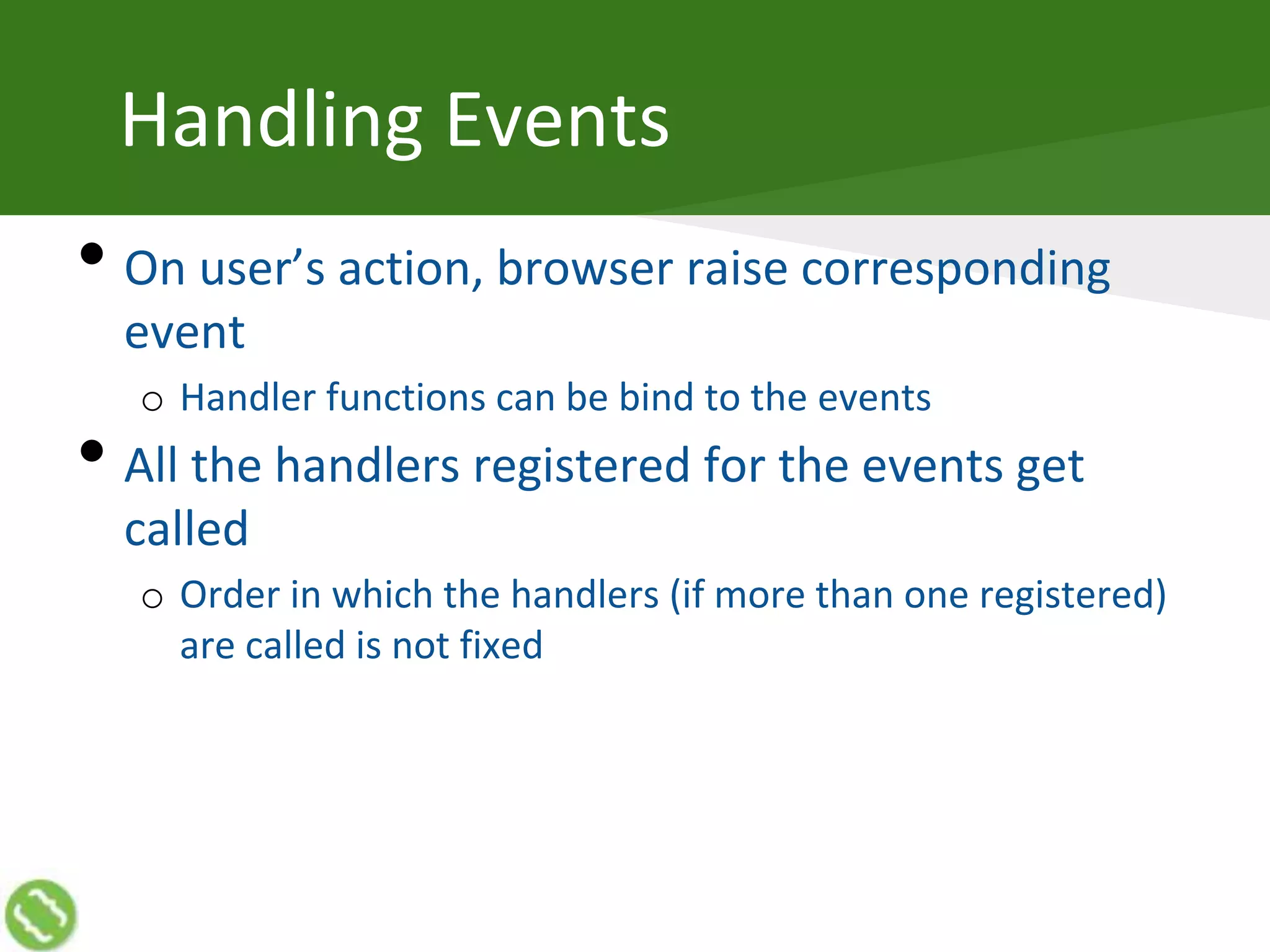
Handling Events
• On user’s action, browser raise corresponding
event
o Handler functions can be bind to the events
• All the handlers registered for the events get
called
o Order in which the handlers (if more than one registered)
are called is not fixed
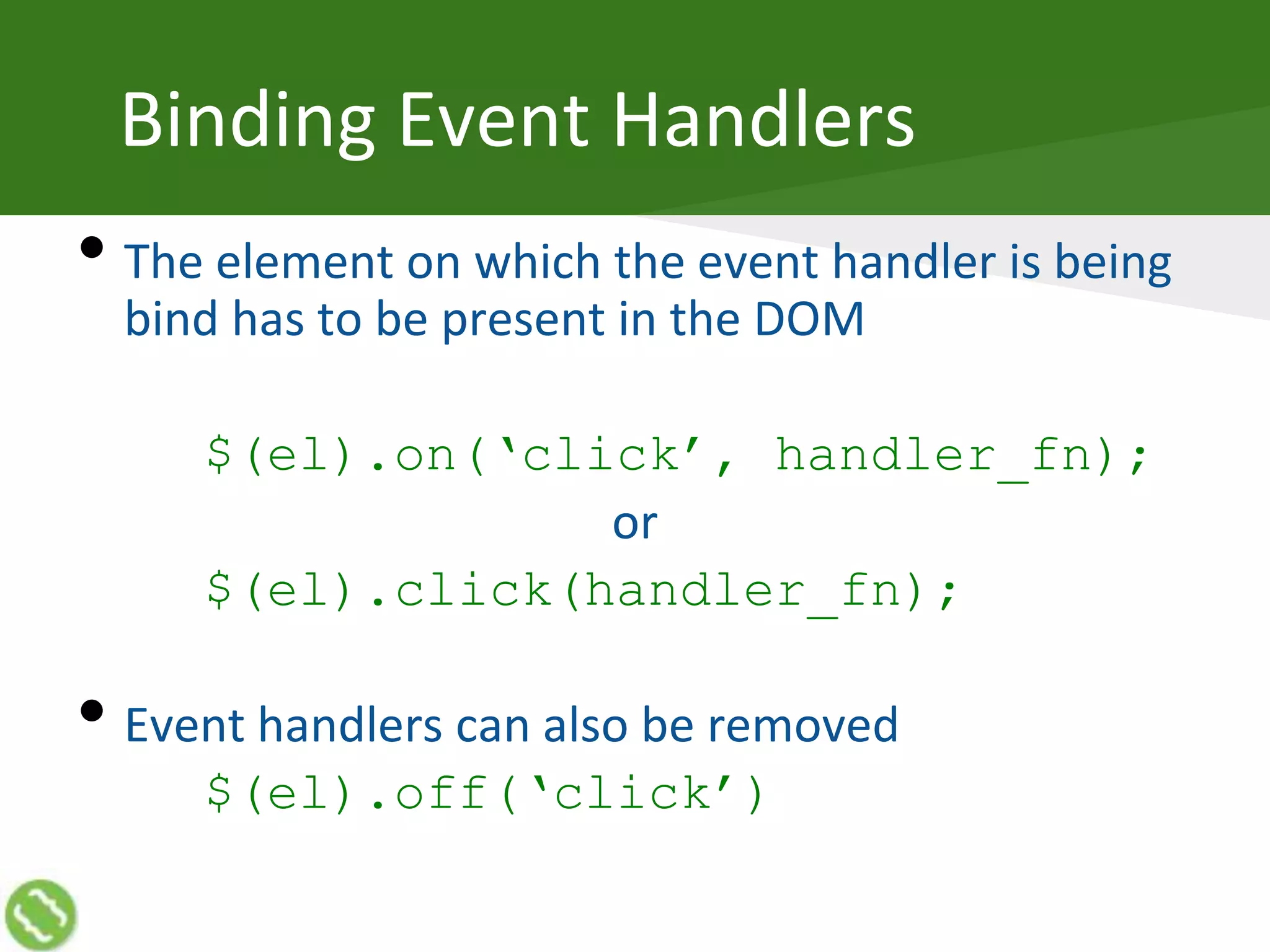
Binding Event Handlers
• The element on which the event handler is being
bind has to be present in the DOM
$(el).on(‘click’, handler_fn);
or
$(el).click(handler_fn);
• Event handlers can also be removed
$(el).off(‘click’)
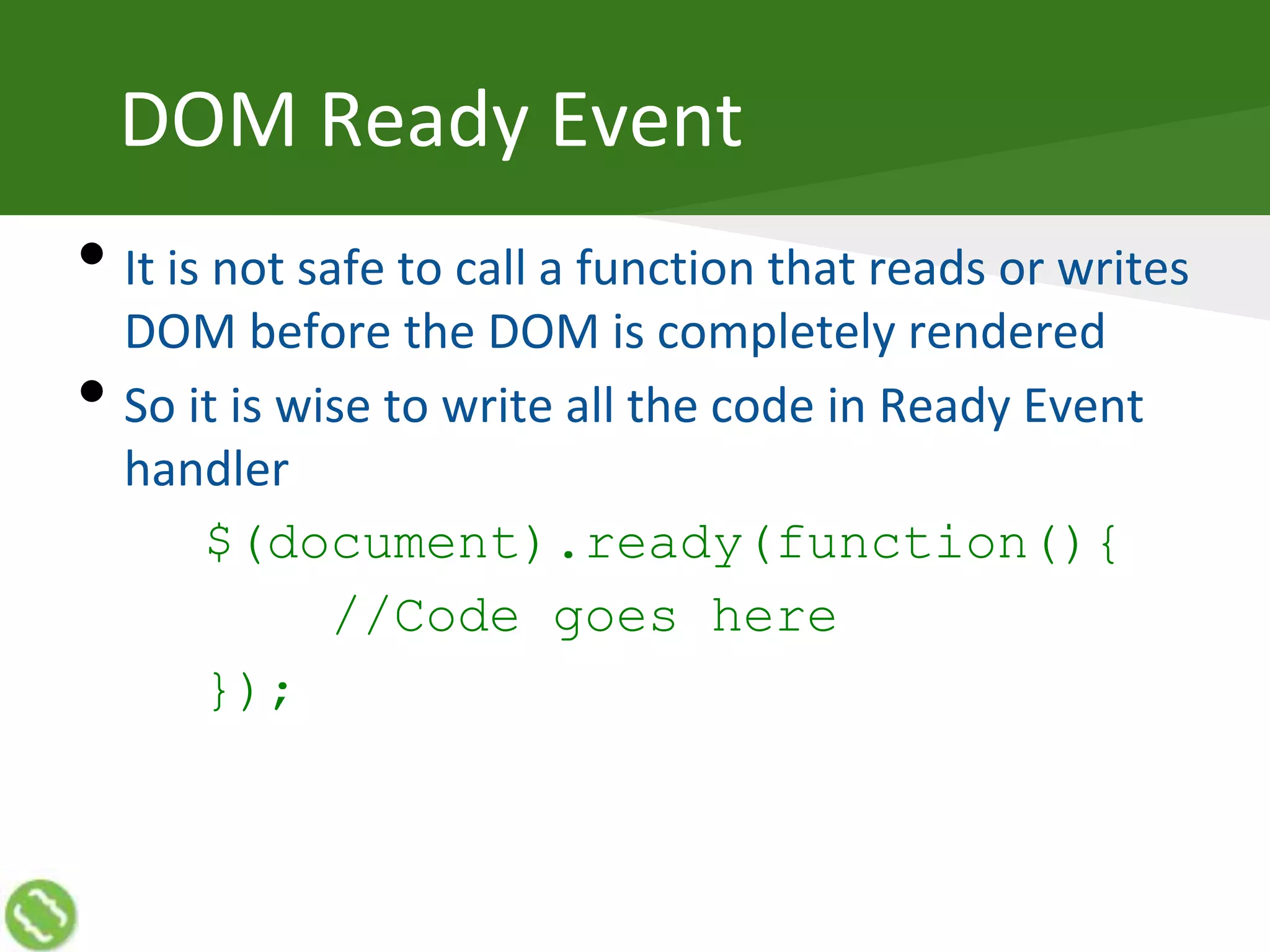
DOM Ready Event
• It is not safe to call a function that reads or writes
DOM before the DOM is completely rendered
• So it is wise to write all the code in Ready Event
handler
$(document).ready(function(){
//Code goes here
});
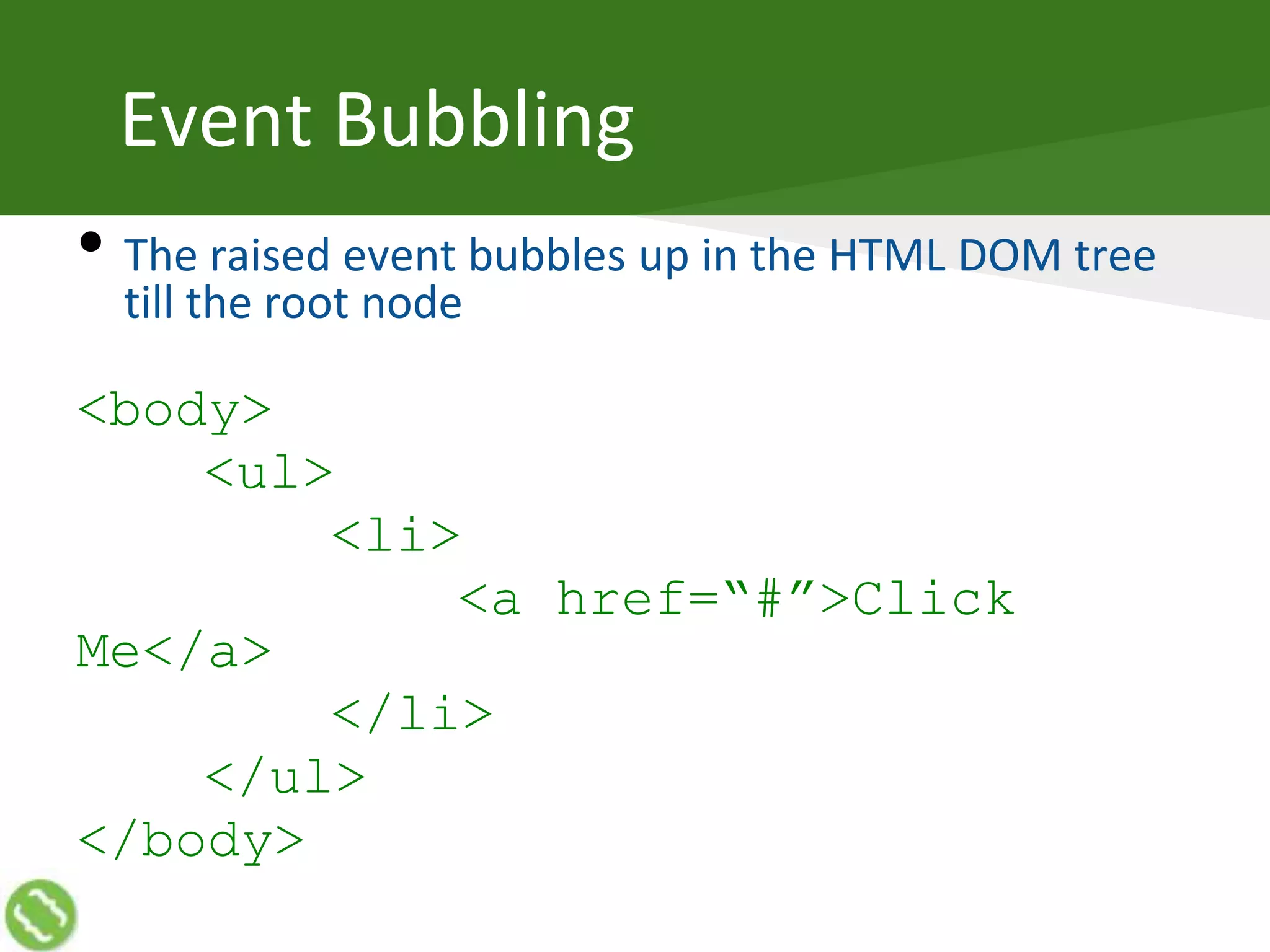
Event Bubbling
• The raised event bubbles up in the HTML DOM tree
till the root node
<body>
<ul>
<li>
<a href=“#”>Click
Me</a>
</li>
</ul>
</body>
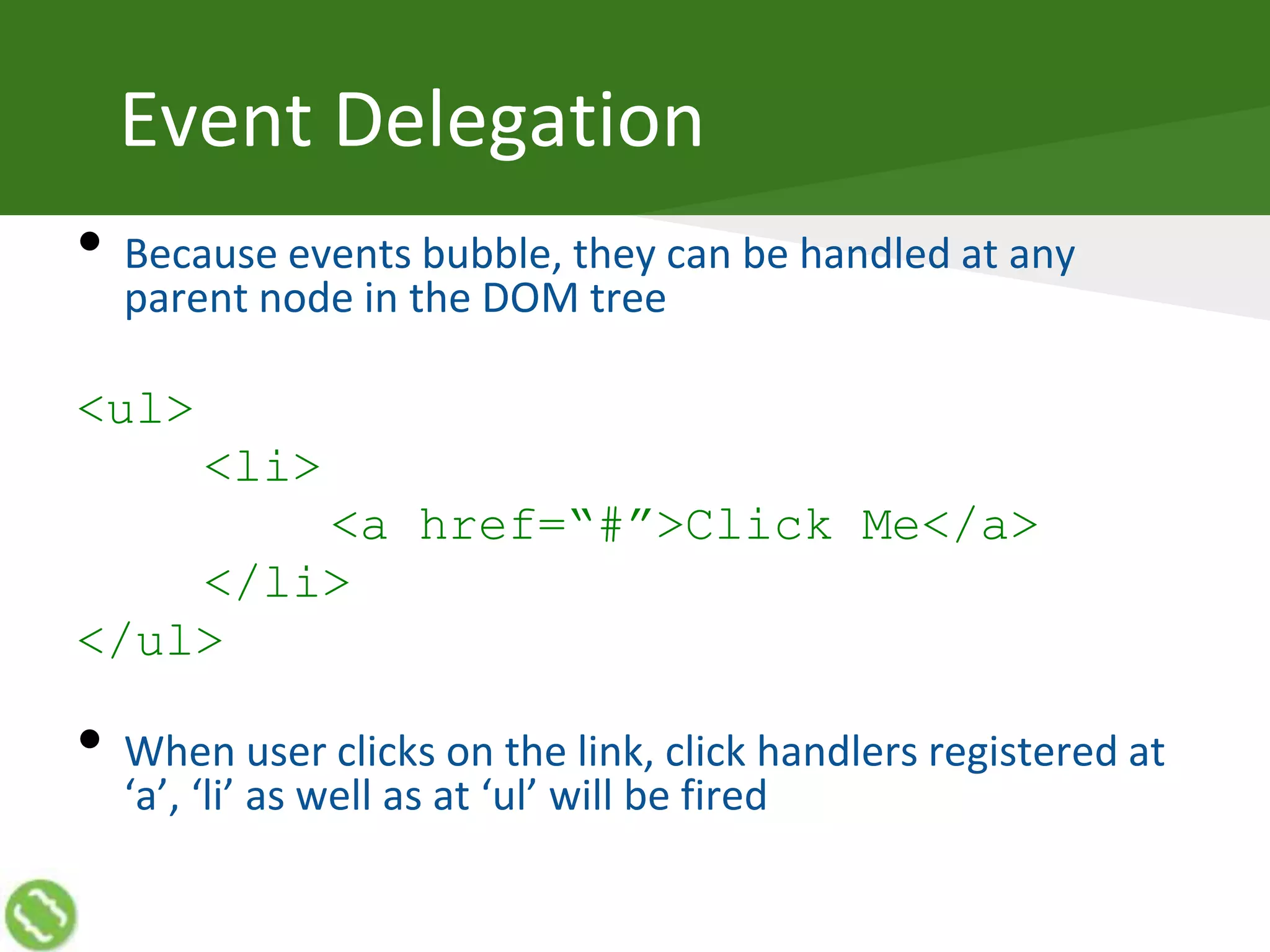
Event Delegation
• Because events bubble, they can be handled at any
parent node in the DOM tree
<ul>
<li>
<a href=“#”>Click Me</a>
</li>
</ul>
• When user clicks on the link, click handlers registered at
‘a’, ‘li’ as well as at ‘ul’ will be fired
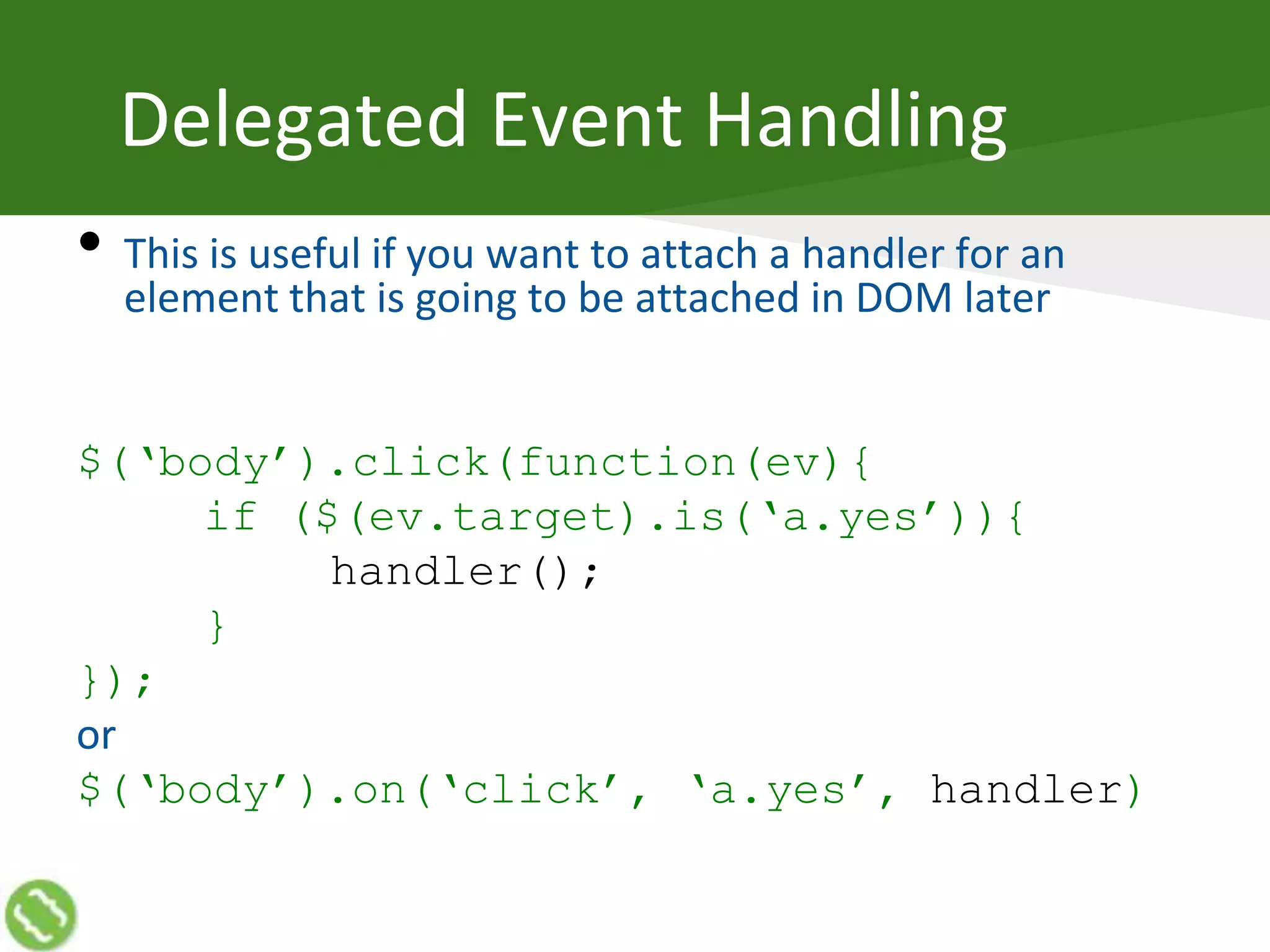
Delegated Event Handling
• This is useful if you want to attach a handler for an
element that is going to be attached in DOM later
$(‘body’).click(function(ev){
if ($(ev.target).is(‘a.yes’)){
handler();
}
});
or
$(‘body’).on(‘click’, ‘a.yes’, handler)
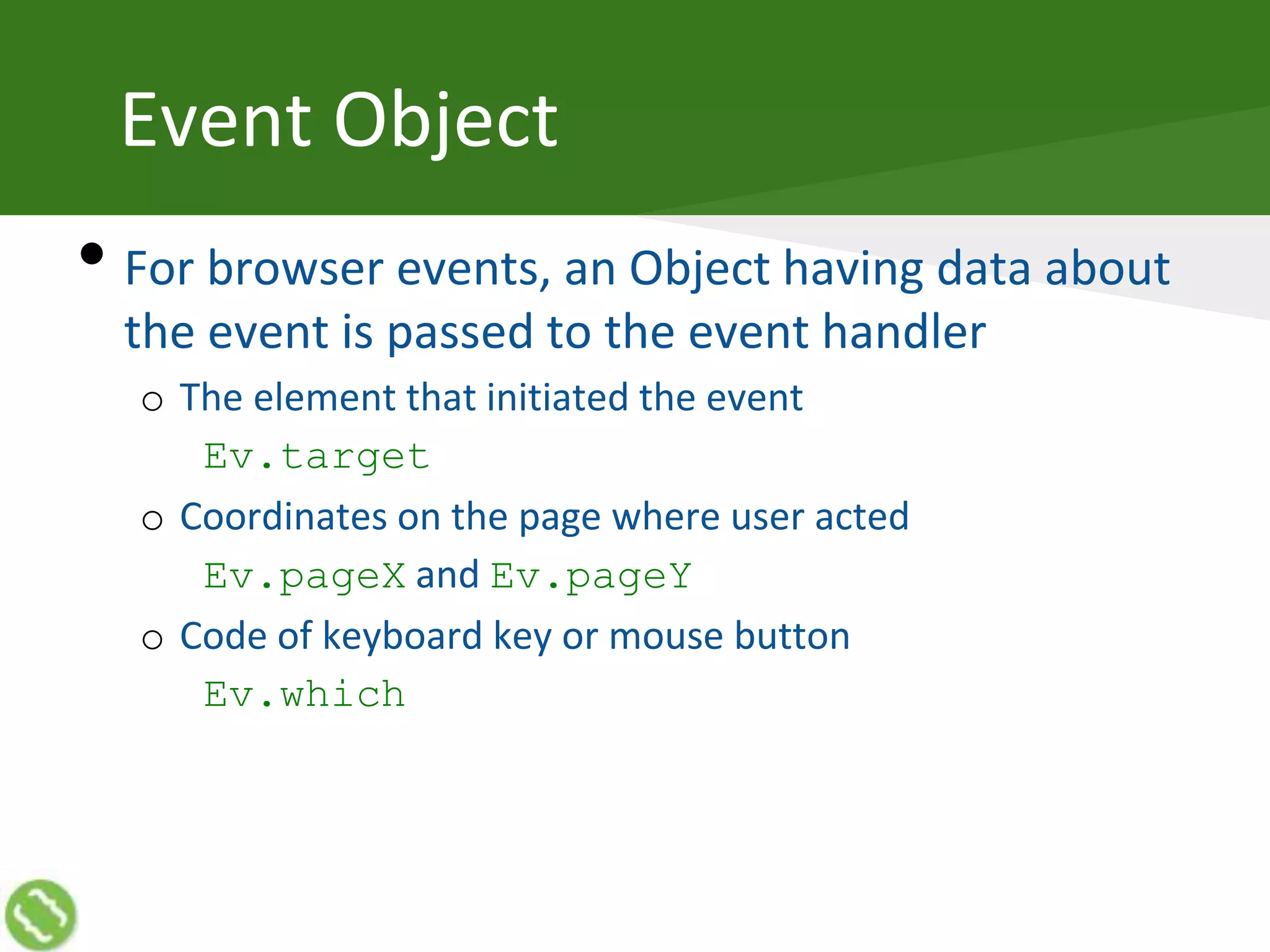
Event Object
• For browser events, an Object having data about
the event is passed to the event handler
o The element that initiated the event
Ev.target
o Coordinates on the page where user acted
Ev.pageX and Ev.pageY
o Code of keyboard key or mouse button
Ev.which
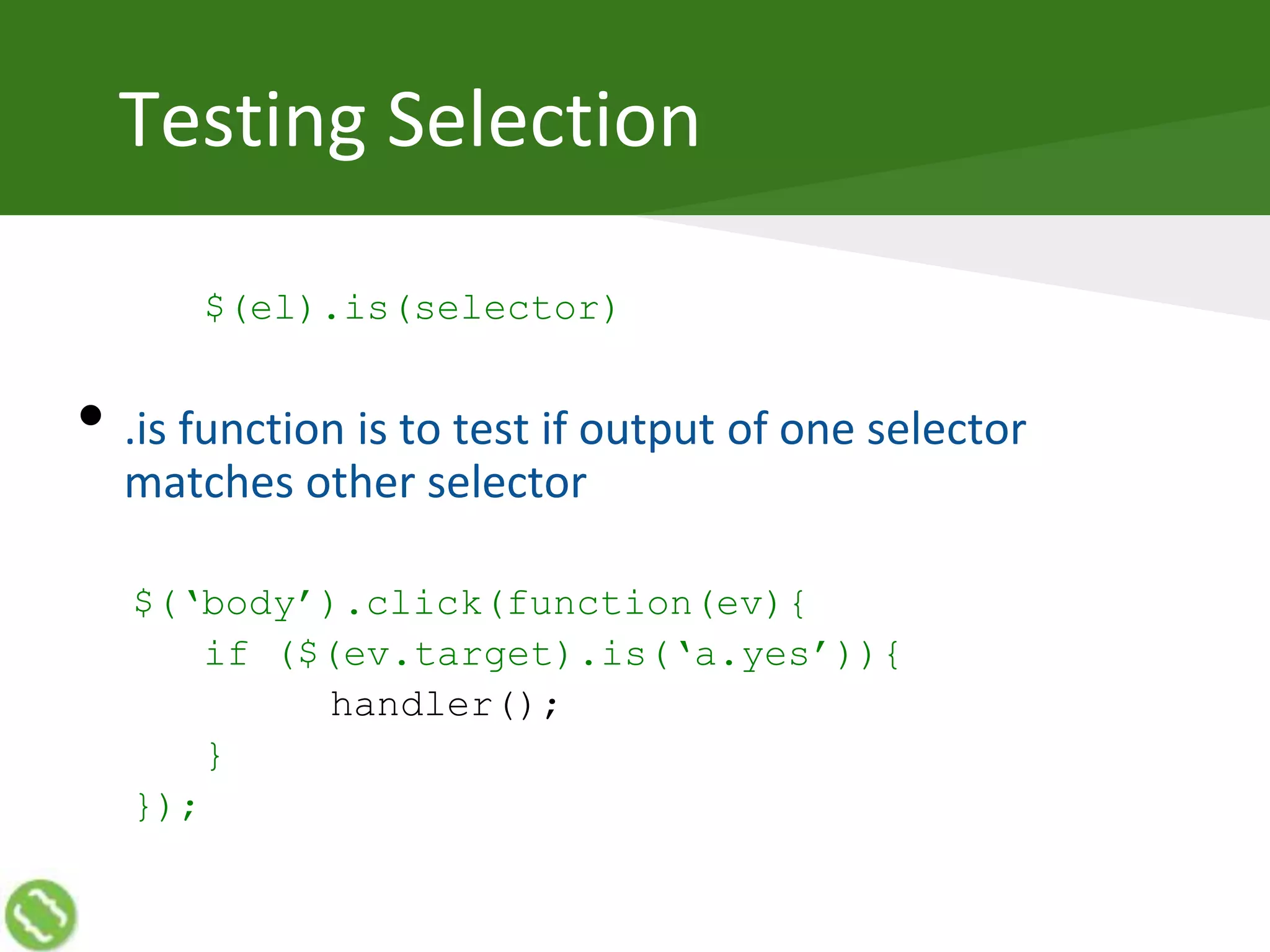
Testing Selection
$(el).is(selector)
• .is function is to test if output of one selector
matches other selector
$(‘body’).click(function(ev){
if ($(ev.target).is(‘a.yes’)){
handler();
}
});
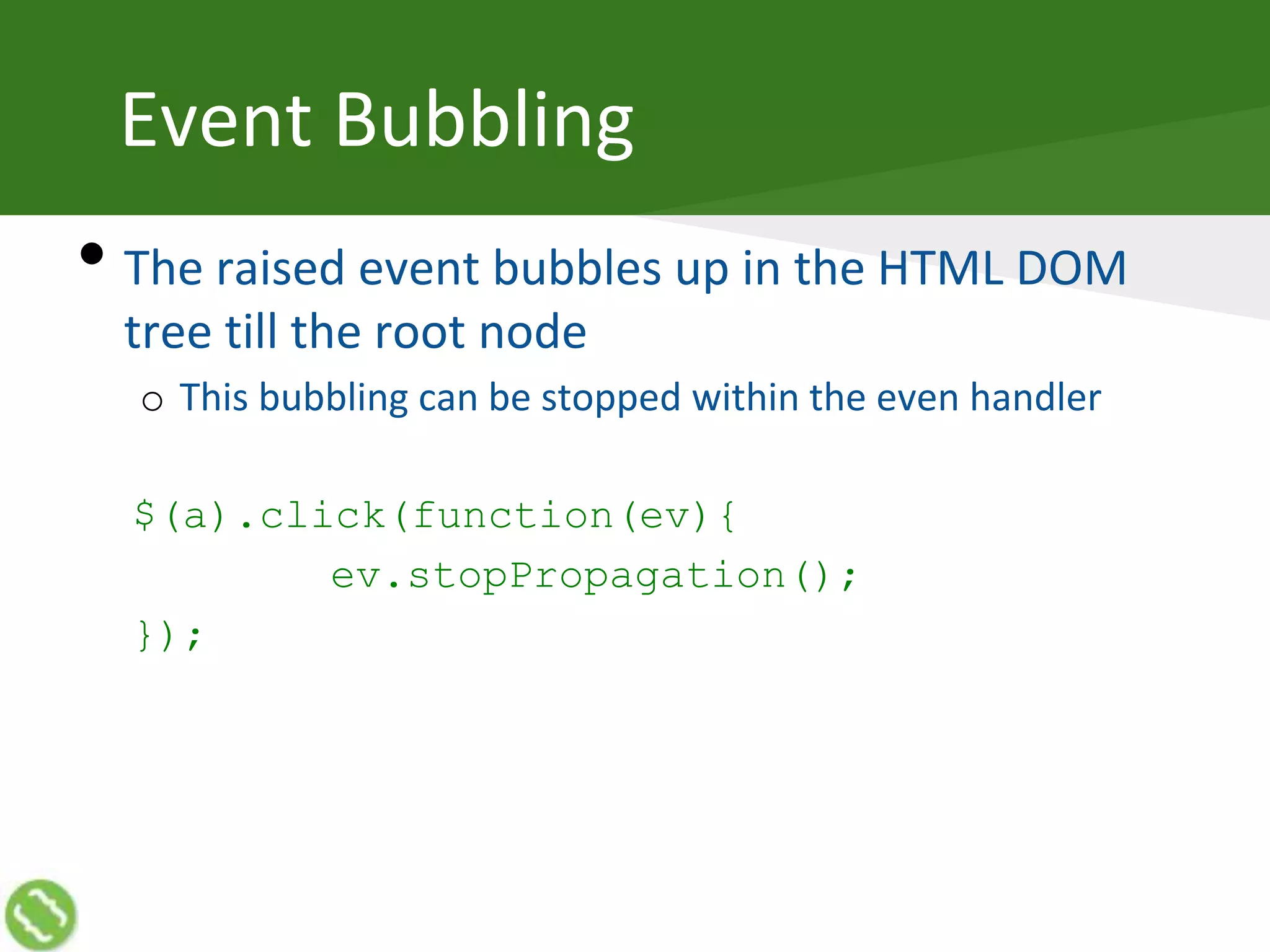
Event Bubbling
• The raised event bubbles up in the HTML DOM
tree till the root node
o This bubbling can be stopped within the even handler
$(a).click(function(ev){
ev.stopPropagation();
});
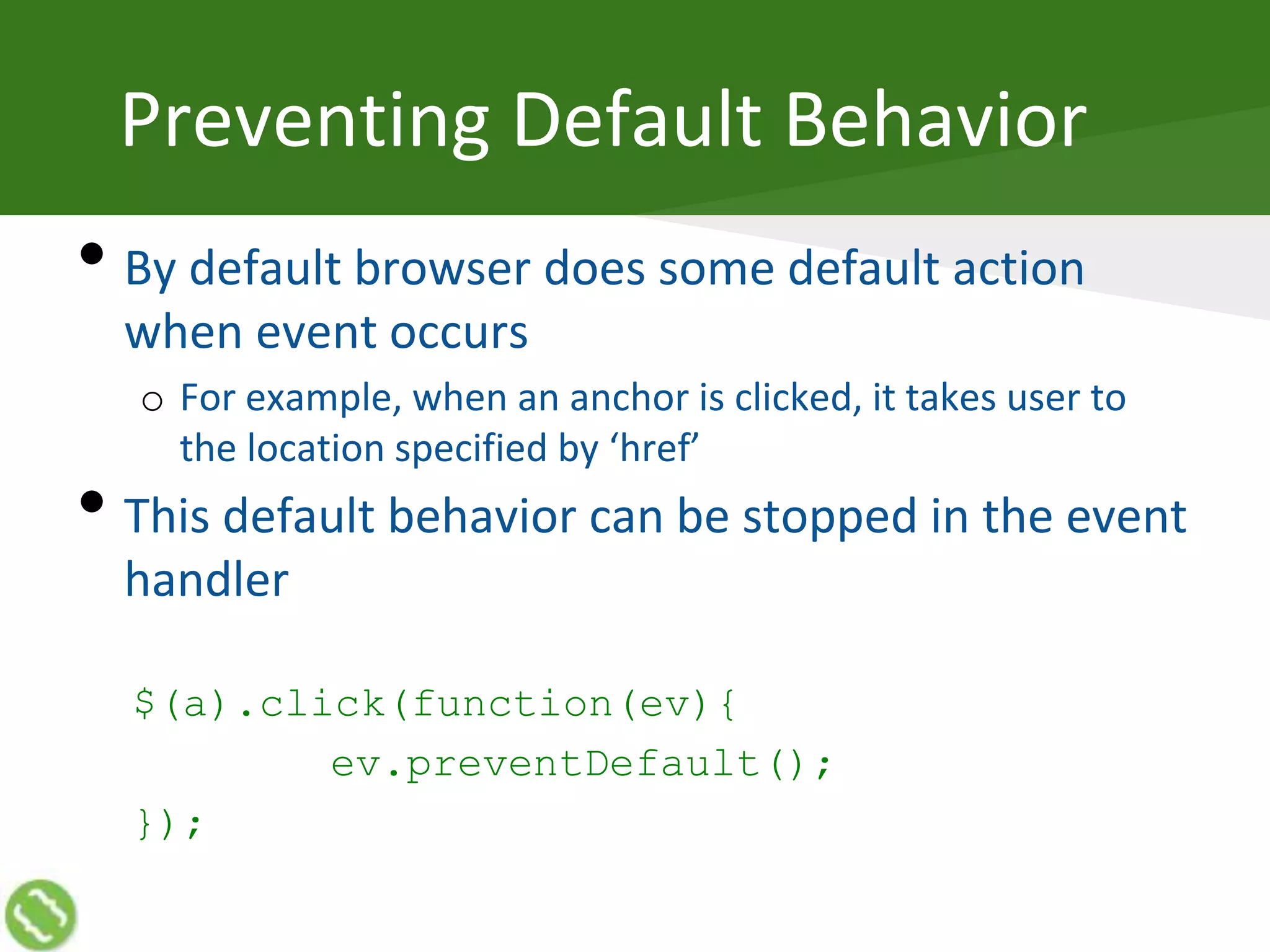
Preventing Default Behavior
• By default browser does some default action
when event occurs
o For example, when an anchor is clicked, it takes user to
the location specified by ‘href’
• This default behavior can be stopped in the event
handler
$(a).click(function(ev){
ev.preventDefault();
});
Talking to Server
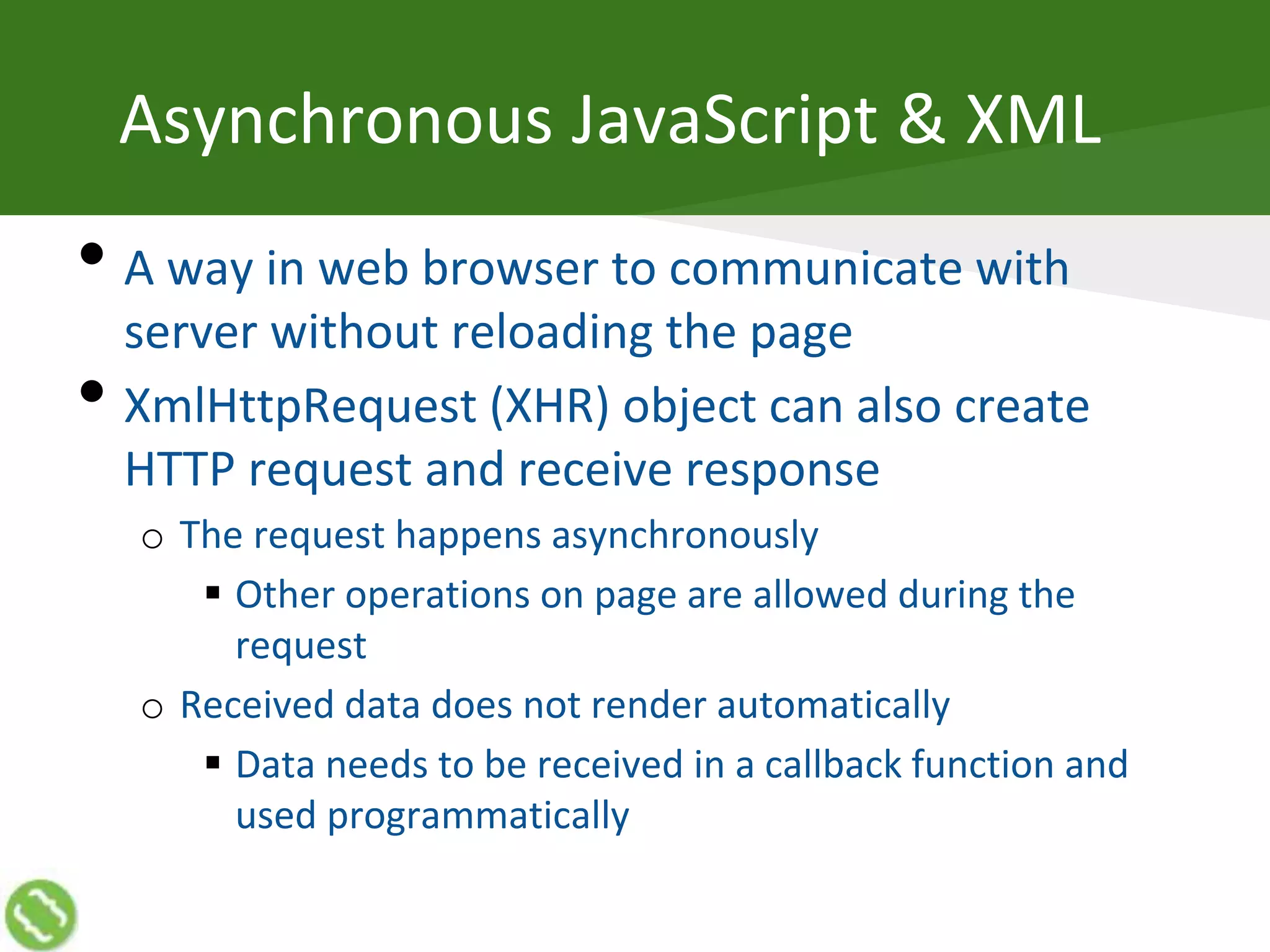
Asynchronous JavaScript & XML
• A way in web browser to communicate with
server without reloading the page
• XmlHttpRequest (XHR) object can also create
HTTP request and receive response
o The request happens asynchronously
 Other operations on page are allowed during the
request
o Received data does not render automatically
 Data needs to be received in a callback function and
used programmatically
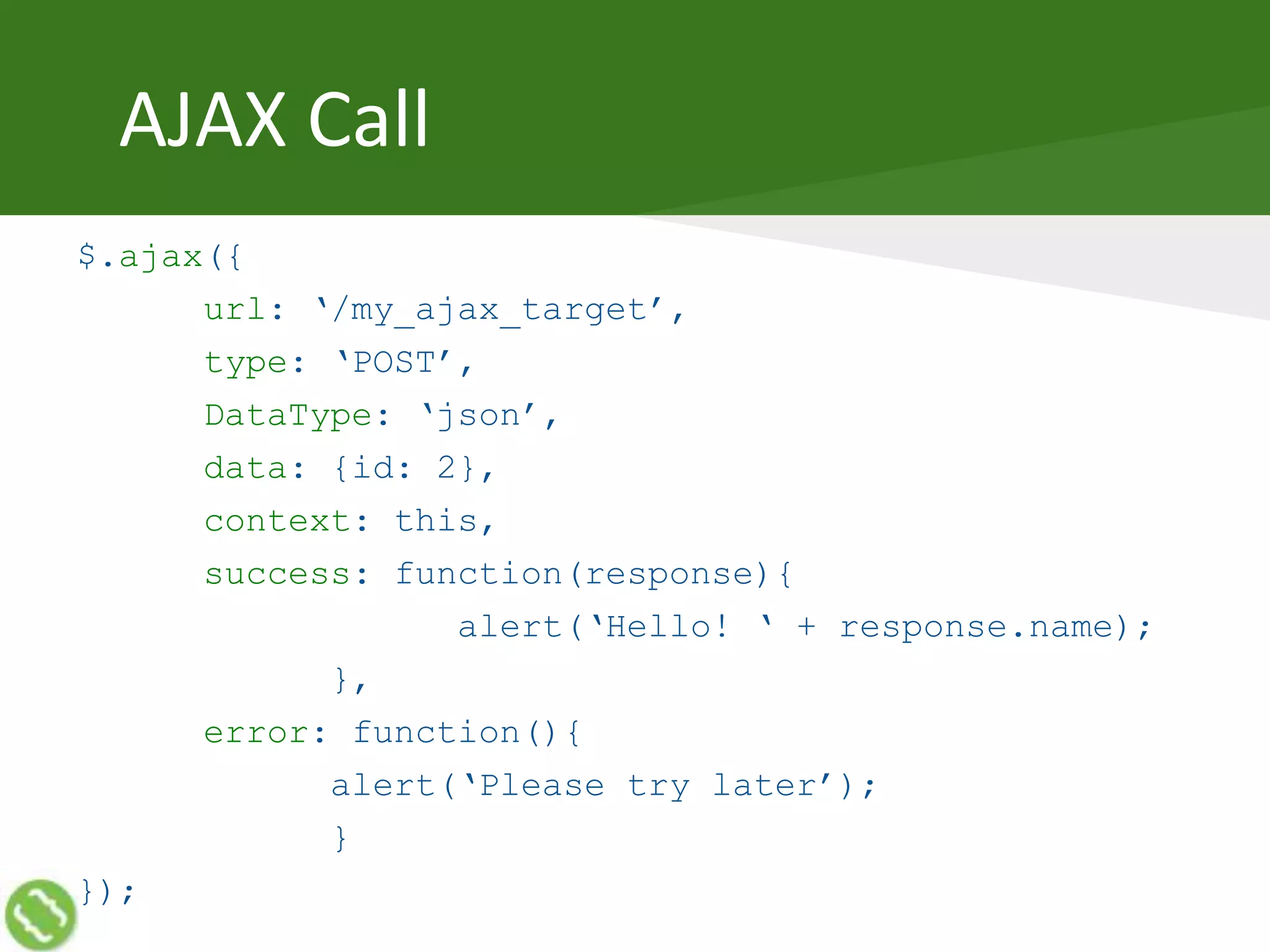
AJAX Call
$.ajax({
url: ‘/my_ajax_target’,
type: ‘POST’,
DataType: ‘json’,
data: {id: 2},
context: this,
success: function(response){
alert(‘Hello! ‘ + response.name);
},
error: function(){
alert(‘Please try later’);
}
});
AJAX Types
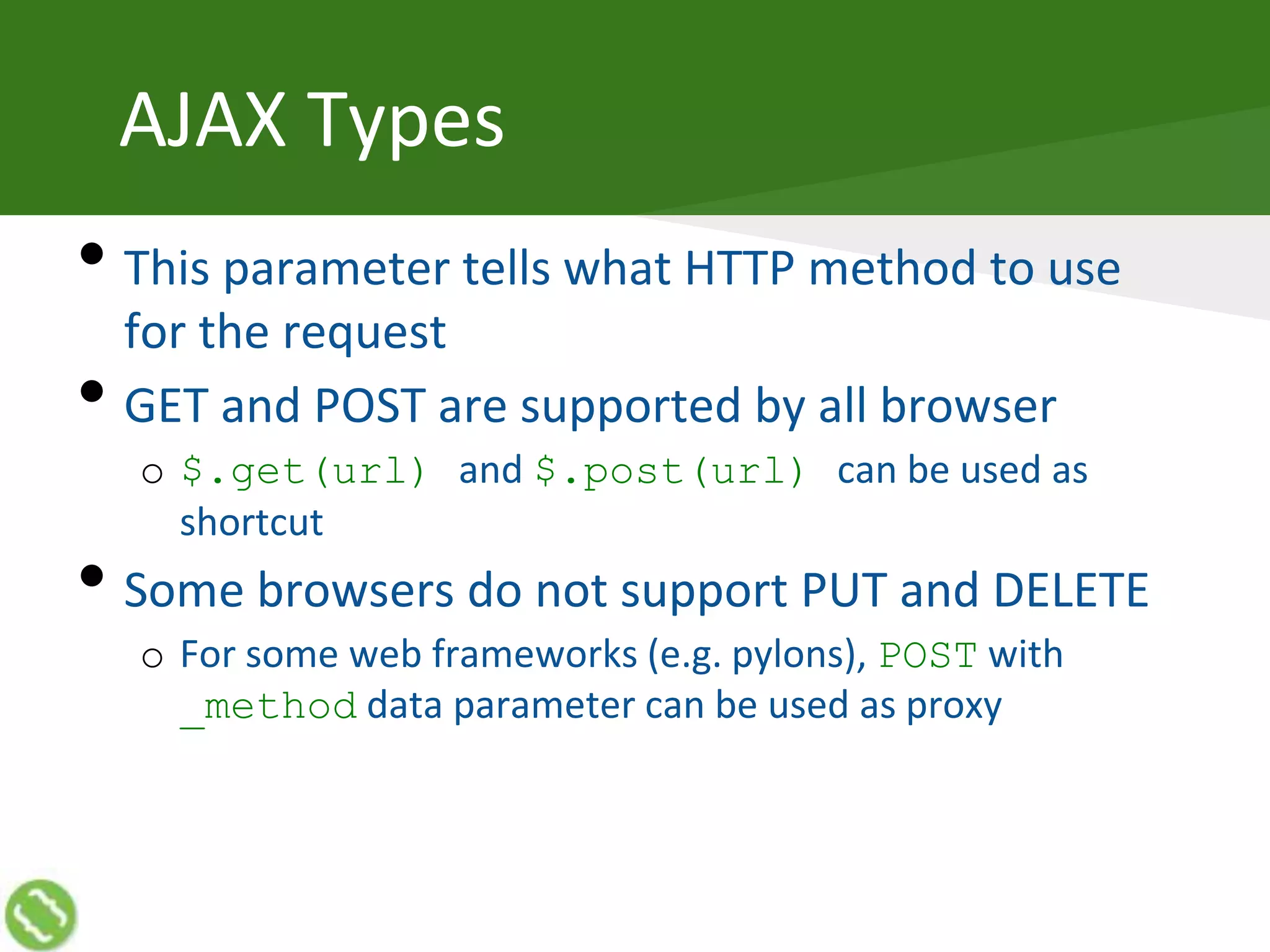
• This parameter tells what HTTP method to use
for the request
• GET and POST are supported by all browser
o $.get(url) and $.post(url) can be used as
shortcut
• Some browsers do not support PUT and DELETE
o For some web frameworks (e.g. pylons), POST with
_method data parameter can be used as proxy
AJAX Data Types
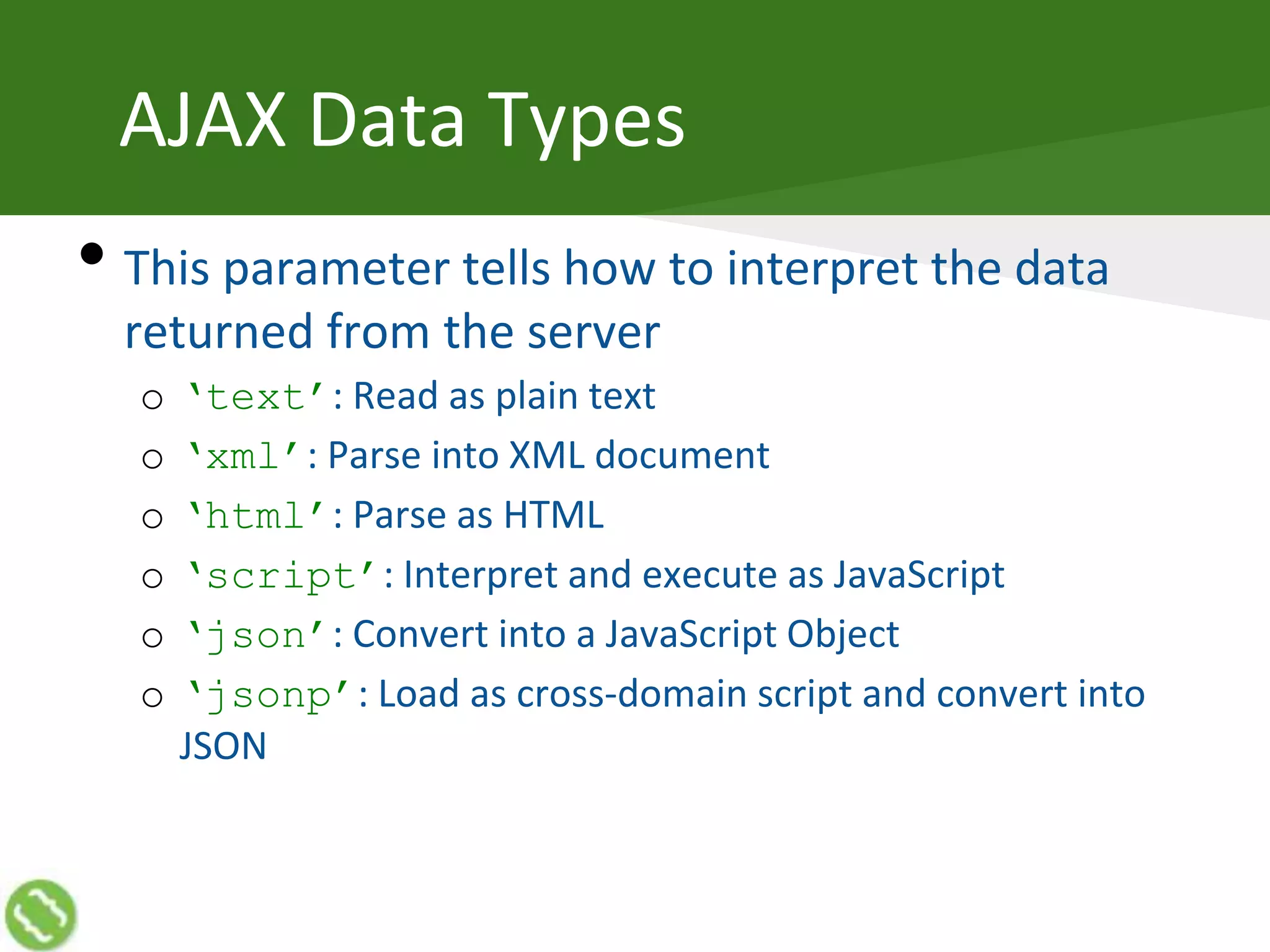
• This parameter tells how to interpret the data
returned from the server
o ‘text’: Read as plain text
o ‘xml’: Parse into XML document
o ‘html’: Parse as HTML
o ‘script’: Interpret and execute as JavaScript
o ‘json’: Convert into a JavaScript Object
o ‘jsonp’: Load as cross-domain script and convert into
JSON
AJAX Callbacks
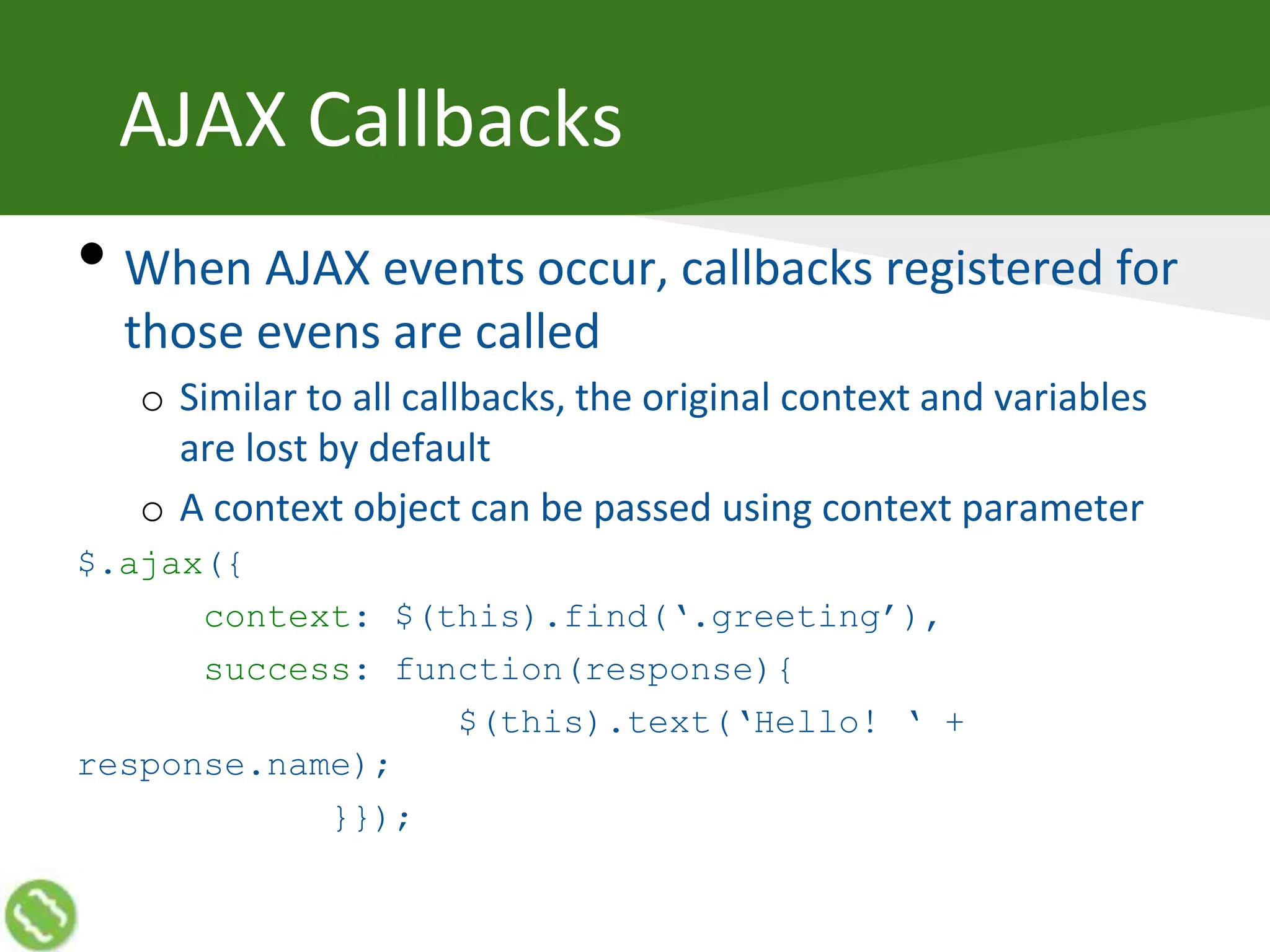
• When AJAX events occur, callbacks registered for
those evens are called
o Similar to all callbacks, the original context and variables
are lost by default
o A context object can be passed using context parameter
$.ajax({
context: $(this).find(‘.greeting’),
success: function(response){
$(this).text(‘Hello! ‘ +
response.name);
}});
AJAX Events
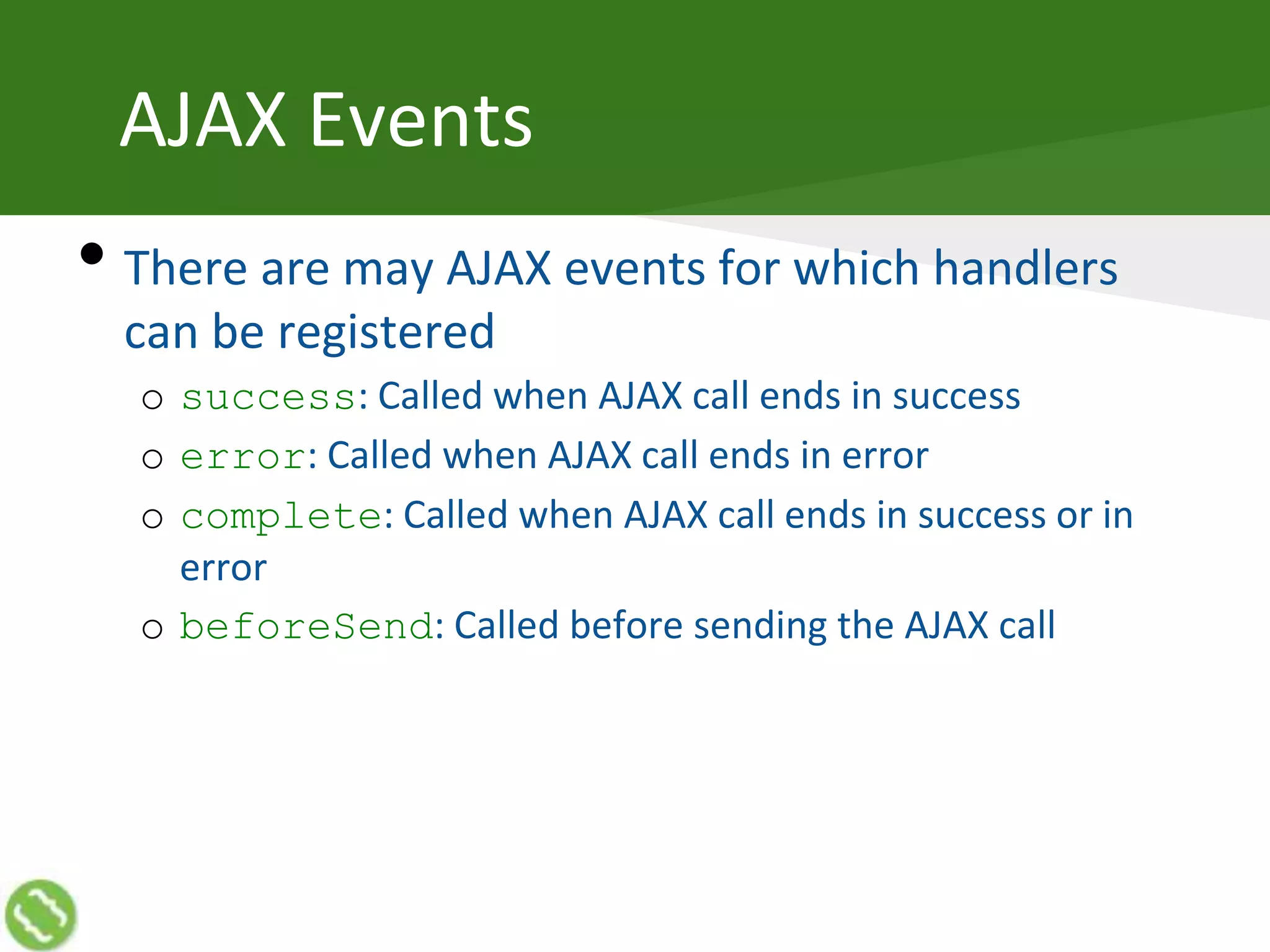
• There are may AJAX events for which handlers
can be registered
o success: Called when AJAX call ends in success
o error: Called when AJAX call ends in error
o complete: Called when AJAX call ends in success or in
error
o beforeSend: Called before sending the AJAX call
Animations and Effects
What is Animation
• Change in visual state (looks)
• Slow and smooth
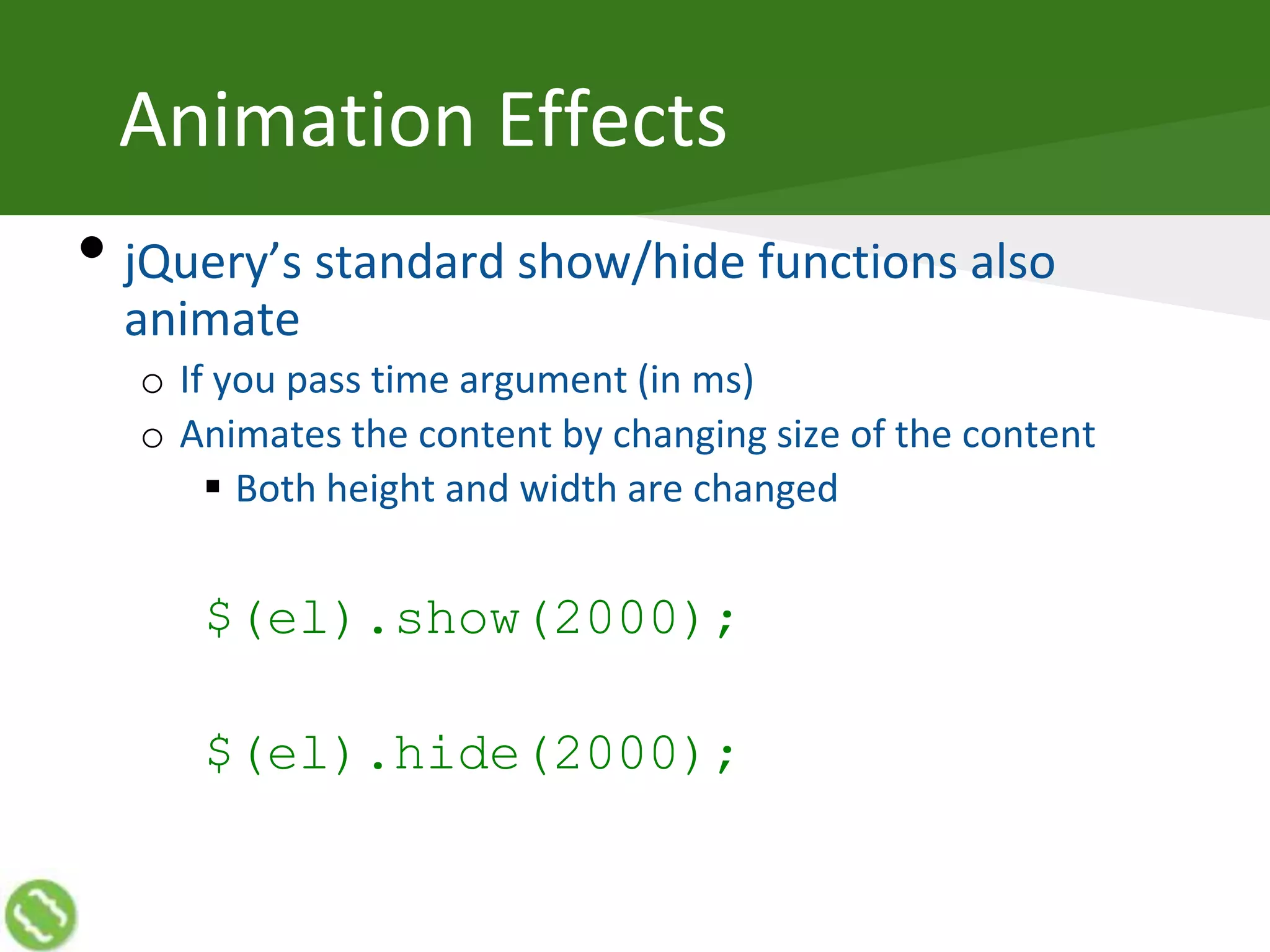
Animation Effects
• jQuery’s standard show/hide functions also
animate
o If you pass time argument (in ms)
o Animates the content by changing size of the content
 Both height and width are changed
$(el).show(2000);
$(el).hide(2000);
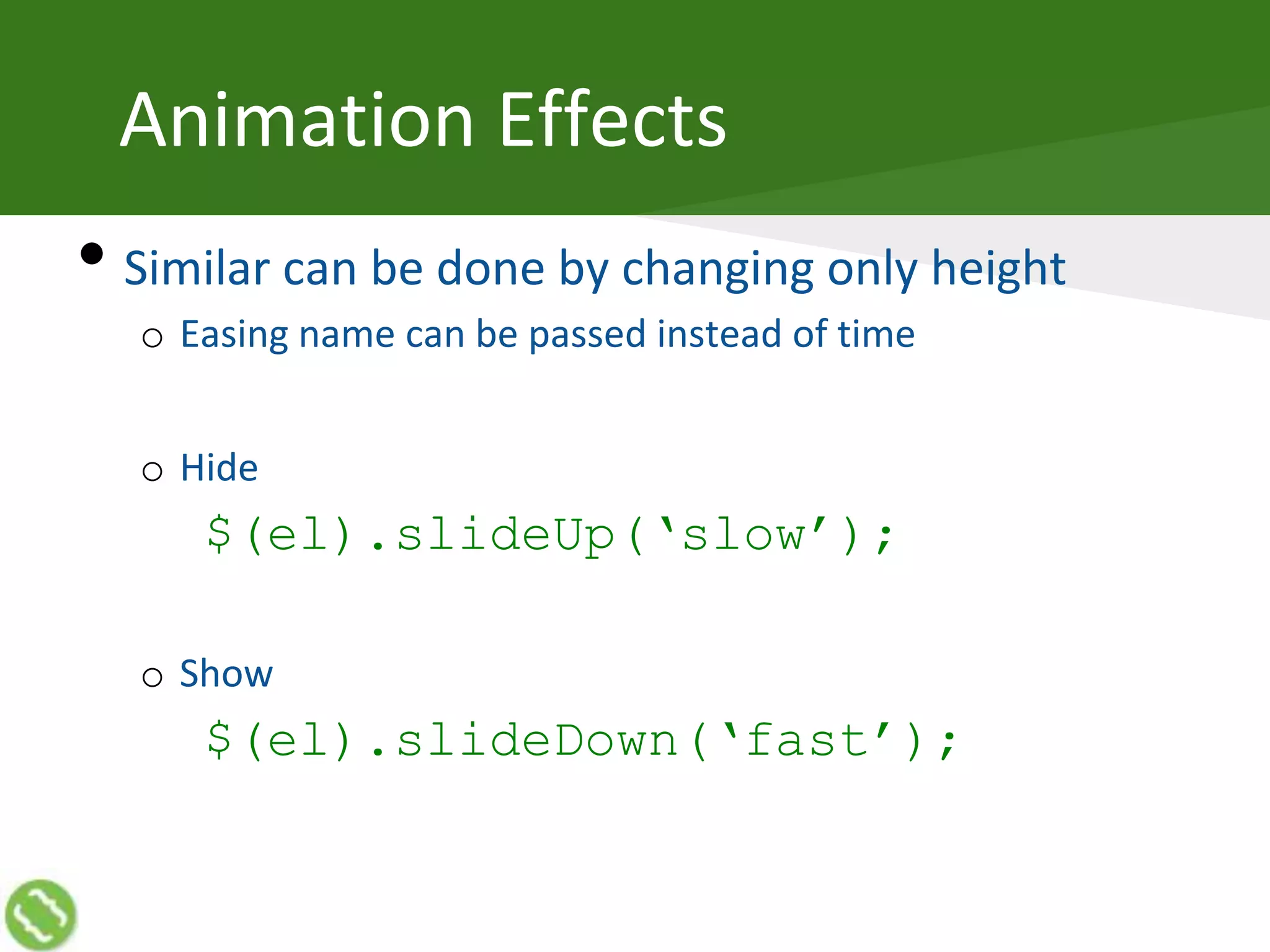
Animation Effects
• Similar can be done by changing only height
o Easing name can be passed instead of time
o Hide
$(el).slideUp(‘slow’);
o Show
$(el).slideDown(‘fast’);
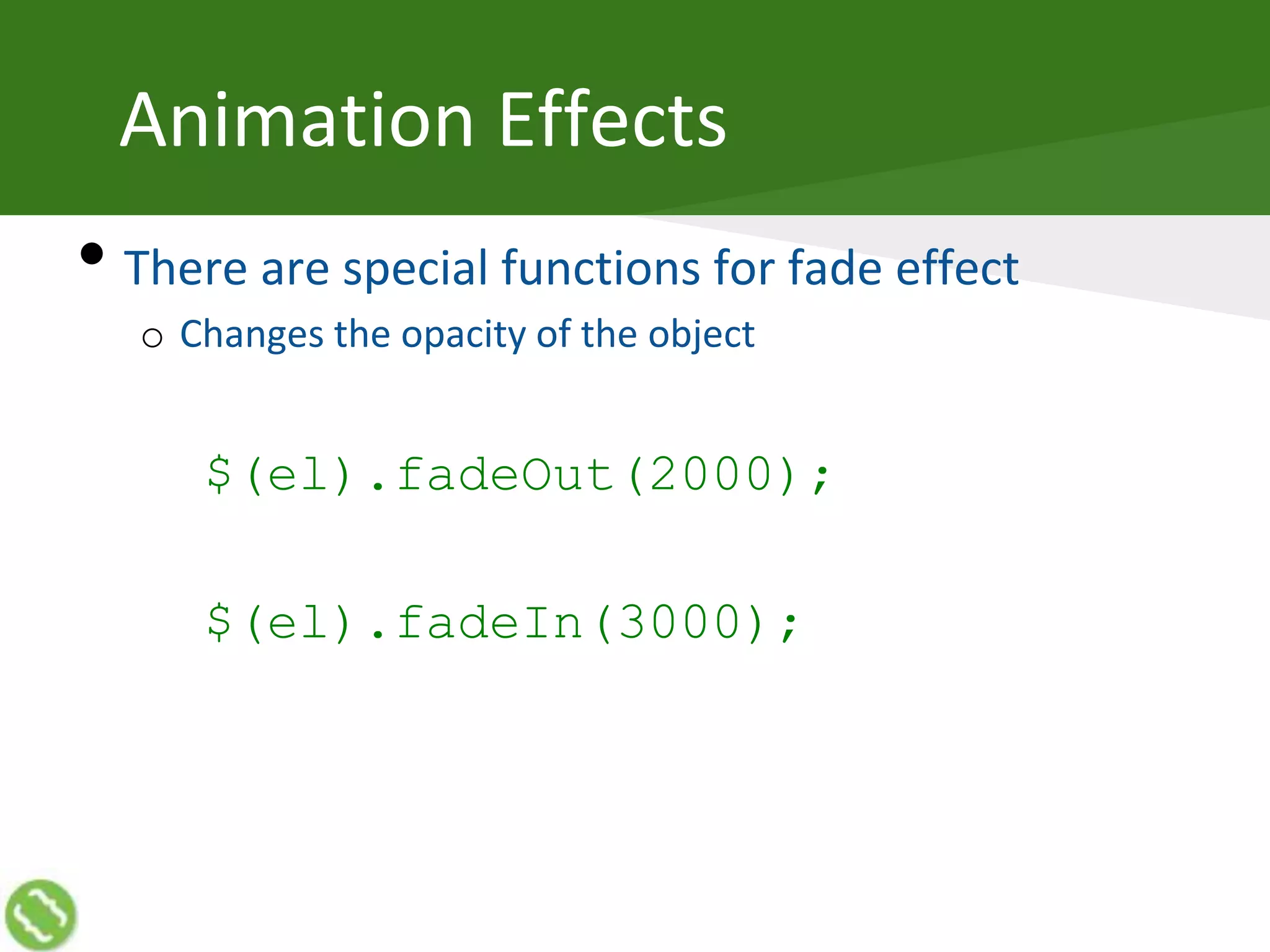
Animation Effects
• There are special functions for fade effect
o Changes the opacity of the object
$(el).fadeOut(2000);
$(el).fadeIn(3000);
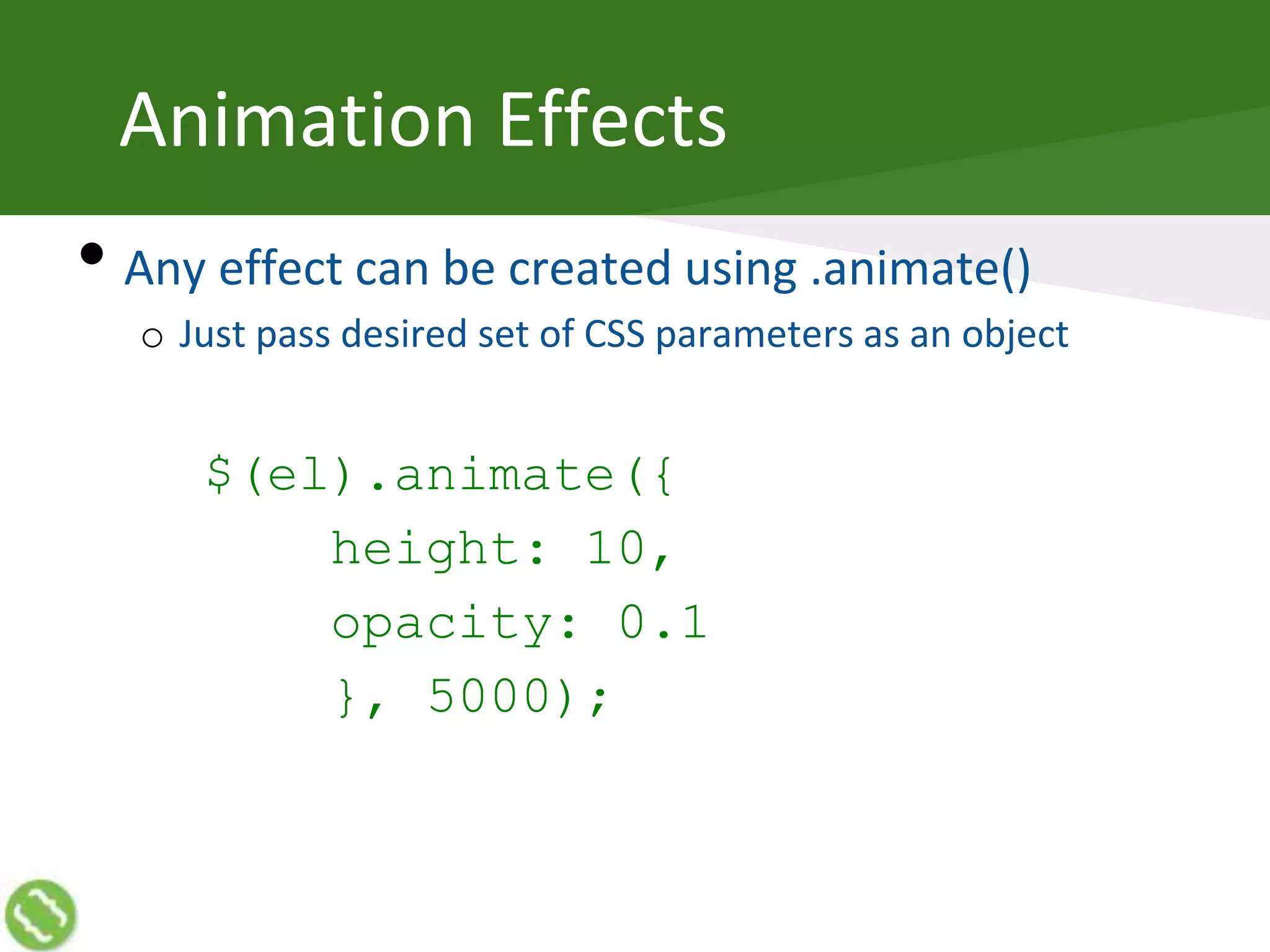
Animation Effects
• Any effect can be created using .animate()
o Just pass desired set of CSS parameters as an object
$(el).animate({
height: 10,
opacity: 0.1
}, 5000);
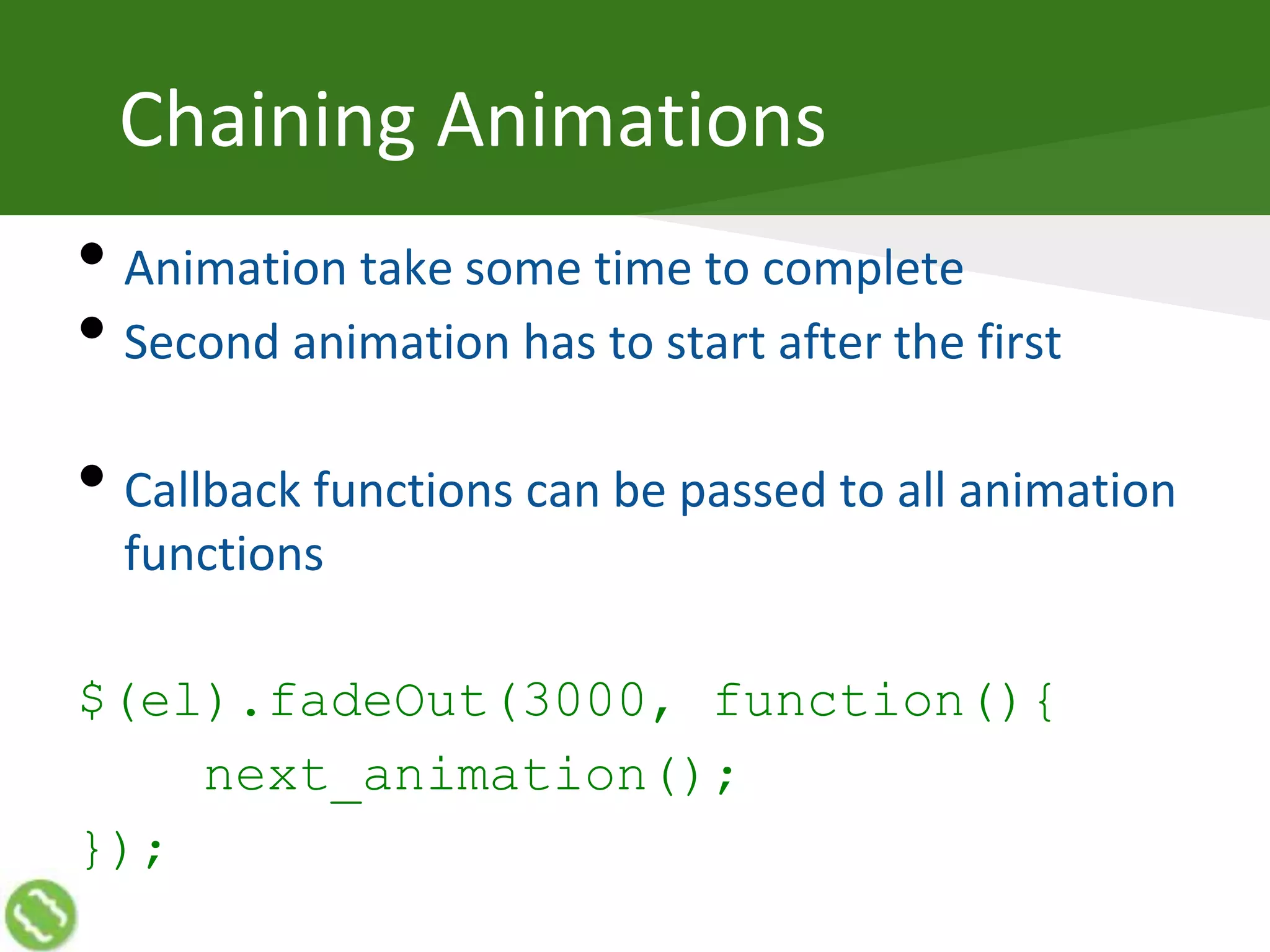
Chaining Animations
• Animation take some time to complete
• Second animation has to start after the first
• Callback functions can be passed to all animation
functions
$(el).fadeOut(3000, function(){
next_animation();
});
Movie in HTML
• Multiple animations in a sequence become a
movie
o Dialog add spice
• Hosted Movie: http://bit.ly/1c6Knuo
• Code: https://github.com/mathurakshay/movie
Thanks
@akshaymathu

Getting Started with jQuery

  • 1.
    Creating Web Applications usingjQuery Akshay Mathur
  • 2.
    Let’s Know EachOther • Do you code? • OS? • Programing Language? • HTML? • JavaScript? • JSON? • Why are you attending?
  • 3.
    Akshay Mathur • FoundingTeam Member of o ShopSocially (Enabling “social” for retailers) o AirTight Neworks (Global leader of WIPS) • 15+ years in IT industry o Currently Principal Architect at ShopSocially o Mostly worked with Startups  From Conceptualization to Stabilization  At different functions i.e. development, testing, release  With multiple technologies
  • 4.
    Advance JavaScript • Aswe try creating real world web applications, things go complex • However, there immerges a pattern of requirements o Common functions can be created
  • 5.
    JS Framework • Libraryfor simplifying JS coding • Provides simple interface and syntactic sugar for common JS work o Selecting DOM element o DOM traversal and manipulation o Event handling o Takes care of cross browser and cross version issues
  • 6.
    jQuery • Jquery ismost popular • Takes care of cross browser and cross version issues • Simplifys JS coding o Selectors for easy DOM traversal o Everything is via functions o Same function for get and set o …
  • 7.
    jQuery Versions • 2.xseries doesn’t work on old IE browser o Do not use if you need to support  Internet Explorer 6.0  Internet Explorer 7.0  Internet Explorer 8.0 • 1.x series support old IE browsers • Please carefully read jQuery download page http://jquery.com/download/
  • 8.
    jQuery Function • jQueryregisters a function in global scope jquery() • For convenience, this function is also mapped to a single character $ $()
  • 9.
    jQuery Function • Thisfunctions takes an argument of various types and returns jQuery objects jquery(‘selector’) $(DOM_element)
  • 10.
    jQuery Object • Alwaysa list (Array) o Methods of Array work normally on jQuery object $(‘’).length // 0 o Members of the list are DOM elements o Empty list, if no element • Native JavaScript methods and properties are o NOT available on jQuery Objects o Available on the members of the Array $(‘img’)[0].src
  • 11.
    jQuery Object • Alwayshas all API functions o No error on a function call o Does nothing, if the list in jQuery object is empty $(‘’).text() //’’ $(‘’).html() //undefined
  • 13.
  • 14.
    Why Selectors • Selectinga DOM element is needed for working on that element o JavaScript has many functions like getElemetByID, getElementsByTagName etc. • Instead, jQuery provides support of CSS selectors plus some jQuery specific selectors o Look at selectors page of jQuery API documentation for complete list
  • 15.
    Selectors • Allows toselect one or more DOM elements o Various selection patterns are available to use o Selector is passed as string to jQuery function • When jQuery function is called on the selector, jQuery object is returned o Selected nodes include the complete DOM tree under the node o DOM manipulation can be done on the selected nodes
  • 16.
    Basic Selectors • All:‘*’ o Selects all nodes on the page o Top level nodes e.g. html, head, body are also included • Tag: ‘tagname’ o Selects all nodes of a particular type e.g. div, a, span etc.
  • 17.
    Basic Selectors • ID:‘#el_id’ o Selects the node having the particular ID attribute o Does not work properly if there are more than one node with same ID o This is equivalent to getElementById • Class: ‘.el_class’ o Selects all the nodes having the particular class attribute o This is equivalent to getElementsByClassName
  • 18.
  • 19.
  • 20.
    Reading innerHTML $(el).html() • Readscomplete HTML inside a DOM node o Returns HTML of complete DOM tree including all child nodes o All HTML tags and attributes are preserved o The output can be inserted somewhere else in the DOM
  • 21.
    Reading innerText $(‘selector’).text() • ReadsText inside the selected DOM node o Returns text of complete DOM tree including all child nodes o All HTML tags and attributes are removed
  • 22.
  • 23.
    Combining Selectors ‘a.my_class’ Selects onlythe anchor nodes having having class my_class What does following selects do? ‘span.clas1’ ‘table#my_tbl’
  • 24.
    Combining Selectors • Puttingcomma between selectors selects all of them ‘#el_id, .my_class’ o In this case node having id el_id as well as all nodes having class my_class will become part of returned jQuery object
  • 25.
    Attribute Selectors • Attributeselectors allow to create a selection based on any attribute of a HTML node o Attribute Equals: “div[el_id=‘my_id’]” o Attribute Not Equals: “div[el_id!=‘my_id’]” o Attribute Starts with: “div[el_id^=‘my_id’]” o Attribute Ends with: “div[el_id$=‘my_id’]” o Attribute Contains: “div[el_id*=‘my_id’]” • These work on custom (non-standard) attributes as well
  • 26.
    Going Narrow • Descendent:‘#el_id a’ o Selects all the anchors within the node having id=el_id o These anchors may be at any level deep in the DOM tree • Children: ‘#el_id>.el_class’ o Selects first level nodes having class=el_class within the node having id=el_id o Only one level deep DOM tree is searched in this case
  • 28.
  • 29.
    Narrowing Down Selection •All possible ways to reach an element are not available as selectors o There are filters to further narrowing down • Filters are applied on selectors o They can be part of selector string o Filter functions can be used for filtering items selected jQuey object
  • 30.
    Form Filters • Alltext boxes: ‘:text’ • Checked checkboxes: ‘:checkbox:checked’ • Buttons with class btn: ‘.btn:button’ • Everything disabled: ‘:disabled’ • Currently focused: ‘:focus’
  • 31.
    Narrowing Down Selection •All visible items: ‘:visiblle’ • First/Last: ‘a:first’, ‘a:last’ • Even rows: ‘tr:even’ • Nth column of a row: ‘tr.item>td:eq(N-1)’ • All header nodes: ‘:header’
  • 32.
    Filter Functions • Filterfunctions can be applied on existing jQuery objects for narrowing down $(el).eq(index) o .eq() takes an index (0 based) as parameter and selects only the item with specific index $(el).find(selector) o .find() takes another selector as parameter o It is used for selecting within a DOM tree instead of full page
  • 33.
    Selection Outside • Sometimesit is needed to select parents of a DOM node Immediate parents $(el).parent() All parents up in the tree $(el).parents(selector) Closest parent in the tree $(el).closest(selector)
  • 34.
  • 35.
  • 36.
    Reading DOM •Different functionsare for reading different items Contents of a DOM node $(el).text() $(el).html() Attribute of an HTML node $(el).attr(‘attr_name’) $(el).css(‘style_attr_name’) Form elements $(el).val() $(el).prop(‘property_name’)
  • 37.
    Writing DOM • Samefunctions are used for reading and writing Contents of a DOM node $(el).text(‘some text’) $(el).html(‘some HTML’) Attribute of an HTML node $(el).attr(‘attr_name’, ‘attr_value’) $(el).css(‘style_attr_name’, ‘value’) Form elements $(el).val(‘Value’) $(el).prop(‘property_name’, true)
  • 38.
    Adding and RemovingNodes • Add inside $(el).append(html) $(el).prepend(html) • Add outside $(el).before(html) $(el).after(html) • Remove $(el).remove()
  • 39.
    Changing Looks • Bychanging in-line style $(el).css(‘property-name’, ‘property_value’) • By changing class $(el).addClass(‘a_class’) $(el).removeClass(‘cls’)
  • 40.
    Chaining • Most jQueryfunctions return the jQuery object o This allows to call multiple functions one after other as a chain without having to select again $(‘#a_id’) .addClass(‘bold’) .removeClass(‘heading’);
  • 42.
  • 43.
    Triggering Event • Browserraises the event on actions • The events can also be programmatically triggered o By using .trigger() function $(el).trigger(‘change’); o By using the same shortcut function (that registers the handler) without argument $(el).click(); $(el).focus();
  • 44.
    Handling Events • Onuser’s action, browser raise corresponding event o Handler functions can be bind to the events • All the handlers registered for the events get called o Order in which the handlers (if more than one registered) are called is not fixed
  • 45.
    Binding Event Handlers •The element on which the event handler is being bind has to be present in the DOM $(el).on(‘click’, handler_fn); or $(el).click(handler_fn); • Event handlers can also be removed $(el).off(‘click’)
  • 46.
    DOM Ready Event •It is not safe to call a function that reads or writes DOM before the DOM is completely rendered • So it is wise to write all the code in Ready Event handler $(document).ready(function(){ //Code goes here });
  • 47.
    Event Bubbling • Theraised event bubbles up in the HTML DOM tree till the root node <body> <ul> <li> <a href=“#”>Click Me</a> </li> </ul> </body>
  • 48.
    Event Delegation • Becauseevents bubble, they can be handled at any parent node in the DOM tree <ul> <li> <a href=“#”>Click Me</a> </li> </ul> • When user clicks on the link, click handlers registered at ‘a’, ‘li’ as well as at ‘ul’ will be fired
  • 49.
    Delegated Event Handling •This is useful if you want to attach a handler for an element that is going to be attached in DOM later $(‘body’).click(function(ev){ if ($(ev.target).is(‘a.yes’)){ handler(); } }); or $(‘body’).on(‘click’, ‘a.yes’, handler)
  • 50.
    Event Object • Forbrowser events, an Object having data about the event is passed to the event handler o The element that initiated the event Ev.target o Coordinates on the page where user acted Ev.pageX and Ev.pageY o Code of keyboard key or mouse button Ev.which
  • 51.
    Testing Selection $(el).is(selector) • .isfunction is to test if output of one selector matches other selector $(‘body’).click(function(ev){ if ($(ev.target).is(‘a.yes’)){ handler(); } });
  • 52.
    Event Bubbling • Theraised event bubbles up in the HTML DOM tree till the root node o This bubbling can be stopped within the even handler $(a).click(function(ev){ ev.stopPropagation(); });
  • 53.
    Preventing Default Behavior •By default browser does some default action when event occurs o For example, when an anchor is clicked, it takes user to the location specified by ‘href’ • This default behavior can be stopped in the event handler $(a).click(function(ev){ ev.preventDefault(); });
  • 55.
  • 56.
    Asynchronous JavaScript &XML • A way in web browser to communicate with server without reloading the page • XmlHttpRequest (XHR) object can also create HTTP request and receive response o The request happens asynchronously  Other operations on page are allowed during the request o Received data does not render automatically  Data needs to be received in a callback function and used programmatically
  • 57.
    AJAX Call $.ajax({ url: ‘/my_ajax_target’, type:‘POST’, DataType: ‘json’, data: {id: 2}, context: this, success: function(response){ alert(‘Hello! ‘ + response.name); }, error: function(){ alert(‘Please try later’); } });
  • 58.
    AJAX Types • Thisparameter tells what HTTP method to use for the request • GET and POST are supported by all browser o $.get(url) and $.post(url) can be used as shortcut • Some browsers do not support PUT and DELETE o For some web frameworks (e.g. pylons), POST with _method data parameter can be used as proxy
  • 59.
    AJAX Data Types •This parameter tells how to interpret the data returned from the server o ‘text’: Read as plain text o ‘xml’: Parse into XML document o ‘html’: Parse as HTML o ‘script’: Interpret and execute as JavaScript o ‘json’: Convert into a JavaScript Object o ‘jsonp’: Load as cross-domain script and convert into JSON
  • 60.
    AJAX Callbacks • WhenAJAX events occur, callbacks registered for those evens are called o Similar to all callbacks, the original context and variables are lost by default o A context object can be passed using context parameter $.ajax({ context: $(this).find(‘.greeting’), success: function(response){ $(this).text(‘Hello! ‘ + response.name); }});
  • 61.
    AJAX Events • Thereare may AJAX events for which handlers can be registered o success: Called when AJAX call ends in success o error: Called when AJAX call ends in error o complete: Called when AJAX call ends in success or in error o beforeSend: Called before sending the AJAX call
  • 63.
  • 64.
    What is Animation •Change in visual state (looks) • Slow and smooth
  • 65.
    Animation Effects • jQuery’sstandard show/hide functions also animate o If you pass time argument (in ms) o Animates the content by changing size of the content  Both height and width are changed $(el).show(2000); $(el).hide(2000);
  • 66.
    Animation Effects • Similarcan be done by changing only height o Easing name can be passed instead of time o Hide $(el).slideUp(‘slow’); o Show $(el).slideDown(‘fast’);
  • 67.
    Animation Effects • Thereare special functions for fade effect o Changes the opacity of the object $(el).fadeOut(2000); $(el).fadeIn(3000);
  • 68.
    Animation Effects • Anyeffect can be created using .animate() o Just pass desired set of CSS parameters as an object $(el).animate({ height: 10, opacity: 0.1 }, 5000);
  • 69.
    Chaining Animations • Animationtake some time to complete • Second animation has to start after the first • Callback functions can be passed to all animation functions $(el).fadeOut(3000, function(){ next_animation(); });
  • 70.
    Movie in HTML •Multiple animations in a sequence become a movie o Dialog add spice • Hosted Movie: http://bit.ly/1c6Knuo • Code: https://github.com/mathurakshay/movie
  • 71.