Introduction To SQL Unit 5 Modern Business Technology Introduction To TSQL Unit 5 Developed by Michael Hotek
Naming Tables Up to 30 characters No blanks Underscore is permitted Must be unique within the database Keep abbreviations to a minimum Names should reflect the contents of the table
Naming Columns Up to 30 characters No blanks Underscore is permitted Must be unique within the table Keep abbreviations to a minimum Names should reflect the contents of the column Names should be readily recognizable
Datatype Considerations Determine what type of data will be stored Find the range of possible values Determine the accuracy of numeric columns Efficiency Utilize user defined datatypes to enforce consistency
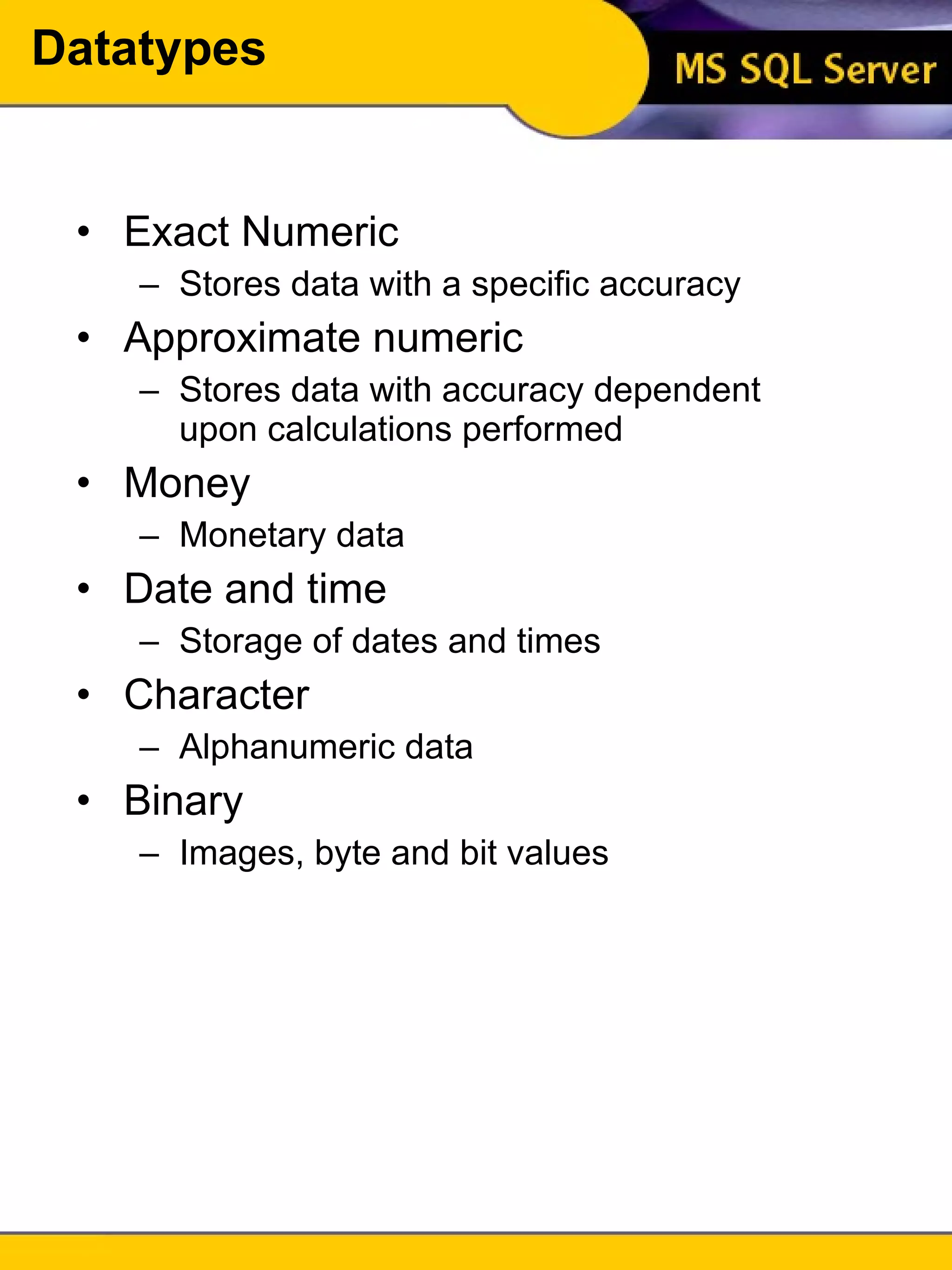
Datatypes Exact Numeric Stores data with a specific accuracy Approximate numeric Stores data with accuracy dependent upon calculations performed Money Monetary data Date and time Storage of dates and times Character Alphanumeric data Binary Images, byte and bit values
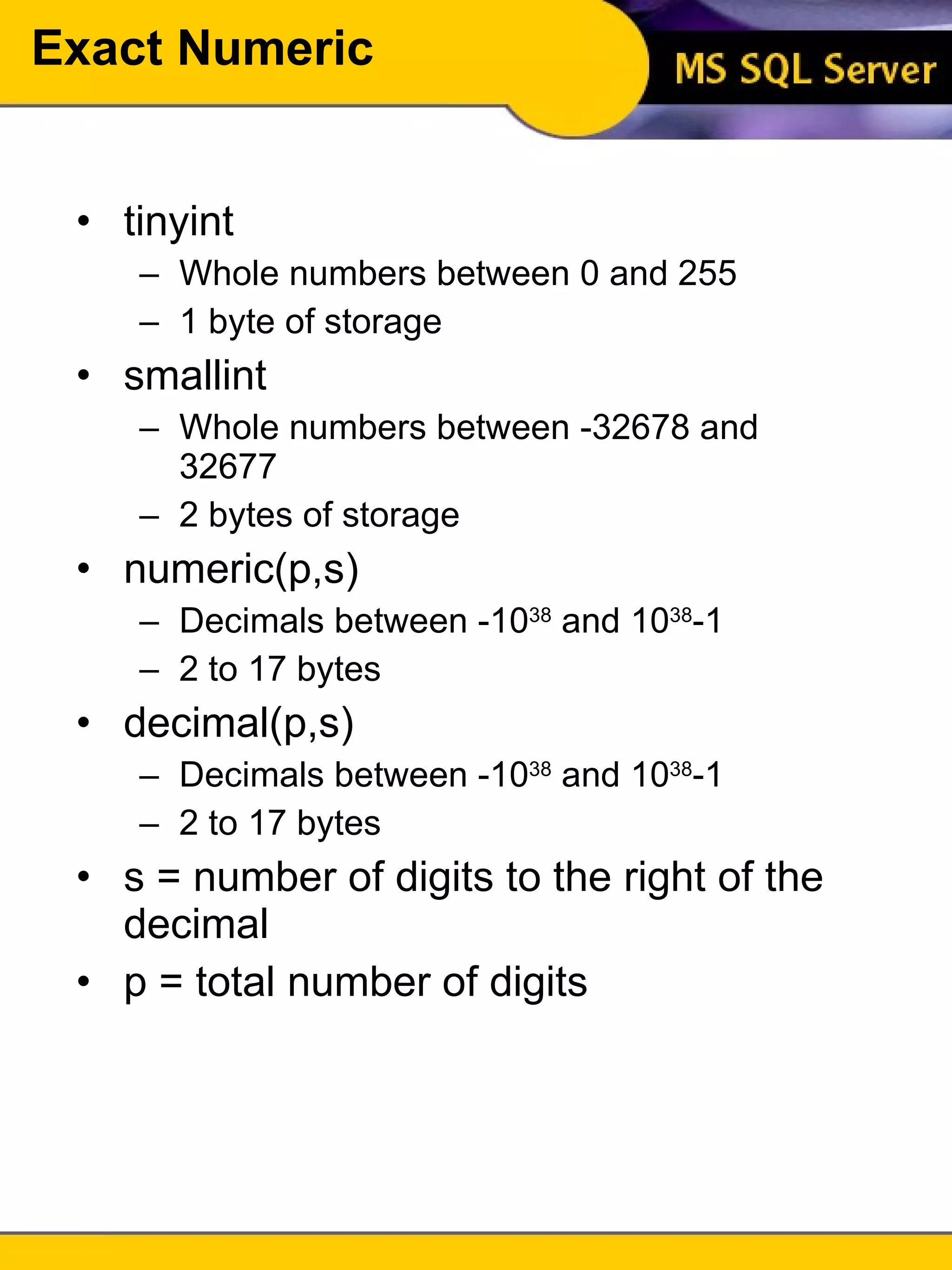
Exact Numeric tinyint Whole numbers between 0 and 255 1 byte of storage smallint Whole numbers between -32678 and 32677 2 bytes of storage numeric(p,s) Decimals between -10 38  and 10 38 -1 2 to 17 bytes decimal(p,s) Decimals between -10 38  and 10 38 -1 2 to 17 bytes s = number of digits to the right of the decimal p = total number of digits
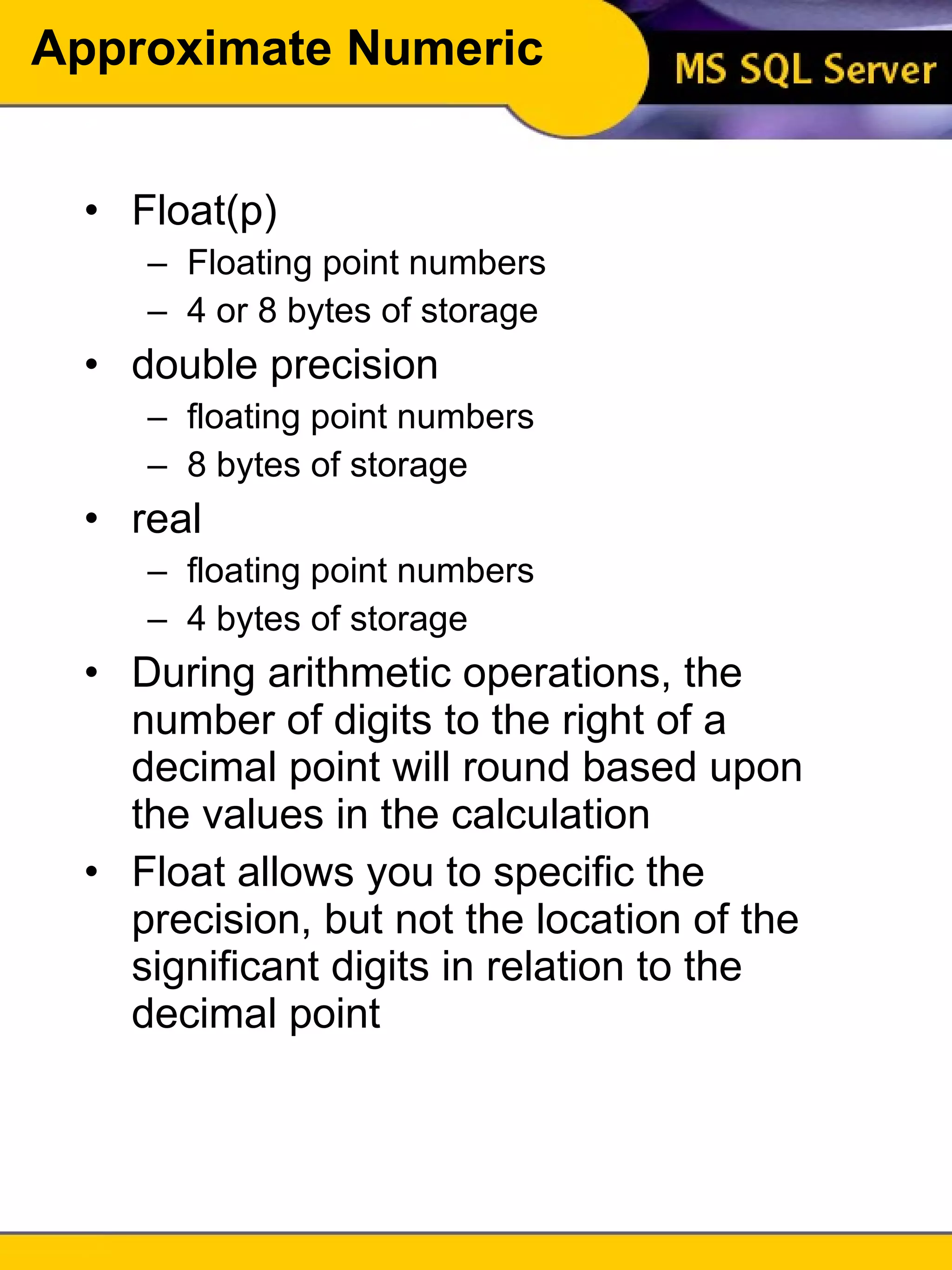
Approximate Numeric Float(p) Floating point numbers 4 or 8 bytes of storage double precision floating point numbers 8 bytes of storage real floating point numbers 4 bytes of storage During arithmetic operations, the number of digits to the right of a decimal point will round based upon the values in the calculation Float allows you to specific the precision, but not the location of the significant digits in relation to the decimal point
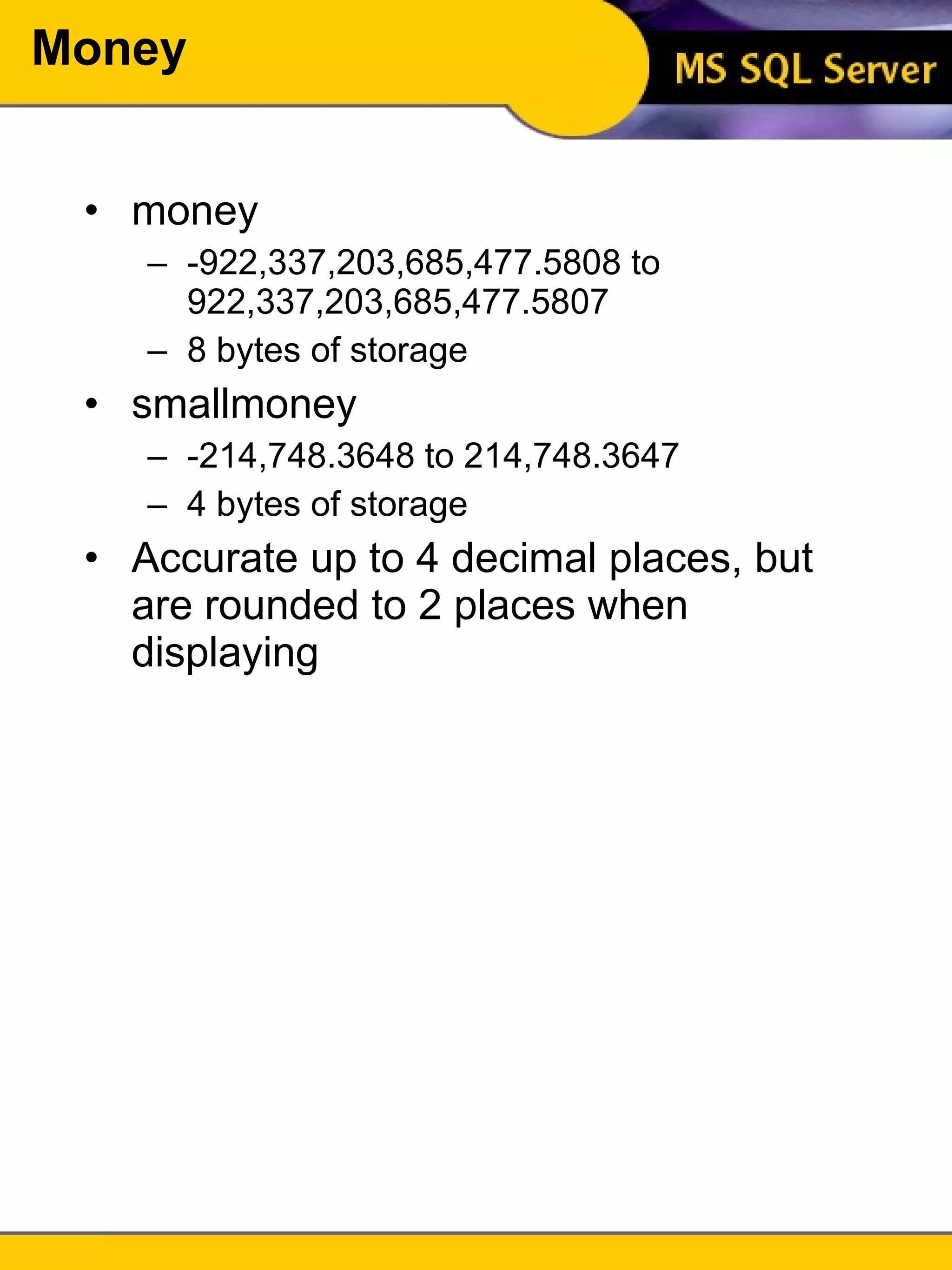
Money money -922,337,203,685,477.5808 to 922,337,203,685,477.5807 8 bytes of storage smallmoney -214,748.3648 to 214,748.3647 4 bytes of storage Accurate up to 4 decimal places, but are rounded to 2 places when displaying
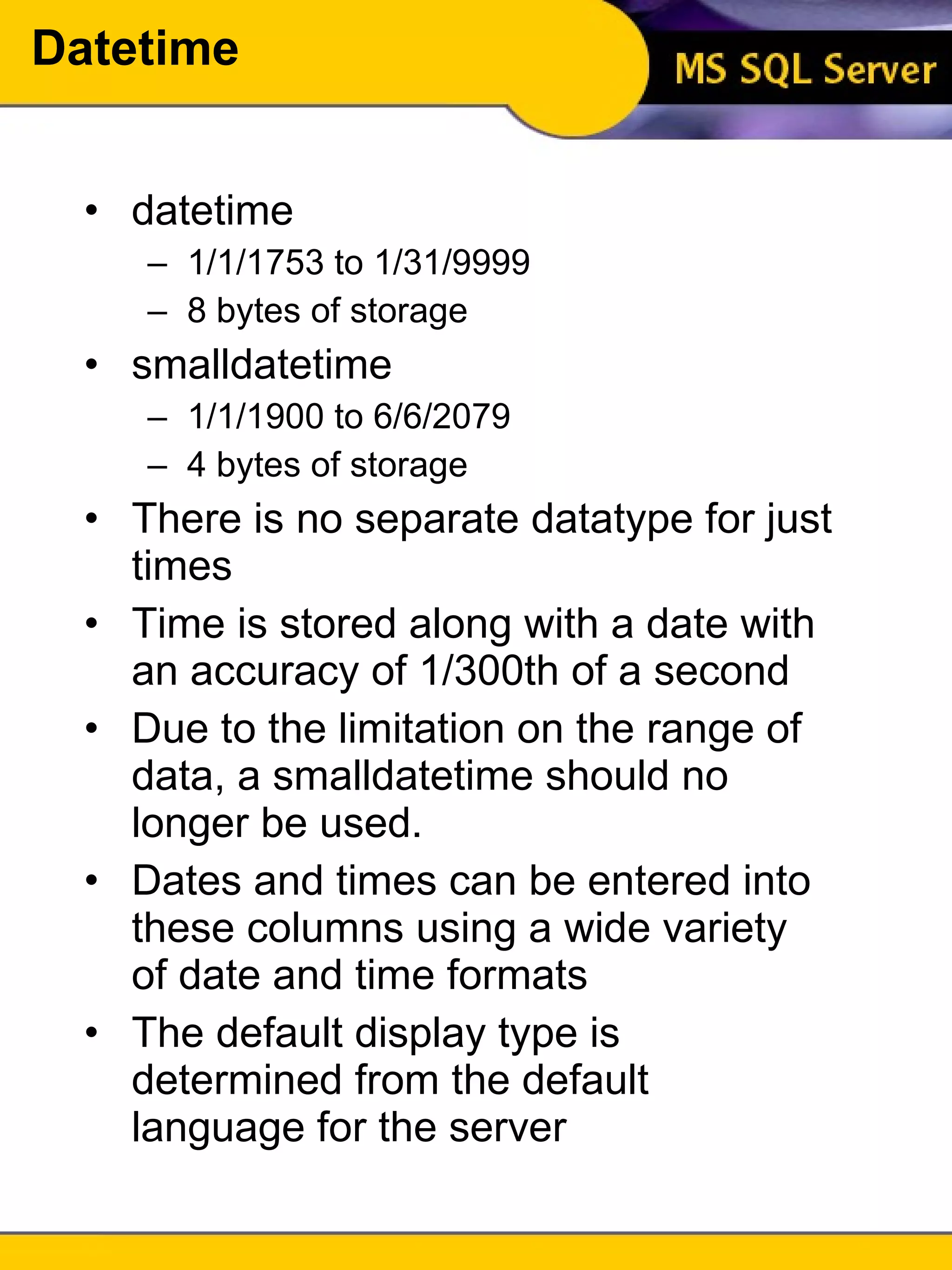
Datetime datetime 1/1/1753 to 1/31/9999 8 bytes of storage smalldatetime 1/1/1900 to 6/6/2079 4 bytes of storage There is no separate datatype for just times Time is stored along with a date with an accuracy of 1/300th of a second Due to the limitation on the range of data, a smalldatetime should no longer be used. Dates and times can be entered into these columns using a wide variety of date and time formats The default display type is determined from the default language for the server
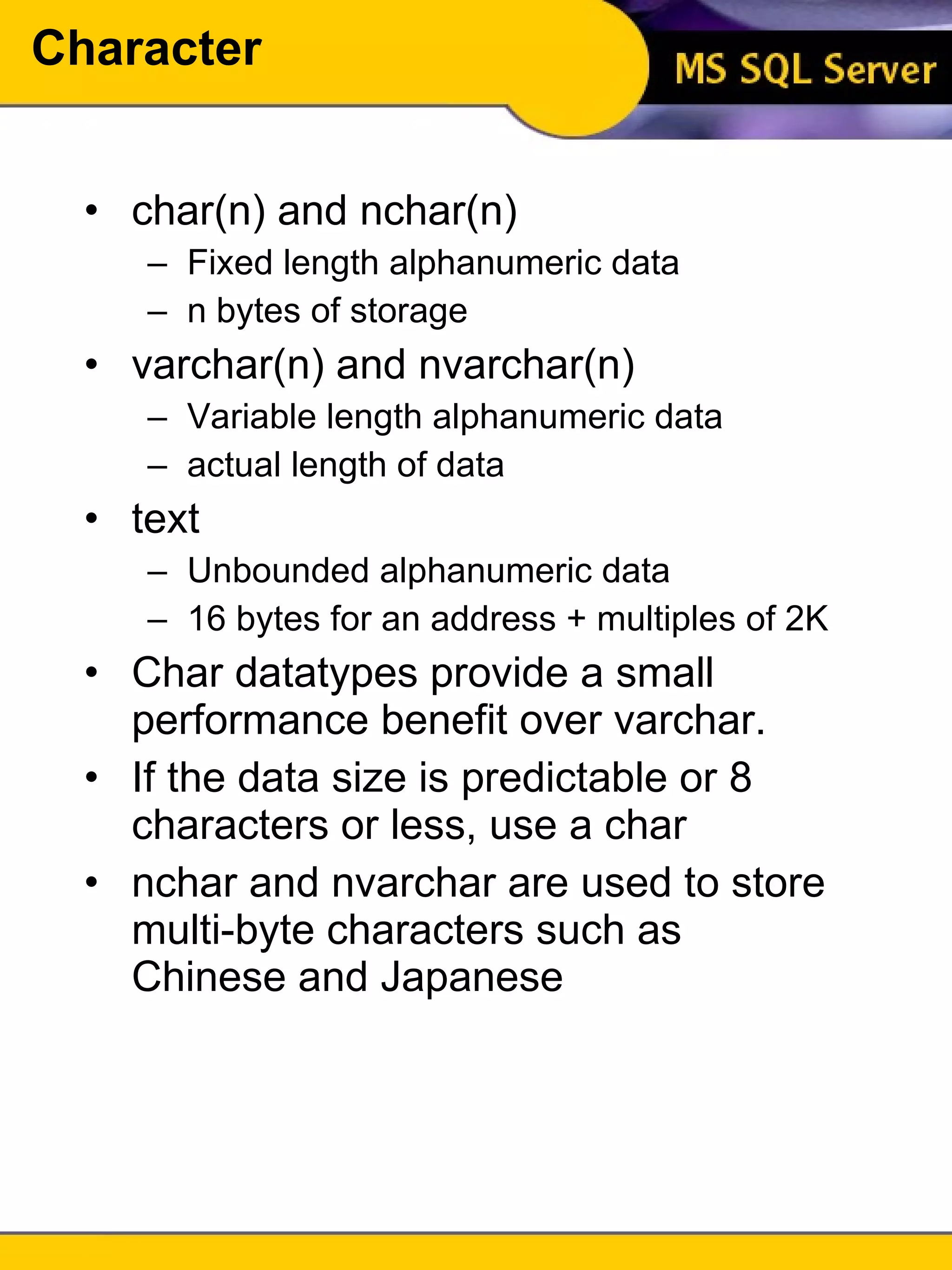
Character char(n) and nchar(n) Fixed length alphanumeric data n bytes of storage varchar(n) and nvarchar(n) Variable length alphanumeric data actual length of data text Unbounded alphanumeric data 16 bytes for an address + multiples of 2K Char datatypes provide a small performance benefit over varchar. If the data size is predictable or 8 characters or less, use a char nchar and nvarchar are used to store multi-byte characters such as Chinese and Japanese
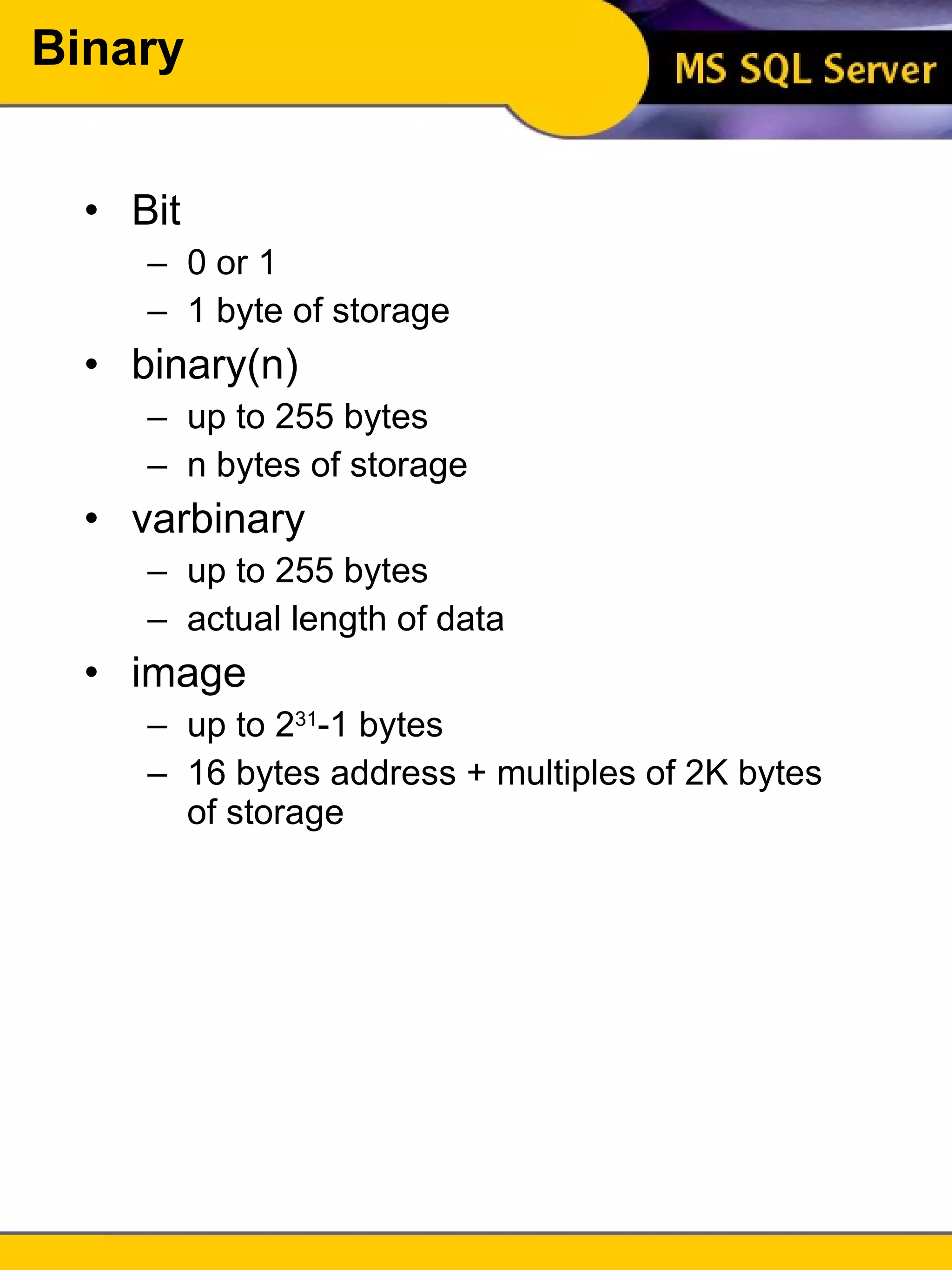
Binary Bit 0 or 1 1 byte of storage binary(n) up to 255 bytes n bytes of storage varbinary up to 255 bytes actual length of data image up to 2 31 -1 bytes 16 bytes address + multiples of 2K bytes of storage
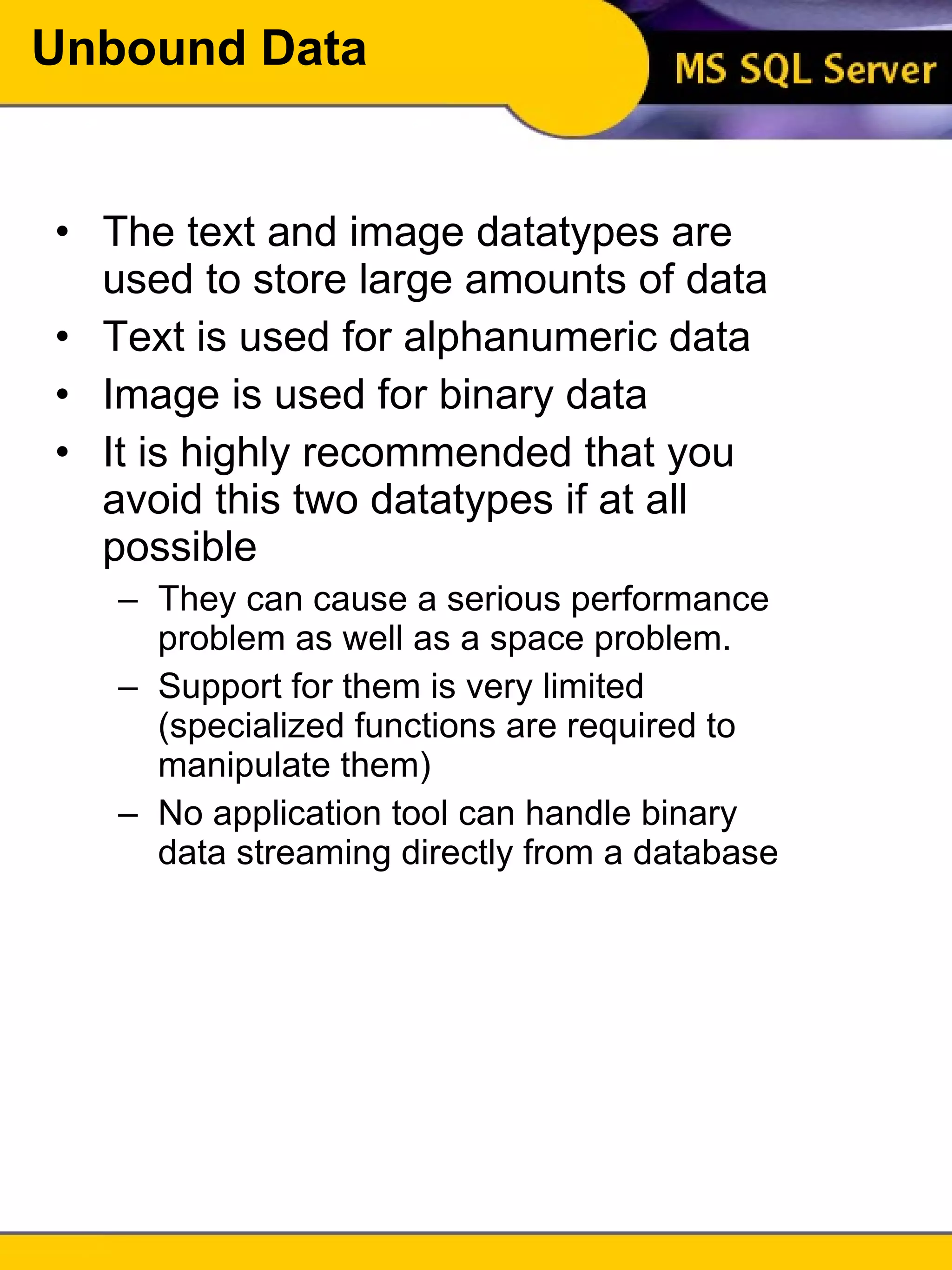
Unbound Data The text and image datatypes are used to store large amounts of data Text is used for alphanumeric data Image is used for binary data It is highly recommended that you avoid this two datatypes if at all possible They can cause a serious performance problem as well as a space problem. Support for them is very limited (specialized functions are required to manipulate them) No application tool can handle binary data streaming directly from a database
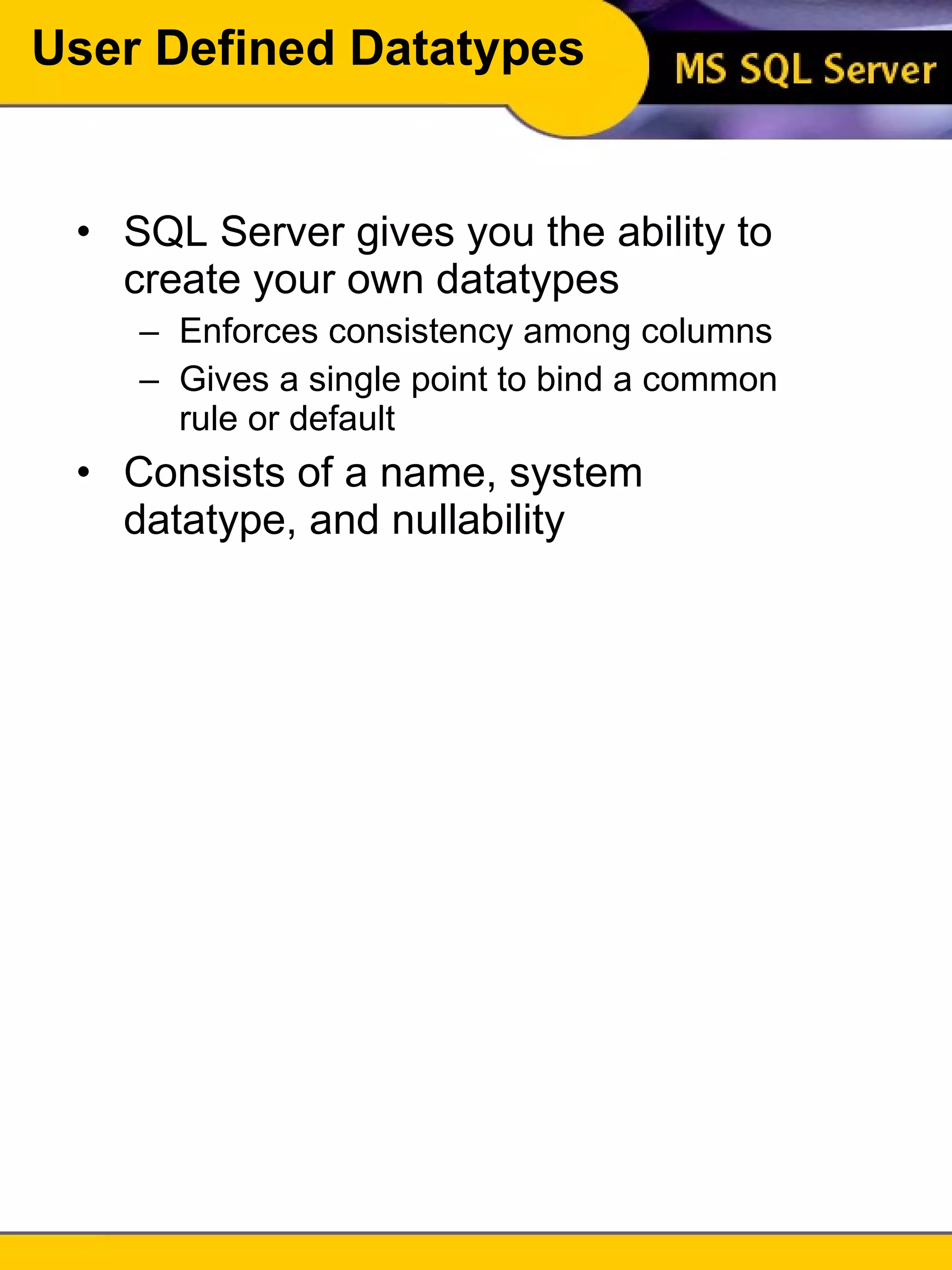
User Defined Datatypes SQL Server gives you the ability to create your own datatypes Enforces consistency among columns Gives a single point to bind a common rule or default Consists of a name, system datatype, and nullability
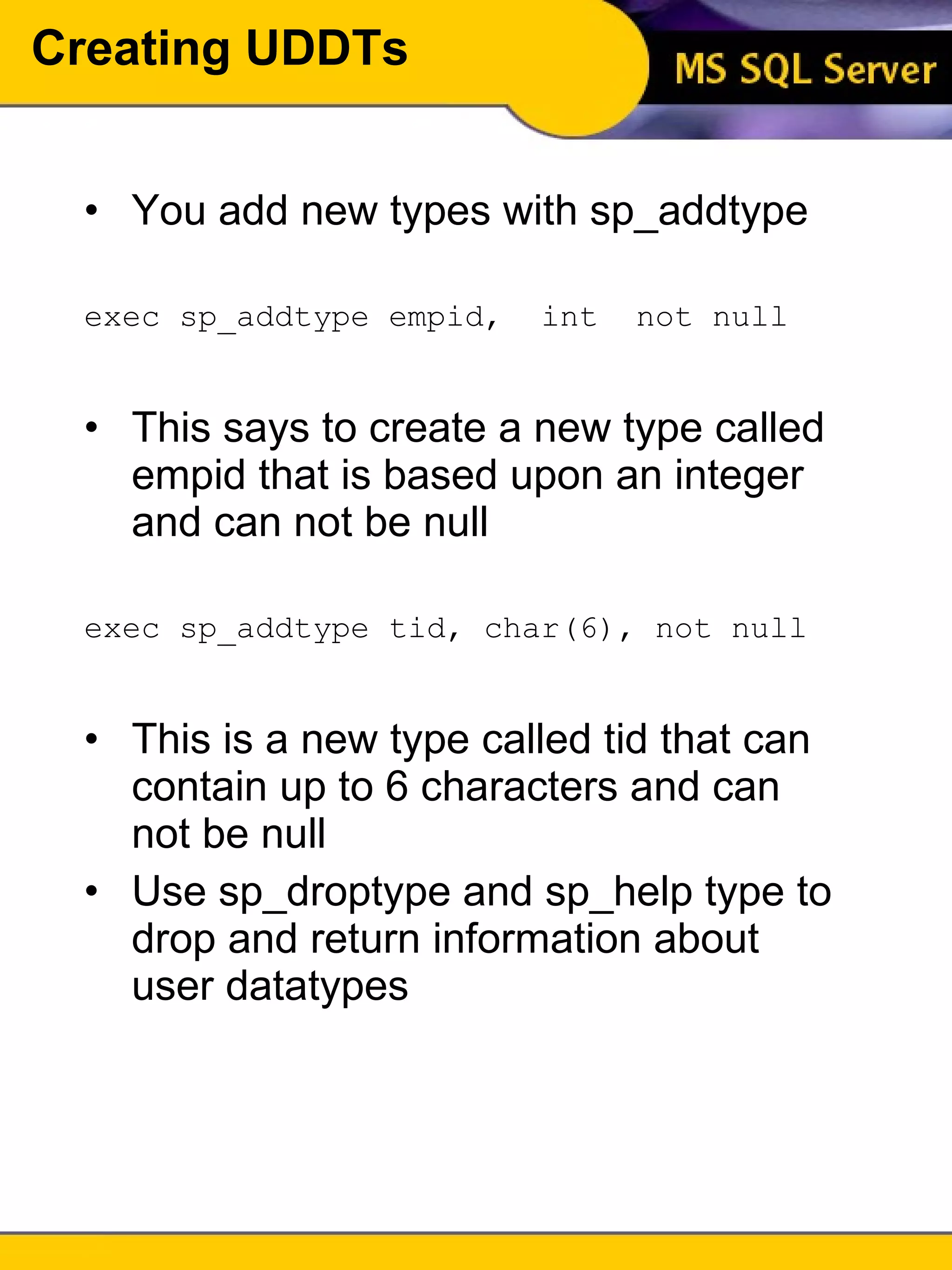
Creating UDDTs You add new types with sp_addtype exec sp_addtype empid,  int  not null This says to create a new type called empid that is based upon an integer and can not be null exec sp_addtype tid, char(6), not null This is a new type called tid that can contain up to 6 characters and can not be null Use sp_droptype and sp_help type to drop and return information about user datatypes
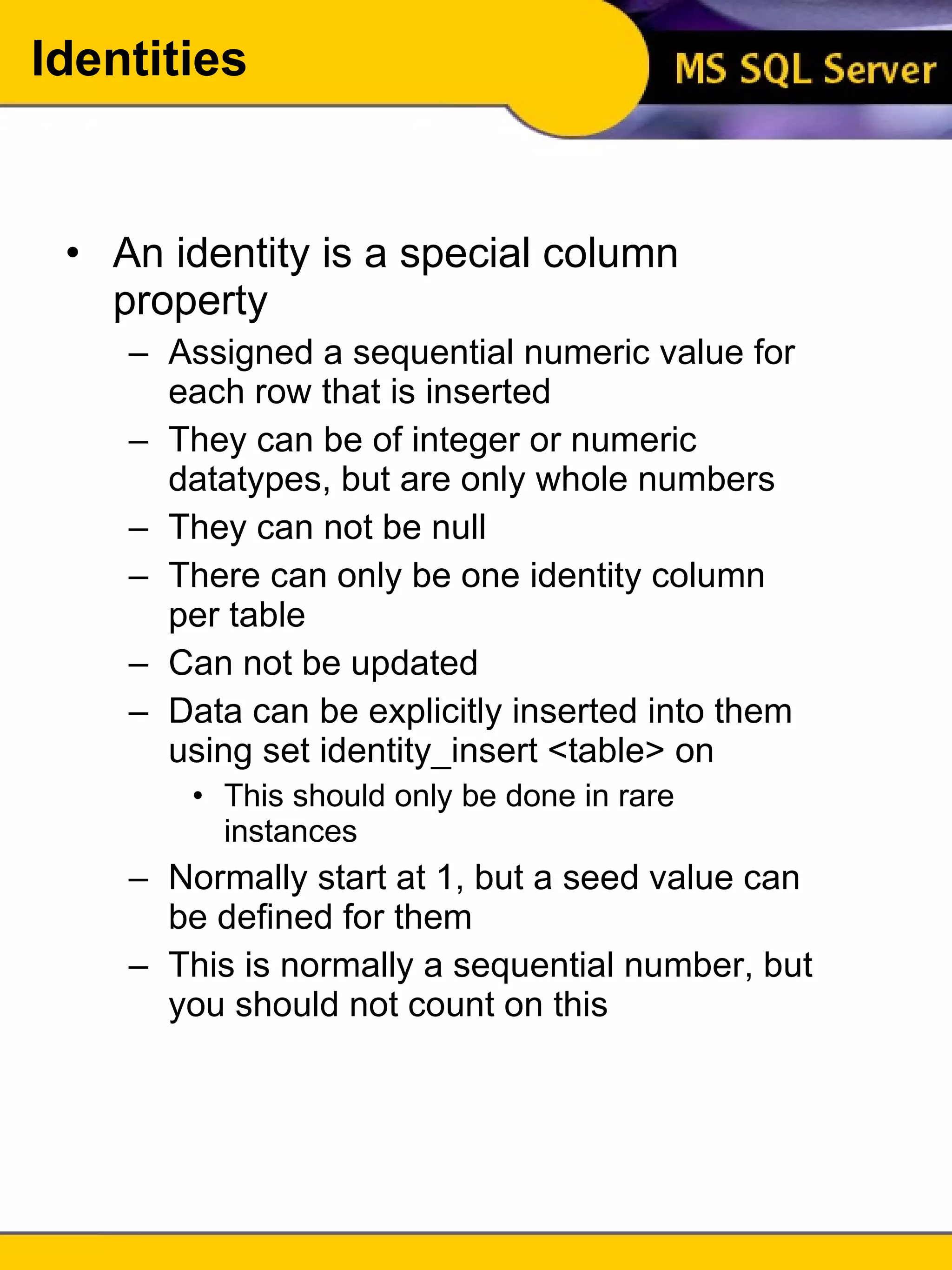
An identity is a special column property Assigned a sequential numeric value for each row that is inserted They can be of integer or numeric datatypes, but are only whole numbers They can not be null There can only be one identity column per table Can not be updated Data can be explicitly inserted into them using set identity_insert <table> on This should only be done in rare instances Normally start at 1, but a seed value can be defined for them This is normally a sequential number, but you should not count on this Identities
Creating Tables CREATE TABLE [database . [owner] . ]table_name  ( {col_name column_properties [constraint [constraint [...constraint]]] | [[ , ] constraint]} [[ , ] {next_col_name | next_constraint}...] ) Maximum number of columns per table is 250 Maximum row size is 1962 bytes To get information about a table use sp_help <table_name>
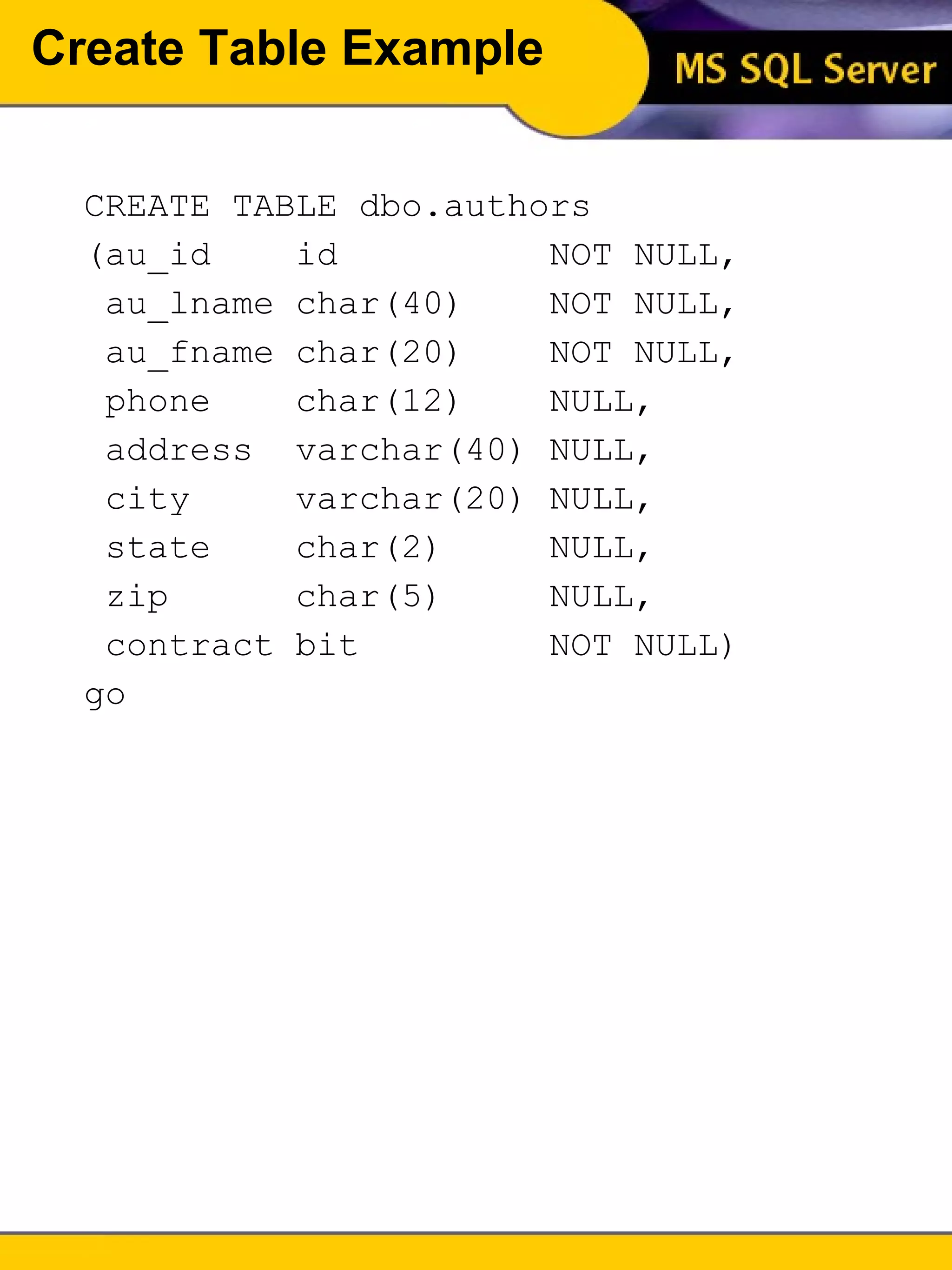
Create Table Example CREATE TABLE dbo.authors  (au_id  id  NOT NULL, au_lname char(40)  NOT NULL, au_fname char(20)  NOT NULL, phone  char(12)  NULL, address  varchar(40) NULL, city  varchar(20) NULL, state  char(2)  NULL, zip  char(5)  NULL, contract bit  NOT NULL) go
Unit 5 Review Table names can be up to 30 characters long and must be unique within a database Column names can be up to 30 characters and must be unique within a table Types of data are: exact numeric, approximate numeric, money, date time, character, and binary Use unbound datatypes only when strictly necessary User defined datatypes can be created from system datatypes using sp_addtype An identity is a special property for a column that automatically provides a value for new rows You can create and remove tables using the create table and drop table commands You can only have 250 columns in a table The maximum size of a row is 1962 bytes
Unit 5 Exercises Time allotted for exercises is 30 minutes

Intro to tsql unit 5

  • 1.
    Introduction To SQLUnit 5 Modern Business Technology Introduction To TSQL Unit 5 Developed by Michael Hotek
  • 2.
    Naming Tables Upto 30 characters No blanks Underscore is permitted Must be unique within the database Keep abbreviations to a minimum Names should reflect the contents of the table
  • 3.
    Naming Columns Upto 30 characters No blanks Underscore is permitted Must be unique within the table Keep abbreviations to a minimum Names should reflect the contents of the column Names should be readily recognizable
  • 4.
    Datatype Considerations Determinewhat type of data will be stored Find the range of possible values Determine the accuracy of numeric columns Efficiency Utilize user defined datatypes to enforce consistency
  • 5.
    Datatypes Exact NumericStores data with a specific accuracy Approximate numeric Stores data with accuracy dependent upon calculations performed Money Monetary data Date and time Storage of dates and times Character Alphanumeric data Binary Images, byte and bit values
  • 6.
    Exact Numeric tinyintWhole numbers between 0 and 255 1 byte of storage smallint Whole numbers between -32678 and 32677 2 bytes of storage numeric(p,s) Decimals between -10 38 and 10 38 -1 2 to 17 bytes decimal(p,s) Decimals between -10 38 and 10 38 -1 2 to 17 bytes s = number of digits to the right of the decimal p = total number of digits
  • 7.
    Approximate Numeric Float(p)Floating point numbers 4 or 8 bytes of storage double precision floating point numbers 8 bytes of storage real floating point numbers 4 bytes of storage During arithmetic operations, the number of digits to the right of a decimal point will round based upon the values in the calculation Float allows you to specific the precision, but not the location of the significant digits in relation to the decimal point
  • 8.
    Money money -922,337,203,685,477.5808to 922,337,203,685,477.5807 8 bytes of storage smallmoney -214,748.3648 to 214,748.3647 4 bytes of storage Accurate up to 4 decimal places, but are rounded to 2 places when displaying
  • 9.
    Datetime datetime 1/1/1753to 1/31/9999 8 bytes of storage smalldatetime 1/1/1900 to 6/6/2079 4 bytes of storage There is no separate datatype for just times Time is stored along with a date with an accuracy of 1/300th of a second Due to the limitation on the range of data, a smalldatetime should no longer be used. Dates and times can be entered into these columns using a wide variety of date and time formats The default display type is determined from the default language for the server
  • 10.
    Character char(n) andnchar(n) Fixed length alphanumeric data n bytes of storage varchar(n) and nvarchar(n) Variable length alphanumeric data actual length of data text Unbounded alphanumeric data 16 bytes for an address + multiples of 2K Char datatypes provide a small performance benefit over varchar. If the data size is predictable or 8 characters or less, use a char nchar and nvarchar are used to store multi-byte characters such as Chinese and Japanese
  • 11.
    Binary Bit 0or 1 1 byte of storage binary(n) up to 255 bytes n bytes of storage varbinary up to 255 bytes actual length of data image up to 2 31 -1 bytes 16 bytes address + multiples of 2K bytes of storage
  • 12.
    Unbound Data Thetext and image datatypes are used to store large amounts of data Text is used for alphanumeric data Image is used for binary data It is highly recommended that you avoid this two datatypes if at all possible They can cause a serious performance problem as well as a space problem. Support for them is very limited (specialized functions are required to manipulate them) No application tool can handle binary data streaming directly from a database
  • 13.
    User Defined DatatypesSQL Server gives you the ability to create your own datatypes Enforces consistency among columns Gives a single point to bind a common rule or default Consists of a name, system datatype, and nullability
  • 14.
    Creating UDDTs Youadd new types with sp_addtype exec sp_addtype empid, int not null This says to create a new type called empid that is based upon an integer and can not be null exec sp_addtype tid, char(6), not null This is a new type called tid that can contain up to 6 characters and can not be null Use sp_droptype and sp_help type to drop and return information about user datatypes
  • 15.
    An identity isa special column property Assigned a sequential numeric value for each row that is inserted They can be of integer or numeric datatypes, but are only whole numbers They can not be null There can only be one identity column per table Can not be updated Data can be explicitly inserted into them using set identity_insert <table> on This should only be done in rare instances Normally start at 1, but a seed value can be defined for them This is normally a sequential number, but you should not count on this Identities
  • 16.
    Creating Tables CREATETABLE [database . [owner] . ]table_name ( {col_name column_properties [constraint [constraint [...constraint]]] | [[ , ] constraint]} [[ , ] {next_col_name | next_constraint}...] ) Maximum number of columns per table is 250 Maximum row size is 1962 bytes To get information about a table use sp_help <table_name>
  • 17.
    Create Table ExampleCREATE TABLE dbo.authors (au_id id NOT NULL, au_lname char(40) NOT NULL, au_fname char(20) NOT NULL, phone char(12) NULL, address varchar(40) NULL, city varchar(20) NULL, state char(2) NULL, zip char(5) NULL, contract bit NOT NULL) go
  • 18.
    Unit 5 ReviewTable names can be up to 30 characters long and must be unique within a database Column names can be up to 30 characters and must be unique within a table Types of data are: exact numeric, approximate numeric, money, date time, character, and binary Use unbound datatypes only when strictly necessary User defined datatypes can be created from system datatypes using sp_addtype An identity is a special property for a column that automatically provides a value for new rows You can create and remove tables using the create table and drop table commands You can only have 250 columns in a table The maximum size of a row is 1962 bytes
  • 19.
    Unit 5 ExercisesTime allotted for exercises is 30 minutes

Editor's Notes