
Internet Search Techniques
Or
Searching information on the
internet
March 2014 1
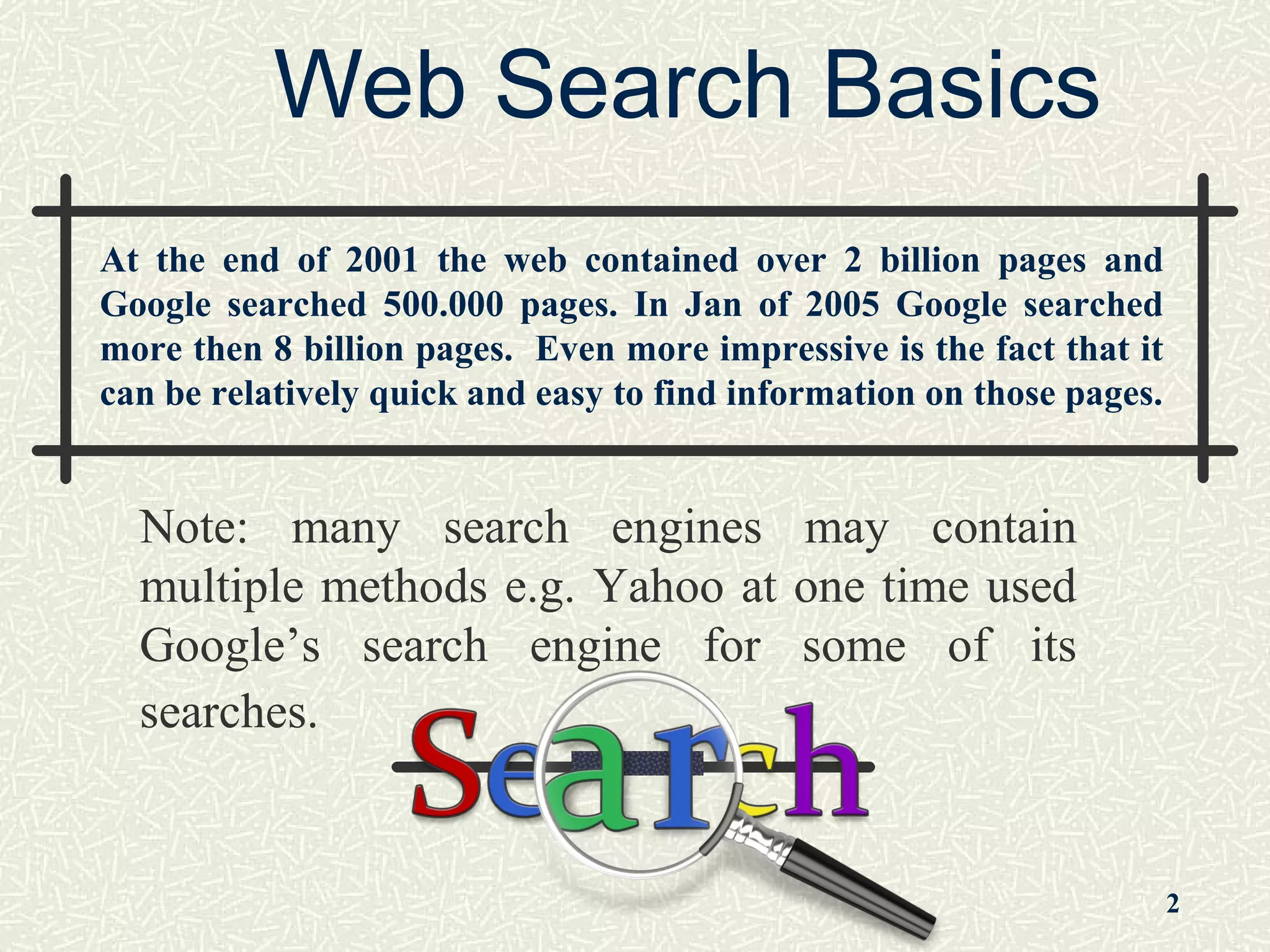
Web Search Basics
Note: many search engines may contain
multiple methods e.g. Yahoo at one time used
Google’s search engine for some of its
searches.
2
At the end of 2001 the web contained over 2 billion pages and
Google searched 500.000 pages. In Jan of 2005 Google searched
more then 8 billion pages. Even more impressive is the fact that it
can be relatively quick and easy to find information on those pages.
Some Basic Terminology
Website: Collection of web pages
Search Engine: Search documents for
specified keywords
Web Page: hypertext document on the World
Wide Web that can incorporate text, graphics,
sounds
Web Browser: An application that opens
websites
Internet Protocol: Set of rules that govern
over internet
Search Techniques
Search techniques are the methods you
use to search catalogs, article
databases, and web search engines to
find information.
The use of the Boolean operators AND
and OR between keywords to create a
search statement is an example of a
search technique. 3
Quotation Marks
Quotation marks are used around phrases.
By using quotations marks, you are telling the
computer to only bring back pages with the
terms you typed in the exact order you typed
them.
Example:
“health care reform”
instead of
health AND care AND reform 4
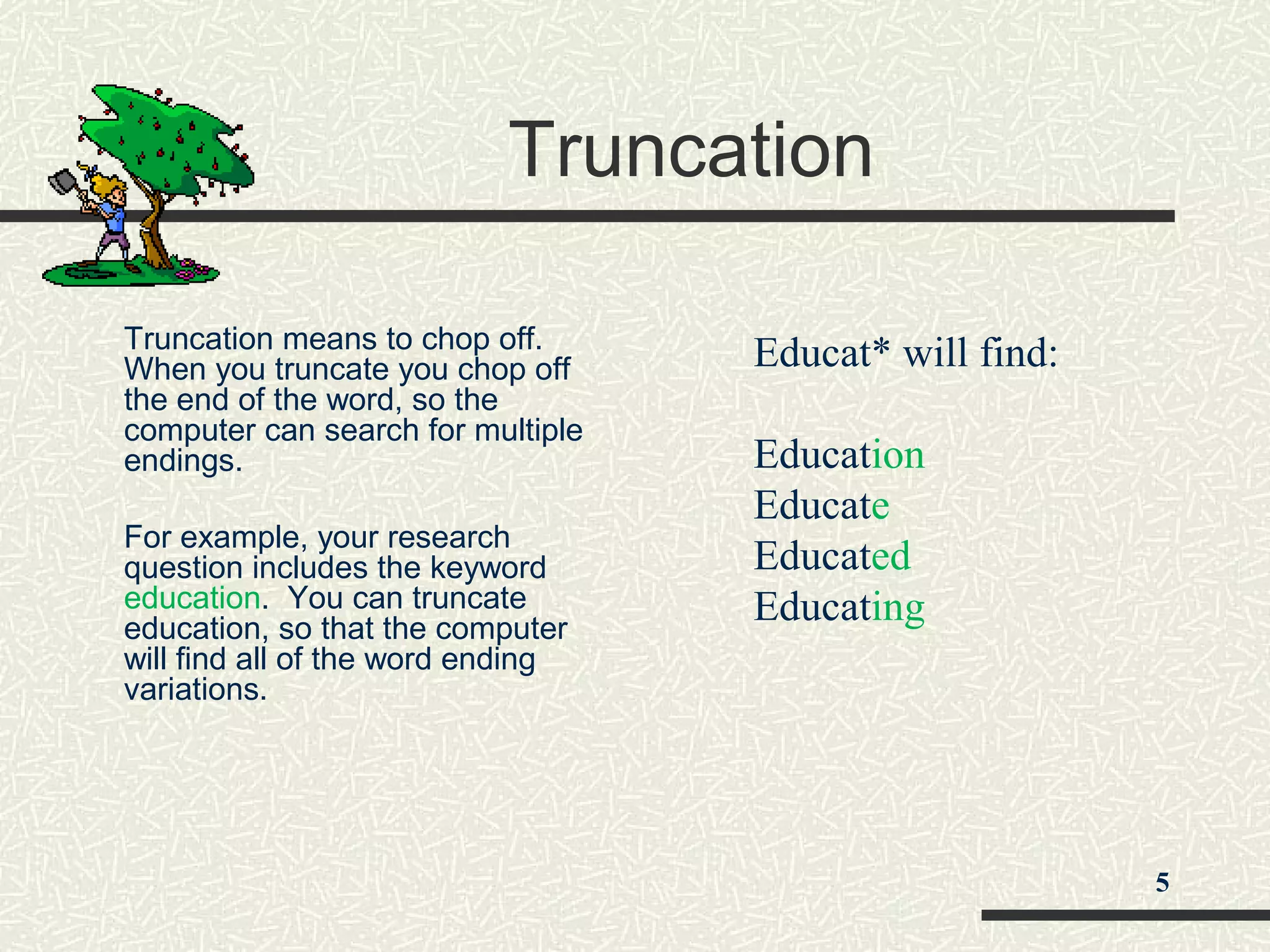
Truncation
Truncation means to chop off.
When you truncate you chop off
the end of the word, so the
computer can search for multiple
endings.
For example, your research
question includes the keyword
education. You can truncate
education, so that the computer
will find all of the word ending
variations.
Educat* will find:
Education
Educate
Educated
Educating
5
Web Searching Techniques
 Use quotation marks to search for phrases
 Use the minus (-) symbol in front of a word
to exclude it
 Use the advanced search screen to help
refine your search
 Be very specific
 Search in appropriate domains (.com, .edu,
.gov)
6
Domain Searching
Finally, when searching the web, it is often helpful
to limit your results to a specific domain.
The domain of a web site indicates the type of
organization or geographic region from which the
site originates. Helpful domain limiters include:
.edu-education
.gov-government,
.mil-U.S. military,
.org-organization
.com-commercial
7
Search strategies
Do not
use word “search”
use a string of keywords without specifying
Boolean properties
use upper case unless part of strategy
use NOT or - unless absolutely sure is
necessary
elimination of unanticipated pages
8
Types of search engines
Keyword or robot based (builds a database)
Directory based (categories indexed by
people rather than computer)
Meta indexes (can combine searches or allow
you to search a variety of engines
individually)
Specialized search engines
9
Keyword or robot based
Search Engines
Large database of web pages
No human involvement and no quality control
Can submit website or will find some on own
Searches full text to certain level, does not
search deep or invisible web
Google (www.google.com)
Alta Vista (www.altavista.com)
Fast (www.alltheweb.com)
Wisenut (www.wisenut.com)
10
Directory-based Search
Engines
Indexed by individuals so subject searches
will be more accurate
Smaller database than Robot engines
Used mainly for finding good site on general
topic
Yahoo (www.yahoo.com )
About (about.com )
Looksmart (www.looksmart.com)
11
Meta indexes
Meta-Searches; these organize links
received from searches by more then
one search engine.
http://www.metacrawler.com/
http://www.ixquick.com/
http://www.dogpile.com/
www.surfwax.com
http://www.clusty.com
12
Specialized Search Engines
Geographic based (www.altavistacanada.com
Phone directories (canada411.sympatico.ca/,
www.infospace.com/canada/index.htm)
Newsgroup searching (groups.google.com)
News searching (news.google.ca)
Women’s information (wwwomen.com)
Different formats (www.gimpsy.com/,
www.kartoo.com/)
13
To find more info on search
engines
Searchenginewatch
(www.searchenginewatch.com)
Searchengineshowdown
(www.searchengineshowdown.com)
14
Internet search techniques by tariq ghayyur1

Internet search techniques by tariq ghayyur1

  • 1.
    Internet Search Techniques Or Searchinginformation on the internet March 2014 1
  • 2.
    Web Search Basics Note:many search engines may contain multiple methods e.g. Yahoo at one time used Google’s search engine for some of its searches. 2 At the end of 2001 the web contained over 2 billion pages and Google searched 500.000 pages. In Jan of 2005 Google searched more then 8 billion pages. Even more impressive is the fact that it can be relatively quick and easy to find information on those pages.
  • 3.
    Some Basic Terminology Website:Collection of web pages Search Engine: Search documents for specified keywords Web Page: hypertext document on the World Wide Web that can incorporate text, graphics, sounds Web Browser: An application that opens websites Internet Protocol: Set of rules that govern over internet
  • 4.
    Search Techniques Search techniquesare the methods you use to search catalogs, article databases, and web search engines to find information. The use of the Boolean operators AND and OR between keywords to create a search statement is an example of a search technique. 3
  • 5.
    Quotation Marks Quotation marksare used around phrases. By using quotations marks, you are telling the computer to only bring back pages with the terms you typed in the exact order you typed them. Example: “health care reform” instead of health AND care AND reform 4
  • 6.
    Truncation Truncation means tochop off. When you truncate you chop off the end of the word, so the computer can search for multiple endings. For example, your research question includes the keyword education. You can truncate education, so that the computer will find all of the word ending variations. Educat* will find: Education Educate Educated Educating 5
  • 7.
    Web Searching Techniques Use quotation marks to search for phrases  Use the minus (-) symbol in front of a word to exclude it  Use the advanced search screen to help refine your search  Be very specific  Search in appropriate domains (.com, .edu, .gov) 6
  • 8.
    Domain Searching Finally, whensearching the web, it is often helpful to limit your results to a specific domain. The domain of a web site indicates the type of organization or geographic region from which the site originates. Helpful domain limiters include: .edu-education .gov-government, .mil-U.S. military, .org-organization .com-commercial 7
  • 9.
    Search strategies Do not useword “search” use a string of keywords without specifying Boolean properties use upper case unless part of strategy use NOT or - unless absolutely sure is necessary elimination of unanticipated pages 8
  • 10.
    Types of searchengines Keyword or robot based (builds a database) Directory based (categories indexed by people rather than computer) Meta indexes (can combine searches or allow you to search a variety of engines individually) Specialized search engines 9
  • 11.
    Keyword or robotbased Search Engines Large database of web pages No human involvement and no quality control Can submit website or will find some on own Searches full text to certain level, does not search deep or invisible web Google (www.google.com) Alta Vista (www.altavista.com) Fast (www.alltheweb.com) Wisenut (www.wisenut.com) 10
  • 12.
    Directory-based Search Engines Indexed byindividuals so subject searches will be more accurate Smaller database than Robot engines Used mainly for finding good site on general topic Yahoo (www.yahoo.com ) About (about.com ) Looksmart (www.looksmart.com) 11
  • 13.
    Meta indexes Meta-Searches; theseorganize links received from searches by more then one search engine. http://www.metacrawler.com/ http://www.ixquick.com/ http://www.dogpile.com/ www.surfwax.com http://www.clusty.com 12
  • 14.
    Specialized Search Engines Geographicbased (www.altavistacanada.com Phone directories (canada411.sympatico.ca/, www.infospace.com/canada/index.htm) Newsgroup searching (groups.google.com) News searching (news.google.ca) Women’s information (wwwomen.com) Different formats (www.gimpsy.com/, www.kartoo.com/) 13
  • 15.
    To find moreinfo on search engines Searchenginewatch (www.searchenginewatch.com) Searchengineshowdown (www.searchengineshowdown.com) 14

Editor's Notes

  • #6 Put example in color and have “health care reform” come in and then health and care and reform appear later.
  • #7 Animated gif would be great here.