APLICATION SOFTWARE
GENERAL PURPOSE
APLICATIONS
INTRODUCTION
An application program is any program to
perform a specific function directly for the
user or in some cases, for another
application program. Application
programs use the services of the
computer’s operating system and other
supporting programs. The formal
requests for services and means of
communicating with other programs that
a program uses in writing an application
program is called Application Program
Interface(API)
HERE ARE THE CATEGORIES:
 Media and Graphics
 Internet based
 Home and Educational
 Productivity
MEDIA & GRAPHIC
• Desktop publishing/Multimedia
authoring.
• Image animation creation and
editing.
• 3D rendering
• Audio editing
• Video editing
MEDIA & GRAPHIC
Media
 Refers to the technology used in
presenting information including:
Pictures
Sound
Video
Multimedia programs
• Enable users to incorporate more than
one type of technology
MEDIA & GRAPHIC
Desktop publishing
is the creation of documents
using page layout skills on a personal
computer. Desktop publishing software
can generate layouts and produce
typographic quality text and images
comparable to traditional
typography and printing.
Example : Adobe page maker 7.0
MEDIA & GRAPHIC
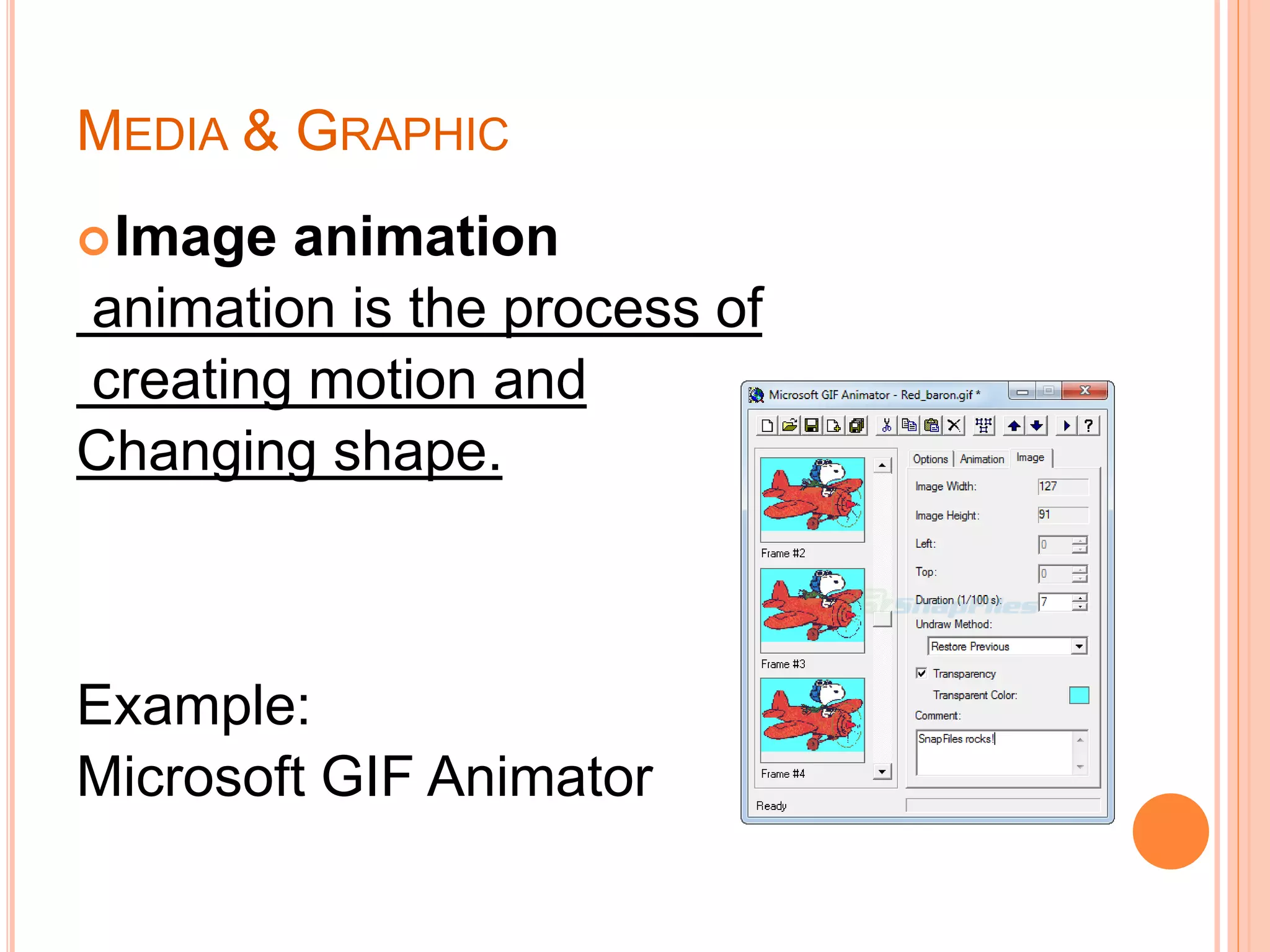
Image animation
animation is the process of
creating motion and
Changing shape.
Example:
Microsoft GIF Animator
MEDIA & GRAPHIC
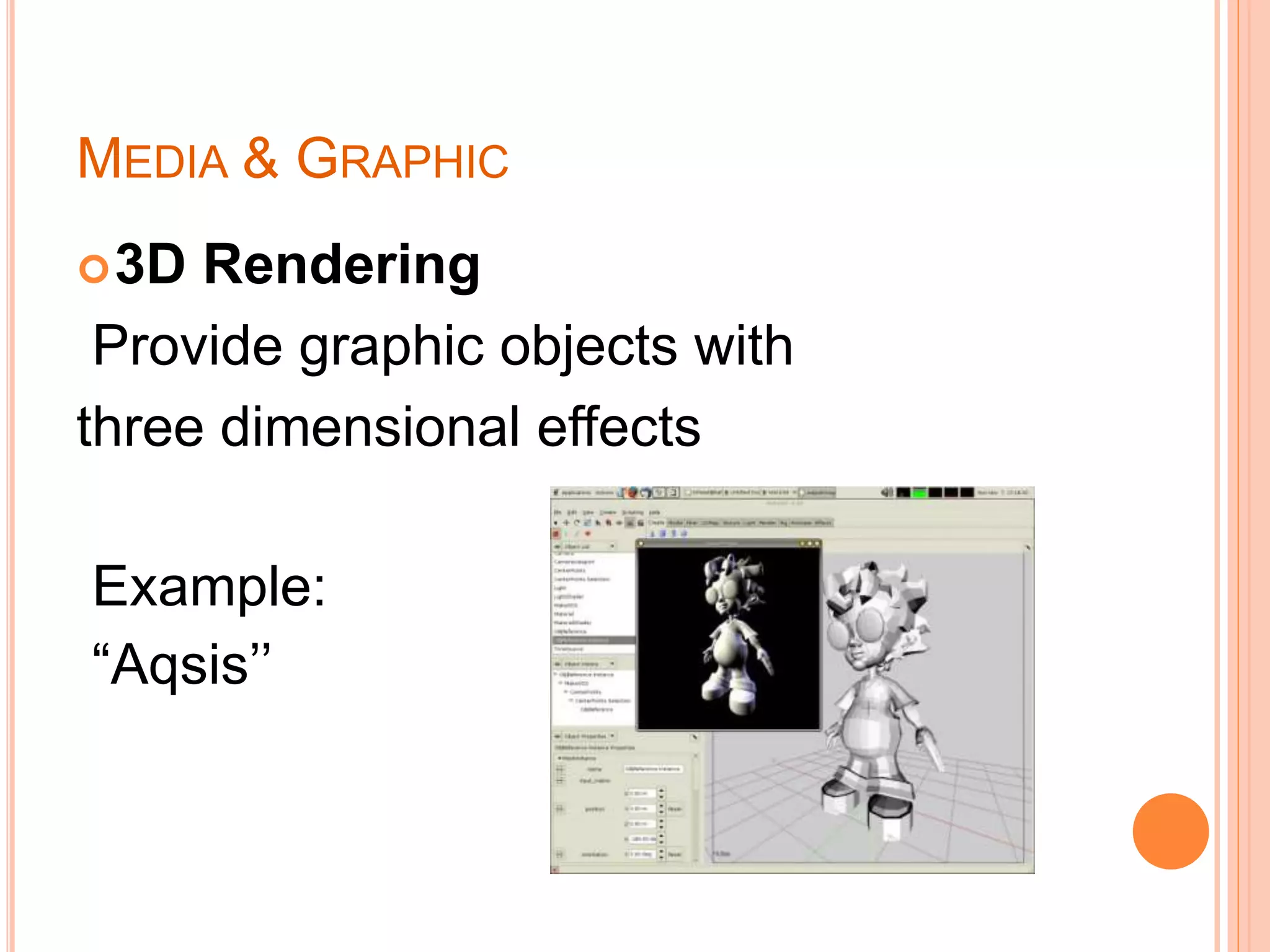
3D Rendering
Provide graphic objects with
three dimensional effects
Example:
“Aqsis’’
MEDIA & GRAPHIC
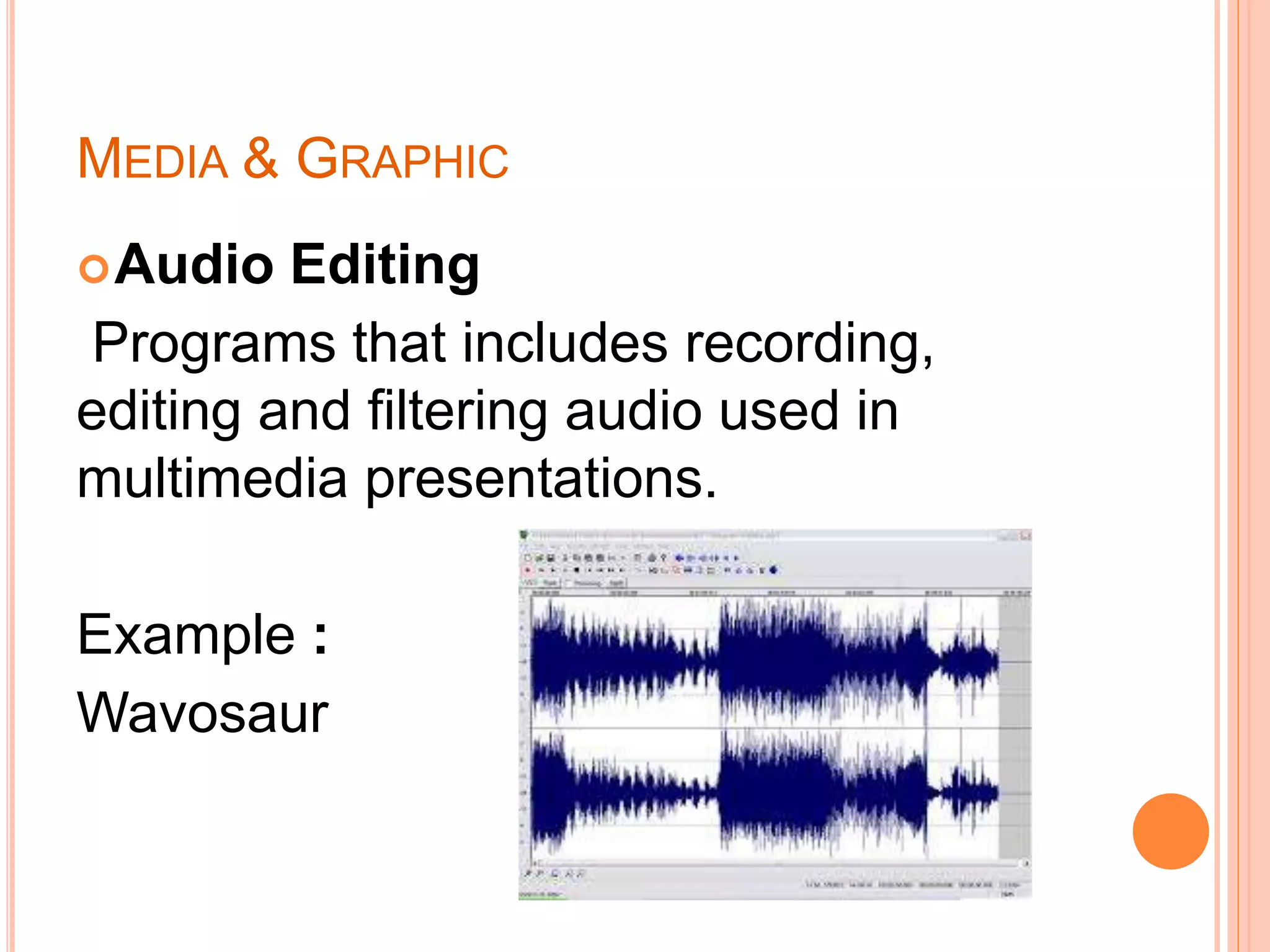
Audio Editing
Programs that includes recording,
editing and filtering audio used in
multimedia presentations.
Example :
Wavosaur
MEDIA & GRAPHIC
Video Editing
adding effects, merging and cropping
videos
Example: Movie Maker
Multimedia authoring system
Used to create multimedia
presentations
Require a large amount of disk space
and memory to run properly
MEDIA & GRAPHIC
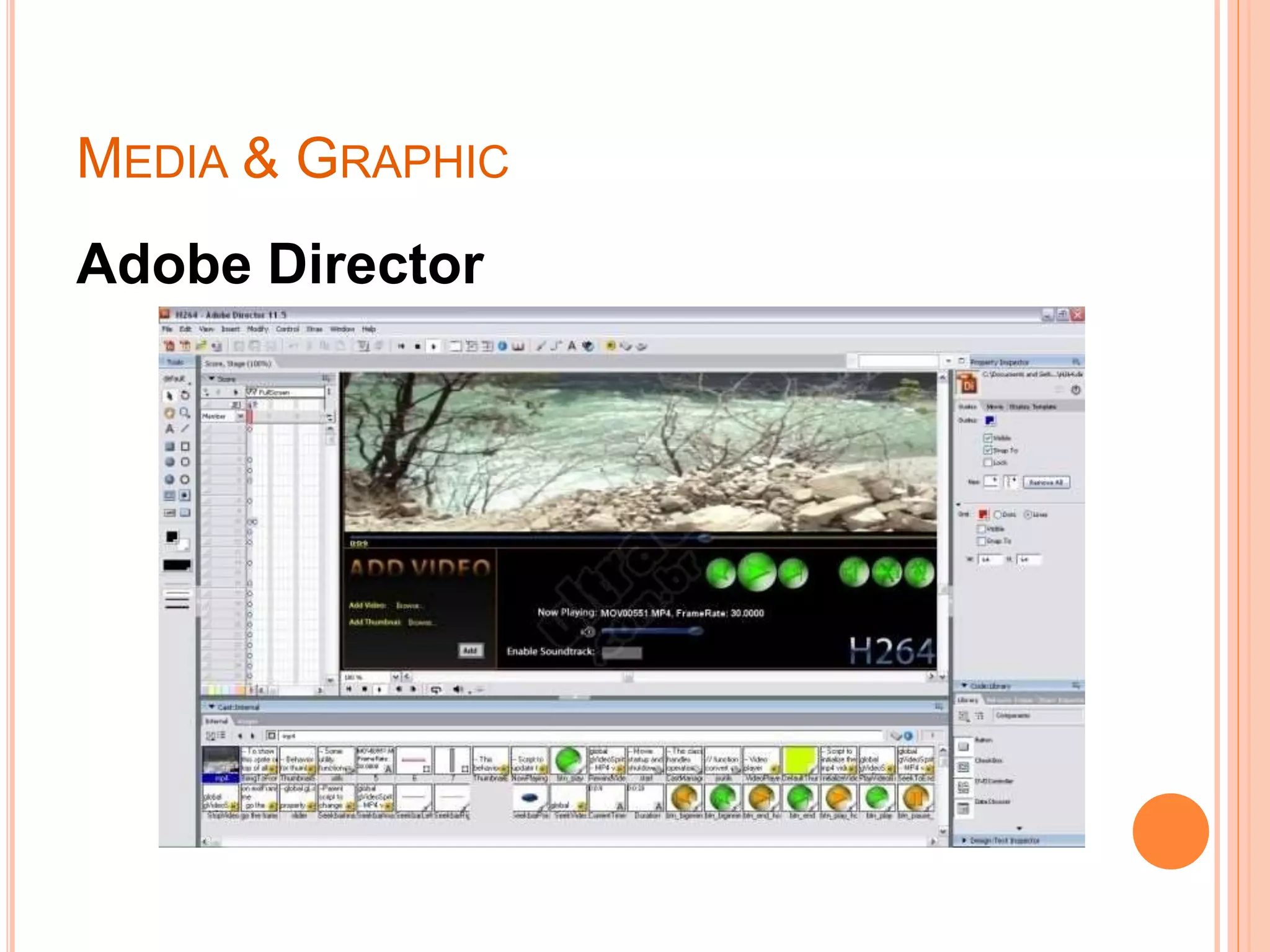
Adobe Director
INTERNET-BASED APPLICATIONS
E-MAILS
o Refers to Electronic-mail.
o Used to create, send and manage E-mails
o One of the most commonly used Internet-
based applications by individuals
,businessmen and companies alike.
o Some of the leading E-mail websites are
Gmail, Yahoo and MSN.
INTERNET-BASED APPLICATIONS
E-MAILS
Stay in touch with family and friends
from all over the world.
Send E-mails to many recipients.
Filter Spam e-mails and place them in
a spam folder.
Share images, videos, and different
files with people with a substantial
capacity size.
INTERNET-BASED APPLICATIONS
WEB BROWSERS
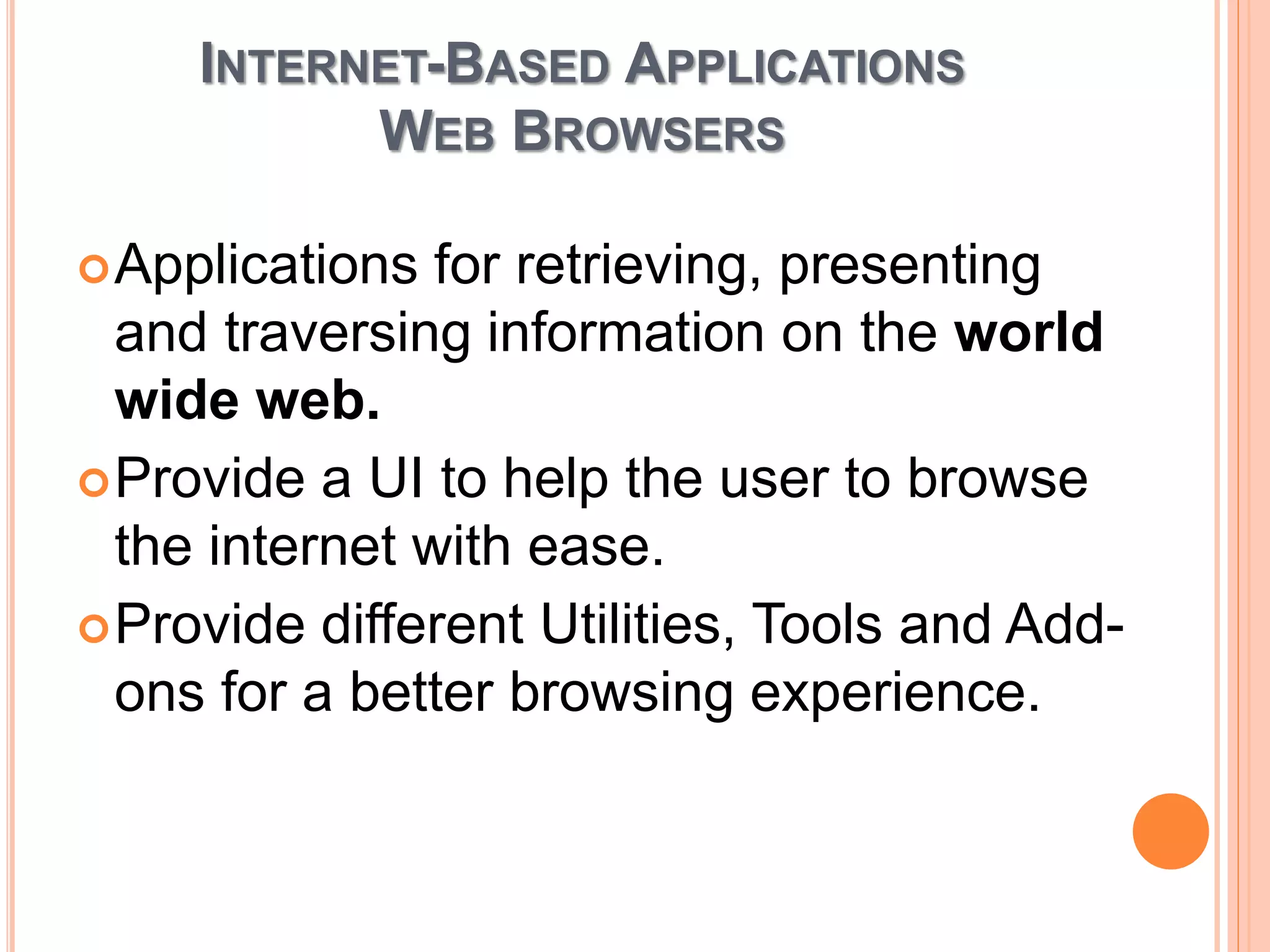
Applications for retrieving, presenting
and traversing information on the world
wide web.
Provide a UI to help the user to browse
the internet with ease.
Provide different Utilities, Tools and Add-
ons for a better browsing experience.
INETRNET-BASED APPLICATIONS
WEB BROWSERS
Open many windows and
tabs to multi-task easily.
Able to bookmark a Page
and view the browsing
history.
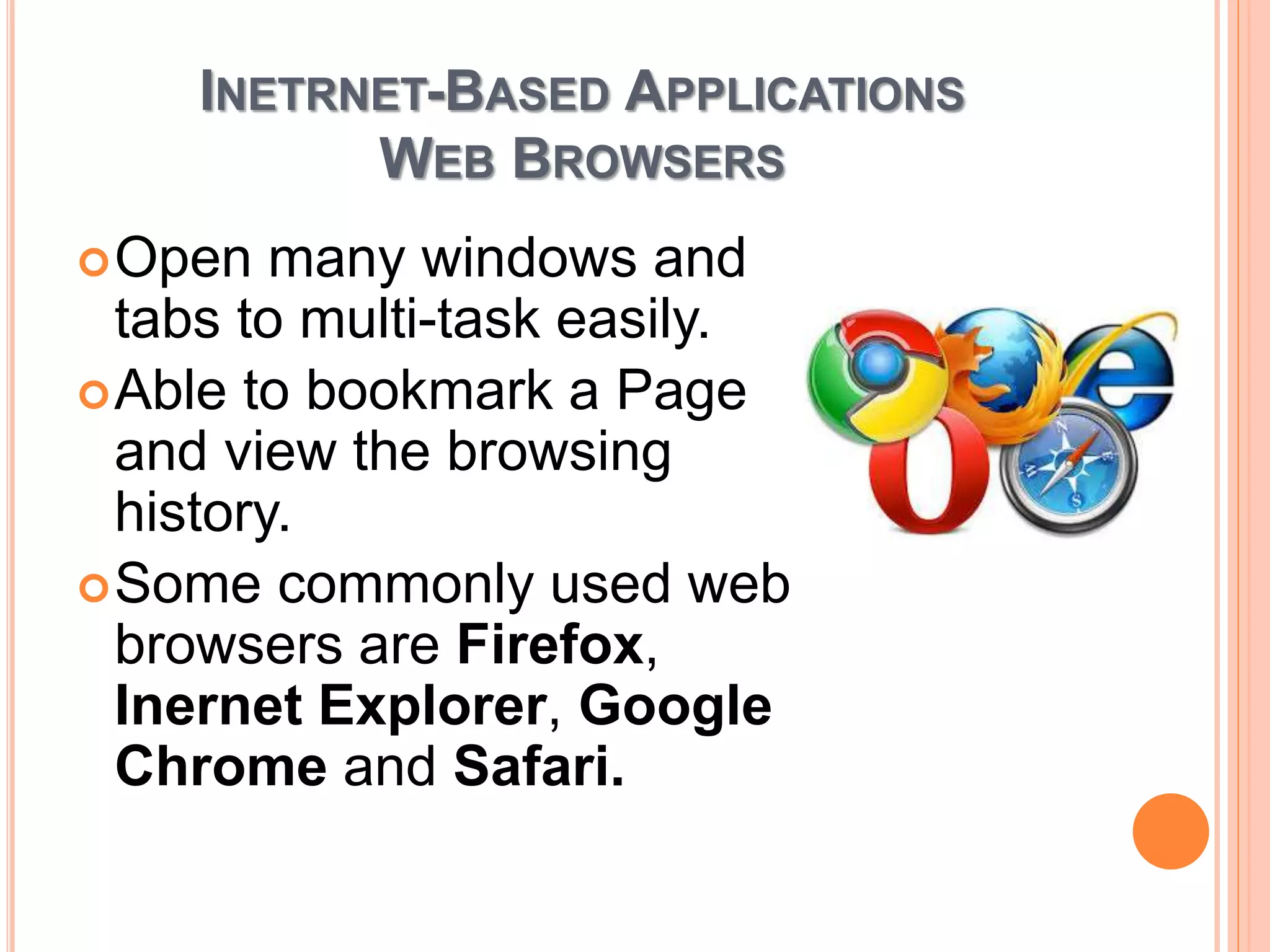
Some commonly used web
browsers are Firefox,
Inernet Explorer, Google
Chrome and Safari.
INTERNET-BASED APPLICATIONS
INTERNET MESSAGING
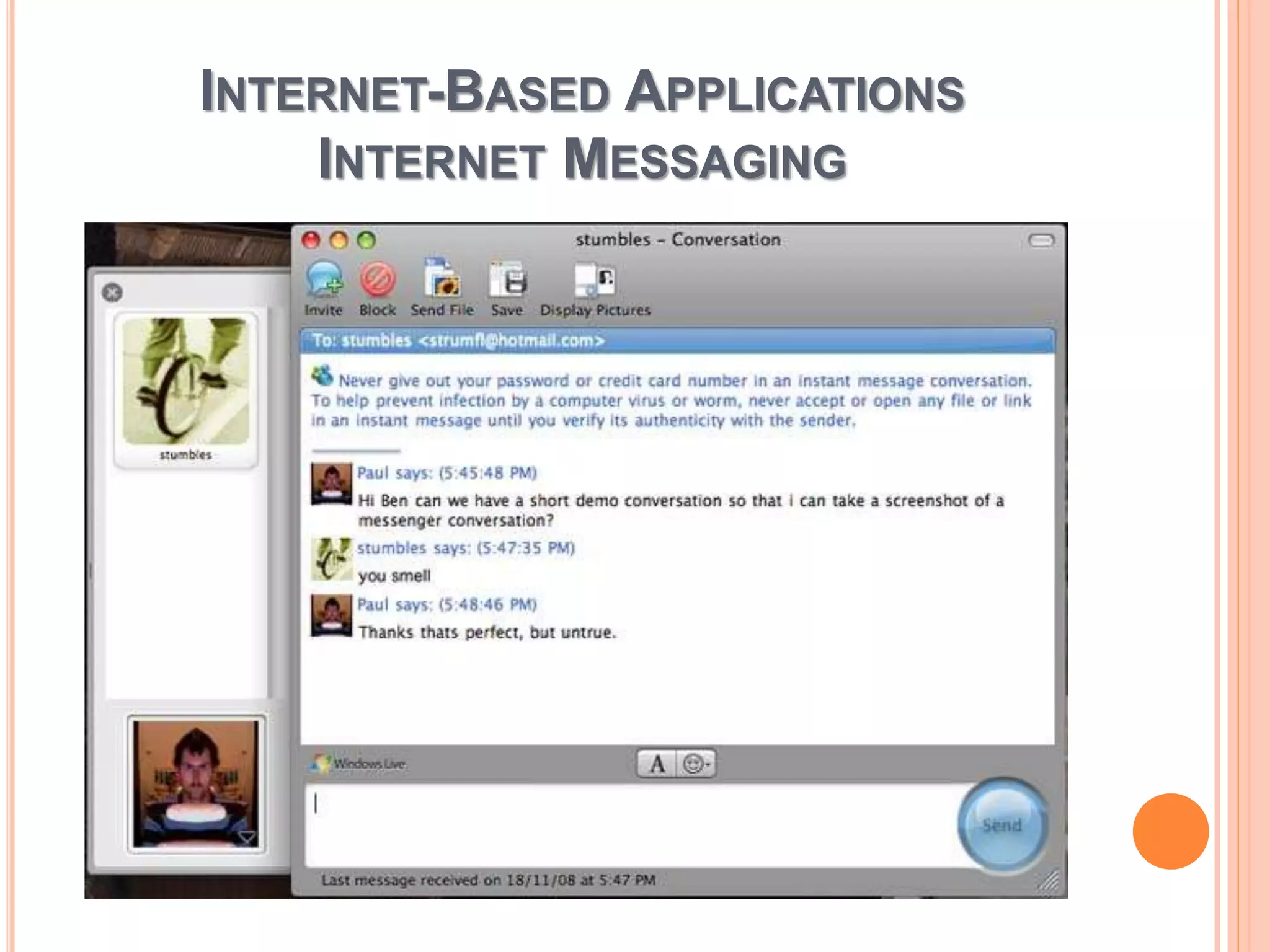
Referred to as messengers or instant-
messaging applications.
Used to create a private chat room with
another individual for real-time
conversations over the internet.
It has become more popular amongst
people because of its speed.
INTERNET-BASED APPLICATIONS
INTERNET MESSAGING
INTERNET-BASED APPLICATIONS
VIDEO CONFERENCING AND VOIP
Video conferencing: Allows two or
more locations to communicate by
simultaneous two-way video and audio
transmission with applications like
Polycot.
Voice over Internet Protocol (VoIP):
Used for the delivery of voice
communications and multimedia
sessions over internet protocol (IP)
such as Skype and Tango.
INTERNET-BASED APPLICATIONS
WEB-HOSTED APPLICATIONS
Hosted applications:
They are software applications where
the software resides on servers that are
accessed through the internet instead
of local servers or PCs.
Reduced costs, instant deployment
easier to maintain and reducing
administration are its main benefits.
INTERNET-BASED APPLICATIONS
UNWANTED SOFTWARE
Spyware: software that tracks your
activities and gathers information about
a person or organization and may send
it to other parties.
Adware: software that automatically
displays or downloads advertising
materials such as banners or pop-ups
when a user is online.
INTERNET-BASED APPLICATIONS
UNWANTED SOFTWARE
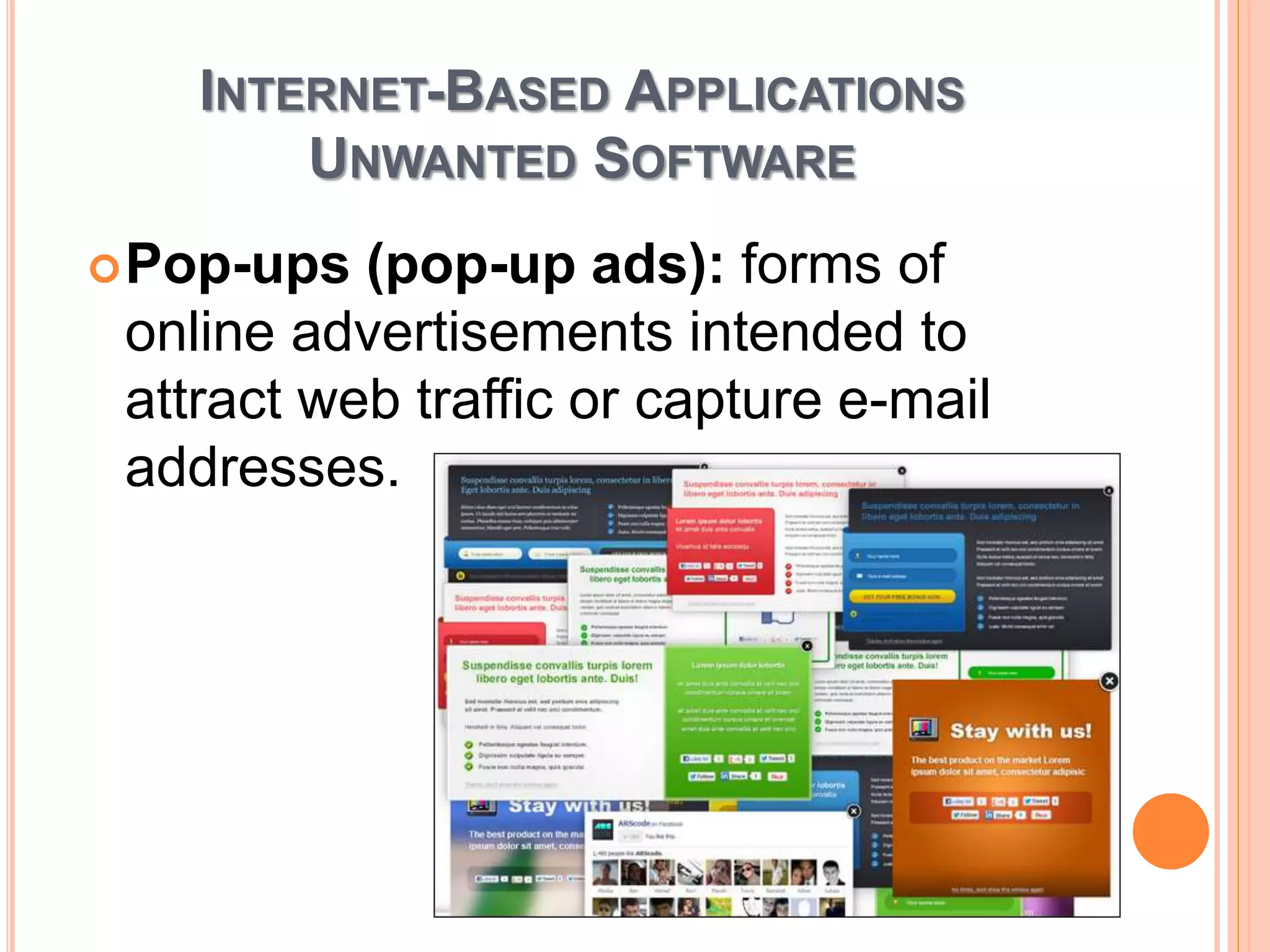
Pop-ups (pop-up ads): forms of
online advertisements intended to
attract web traffic or capture e-mail
addresses.
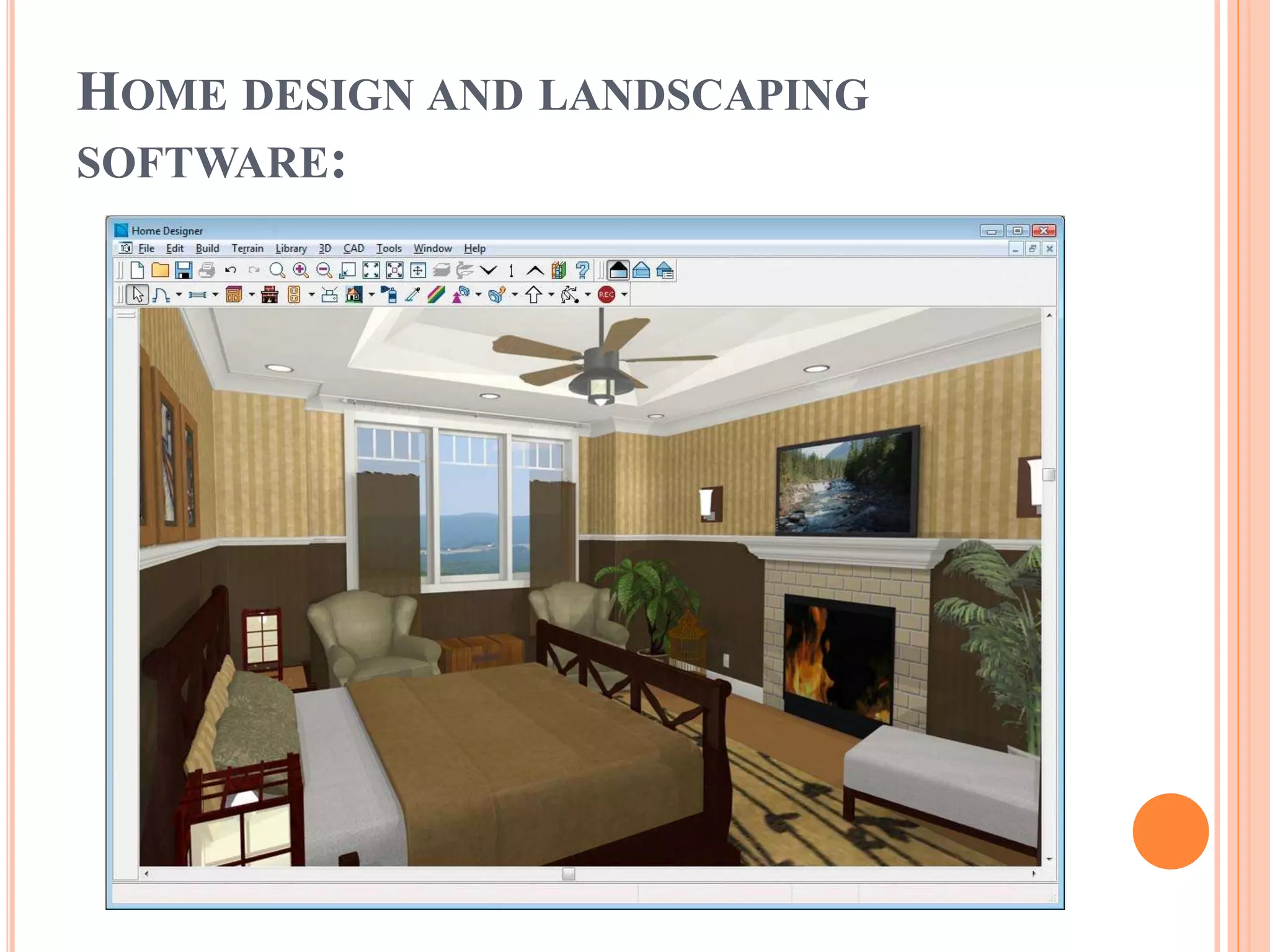
HOME DESIGN AND LANDSCAPING
SOFTWARE:
Home & Landscape Design from Punch
Software for both windows and Mac
users provides you with NexGen
Technology, which helps you build a
"greener" home or remodel your current
home for maximum energy efficiency
through tips and tutorials.
Features:
• Tools are easy to use
• You can view it in 3D modle
HOME DESIGN AND LANDSCAPING
SOFTWARE:
HOME DESIGN AND LANDSCAPING
SOFTWARE:
Computer games:
• Started in 1970s
• Total sold up to $68.4 billion by 2012
• Multiplayer online gaming—players
interact with characters controlled by
other players
HOME DESIGN AND LANDSCAPING
SOFTWARE:
Gaming trends:
• Gamers spend an average 18 hrs per
week playing games.
• Two of every five gamers are female.
• Members of 65% of U.S. households
play video games
• Age of average gamer is 32
HOME DESIGN AND LANDSCAPING
SOFTWARE:
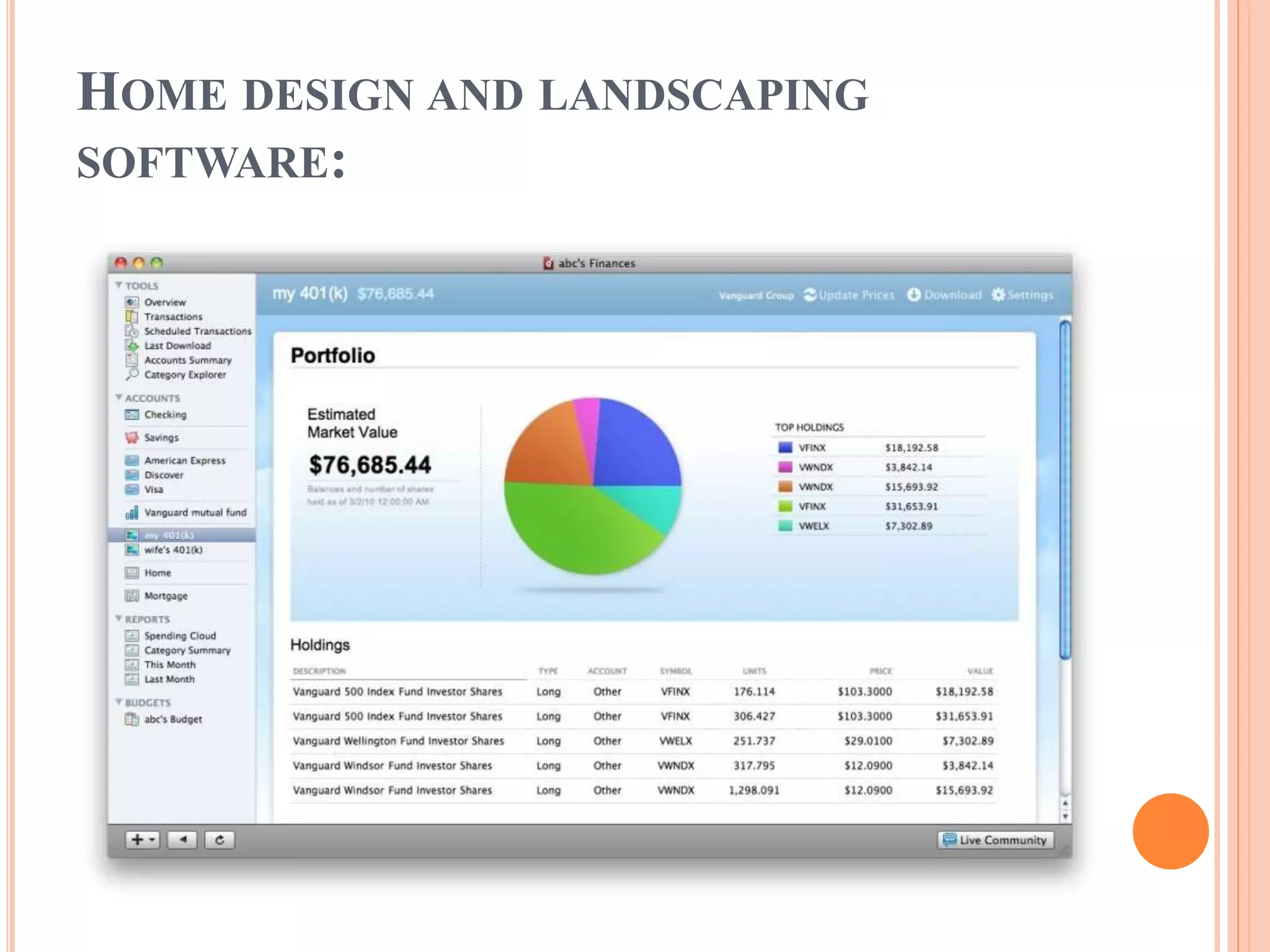
Personal finance: it’s a software that
manage large amounts of money,
especially by governments or large
companies. There are many software
but the most powerful and useful
software is Quicken.
Quicken is a software that helps people
to mange their expense of money.
HOME DESIGN AND LANDSCAPING
SOFTWARE:
HOME DESIGN AND LANDSCAPING
SOFTWARE:
Feature:
• Store and Save Receipts
• Budget Improvements
• Mobile Synchronization
Improvements
HOME DESIGN AND LANDSCAPING
SOFTWARE:
Tax preparation is a software that
calculate the amount of money “Tax”
that you have to pay to the
government like ‘TurboTax’.
Feature of ‘TurboTax’:
• Secured and protected
• Taxes done right, guaranteed

Internet application

  • 1.
  • 2.
    INTRODUCTION An application programis any program to perform a specific function directly for the user or in some cases, for another application program. Application programs use the services of the computer’s operating system and other supporting programs. The formal requests for services and means of communicating with other programs that a program uses in writing an application program is called Application Program Interface(API)
  • 3.
    HERE ARE THECATEGORIES:  Media and Graphics  Internet based  Home and Educational  Productivity
  • 4.
    MEDIA & GRAPHIC •Desktop publishing/Multimedia authoring. • Image animation creation and editing. • 3D rendering • Audio editing • Video editing
  • 5.
    MEDIA & GRAPHIC Media Refers to the technology used in presenting information including: Pictures Sound Video Multimedia programs • Enable users to incorporate more than one type of technology
  • 6.
    MEDIA & GRAPHIC Desktoppublishing is the creation of documents using page layout skills on a personal computer. Desktop publishing software can generate layouts and produce typographic quality text and images comparable to traditional typography and printing. Example : Adobe page maker 7.0
  • 7.
    MEDIA & GRAPHIC Imageanimation animation is the process of creating motion and Changing shape. Example: Microsoft GIF Animator
  • 8.
    MEDIA & GRAPHIC 3DRendering Provide graphic objects with three dimensional effects Example: “Aqsis’’
  • 9.
    MEDIA & GRAPHIC AudioEditing Programs that includes recording, editing and filtering audio used in multimedia presentations. Example : Wavosaur
  • 10.
    MEDIA & GRAPHIC VideoEditing adding effects, merging and cropping videos Example: Movie Maker Multimedia authoring system Used to create multimedia presentations Require a large amount of disk space and memory to run properly
  • 11.
  • 12.
    INTERNET-BASED APPLICATIONS E-MAILS o Refersto Electronic-mail. o Used to create, send and manage E-mails o One of the most commonly used Internet- based applications by individuals ,businessmen and companies alike. o Some of the leading E-mail websites are Gmail, Yahoo and MSN.
  • 13.
    INTERNET-BASED APPLICATIONS E-MAILS Stay intouch with family and friends from all over the world. Send E-mails to many recipients. Filter Spam e-mails and place them in a spam folder. Share images, videos, and different files with people with a substantial capacity size.
  • 14.
    INTERNET-BASED APPLICATIONS WEB BROWSERS Applicationsfor retrieving, presenting and traversing information on the world wide web. Provide a UI to help the user to browse the internet with ease. Provide different Utilities, Tools and Add- ons for a better browsing experience.
  • 15.
    INETRNET-BASED APPLICATIONS WEB BROWSERS Openmany windows and tabs to multi-task easily. Able to bookmark a Page and view the browsing history. Some commonly used web browsers are Firefox, Inernet Explorer, Google Chrome and Safari.
  • 16.
    INTERNET-BASED APPLICATIONS INTERNET MESSAGING Referredto as messengers or instant- messaging applications. Used to create a private chat room with another individual for real-time conversations over the internet. It has become more popular amongst people because of its speed.
  • 17.
  • 18.
    INTERNET-BASED APPLICATIONS VIDEO CONFERENCINGAND VOIP Video conferencing: Allows two or more locations to communicate by simultaneous two-way video and audio transmission with applications like Polycot. Voice over Internet Protocol (VoIP): Used for the delivery of voice communications and multimedia sessions over internet protocol (IP) such as Skype and Tango.
  • 19.
    INTERNET-BASED APPLICATIONS WEB-HOSTED APPLICATIONS Hostedapplications: They are software applications where the software resides on servers that are accessed through the internet instead of local servers or PCs. Reduced costs, instant deployment easier to maintain and reducing administration are its main benefits.
  • 20.
    INTERNET-BASED APPLICATIONS UNWANTED SOFTWARE Spyware:software that tracks your activities and gathers information about a person or organization and may send it to other parties. Adware: software that automatically displays or downloads advertising materials such as banners or pop-ups when a user is online.
  • 21.
    INTERNET-BASED APPLICATIONS UNWANTED SOFTWARE Pop-ups(pop-up ads): forms of online advertisements intended to attract web traffic or capture e-mail addresses.
  • 22.
    HOME DESIGN ANDLANDSCAPING SOFTWARE: Home & Landscape Design from Punch Software for both windows and Mac users provides you with NexGen Technology, which helps you build a "greener" home or remodel your current home for maximum energy efficiency through tips and tutorials. Features: • Tools are easy to use • You can view it in 3D modle
  • 23.
    HOME DESIGN ANDLANDSCAPING SOFTWARE:
  • 24.
    HOME DESIGN ANDLANDSCAPING SOFTWARE: Computer games: • Started in 1970s • Total sold up to $68.4 billion by 2012 • Multiplayer online gaming—players interact with characters controlled by other players
  • 25.
    HOME DESIGN ANDLANDSCAPING SOFTWARE: Gaming trends: • Gamers spend an average 18 hrs per week playing games. • Two of every five gamers are female. • Members of 65% of U.S. households play video games • Age of average gamer is 32
  • 26.
    HOME DESIGN ANDLANDSCAPING SOFTWARE: Personal finance: it’s a software that manage large amounts of money, especially by governments or large companies. There are many software but the most powerful and useful software is Quicken. Quicken is a software that helps people to mange their expense of money.
  • 27.
    HOME DESIGN ANDLANDSCAPING SOFTWARE:
  • 28.
    HOME DESIGN ANDLANDSCAPING SOFTWARE: Feature: • Store and Save Receipts • Budget Improvements • Mobile Synchronization Improvements
  • 29.
    HOME DESIGN ANDLANDSCAPING SOFTWARE: Tax preparation is a software that calculate the amount of money “Tax” that you have to pay to the government like ‘TurboTax’. Feature of ‘TurboTax’: • Secured and protected • Taxes done right, guaranteed