I/O Devices
Input and Output Devices
Input Device
 An input device is any piece of hardware that allows
us to send data or information to a central
processing unit of a computer.
 Input devices helps human to either interact with or
control the computer.
 So if you type a message on a keyboard or touch a
screen to make something happen you're using an
input device.
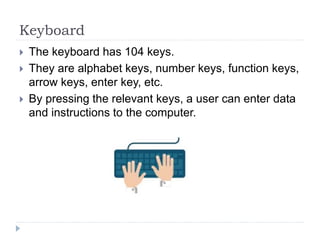
Keyboard
 The keyboard has 104 keys.
 They are alphabet keys, number keys, function keys,
arrow keys, enter key, etc.
 By pressing the relevant keys, a user can enter data
and instructions to the computer.
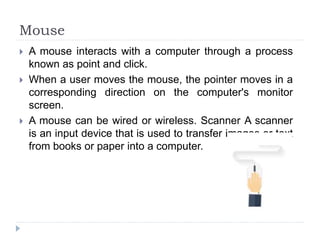
Mouse
 A mouse interacts with a computer through a process
known as point and click.
 When a user moves the mouse, the pointer moves in a
corresponding direction on the computer's monitor
screen.
 A mouse can be wired or wireless. Scanner A scanner
is an input device that is used to transfer images or text
from books or paper into a computer.
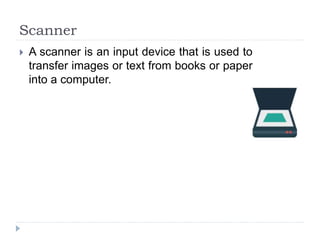
Scanner
 A scanner is an input device that is used to
transfer images or text from books or paper
into a computer.
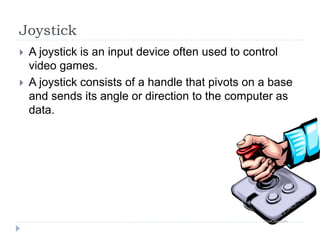
Joystick
 A joystick is an input device often used to control
video games.
 A joystick consists of a handle that pivots on a base
and sends its angle or direction to the computer as
data.
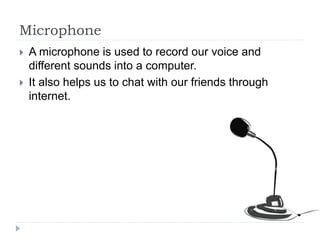
Microphone
 A microphone is used to record our voice and
different sounds into a computer.
 It also helps us to chat with our friends through
internet.
Light pen
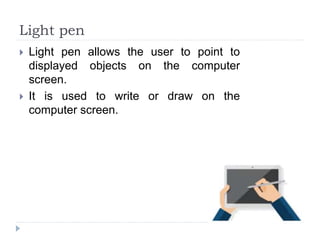
 Light pen allows the user to point to
displayed objects on the computer
screen.
 It is used to write or draw on the
computer screen.
Webcam
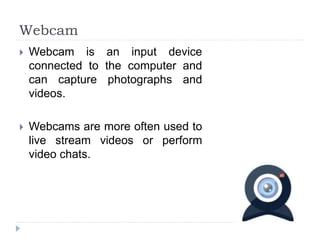
 Webcam is an input device
connected to the computer and
can capture photographs and
videos.
 Webcams are more often used to
live stream videos or perform
video chats.
Sensor
 An input device that takes readings
from the environment such as
temperature, light and motion.
Obviously, each type of sensor works in
a completely different way.
 An example of where this could be used
is a thermostat that detects temperature
and turns your heating on or off.
Output Device
 An output device on the other hand is any piece of
hardware that allows a computer to communicate
information to us.
 An output device receives data or information from
the central processing unit.
 Using the output devices, a computer can interact
with the human.
 For example displaying a message on a screen,
playing sound via a speaker or headphones or
printing a document.
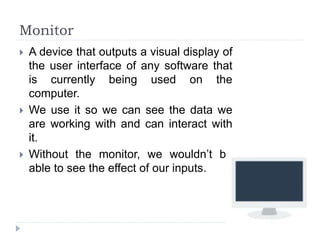
Monitor
 A device that outputs a visual display of
the user interface of any software that
is currently being used on the
computer.
 We use it so we can see the data we
are working with and can interact with
it.
 Without the monitor, we wouldn’t be
able to see the effect of our inputs.
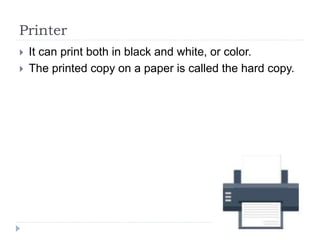
Printer
 It can print both in black and white, or color.
 The printed copy on a paper is called the hard copy.
Plotter
 Plotter is an output device much like a printer.
 Instead of toner, plotters use a pen, pencil, marker,
or another writing tool to draw multiple continuous
lines onto paper.
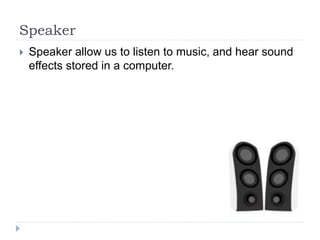
Speaker
 Speaker allow us to listen to music, and hear sound
effects stored in a computer.
Headphones
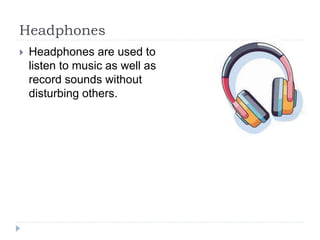
 Headphones are used to
listen to music as well as
record sounds without
disturbing others.
Projector
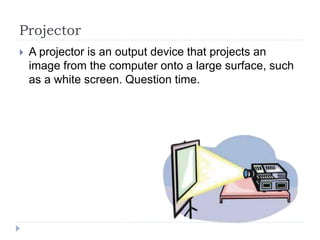
 A projector is an output device that projects an
image from the computer onto a large surface, such
as a white screen. Question time.
Actuator
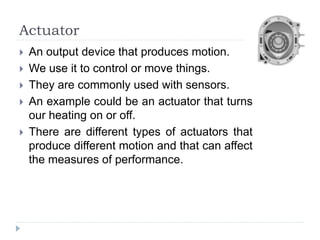
 An output device that produces motion.
 We use it to control or move things.
 They are commonly used with sensors.
 An example could be an actuator that turns
our heating on or off.
 There are different types of actuators that
produce different motion and that can affect
the measures of performance.

Topic 3 -Input output devices in computer.pptx

  • 1.
    I/O Devices Input andOutput Devices
  • 2.
    Input Device  Aninput device is any piece of hardware that allows us to send data or information to a central processing unit of a computer.  Input devices helps human to either interact with or control the computer.  So if you type a message on a keyboard or touch a screen to make something happen you're using an input device.
  • 3.
    Keyboard  The keyboardhas 104 keys.  They are alphabet keys, number keys, function keys, arrow keys, enter key, etc.  By pressing the relevant keys, a user can enter data and instructions to the computer.
  • 4.
    Mouse  A mouseinteracts with a computer through a process known as point and click.  When a user moves the mouse, the pointer moves in a corresponding direction on the computer's monitor screen.  A mouse can be wired or wireless. Scanner A scanner is an input device that is used to transfer images or text from books or paper into a computer.
  • 5.
    Scanner  A scanneris an input device that is used to transfer images or text from books or paper into a computer.
  • 6.
    Joystick  A joystickis an input device often used to control video games.  A joystick consists of a handle that pivots on a base and sends its angle or direction to the computer as data.
  • 7.
    Microphone  A microphoneis used to record our voice and different sounds into a computer.  It also helps us to chat with our friends through internet.
  • 8.
    Light pen  Lightpen allows the user to point to displayed objects on the computer screen.  It is used to write or draw on the computer screen.
  • 9.
    Webcam  Webcam isan input device connected to the computer and can capture photographs and videos.  Webcams are more often used to live stream videos or perform video chats.
  • 10.
    Sensor  An inputdevice that takes readings from the environment such as temperature, light and motion. Obviously, each type of sensor works in a completely different way.  An example of where this could be used is a thermostat that detects temperature and turns your heating on or off.
  • 11.
    Output Device  Anoutput device on the other hand is any piece of hardware that allows a computer to communicate information to us.  An output device receives data or information from the central processing unit.  Using the output devices, a computer can interact with the human.  For example displaying a message on a screen, playing sound via a speaker or headphones or printing a document.
  • 12.
    Monitor  A devicethat outputs a visual display of the user interface of any software that is currently being used on the computer.  We use it so we can see the data we are working with and can interact with it.  Without the monitor, we wouldn’t be able to see the effect of our inputs.
  • 13.
    Printer  It canprint both in black and white, or color.  The printed copy on a paper is called the hard copy.
  • 14.
    Plotter  Plotter isan output device much like a printer.  Instead of toner, plotters use a pen, pencil, marker, or another writing tool to draw multiple continuous lines onto paper.
  • 15.
    Speaker  Speaker allowus to listen to music, and hear sound effects stored in a computer.
  • 16.
    Headphones  Headphones areused to listen to music as well as record sounds without disturbing others.
  • 17.
    Projector  A projectoris an output device that projects an image from the computer onto a large surface, such as a white screen. Question time.
  • 18.
    Actuator  An outputdevice that produces motion.  We use it to control or move things.  They are commonly used with sensors.  An example could be an actuator that turns our heating on or off.  There are different types of actuators that produce different motion and that can affect the measures of performance.

Editor's Notes