Input devices Chapter 3 The ‘Ins’ and ‘Outs’ of systems
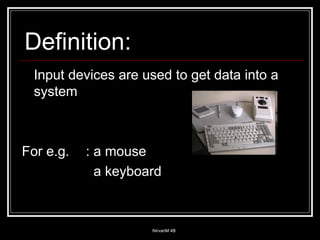
Input devices are used to get data into a system For e.g.  : a mouse   a keyboard Definition:
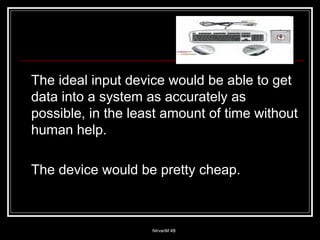
The ideal input device would be able to get data into a system as accurately as possible, in the least amount of time without human help. The device would be pretty cheap.
The is no such input device and the choice is always the same.
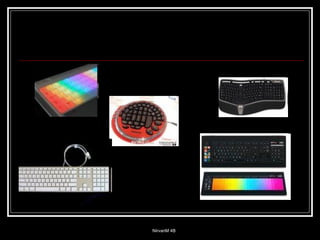
Keyboards There are different types of keyboards For e.g. : - ergonomics (concept  keyboards) - normal keyboard (everyday  use) - Braille keyboard for the  disabled - large key color coded, for   visually impaired
 
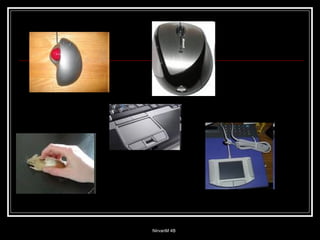
Mouse Mouse is used to control the cursor that activates programs in the operating system. Types of mouse: - tracker ball   - optical   - synoptic touchpad laptop
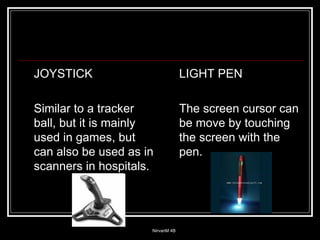
JOYSTICK Similar to a tracker ball, but it is mainly used in games, but can also be used as in scanners in hospitals. LIGHT PEN The screen cursor can be move by touching the screen with the pen.
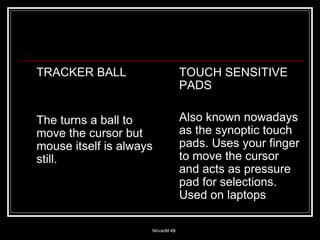
TRACKER BALL The turns a ball to move the cursor but mouse itself is always still. TOUCH SENSITIVE PADS Also known nowadays as the synoptic touch pads. Uses your finger to move the cursor and acts as pressure pad for selections. Used on laptops
 
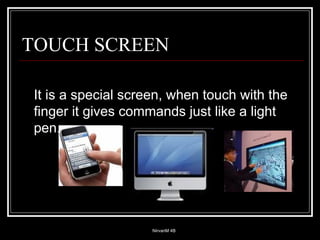
It is a special screen, when touch with the finger it gives commands just like a light pen. TOUCH SCREEN
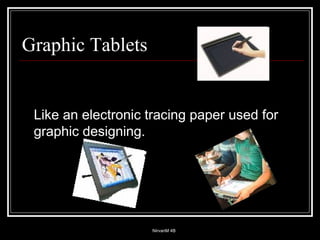
Graphic Tablets  Like an electronic tracing paper used for graphic designing.
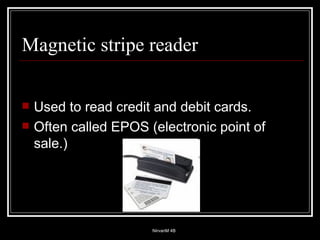
Magnetic stripe reader Used to read credit and debit cards. Often called EPOS (electronic point of sale.)
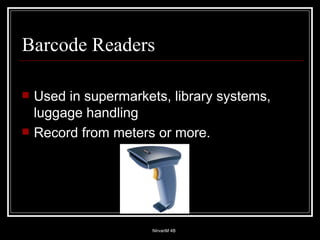
Barcode Readers Used in supermarkets, library systems, luggage handling Record from meters or more.
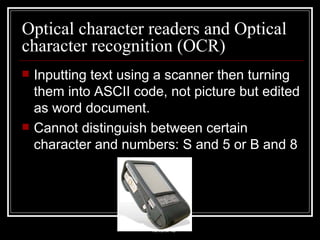
Optical character readers and Optical character recognition (OCR) Inputting text using a scanner then turning them into ASCII code, not picture but edited as word document. Cannot distinguish between certain character and numbers: S and 5 or B and 8
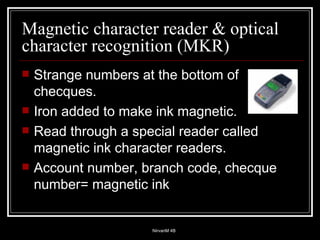
Magnetic character reader & optical character recognition (MKR) Strange numbers at the bottom of checques. Iron added to make ink magnetic. Read through a special reader called magnetic ink character readers. Account number, branch code, checque number= magnetic ink
Optical mark readers and optical mark recognition [OMR] Sense marks made on certain places on special sheet. Answer sheet marking, capturing data from questionnaires MCD’s
Optical mark readers and optical mark recognition [OMR] ADVANTAGE Does not have to be types in Reduce cost of inputting Results of tests are needed very fast. DISADVANTAGE Public don’t follow instruction Creased or folded forms have to be done manually, machines rejects it.
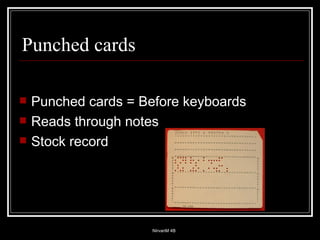
Punched cards Punched cards = Before keyboards Reads through notes Stock record
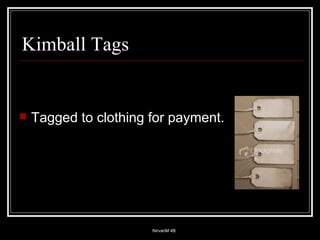
Kimball Tags Tagged to clothing for payment.
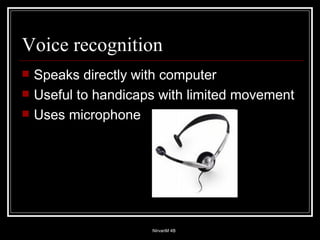
Voice recognition Speaks directly with computer Useful to handicaps with limited movement Uses microphone
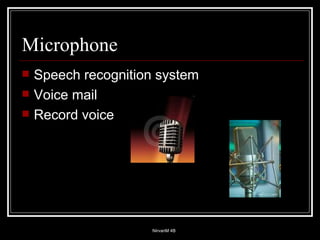
Microphone Speech recognition system Voice mail Record voice
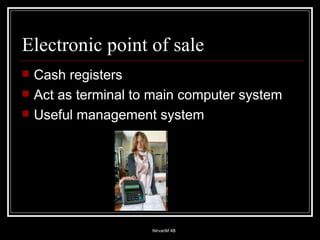
Electronic point of sale Cash registers Act as terminal to main computer system Useful management system
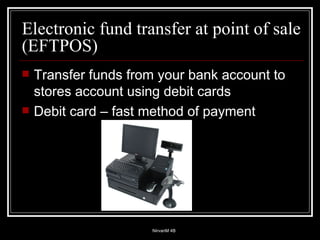
Electronic fund transfer at point of sale (EFTPOS) Transfer funds from your bank account to stores account using debit cards Debit card – fast method of payment
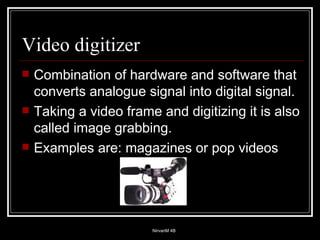
Video digitizer Combination of hardware and software that converts analogue signal into digital signal. Taking a video frame and digitizing it is also called image grabbing. Examples are: magazines or pop videos
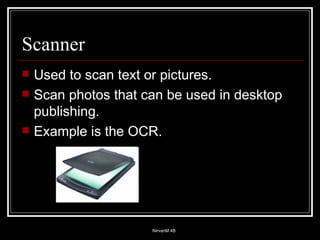
Scanner Used to scan text or pictures. Scan photos that can be used in desktop publishing. Example is the OCR.
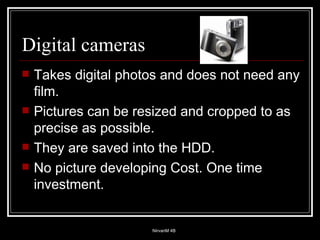
Digital cameras Takes digital photos and does not need any film. Pictures can be resized and cropped to as precise as possible. They are saved into the HDD.  No picture developing Cost. One time investment.
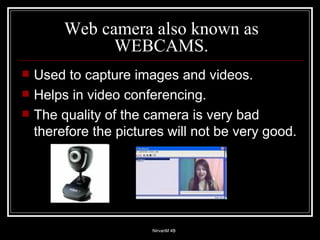
Web camera also known as WEBCAMS. Used to capture images and videos.  Helps in video conferencing. The quality of the camera is very bad therefore the pictures will not be very good.
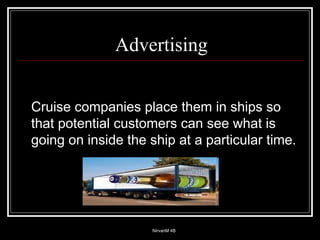
Advertising Cruise companies place them in ships so that potential customers can see what is going on inside the ship at a particular time.
Checking the weather in another part of the world. You can see how the weather is in another part of the world through a webcam by just watching the pictures broadcasted by another web cam somewhere else.
Touch tone telephones. They  have a different number for each number pressed. Can be used as data entry device. Once connected the customer can use its services, such as statement requests.

Input Devices

  • 1.
    Input devices Chapter3 The ‘Ins’ and ‘Outs’ of systems
  • 2.
    Input devices areused to get data into a system For e.g. : a mouse a keyboard Definition:
  • 3.
    The ideal inputdevice would be able to get data into a system as accurately as possible, in the least amount of time without human help. The device would be pretty cheap.
  • 4.
    The is nosuch input device and the choice is always the same.
  • 5.
    Keyboards There aredifferent types of keyboards For e.g. : - ergonomics (concept keyboards) - normal keyboard (everyday use) - Braille keyboard for the disabled - large key color coded, for visually impaired
  • 6.
  • 7.
    Mouse Mouse isused to control the cursor that activates programs in the operating system. Types of mouse: - tracker ball - optical - synoptic touchpad laptop
  • 8.
    JOYSTICK Similar toa tracker ball, but it is mainly used in games, but can also be used as in scanners in hospitals. LIGHT PEN The screen cursor can be move by touching the screen with the pen.
  • 9.
    TRACKER BALL Theturns a ball to move the cursor but mouse itself is always still. TOUCH SENSITIVE PADS Also known nowadays as the synoptic touch pads. Uses your finger to move the cursor and acts as pressure pad for selections. Used on laptops
  • 10.
  • 11.
    It is aspecial screen, when touch with the finger it gives commands just like a light pen. TOUCH SCREEN
  • 12.
    Graphic Tablets Like an electronic tracing paper used for graphic designing.
  • 13.
    Magnetic stripe readerUsed to read credit and debit cards. Often called EPOS (electronic point of sale.)
  • 14.
    Barcode Readers Usedin supermarkets, library systems, luggage handling Record from meters or more.
  • 15.
    Optical character readersand Optical character recognition (OCR) Inputting text using a scanner then turning them into ASCII code, not picture but edited as word document. Cannot distinguish between certain character and numbers: S and 5 or B and 8
  • 16.
    Magnetic character reader& optical character recognition (MKR) Strange numbers at the bottom of checques. Iron added to make ink magnetic. Read through a special reader called magnetic ink character readers. Account number, branch code, checque number= magnetic ink
  • 17.
    Optical mark readersand optical mark recognition [OMR] Sense marks made on certain places on special sheet. Answer sheet marking, capturing data from questionnaires MCD’s
  • 18.
    Optical mark readersand optical mark recognition [OMR] ADVANTAGE Does not have to be types in Reduce cost of inputting Results of tests are needed very fast. DISADVANTAGE Public don’t follow instruction Creased or folded forms have to be done manually, machines rejects it.
  • 19.
    Punched cards Punchedcards = Before keyboards Reads through notes Stock record
  • 20.
    Kimball Tags Taggedto clothing for payment.
  • 21.
    Voice recognition Speaksdirectly with computer Useful to handicaps with limited movement Uses microphone
  • 22.
    Microphone Speech recognitionsystem Voice mail Record voice
  • 23.
    Electronic point ofsale Cash registers Act as terminal to main computer system Useful management system
  • 24.
    Electronic fund transferat point of sale (EFTPOS) Transfer funds from your bank account to stores account using debit cards Debit card – fast method of payment
  • 25.
    Video digitizer Combinationof hardware and software that converts analogue signal into digital signal. Taking a video frame and digitizing it is also called image grabbing. Examples are: magazines or pop videos
  • 26.
    Scanner Used toscan text or pictures. Scan photos that can be used in desktop publishing. Example is the OCR.
  • 27.
    Digital cameras Takesdigital photos and does not need any film. Pictures can be resized and cropped to as precise as possible. They are saved into the HDD. No picture developing Cost. One time investment.
  • 28.
    Web camera alsoknown as WEBCAMS. Used to capture images and videos. Helps in video conferencing. The quality of the camera is very bad therefore the pictures will not be very good.
  • 29.
    Advertising Cruise companiesplace them in ships so that potential customers can see what is going on inside the ship at a particular time.
  • 30.
    Checking the weatherin another part of the world. You can see how the weather is in another part of the world through a webcam by just watching the pictures broadcasted by another web cam somewhere else.
  • 31.
    Touch tone telephones.They have a different number for each number pressed. Can be used as data entry device. Once connected the customer can use its services, such as statement requests.