Input and Output devices
By- Komalpreet Kaur Goli
Grade- 9E
Roll No.- 22
A device that can be
used to insert data
into a computer or the
computational device
What is an input
device?
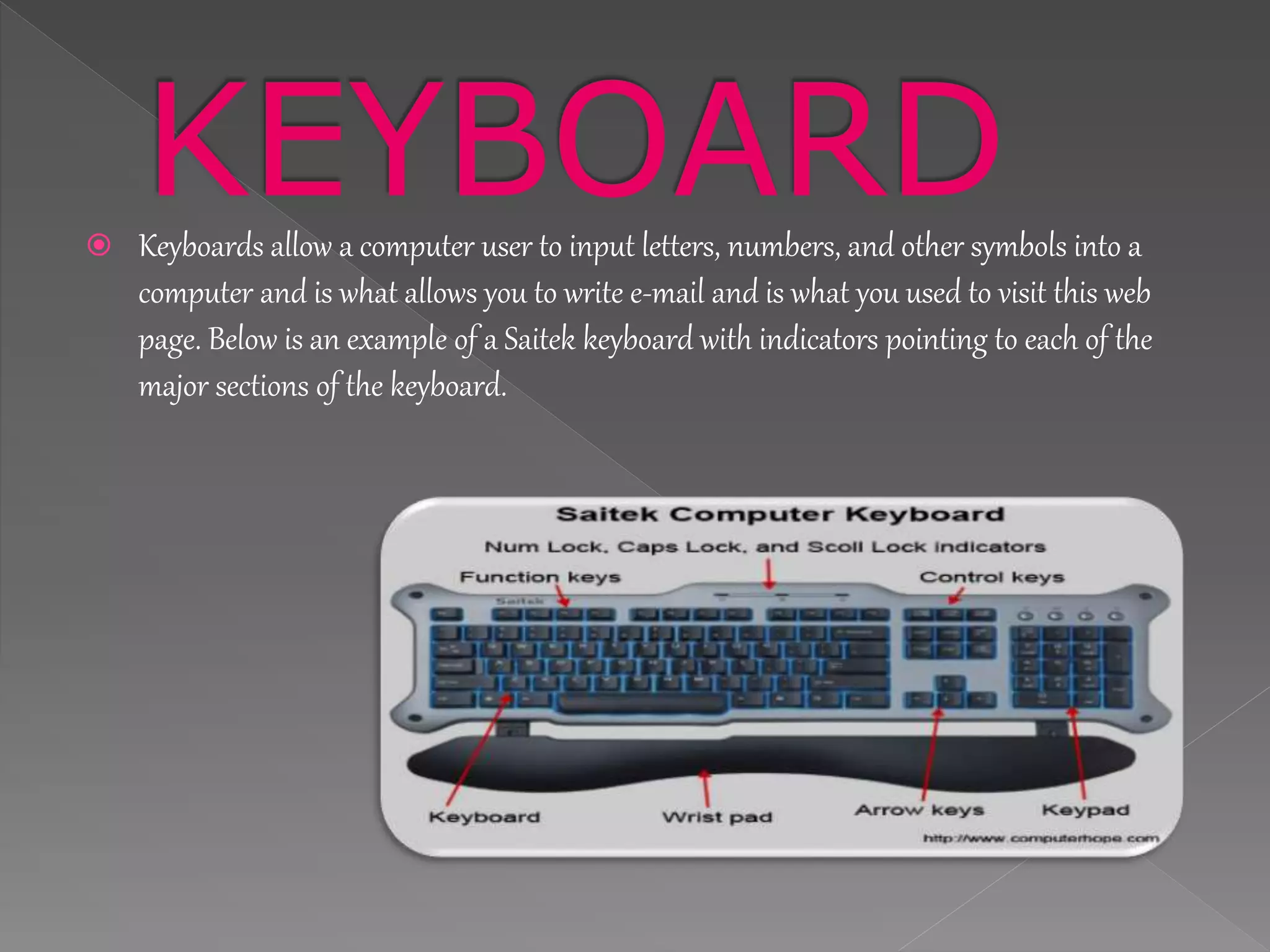
ļ‚ž Keyboards allow a computer user to input letters, numbers, and other symbols into a
computer and is what allows you to write e-mail and is what you used to visit this web
page. Below is an example of a Saitek keyboard with indicators pointing to each of the
major sections of the keyboard.
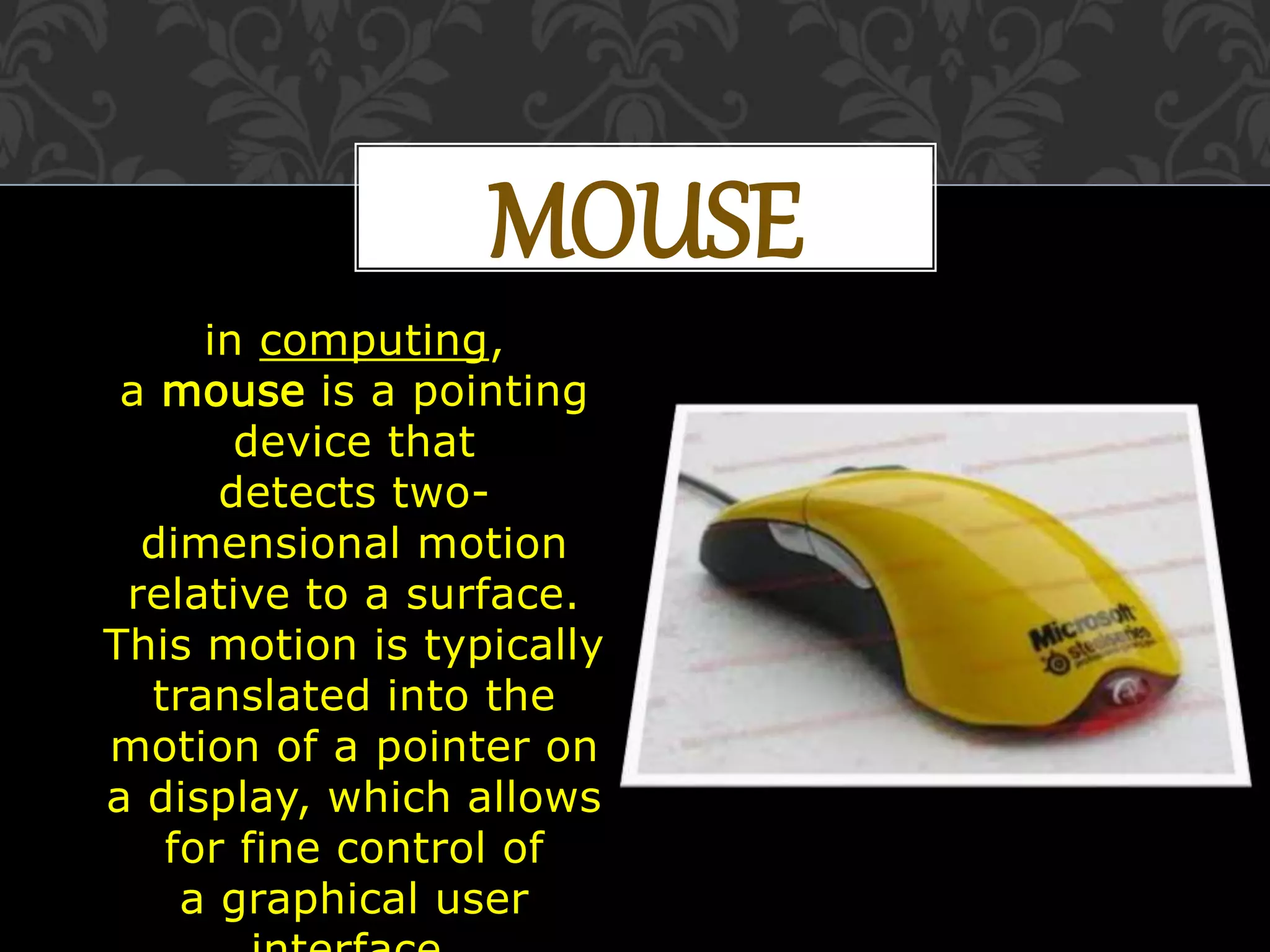
MOUSE
in computing,
a mouse is a pointing
device that
detects two-
dimensional motion
relative to a surface.
This motion is typically
translated into the
motion of a pointer on
a display, which allows
for fine control of
a graphical user
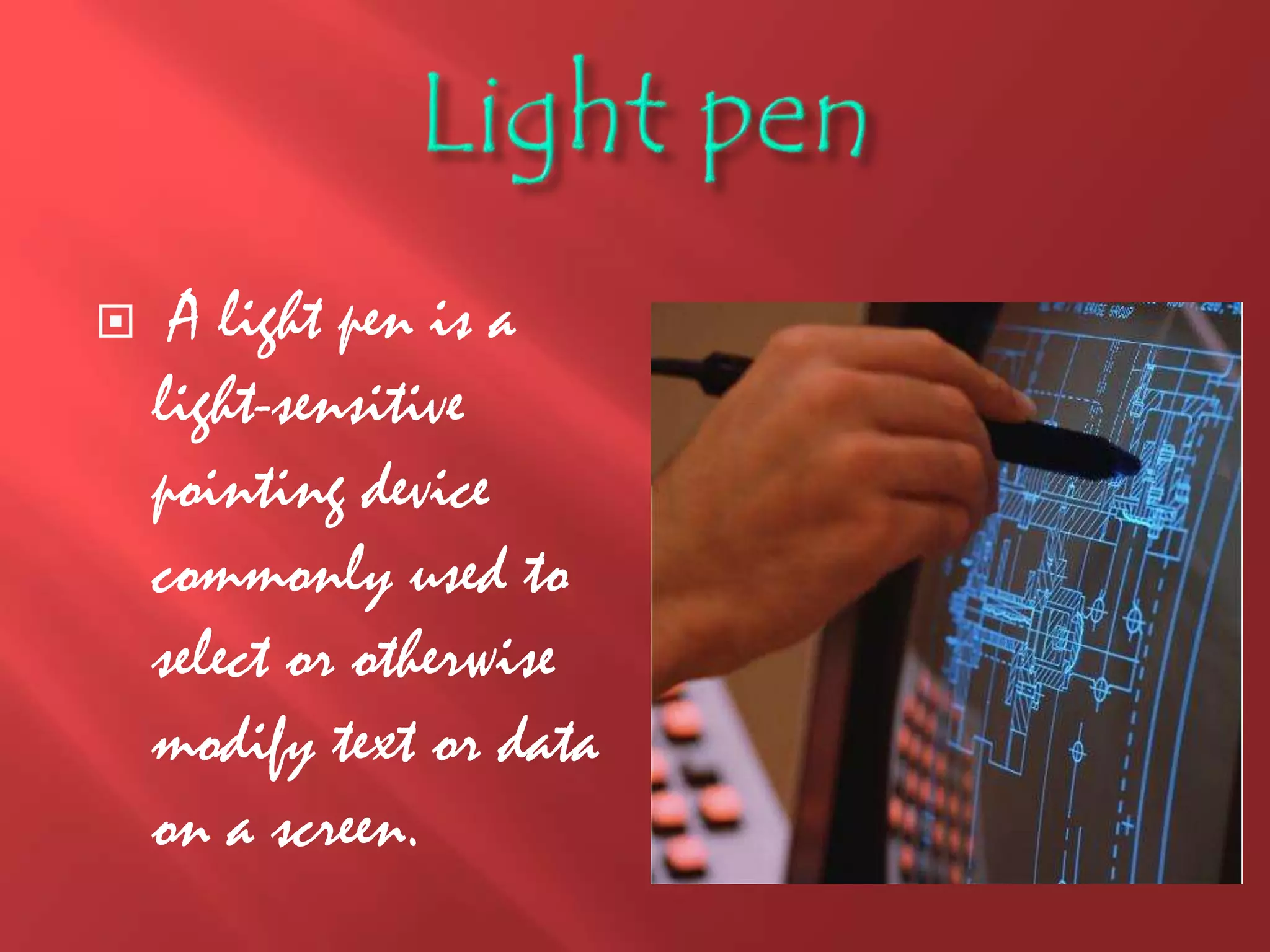
 A light pen is a
light-sensitive
pointing device
commonly used to
select or otherwise
modify text or data
on a screen.
*Joystick
* A joystick
allows an
individual to
move an object in
a game such as
navigating a
plane in a flight
stimulator.
SCANNER
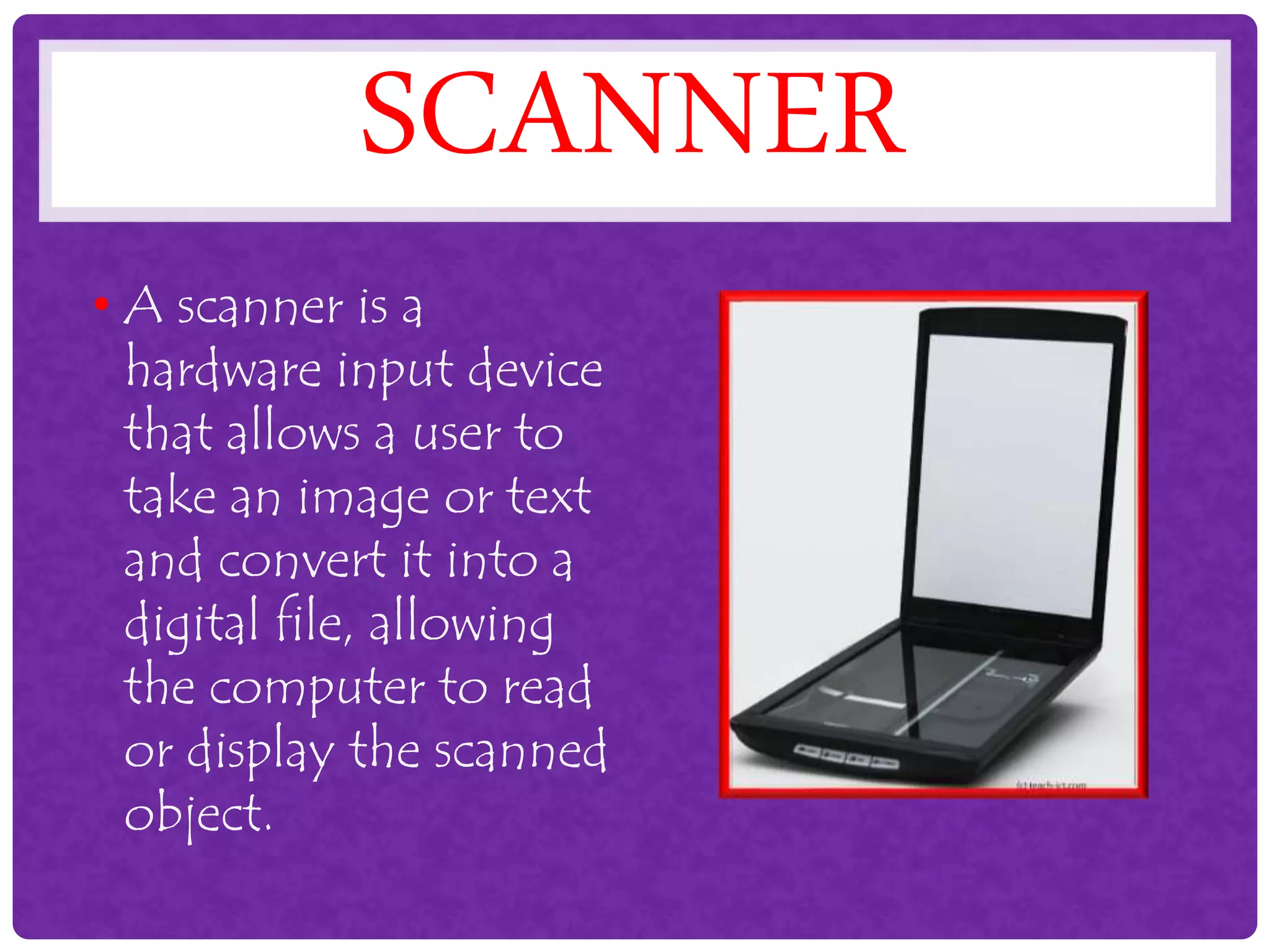
• A scanner is a
hardware input device
that allows a user to
take an image or text
and convert it into a
digital file, allowing
the computer to read
or display the scanned
object.
Microphone
ļ‚› Sometimes
abbreviated as mic,
a microphone is a
hardware
peripheral that
allows computer
users to input
audio into their
computers. Most
microphones
connect to the
computer using the
"mic" port on the
computer sound
MAGNETIC CARD READER
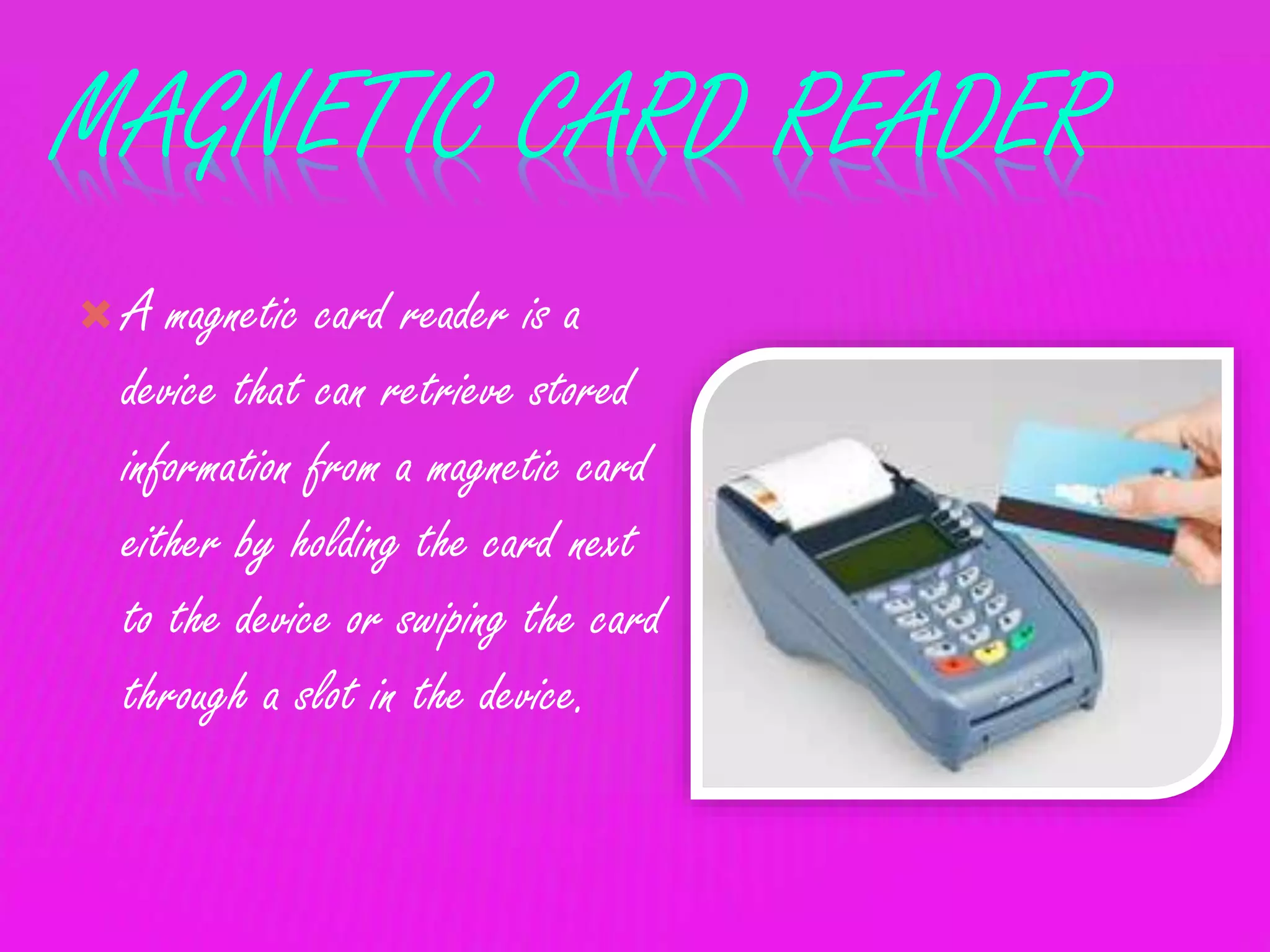
ļƒ’ A magnetic card reader is a
device that can retrieve stored
information from a magnetic card
either by holding the card next
to the device or swiping the card
through a slot in the device.
Output Devices
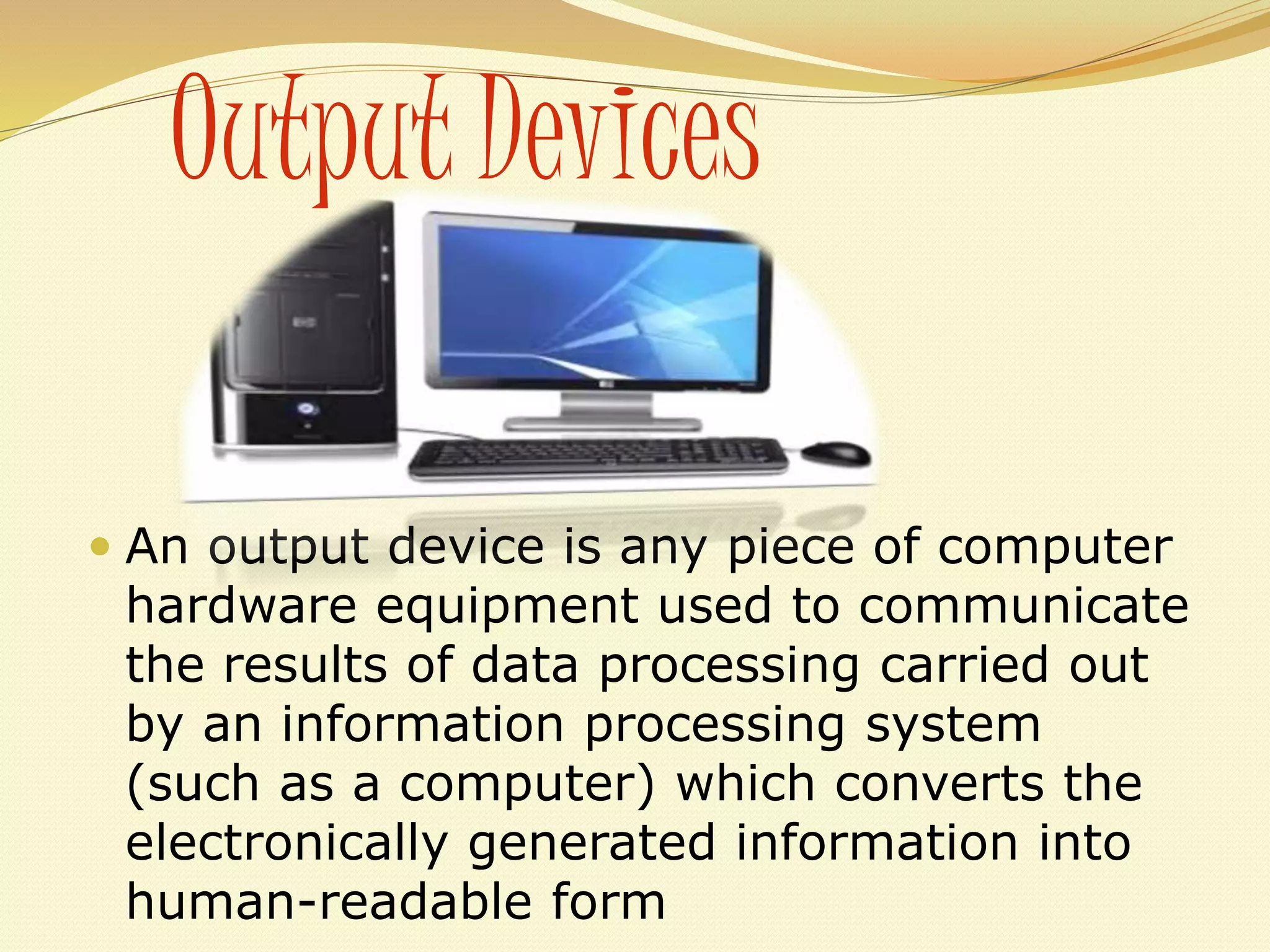
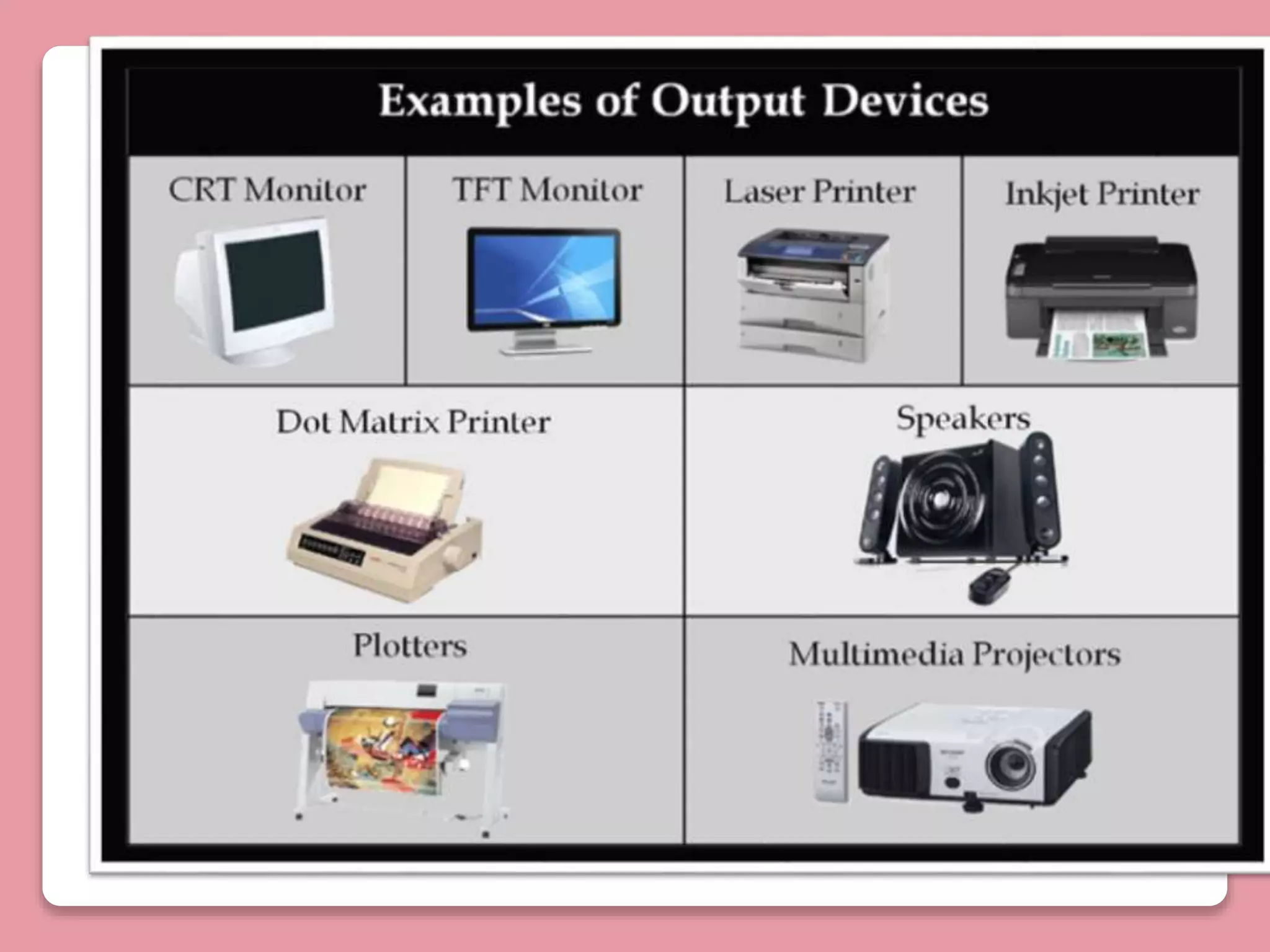
ļ‚— An output device is any piece of computer
hardware equipment used to communicate
the results of data processing carried out
by an information processing system
(such as a computer) which converts the
electronically generated information into
human-readable form
Monitor
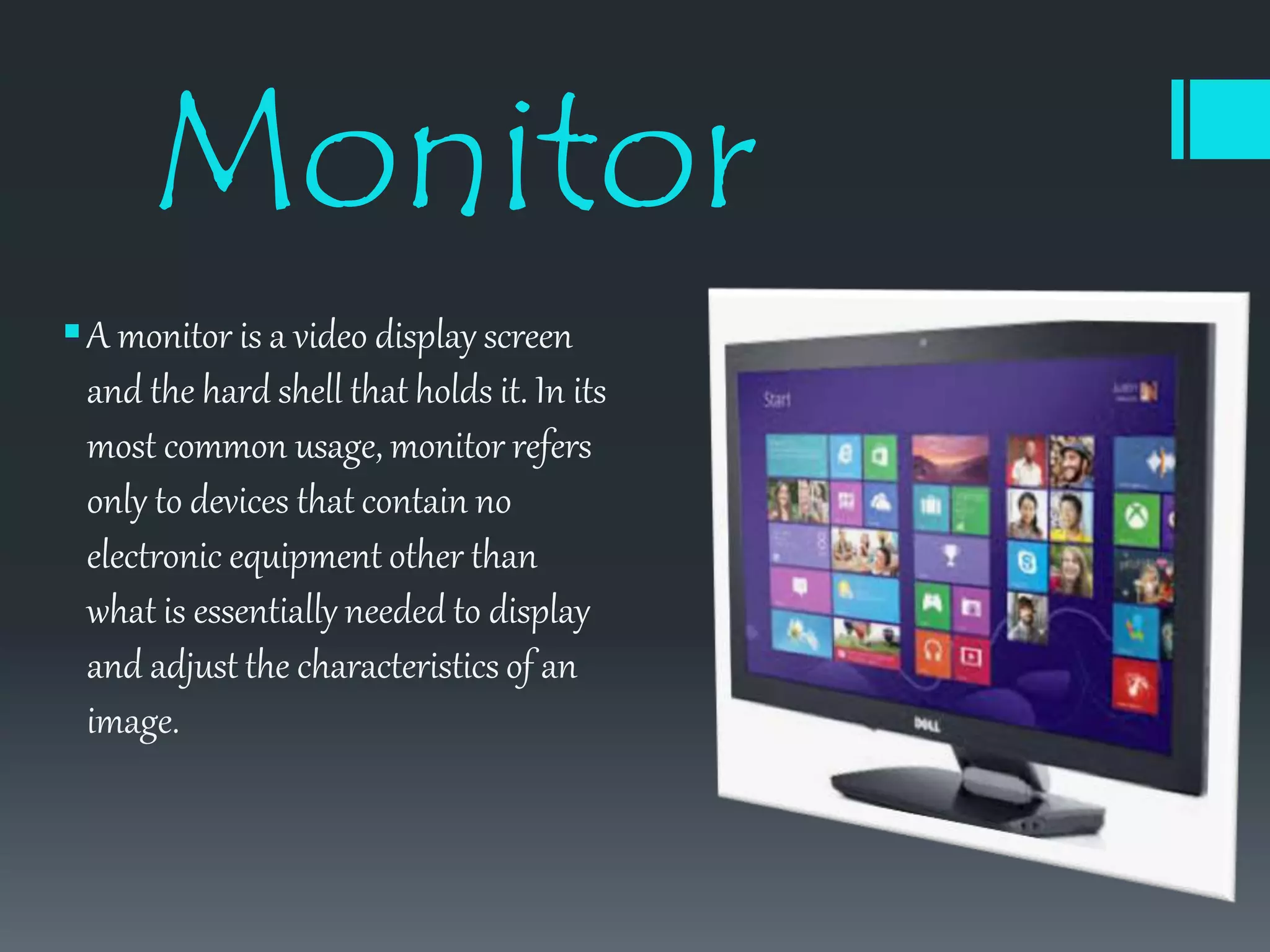
ļ‚§A monitor is a video display screen
and the hard shell that holds it. In its
most common usage, monitor refers
only to devices that contain no
electronic equipment other than
what is essentially needed to display
and adjust the characteristics of an
image.
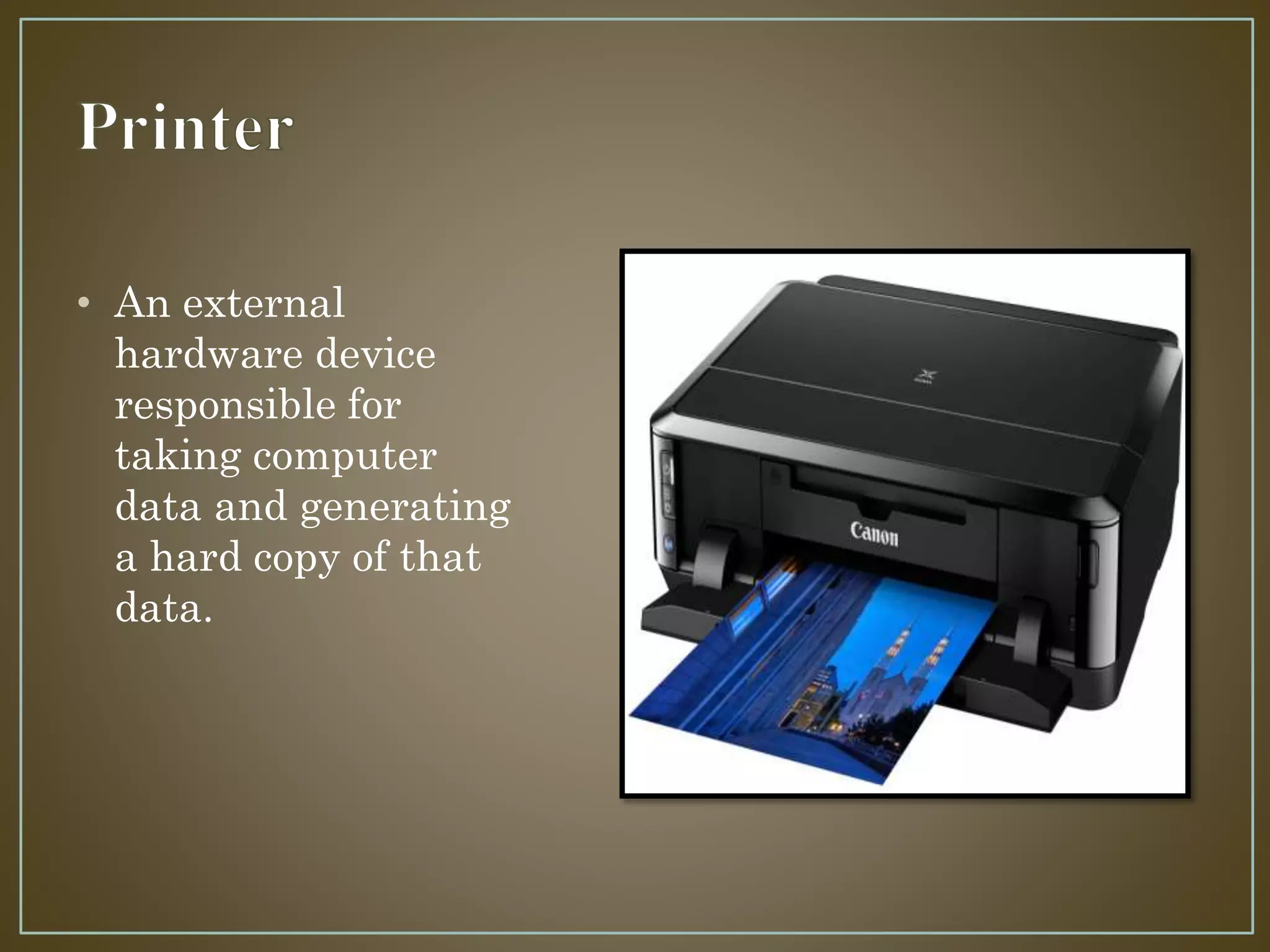
• An external
hardware device
responsible for
taking computer
data and generating
a hard copy of that
data.
Headphones
ļ‚— Headphones are a
hardware device
that either plugs
into your
computer or your
speakers and allow
you to privately
listen to audio
without disturbing
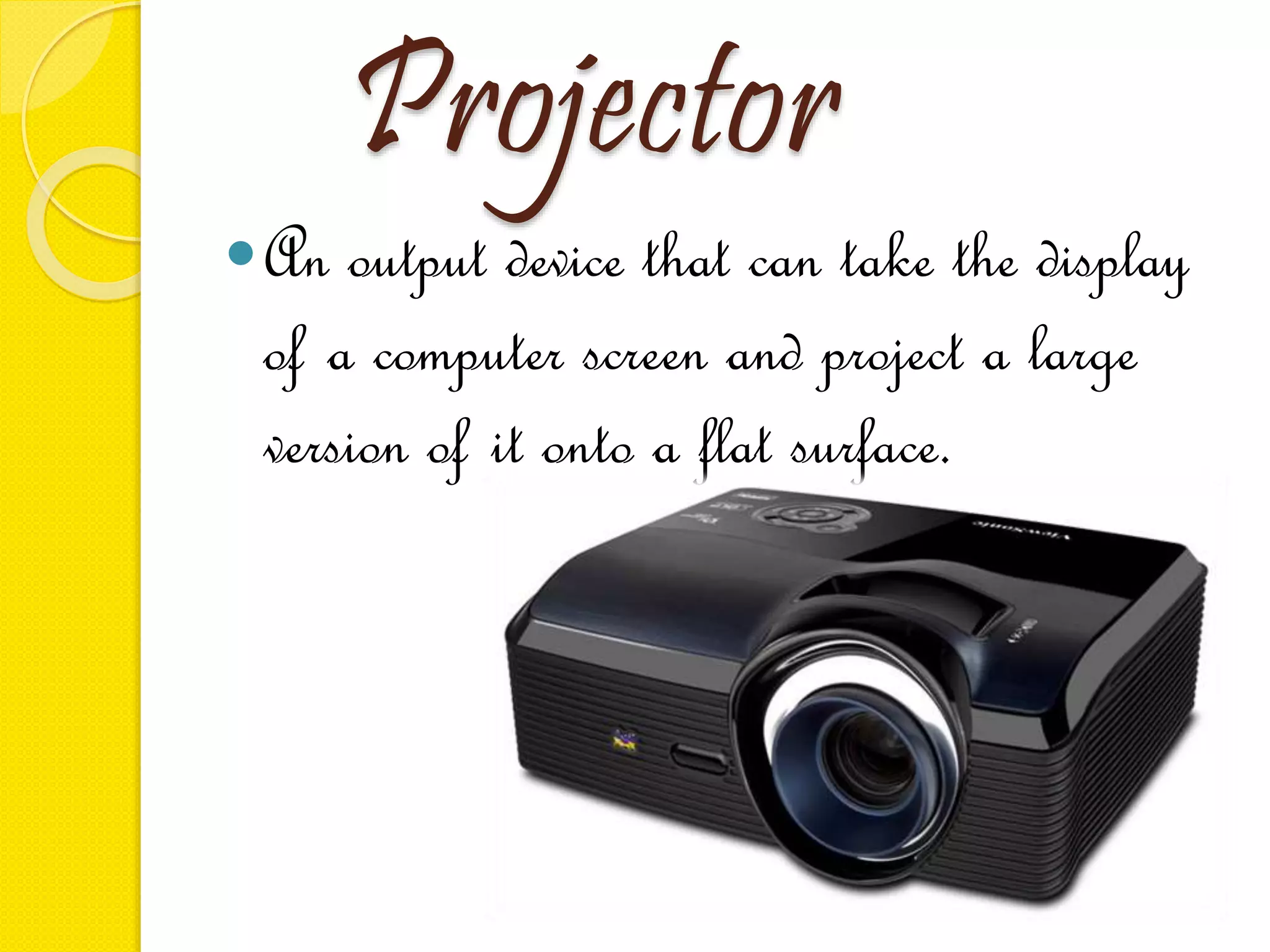
Projector
ļ‚—An output device that can take the display
of a computer screen and project a large
version of it onto a flat surface.
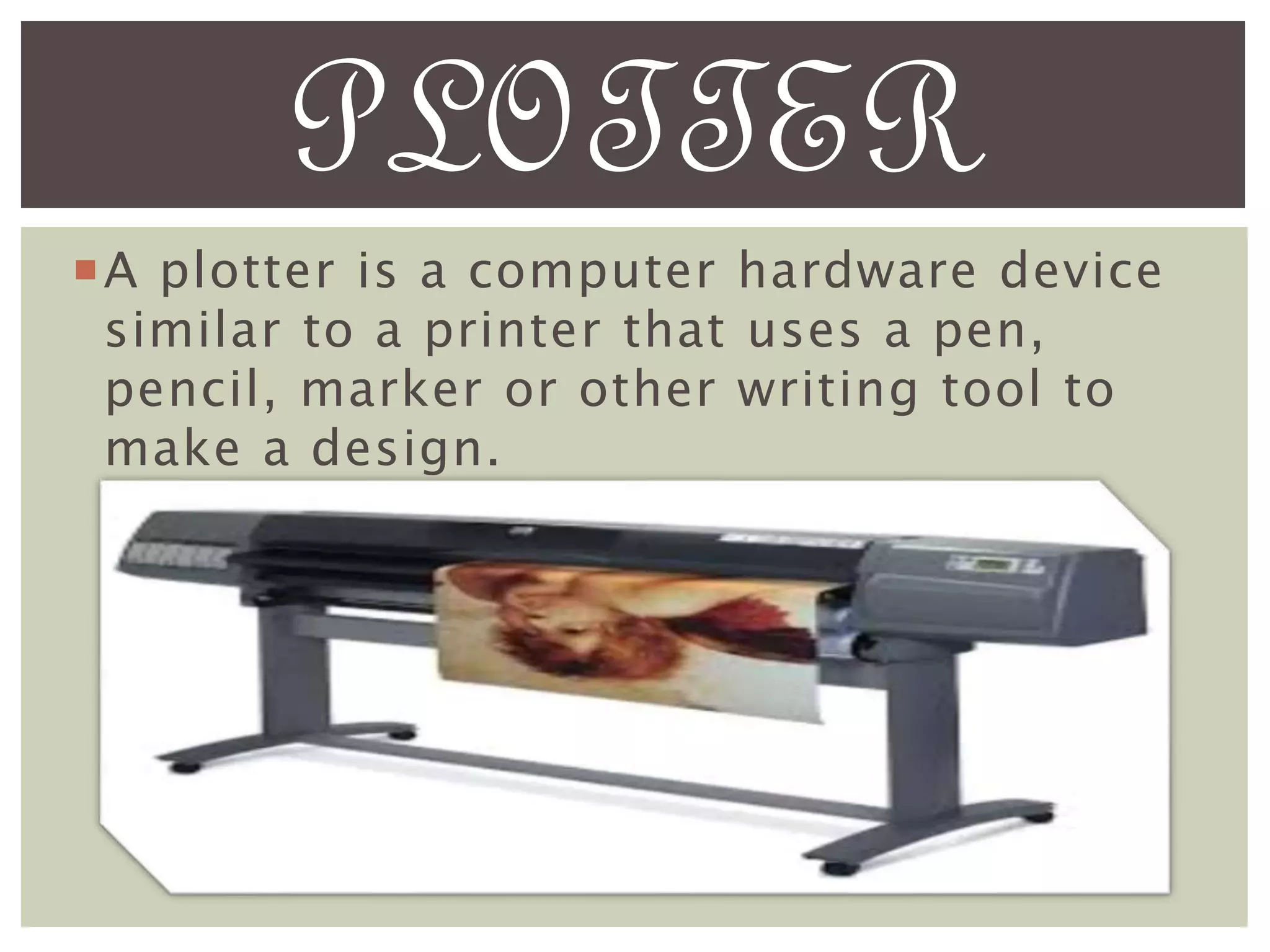
ļ‚”A plotter is a computer hardware device
similar to a printer that uses a pen,
pencil, marker or other writing tool to
make a design.
PLOTTER
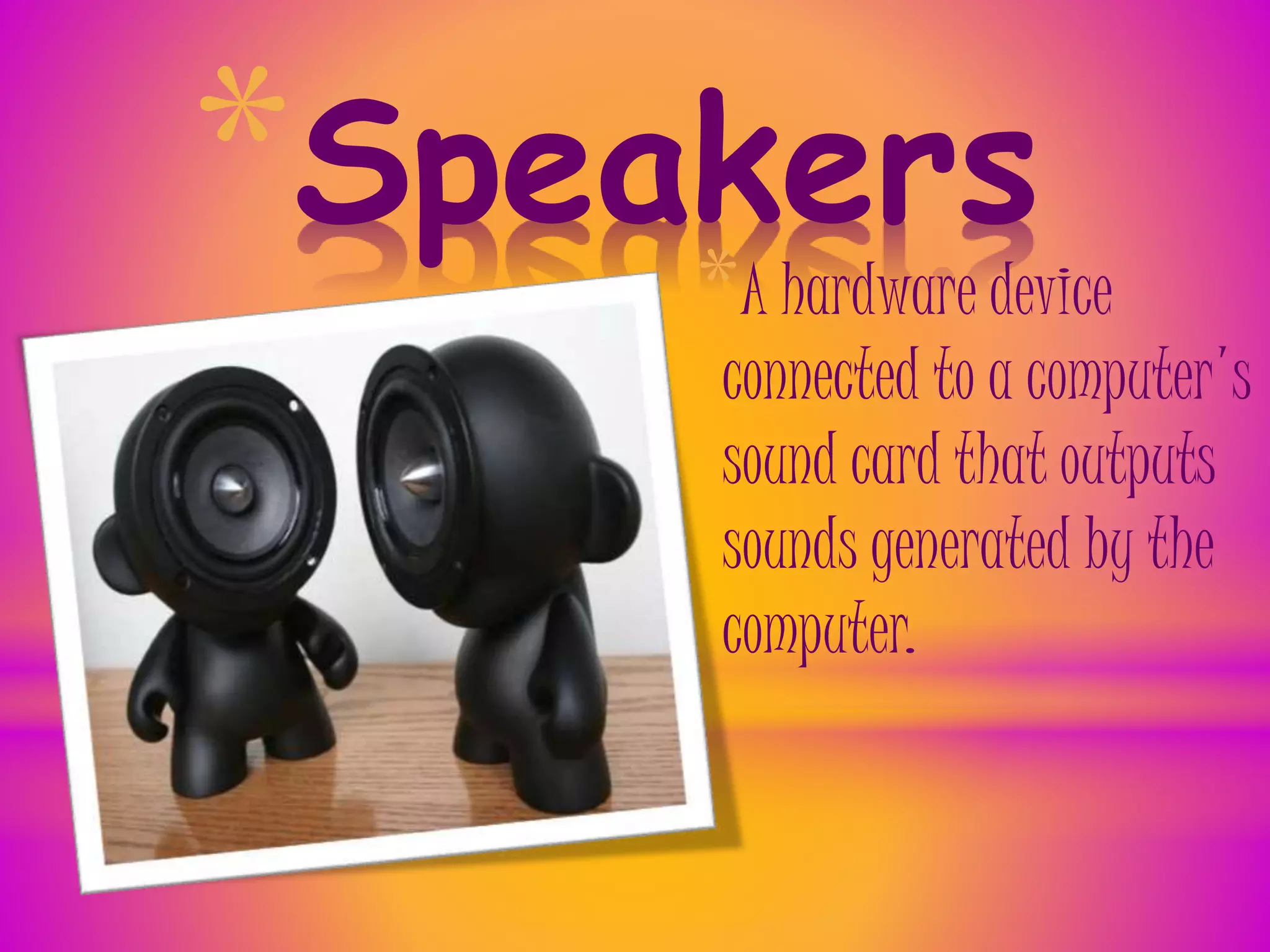
*Speakers
*A hardware device
connected to a computer's
sound card that outputs
sounds generated by the
computer.
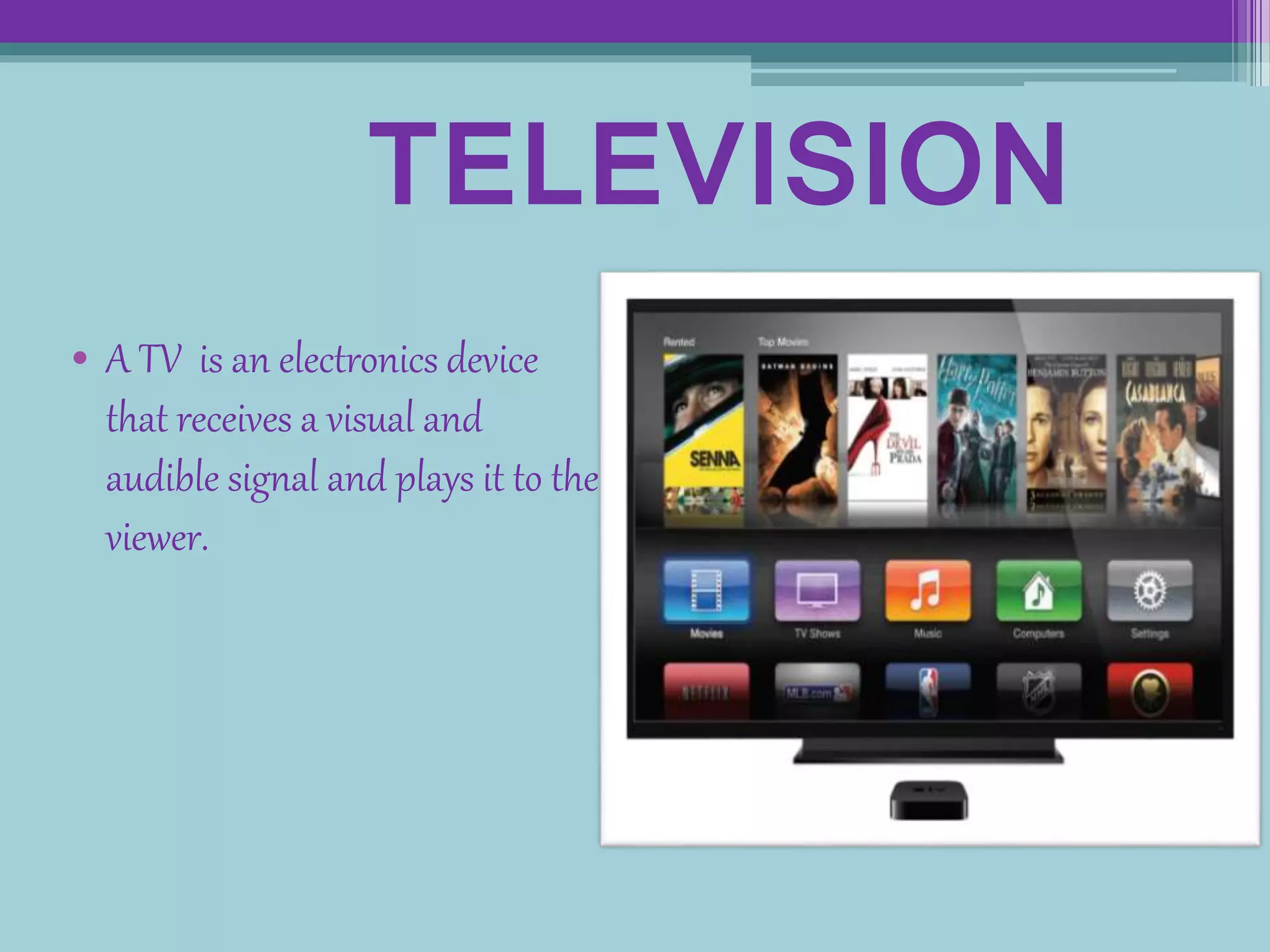
TELEVISION
• A TV is an electronics device
that receives a visual and
audible signal and plays it to the
viewer.
Input and output devices

Input and output devices

  • 1.
    Input and Outputdevices By- Komalpreet Kaur Goli Grade- 9E Roll No.- 22
  • 2.
    A device thatcan be used to insert data into a computer or the computational device What is an input device?
  • 4.
    ļ‚ž Keyboards allowa computer user to input letters, numbers, and other symbols into a computer and is what allows you to write e-mail and is what you used to visit this web page. Below is an example of a Saitek keyboard with indicators pointing to each of the major sections of the keyboard.
  • 5.
    MOUSE in computing, a mouseis a pointing device that detects two- dimensional motion relative to a surface. This motion is typically translated into the motion of a pointer on a display, which allows for fine control of a graphical user
  • 6.
     A lightpen is a light-sensitive pointing device commonly used to select or otherwise modify text or data on a screen.
  • 7.
    *Joystick * A joystick allowsan individual to move an object in a game such as navigating a plane in a flight stimulator.
  • 8.
    SCANNER • A scanneris a hardware input device that allows a user to take an image or text and convert it into a digital file, allowing the computer to read or display the scanned object.
  • 9.
    Microphone ļ‚› Sometimes abbreviated asmic, a microphone is a hardware peripheral that allows computer users to input audio into their computers. Most microphones connect to the computer using the "mic" port on the computer sound
  • 11.
    MAGNETIC CARD READER ļƒ’A magnetic card reader is a device that can retrieve stored information from a magnetic card either by holding the card next to the device or swiping the card through a slot in the device.
  • 12.
    Output Devices ļ‚— Anoutput device is any piece of computer hardware equipment used to communicate the results of data processing carried out by an information processing system (such as a computer) which converts the electronically generated information into human-readable form
  • 14.
    Monitor ļ‚§A monitor isa video display screen and the hard shell that holds it. In its most common usage, monitor refers only to devices that contain no electronic equipment other than what is essentially needed to display and adjust the characteristics of an image.
  • 15.
    • An external hardwaredevice responsible for taking computer data and generating a hard copy of that data.
  • 16.
    Headphones ļ‚— Headphones area hardware device that either plugs into your computer or your speakers and allow you to privately listen to audio without disturbing
  • 17.
    Projector ļ‚—An output devicethat can take the display of a computer screen and project a large version of it onto a flat surface.
  • 18.
    ļ‚”A plotter isa computer hardware device similar to a printer that uses a pen, pencil, marker or other writing tool to make a design. PLOTTER
  • 19.
    *Speakers *A hardware device connectedto a computer's sound card that outputs sounds generated by the computer.
  • 20.
    TELEVISION • A TVis an electronics device that receives a visual and audible signal and plays it to the viewer.