Here are the key steps to convert a color image to a binary image in LabVIEW:
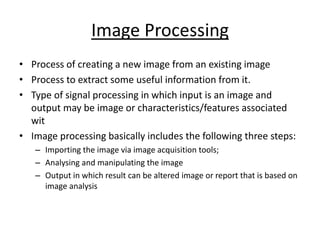
1. Read in the color image using the Read PNG or Read JPEG VI. This will return an image structure.
2. Use the Color To Gray VI to convert the color image to grayscale. This removes the color information and leaves only the luminance.
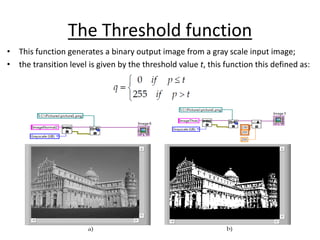
3. Apply a threshold to convert the grayscale image to binary. Use the Threshold VI and choose an appropriate threshold value (usually 128 for 8-bit images).
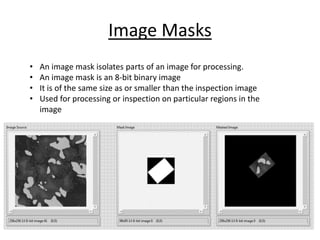
4. The output of the Threshold VI will be a binary image, where pixels above the threshold are white (255) and pixels below are black (0).
5. You can now process the binary