Downloaded 55 times
![Thank you for listening! Phil Bradley http://www.philb.com [email_address] http://www.philbradley.typepad.com/ http://philbradley.typepad.com/i_want_to/](https://image.slidesharecdn.com/ilg1-3314/85/ILG1-41-320.jpg)

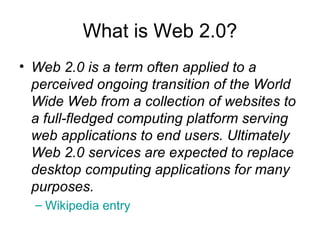
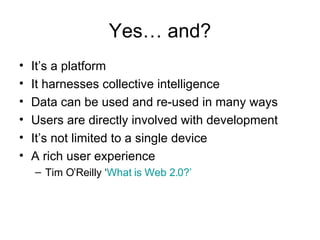
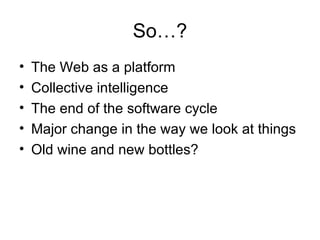
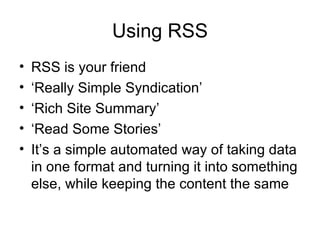
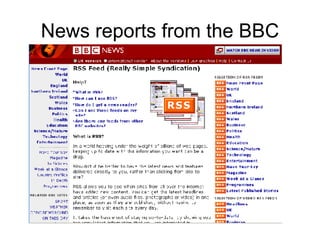
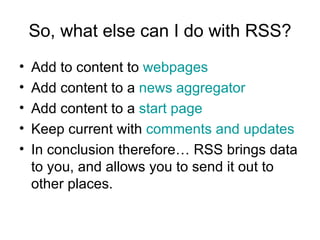
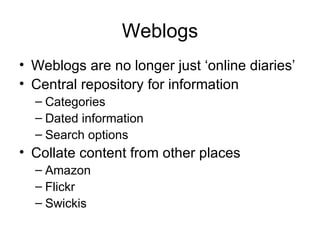
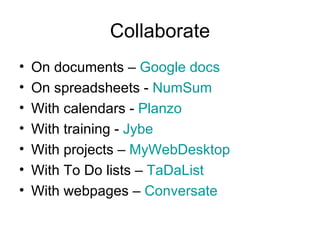
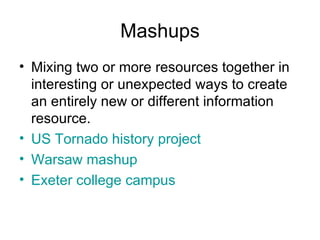
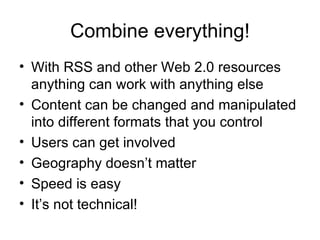
Web 2.0 refers to a transition of the World Wide Web from static websites to a computing platform serving dynamic web applications. Key characteristics include harnessing collective intelligence through user participation, and reusing and sharing data. RSS allows data to be syndicated and shared across websites and applications. Web 2.0 tools like blogs, wikis, social bookmarking, and mashups enable collaboration and sharing of information. Libraries can use these tools to engage users as partners and facilitate access to dynamic and shared information resources.


