



ICT and digitalization
in teaching and learning
信息通信技术和数字化教学与学习
New Teachers Pre-Service Training
新教师入职培训
Chongqing University of Sciences and Technology
Chongqing, China 26. July 2017
重庆科技学院
中国, 2017 年 7 月 26 日
Matleena Laakso
TAMK – Tampere University of Applied Sciences
坦佩雷应用科学大学
Li Zhang
TAMK & Bright Sky Consulting
坦佩雷应用科学大学, Bright Sky 教育咨询
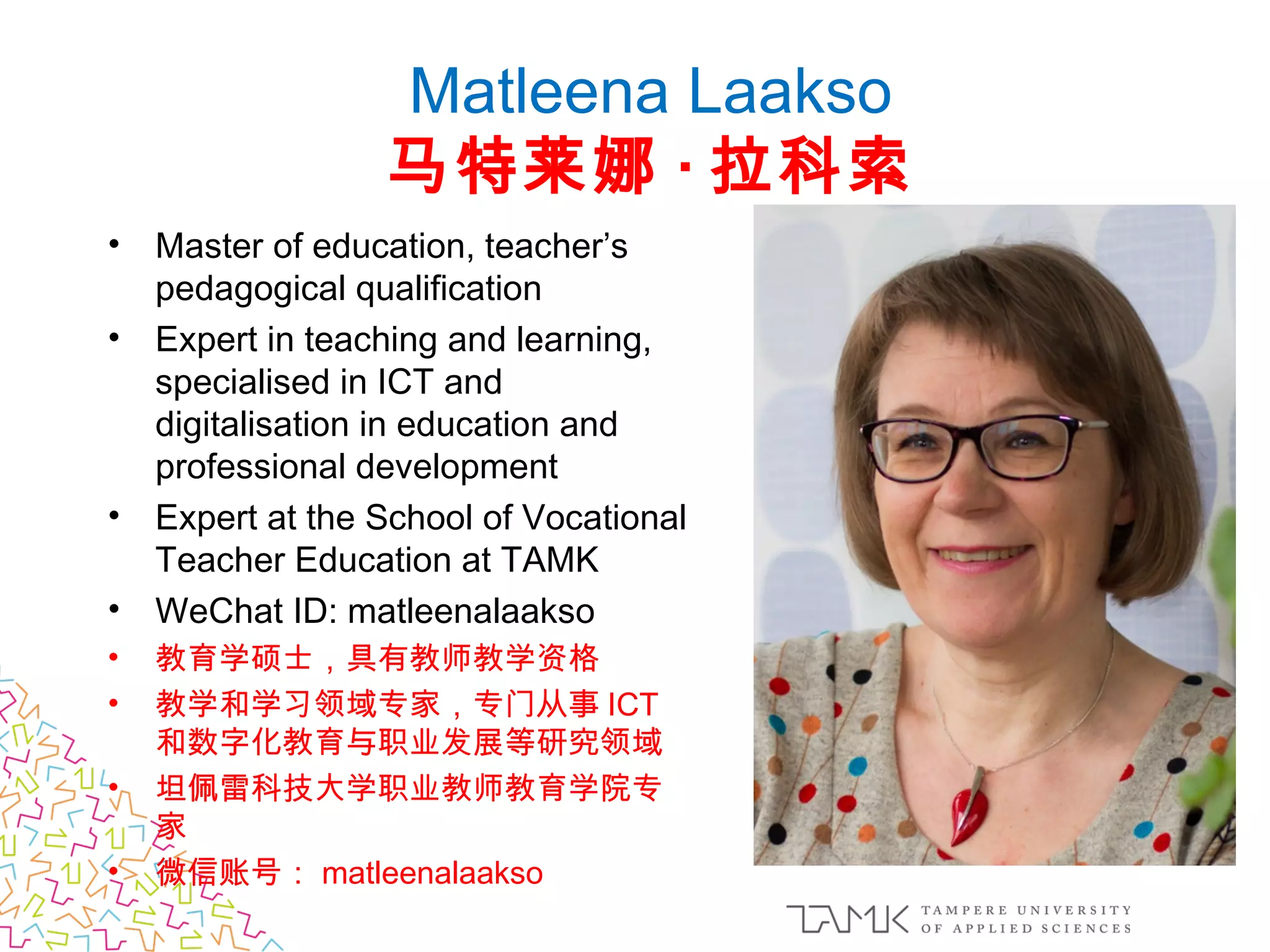
Matleena Laakso
马特莱娜 · 拉科索
• Master of education, teacher’s
pedagogical qualification
• Expert in teaching and learning,
specialised in ICT and
digitalisation in education and
professional development 
• Expert at the School of Vocational
Teacher Education at TAMK
• WeChat ID: matleenalaakso
• 教育学硕士,具有教师教学资格
• 教学和学习领域专家,专门从事 ICT
和数字化教育与职业发展等研究领域
• 坦佩雷科技大学职业教师教育学院专
家
• 微信账号: matleenalaakso
信息通信技术和数字化教学与学
习
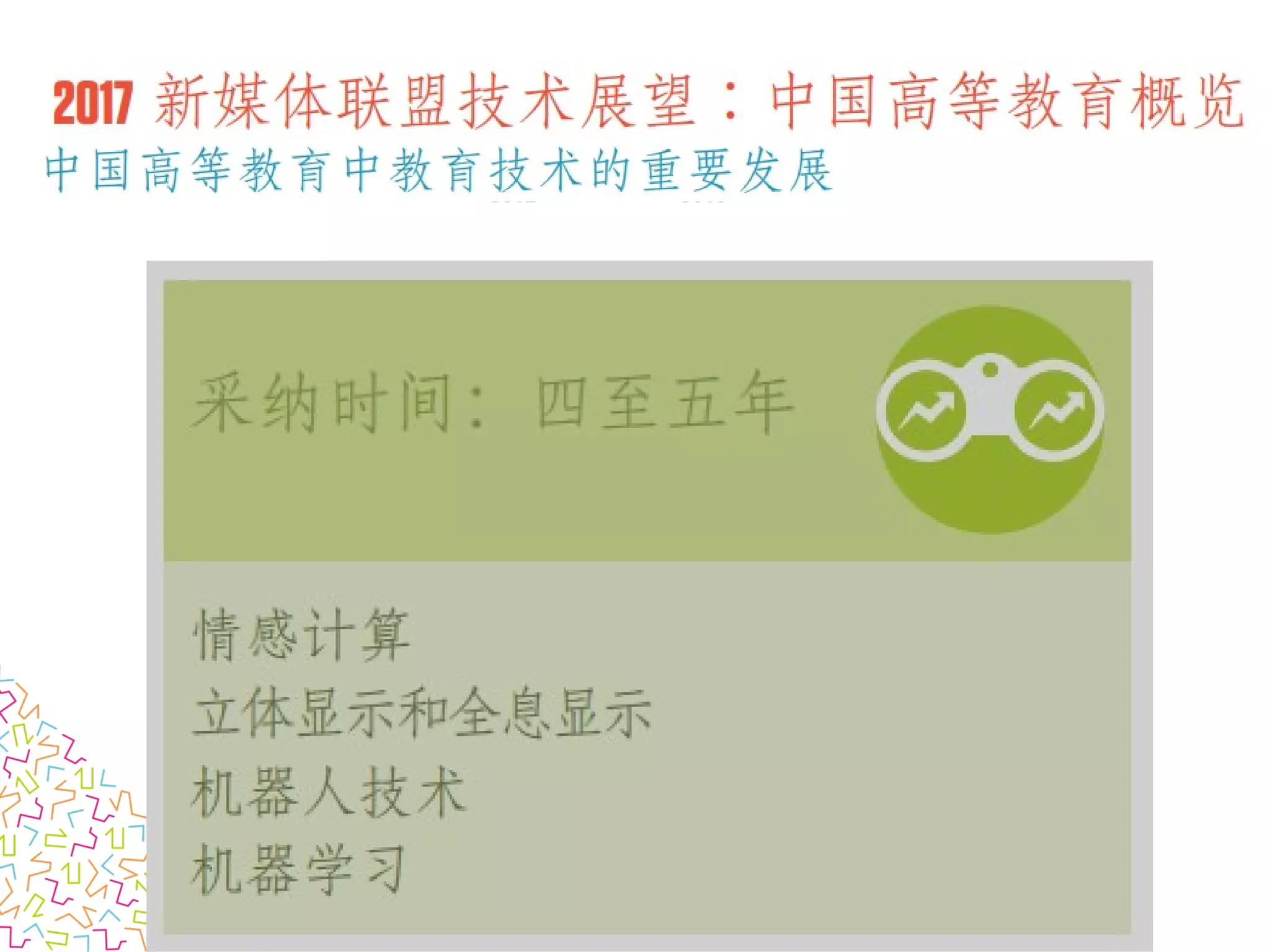
• 技术展望 2017 :中国高等教育
• 教育社交媒体
We will try out three free web-tools.
• Padlet-app
• You can also use WeChat
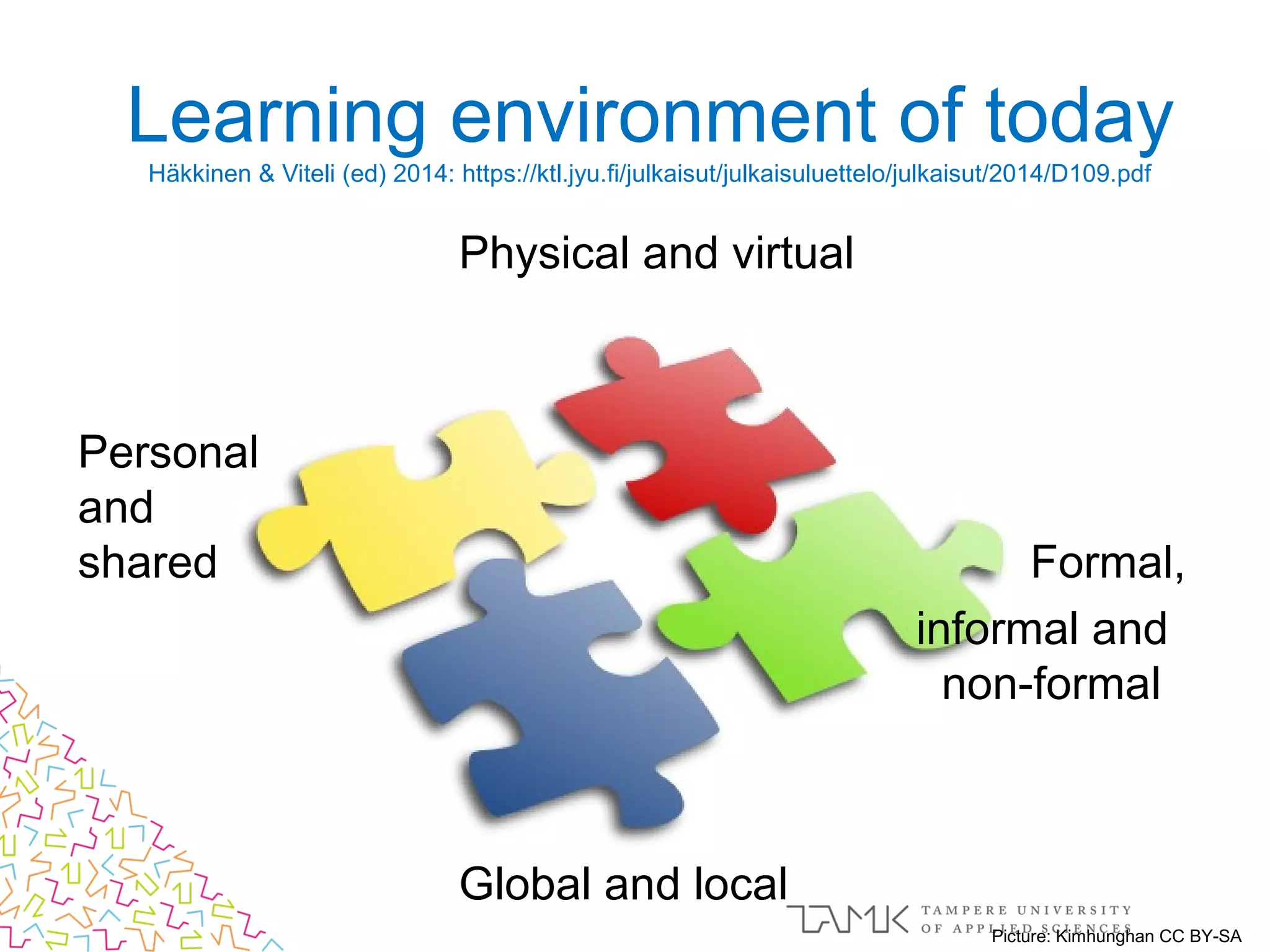
Learning environment of today
Häkkinen & Viteli (ed) 2014: https://ktl.jyu.fi/julkaisut/julkaisuluettelo/julkaisut/2014/D109.pdf
Physical and virtual
Personal
and
shared Formal,
informal and
non-formal
Global and local
Picture: Kimhunghan CC BY-SA
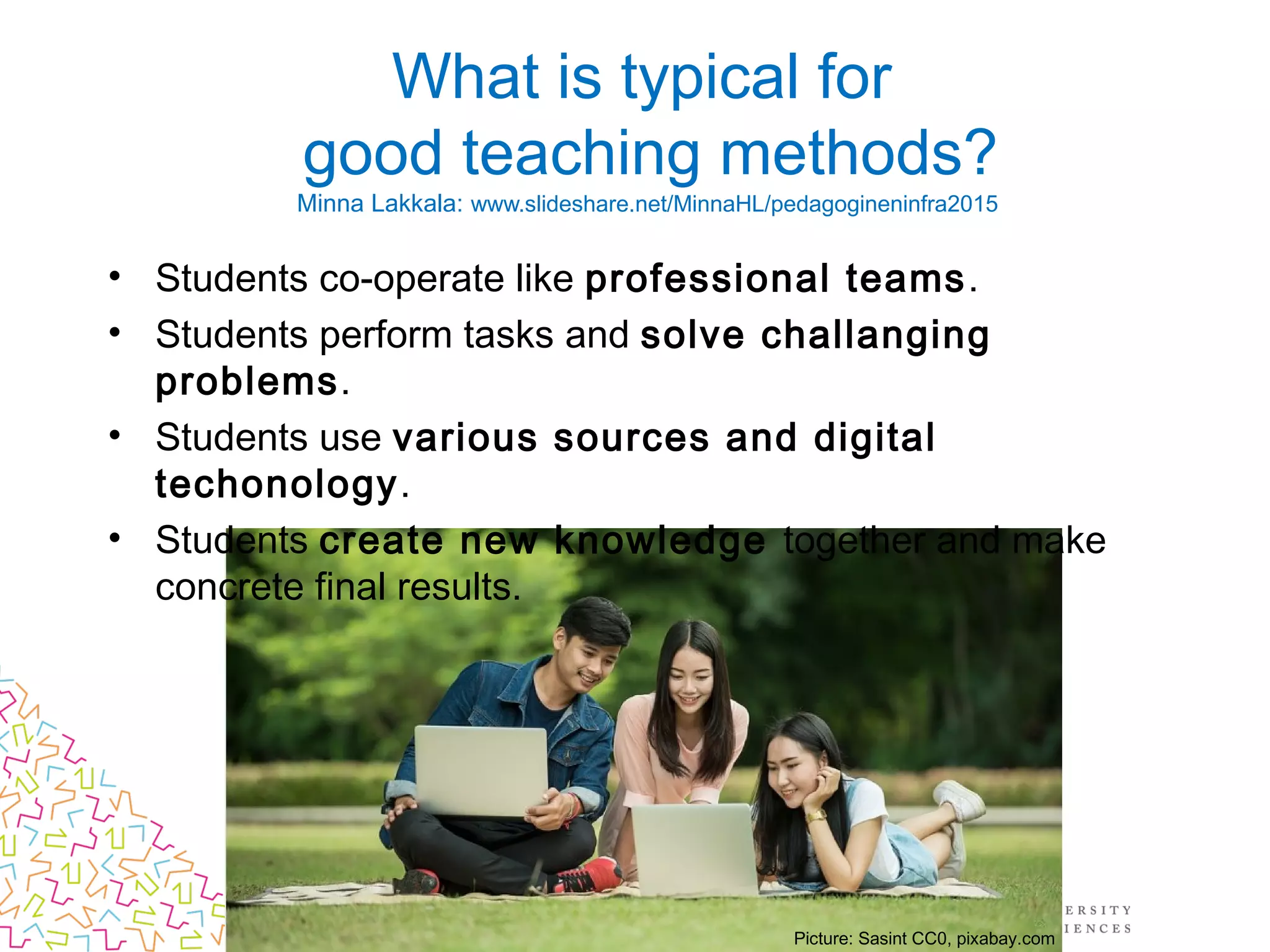
What is typical for
good teaching methods?
Minna Lakkala: www.slideshare.net/MinnaHL/pedagogineninfra2015
• Students co-operate like professional teams.
• Students perform tasks and solve challanging
problems.
• Students use various sources and digital
techonology.
• Students create new knowledge together and make
concrete final results.
Picture: Sasint CC0, pixabay.com
Kuva: geralt CC0, pixabay.com
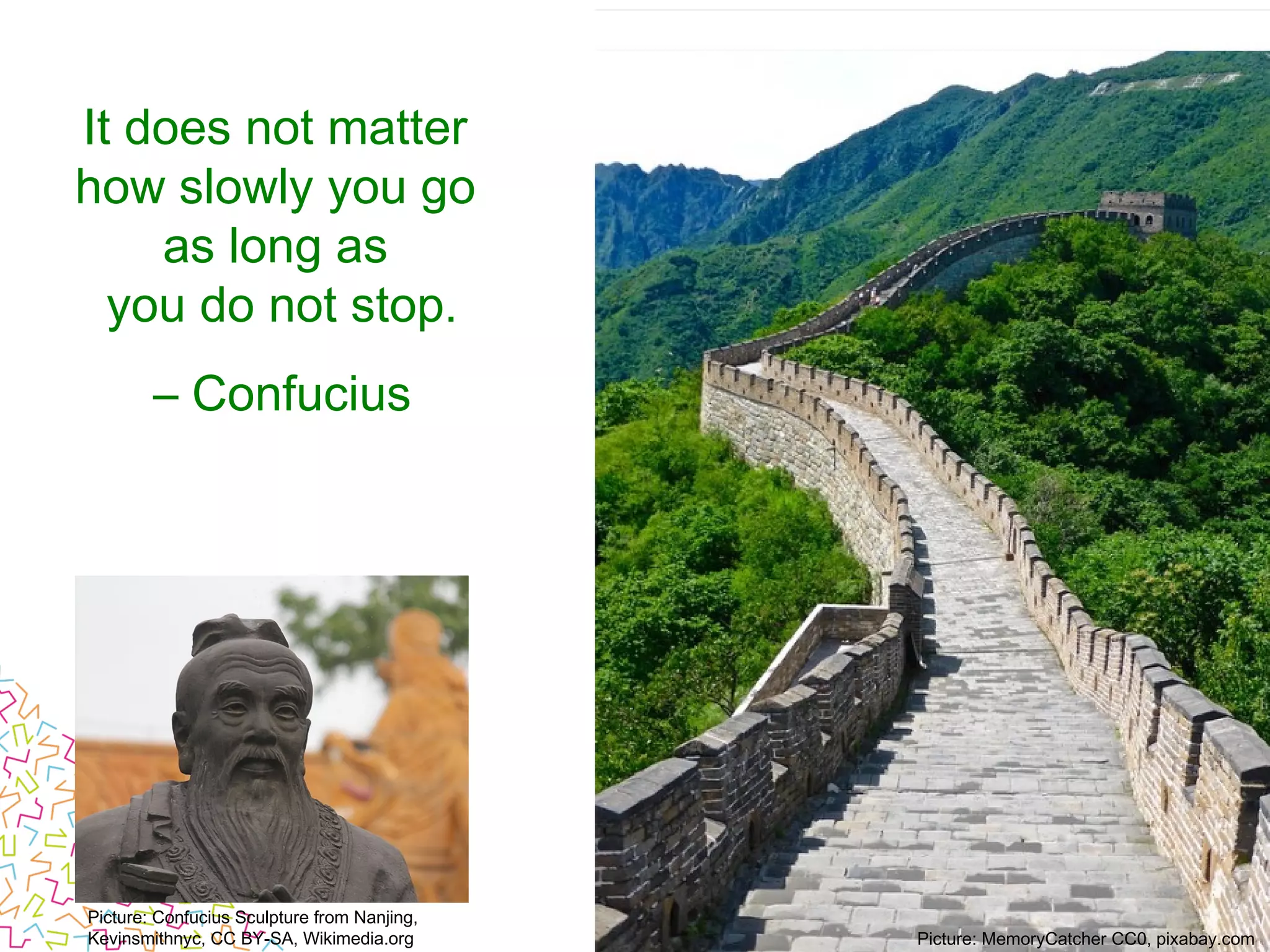
It does not matter
how slowly you go 
as long as
you do not stop.
– Confucius
Picture: Confucius Sculpture from Nanjing,
Kevinsmithnyc, CC BY-SA, Wikimedia.org Picture: MemoryCatcher CC0, pixabay.com
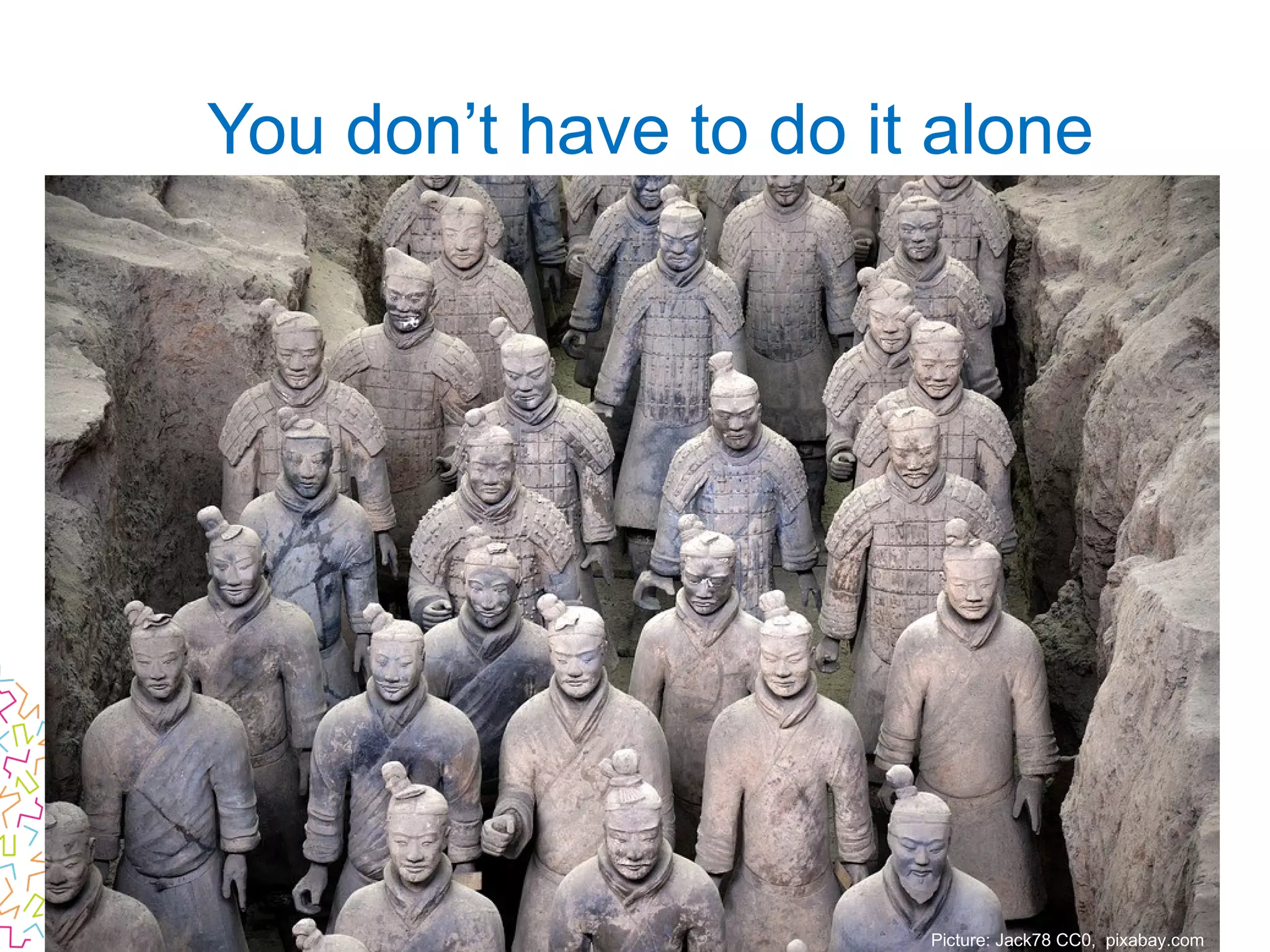
You don’t have to do it alone
Picture: Jack78 CC0, pixabay.com
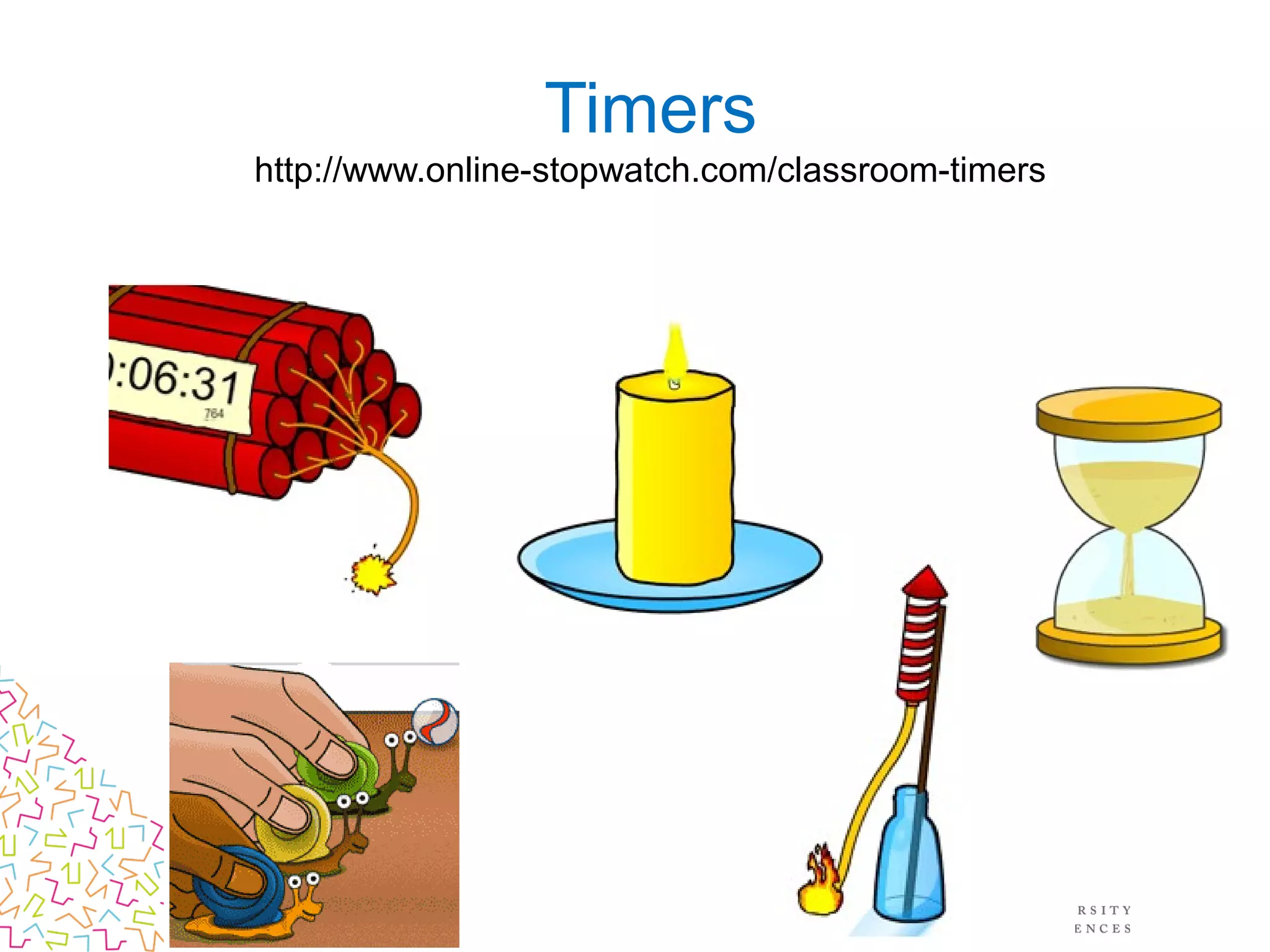
Timers
http://www.online-stopwatch.com/classroom-timers
• Share your ideas with those sitting next to you!
(groups of 3-5)
How can you learn from each other
things that help you as a teacher?
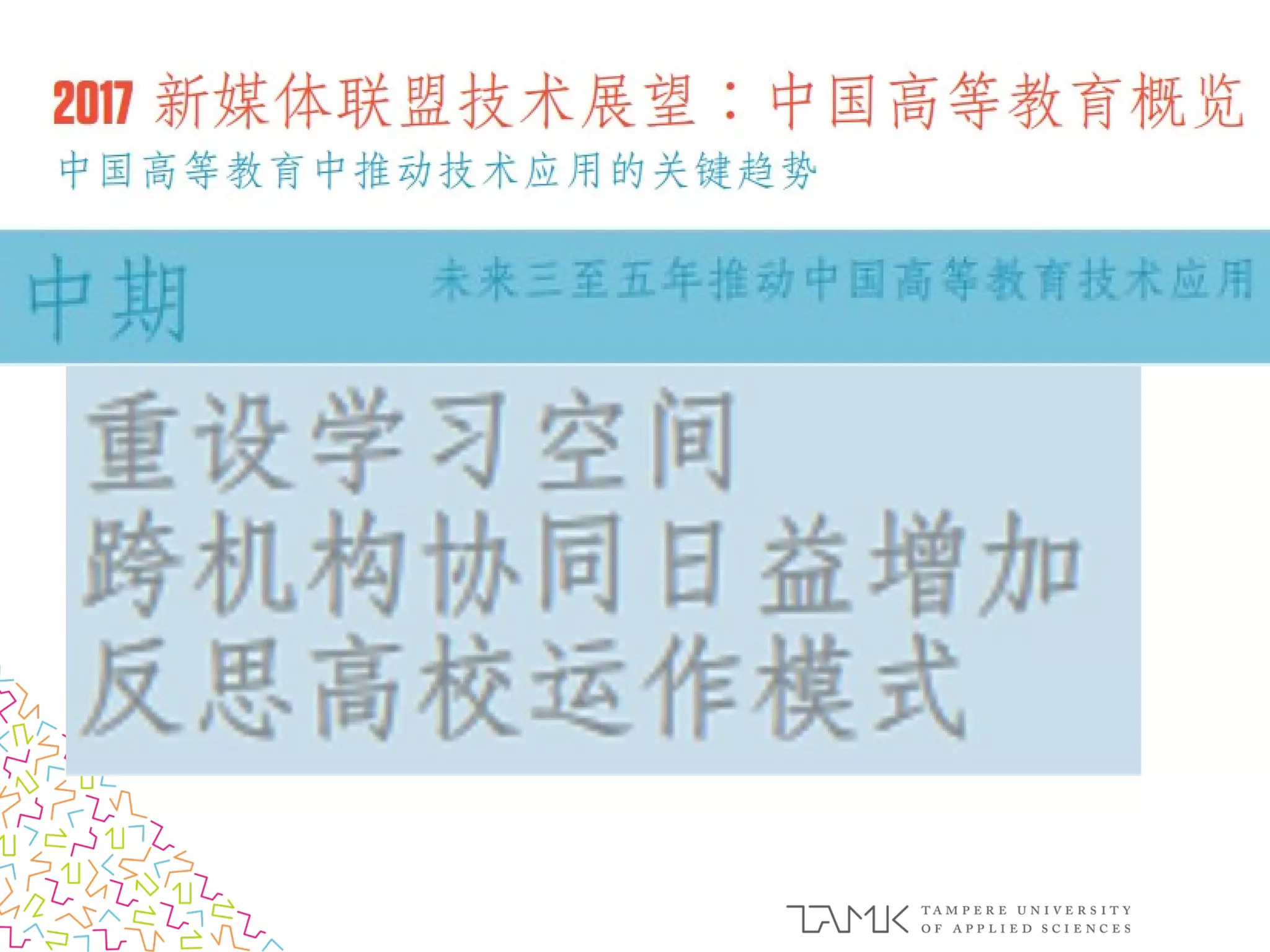
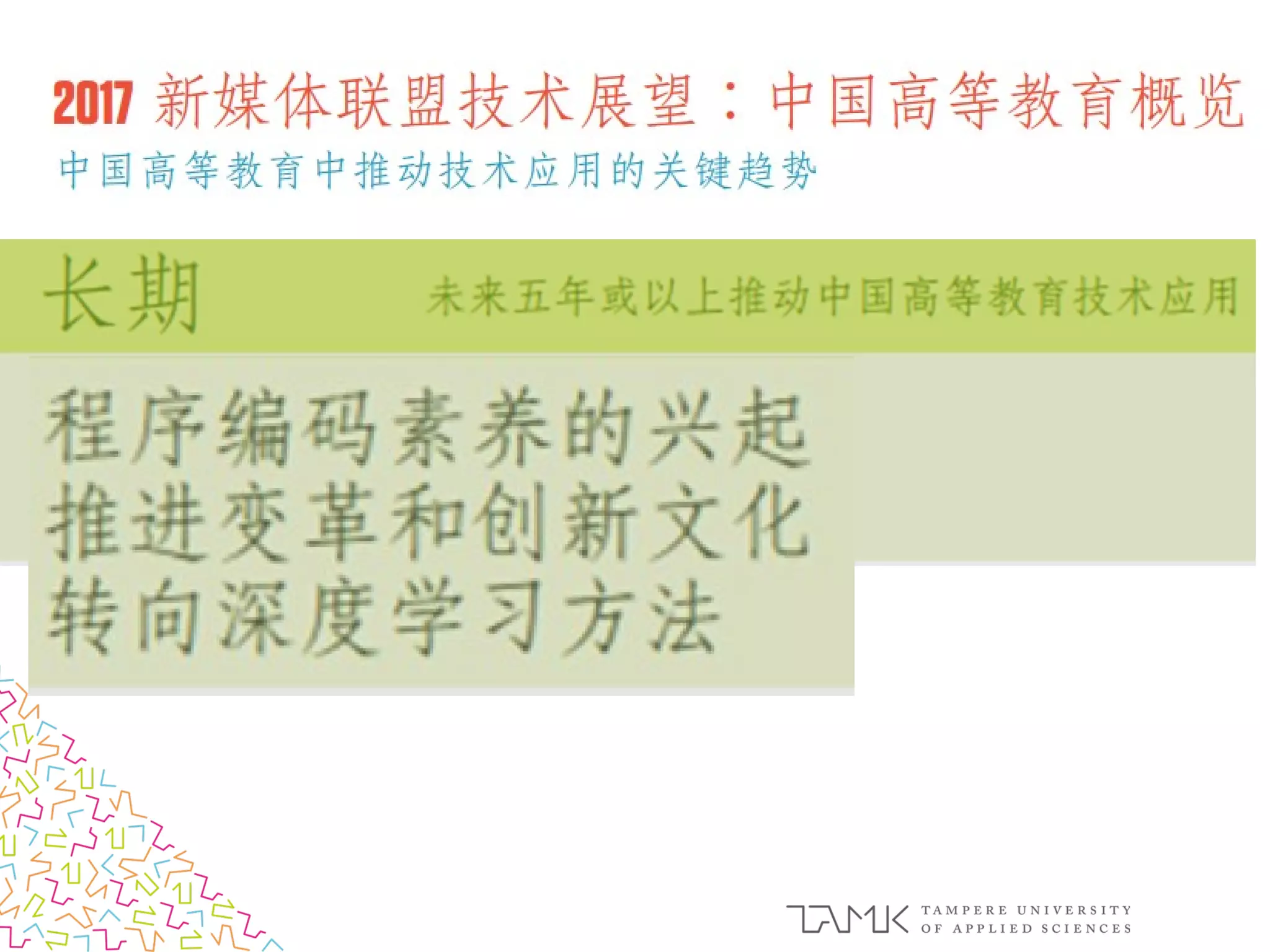
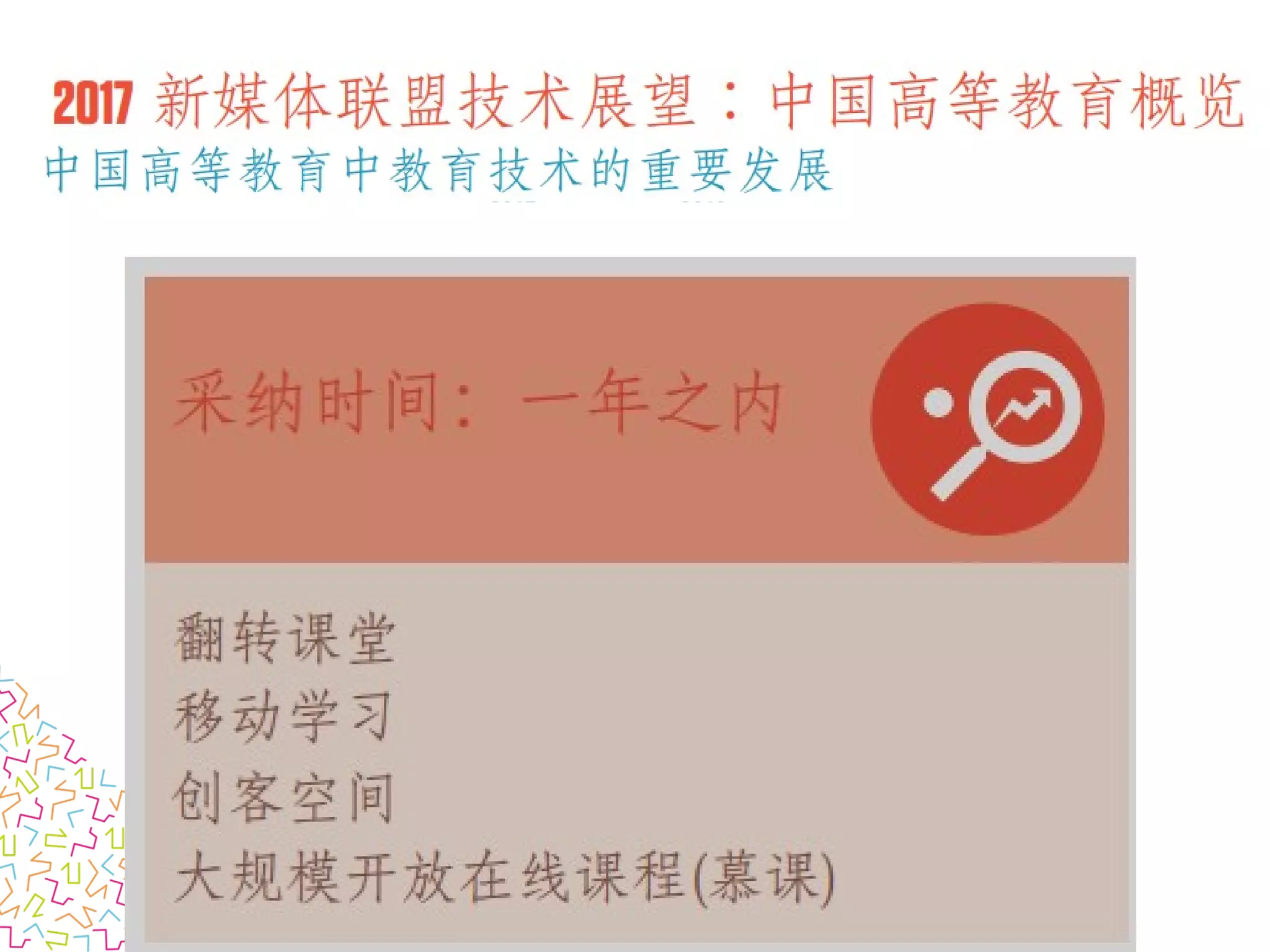
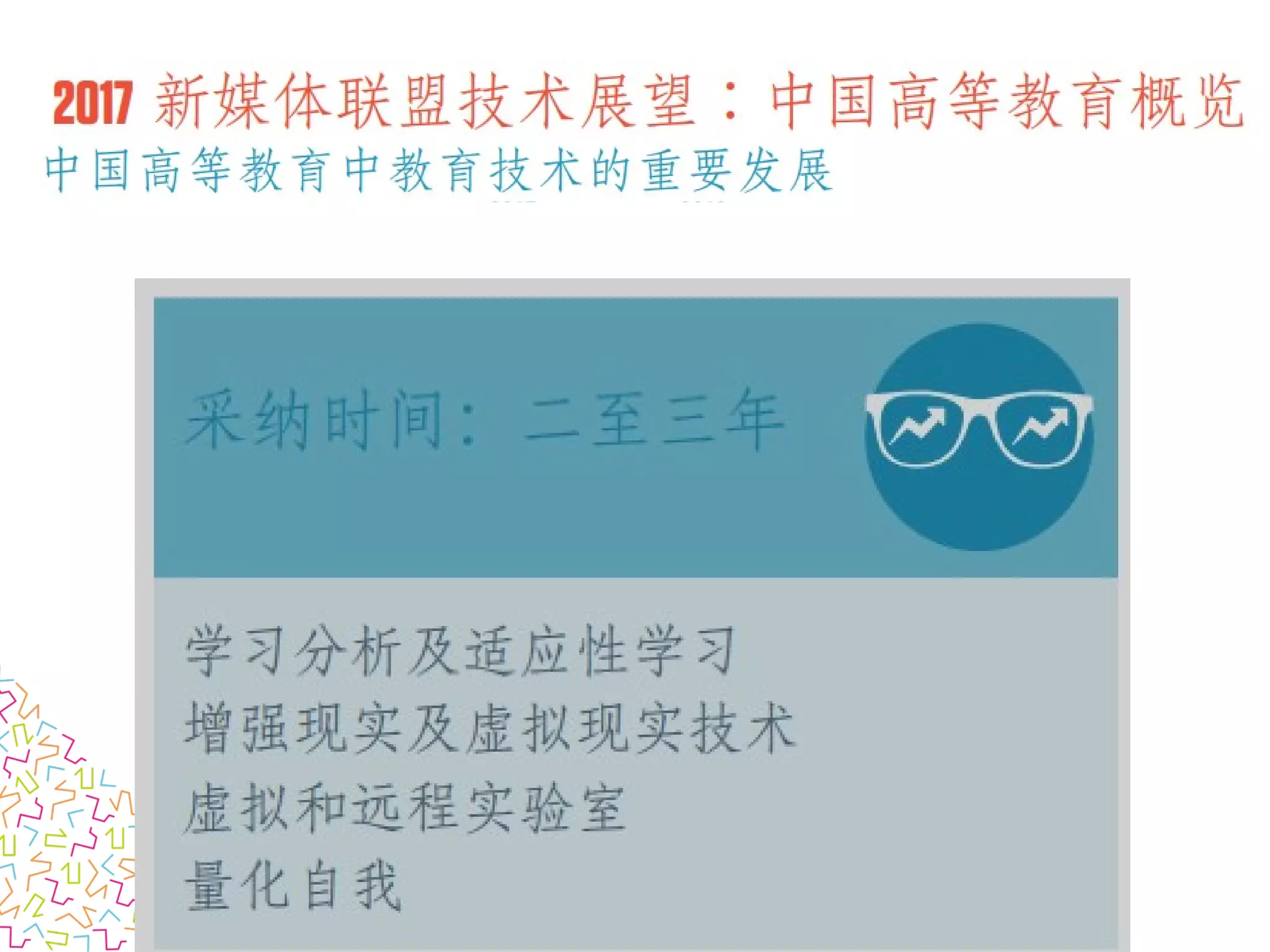
Technology Outlook 2017:
Chinese Higher Education
Picture: CC0, pixabay.com
Blueberry
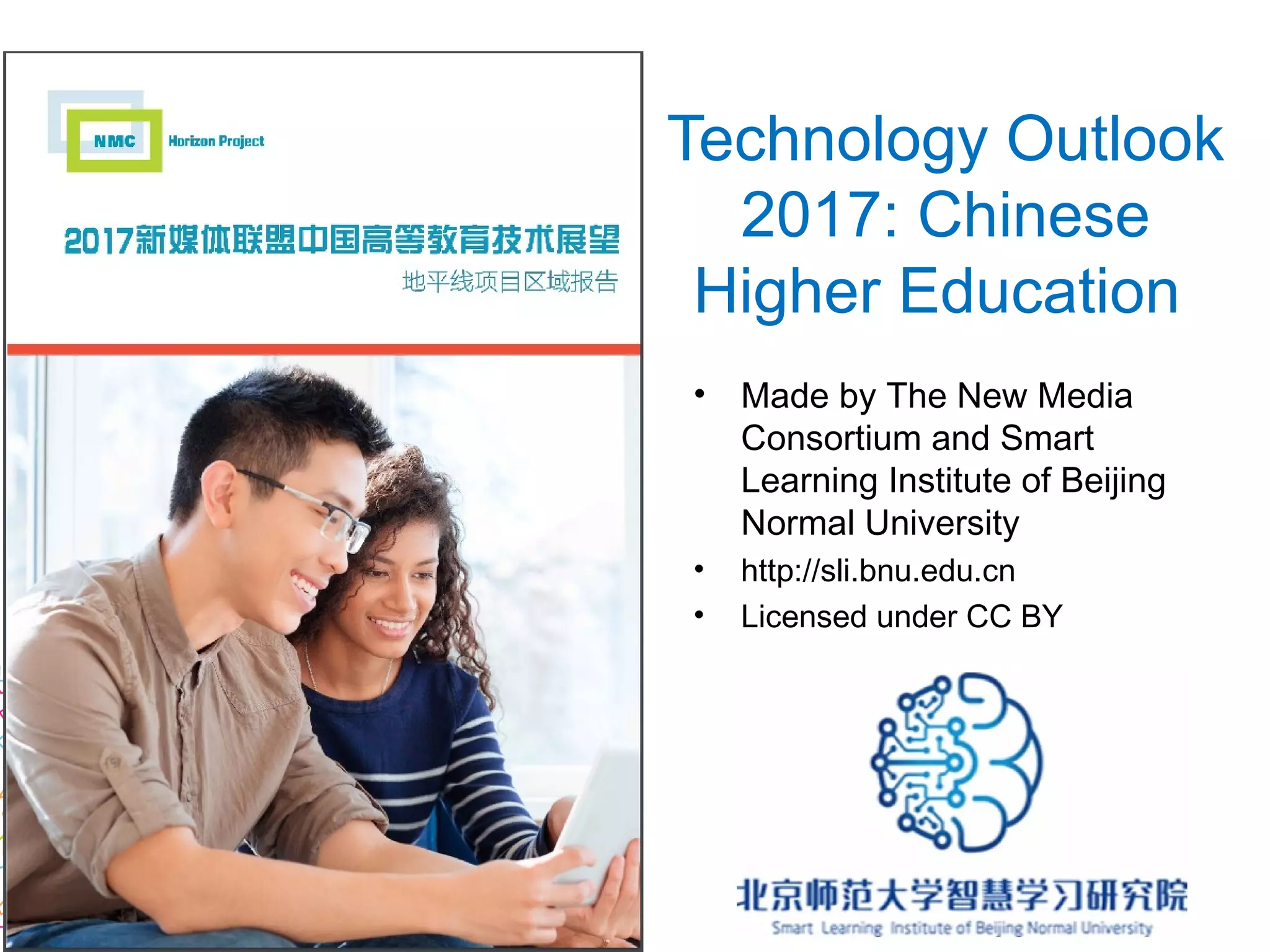
Technology Outlook
2017: Chinese
Higher Education
• Made by The New Media
Consortium and Smart
Learning Institute of Beijing
Normal University
• http://sli.bnu.edu.cn
• Licensed under CC BY
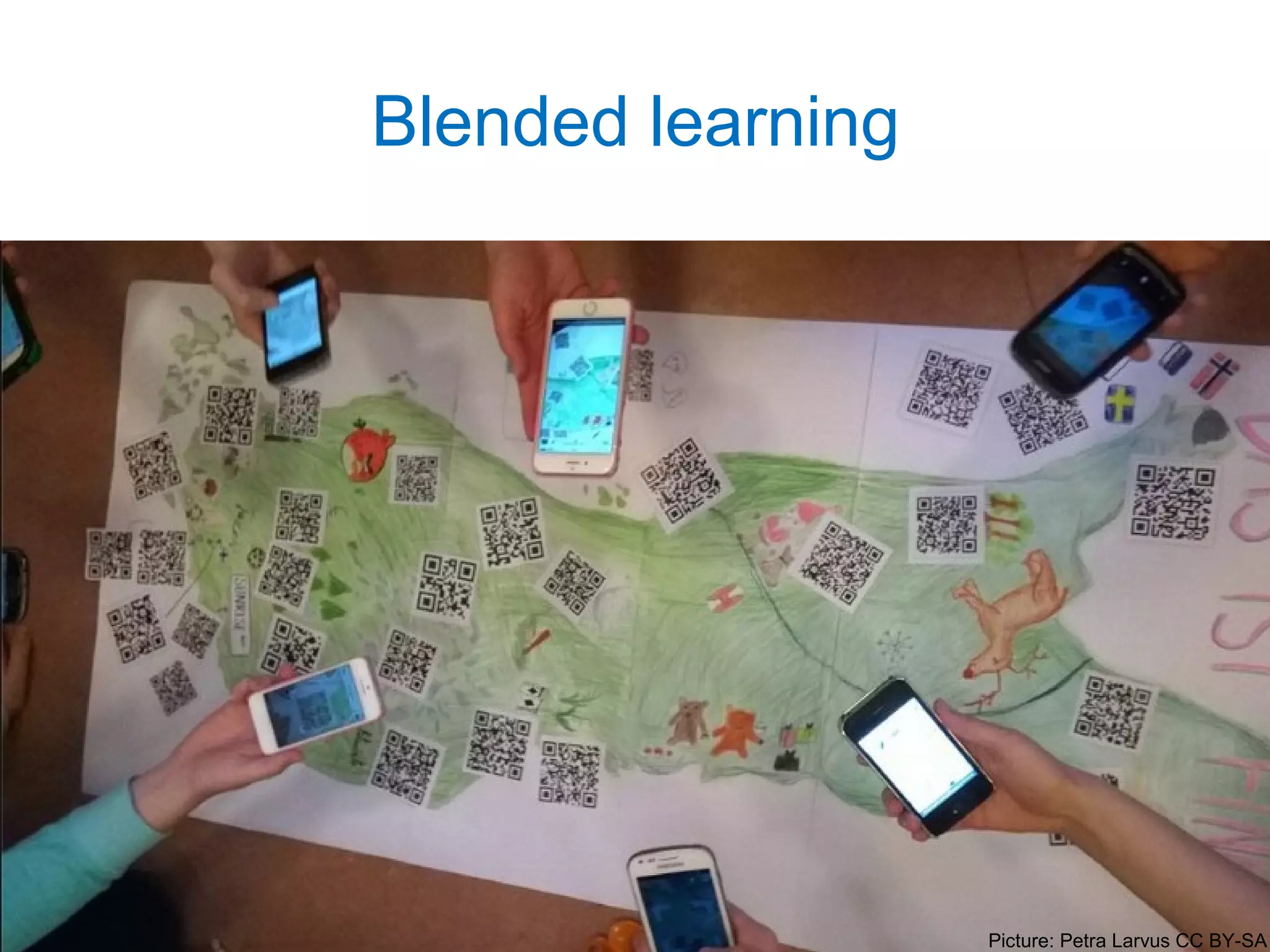
Blended learning
Picture: Petra Larvus CC BY-SA
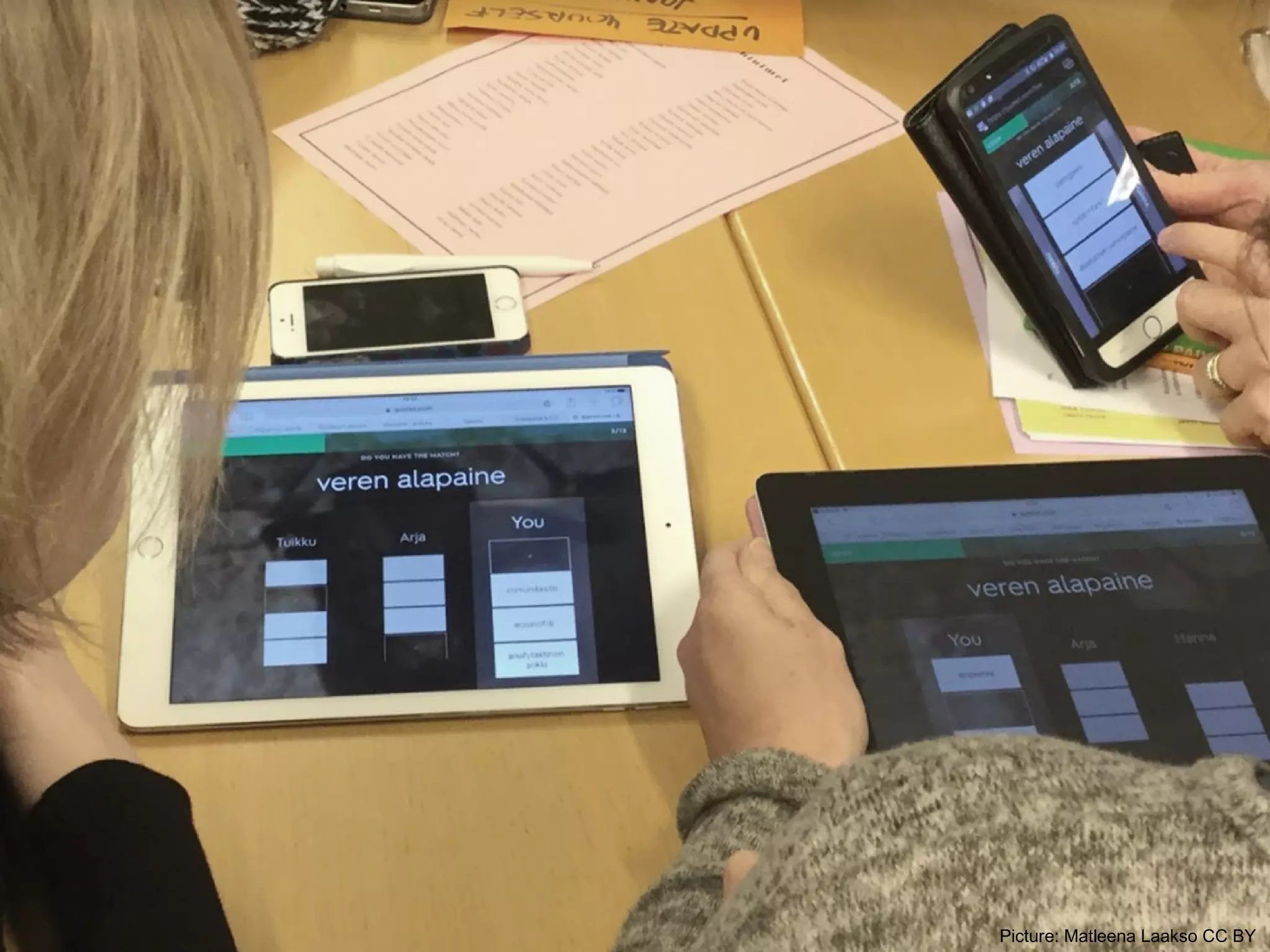
Picture: Matleena Laakso CC BY
Open educational resources
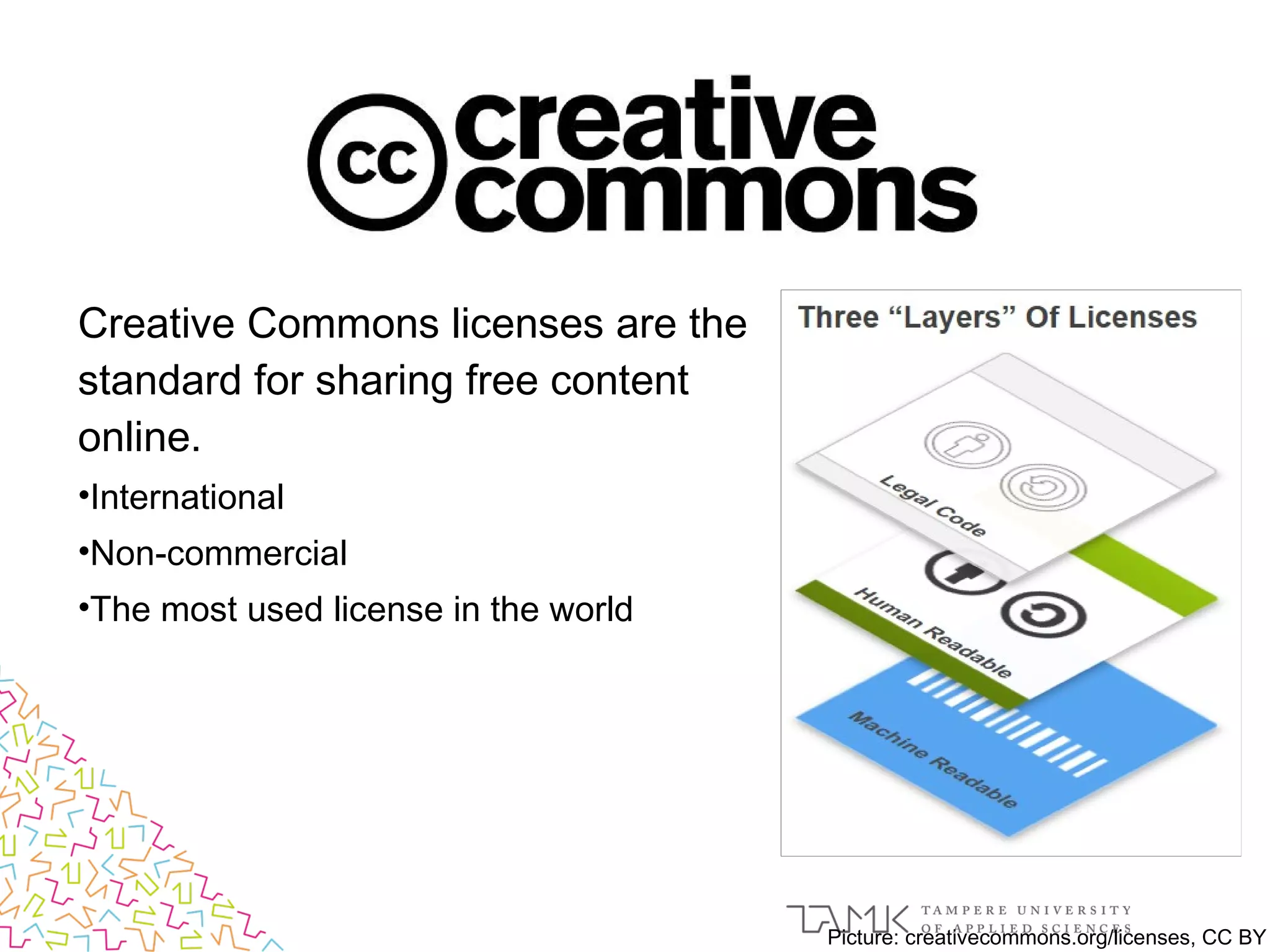
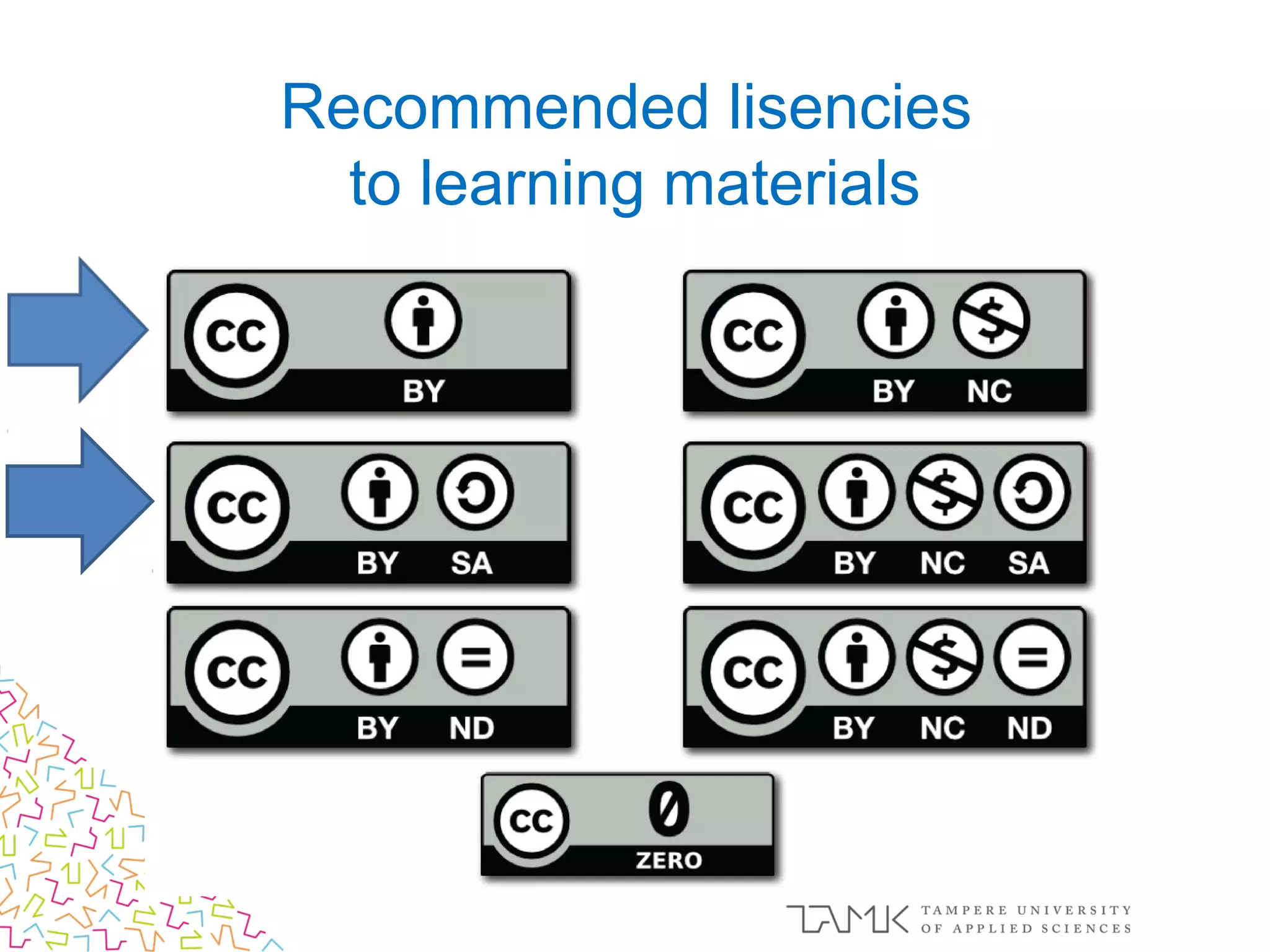
Creative Commons licenses are the
standard for sharing free content
online.
•International
•Non-commercial
•The most used license in the world
Picture: creativecommons.org/licenses, CC BY
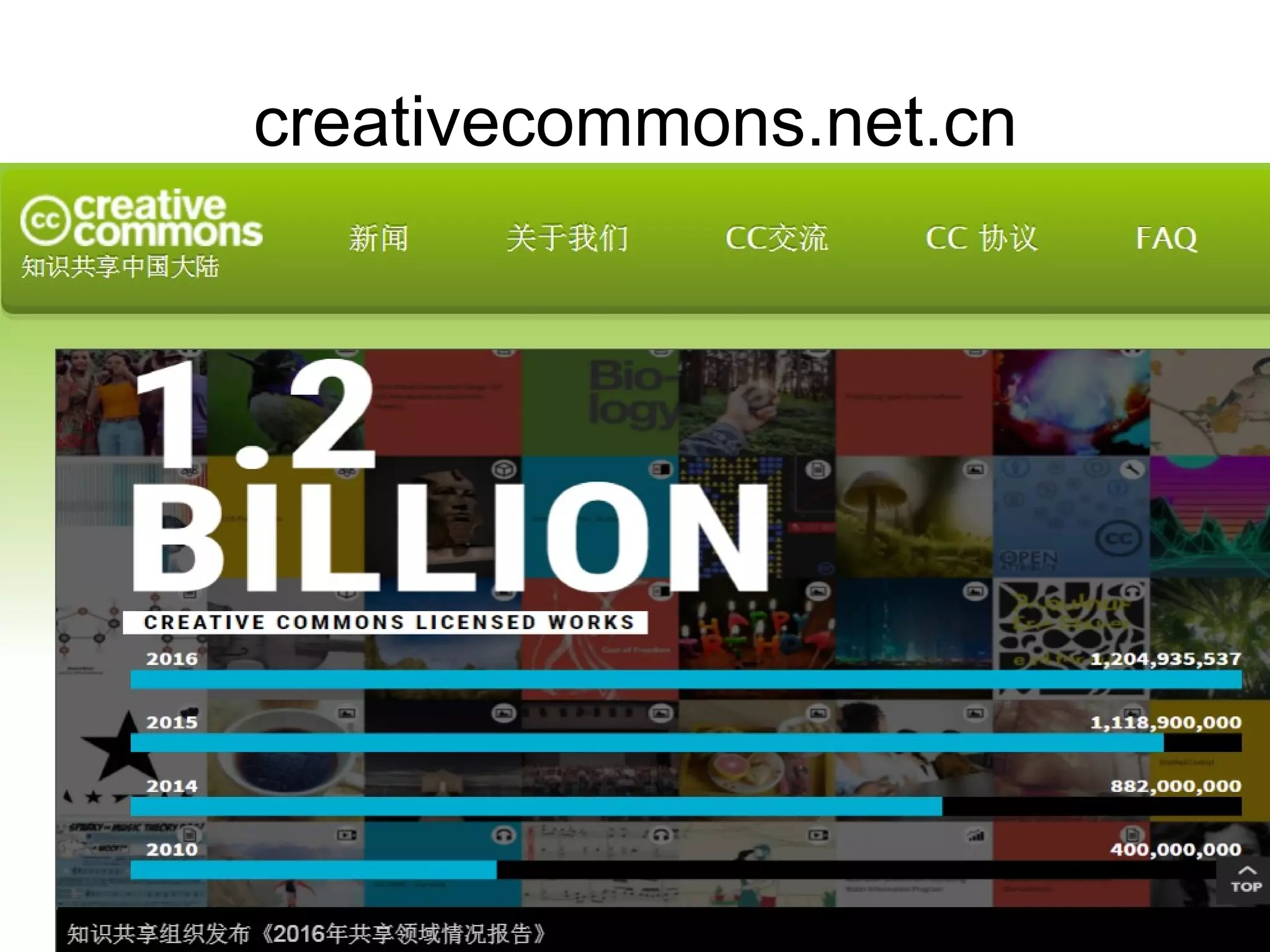
creativecommons.net.cn
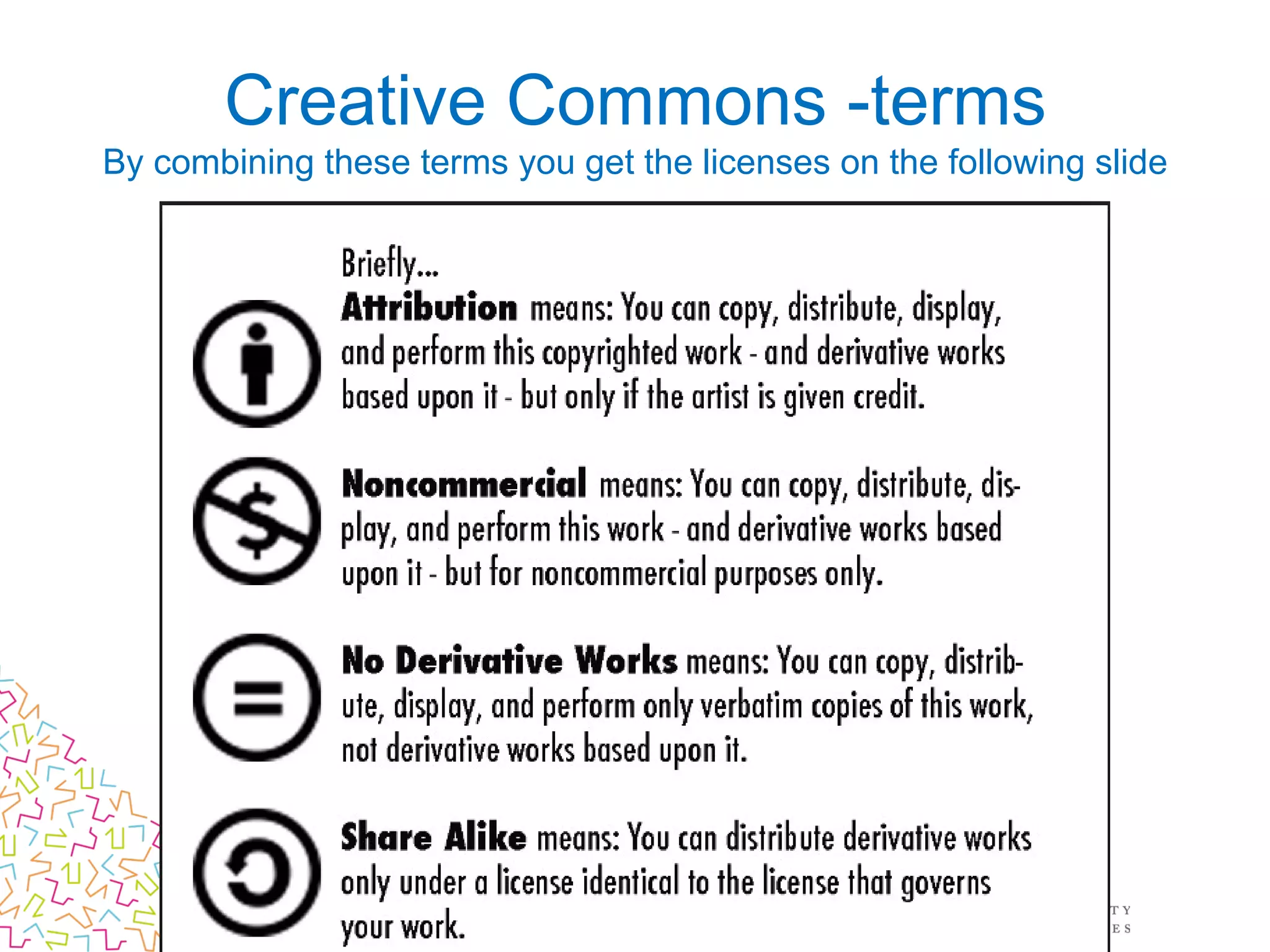
Creative Commons -terms
By combining these terms you get the licenses on the following slide
Recommended lisencies
to learning materials
pixabay.com/en (CC0 photos etc.)
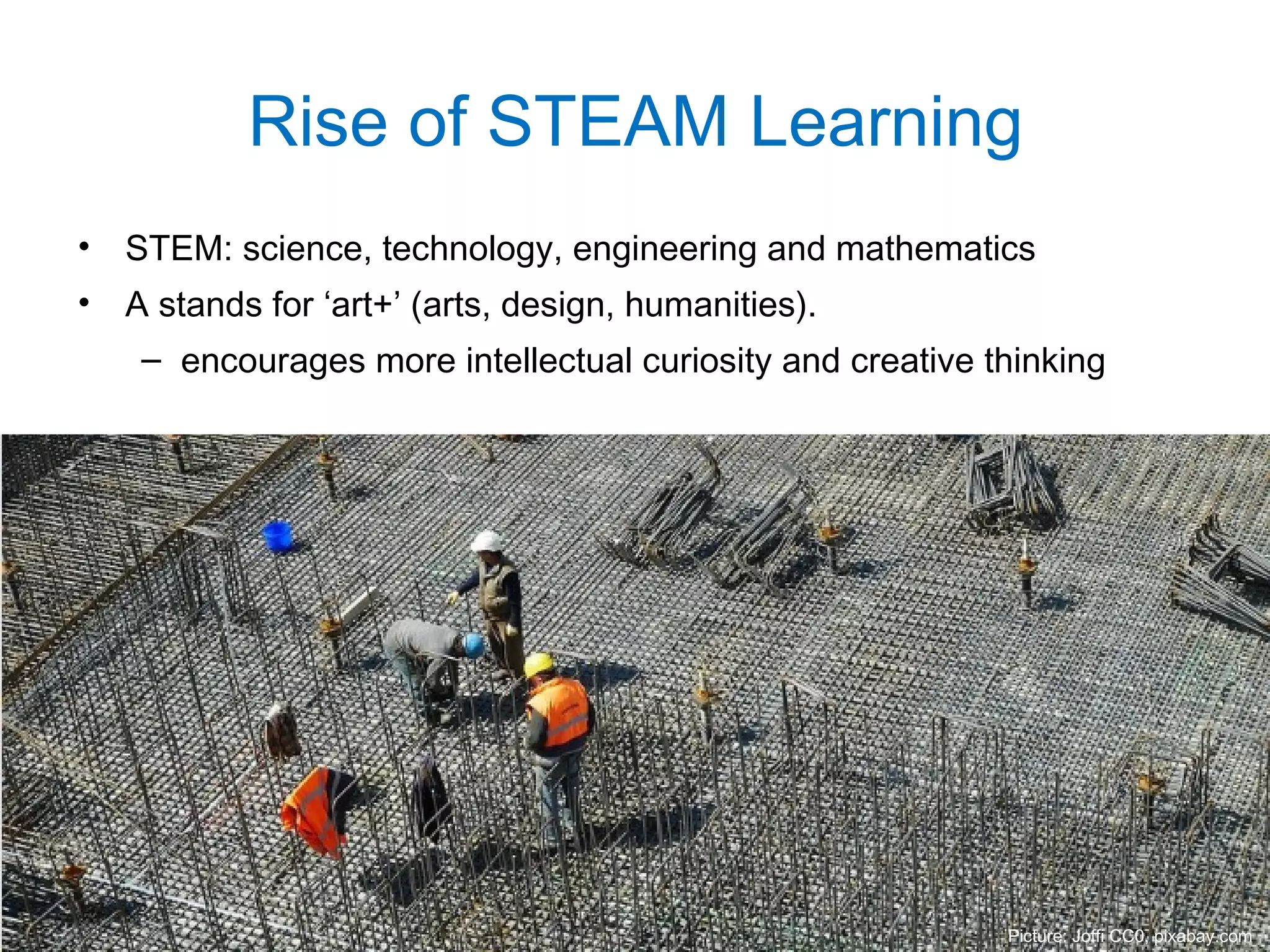
• STEM: science, technology, engineering and mathematics
• A stands for ‘art+’ (arts, design, humanities).
– encourages more intellectual curiosity and creative thinking
Rise of STEAM Learning
Picture: Joffi CC0, pixabay.com
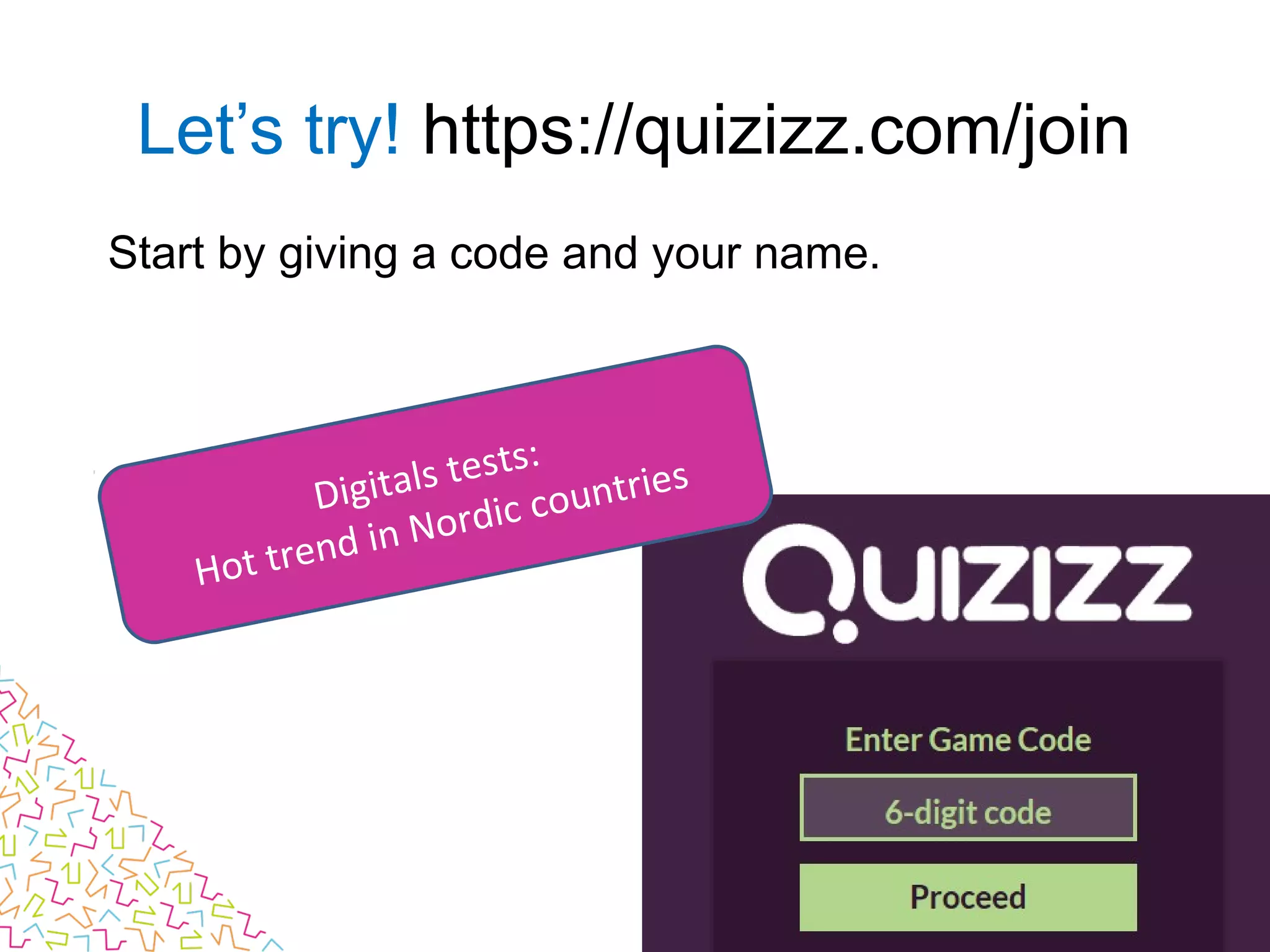
Start by giving a code and your name.
Let’s try! https://quizizz.com/join
Digitals tests:
Hot trend in Nordic countries
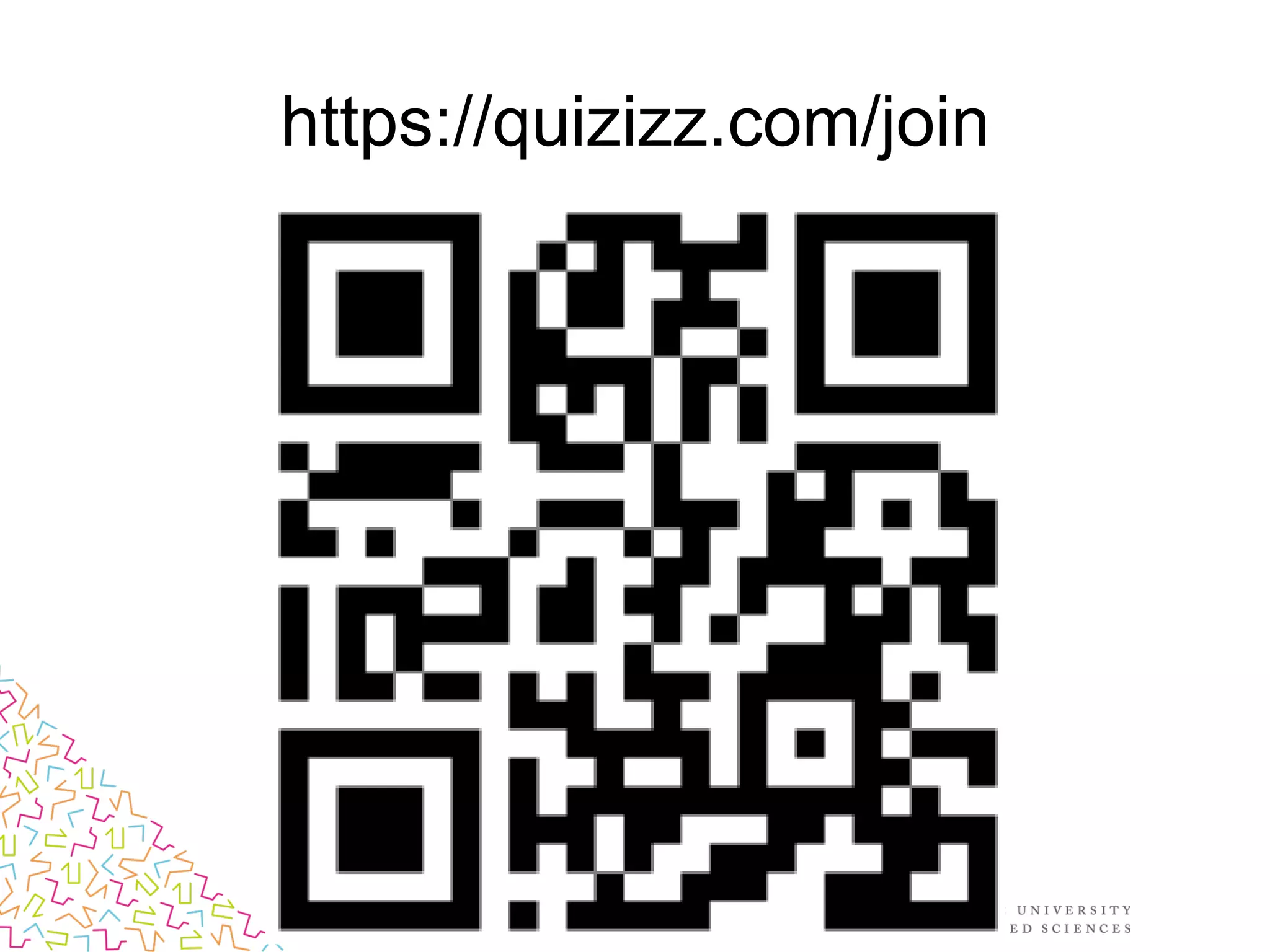
https://quizizz.com/join
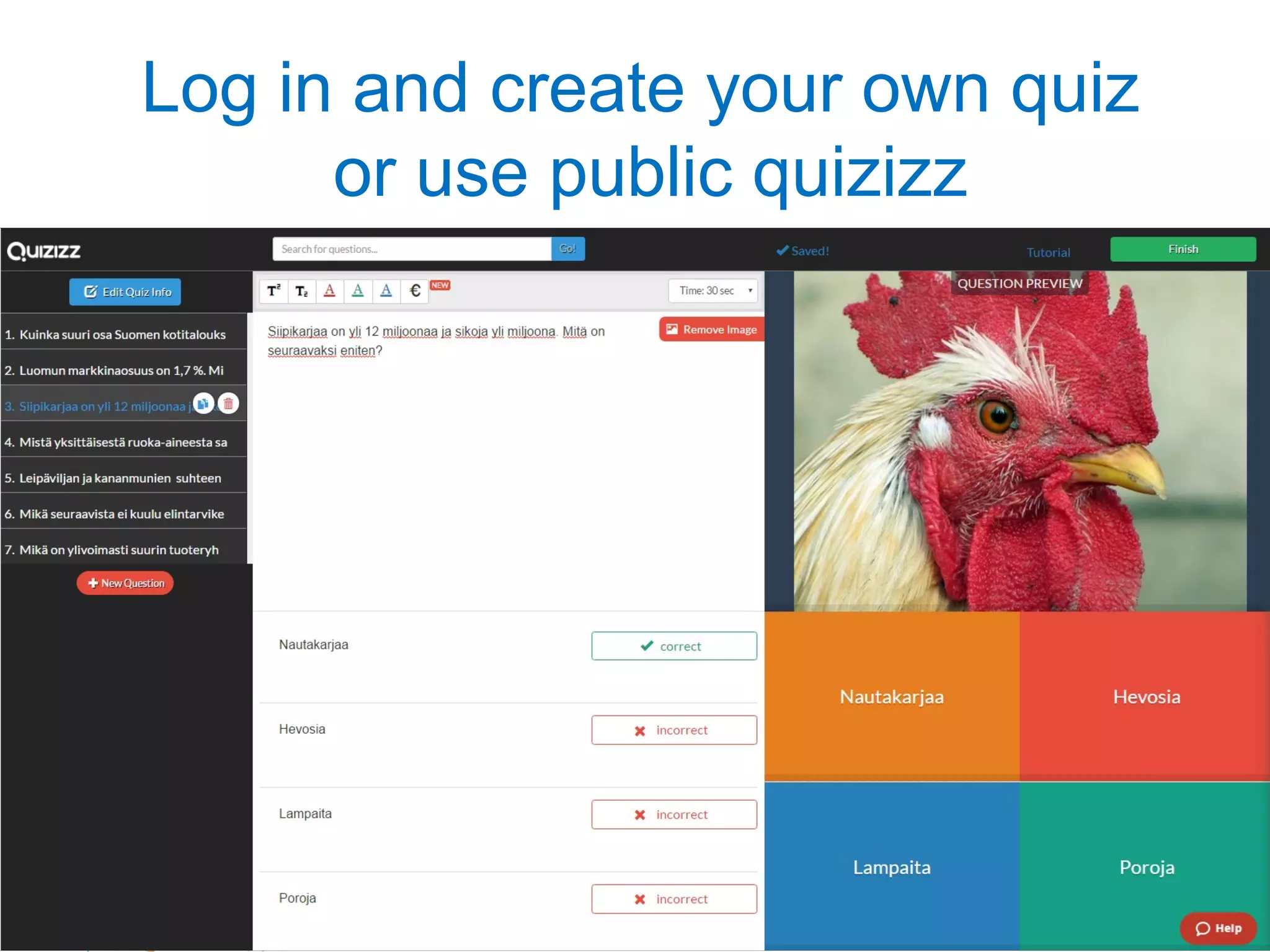
Log in and create your own quiz
or use public quizizz
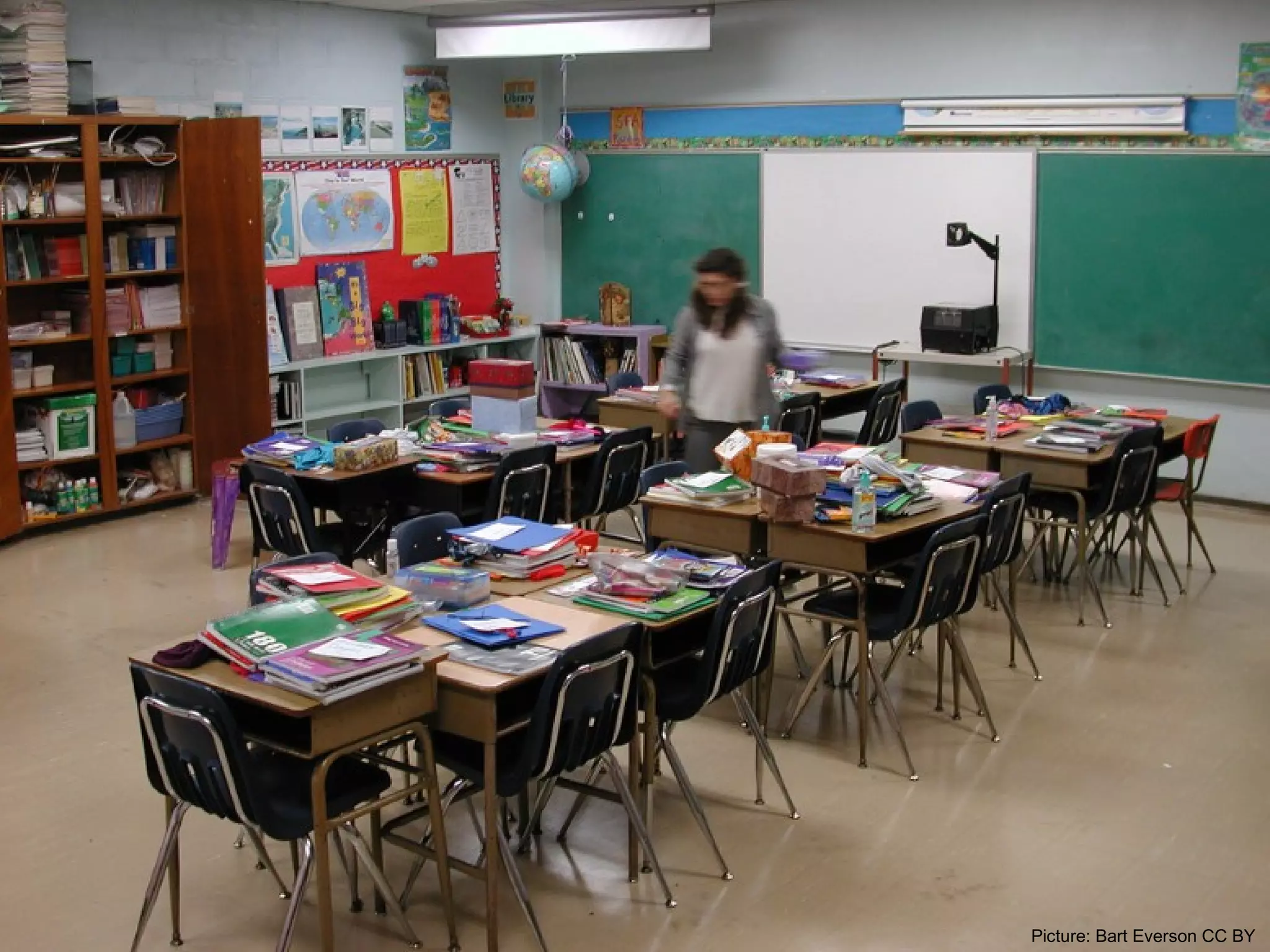
Picture: Bart Everson CC BY
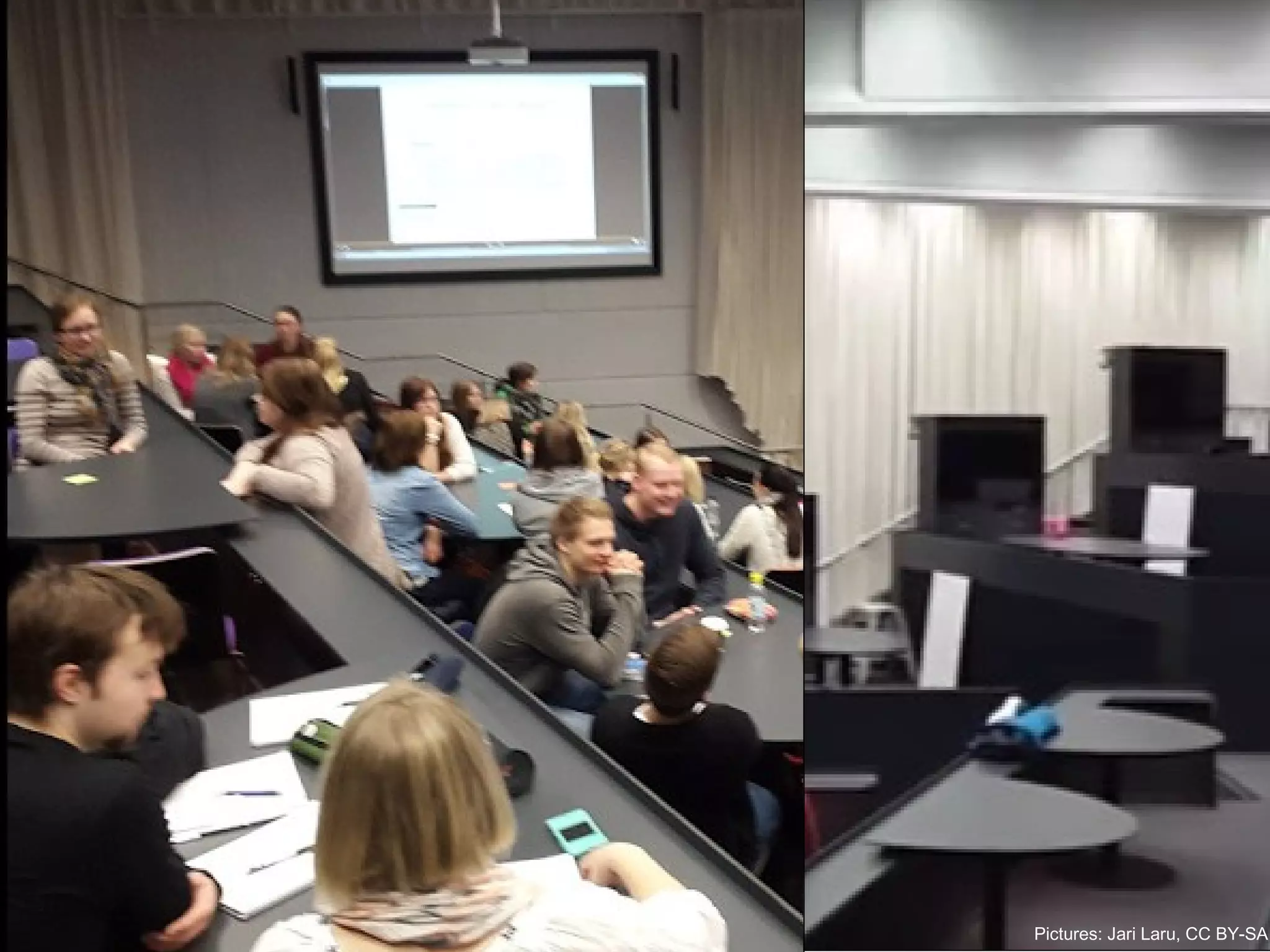
Pictures: Jari Laru, CC BY-SA
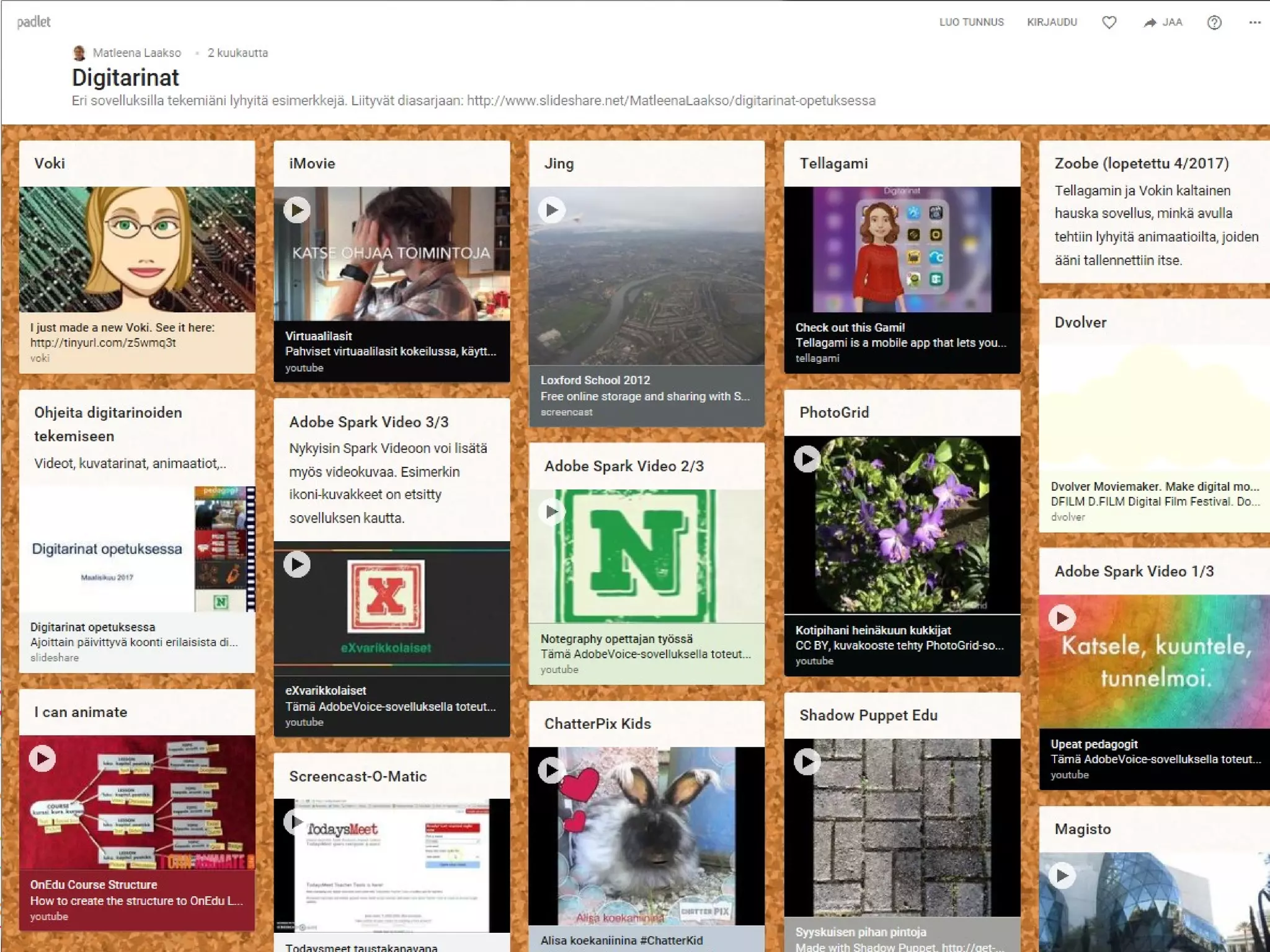
Open your Padlet-app
• No need to register or sign in today!
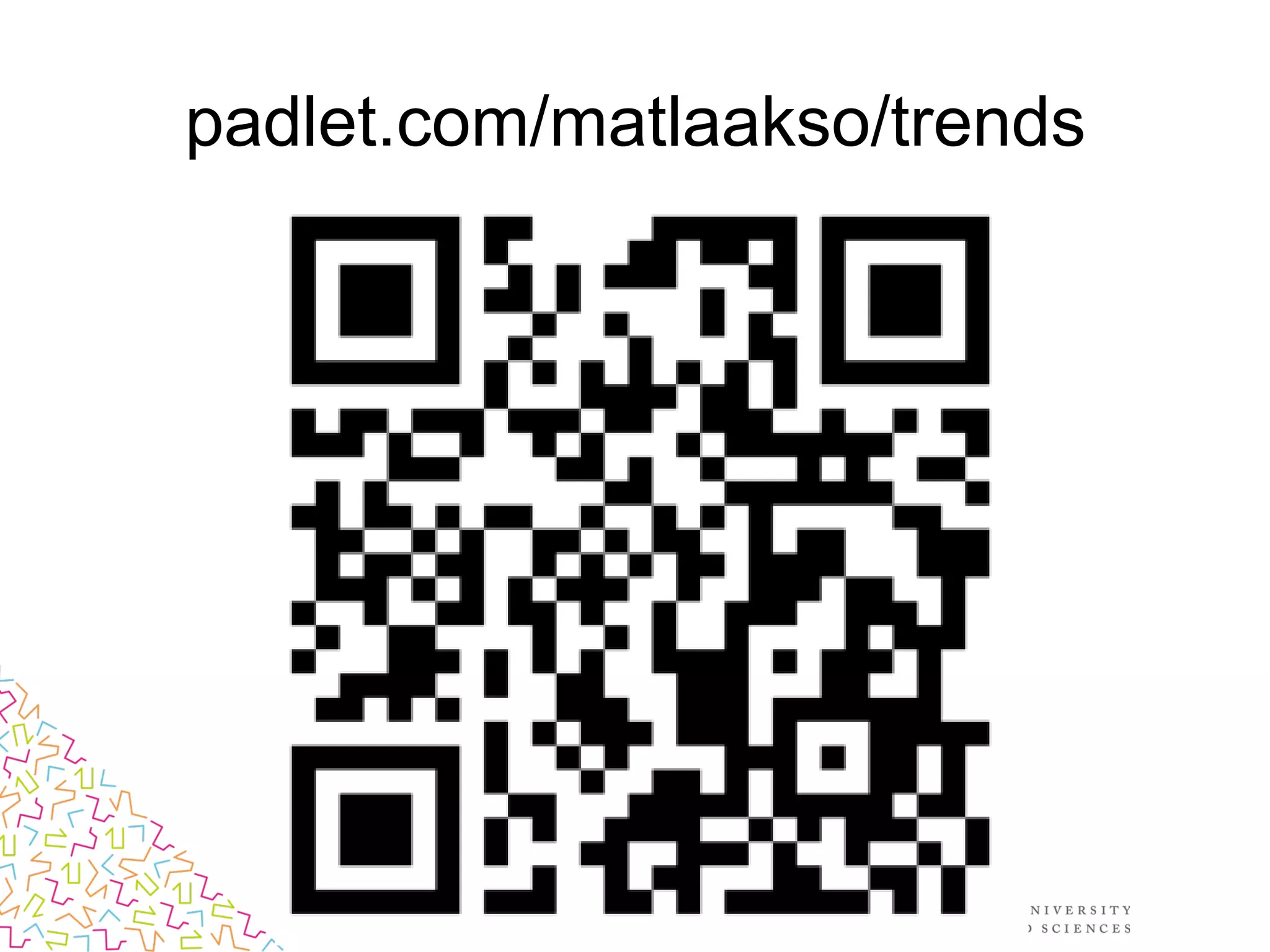
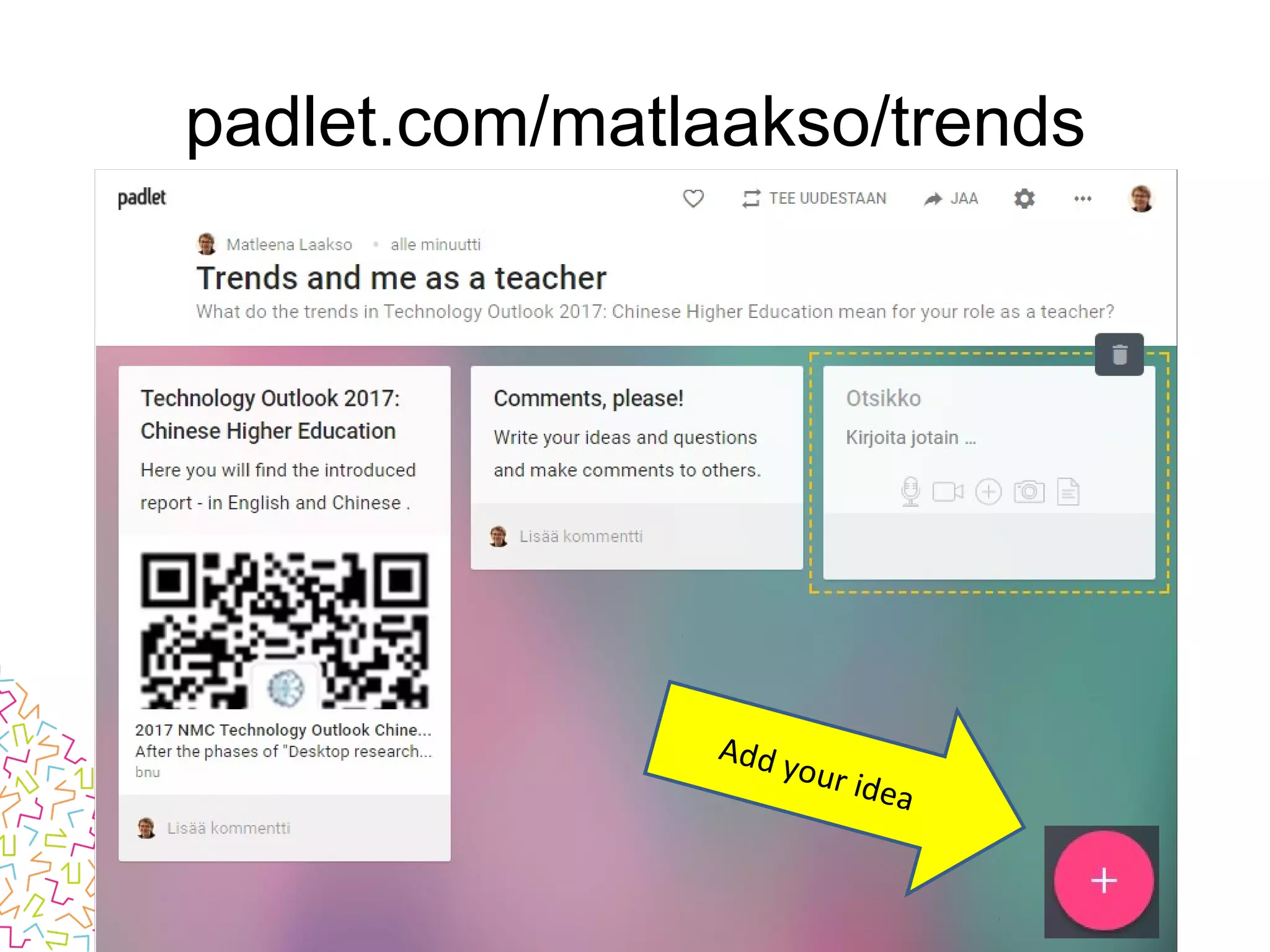
padlet.com/matlaakso/trends
Add your idea
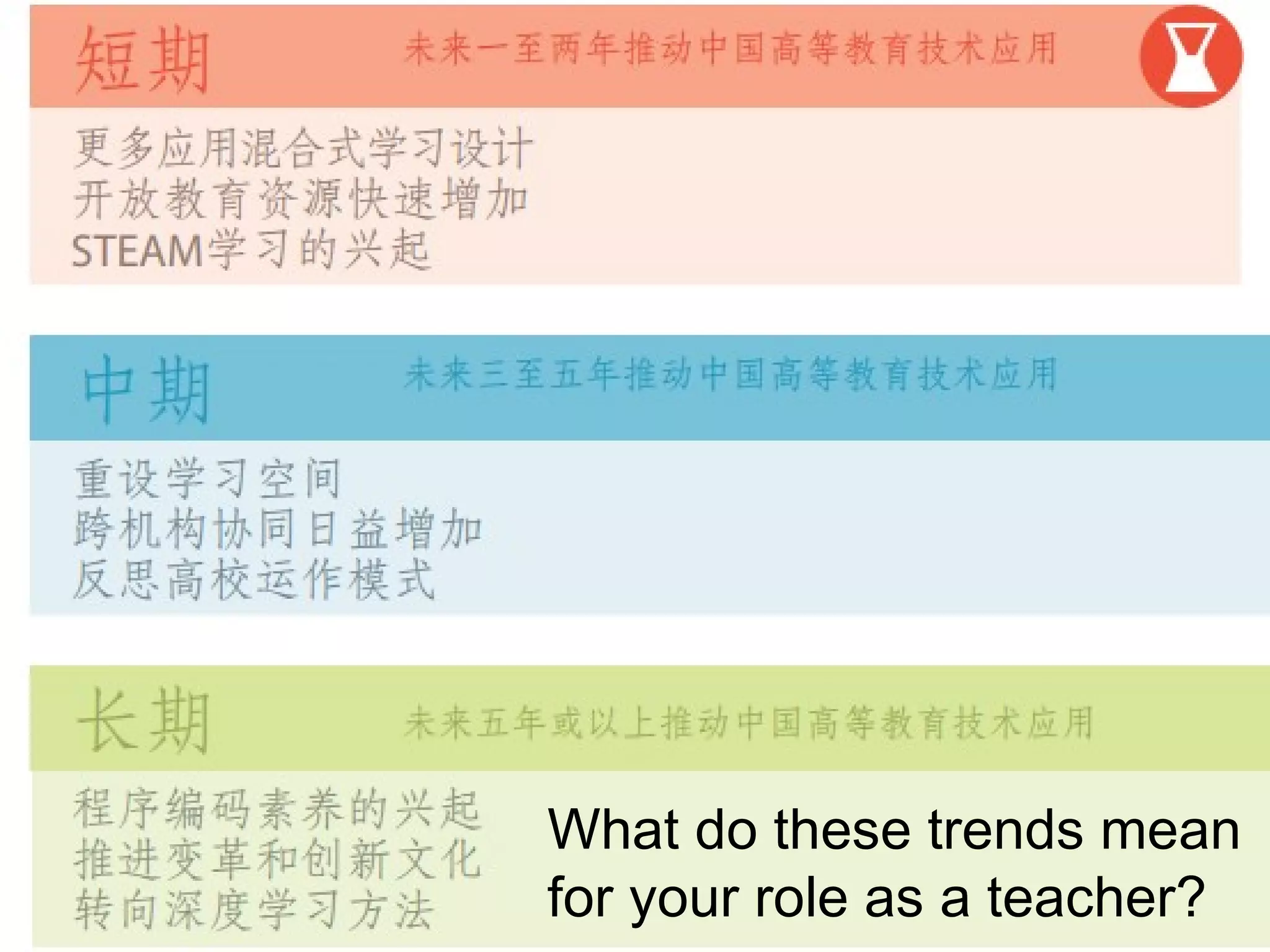
What do these trends mean
for your role as a teacher?
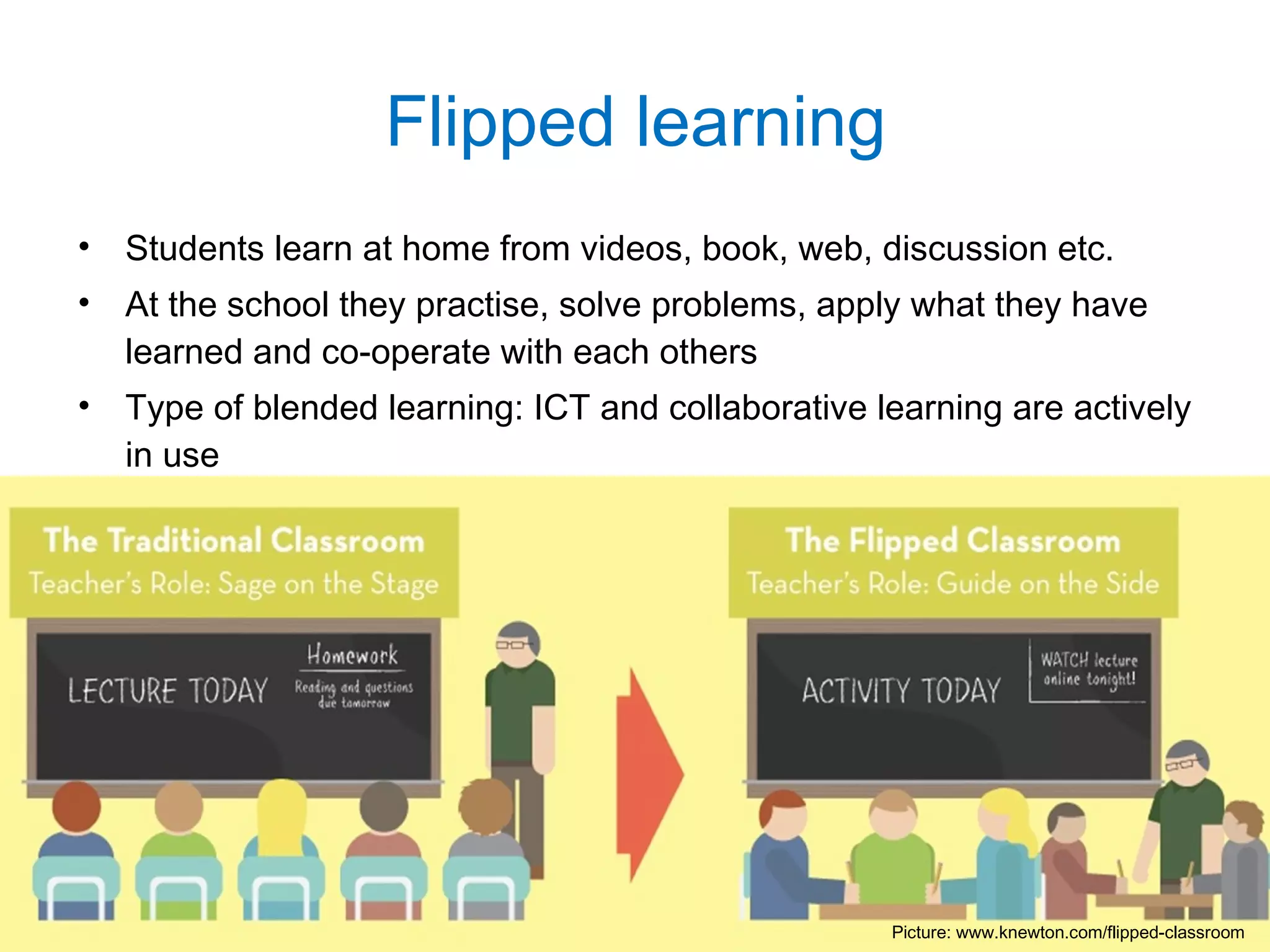
• Students learn at home from videos, book, web, discussion etc.
• At the school they practise, solve problems, apply what they have
learned and co-operate with each others
• Type of blended learning: ICT and collaborative learning are actively
in use
Flipped learning
Picture: www.knewton.com/flipped-classroom
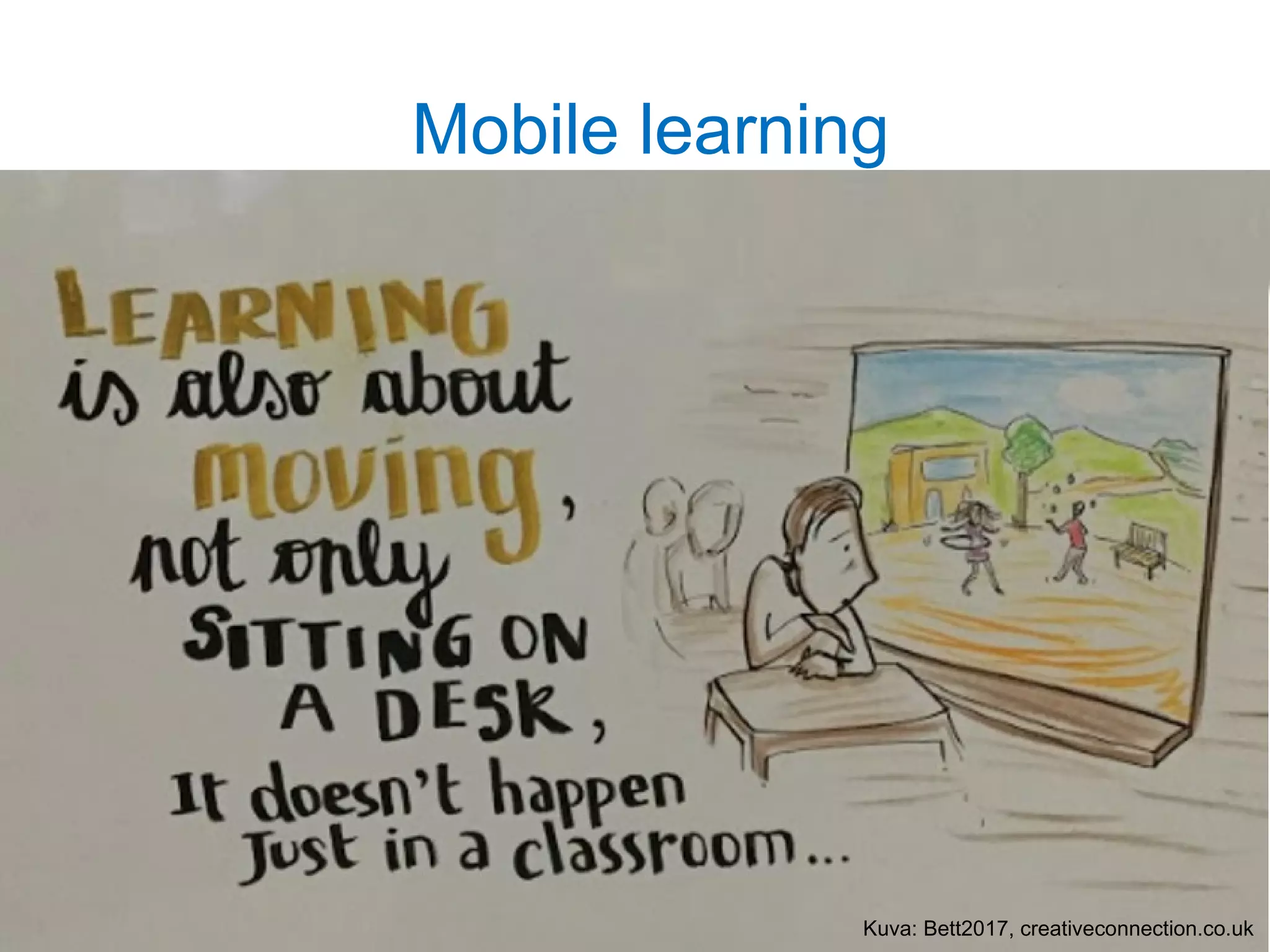
Mobile learning
Kuva: Bett2017, creativeconnection.co.uk
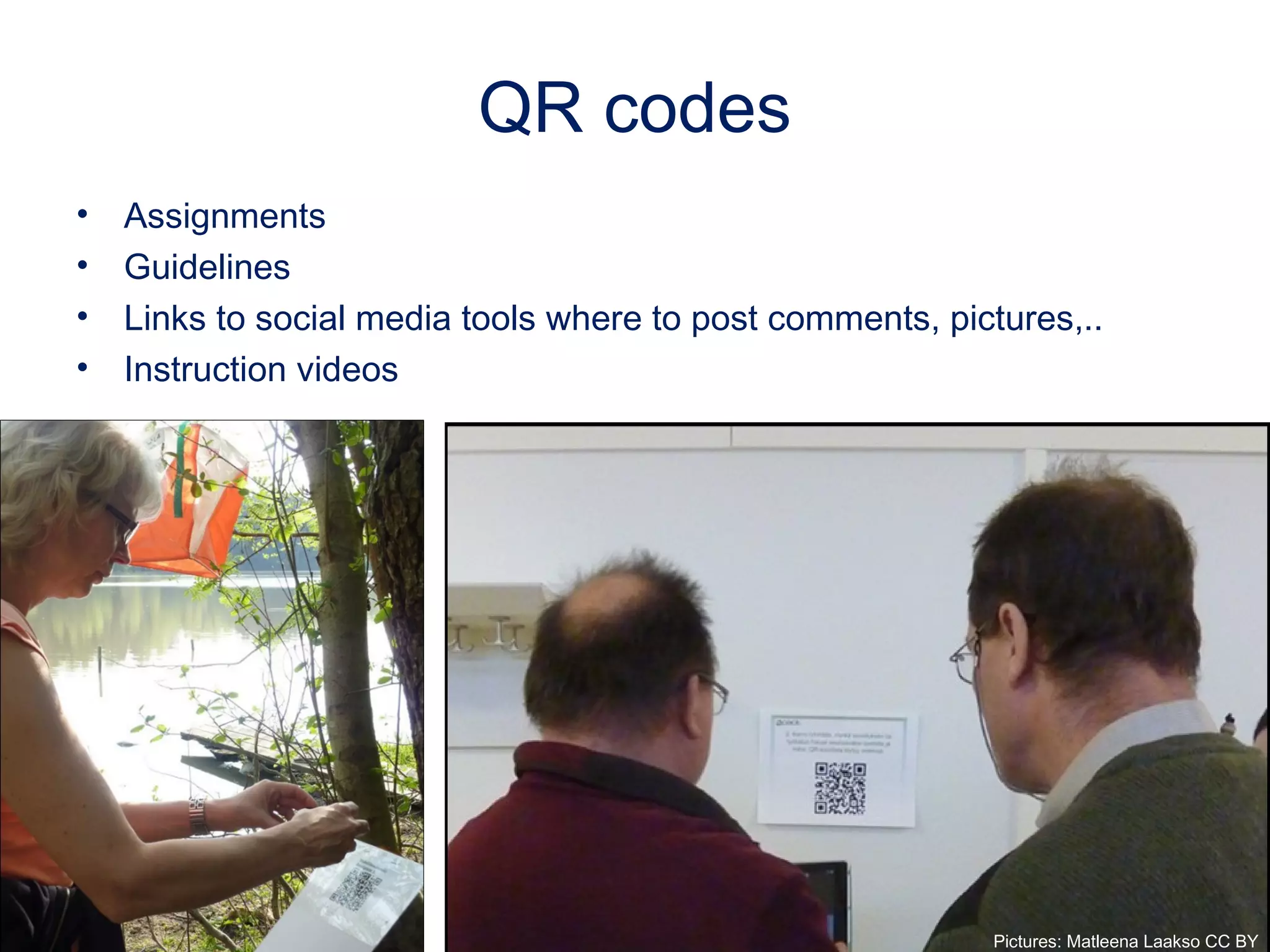
QR codes
• Assignments
• Guidelines
• Links to social media tools where to post comments, pictures,..
• Instruction videos
Pictures: Matleena Laakso CC BY
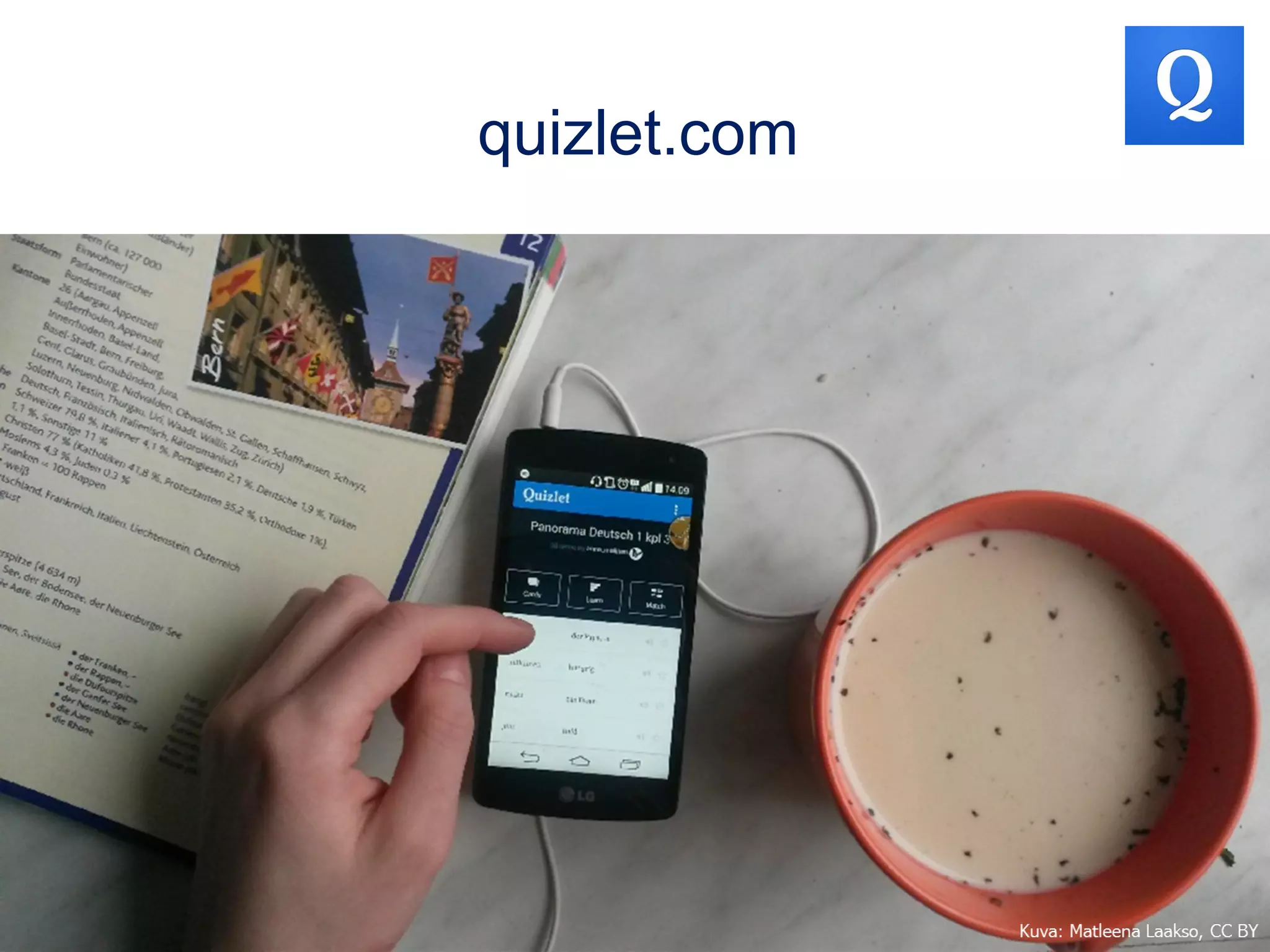
quizlet.com
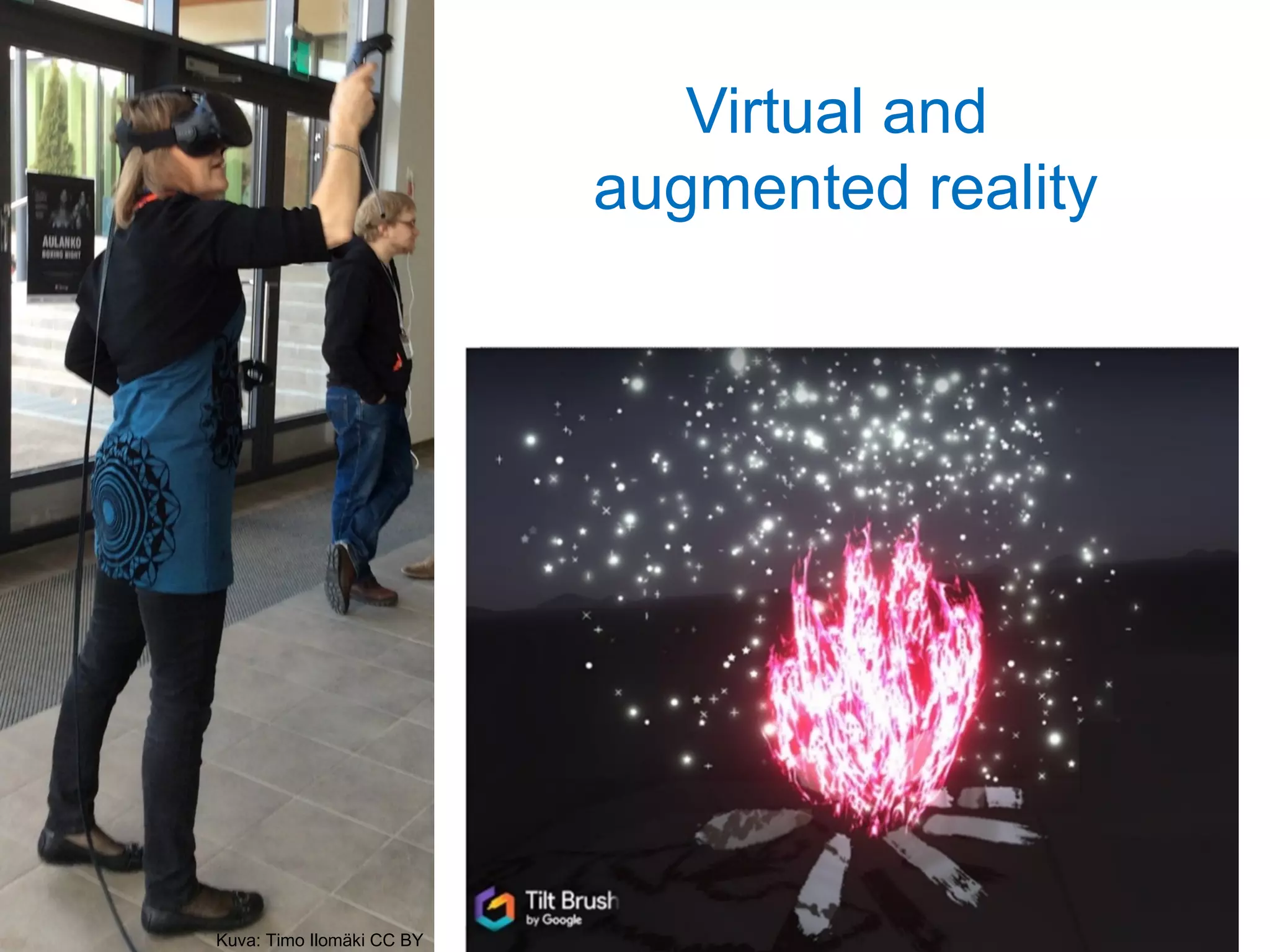
Virtual and
augmented reality
Kuva: Timo Ilomäki CC BY
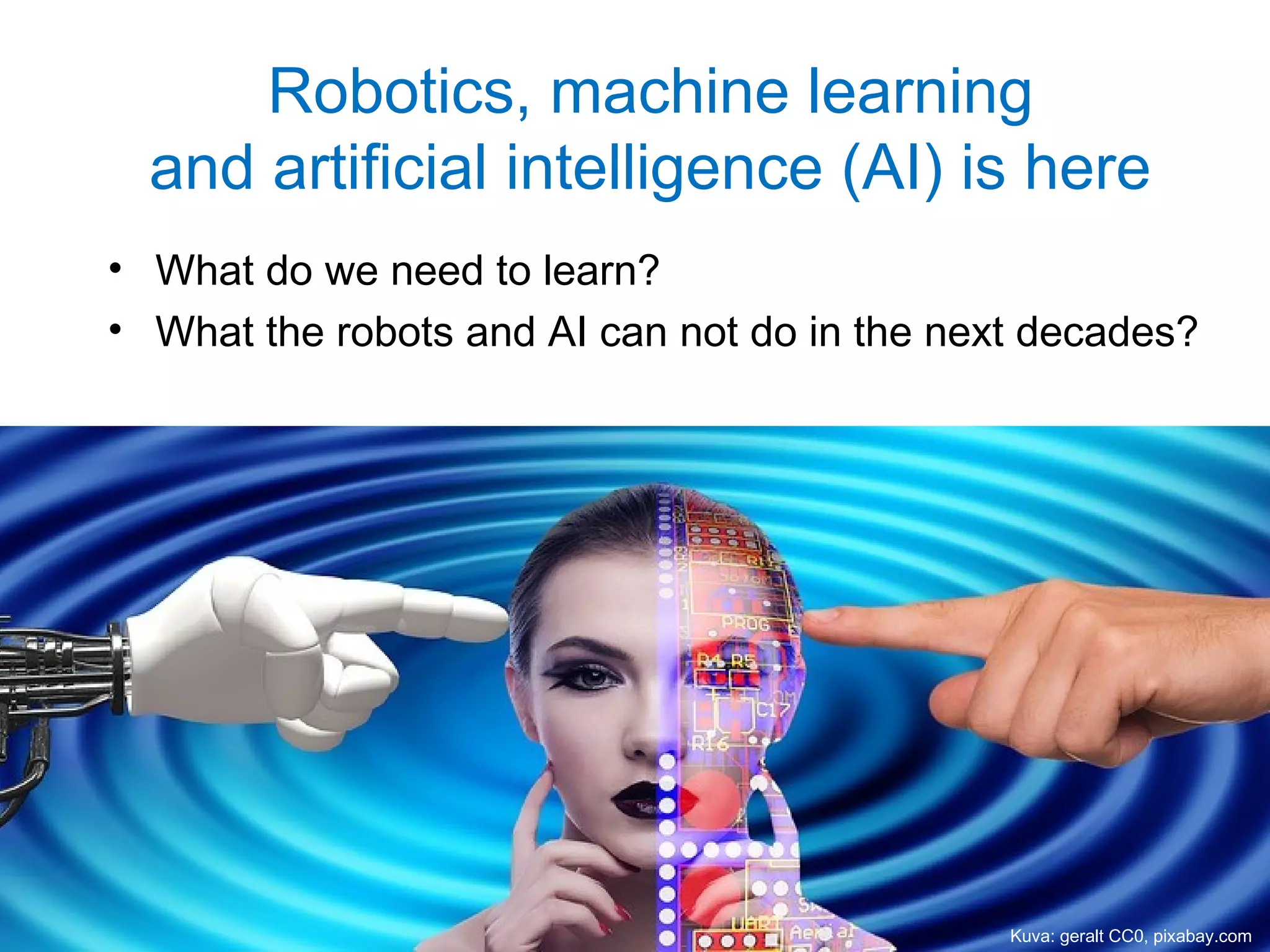
Robotics, machine learning
and artificial intelligence (AI) is here
• What do we need to learn?
• What the robots and AI can not do in the next decades?
Kuva: geralt CC0, pixabay.com
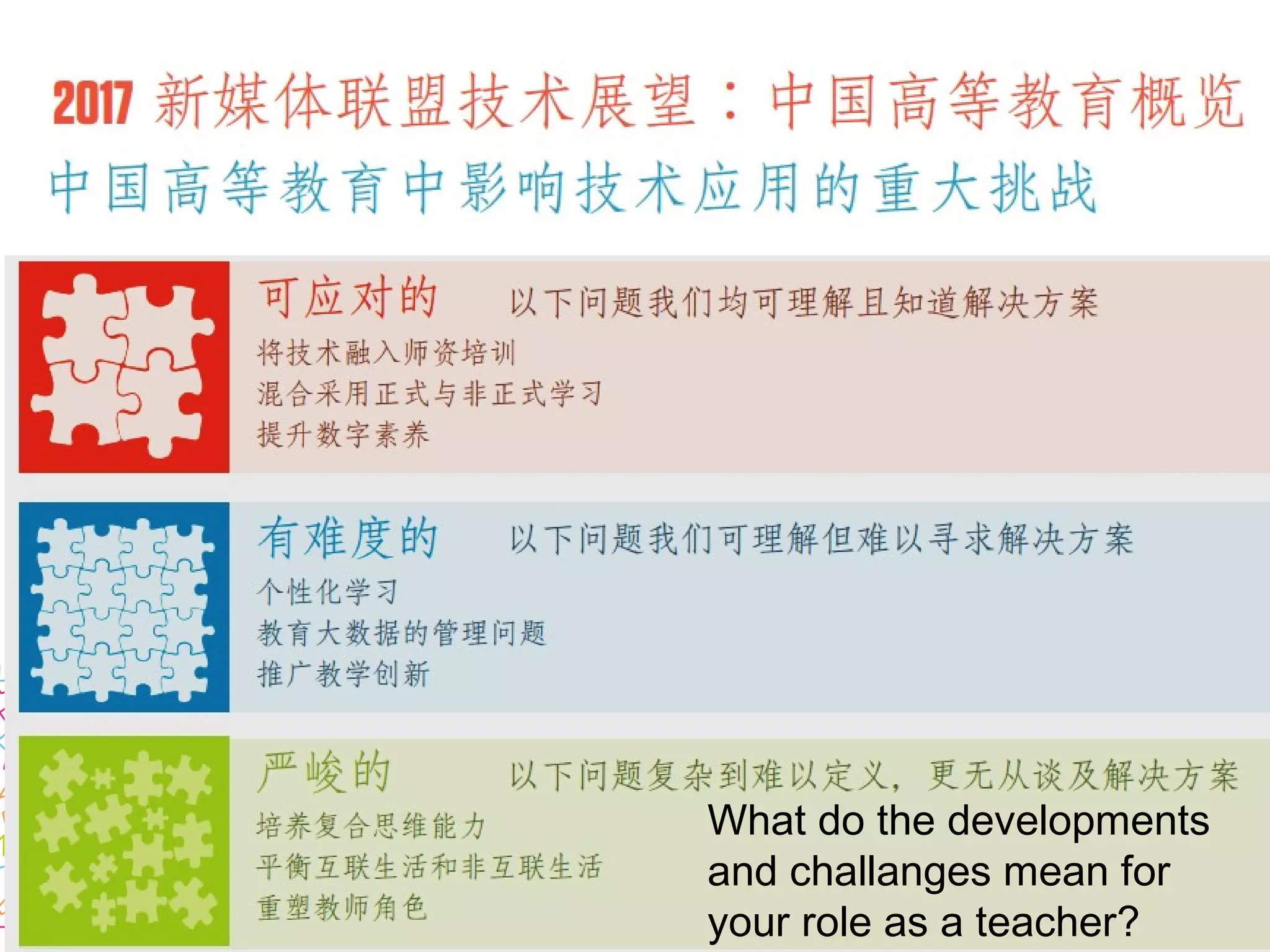
What do the developments
and challanges mean for
your role as a teacher?
Social media in education
教育社交媒体
Picture: CC0, pixabay.com
Blueberry
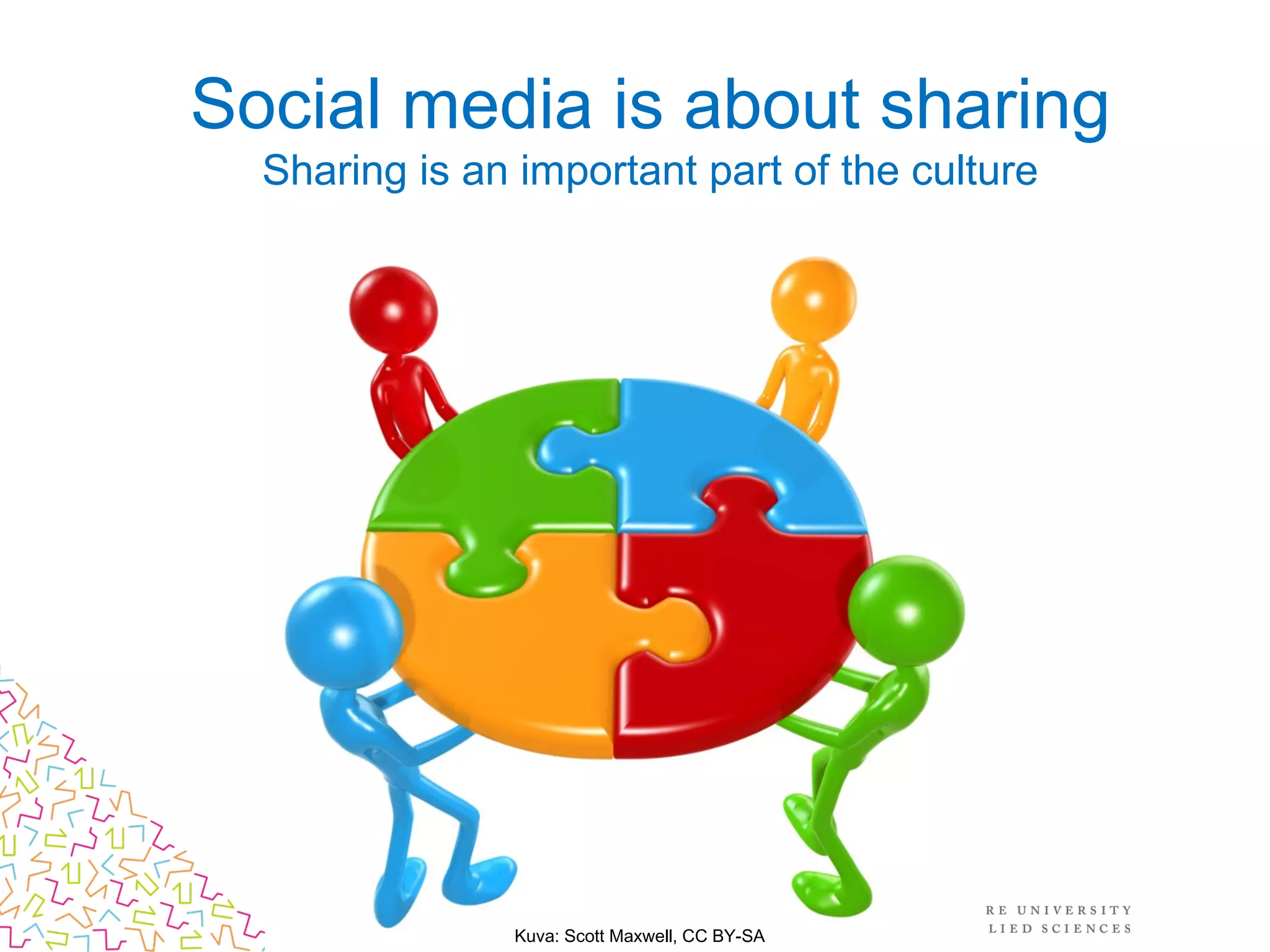
Social media is about sharing
Sharing is an important part of the culture
Kuva: Scott Maxwell, CC BY-SA
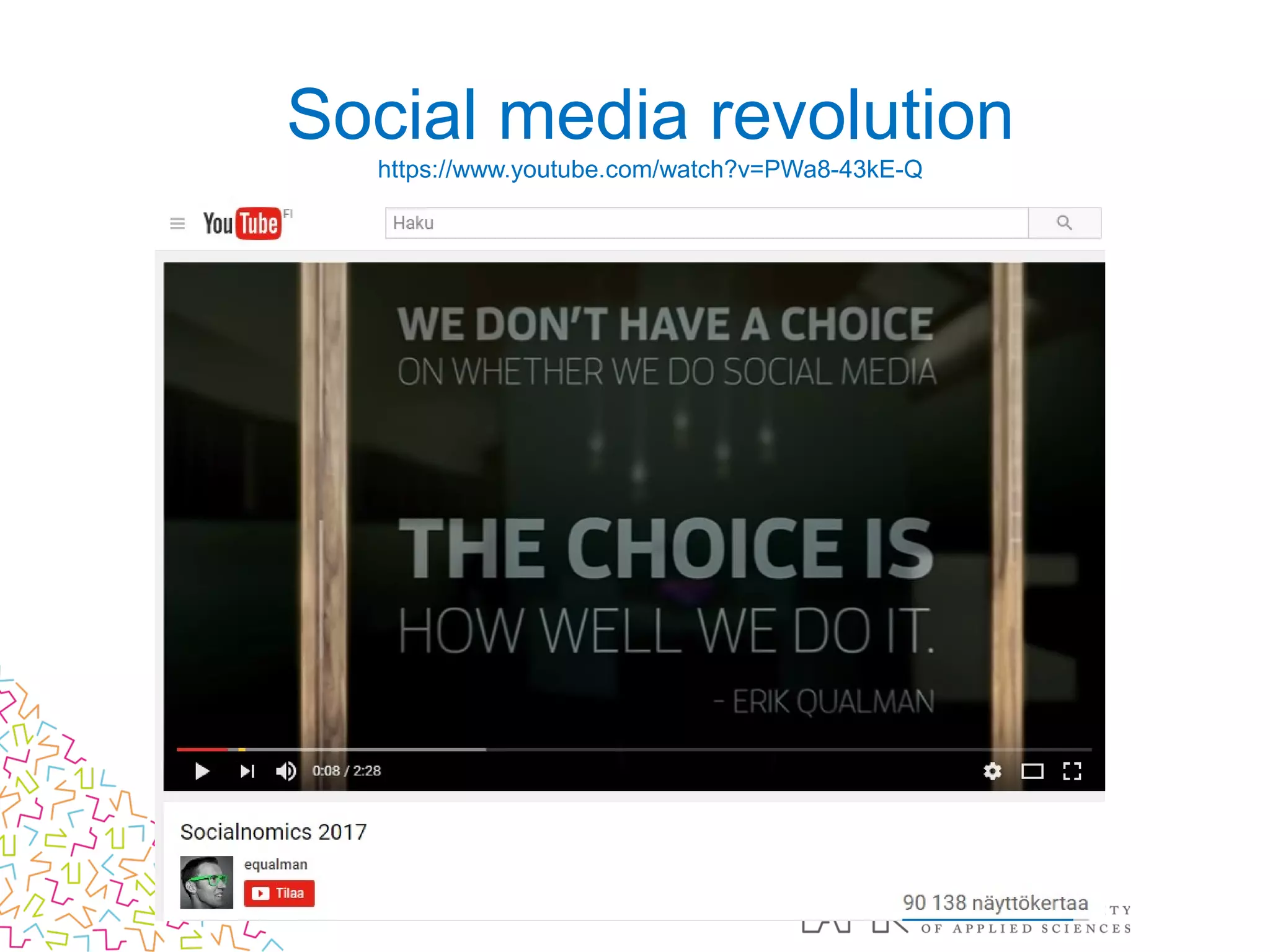
Social media revolution
https://www.youtube.com/watch?v=PWa8-43kE-Q
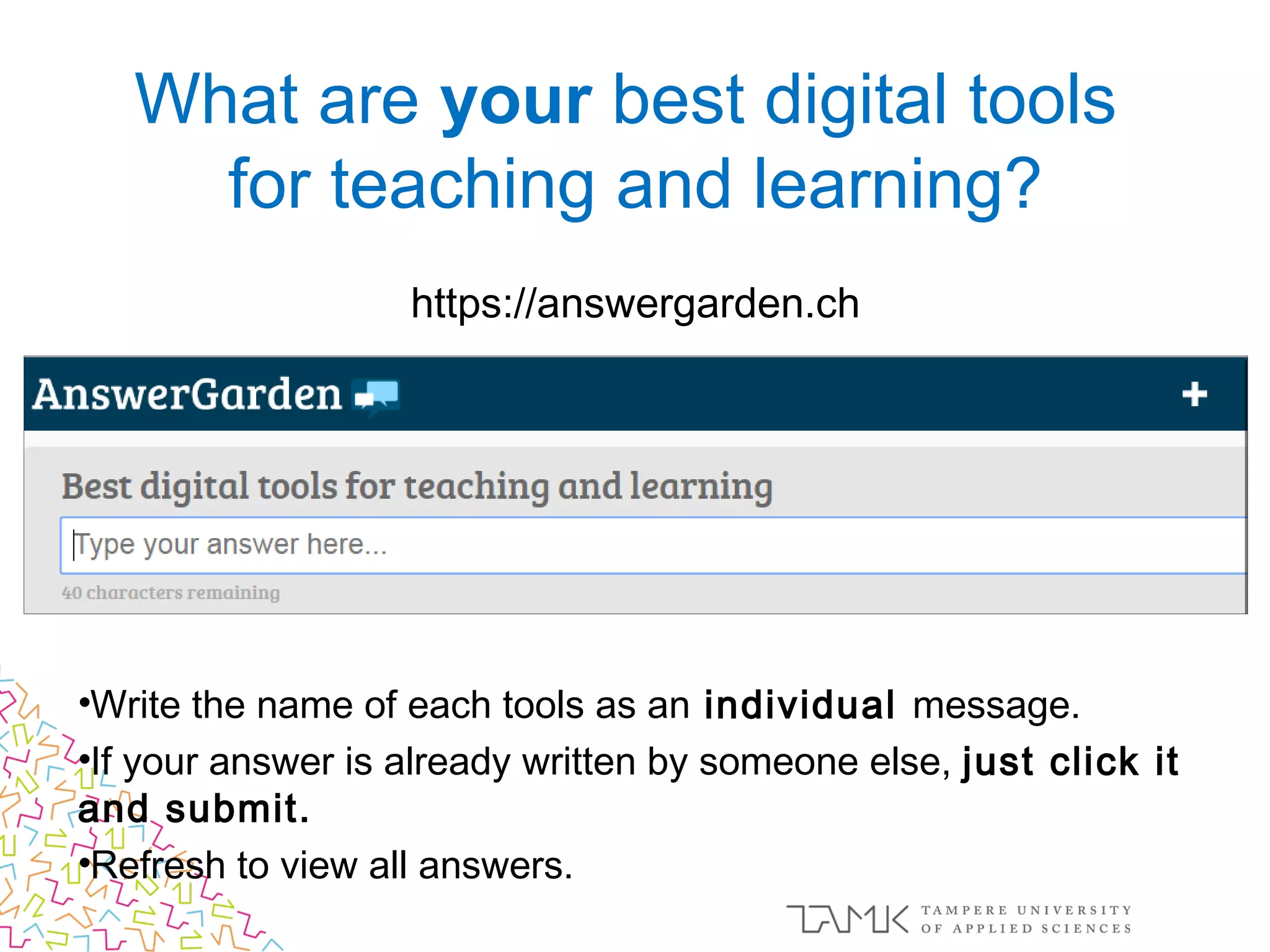
https://answergarden.ch
•Write the name of each tools as an individual message.
•If your answer is already written by someone else, just click it
and submit.
•Refresh to view all answers.
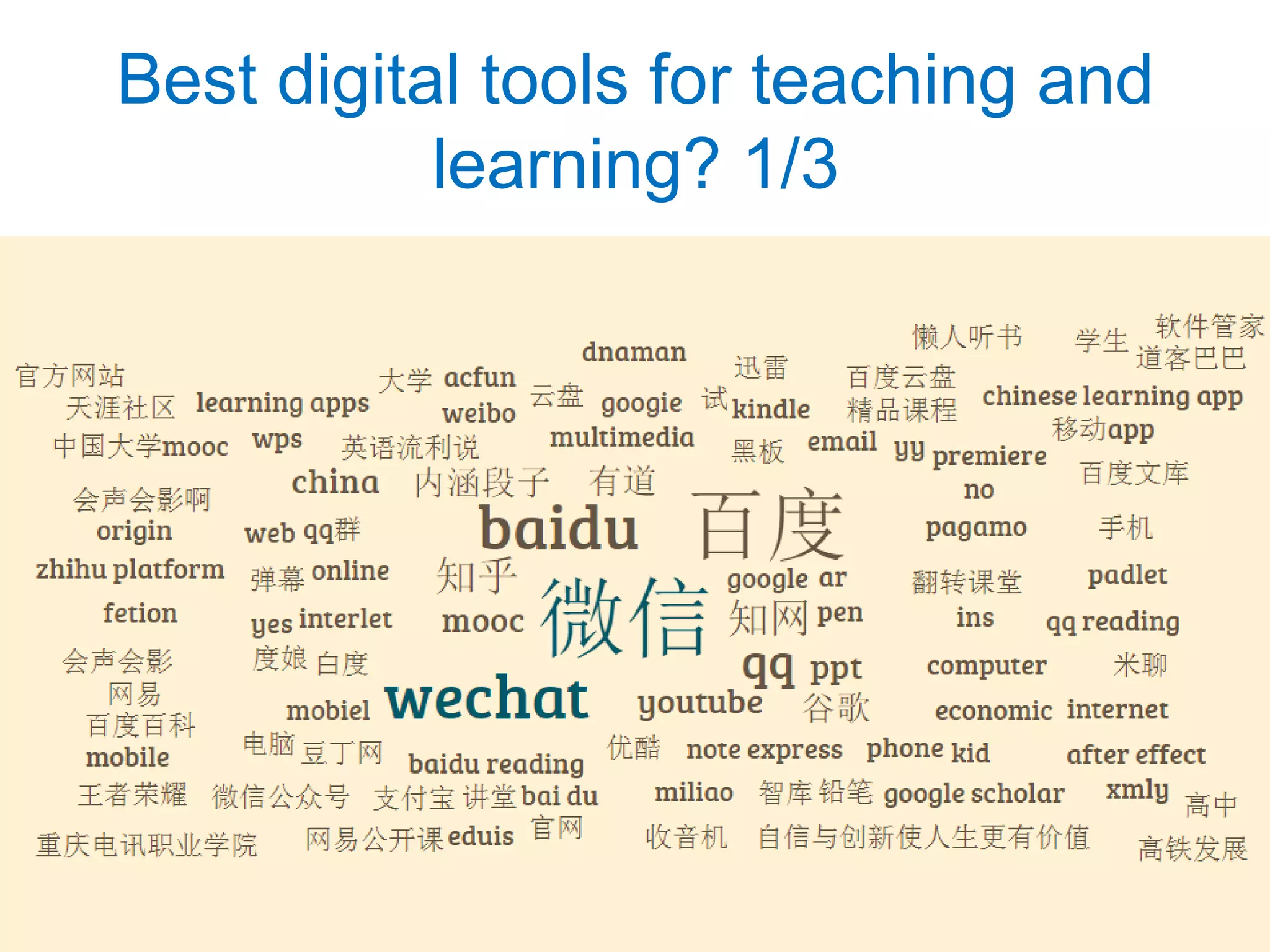
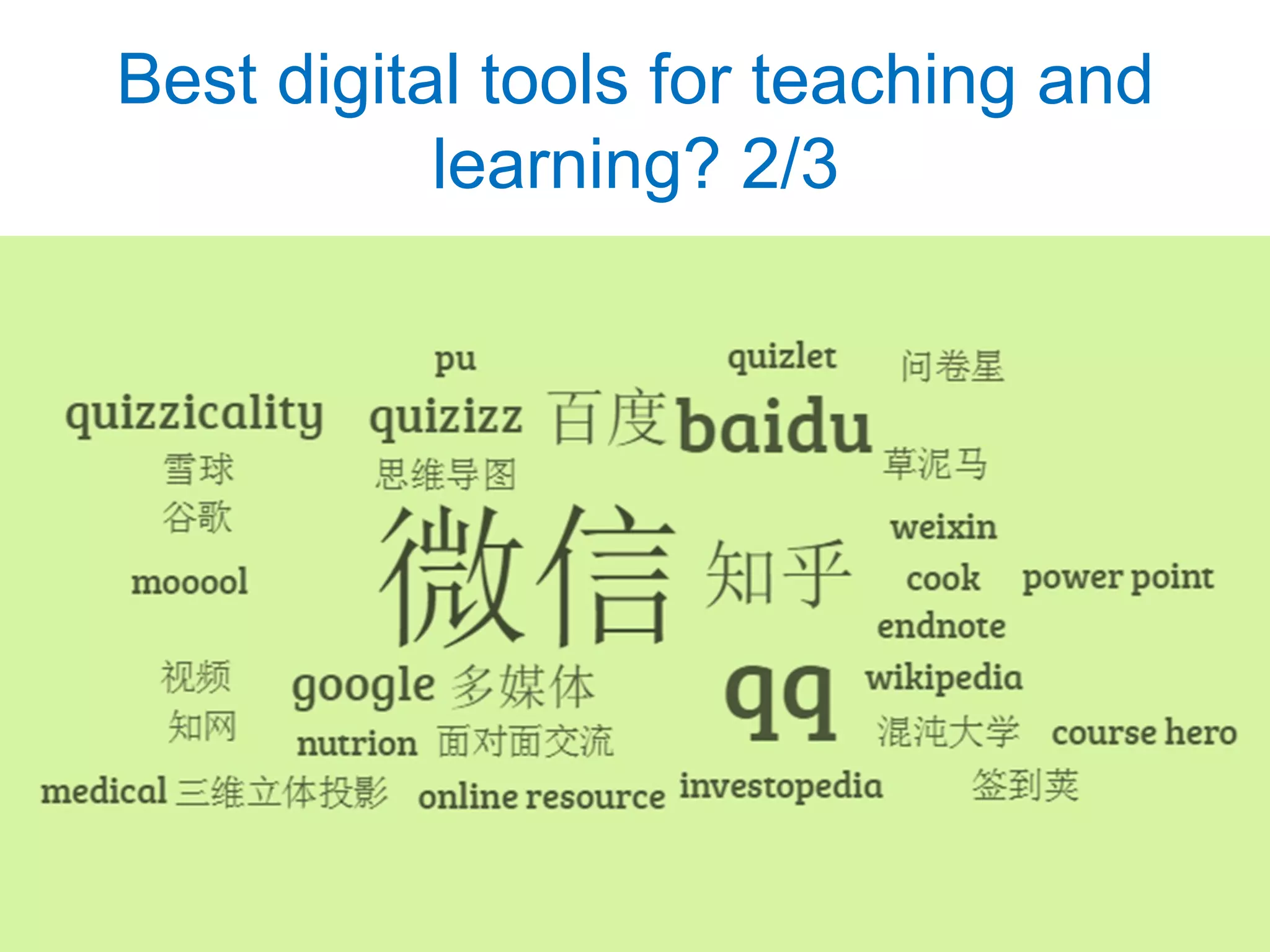
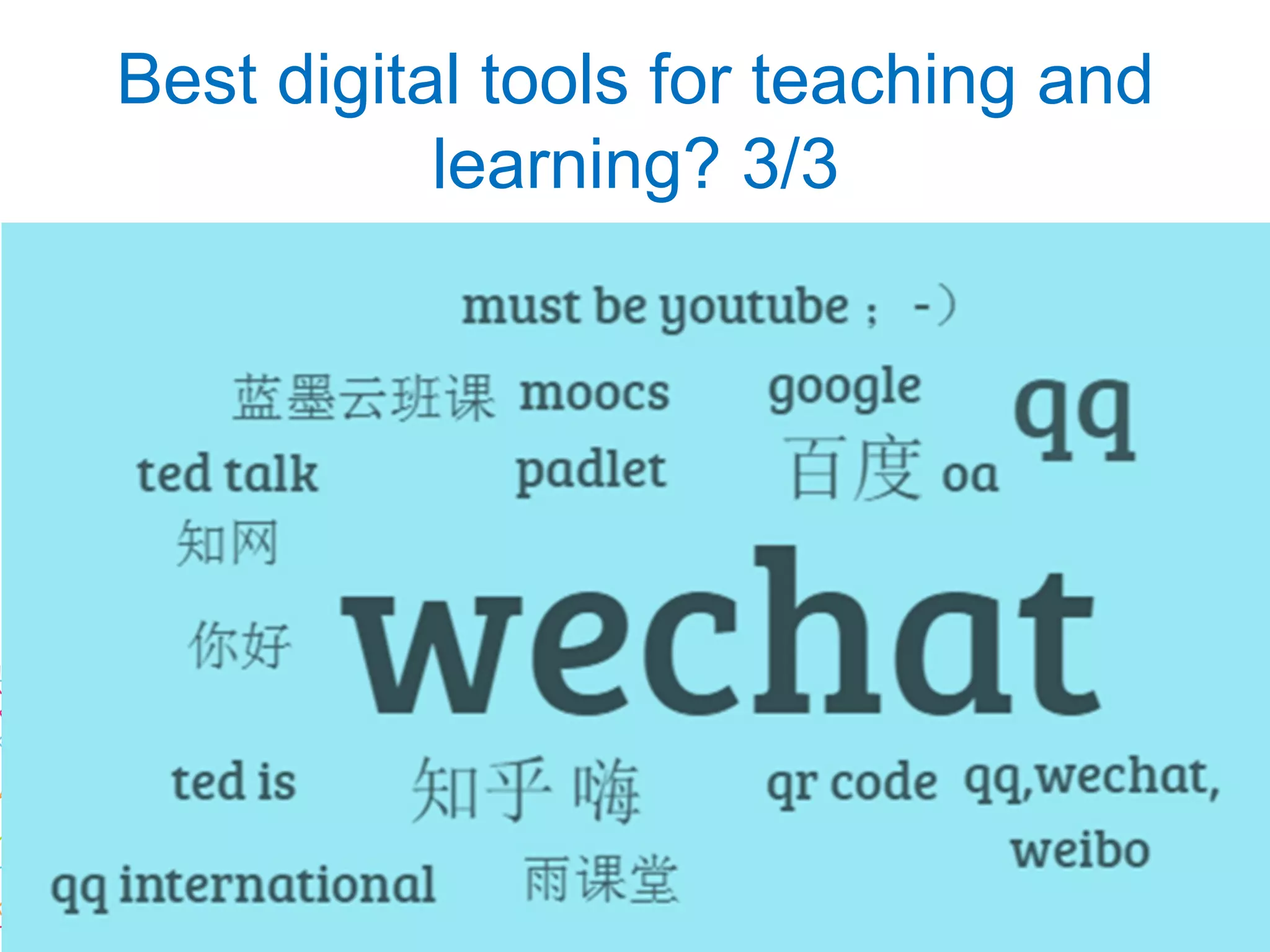
What are your best digital tools
for teaching and learning?
Best digital tools for teaching and
learning? 1/3
Best digital tools for teaching and
learning? 2/3
Best digital tools for teaching and
learning? 3/3
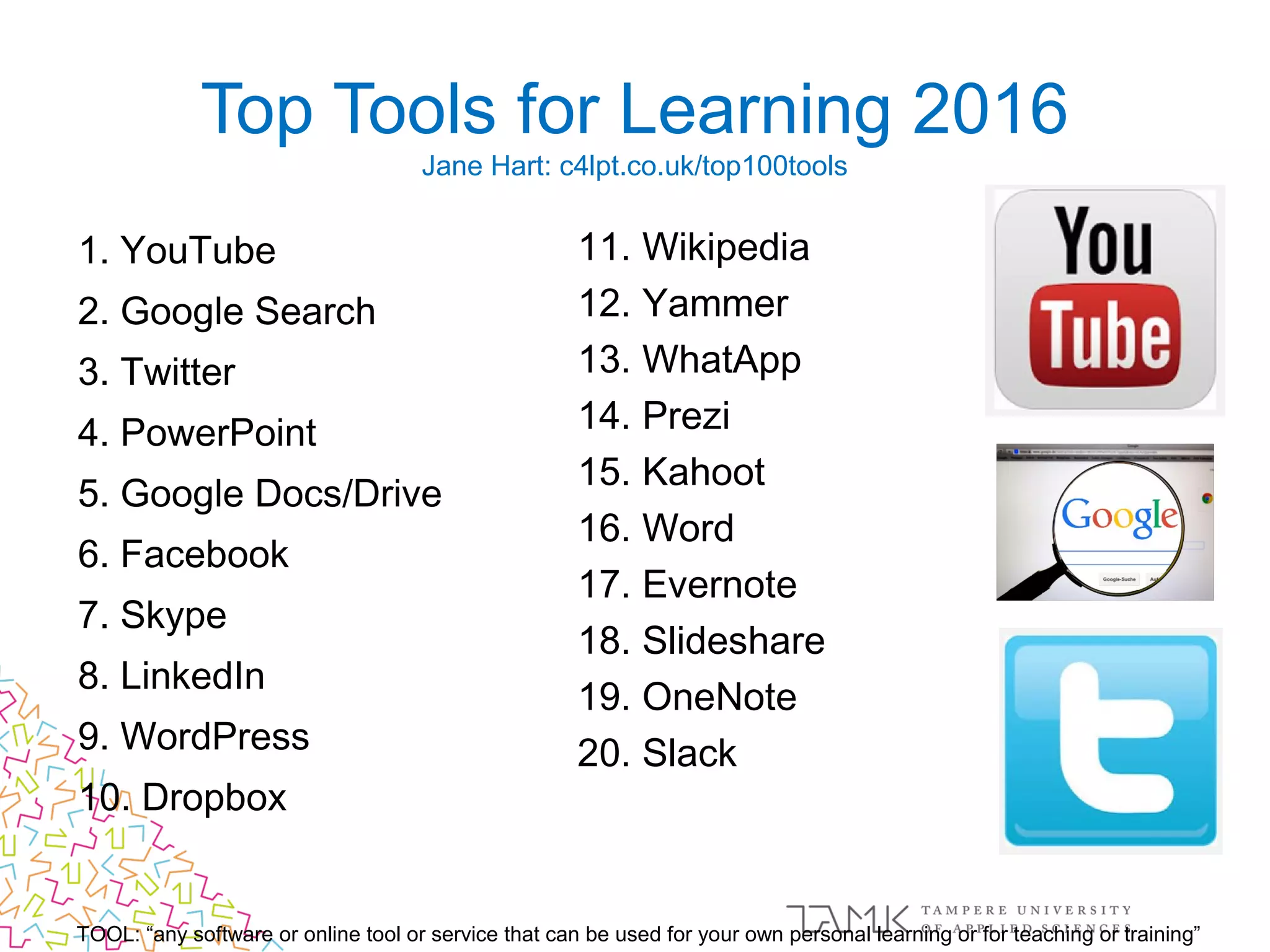
1. YouTube
2. Google Search
3. Twitter
4. PowerPoint
5. Google Docs/Drive
6. Facebook
7. Skype
8. LinkedIn
9. WordPress
10. Dropbox
Top Tools for Learning 2016
Jane Hart: c4lpt.co.uk/top100tools
TOOL: “any software or online tool or service that can be used for your own personal learning or for teaching or training”
11. Wikipedia
12. Yammer
13. WhatApp
14. Prezi
15. Kahoot
16. Word
17. Evernote
18. Slideshare
19. OneNote
20. Slack
1. Baidu.com
2. Qq.com
3. Taobao.com
4. Tmall.com
5. Sohu.com
6. Sina.com.cn
7. Jd.com
8. Weibo.com
9. 360.cn
10. List.tmall.com
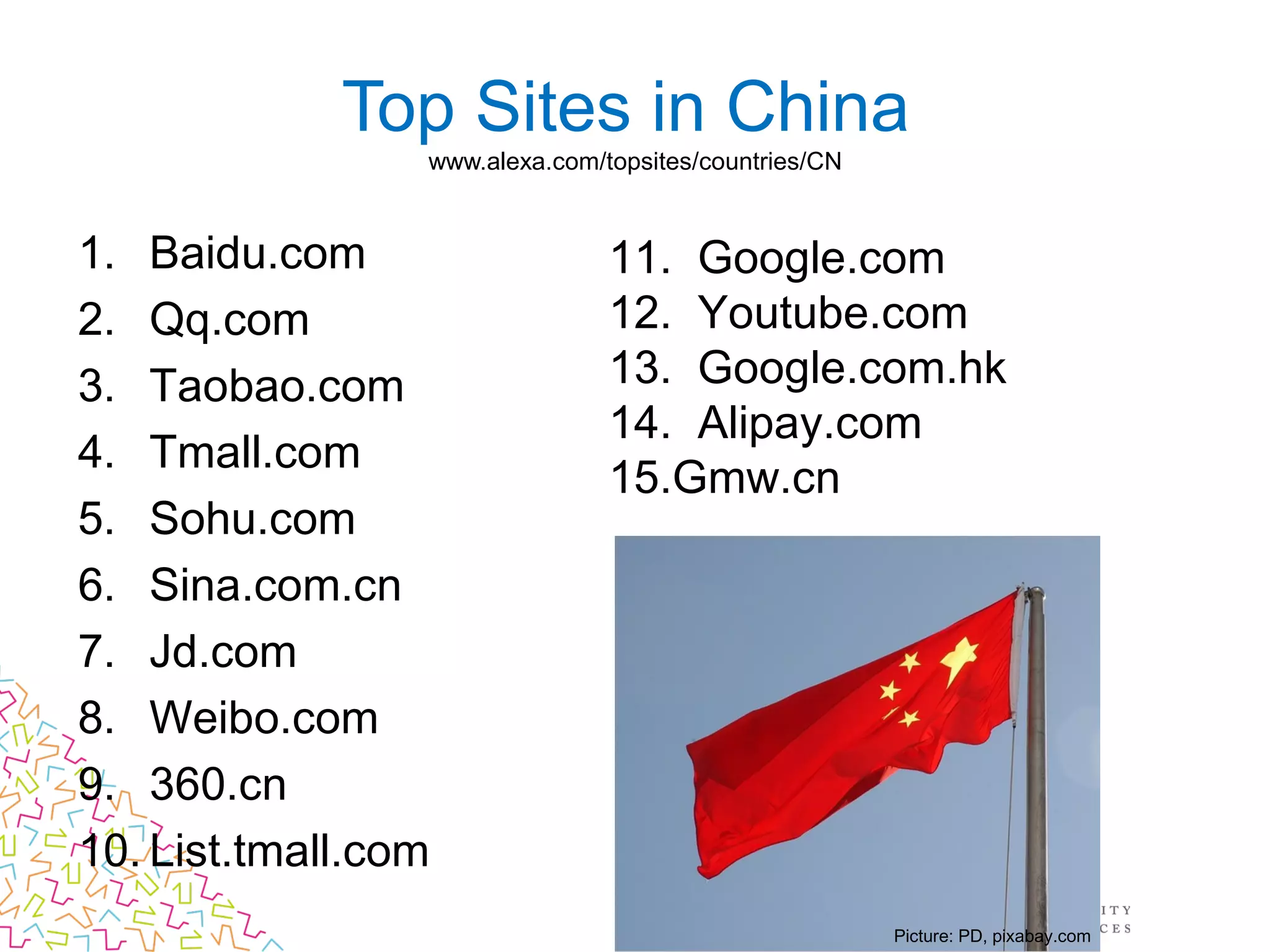
Top Sites in China
www.alexa.com/topsites/countries/CN
11. Google.com
12. Youtube.com
13. Google.com.hk
14. Alipay.com
15.Gmw.cn
Picture: PD, pixabay.com
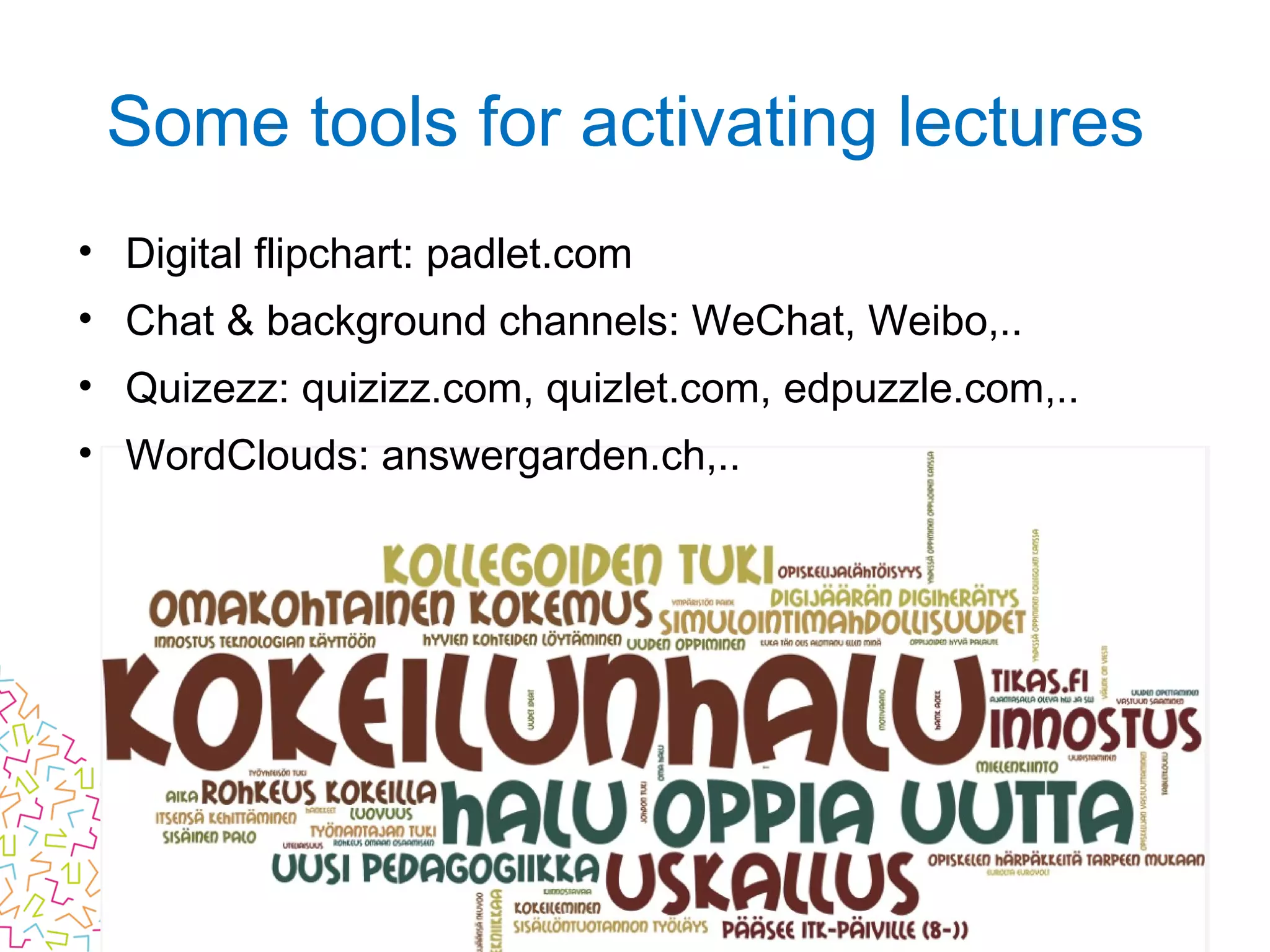
• Digital flipchart: padlet.com
• Chat & background channels: WeChat, Weibo,..
• Quizezz: quizizz.com, quizlet.com, edpuzzle.com,..
• WordClouds: answergarden.ch,..
Some tools for activating lectures
Comments? Questions?
Picture: CC0, pixabay.com
Blueberry
Licensed under Creative Commons
Attribution-Share Alike 4.0
International License (CC BY-SA 4.0)
根据知识共享署名 - 相同共享 4.0 授权
国际许可( CC BY-SA 4.0 )
• Creative Commons -licensies: creativecommons.net.cn or creativecommons.org
• Terms for using these slides is CC BY-SA: creativecommons.org/licenses/by-sa/4.0
You are free to:
–Share — copy and redistribute the material in any medium or format
–Adapt — remix, transform, and build upon the material
–for any purpose, even commercially.
Under the following terms:
–Attribution — You must give appropriate credit, provide a link to the license, and indicate if changes were made. You
may do so in any reasonable manner, but not in any way that suggests the licensor endorses you or your use.
–ShareAlike — If you remix, transform, or build upon the material, you must distribute your contributions under
the same license as the original.
• You can contact me to get more rights 
–These slides: https://www.slideshare.net/MatleenaLaakso/ICT-and-digitalization-in-teaching-and-
learning
–My blog: http://www.matleenalaakso.fi/p/in-english.html
–WeChatID: matleenalaakso
–E-mail: matleena.laakso@tamk.fi or matleena.laakso@live.fi

Ict and digitalization in teaching and learning

  • 1.
    ICT and digitalization inteaching and learning 信息通信技术和数字化教学与学习 New Teachers Pre-Service Training 新教师入职培训 Chongqing University of Sciences and Technology Chongqing, China 26. July 2017 重庆科技学院 中国, 2017 年 7 月 26 日 Matleena Laakso TAMK – Tampere University of Applied Sciences 坦佩雷应用科学大学 Li Zhang TAMK & Bright Sky Consulting 坦佩雷应用科学大学, Bright Sky 教育咨询
  • 2.
    Matleena Laakso 马特莱娜 ·拉科索 • Master of education, teacher’s pedagogical qualification • Expert in teaching and learning, specialised in ICT and digitalisation in education and professional development  • Expert at the School of Vocational Teacher Education at TAMK • WeChat ID: matleenalaakso • 教育学硕士,具有教师教学资格 • 教学和学习领域专家,专门从事 ICT 和数字化教育与职业发展等研究领域 • 坦佩雷科技大学职业教师教育学院专 家 • 微信账号: matleenalaakso
  • 3.
    信息通信技术和数字化教学与学 习 • 技术展望 2017:中国高等教育 • 教育社交媒体 We will try out three free web-tools. • Padlet-app • You can also use WeChat
  • 4.
    Learning environment oftoday Häkkinen & Viteli (ed) 2014: https://ktl.jyu.fi/julkaisut/julkaisuluettelo/julkaisut/2014/D109.pdf Physical and virtual Personal and shared Formal, informal and non-formal Global and local Picture: Kimhunghan CC BY-SA
  • 5.
    What is typicalfor good teaching methods? Minna Lakkala: www.slideshare.net/MinnaHL/pedagogineninfra2015 • Students co-operate like professional teams. • Students perform tasks and solve challanging problems. • Students use various sources and digital techonology. • Students create new knowledge together and make concrete final results. Picture: Sasint CC0, pixabay.com
  • 6.
    Kuva: geralt CC0,pixabay.com
  • 8.
    It does not matter howslowly you go  as long as you do not stop. – Confucius Picture: Confucius Sculpture from Nanjing, Kevinsmithnyc, CC BY-SA, Wikimedia.org Picture: MemoryCatcher CC0, pixabay.com
  • 9.
    You don’t haveto do it alone Picture: Jack78 CC0, pixabay.com
  • 10.
  • 11.
    • Share yourideas with those sitting next to you! (groups of 3-5) How can you learn from each other things that help you as a teacher?
  • 12.
    Technology Outlook 2017: ChineseHigher Education Picture: CC0, pixabay.com Blueberry
  • 13.
    Technology Outlook 2017: Chinese HigherEducation • Made by The New Media Consortium and Smart Learning Institute of Beijing Normal University • http://sli.bnu.edu.cn • Licensed under CC BY
  • 16.
  • 17.
  • 18.
  • 20.
    Creative Commons licensesare the standard for sharing free content online. •International •Non-commercial •The most used license in the world Picture: creativecommons.org/licenses, CC BY
  • 21.
  • 22.
    Creative Commons -terms Bycombining these terms you get the licenses on the following slide
  • 23.
  • 24.
  • 26.
    • STEM: science,technology, engineering and mathematics • A stands for ‘art+’ (arts, design, humanities). – encourages more intellectual curiosity and creative thinking Rise of STEAM Learning Picture: Joffi CC0, pixabay.com
  • 27.
    Start by givinga code and your name. Let’s try! https://quizizz.com/join Digitals tests: Hot trend in Nordic countries
  • 28.
  • 29.
    Log in andcreate your own quiz or use public quizizz
  • 31.
  • 32.
  • 34.
    Open your Padlet-app •No need to register or sign in today!
  • 35.
  • 36.
  • 37.
    What do thesetrends mean for your role as a teacher?
  • 40.
    • Students learnat home from videos, book, web, discussion etc. • At the school they practise, solve problems, apply what they have learned and co-operate with each others • Type of blended learning: ICT and collaborative learning are actively in use Flipped learning Picture: www.knewton.com/flipped-classroom
  • 41.
    Mobile learning Kuva: Bett2017,creativeconnection.co.uk
  • 42.
    QR codes • Assignments •Guidelines • Links to social media tools where to post comments, pictures,.. • Instruction videos Pictures: Matleena Laakso CC BY
  • 43.
  • 45.
  • 47.
    Robotics, machine learning andartificial intelligence (AI) is here • What do we need to learn? • What the robots and AI can not do in the next decades? Kuva: geralt CC0, pixabay.com
  • 48.
    What do thedevelopments and challanges mean for your role as a teacher?
  • 49.
    Social media ineducation 教育社交媒体 Picture: CC0, pixabay.com Blueberry
  • 50.
    Social media isabout sharing Sharing is an important part of the culture Kuva: Scott Maxwell, CC BY-SA
  • 51.
  • 52.
    https://answergarden.ch •Write the nameof each tools as an individual message. •If your answer is already written by someone else, just click it and submit. •Refresh to view all answers. What are your best digital tools for teaching and learning?
  • 53.
    Best digital toolsfor teaching and learning? 1/3
  • 54.
    Best digital toolsfor teaching and learning? 2/3
  • 55.
    Best digital toolsfor teaching and learning? 3/3
  • 56.
    1. YouTube 2. GoogleSearch 3. Twitter 4. PowerPoint 5. Google Docs/Drive 6. Facebook 7. Skype 8. LinkedIn 9. WordPress 10. Dropbox Top Tools for Learning 2016 Jane Hart: c4lpt.co.uk/top100tools TOOL: “any software or online tool or service that can be used for your own personal learning or for teaching or training” 11. Wikipedia 12. Yammer 13. WhatApp 14. Prezi 15. Kahoot 16. Word 17. Evernote 18. Slideshare 19. OneNote 20. Slack
  • 57.
    1. Baidu.com 2. Qq.com 3.Taobao.com 4. Tmall.com 5. Sohu.com 6. Sina.com.cn 7. Jd.com 8. Weibo.com 9. 360.cn 10. List.tmall.com Top Sites in China www.alexa.com/topsites/countries/CN 11. Google.com 12. Youtube.com 13. Google.com.hk 14. Alipay.com 15.Gmw.cn Picture: PD, pixabay.com
  • 58.
    • Digital flipchart:padlet.com • Chat & background channels: WeChat, Weibo,.. • Quizezz: quizizz.com, quizlet.com, edpuzzle.com,.. • WordClouds: answergarden.ch,.. Some tools for activating lectures
  • 59.
  • 61.
    Licensed under CreativeCommons Attribution-Share Alike 4.0 International License (CC BY-SA 4.0) 根据知识共享署名 - 相同共享 4.0 授权 国际许可( CC BY-SA 4.0 ) • Creative Commons -licensies: creativecommons.net.cn or creativecommons.org • Terms for using these slides is CC BY-SA: creativecommons.org/licenses/by-sa/4.0 You are free to: –Share — copy and redistribute the material in any medium or format –Adapt — remix, transform, and build upon the material –for any purpose, even commercially. Under the following terms: –Attribution — You must give appropriate credit, provide a link to the license, and indicate if changes were made. You may do so in any reasonable manner, but not in any way that suggests the licensor endorses you or your use. –ShareAlike — If you remix, transform, or build upon the material, you must distribute your contributions under the same license as the original. • You can contact me to get more rights  –These slides: https://www.slideshare.net/MatleenaLaakso/ICT-and-digitalization-in-teaching-and- learning –My blog: http://www.matleenalaakso.fi/p/in-english.html –WeChatID: matleenalaakso –E-mail: matleena.laakso@tamk.fi or matleena.laakso@live.fi

Editor's Notes

  • #2 ICT and digitalization in teaching and learning, New Teachers Pre-Service Training, Chongqing 2017 made by Matleena Laakso has been lisenced under CC BY-SA. More information on the last slide or http://www.matleenalaakso.fi/p/in-english.html