What does it look like?
Where do I find it?


                                                       @alexfinICT
                          alex.findlay@educationcommunication.co.uk
8-18 year-olds devote an average of 7 hours and 38
minutes to using entertainment media across a typical
                         day

They spend so much of that time ‘media multitasking’
   (using more than one medium at a time), they
 actually manage to pack a total of 10 hours and 45
minutes worth of media content into those 7½ hours.


                          http://www.kff.org/entmedia/entmedia012010nr.cfm
   Up skill yourself
   Share your knowledge
   Build up a bank of digital resources
   Engage your pupils
   Allow the pupils to drive the technology,
    whilst you focus on the subject knowledge
But seriously, how am I going to do it?
Personal Learning Network
A personal learning network (PLN) is your very own,
handpicked online community of educators who could
offer you more advice, ideas, lesson plans and resources
than you could possibly ever use.

Think of it as that teacher in your school with all the best CDs,
textbooks and planning locked in their store cupboard.

Not only do you have your own key, but these tantalising
riches are shown on a never ending conveyor belt for you to
choose from.
Sign up to a free account on a widely used social
networking site, such as Twitter, Google+ or Facebook.

Signing up to an account is straight forward if you have
an email address and you don’t need to be good with
computers to use it.
Then follow educators who post interesting and useful things.
Ask if you are looking for a resource or an idea as someone in
you PLN will have it, saving you time and expense.
What do you have to do in return for
revolutionising your teaching and your
professional development and collaborating
with like-minded professionals to find great
resources and ideas?
As little or as much as you choose.

We hope that you would write some posts about a few things
that work well in your class. We would love to see things you
have made yourself and hear about any online resources that
you find and like.
                                           Martin Burrett - @ICTmagic
Isn’t Twitter just about ‘telling people you are
  having a cup of coffee’ and ‘Stephen Fry’?

         If that’s what you want it to be, yes!
If you follow the right type of people, it puts you
ahead of the game with 'live' information as it
actually happens.
There is an abundance of ideas and tips
available instantly! Plus support from other
teachers in similar situations.
cpd, resources, ideas, questions, sharing best
practice, like minded people..
It connects you with global educators if you
grow an open PLN.
It forces me to up my game (in a good way) and
lets me share and collaborate with brilliant
tweeps.
Twitter for education = networking with other
teachers, sharing good practice, finding out
about new resources
great way to share ideas! #ukedchat
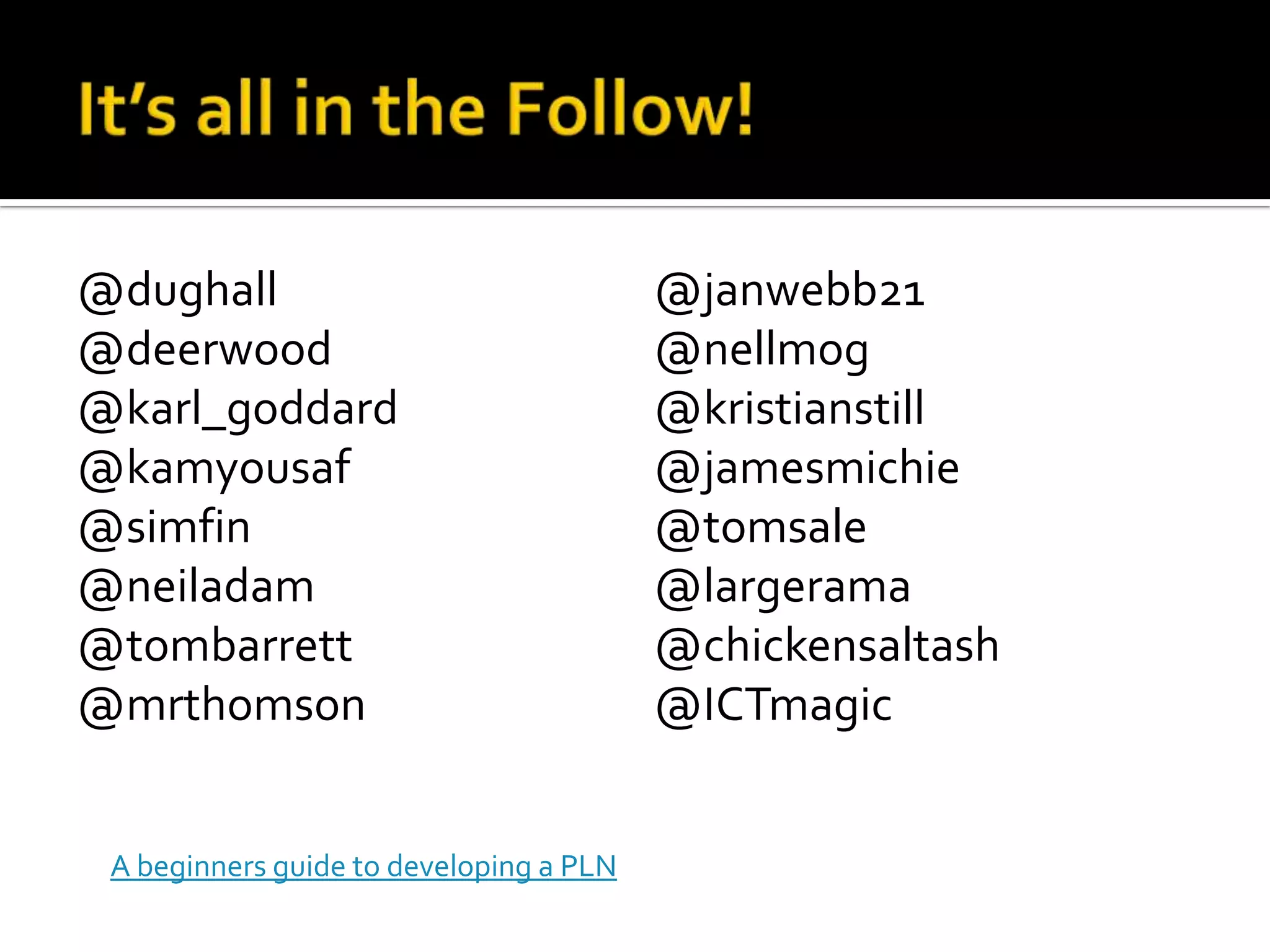
@dughall                                 @janwebb21
@deerwood                                @nellmog
@karl_goddard                            @kristianstill
@kamyousaf                               @jamesmichie
@simfin                                  @tomsale
@neiladam                                @largerama
@tombarrett                              @chickensaltash
@mrthomson                               @ICTmagic


 A beginners guide to developing a PLN
   Docs
     Online (works in browser)
     Collaborative
     No need for USB sticks
   Google Body
   Google Art Project
   Picasa – Photo editing/sharing
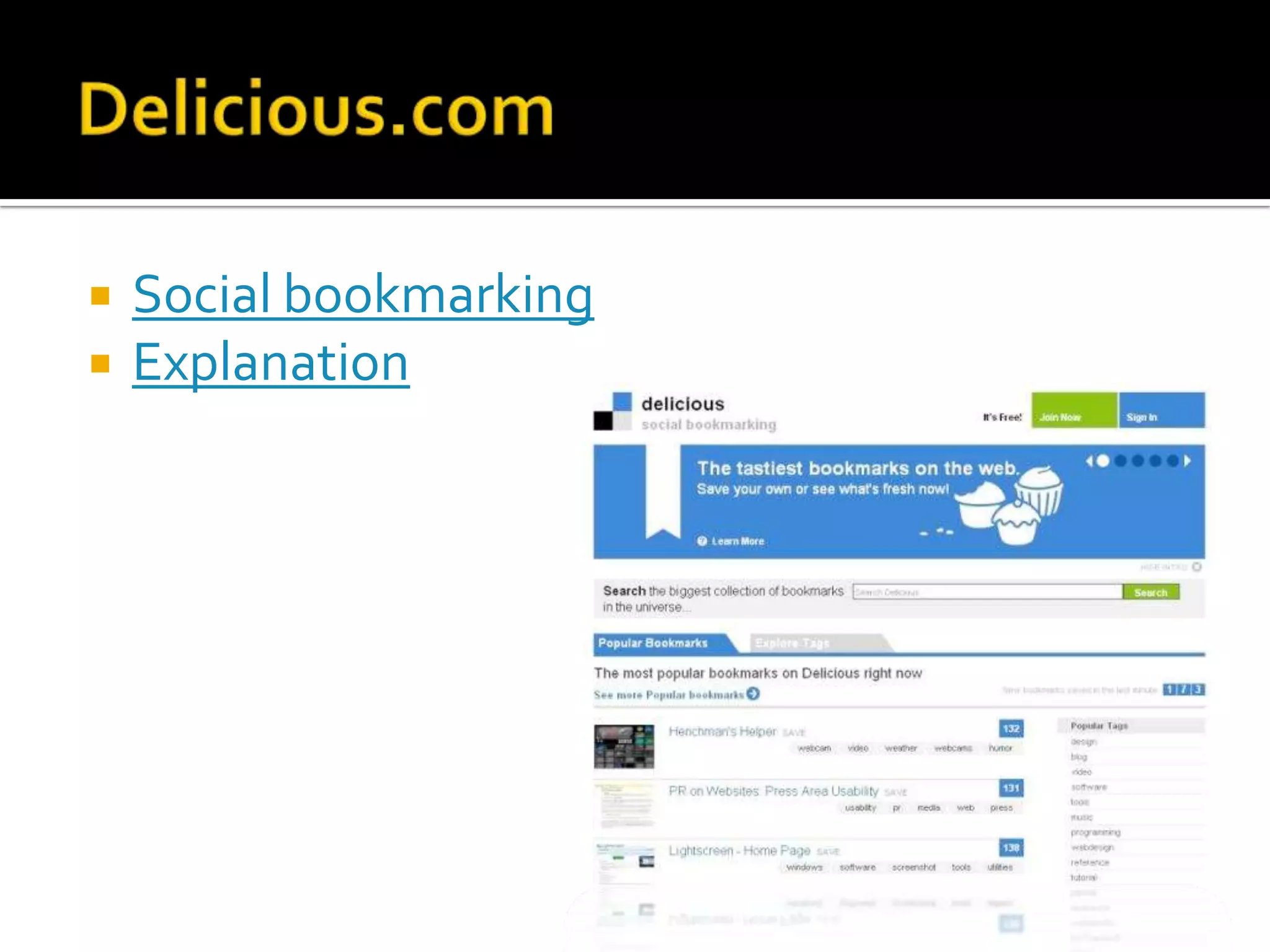
   Social bookmarking
   Explanation
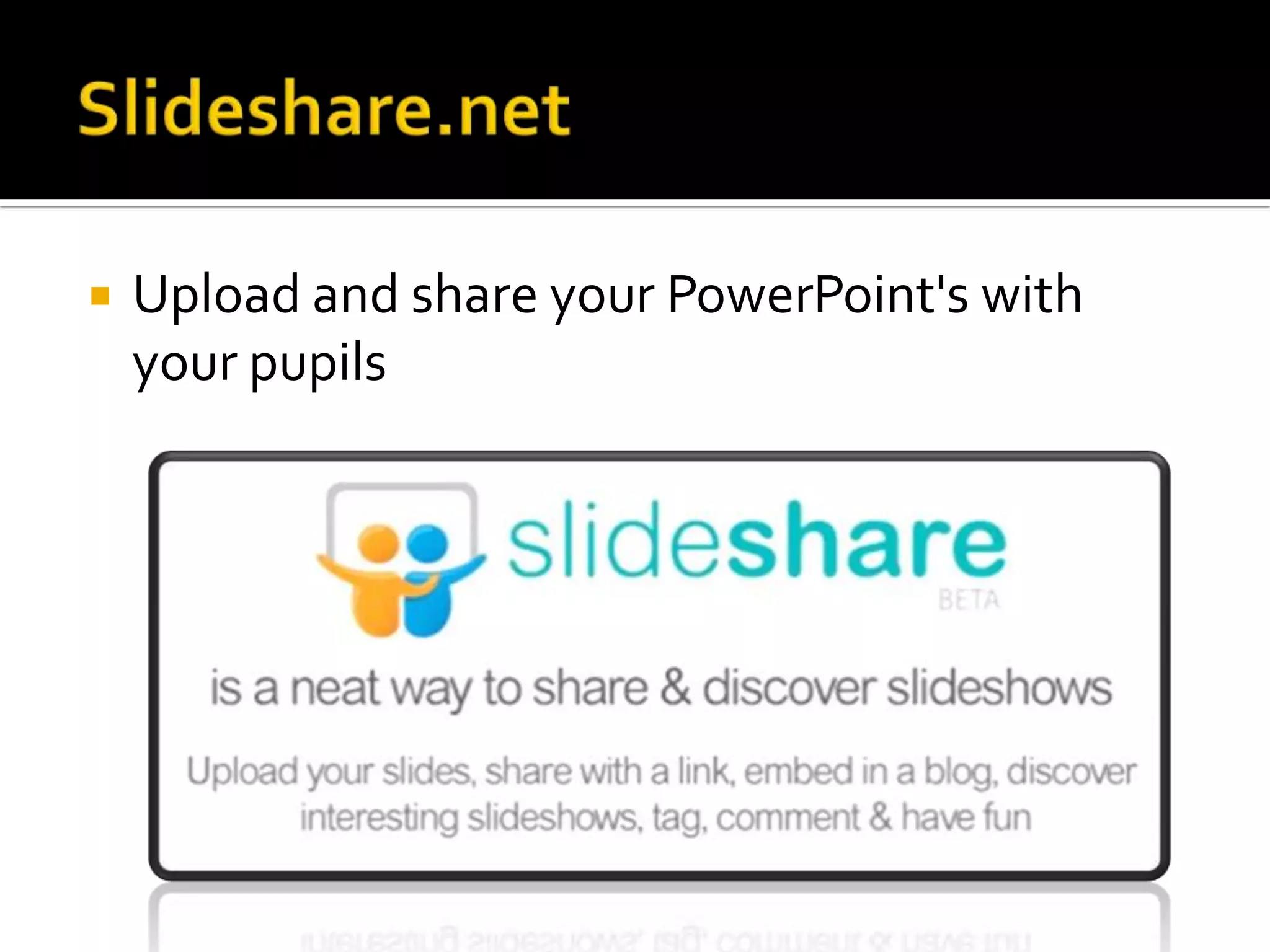
   Upload and share your PowerPoint's with
    your pupils
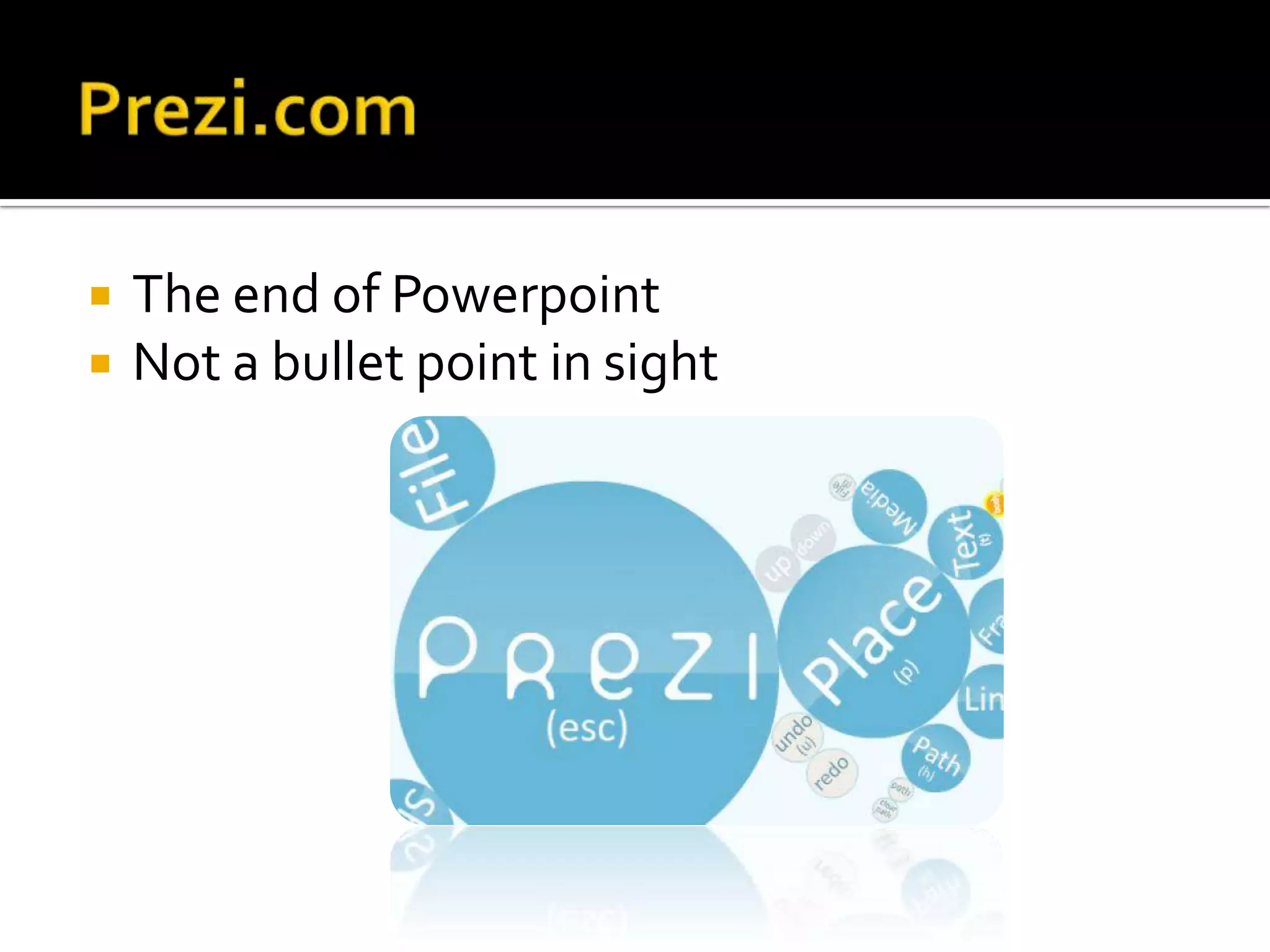
   The end of Powerpoint
   Not a bullet point in sight
   Filesharing
   File sync
   http://dropitto.me
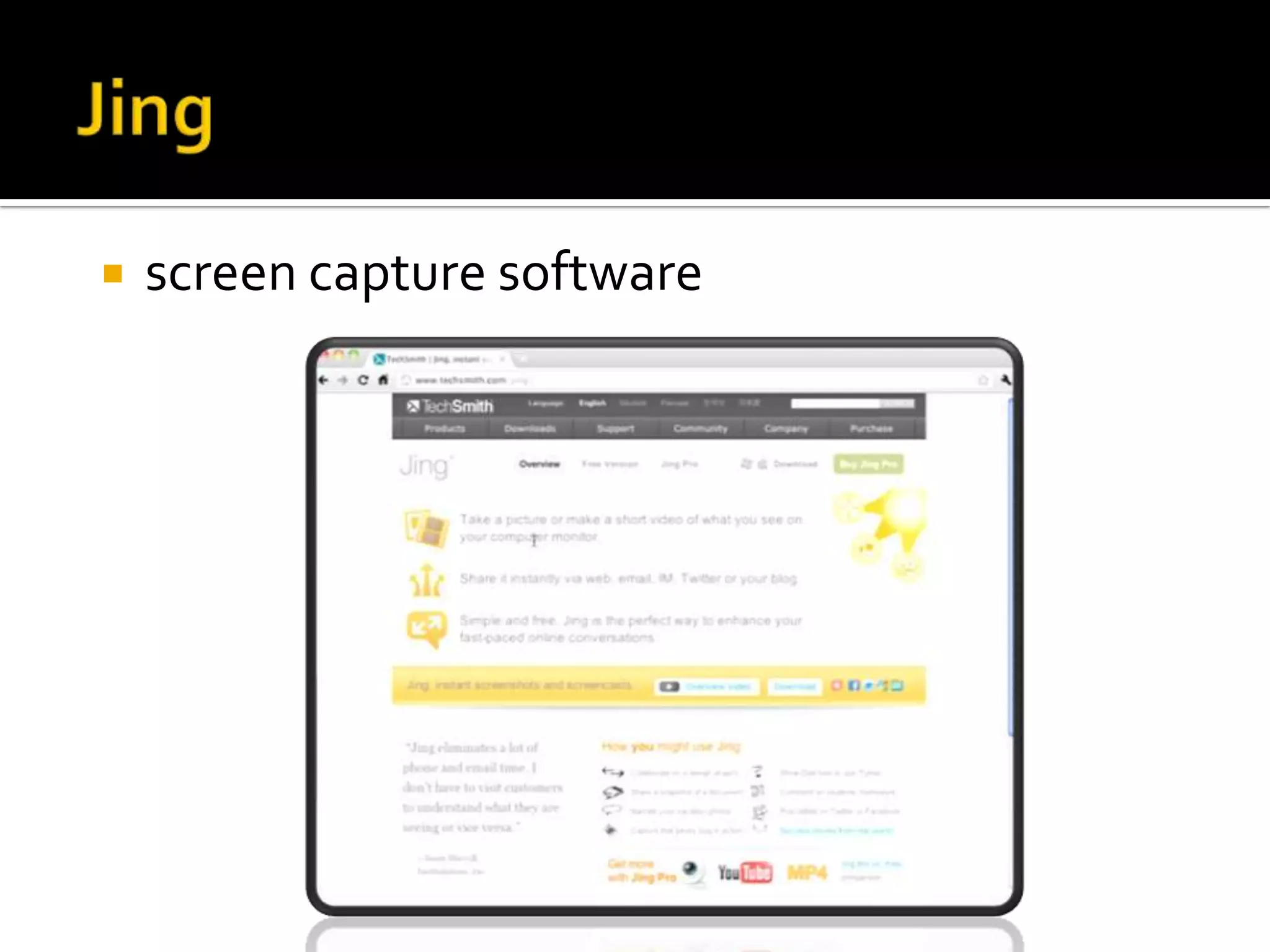
   screen capture software
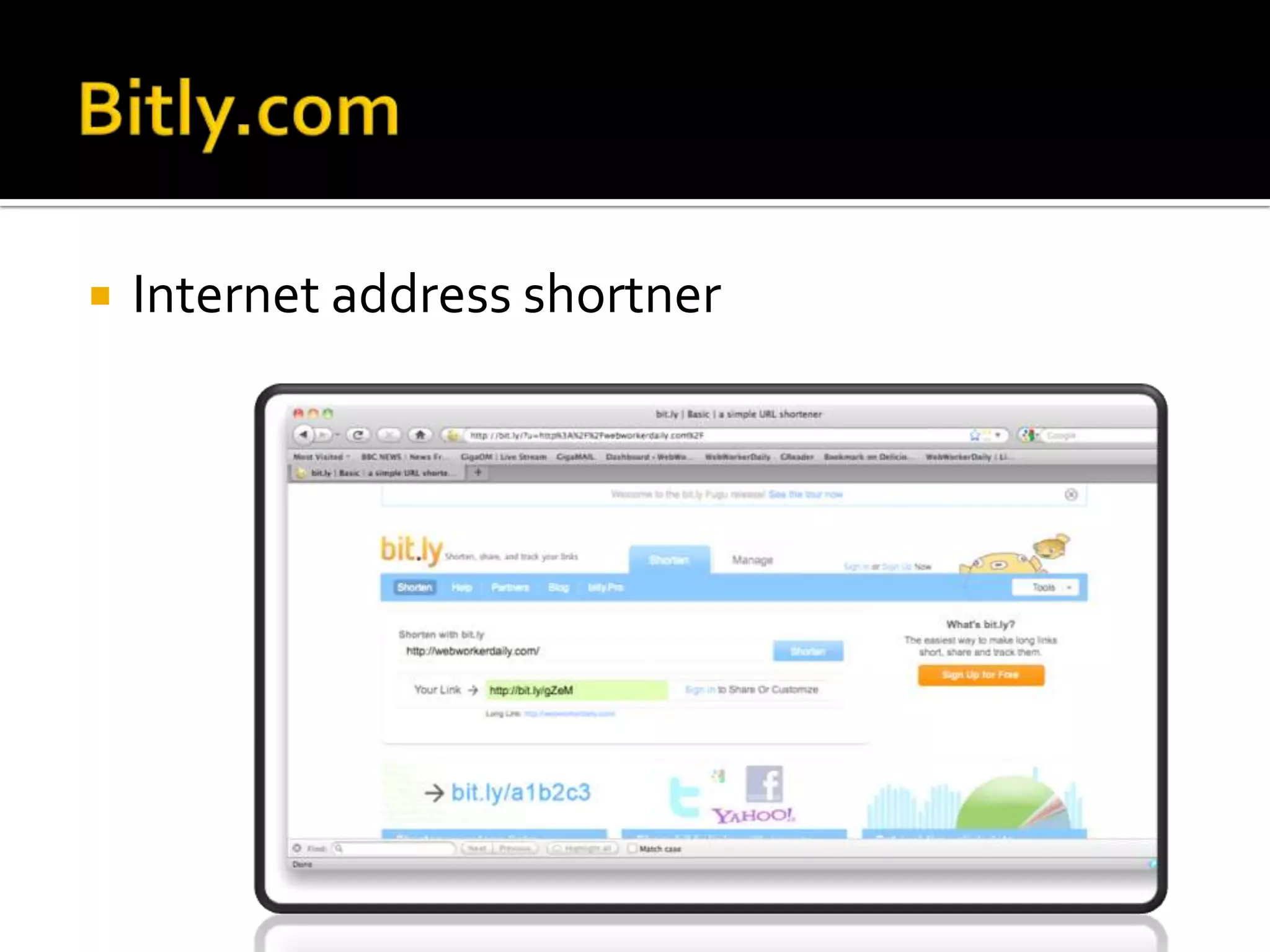
   Internet address shortner
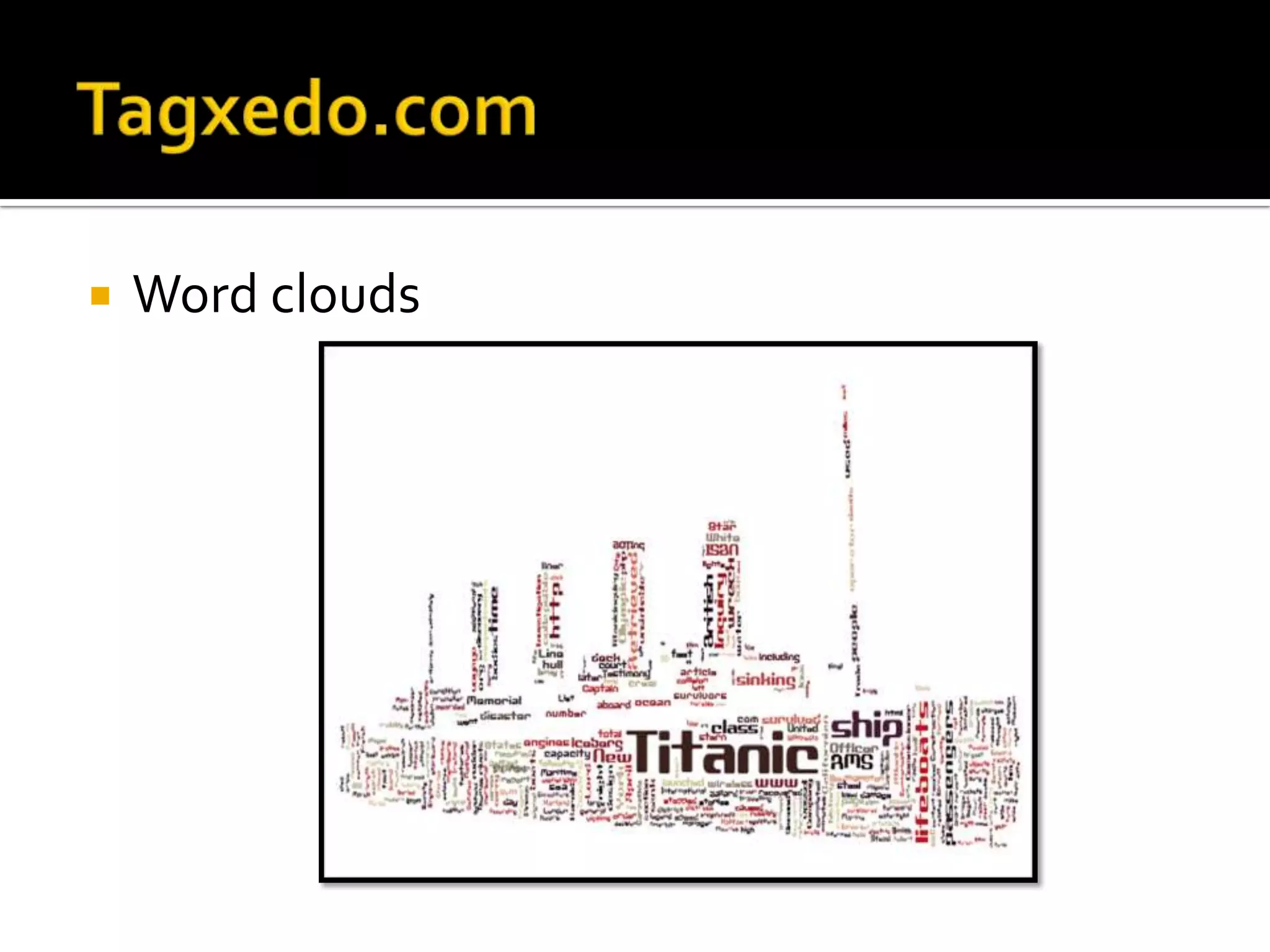
   Word clouds
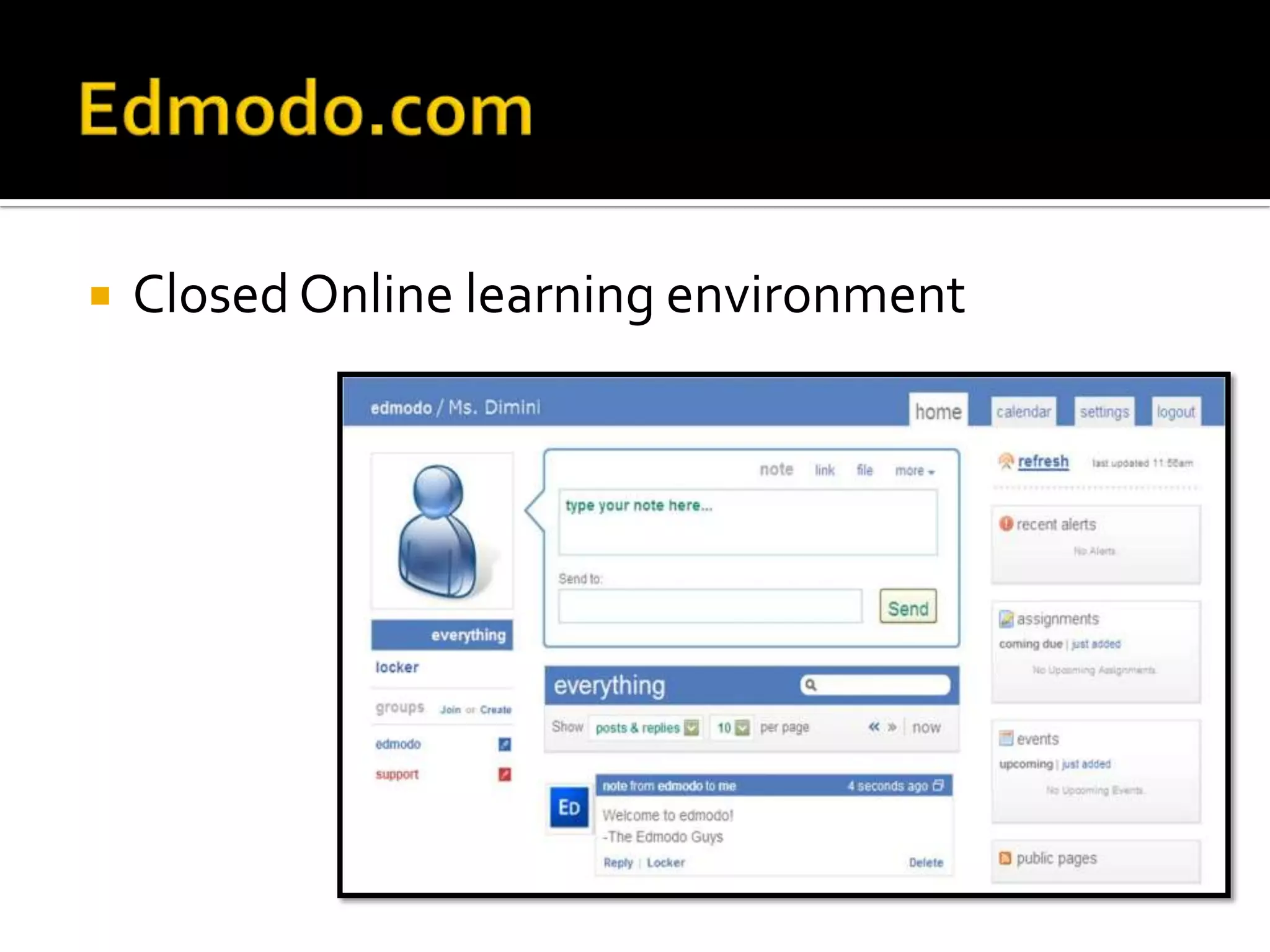
   Closed Online learning environment
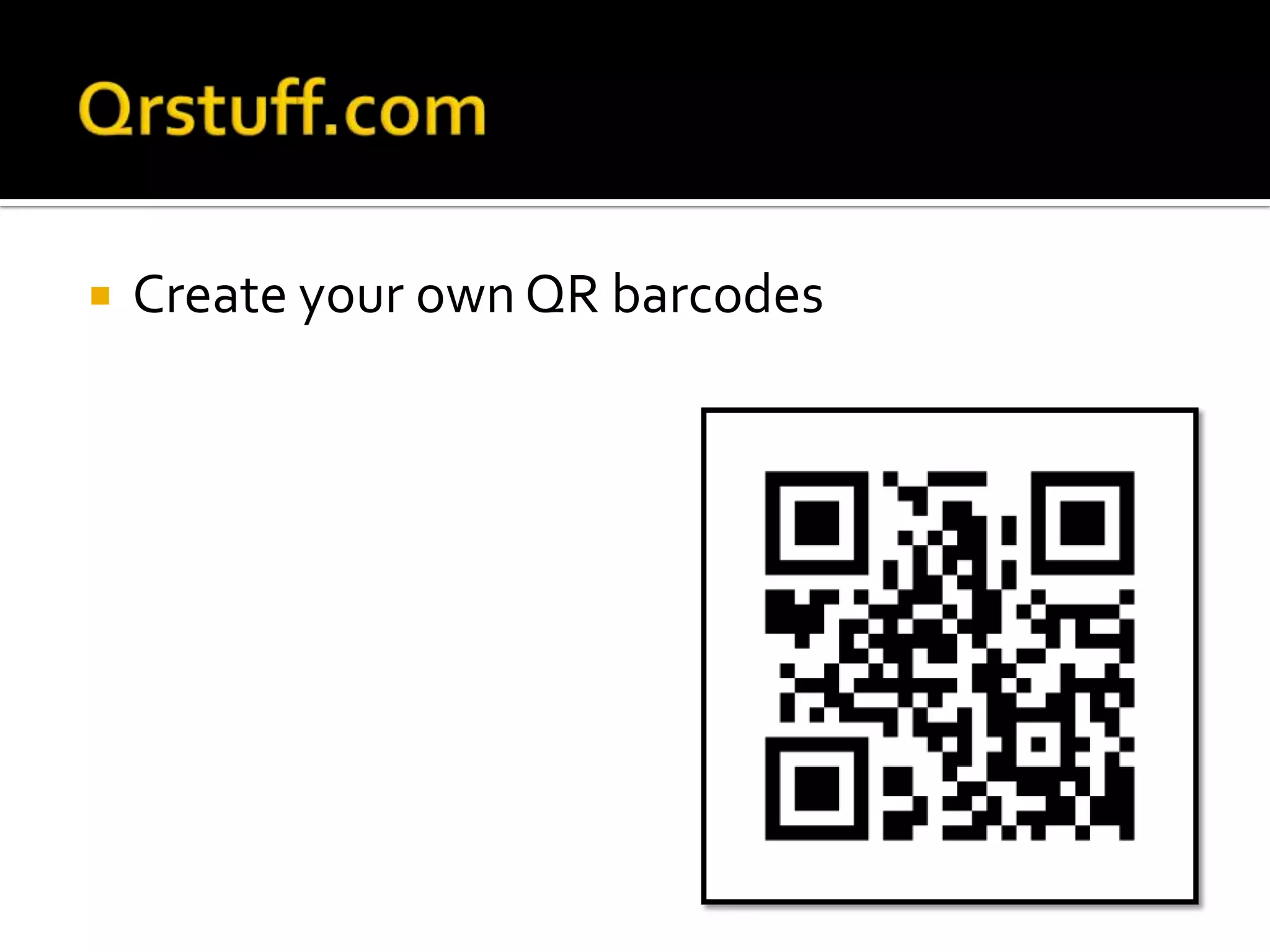
   Create your own QR barcodes
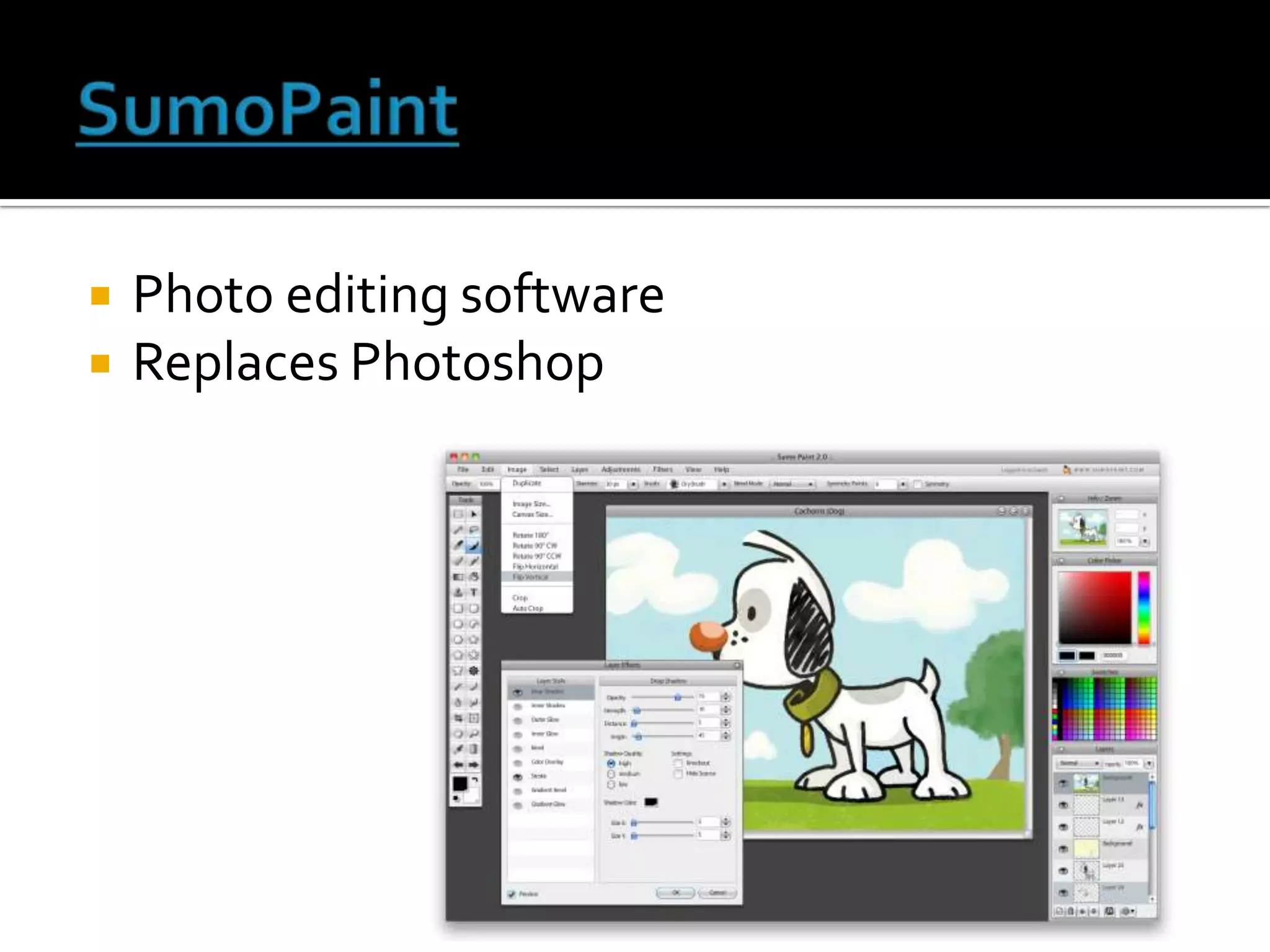
   Photo editing software
   Replaces Photoshop
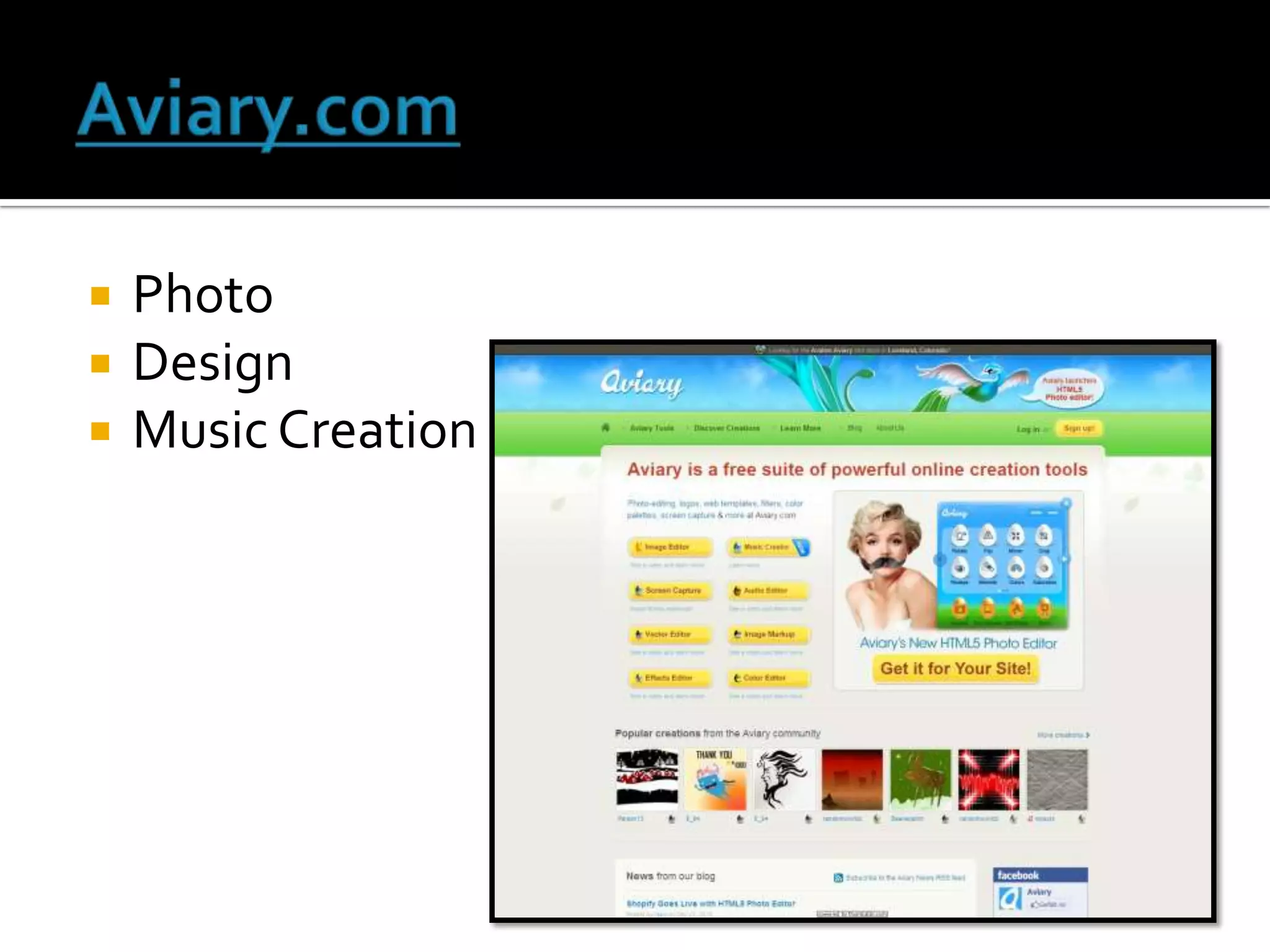
   Photo
   Design
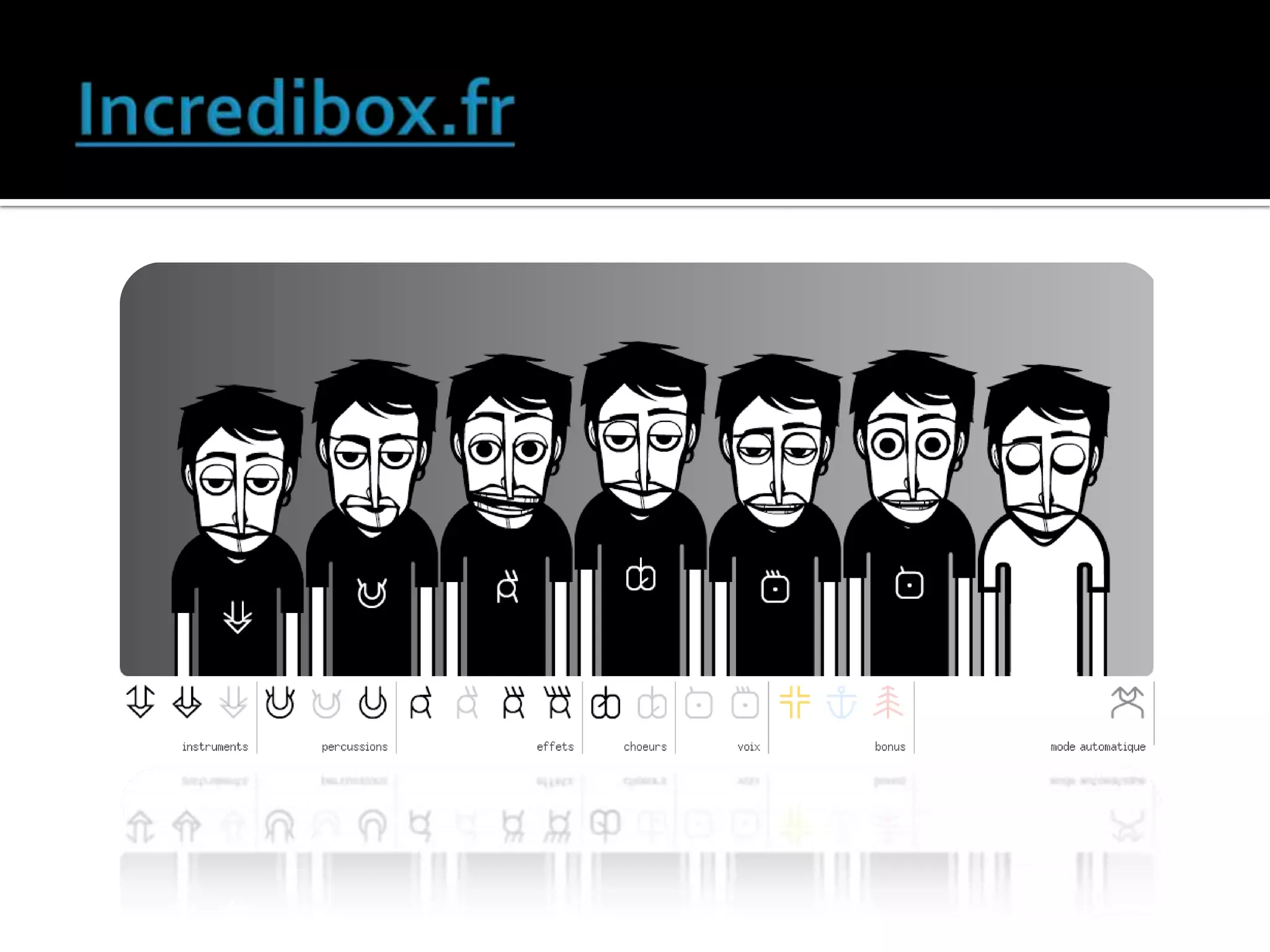
   Music Creation
   Top 10 Sites for Images and Clip Art
   Pics4Learning - Very popular site to find free, safe-to-use images for
    teachers and students.
   Cyclo.ps - Search engine that searches the most popular free image
    engines around and provides one-stop shopping.
   School Clip Art - Great site for free school clip art.
   Ookaboo - Creative commons (free) site for finding great images for class
    work.
   Picsearch - Excellent image search engine, if used with a district's
    filtering solution.
   Veezzle - Wonderful free stock photo search engine.
   Google Swirl - Innovative way to search for images and see their
    relationships with each other (use with Google Safe Search enabled).
   Free Photo Bank - Easy way to find creative common images.
   Open Clip Art - Great way to find free clip art.
   Find Icons - Nice site for free icons.
   Interesting Ways….
   A place where teachers meet and share
   Here are some of Tim’s favourite websites:
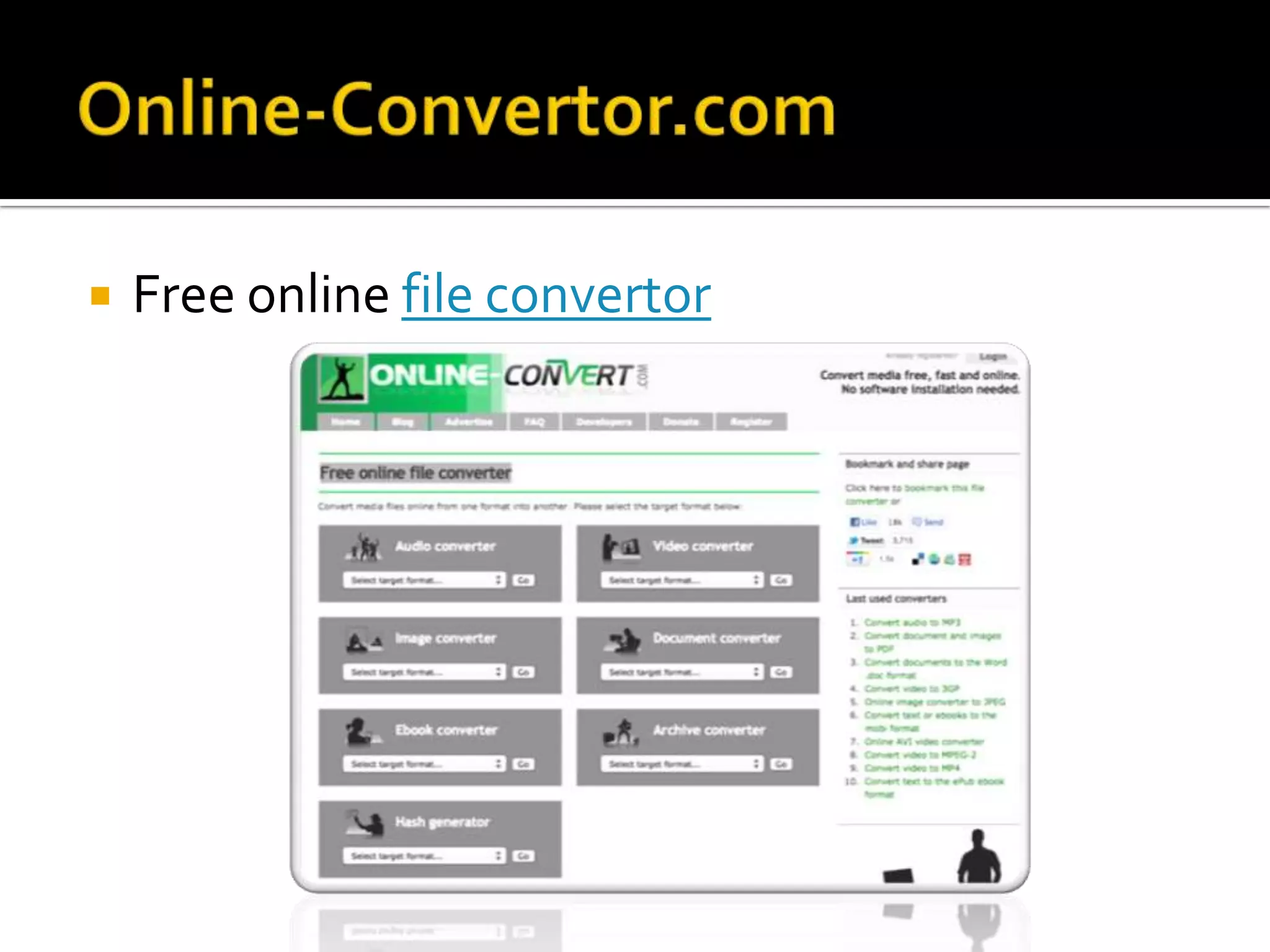
   Free online file convertor
http://slidesha.re/alexfinvle1
http://www.twitter.com
http://www.youtube.com
http://docs.google.com
http://www.delicious.com/alexfinvle
http://www.slideshare.net/
http://www.skype.com
http://www.prezi.com
http://www.dropbox.com
http://www.techsmith.com
http://bitly.com
http://www.tagxedo.com/
http://www.edmodo.com/
http://www.qrstuff.com/
http://ictmagic.wordpress.com/
http://www.commoncraft.com/video/social-bookmarking

Bringing web 2.0 into the classroom

  • 1.
    What does itlook like? Where do I find it? @alexfinICT alex.findlay@educationcommunication.co.uk
  • 2.
    8-18 year-olds devotean average of 7 hours and 38 minutes to using entertainment media across a typical day They spend so much of that time ‘media multitasking’ (using more than one medium at a time), they actually manage to pack a total of 10 hours and 45 minutes worth of media content into those 7½ hours. http://www.kff.org/entmedia/entmedia012010nr.cfm
  • 3.
    Up skill yourself  Share your knowledge  Build up a bank of digital resources  Engage your pupils  Allow the pupils to drive the technology, whilst you focus on the subject knowledge
  • 4.
    But seriously, howam I going to do it?
  • 5.
  • 6.
    A personal learningnetwork (PLN) is your very own, handpicked online community of educators who could offer you more advice, ideas, lesson plans and resources than you could possibly ever use. Think of it as that teacher in your school with all the best CDs, textbooks and planning locked in their store cupboard. Not only do you have your own key, but these tantalising riches are shown on a never ending conveyor belt for you to choose from.
  • 7.
    Sign up toa free account on a widely used social networking site, such as Twitter, Google+ or Facebook. Signing up to an account is straight forward if you have an email address and you don’t need to be good with computers to use it. Then follow educators who post interesting and useful things. Ask if you are looking for a resource or an idea as someone in you PLN will have it, saving you time and expense.
  • 8.
    What do youhave to do in return for revolutionising your teaching and your professional development and collaborating with like-minded professionals to find great resources and ideas? As little or as much as you choose. We hope that you would write some posts about a few things that work well in your class. We would love to see things you have made yourself and hear about any online resources that you find and like. Martin Burrett - @ICTmagic
  • 9.
    Isn’t Twitter justabout ‘telling people you are having a cup of coffee’ and ‘Stephen Fry’? If that’s what you want it to be, yes!
  • 10.
    If you followthe right type of people, it puts you ahead of the game with 'live' information as it actually happens. There is an abundance of ideas and tips available instantly! Plus support from other teachers in similar situations. cpd, resources, ideas, questions, sharing best practice, like minded people..
  • 11.
    It connects youwith global educators if you grow an open PLN. It forces me to up my game (in a good way) and lets me share and collaborate with brilliant tweeps. Twitter for education = networking with other teachers, sharing good practice, finding out about new resources great way to share ideas! #ukedchat
  • 12.
    @dughall @janwebb21 @deerwood @nellmog @karl_goddard @kristianstill @kamyousaf @jamesmichie @simfin @tomsale @neiladam @largerama @tombarrett @chickensaltash @mrthomson @ICTmagic A beginners guide to developing a PLN
  • 14.
    Docs  Online (works in browser)  Collaborative  No need for USB sticks  Google Body  Google Art Project  Picasa – Photo editing/sharing
  • 15.
    Social bookmarking  Explanation
  • 16.
    Upload and share your PowerPoint's with your pupils
  • 17.
    The end of Powerpoint  Not a bullet point in sight
  • 18.
    Filesharing  File sync  http://dropitto.me
  • 19.
    screen capture software
  • 20.
    Internet address shortner
  • 21.
    Word clouds
  • 22.
    Closed Online learning environment
  • 23.
    Create your own QR barcodes
  • 24.
    Photo editing software  Replaces Photoshop
  • 25.
    Photo  Design  Music Creation
  • 26.
    Top 10 Sites for Images and Clip Art  Pics4Learning - Very popular site to find free, safe-to-use images for teachers and students.  Cyclo.ps - Search engine that searches the most popular free image engines around and provides one-stop shopping.  School Clip Art - Great site for free school clip art.  Ookaboo - Creative commons (free) site for finding great images for class work.  Picsearch - Excellent image search engine, if used with a district's filtering solution.  Veezzle - Wonderful free stock photo search engine.  Google Swirl - Innovative way to search for images and see their relationships with each other (use with Google Safe Search enabled).  Free Photo Bank - Easy way to find creative common images.  Open Clip Art - Great way to find free clip art.  Find Icons - Nice site for free icons.
  • 27.
    Interesting Ways….
  • 28.
    A place where teachers meet and share
  • 30.
    Here are some of Tim’s favourite websites:
  • 31.
    Free online file convertor
  • 32.
  • 33.