ICON DESIGN
A SUM-UP PRESENTATION BY SUNNY PADIYAR
WHAT IS ICON DESIGN?
Icon design is the process of designing a graphic symbol that
represents some real, fantasy or abstract motive, entity or action.
•
HISTORY FOR ICONS
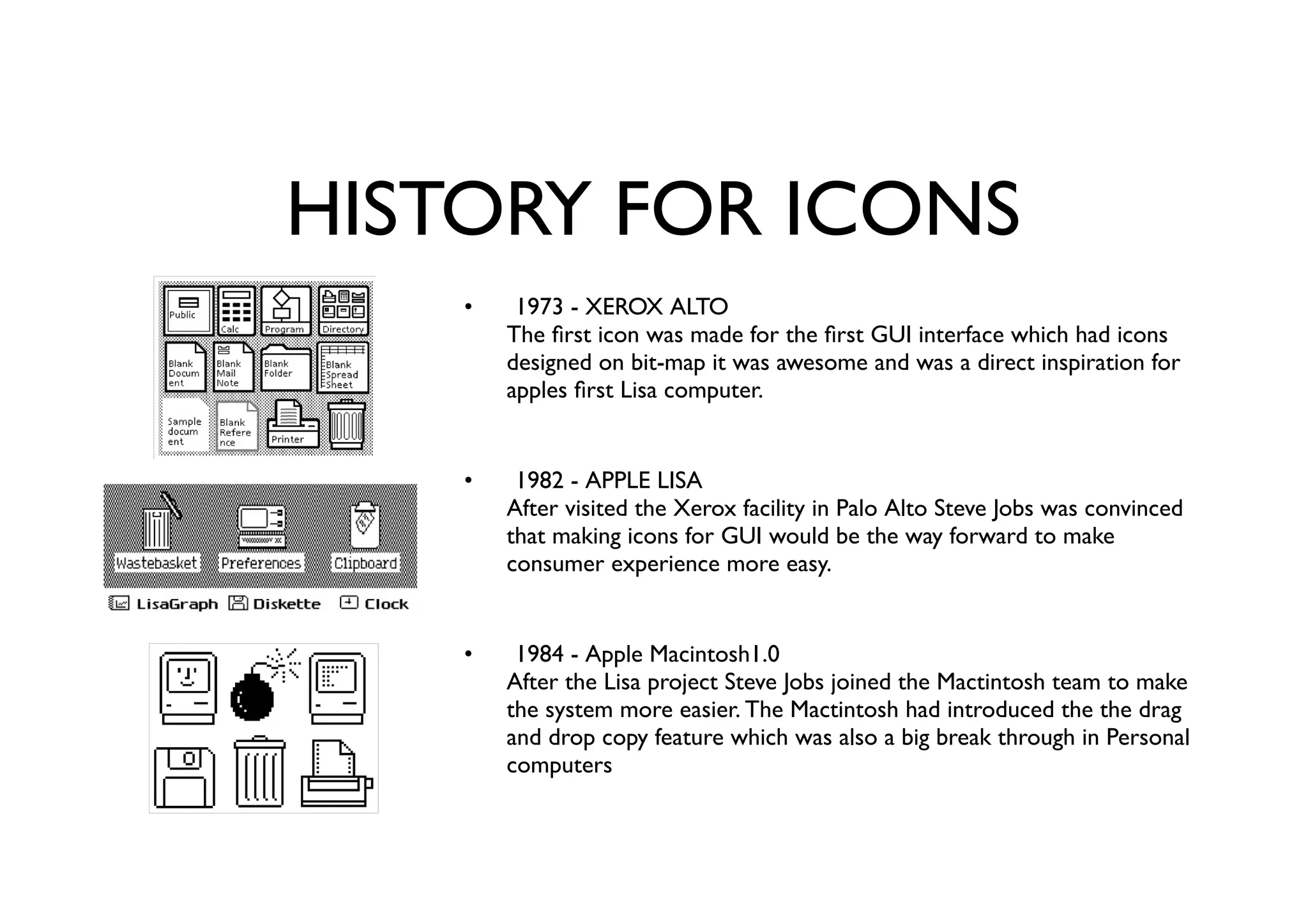
1973 - XEROX ALTO
The first icon was made for the first GUI interface which had icons
designed on bit-map it was awesome and was a direct inspiration for
apples first Lisa computer.
1982 - APPLE LISA
After visited the Xerox facility in Palo Alto Steve Jobs was convinced
that making icons for GUI would be the way forward to make
consumer experience more easy.
1984 - Apple Macintosh1.0
After the Lisa project Steve Jobs joined the Mactintosh team to make
the system more easier. The Mactintosh had introduced the the drag
and drop copy feature which was also a big break through in Personal
computers
•
•
•
HISTORY FOR ICONS (contd.)
1985 - MICROSOFT WINDOWS 1.0
After the success of the MS-DOS IBM launched Windows 1.0. This
was a big push for personal computers as the system had multi-tasking
options.
1989-95 - NeXTSTEP Systems
The first a start-up of Steve Jobs himself, had the next level icons
which were pixel based but detailed in terms of colours and form.
1992 - Windows 3.1
After Macintosh 2.0 with the merger with NeXT systems and Steve
Jobs returning to Apple windows 3.1 came up with much better
crisper hyper realistic Icons.
•
•
•
WHAT MAKES A GOOD ICONS
DESIGN?
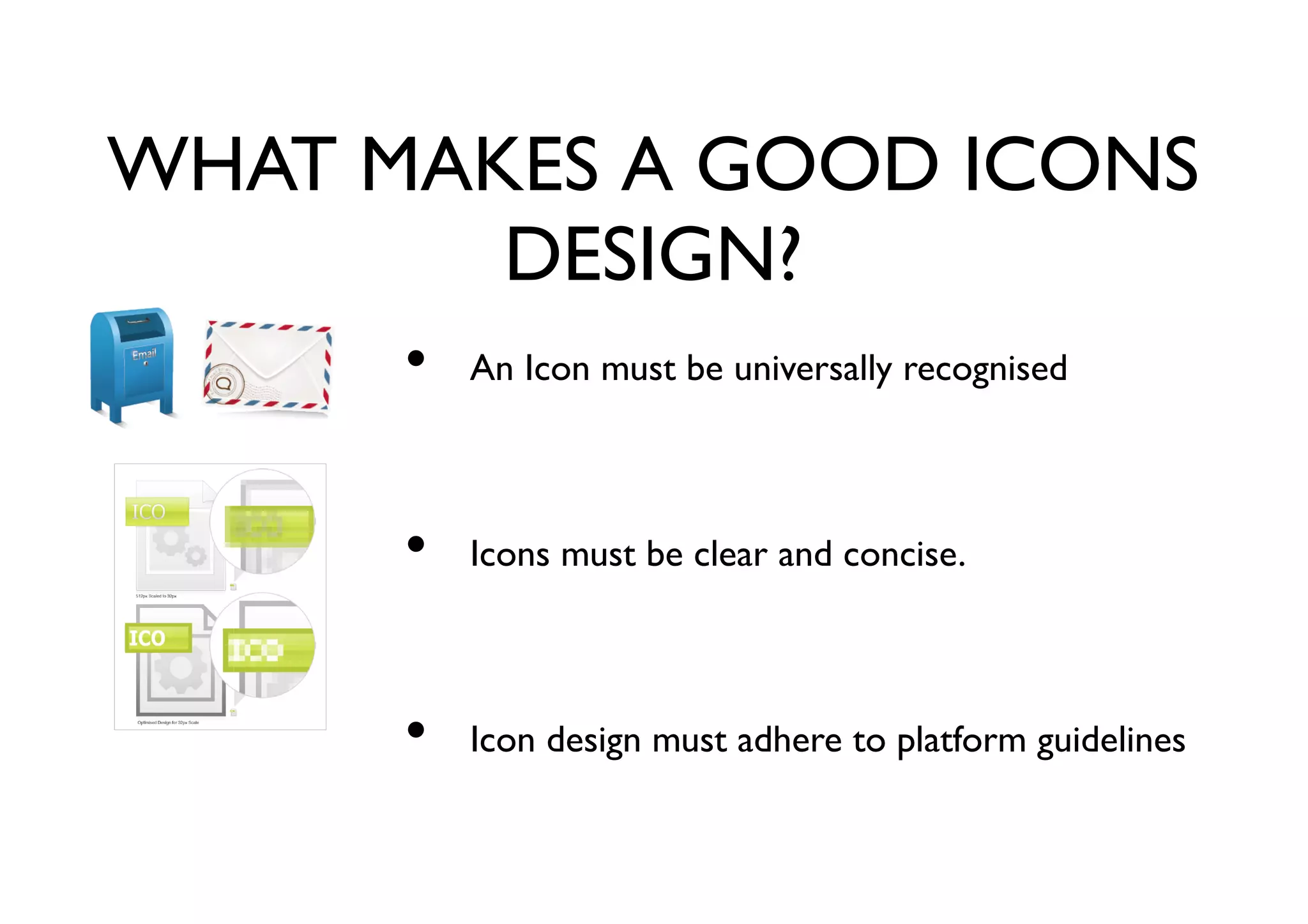
An Icon must be universally recognised
Icons must be clear and concise.
Icon design must adhere to platform guidelines
•
•
•
KINDS OF ICON DESIGNS
APPLICATION ICONS
These are normally designed for softwares that ran on OS like OSX,
windows, ubuntu etc.
DOCUMENTS SETTINGS, AND PLUGINS
Mostly files icons, types etc..
SINGLE COLOUR ICONS
One of the most used icon style of todays time, these are also
normally very balanced in terms of spacing and fill.
•
•
•
KINDS OF ICON DESIGNS
SMARTPHONE ICONS
We know this kind, thanks to apple they have helps guidelines to give
direction and consistency in mobile iconography.
MNEMONICS
These also come under icon designs they are normally referred as
logo-units.
•
•
TYPES OF RENDERINGS
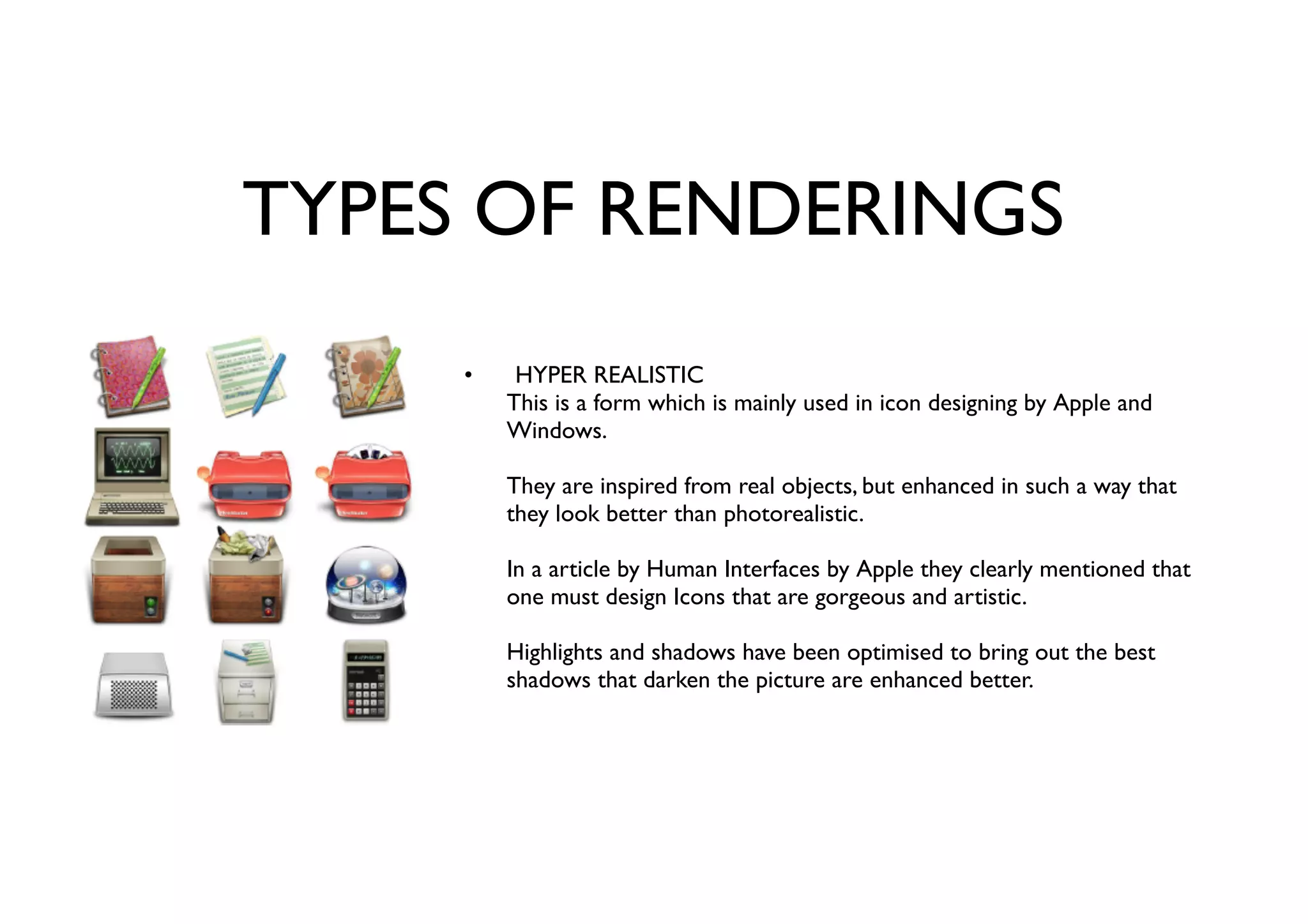
HYPER REALISTIC
This is a form which is mainly used in icon designing by Apple and
Windows.
They are inspired from real objects, but enhanced in such a way that
they look better than photorealistic.
In a article by Human Interfaces by Apple they clearly mentioned that
one must design Icons that are gorgeous and artistic.
Highlights and shadows have been optimised to bring out the best
shadows that darken the picture are enhanced better.
•
TYPES OF RENDERINGS
CLEAR AND SIMPLE
These are the simpler or second level icons as I may call it. They
normally are used in a 32 or 16px grid.
They have a strong contrast and focus on minimal details that make a
crucial defference .
They have a common colour pallete and the visual logic is kept simple
and straight forward.
•
TYPES OF RENDERINGS
CREATIVE AND INFORMATIVE
They are normally more fun to see and have a much creative logic to
it.
The colour palette is more vibrant and slightly abstract .
The approach and execution is more creative and uses forced lighting
techniques.
•
TYPES OF RENDERINGS
FLAT ICON STYLE (PICTOGRAMS)
This is the current trend of icons, with good use of negative space and
grid placement
They are always in single colour .
They are meant to work as a font and should be able to scale down to
9px minimum.
•
PERSPECTIVE IN ICONS
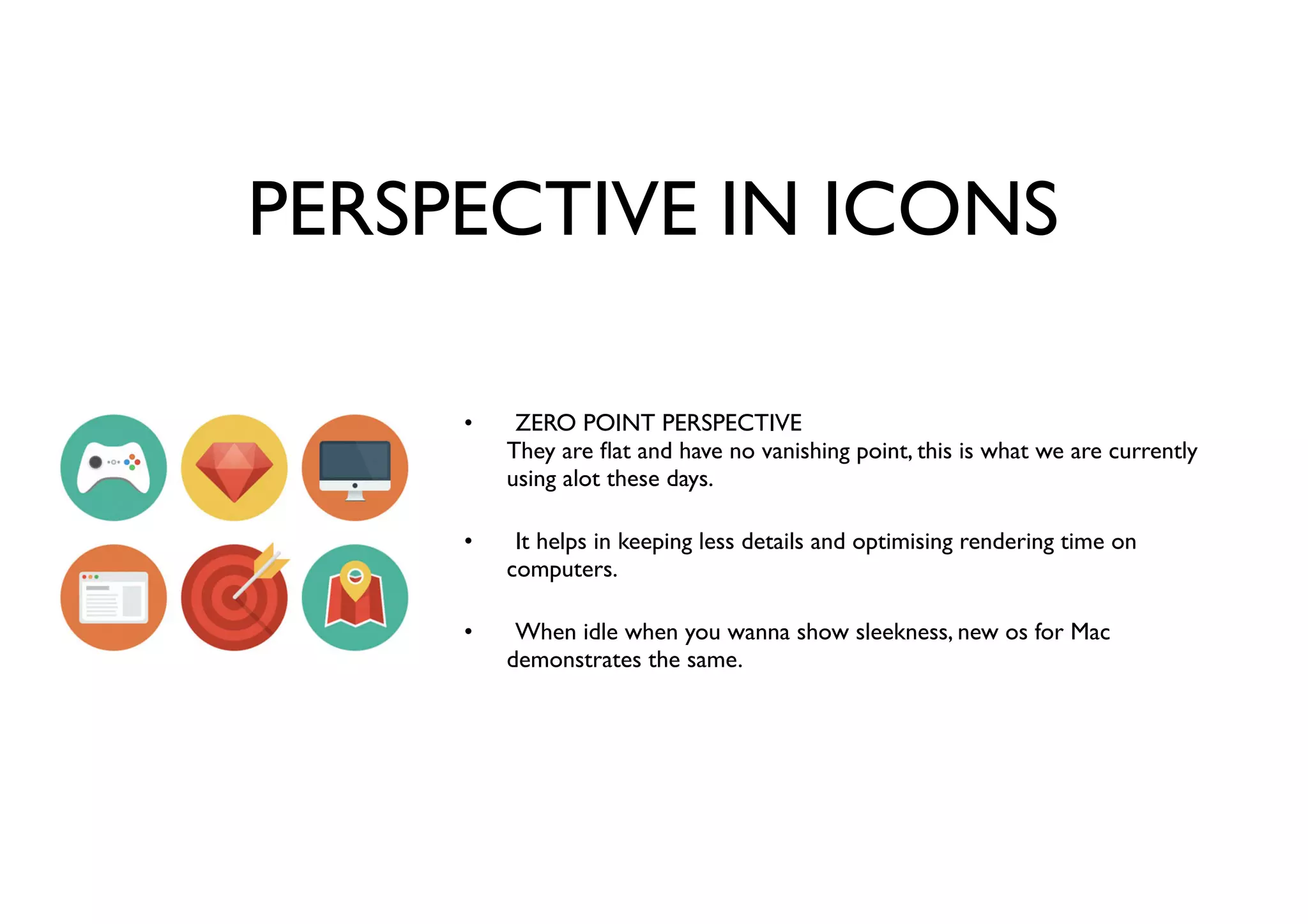
ZERO POINT PERSPECTIVE
They are flat and have no vanishing point, this is what we are currently
using alot these days.
It helps in keeping less details and optimising rendering time on
computers.
When idle when you wanna show sleekness, new os for Mac
demonstrates the same.
•
•
•
PERSPECTIVE IN ICONS
ONE POINT PERSPECTIVE
These are normally used as buttons and even icons for the toolbar.
It help giving the user a direct feel, unlike flat which is very laid down.
Its inviting and gives slight depth to the icons.
•
•
•
PERSPECTIVE IN ICONS
TWO POINT PERSPECTIVE
Very much preferred in app icons bring out the design alot more since
the limitation in space and shape.
It is very time consuming and is distractive when used for a
significant value.
Gives a very realistic also mostly used for Hyper realistic renderings.
•
•
•
PERSPECTIVE IN ICONS
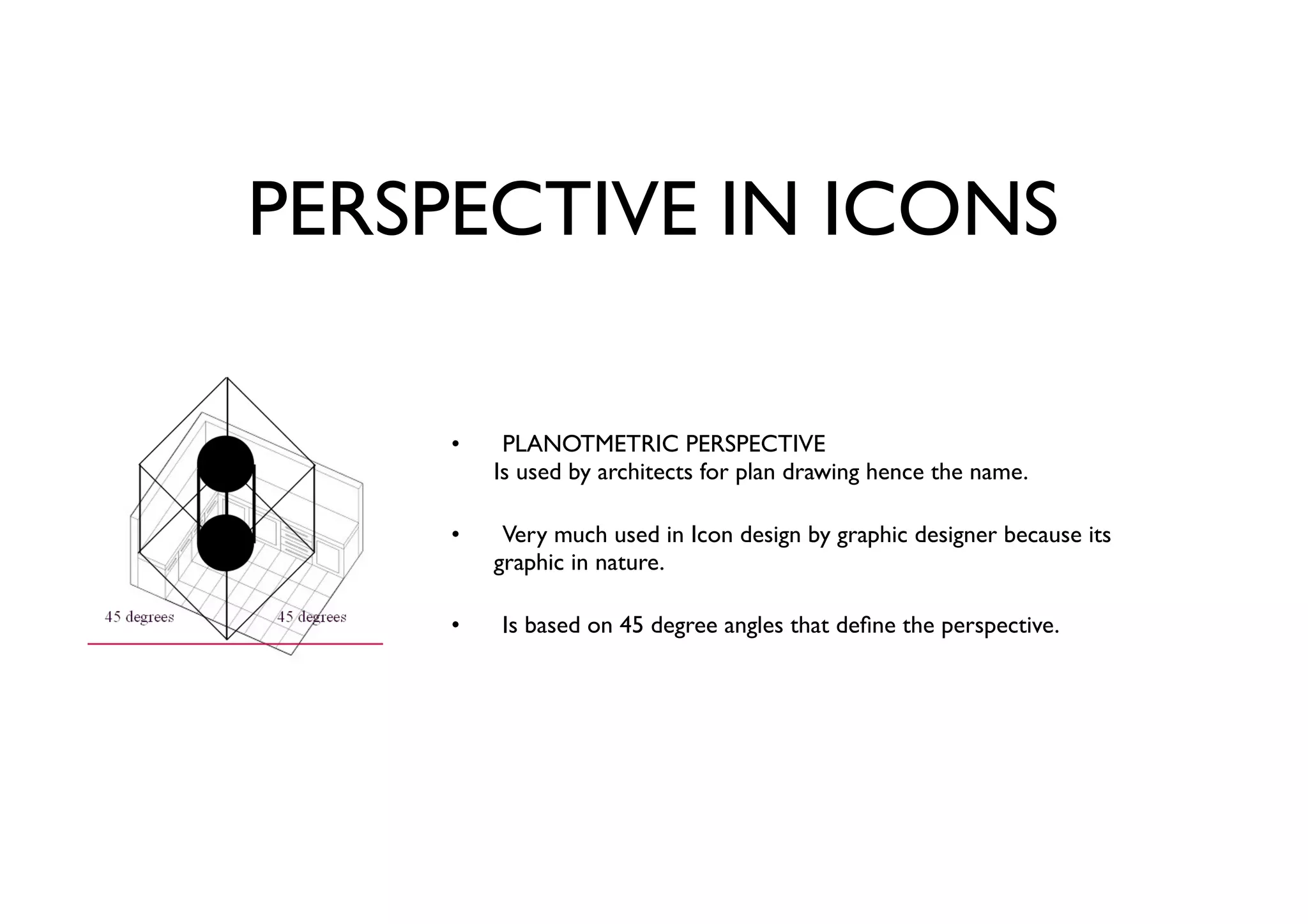
PLANOTMETRIC PERSPECTIVE
Is used by architects for plan drawing hence the name.
Very much used in Icon design by graphic designer because its
graphic in nature.
Is based on 45 degree angles that define the perspective.
•
•
•
PERSPECTIVE IN ICONS
ISOMETRIC PERSPECTIVE
These have been known to be used in 8bit games and have evolved as
a very strong graphic design style.
Very square in form loses legibility when reduced size.
Only ideal for app, software icons.
•
•
•
PERSPECTIVE IN ICONS
A Basic Suggestion when creating isometric angles.
A true 30 degree line will create a blurry pixel line, where a 26.56 degree
line will create a clean two pixel "brick
•
•
USER VIEW POINTS
FRONT VIEW
This is same as the zero-point perspective, but its with more depth
Very much used for toolbar icons and has lighting and shadows.
Very much found in macintosh OSX.
•
•
•
USER VIEW POINTS
SHELF VIEW
This is a three dimensional figure with shadow directly underneath the
object.
Helps in legibility as the angle is head on.
Very adaptive when playing with various sizes including smaller ones.
•
•
•
USER VIEW POINTS
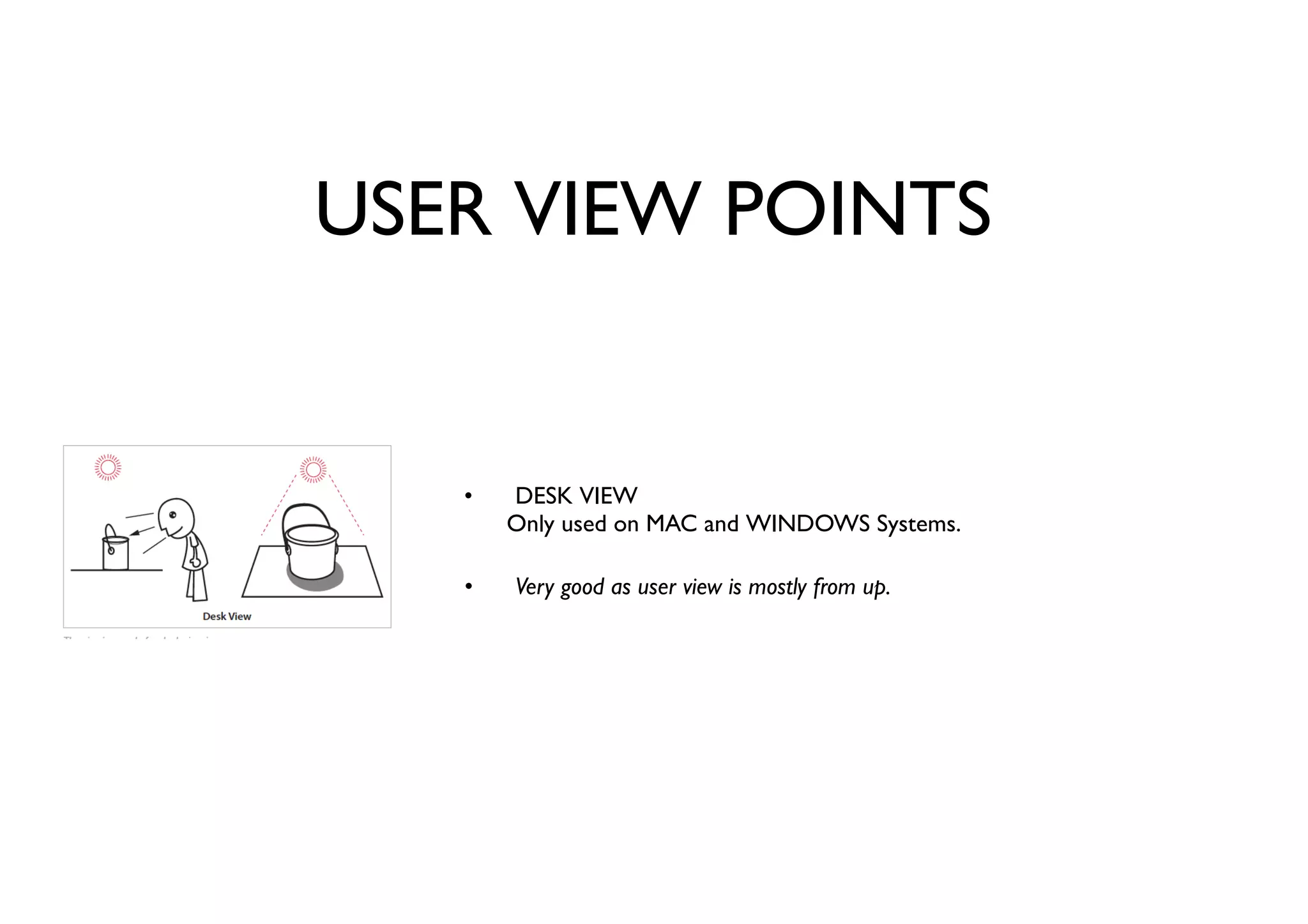
DESK VIEW
Only used on MAC and WINDOWS Systems.
Very good as user view is mostly from up.
•
•
SPOT THE DIFFERENCE
TYPES OF FLAT ICONS
FILLED•
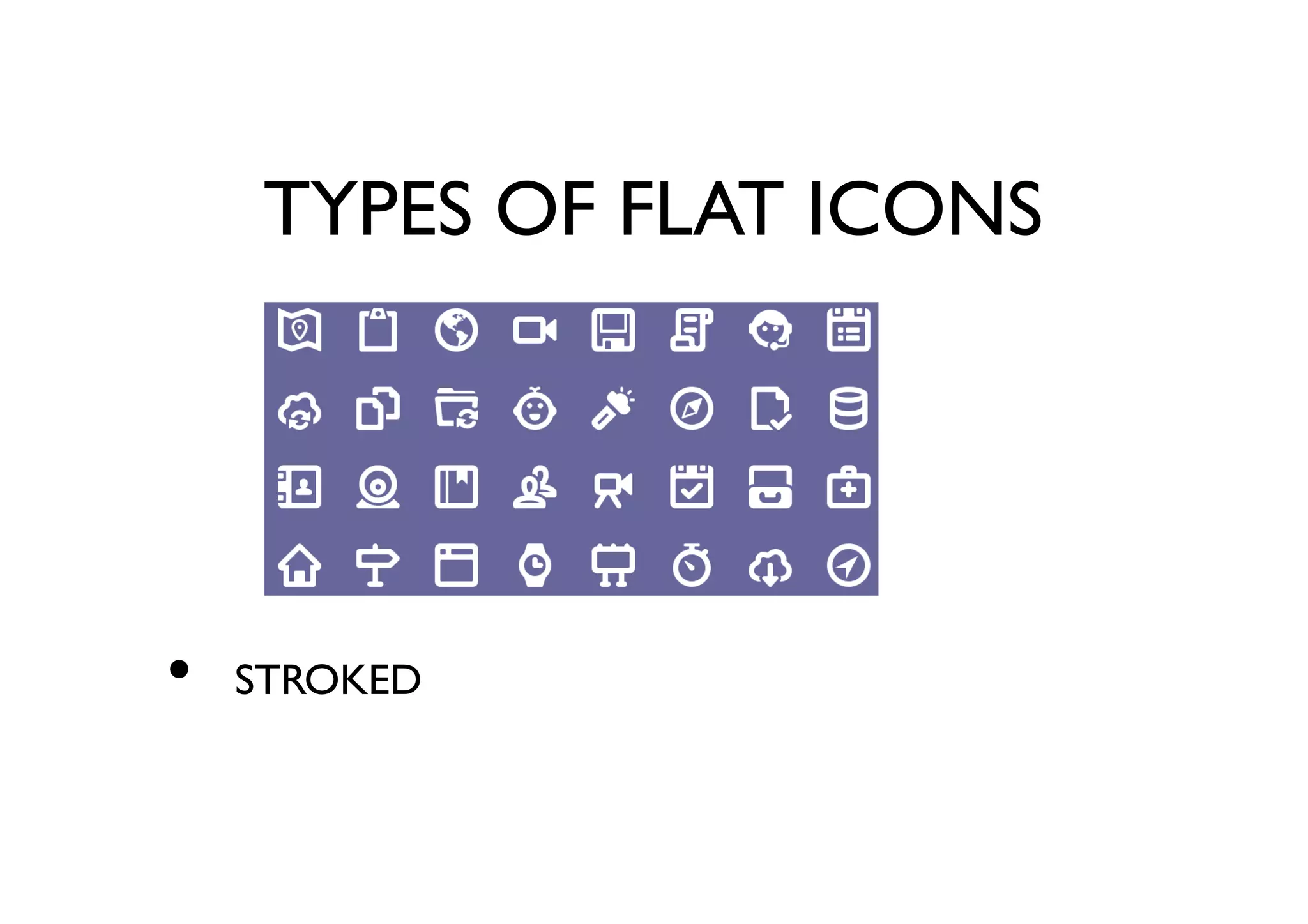
TYPES OF FLAT ICONS
STROKED•
TYPES OF FLAT ICONS
THIN STROKED•
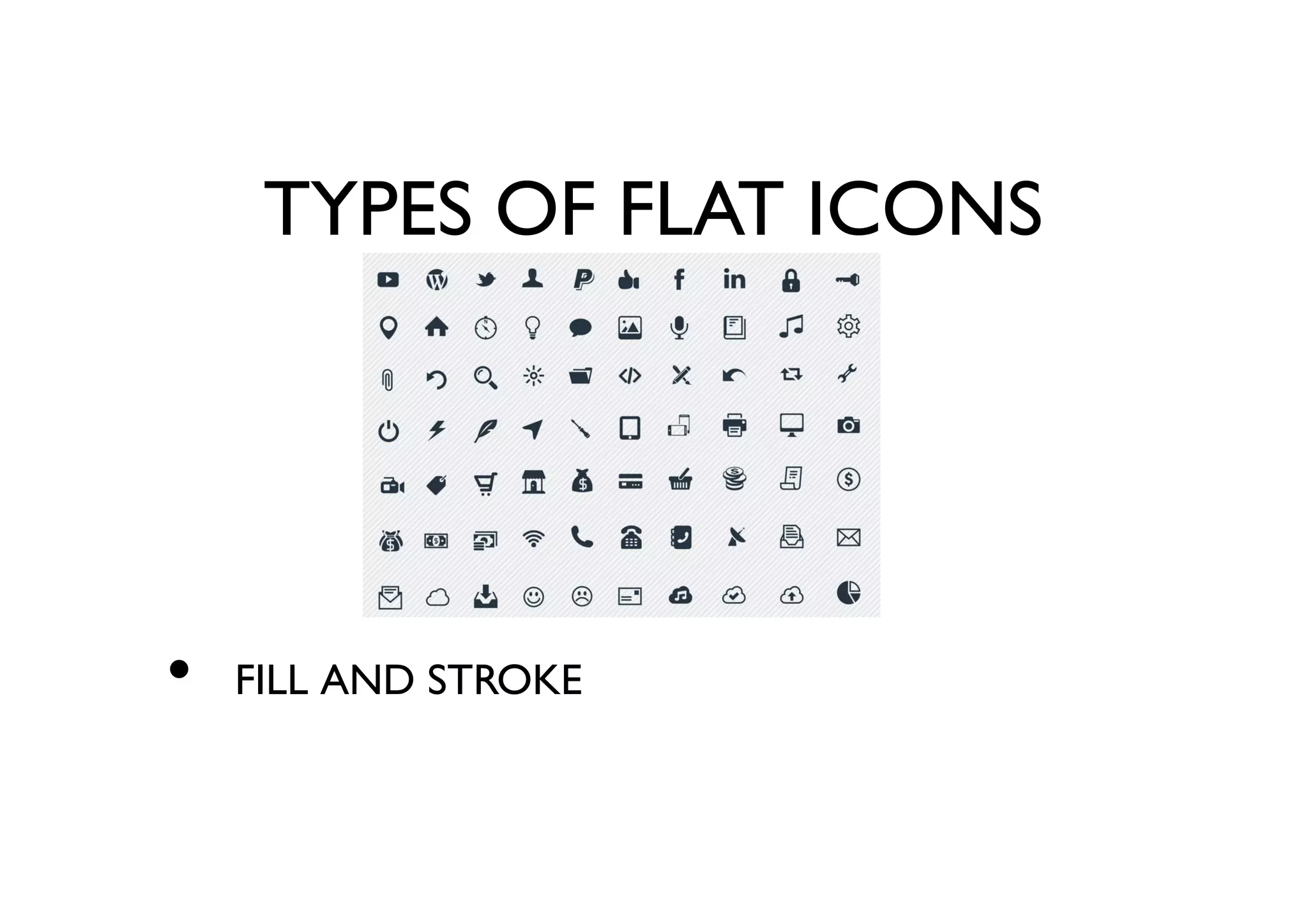
TYPES OF FLAT ICONS
FILL AND STROKE•
SANTA NEEDS YOUR HELP
WORKSHOP•

Icon design

  • 1.
    ICON DESIGN A SUM-UPPRESENTATION BY SUNNY PADIYAR
  • 2.
    WHAT IS ICONDESIGN? Icon design is the process of designing a graphic symbol that represents some real, fantasy or abstract motive, entity or action. •
  • 3.
    HISTORY FOR ICONS 1973- XEROX ALTO The first icon was made for the first GUI interface which had icons designed on bit-map it was awesome and was a direct inspiration for apples first Lisa computer. 1982 - APPLE LISA After visited the Xerox facility in Palo Alto Steve Jobs was convinced that making icons for GUI would be the way forward to make consumer experience more easy. 1984 - Apple Macintosh1.0 After the Lisa project Steve Jobs joined the Mactintosh team to make the system more easier. The Mactintosh had introduced the the drag and drop copy feature which was also a big break through in Personal computers • • •
  • 4.
    HISTORY FOR ICONS(contd.) 1985 - MICROSOFT WINDOWS 1.0 After the success of the MS-DOS IBM launched Windows 1.0. This was a big push for personal computers as the system had multi-tasking options. 1989-95 - NeXTSTEP Systems The first a start-up of Steve Jobs himself, had the next level icons which were pixel based but detailed in terms of colours and form. 1992 - Windows 3.1 After Macintosh 2.0 with the merger with NeXT systems and Steve Jobs returning to Apple windows 3.1 came up with much better crisper hyper realistic Icons. • • •
  • 5.
    WHAT MAKES AGOOD ICONS DESIGN? An Icon must be universally recognised Icons must be clear and concise. Icon design must adhere to platform guidelines • • •
  • 6.
    KINDS OF ICONDESIGNS APPLICATION ICONS These are normally designed for softwares that ran on OS like OSX, windows, ubuntu etc. DOCUMENTS SETTINGS, AND PLUGINS Mostly files icons, types etc.. SINGLE COLOUR ICONS One of the most used icon style of todays time, these are also normally very balanced in terms of spacing and fill. • • •
  • 7.
    KINDS OF ICONDESIGNS SMARTPHONE ICONS We know this kind, thanks to apple they have helps guidelines to give direction and consistency in mobile iconography. MNEMONICS These also come under icon designs they are normally referred as logo-units. • •
  • 8.
    TYPES OF RENDERINGS HYPERREALISTIC This is a form which is mainly used in icon designing by Apple and Windows. They are inspired from real objects, but enhanced in such a way that they look better than photorealistic. In a article by Human Interfaces by Apple they clearly mentioned that one must design Icons that are gorgeous and artistic. Highlights and shadows have been optimised to bring out the best shadows that darken the picture are enhanced better. •
  • 9.
    TYPES OF RENDERINGS CLEARAND SIMPLE These are the simpler or second level icons as I may call it. They normally are used in a 32 or 16px grid. They have a strong contrast and focus on minimal details that make a crucial defference . They have a common colour pallete and the visual logic is kept simple and straight forward. •
  • 10.
    TYPES OF RENDERINGS CREATIVEAND INFORMATIVE They are normally more fun to see and have a much creative logic to it. The colour palette is more vibrant and slightly abstract . The approach and execution is more creative and uses forced lighting techniques. •
  • 11.
    TYPES OF RENDERINGS FLATICON STYLE (PICTOGRAMS) This is the current trend of icons, with good use of negative space and grid placement They are always in single colour . They are meant to work as a font and should be able to scale down to 9px minimum. •
  • 12.
    PERSPECTIVE IN ICONS ZEROPOINT PERSPECTIVE They are flat and have no vanishing point, this is what we are currently using alot these days. It helps in keeping less details and optimising rendering time on computers. When idle when you wanna show sleekness, new os for Mac demonstrates the same. • • •
  • 13.
    PERSPECTIVE IN ICONS ONEPOINT PERSPECTIVE These are normally used as buttons and even icons for the toolbar. It help giving the user a direct feel, unlike flat which is very laid down. Its inviting and gives slight depth to the icons. • • •
  • 14.
    PERSPECTIVE IN ICONS TWOPOINT PERSPECTIVE Very much preferred in app icons bring out the design alot more since the limitation in space and shape. It is very time consuming and is distractive when used for a significant value. Gives a very realistic also mostly used for Hyper realistic renderings. • • •
  • 15.
    PERSPECTIVE IN ICONS PLANOTMETRICPERSPECTIVE Is used by architects for plan drawing hence the name. Very much used in Icon design by graphic designer because its graphic in nature. Is based on 45 degree angles that define the perspective. • • •
  • 16.
    PERSPECTIVE IN ICONS ISOMETRICPERSPECTIVE These have been known to be used in 8bit games and have evolved as a very strong graphic design style. Very square in form loses legibility when reduced size. Only ideal for app, software icons. • • •
  • 17.
    PERSPECTIVE IN ICONS ABasic Suggestion when creating isometric angles. A true 30 degree line will create a blurry pixel line, where a 26.56 degree line will create a clean two pixel "brick • •
  • 18.
    USER VIEW POINTS FRONTVIEW This is same as the zero-point perspective, but its with more depth Very much used for toolbar icons and has lighting and shadows. Very much found in macintosh OSX. • • •
  • 19.
    USER VIEW POINTS SHELFVIEW This is a three dimensional figure with shadow directly underneath the object. Helps in legibility as the angle is head on. Very adaptive when playing with various sizes including smaller ones. • • •
  • 20.
    USER VIEW POINTS DESKVIEW Only used on MAC and WINDOWS Systems. Very good as user view is mostly from up. • •
  • 21.
  • 22.
    TYPES OF FLATICONS FILLED•
  • 23.
    TYPES OF FLATICONS STROKED•
  • 24.
    TYPES OF FLATICONS THIN STROKED•
  • 25.
    TYPES OF FLATICONS FILL AND STROKE•
  • 26.
    SANTA NEEDS YOURHELP WORKSHOP•