The Evolution of
Icons: From Desktop
to Mobile Interfaces
From the early days of desktop computing to the ubiquitous presence of mobile
devices, icons have been a crucial element in digital interface design. This
presentation will explore the evolution of free icons, the principles of effective
icon design, and the future of this essential visual language.
by free11
The Rise of Desktop Computing and the
Birth of Icons
The Beginnings of Icons
As personal computers became more
widespread in the 1970s and 1980s,
icons emerged as a way to represent
digital tools and functions in a visually
intuitive manner.
Icon Design Challenges
Early icon designers faced the
challenge of creating recognizable
symbols that could fit within the
limited screen resolutions and color
palettes of desktop computers.
The Importance of
Metaphors
Iconic metaphors, such as the floppy
disk for "Save" and the printer for
"Print," helped users quickly
understand and interact with digital
interfaces.
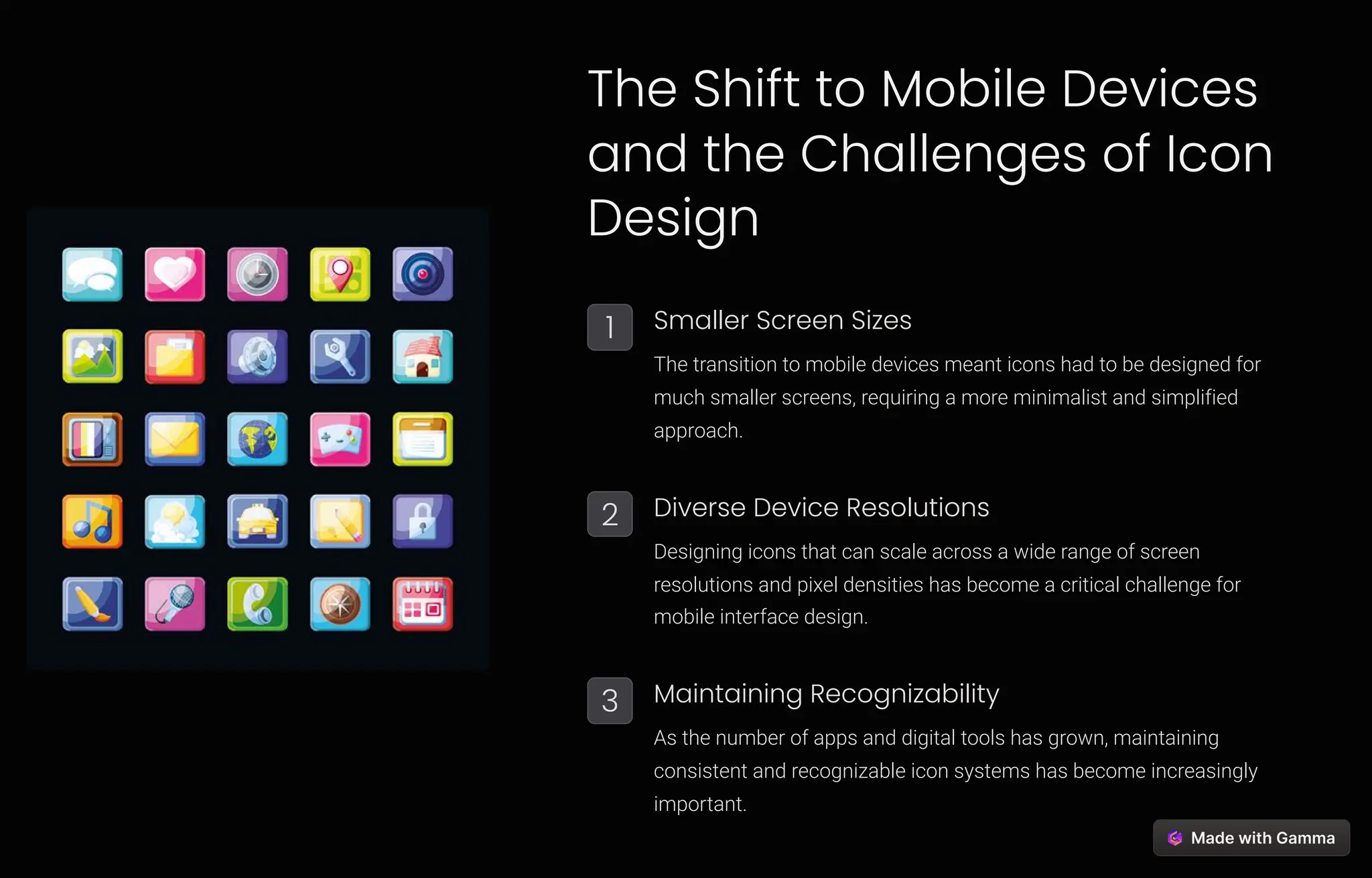
The Shift to Mobile Devices
and the Challenges of Icon
Design
1 Smaller Screen Sizes
The transition to mobile devices meant icons had to be designed for
much smaller screens, requiring a more minimalist and simplified
approach.
2 Diverse Device Resolutions
Designing icons that can scale across a wide range of screen
resolutions and pixel densities has become a critical challenge for
mobile interface design.
3 Maintaining Recognizability
As the number of apps and digital tools has grown, maintaining
consistent and recognizable icon systems has become increasingly
important.
Principles of Effective Icon Design for Digital
Interfaces
Simplicity
Successful icons are often simple, minimalist designs
that convey their meaning through clean, easily
recognizable shapes and forms.
Consistency
Maintaining a consistent visual style and system of
iconography helps users quickly identify and understand
digital tools and functions.
Universality
Iconic symbols should be easily recognized and
understood by users from diverse cultural and linguistic
backgrounds.
Adaptability
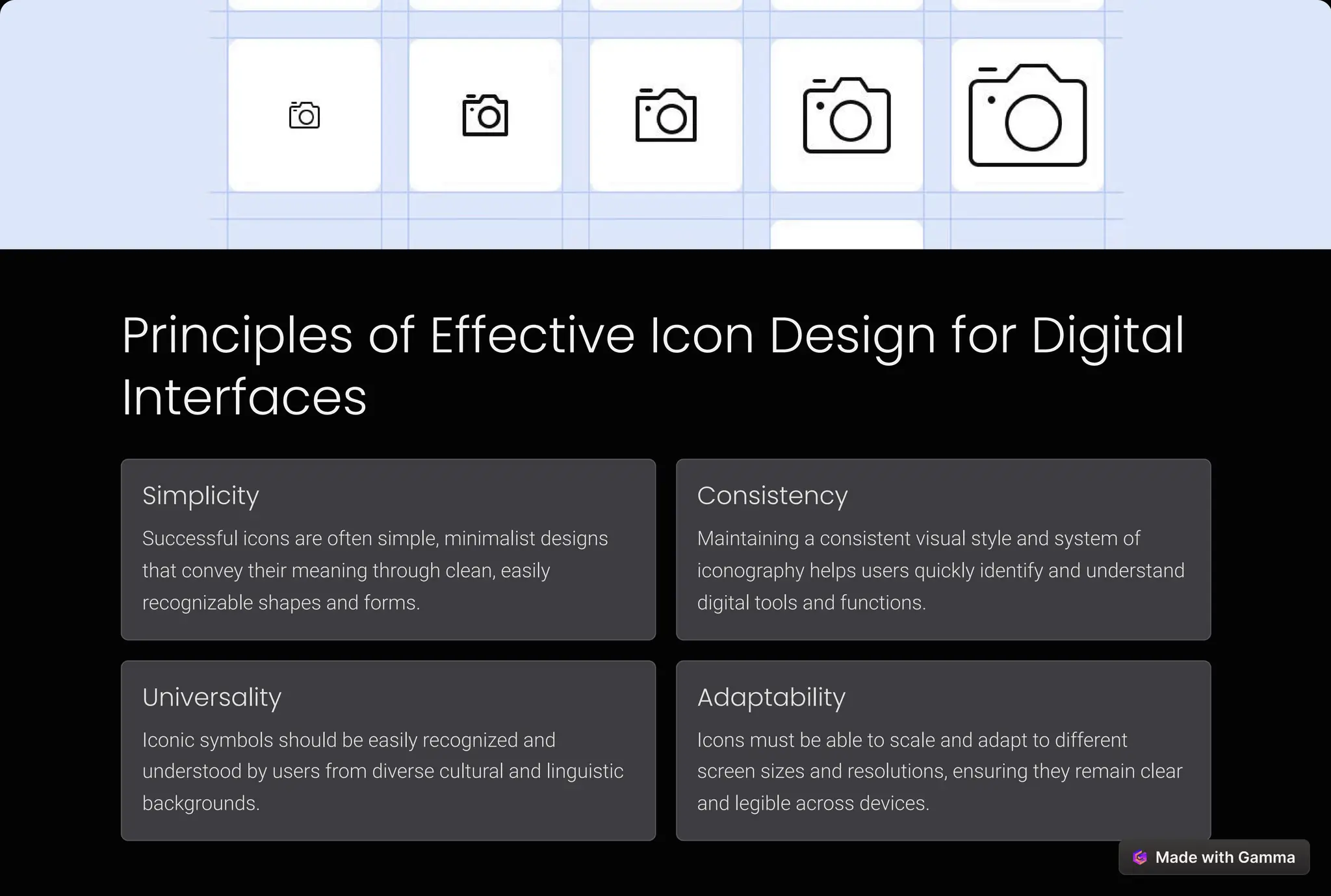
Icons must be able to scale and adapt to different
screen sizes and resolutions, ensuring they remain clear
and legible across devices.
The Importance of Consistency and
Recognizability in Icon Systems
Home
A recognizable "home" icon
helps users quickly navigate
to the main entry point of a
digital interface.
Search
A consistent search icon
allows users to easily locate
and utilize the search
function across different
applications and platforms.
Settings
A universally recognized
settings icon enables users
to access and adjust system
preferences with ease.
Share
A standardized share icon
facilitates the seamless
exchange of content and
information across digital
platforms.
Trends in Mobile Icon
Design: Flat, Minimalist, and
Material Design
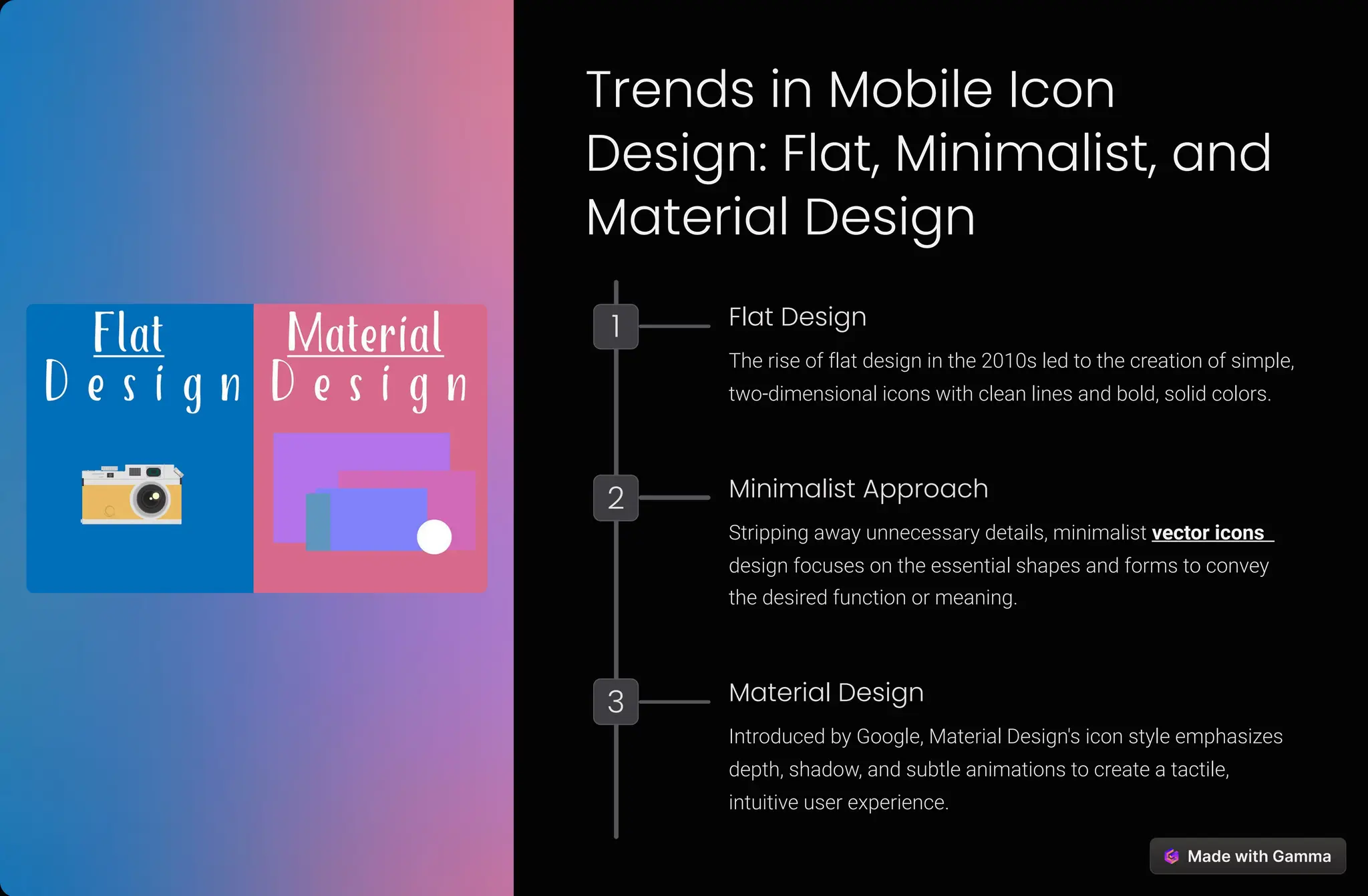
1 Flat Design
The rise of flat design in the 2010s led to the creation of simple,
two-dimensional icons with clean lines and bold, solid colors.
2 Minimalist Approach
Stripping away unnecessary details, minimalist vector icons
design focuses on the essential shapes and forms to convey
the desired function or meaning.
3 Material Design
Introduced by Google, Material Design's icon style emphasizes
depth, shadow, and subtle animations to create a tactile,
intuitive user experience.
The Role of Animation and
Interactivity in Modern Icon
Design
1
Dynamic Feedback
Animated icons can provide dynamic feedback, such as a
rotating loading icon or a pulsing notification, to enhance the
user's understanding of the interface.
2
Interactivity
Interactive icons, like a tappable menu or a draggable file, can
make digital interfaces more intuitive and engaging for users.
3
Enhancing Usability
Carefully designed animations and interactive elements can
improve the overall usability and responsiveness of a digital
interface.
The Future of Icons:
Adapting to Emerging
Technologies and User
Experiences
Virtual Reality As VR environments become more
prevalent, designers will need to
create intuitive 3D icons that users
can interact with in immersive
digital spaces.
Augmented Reality AR applications will require icons
that seamlessly blend with the
physical world, providing
contextual information and
functionality.
Voice Assistants With the rise of voice-controlled
interfaces, icons may need to
adapt to include visual cues for
auditory commands and feedback.
Wearable Devices Designing icons for small,
wearable screens will present new
challenges, requiring highly
simplified and optimized visual
representations.
Thank You
This presentation has explored the evolution of icons, from their beginnings in desktop computing to the challenges and
trends of mobile interface design. As digital experiences continue to evolve, the role of icons will remain crucial in creating
intuitive and user-friendly interfaces.

The Evolution of Icons: From Desktop to Mobile Interfaces

  • 1.
    The Evolution of Icons:From Desktop to Mobile Interfaces From the early days of desktop computing to the ubiquitous presence of mobile devices, icons have been a crucial element in digital interface design. This presentation will explore the evolution of free icons, the principles of effective icon design, and the future of this essential visual language. by free11
  • 2.
    The Rise ofDesktop Computing and the Birth of Icons The Beginnings of Icons As personal computers became more widespread in the 1970s and 1980s, icons emerged as a way to represent digital tools and functions in a visually intuitive manner. Icon Design Challenges Early icon designers faced the challenge of creating recognizable symbols that could fit within the limited screen resolutions and color palettes of desktop computers. The Importance of Metaphors Iconic metaphors, such as the floppy disk for "Save" and the printer for "Print," helped users quickly understand and interact with digital interfaces.
  • 3.
    The Shift toMobile Devices and the Challenges of Icon Design 1 Smaller Screen Sizes The transition to mobile devices meant icons had to be designed for much smaller screens, requiring a more minimalist and simplified approach. 2 Diverse Device Resolutions Designing icons that can scale across a wide range of screen resolutions and pixel densities has become a critical challenge for mobile interface design. 3 Maintaining Recognizability As the number of apps and digital tools has grown, maintaining consistent and recognizable icon systems has become increasingly important.
  • 4.
    Principles of EffectiveIcon Design for Digital Interfaces Simplicity Successful icons are often simple, minimalist designs that convey their meaning through clean, easily recognizable shapes and forms. Consistency Maintaining a consistent visual style and system of iconography helps users quickly identify and understand digital tools and functions. Universality Iconic symbols should be easily recognized and understood by users from diverse cultural and linguistic backgrounds. Adaptability Icons must be able to scale and adapt to different screen sizes and resolutions, ensuring they remain clear and legible across devices.
  • 5.
    The Importance ofConsistency and Recognizability in Icon Systems Home A recognizable "home" icon helps users quickly navigate to the main entry point of a digital interface. Search A consistent search icon allows users to easily locate and utilize the search function across different applications and platforms. Settings A universally recognized settings icon enables users to access and adjust system preferences with ease. Share A standardized share icon facilitates the seamless exchange of content and information across digital platforms.
  • 6.
    Trends in MobileIcon Design: Flat, Minimalist, and Material Design 1 Flat Design The rise of flat design in the 2010s led to the creation of simple, two-dimensional icons with clean lines and bold, solid colors. 2 Minimalist Approach Stripping away unnecessary details, minimalist vector icons design focuses on the essential shapes and forms to convey the desired function or meaning. 3 Material Design Introduced by Google, Material Design's icon style emphasizes depth, shadow, and subtle animations to create a tactile, intuitive user experience.
  • 7.
    The Role ofAnimation and Interactivity in Modern Icon Design 1 Dynamic Feedback Animated icons can provide dynamic feedback, such as a rotating loading icon or a pulsing notification, to enhance the user's understanding of the interface. 2 Interactivity Interactive icons, like a tappable menu or a draggable file, can make digital interfaces more intuitive and engaging for users. 3 Enhancing Usability Carefully designed animations and interactive elements can improve the overall usability and responsiveness of a digital interface.
  • 8.
    The Future ofIcons: Adapting to Emerging Technologies and User Experiences Virtual Reality As VR environments become more prevalent, designers will need to create intuitive 3D icons that users can interact with in immersive digital spaces. Augmented Reality AR applications will require icons that seamlessly blend with the physical world, providing contextual information and functionality. Voice Assistants With the rise of voice-controlled interfaces, icons may need to adapt to include visual cues for auditory commands and feedback. Wearable Devices Designing icons for small, wearable screens will present new challenges, requiring highly simplified and optimized visual representations.
  • 9.
    Thank You This presentationhas explored the evolution of icons, from their beginnings in desktop computing to the challenges and trends of mobile interface design. As digital experiences continue to evolve, the role of icons will remain crucial in creating intuitive and user-friendly interfaces.