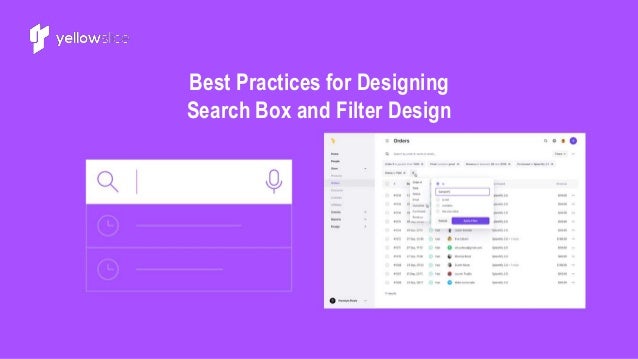
Best Practices for Designing
Search Box and Filter Design
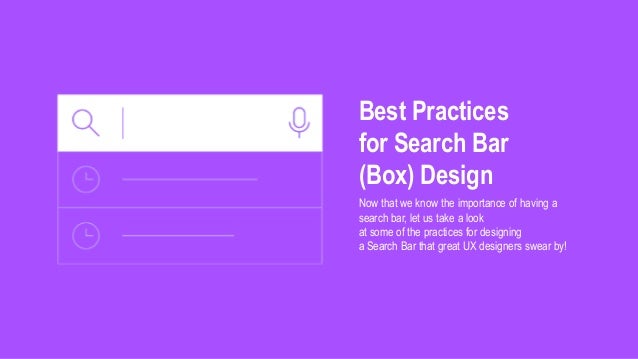
Best Practices
for Search Bar
(Box) Design
Now that we know the importance of having a
search bar, let us take a look
at some of the practices for designing
a Search Bar that great UX designers swear by!
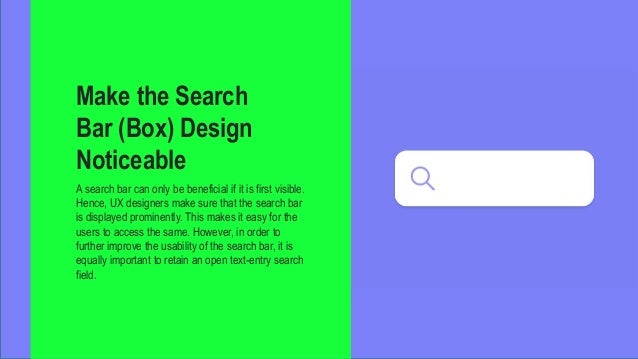
Make the Search
Bar (Box) Design
Noticeable
A search bar can only be beneficial if it is first visible.
Hence, UX designers make sure that the search bar
is displayed prominently. This makes it easy for the
users to access the same. However, in order to
further improve the usability of the search bar, it is
equally important to retain an open text-entry search
field.
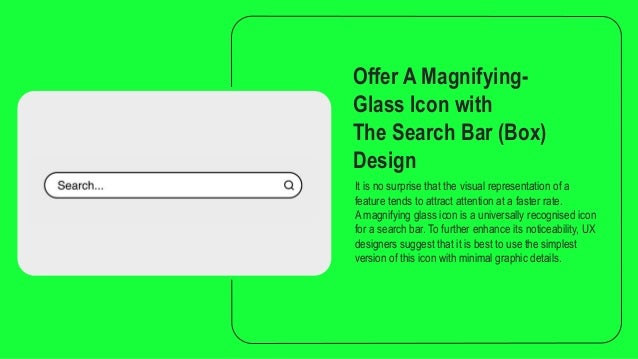
Offer A Magnifying-
Glass Icon with
The Search Bar (Box)
Design
It is no surprise that the visual representation of a
feature tends to attract attention at a faster rate.
A magnifying glass icon is a universally recognised icon
for a search bar. To further enhance its noticeability, UX
designers suggest that it is best to use the simplest
version of this icon with minimal graphic details.
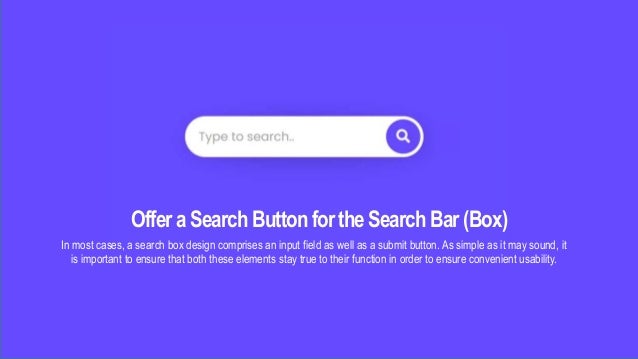
OfferaSearch ButtonfortheSearchBar(Box)
In most cases, a search box design comprises an input field as well as a submit button. As simple as it may sound, it
is important to ensure that both these elements stay true to their function in order to ensure convenient usability.
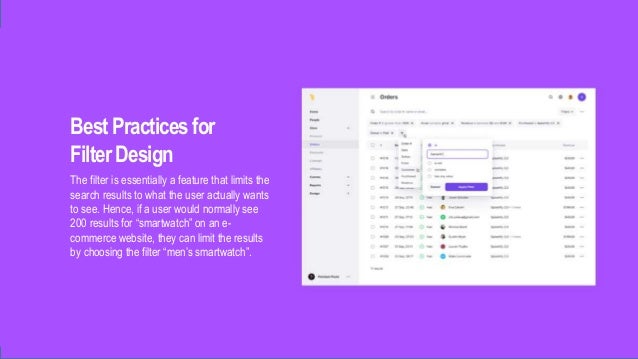
BestPractices for
FilterDesign
The filter is essentially a feature that limits the
search results to what the user actually wants
to see. Hence, if a user would normally see
200 results for “smartwatch” on an e-
commerce website, they can limit the results
by choosing the filter “men’s smartwatch”.
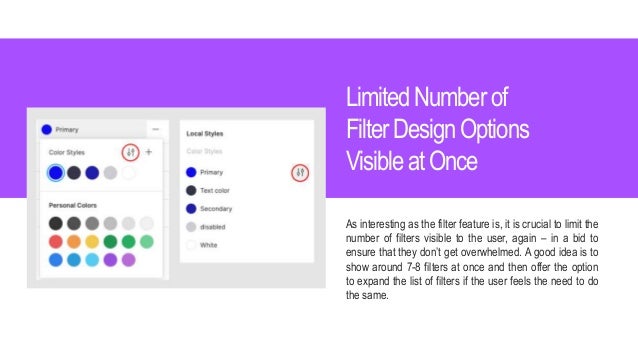
LimitedNumber of
FilterDesignOptions
Visibleat Once
As interesting as the filter feature is, it is crucial to limit the
number of filters visible to the user, again – in a bid to
ensure that they don’t get overwhelmed. A good idea is to
show around 7-8 filters at once and then offer the option
to expand the list of filters if the user feels the need to do
the same.
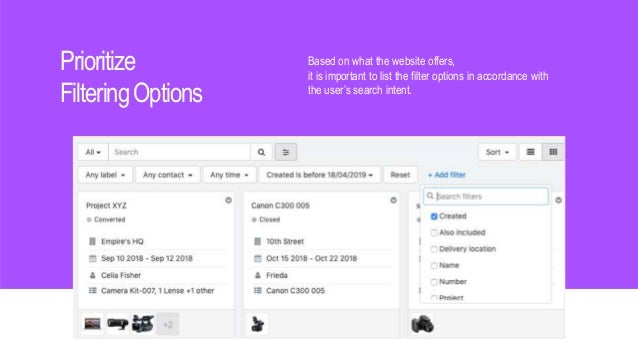
Prioritize
FilteringOptions
Based on what the website offers,
it is important to list the filter options in accordance with
the user’s search intent.
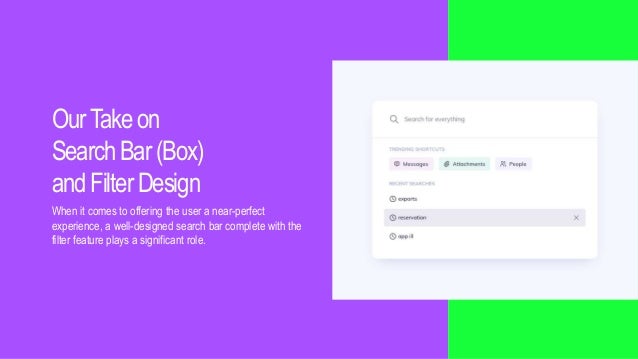
OurTakeon
SearchBar(Box)
andFilterDesign
When it comes to offering the user a near-perfect
experience, a well-designed search bar complete with the
filter feature plays a significant role.
THANK YOU
www.yellowslice.in

Filtering ux best practices

  • 1.
    Best Practices forDesigning Search Box and Filter Design
  • 2.
    Best Practices for SearchBar (Box) Design Now that we know the importance of having a search bar, let us take a look at some of the practices for designing a Search Bar that great UX designers swear by!
  • 3.
    Make the Search Bar(Box) Design Noticeable A search bar can only be beneficial if it is first visible. Hence, UX designers make sure that the search bar is displayed prominently. This makes it easy for the users to access the same. However, in order to further improve the usability of the search bar, it is equally important to retain an open text-entry search field.
  • 4.
    Offer A Magnifying- GlassIcon with The Search Bar (Box) Design It is no surprise that the visual representation of a feature tends to attract attention at a faster rate. A magnifying glass icon is a universally recognised icon for a search bar. To further enhance its noticeability, UX designers suggest that it is best to use the simplest version of this icon with minimal graphic details.
  • 5.
    OfferaSearch ButtonfortheSearchBar(Box) In mostcases, a search box design comprises an input field as well as a submit button. As simple as it may sound, it is important to ensure that both these elements stay true to their function in order to ensure convenient usability.
  • 6.
    BestPractices for FilterDesign The filteris essentially a feature that limits the search results to what the user actually wants to see. Hence, if a user would normally see 200 results for “smartwatch” on an e- commerce website, they can limit the results by choosing the filter “men’s smartwatch”.
  • 7.
    LimitedNumber of FilterDesignOptions Visibleat Once Asinteresting as the filter feature is, it is crucial to limit the number of filters visible to the user, again – in a bid to ensure that they don’t get overwhelmed. A good idea is to show around 7-8 filters at once and then offer the option to expand the list of filters if the user feels the need to do the same.
  • 8.
    Prioritize FilteringOptions Based on whatthe website offers, it is important to list the filter options in accordance with the user’s search intent.
  • 9.
    OurTakeon SearchBar(Box) andFilterDesign When it comesto offering the user a near-perfect experience, a well-designed search bar complete with the filter feature plays a significant role.
  • 10.