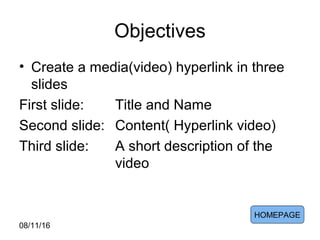
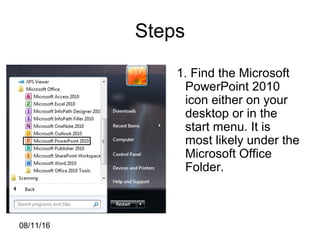
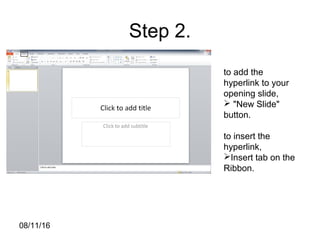
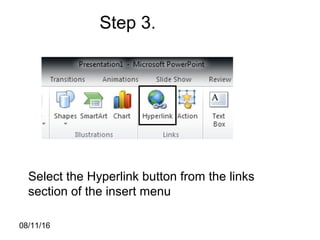
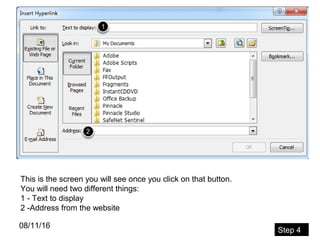
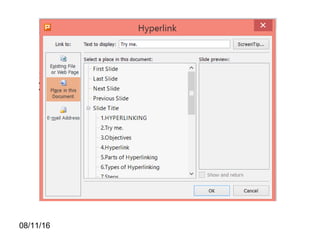
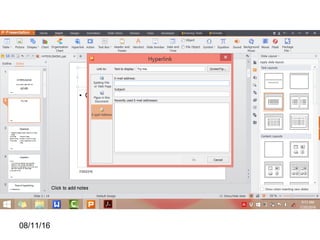
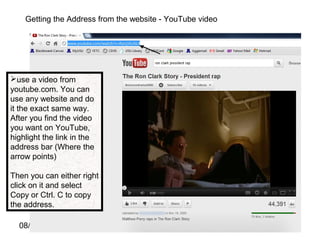
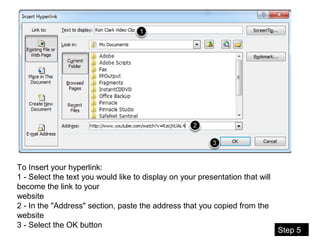
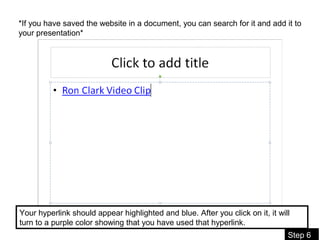
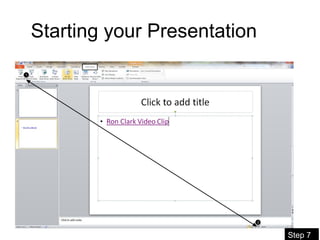
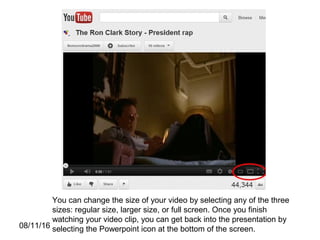
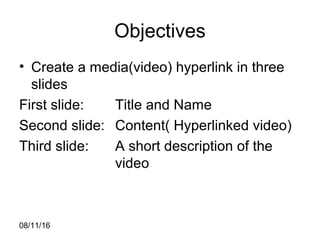
This document provides instructions for creating hyperlinks in a PowerPoint presentation. It outlines the objectives, defines hyperlinking, discusses the parts and types of hyperlinking, and provides steps to insert a hyperlinked video. The steps include finding the video URL, selecting text to display as the link, pasting the URL, and inserting the hyperlink. It also provides guidance on starting the presentation and presentation mode. The overall goal is to create a 3-slide presentation with a title slide, a slide containing a hyperlinked video, and a description slide.