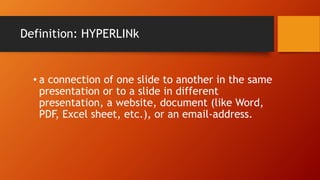
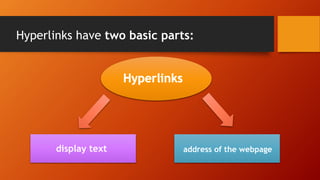
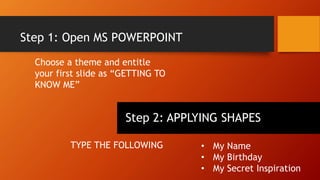
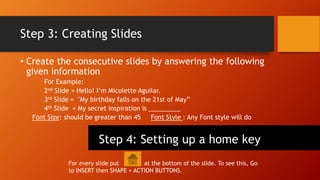
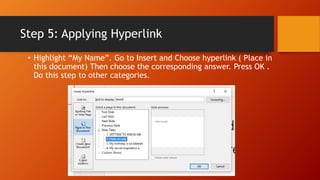
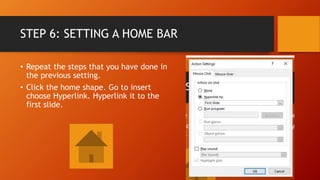
The document provides instructions for creating hyperlinks in a Microsoft PowerPoint presentation to link different slides together that provide details about oneself. It outlines 6 steps: 1) Open PowerPoint and create an introductory slide, 2) Add shapes and text categories to the intro slide, 3) Create detail slides to expand on each category, 4) Add a home button shape to each slide, 5) Hyperlink the categories on the intro slide to the corresponding detail slides, and 6) Hyperlink the home button back to the intro slide. The instructions aim to teach the use of hyperlinks to seamlessly transition between slides that provide more information.