1. This document provides step-by-step instructions for setting up OPC communications between a PC and a Simatic PLC using Simatic Net and a CP5611 card.
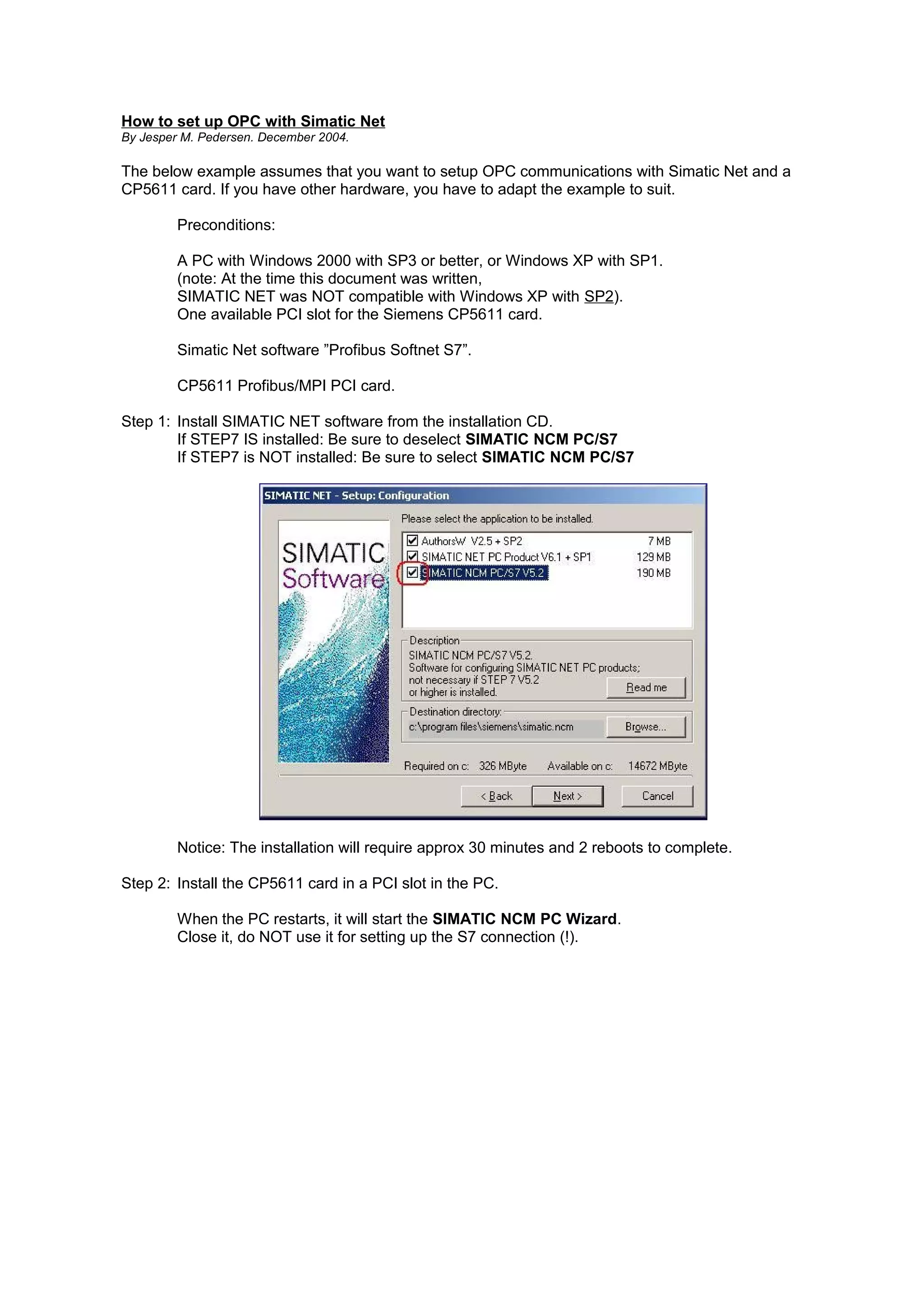
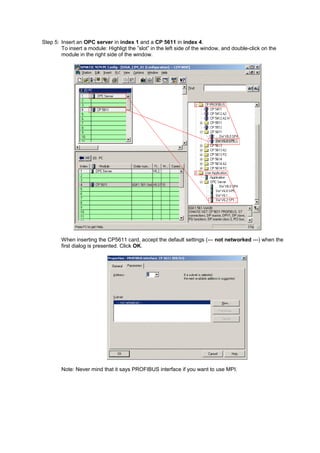
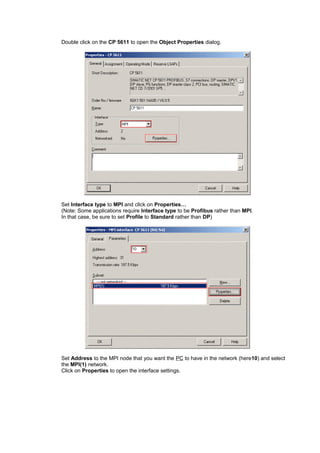
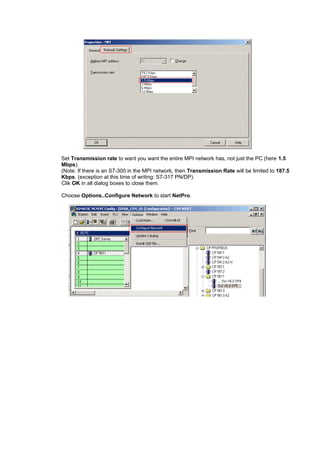
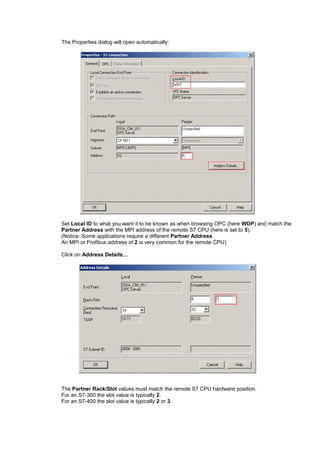
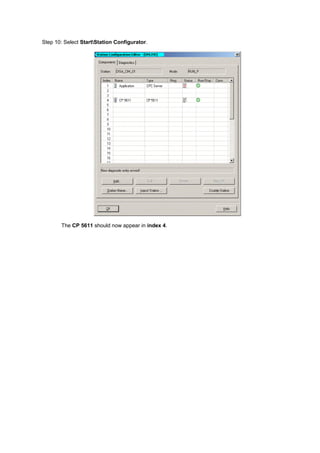
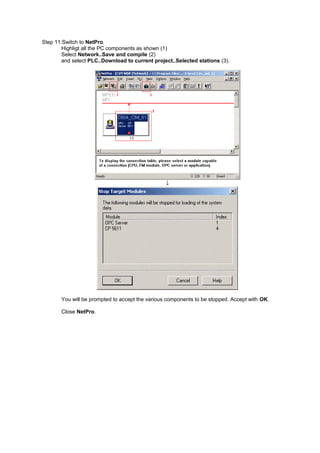
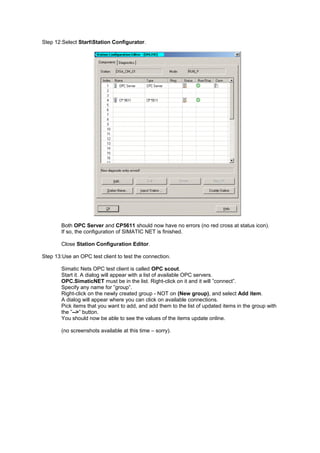
2. Key steps include installing Simatic Net software, inserting the CP5611 card, configuring the PG/PC interface, creating a Simatic PC station, inserting an OPC server and CP5611 module, configuring the S7 connection, downloading to the project, and testing with an OPC client.
3. Common pitfalls include ensuring the PG/PC interface is set to internal, station name is specified correctly everywhere, communication hardware mode is configured with the proper index, and correct slot number is specified for