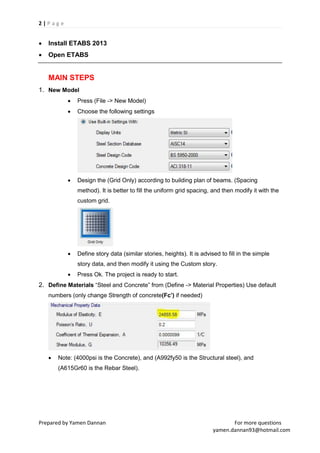
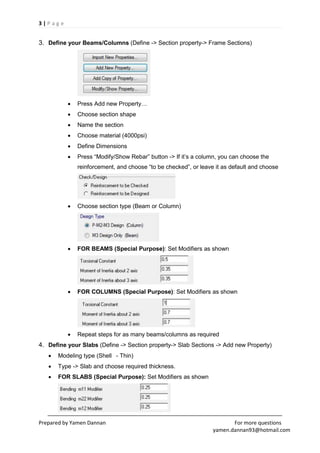
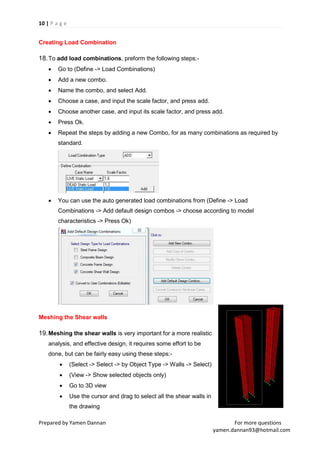
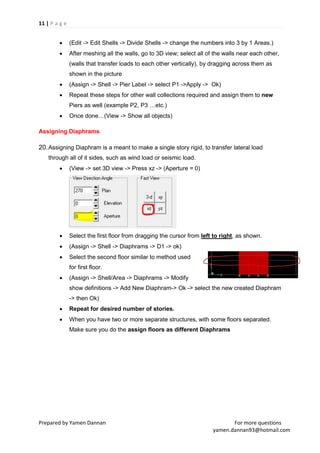
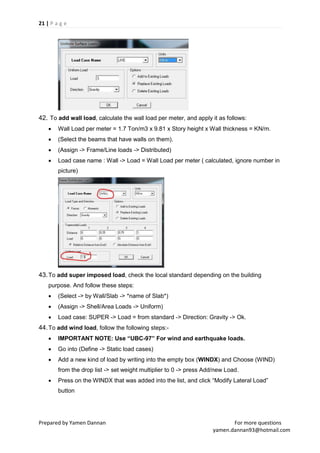
This document provides steps for modeling and analyzing structures using ETABS software. It outlines 20 main steps including: 1) Creating a new model and defining grid, materials and sections, 2) Drawing columns, beams, slabs and walls, 3) Applying loads such as live, dead, wind and earthquake loads, 4) Creating load combinations, 5) Meshing shear walls and slabs, and 6) Assigning diaphragms. The steps provide details on how to properly model different building components and apply loads for structural analysis in ETABS.