

How to make a good presentation
Majbrit L Karlsen
Overview
What should a presentation do?
General advice
 Front Page
 Overview
 Body text
 Conclusion
 Sources
 Questions
Conclusion
Your questions
What should a presentation do?
We want to:
 Inform or convince
 Get through to our audience, sometimes dazzle them
 Keep up our own enthusiasm
 Make the audience remember what we have presented in a positive and
constructive way
We do not want:
 To bore our audience to tears;
 An audience that starts checking their text messages, chatting amongst
themselves or even nodding off as we speak.
 Little text, few slides, plenty of images and illustrations
Illustrations keep your audience captive; lots of text and figures are boring
and hard to remember.
 Entertain your audience
Choose the right illustrations; topical; funny or provocative, but don’t cross the
line.
 Beware tables and diagrams
Keep them simple, and only include one or two per presentation. Think of ways to
present them by degrees to keep your audience listening actively.
 Keep focus on your own performance
Ideally, you should be able to give the presentation without slides.
 Use open body language
Your audience should focus on what you are saying, not on you. If you send many ‘I
am insecure’ signals, they will do the opposite of what you want; focus on you and
wonder if you are honest and know what you are talking about
 Plan how to move from one slide to the next!
And vary transistions. Don’t use endless ‘And’s and ‘Next’s
 Learn your presentation by heart
And keep eye contact with your audience - Don’t read aloud
 Use the rule of three;
Say what you want to say, say it, and say what you have said.
more
 KISS principle
Keep It Simple, Sweetheart
 Practice makes perfect
Practice your presentation in front of friends/family, and ask for honest
opinions.
 Learn from your experience and feedback
Make notes of what works/does not work, and use them at your next
presentation.
Last
 First impressions last! Use an eyecatching illustration
 Greet your audience, introduce yourself and your subject in that order.
Overview
- what am I going to say?
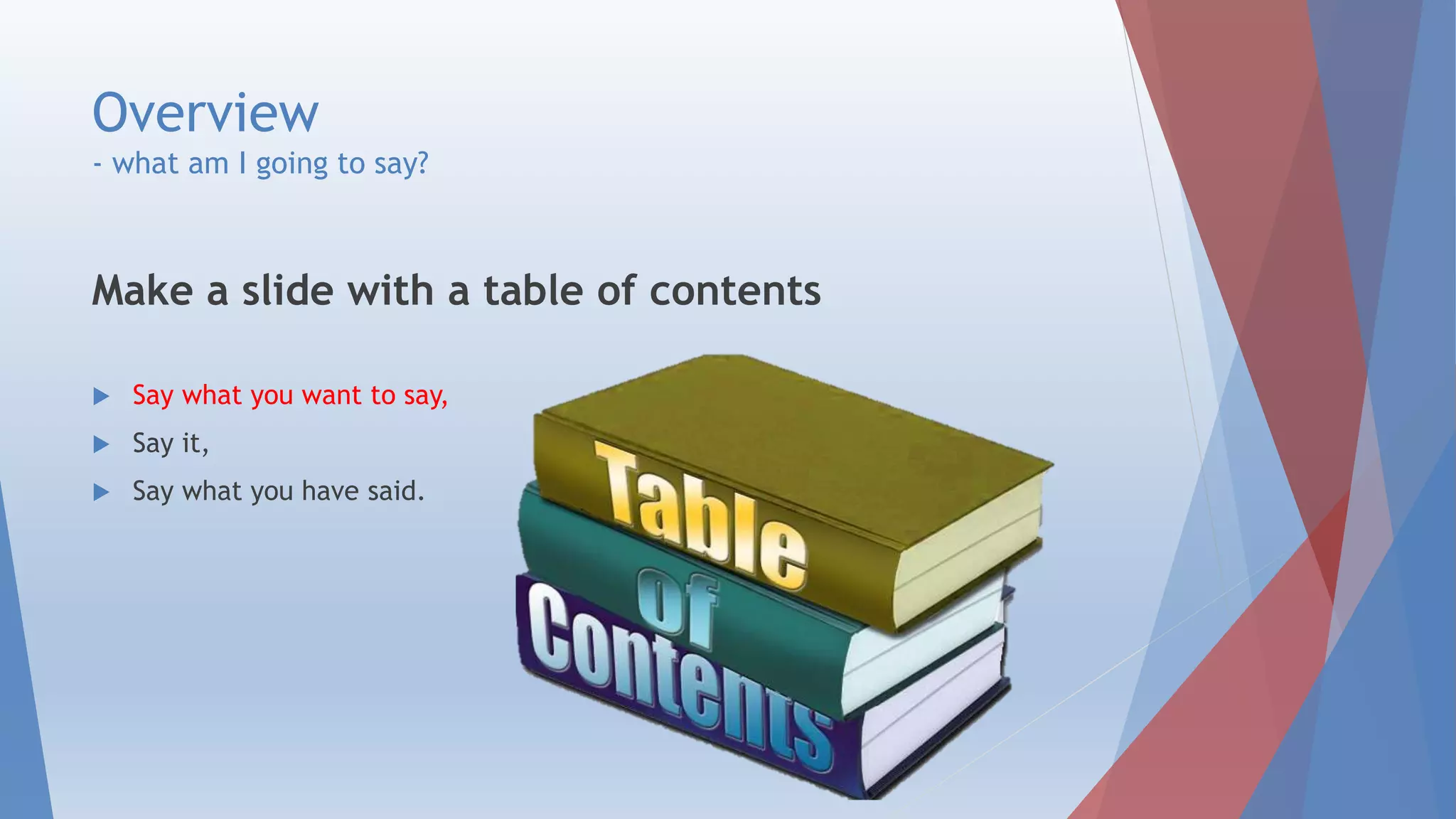
Make a slide with a table of contents
 Say what you want to say,
 Say it,
 Say what you have said.
Body text
 Say it
 Slides in logical order, like chapters in a textbook!
 If you are presenting a report, use the report structure!
 Plan how to move from one slide to the next!
Conclusion
 Say what you have said! - Sum up and conclude!
 Mark that this is the end of your presentation,
and introduce final formalities – (sources) question time.
 School use – In real life you may skip this part if irrelevant.
 Address your sources and critique them.
 How are they relevant?
 Are they reliable? Why/why not, and if not, why have you used them anyway?
Questions
 Invite questions from your
audience, and answer them.
 Preparation:
Look at your presentation and
try to anticipate questions, or
practice to friends and
remember what they asked.
Conclusion
 If you follow:
 the structure from the overview
with at least one slide per section
 My brilliant advice in these slides
 You have a fighting chance of performing well!
 Best of luck with that.
Front Page
Overview
Body text
Conclusion
Sources
Questions
Your questions

How to make a good presentation

  • 1.
    How to makea good presentation Majbrit L Karlsen
  • 2.
    Overview What should apresentation do? General advice  Front Page  Overview  Body text  Conclusion  Sources  Questions Conclusion Your questions
  • 3.
    What should apresentation do? We want to:  Inform or convince  Get through to our audience, sometimes dazzle them  Keep up our own enthusiasm  Make the audience remember what we have presented in a positive and constructive way We do not want:  To bore our audience to tears;  An audience that starts checking their text messages, chatting amongst themselves or even nodding off as we speak.
  • 4.
     Little text,few slides, plenty of images and illustrations Illustrations keep your audience captive; lots of text and figures are boring and hard to remember.  Entertain your audience Choose the right illustrations; topical; funny or provocative, but don’t cross the line.  Beware tables and diagrams Keep them simple, and only include one or two per presentation. Think of ways to present them by degrees to keep your audience listening actively.  Keep focus on your own performance Ideally, you should be able to give the presentation without slides.
  • 5.
     Use openbody language Your audience should focus on what you are saying, not on you. If you send many ‘I am insecure’ signals, they will do the opposite of what you want; focus on you and wonder if you are honest and know what you are talking about  Plan how to move from one slide to the next! And vary transistions. Don’t use endless ‘And’s and ‘Next’s  Learn your presentation by heart And keep eye contact with your audience - Don’t read aloud  Use the rule of three; Say what you want to say, say it, and say what you have said. more
  • 6.
     KISS principle KeepIt Simple, Sweetheart  Practice makes perfect Practice your presentation in front of friends/family, and ask for honest opinions.  Learn from your experience and feedback Make notes of what works/does not work, and use them at your next presentation. Last
  • 7.
     First impressionslast! Use an eyecatching illustration  Greet your audience, introduce yourself and your subject in that order.
  • 8.
    Overview - what amI going to say? Make a slide with a table of contents  Say what you want to say,  Say it,  Say what you have said.
  • 9.
    Body text  Sayit  Slides in logical order, like chapters in a textbook!  If you are presenting a report, use the report structure!  Plan how to move from one slide to the next!
  • 10.
    Conclusion  Say whatyou have said! - Sum up and conclude!  Mark that this is the end of your presentation, and introduce final formalities – (sources) question time.
  • 11.
     School use– In real life you may skip this part if irrelevant.  Address your sources and critique them.  How are they relevant?  Are they reliable? Why/why not, and if not, why have you used them anyway?
  • 12.
    Questions  Invite questionsfrom your audience, and answer them.  Preparation: Look at your presentation and try to anticipate questions, or practice to friends and remember what they asked.
  • 13.
    Conclusion  If youfollow:  the structure from the overview with at least one slide per section  My brilliant advice in these slides  You have a fighting chance of performing well!  Best of luck with that. Front Page Overview Body text Conclusion Sources Questions
  • 14.