How To Create You First Gmail AccountTutorial #0001
In your internet browser, go to search engine Google and search “gmail”
Click “Gmail: Email from Google”
This next screen will appear.
Click              button
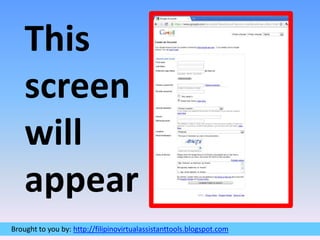
This screen will appear
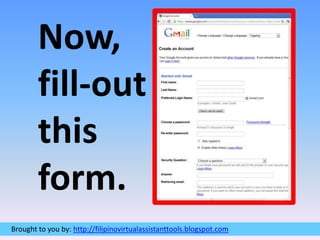
Now,fill-outthisform.
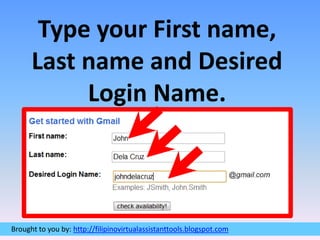
Type your First name, Last name and Desired Login Name.
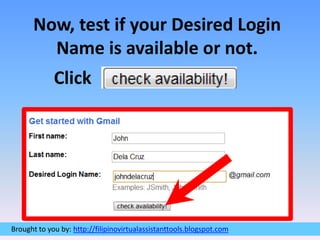
Now, test if your Desired Login Name is available or not.  Click
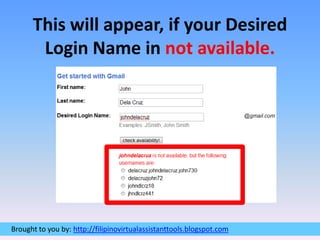
This will appear, if your Desired Login Name in not available.
Try different Login Name and thenClick
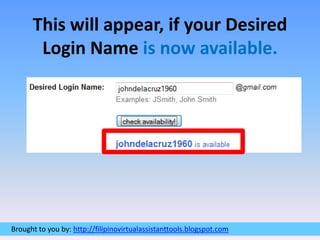
This will appear, if your Desired Login Name is now available.
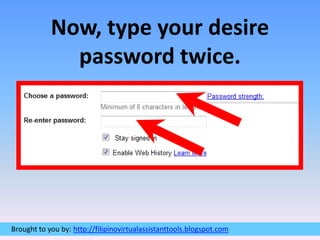
Now, type your desire password twice.
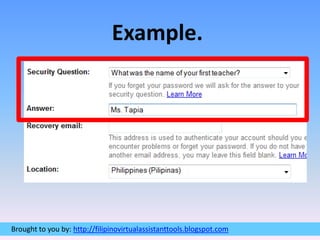
Choose your desired Security Question and type your answer.
Example.
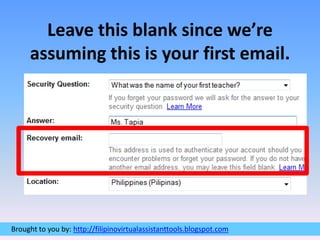
Leave this blank since we’re assuming this is your first email.
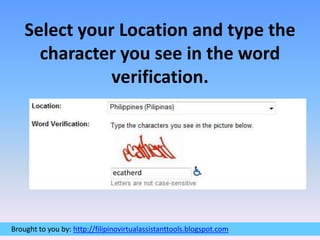
Select your Location and type the character you see in the word verification.ecatherd
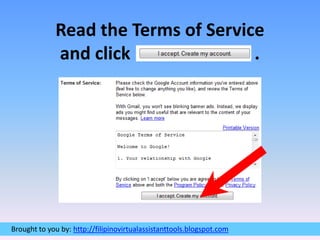
Read the Terms of Service and click                            .
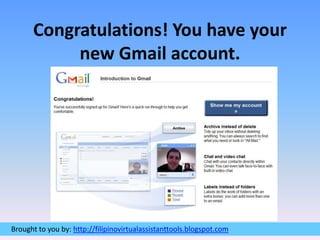
Congratulations! You have your new Gmail account.
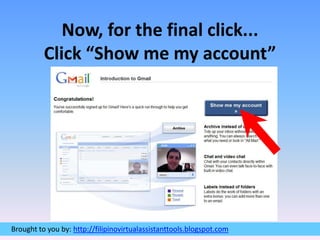
Now, for the final click...Click “Show me my account”
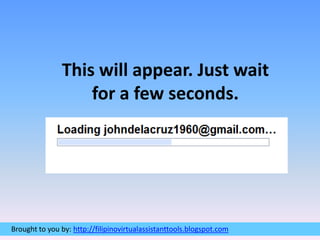
This will appear. Just wait for a few seconds.
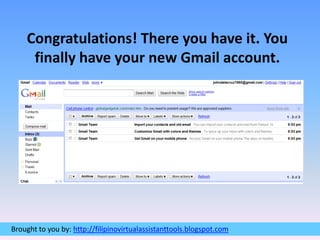
Congratulations! There you have it. You finally have your new Gmail account.
EndOf Tutorial #0001

How to create your first gmail account