Download as PDF, PPTX
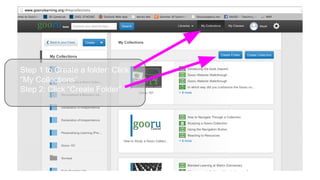
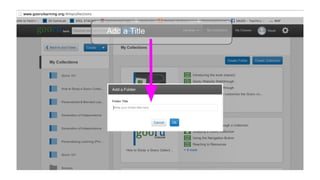
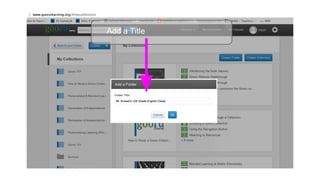
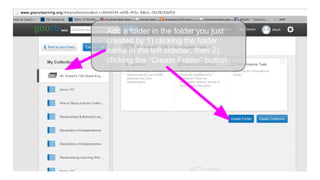
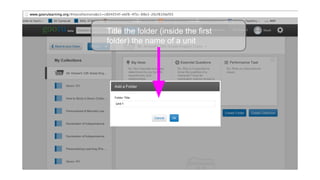
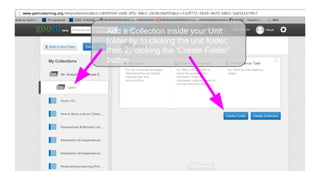
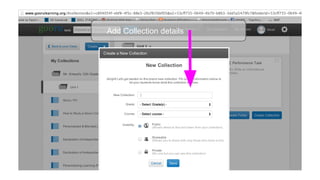

To create folders for organizing documents, click "My Collections" and then "Create Folder", adding a title for the new folder. Additional subfolders can then be made by clicking the existing folder in the sidebar and selecting "Create Folder", allowing documents to be grouped into units and collections within the folder structure.


![The Internet and the World Wide Web [IGCSE] [WWW].pptx](https://cdn.slidesharecdn.com/ss_thumbnails/theinternetandtheworldwidewebwww-221016211024-e758817f-thumbnail.jpg?width=640&height=640&fit=bounds)


![5G Explained! A High Level Overview [Introduction]](https://cdn.slidesharecdn.com/ss_thumbnails/5gexplainedahighleveloverview-260119165306-cc137a3e-thumbnail.jpg?width=640&height=640&fit=bounds)

