H-Index and Researcher Identities
UCT Bibliometrics Working Group
15 June 2017
1
Outline of the session
• Talking about the h-index
• Researcher Identity
– ORCID
– Google Scholar Profile
– Scopus
– Web of Science
• Practical: Setting up ORCID Profile
Setting up Google Scholar profile
2
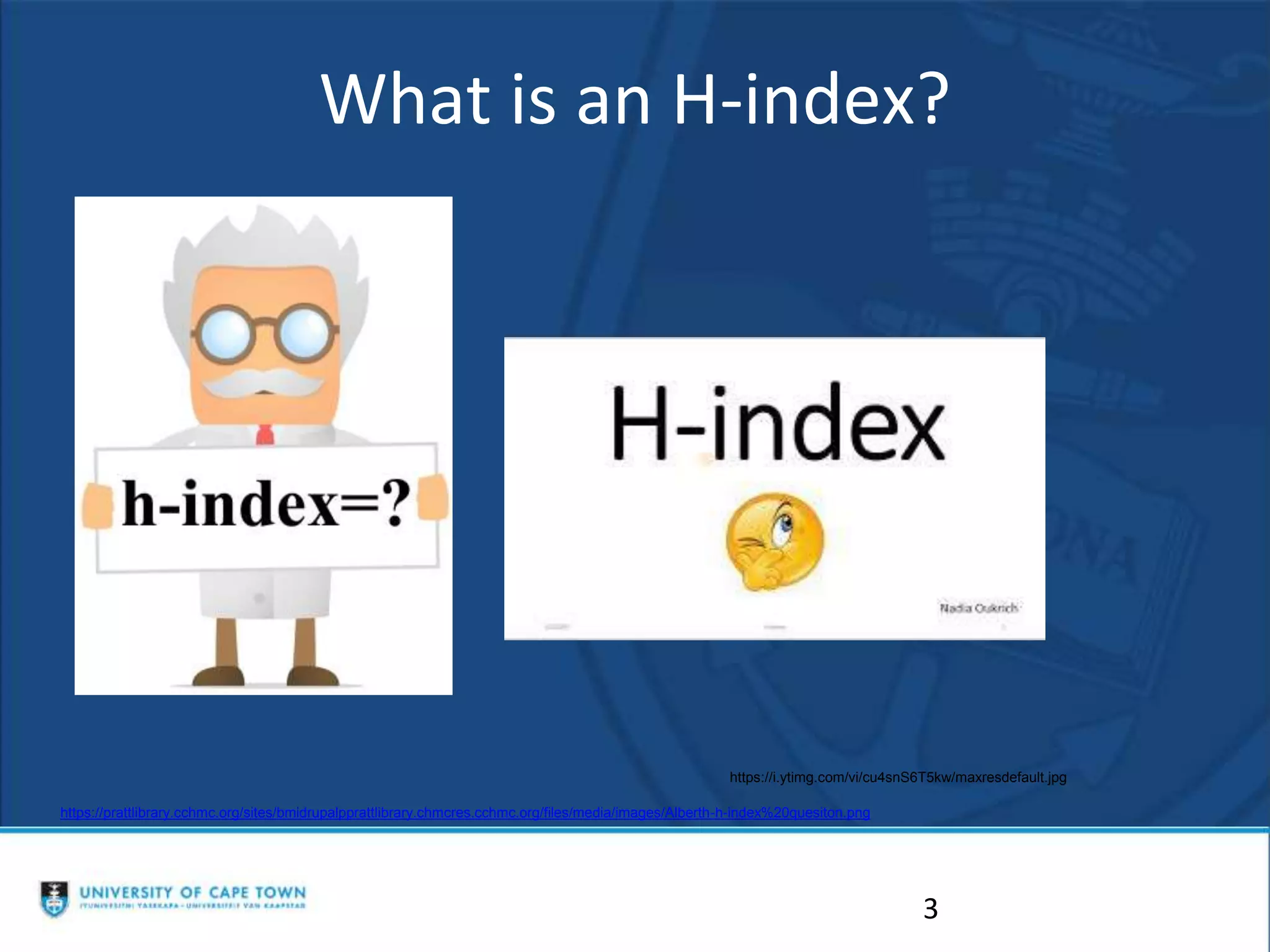
What is an H-index?
3
https://prattlibrary.cchmc.org/sites/bmidrupalpprattlibrary.chmcres.cchmc.org/files/media/images/Alberth-h-index%20quesiton.png
https://i.ytimg.com/vi/cu4snS6T5kw/maxresdefault.jpg
The h-index: what does it mean,
how is it calculated and used?
4
• Developed by Jorge E Hirsch in 2005
• Relatively simple way to calculate and measure the
impact of a scientist or scholar or groups of
scientists
• Small number with a big impact!
• Prof Ed Rybicki has an h-index of 47. What does
that mean?
•h-index is based on the set of the scholar’s most cited
papers and the number of citations these papers have
received in other publications.
•Citations to papers means that someone used your work or
thought it was relevant to mention in the context of their
own work.
•Counts the number publications for which the scholar has
been cited by other authors at least that same number of
times.
5
•The definition of the index is that a scholar with an index
of h has published h papers each of which has been cited
in other papers at least h times
•So Prof Ed Rybicki has published at least 47 papers
that have each been cited at least 47 times
•The H index is always calculated on the entire career of
the author and not within a specific time frame.
6
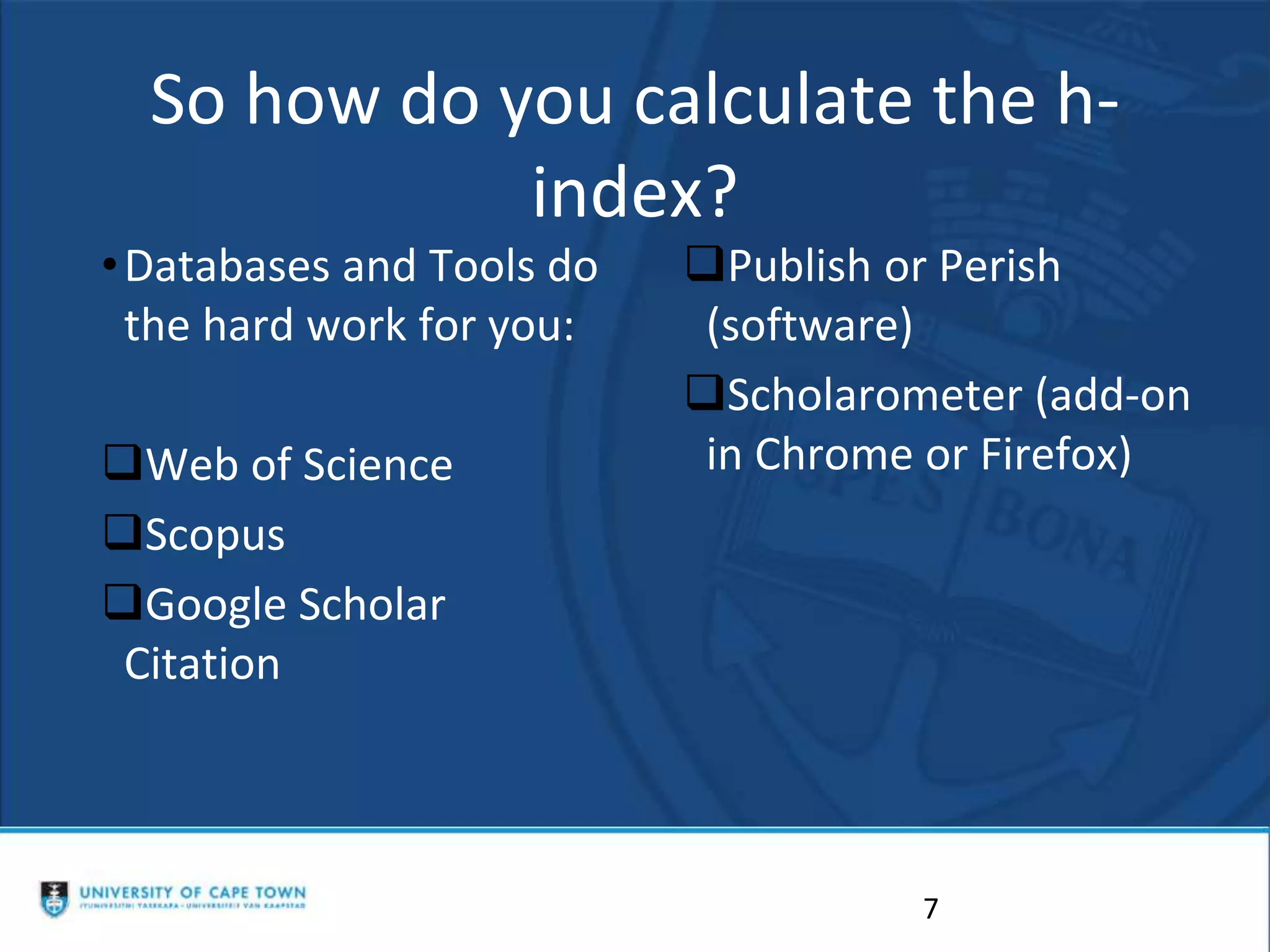
So how do you calculate the h-
index?
•Databases and Tools do
the hard work for you:
Web of Science
Scopus
Google Scholar
Citation
Publish or Perish
(software)
Scholarometer (add-on
in Chrome or Firefox)
7
BUT ....
8
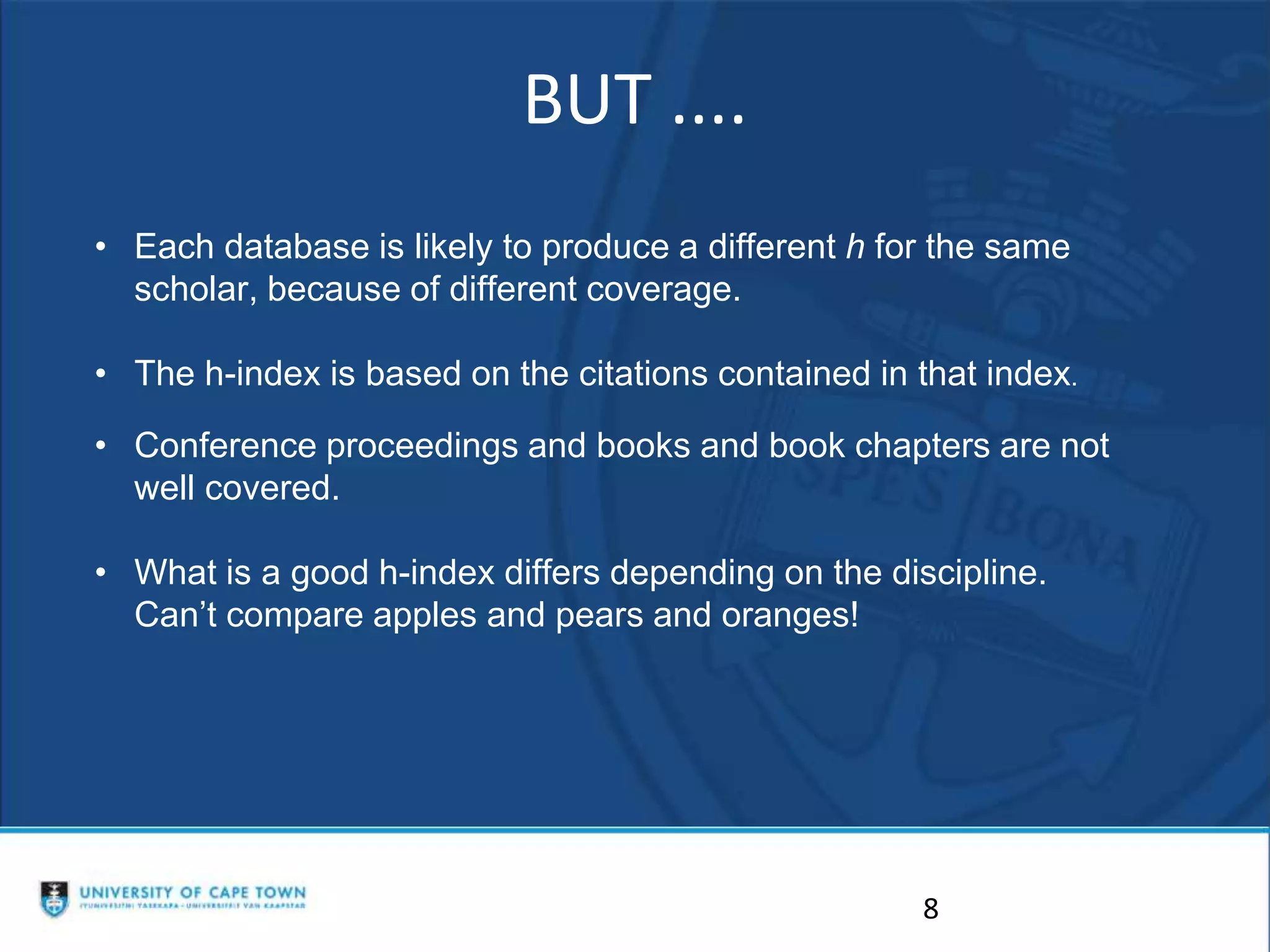
• Each database is likely to produce a different h for the same
scholar, because of different coverage.
• The h-index is based on the citations contained in that index.
• Conference proceedings and books and book chapters are not
well covered.
• What is a good h-index differs depending on the discipline.
Can’t compare apples and pears and oranges!
Researcher ID
Standing out from the Crowd
9
Would someone who searches for
you find all your publications?
Is the information complete and
up-to-date?
Does it give an accurate reflection
of your scholarship?
What is a Research Profile? (1)
• Aka scholarly or academic profile.
• Distinguishes you from other researchers.
• Demonstrates the uniqueness and impact
of your research.
11
What is a Research Profile? (2)
• Create your own research profile in, for
example, Google Scholar.
• Import & add works you have authored.
• GS Profile – NRF requirement.
12
What is a Research ID?
• Unique ID / Number.
• Distinguishes you from other researchers.
What is the Function of a
Research ID?
• Differentiates between authors with similar or
same names.
• Groups any name variations under which you
have published.
• Different databases can have different
identification numbers for the same author.
• Groups institutions where you have worked.
• Links all your publications together.
Research ID Function (2)
• Makes your work more discoverable (more
citations!)
– Assists with metrics such as citation counts and h-
indexes.
– Improves researcher impact.
• Get full credit for your work.
• Saves time e.g. ORCID’s mantra is “enter once,
re-use often”
Examples of Research IDs
• Scopus Author ID e.g. 7101929080
• Web of Science ResearcherID e.g. I-6897-2015
• ORCID - Open Researcher and Contributor ID-
e.g. http://orcid.org/0000-0002-6845-8179
Research ID Function (3)
• Funders, Publishers & Institutions require a
unique ID
– See NRF Statement re ORCID
(ORCID is Open Researcher and Contributor ID)
18
Title
8 April 2017
THE PLATFORMS TO USE
• ORCID Profile
• Google Scholar Profile
• Scopus
• ResearcherID
•https://www.slideshare.net/JenEidelman/rese
arch-ids-university-of-cape-town-libraries
19
20
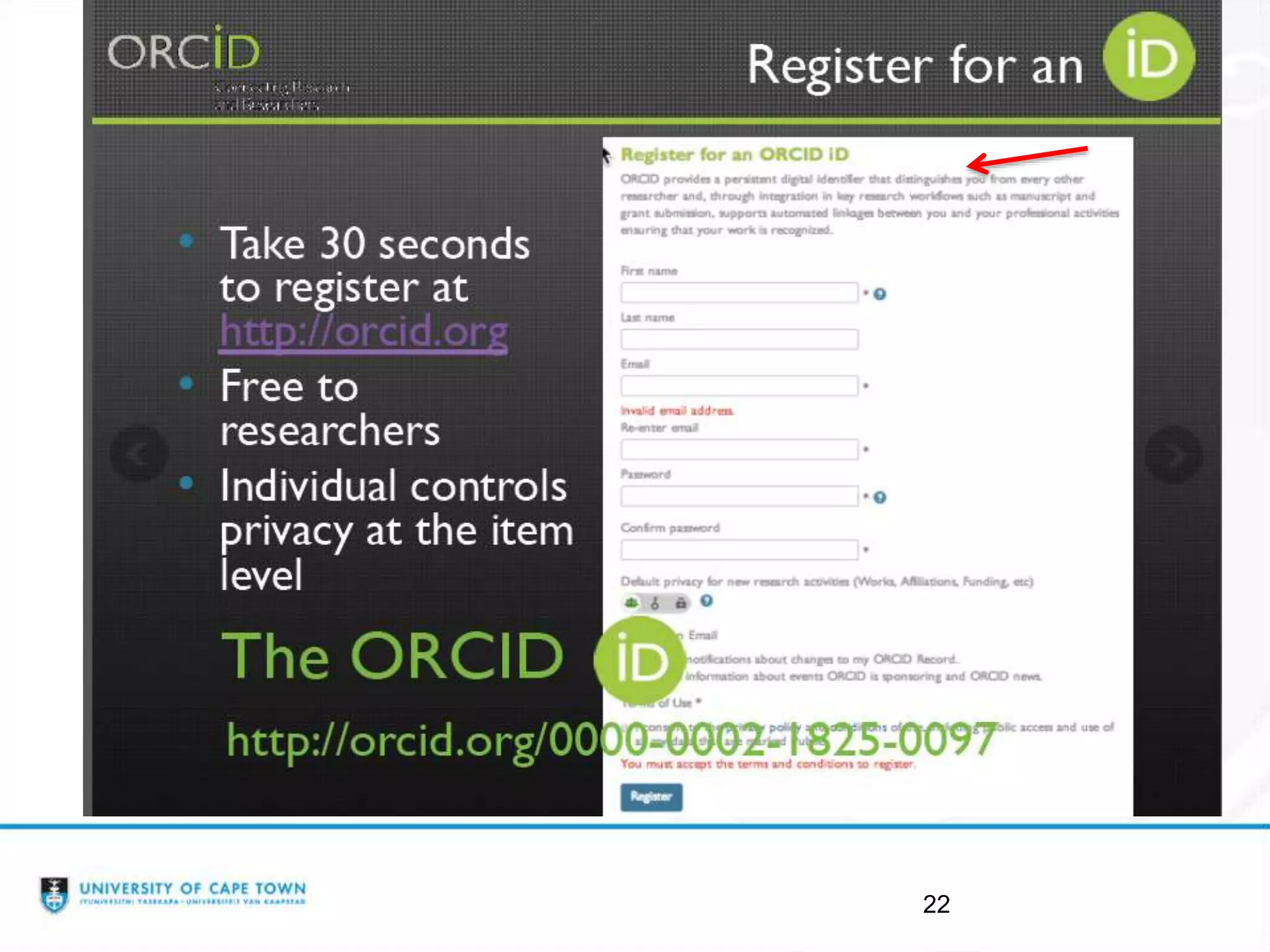
ORCID - Open Researcher and
Contributor ID
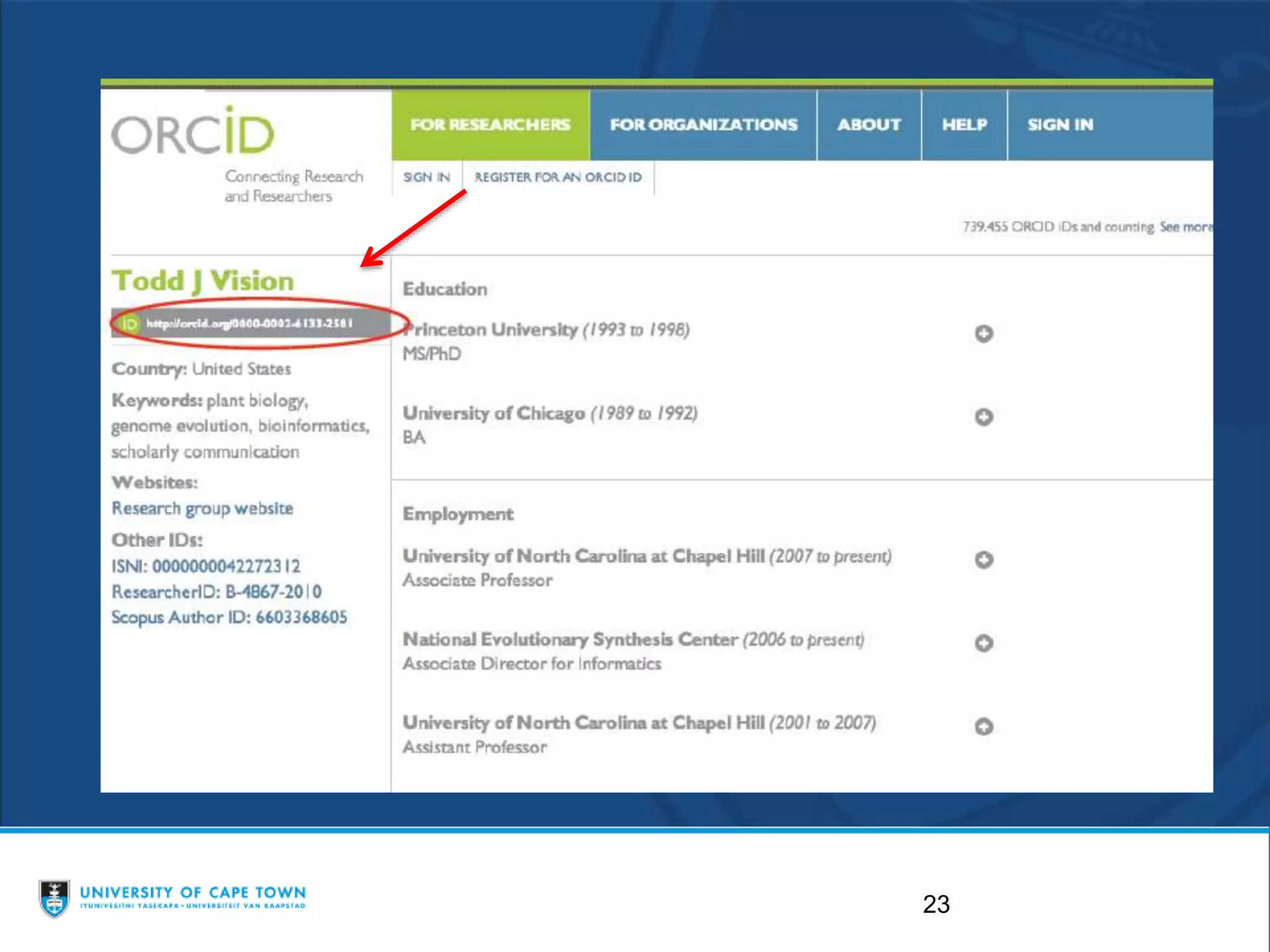
• enables you to obtain a unique 16 digit identification
number that can be used to tie you to your work
• enables communication across multiple platforms,
including Scopus and Web of Science's ResearcherID.
• https://orcid.org/
21
22
23
24
25
26
27
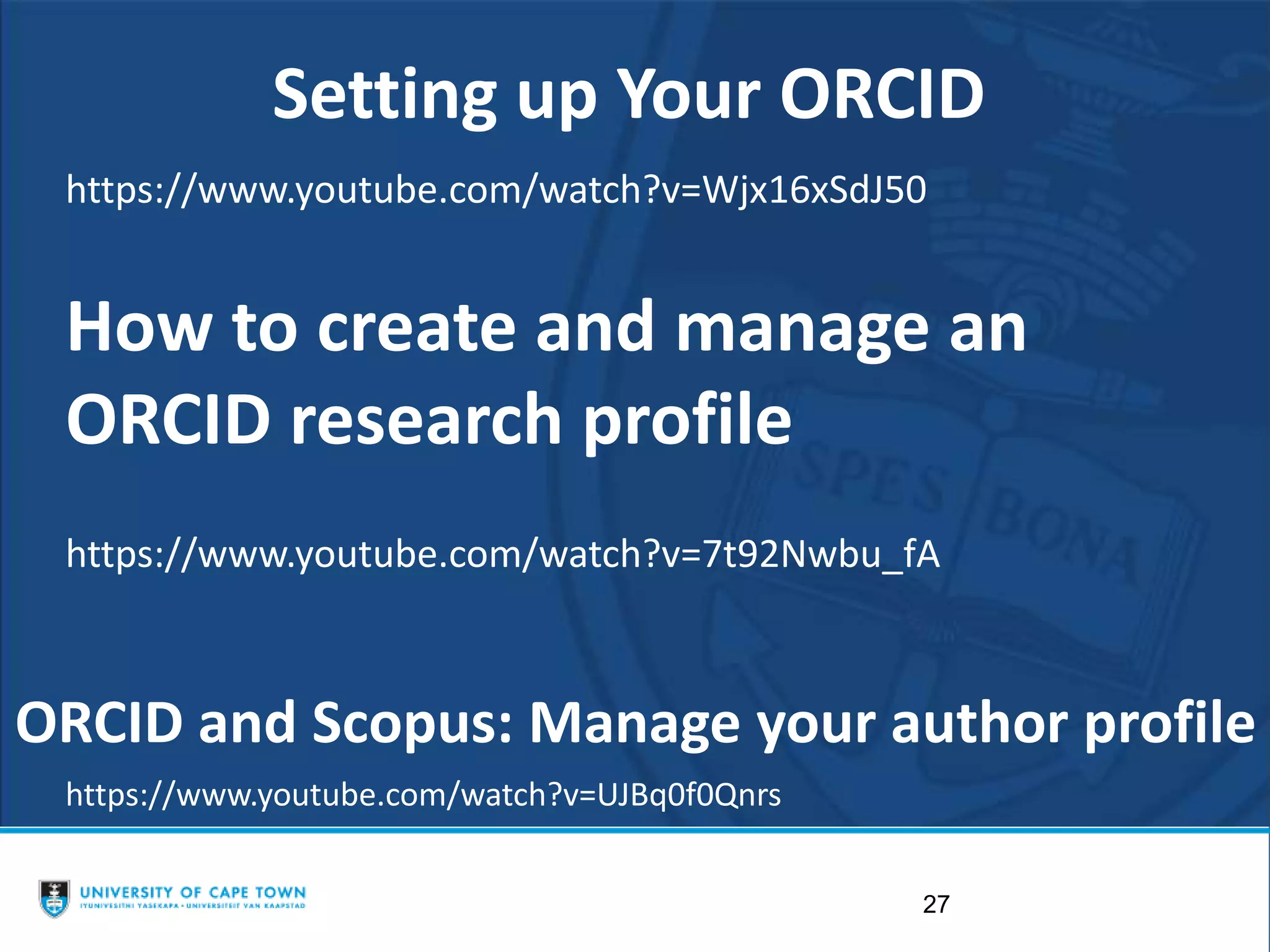
https://www.youtube.com/watch?v=Wjx16xSdJ50
Setting up Your ORCID
https://www.youtube.com/watch?v=UJBq0f0Qnrs
ORCID and Scopus: Manage your author profile
How to create and manage an
ORCID research profile
https://www.youtube.com/watch?v=7t92Nwbu_fA
GOOGLE SCHOLAR
How to do it guide
•https://www.slideshare.net/AwotKifluGebreg
ziabh/google-scholar-profile-setting-up
28
29
Communication Across Platforms
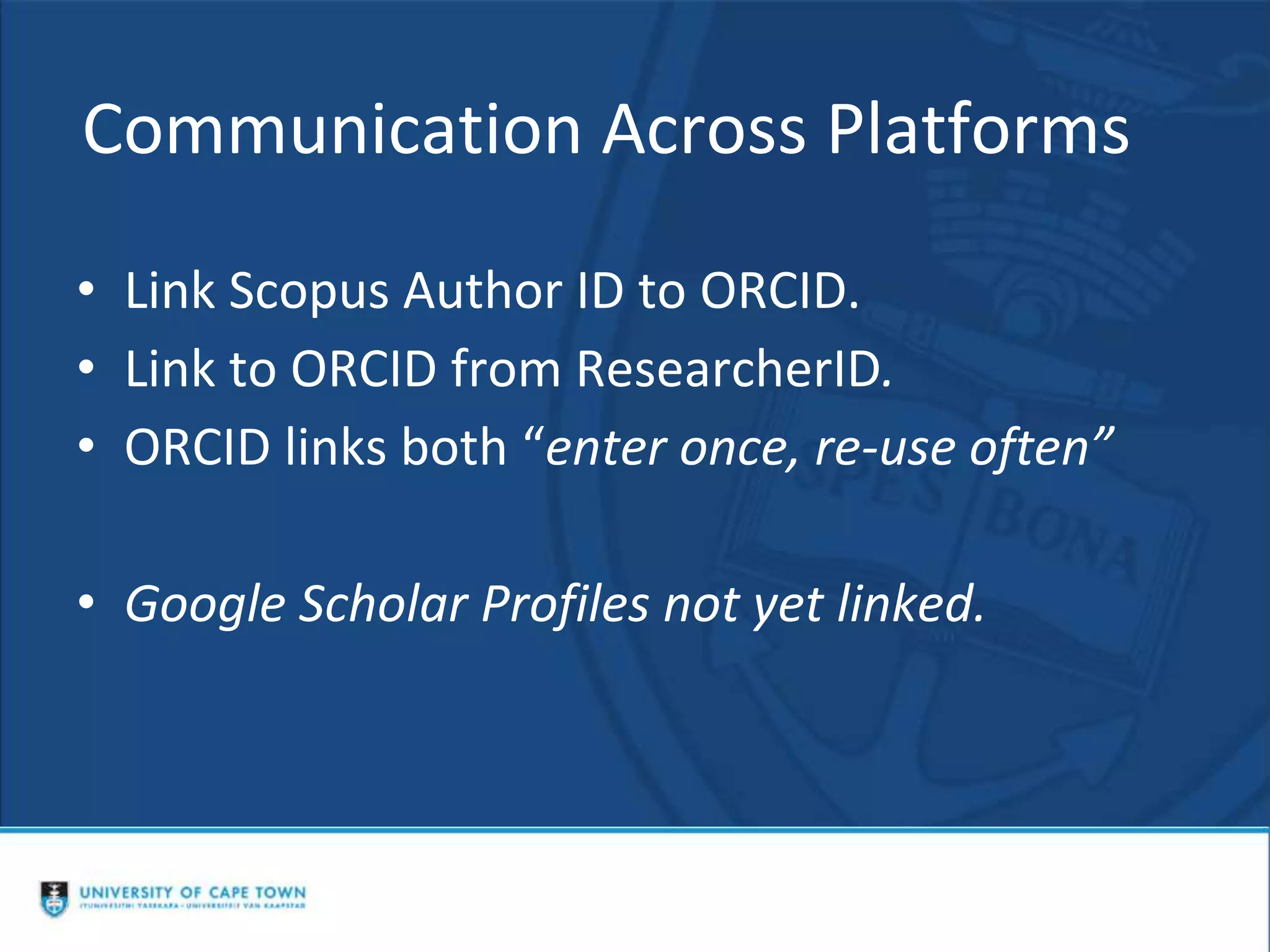
• Link Scopus Author ID to ORCID.
• Link to ORCID from ResearcherID.
• ORCID links both “enter once, re-use often”
• Google Scholar Profiles not yet linked.
31
Scopus Author ID
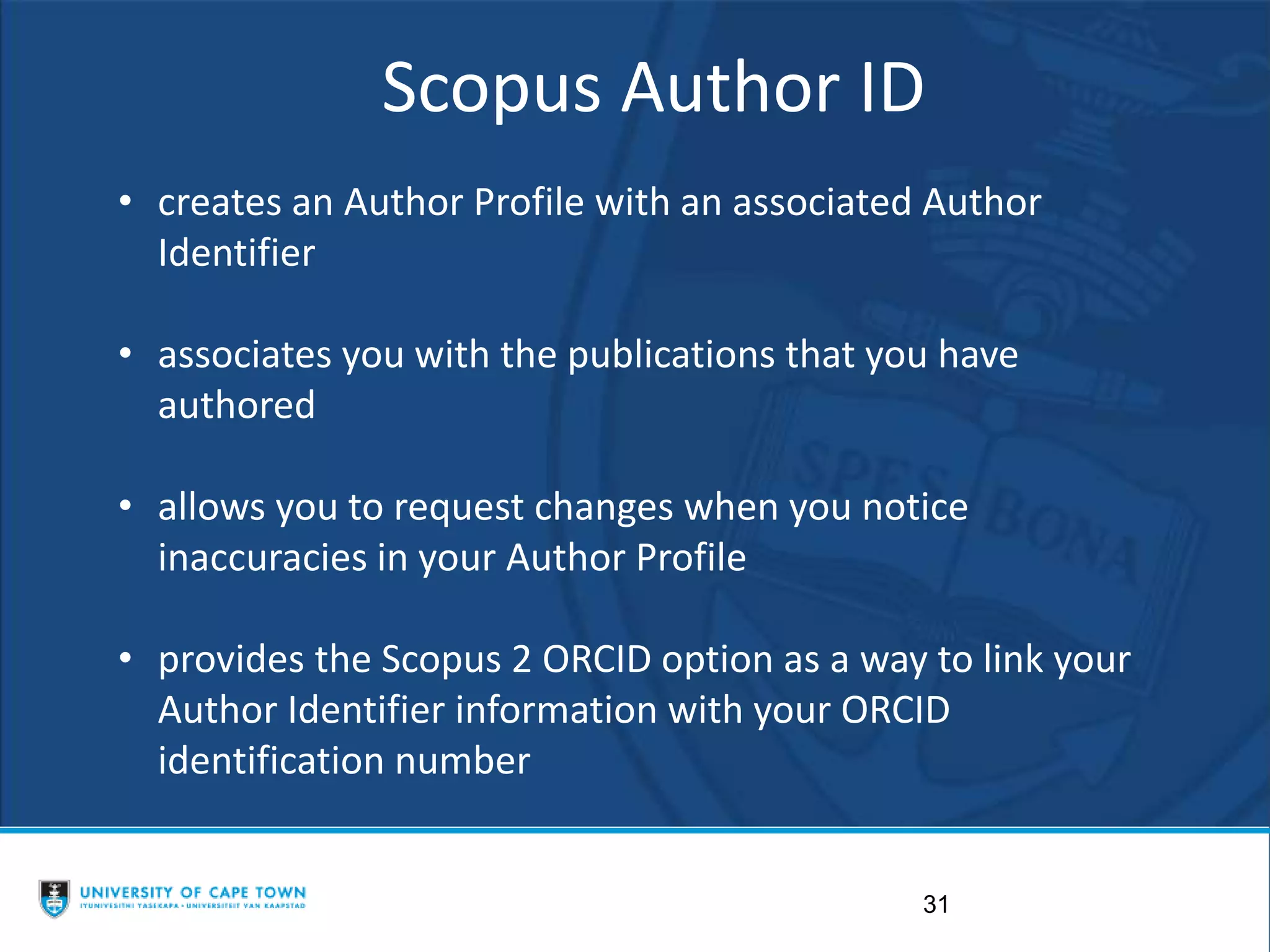
• creates an Author Profile with an associated Author
Identifier
• associates you with the publications that you have
authored
• allows you to request changes when you notice
inaccuracies in your Author Profile
• provides the Scopus 2 ORCID option as a way to link your
Author Identifier information with your ORCID
identification number
32
Scopus Author ID
• creates an Author Profile with an associated Author
Identifier
• associates you with the publications that you have
authored
• allows you to request changes when you notice
inaccuracies in your Author Profile
• provides the Scopus2Orcid option as a way to
link your Author Identifier information with your
ORCiD identification number
33
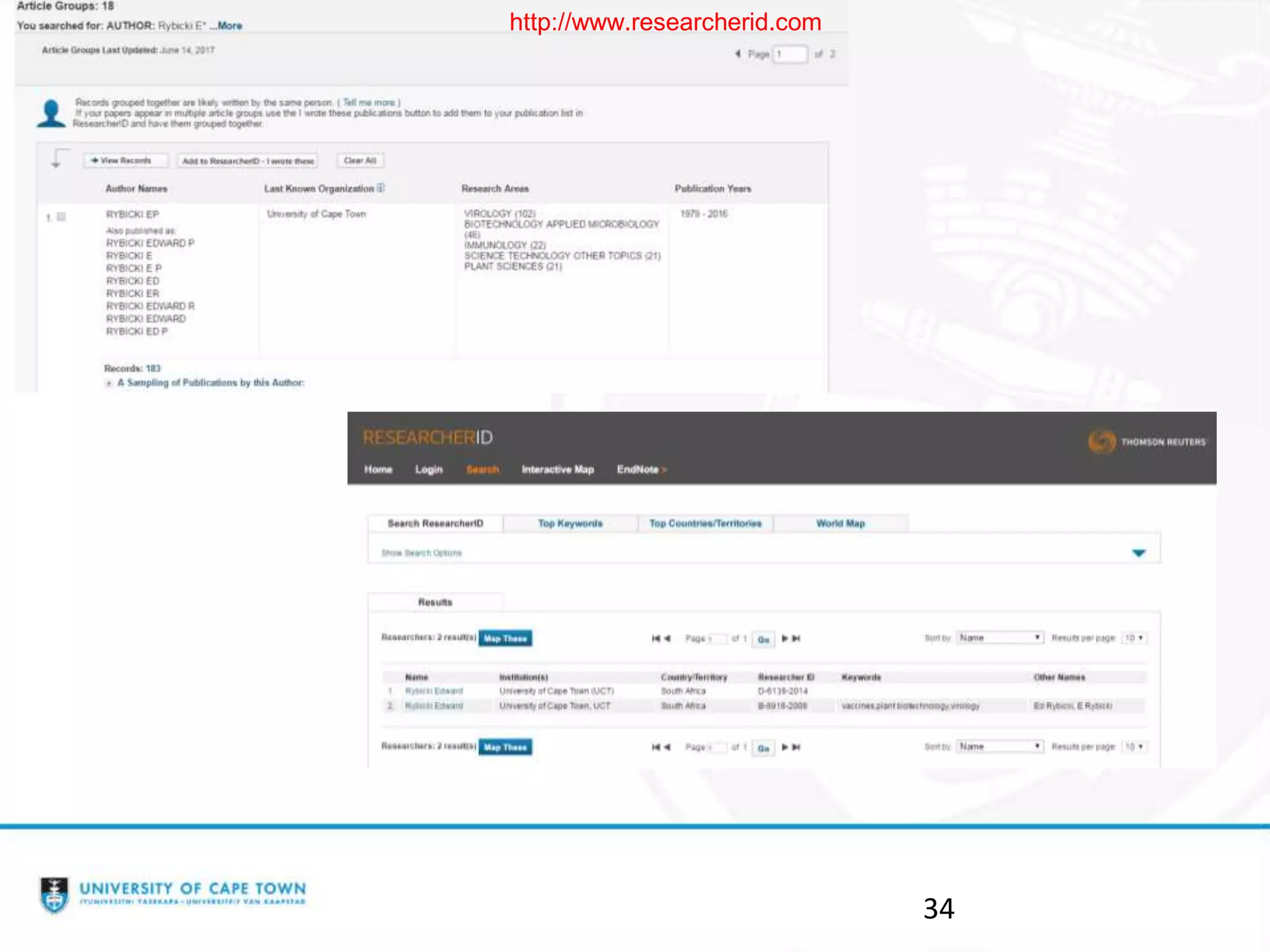
Web of Science ResearcherID
• providing a solution to the author ambiguity problem
• each author who registers for a ResearcherID is assigned a unique
number research community
• able to manage your publication lists, track times cited counts and h-
index, identify potential collaborators
• ResearcherID information integrates with the Web of Science and is
ORCID compliant
34
http://www.researcherid.com
35
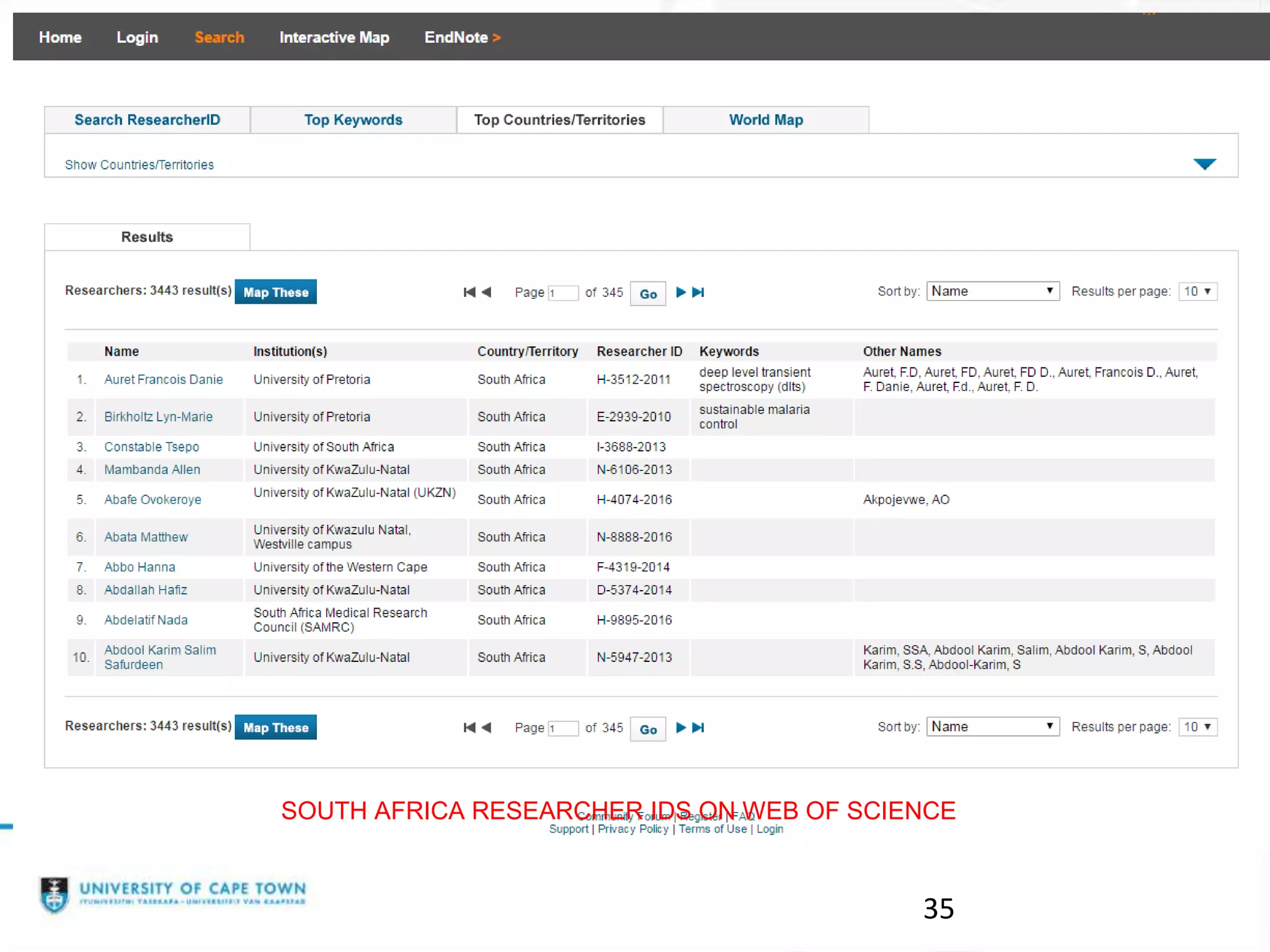
SOUTH AFRICA RESEARCHER IDS ON WEB OF SCIENCE
36
https://www.youtube.com/watch?v=xOhZv
Q7YHoY
ResearcherID: Creating a Researcher ID
03 min 35 secs
Practical Session
•Setting up an ORCID
•Setting up a Google Scholar Profile
37

H-Index and Researcher Identities

  • 1.
    H-Index and ResearcherIdentities UCT Bibliometrics Working Group 15 June 2017 1
  • 2.
    Outline of thesession • Talking about the h-index • Researcher Identity – ORCID – Google Scholar Profile – Scopus – Web of Science • Practical: Setting up ORCID Profile Setting up Google Scholar profile 2
  • 3.
    What is anH-index? 3 https://prattlibrary.cchmc.org/sites/bmidrupalpprattlibrary.chmcres.cchmc.org/files/media/images/Alberth-h-index%20quesiton.png https://i.ytimg.com/vi/cu4snS6T5kw/maxresdefault.jpg
  • 4.
    The h-index: whatdoes it mean, how is it calculated and used? 4 • Developed by Jorge E Hirsch in 2005 • Relatively simple way to calculate and measure the impact of a scientist or scholar or groups of scientists • Small number with a big impact! • Prof Ed Rybicki has an h-index of 47. What does that mean?
  • 5.
    •h-index is basedon the set of the scholar’s most cited papers and the number of citations these papers have received in other publications. •Citations to papers means that someone used your work or thought it was relevant to mention in the context of their own work. •Counts the number publications for which the scholar has been cited by other authors at least that same number of times. 5
  • 6.
    •The definition ofthe index is that a scholar with an index of h has published h papers each of which has been cited in other papers at least h times •So Prof Ed Rybicki has published at least 47 papers that have each been cited at least 47 times •The H index is always calculated on the entire career of the author and not within a specific time frame. 6
  • 7.
    So how doyou calculate the h- index? •Databases and Tools do the hard work for you: Web of Science Scopus Google Scholar Citation Publish or Perish (software) Scholarometer (add-on in Chrome or Firefox) 7
  • 8.
    BUT .... 8 • Eachdatabase is likely to produce a different h for the same scholar, because of different coverage. • The h-index is based on the citations contained in that index. • Conference proceedings and books and book chapters are not well covered. • What is a good h-index differs depending on the discipline. Can’t compare apples and pears and oranges!
  • 9.
  • 10.
    Would someone whosearches for you find all your publications? Is the information complete and up-to-date? Does it give an accurate reflection of your scholarship?
  • 11.
    What is aResearch Profile? (1) • Aka scholarly or academic profile. • Distinguishes you from other researchers. • Demonstrates the uniqueness and impact of your research. 11
  • 12.
    What is aResearch Profile? (2) • Create your own research profile in, for example, Google Scholar. • Import & add works you have authored. • GS Profile – NRF requirement. 12
  • 13.
    What is aResearch ID? • Unique ID / Number. • Distinguishes you from other researchers.
  • 14.
    What is theFunction of a Research ID? • Differentiates between authors with similar or same names. • Groups any name variations under which you have published. • Different databases can have different identification numbers for the same author. • Groups institutions where you have worked. • Links all your publications together.
  • 15.
    Research ID Function(2) • Makes your work more discoverable (more citations!) – Assists with metrics such as citation counts and h- indexes. – Improves researcher impact. • Get full credit for your work. • Saves time e.g. ORCID’s mantra is “enter once, re-use often”
  • 16.
    Examples of ResearchIDs • Scopus Author ID e.g. 7101929080 • Web of Science ResearcherID e.g. I-6897-2015 • ORCID - Open Researcher and Contributor ID- e.g. http://orcid.org/0000-0002-6845-8179
  • 17.
    Research ID Function(3) • Funders, Publishers & Institutions require a unique ID – See NRF Statement re ORCID (ORCID is Open Researcher and Contributor ID)
  • 18.
  • 19.
    THE PLATFORMS TOUSE • ORCID Profile • Google Scholar Profile • Scopus • ResearcherID •https://www.slideshare.net/JenEidelman/rese arch-ids-university-of-cape-town-libraries 19
  • 20.
    20 ORCID - OpenResearcher and Contributor ID • enables you to obtain a unique 16 digit identification number that can be used to tie you to your work • enables communication across multiple platforms, including Scopus and Web of Science's ResearcherID. • https://orcid.org/
  • 21.
  • 22.
  • 23.
  • 24.
  • 25.
  • 26.
  • 27.
    27 https://www.youtube.com/watch?v=Wjx16xSdJ50 Setting up YourORCID https://www.youtube.com/watch?v=UJBq0f0Qnrs ORCID and Scopus: Manage your author profile How to create and manage an ORCID research profile https://www.youtube.com/watch?v=7t92Nwbu_fA
  • 28.
    GOOGLE SCHOLAR How todo it guide •https://www.slideshare.net/AwotKifluGebreg ziabh/google-scholar-profile-setting-up 28
  • 29.
  • 30.
    Communication Across Platforms •Link Scopus Author ID to ORCID. • Link to ORCID from ResearcherID. • ORCID links both “enter once, re-use often” • Google Scholar Profiles not yet linked.
  • 31.
    31 Scopus Author ID •creates an Author Profile with an associated Author Identifier • associates you with the publications that you have authored • allows you to request changes when you notice inaccuracies in your Author Profile • provides the Scopus 2 ORCID option as a way to link your Author Identifier information with your ORCID identification number
  • 32.
    32 Scopus Author ID •creates an Author Profile with an associated Author Identifier • associates you with the publications that you have authored • allows you to request changes when you notice inaccuracies in your Author Profile • provides the Scopus2Orcid option as a way to link your Author Identifier information with your ORCiD identification number
  • 33.
    33 Web of ScienceResearcherID • providing a solution to the author ambiguity problem • each author who registers for a ResearcherID is assigned a unique number research community • able to manage your publication lists, track times cited counts and h- index, identify potential collaborators • ResearcherID information integrates with the Web of Science and is ORCID compliant
  • 34.
  • 35.
    35 SOUTH AFRICA RESEARCHERIDS ON WEB OF SCIENCE
  • 36.
  • 37.
    Practical Session •Setting upan ORCID •Setting up a Google Scholar Profile 37