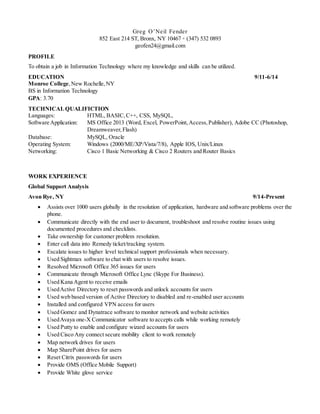
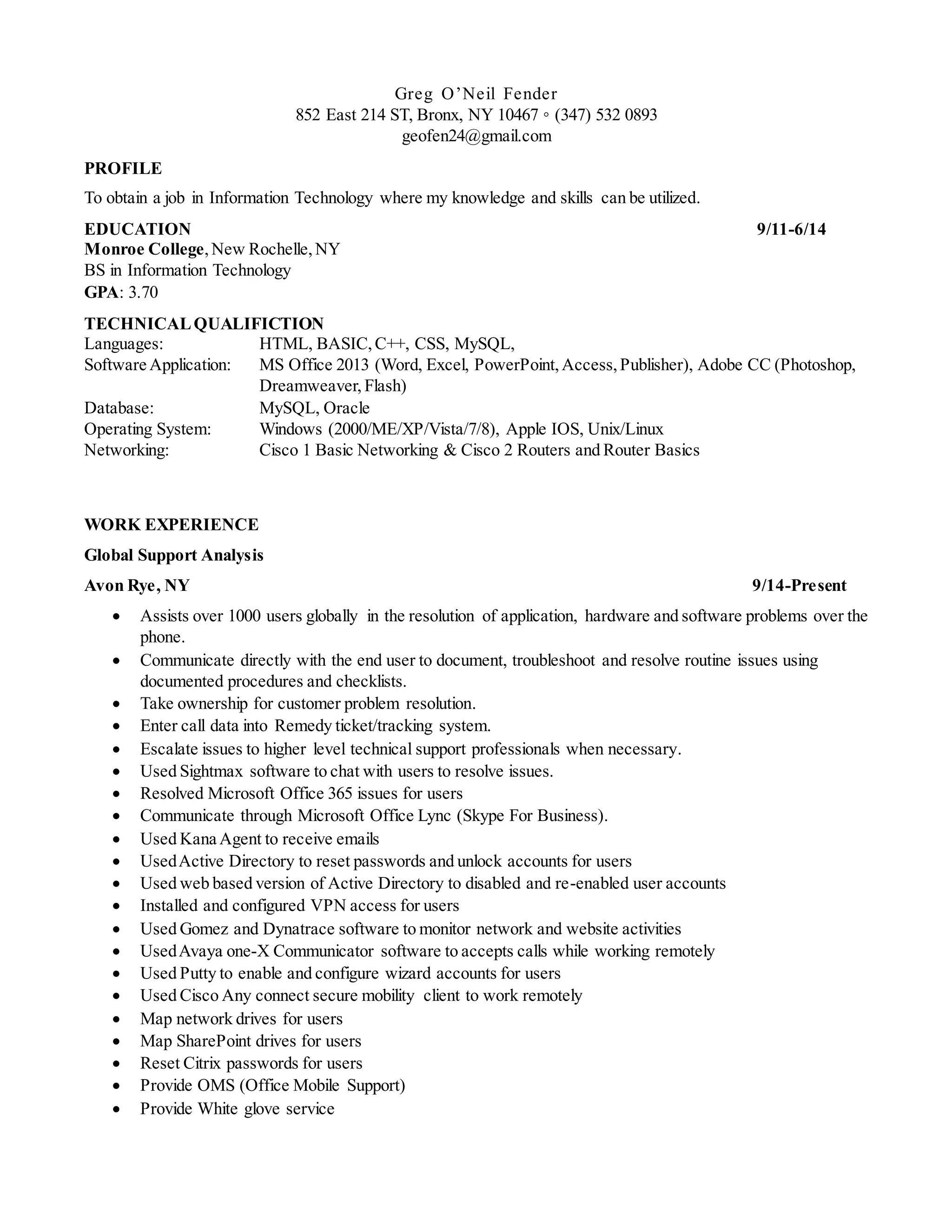
Greg O’Neil Fender
852 East 214 ST, Bronx, NY 10467 ◦ (347) 532 0893
geofen24@gmail.com
PROFILE
To obtain a job in Information Technology where my knowledge and skills can be utilized.
EDUCATION 9/11-6/14
Monroe College,New Rochelle,NY
BS in Information Technology
GPA: 3.70
TECHNICALQUALIFICTION
Languages: HTML, BASIC,C++, CSS, MySQL,
Software Application: MS Office 2013 (Word, Excel, PowerPoint,Access,Publisher), Adobe CC (Photoshop,
Dreamweaver, Flash)
Database: MySQL, Oracle
Operating System: Windows (2000/ME/XP/Vista/7/8), Apple IOS, Unix/Linux
Networking: Cisco 1 Basic Networking & Cisco 2 Routers and Router Basics
WORK EXPERIENCE
Global Support Analysis
Avon Rye, NY 9/14-Present
 Assists over 1000 users globally in the resolution of application, hardware and software problems over the
phone.
 Communicate directly with the end user to document, troubleshoot and resolve routine issues using
documented procedures and checklists.
 Take ownership for customer problem resolution.
 Enter call data into Remedy ticket/tracking system.
 Escalate issues to higher level technical support professionals when necessary.
 Used Sightmax software to chat with users to resolve issues.
 Resolved Microsoft Office 365 issues for users
 Communicate through Microsoft Office Lync (Skype For Business).
 Used Kana Agent to receive emails
 UsedActive Directory to reset passwords and unlock accounts for users
 Used web based version of Active Directory to disabled and re-enabled user accounts
 Installed and configured VPN access for users
 Used Gomez and Dynatrace software to monitor network and website activities
 UsedAvaya one-X Communicator software to accepts calls while working remotely
 Used Putty to enable and configure wizard accounts for users
 Used Cisco Any connect secure mobility client to work remotely
 Map network drives for users
 Map SharePoint drives for users
 Reset Citrix passwords for users
 Provide OMS (Office Mobile Support)
 Provide White glove service
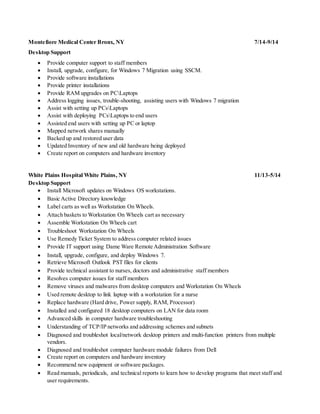
Montefiore Medical Center Bronx, NY 7/14-9/14
Desktop Support
 Provide computer support to staff members
 Install, upgrade, configure, for Windows 7 Migration using SSCM.
 Provide software installations
 Provide printer installations
 Provide RAM upgrades on PCLaptops
 Address logging issues, trouble-shooting, assisting users with Windows 7 migration
 Assist with setting up PCsLaptops
 Assist with deploying PCsLaptops to end users
 Assisted end users with setting up PC or laptop
 Mapped network shares manually
 Backed up and restored user data
 Updated Inventory of new and old hardware being deployed
 Create report on computers and hardware inventory
White Plains Hospital White Plains, NY 11/13-5/14
Desktop Support
 Install Microsoft updates on Windows OS workstations.
 Basic Active Directory knowledge
 Label carts as well as Workstation On Wheels.
 Attach baskets to Workstation On Wheels cart as necessary
 Assemble Workstation On Wheels cart
 Troubleshoot Workstation On Wheels
 Use Remedy Ticket System to address computer related issues
 Provide IT support using Dame Ware Remote Administration Software
 Install, upgrade, configure, and deploy Windows 7.
 Retrieve Microsoft Outlook PST files for clients
 Provide technical assistant to nurses, doctors and administrative staff members
 Resolves computer issues for staff members
 Remove viruses and malwares from desktop computers and Workstation On Wheels
 Used remote desktop to link laptop with a workstation for a nurse
 Replace hardware (Hard drive, Power supply, RAM, Processor)
 Installed and configured 18 desktop computers on LAN for data room
 Advanced skills in computer hardware troubleshooting
 Understanding of TCP/IP networks and addressing schemes and subnets
 Diagnosed and troubleshot local/network desktop printers and multi-function printers from multiple
vendors.
 Diagnosed and troubleshot computer hardware module failures from Dell
 Create report on computers and hardware inventory
 Recommend new equipment or software packages.
 Read manuals, periodicals, and technical reports to learn how to develop programs that meet staff and
user requirements.
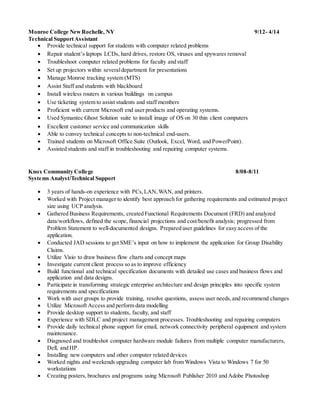
Monroe College NewRochelle, NY 9/12- 4/14
Technical SupportAssistant
 Provide technical support for students with computer related problems
 Repair student’s laptops LCDs, hard drives, restore OS, viruses and spywares removal
 Troubleshoot computer related problems for faculty and staff
 Set up projectors within severaldepartment for presentations
 Manage Monroe tracking system (MTS)
 Assist Staff and students with blackboard
 Install wireless routers in various buildings on campus
 Use ticketing system to assist students and staff members
 Proficient with current Microsoft end user products and operating systems.
 Used Symantec Ghost Solution suite to install image of OS on 30 thin client computers
 Excellent customer service and communication skills
 Able to convey technical concepts to non-technical end-users.
 Trained students on Microsoft Office Suite (Outlook, Excel, Word, and PowerPoint).
 Assisted students and staff in troubleshooting and repairing computer systems.
Knox Community College 8/08-8/11
Systems Analyst/Technical Support
 3 years of hands-on experience with PCs,LAN,WAN, and printers.
 Worked with Project manager to identify best approach for gathering requirements and estimated project
size using UCP analysis.
 Gathered Business Requirements, created Functional Requirements Document (FRD) and analyzed
data/workflows, defined the scope, financial projections and cost/benefit analysis; progressed from
Problem Statement to well-documented designs. Prepared user guidelines for easy access of the
application.
 Conducted JAD sessions to get SME’s input on how to implement the application for Group Disability
Claims.
 Utilize Visio to draw business flow charts and concept maps
 Investigate current client process so as to improve efficiency
 Build functional and technical specification documents with detailed use cases and business flows and
application and data designs.
 Participate in transforming strategic enterprise architecture and design principles into specific system
requirements and specifications
 Work with user groups to provide training, resolve questions, assess user needs,and recommend changes
 Utilize Microsoft Access and perform data modelling
 Provide desktop support to students, faculty, and staff
 Experience with SDLC and project management processes. Troubleshooting and repairing computers
 Provide daily technical phone support for email, network connectivity peripheral equipment and system
maintenance.
 Diagnosed and troubleshot computer hardware module failures from multiple computer manufacturers,
Dell, and HP.
 Installing new computers and other computer related devices
 Worked nights and weekends upgrading computer lab from Windows Vista to Windows 7 for 50
workstations
 Creating posters, brochures and programs using Microsoft Publisher 2010 and Adobe Photoshop
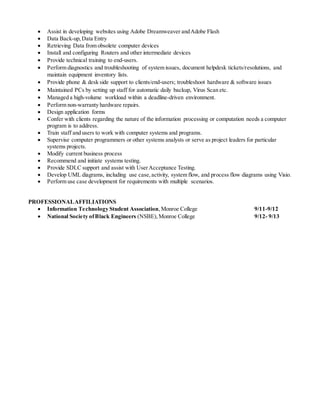
 Assist in developing websites using Adobe Dreamweaver andAdobe Flash
 Data Back-up,Data Entry
 Retrieving Data from obsolete computer devices
 Install and configuring Routers and other intermediate devices
 Provide technical training to end-users.
 Perform diagnostics and troubleshooting of system issues, document helpdesk tickets/resolutions, and
maintain equipment inventory lists.
 Provide phone & desk side support to clients/end-users; troubleshoot hardware & software issues
 Maintained PCs by setting up staff for automatic daily backup, Virus Scan etc.
 Managed a high-volume workload within a deadline-driven environment.
 Perform non-warranty hardware repairs.
 Design application forms
 Confer with clients regarding the nature of the information processing or computation needs a computer
program is to address.
 Train staff and users to work with computer systems and programs.
 Supervise computer programmers or other systems analysts or serve as project leaders for particular
systems projects.
 Modify current business process
 Recommend and initiate systems testing.
 Provide SDLC support and assist with UserAcceptance Testing.
 Develop UML diagrams, including use case,activity, system flow, and process flow diagrams using Visio.
 Perform use case development for requirements with multiple scenarios.
PROFESSIONALAFFILIATIONS
 Information Technology Student Association,Monroe College 9/11-9/12
 National Society ofBlack Engineers (NSBE),Monroe College 9/12- 9/13

Greg fender resume

  • 1.
    Greg O’Neil Fender 852East 214 ST, Bronx, NY 10467 ◦ (347) 532 0893 geofen24@gmail.com PROFILE To obtain a job in Information Technology where my knowledge and skills can be utilized. EDUCATION 9/11-6/14 Monroe College,New Rochelle,NY BS in Information Technology GPA: 3.70 TECHNICALQUALIFICTION Languages: HTML, BASIC,C++, CSS, MySQL, Software Application: MS Office 2013 (Word, Excel, PowerPoint,Access,Publisher), Adobe CC (Photoshop, Dreamweaver, Flash) Database: MySQL, Oracle Operating System: Windows (2000/ME/XP/Vista/7/8), Apple IOS, Unix/Linux Networking: Cisco 1 Basic Networking & Cisco 2 Routers and Router Basics WORK EXPERIENCE Global Support Analysis Avon Rye, NY 9/14-Present  Assists over 1000 users globally in the resolution of application, hardware and software problems over the phone.  Communicate directly with the end user to document, troubleshoot and resolve routine issues using documented procedures and checklists.  Take ownership for customer problem resolution.  Enter call data into Remedy ticket/tracking system.  Escalate issues to higher level technical support professionals when necessary.  Used Sightmax software to chat with users to resolve issues.  Resolved Microsoft Office 365 issues for users  Communicate through Microsoft Office Lync (Skype For Business).  Used Kana Agent to receive emails  UsedActive Directory to reset passwords and unlock accounts for users  Used web based version of Active Directory to disabled and re-enabled user accounts  Installed and configured VPN access for users  Used Gomez and Dynatrace software to monitor network and website activities  UsedAvaya one-X Communicator software to accepts calls while working remotely  Used Putty to enable and configure wizard accounts for users  Used Cisco Any connect secure mobility client to work remotely  Map network drives for users  Map SharePoint drives for users  Reset Citrix passwords for users  Provide OMS (Office Mobile Support)  Provide White glove service
  • 2.
    Montefiore Medical CenterBronx, NY 7/14-9/14 Desktop Support  Provide computer support to staff members  Install, upgrade, configure, for Windows 7 Migration using SSCM.  Provide software installations  Provide printer installations  Provide RAM upgrades on PCLaptops  Address logging issues, trouble-shooting, assisting users with Windows 7 migration  Assist with setting up PCsLaptops  Assist with deploying PCsLaptops to end users  Assisted end users with setting up PC or laptop  Mapped network shares manually  Backed up and restored user data  Updated Inventory of new and old hardware being deployed  Create report on computers and hardware inventory White Plains Hospital White Plains, NY 11/13-5/14 Desktop Support  Install Microsoft updates on Windows OS workstations.  Basic Active Directory knowledge  Label carts as well as Workstation On Wheels.  Attach baskets to Workstation On Wheels cart as necessary  Assemble Workstation On Wheels cart  Troubleshoot Workstation On Wheels  Use Remedy Ticket System to address computer related issues  Provide IT support using Dame Ware Remote Administration Software  Install, upgrade, configure, and deploy Windows 7.  Retrieve Microsoft Outlook PST files for clients  Provide technical assistant to nurses, doctors and administrative staff members  Resolves computer issues for staff members  Remove viruses and malwares from desktop computers and Workstation On Wheels  Used remote desktop to link laptop with a workstation for a nurse  Replace hardware (Hard drive, Power supply, RAM, Processor)  Installed and configured 18 desktop computers on LAN for data room  Advanced skills in computer hardware troubleshooting  Understanding of TCP/IP networks and addressing schemes and subnets  Diagnosed and troubleshot local/network desktop printers and multi-function printers from multiple vendors.  Diagnosed and troubleshot computer hardware module failures from Dell  Create report on computers and hardware inventory  Recommend new equipment or software packages.  Read manuals, periodicals, and technical reports to learn how to develop programs that meet staff and user requirements.
  • 3.
    Monroe College NewRochelle,NY 9/12- 4/14 Technical SupportAssistant  Provide technical support for students with computer related problems  Repair student’s laptops LCDs, hard drives, restore OS, viruses and spywares removal  Troubleshoot computer related problems for faculty and staff  Set up projectors within severaldepartment for presentations  Manage Monroe tracking system (MTS)  Assist Staff and students with blackboard  Install wireless routers in various buildings on campus  Use ticketing system to assist students and staff members  Proficient with current Microsoft end user products and operating systems.  Used Symantec Ghost Solution suite to install image of OS on 30 thin client computers  Excellent customer service and communication skills  Able to convey technical concepts to non-technical end-users.  Trained students on Microsoft Office Suite (Outlook, Excel, Word, and PowerPoint).  Assisted students and staff in troubleshooting and repairing computer systems. Knox Community College 8/08-8/11 Systems Analyst/Technical Support  3 years of hands-on experience with PCs,LAN,WAN, and printers.  Worked with Project manager to identify best approach for gathering requirements and estimated project size using UCP analysis.  Gathered Business Requirements, created Functional Requirements Document (FRD) and analyzed data/workflows, defined the scope, financial projections and cost/benefit analysis; progressed from Problem Statement to well-documented designs. Prepared user guidelines for easy access of the application.  Conducted JAD sessions to get SME’s input on how to implement the application for Group Disability Claims.  Utilize Visio to draw business flow charts and concept maps  Investigate current client process so as to improve efficiency  Build functional and technical specification documents with detailed use cases and business flows and application and data designs.  Participate in transforming strategic enterprise architecture and design principles into specific system requirements and specifications  Work with user groups to provide training, resolve questions, assess user needs,and recommend changes  Utilize Microsoft Access and perform data modelling  Provide desktop support to students, faculty, and staff  Experience with SDLC and project management processes. Troubleshooting and repairing computers  Provide daily technical phone support for email, network connectivity peripheral equipment and system maintenance.  Diagnosed and troubleshot computer hardware module failures from multiple computer manufacturers, Dell, and HP.  Installing new computers and other computer related devices  Worked nights and weekends upgrading computer lab from Windows Vista to Windows 7 for 50 workstations  Creating posters, brochures and programs using Microsoft Publisher 2010 and Adobe Photoshop
  • 4.
     Assist indeveloping websites using Adobe Dreamweaver andAdobe Flash  Data Back-up,Data Entry  Retrieving Data from obsolete computer devices  Install and configuring Routers and other intermediate devices  Provide technical training to end-users.  Perform diagnostics and troubleshooting of system issues, document helpdesk tickets/resolutions, and maintain equipment inventory lists.  Provide phone & desk side support to clients/end-users; troubleshoot hardware & software issues  Maintained PCs by setting up staff for automatic daily backup, Virus Scan etc.  Managed a high-volume workload within a deadline-driven environment.  Perform non-warranty hardware repairs.  Design application forms  Confer with clients regarding the nature of the information processing or computation needs a computer program is to address.  Train staff and users to work with computer systems and programs.  Supervise computer programmers or other systems analysts or serve as project leaders for particular systems projects.  Modify current business process  Recommend and initiate systems testing.  Provide SDLC support and assist with UserAcceptance Testing.  Develop UML diagrams, including use case,activity, system flow, and process flow diagrams using Visio.  Perform use case development for requirements with multiple scenarios. PROFESSIONALAFFILIATIONS  Information Technology Student Association,Monroe College 9/11-9/12  National Society ofBlack Engineers (NSBE),Monroe College 9/12- 9/13