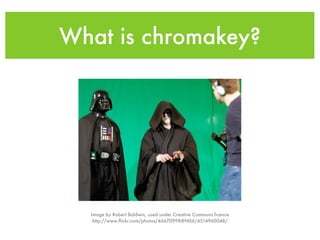
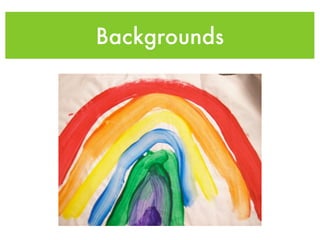
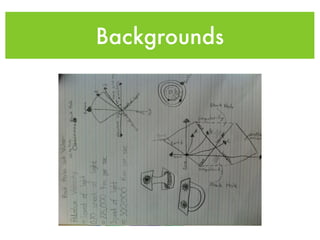
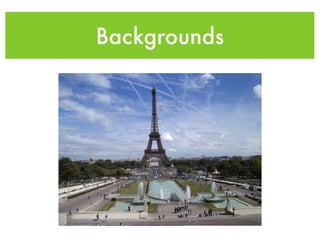
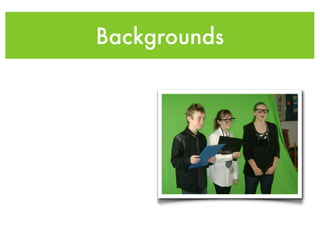
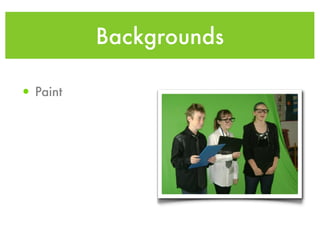
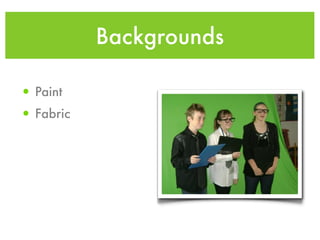
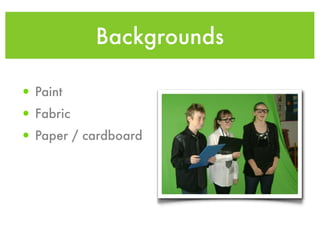
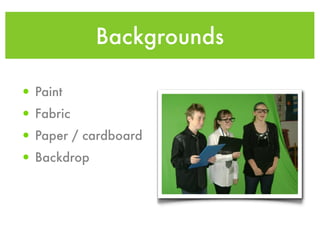
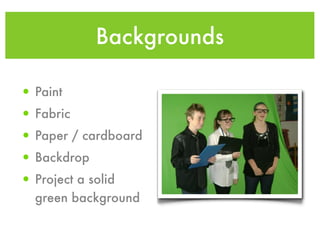
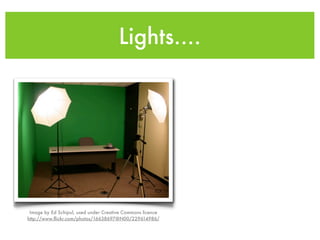
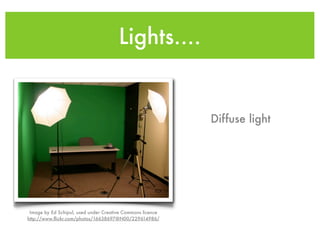
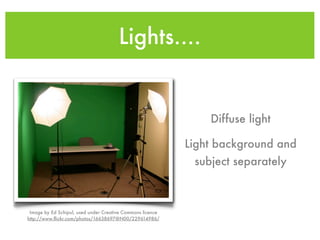
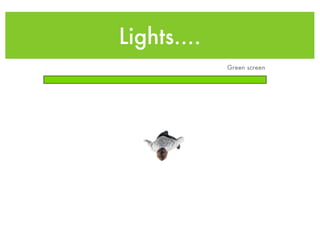
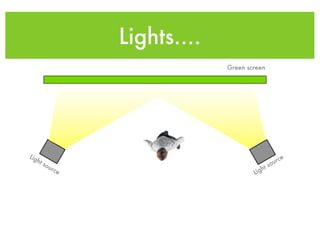
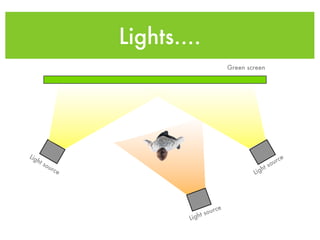
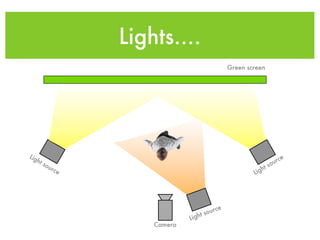
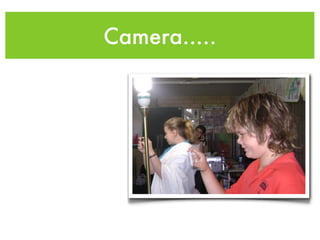
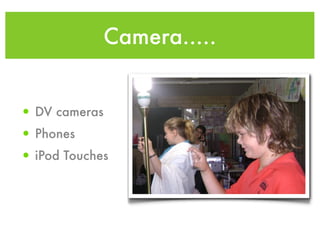
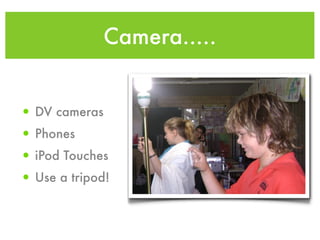
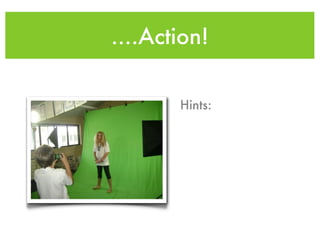
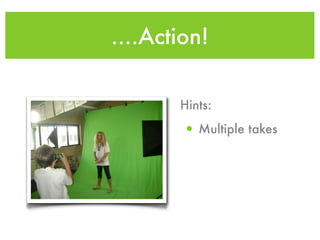
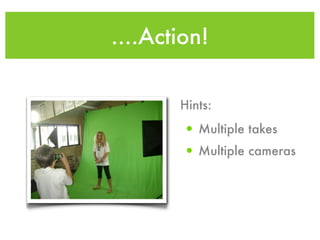
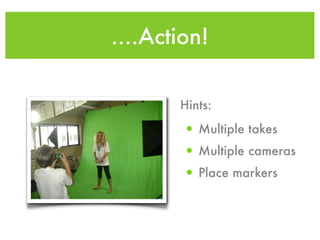
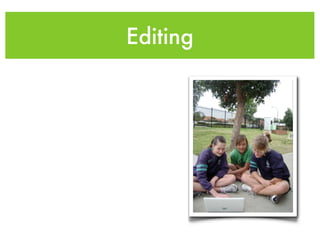
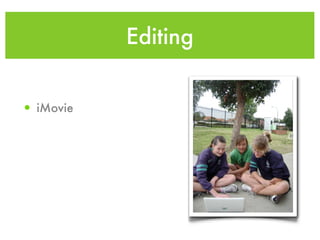
This document discusses using green screen filmmaking in the classroom. It explains what chromakey is and how it works. It provides tips on setting up backgrounds, lighting, cameras, and editing software to create green screen videos. Examples of potential backgrounds include painted surfaces, fabric, paper, and projected screens. The document recommends diffuse lighting that separately illuminates the background and subject. It also provides tips for shooting, such as using tripods, taking multiple takes from different camera angles, and placing markers. The last sections demonstrate green screening in iMovie and offer additional tips and tricks.