Desiree's Picks
Some favorite tools from a TIS
Prepared for Technology Smackdown
MIET 2013
Collaboration Tools
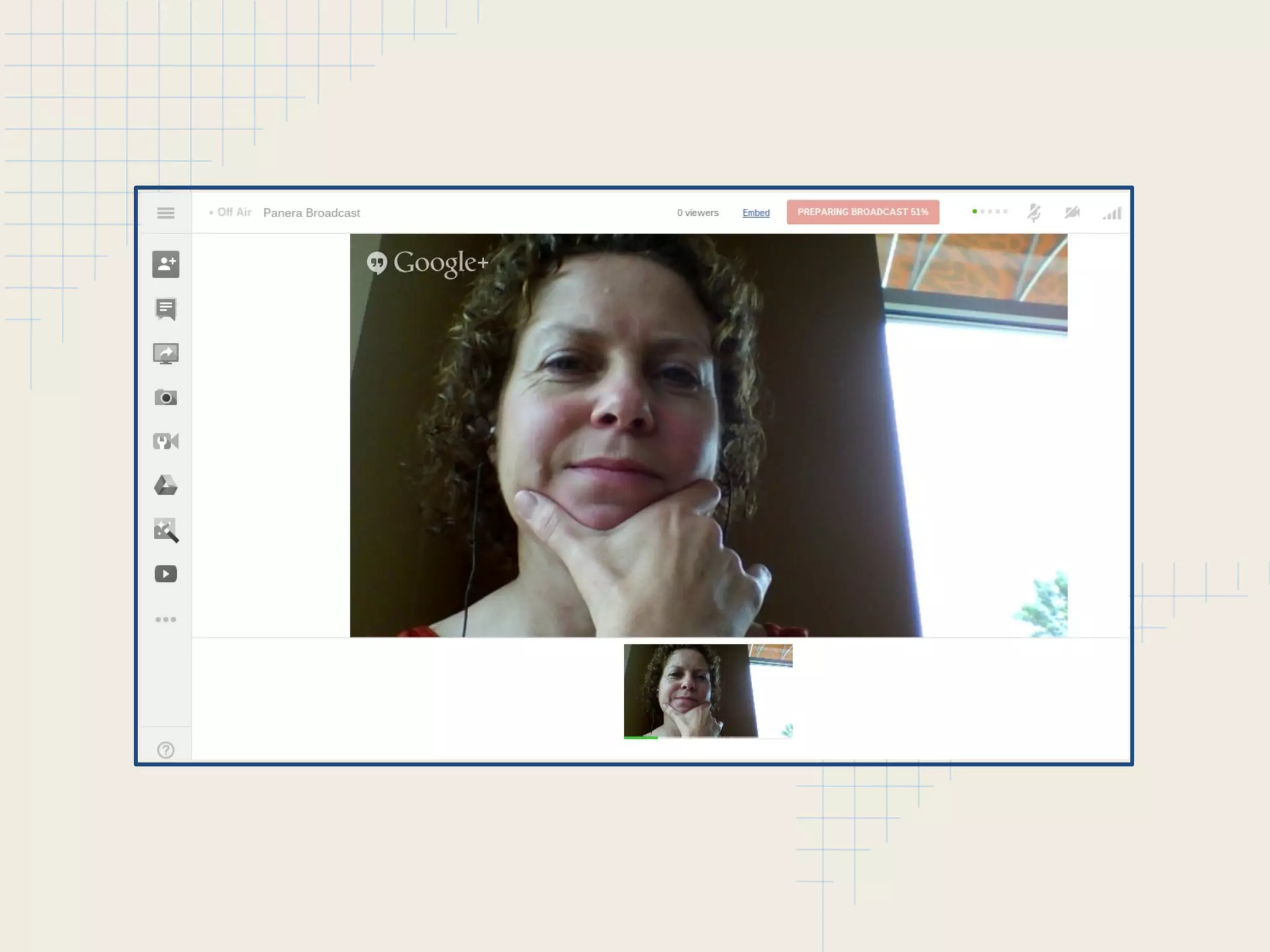
• Google Hangout
o Social Network - Google + (Use circles for privacy)
o Video Conferencing
o multi-platform
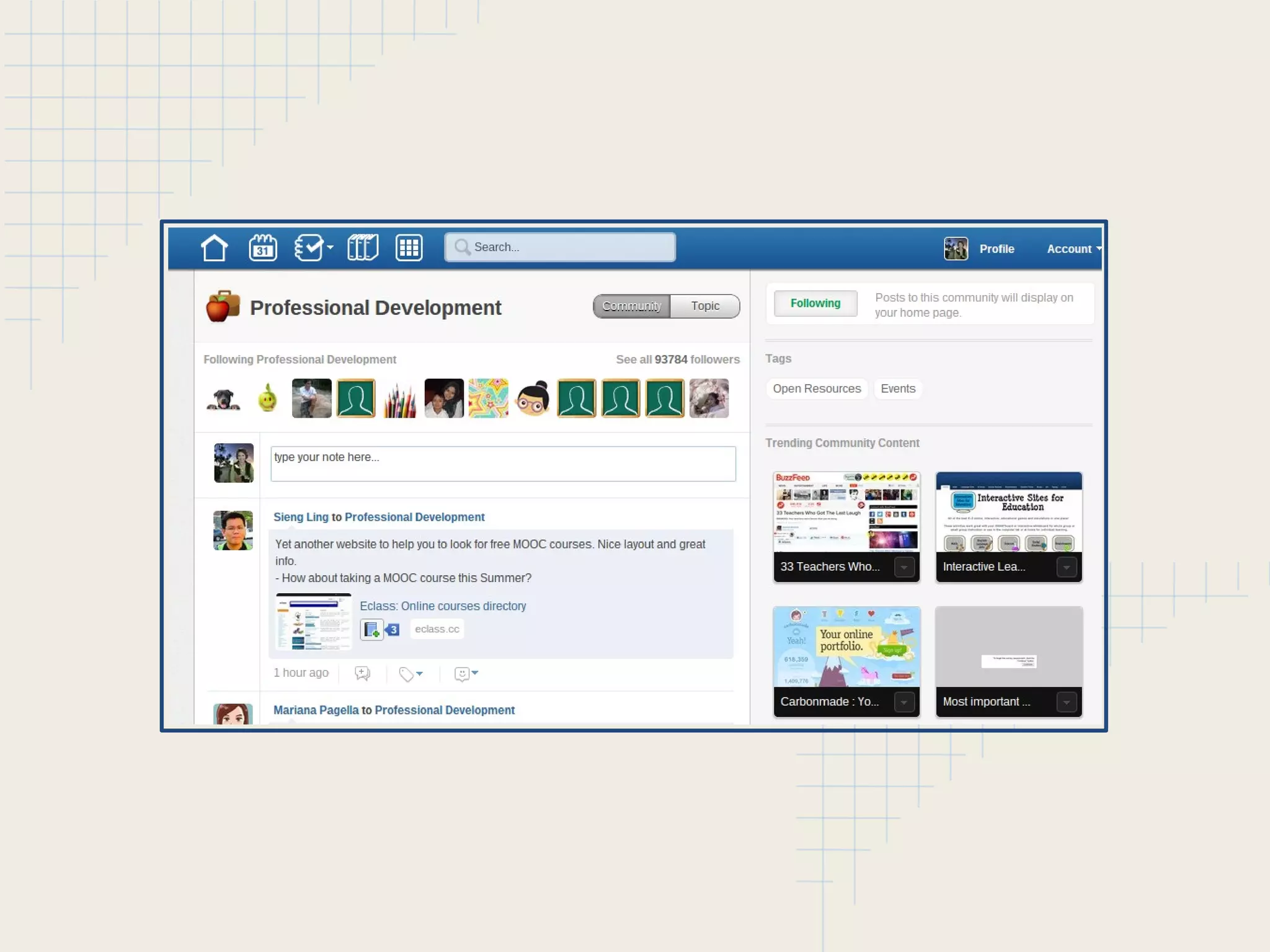
• Edmodo
o Social Network - members join through code only
o Classroom Environment
o Parent involvement
What I Love about Hangout
• Google Drive Integration
• Connect through YouTube, Plus, email and more
• No "one-to-one" for Hangout - up to 15 participants
• Share your screen feature
• Available on all my devices (and my husbands)
• You can view your hangout history
• You can live stream - create webinars!
• Check out EducationOnAir -
https://sites.google.com/site/eduonair/
What I Love about Edmodo
• Amazing way to create secure connections
o Groups - create or join secure groups
o Communities - connect with other Edmodo users
• Earn Badges (students too!)
• Familiar, "Social" layout
• The Library
• You can annotate on any students assignment
• Can incorporate many tools (like Google Docs)
• Easy enough to use as low as 1st grade!
Audio Recording Tools
• SoundCloud
o 2 hours of upload/record for FREE, unlimited sets
o 2 GB limit on each upload
o Create sets to organize similar recordings
• Audioboo
o up to 3 minutes of recording per boo for FREE,
unlimited uploads
o Create booboards to organize similar recordings
• Don't need to embed? Recordmp3
o FREE...no pricing plan
o Get the .mp3 file or copy the sound URL to use
o That's it!
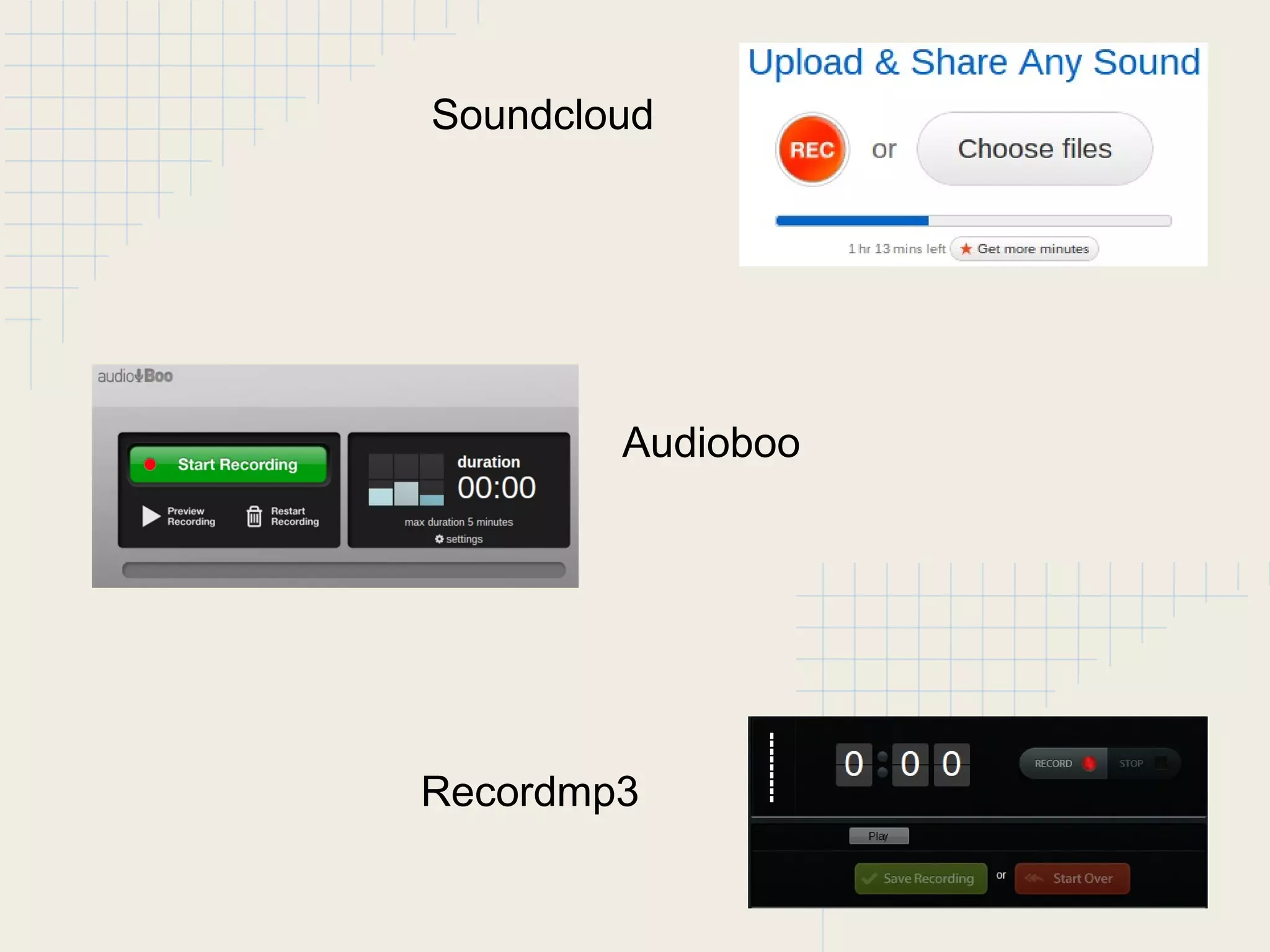
Soundcloud
Audioboo
Recordmp3
What I Love about These Tools
• Cloud-based storage frees up my hard drive
• Can accomplish what I need with FREE tools
• Can access through other tools (embed or link)
• Integration of Google + (SoundCloud)
• Can organize sounds into categories*
• Can edit existing sounds*
• Join communities and connect with friends*
• Can be used on many devices - all connected*
Interactive Assessment
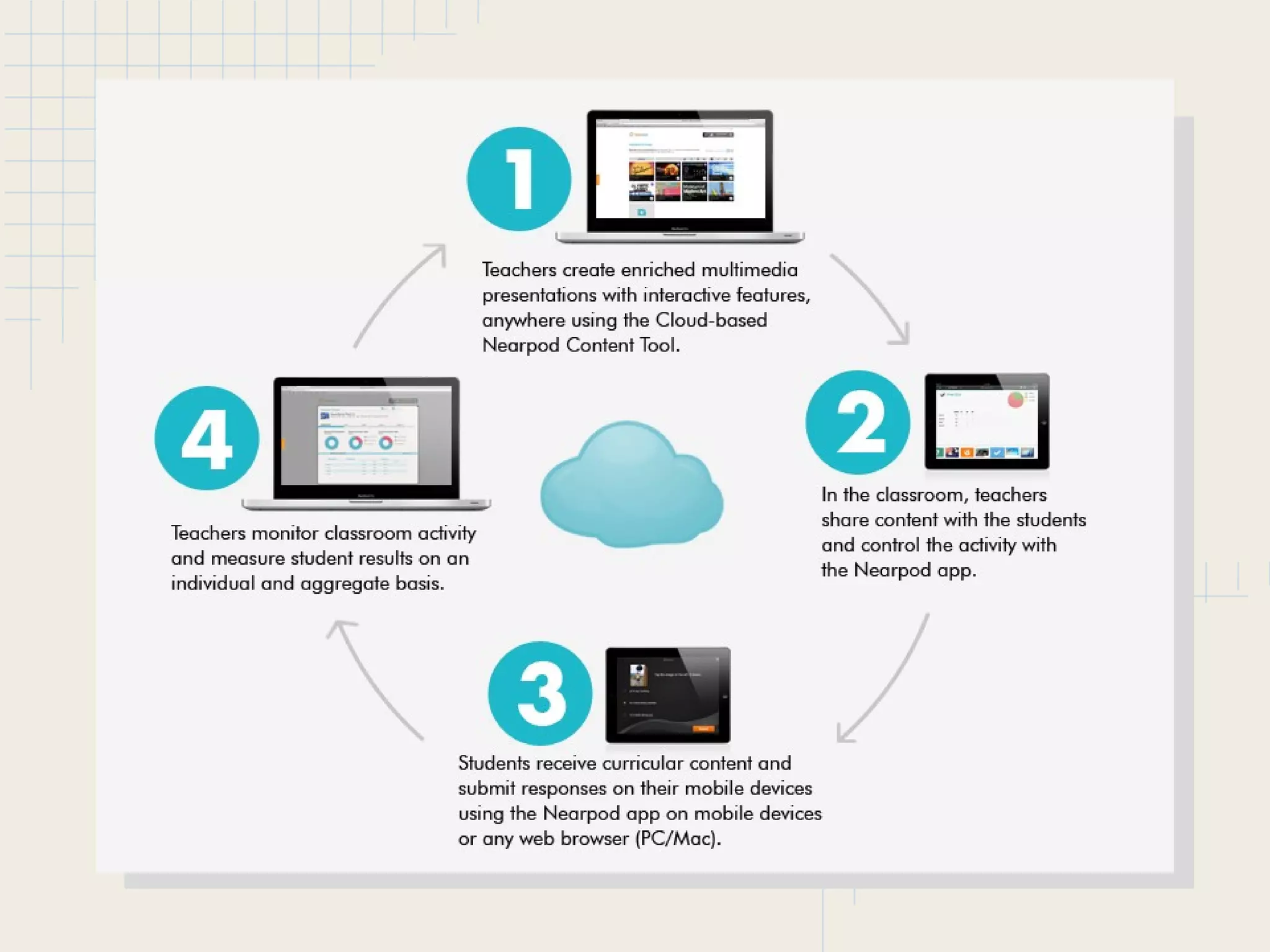
• NearPod
o Teachers create or use multimedia presentations
o Add interactivity so students can be involved in the
learning process
o Perfect tool for 1-to-1 or lab environment
o Interaction happens with mobile devices
o Feedback for teacher is immediate
 Insert Images and Videos
 Polls and Quizzes and Single Q & A
 Slideshows
 Student Drawing Environment
Bookmarking Tools
• Creating Learning Links for Students
o Symbaloo
 Great for younger students
o MultiURL
 Multiple options for viewing
• Creating Links for Yourself
o Diigo
o Google Bookmarks
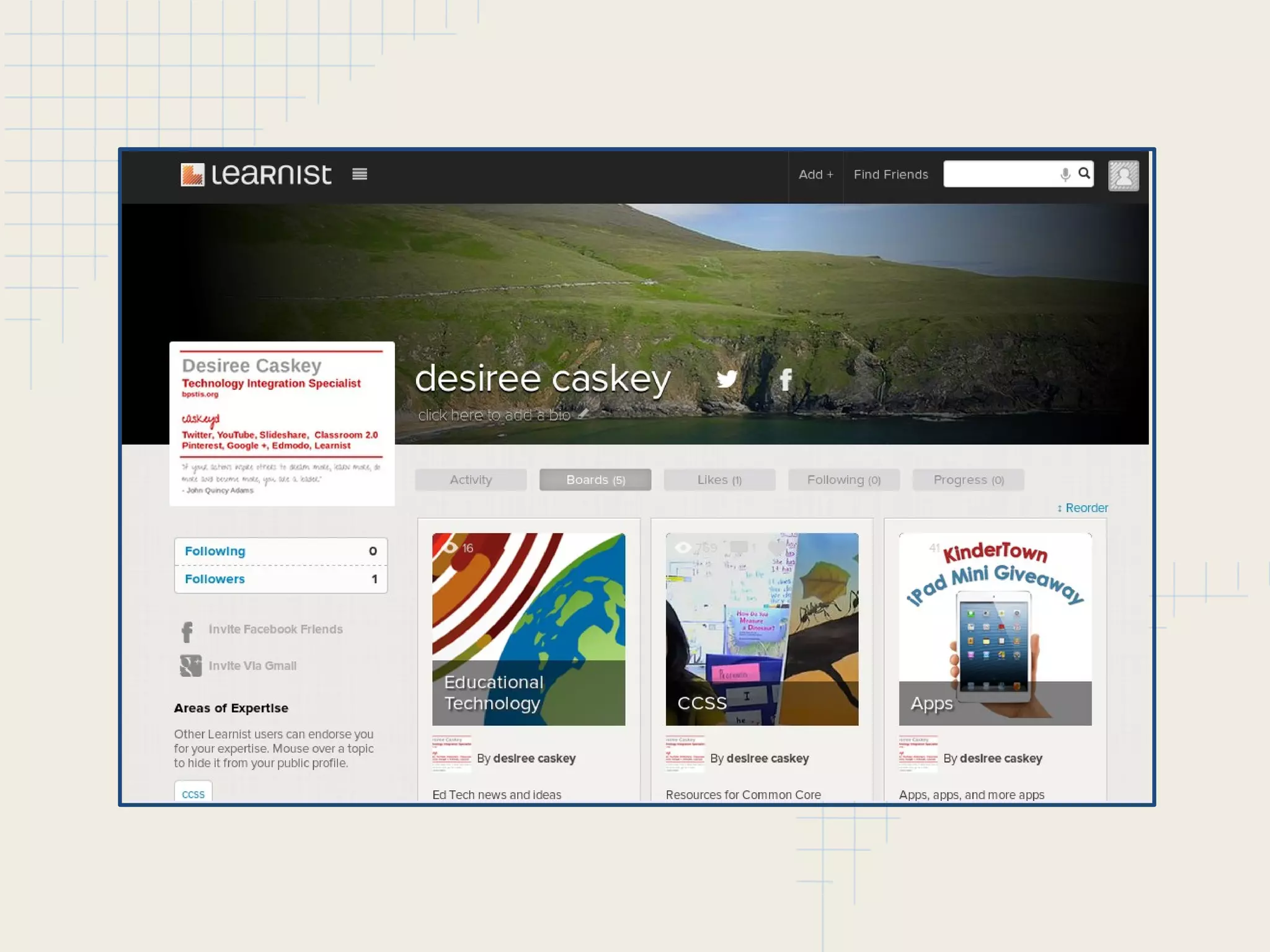
o Learnist
o Evernote
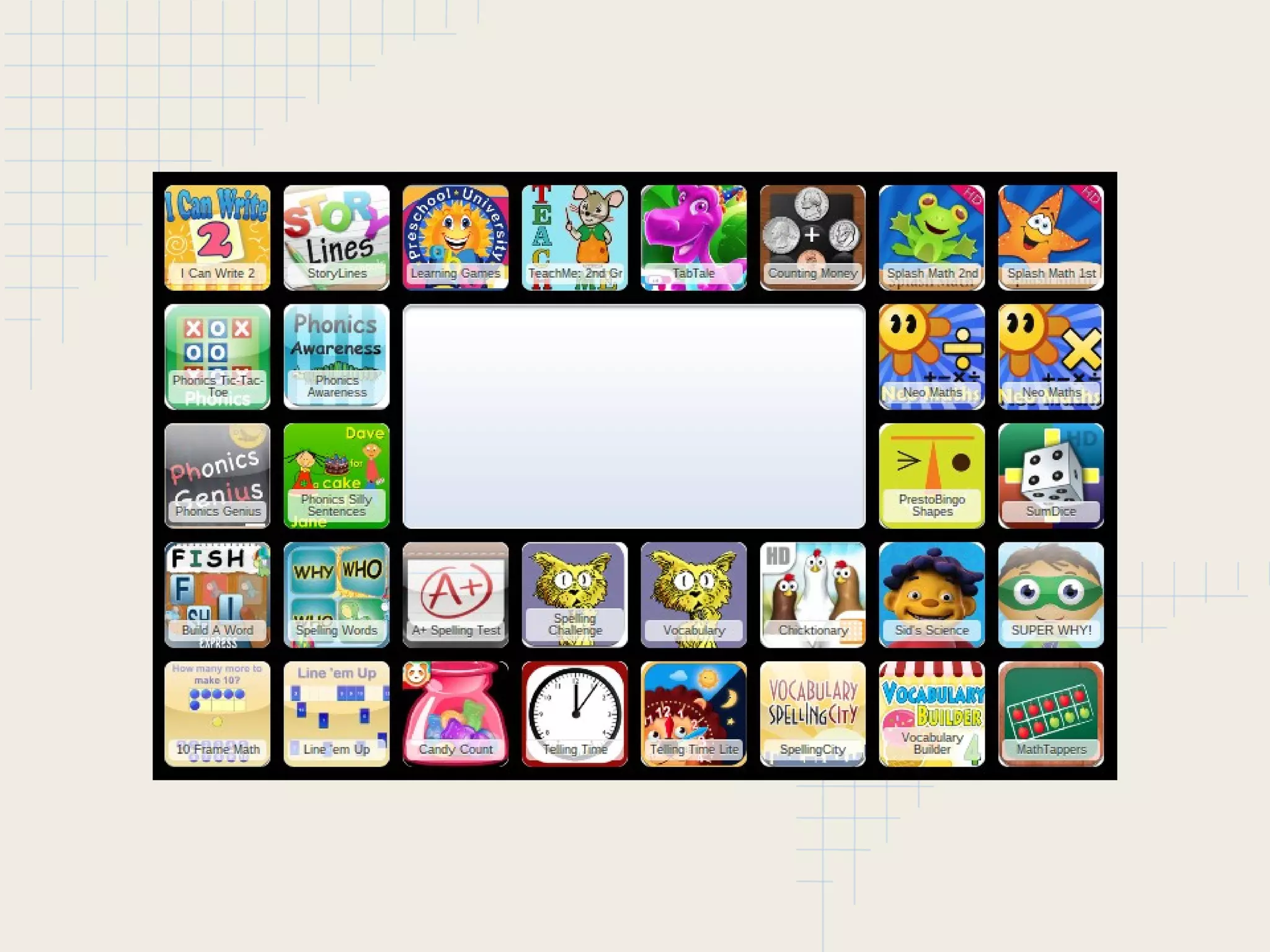
What I Love about Symbaloo
• Tiles represent websites - perfect for non-readers!
• You can use other webmixes (or just one tile)
• You can share the link or embed your webmixes
• You can organize within webmixes by using icons
• Has bookmarklet for easy bookmarking
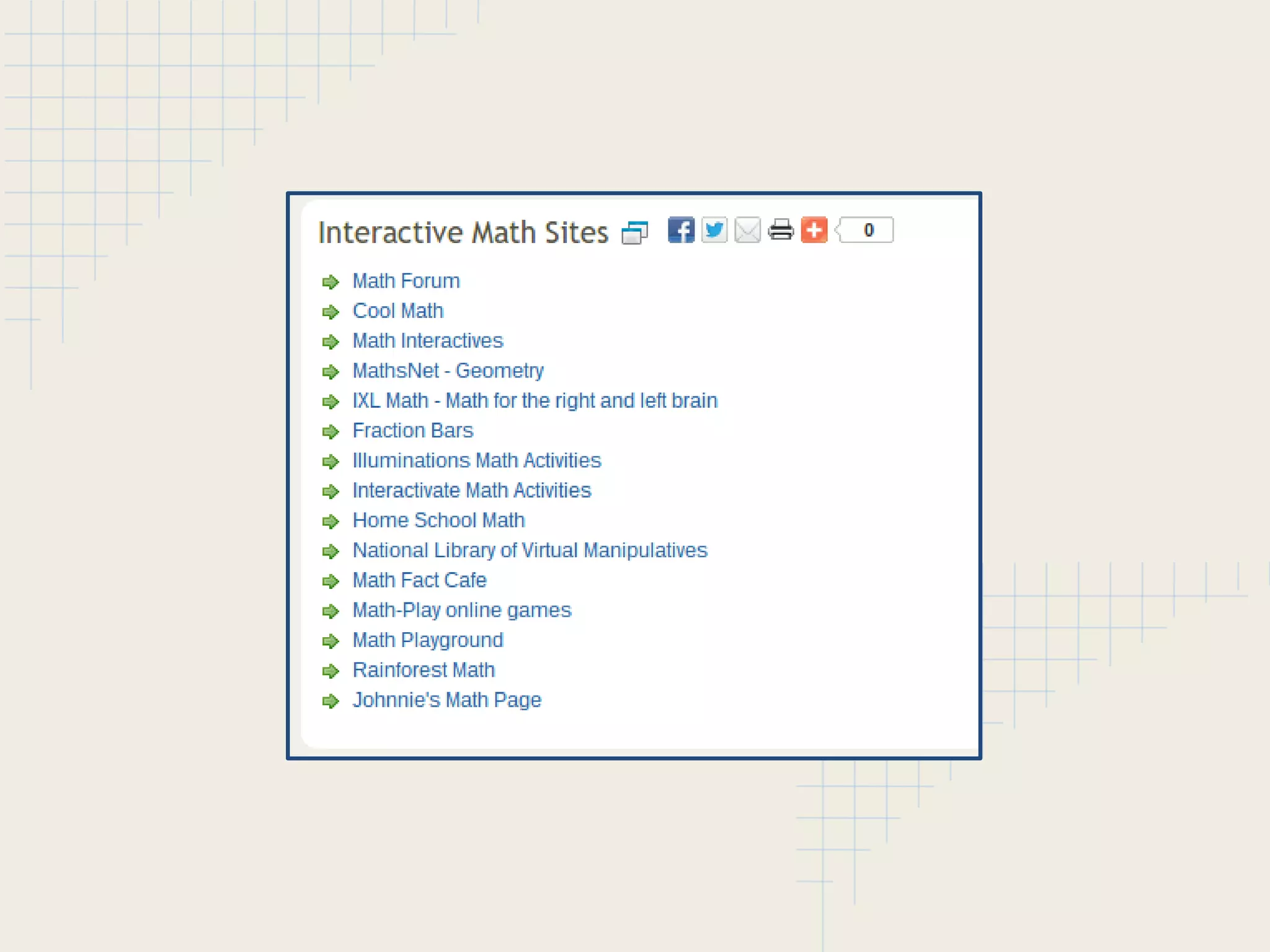
What I Love about MultiURL
• One website for a collection
• Three different ways to view your collections
• Can password protect your collections
• Perfect for research projects - focus isn't on the tech
• Can get click stats
• Super easy/straight-forward
What I Love about Learnist
• Professional Pinterest
• Education Focus
• Super Easy

Tools of a TIS

  • 1.
    Desiree's Picks Some favoritetools from a TIS Prepared for Technology Smackdown MIET 2013
  • 2.
    Collaboration Tools • GoogleHangout o Social Network - Google + (Use circles for privacy) o Video Conferencing o multi-platform • Edmodo o Social Network - members join through code only o Classroom Environment o Parent involvement
  • 4.
    What I Loveabout Hangout • Google Drive Integration • Connect through YouTube, Plus, email and more • No "one-to-one" for Hangout - up to 15 participants • Share your screen feature • Available on all my devices (and my husbands) • You can view your hangout history • You can live stream - create webinars! • Check out EducationOnAir - https://sites.google.com/site/eduonair/
  • 6.
    What I Loveabout Edmodo • Amazing way to create secure connections o Groups - create or join secure groups o Communities - connect with other Edmodo users • Earn Badges (students too!) • Familiar, "Social" layout • The Library • You can annotate on any students assignment • Can incorporate many tools (like Google Docs) • Easy enough to use as low as 1st grade!
  • 7.
    Audio Recording Tools •SoundCloud o 2 hours of upload/record for FREE, unlimited sets o 2 GB limit on each upload o Create sets to organize similar recordings • Audioboo o up to 3 minutes of recording per boo for FREE, unlimited uploads o Create booboards to organize similar recordings • Don't need to embed? Recordmp3 o FREE...no pricing plan o Get the .mp3 file or copy the sound URL to use o That's it!
  • 8.
  • 9.
    What I Loveabout These Tools • Cloud-based storage frees up my hard drive • Can accomplish what I need with FREE tools • Can access through other tools (embed or link) • Integration of Google + (SoundCloud) • Can organize sounds into categories* • Can edit existing sounds* • Join communities and connect with friends* • Can be used on many devices - all connected*
  • 10.
    Interactive Assessment • NearPod oTeachers create or use multimedia presentations o Add interactivity so students can be involved in the learning process o Perfect tool for 1-to-1 or lab environment o Interaction happens with mobile devices o Feedback for teacher is immediate  Insert Images and Videos  Polls and Quizzes and Single Q & A  Slideshows  Student Drawing Environment
  • 12.
    Bookmarking Tools • CreatingLearning Links for Students o Symbaloo  Great for younger students o MultiURL  Multiple options for viewing • Creating Links for Yourself o Diigo o Google Bookmarks o Learnist o Evernote
  • 14.
    What I Loveabout Symbaloo • Tiles represent websites - perfect for non-readers! • You can use other webmixes (or just one tile) • You can share the link or embed your webmixes • You can organize within webmixes by using icons • Has bookmarklet for easy bookmarking
  • 16.
    What I Loveabout MultiURL • One website for a collection • Three different ways to view your collections • Can password protect your collections • Perfect for research projects - focus isn't on the tech • Can get click stats • Super easy/straight-forward
  • 18.
    What I Loveabout Learnist • Professional Pinterest • Education Focus • Super Easy