Cloud applications monitoring in the
digital transformation era
Key insights for the AWS admin
Maximizing efficiency of Azure applications
Office365 performance of key applications
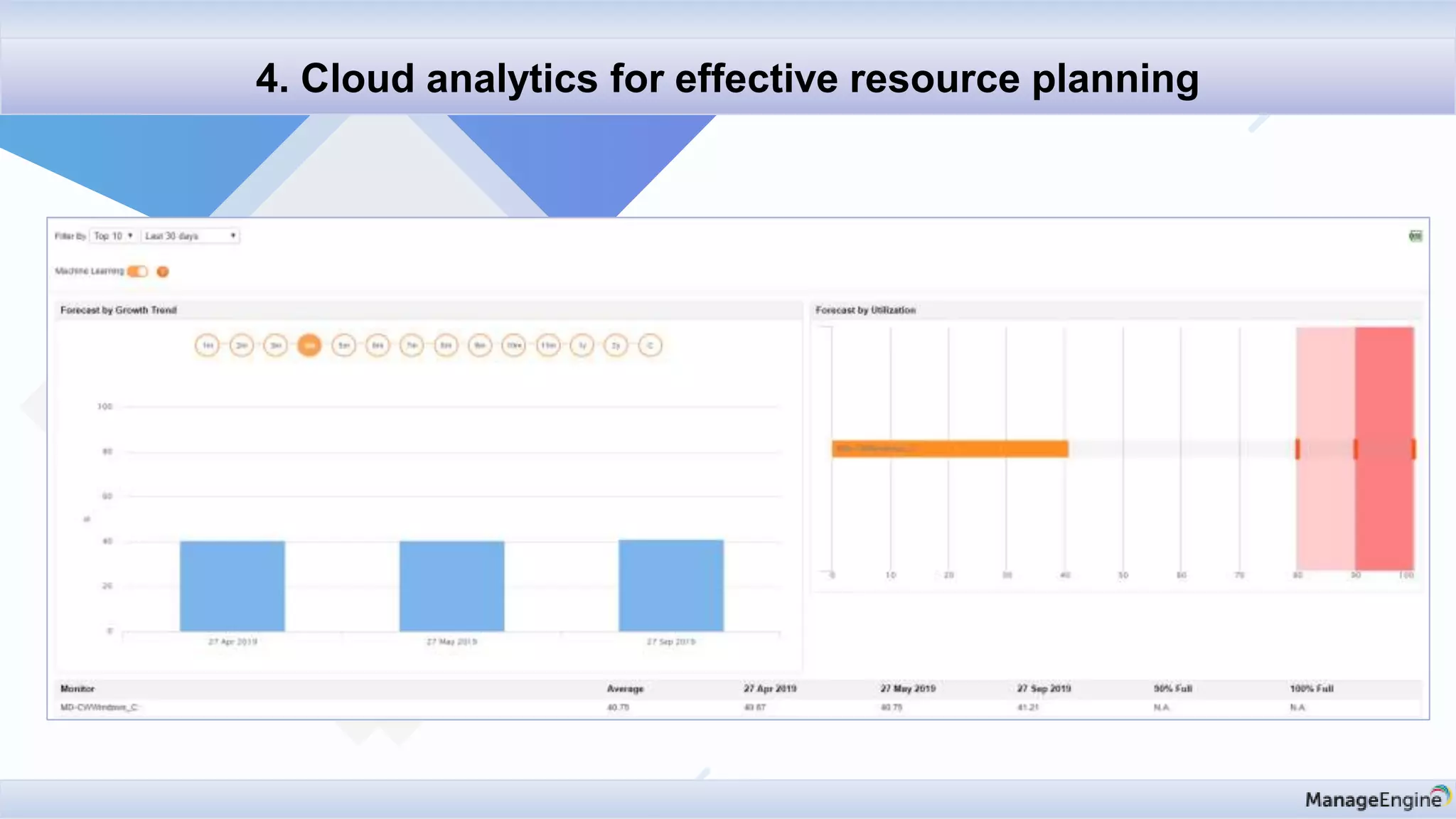
Cloud analytics for effective resource
planning
Agenda
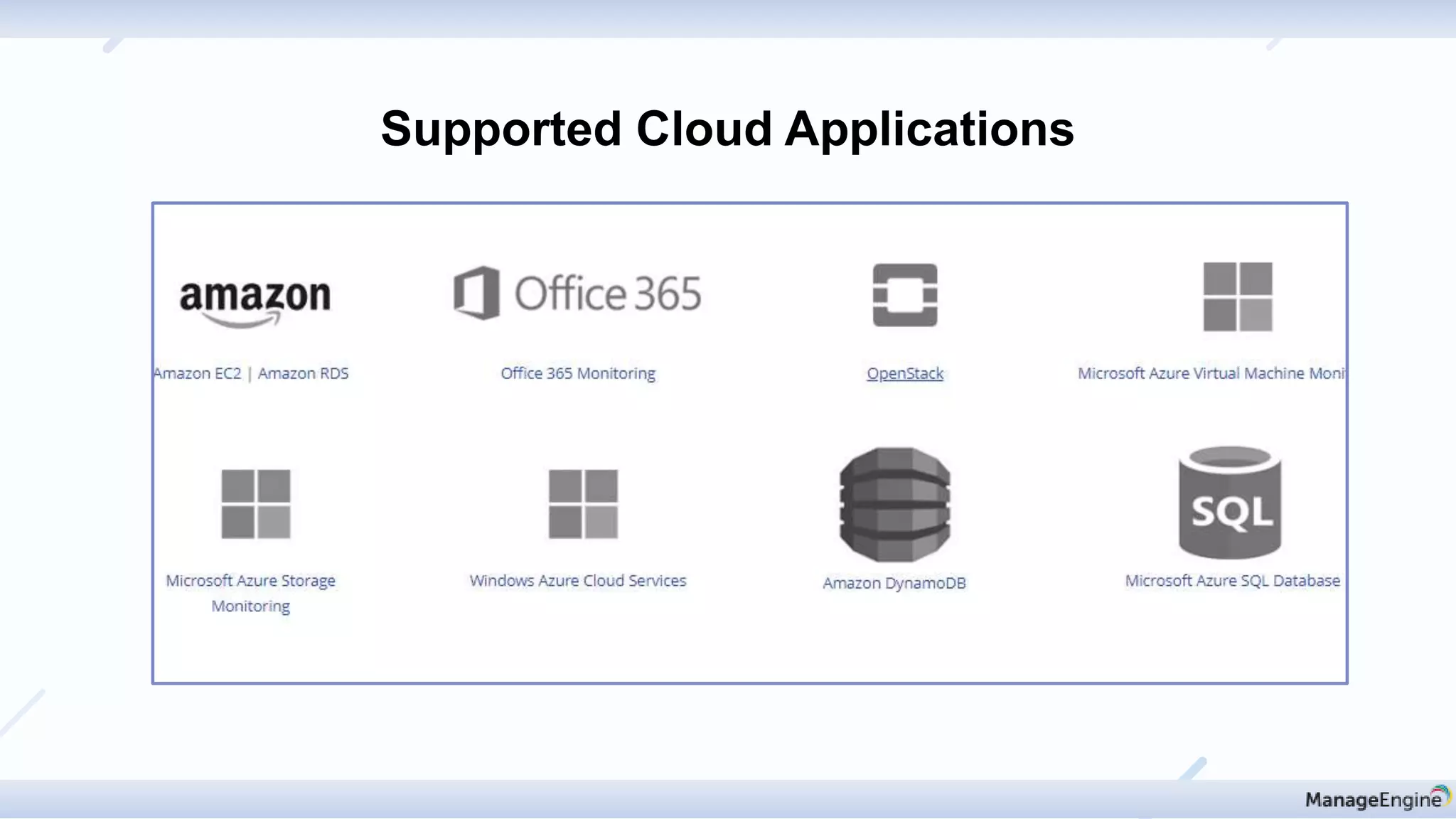
Supported Cloud Applications
• AWS: AWS account users are required to use their AWS Access Key and Secret Access Key to add an
AWS monitor in Applications Manager.
http://help.appmanager.com/prerequisites-for-applications-manager$AWSMonitoring
• O365: The Office 365 work or school account that you use for these procedures needs to be a member of
an Office 365 admin role.
http://help.appmanager.com/prerequisites-for-applications-manager$Office365
• Azure: Diagnostics must be enabled from Azure portal. Powershell scripts used to collect data.
http://help.appmanager.com/prerequisites-for-applications-manager$AzureVMs
Prerequisites to add Cloud Applications
Discovery & mapping
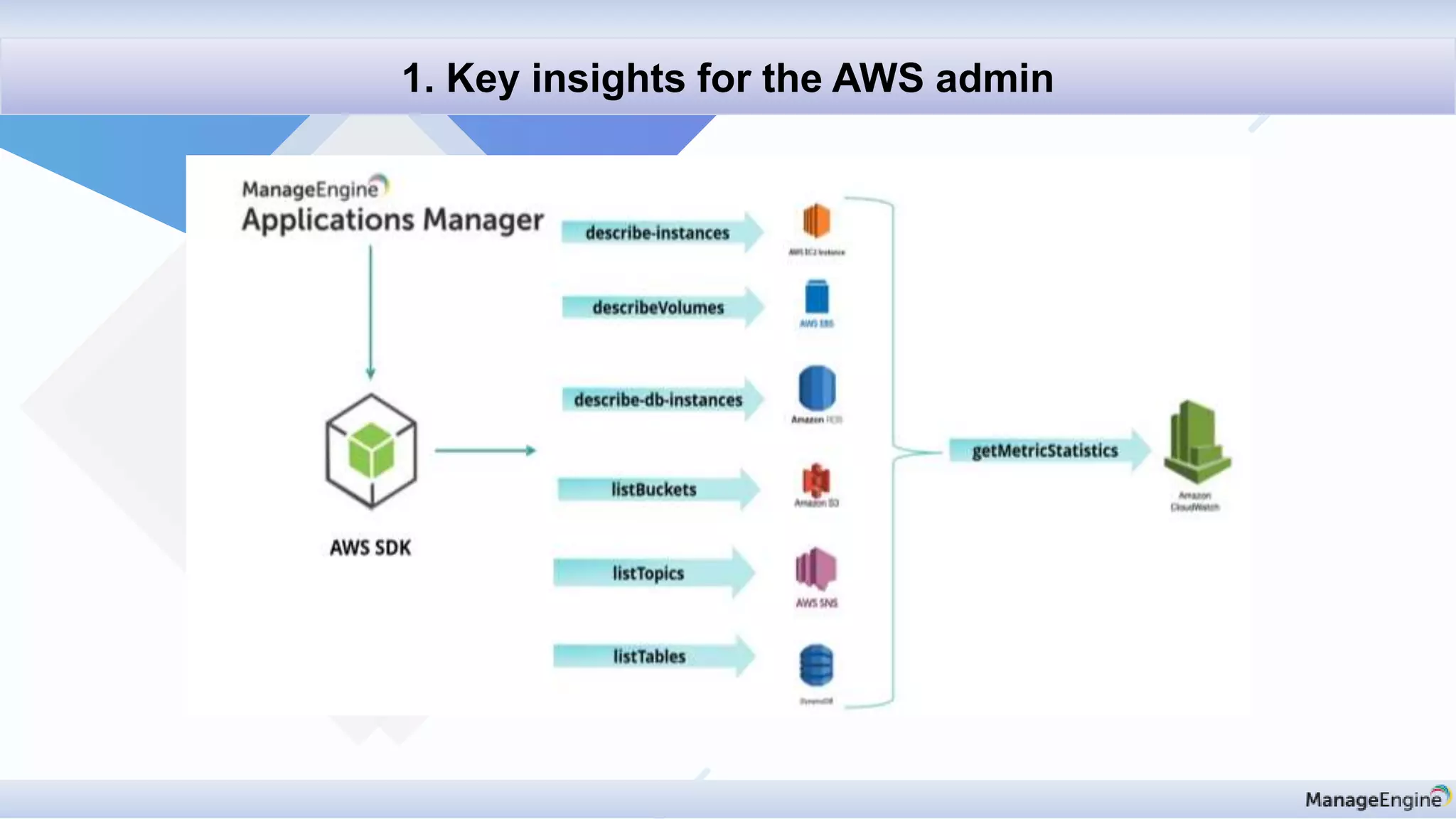
1. Key insights for the AWS admin
AWS Monitoring
• Visualize performance metrics of :
• Amazon Elastic Compute Cloud (EC2)
• Amazon Relational Database Service (RDS)
• Amazon DynamoDB
• Amazon Simple Notification Service (SNS)
• Amazon Elastic Load Balancer
• Amazon Billing
• Diagnosing the root cause of performance issues
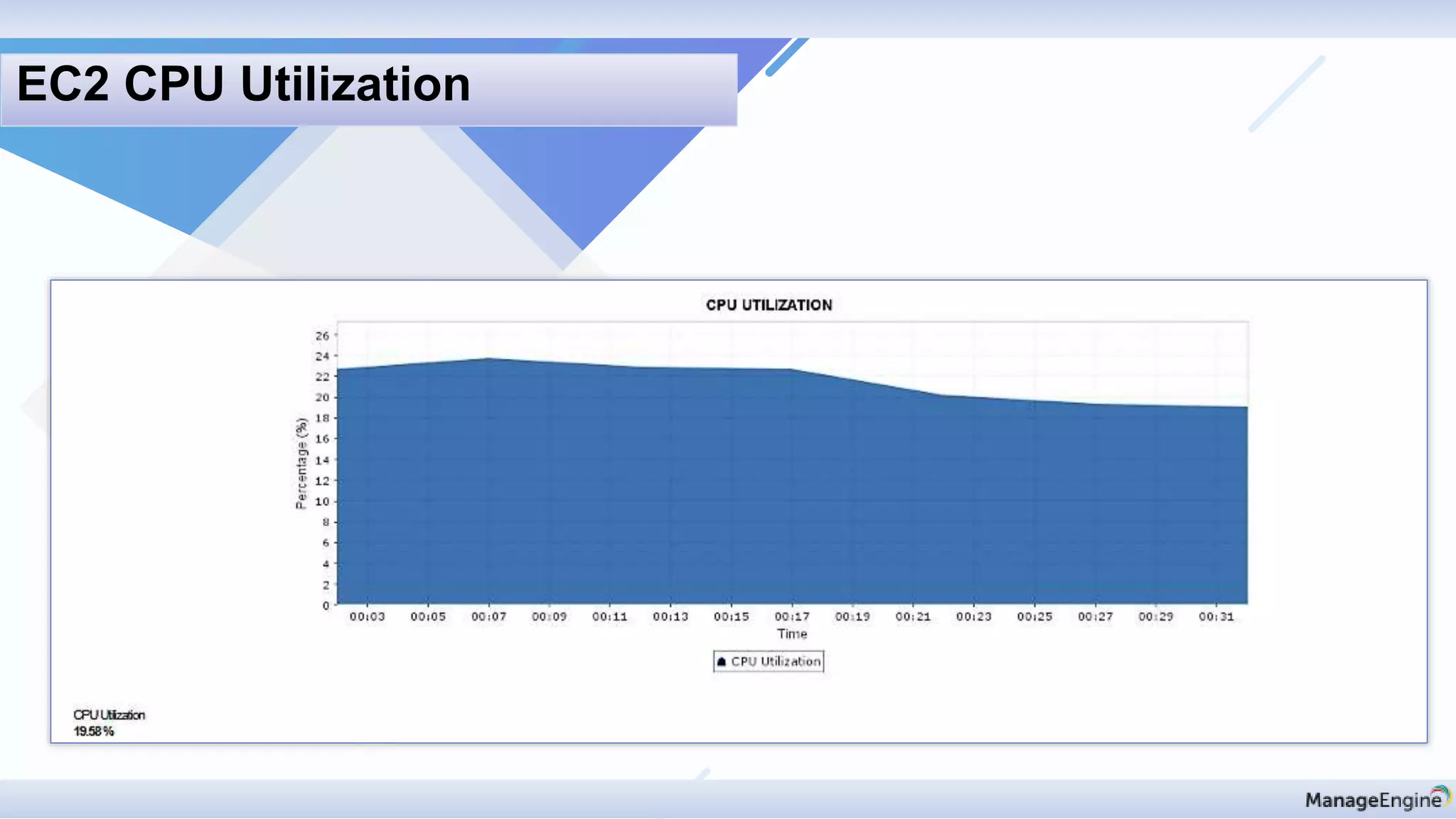
EC2 CPU Utilization
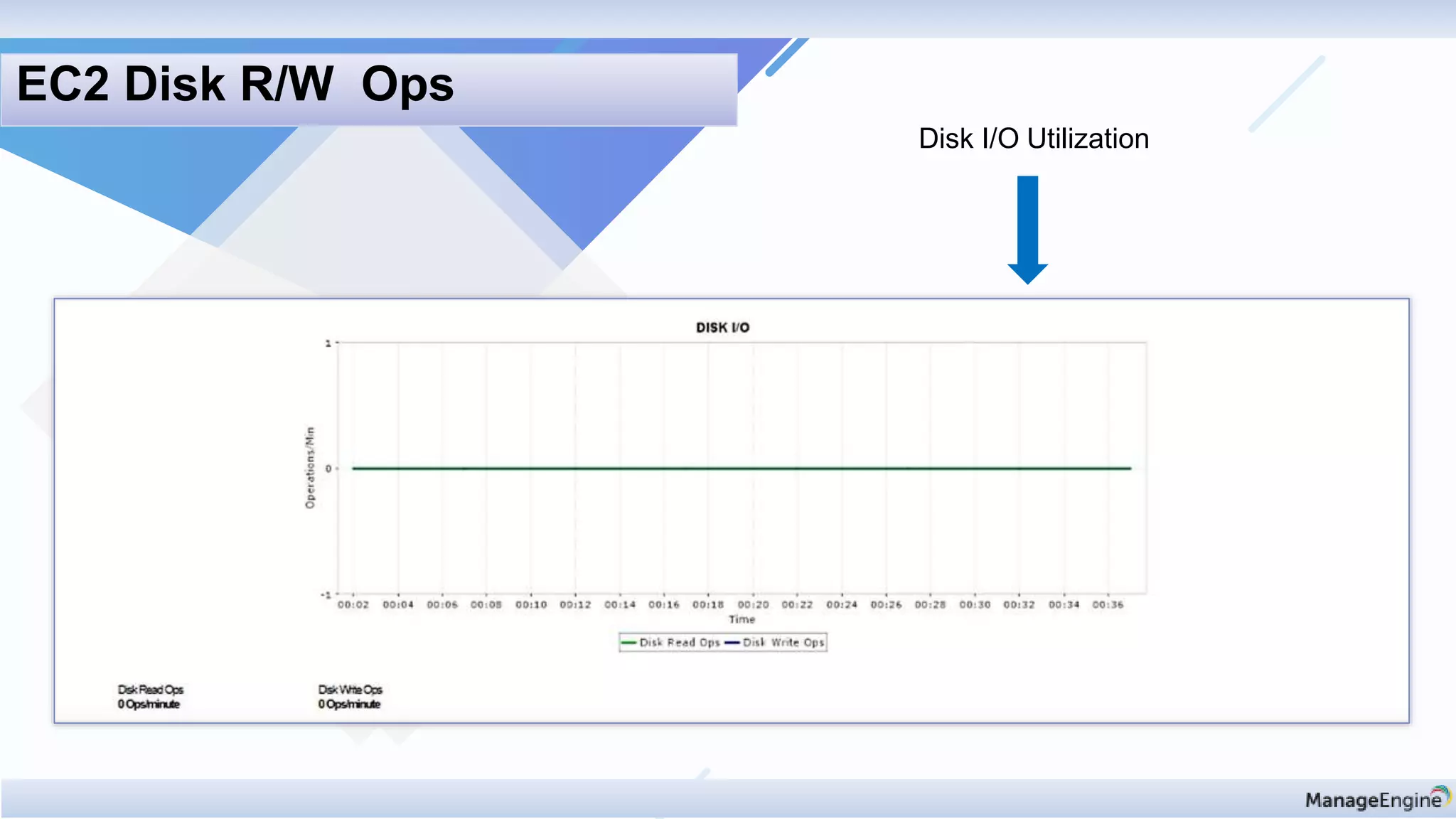
Disk I/O Utilization
EC2 Disk R/W Ops
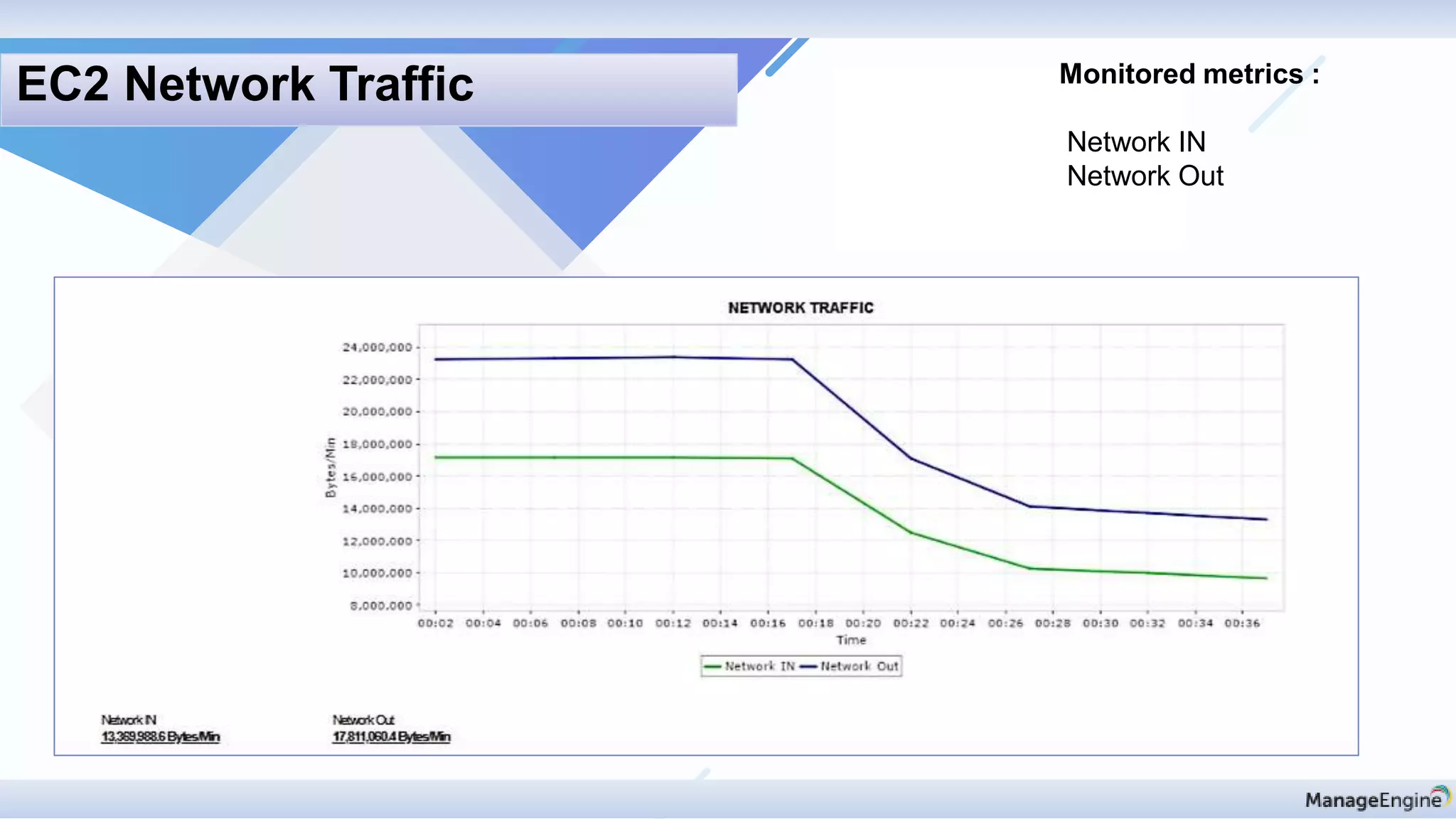
Monitored metrics :
Network IN
Network Out
EC2 Network Traffic
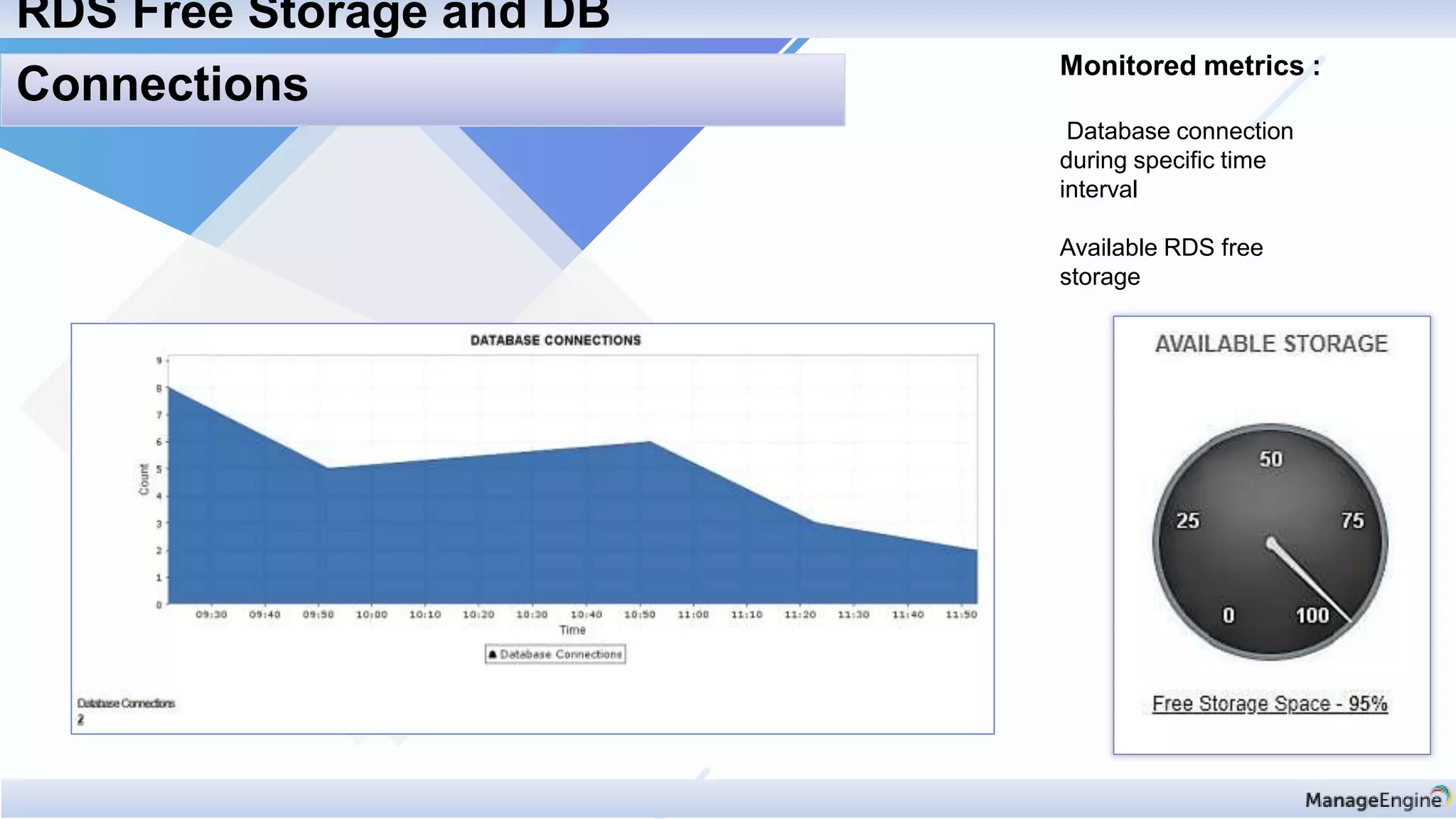
Monitored metrics :
Database connection
during specific time
interval
Available RDS free
storage
RDS Free Storage and DB
Connections
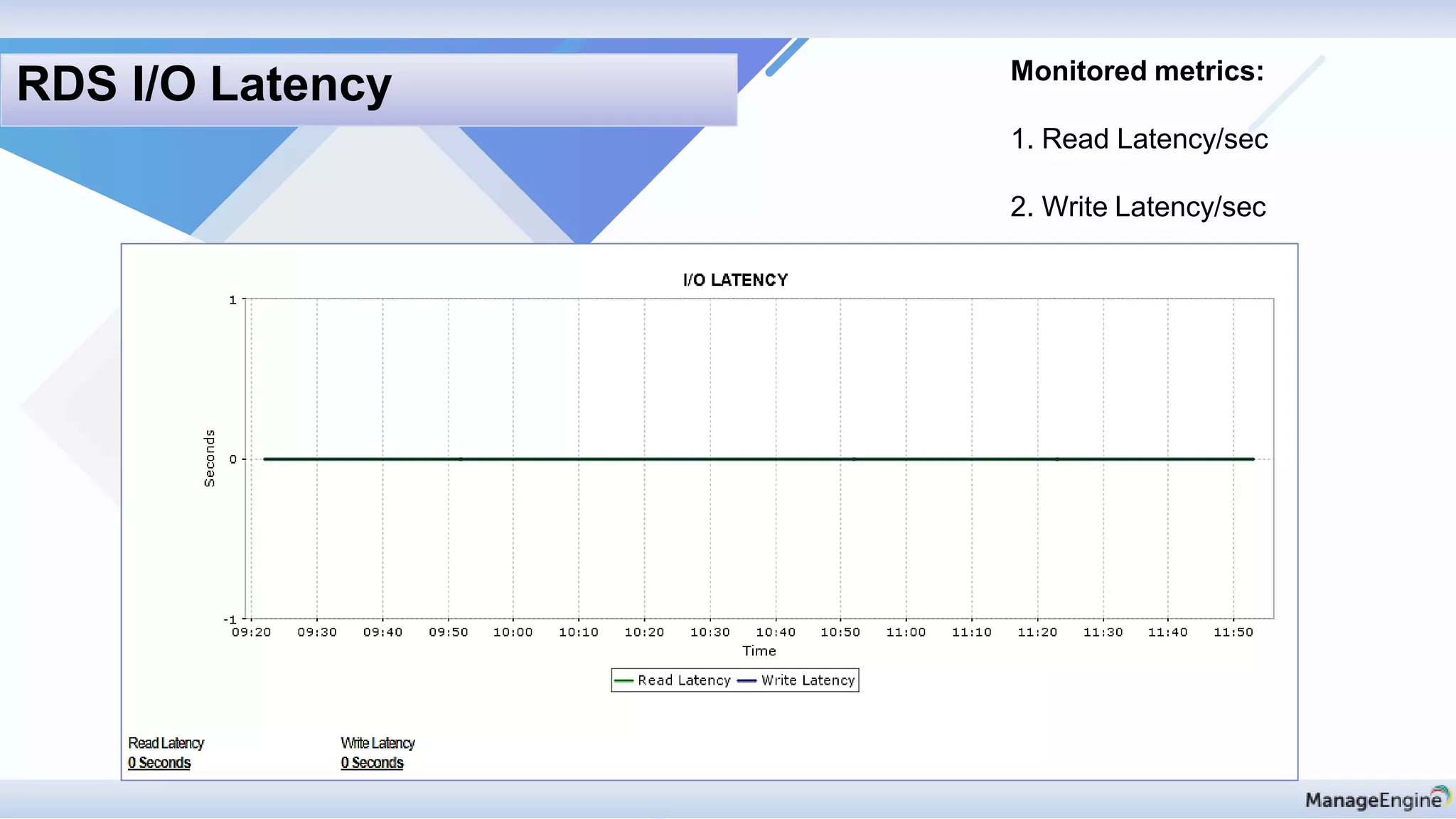
Monitored metrics:
1. Read Latency/sec
2. Write Latency/sec
RDS I/O Latency
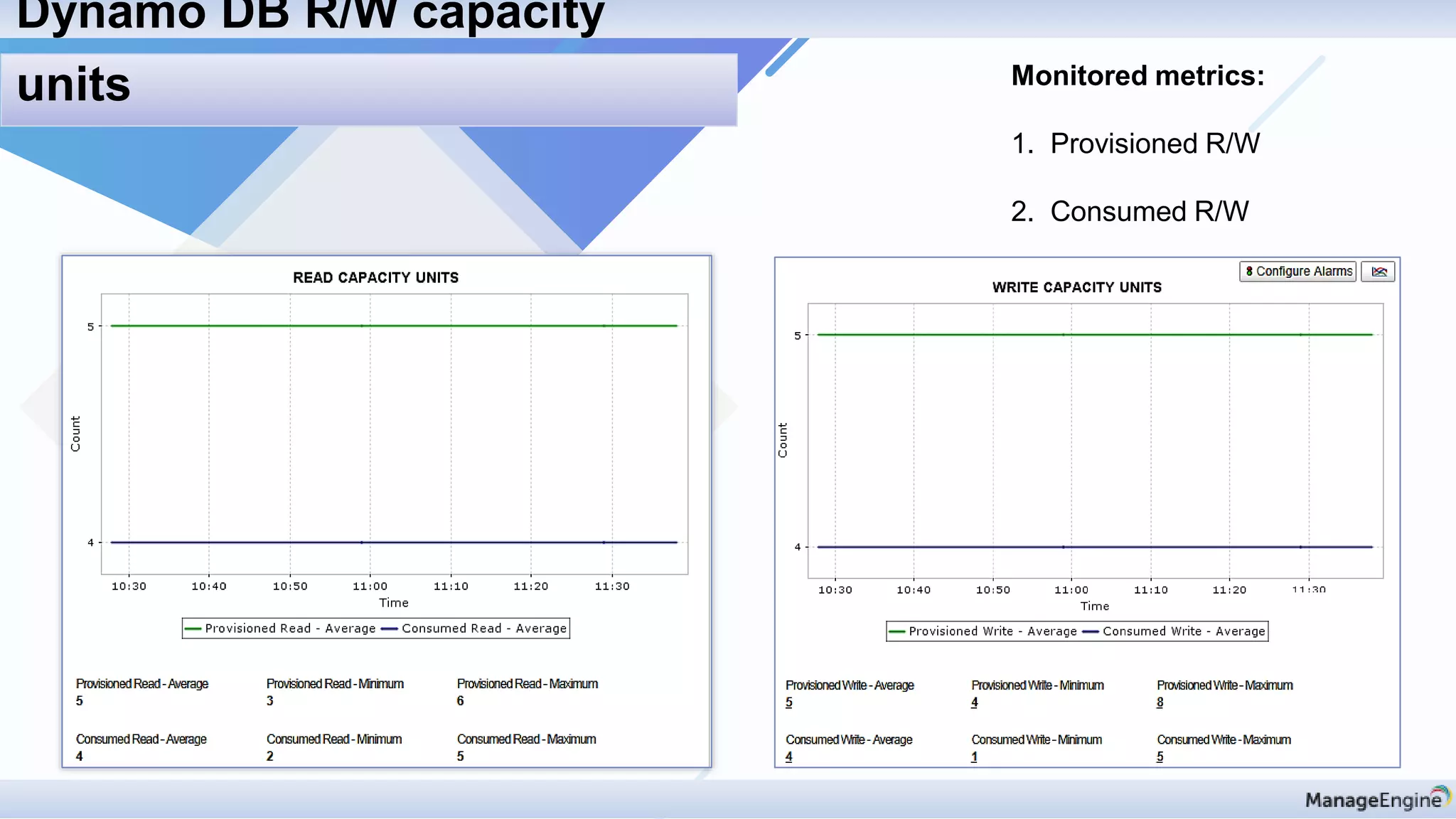
Monitored metrics:
1. Provisioned R/W
2. Consumed R/W
Dynamo DB R/W capacity
units
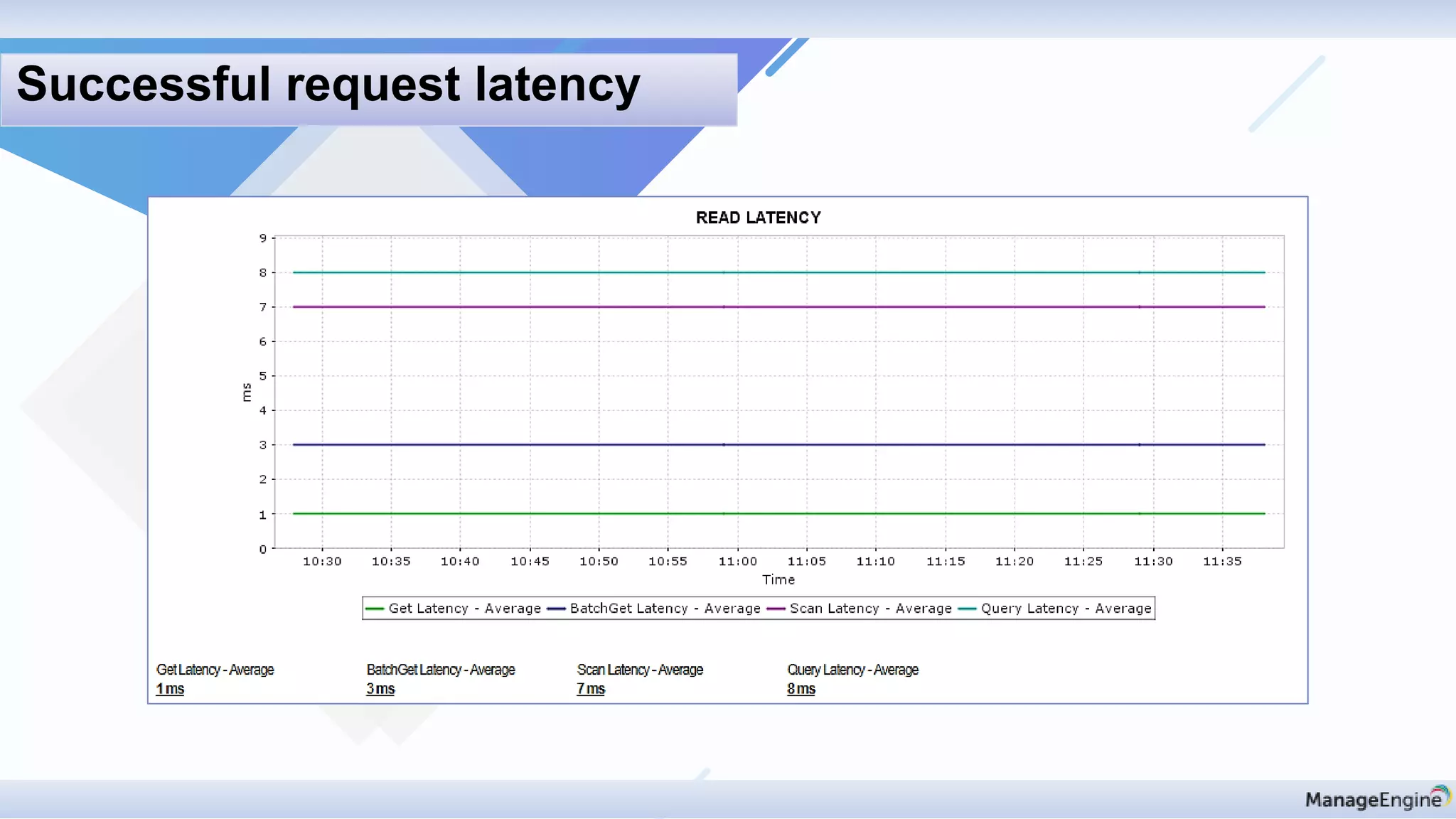
Successful request latency
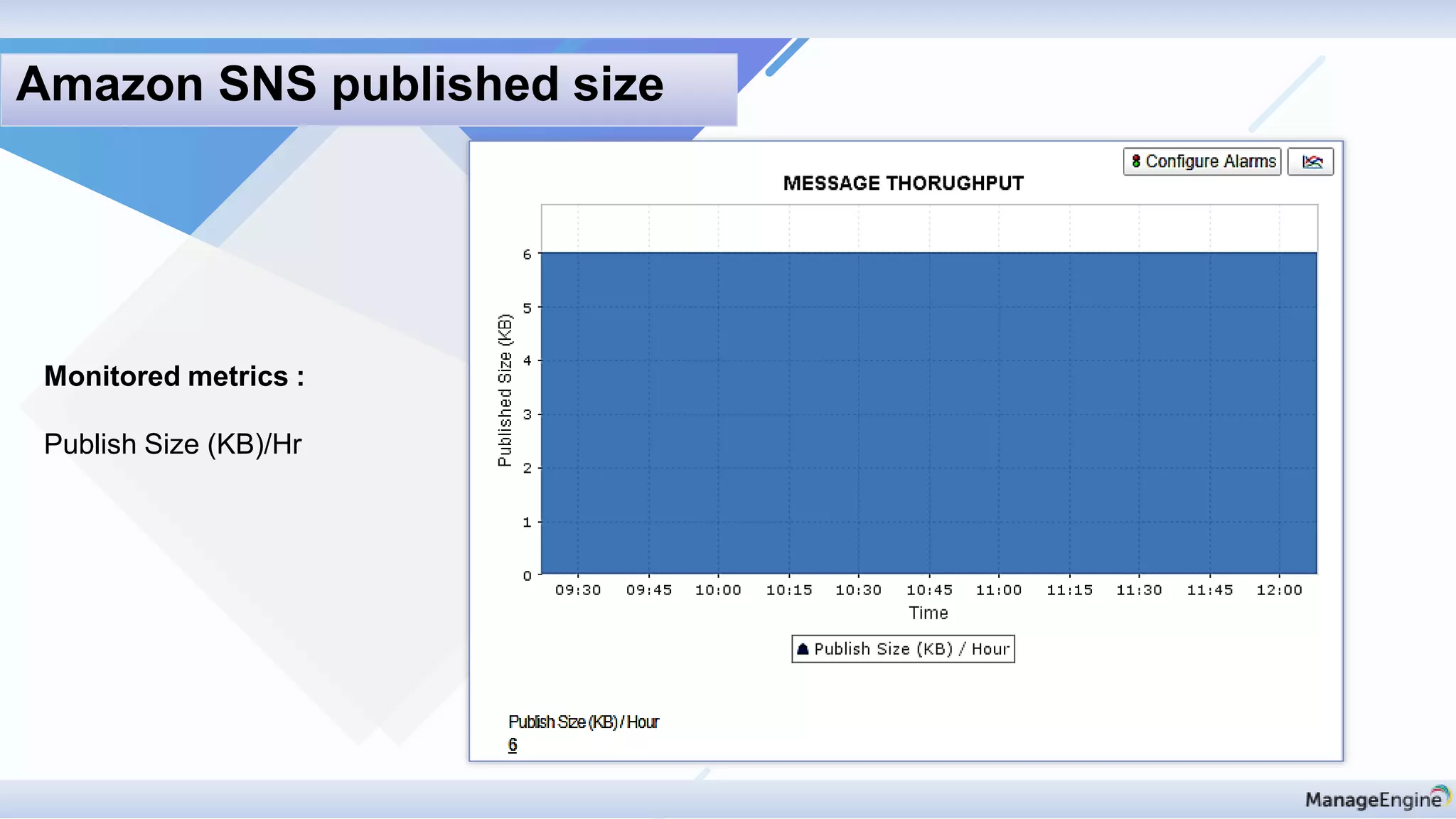
Monitored metrics :
Publish Size (KB)/Hr
Amazon SNS published size
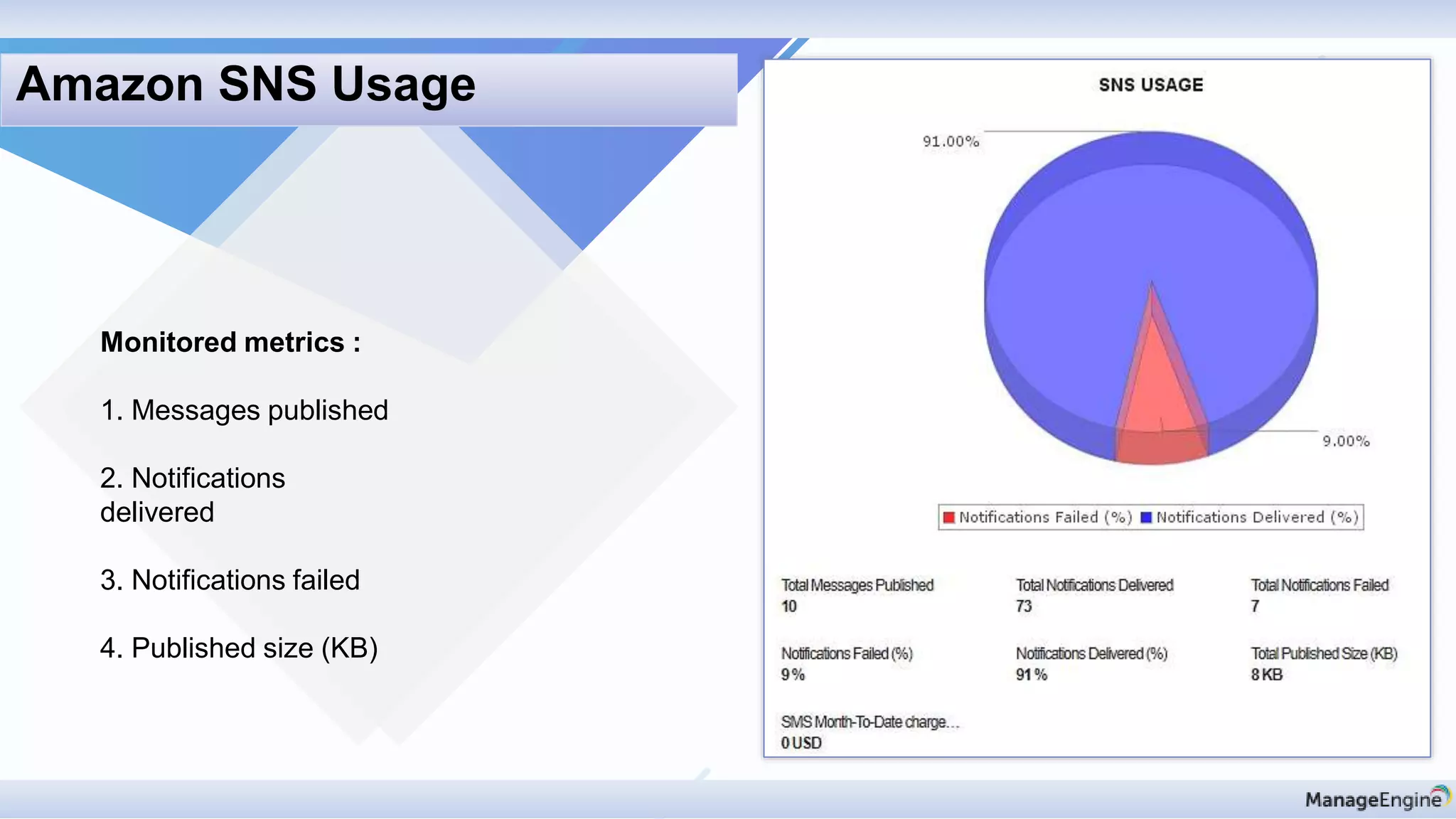
Monitored metrics :
1. Messages published
2. Notifications
delivered
3. Notifications failed
4. Published size (KB)
Amazon SNS Usage
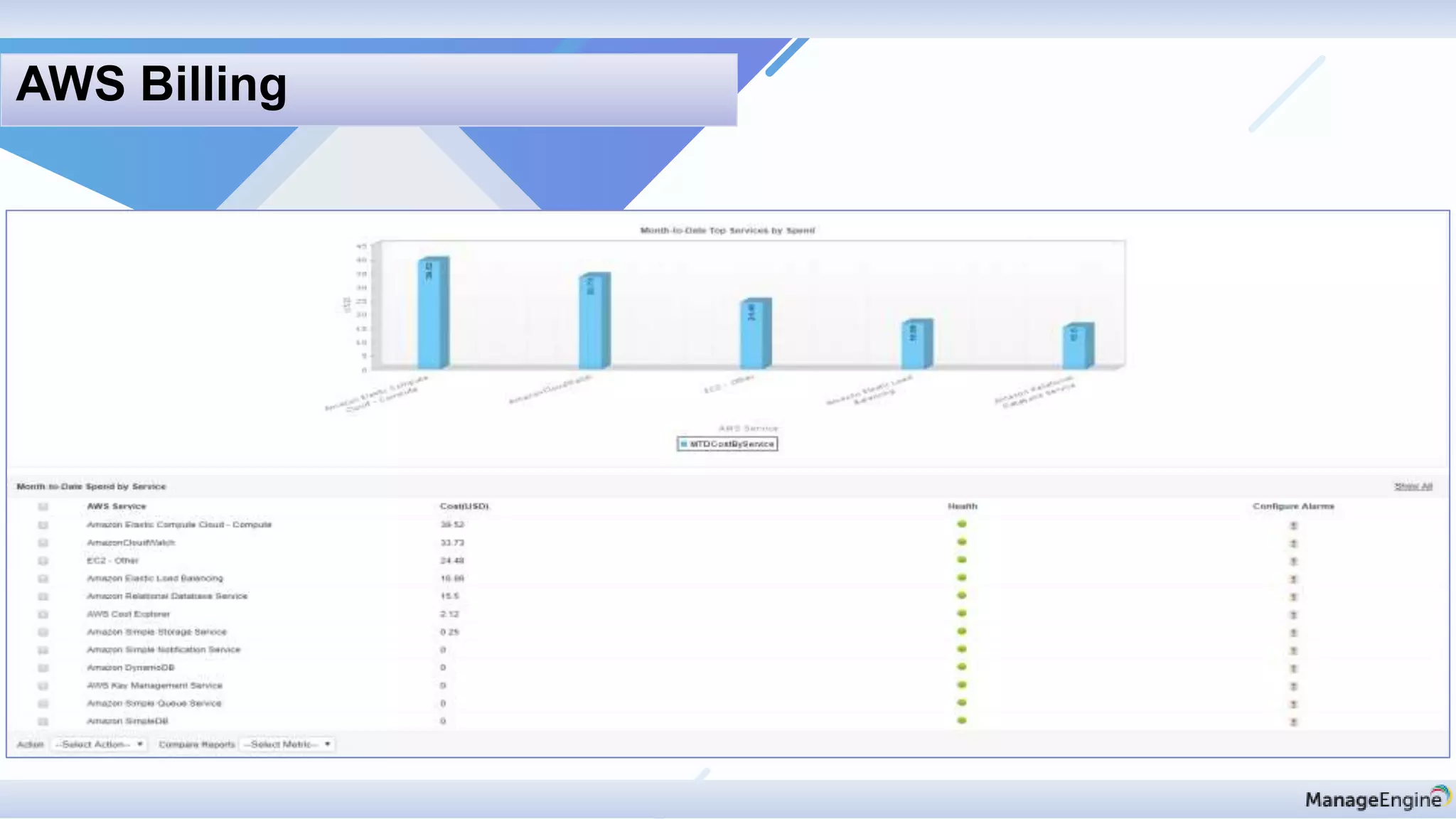
AWS Billing
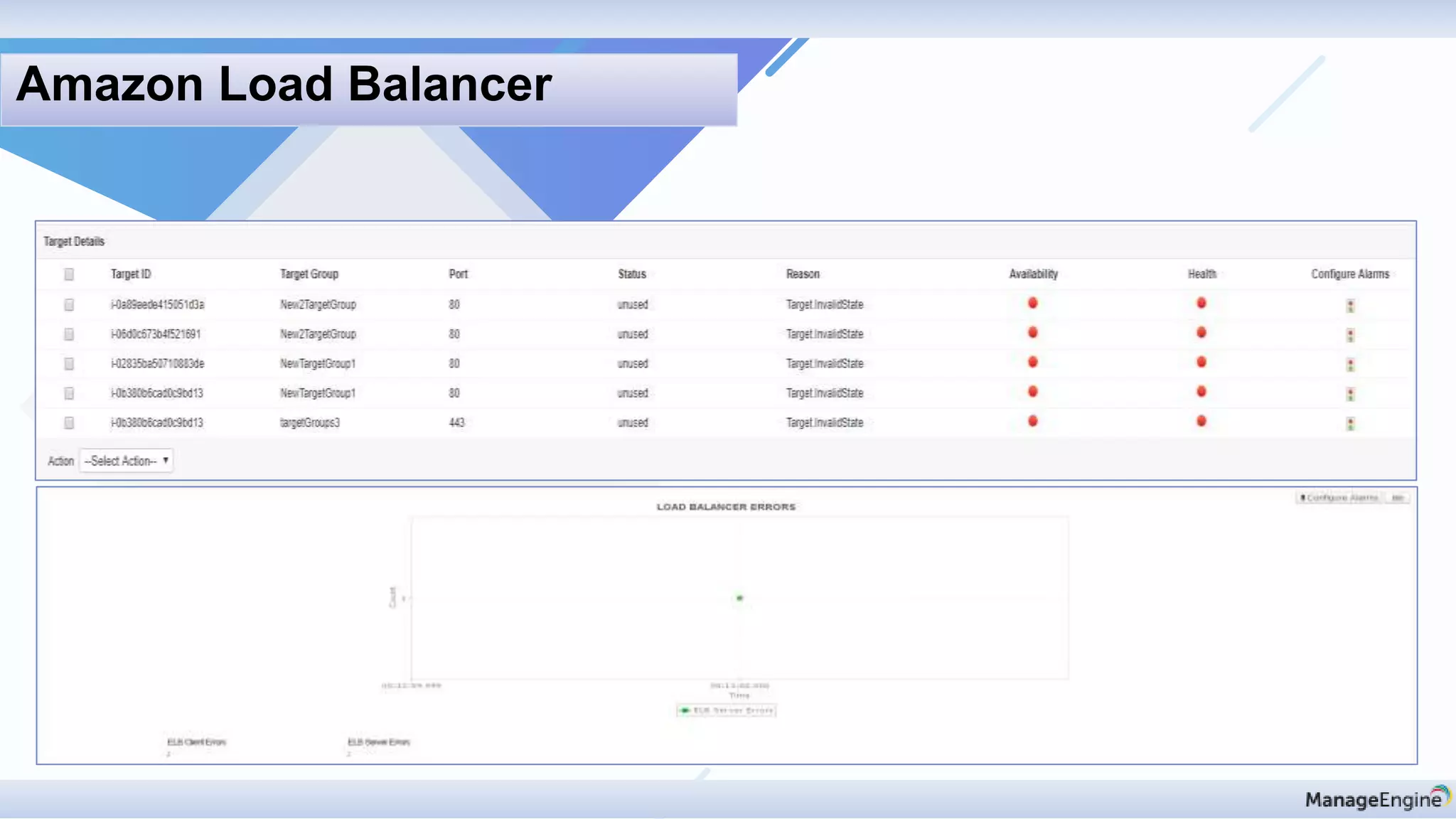
Amazon Load Balancer
Discovery & mapping
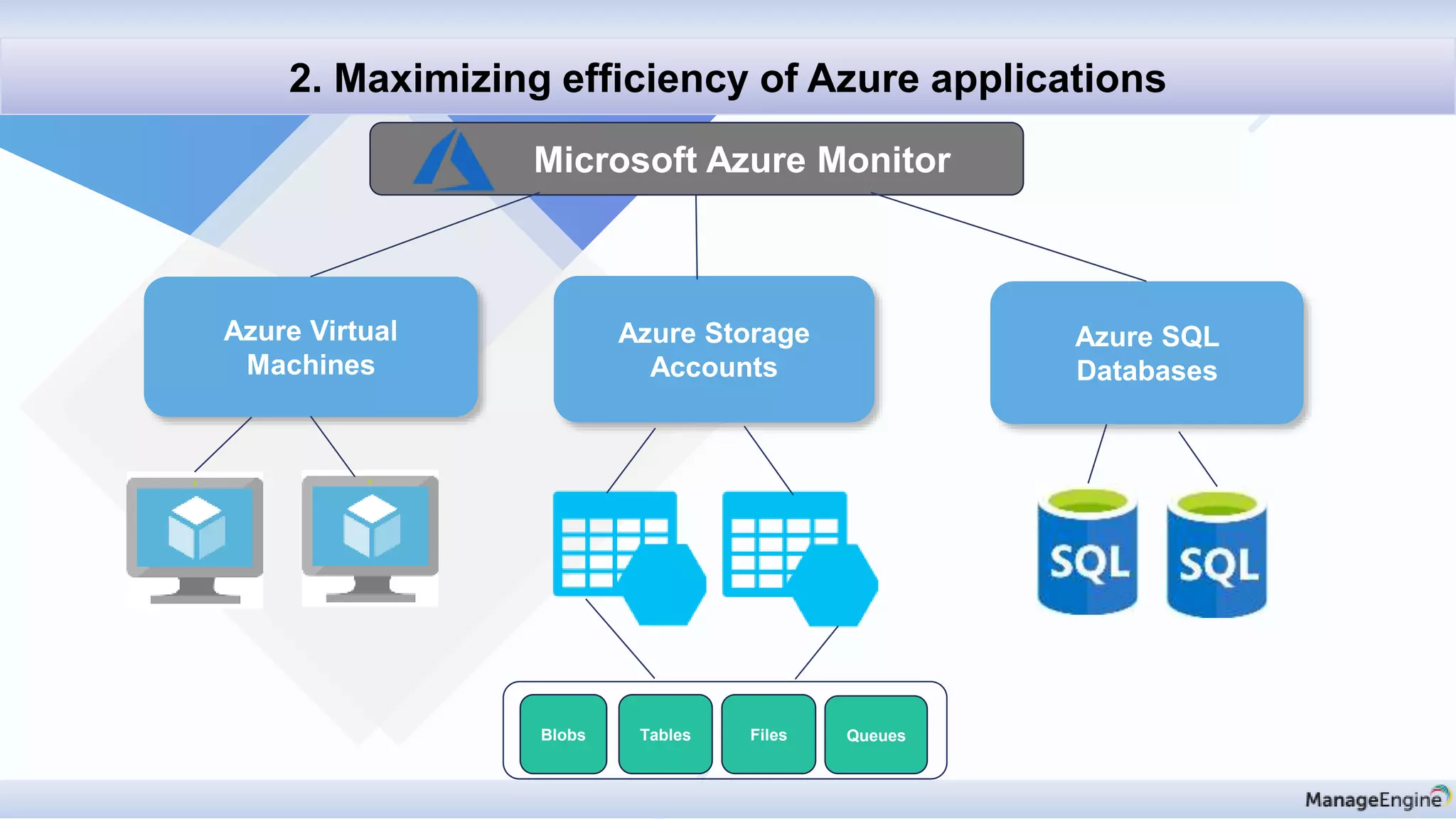
2. Maximizing efficiency of Azure applications
Microsoft Azure Monitor
Azure Virtual
Machines
Azure Storage
Accounts
Azure SQL
Databases
Blobs Tables Files Queues
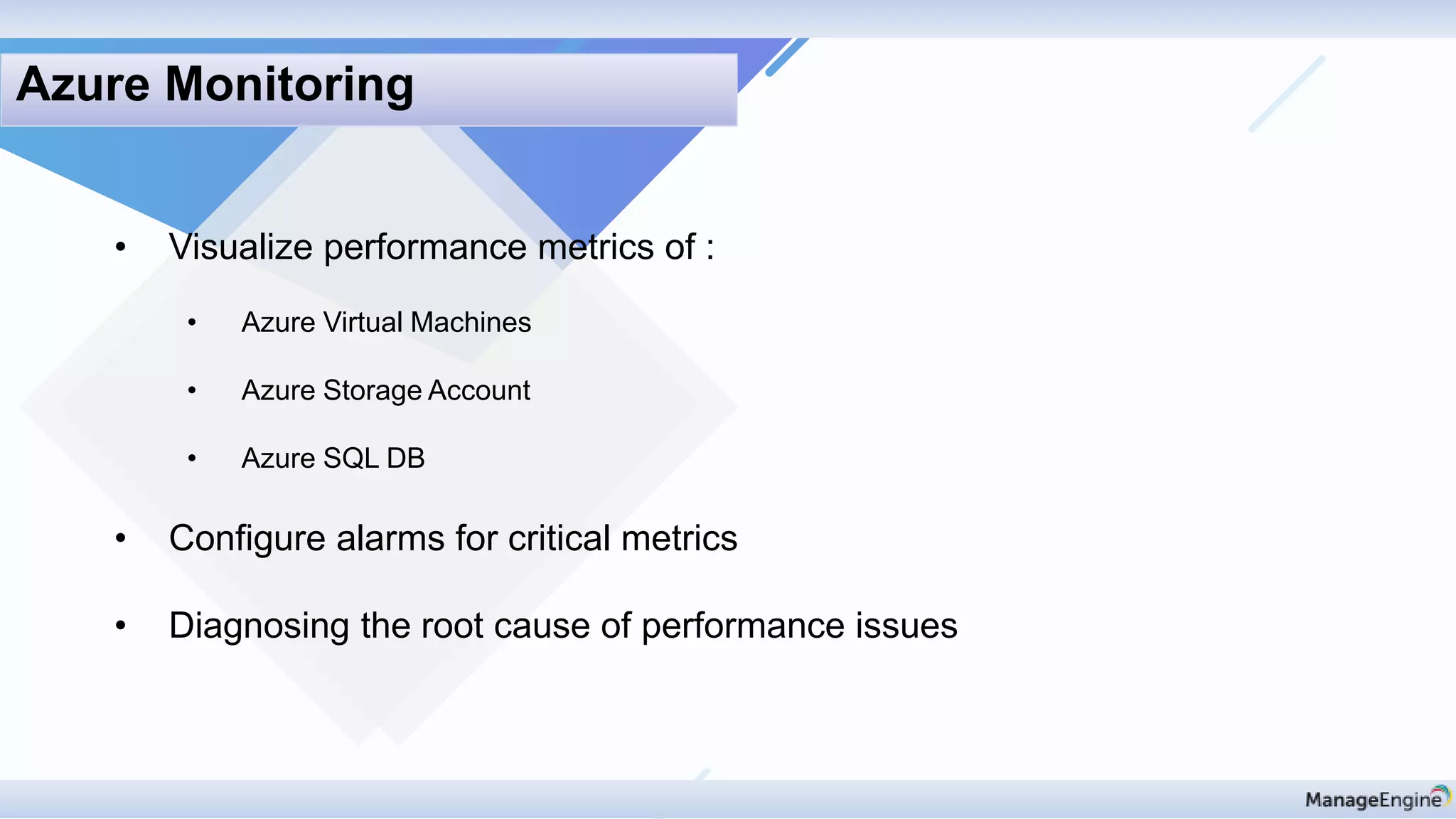
• Visualize performance metrics of :
• Azure Virtual Machines
• Azure Storage Account
• Azure SQL DB
• Configure alarms for critical metrics
• Diagnosing the root cause of performance issues
Azure Monitoring
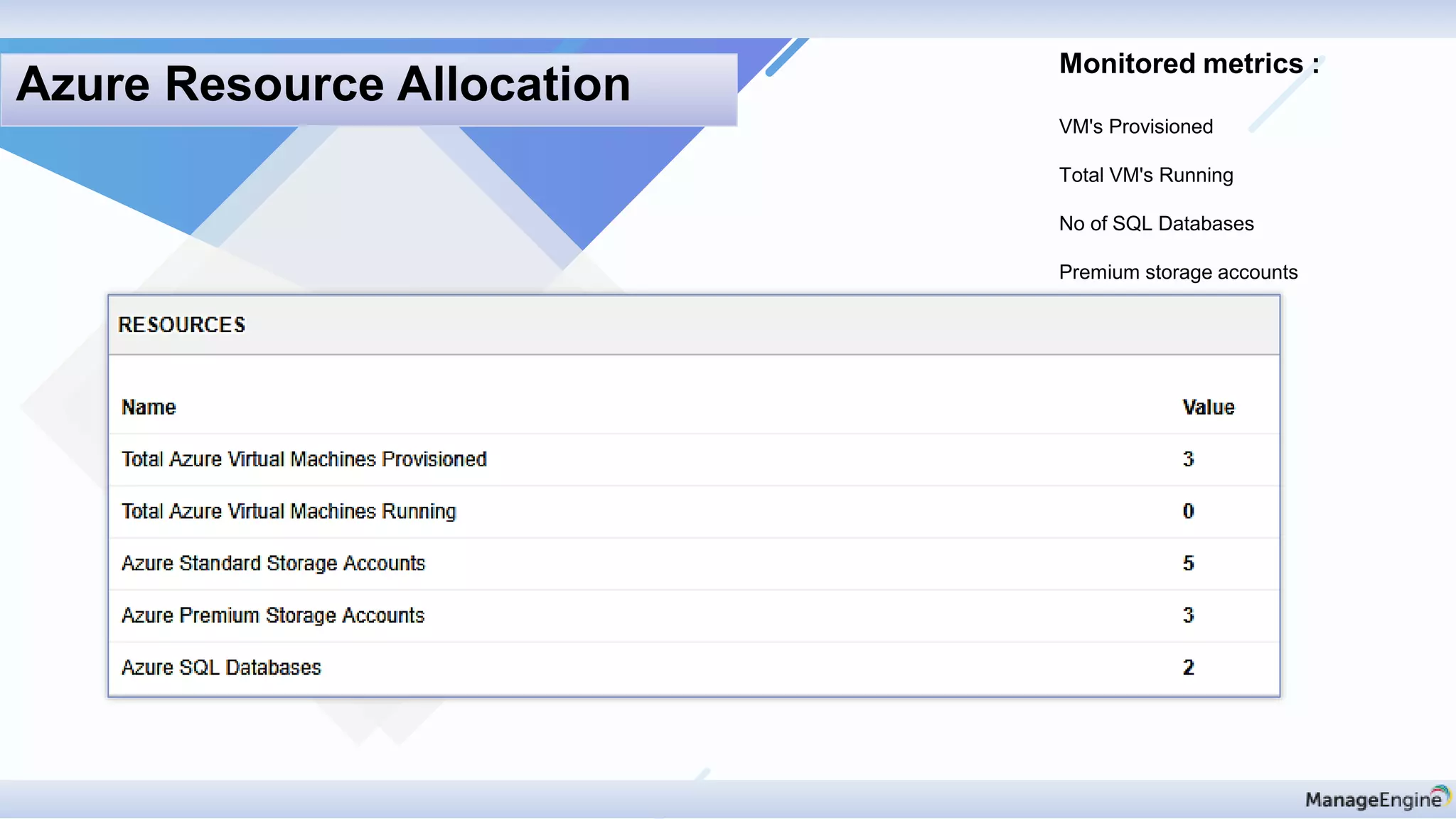
Monitored metrics :
VM's Provisioned
Total VM's Running
No of SQL Databases
Premium storage accounts
Azure Resource Allocation
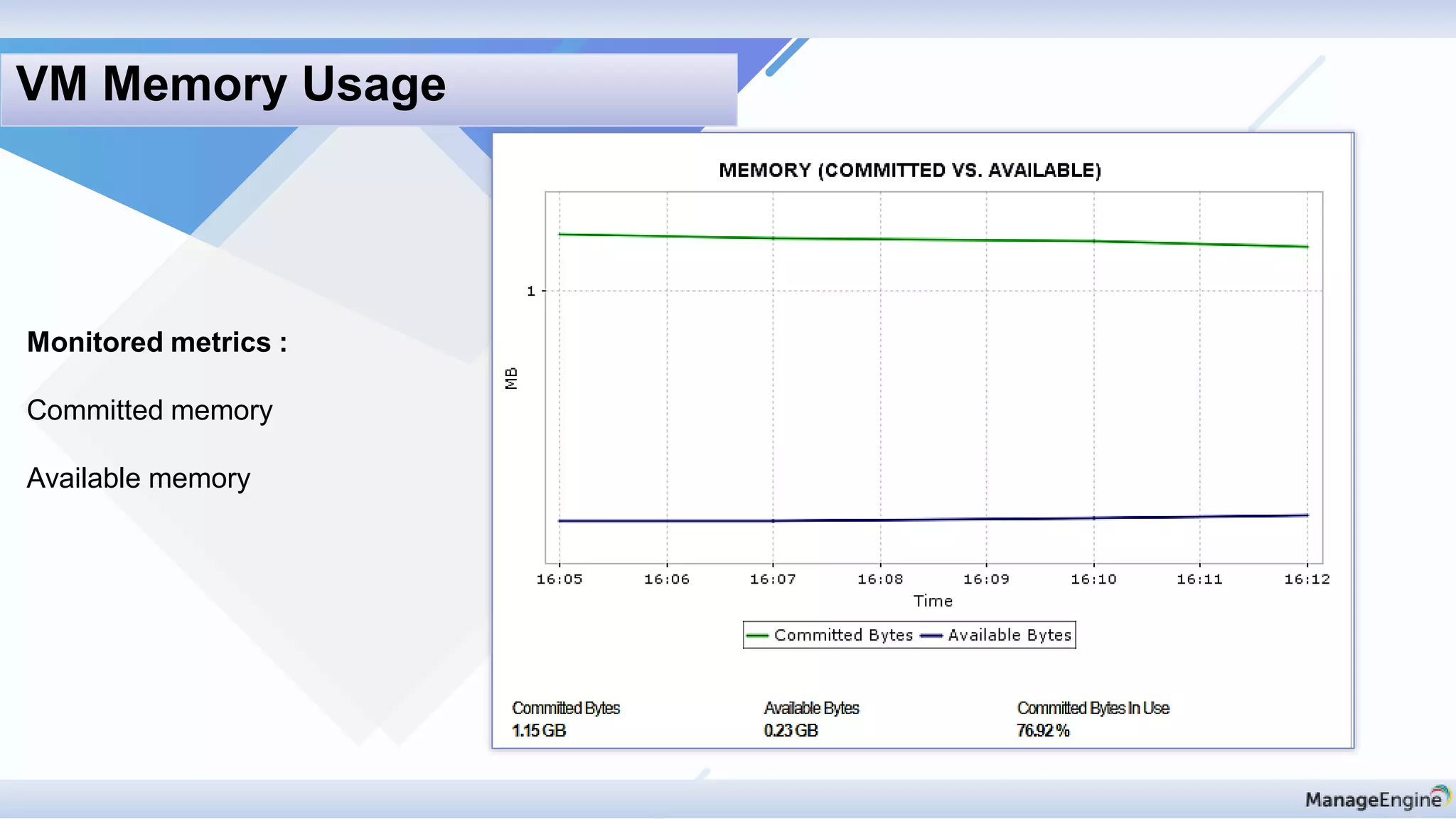
Monitored metrics :
Committed memory
Available memory
VM Memory Usage
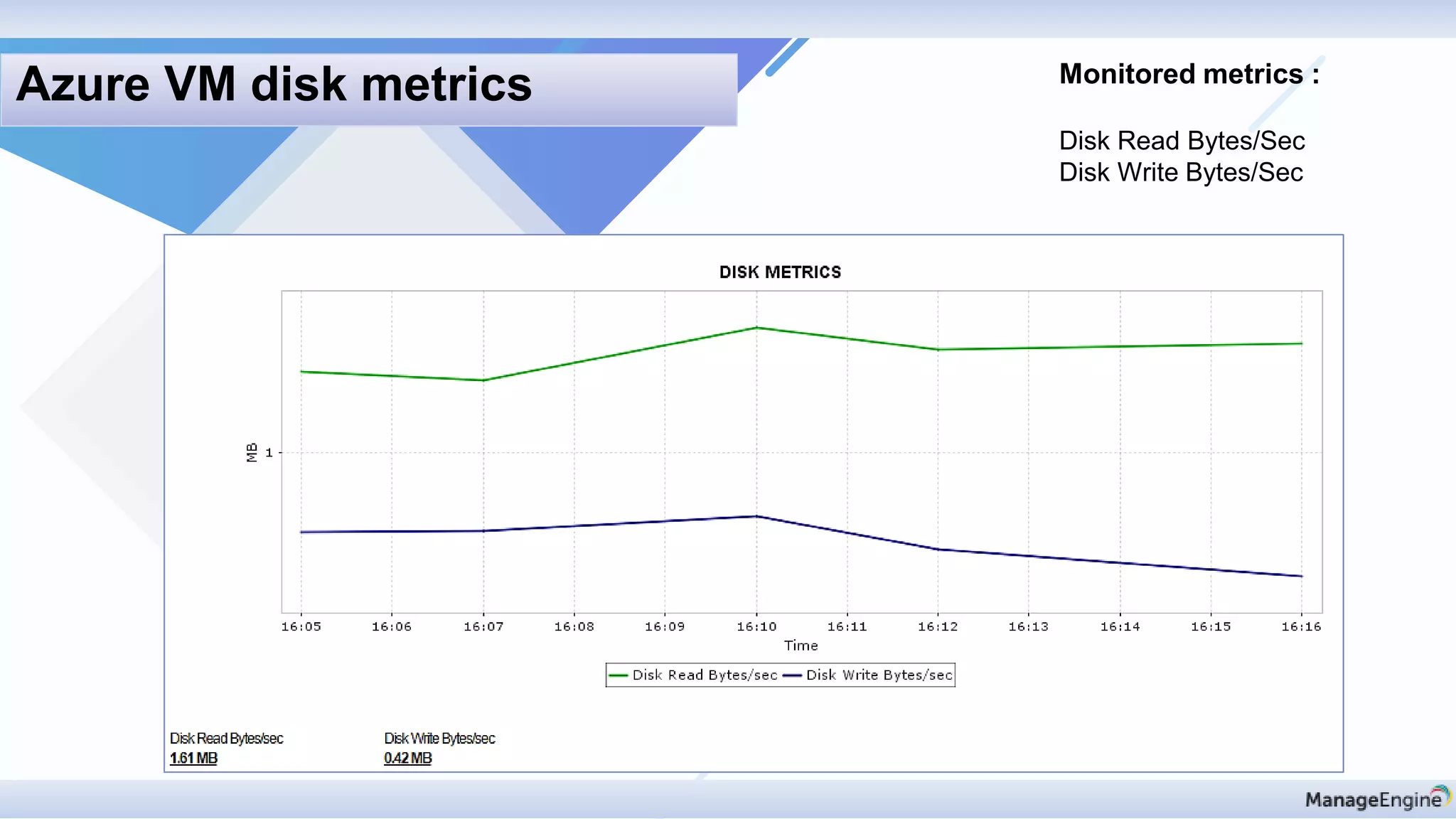
Monitored metrics :
Disk Read Bytes/Sec
Disk Write Bytes/Sec
Azure VM disk metrics
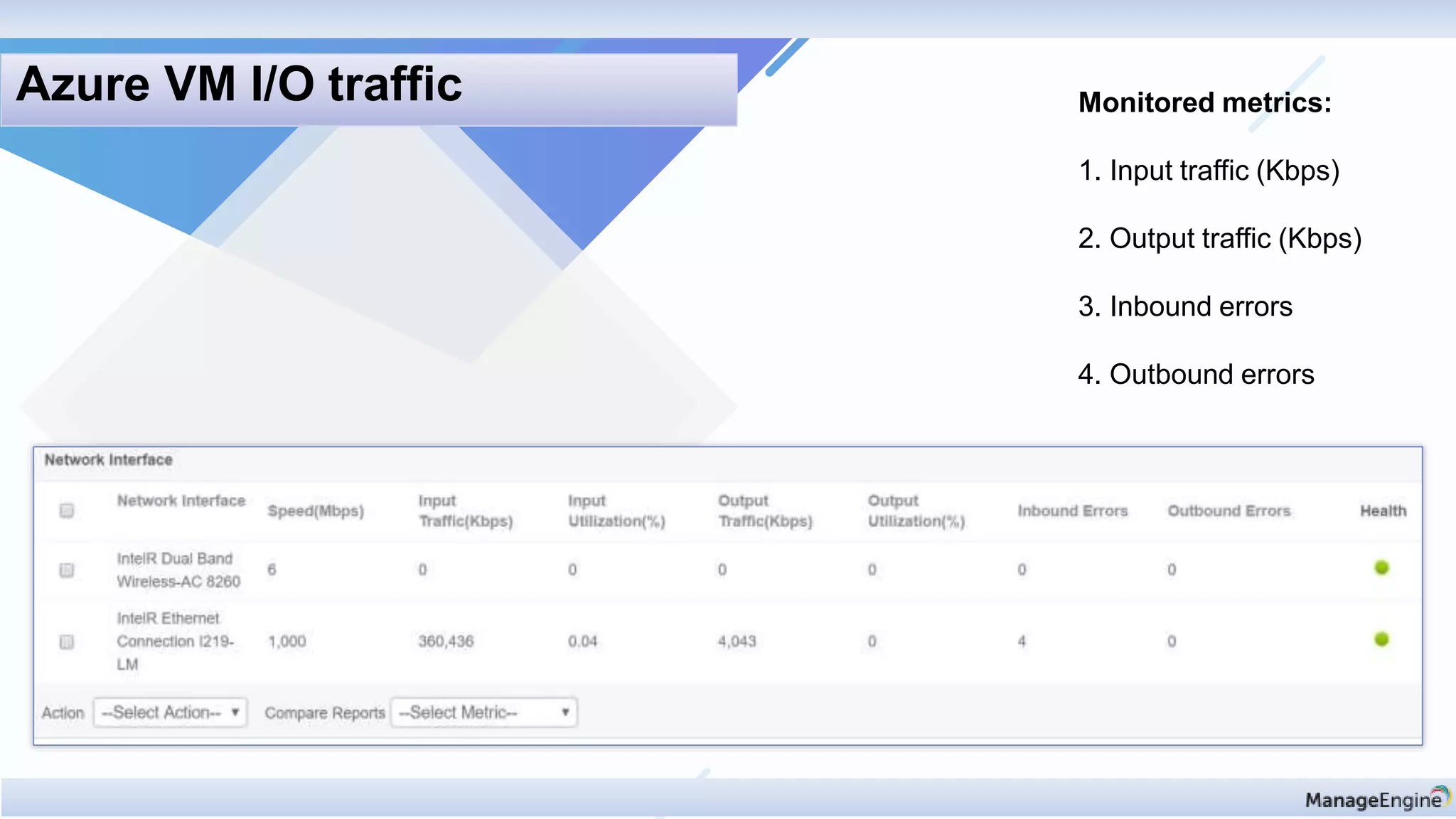
Monitored metrics:
1. Input traffic (Kbps)
2. Output traffic (Kbps)
3. Inbound errors
4. Outbound errors
Azure VM I/O traffic
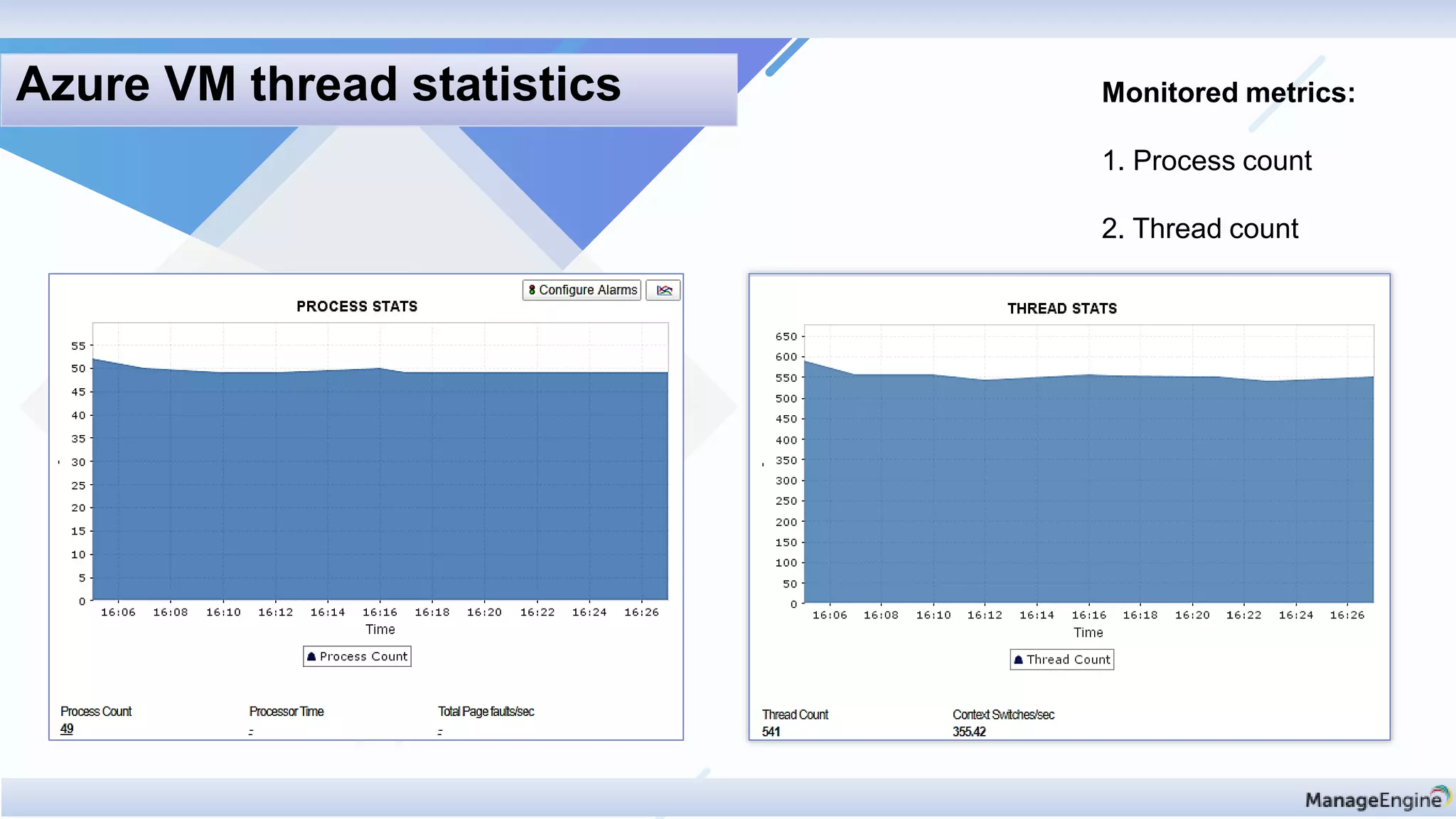
Monitored metrics:
1. Process count
2. Thread count
Azure VM thread statistics
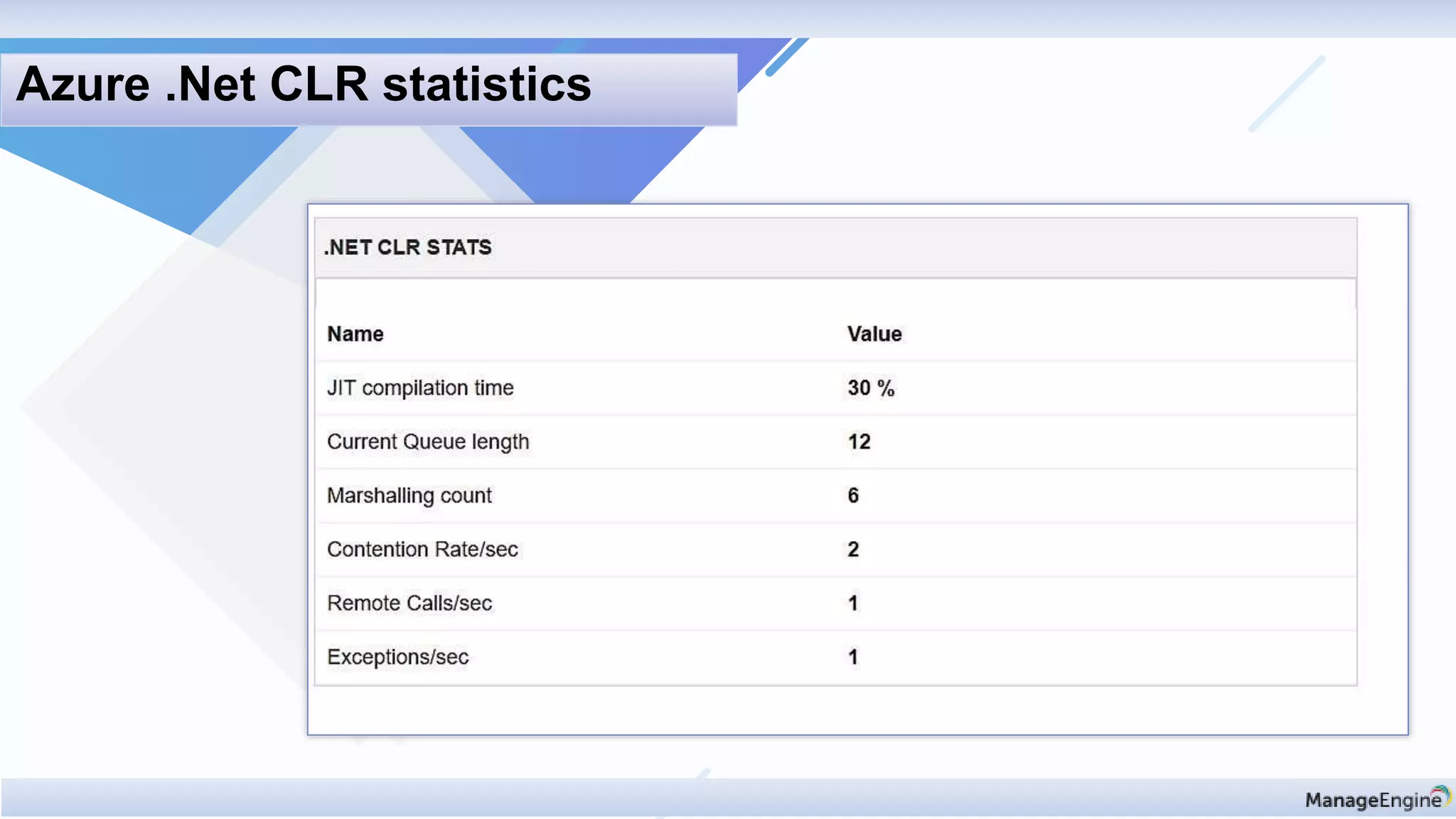
Azure .Net CLR statistics
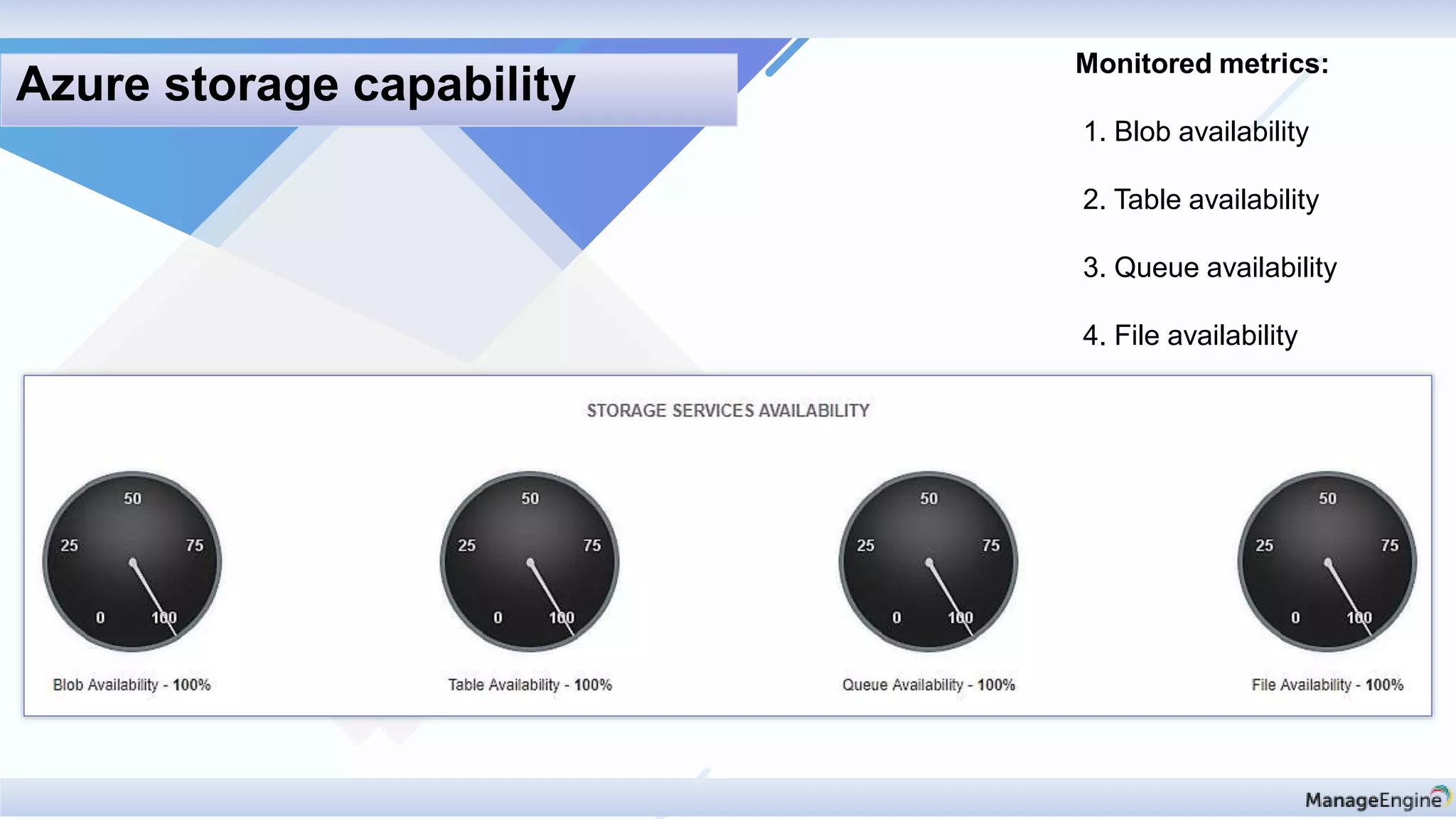
Monitored metrics:
1. Blob availability
2. Table availability
3. Queue availability
4. File availability
Azure storage capability
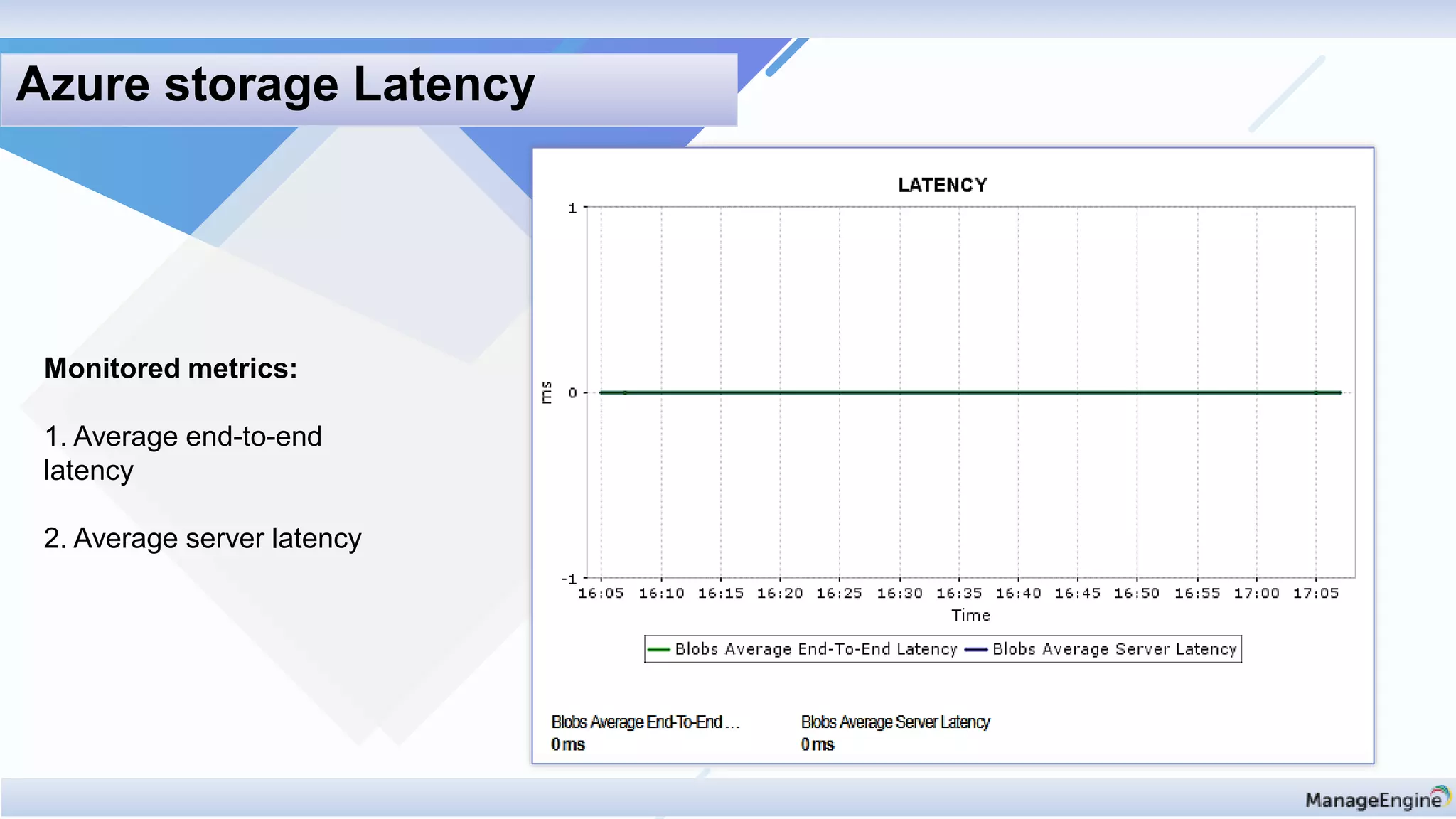
Monitored metrics:
1. Average end-to-end
latency
2. Average server latency
Azure storage Latency
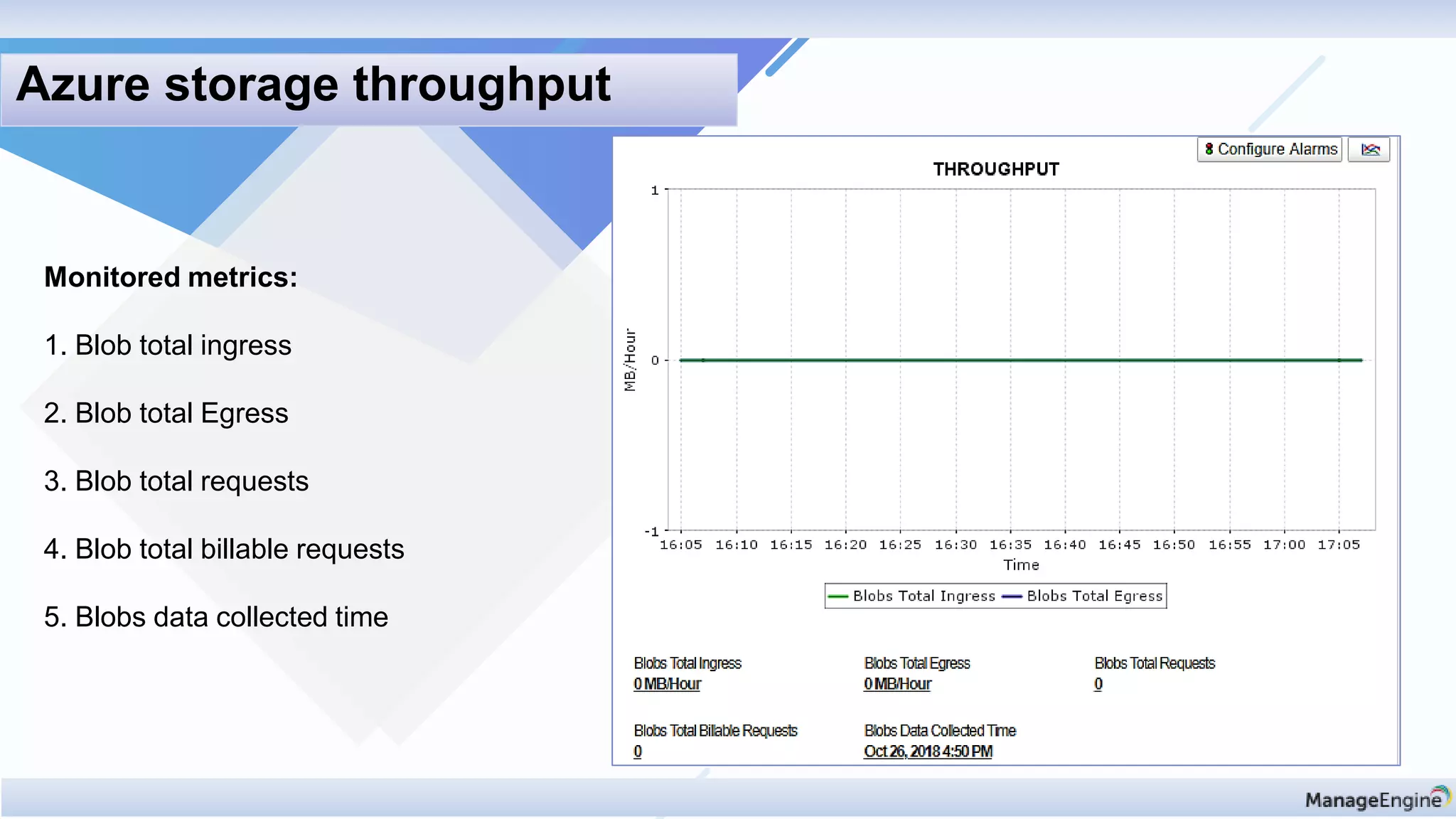
Monitored metrics:
1. Blob total ingress
2. Blob total Egress
3. Blob total requests
4. Blob total billable requests
5. Blobs data collected time
Azure storage throughput
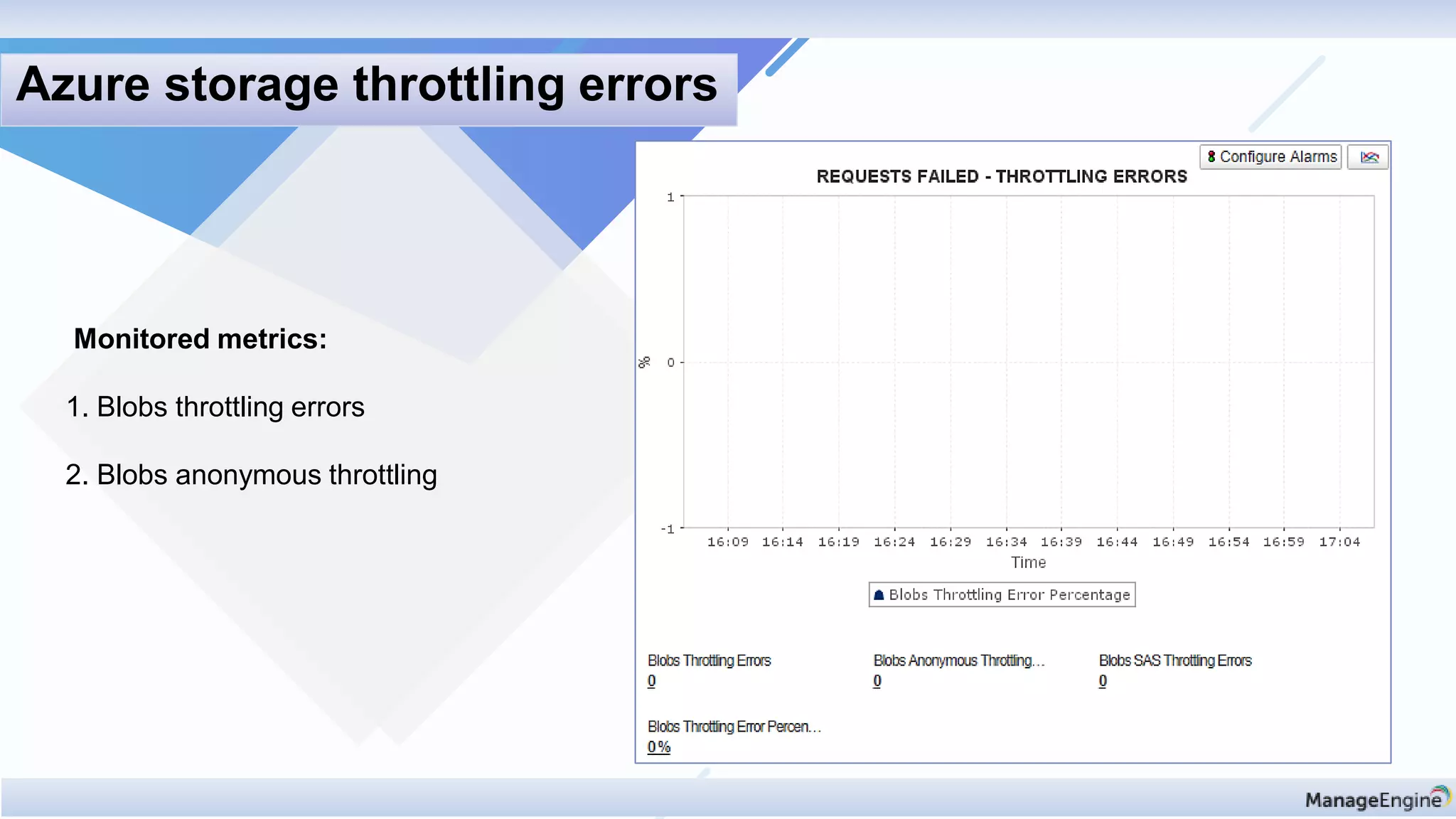
Monitored metrics:
1. Blobs throttling errors
2. Blobs anonymous throttling
Azure storage throttling errors
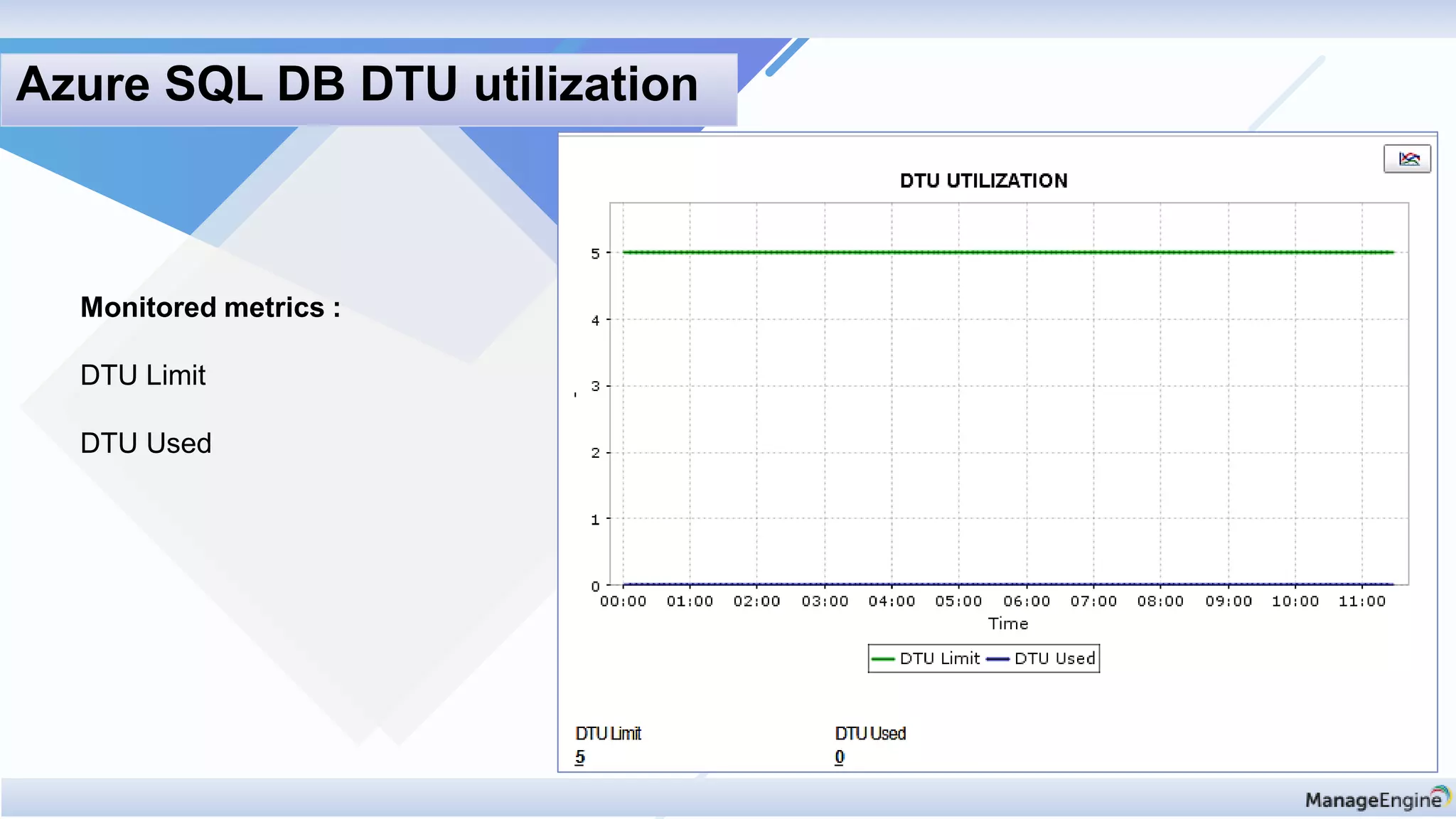
Monitored metrics :
DTU Limit
DTU Used
Azure SQL DB DTU utilization
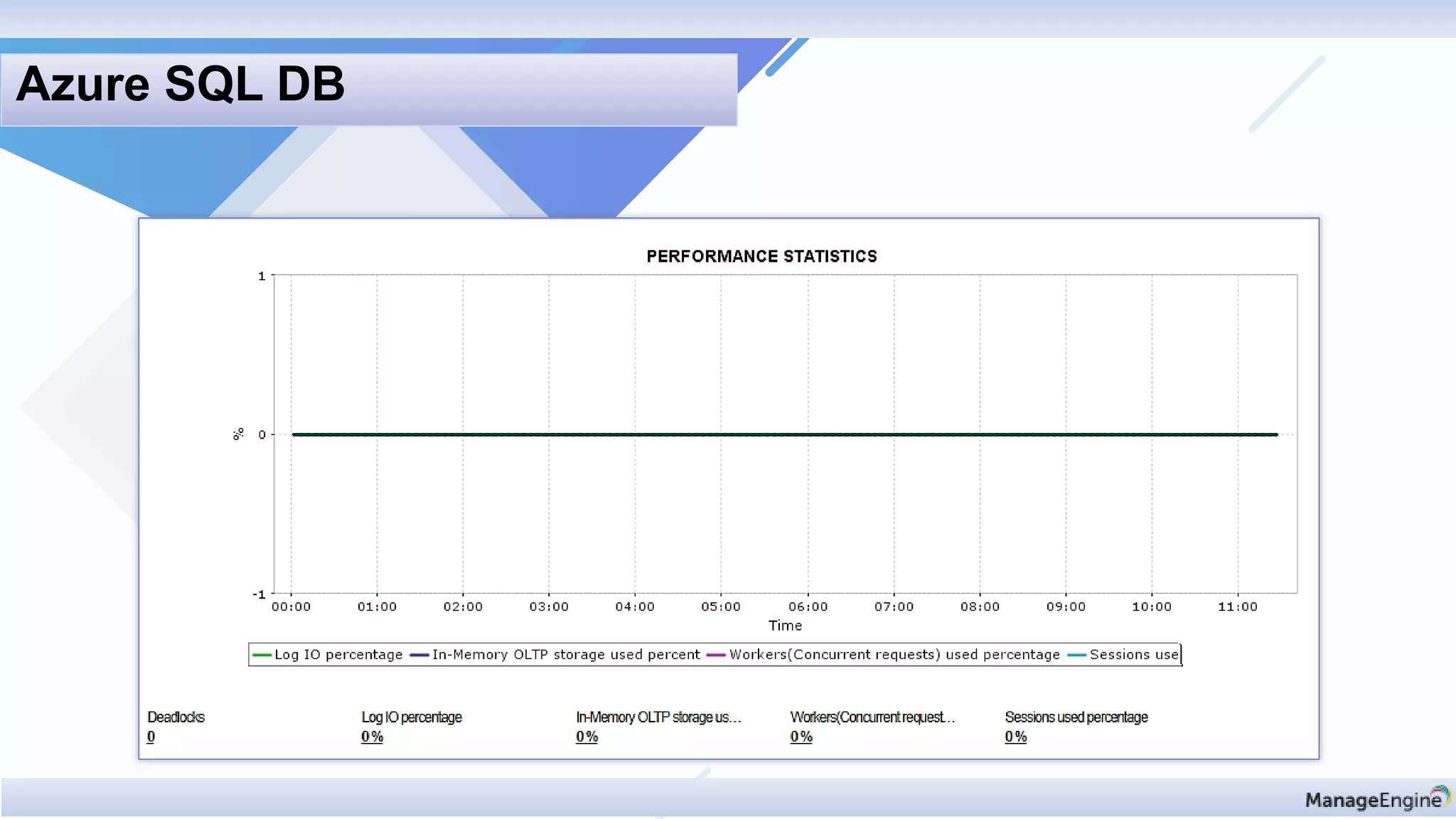
Azure SQL DB
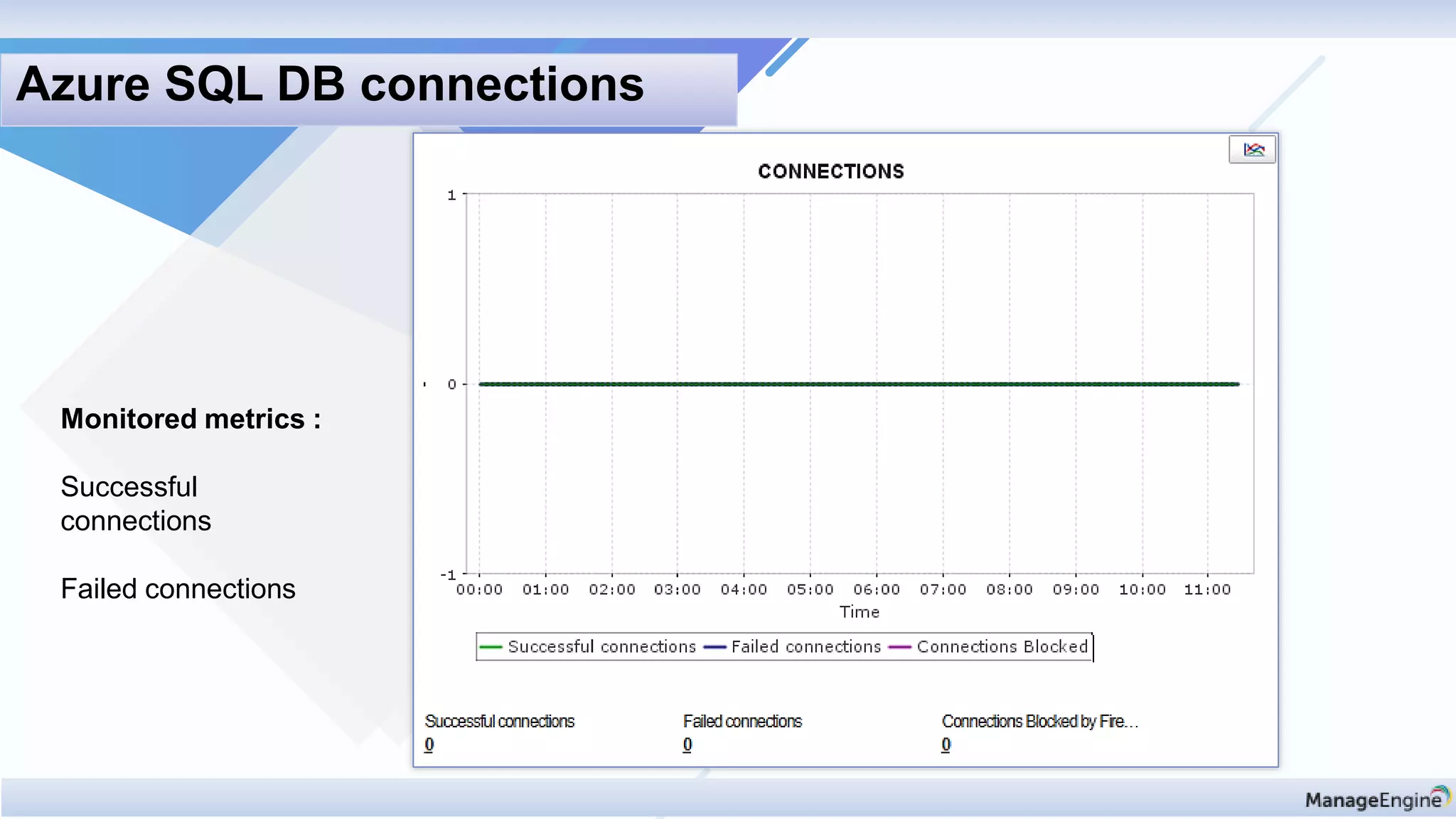
Monitored metrics :
Successful
connections
Failed connections
Azure SQL DB connections
Discovery & mappin
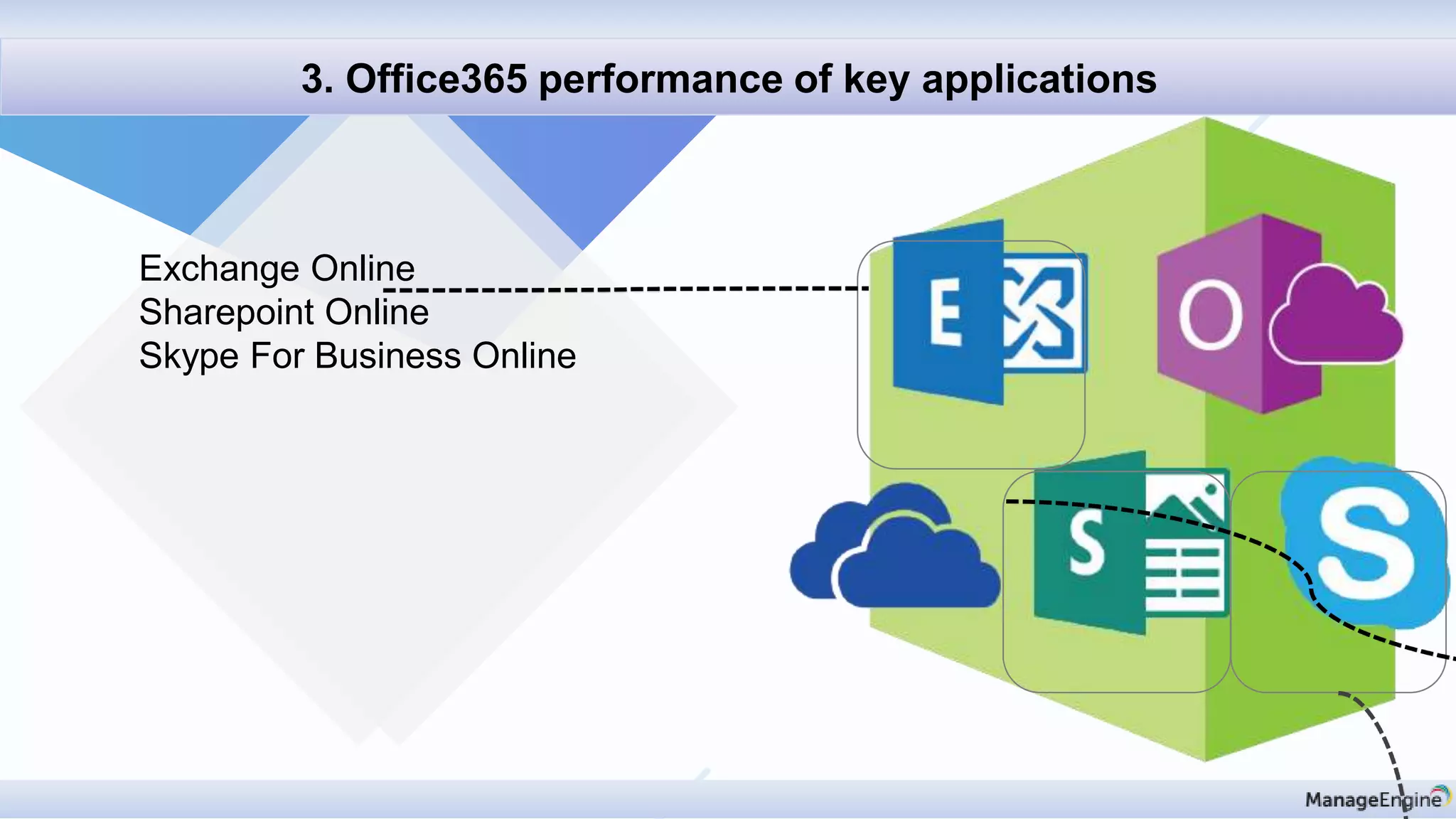
3. Office365 performance of key applications
Exchange Online
Sharepoint Online
Skype For Business Online
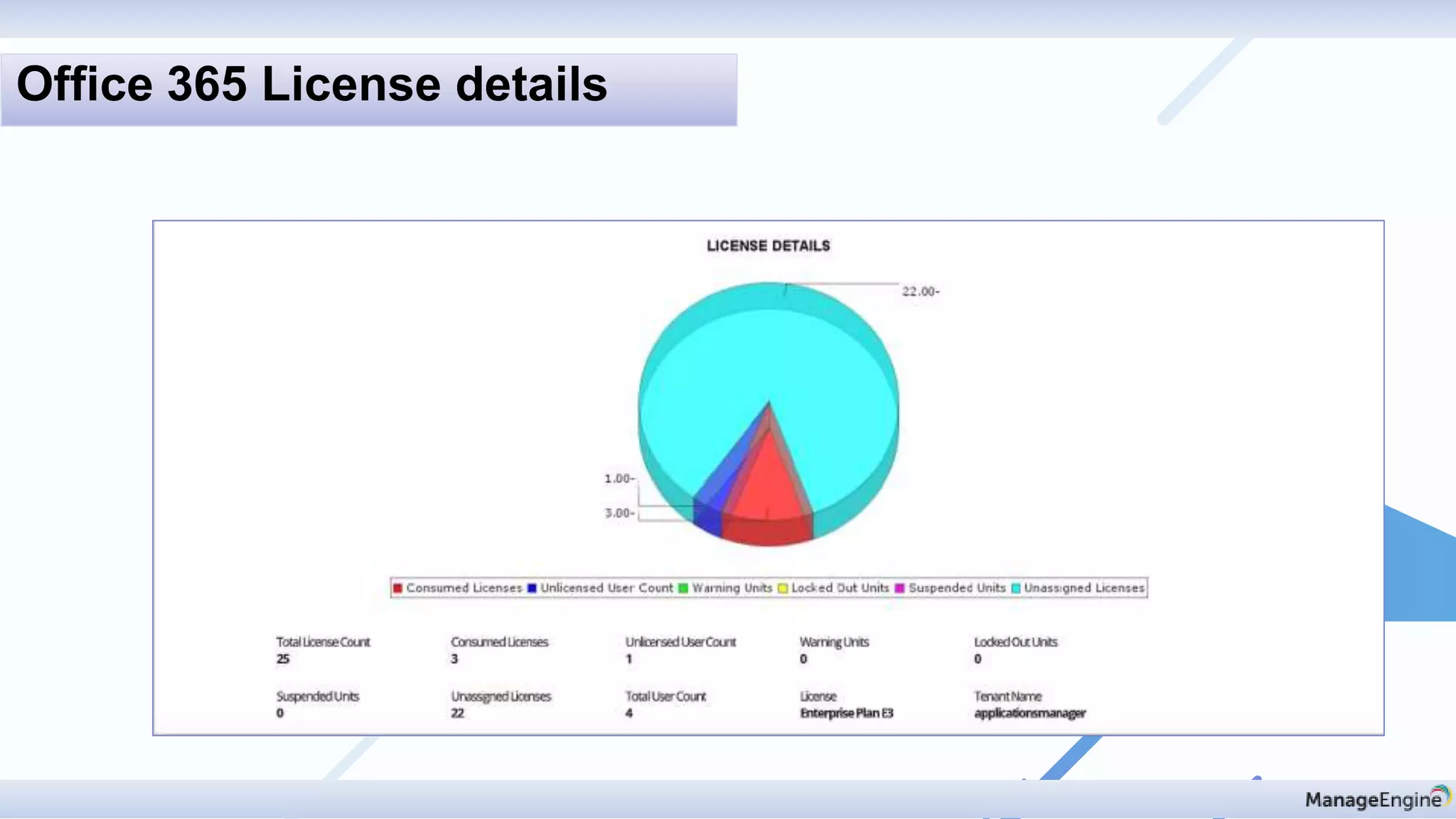
Office 365 License details
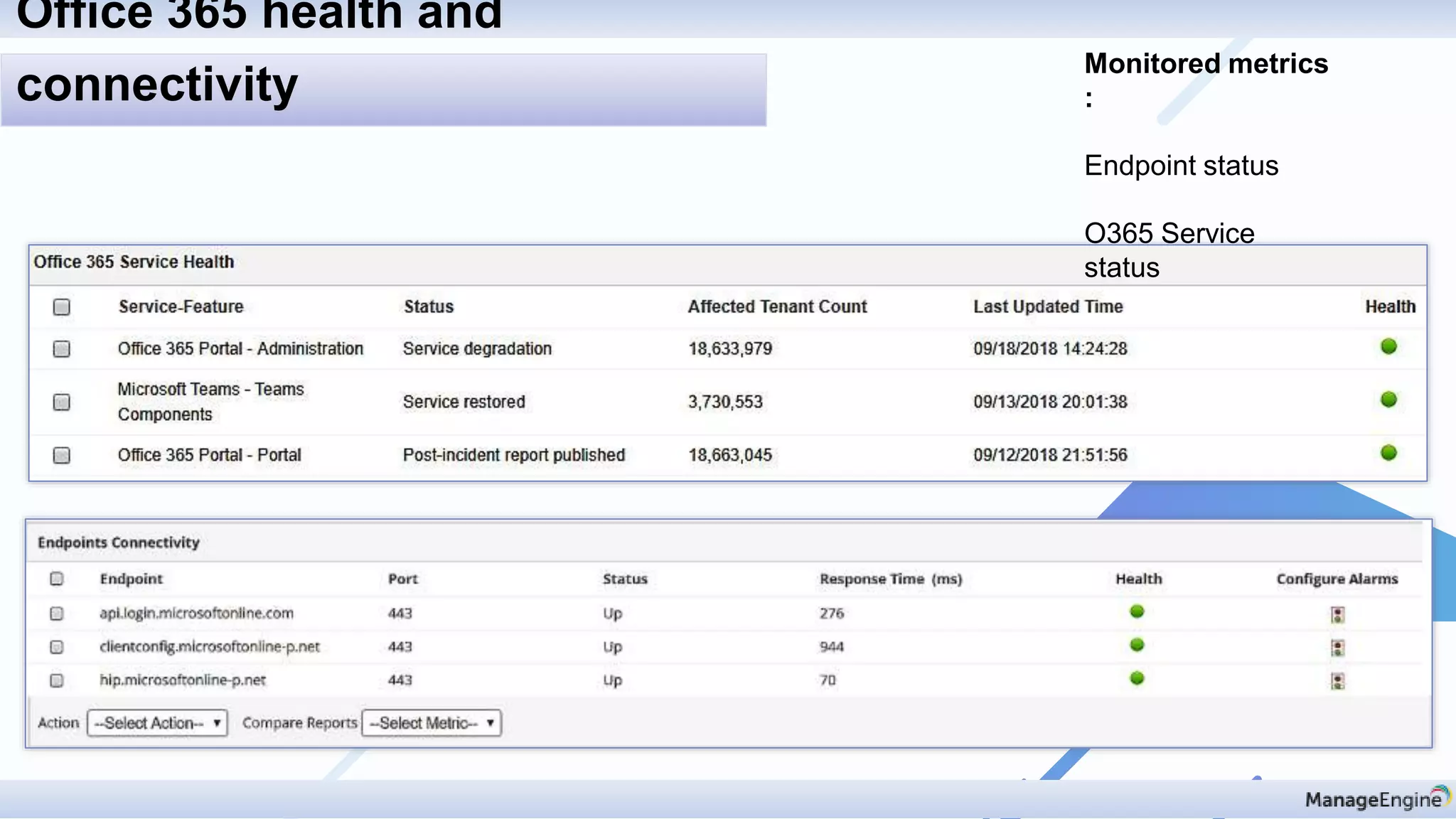
Monitored metrics
:
Endpoint status
O365 Service
status
Office 365 health and
connectivity
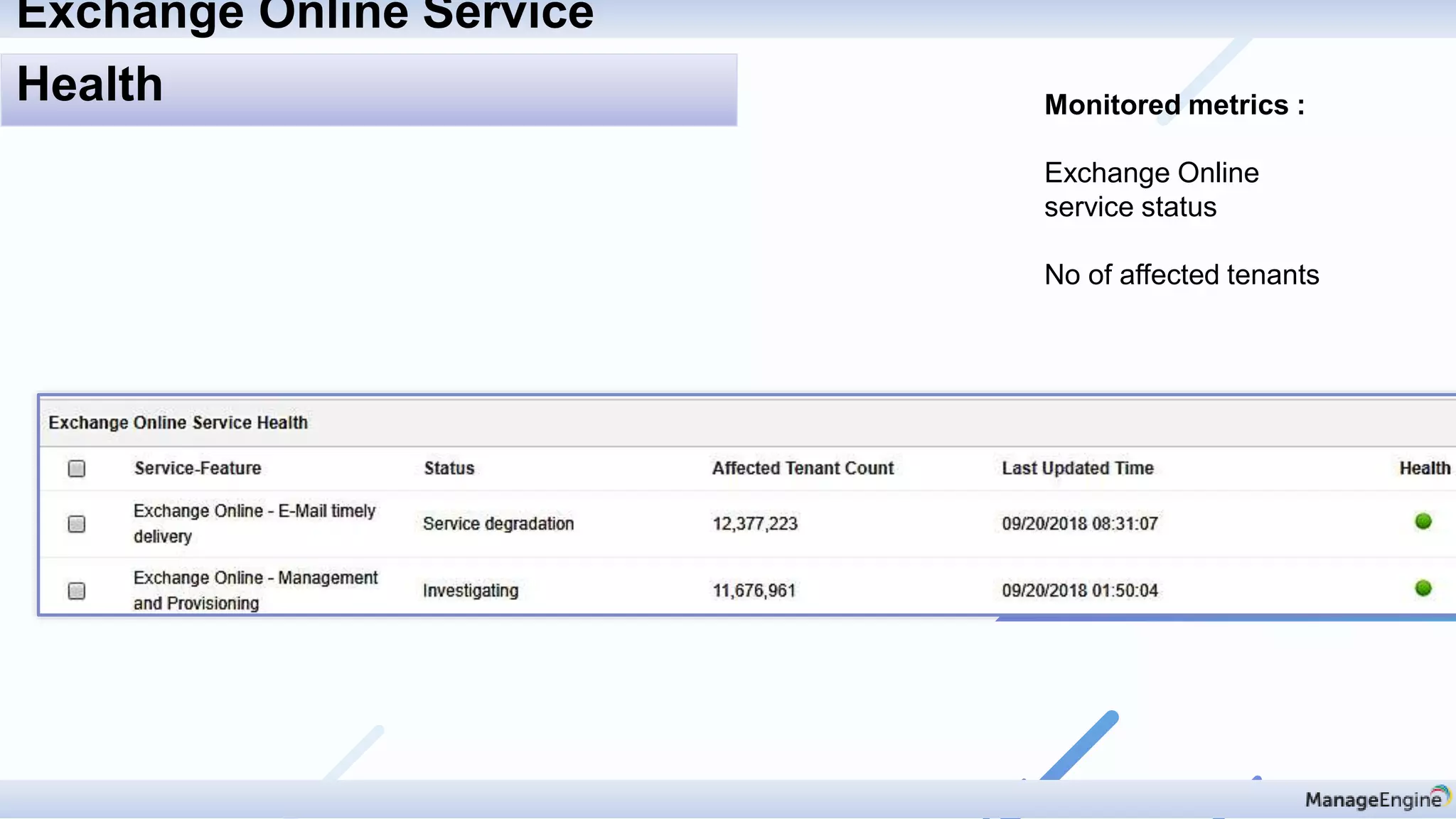
Monitored metrics :
Exchange Online
service status
No of affected tenants
Exchange Online Service
Health
Monitored metrics :
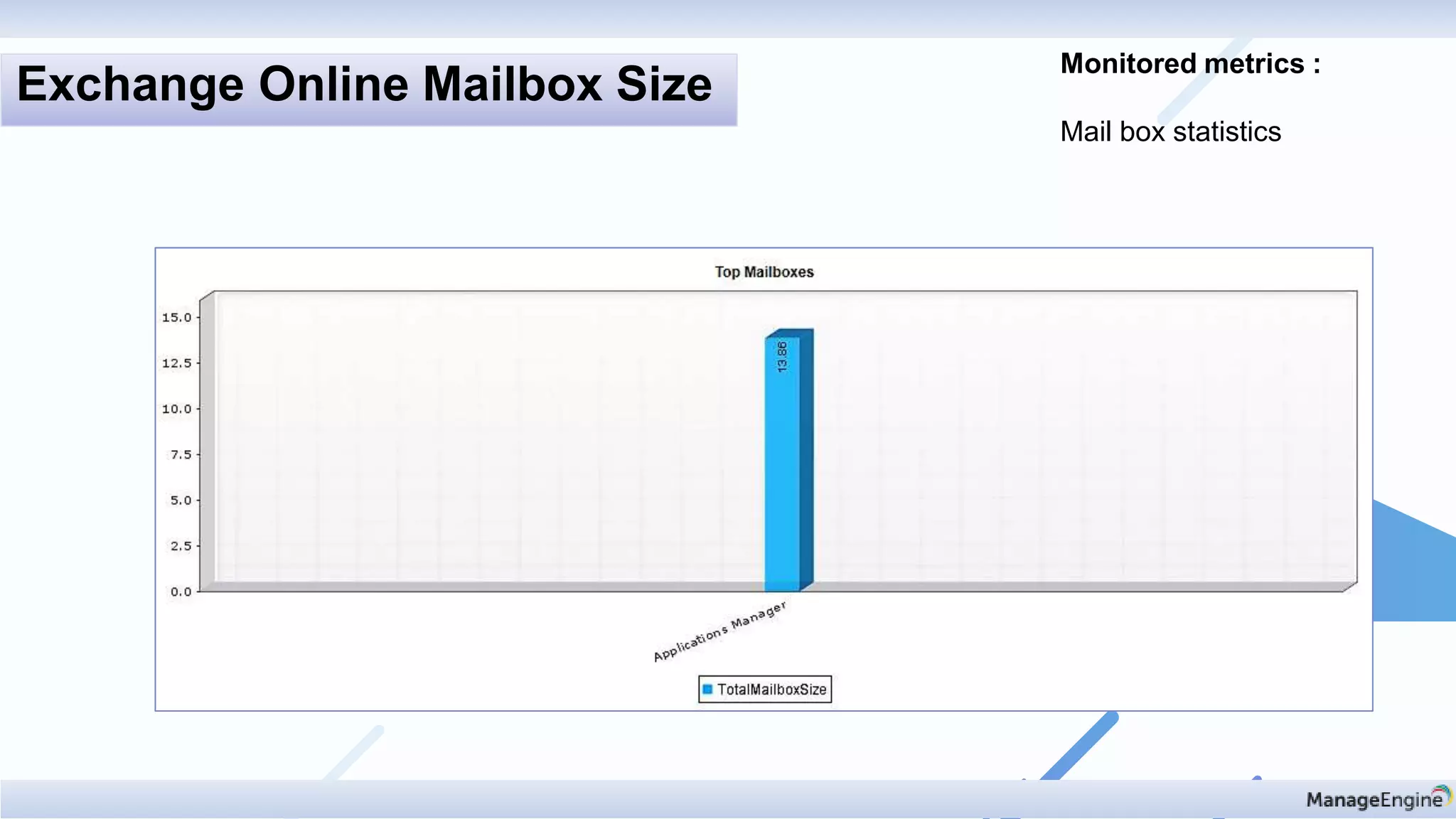
Mail box statistics
Exchange Online Mailbox Size
Monitored metrics :
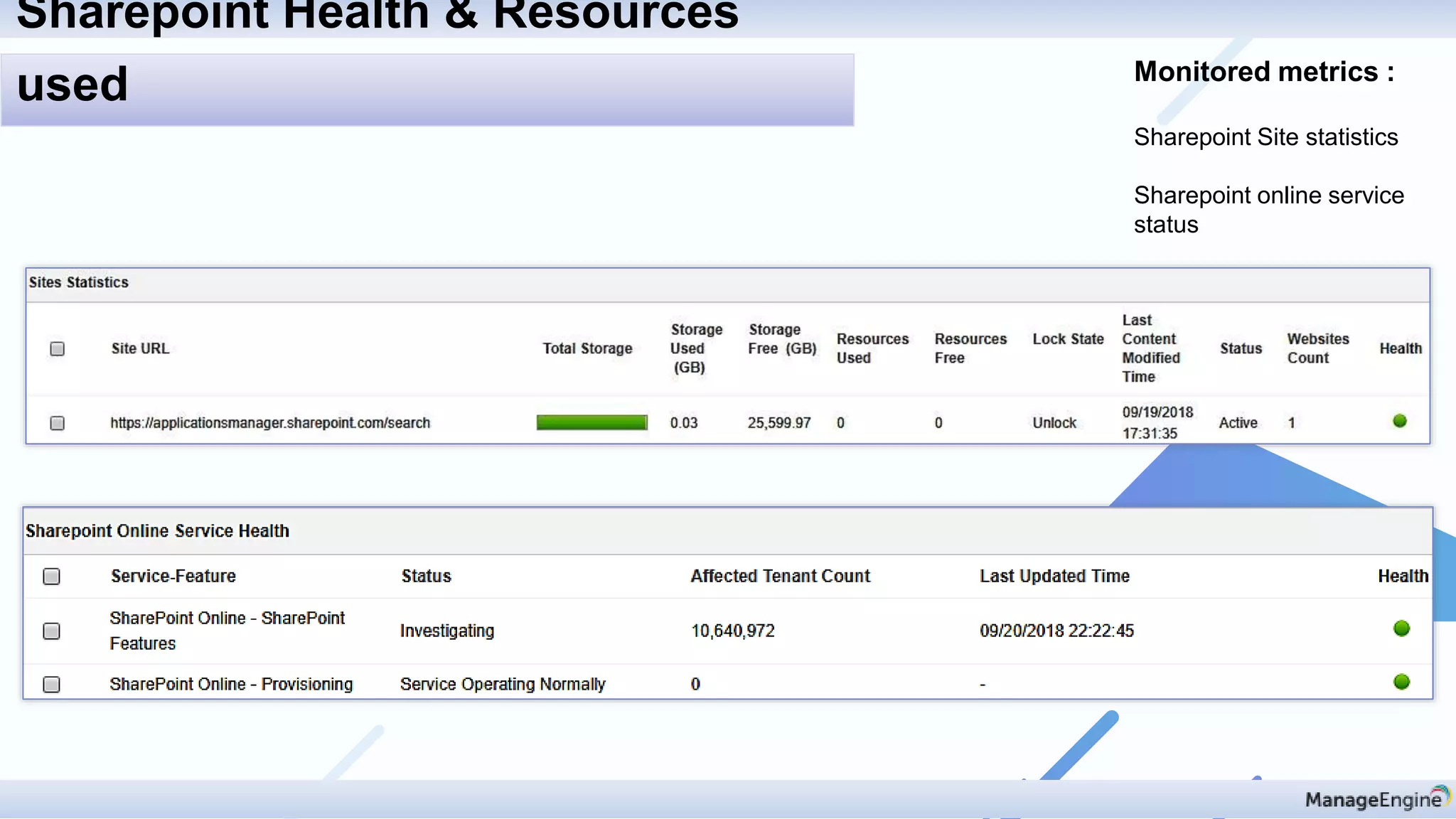
Sharepoint Site statistics
Sharepoint online service
status
Sharepoint Health & Resources
used
Monitored metrics :
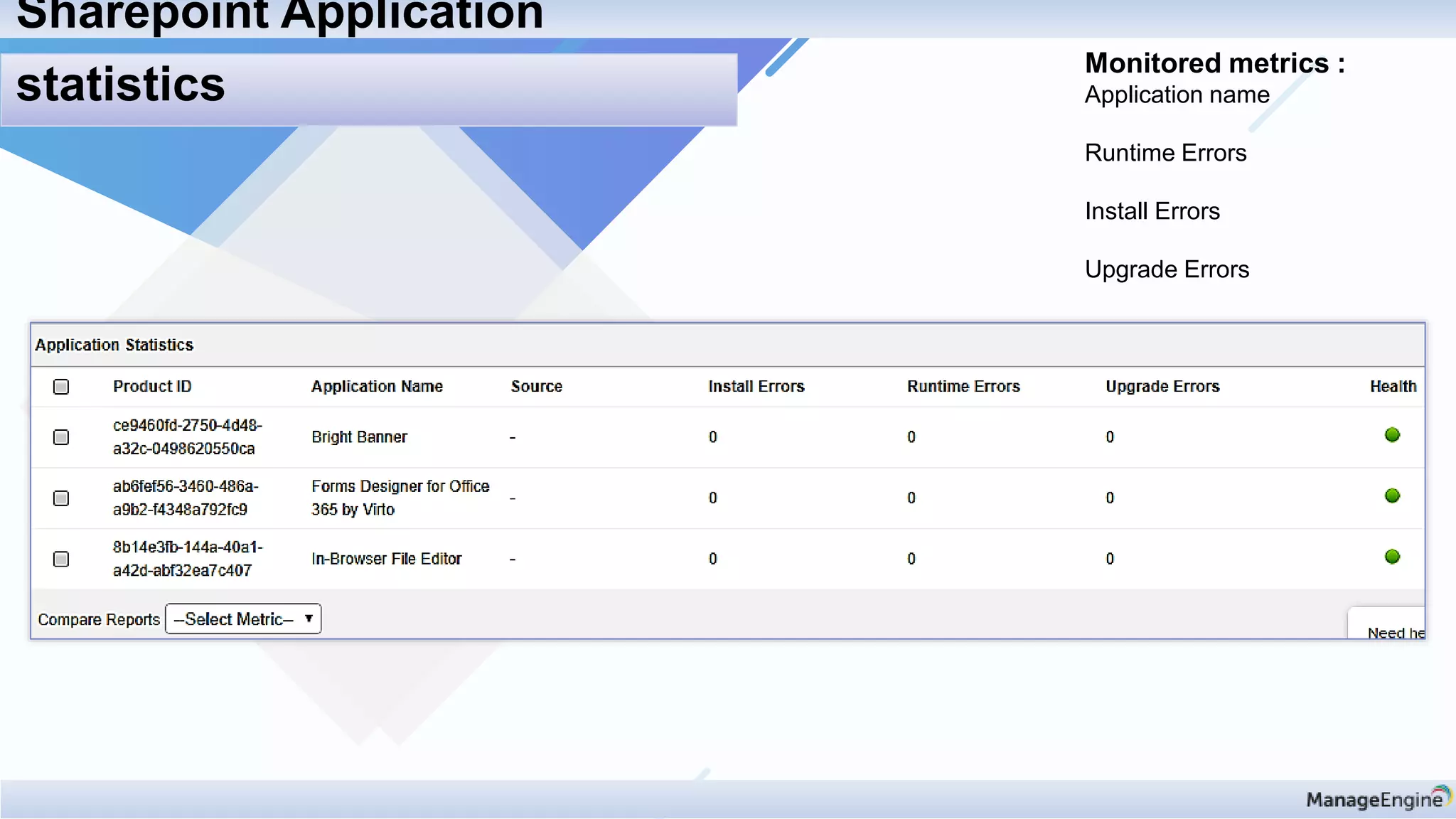
Application name
Runtime Errors
Install Errors
Upgrade Errors
Sharepoint Application
statistics
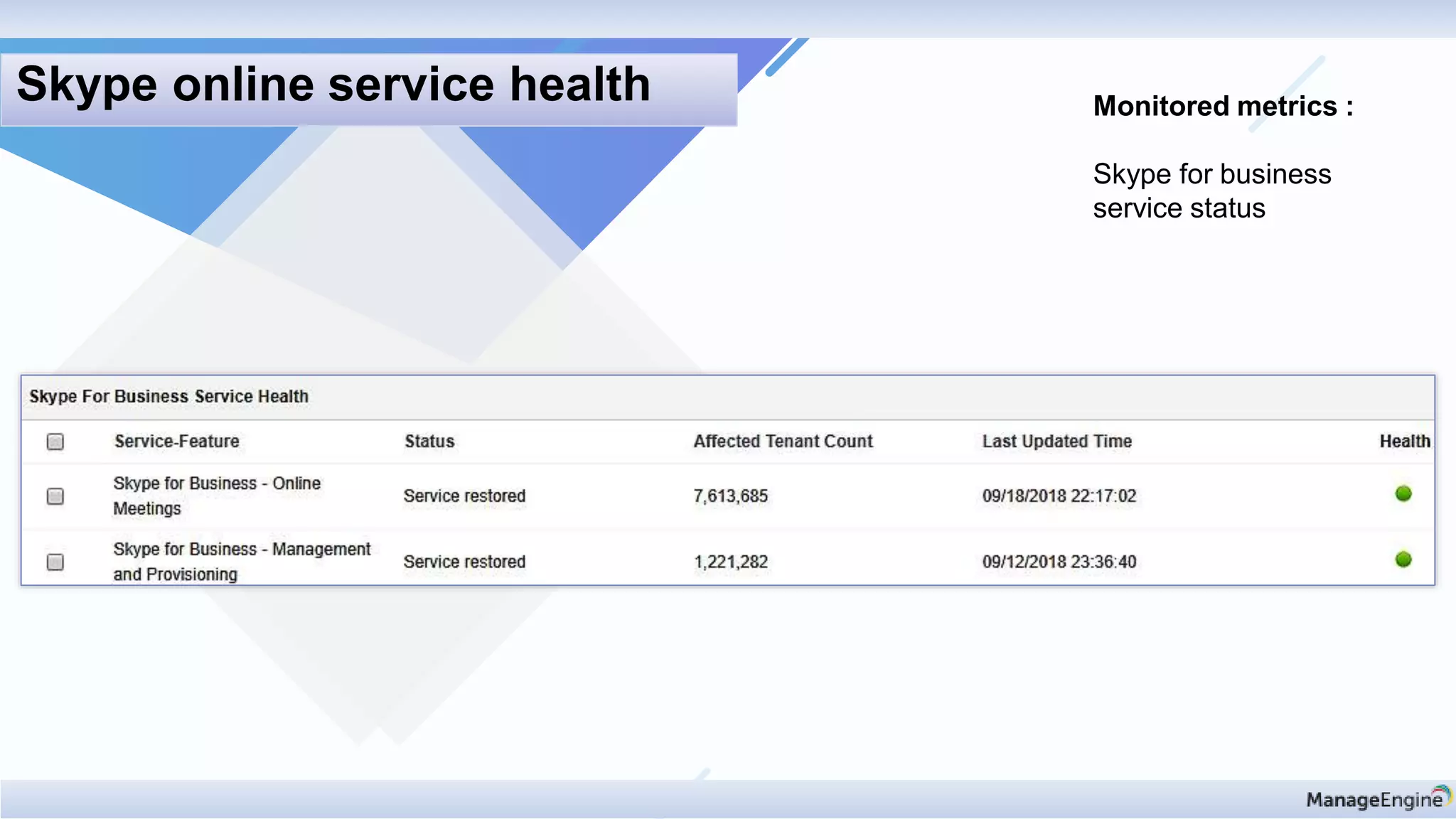
Monitored metrics :
Skype for business
service status
Skype online service health
4. Cloud analytics for effective resource planning
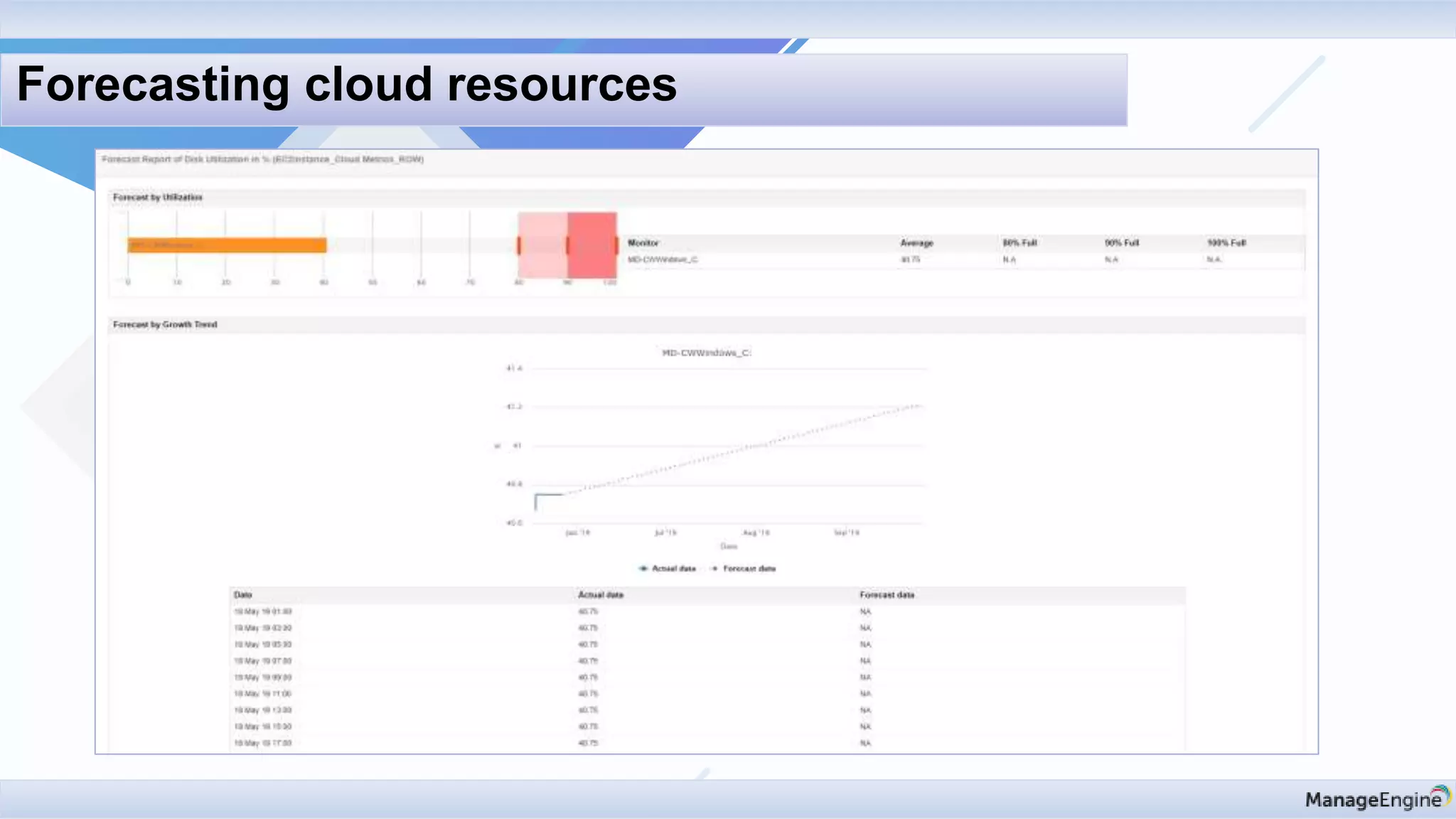
Forecasting cloud resources
Drop us a line at:
Support
appmanager-support@manageengine.com
Eval
eval-apm@manageengine.com
Online Demo
demo.appmanager.com
Quick Recap:
• Monitoring of key metrics of AWS resources.
• Insights into O365 monitoring.
• Azure monitoring and its vivid resources.
• Resource planning for Cloud infrastructure.
Support
appmanager-support@manageengine.com
Eval
eval-apm@manageengine.com
Online Demo
demo.appmanager.com

Cloud applications monitoring in digital transformation era