Do you share other’s peopleDo you share other’s people
content on SOCIAL MEDIA?content on SOCIAL MEDIA?
By Your Relentless NetworkBy Your Relentless Network
Learn my journey: iamrelentlessva.comLearn my journey: iamrelentlessva.com
Email: meriamva@gmail.comEmail: meriamva@gmail.com
If your answer is YES?If your answer is YES?
And I hope so.And I hope so.
Then you need to check outThen you need to check out
SNIPLY.SNIPLY.
Imagine sharing a great piece ofImagine sharing a great piece of
content.content.
From Entrepreneur magazine.From Entrepreneur magazine.
Or whatever major publicationsOr whatever major publications
Is widely read by your targetIs widely read by your target
audience.audience.
And having a call-to-action withAnd having a call-to-action with
your business.your business.
Information nicelyInformation nicely
placed in your cornerplaced in your corner
page.page.
Now, How do you start usingNow, How do you start using
SNIPLY?SNIPLY?
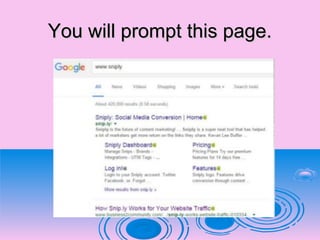
Type in www.sniply.com in yourType in www.sniply.com in your
browser and click on enter.browser and click on enter.
You will prompt this page.You will prompt this page.
Then click here.Then click here.
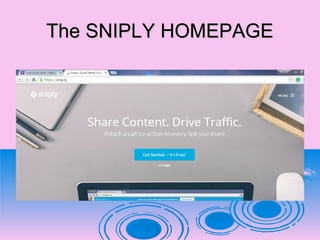
You will be directed to SNIPLYYou will be directed to SNIPLY
website.website.
The SNIPLY HOMEPAGEThe SNIPLY HOMEPAGE
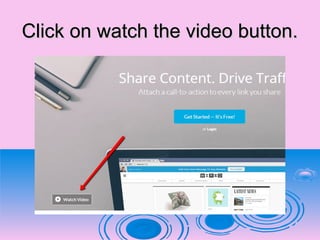
You can watch their video.You can watch their video.
Click on watch the video button.Click on watch the video button.
……or another way aroundor another way around
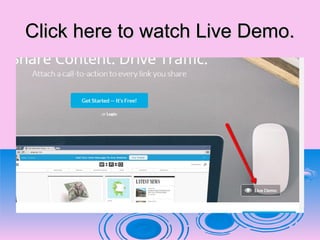
Click here to watch Live Demo.Click here to watch Live Demo.
To start with SNIPLY.To start with SNIPLY.
You will need to SIGN UP.You will need to SIGN UP.
And it’s FREE!!!And it’s FREE!!!
Click on GET STARTED button.Click on GET STARTED button.
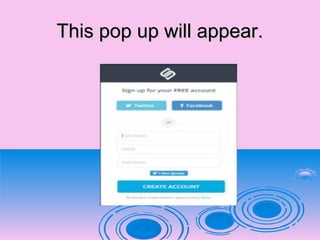
This pop up will appear.This pop up will appear.
You can SIGN UPYou can SIGN UP
..using your FACEBOOK,..using your FACEBOOK,
……your TWITTER,your TWITTER,
..your EMAIL ACCOUNT...your EMAIL ACCOUNT.
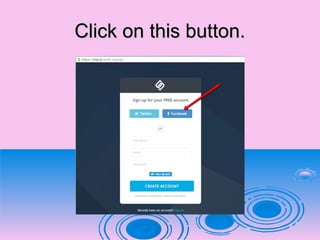
Let’s sign up using FACEBOOK.Let’s sign up using FACEBOOK.
Click on this button.Click on this button.
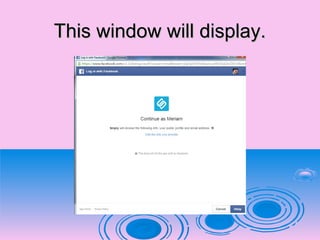
This window will display.This window will display.
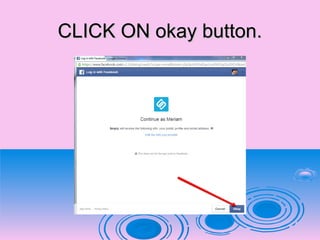
CLICK ON okay button.CLICK ON okay button.
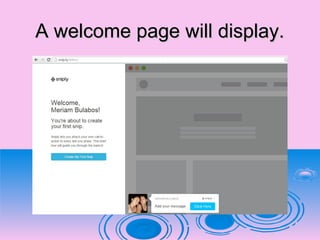
A welcome page will display.A welcome page will display.
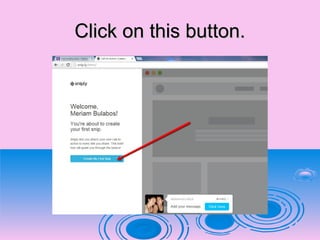
Click on this button.Click on this button.
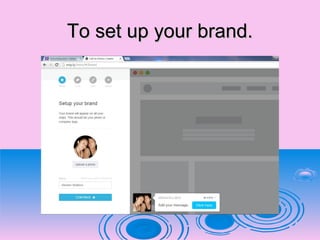
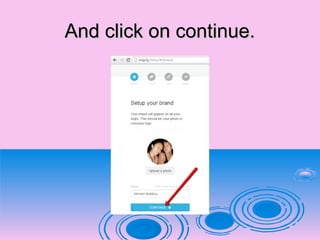
To set up your brand.To set up your brand.
Click on the STAR ICON.Click on the STAR ICON.
And click on continue.And click on continue.
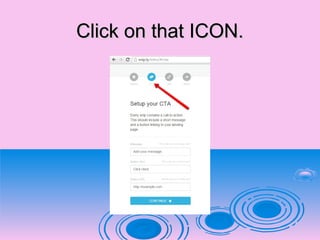
To set up yourTo set up your CTACTA..
Click on that ICON.Click on that ICON.
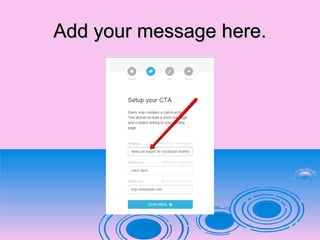
Add your message here.Add your message here.
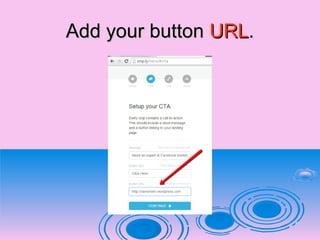
Add your buttonAdd your button URLURL..
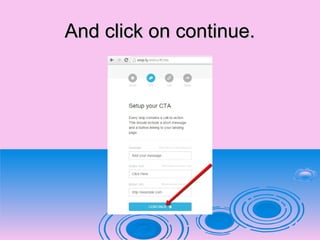
And click on continue.And click on continue.
This will show on the lower rightThis will show on the lower right
side on your creen.side on your creen.
This will show the preview on yourThis will show the preview on your
snip.snip.
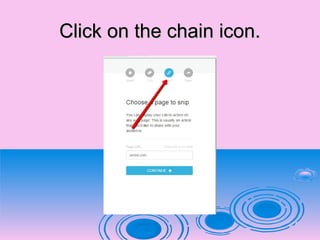
To set up your link.To set up your link.
Click on the chain icon.Click on the chain icon.
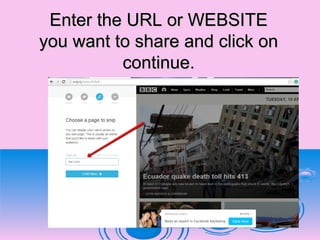
Enter the URL or WEBSITEEnter the URL or WEBSITE
you want to share and click onyou want to share and click on
continue.continue.
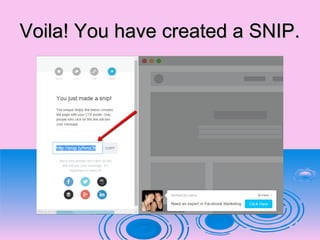
Voila! You have created a SNIP.Voila! You have created a SNIP.
SNIPLY can be added aSNIPLY can be added a
browser extension.browser extension.
To Google Chrome andTo Google Chrome and
Modzilla FirefoxModzilla Firefox..
Installing an extension will helpInstalling an extension will help
you.you.
Create SNIPLY links withoutCreate SNIPLY links without
forcing.forcing.
..you to change how you work...you to change how you work.
Now, let’s add this to CHROME.Now, let’s add this to CHROME.
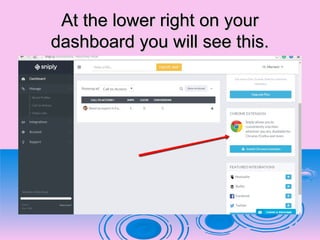
At the lower right on yourAt the lower right on your
dashboard you will see this.dashboard you will see this.
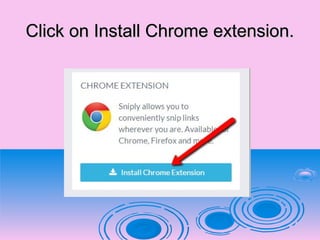
Click on Install Chrome extension.Click on Install Chrome extension.
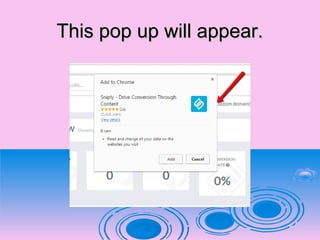
This pop up will appear.This pop up will appear.

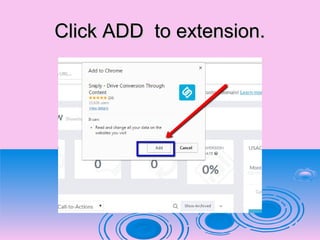
Click ADD to extension.Click ADD to extension.

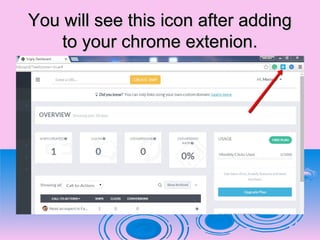
You will see this icon after addingYou will see this icon after adding
to your chrome extenion.to your chrome extenion.
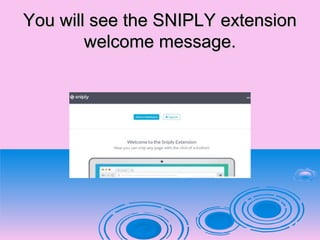
You will see the SNIPLY extensionYou will see the SNIPLY extension
welcome message.welcome message.
Snipping is made it easier for you!!Snipping is made it easier for you!!
Let’s try creating a nip usingLet’s try creating a nip using
CHROME extension.CHROME extension.
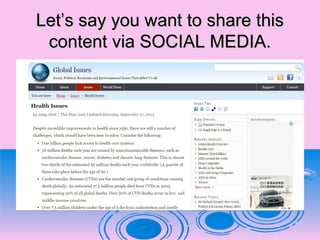
Let’s say you want to share thisLet’s say you want to share this
content via SOCIAL MEDIA.content via SOCIAL MEDIA.
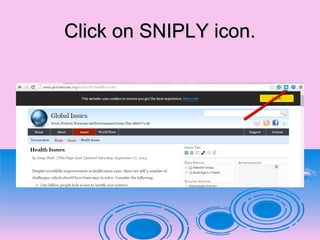
Click on SNIPLY icon.Click on SNIPLY icon.
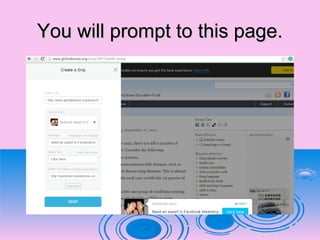
You will prompt to this page.You will prompt to this page.
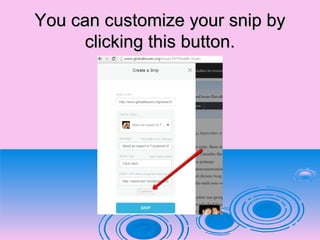
You can customize your snip byYou can customize your snip by
clicking this button.clicking this button.
OROR
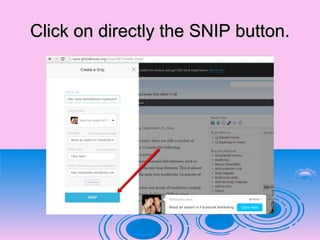
Click on directly the SNIP button.Click on directly the SNIP button.
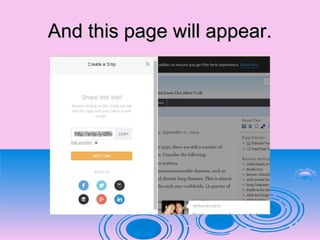
And this page will appear.And this page will appear.
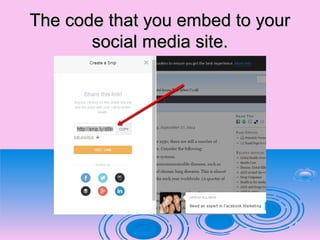
The code that you embed to yourThe code that you embed to your
social media site.social media site.
To share your content inTo share your content in
FACEBOOK.FACEBOOK.
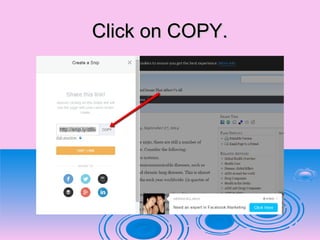
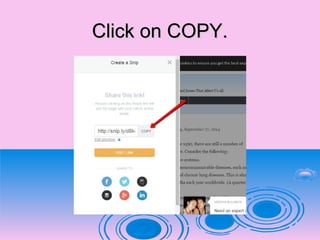
Click on COPY.Click on COPY.
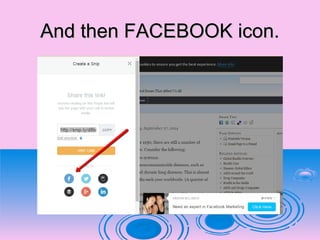
And then FACEBOOK icon.And then FACEBOOK icon.
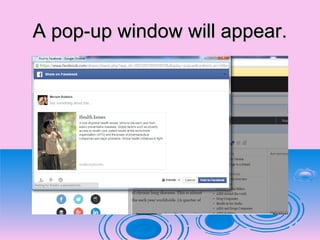
A pop-up window will appear.A pop-up window will appear.
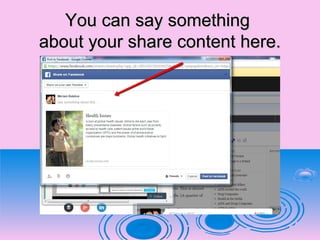
You can say somethingYou can say something
about your share content here.about your share content here.
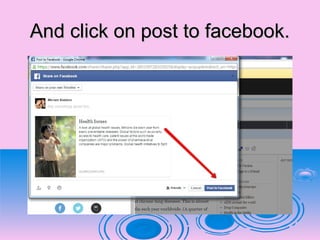
And click on post to facebook.And click on post to facebook.
To share content on yourTo share content on your
TWITTER ACCOUNT.TWITTER ACCOUNT.
Click on COPY.Click on COPY.
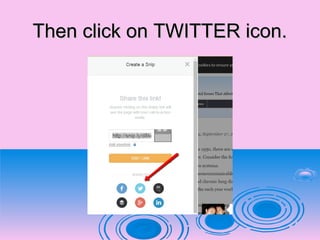
Then click on TWITTER icon.Then click on TWITTER icon.
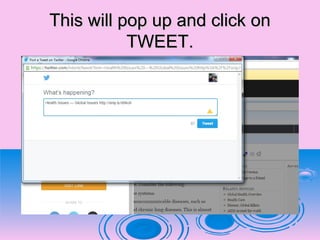
This will pop up and click onThis will pop up and click on
TWEET.TWEET.
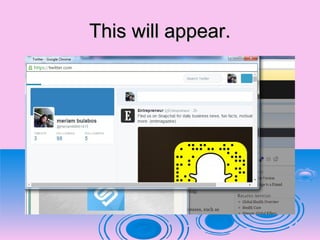
This will appear.This will appear.
To share content on yourTo share content on your
LINKED IN.LINKED IN.
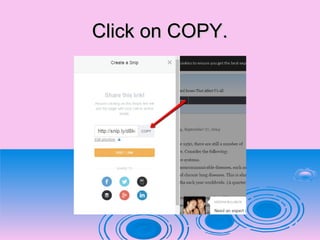
Click on COPY.Click on COPY.
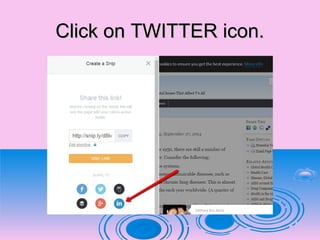
Click on TWITTER icon.Click on TWITTER icon.
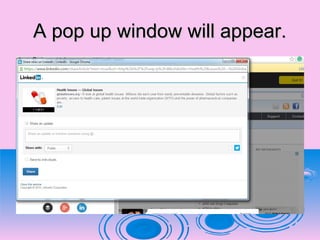
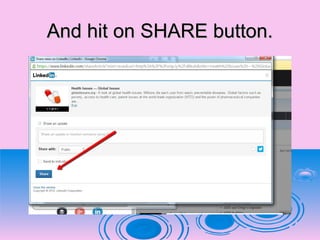
A pop up window will appear.A pop up window will appear.
And hit on SHARE button.And hit on SHARE button.
Your share contentYour share content
successfully shared.successfully shared.
That wasn’t difficult right!That wasn’t difficult right!
Sniply can integrate.Sniply can integrate.
……with other services like.with other services like.
HOOTSUITEHOOTSUITE
BUFFERBUFFER
FACEBOOKFACEBOOK
TWITTERTWITTER
And LINKED INAnd LINKED IN
In Sniply you can view analytics.In Sniply you can view analytics.
Via your DASHBOARD.Via your DASHBOARD.
To learn more..To learn more..
I suggest you to explore.I suggest you to explore.
Sign up now forSign up now for
SNIPLY!SNIPLY!
Quote to ponder!Quote to ponder!

How to use Sniply