F1 opens help menus in many programs. F2 renames files and folders in Windows. F3 performs searches or repeats commands. F4 closes programs or windows. F5 refreshes web pages and reloads documents.
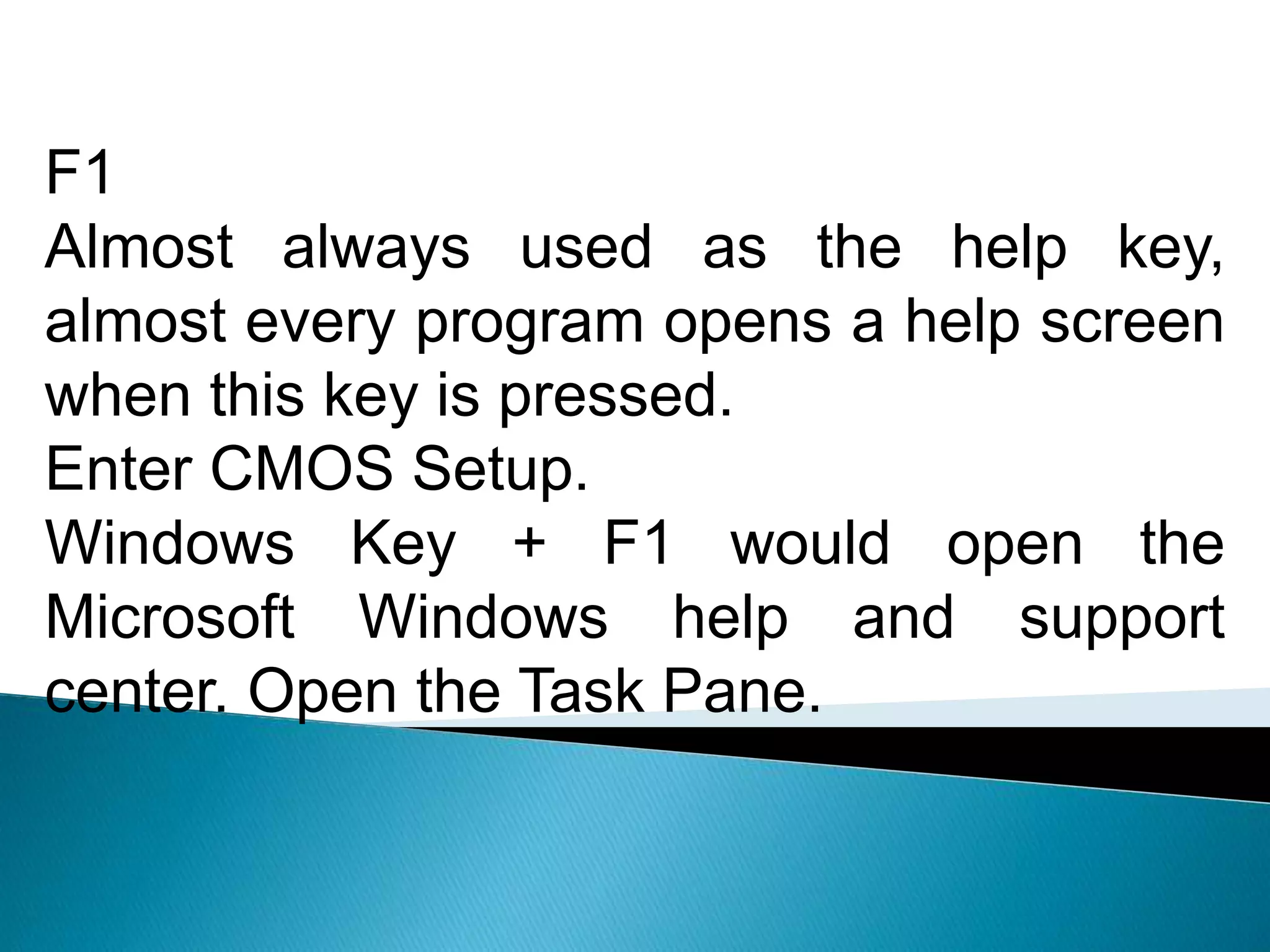
F1
Almost always usedas the help key,
almost every program opens a help screen
when this key is pressed.
Enter CMOS Setup.
Windows Key + F1 would open the
Microsoft Windows help and support
center. Open the Task Pane.
3.
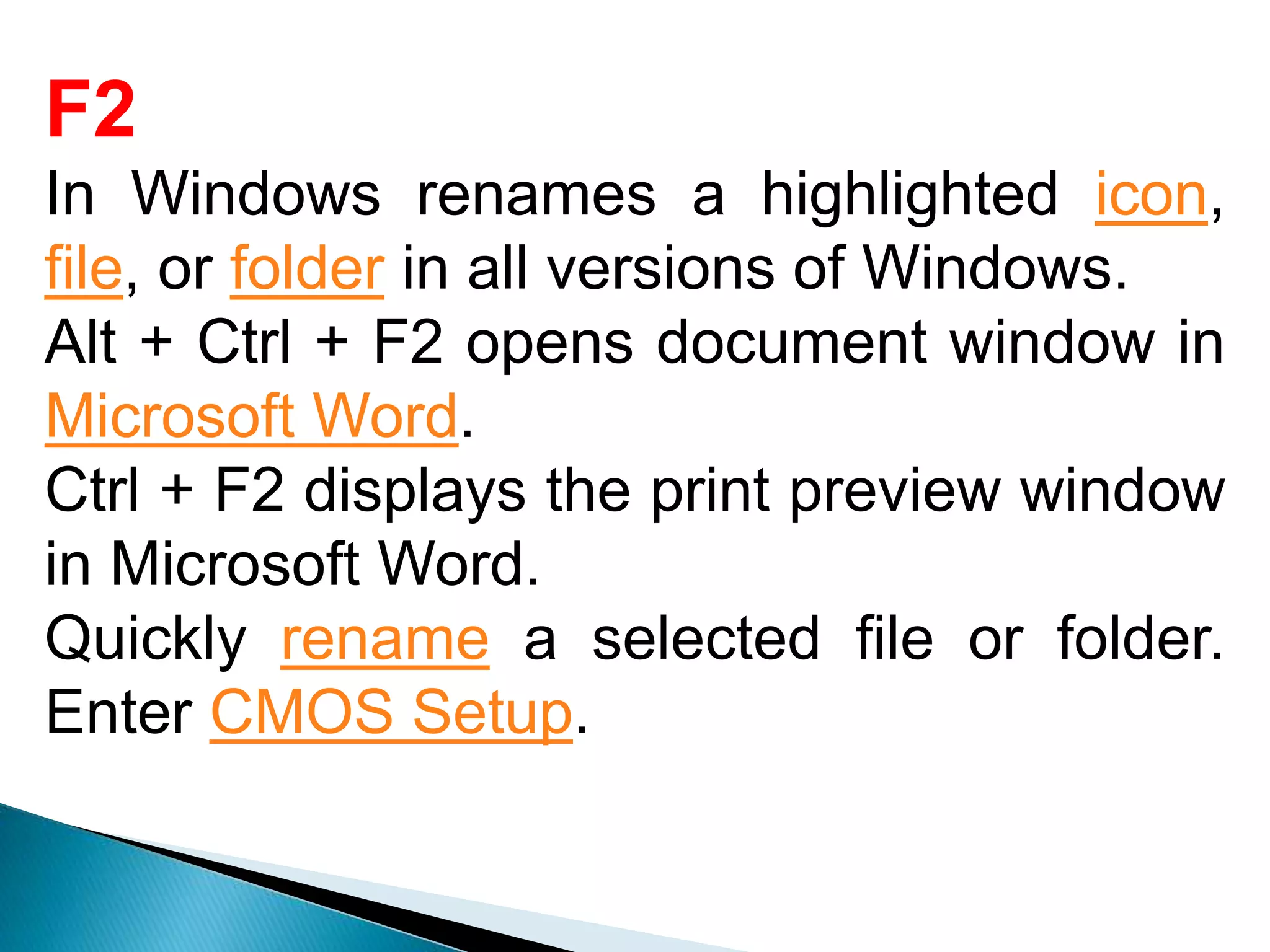
F2
In Windows renamesa highlighted icon,
file, or folder in all versions of Windows.
Alt + Ctrl + F2 opens document window in
Microsoft Word.
Ctrl + F2 displays the print preview window
in Microsoft Word.
Quickly rename a selected file or folder.
Enter CMOS Setup.
4.
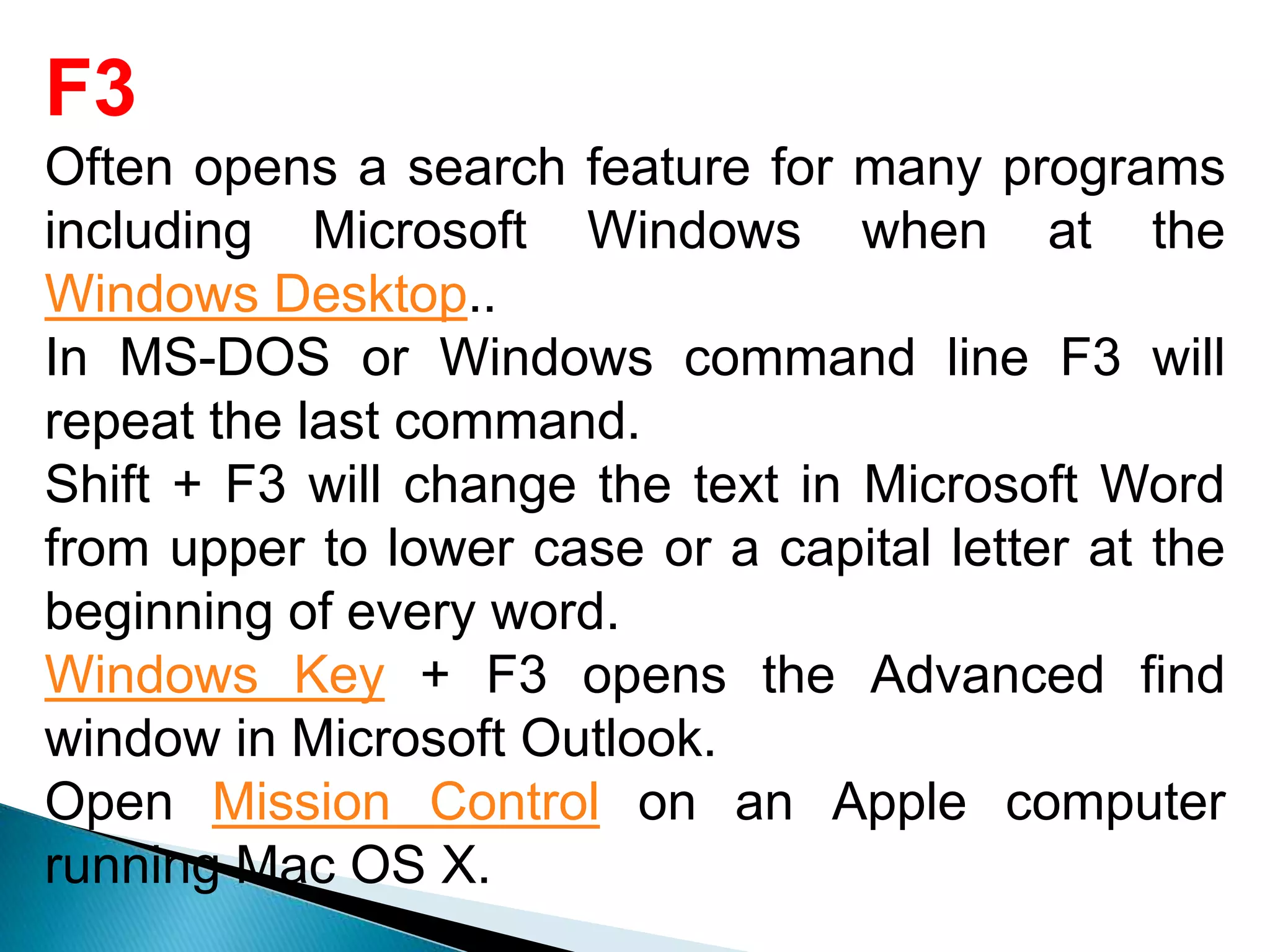
F3
Often opens asearch feature for many programs
including Microsoft Windows when at the
Windows Desktop..
In MS-DOS or Windows command line F3 will
repeat the last command.
Shift + F3 will change the text in Microsoft Word
from upper to lower case or a capital letter at the
beginning of every word.
Windows Key + F3 opens the Advanced find
window in Microsoft Outlook.
Open Mission Control on an Apple computer
running Mac OS X.
5.
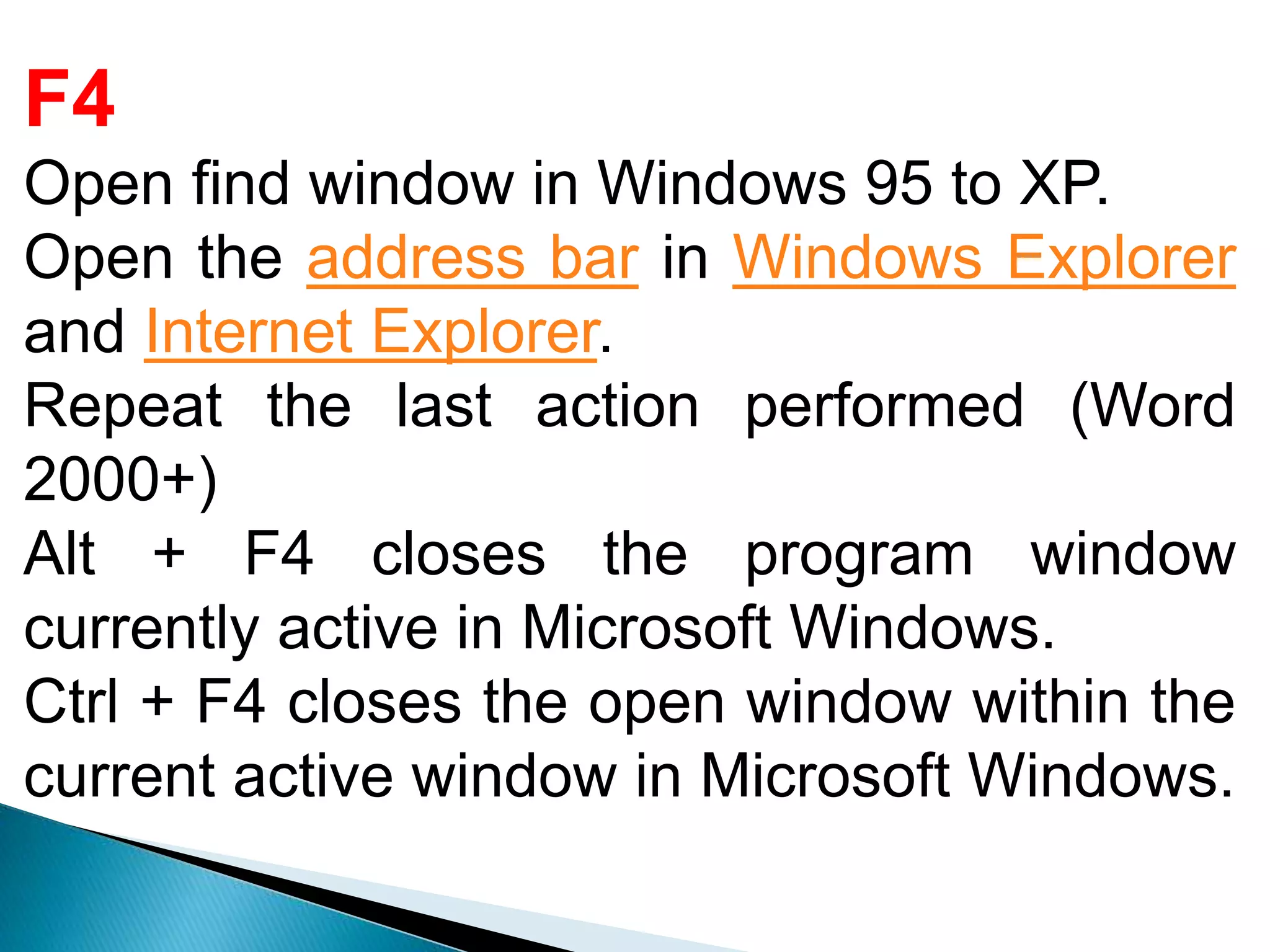
F4
Open find windowin Windows 95 to XP.
Open the address bar in Windows Explorer
and Internet Explorer.
Repeat the last action performed (Word
2000+)
Alt + F4 closes the program window
currently active in Microsoft Windows.
Ctrl + F4 closes the open window within the
current active window in Microsoft Windows.
6.
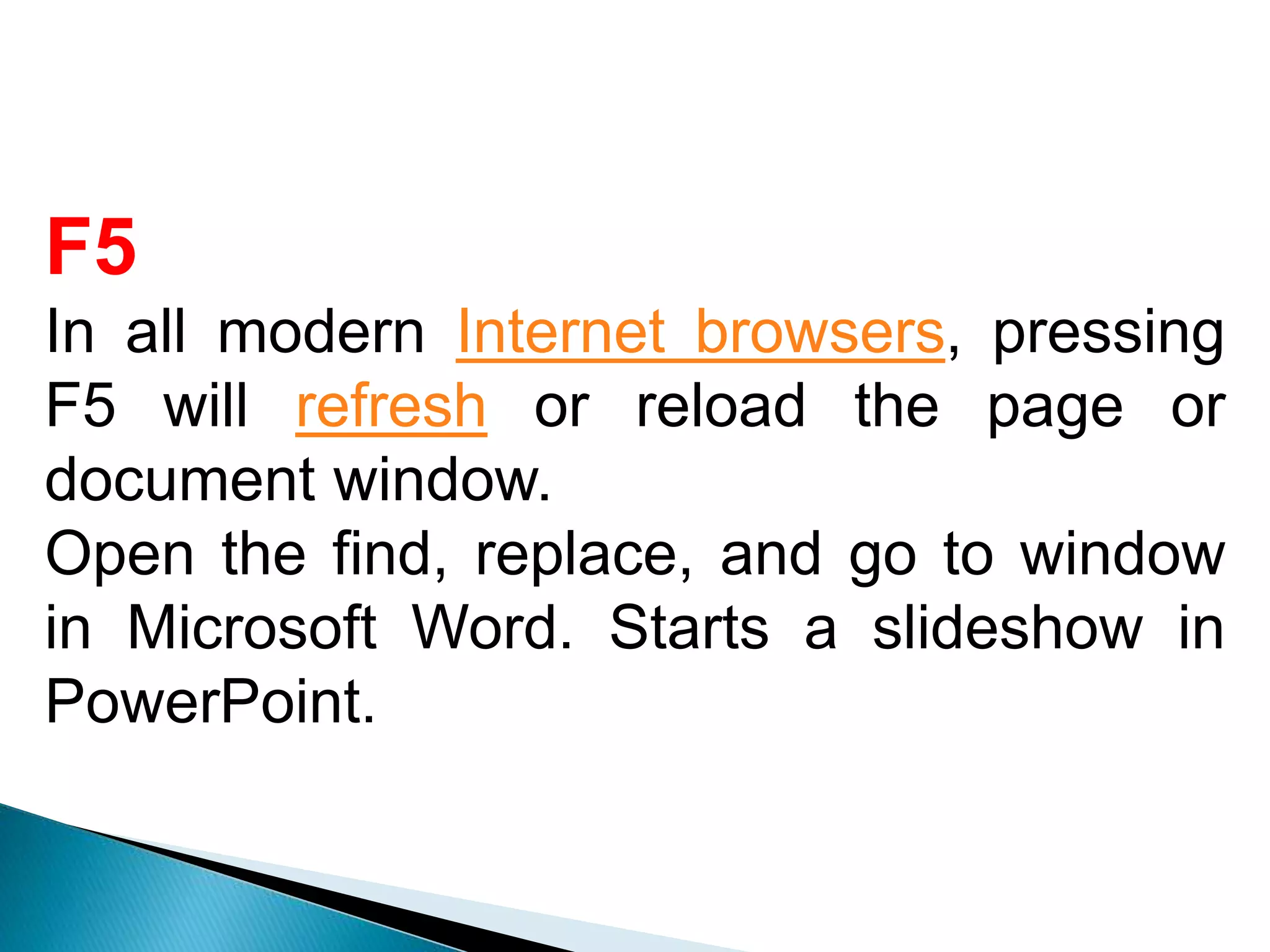
F5
In all modernInternet browsers, pressing
F5 will refresh or reload the page or
document window.
Open the find, replace, and go to window
in Microsoft Word. Starts a slideshow in
PowerPoint.
7.
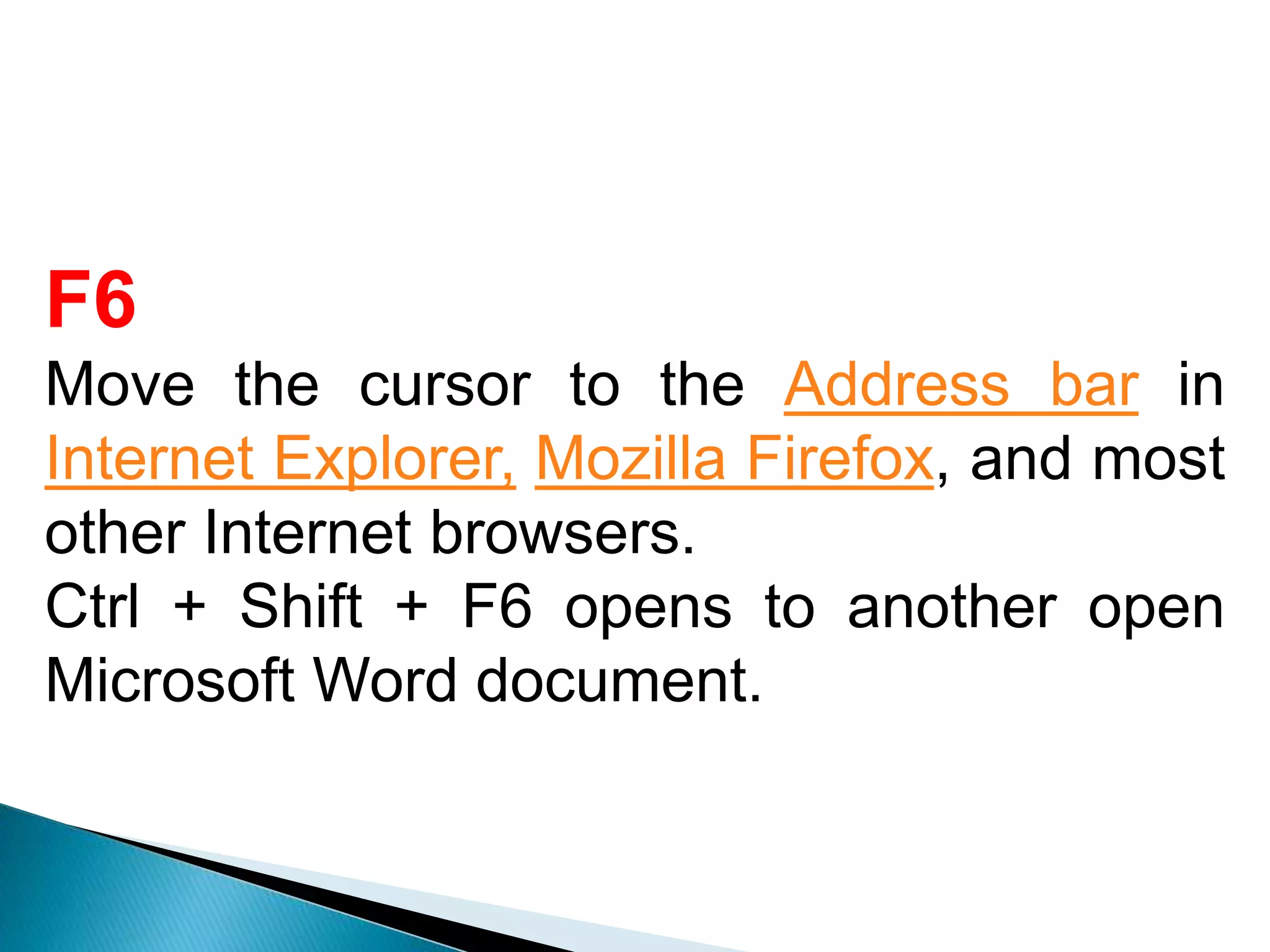
F6
Move the cursorto the Address bar in
Internet Explorer, Mozilla Firefox, and most
other Internet browsers.
Ctrl + Shift + F6 opens to another open
Microsoft Word document.
8.
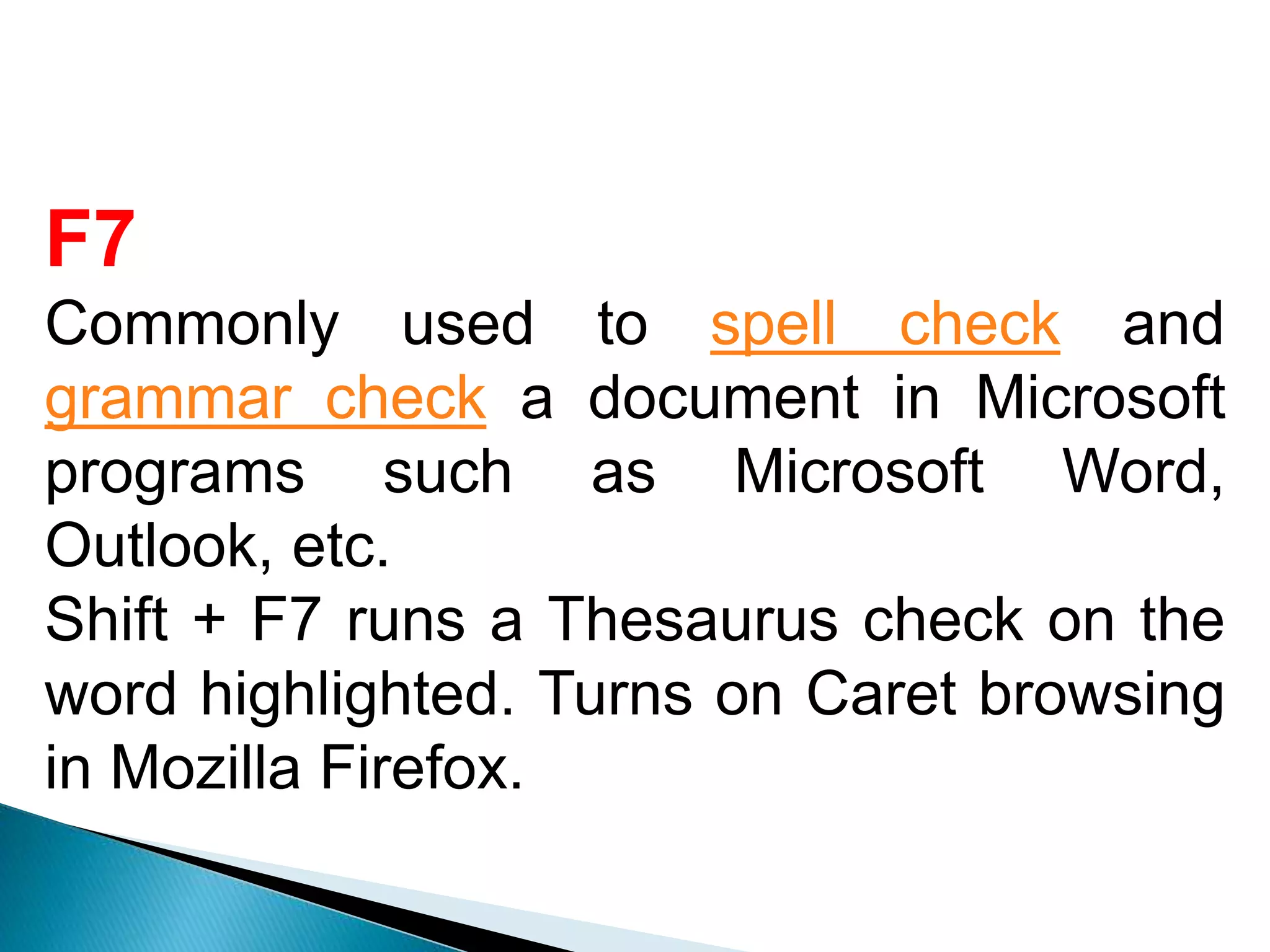
F7
Commonly used tospell check and
grammar check a document in Microsoft
programs such as Microsoft Word,
Outlook, etc.
Shift + F7 runs a Thesaurus check on the
word highlighted. Turns on Caret browsing
in Mozilla Firefox.
9.
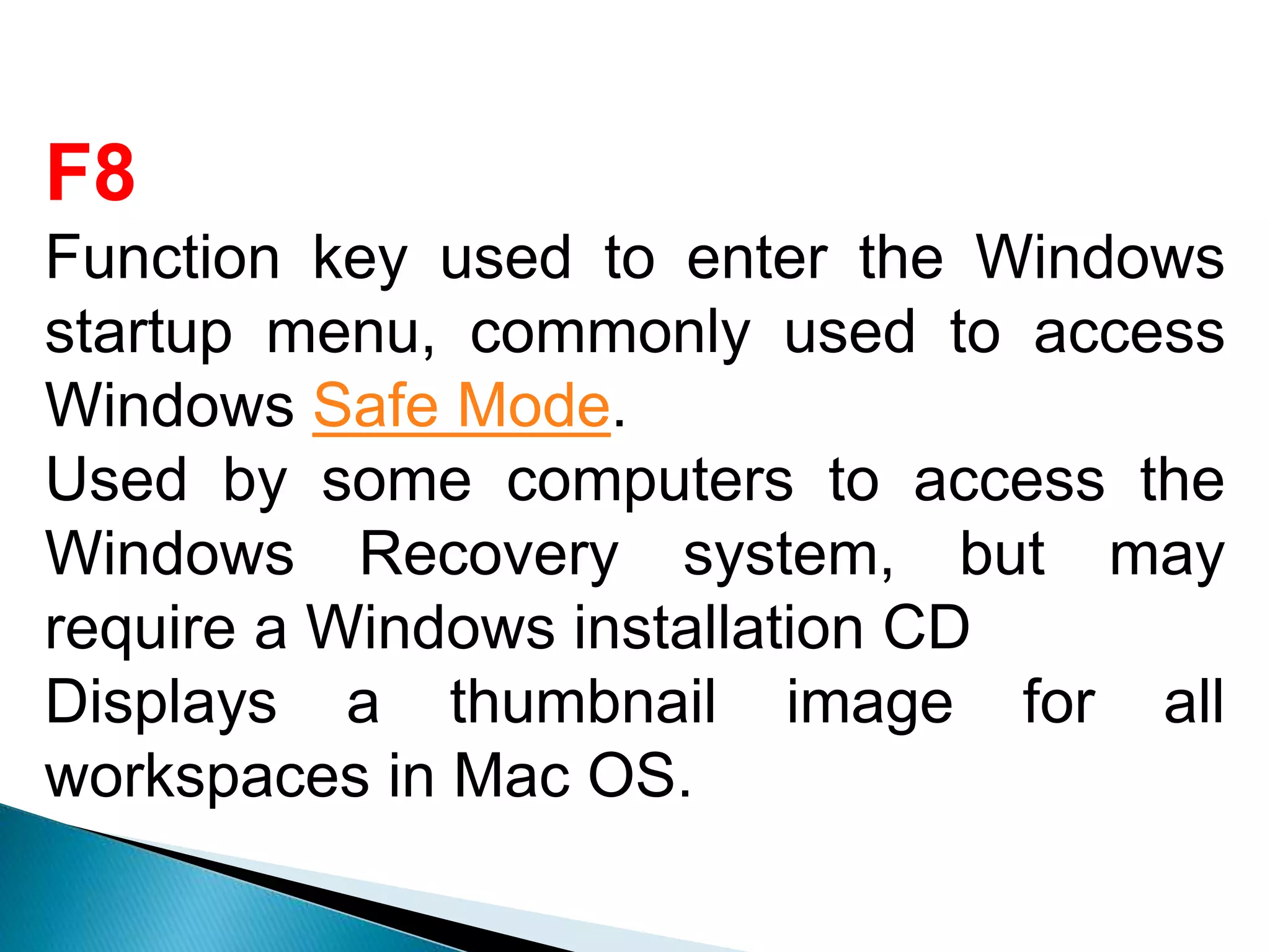
F8
Function key usedto enter the Windows
startup menu, commonly used to access
Windows Safe Mode.
Used by some computers to access the
Windows Recovery system, but may
require a Windows installation CD
Displays a thumbnail image for all
workspaces in Mac OS.
10.
F9
Refresh document inMicrosoft Word.
Send and receive e-mail in Microsoft
Outlook. Opens the Measurements toolbar
in Quark 5.0. With Mac OS 10.3 or later,
displays a thumbnail for each window in a
single workspace.
Using the Fn key and F9 at the same time
opens Mission Control on an Apple
computer running Mac OS X.
11.
F10
In Microsoft Windowsactivates the menu
bar of an open application.
Shift + F10 is the same as right-clicking on
a highlighted icon, file, or Internet link.
Access the hidden recovery partition on
HP and Sony computers.
Enter CMOS Setup. With Mac OS 10.3 or
later, shows all open Windows for the
active program.
12.
F11
Enter and exitfull screen mode in all
modern Internet browsers.
Ctrl + F11 as computer is starting to
access the hidden recovery partition on
many Dell computers.
Access the hidden recovery partition on
eMachines, Gateway, and Lenovo
computers. With Mac OS 10.4 or later,
hides all open windows and shows the
Desktop.
13.
F12
Open the Saveas window in Microsoft Word. Ctrl +
F12 opens a document In Word. Shift + F12 saves
the Microsoft Word document (like Ctrl + S). Ctrl +
Shift + F12 prints a document in Microsoft Word.
Preview a page in Microsoft Expression Web. Open
Firebug or browser debug tool. With an Apple running
Mac OS 10.4 or later, F12 shows or hides the
Dashboard. Access the list of bootable devices on a
computer at startup, allowing you to select a different
device to boot from (Hard drive, CD or DVD drive,
Floppy drive, USB drive, Network)



![Vibe Coding vs. Spec-Driven Development [Free Meetup]](https://cdn.slidesharecdn.com/ss_thumbnails/vibecodingvsspecdrivendevelopment-251209105622-43f455e7-thumbnail.jpg?width=640&height=640&fit=bounds)


