EvaluationQuestion4
Howdidyouusenewmediatechnologiesintheconstructionand
research,planningandevaluationstages?
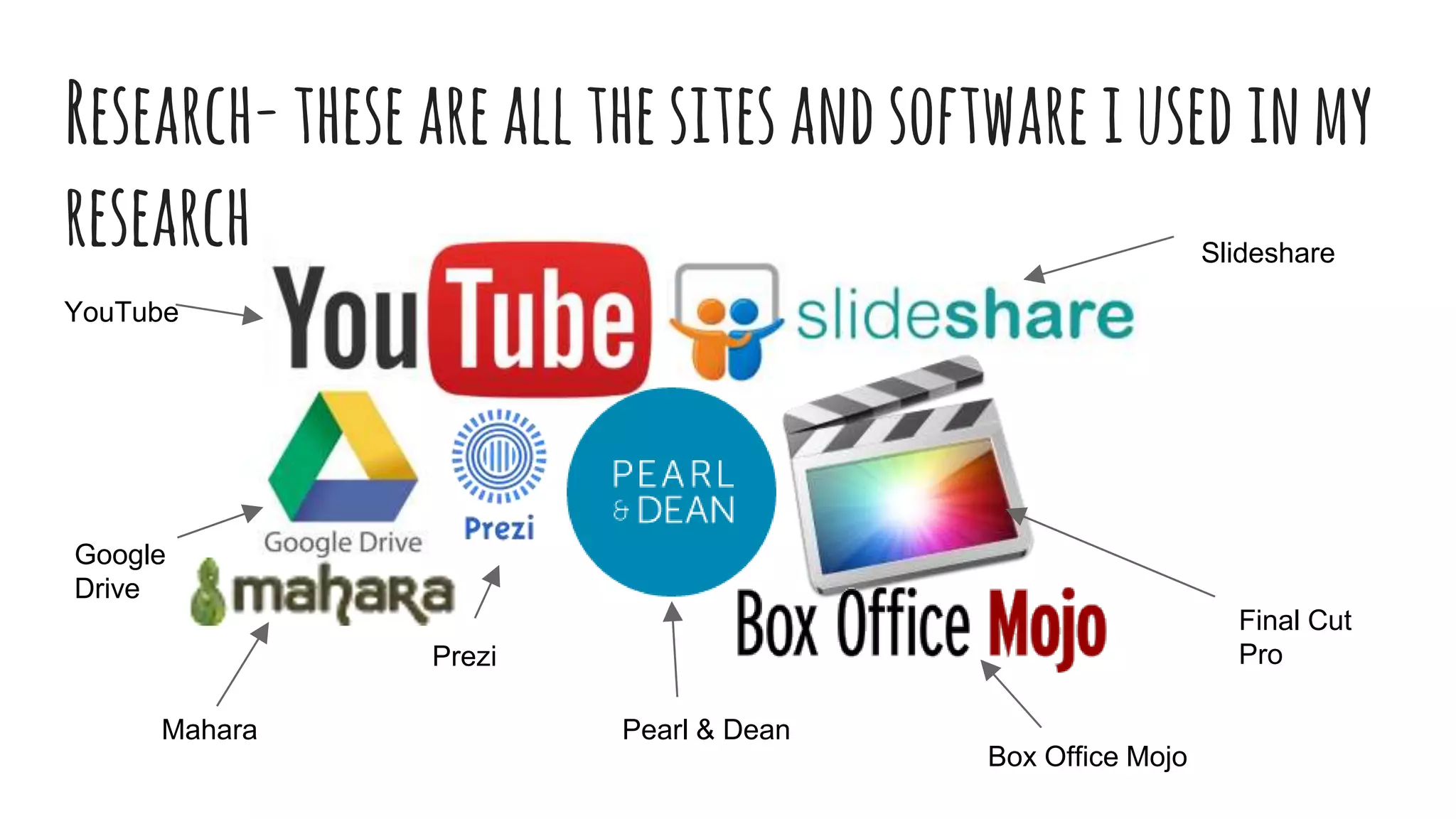
Research-theseareallthesitesandsoftwareiusedinmy
research Slideshare
Final Cut
Pro
Pearl & Dean
Prezi
Google
Drive
YouTube
Box Office Mojo
Mahara
YouTubeandFinalcutpro
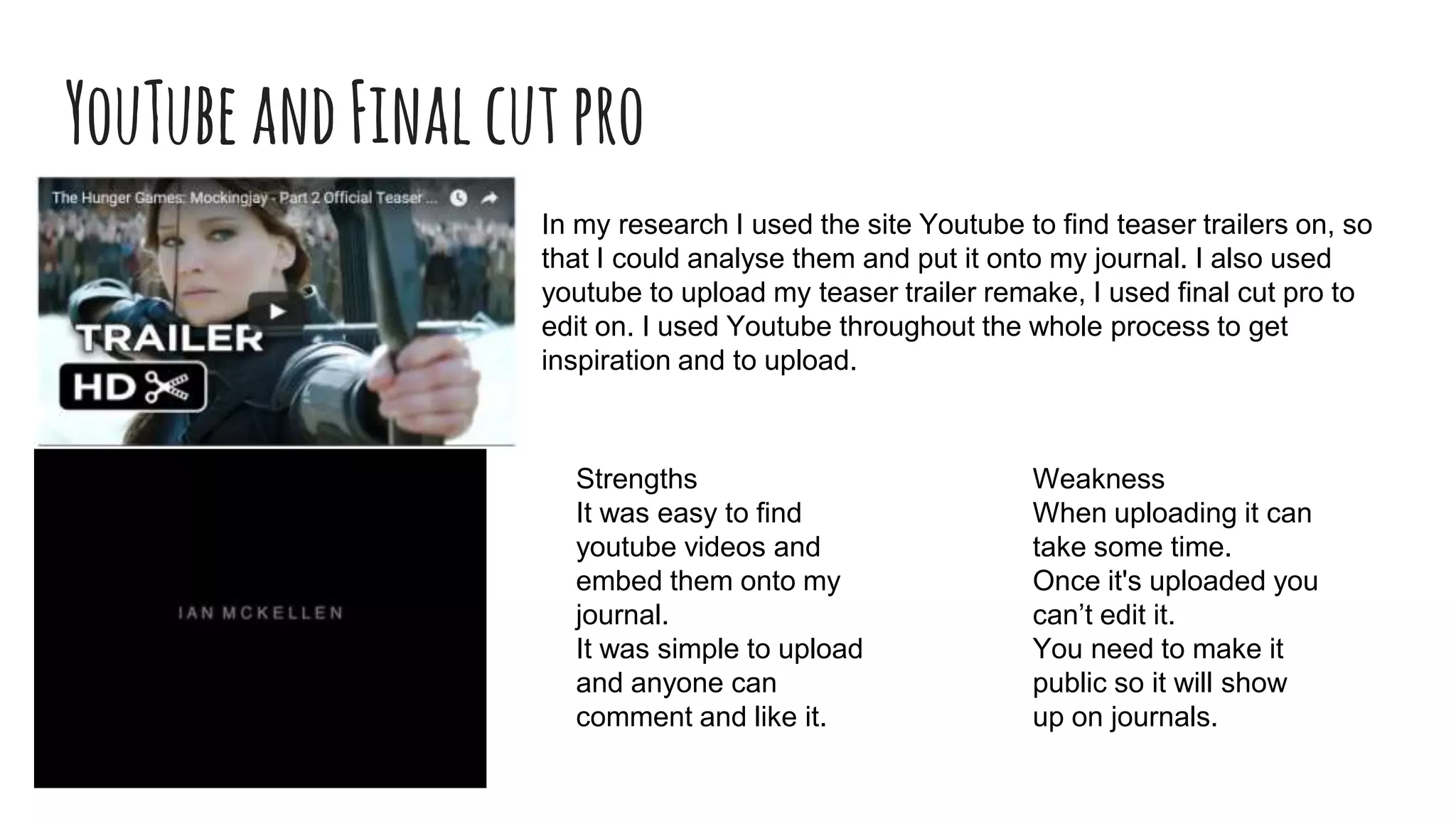
In my research I used the site Youtube to find teaser trailers on, so
that I could analyse them and put it onto my journal. I also used
youtube to upload my teaser trailer remake, I used final cut pro to
edit on. I used Youtube throughout the whole process to get
inspiration and to upload.
Strengths
It was easy to find
youtube videos and
embed them onto my
journal.
It was simple to upload
and anyone can
comment and like it.
Weakness
When uploading it can
take some time.
Once it's uploaded you
can’t edit it.
You need to make it
public so it will show
up on journals.
Pearl&DeanandBoxOfficeMojo
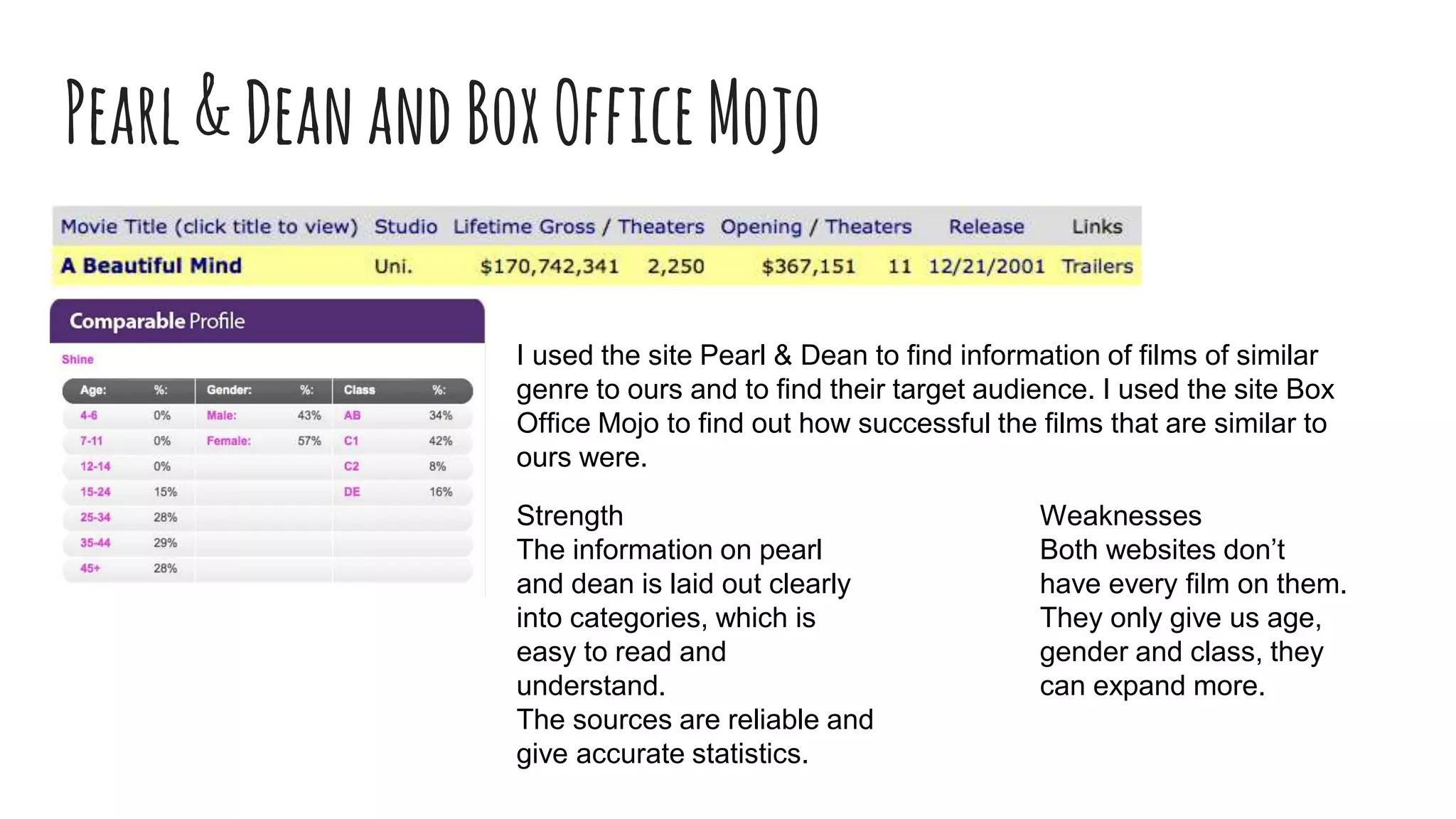
I used the site Pearl & Dean to find information of films of similar
genre to ours and to find their target audience. I used the site Box
Office Mojo to find out how successful the films that are similar to
ours were.
Strength
The information on pearl
and dean is laid out clearly
into categories, which is
easy to read and
understand.
The sources are reliable and
give accurate statistics.
Weaknesses
Both websites don’t
have every film on them.
They only give us age,
gender and class, they
can expand more.
Prezi
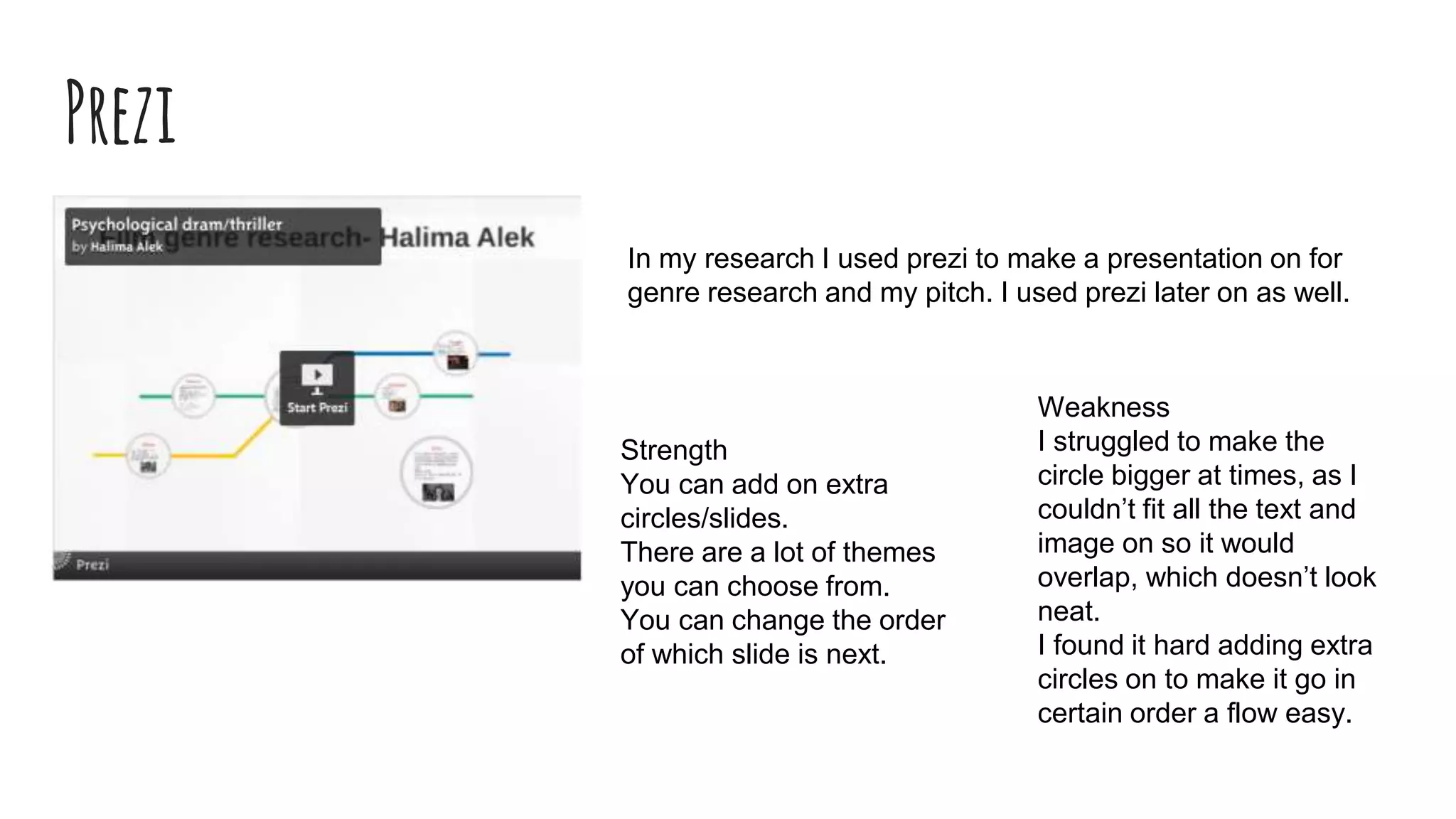
In my research I used prezi to make a presentation on for
genre research and my pitch. I used prezi later on as well.
Strength
You can add on extra
circles/slides.
There are a lot of themes
you can choose from.
You can change the order
of which slide is next.
Weakness
I struggled to make the
circle bigger at times, as I
couldn’t fit all the text and
image on so it would
overlap, which doesn’t look
neat.
I found it hard adding extra
circles on to make it go in
certain order a flow easy.
SlideshareandGoogledrive
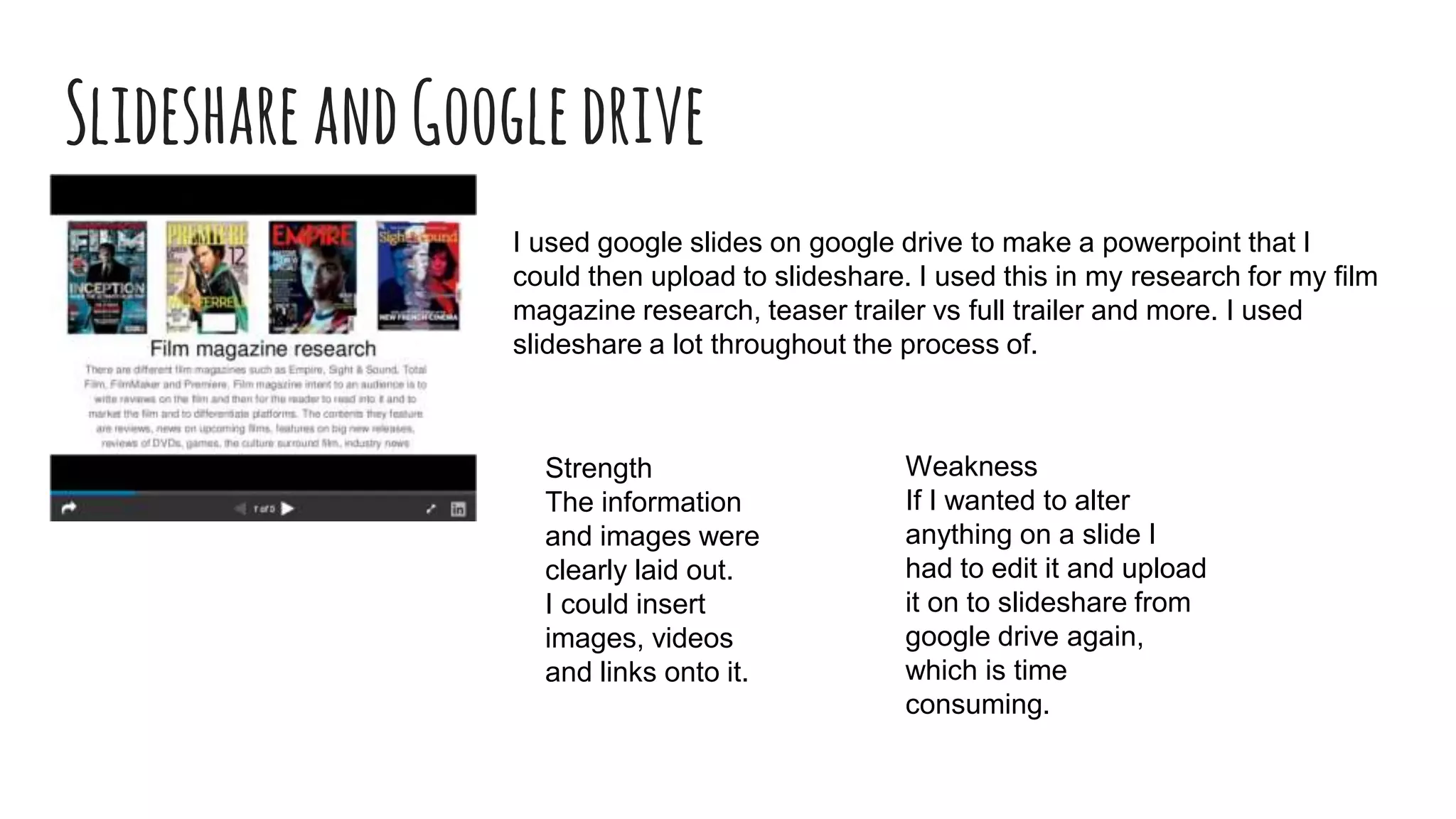
I used google slides on google drive to make a powerpoint that I
could then upload to slideshare. I used this in my research for my film
magazine research, teaser trailer vs full trailer and more. I used
slideshare a lot throughout the process of.
Strength
The information
and images were
clearly laid out.
I could insert
images, videos
and links onto it.
Weakness
If I wanted to alter
anything on a slide I
had to edit it and upload
it on to slideshare from
google drive again,
which is time
consuming.
Mahara
Mahara is where I put all my journal entries in, so that my
teacher can have a look at. I used mahara to update and put
entries in throughout the start and as I went along.
Weakness
You can’t add entries in between
other entries that are already
there. So you have to make sure
you have everything in order.
Not all images that you put on
there show up all the time.
It is slow and time consuming
Strength
You can go back and edit
entries already on there.
You can add images, videos,
clips and links.
Planning-thesearethesitesandsoftwarethatiusedin
myplanning
Youtube
Photo Booth
Final cut pro
Slideshare
Facebook
Facebook
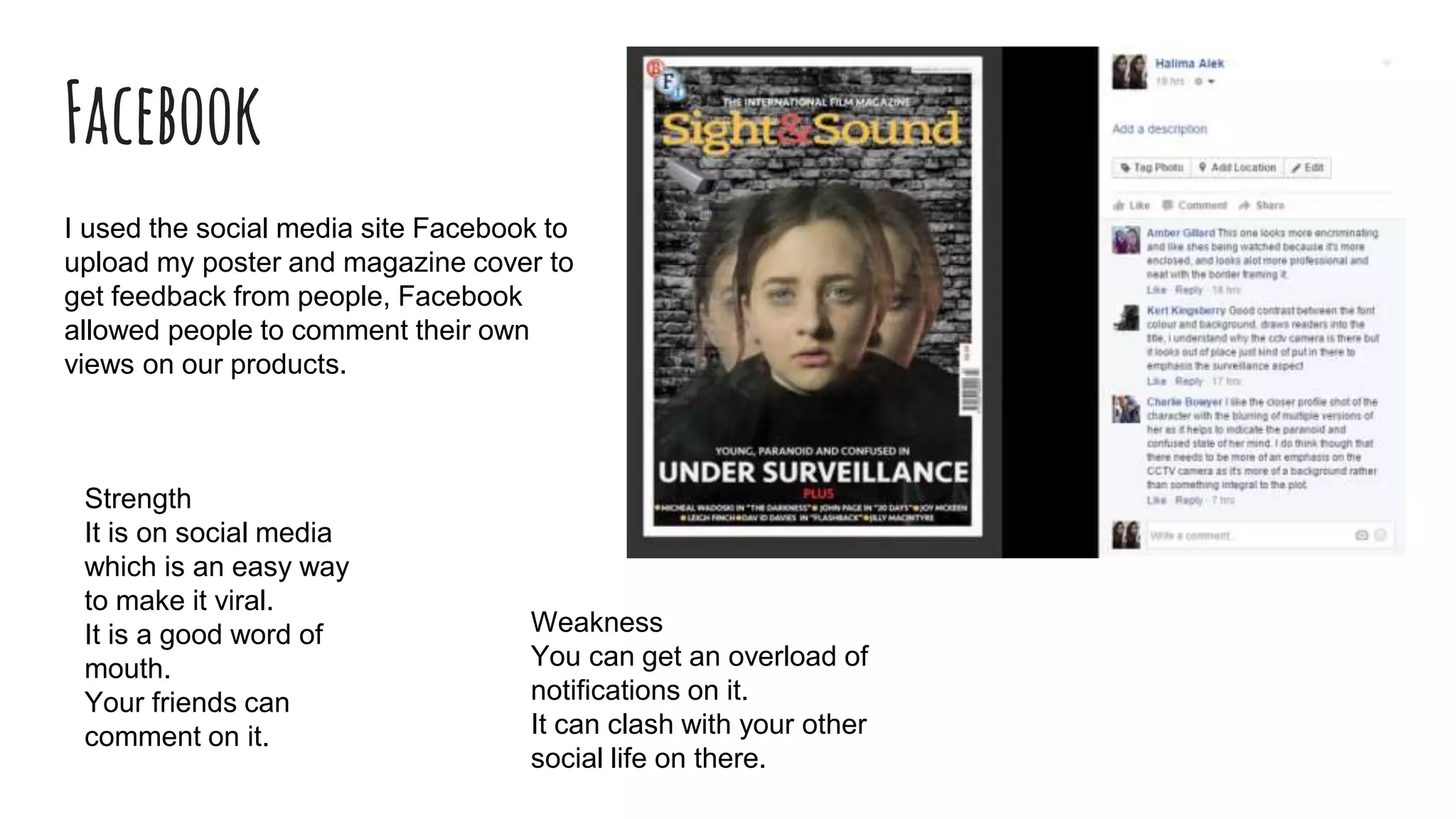
I used the social media site Facebook to
upload my poster and magazine cover to
get feedback from people, Facebook
allowed people to comment their own
views on our products.
Strength
It is on social media
which is an easy way
to make it viral.
It is a good word of
mouth.
Your friends can
comment on it.
Weakness
You can get an overload of
notifications on it.
It can clash with your other
social life on there.
Photobooth
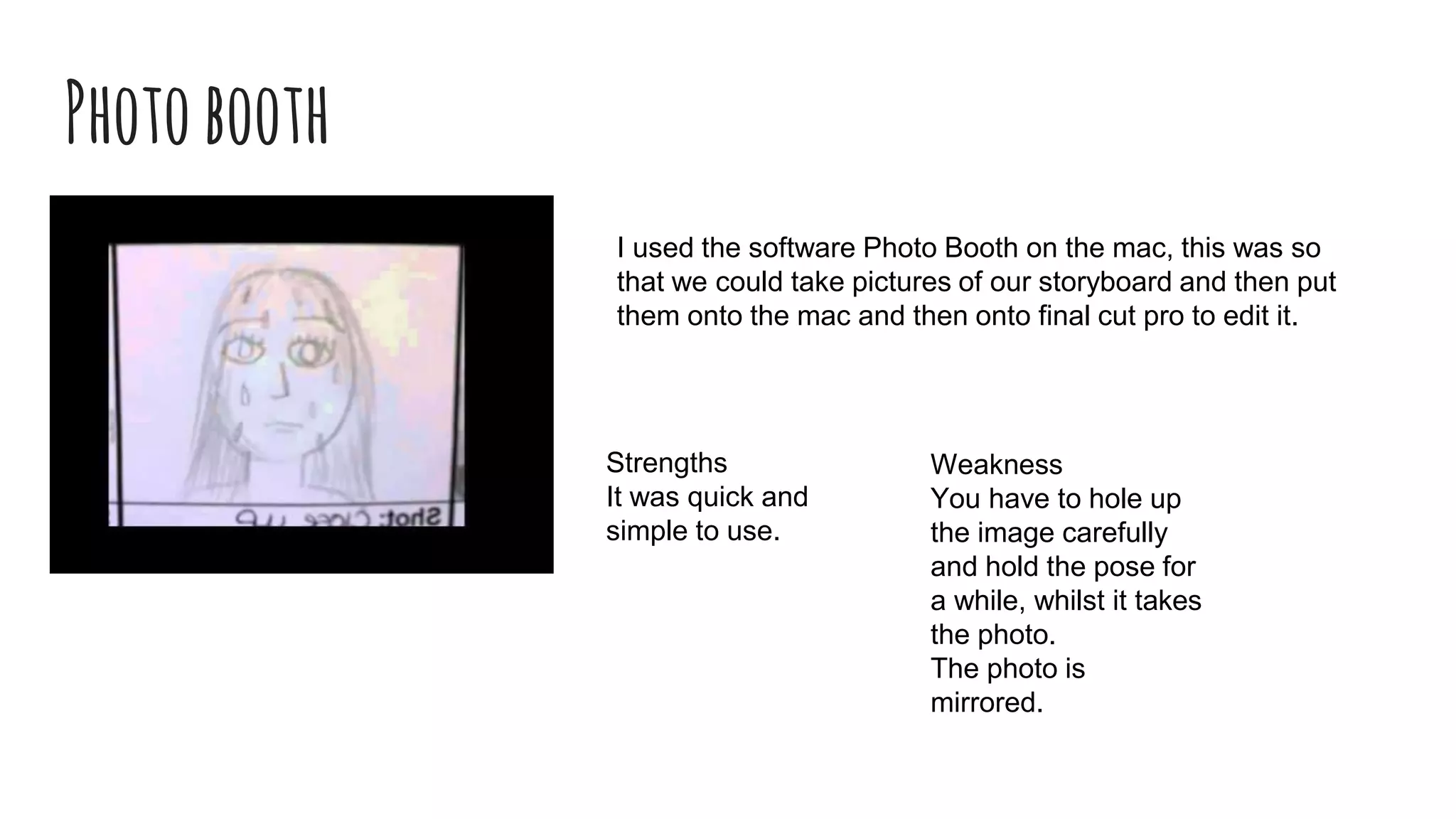
I used the software Photo Booth on the mac, this was so
that we could take pictures of our storyboard and then put
them onto the mac and then onto final cut pro to edit it.
Weakness
You have to hole up
the image carefully
and hold the pose for
a while, whilst it takes
the photo.
The photo is
mirrored.
Strengths
It was quick and
simple to use.
Construction- thesearethesoftwares, sites,computer
equipmentanddigitalcameraequipmentiusedin
construction
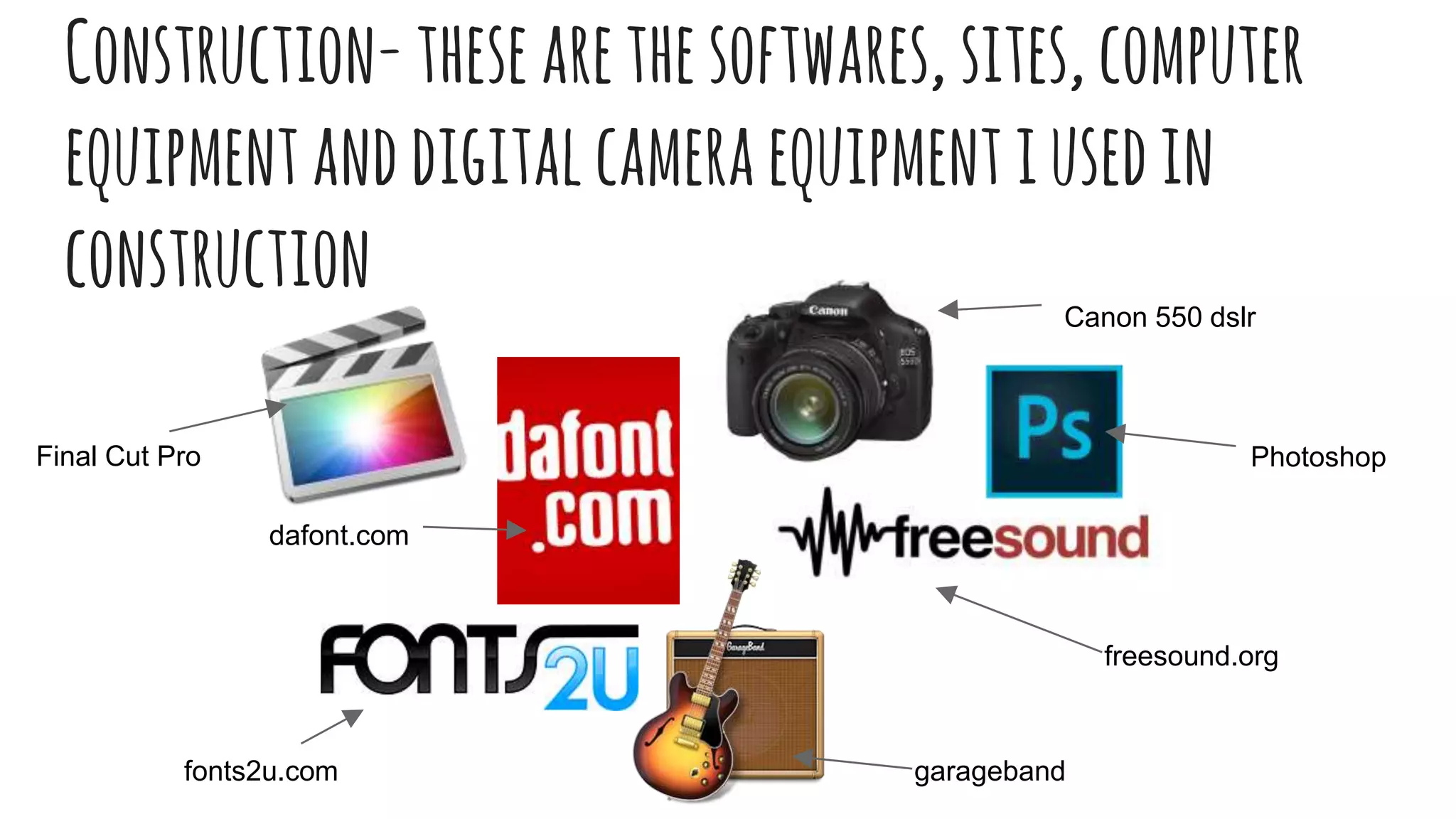
fonts2u.com
dafont.com
freesound.org
garageband
Canon 550 dslr
PhotoshopFinal Cut Pro
DAFONT.COMANDFONTS2U.COM
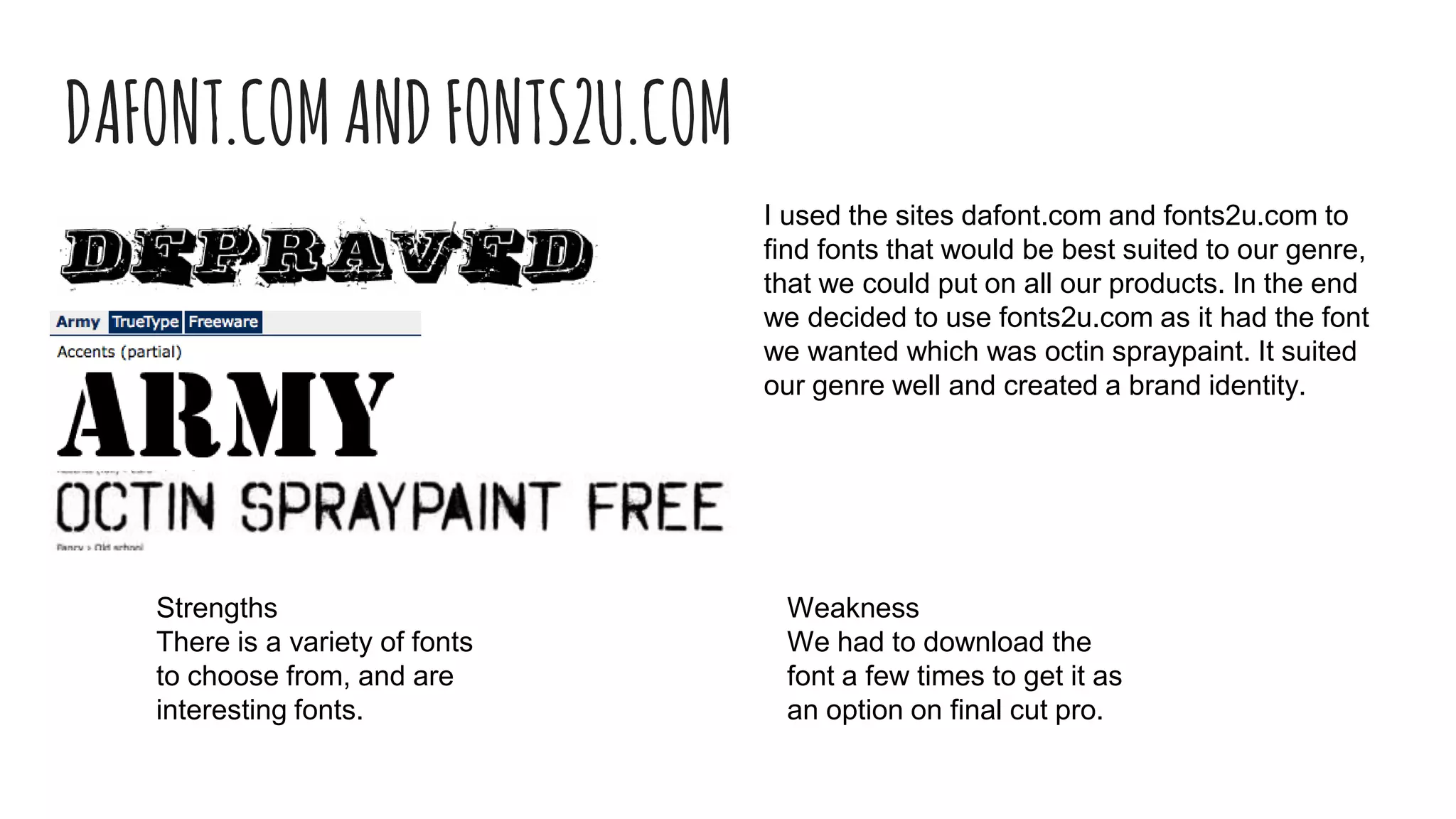
I used the sites dafont.com and fonts2u.com to
find fonts that would be best suited to our genre,
that we could put on all our products. In the end
we decided to use fonts2u.com as it had the font
we wanted which was octin spraypaint. It suited
our genre well and created a brand identity.
Strengths
There is a variety of fonts
to choose from, and are
interesting fonts.
Weakness
We had to download the
font a few times to get it as
an option on final cut pro.
FREESOUND.ORGANDGARAGEBAND
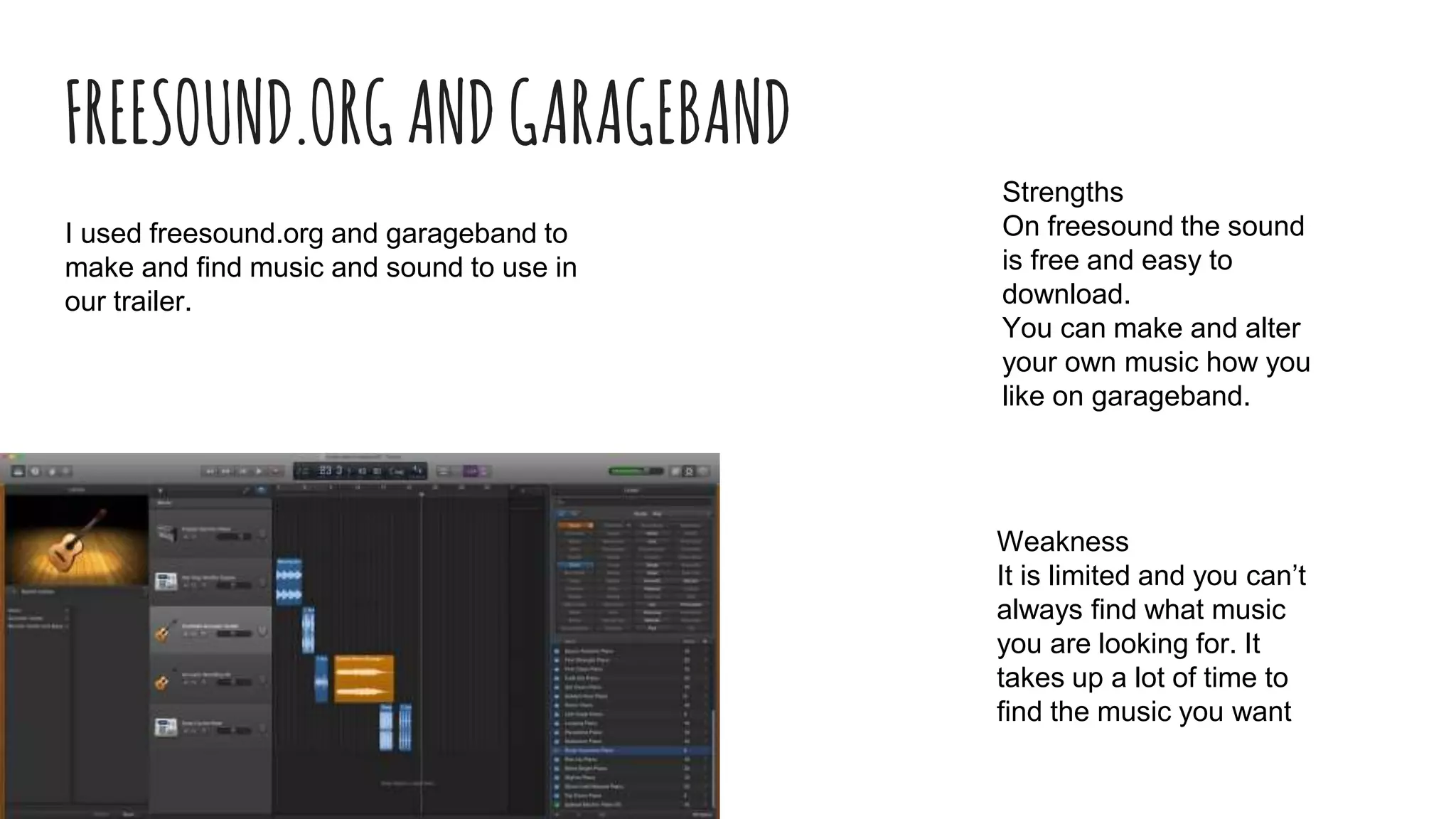
I used freesound.org and garageband to
make and find music and sound to use in
our trailer.
Strengths
On freesound the sound
is free and easy to
download.
You can make and alter
your own music how you
like on garageband.
Weakness
It is limited and you can’t
always find what music
you are looking for. It
takes up a lot of time to
find the music you want
Camera
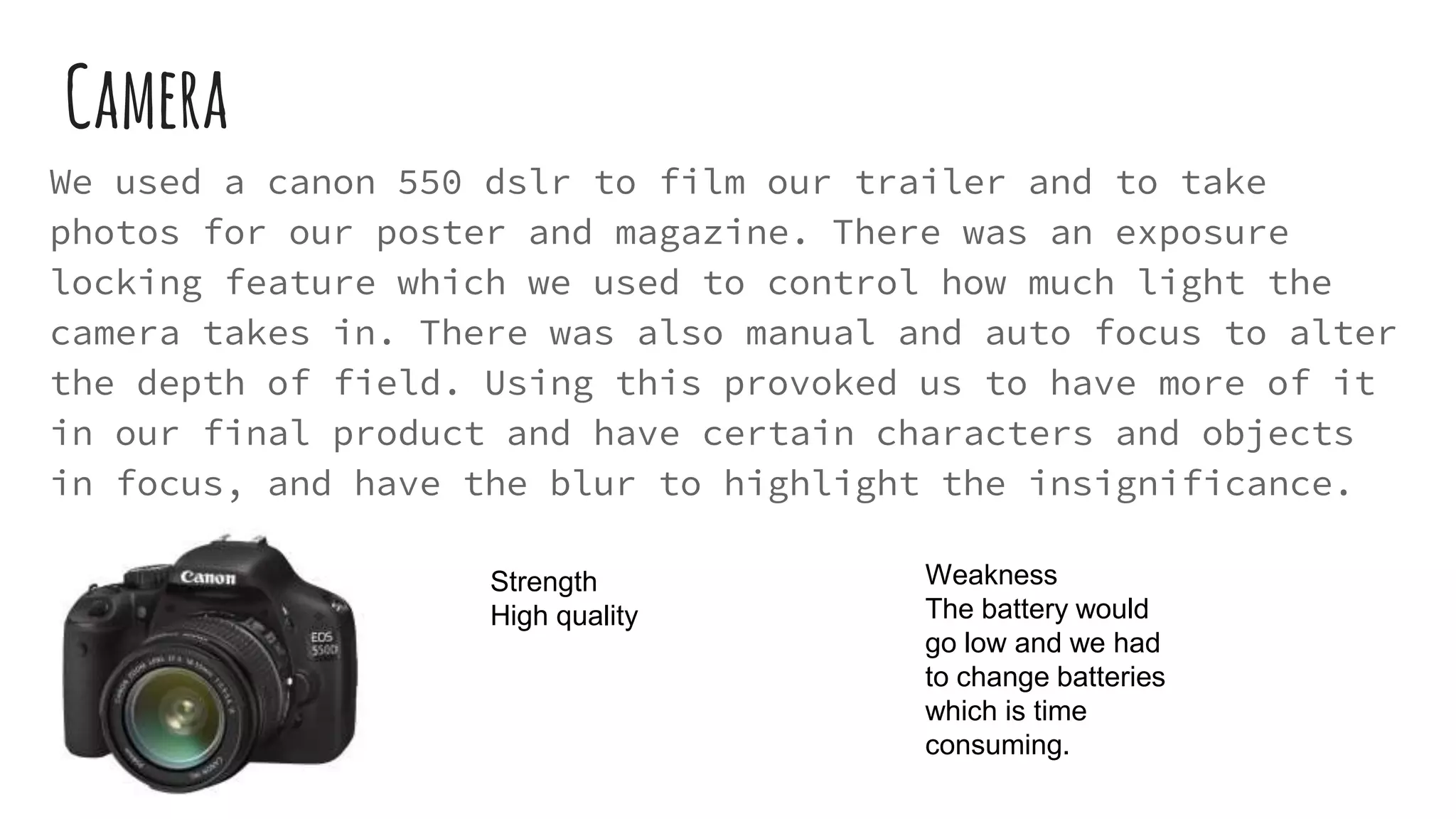
We used a canon 550 dslr to film our trailer and to take
photos for our poster and magazine. There was an exposure
locking feature which we used to control how much light the
camera takes in. There was also manual and auto focus to alter
the depth of field. Using this provoked us to have more of it
in our final product and have certain characters and objects
in focus, and have the blur to highlight the insignificance.
Strength
High quality
Weakness
The battery would
go low and we had
to change batteries
which is time
consuming.
PostProduction-Software-Photoshop
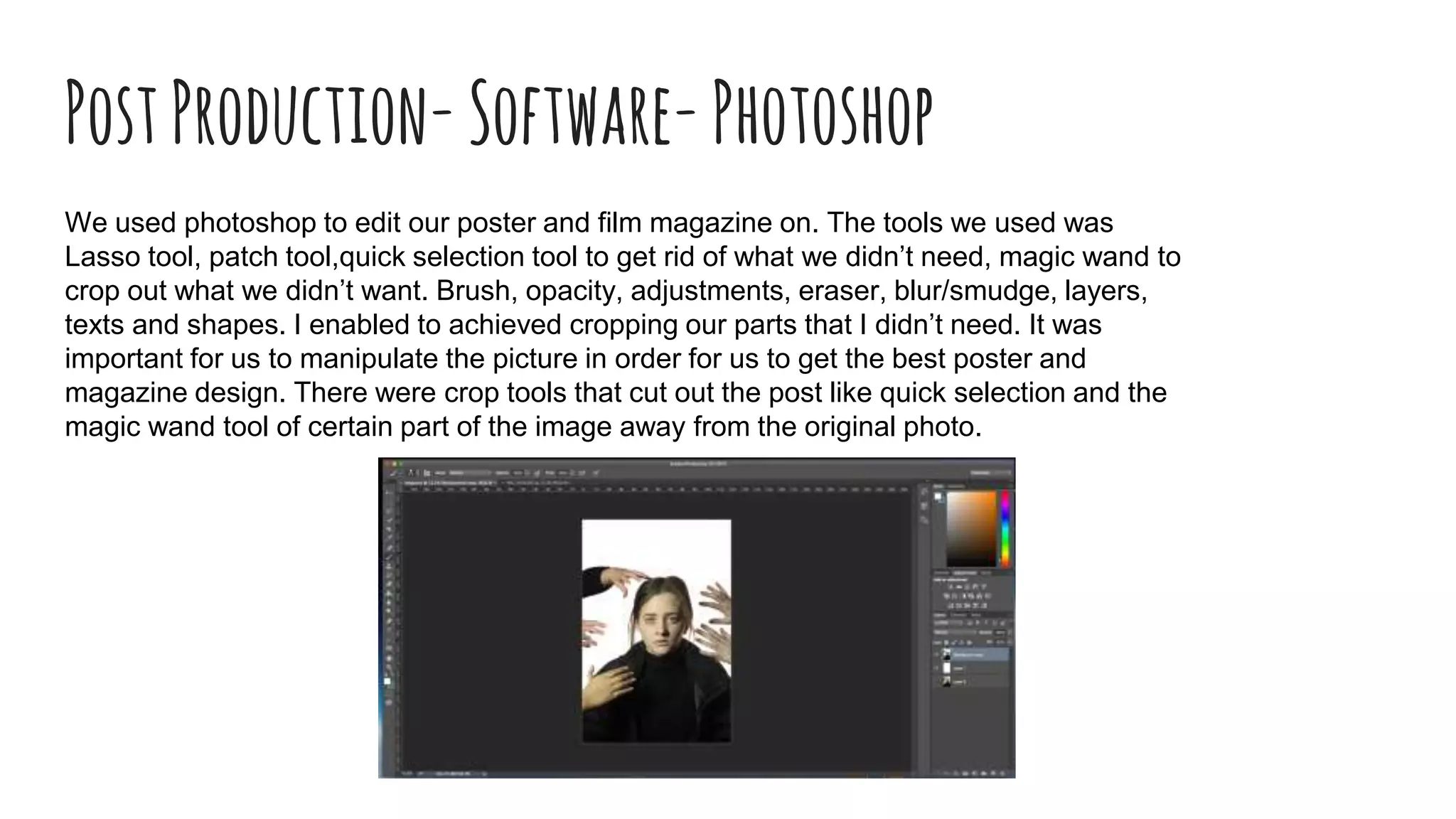
We used photoshop to edit our poster and film magazine on. The tools we used was
Lasso tool, patch tool,quick selection tool to get rid of what we didn’t need, magic wand to
crop out what we didn’t want. Brush, opacity, adjustments, eraser, blur/smudge, layers,
texts and shapes. I enabled to achieved cropping our parts that I didn’t need. It was
important for us to manipulate the picture in order for us to get the best poster and
magazine design. There were crop tools that cut out the post like quick selection and the
magic wand tool of certain part of the image away from the original photo.
Photoshop
Strengths
It has a lot of tools and effects
that we could try out and use.
Weakness
It was quite a struggle to use and
was fidgety. It was difficult to crop
out certain parts, such as the
background all at once, instead we
had to do it in small sections which
was time consuming
PostProduction-software-finalcutpro
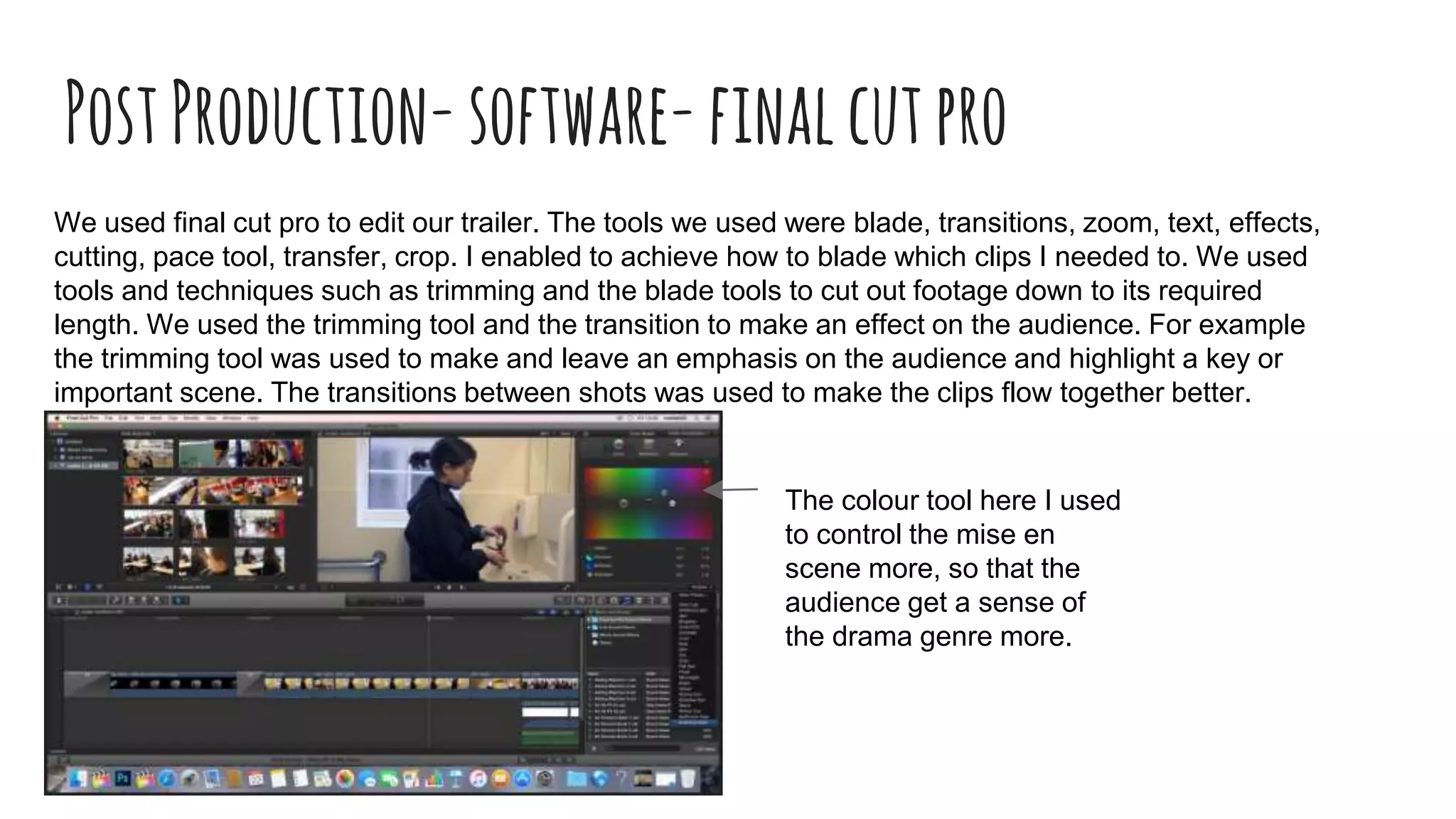
We used final cut pro to edit our trailer. The tools we used were blade, transitions, zoom, text, effects,
cutting, pace tool, transfer, crop. I enabled to achieve how to blade which clips I needed to. We used
tools and techniques such as trimming and the blade tools to cut out footage down to its required
length. We used the trimming tool and the transition to make an effect on the audience. For example
the trimming tool was used to make and leave an emphasis on the audience and highlight a key or
important scene. The transitions between shots was used to make the clips flow together better.
The colour tool here I used
to control the mise en
scene more, so that the
audience get a sense of
the drama genre more.
FinalCutPro
Strengths
There is quite a selection of
transitions and effects that
we could use.
We could layer sound over
sound to build up more
suspension.
Weakness
We couldn’t put certain images on as the
background would show up, like the
ident, logo, ratings etc and had to edit it
on photoshop to remove the
background.
It was quite fidgety and sometimes the
titles and images would not move where
we hoped to.
Emazeandprezi
I used the site emaze to do my evaluation question 2 on and
used prezi to do my evaluation question 1 on.
Strengths (Emaze)
It was easy to use as it
is quite similar to
powerpoint. You could
copy and paste images
and videos on it easily.
Weakness
It can freeze at times
and take up your time.
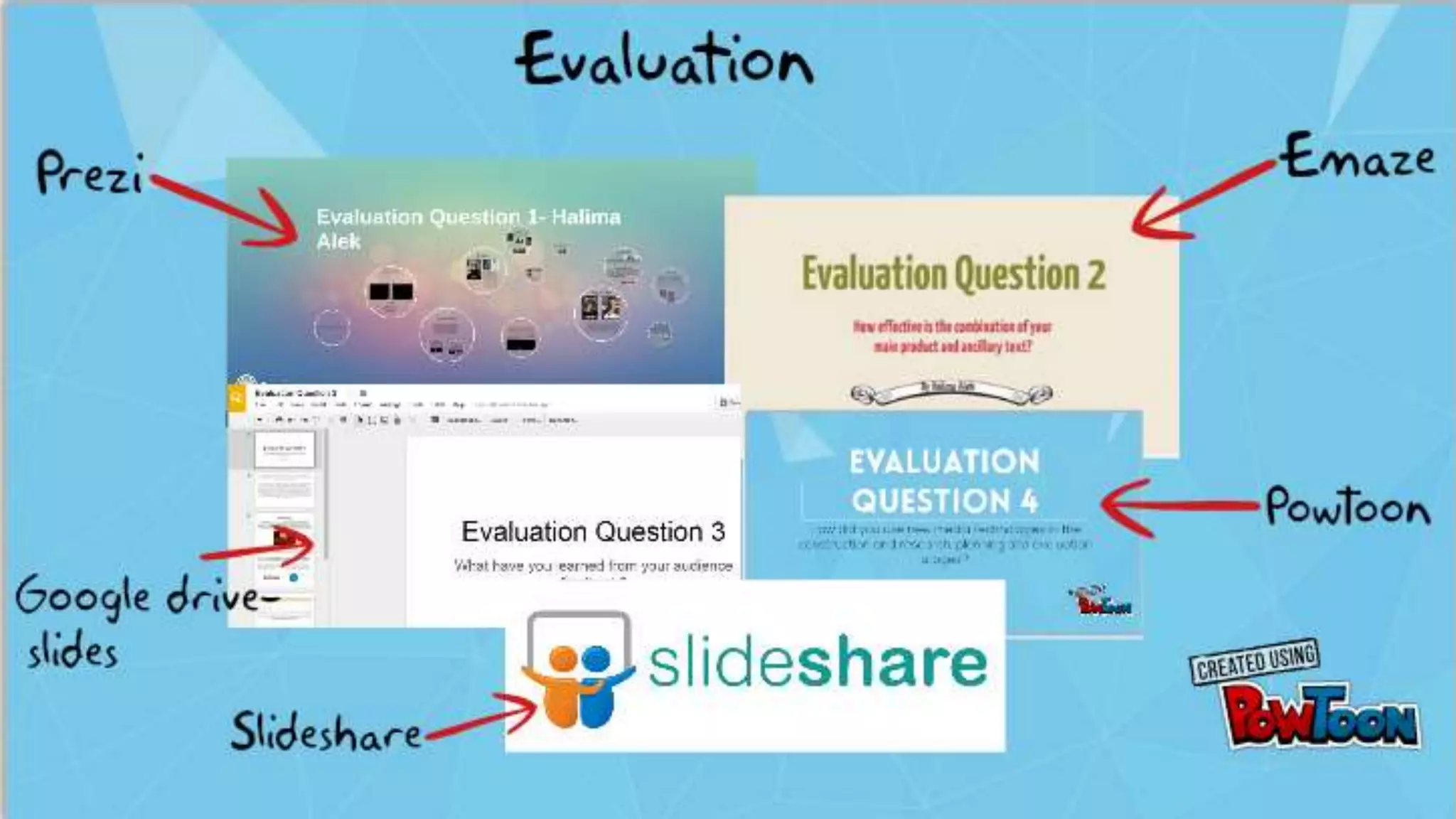
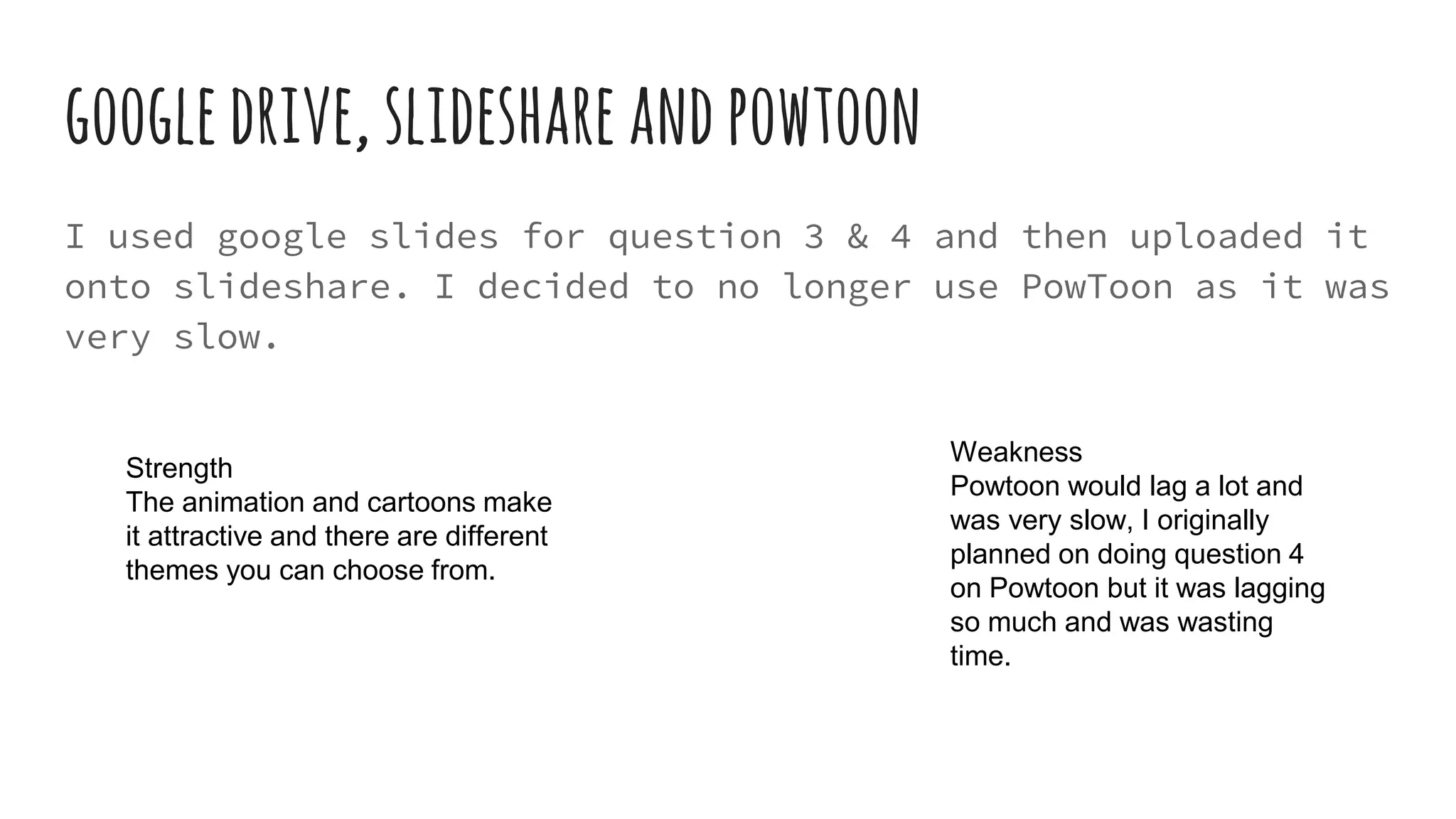
googledrive,slideshareandpowtoon
I used google slides for question 3 & 4 and then uploaded it
onto slideshare. I decided to no longer use PowToon as it was
very slow.
Weakness
Powtoon would lag a lot and
was very slow, I originally
planned on doing question 4
on Powtoon but it was lagging
so much and was wasting
time.
Strength
The animation and cartoons make
it attractive and there are different
themes you can choose from.

Evaluation question 4

  • 1.
  • 2.
  • 3.
    YouTubeandFinalcutpro In my researchI used the site Youtube to find teaser trailers on, so that I could analyse them and put it onto my journal. I also used youtube to upload my teaser trailer remake, I used final cut pro to edit on. I used Youtube throughout the whole process to get inspiration and to upload. Strengths It was easy to find youtube videos and embed them onto my journal. It was simple to upload and anyone can comment and like it. Weakness When uploading it can take some time. Once it's uploaded you can’t edit it. You need to make it public so it will show up on journals.
  • 4.
    Pearl&DeanandBoxOfficeMojo I used thesite Pearl & Dean to find information of films of similar genre to ours and to find their target audience. I used the site Box Office Mojo to find out how successful the films that are similar to ours were. Strength The information on pearl and dean is laid out clearly into categories, which is easy to read and understand. The sources are reliable and give accurate statistics. Weaknesses Both websites don’t have every film on them. They only give us age, gender and class, they can expand more.
  • 5.
    Prezi In my researchI used prezi to make a presentation on for genre research and my pitch. I used prezi later on as well. Strength You can add on extra circles/slides. There are a lot of themes you can choose from. You can change the order of which slide is next. Weakness I struggled to make the circle bigger at times, as I couldn’t fit all the text and image on so it would overlap, which doesn’t look neat. I found it hard adding extra circles on to make it go in certain order a flow easy.
  • 6.
    SlideshareandGoogledrive I used googleslides on google drive to make a powerpoint that I could then upload to slideshare. I used this in my research for my film magazine research, teaser trailer vs full trailer and more. I used slideshare a lot throughout the process of. Strength The information and images were clearly laid out. I could insert images, videos and links onto it. Weakness If I wanted to alter anything on a slide I had to edit it and upload it on to slideshare from google drive again, which is time consuming.
  • 7.
    Mahara Mahara is whereI put all my journal entries in, so that my teacher can have a look at. I used mahara to update and put entries in throughout the start and as I went along. Weakness You can’t add entries in between other entries that are already there. So you have to make sure you have everything in order. Not all images that you put on there show up all the time. It is slow and time consuming Strength You can go back and edit entries already on there. You can add images, videos, clips and links.
  • 8.
  • 9.
    Facebook I used thesocial media site Facebook to upload my poster and magazine cover to get feedback from people, Facebook allowed people to comment their own views on our products. Strength It is on social media which is an easy way to make it viral. It is a good word of mouth. Your friends can comment on it. Weakness You can get an overload of notifications on it. It can clash with your other social life on there.
  • 10.
    Photobooth I used thesoftware Photo Booth on the mac, this was so that we could take pictures of our storyboard and then put them onto the mac and then onto final cut pro to edit it. Weakness You have to hole up the image carefully and hold the pose for a while, whilst it takes the photo. The photo is mirrored. Strengths It was quick and simple to use.
  • 11.
  • 12.
    DAFONT.COMANDFONTS2U.COM I used thesites dafont.com and fonts2u.com to find fonts that would be best suited to our genre, that we could put on all our products. In the end we decided to use fonts2u.com as it had the font we wanted which was octin spraypaint. It suited our genre well and created a brand identity. Strengths There is a variety of fonts to choose from, and are interesting fonts. Weakness We had to download the font a few times to get it as an option on final cut pro.
  • 13.
    FREESOUND.ORGANDGARAGEBAND I used freesound.organd garageband to make and find music and sound to use in our trailer. Strengths On freesound the sound is free and easy to download. You can make and alter your own music how you like on garageband. Weakness It is limited and you can’t always find what music you are looking for. It takes up a lot of time to find the music you want
  • 14.
    Camera We used acanon 550 dslr to film our trailer and to take photos for our poster and magazine. There was an exposure locking feature which we used to control how much light the camera takes in. There was also manual and auto focus to alter the depth of field. Using this provoked us to have more of it in our final product and have certain characters and objects in focus, and have the blur to highlight the insignificance. Strength High quality Weakness The battery would go low and we had to change batteries which is time consuming.
  • 15.
    PostProduction-Software-Photoshop We used photoshopto edit our poster and film magazine on. The tools we used was Lasso tool, patch tool,quick selection tool to get rid of what we didn’t need, magic wand to crop out what we didn’t want. Brush, opacity, adjustments, eraser, blur/smudge, layers, texts and shapes. I enabled to achieved cropping our parts that I didn’t need. It was important for us to manipulate the picture in order for us to get the best poster and magazine design. There were crop tools that cut out the post like quick selection and the magic wand tool of certain part of the image away from the original photo.
  • 16.
    Photoshop Strengths It has alot of tools and effects that we could try out and use. Weakness It was quite a struggle to use and was fidgety. It was difficult to crop out certain parts, such as the background all at once, instead we had to do it in small sections which was time consuming
  • 17.
    PostProduction-software-finalcutpro We used finalcut pro to edit our trailer. The tools we used were blade, transitions, zoom, text, effects, cutting, pace tool, transfer, crop. I enabled to achieve how to blade which clips I needed to. We used tools and techniques such as trimming and the blade tools to cut out footage down to its required length. We used the trimming tool and the transition to make an effect on the audience. For example the trimming tool was used to make and leave an emphasis on the audience and highlight a key or important scene. The transitions between shots was used to make the clips flow together better. The colour tool here I used to control the mise en scene more, so that the audience get a sense of the drama genre more.
  • 18.
    FinalCutPro Strengths There is quitea selection of transitions and effects that we could use. We could layer sound over sound to build up more suspension. Weakness We couldn’t put certain images on as the background would show up, like the ident, logo, ratings etc and had to edit it on photoshop to remove the background. It was quite fidgety and sometimes the titles and images would not move where we hoped to.
  • 20.
    Emazeandprezi I used thesite emaze to do my evaluation question 2 on and used prezi to do my evaluation question 1 on. Strengths (Emaze) It was easy to use as it is quite similar to powerpoint. You could copy and paste images and videos on it easily. Weakness It can freeze at times and take up your time.
  • 21.
    googledrive,slideshareandpowtoon I used googleslides for question 3 & 4 and then uploaded it onto slideshare. I decided to no longer use PowToon as it was very slow. Weakness Powtoon would lag a lot and was very slow, I originally planned on doing question 4 on Powtoon but it was lagging so much and was wasting time. Strength The animation and cartoons make it attractive and there are different themes you can choose from.