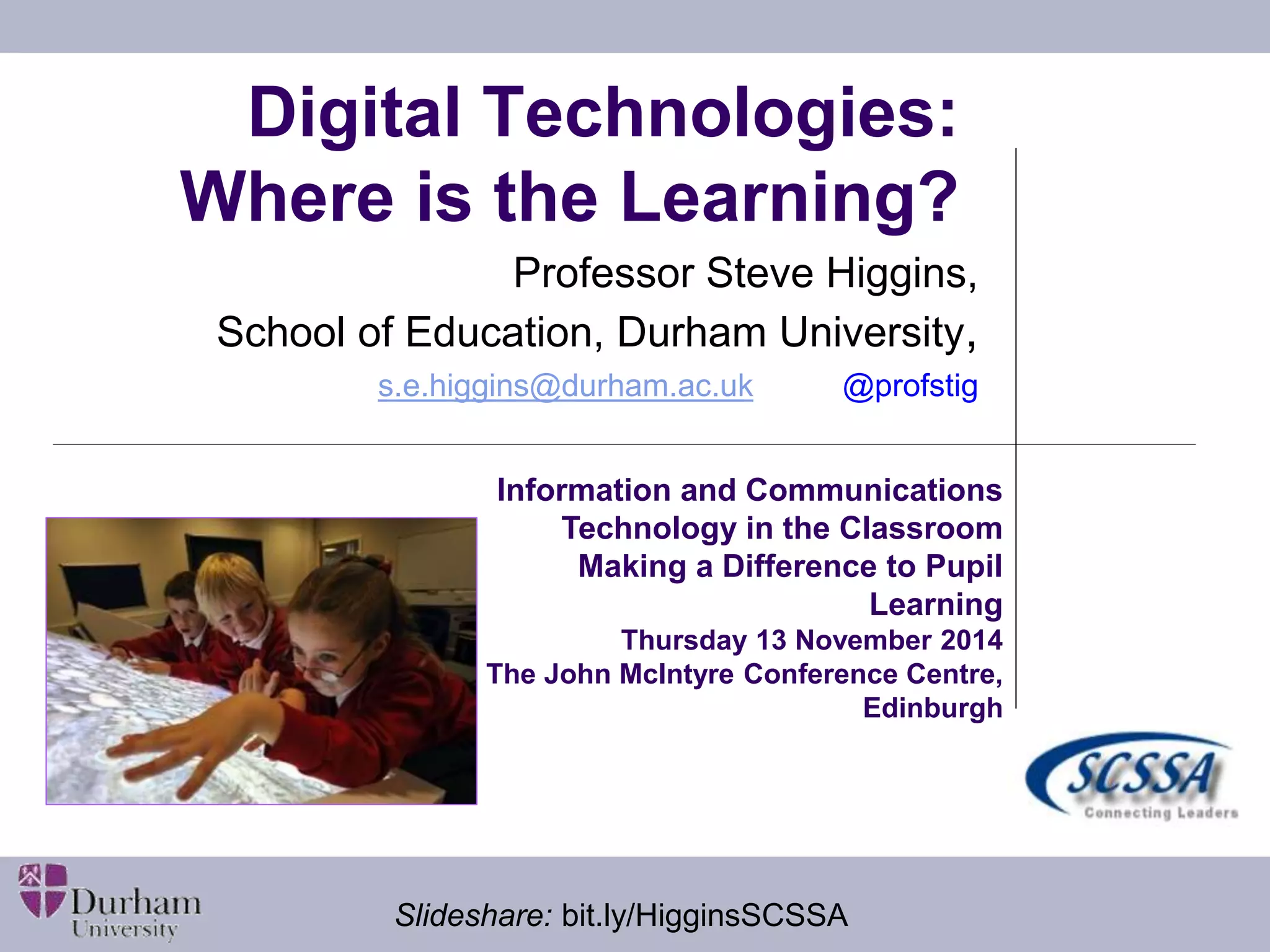
Digital Technologies: 
Where is the Learning? 
Professor Steve Higgins, 
School of Education, Durham University, 
s.e.higgins@durham.ac.uk @profstig 
Information and Communications 
Technology in the Classroom 
Making a Difference to Pupil 
Learning 
Thursday 13 November 2014 
The John McIntyre Conference Centre, 
Edinburgh 
Slideshare: bit.ly/HigginsSCSSA
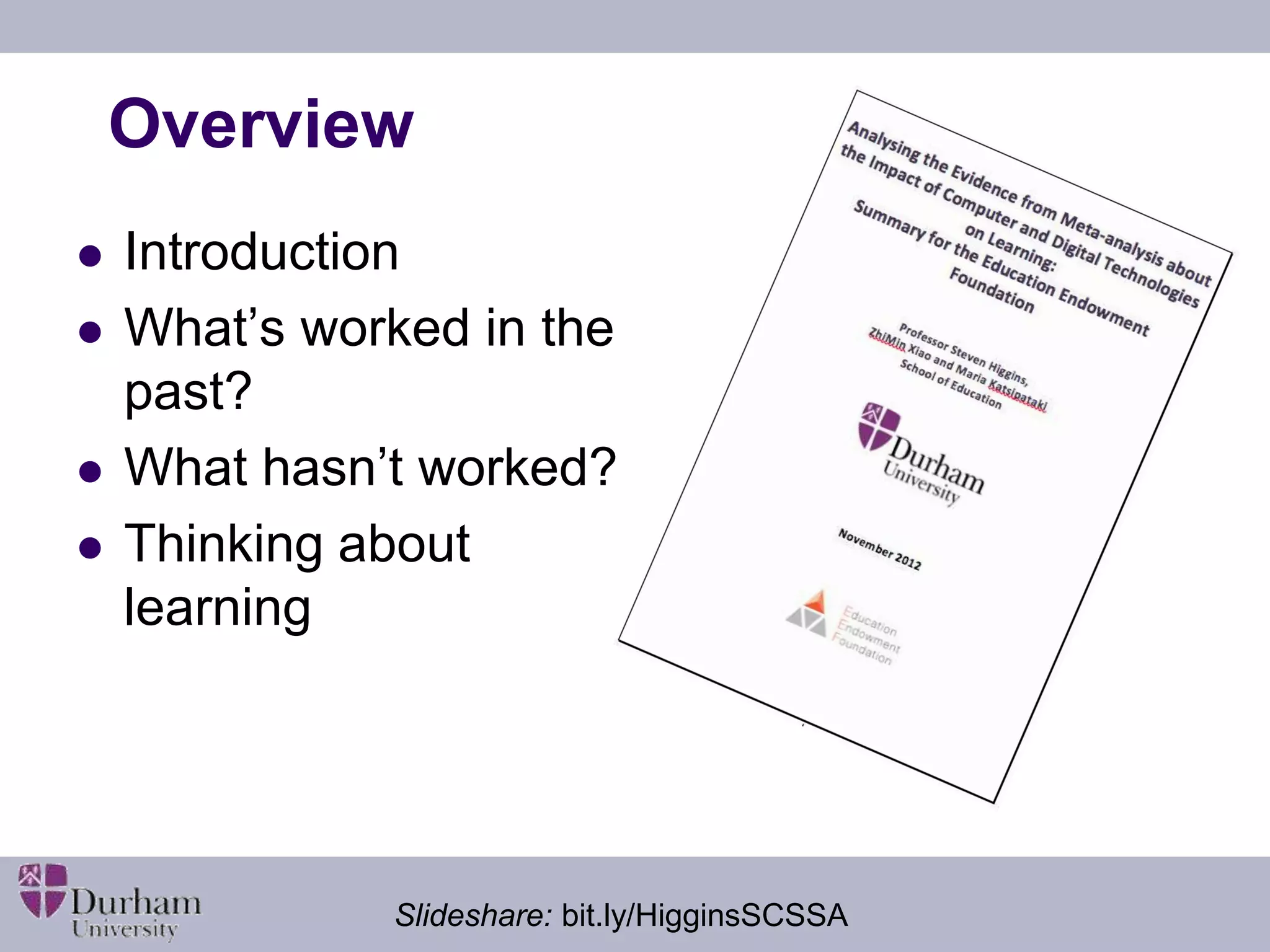
Overview 
 Introduction 
 What’s worked in the 
past? 
 What hasn’t worked? 
 Thinking about 
learning 
Slideshare: bit.ly/HigginsSCSSA
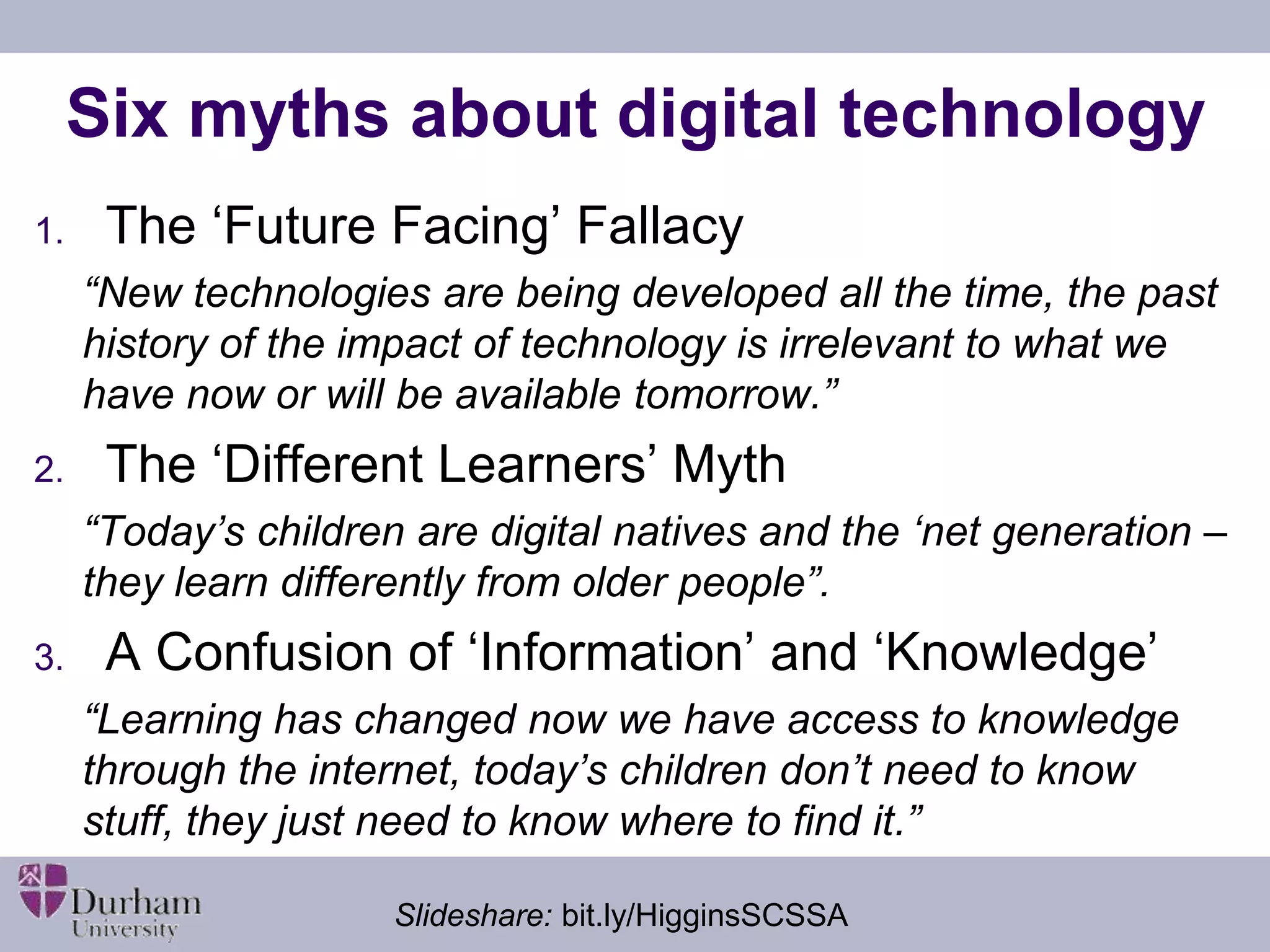
Six myths about digital technology 
1. The ‘Future Facing’ Fallacy 
“New technologies are being developed all the time, the past 
history of the impact of technology is irrelevant to what we 
have now or will be available tomorrow.” 
2. The ‘Different Learners’ Myth 
“Today’s children are digital natives and the ‘net generation – 
they learn differently from older people”. 
3. A Confusion of ‘Information’ and ‘Knowledge’ 
“Learning has changed now we have access to knowledge 
through the internet, today’s children don’t need to know 
stuff, they just need to know where to find it.” 
Slideshare: bit.ly/HigginsSCSSA
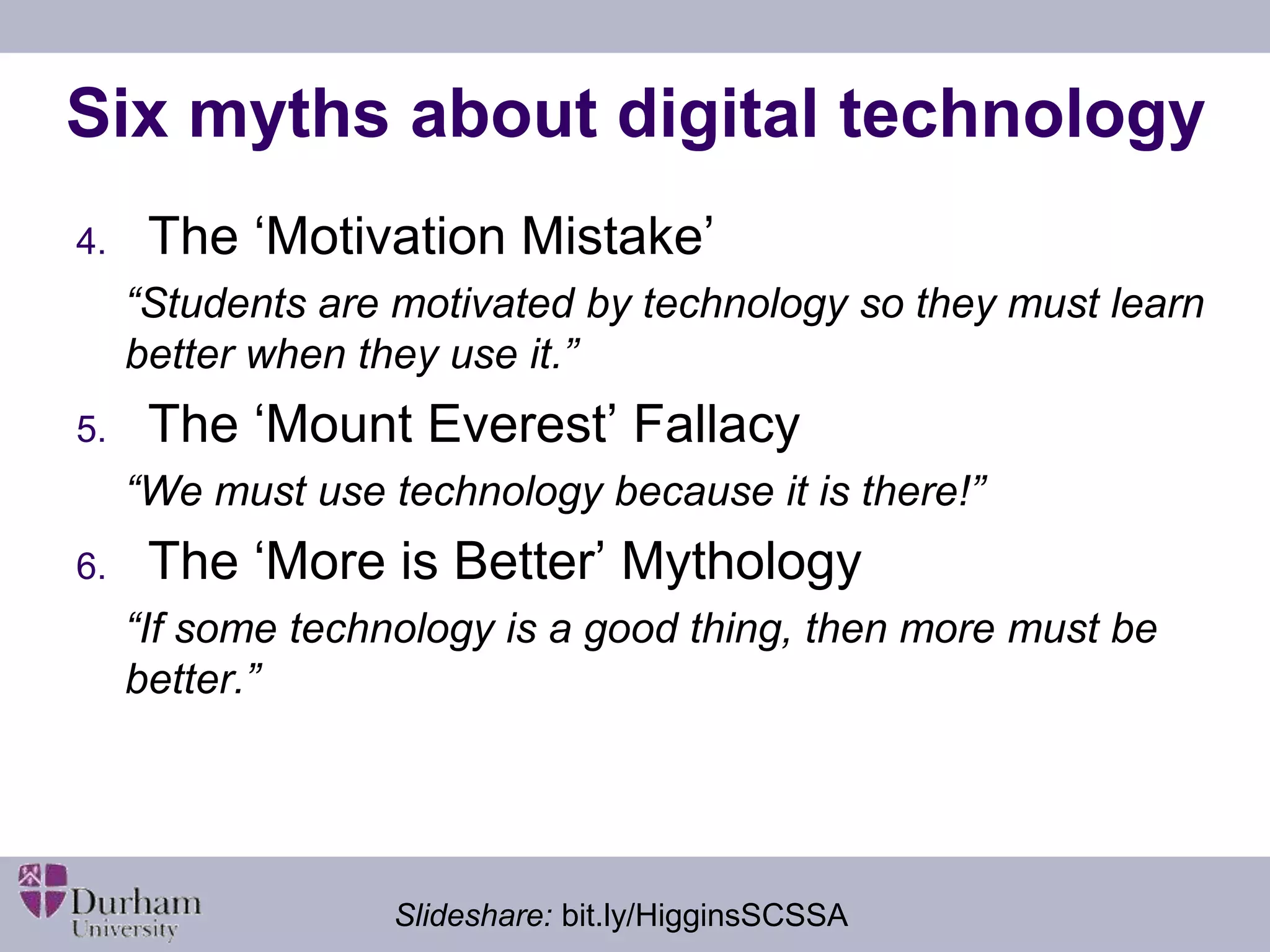
Six myths about digital technology 
4. The ‘Motivation Mistake’ 
“Students are motivated by technology so they must learn 
better when they use it.” 
5. The ‘Mount Everest’ Fallacy 
“We must use technology because it is there!” 
6. The ‘More is Better’ Mythology 
“If some technology is a good thing, then more must be 
better.” 
Slideshare: bit.ly/HigginsSCSSA
The UK context 
 Huge investments in ICT in schools from 
1980s 
 World leader on IWB uptake 
 Learning platforms/ VLEs common in schools 
 Gaming approaches promoted with (past) 
government support 
 New computing curriculum in England 
 Tablet mania 
Slideshare: bit.ly/HigginsSCSSA
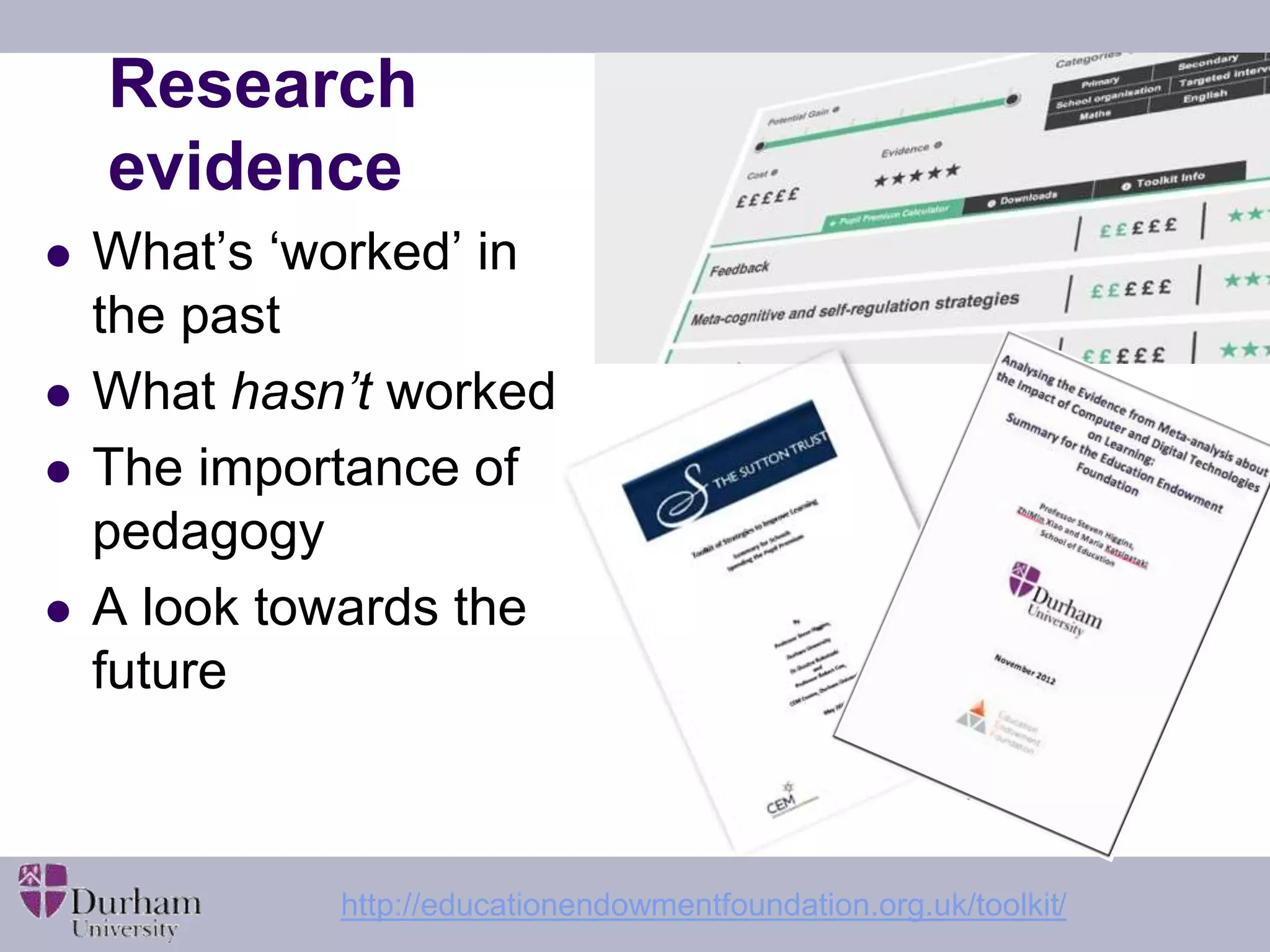
Research 
evidence 
 What’s ‘worked’ in 
the past 
 What hasn’t worked 
 The importance of 
pedagogy 
 A look towards the 
future 
http://educationendowmentfoundation.org.uk/toolkit/
Evidence from correlational studies 
 “Studies linking provision and use of 
technology in schools ...find small positive 
associations with educational outcomes but it 
is not clear that this is always a causal link” (e.g. 
Harrison et al. 2004) 
 Good schools may invest more in technology (Moseley et 
al. 1999) 
 When socio-economic factors are controlled for - 
no effect (Fuchs &Woessmann 2004) 
 The link is not a simple linear one – optimal use 
may be a better concept (e.g. OECD 2006) 
Slideshare: bit.ly/HigginsSCSSA
Experimental studies 
 “Evidence from experimental and quasi-experimental 
designs indicates consistent 
moderate benefit” (e.g. Sipe and Curlette 1997; Pearson, 2005) 
 Comparison with other researched 
interventions suggests technology-based 
interventions tend to produce average gains 
(e.g. Hattie, 2009; Higgins et al. 2012) 
Slideshare: bit.ly/HigginsSCSSA
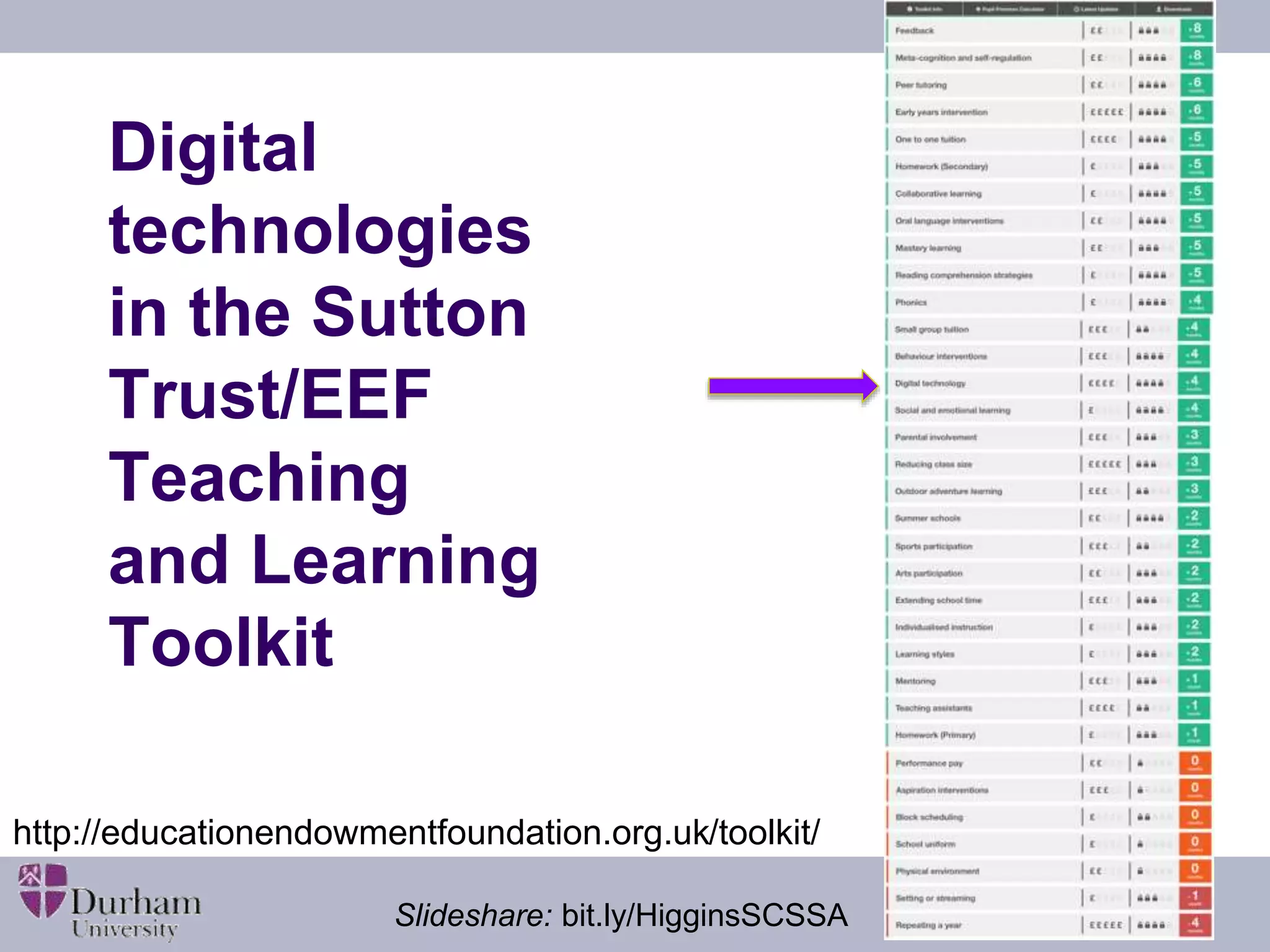
Digital 
technologies 
in the Sutton 
Trust/EEF 
Teaching 
and Learning 
Toolkit 
http://educationendowmentfoundation.org.uk/toolkit/ 
Slideshare: bit.ly/HigginsSCSSA
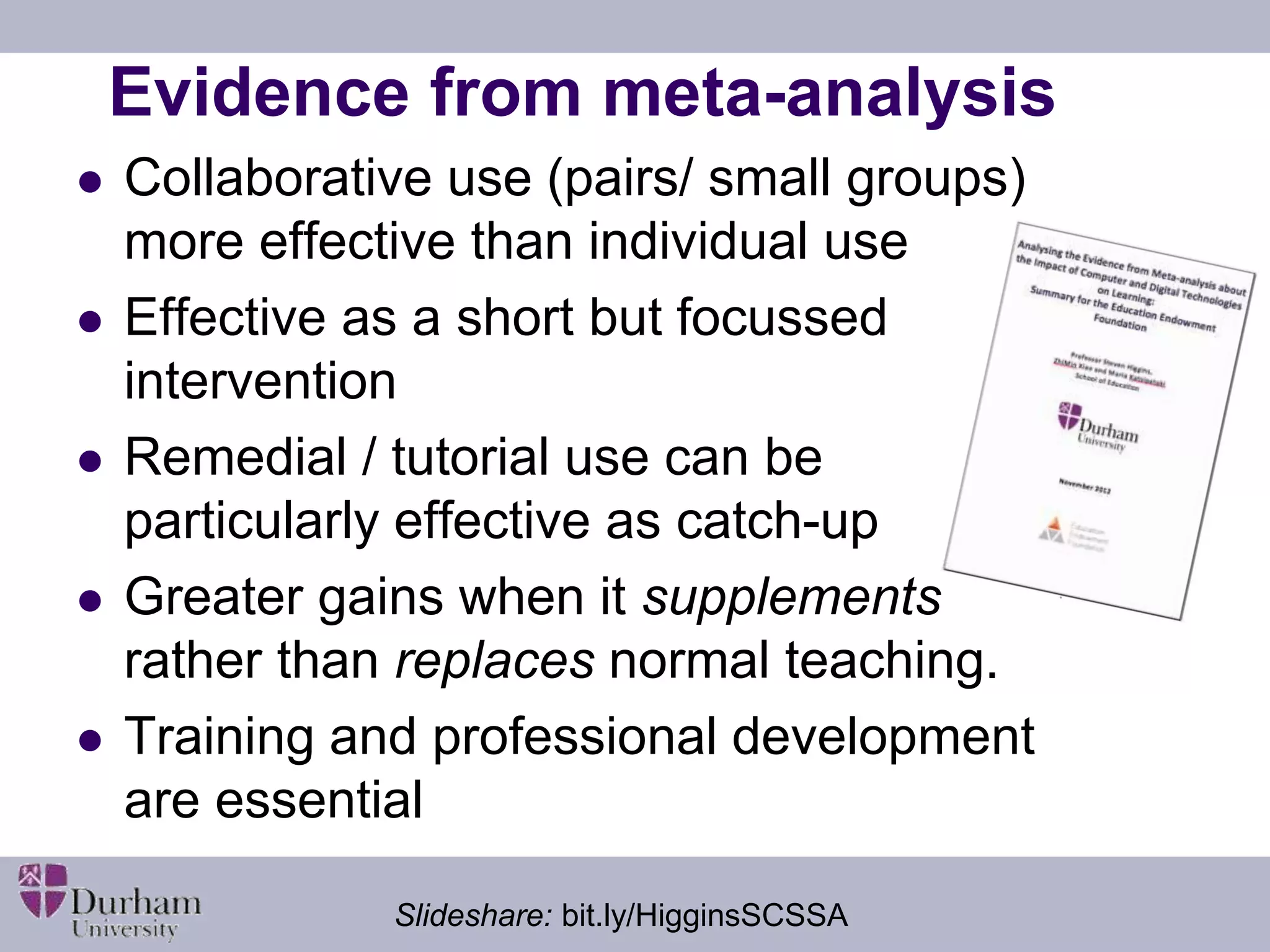
Evidence from meta-analysis 
 Collaborative use (pairs/ small groups) 
more effective than individual use 
 Effective as a short but focussed 
intervention 
 Remedial / tutorial use can be 
particularly effective as catch-up 
 Greater gains when it supplements 
rather than replaces normal teaching. 
 Training and professional development 
are essential 
Slideshare: bit.ly/HigginsSCSSA
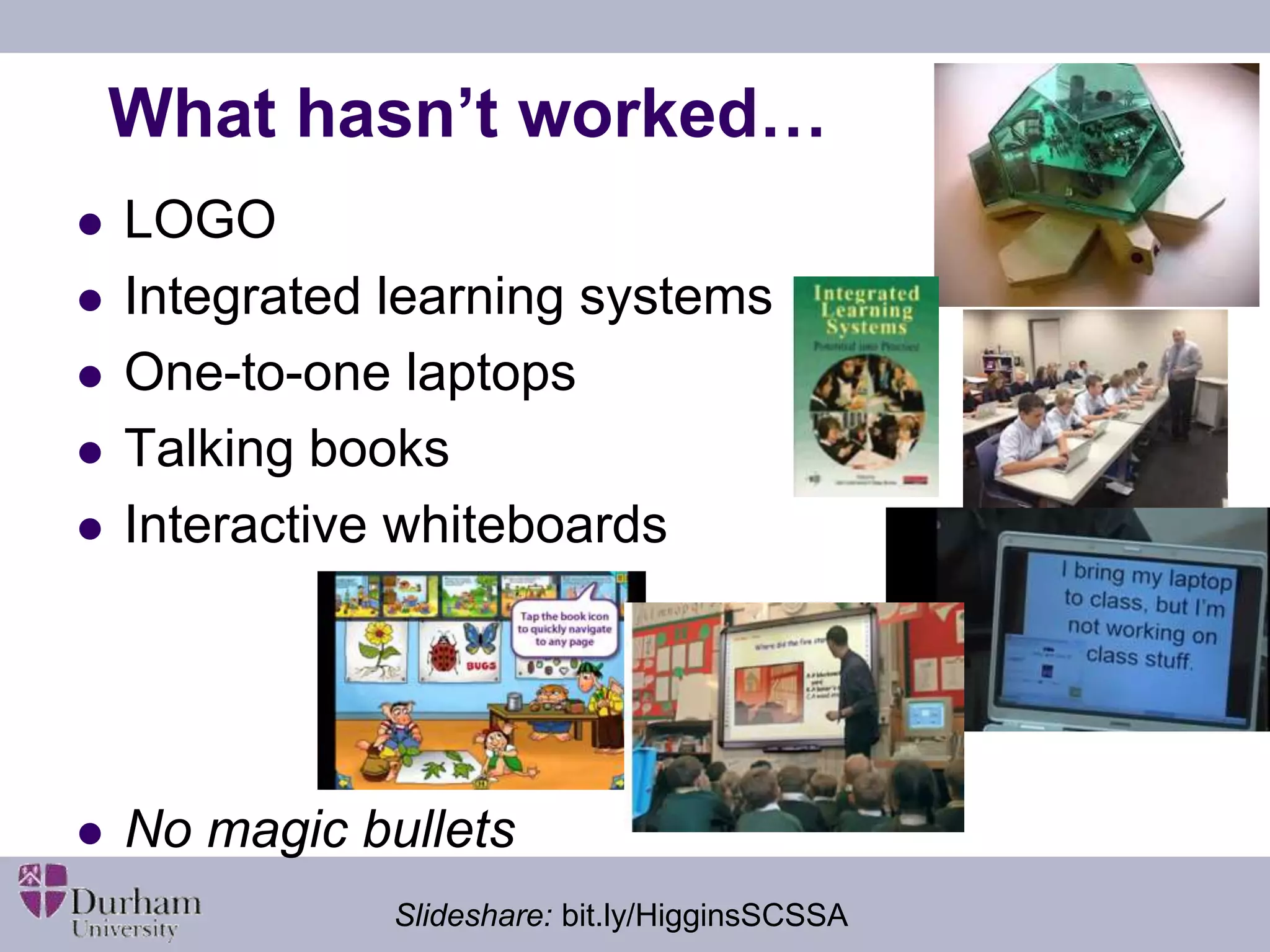
What hasn’t worked… 
 LOGO 
 Integrated learning systems 
 One-to-one laptops 
 Talking books 
 Interactive whiteboards 
 No magic bullets 
Slideshare: bit.ly/HigginsSCSSA
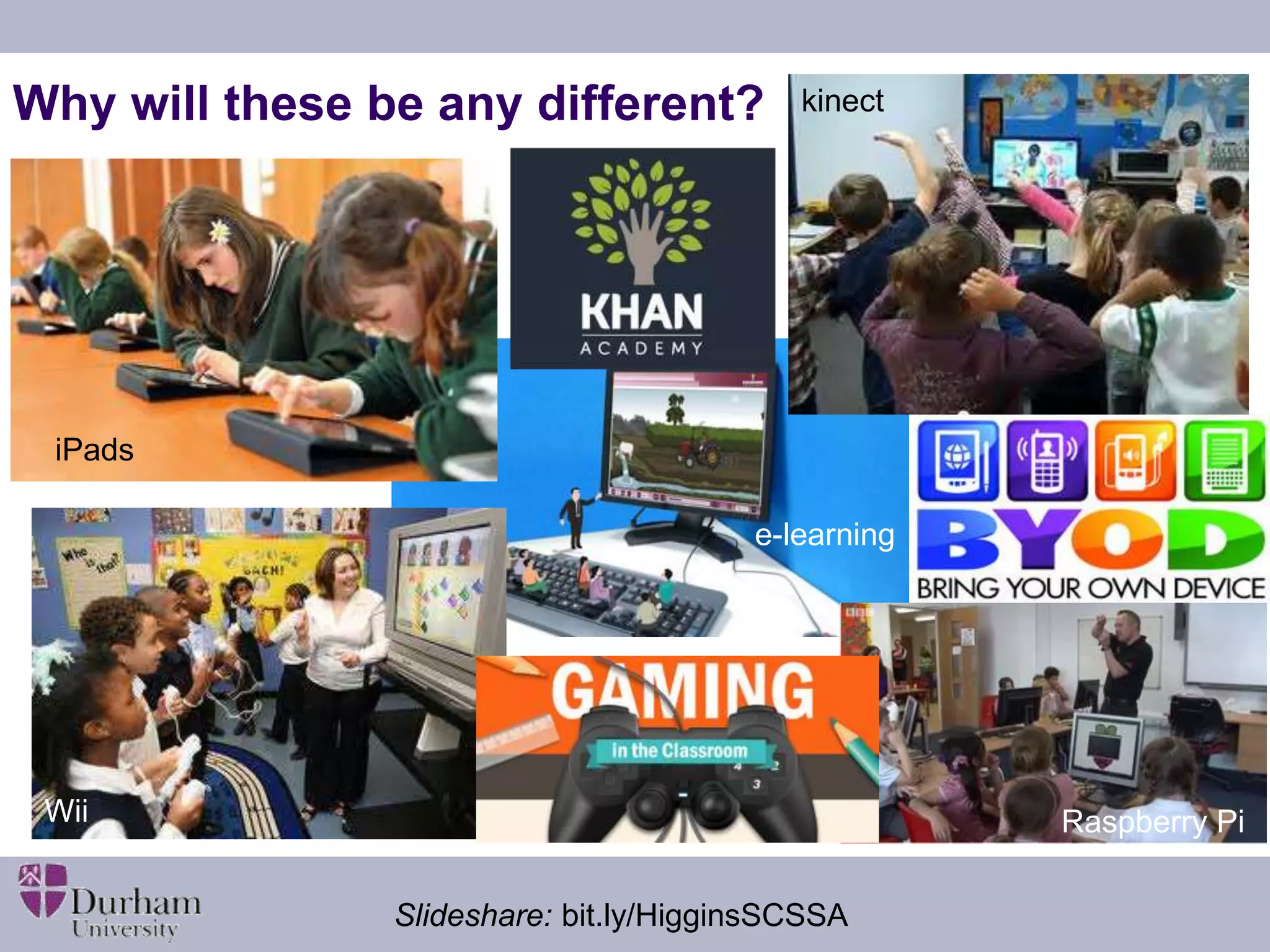
kinect 
Why will these be any different? 
e-learning 
iPads 
Wii 
Raspberry Pi 
Slideshare: bit.ly/HigginsSCSSA
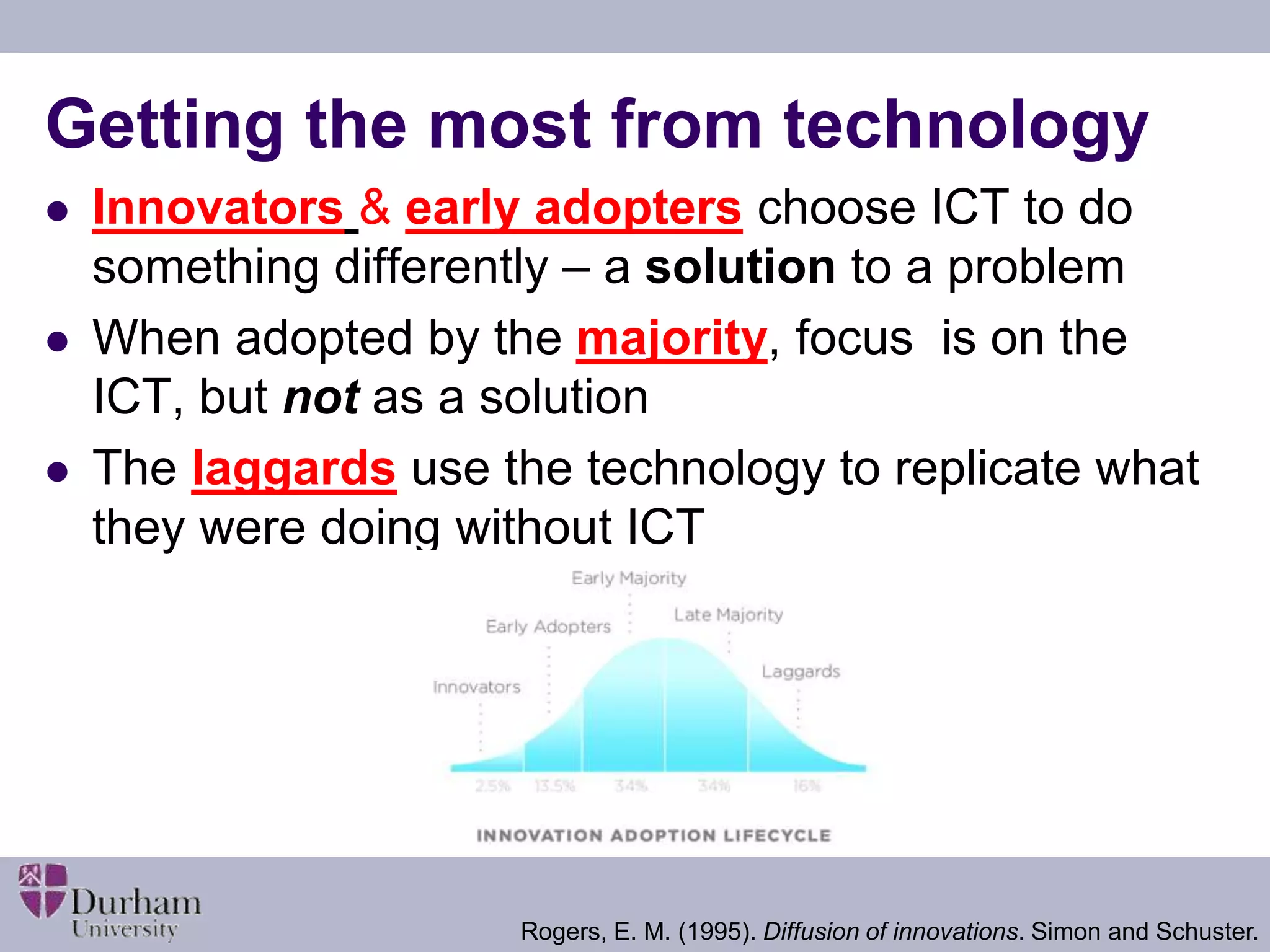
Getting the most from technology 
 Innovators & early adopters choose ICT to do 
something differently – a solution to a problem 
 When adopted by the majority, focus is on the 
ICT, but not as a solution 
 The laggards use the technology to replicate what 
they were doing without ICT 
Rogers, E. M. (1995). Diffusion of innovations. Simon and Schuster.
Challenges 
 How well you use it is more important than 
whether you use it or not 
 Pedagogy trumps technology 
 Cost effectiveness? 
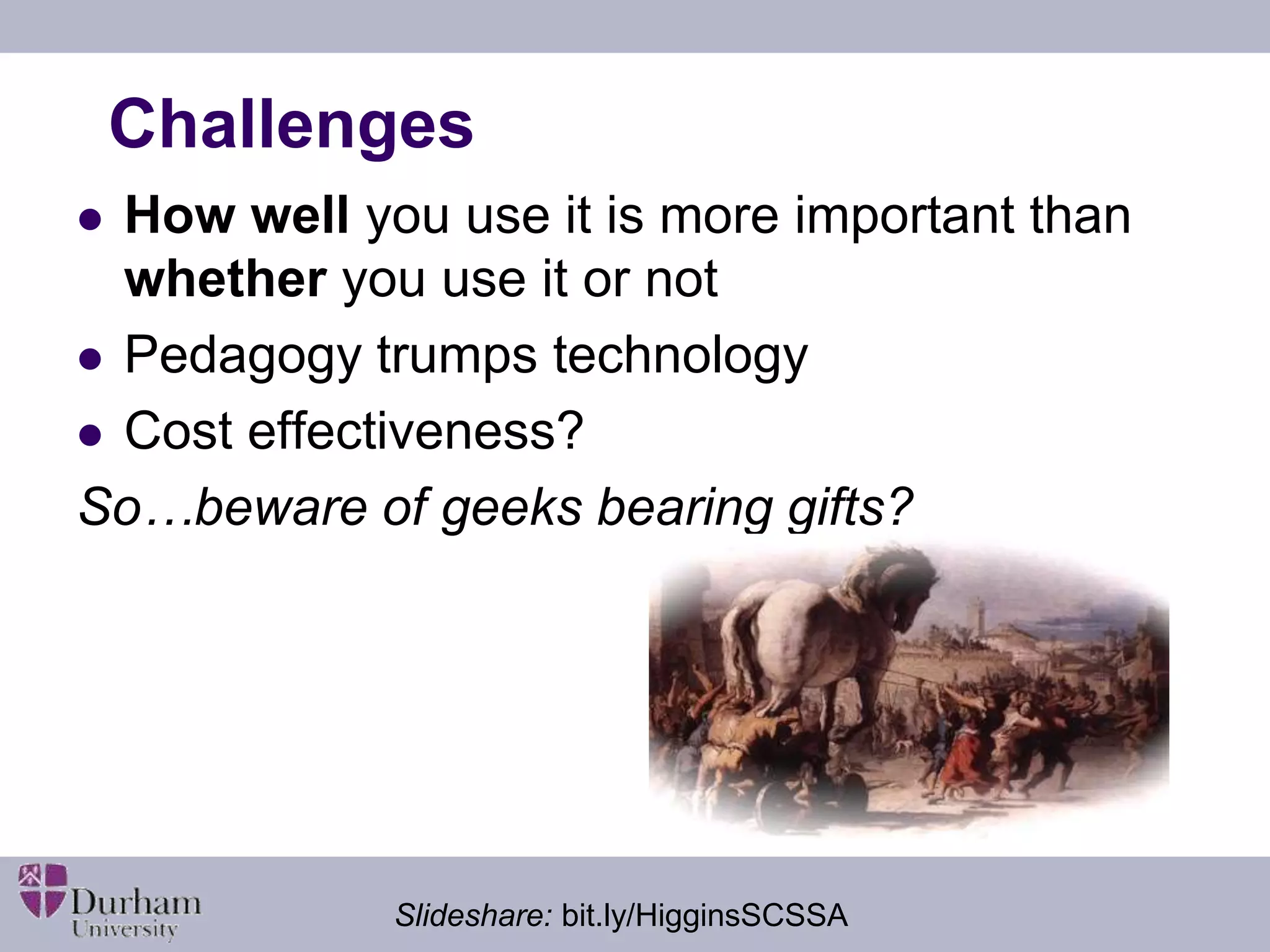
So…beware of geeks bearing gifts? 
Slideshare: bit.ly/HigginsSCSSA
Learning… 
 … from experts 
 … with others 
 … through making 
 … through exploring 
 … through inquiry 
 … through practising 
 … from assessment 
 … in and across settings 
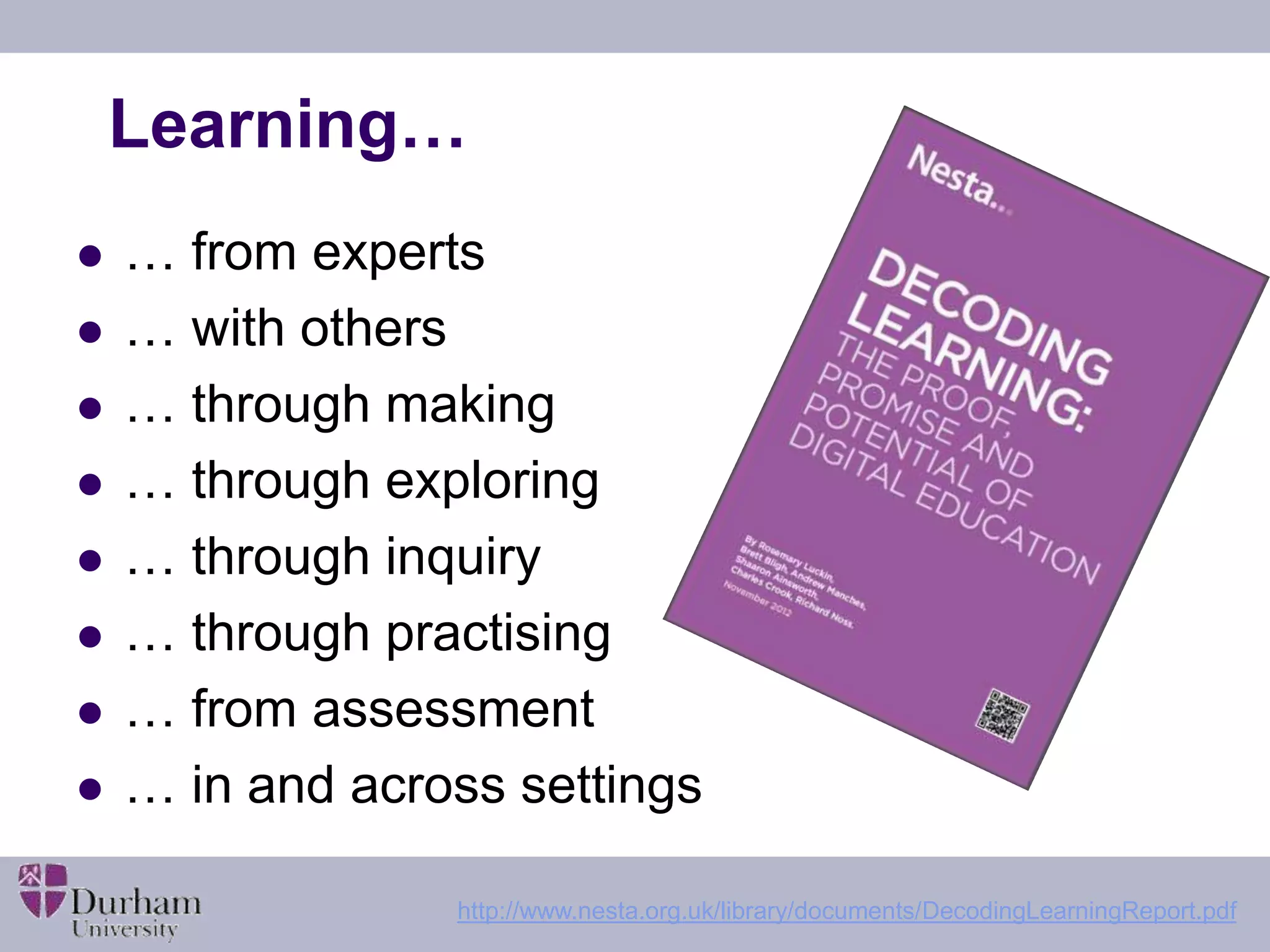
http://www.nesta.org.uk/library/documents/DecodingLearningReport.pdf
Improving learning – what improves? 
 What changes? 
 For teachers 
 Better explanations? More feedback? More accurate 
assessment? Level of challenge/focus? More efficient 
use of time? 
 For pupils 
 Work harder? For longer? More efficiently? Greater 
understanding? More depth? Faster? Better habits? 
Slideshare: bit.ly/HigginsSCSSA
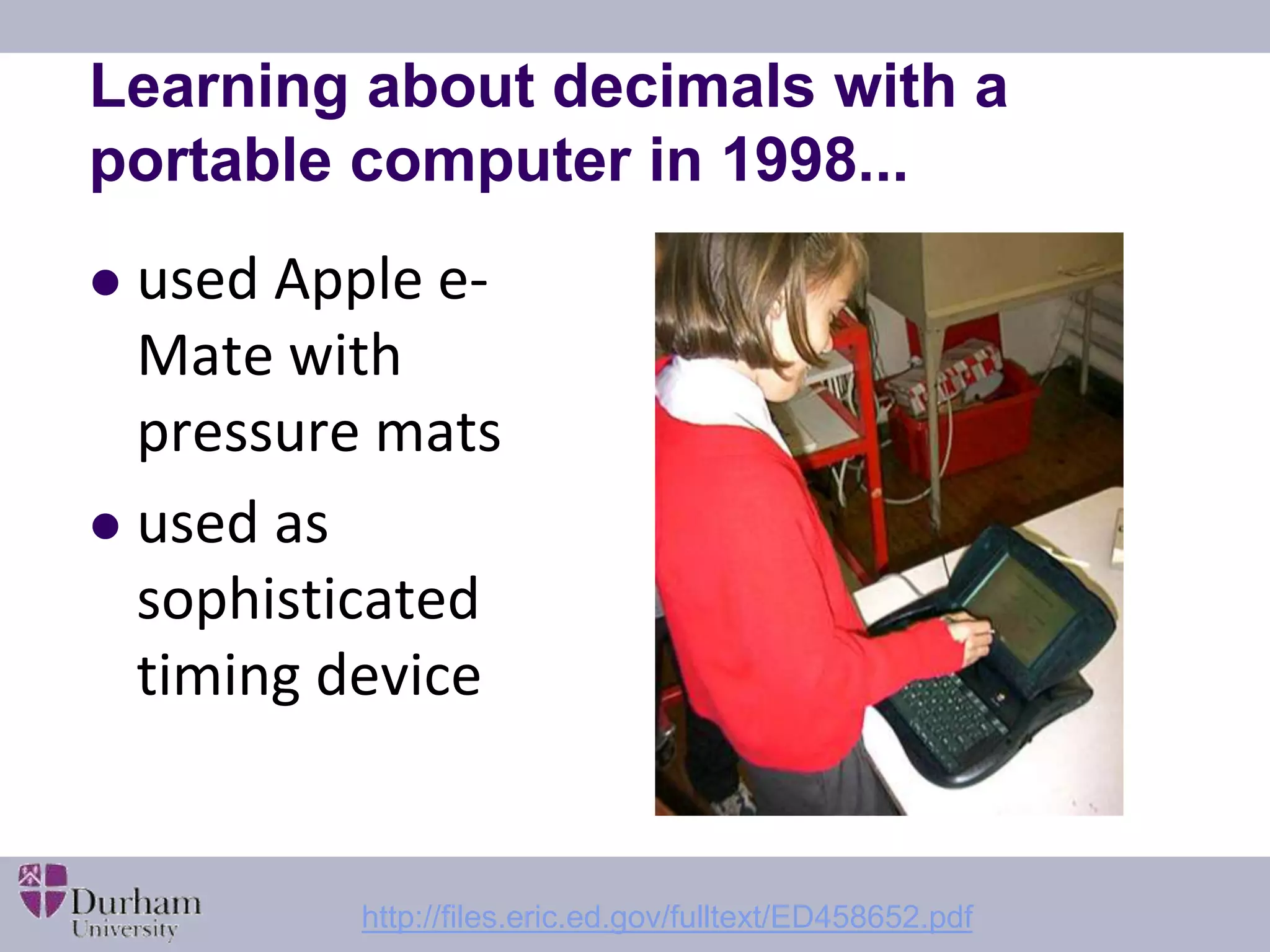
Learning about decimals with a 
portable computer in 1998... 
 used Apple e- 
Mate with 
pressure mats 
 used as 
sophisticated 
timing device 
http://files.eric.ed.gov/fulltext/ED458652.pdf
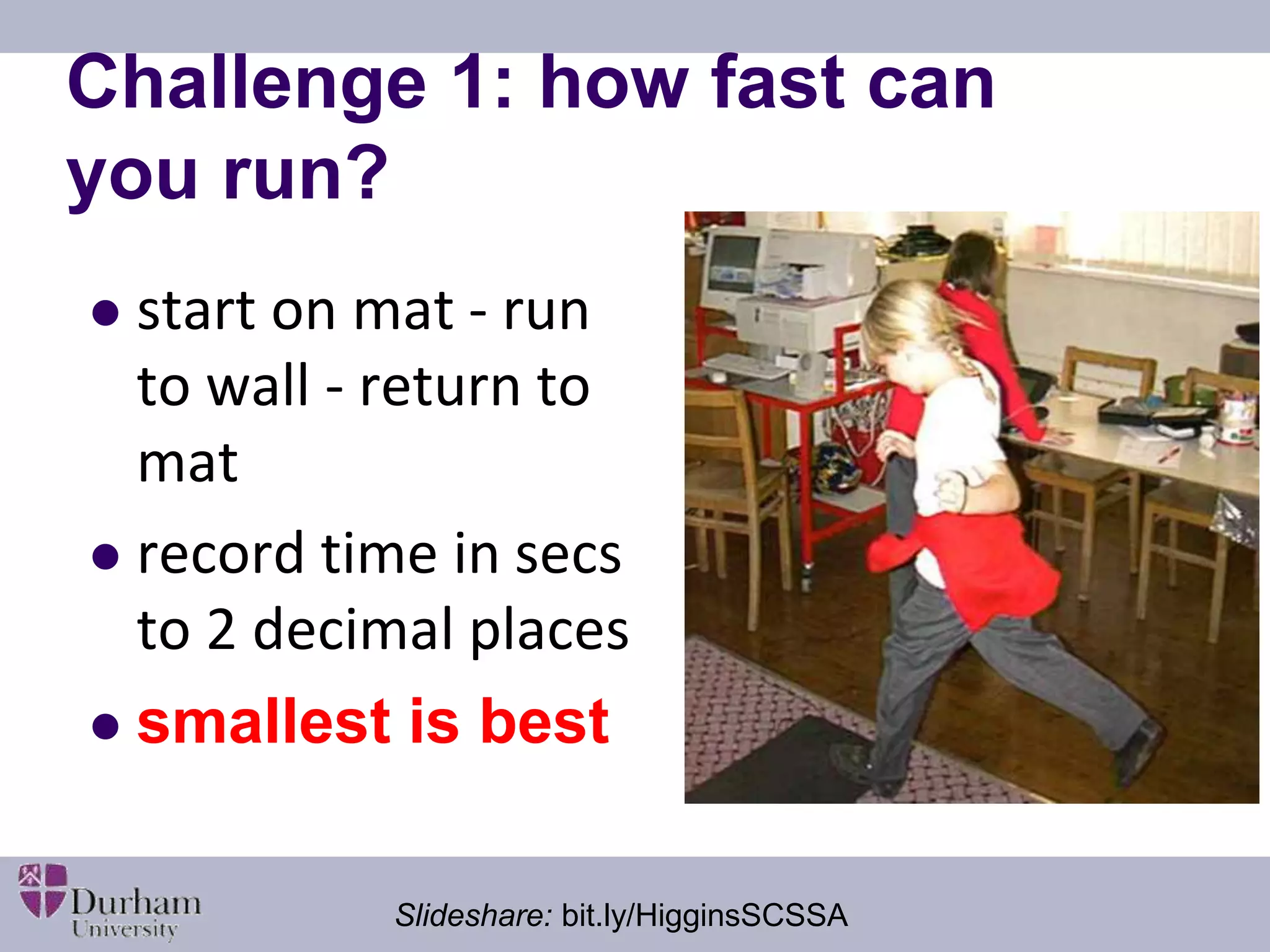
Challenge 1: how fast can 
you run? 
 start on mat - run 
to wall - return to 
mat 
 record time in secs 
to 2 decimal places 
 smallest is best 
Slideshare: bit.ly/HigginsSCSSA
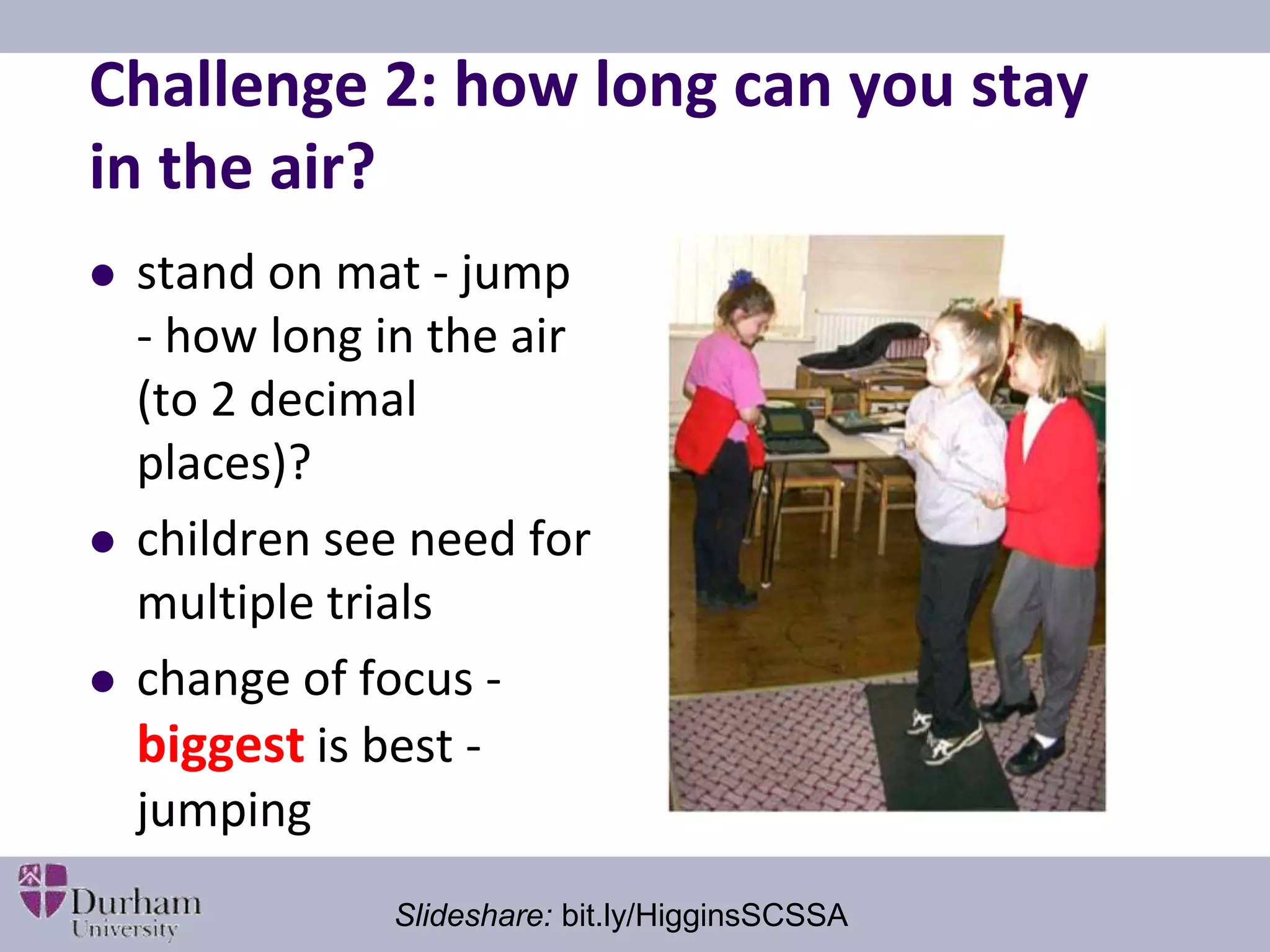
Challenge 2: how long can you stay 
in the air? 
 stand on mat - jump 
- how long in the air 
(to 2 decimal 
places)? 
 children see need for 
multiple trials 
 change of focus - 
biggest is best - 
jumping 
Slideshare: bit.ly/HigginsSCSSA
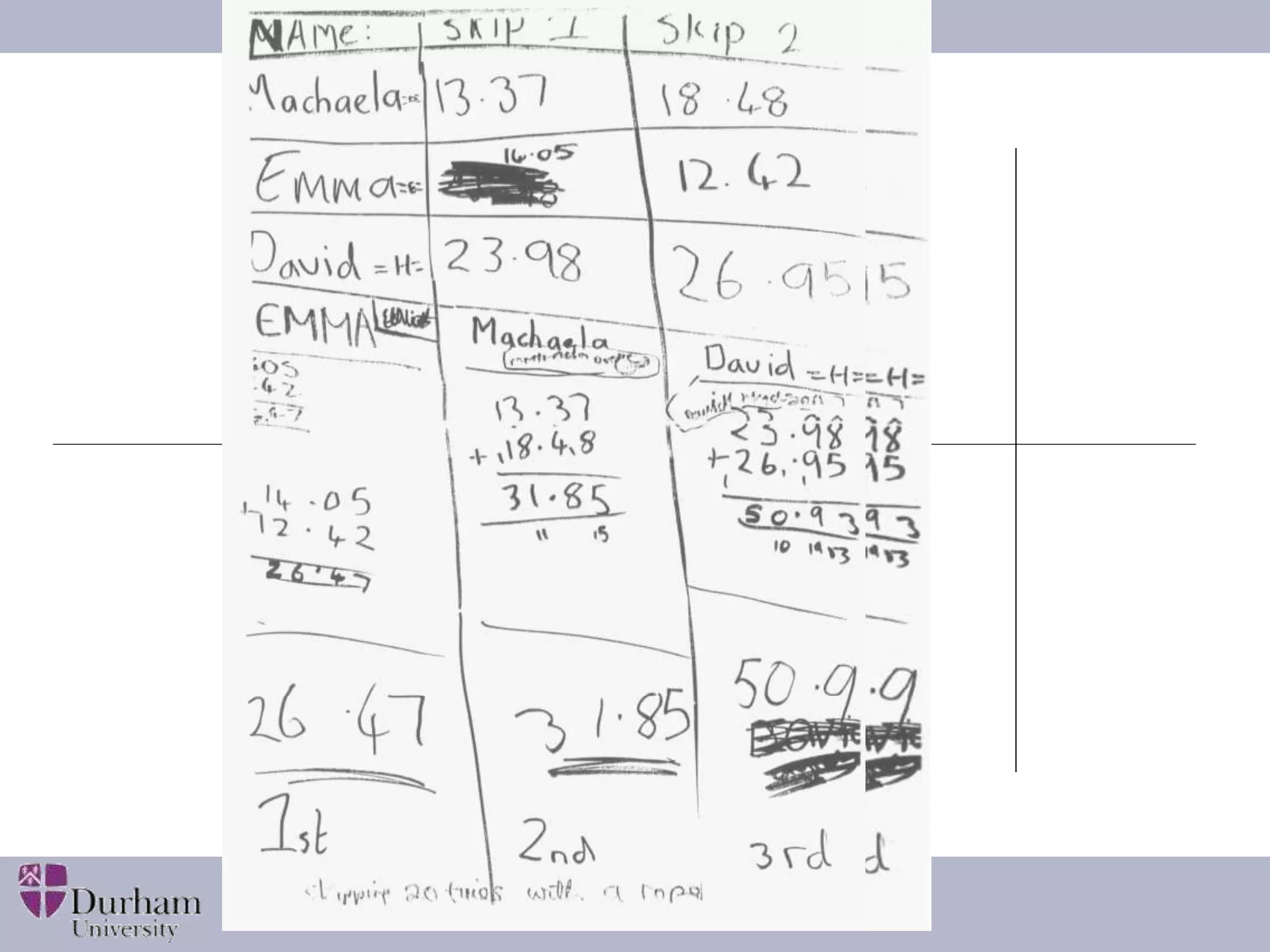
What was effective? 
 ICT acted as a lens to focus the learning 
 Generated decimals to 2 dp from a meaningful 
context 
 Timing mat and computer simplified accurate data 
collection 
 Technology NOT used to do the calculations 
 Competition encouraged multiple trials 
 Pupils extended the task in their own time 
 Harder to do without technology 
Slideshare: bit.ly/HigginsSCSSA
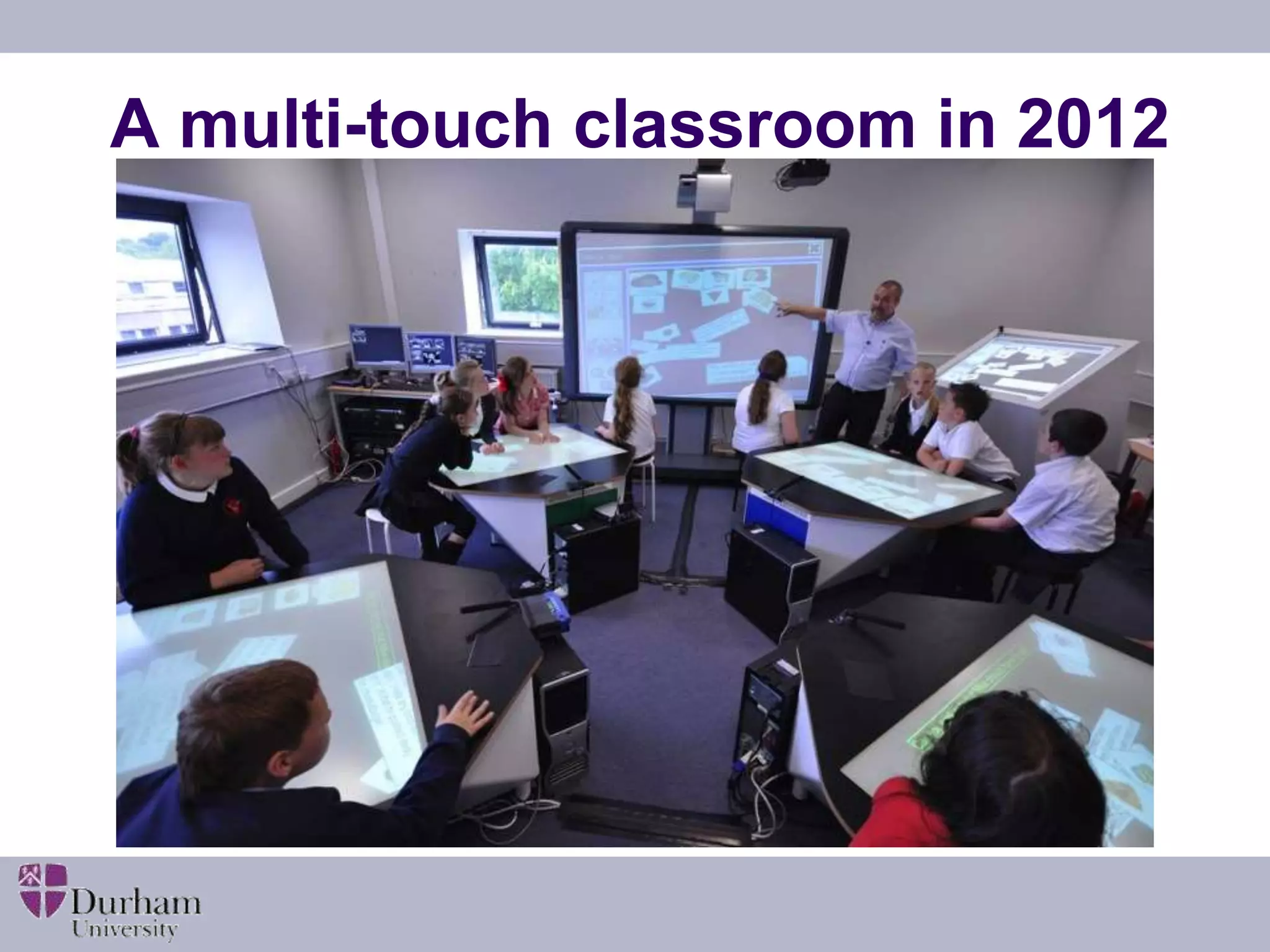
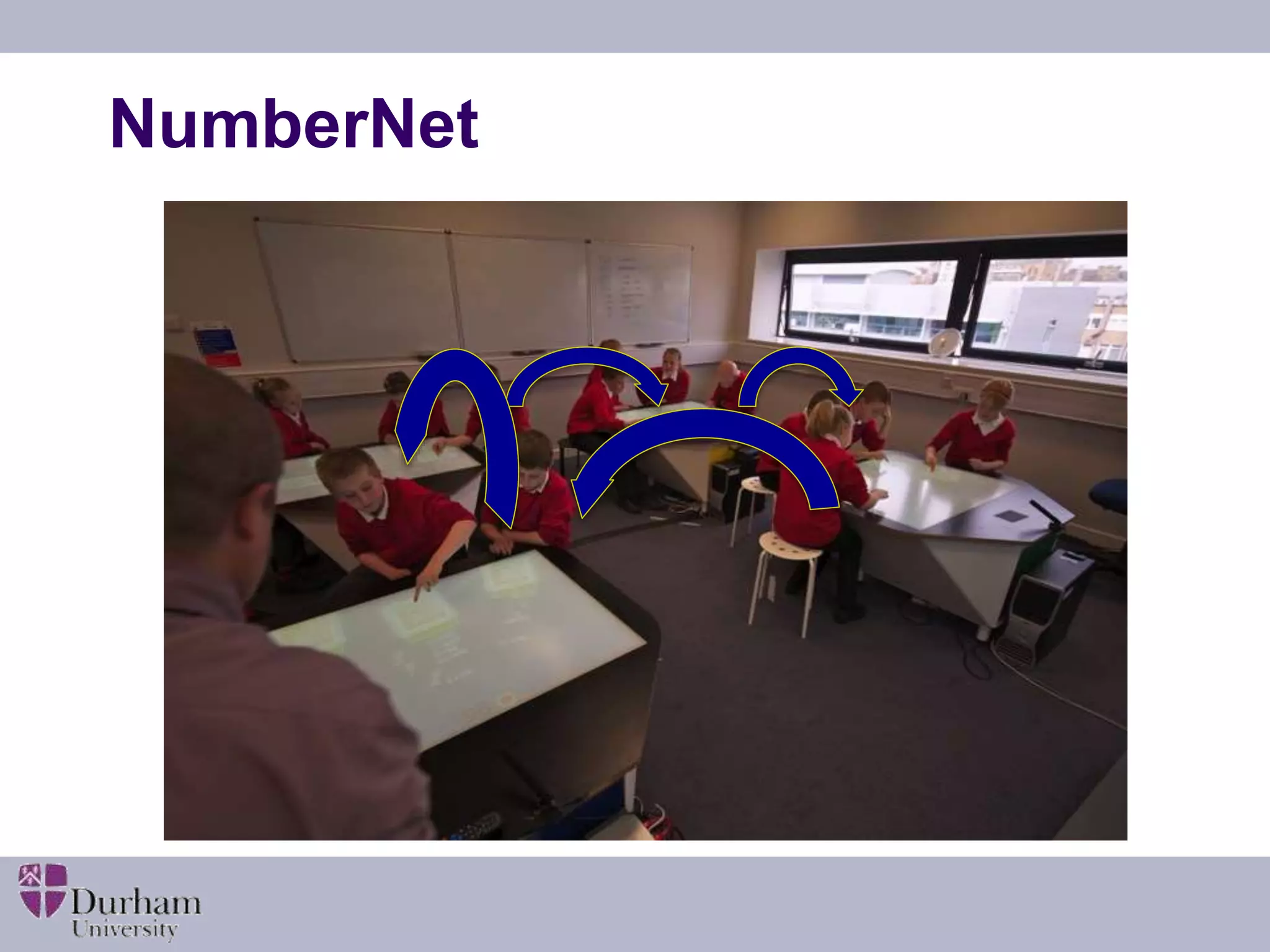
A multi-touch classroom in 2012
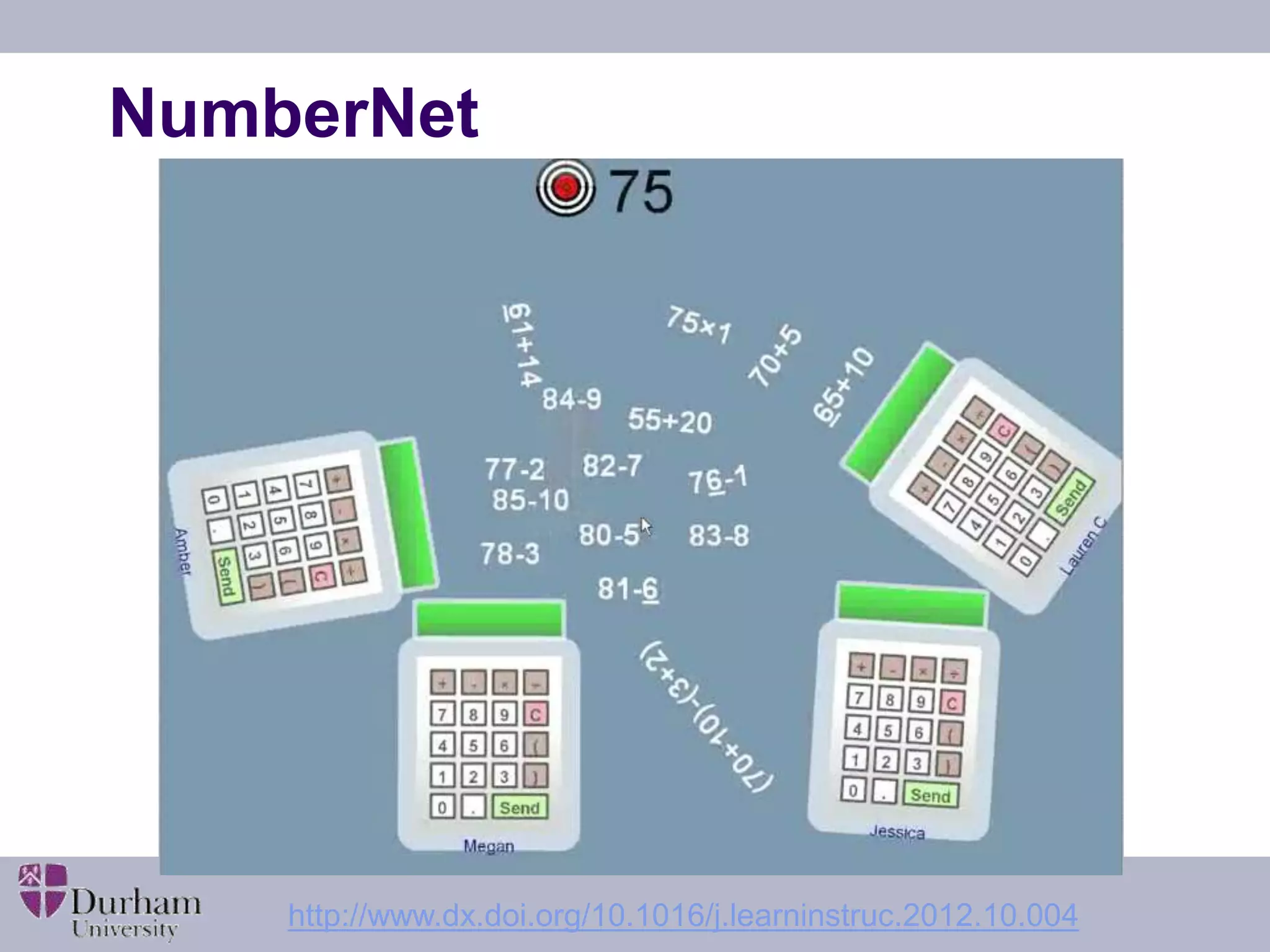
NumberNet 
http://www.dx.doi.org/10.1016/j.learninstruc.2012.10.004
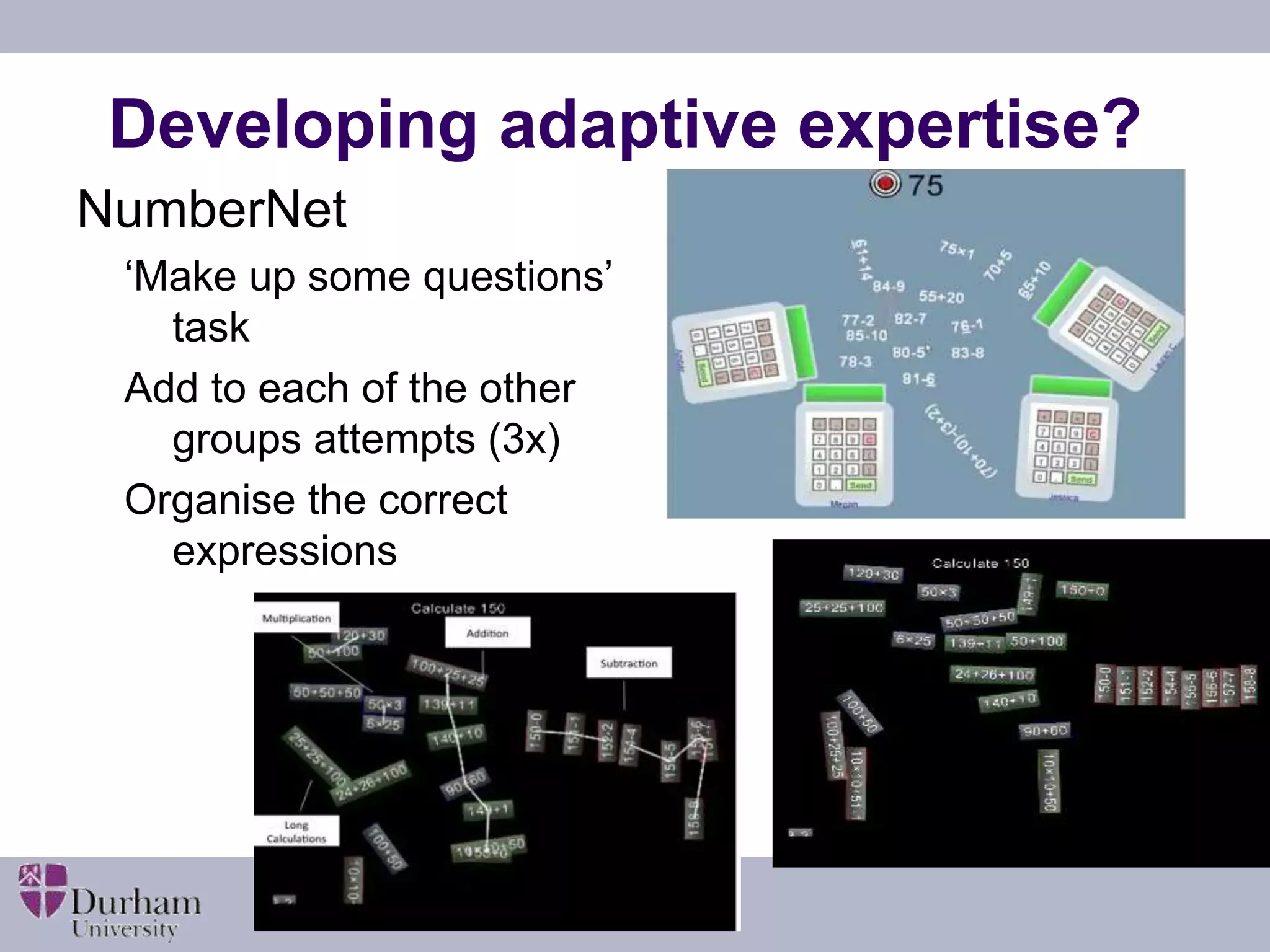
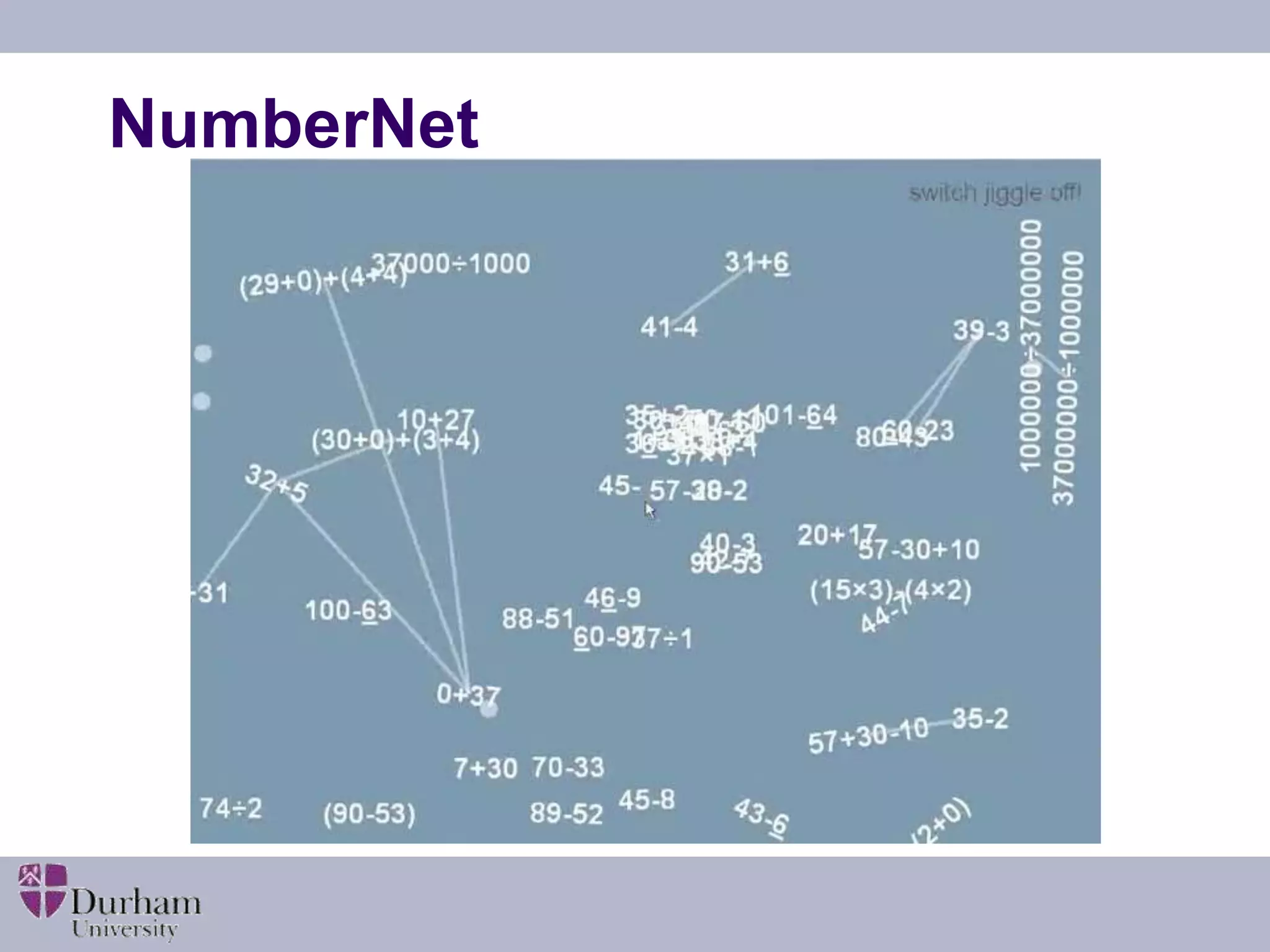
Developing adaptive expertise? 
NumberNet 
‘Make up some questions’ 
task 
Add to each of the other 
groups attempts (3x) 
Organise the correct 
expressions
NumberNet
NumberNet
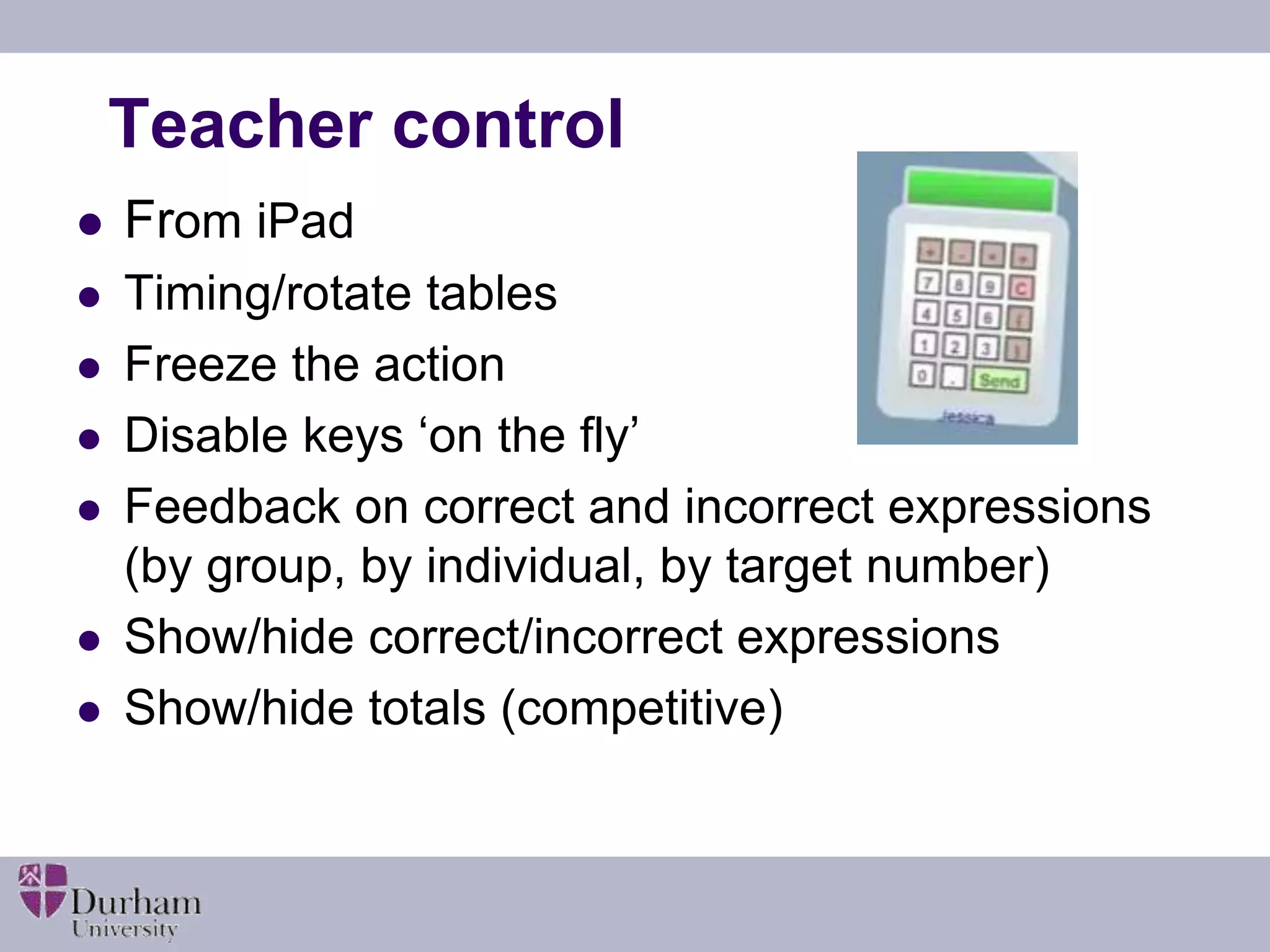
Teacher control 
 From iPad 
 Timing/rotate tables 
 Freeze the action 
 Disable keys ‘on the fly’ 
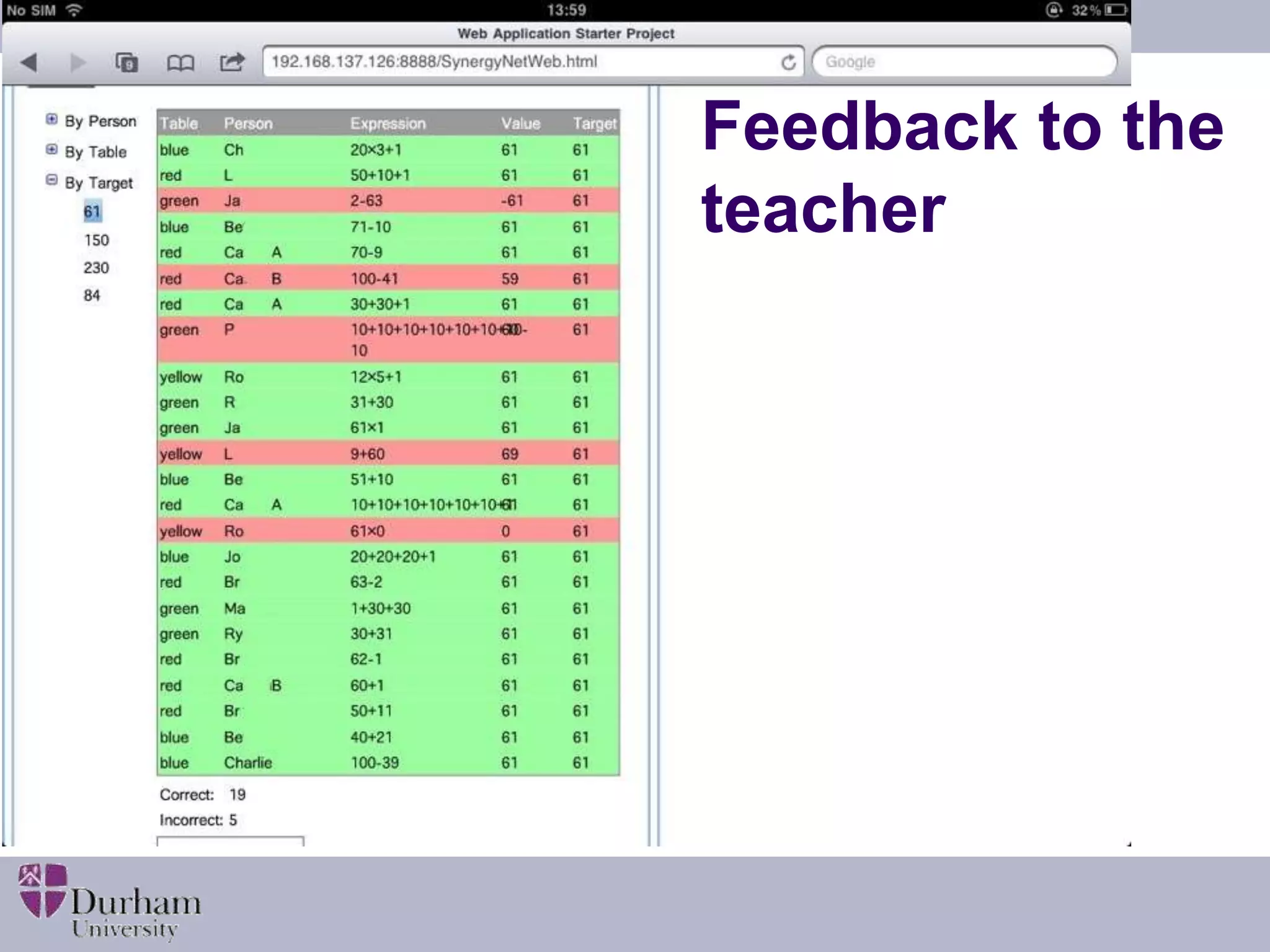
 Feedback on correct and incorrect expressions 
(by group, by individual, by target number) 
 Show/hide correct/incorrect expressions 
 Show/hide totals (competitive)
Feedback to the 
teacher
Jack: Who done... Who's green? Jiminy… 
That's quite smart! [the calculations have a colour border 
indicating the table where they were created, so Jack is asking 
which is the green table, and so who was responsible for the 
calculation] 
Adam: Oh look at that! 10 times 10 that 
equals 100, add 50! Now that's clever, 
whoever did that! I'm doing that…
What was effective 
 Practice – multiple repetitions 
 Self-regulated level of challenge 
 Teacher gets feedback about competence 
and confidence in pupils’ skills 
 Teacher can ‘tweak’ the challenge 
 Learning from others 
 Balance of collaboration/ competition
So how should ICT be used for 
teaching and learning… 
 Adopt technology as a solution to a teaching 
and learning challenge or problem 
 Check that technical or basic skills issues won’t 
get in the way of the learning 
 Should helps learners accept high level of 
challenge 
 Look for evidence of improvement 
 Evaluate the impact
ICT for teaching and learning… 
 What are the teaching and learning 
challenges digital technologies can help you 
solve? 
 A ‘complementary’ pedadogy? 
 What will the technology replace? 
 What will you stop doing? 
 How will you know it is better?
For every complex 
problem there is a 
solution that is simple, 
neat… 
and WRONG! 
H.L. Mencken 1880-1956

Scssa dig tech_edinburgh_web

  • 1.
    Digital Technologies: Whereis the Learning? Professor Steve Higgins, School of Education, Durham University, s.e.higgins@durham.ac.uk @profstig Information and Communications Technology in the Classroom Making a Difference to Pupil Learning Thursday 13 November 2014 The John McIntyre Conference Centre, Edinburgh Slideshare: bit.ly/HigginsSCSSA
  • 2.
    Overview  Introduction  What’s worked in the past?  What hasn’t worked?  Thinking about learning Slideshare: bit.ly/HigginsSCSSA
  • 3.
    Six myths aboutdigital technology 1. The ‘Future Facing’ Fallacy “New technologies are being developed all the time, the past history of the impact of technology is irrelevant to what we have now or will be available tomorrow.” 2. The ‘Different Learners’ Myth “Today’s children are digital natives and the ‘net generation – they learn differently from older people”. 3. A Confusion of ‘Information’ and ‘Knowledge’ “Learning has changed now we have access to knowledge through the internet, today’s children don’t need to know stuff, they just need to know where to find it.” Slideshare: bit.ly/HigginsSCSSA
  • 4.
    Six myths aboutdigital technology 4. The ‘Motivation Mistake’ “Students are motivated by technology so they must learn better when they use it.” 5. The ‘Mount Everest’ Fallacy “We must use technology because it is there!” 6. The ‘More is Better’ Mythology “If some technology is a good thing, then more must be better.” Slideshare: bit.ly/HigginsSCSSA
  • 5.
    The UK context  Huge investments in ICT in schools from 1980s  World leader on IWB uptake  Learning platforms/ VLEs common in schools  Gaming approaches promoted with (past) government support  New computing curriculum in England  Tablet mania Slideshare: bit.ly/HigginsSCSSA
  • 6.
    Research evidence What’s ‘worked’ in the past  What hasn’t worked  The importance of pedagogy  A look towards the future http://educationendowmentfoundation.org.uk/toolkit/
  • 7.
    Evidence from correlationalstudies  “Studies linking provision and use of technology in schools ...find small positive associations with educational outcomes but it is not clear that this is always a causal link” (e.g. Harrison et al. 2004)  Good schools may invest more in technology (Moseley et al. 1999)  When socio-economic factors are controlled for - no effect (Fuchs &Woessmann 2004)  The link is not a simple linear one – optimal use may be a better concept (e.g. OECD 2006) Slideshare: bit.ly/HigginsSCSSA
  • 8.
    Experimental studies “Evidence from experimental and quasi-experimental designs indicates consistent moderate benefit” (e.g. Sipe and Curlette 1997; Pearson, 2005)  Comparison with other researched interventions suggests technology-based interventions tend to produce average gains (e.g. Hattie, 2009; Higgins et al. 2012) Slideshare: bit.ly/HigginsSCSSA
  • 9.
    Digital technologies inthe Sutton Trust/EEF Teaching and Learning Toolkit http://educationendowmentfoundation.org.uk/toolkit/ Slideshare: bit.ly/HigginsSCSSA
  • 10.
    Evidence from meta-analysis  Collaborative use (pairs/ small groups) more effective than individual use  Effective as a short but focussed intervention  Remedial / tutorial use can be particularly effective as catch-up  Greater gains when it supplements rather than replaces normal teaching.  Training and professional development are essential Slideshare: bit.ly/HigginsSCSSA
  • 11.
    What hasn’t worked…  LOGO  Integrated learning systems  One-to-one laptops  Talking books  Interactive whiteboards  No magic bullets Slideshare: bit.ly/HigginsSCSSA
  • 12.
    kinect Why willthese be any different? e-learning iPads Wii Raspberry Pi Slideshare: bit.ly/HigginsSCSSA
  • 13.
    Getting the mostfrom technology  Innovators & early adopters choose ICT to do something differently – a solution to a problem  When adopted by the majority, focus is on the ICT, but not as a solution  The laggards use the technology to replicate what they were doing without ICT Rogers, E. M. (1995). Diffusion of innovations. Simon and Schuster.
  • 14.
    Challenges  Howwell you use it is more important than whether you use it or not  Pedagogy trumps technology  Cost effectiveness? So…beware of geeks bearing gifts? Slideshare: bit.ly/HigginsSCSSA
  • 15.
    Learning…  …from experts  … with others  … through making  … through exploring  … through inquiry  … through practising  … from assessment  … in and across settings http://www.nesta.org.uk/library/documents/DecodingLearningReport.pdf
  • 16.
    Improving learning –what improves?  What changes?  For teachers  Better explanations? More feedback? More accurate assessment? Level of challenge/focus? More efficient use of time?  For pupils  Work harder? For longer? More efficiently? Greater understanding? More depth? Faster? Better habits? Slideshare: bit.ly/HigginsSCSSA
  • 17.
    Learning about decimalswith a portable computer in 1998...  used Apple e- Mate with pressure mats  used as sophisticated timing device http://files.eric.ed.gov/fulltext/ED458652.pdf
  • 18.
    Challenge 1: howfast can you run?  start on mat - run to wall - return to mat  record time in secs to 2 decimal places  smallest is best Slideshare: bit.ly/HigginsSCSSA
  • 19.
    Challenge 2: howlong can you stay in the air?  stand on mat - jump - how long in the air (to 2 decimal places)?  children see need for multiple trials  change of focus - biggest is best - jumping Slideshare: bit.ly/HigginsSCSSA
  • 21.
    What was effective?  ICT acted as a lens to focus the learning  Generated decimals to 2 dp from a meaningful context  Timing mat and computer simplified accurate data collection  Technology NOT used to do the calculations  Competition encouraged multiple trials  Pupils extended the task in their own time  Harder to do without technology Slideshare: bit.ly/HigginsSCSSA
  • 22.
  • 23.
  • 24.
    Developing adaptive expertise? NumberNet ‘Make up some questions’ task Add to each of the other groups attempts (3x) Organise the correct expressions
  • 25.
  • 26.
  • 27.
    Teacher control From iPad  Timing/rotate tables  Freeze the action  Disable keys ‘on the fly’  Feedback on correct and incorrect expressions (by group, by individual, by target number)  Show/hide correct/incorrect expressions  Show/hide totals (competitive)
  • 28.
  • 29.
    Jack: Who done...Who's green? Jiminy… That's quite smart! [the calculations have a colour border indicating the table where they were created, so Jack is asking which is the green table, and so who was responsible for the calculation] Adam: Oh look at that! 10 times 10 that equals 100, add 50! Now that's clever, whoever did that! I'm doing that…
  • 30.
    What was effective  Practice – multiple repetitions  Self-regulated level of challenge  Teacher gets feedback about competence and confidence in pupils’ skills  Teacher can ‘tweak’ the challenge  Learning from others  Balance of collaboration/ competition
  • 31.
    So how shouldICT be used for teaching and learning…  Adopt technology as a solution to a teaching and learning challenge or problem  Check that technical or basic skills issues won’t get in the way of the learning  Should helps learners accept high level of challenge  Look for evidence of improvement  Evaluate the impact
  • 32.
    ICT for teachingand learning…  What are the teaching and learning challenges digital technologies can help you solve?  A ‘complementary’ pedadogy?  What will the technology replace?  What will you stop doing?  How will you know it is better?
  • 33.
    For every complex problem there is a solution that is simple, neat… and WRONG! H.L. Mencken 1880-1956