United Streaming: Use of Media
            in K-12
     Posted: www.slideshare.net/Clairvoy
Discovery Education Streaming
 http://streaming.discoveryeducation.com/


                                     2
One: Rules of the Road
Two: Tools & Resources

                   3
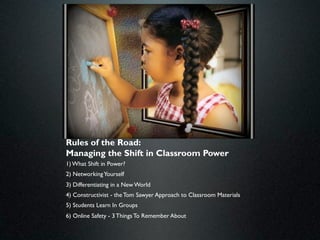
Rules of the Road:
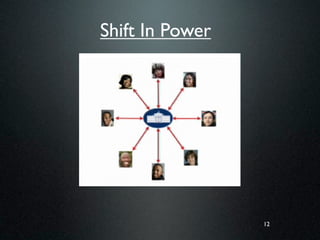
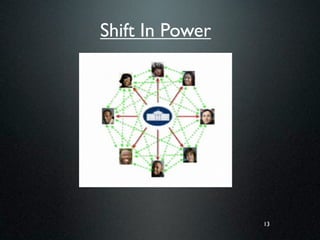
Managing the Shift in Classroom Power
1) What Shift in Power?
2) Networking Yourself
3) Differentiating in a New World
4) Constructivist - the Tom Sawyer Approach to Classroom Materials
5) Students Learn In Groups
6) Online Safety - 3 Things To Remember About
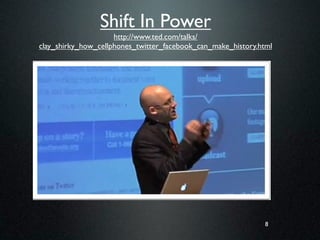
Shift In Power
                     http://www.ted.com/talks/
clay_shirky_how_cellphones_twitter_facebook_can_make_history.html


                                                               8
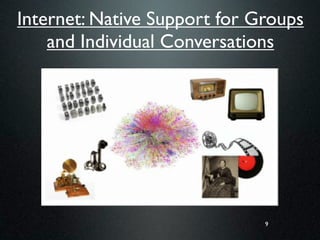
Internet: Native Support for Groups
    and Individual Conversations


                              9
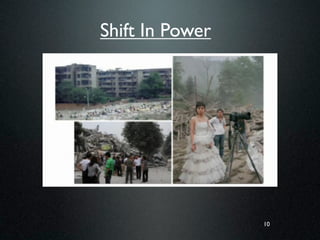
Shift In Power


                 10
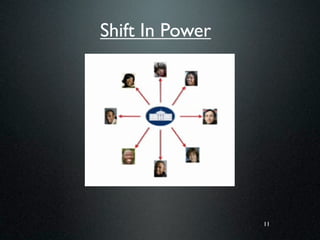
Shift In Power


                 11
Shift In Power


                 12
Shift In Power


                 13
Teacher Productivity Tools
             (just Google it)
• 25 Digital Things All Teachers Should Know
  –   Delicious (tagging)
  –   Wiki (tagging)
  –   PhotoSharing (tagging)
  –   Snagit
  –   RSS Feeds
  –   Google.com (Google Sites, Google Reader, Google
      Earth)


                                              14
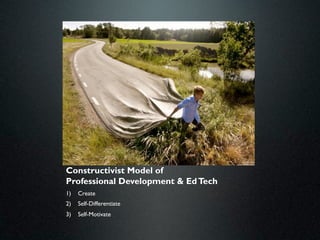
Constructivist Model of
Professional Development & Ed Tech
1)   Create
2)   Self-Differentiate
3)   Self-Motivate
Shared Computing
      http://www.ted.com/talks/sugata_mitra_shows_how_kids_teach_themselves.html


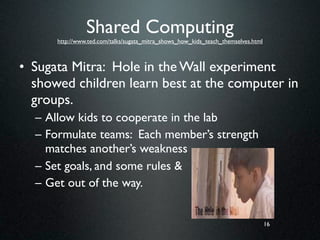
• Sugata Mitra: Hole in the Wall experiment
  showed children learn best at the computer in
  groups.
  – Allow kids to cooperate in the lab
  – Formulate teams: Each member’s strength
    matches another’s weakness
  – Set goals, and some rules &
  – Get out of the way.


                                                                                   16
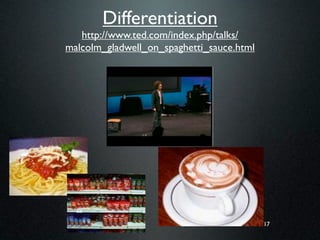
Differentiation
   http://www.ted.com/index.php/talks/
malcolm_gladwell_on_spaghetti_sauce.html


                                           17
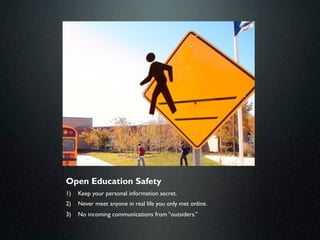
Open Education Safety
1)   Keep your personal information secret.
2)   Never meet anyone in real life you only met online.
3)   No incoming communications from “outsiders.”
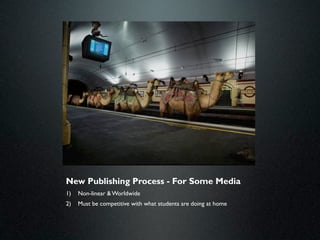
New Publishing Process - For Some Media
1)   Non-linear & Worldwide
2)   Must be competitive with what students are doing at home
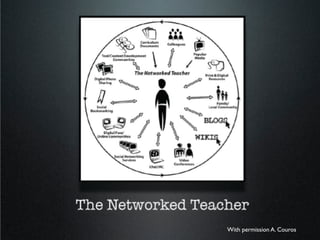
With permission A. Couros
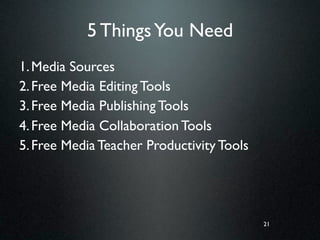
5 Things You Need
1. Media Sources
2. Free Media Editing Tools
3. Free Media Publishing Tools
4. Free Media Collaboration Tools
5. Free Media Teacher Productivity Tools


                                           21
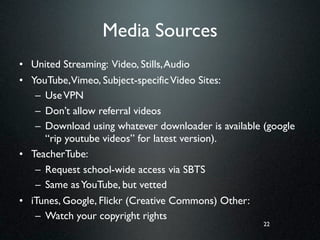
Media Sources
• United Streaming: Video, Stills, Audio
• YouTube,Vimeo, Subject-specific Video Sites:
   – Use VPN
   – Don’t allow referral videos
   – Download using whatever downloader is available (google
     “rip youtube videos” for latest version).
• TeacherTube:
   – Request school-wide access via SBTS
   – Same as YouTube, but vetted
• iTunes, Google, Flickr (Creative Commons) Other:
   – Watch your copyright rights
                                                     22
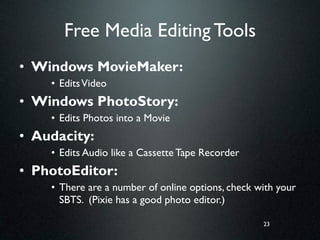
Free Media Editing Tools
• Windows MovieMaker:
    • Edits Video
• Windows PhotoStory:
    • Edits Photos into a Movie
• Audacity:
    • Edits Audio like a Cassette Tape Recorder
• PhotoEditor:
    • There are a number of online options, check with your

      SBTS. (Pixie has a good photo editor.)

                                                   23
Free Media Publishing Tools
• Blogs: explanation & example 1 & example 2

• Wikis: explanation & example

• PhotoSharing: explanation

• Social Bookmarking: explanation & example

• VoiceThread: explanation & example   24
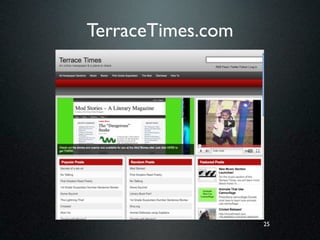
TerraceTimes.com


                   25
Make Pictures “Tell”
• Don’t show what your telling
  – Talk about what you are showing
• Use Visual Metaphors: Compare 2 Things
     • One Prior Knowledge & One New
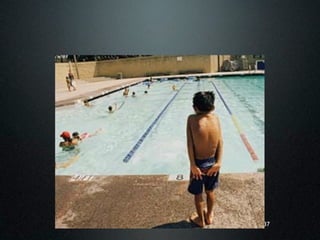
     • One Visual, One Language


                                       26
Visual Repetition
        is
   Repetitive


                    27
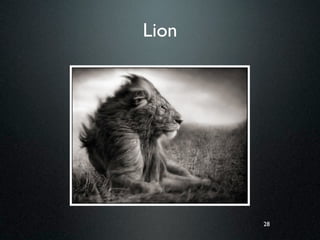
Lion


       28
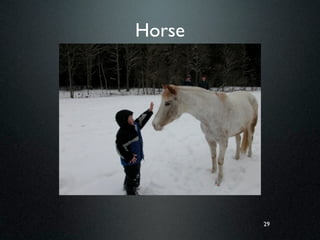
Horse


        29
Visual Metaphor


Compare two things, one visual.


                           30
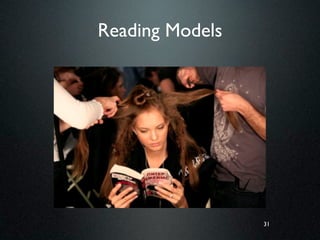
Reading Models


                 31
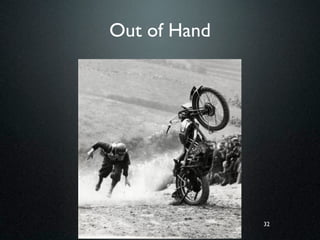
Out of Hand


              32
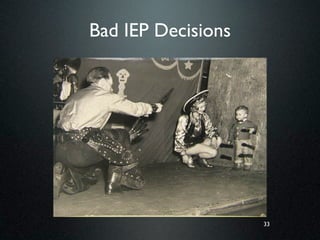
Bad IEP Decisions


                    33
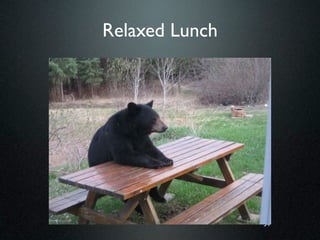
Relaxed Lunch


                34
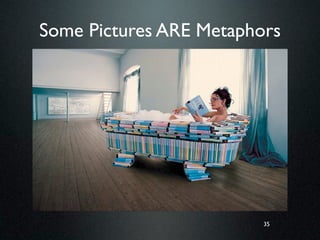
Some Pictures ARE Metaphors


                         35
36
37

Discovery Education Summary 1-day training april 2011

  • 1.
    United Streaming: Useof Media in K-12 Posted: www.slideshare.net/Clairvoy
  • 2.
    Discovery Education Streaming http://streaming.discoveryeducation.com/ 2
  • 3.
    One: Rules ofthe Road Two: Tools & Resources 3
  • 4.
    Rules of theRoad: Managing the Shift in Classroom Power 1) What Shift in Power? 2) Networking Yourself 3) Differentiating in a New World 4) Constructivist - the Tom Sawyer Approach to Classroom Materials 5) Students Learn In Groups 6) Online Safety - 3 Things To Remember About
  • 8.
    Shift In Power http://www.ted.com/talks/ clay_shirky_how_cellphones_twitter_facebook_can_make_history.html 8
  • 9.
    Internet: Native Supportfor Groups and Individual Conversations 9
  • 10.
  • 11.
  • 12.
  • 13.
  • 14.
    Teacher Productivity Tools (just Google it) • 25 Digital Things All Teachers Should Know – Delicious (tagging) – Wiki (tagging) – PhotoSharing (tagging) – Snagit – RSS Feeds – Google.com (Google Sites, Google Reader, Google Earth) 14
  • 15.
    Constructivist Model of ProfessionalDevelopment & Ed Tech 1) Create 2) Self-Differentiate 3) Self-Motivate
  • 16.
    Shared Computing http://www.ted.com/talks/sugata_mitra_shows_how_kids_teach_themselves.html • Sugata Mitra: Hole in the Wall experiment showed children learn best at the computer in groups. – Allow kids to cooperate in the lab – Formulate teams: Each member’s strength matches another’s weakness – Set goals, and some rules & – Get out of the way. 16
  • 17.
    Differentiation http://www.ted.com/index.php/talks/ malcolm_gladwell_on_spaghetti_sauce.html 17
  • 18.
    Open Education Safety 1) Keep your personal information secret. 2) Never meet anyone in real life you only met online. 3) No incoming communications from “outsiders.”
  • 19.
    New Publishing Process- For Some Media 1) Non-linear & Worldwide 2) Must be competitive with what students are doing at home
  • 20.
  • 21.
    5 Things YouNeed 1. Media Sources 2. Free Media Editing Tools 3. Free Media Publishing Tools 4. Free Media Collaboration Tools 5. Free Media Teacher Productivity Tools 21
  • 22.
    Media Sources • UnitedStreaming: Video, Stills, Audio • YouTube,Vimeo, Subject-specific Video Sites: – Use VPN – Don’t allow referral videos – Download using whatever downloader is available (google “rip youtube videos” for latest version). • TeacherTube: – Request school-wide access via SBTS – Same as YouTube, but vetted • iTunes, Google, Flickr (Creative Commons) Other: – Watch your copyright rights 22
  • 23.
    Free Media EditingTools • Windows MovieMaker: • Edits Video • Windows PhotoStory: • Edits Photos into a Movie • Audacity: • Edits Audio like a Cassette Tape Recorder • PhotoEditor: • There are a number of online options, check with your SBTS. (Pixie has a good photo editor.) 23
  • 24.
    Free Media PublishingTools • Blogs: explanation & example 1 & example 2 • Wikis: explanation & example • PhotoSharing: explanation • Social Bookmarking: explanation & example • VoiceThread: explanation & example 24
  • 25.
  • 26.
    Make Pictures “Tell” •Don’t show what your telling – Talk about what you are showing • Use Visual Metaphors: Compare 2 Things • One Prior Knowledge & One New • One Visual, One Language 26
  • 27.
    Visual Repetition is Repetitive 27
  • 28.
  • 29.
  • 30.
    Visual Metaphor Compare twothings, one visual. 30
  • 31.
  • 32.
  • 33.
  • 34.
  • 35.
    Some Pictures AREMetaphors 35
  • 36.
  • 37.

Editor's Notes

  • #2 \n
  • #3 \n
  • #4 \n
  • #5 We are currently in a technology revolution in education. But it’s not what you think. It’s not the technology itself. The real revolution is the fact that students have access to technologies outside of school. \n\nHere's the problem. A study of students conducted last year found a majority of forth and fifth graders spend 3 to 6 hours a day on social media unsupervised at home. They play with Myspace, Facebook and all the "sharp scissors" collaborative technology out there. Heck even in 3rd grade there are early adopters in each class using MySpace and collaborating with folks they don't know in their gaming sites. Webkins starts them off at an early age. Yes, that's right, Webkins targets kids with stuffed animals and with each animal they get a login for a social networking site.\n \nOpen Education, as it is currently defined, is the use of free and collaborative technologies in education.\nFraught with issues about safety, stability which are brought about by misunderstanding and fear, practitioners and proponents of Open Education have a rough row to hoe.\nBlogs, wikis, free media production software, sites allowing web pages to be built with little or no effort are making things easier to do.\n
  • #6 \n
  • #7 \n
  • #8 \n
  • #9 \n
  • #10 First there was the printing press.\nTelegraph and telephone for conversations\nRecordings and Movies for store-and-forward \nRadio and Television Broadcast one-to-many of the same message.\nTechnologies that were good at creating groups were not good at creating conversations, and the technologies for having conversations were not good at creating groups.\nInternet has native support for Groups and Individual Conversations.\nOne-to-One, One-To-Many, only the internet is Many-to-Many.\nMedia is less just a source of information, as it is a way of organization a site of coordination, because groups can gather around a piece of media and talk about it.\nConsumers are producers, not just the audience.\n\n
  • #11 \n
  • #12 \n
  • #13 \n
  • #14 \n
  • #15 \n
  • #16 \n
  • #17 \n
  • #18 Malcolm Gladwell “Tipping Point”\nTalks about Happiness\nHoward Moscowitz (Ragu and \nConfronted the Platonic Dish\nConfronted the notion of Seeking Cooking universals\n60% for a platonic dish\nClusters go to 78%\nDifference between coffee that makes you wince and coffee that makes you delieriously happy.\n\n
  • #19 In the K-5 environment, collaboration must be managed. \n\nThe authentic publishing environment can be provided, but without incoming communication.\nTurn off your computer or monitor if you see something that bothers you.\nPorn Shui - Diablo Cody, screen writer for Little Miss sunshine\n\n
  • #20 The linear “secret” writing process must be replaced with a non-linear content development process which includes world-wide publishing, or else our lessons will not be relevant to students.\n
  • #21 \n
  • #22 \n
  • #23 \n
  • #24 \n
  • #25 \n
  • #26 \n
  • #27 \n
  • #28 \n
  • #29 \n
  • #30 \n
  • #31 \n
  • #32 \n
  • #33 \n
  • #34 \n
  • #35 \n
  • #36 \n
  • #37 \n
  • #38 \n