Exploring Instructional Uses of
YouTube
Lucy Gray • CPS Tech Talk • 2013
http://www.lucygray.org
1
Slides with clickable links can be found at
http://www.lucygray.org
Additional Resources: http://goo.gl/vPRW1
Favorite Educational YouTube Videos:
http://goo.gl/0tegw
Lucy’s Diigo Group: http://goo.gl/xCgSO
Lucy’s Google Custom Search: http://goo.gl/RoiRi
2
Email: lucy@lucygrayconsulting
Twitter: elemenous
YouTube: elemenous
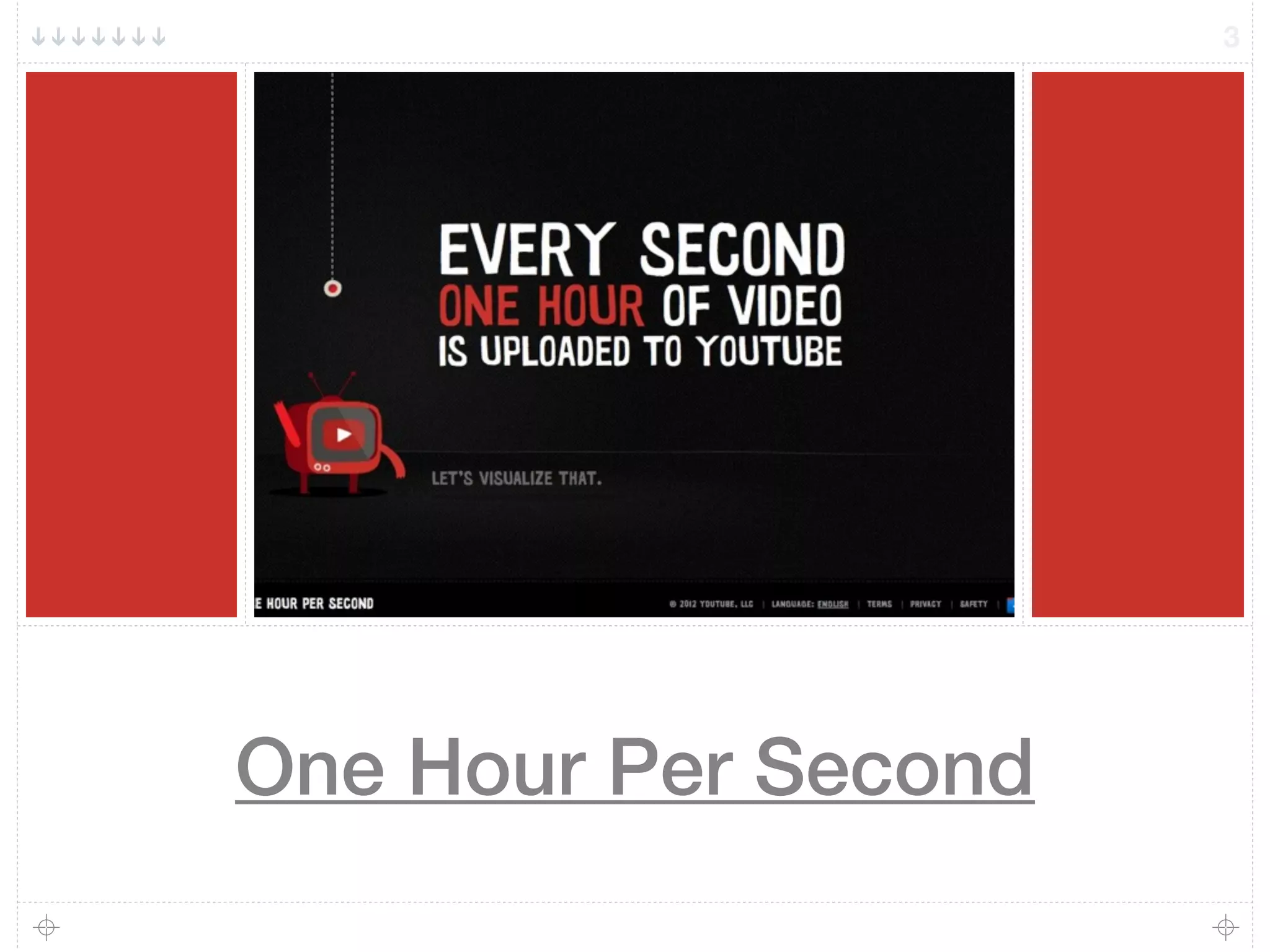
One Hour Per Second
3
Consider YouTube For...
4
Creating
Consuming
Curating
Creation Tools
PhotoBooth
iOS Device
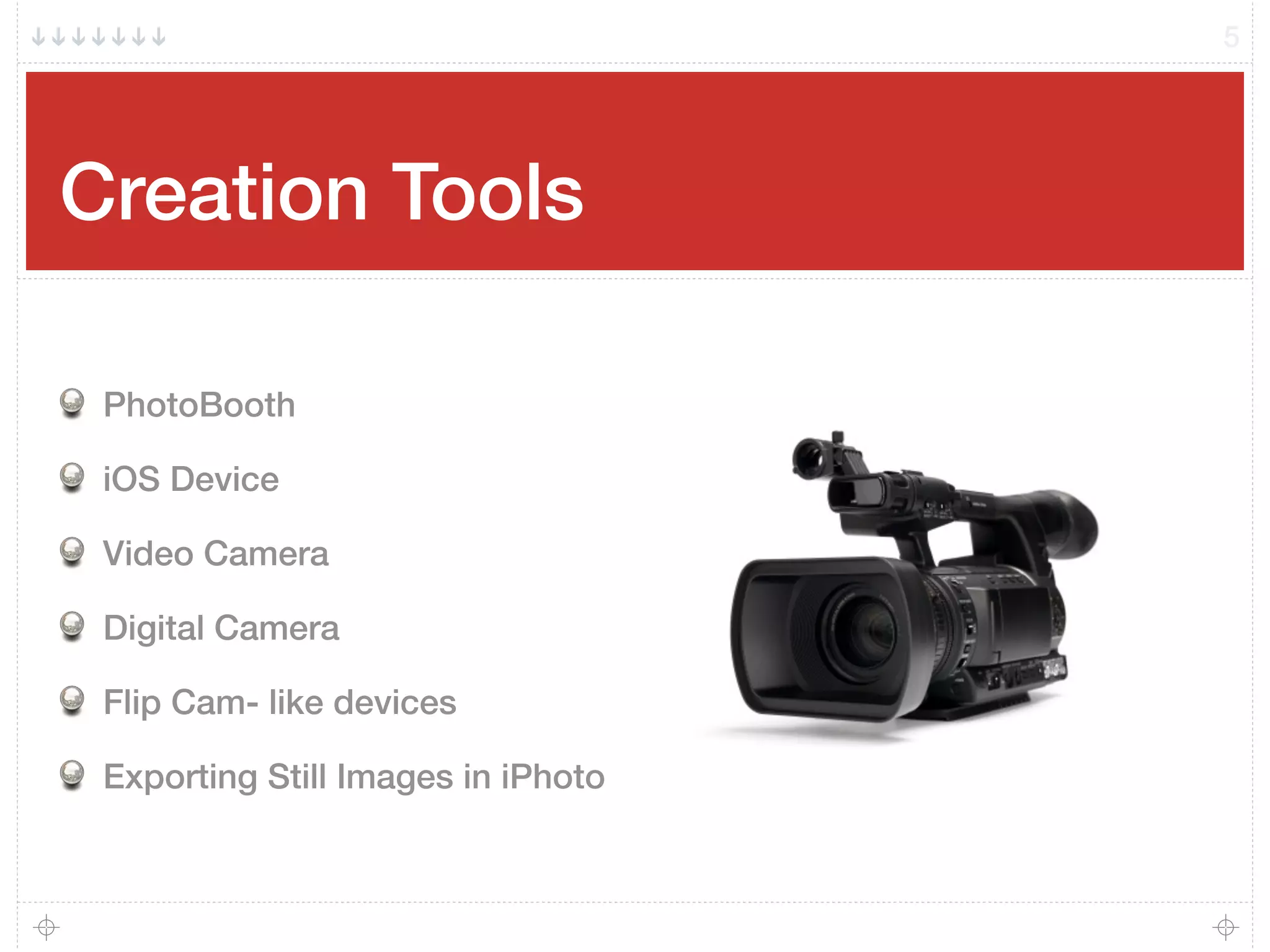
Video Camera
Digital Camera
Flip Cam- like devices
Exporting Still Images in iPhoto
5
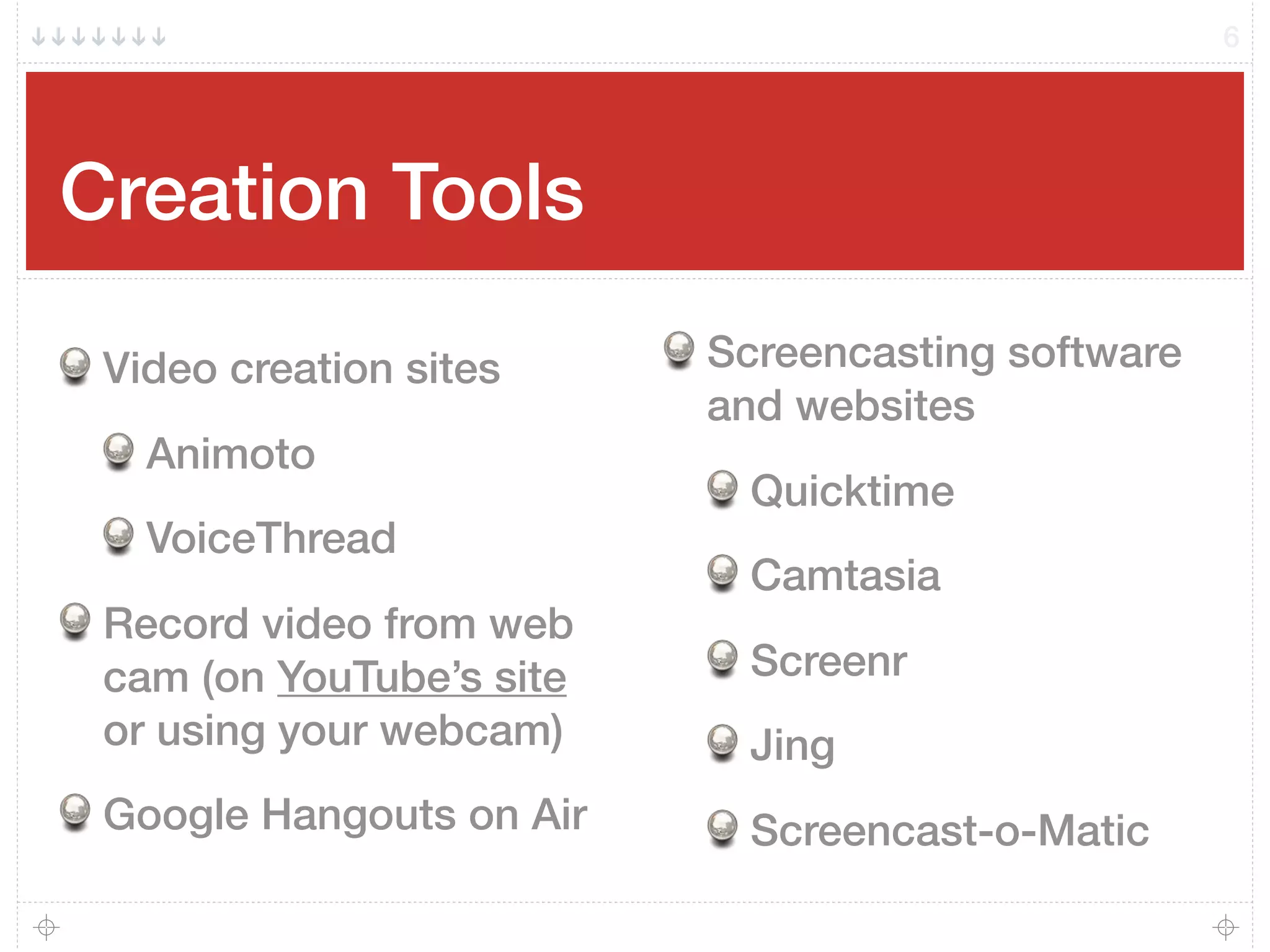
Creation Tools
Video creation sites
Animoto
VoiceThread
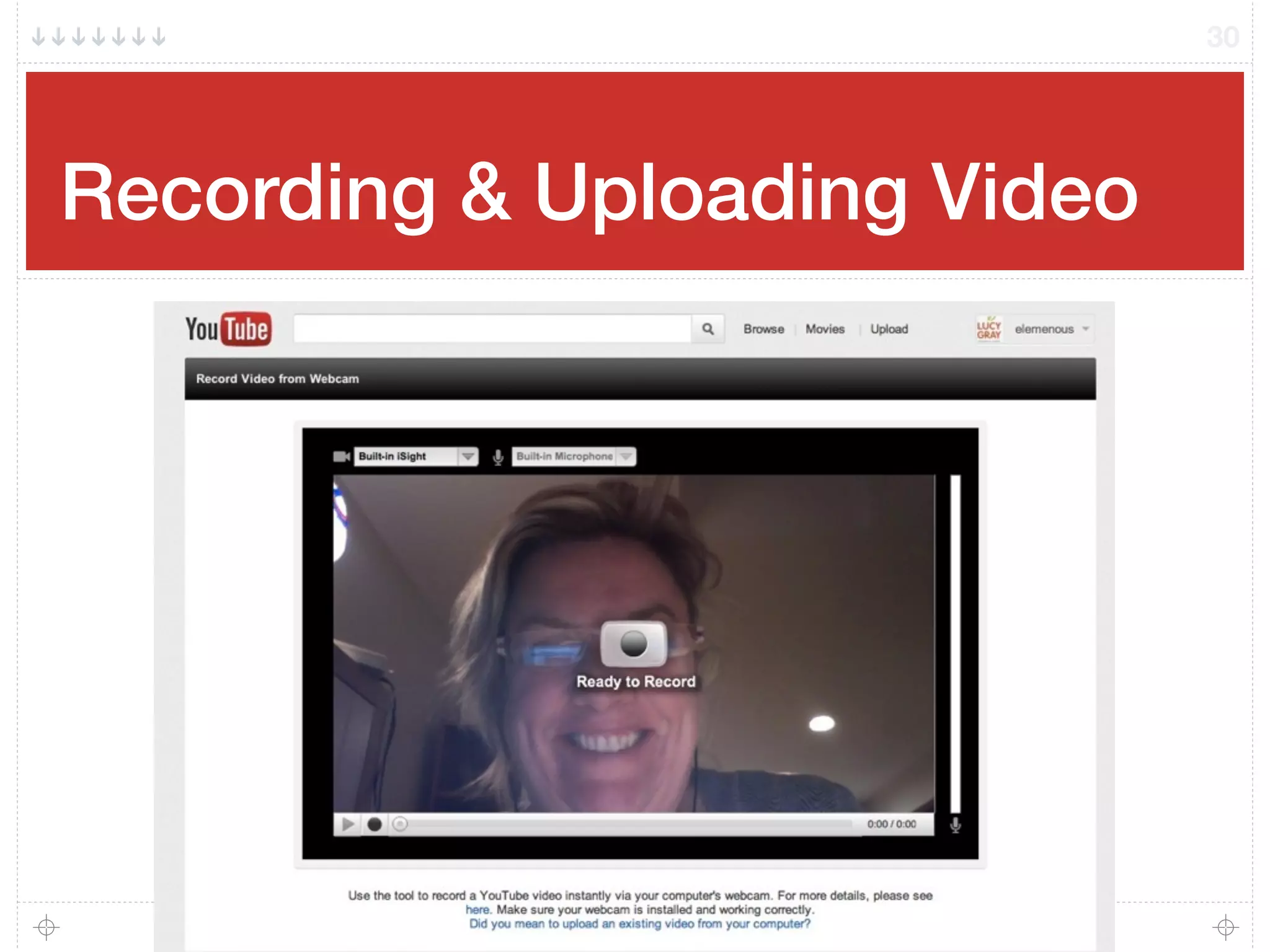
Record video from web
cam (on YouTube’s site
or using your webcam)
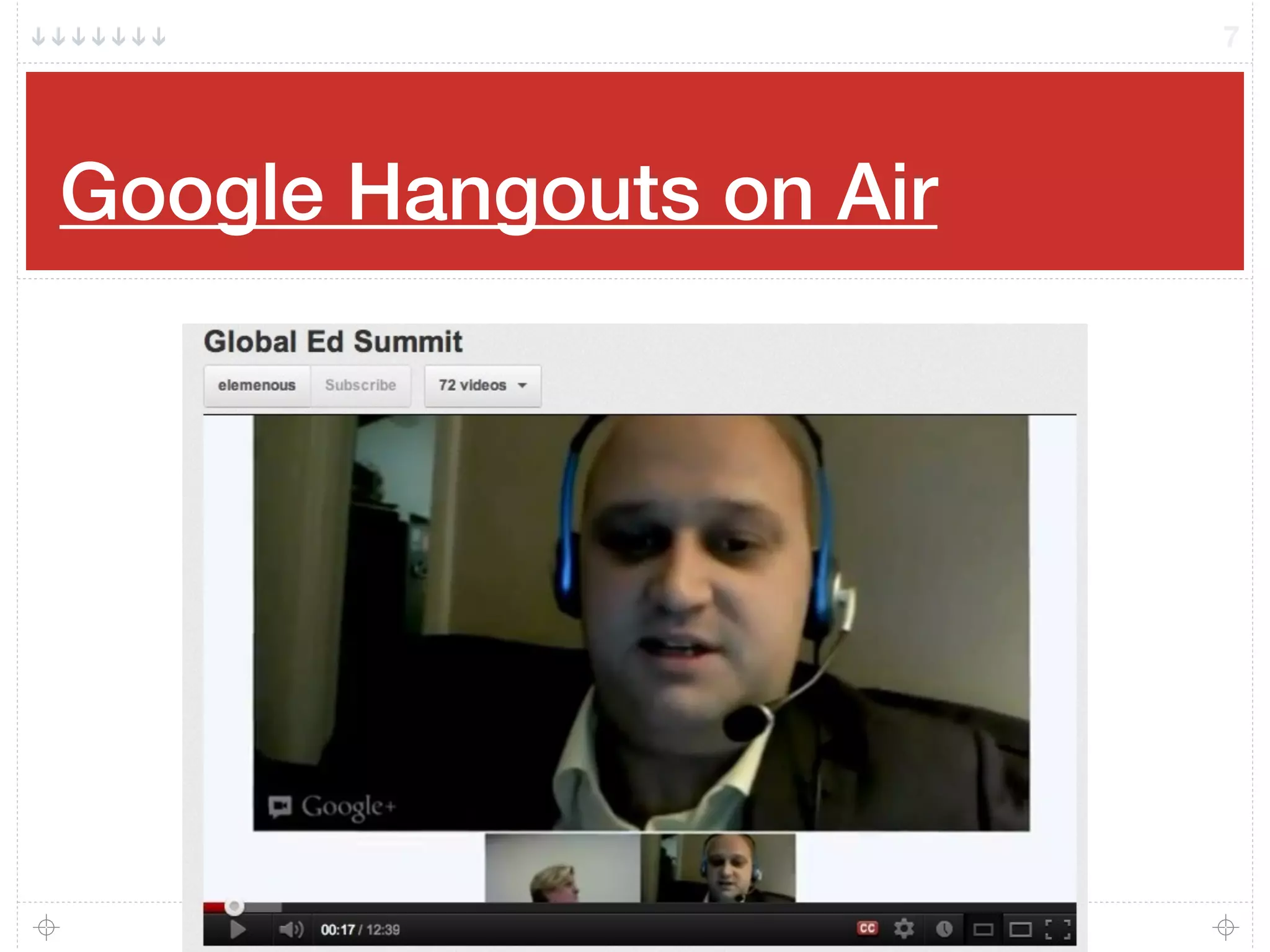
Google Hangouts on Air
Screencasting software
and websites
Quicktime
Camtasia
Screenr
Jing
Screencast-o-Matic
6
Google Hangouts on Air
7
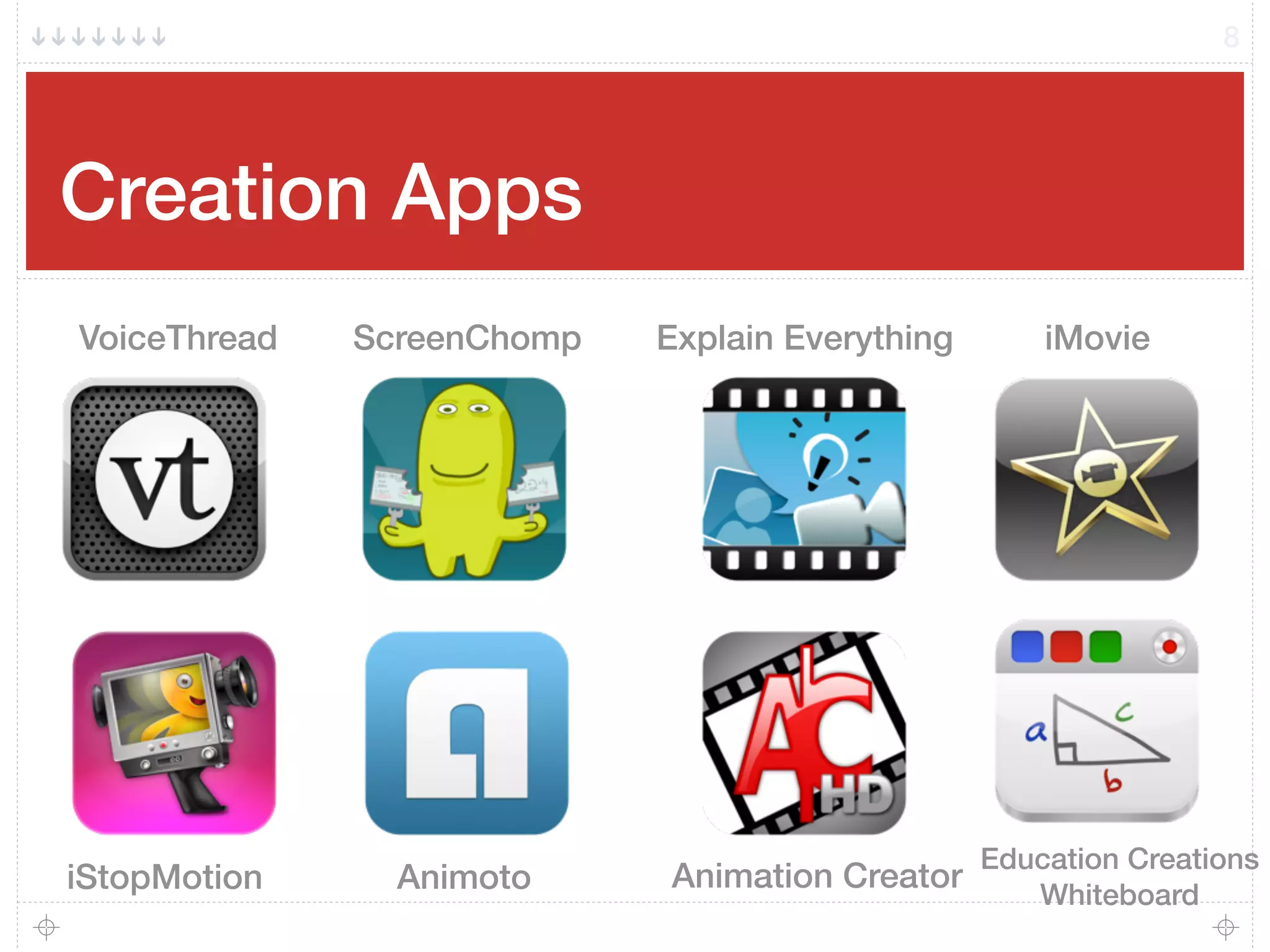
Creation Apps
8
Explain Everything
Education Creations
Whiteboard
iStopMotion Animoto
VoiceThread ScreenChomp
Animation Creator
iMovie
Stop, Ask, & Share
Turn to a person near you and ask:
What tools are you and your students using to
create videos?
If you are using a non-iOS device, what apps and
software are you using?
Add more tools to our shared Google Doc:
http://goo.gl/xQIrT
9
Activity
10
Upload your video via email.
Take out your mobile device.
Interview a neighbor. Ask them about their conference experience thus far.
Email it to:
62497548264@mms.youtube.com
Visit my channel to see the results:
http://youtube.com/elemenous
Consuming
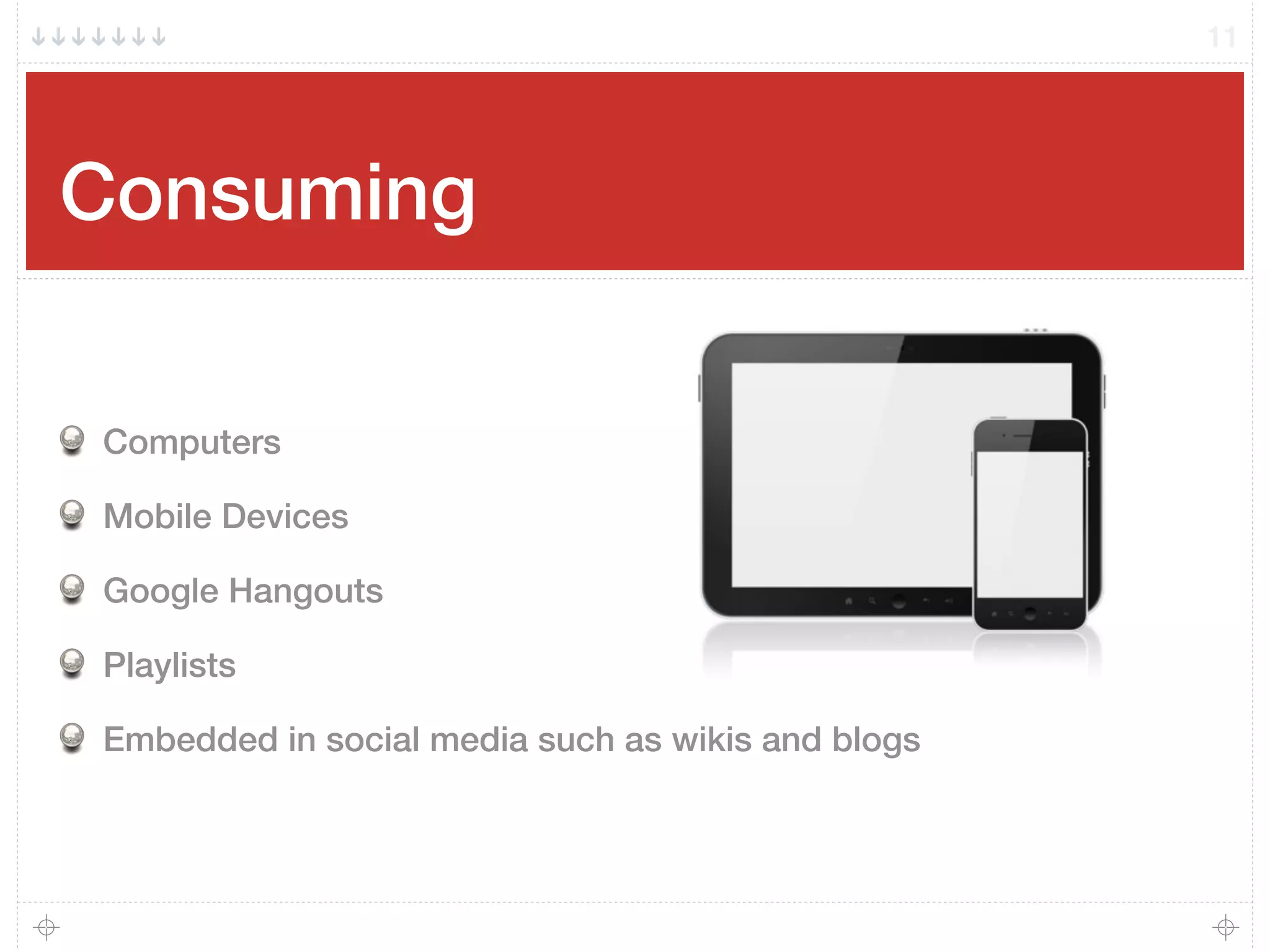
Computers
Mobile Devices
Google Hangouts
Playlists
Embedded in social media such as wikis and blogs
11
Curating
12
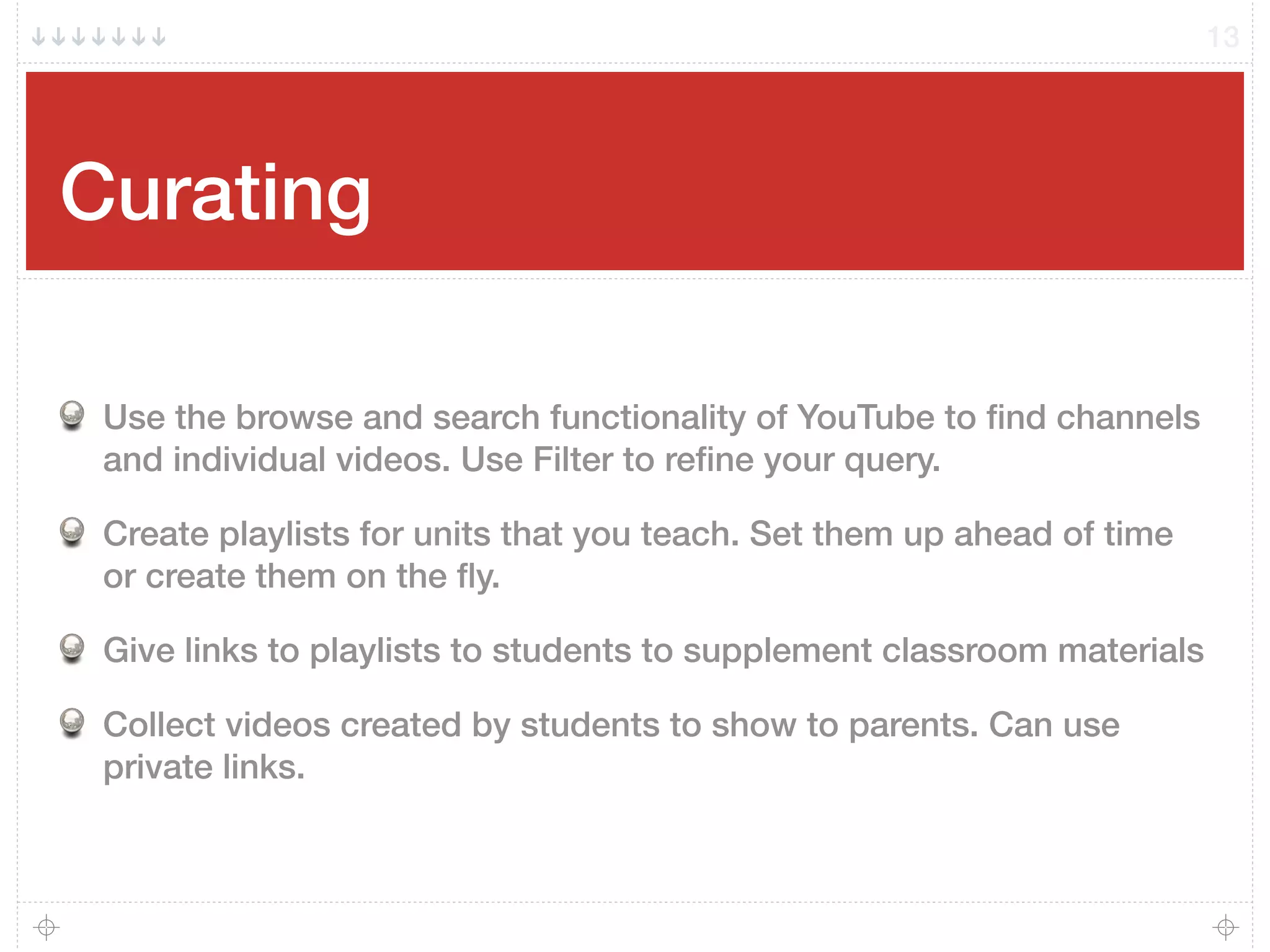
Curating
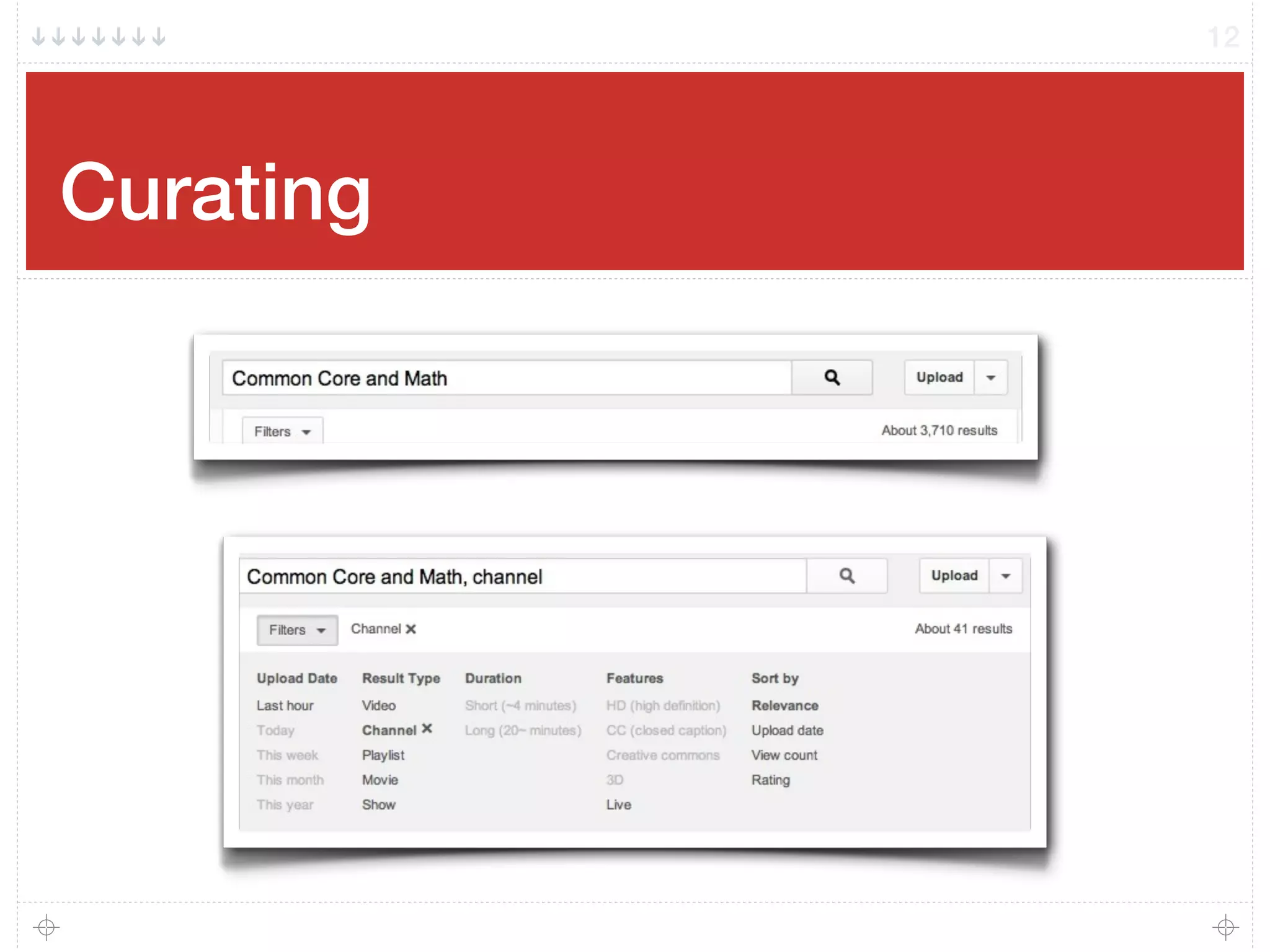
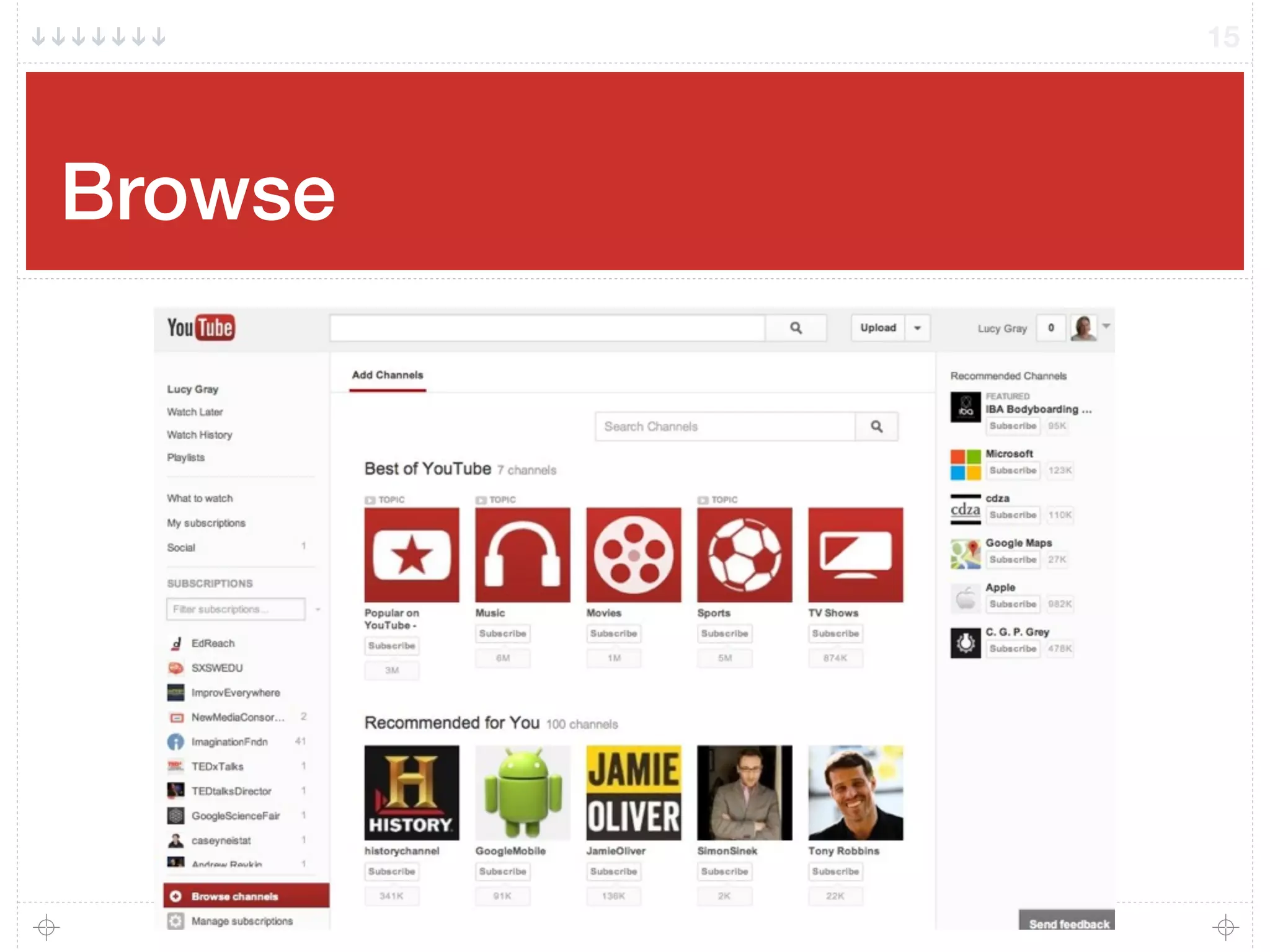
Use the browse and search functionality of YouTube to find channels
and individual videos. Use Filter to refine your query.
Create playlists for units that you teach. Set them up ahead of time
or create them on the fly.
Give links to playlists to students to supplement classroom materials
Collect videos created by students to show to parents. Can use
private links.
13
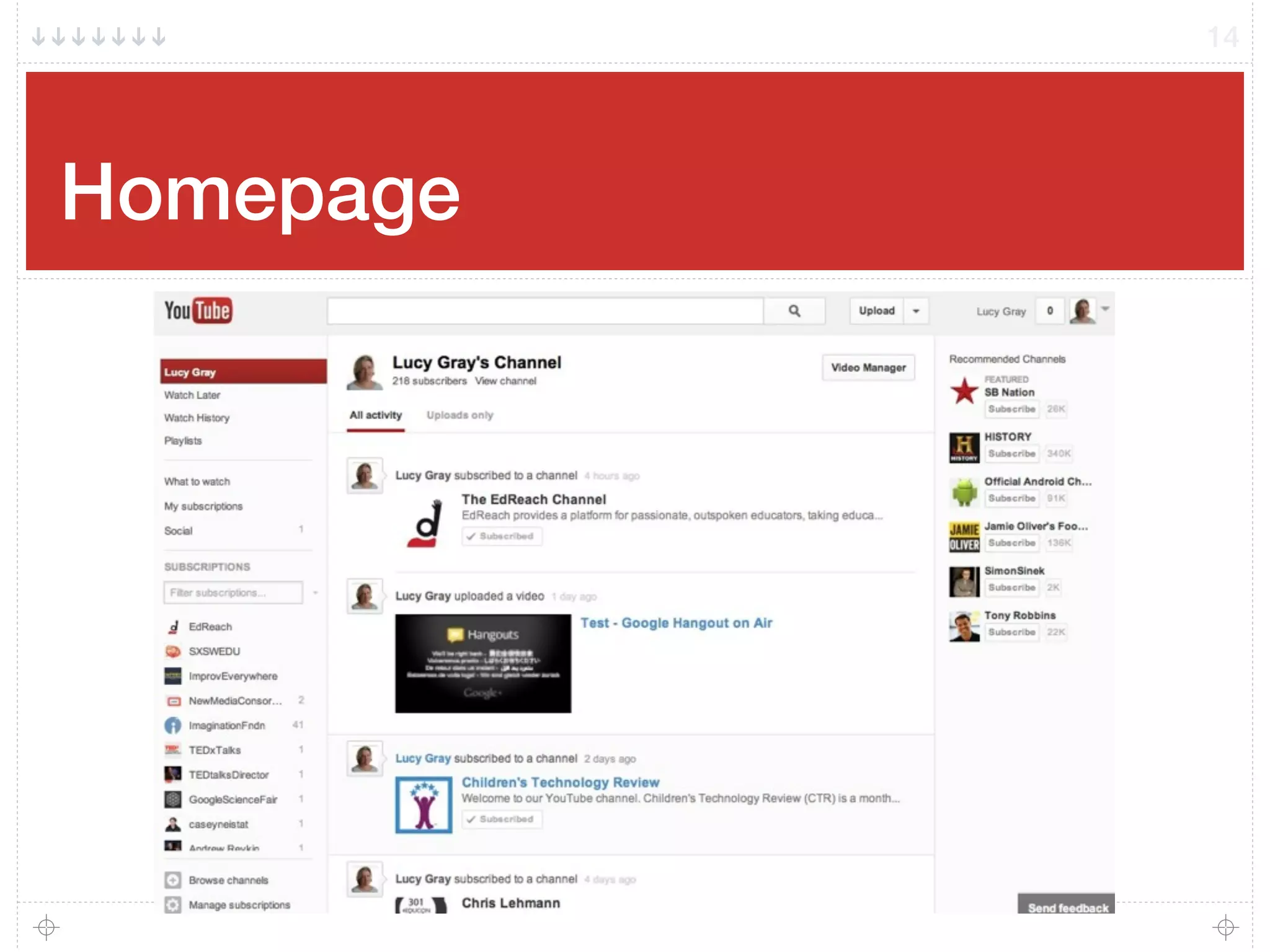
Homepage
14
Browse
15
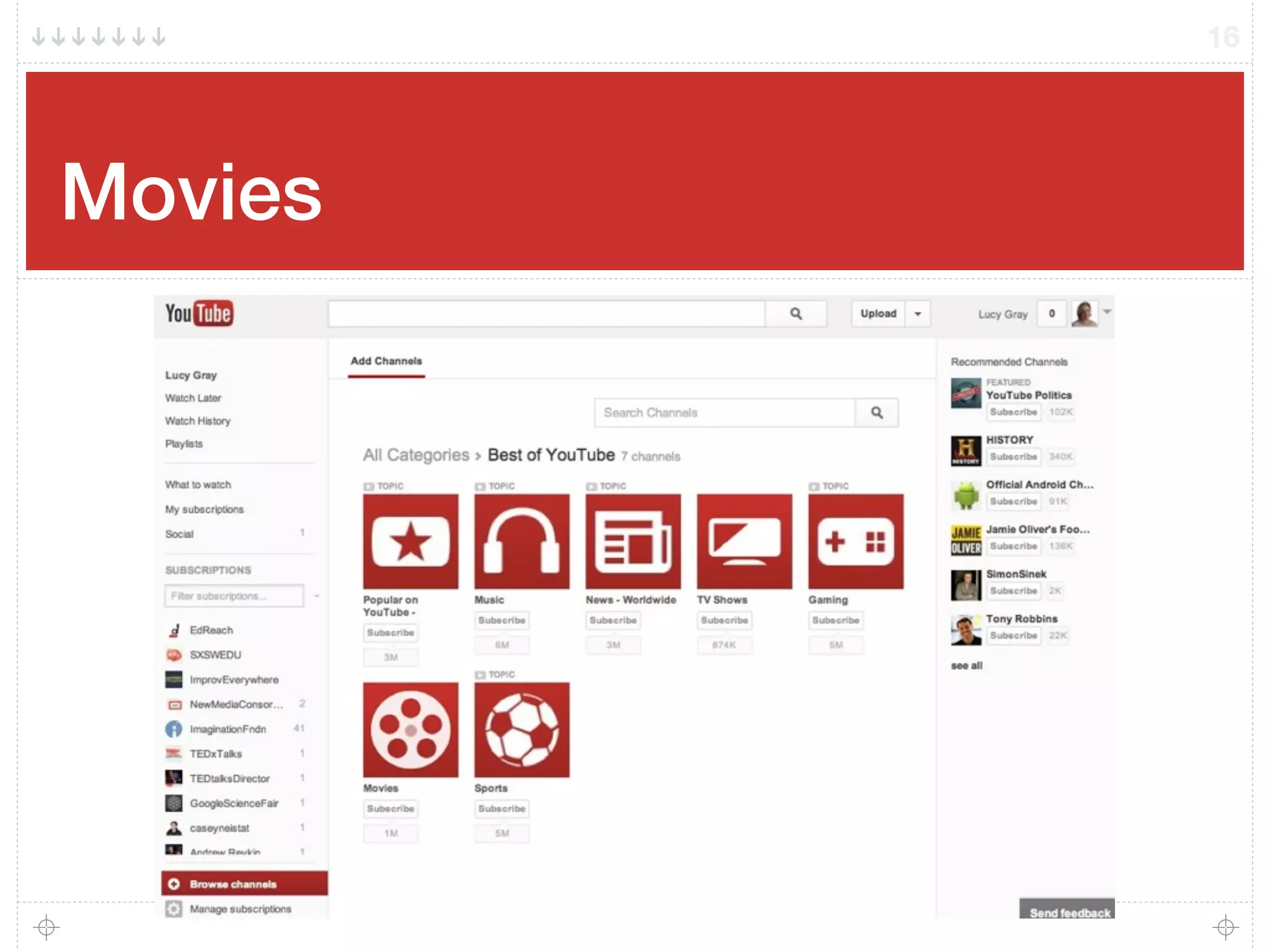
Movies
16
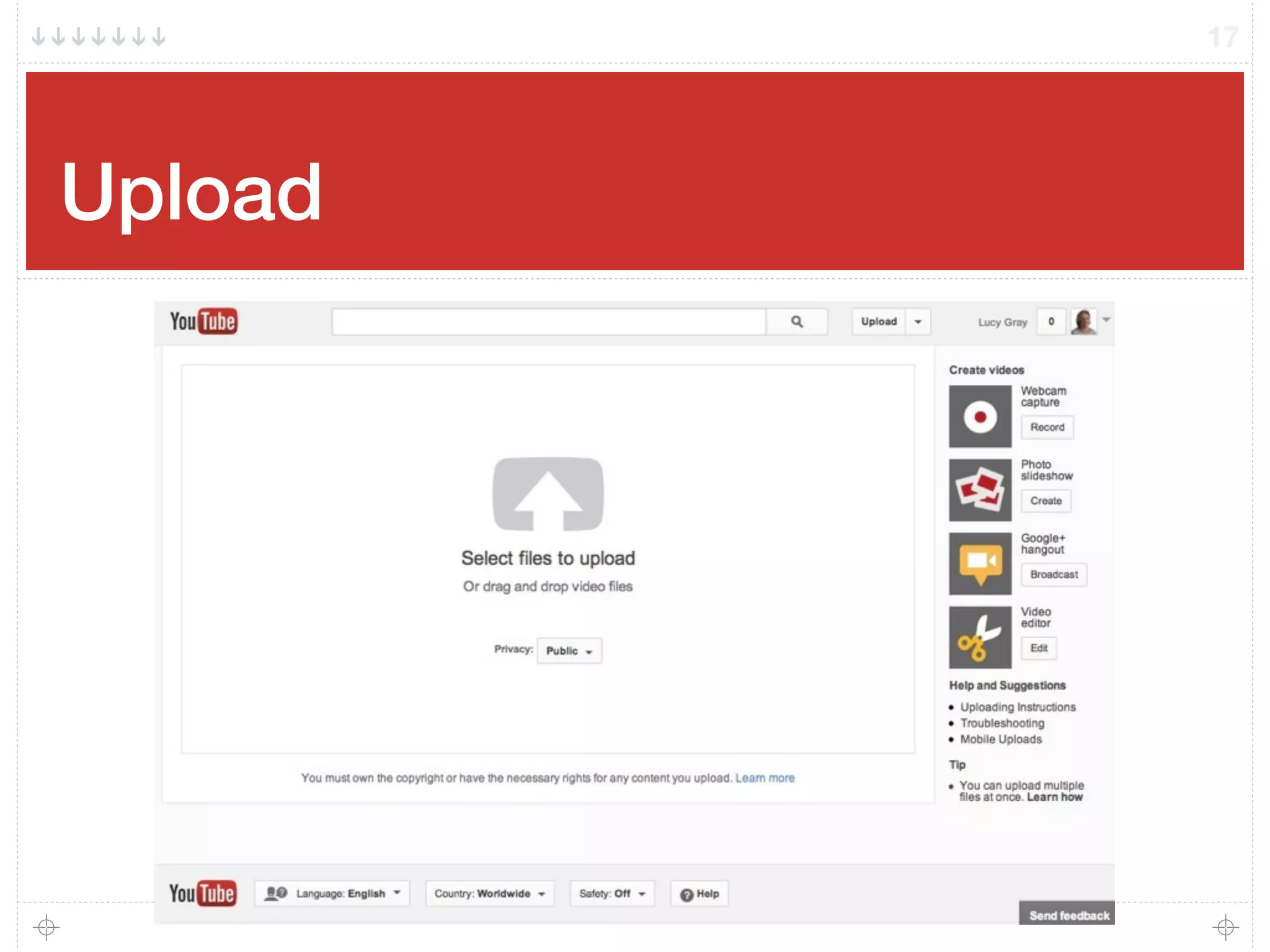
Upload
17
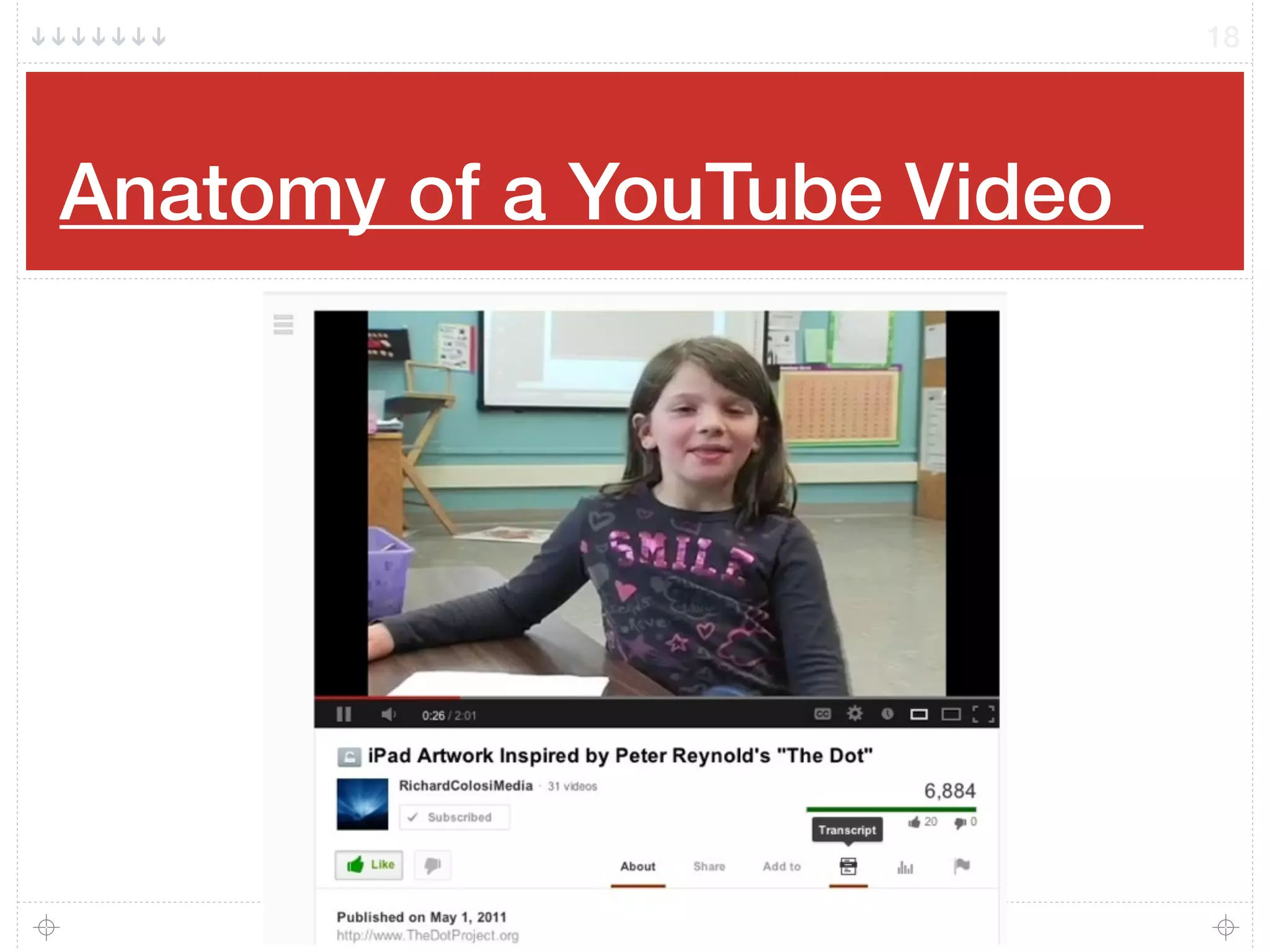
Anatomy of a YouTube Video!
18
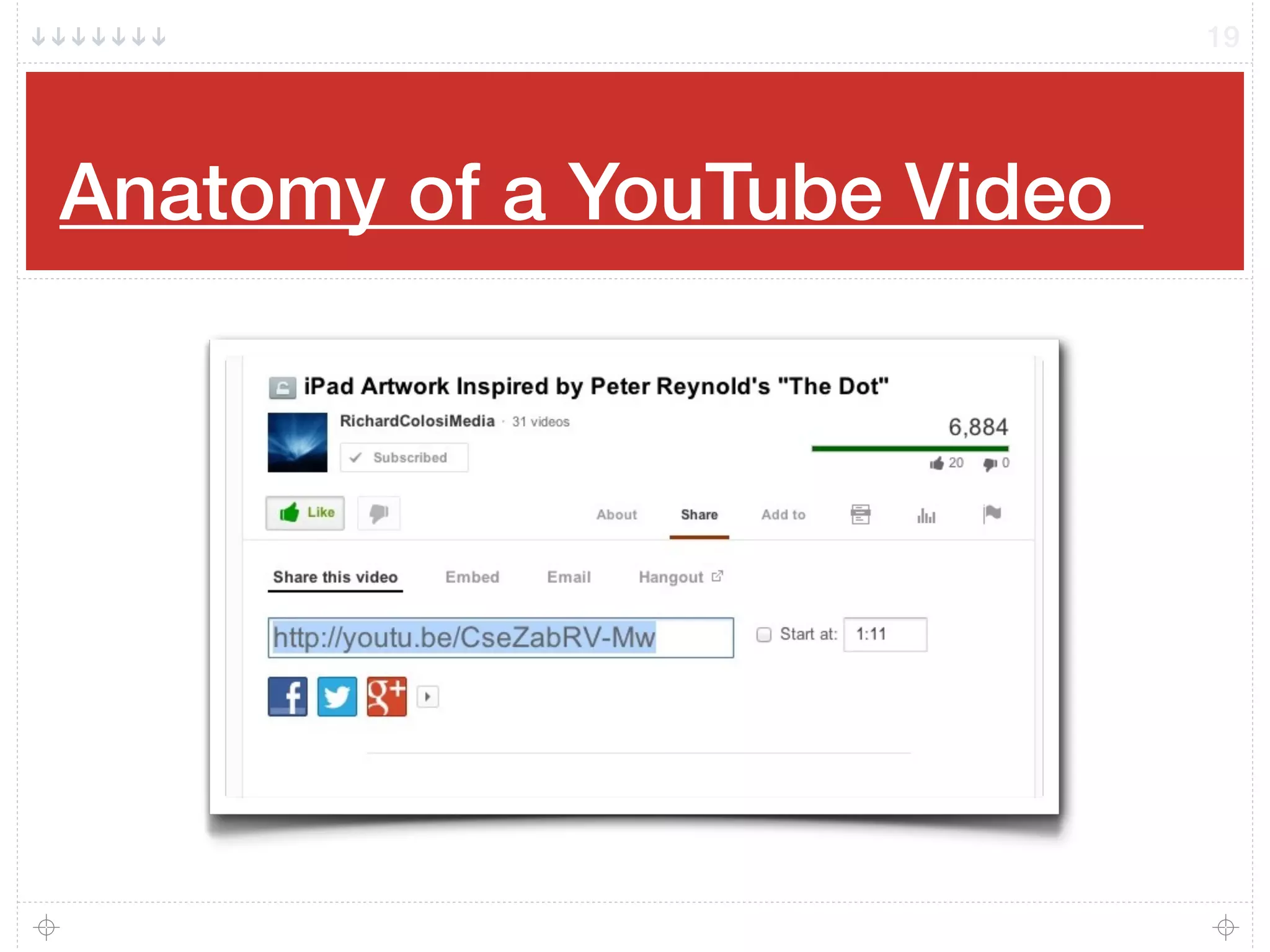
Anatomy of a YouTube Video!
19
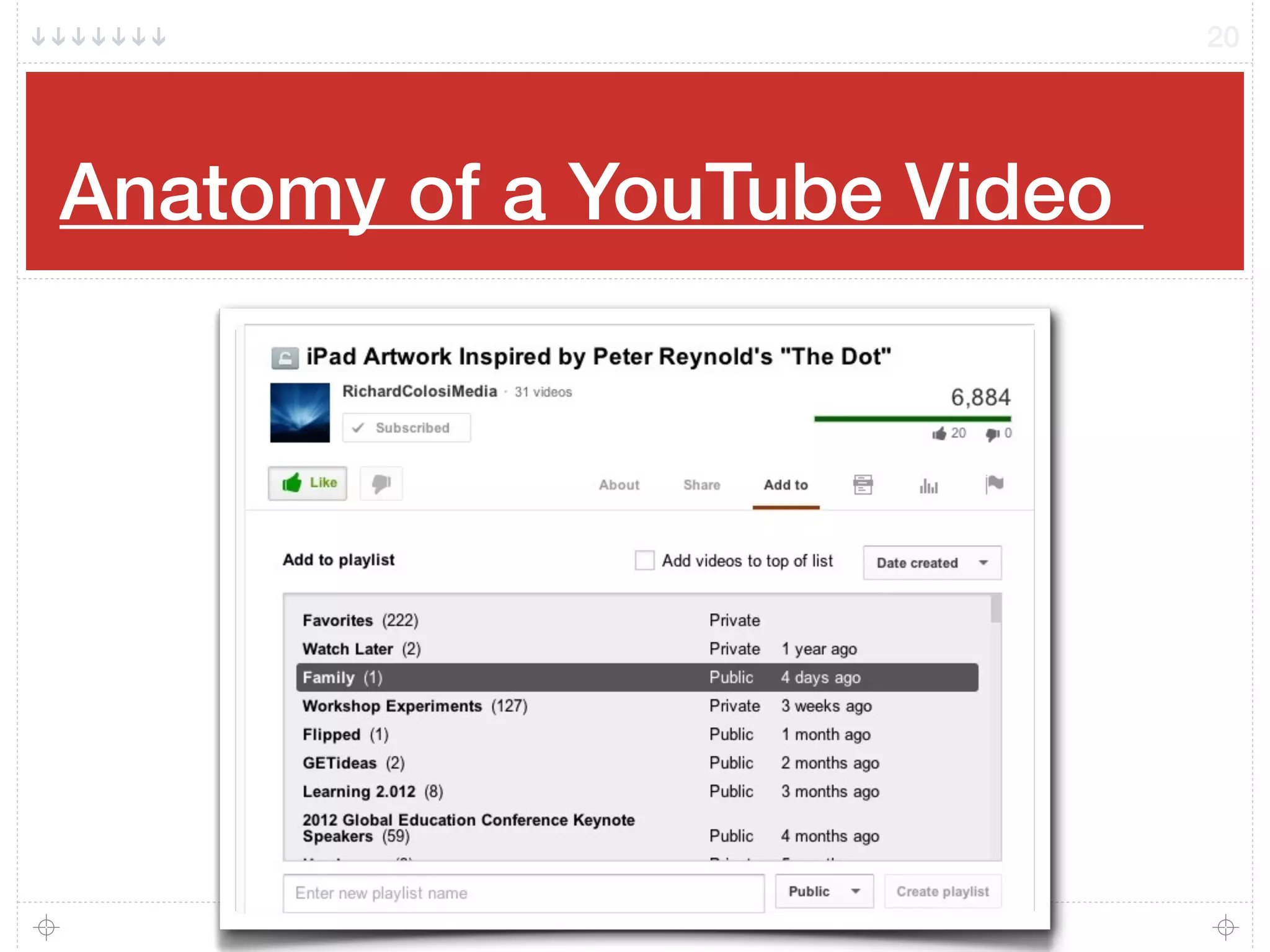
Anatomy of a YouTube Video!
20
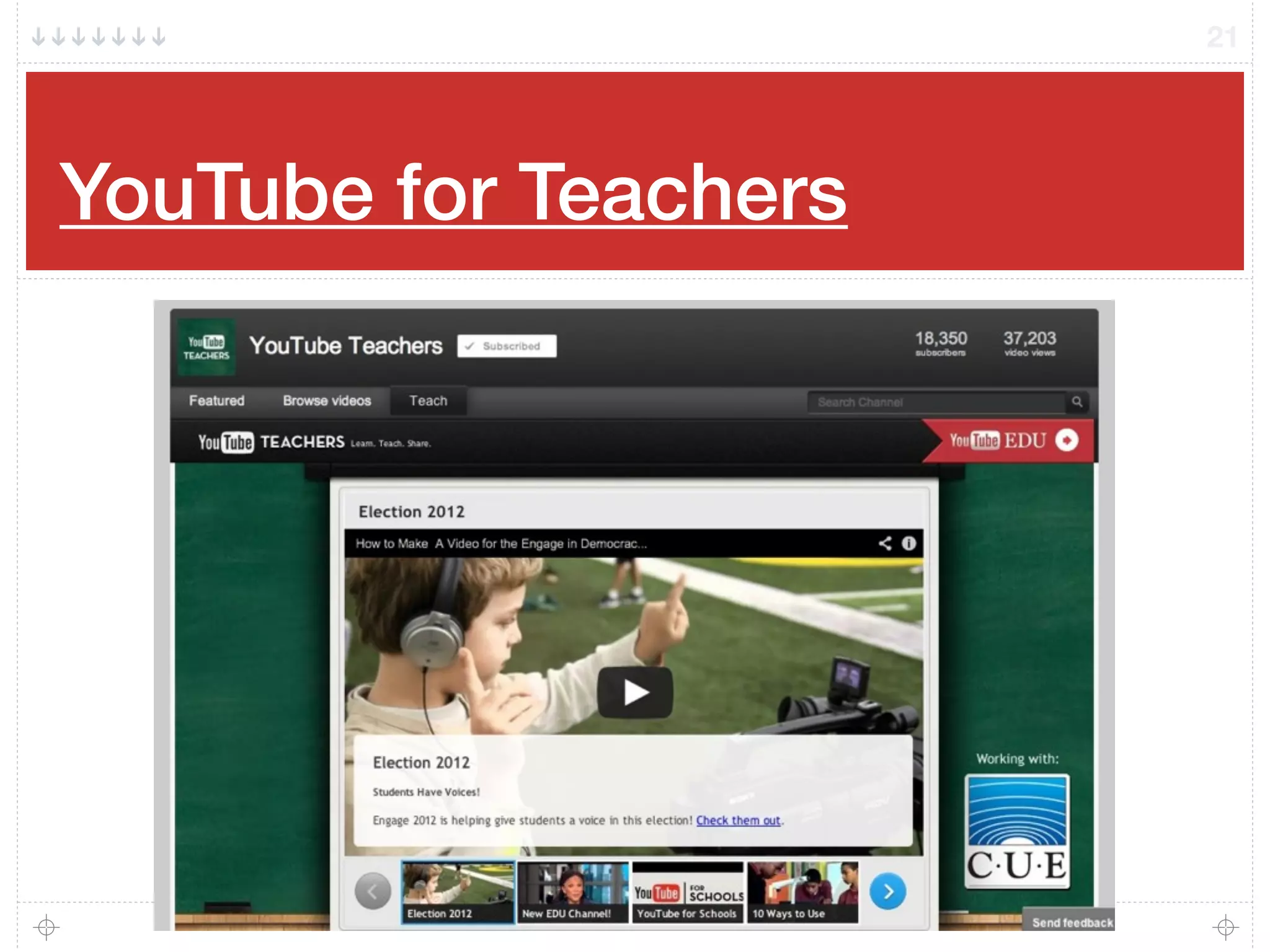
YouTube for Teachers
21
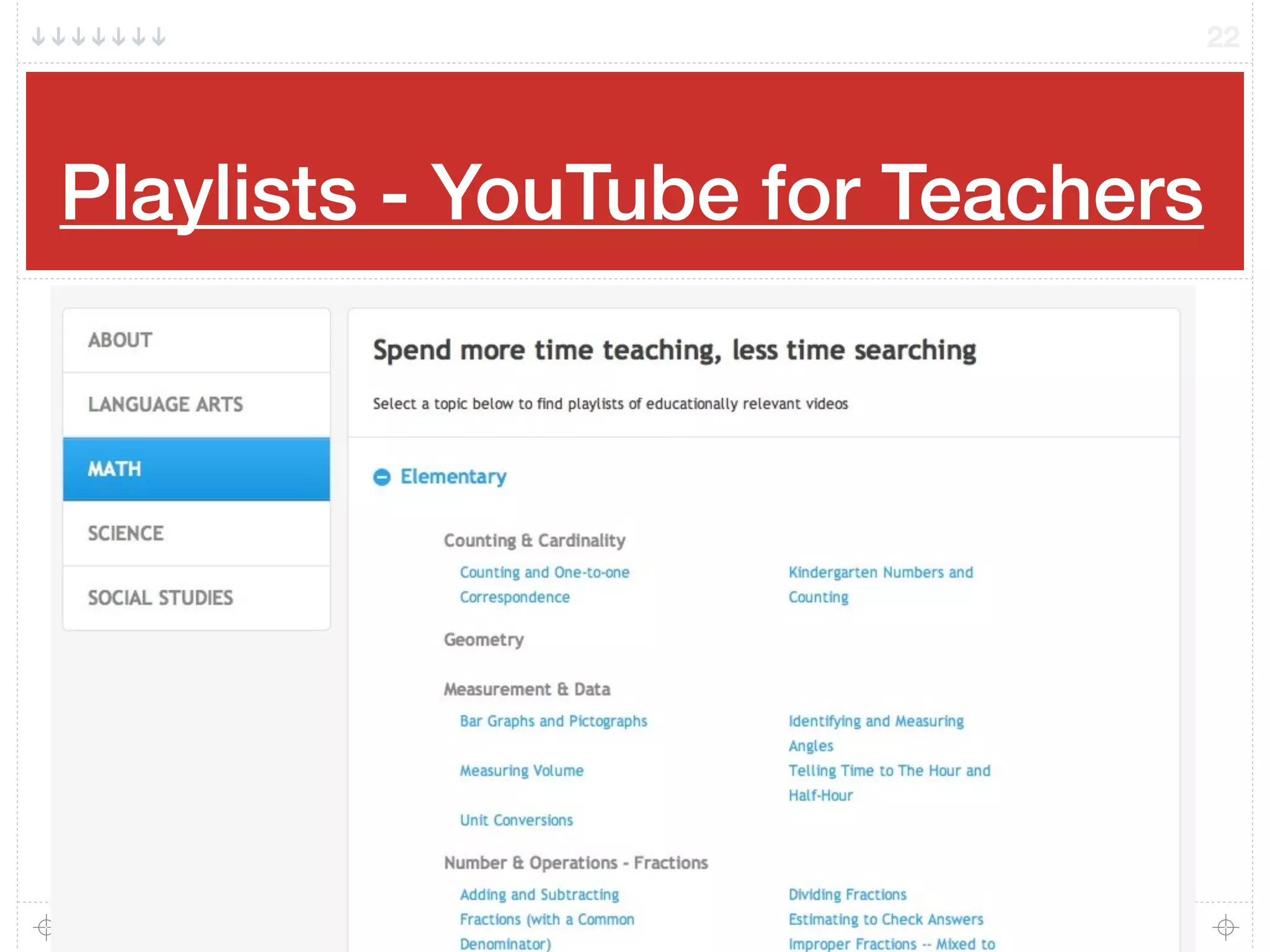
Playlists - YouTube for Teachers
22
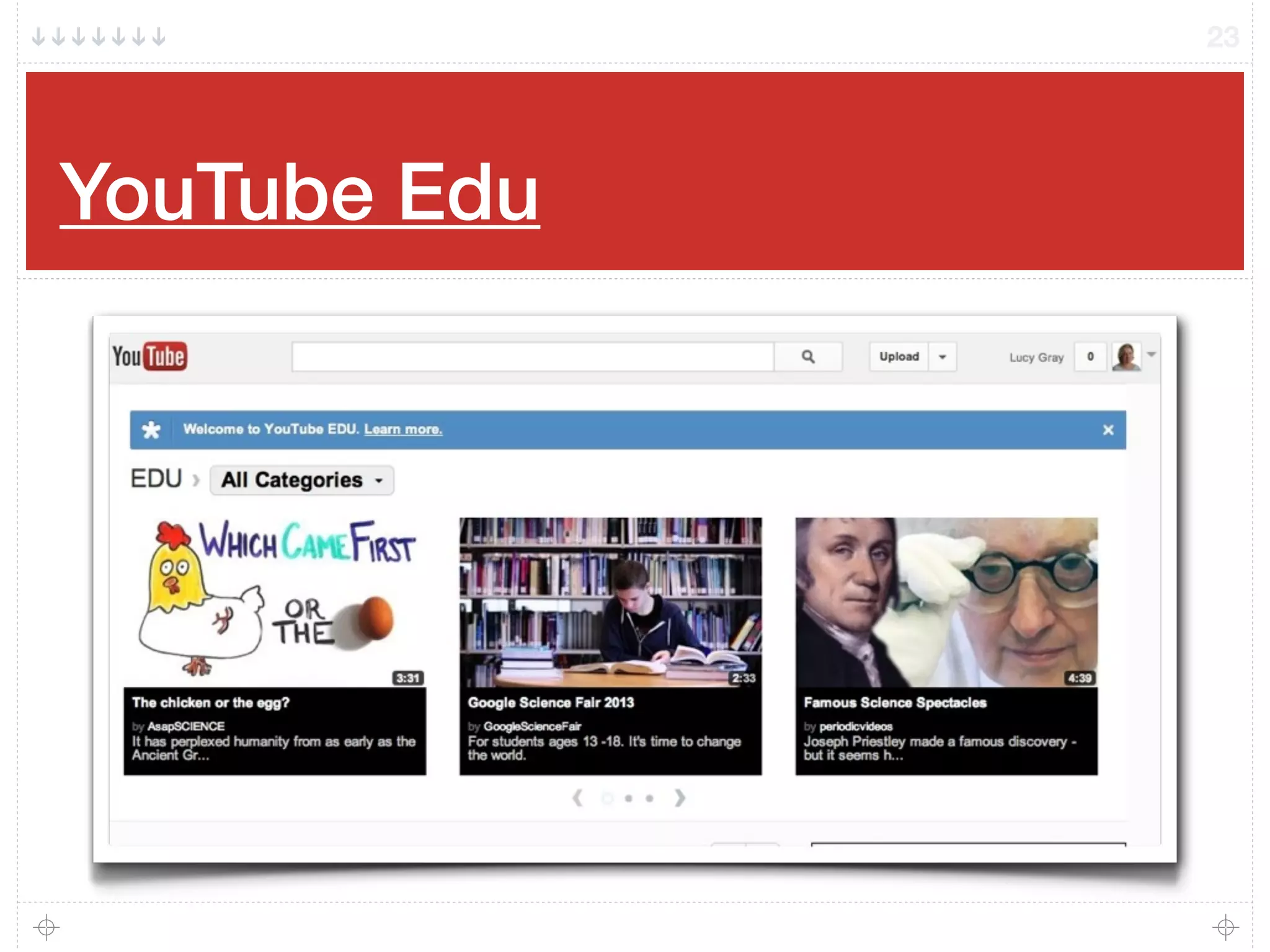
YouTube Edu
23
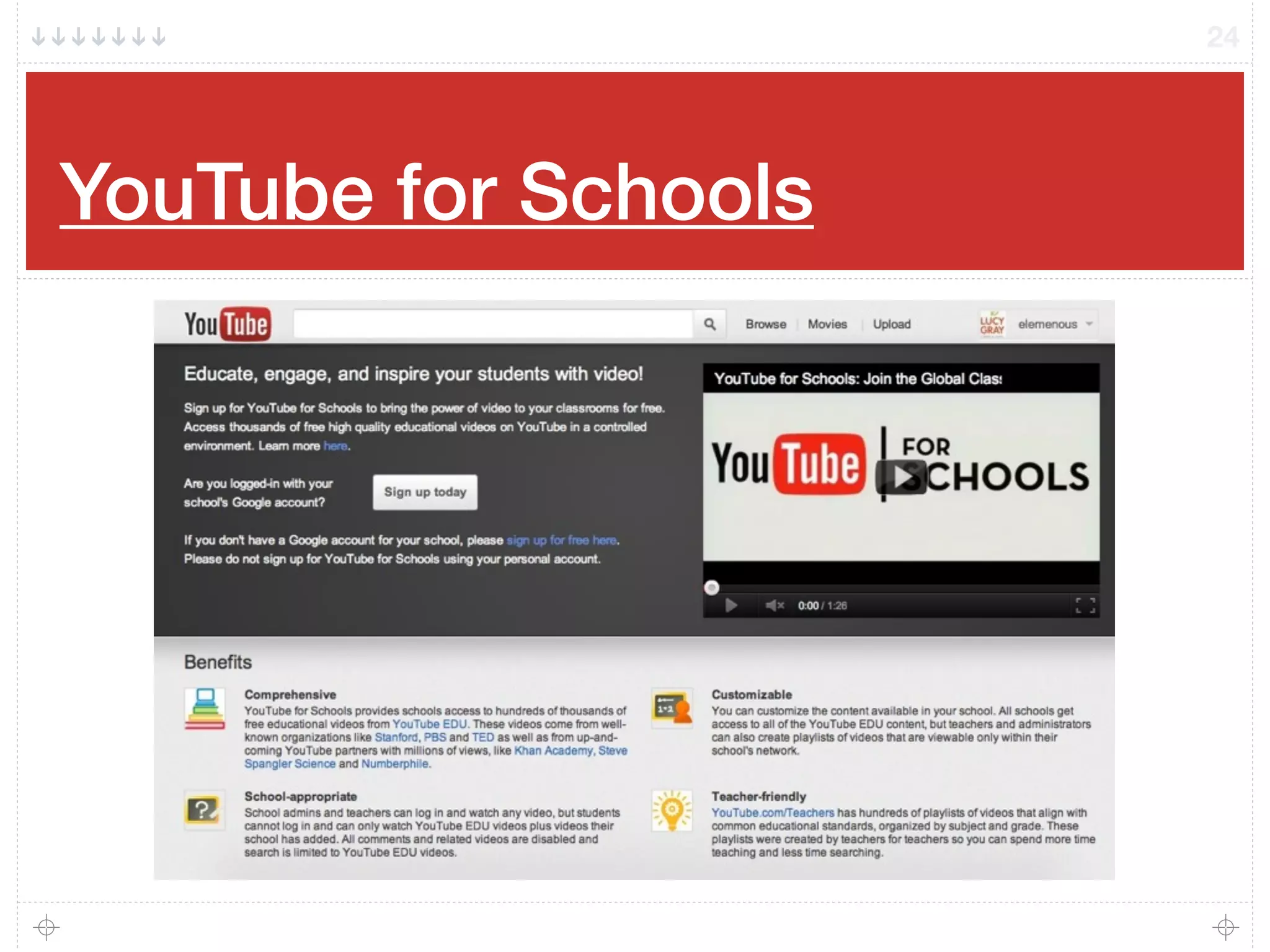
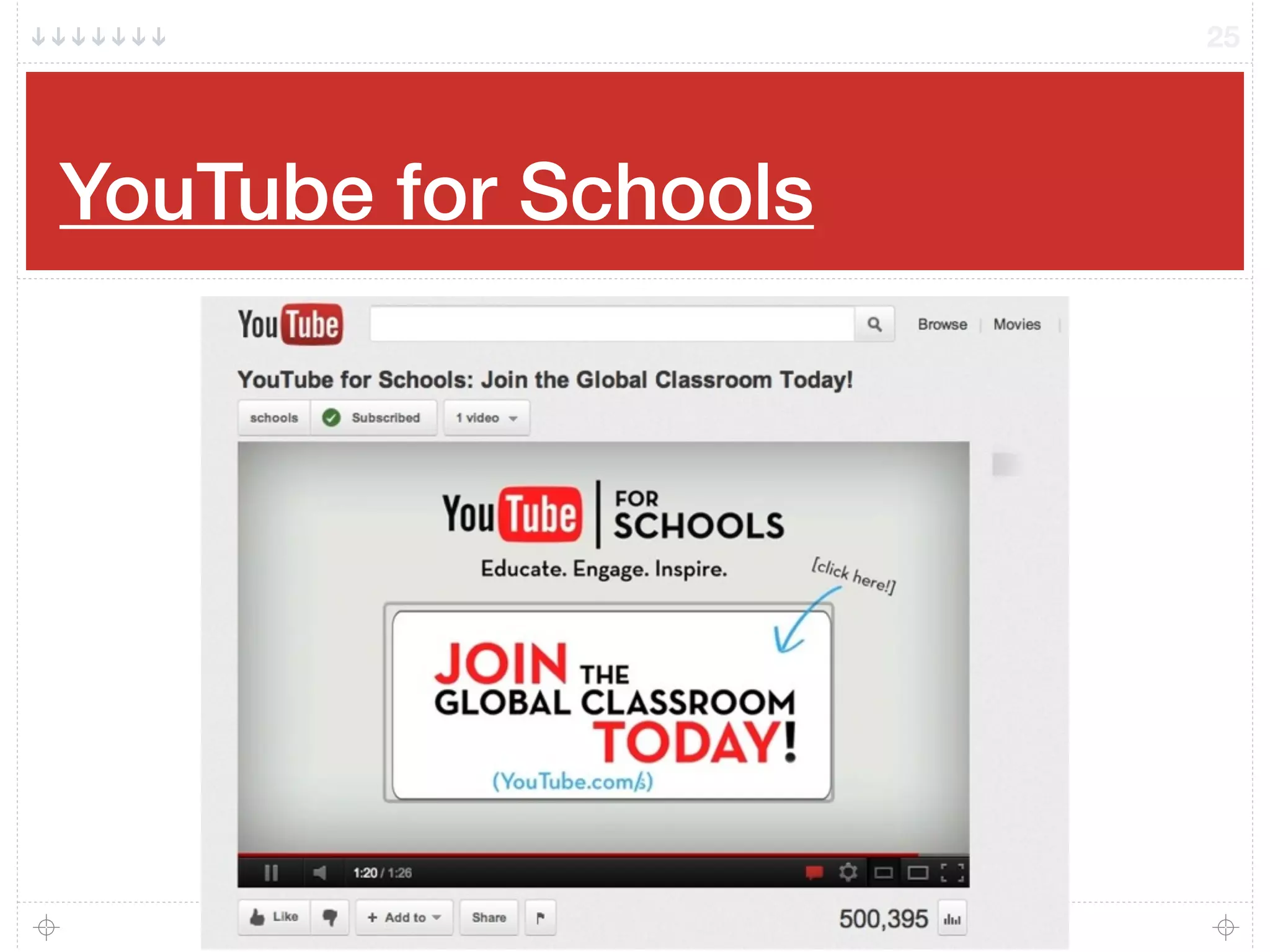
YouTube for Schools
24
YouTube for Schools
25
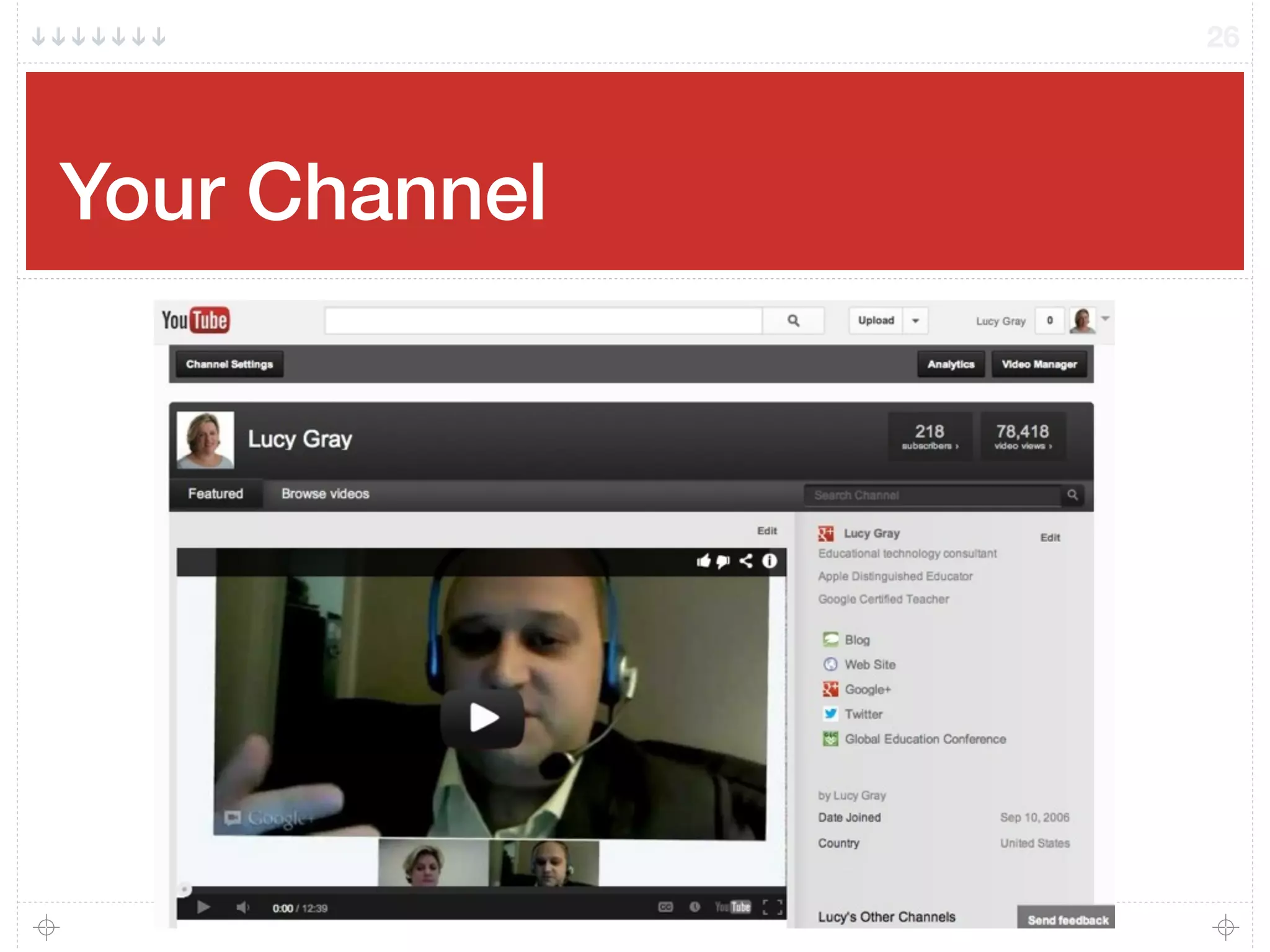
Your Channel
26
Menu
27
My Channel
Video Manager
Subscriptions
Inbox
Settings
Switch Account
Sign Out
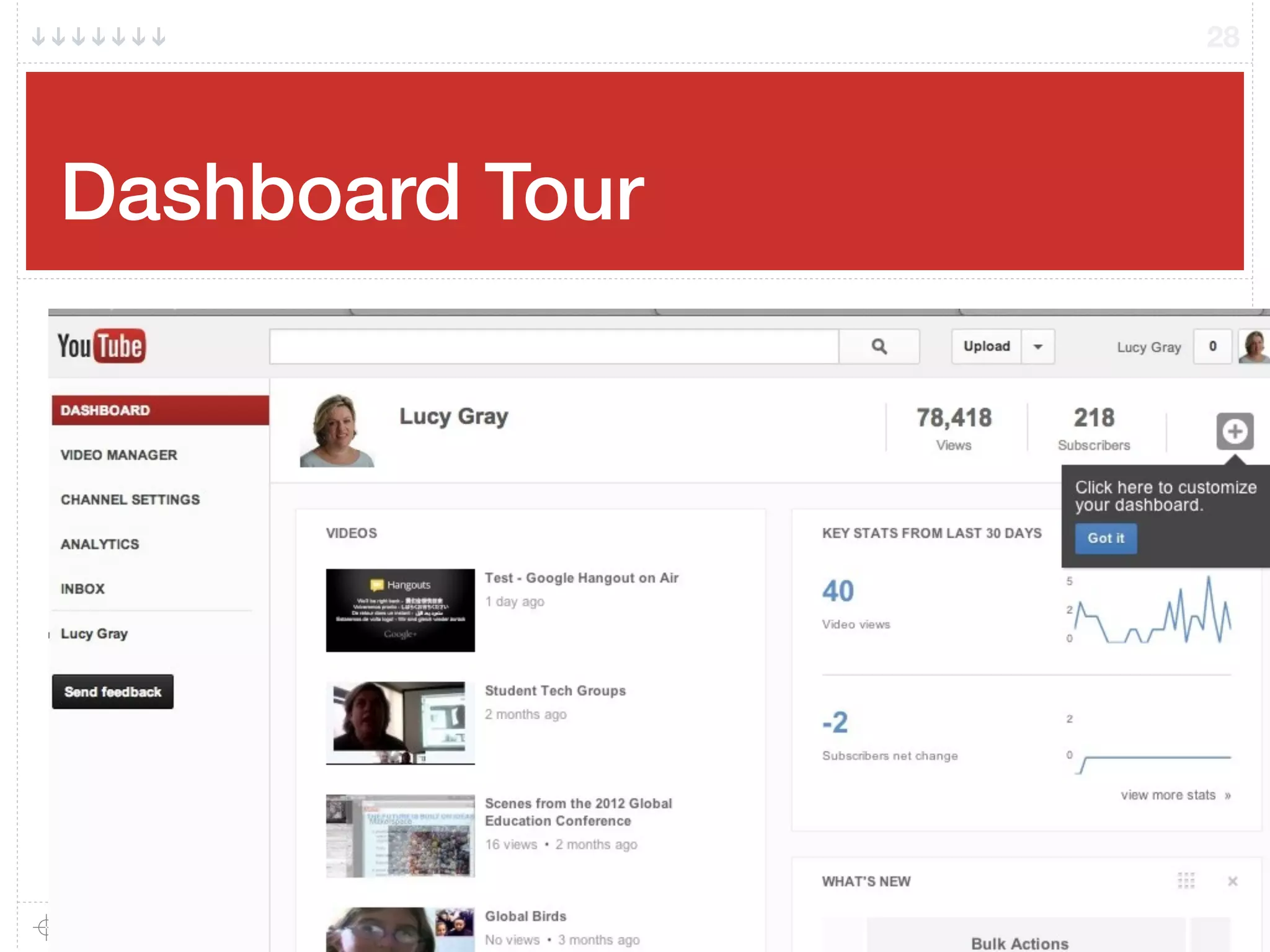
Dashboard Tour!
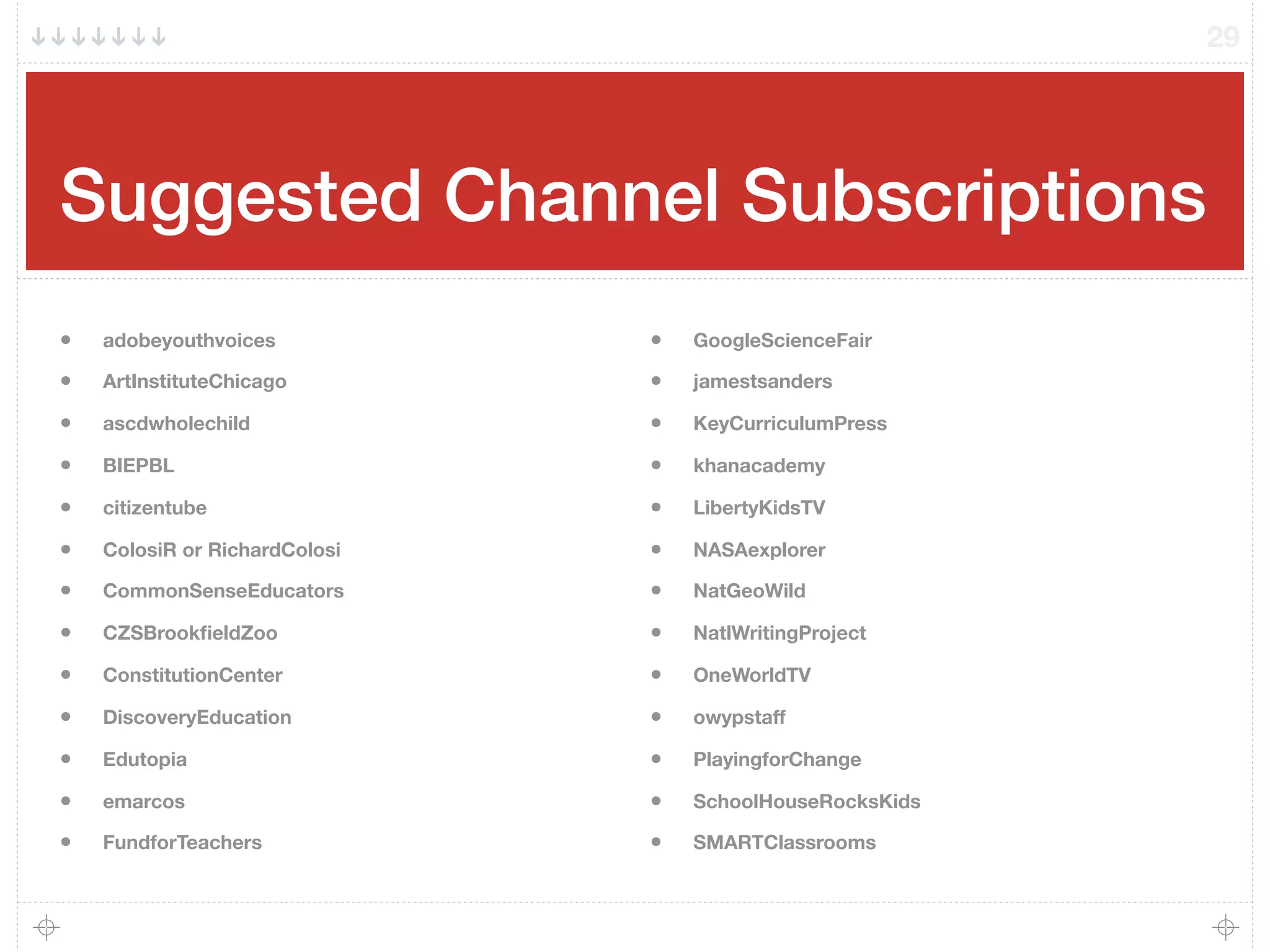
28
Suggested Channel Subscriptions
29
• adobeyouthvoices
• ArtInstituteChicago
• ascdwholechild
• BIEPBL
• citizentube
• ColosiR or RichardColosi
• CommonSenseEducators
• CZSBrookfieldZoo
• ConstitutionCenter
• DiscoveryEducation
• Edutopia
• emarcos
• FundforTeachers
• GoogleScienceFair
• jamestsanders
• KeyCurriculumPress
• khanacademy
• LibertyKidsTV
• NASAexplorer
• NatGeoWild
• NatlWritingProject
• OneWorldTV
• owypstaff
• PlayingforChange
• SchoolHouseRocksKids
• SMARTClassrooms
Recording & Uploading Video
30
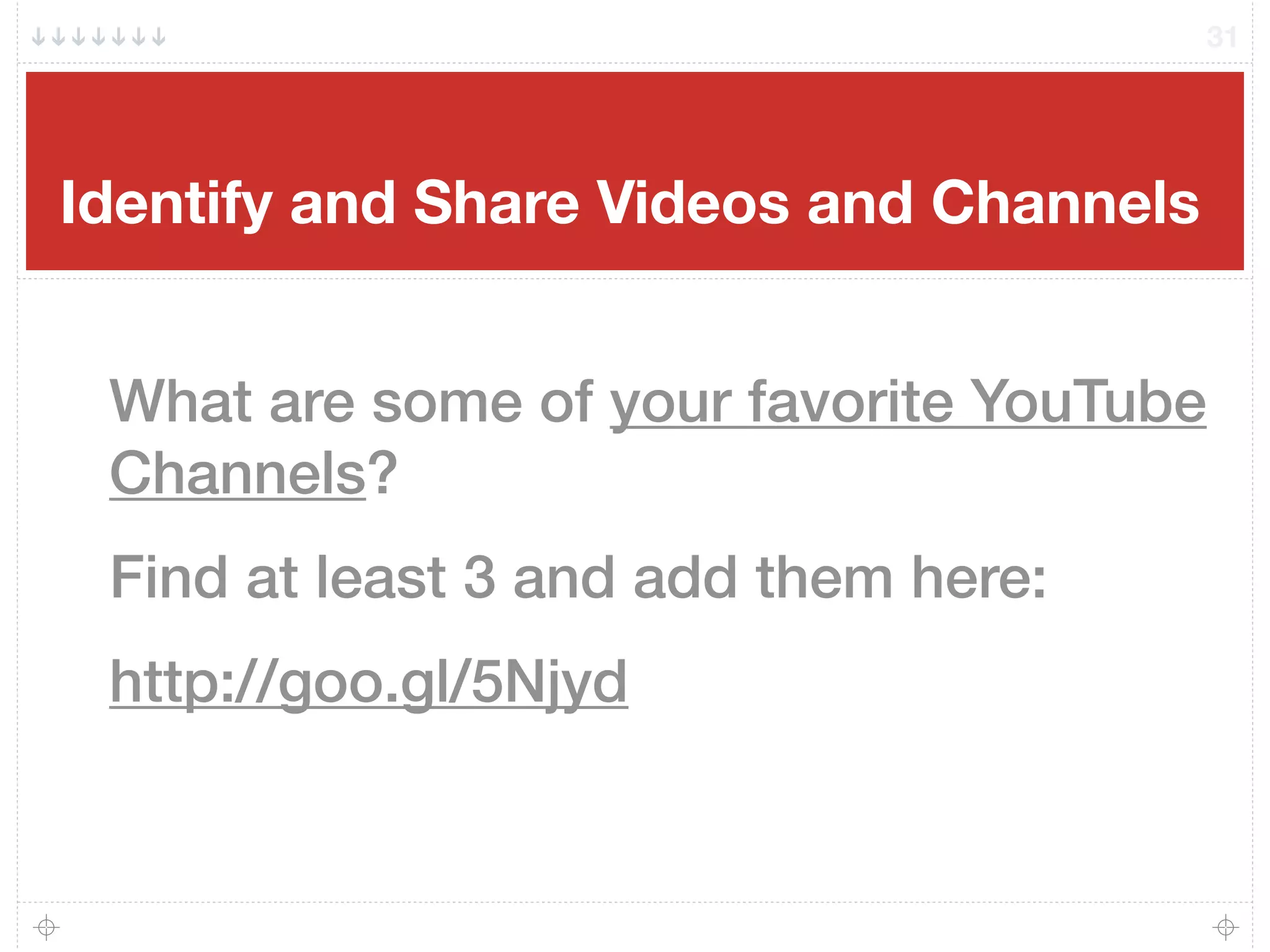
Identify and Share Videos and Channels
31
What are some of your favorite YouTube
Channels?
Find at least 3 and add them here:
http://goo.gl/5Njyd
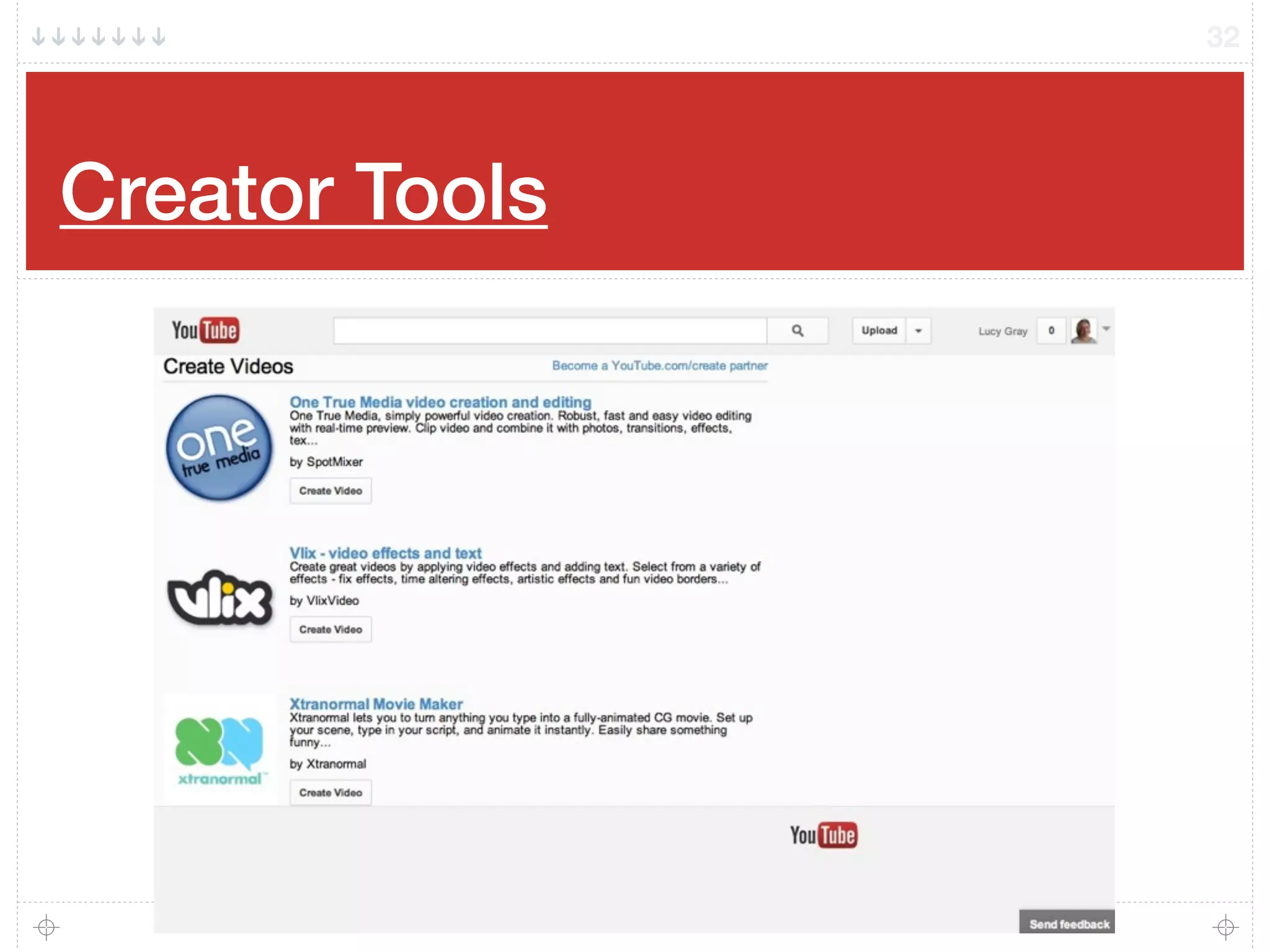
Creator Tools
32
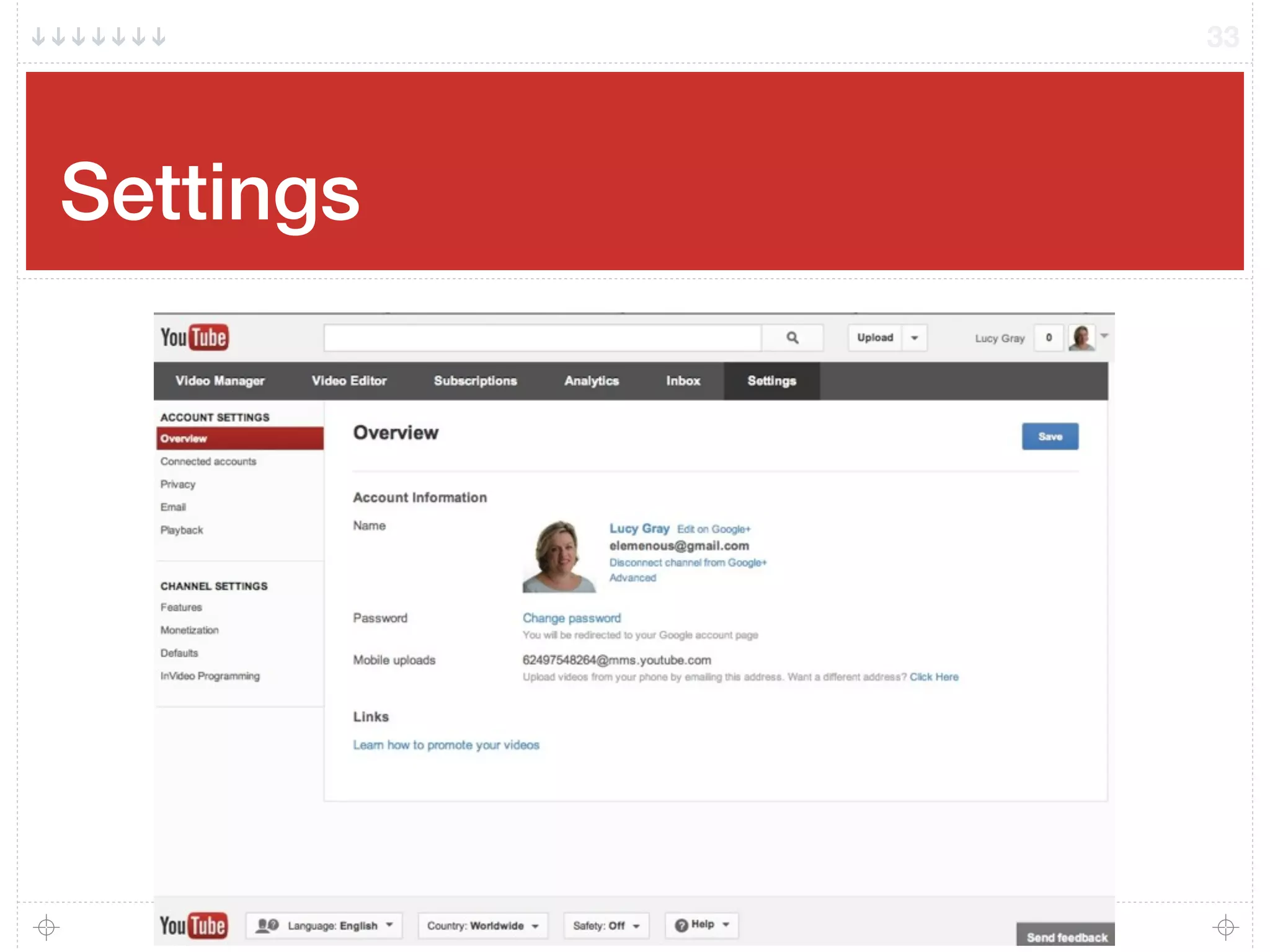
Settings
33
Potential Uses
34
Flip your classroom
Review and remediation
Language resources
Project research
Independent study
From Tami’s Tech4Teaching
Professional development
Student and teacher reflection
Writing prompts
Field trip documentation
Listening/viewing centers on mobile
devices using Belkin’s Rockstar
splitter
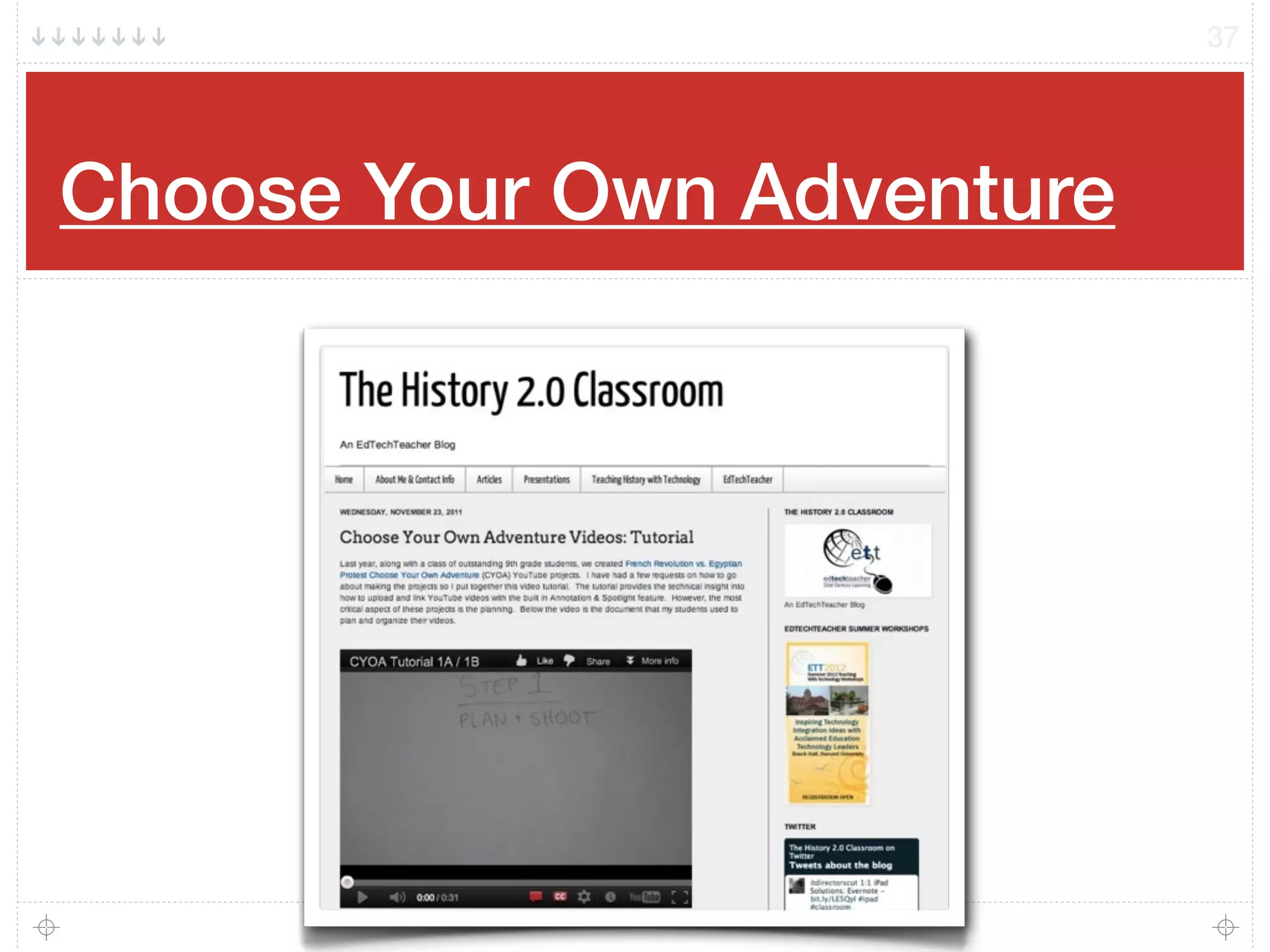
Choose Your Own Adventure
activities
Screencasts
Embed a video in a Google Site and
have kids answer questions in an
embedded Google Form
Flipping the Classroom
35
Flip your instruction so that students watch and listen to your lectures…
for homework, and then use your precious class-time for what previously,
often, was done in homework: tackling difficult problems, working in
groups, researching, collaborating, crafting and creating. Classrooms
become laboratories or studios, and yet content delivery is preserved. Flip
your instruction so that students watch and listen to your lectures… for
homework, and then use your precious class-time for what previously,
often, was done in homework: tackling difficult problems, working in
groups, researching, collaborating, crafting and creating. Classrooms
become laboratories or studios, and yet content delivery is preserved
(http://www.connectedprincipals.com/archives/3367).
Via Jackie Gerstein http://usergeneratededucation.wordpress.com/2011/06/13/the-flipped-classroom-model-a-full-picture/
36
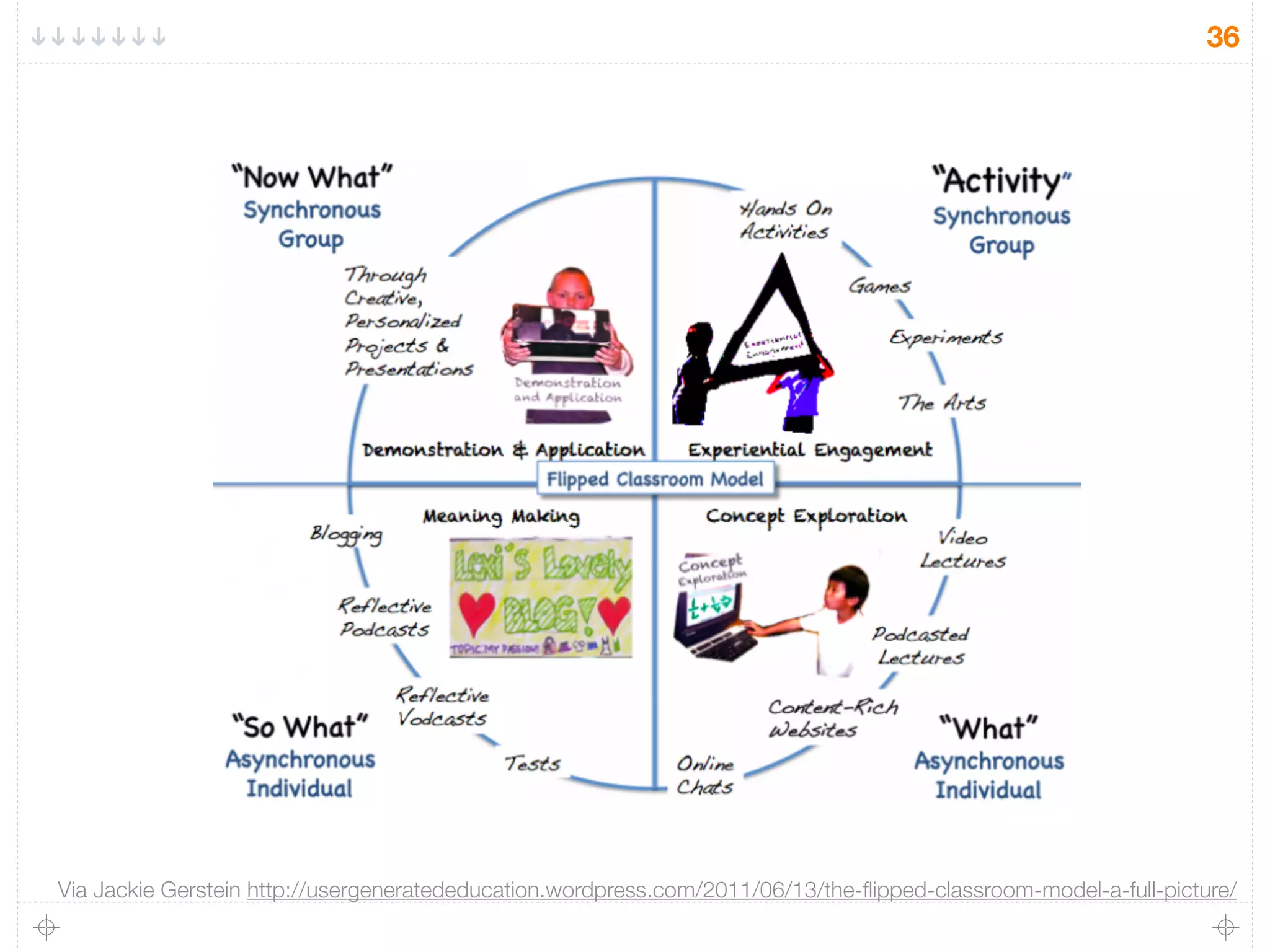
Via Jackie Gerstein http://usergeneratededucation.wordpress.com/2011/06/13/the-flipped-classroom-model-a-full-picture/
Choose Your Own Adventure
37
Discussion
What other ideas do you have for using
YouTube in your classroom?
Does your school have its own YouTube
channel?
38
Slides with clickable links can be found at
http://lucygray.org
Additonal Resources: http://goo.gl/vPRW1
Favorite Educational YouTube Videos:
http://goo.gl/0tegw
Lucy’s Diigo Group: http://goo.gl/xCgSO
Lucy’s Google Custom Search: http://goo.gl/RoiRi
39
Email: lucy@lucygrayconsulting
Twitter: elemenous
YouTube: elemenous

Exploring Instructional Uses of YouTube #cpstt

  • 1.
    Exploring Instructional Usesof YouTube Lucy Gray • CPS Tech Talk • 2013 http://www.lucygray.org 1
  • 2.
    Slides with clickablelinks can be found at http://www.lucygray.org Additional Resources: http://goo.gl/vPRW1 Favorite Educational YouTube Videos: http://goo.gl/0tegw Lucy’s Diigo Group: http://goo.gl/xCgSO Lucy’s Google Custom Search: http://goo.gl/RoiRi 2 Email: lucy@lucygrayconsulting Twitter: elemenous YouTube: elemenous
  • 3.
    One Hour PerSecond 3
  • 4.
  • 5.
    Creation Tools PhotoBooth iOS Device VideoCamera Digital Camera Flip Cam- like devices Exporting Still Images in iPhoto 5
  • 6.
    Creation Tools Video creationsites Animoto VoiceThread Record video from web cam (on YouTube’s site or using your webcam) Google Hangouts on Air Screencasting software and websites Quicktime Camtasia Screenr Jing Screencast-o-Matic 6
  • 7.
  • 8.
    Creation Apps 8 Explain Everything EducationCreations Whiteboard iStopMotion Animoto VoiceThread ScreenChomp Animation Creator iMovie
  • 9.
    Stop, Ask, &Share Turn to a person near you and ask: What tools are you and your students using to create videos? If you are using a non-iOS device, what apps and software are you using? Add more tools to our shared Google Doc: http://goo.gl/xQIrT 9
  • 10.
    Activity 10 Upload your videovia email. Take out your mobile device. Interview a neighbor. Ask them about their conference experience thus far. Email it to: 62497548264@mms.youtube.com Visit my channel to see the results: http://youtube.com/elemenous
  • 11.
  • 12.
  • 13.
    Curating Use the browseand search functionality of YouTube to find channels and individual videos. Use Filter to refine your query. Create playlists for units that you teach. Set them up ahead of time or create them on the fly. Give links to playlists to students to supplement classroom materials Collect videos created by students to show to parents. Can use private links. 13
  • 14.
  • 15.
  • 16.
  • 17.
  • 18.
    Anatomy of aYouTube Video! 18
  • 19.
    Anatomy of aYouTube Video! 19
  • 20.
    Anatomy of aYouTube Video! 20
  • 21.
  • 22.
    Playlists - YouTubefor Teachers 22
  • 23.
  • 24.
  • 25.
  • 26.
  • 27.
  • 28.
  • 29.
    Suggested Channel Subscriptions 29 •adobeyouthvoices • ArtInstituteChicago • ascdwholechild • BIEPBL • citizentube • ColosiR or RichardColosi • CommonSenseEducators • CZSBrookfieldZoo • ConstitutionCenter • DiscoveryEducation • Edutopia • emarcos • FundforTeachers • GoogleScienceFair • jamestsanders • KeyCurriculumPress • khanacademy • LibertyKidsTV • NASAexplorer • NatGeoWild • NatlWritingProject • OneWorldTV • owypstaff • PlayingforChange • SchoolHouseRocksKids • SMARTClassrooms
  • 30.
  • 31.
    Identify and ShareVideos and Channels 31 What are some of your favorite YouTube Channels? Find at least 3 and add them here: http://goo.gl/5Njyd
  • 32.
  • 33.
  • 34.
    Potential Uses 34 Flip yourclassroom Review and remediation Language resources Project research Independent study From Tami’s Tech4Teaching Professional development Student and teacher reflection Writing prompts Field trip documentation Listening/viewing centers on mobile devices using Belkin’s Rockstar splitter Choose Your Own Adventure activities Screencasts Embed a video in a Google Site and have kids answer questions in an embedded Google Form
  • 35.
    Flipping the Classroom 35 Flipyour instruction so that students watch and listen to your lectures… for homework, and then use your precious class-time for what previously, often, was done in homework: tackling difficult problems, working in groups, researching, collaborating, crafting and creating. Classrooms become laboratories or studios, and yet content delivery is preserved. Flip your instruction so that students watch and listen to your lectures… for homework, and then use your precious class-time for what previously, often, was done in homework: tackling difficult problems, working in groups, researching, collaborating, crafting and creating. Classrooms become laboratories or studios, and yet content delivery is preserved (http://www.connectedprincipals.com/archives/3367). Via Jackie Gerstein http://usergeneratededucation.wordpress.com/2011/06/13/the-flipped-classroom-model-a-full-picture/
  • 36.
    36 Via Jackie Gersteinhttp://usergeneratededucation.wordpress.com/2011/06/13/the-flipped-classroom-model-a-full-picture/
  • 37.
    Choose Your OwnAdventure 37
  • 38.
    Discussion What other ideasdo you have for using YouTube in your classroom? Does your school have its own YouTube channel? 38
  • 39.
    Slides with clickablelinks can be found at http://lucygray.org Additonal Resources: http://goo.gl/vPRW1 Favorite Educational YouTube Videos: http://goo.gl/0tegw Lucy’s Diigo Group: http://goo.gl/xCgSO Lucy’s Google Custom Search: http://goo.gl/RoiRi 39 Email: lucy@lucygrayconsulting Twitter: elemenous YouTube: elemenous