ELM ONLINE SCHOOLS
Year 9 programme
~ TR.SHARON
Introduction
Digital devices are pieces of hardware that use computers
or microcontrollers, and they are found everywhere in our
digital world. They enhance and support how we live our
lives every day. They can connect and work together to
give us the data we need, when and where we need it.
Digital devices are always developing. This changes the
way in which they are used by individuals, organisations
and local, national and global societies.
TYPES OF DIGITAL DEVICES
● Computers
● Mobile phones
● Tablets
● Cameras and camcorders
● Home entertainment systems
● Navigation aids
● Home automation devices and smart assistants
What is a computer?
➢ A computer is an electronic machine that inputs data, processes it
under the control of a stored program, and outputs information.
➢ While the data is being processed, data can be retrieved from or
saved on backing storage
➢ Data is raw, unprocessed information. Information is data that people
understand. In order to understand data, you may have to interpret it:
➢ The number 30112012 is data that can be interpreted as:
○ A date 30/11/2012
○ A sum of money $301,120.12
➢ The interpreted data, that is the date or the sum of money, is the
information.
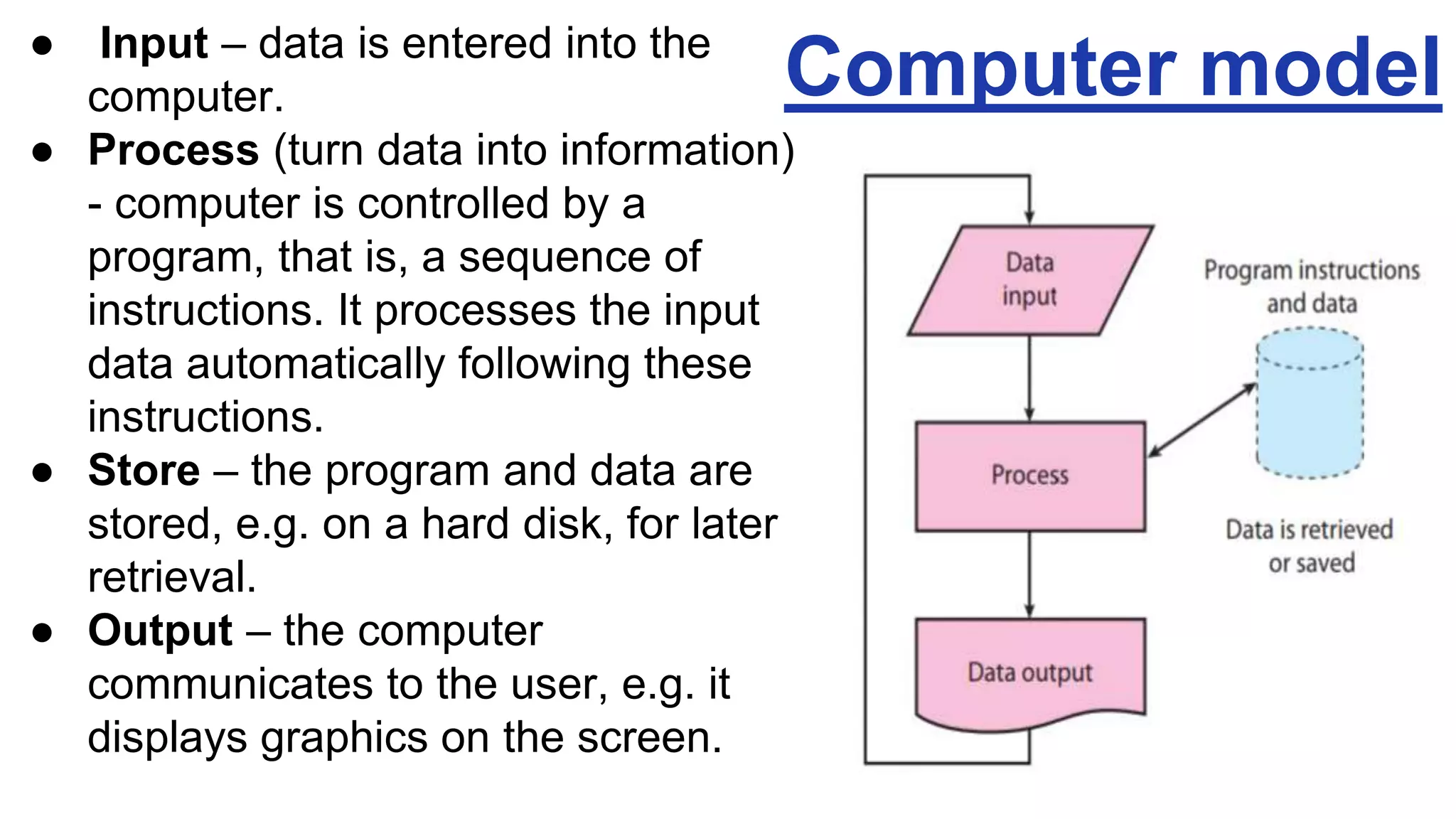
● Input – data is entered into the
computer.
● Process (turn data into information)
- computer is controlled by a
program, that is, a sequence of
instructions. It processes the input
data automatically following these
instructions.
● Store – the program and data are
stored, e.g. on a hard disk, for later
retrieval.
● Output – the computer
communicates to the user, e.g. it
displays graphics on the screen.
Computer model
Types of computer
Computers can be:
● PCs (personal computers) – a microcomputer for ndividual use.
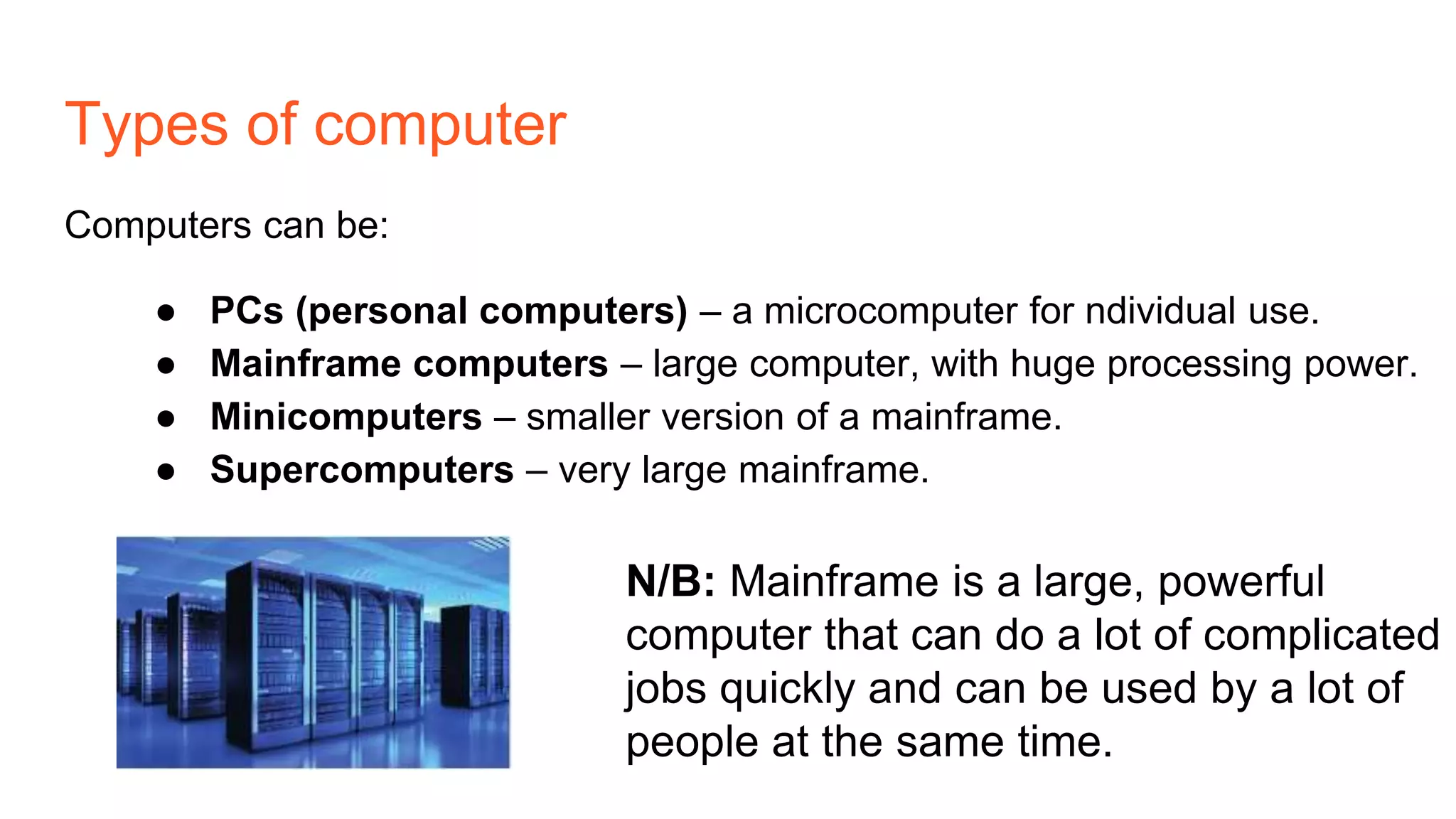
● Mainframe computers – large computer, with huge processing power.
● Minicomputers – smaller version of a mainframe.
● Supercomputers – very large mainframe.
N/B: Mainframe is a large, powerful
computer that can do a lot of complicated
jobs quickly and can be used by a lot of
people at the same time.
Different types of PC
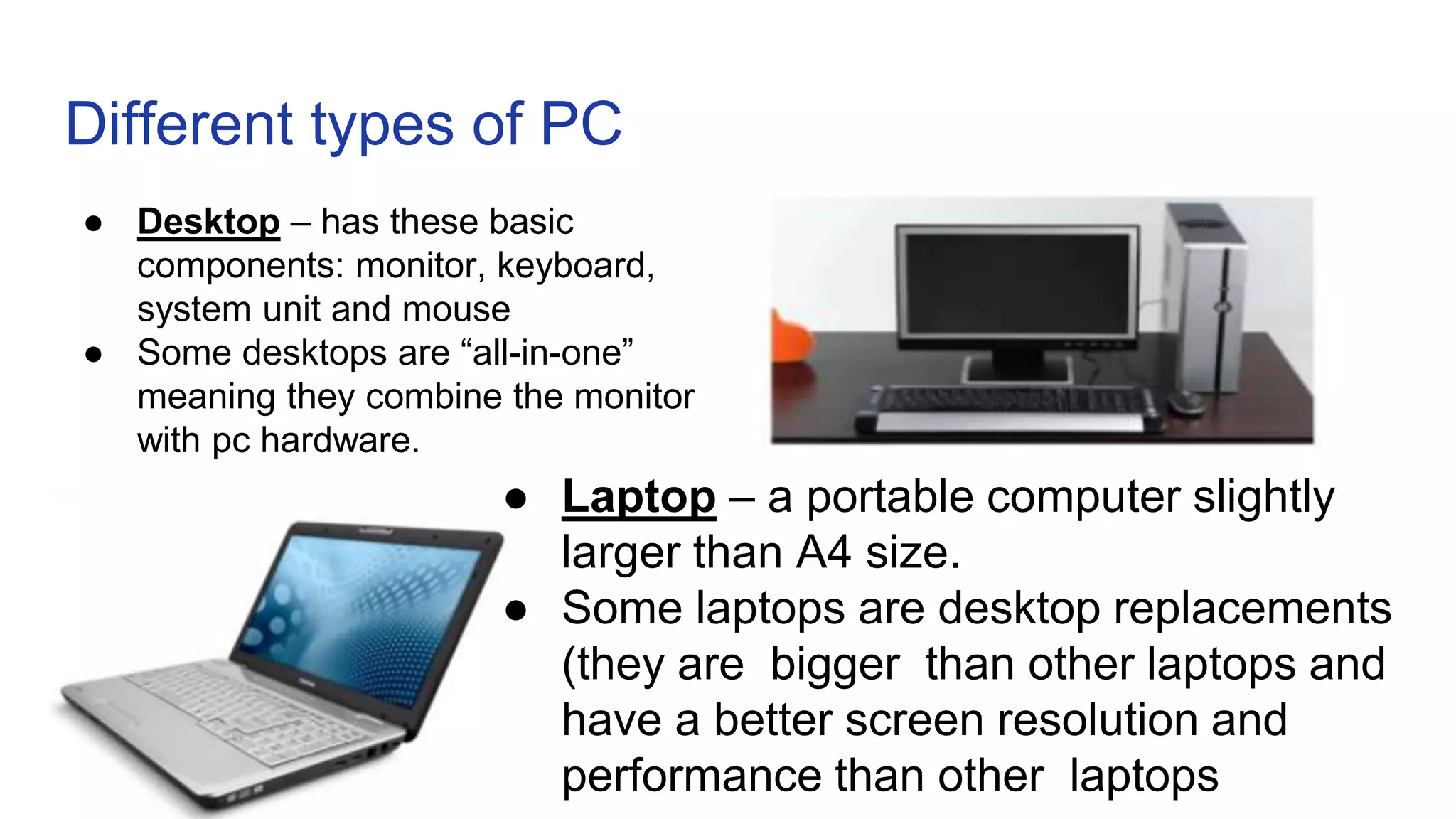
● Desktop – has these basic
components: monitor, keyboard,
system unit and mouse
● Some desktops are “all-in-one”
meaning they combine the monitor
with pc hardware.
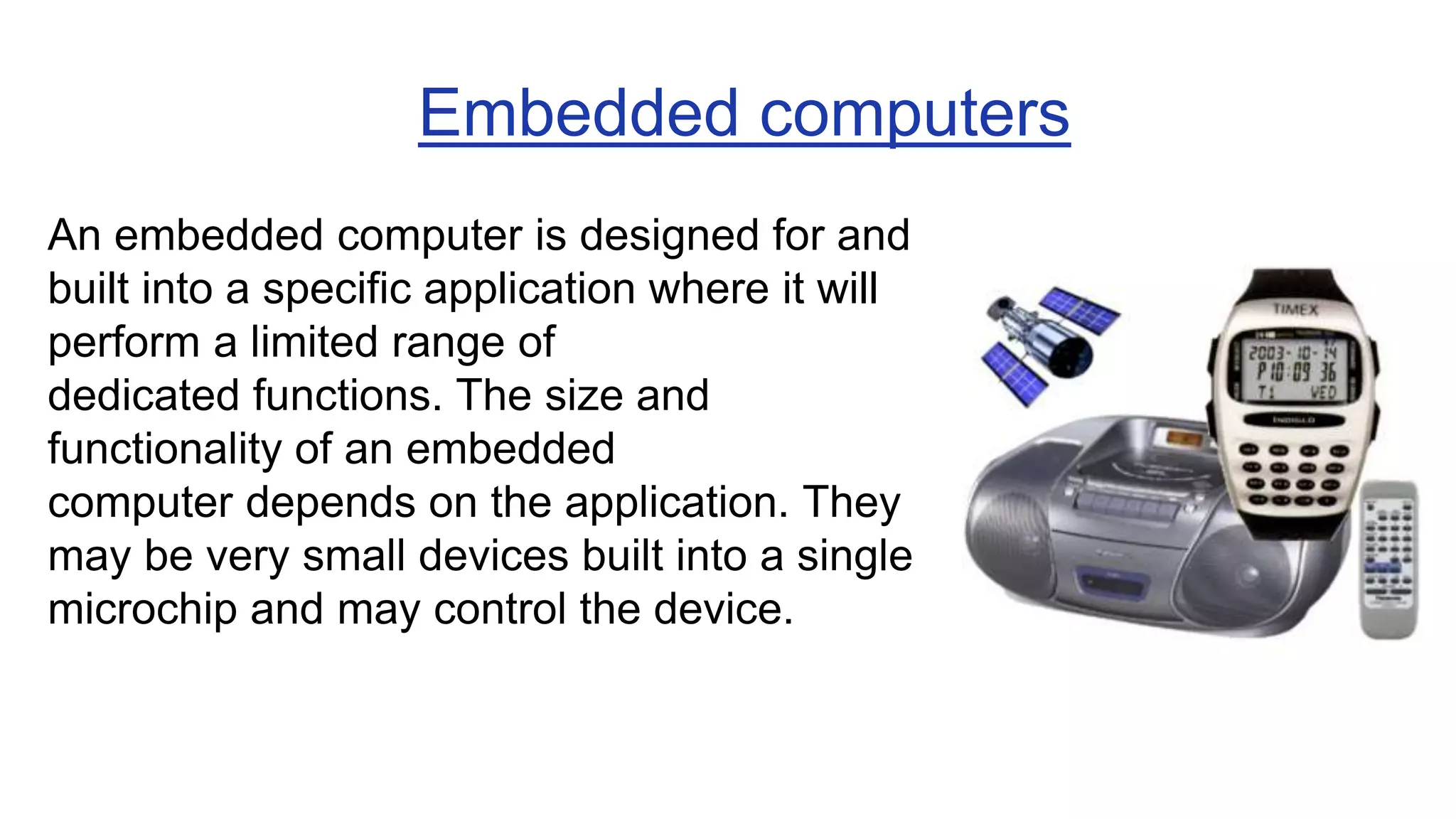
● Laptop – a portable computer slightly
larger than A4 size.
● Some laptops are desktop replacements
(they are bigger than other laptops and
have a better screen resolution and
performance than other laptops
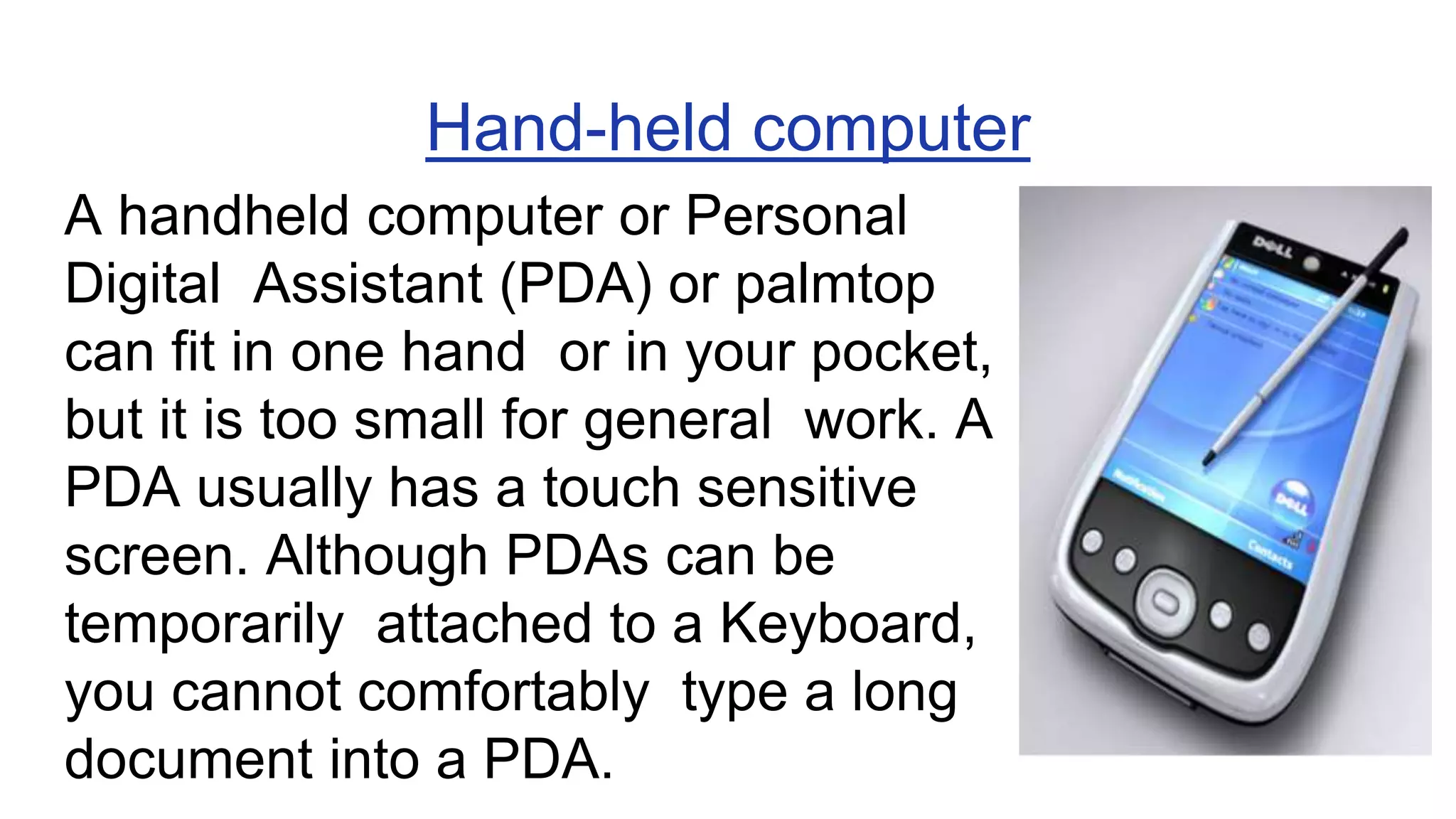
An embedded computer is designed for and
built into a specific application where it will
perform a limited range of
dedicated functions. The size and
functionality of an embedded
computer depends on the application. They
may be very small devices built into a single
microchip and may control the device.
Embedded computers
Hand-held computer
A handheld computer or Personal
Digital Assistant (PDA) or palmtop
can fit in one hand or in your pocket,
but it is too small for general work. A
PDA usually has a touch sensitive
screen. Although PDAs can be
temporarily attached to a Keyboard,
you cannot comfortably type a long
document into a PDA.
Mobile phones
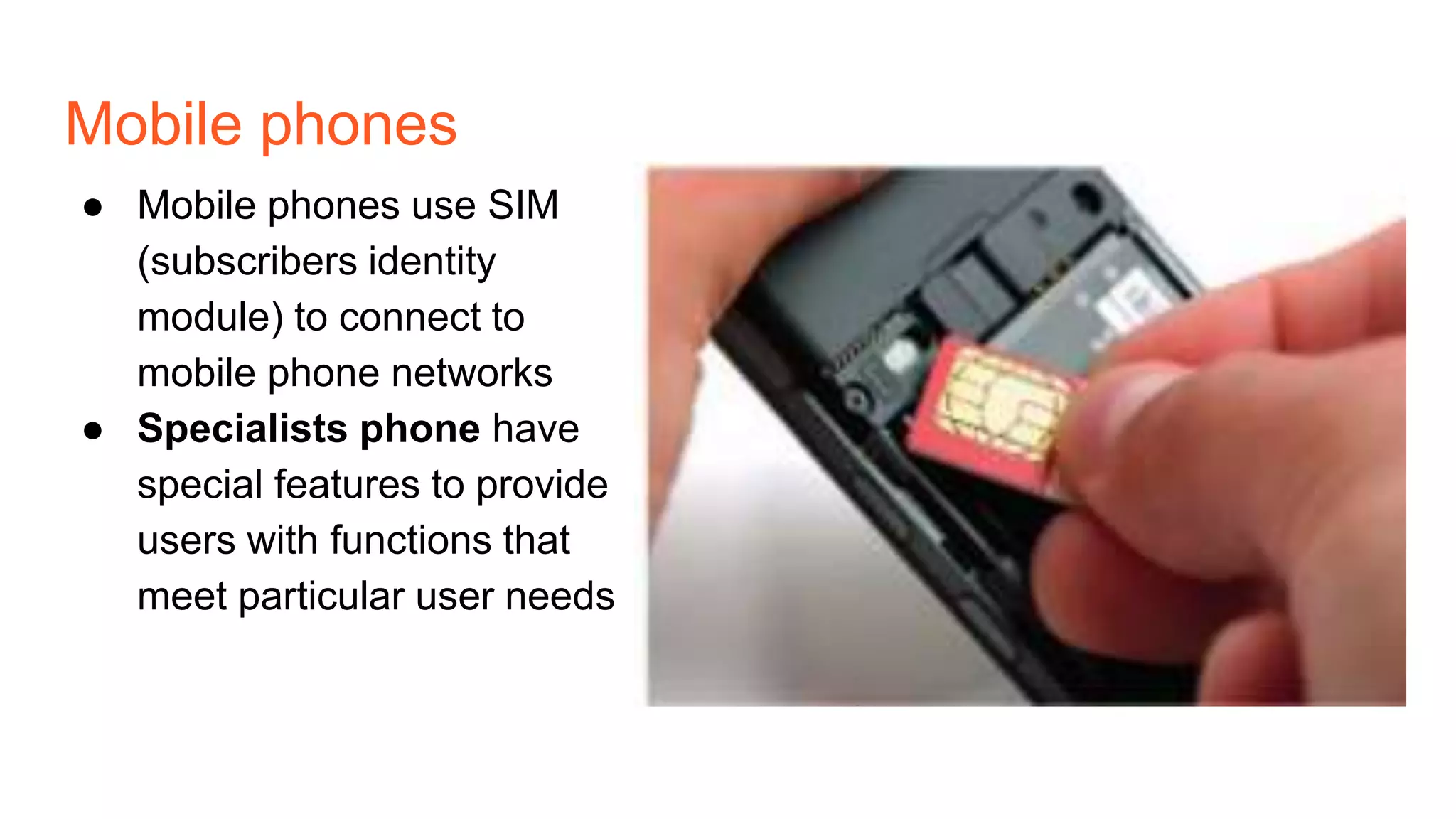
● Mobile phones use SIM
(subscribers identity
module) to connect to
mobile phone networks
● Specialists phone have
special features to provide
users with functions that
meet particular user needs
Smartphone
● Smartphones are small computers with Wi-Fi and mobile phone connectivity
to allow them to make phone calls and access the internet.
● They also include faatures of other devices such as cameras, media players
and hand-held games consoles.
● They have a more advanced operating system than other mobile phones.
● Applications (or apps) can be downloaded onto the smartphone, which allow
usera to customise their smartphones with entertainment, educational and
business features.
● Most smartphones use a touch screen to allow users to input information. A
virtual keyboard is used to erter text, numbers and other characters.
● Because they combine so many features, smartphones use more power than
other types of mobile phone. This means that they have a shorter battery life
and need to be charged more regularly than other mobile phones.
Tablets
● Tablet devices or tablets are bigger than
smartphones, but have similar
features. For example, a tablet device
has a touch screen, apps and Wi-FI
Connectivity to provide access to the
internet.
● Some table devices have SIM card slots to allow internet connectivity
using the moble phone network, so that they can be online when they
are not within range of a Wi-Fi signal.
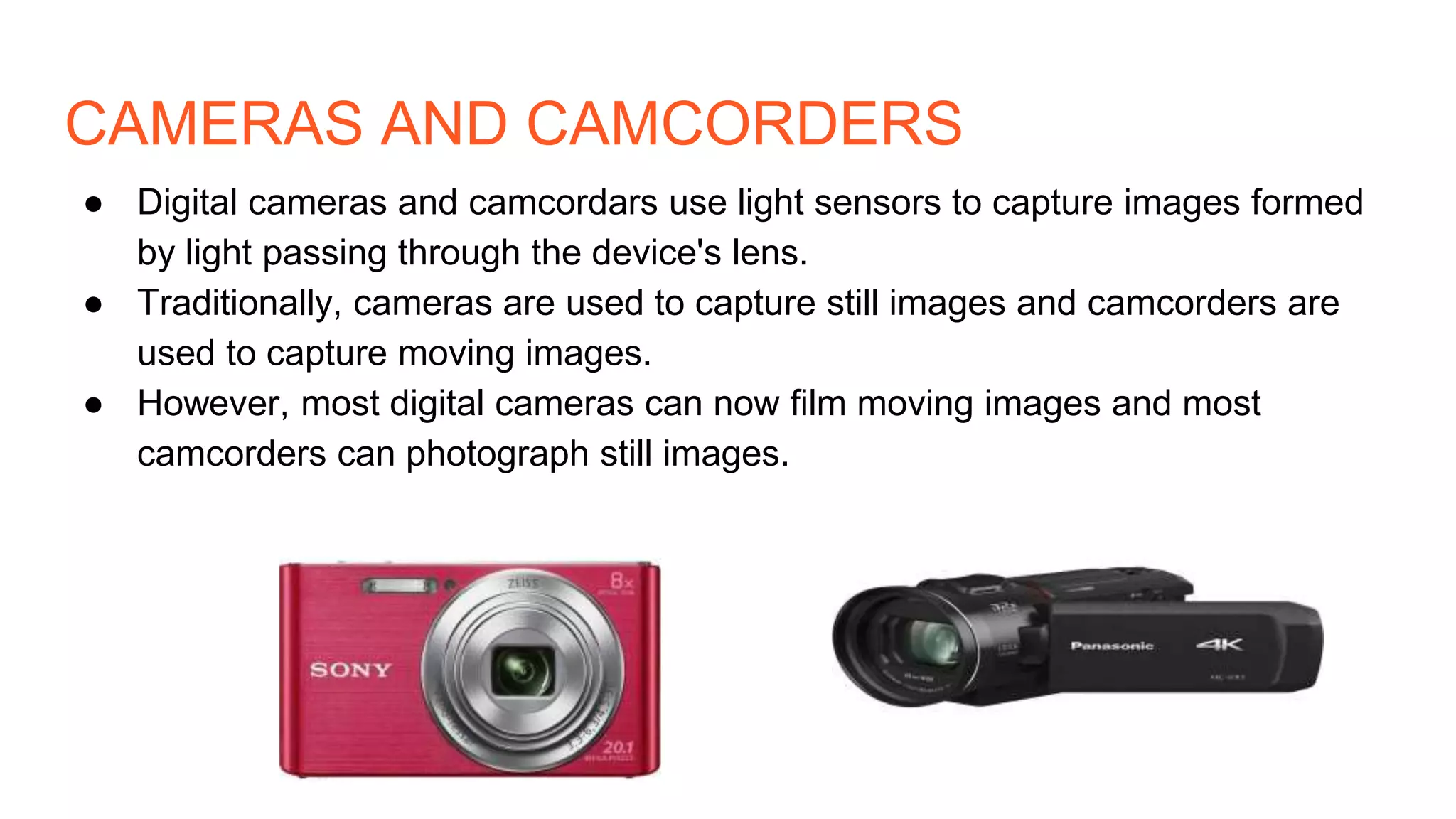
CAMERAS AND CAMCORDERS
● Digital cameras and camcordars use light sensors to capture images formed
by light passing through the device's lens.
● Traditionally, cameras are used to capture still images and camcorders are
used to capture moving images.
● However, most digital cameras can now film moving images and most
camcorders can photograph still images.
Home entertainment systems
They include :
❏ Televisions
❏ Sound systems
❏ Personal video recorder
❏ Blue-ray and DVD player
❏ Game consoles
❏ Media players
Televisions ● Televisions display still and moving
images on a screen.
● The quality of the image is set by the
number of pixels that are used to
display the image. This is referred to
as the screen's resolution.
● resolution is the number of pixels
used by a screen to display an image
● Pixels are small dots that helps to
make up an image
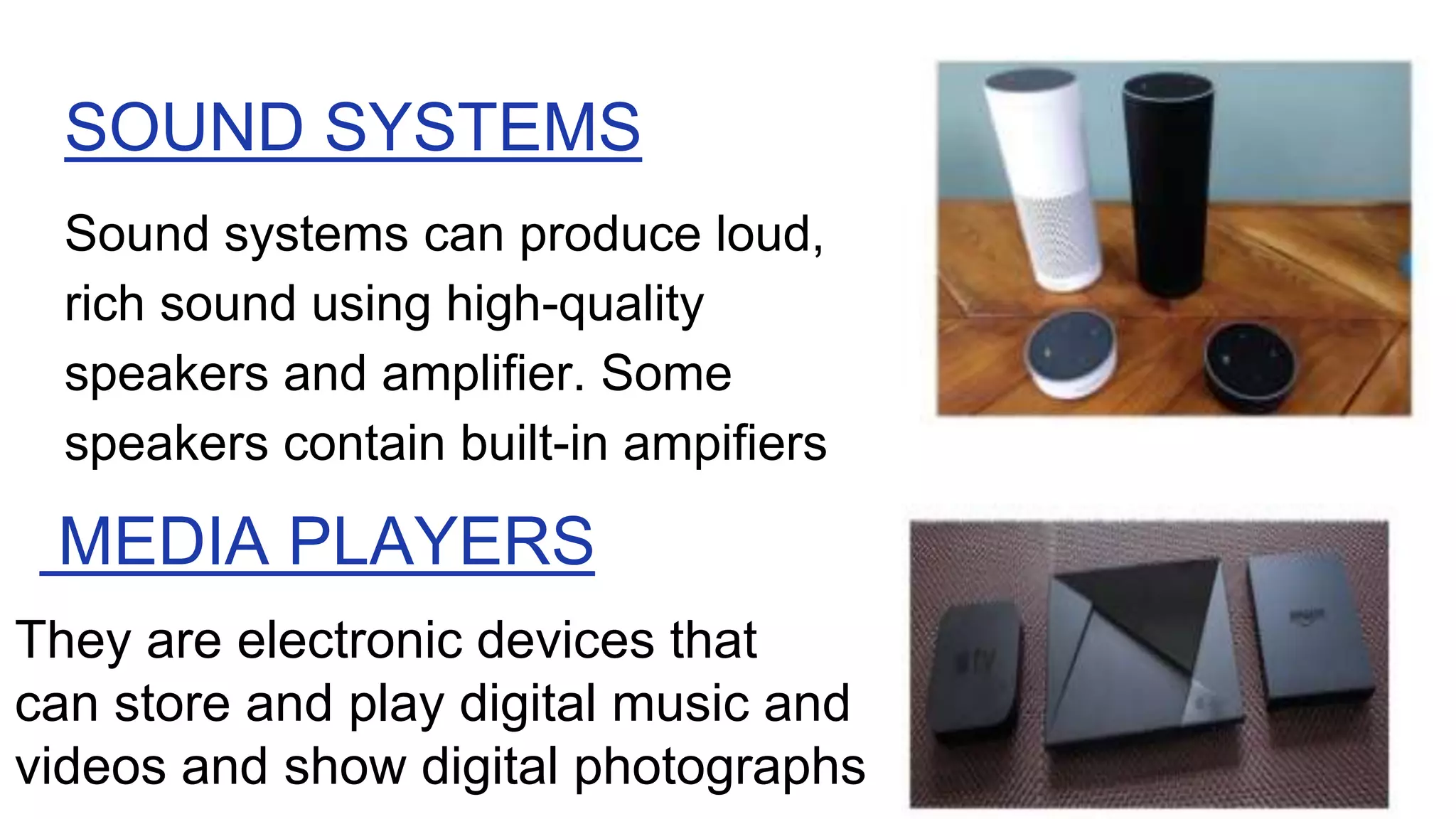
SOUND SYSTEMS
Sound systems can produce loud,
rich sound using high-quality
speakers and amplifier. Some
speakers contain built-in ampifiers
MEDIA PLAYERS
They are electronic devices that
can store and play digital music and
videos and show digital photographs
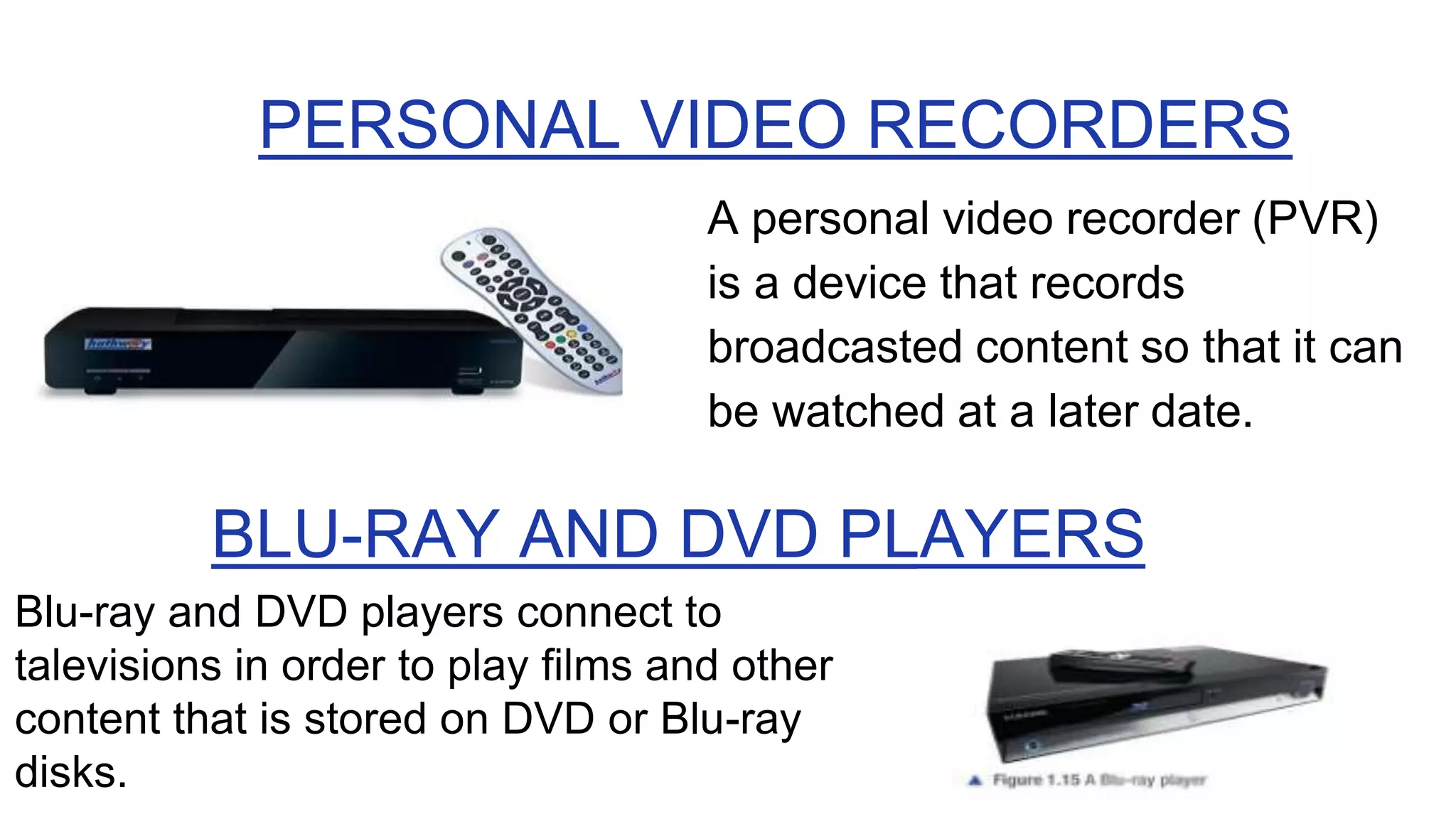
PERSONAL VIDEO RECORDERS
A personal video recorder (PVR)
is a device that records
broadcasted content so that it can
be watched at a later date.
BLU-RAY AND DVD PLAYERS
Blu-ray and DVD players connect to
talevisions in order to play films and other
content that is stored on DVD or Blu-ray
disks.
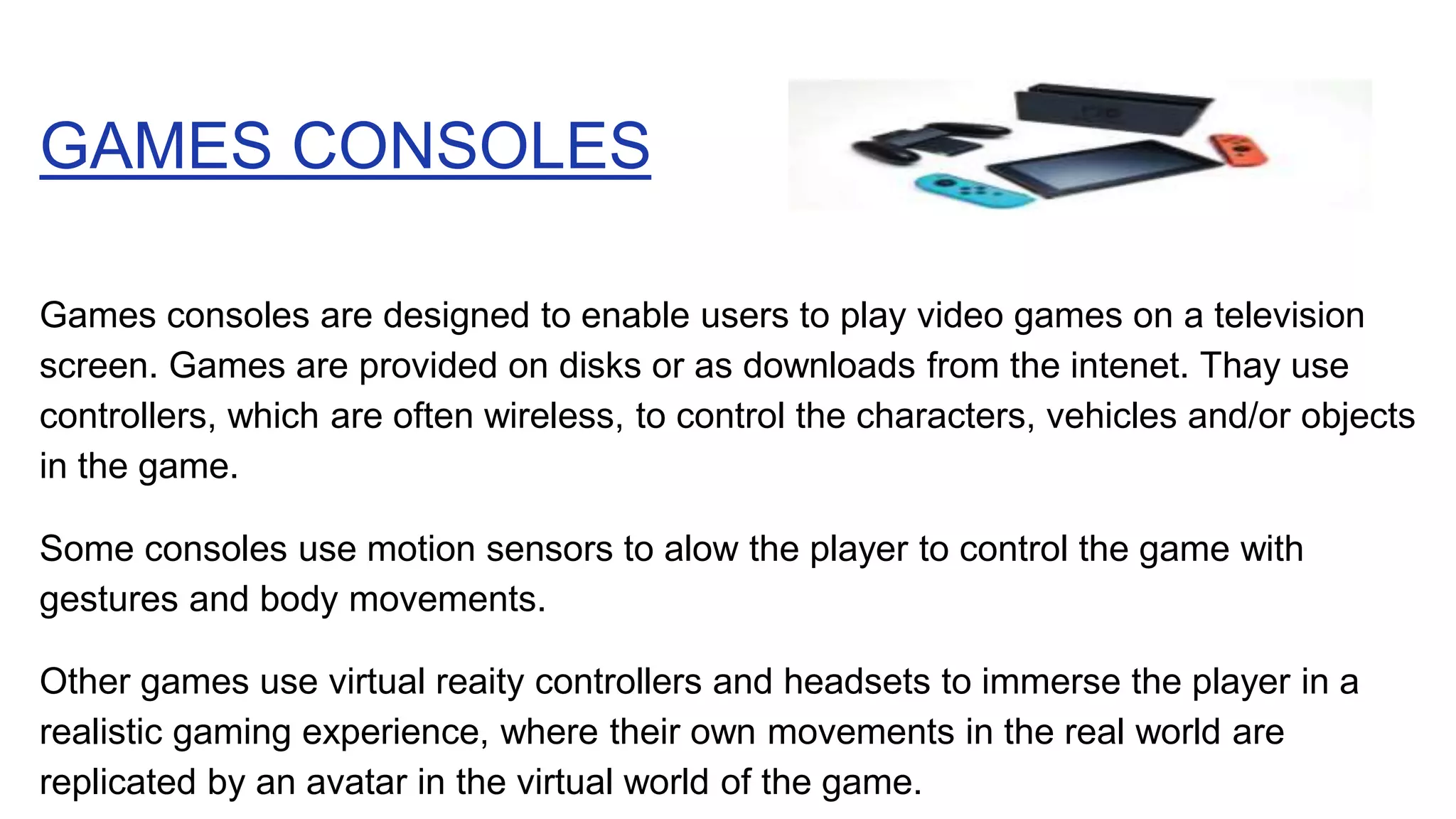
GAMES CONSOLES
Games consoles are designed to enable users to play video games on a television
screen. Games are provided on disks or as downloads from the intenet. Thay use
controllers, which are often wireless, to control the characters, vehicles and/or objects
in the game.
Some consoles use motion sensors to alow the player to control the game with
gestures and body movements.
Other games use virtual reaity controllers and headsets to immerse the player in a
realistic gaming experience, where their own movements in the real world are
replicated by an avatar in the virtual world of the game.
NAVIGATION AIDS
Navigation aids (such as Sat-Nav) can calculate
the best route between two or more locations and
can provide updates to the route if it is not
followed accurately. They are commonly used in
caravans , delivery vans and ships.
They provide visual prompt and alerts to help
drivers take the correct route, such as by taking a
particular turning. Specialist devices with audio
alerts and waterproof and shockproof cases are
availabie for walkers, cyclists and runners.
❏ GPS is the Global Positioning System that uses radio signals from
satellites to show your exact position on the Earth on a special
piece of equipment
❏ Navigation aids use information from GPS satelites to determine
the exact location of the device on Earth.
❏ Navigation aids also use orientation sensors to know which way
the device is curently pointing, and the device will display the
user's position and orientation on a map. Maps are either stored
permanenty on the device or downloaded from the internet when
they are needed.
❏ GPS does not need Internet connectivity in order to work.
However, navigation aids need internet conmectivity in order to
update map data.
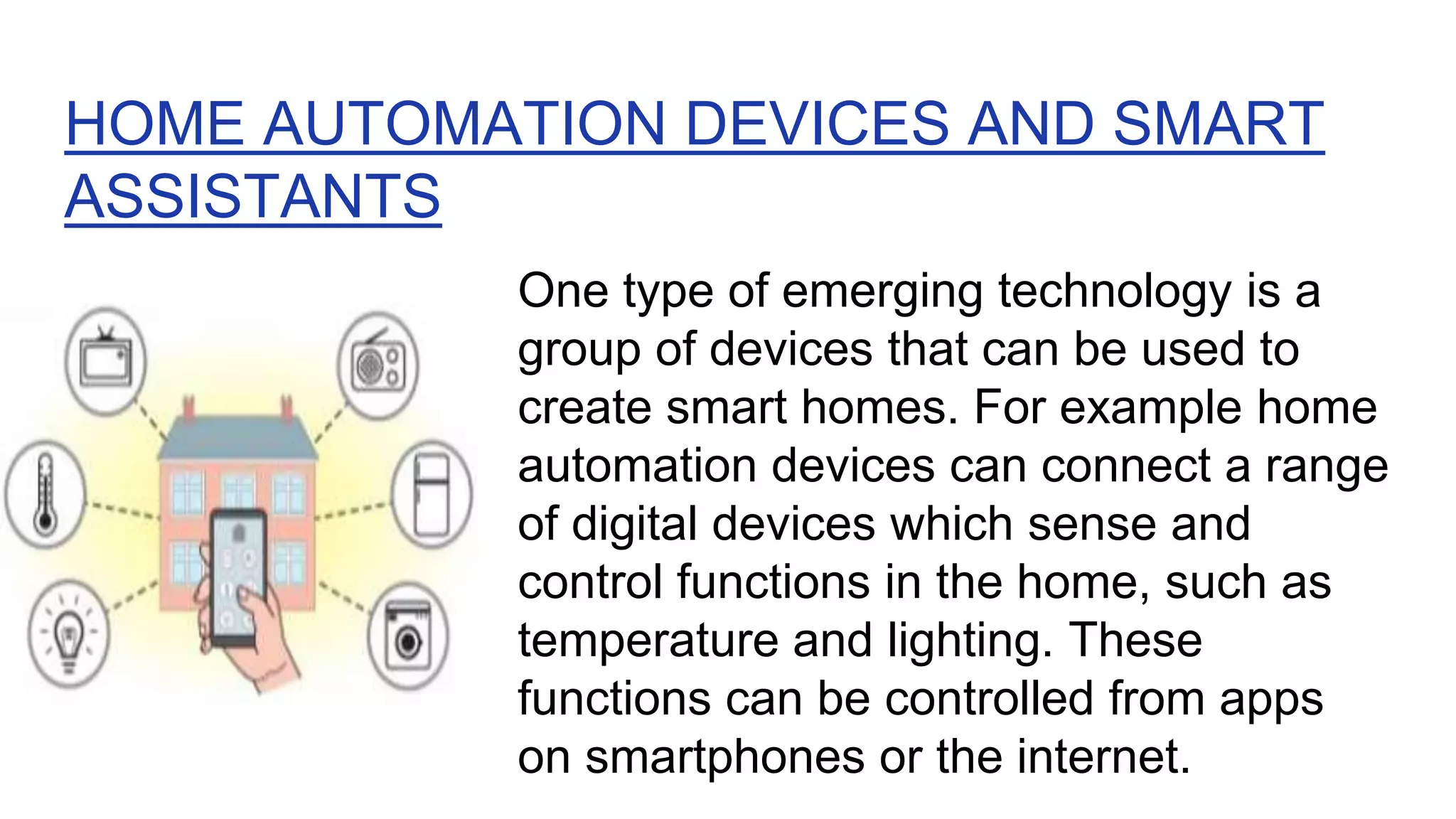
HOME AUTOMATION DEVICES AND SMART
ASSISTANTS
One type of emerging technology is a
group of devices that can be used to
create smart homes. For example home
automation devices can connect a range
of digital devices which sense and
control functions in the home, such as
temperature and lighting. These
functions can be controlled from apps
on smartphones or the internet.
FEATURES OF DIGITAL DEVICES
● They include:
● Portability
● Performance
● User interface
● Security features
● Energy consumption
● Expansion capabilities
● Connectivity
● Media support
● Storage
● Portability is the ability of a device to be easily
carried or moved around.
● For a device to be portable, it needs to be easy to
carry and move around.
● This means that the portablity of a device is directly
related to its size and weight.
● For some devices, such as a television or a desktop
computer, portability is unlikely to be a priority.
PORTABILITY
● Files and programs are stored in storage.
● More available storage allows users to store more
fies and programs.
● Storage speed also affects pertormance
STORAGE
● Devices can share data by connecting to each other using
wired or wireless conrectivity.
● Connectivity can be used to update software. back up files
or play media from one device on another.
● Different connectivity types provide different speeds of data
transfer and levels of convenience.
● Wired connectivity is usually faster and more reliable, but
introduces additional cost, mess, inconvenience and safety
risks such as tripping especially for young chidren.
CONNECTIVITY
MEDIA SUPPORT
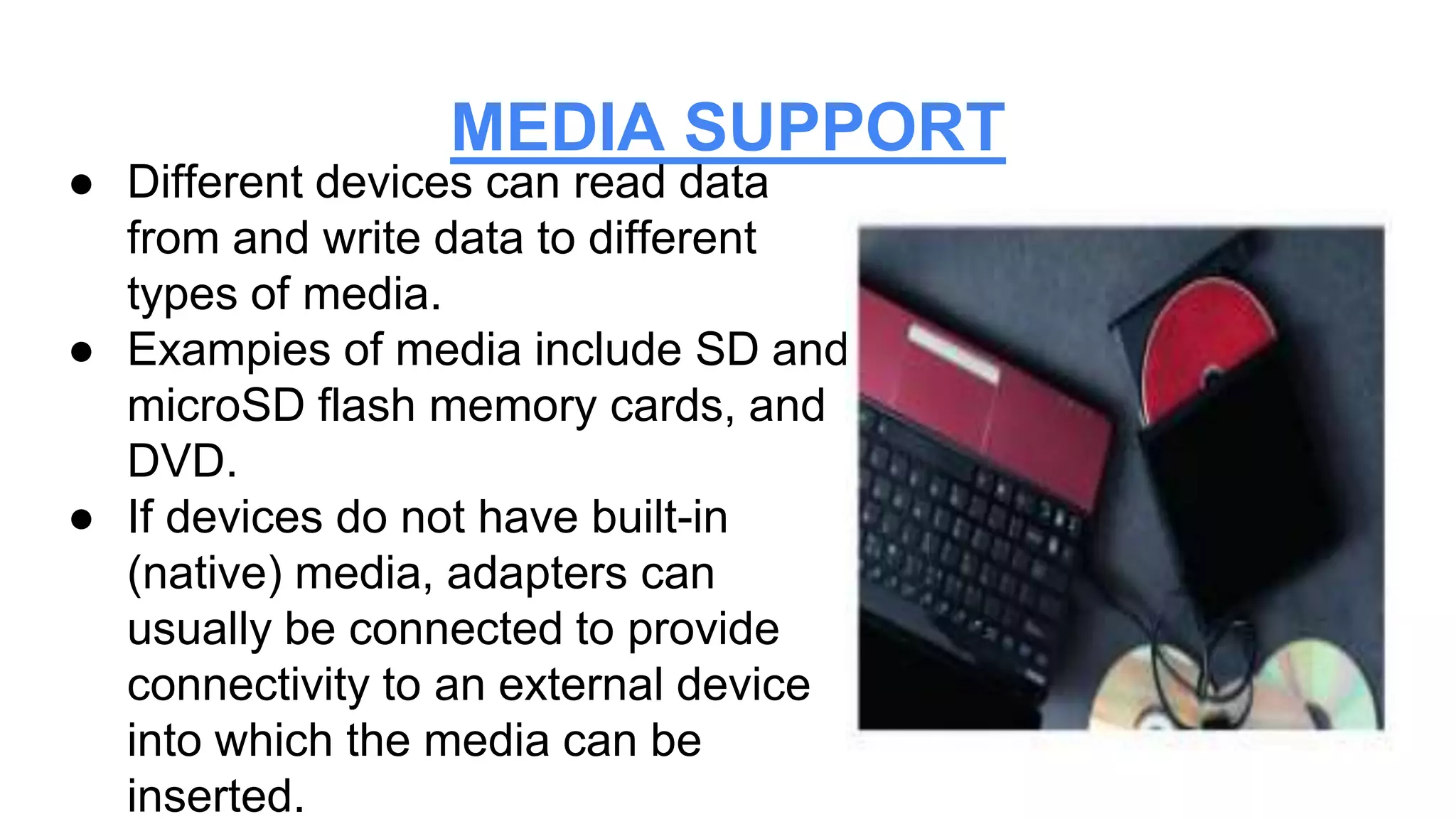
● Different devices can read data
from and write data to different
types of media.
● Exampies of media include SD and
microSD flash memory cards, and
DVD.
● If devices do not have built-in
(native) media, adapters can
usually be connected to provide
connectivity to an external device
into which the media can be
inserted.
EXPANSION CAPABILITY
● Some PCs allow users to install additional
components.
● Some smartphones and tablet devices have
expansion slots to allow them to make use of
flash memory cards.
● Systems can also be expanded using ports
such as USB ports. These allow the user to
connect axtra devices called peripheral
● Digital devices require electricity to work. One benefit of
lower energy consumption in mobile devices is a longer
battery ife.
● Due to the rising cost of energy and pressure from
customers and governments to be more environmentally
responsible, marufacturers are creating digital devices
that consume less energy.
● The aim of this is to save their customers money and
demonstrating social responsibility, such as by reducing
environmental damage
ENERGY CONSUMPTION
PERFORMANCE
● A high-performance device performs its job or
tasks quickly.
● The speed at which adevice performs is
determined by the speed at which it can carry
out instructions from its software.
● Software instructions are carried out by the
processor, which means that a faster processor
will increase the performance of the device.
● RAM (Random Access Memory), which is the
memory in a computer system that is used for
running software Instructions are loaded into the
processor from RAM, which means that faster
RAM wil also allow instructions to be loaded into
the processor more quickly.
● RAM holds all software instructions to be carried
out, so more RAM will allow the system to have
more programs running at the same time.
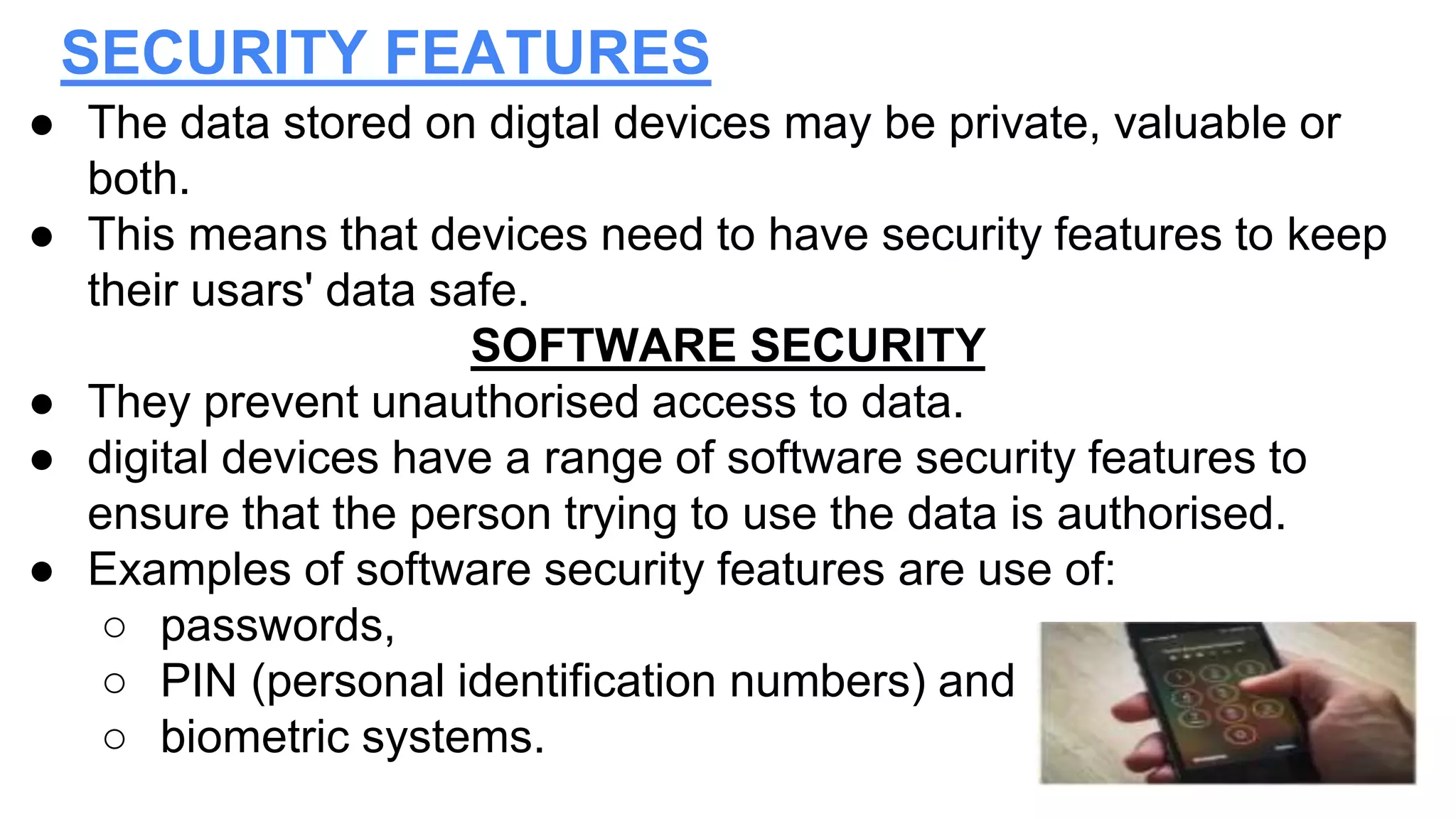
● The data stored on digtal devices may be private, valuable or
both.
● This means that devices need to have security features to keep
their usars' data safe.
SOFTWARE SECURITY
● They prevent unauthorised access to data.
● digital devices have a range of software security features to
ensure that the person trying to use the data is authorised.
● Examples of software security features are use of:
○ passwords,
○ PIN (personal identification numbers) and
○ biometric systems.
SECURITY FEATURES
PHYSICAL SECURITY
● Physical security to prevent theft is
also important.
● Many devices use security slots
which can have locks attached to
secure them to furniture.
● Some attach to specialist slots.
Others connect to a port on the
device with spacial screws used to
secure the locks in place.
● User interface is the device's ability to interact with a user
● Users give commands to a device through the user
interface. There are several different types of user
interface including :
❏ Command line
❏ Graphical user interface
❏ Menu-driven
❏ Voice interface
❏ Gesture interface
USER INTERFACE
When using a command
line interface, users enter
text instructions and the
computer system provides
results or feedback as
text.
COMMAND LINE INTERFACE (CLI)
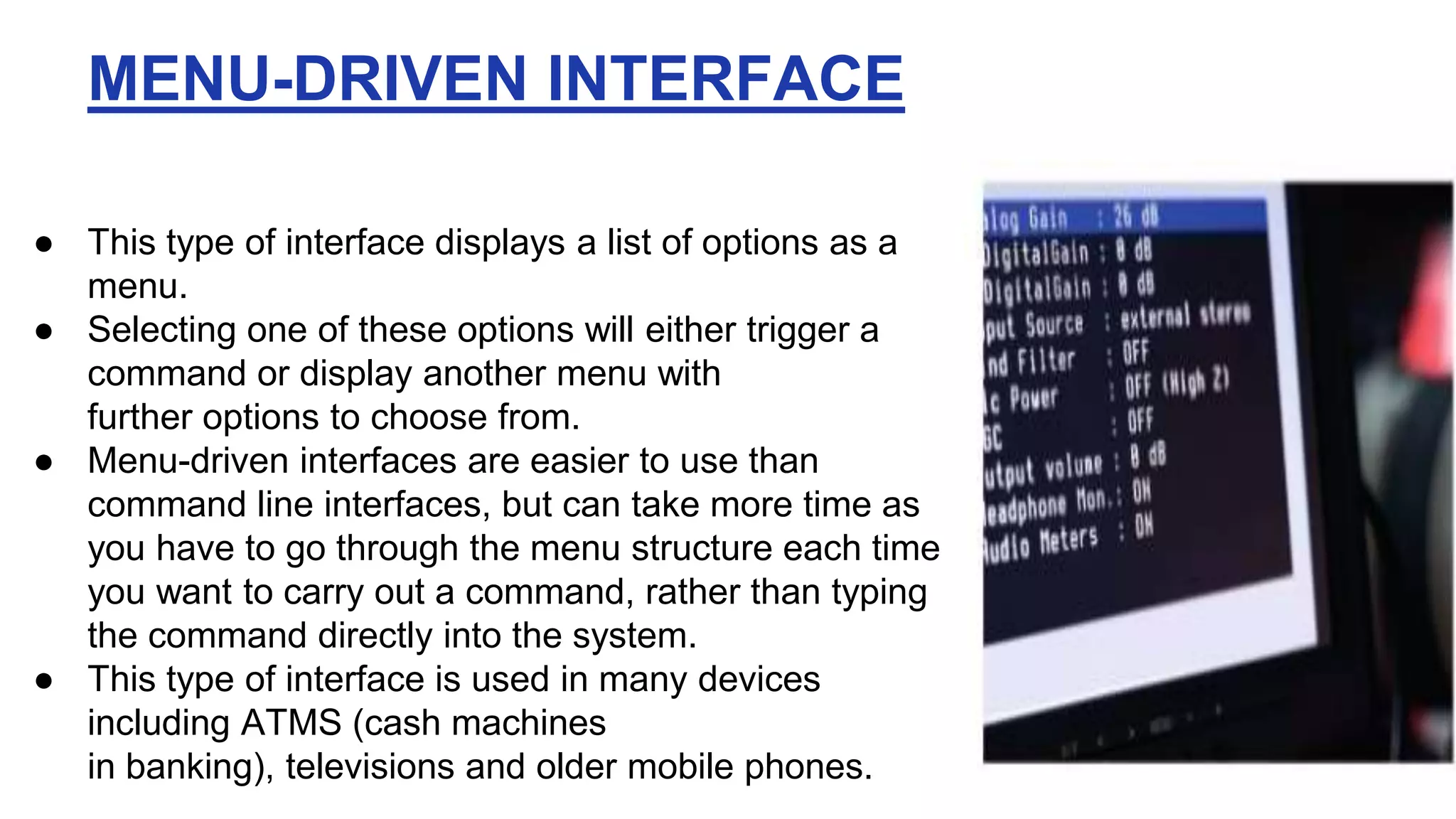
● This type of interface displays a list of options as a
menu.
● Selecting one of these options will either trigger a
command or display another menu with
further options to choose from.
● Menu-driven interfaces are easier to use than
command line interfaces, but can take more time as
you have to go through the menu structure each time
you want to carry out a command, rather than typing
the command directly into the system.
● This type of interface is used in many devices
including ATMS (cash machines
in banking), televisions and older mobile phones.
MENU-DRIVEN INTERFACE
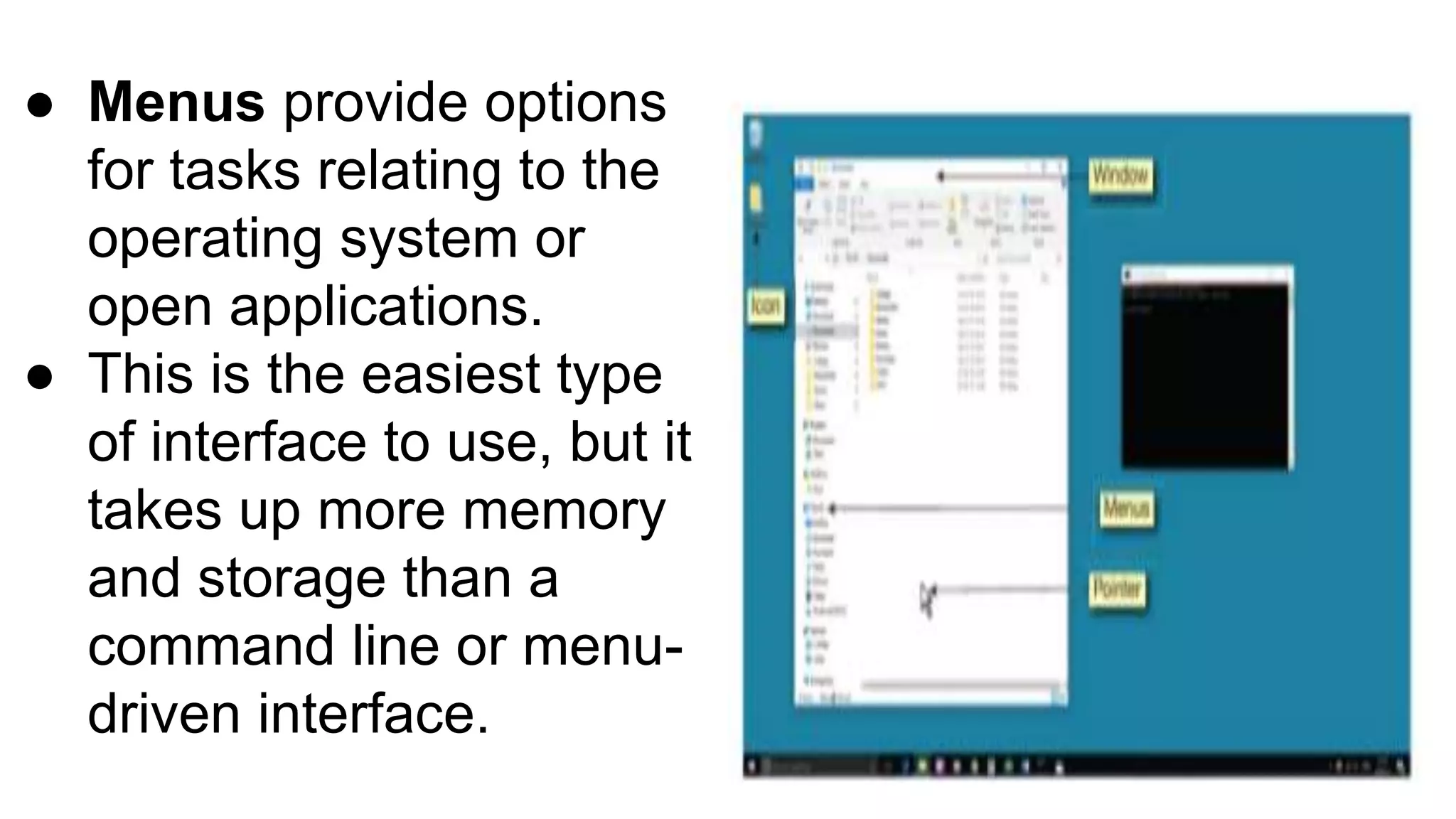
● A graphical user interface is controlled by a pointer
on the screen and uses a screen made up of
windows, icons and menus.
● Windows are areas of the screen that are dedicated
to applications or operating system tasks
● lcons are small images that represent an
application. They can be selected with the pointer to
open the application.
GRAPHICAL USER INTERFACE (GUI)
● Menus provide options
for tasks relating to the
operating system or
open applications.
● This is the easiest type
of interface to use, but it
takes up more memory
and storage than a
command line or menu-
driven interface.
● A volce interface allows the user to give spoken
commands to a device.
● The device has voice recognition software which
matches the spoken words against a library of words to
find a match. To save storage on the device, the library
of words is often stored online, so these devices usually
require intemet access.
● The disadvantage of using a voice interface is that
sometimes the software cannot find a match or returns
an incorrect match, which produces unwanted results
VOICE INTERFACE
● This type of interface allows the user to control
the device by swiping their finger or fingers
across the screen, or by pinching their fingers
together to 20cm in or out.
● This type of interface is commonly found on
devices with touch screens.
GESTURE INTERFACE
END
The next tutorial will cover all the peripherals:
inputs, output and storage
Digital devices .pptx

Digital devices .pptx

  • 1.
    ELM ONLINE SCHOOLS Year9 programme ~ TR.SHARON
  • 2.
    Introduction Digital devices arepieces of hardware that use computers or microcontrollers, and they are found everywhere in our digital world. They enhance and support how we live our lives every day. They can connect and work together to give us the data we need, when and where we need it. Digital devices are always developing. This changes the way in which they are used by individuals, organisations and local, national and global societies.
  • 3.
    TYPES OF DIGITALDEVICES ● Computers ● Mobile phones ● Tablets ● Cameras and camcorders ● Home entertainment systems ● Navigation aids ● Home automation devices and smart assistants
  • 4.
    What is acomputer? ➢ A computer is an electronic machine that inputs data, processes it under the control of a stored program, and outputs information. ➢ While the data is being processed, data can be retrieved from or saved on backing storage ➢ Data is raw, unprocessed information. Information is data that people understand. In order to understand data, you may have to interpret it: ➢ The number 30112012 is data that can be interpreted as: ○ A date 30/11/2012 ○ A sum of money $301,120.12 ➢ The interpreted data, that is the date or the sum of money, is the information.
  • 5.
    ● Input –data is entered into the computer. ● Process (turn data into information) - computer is controlled by a program, that is, a sequence of instructions. It processes the input data automatically following these instructions. ● Store – the program and data are stored, e.g. on a hard disk, for later retrieval. ● Output – the computer communicates to the user, e.g. it displays graphics on the screen. Computer model
  • 6.
    Types of computer Computerscan be: ● PCs (personal computers) – a microcomputer for ndividual use. ● Mainframe computers – large computer, with huge processing power. ● Minicomputers – smaller version of a mainframe. ● Supercomputers – very large mainframe. N/B: Mainframe is a large, powerful computer that can do a lot of complicated jobs quickly and can be used by a lot of people at the same time.
  • 7.
    Different types ofPC ● Desktop – has these basic components: monitor, keyboard, system unit and mouse ● Some desktops are “all-in-one” meaning they combine the monitor with pc hardware. ● Laptop – a portable computer slightly larger than A4 size. ● Some laptops are desktop replacements (they are bigger than other laptops and have a better screen resolution and performance than other laptops
  • 8.
    An embedded computeris designed for and built into a specific application where it will perform a limited range of dedicated functions. The size and functionality of an embedded computer depends on the application. They may be very small devices built into a single microchip and may control the device. Embedded computers
  • 9.
    Hand-held computer A handheldcomputer or Personal Digital Assistant (PDA) or palmtop can fit in one hand or in your pocket, but it is too small for general work. A PDA usually has a touch sensitive screen. Although PDAs can be temporarily attached to a Keyboard, you cannot comfortably type a long document into a PDA.
  • 10.
    Mobile phones ● Mobilephones use SIM (subscribers identity module) to connect to mobile phone networks ● Specialists phone have special features to provide users with functions that meet particular user needs
  • 11.
    Smartphone ● Smartphones aresmall computers with Wi-Fi and mobile phone connectivity to allow them to make phone calls and access the internet. ● They also include faatures of other devices such as cameras, media players and hand-held games consoles. ● They have a more advanced operating system than other mobile phones. ● Applications (or apps) can be downloaded onto the smartphone, which allow usera to customise their smartphones with entertainment, educational and business features. ● Most smartphones use a touch screen to allow users to input information. A virtual keyboard is used to erter text, numbers and other characters. ● Because they combine so many features, smartphones use more power than other types of mobile phone. This means that they have a shorter battery life and need to be charged more regularly than other mobile phones.
  • 12.
    Tablets ● Tablet devicesor tablets are bigger than smartphones, but have similar features. For example, a tablet device has a touch screen, apps and Wi-FI Connectivity to provide access to the internet. ● Some table devices have SIM card slots to allow internet connectivity using the moble phone network, so that they can be online when they are not within range of a Wi-Fi signal.
  • 13.
    CAMERAS AND CAMCORDERS ●Digital cameras and camcordars use light sensors to capture images formed by light passing through the device's lens. ● Traditionally, cameras are used to capture still images and camcorders are used to capture moving images. ● However, most digital cameras can now film moving images and most camcorders can photograph still images.
  • 14.
    Home entertainment systems Theyinclude : ❏ Televisions ❏ Sound systems ❏ Personal video recorder ❏ Blue-ray and DVD player ❏ Game consoles ❏ Media players
  • 15.
    Televisions ● Televisionsdisplay still and moving images on a screen. ● The quality of the image is set by the number of pixels that are used to display the image. This is referred to as the screen's resolution. ● resolution is the number of pixels used by a screen to display an image ● Pixels are small dots that helps to make up an image
  • 16.
    SOUND SYSTEMS Sound systemscan produce loud, rich sound using high-quality speakers and amplifier. Some speakers contain built-in ampifiers MEDIA PLAYERS They are electronic devices that can store and play digital music and videos and show digital photographs
  • 17.
    PERSONAL VIDEO RECORDERS Apersonal video recorder (PVR) is a device that records broadcasted content so that it can be watched at a later date. BLU-RAY AND DVD PLAYERS Blu-ray and DVD players connect to talevisions in order to play films and other content that is stored on DVD or Blu-ray disks.
  • 18.
    GAMES CONSOLES Games consolesare designed to enable users to play video games on a television screen. Games are provided on disks or as downloads from the intenet. Thay use controllers, which are often wireless, to control the characters, vehicles and/or objects in the game. Some consoles use motion sensors to alow the player to control the game with gestures and body movements. Other games use virtual reaity controllers and headsets to immerse the player in a realistic gaming experience, where their own movements in the real world are replicated by an avatar in the virtual world of the game.
  • 19.
    NAVIGATION AIDS Navigation aids(such as Sat-Nav) can calculate the best route between two or more locations and can provide updates to the route if it is not followed accurately. They are commonly used in caravans , delivery vans and ships. They provide visual prompt and alerts to help drivers take the correct route, such as by taking a particular turning. Specialist devices with audio alerts and waterproof and shockproof cases are availabie for walkers, cyclists and runners.
  • 20.
    ❏ GPS isthe Global Positioning System that uses radio signals from satellites to show your exact position on the Earth on a special piece of equipment ❏ Navigation aids use information from GPS satelites to determine the exact location of the device on Earth. ❏ Navigation aids also use orientation sensors to know which way the device is curently pointing, and the device will display the user's position and orientation on a map. Maps are either stored permanenty on the device or downloaded from the internet when they are needed. ❏ GPS does not need Internet connectivity in order to work. However, navigation aids need internet conmectivity in order to update map data.
  • 21.
    HOME AUTOMATION DEVICESAND SMART ASSISTANTS One type of emerging technology is a group of devices that can be used to create smart homes. For example home automation devices can connect a range of digital devices which sense and control functions in the home, such as temperature and lighting. These functions can be controlled from apps on smartphones or the internet.
  • 22.
    FEATURES OF DIGITALDEVICES ● They include: ● Portability ● Performance ● User interface ● Security features ● Energy consumption ● Expansion capabilities ● Connectivity ● Media support ● Storage
  • 23.
    ● Portability isthe ability of a device to be easily carried or moved around. ● For a device to be portable, it needs to be easy to carry and move around. ● This means that the portablity of a device is directly related to its size and weight. ● For some devices, such as a television or a desktop computer, portability is unlikely to be a priority. PORTABILITY
  • 24.
    ● Files andprograms are stored in storage. ● More available storage allows users to store more fies and programs. ● Storage speed also affects pertormance STORAGE
  • 25.
    ● Devices canshare data by connecting to each other using wired or wireless conrectivity. ● Connectivity can be used to update software. back up files or play media from one device on another. ● Different connectivity types provide different speeds of data transfer and levels of convenience. ● Wired connectivity is usually faster and more reliable, but introduces additional cost, mess, inconvenience and safety risks such as tripping especially for young chidren. CONNECTIVITY
  • 26.
    MEDIA SUPPORT ● Differentdevices can read data from and write data to different types of media. ● Exampies of media include SD and microSD flash memory cards, and DVD. ● If devices do not have built-in (native) media, adapters can usually be connected to provide connectivity to an external device into which the media can be inserted.
  • 27.
    EXPANSION CAPABILITY ● SomePCs allow users to install additional components. ● Some smartphones and tablet devices have expansion slots to allow them to make use of flash memory cards. ● Systems can also be expanded using ports such as USB ports. These allow the user to connect axtra devices called peripheral
  • 28.
    ● Digital devicesrequire electricity to work. One benefit of lower energy consumption in mobile devices is a longer battery ife. ● Due to the rising cost of energy and pressure from customers and governments to be more environmentally responsible, marufacturers are creating digital devices that consume less energy. ● The aim of this is to save their customers money and demonstrating social responsibility, such as by reducing environmental damage ENERGY CONSUMPTION
  • 29.
    PERFORMANCE ● A high-performancedevice performs its job or tasks quickly. ● The speed at which adevice performs is determined by the speed at which it can carry out instructions from its software. ● Software instructions are carried out by the processor, which means that a faster processor will increase the performance of the device.
  • 30.
    ● RAM (RandomAccess Memory), which is the memory in a computer system that is used for running software Instructions are loaded into the processor from RAM, which means that faster RAM wil also allow instructions to be loaded into the processor more quickly. ● RAM holds all software instructions to be carried out, so more RAM will allow the system to have more programs running at the same time.
  • 31.
    ● The datastored on digtal devices may be private, valuable or both. ● This means that devices need to have security features to keep their usars' data safe. SOFTWARE SECURITY ● They prevent unauthorised access to data. ● digital devices have a range of software security features to ensure that the person trying to use the data is authorised. ● Examples of software security features are use of: ○ passwords, ○ PIN (personal identification numbers) and ○ biometric systems. SECURITY FEATURES
  • 32.
    PHYSICAL SECURITY ● Physicalsecurity to prevent theft is also important. ● Many devices use security slots which can have locks attached to secure them to furniture. ● Some attach to specialist slots. Others connect to a port on the device with spacial screws used to secure the locks in place.
  • 33.
    ● User interfaceis the device's ability to interact with a user ● Users give commands to a device through the user interface. There are several different types of user interface including : ❏ Command line ❏ Graphical user interface ❏ Menu-driven ❏ Voice interface ❏ Gesture interface USER INTERFACE
  • 34.
    When using acommand line interface, users enter text instructions and the computer system provides results or feedback as text. COMMAND LINE INTERFACE (CLI)
  • 35.
    ● This typeof interface displays a list of options as a menu. ● Selecting one of these options will either trigger a command or display another menu with further options to choose from. ● Menu-driven interfaces are easier to use than command line interfaces, but can take more time as you have to go through the menu structure each time you want to carry out a command, rather than typing the command directly into the system. ● This type of interface is used in many devices including ATMS (cash machines in banking), televisions and older mobile phones. MENU-DRIVEN INTERFACE
  • 36.
    ● A graphicaluser interface is controlled by a pointer on the screen and uses a screen made up of windows, icons and menus. ● Windows are areas of the screen that are dedicated to applications or operating system tasks ● lcons are small images that represent an application. They can be selected with the pointer to open the application. GRAPHICAL USER INTERFACE (GUI)
  • 37.
    ● Menus provideoptions for tasks relating to the operating system or open applications. ● This is the easiest type of interface to use, but it takes up more memory and storage than a command line or menu- driven interface.
  • 38.
    ● A volceinterface allows the user to give spoken commands to a device. ● The device has voice recognition software which matches the spoken words against a library of words to find a match. To save storage on the device, the library of words is often stored online, so these devices usually require intemet access. ● The disadvantage of using a voice interface is that sometimes the software cannot find a match or returns an incorrect match, which produces unwanted results VOICE INTERFACE
  • 39.
    ● This typeof interface allows the user to control the device by swiping their finger or fingers across the screen, or by pinching their fingers together to 20cm in or out. ● This type of interface is commonly found on devices with touch screens. GESTURE INTERFACE
  • 40.
    END The next tutorialwill cover all the peripherals: inputs, output and storage