CHAPTER 3
INPUT&OUTPUT
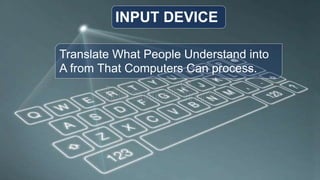
Translate What People Understand into
A from That Computers Can process.
INPUT DEVICE
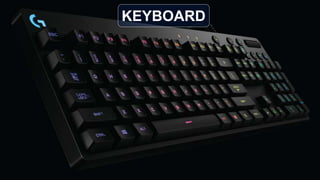
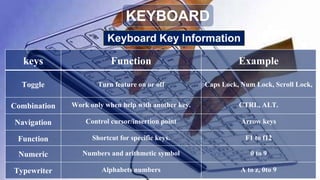
KEYBOARD
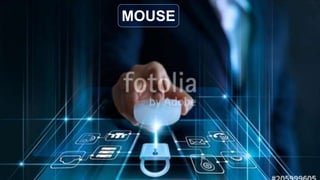
MOUSE
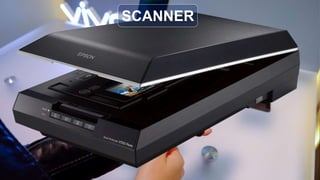
SCANNER
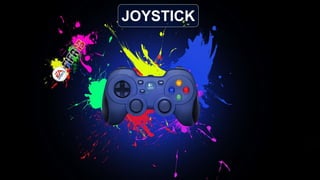
JOYSTICK
knows as Qwerty basic input device
KEYBOARD
1.Traditional: full sized, rigid rectangular keyboards.
2.Flexible: ford or roll up for easy packing or storage.
3.Ergonomic: rectangular and a palm rest is provided.
4.Wireless: transmit input to the system unit though air.
5.PDA: used to send e-mail create document more.
Keyboard Key Information
keys Function Example
Toggle Turn feature on or off Caps Lock, Num Lock, Scroll Lock,
Combination Work only when help with another key. CTRL, ALT.
Navigation Control cursor/insertion point Arrow keys
Function Shortcut for specific keys. F1 to f12
Numeric Numbers and arithmetic symbol 0 to 9
Typewriter Alphabets numbers A to z, 0to 9
KEYBOARD
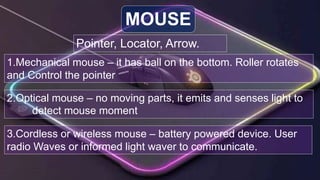
Pointer, Locator, Arrow.
MOUSE
1.Mechanical mouse – it has ball on the bottom. Roller rotates
and Control the pointer
2.Optical mouse – no moving parts, it emits and senses light to
detect mouse moment
3.Cordless or wireless mouse – battery powered device. User
radio Waves or informed light waver to communicate.
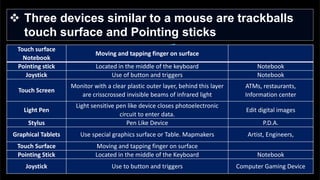
 Three devices similar to a mouse are trackballs
touch surface and Pointing sticks
Touch surface
Notebook
Moving and tapping finger on surface
Pointing stick Located in the middle of the keyboard Notebook
Joystick Use of button and triggers Notebook
Touch Screen
Monitor with a clear plastic outer layer, behind this layer
are crisscrossed invisible beams of infrared light
ATMs, restaurants,
Information center
Light Pen
Light sensitive pen like device closes photoelectronic
circuit to enter data.
Edit digital images
Stylus Pen Like Device P.D.A.
Graphical Tablets Use special graphics surface or Table. Mapmakers Artist, Engineers,
Touch Surface Moving and tapping finger on surface
Pointing Stick Located in the middle of the Keyboard Notebook
Joystick Use to button and triggers Computer Gaming Device
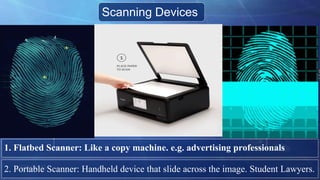
Scanning Devices
1. Flatbed Scanner: Like a copy machine. e.g. advertising professionals
2. Portable Scanner: Handheld device that slide across the image. Student Lawyers.
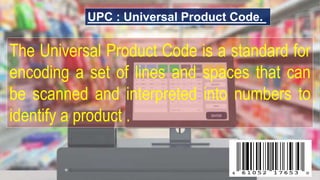
UPC : Universal Product Code.
The Universal Product Code is a standard for
encoding a set of lines and spaces that can
be scanned and interpreted into numbers to
identify a product .
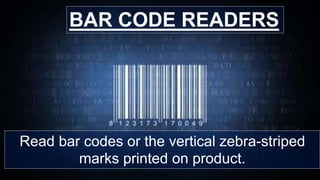
Read bar codes or the vertical zebra-striped
marks printed on product.
BAR CODE READERS
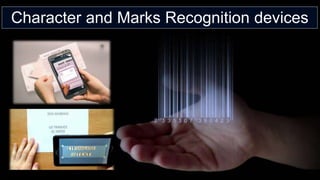
Character and Marks Recognition devices
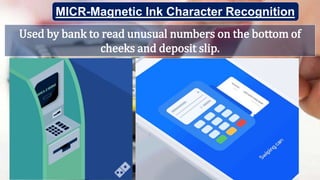
Used by bank to read unusual numbers on the bottom of
cheeks and deposit slip.
MICR-Magnetic Ink Character Recognition
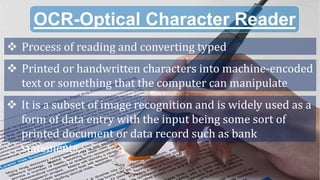
OCR-Optical Character Reader
 Process of reading and converting typed
 Printed or handwritten characters into machine-encoded
text or something that the computer can manipulate
 It is a subset of image recognition and is widely used as a
form of data entry with the input being some sort of
printed document or data record such as bank
statements,
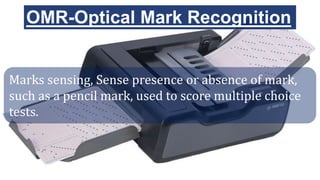
OMR-Optical Mark Recognition
Marks sensing, Sense presence or absence of mark,
such as a pencil mark, used to score multiple choice
tests.
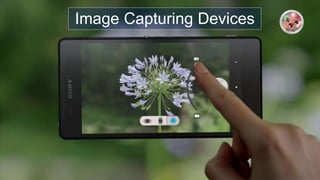
Image Capturing Devices
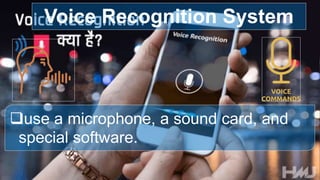
use a microphone, a sound card, and
special software.
Voice Recognition System
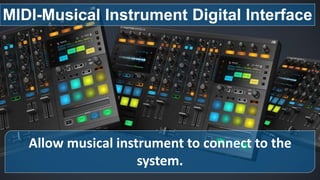
Allow musical instrument to connect to the
system.
MIDI-Musical Instrument Digital Interface
Translate processed information into a
form human can understand.
OUTPUT DEVICE
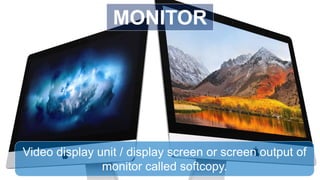
Video display unit / display screen or screen output of
monitor called softcopy.
MONITOR
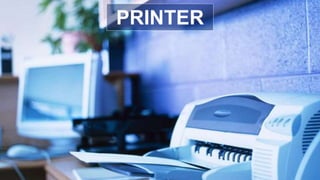
PRINTER
SPEAKER
HEADPHONE
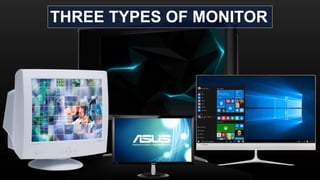
THREE TYPES OF MONITOR
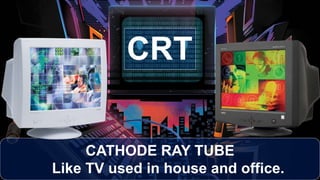
CATHODE RAY TUBE
Like TV used in house and office.
CRT
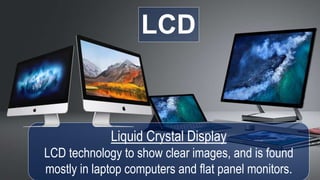
LCD
Liquid Crystal Display
LCD technology to show clear images, and is found
mostly in laptop computers and flat panel monitors.
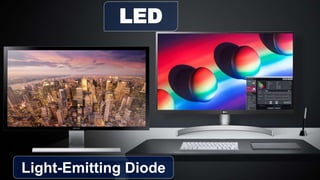
LED
Light-Emitting Diode
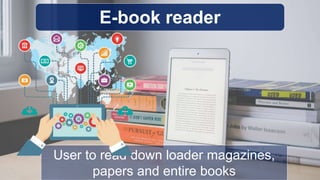
E-book reader
User to read down loader magazines,
papers and entire books
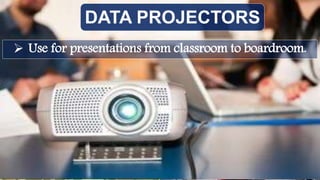
DATA PROJECTORS
 Use for presentations from classroom to boardroom.
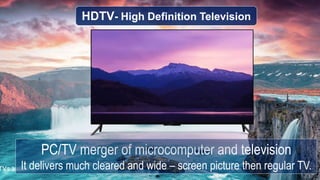
HDTV- High Definition Television
PC/TV merger of microcomputer and television
It delivers much cleared and wide – screen picture then regular TV.
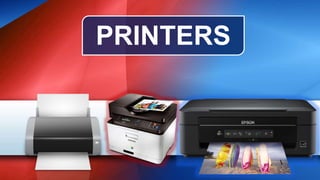
PRINTERS
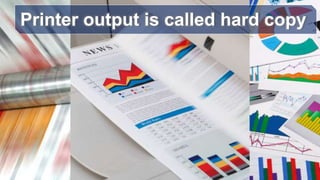
Printer output is called hard copy
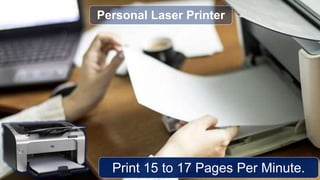
Print 15 to 17 Pages Per Minute.
Personal Laser Printer
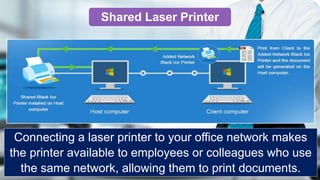
Connecting a laser printer to your office network makes
the printer available to employees or colleagues who use
the same network, allowing them to print documents.
Shared Laser Printer
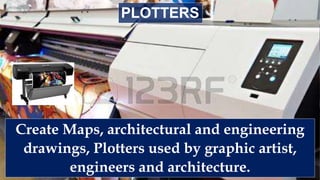
Create Maps, architectural and engineering
drawings, Plotters used by graphic artist,
engineers and architecture.
PLOTTERS
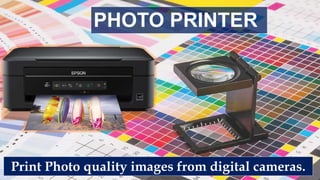
Print Photo quality images from digital cameras.
PHOTO PRINTER
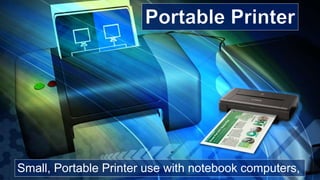
Small, Portable Printer use with notebook computers,
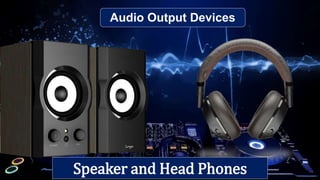
Audio Output Devices
Speaker and Head Phones
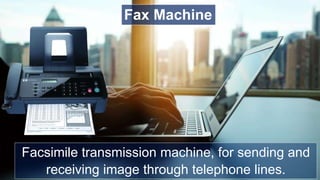
Facsimile transmission machine, for sending and
receiving image through telephone lines.
Fax Machine
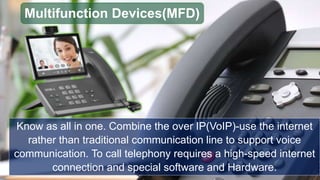
Know as all in one. Combine the over IP(VoIP)-use the internet
rather than traditional communication line to support voice
communication. To call telephony requires a high-speed internet
connection and special software and Hardware.
Multifunction Devices(MFD)
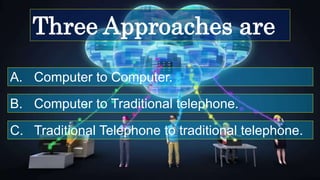
A. Computer to Computer.
Three Approaches are
B. Computer to Traditional telephone.
C. Traditional Telephone to traditional telephone.
Is an Input and Output device that connects to
host computer or Server.
TERMINAL
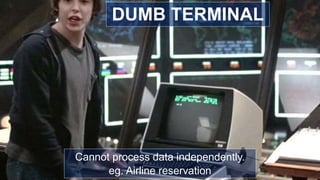
Cannot process data independently.
eg. Airline reservation
DUMB TERMINAL
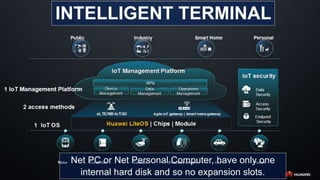
Net PC or Net Personal Computer, have only one
internal hard disk and so no expansion slots.
INTELLIGENT TERMINAL
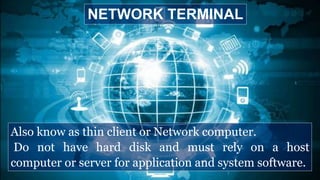
Also know as thin client or Network computer.
Do not have hard disk and must rely on a host
computer or server for application and system software.
NETWORK TERMINAL
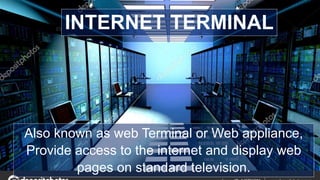
Also known as web Terminal or Web appliance,
Provide access to the internet and display web
pages on standard television.
INTERNET TERMINAL
Input&output

Input&output

  • 2.
  • 4.
    Translate What PeopleUnderstand into A from That Computers Can process. INPUT DEVICE
  • 5.
  • 6.
  • 7.
  • 8.
  • 9.
    knows as Qwertybasic input device KEYBOARD 1.Traditional: full sized, rigid rectangular keyboards. 2.Flexible: ford or roll up for easy packing or storage. 3.Ergonomic: rectangular and a palm rest is provided. 4.Wireless: transmit input to the system unit though air. 5.PDA: used to send e-mail create document more.
  • 10.
    Keyboard Key Information keysFunction Example Toggle Turn feature on or off Caps Lock, Num Lock, Scroll Lock, Combination Work only when help with another key. CTRL, ALT. Navigation Control cursor/insertion point Arrow keys Function Shortcut for specific keys. F1 to f12 Numeric Numbers and arithmetic symbol 0 to 9 Typewriter Alphabets numbers A to z, 0to 9 KEYBOARD
  • 12.
    Pointer, Locator, Arrow. MOUSE 1.Mechanicalmouse – it has ball on the bottom. Roller rotates and Control the pointer 2.Optical mouse – no moving parts, it emits and senses light to detect mouse moment 3.Cordless or wireless mouse – battery powered device. User radio Waves or informed light waver to communicate.
  • 13.
     Three devicessimilar to a mouse are trackballs touch surface and Pointing sticks Touch surface Notebook Moving and tapping finger on surface Pointing stick Located in the middle of the keyboard Notebook Joystick Use of button and triggers Notebook Touch Screen Monitor with a clear plastic outer layer, behind this layer are crisscrossed invisible beams of infrared light ATMs, restaurants, Information center Light Pen Light sensitive pen like device closes photoelectronic circuit to enter data. Edit digital images Stylus Pen Like Device P.D.A. Graphical Tablets Use special graphics surface or Table. Mapmakers Artist, Engineers, Touch Surface Moving and tapping finger on surface Pointing Stick Located in the middle of the Keyboard Notebook Joystick Use to button and triggers Computer Gaming Device
  • 14.
    Scanning Devices 1. FlatbedScanner: Like a copy machine. e.g. advertising professionals 2. Portable Scanner: Handheld device that slide across the image. Student Lawyers.
  • 15.
    UPC : UniversalProduct Code. The Universal Product Code is a standard for encoding a set of lines and spaces that can be scanned and interpreted into numbers to identify a product .
  • 17.
    Read bar codesor the vertical zebra-striped marks printed on product. BAR CODE READERS
  • 18.
    Character and MarksRecognition devices
  • 19.
    Used by bankto read unusual numbers on the bottom of cheeks and deposit slip. MICR-Magnetic Ink Character Recognition
  • 20.
    OCR-Optical Character Reader Process of reading and converting typed  Printed or handwritten characters into machine-encoded text or something that the computer can manipulate  It is a subset of image recognition and is widely used as a form of data entry with the input being some sort of printed document or data record such as bank statements,
  • 21.
    OMR-Optical Mark Recognition Markssensing, Sense presence or absence of mark, such as a pencil mark, used to score multiple choice tests.
  • 22.
  • 24.
    use a microphone,a sound card, and special software. Voice Recognition System
  • 25.
    Allow musical instrumentto connect to the system. MIDI-Musical Instrument Digital Interface
  • 27.
    Translate processed informationinto a form human can understand. OUTPUT DEVICE
  • 28.
    Video display unit/ display screen or screen output of monitor called softcopy. MONITOR
  • 29.
  • 30.
  • 31.
  • 32.
  • 33.
    CATHODE RAY TUBE LikeTV used in house and office. CRT
  • 34.
    LCD Liquid Crystal Display LCDtechnology to show clear images, and is found mostly in laptop computers and flat panel monitors.
  • 35.
  • 36.
    E-book reader User toread down loader magazines, papers and entire books
  • 37.
    DATA PROJECTORS  Usefor presentations from classroom to boardroom.
  • 38.
    HDTV- High DefinitionTelevision PC/TV merger of microcomputer and television It delivers much cleared and wide – screen picture then regular TV.
  • 39.
  • 40.
    Printer output iscalled hard copy
  • 41.
    Print 15 to17 Pages Per Minute. Personal Laser Printer
  • 42.
    Connecting a laserprinter to your office network makes the printer available to employees or colleagues who use the same network, allowing them to print documents. Shared Laser Printer
  • 43.
    Create Maps, architecturaland engineering drawings, Plotters used by graphic artist, engineers and architecture. PLOTTERS
  • 44.
    Print Photo qualityimages from digital cameras. PHOTO PRINTER
  • 45.
    Small, Portable Printeruse with notebook computers,
  • 46.
  • 47.
    Facsimile transmission machine,for sending and receiving image through telephone lines. Fax Machine
  • 48.
    Know as allin one. Combine the over IP(VoIP)-use the internet rather than traditional communication line to support voice communication. To call telephony requires a high-speed internet connection and special software and Hardware. Multifunction Devices(MFD)
  • 49.
    A. Computer toComputer. Three Approaches are B. Computer to Traditional telephone. C. Traditional Telephone to traditional telephone.
  • 50.
    Is an Inputand Output device that connects to host computer or Server. TERMINAL
  • 51.
    Cannot process dataindependently. eg. Airline reservation DUMB TERMINAL
  • 52.
    Net PC orNet Personal Computer, have only one internal hard disk and so no expansion slots. INTELLIGENT TERMINAL
  • 53.
    Also know asthin client or Network computer. Do not have hard disk and must rely on a host computer or server for application and system software. NETWORK TERMINAL
  • 54.
    Also known asweb Terminal or Web appliance, Provide access to the internet and display web pages on standard television. INTERNET TERMINAL