In the past10 years, technology has advanced greatly. Gadgets have
become smaller, making it easier for anyone to bring it wherever they
need to be. They are also designed to be more powerful and can
perform most of the tasks that usually require the big and bulky
machines we used to have.
For example, when creating documents, we used to do it on a
personal desktop computer. Today, we can create documents using
an application on our cellular phone. Before, we can only watch
movies in movie houses or in our homes on our TV sets and movie
players—VHS, VCD or DVD players. Now, we can watch movies on our
cellular phones, tablets and laptops.
The birth of mobile devices allowed people to accomplish most of
their tasks wherever and whenever at their own convenience.
4.
MOBILE DEVICES
Mobile devicesare small and lightweight gadgets designed for
people who need to accomplish tasks wherever they are. These
are people who need to work on reports and accomplish tasks
but have no access to a desktop computer.
Mobile devices are also referred to as “handheld devices” as
people can carry them wherever they go. In short, these devices
are considered portable. These can perform almost all tasks that
were designed for the traditional desktop computers.
In the last 30 years, these devices have become smaller and
smaller, yet very powerful.
5.
TYPES OF MOBILEDEVICES:
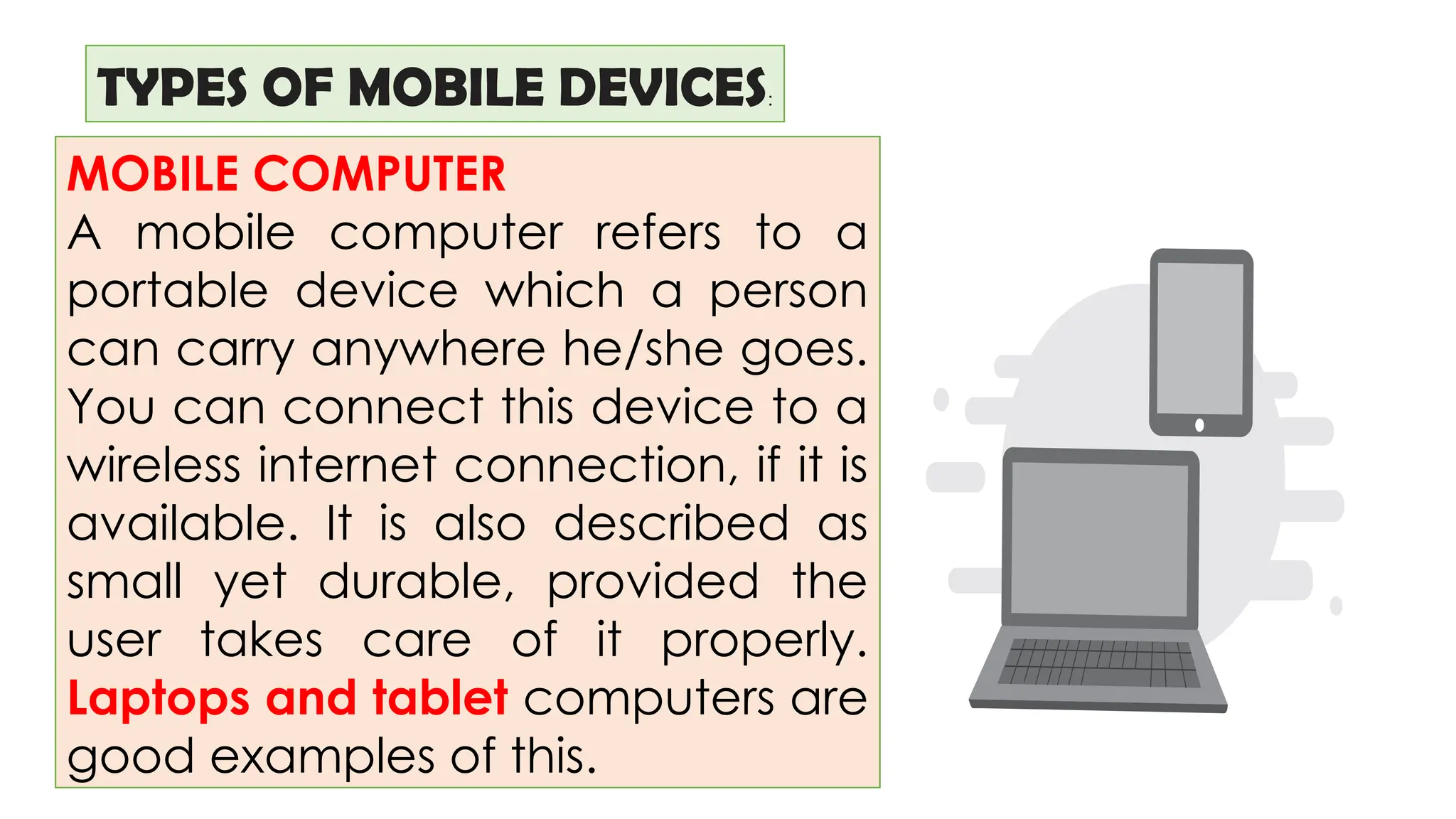
MOBILE COMPUTER
A mobile computer refers to a
portable device which a person
can carry anywhere he/she goes.
You can connect this device to a
wireless internet connection, if it is
available. It is also described as
small yet durable, provided the
user takes care of it properly.
Laptops and tablet computers are
good examples of this.
6.
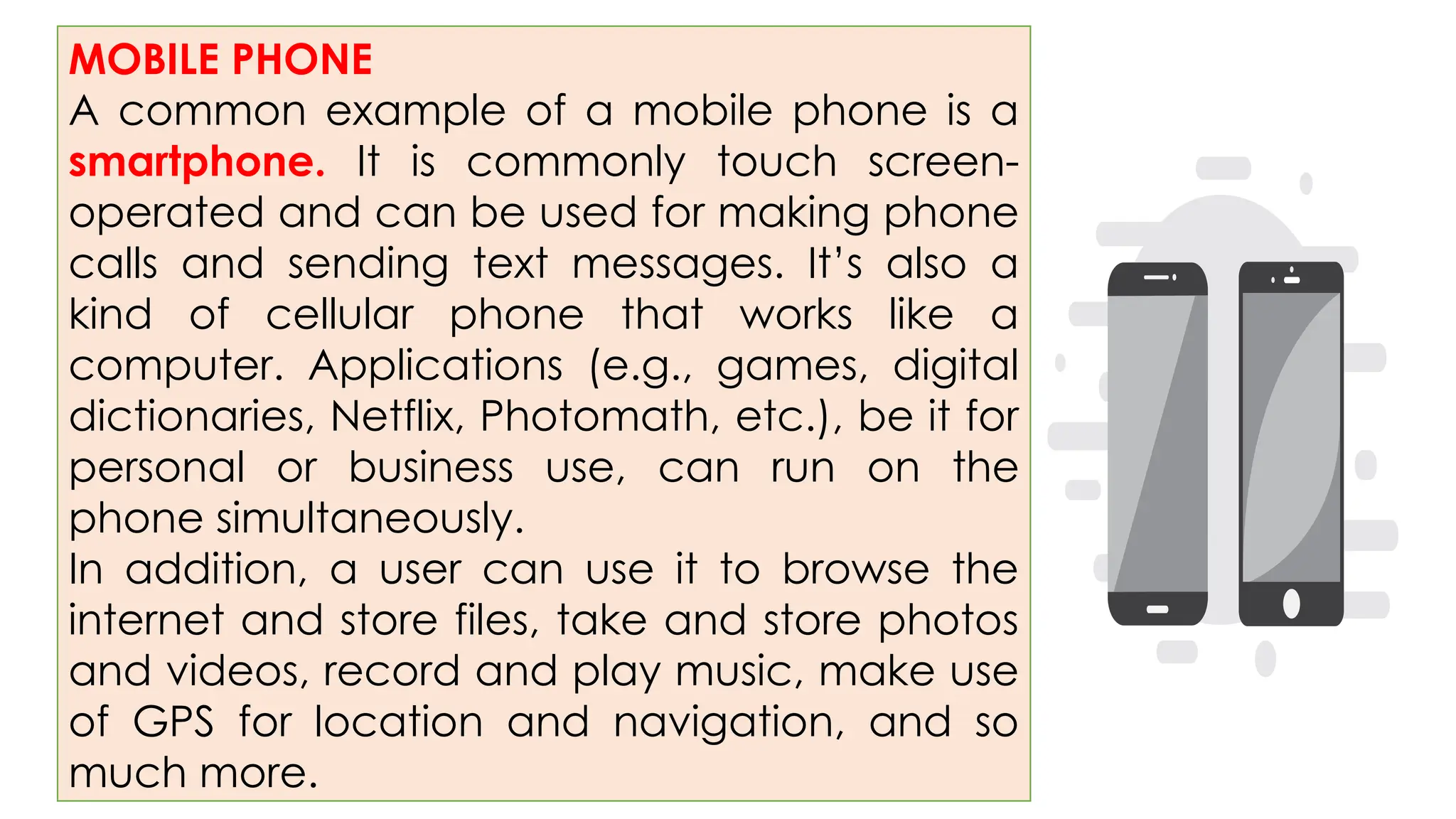
MOBILE PHONE
A commonexample of a mobile phone is a
smartphone. It is commonly touch screen-
operated and can be used for making phone
calls and sending text messages. It’s also a
kind of cellular phone that works like a
computer. Applications (e.g., games, digital
dictionaries, Netflix, Photomath, etc.), be it for
personal or business use, can run on the
phone simultaneously.
In addition, a user can use it to browse the
internet and store files, take and store photos
and videos, record and play music, make use
of GPS for location and navigation, and so
much more.
7.
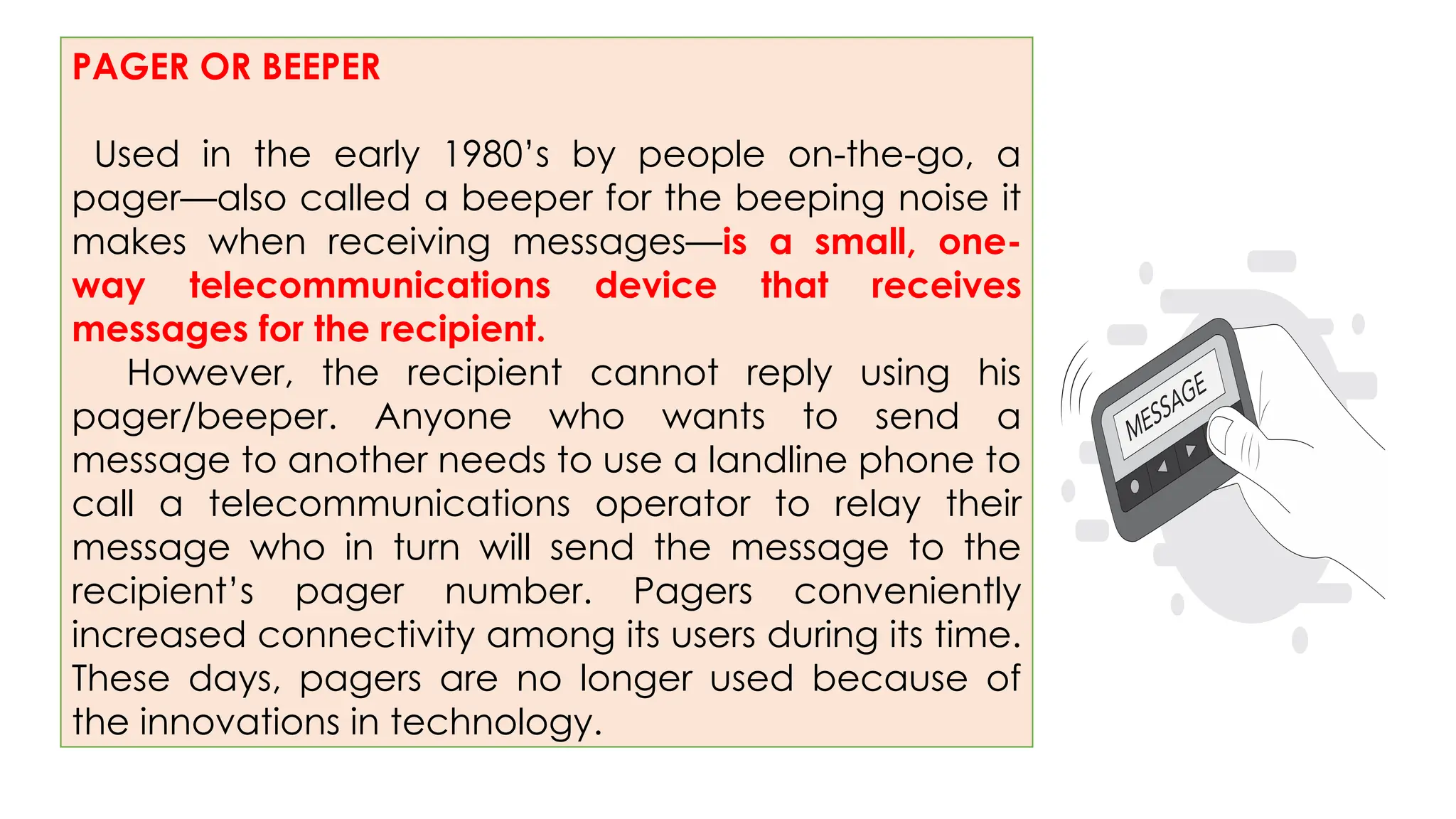
PAGER OR BEEPER
Usedin the early 1980’s by people on-the-go, a
pager—also called a beeper for the beeping noise it
makes when receiving messages—is a small, one-
way telecommunications device that receives
messages for the recipient.
However, the recipient cannot reply using his
pager/beeper. Anyone who wants to send a
message to another needs to use a landline phone to
call a telecommunications operator to relay their
message who in turn will send the message to the
recipient’s pager number. Pagers conveniently
increased connectivity among its users during its time.
These days, pagers are no longer used because of
the innovations in technology.
8.
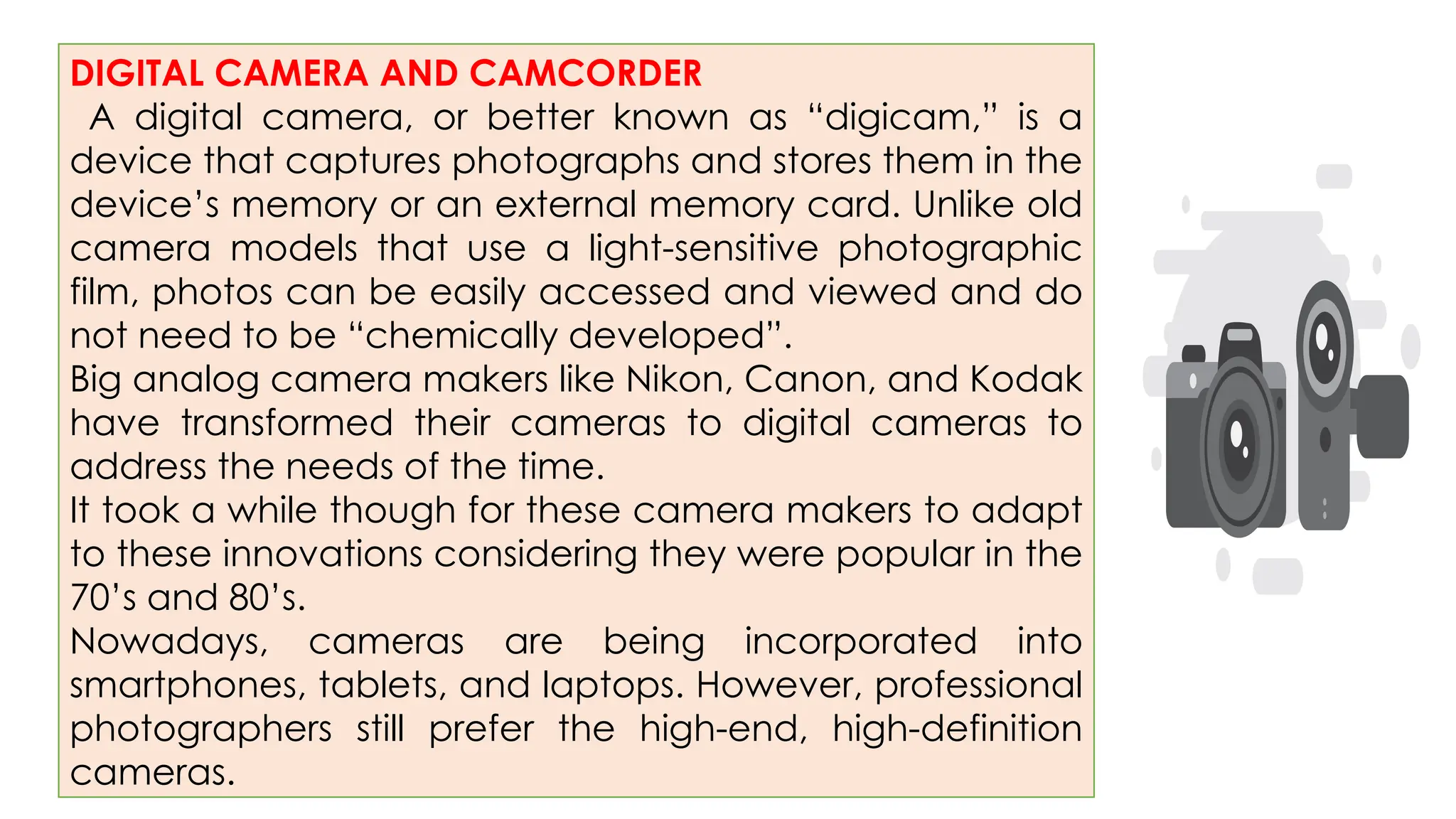
DIGITAL CAMERA ANDCAMCORDER
A digital camera, or better known as “digicam,” is a
device that captures photographs and stores them in the
device’s memory or an external memory card. Unlike old
camera models that use a light-sensitive photographic
film, photos can be easily accessed and viewed and do
not need to be “chemically developed”.
Big analog camera makers like Nikon, Canon, and Kodak
have transformed their cameras to digital cameras to
address the needs of the time.
It took a while though for these camera makers to adapt
to these innovations considering they were popular in the
70’s and 80’s.
Nowadays, cameras are being incorporated into
smartphones, tablets, and laptops. However, professional
photographers still prefer the high-end, high-definition
cameras.
9.
Digital video cameras(video
camcorder/digital camcorder), on
the other hand, are devices used to
record videos. Some of these also
have the capability of taking still
pictures.
10.
PERSONAL NAVIGATION DEVICE
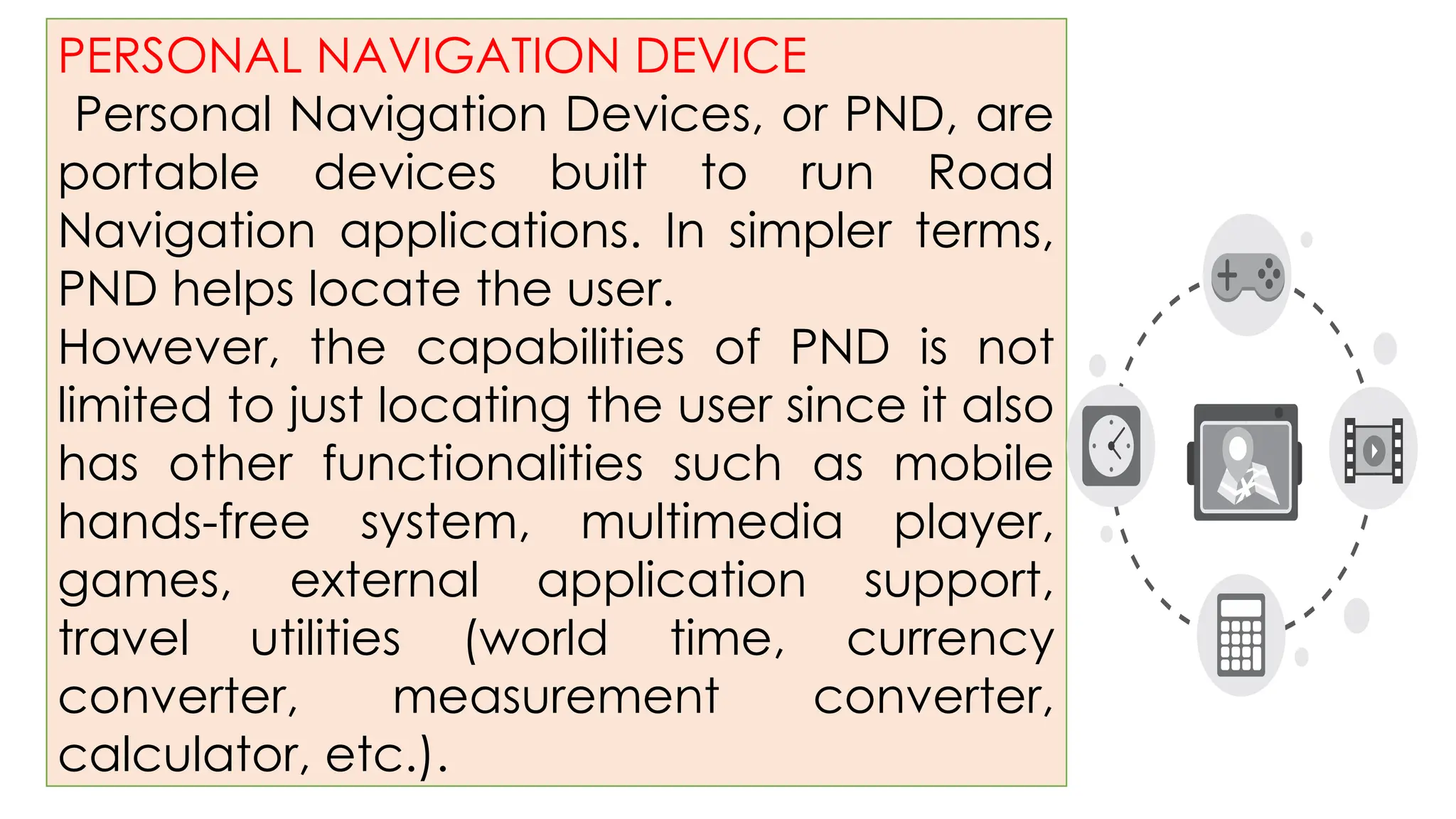
PersonalNavigation Devices, or PND, are
portable devices built to run Road
Navigation applications. In simpler terms,
PND helps locate the user.
However, the capabilities of PND is not
limited to just locating the user since it also
has other functionalities such as mobile
hands-free system, multimedia player,
games, external application support,
travel utilities (world time, currency
converter, measurement converter,
calculator, etc.).
11.
HANDHELD MOBILE DEVICES
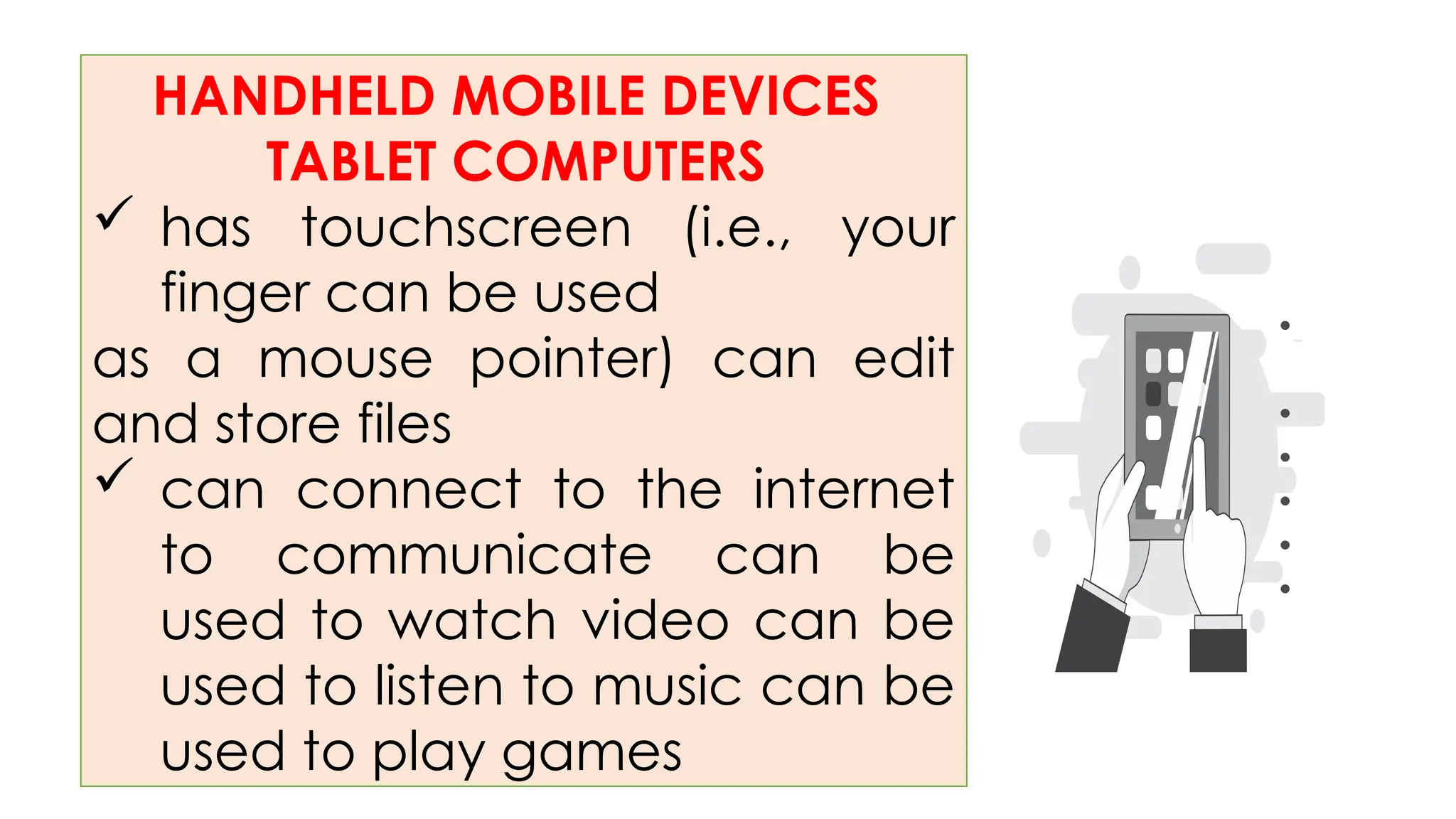
TABLETCOMPUTERS
has touchscreen (i.e., your
finger can be used
as a mouse pointer) can edit
and store files
can connect to the internet
to communicate can be
used to watch video can be
used to listen to music can be
used to play games
•
•
•
•
•
•
15.
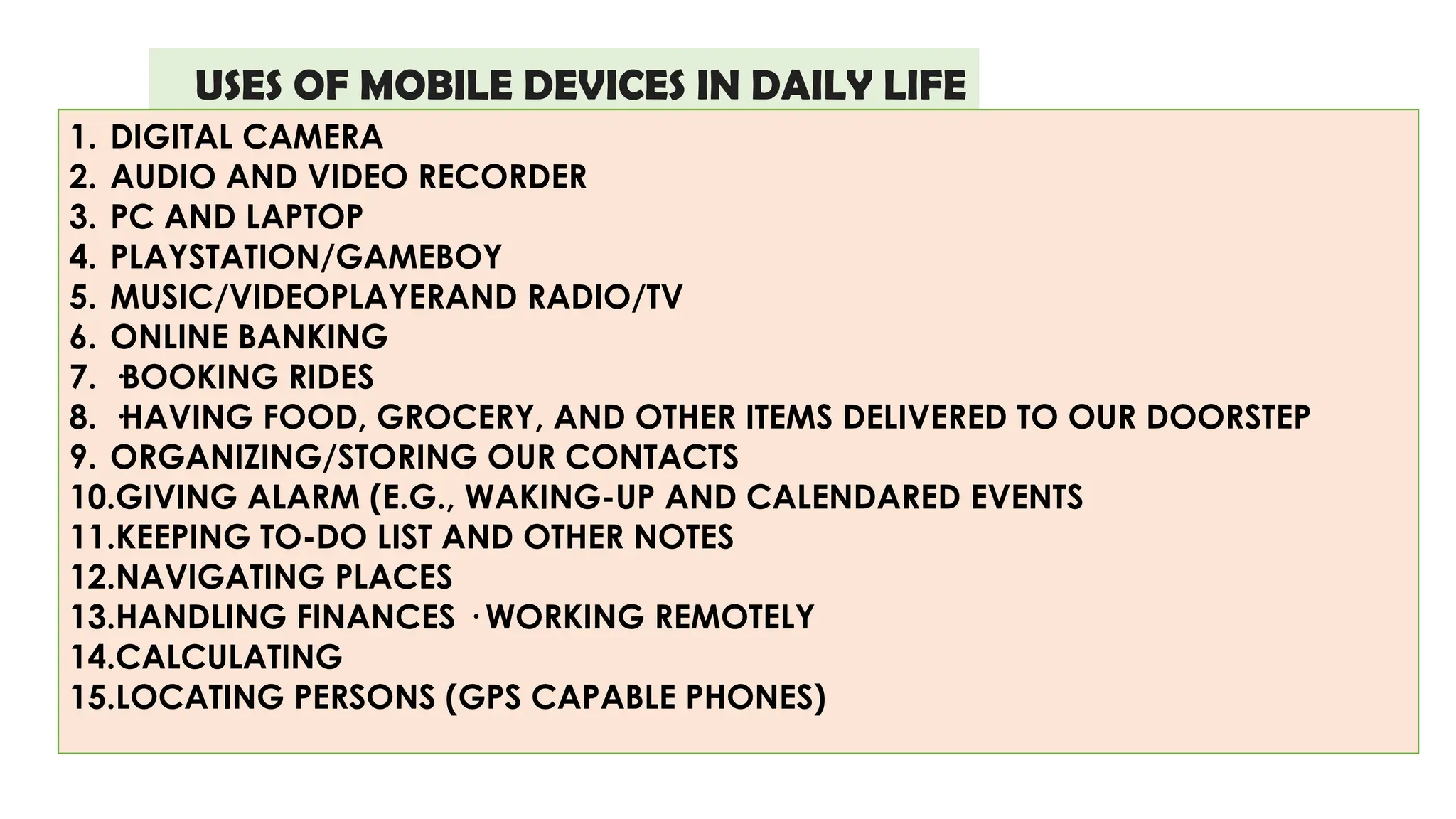
USES OF MOBILEDEVICES IN DAILY LIFE
1. DIGITAL CAMERA
2. AUDIO AND VIDEO RECORDER
3. PC AND LAPTOP
4. PLAYSTATION/GAMEBOY
5. MUSIC/VIDEOPLAYERAND RADIO/TV
6. ONLINE BANKING
7. ·BOOKING RIDES
8. ·HAVING FOOD, GROCERY, AND OTHER ITEMS DELIVERED TO OUR DOORSTEP
9. ORGANIZING/STORING OUR CONTACTS
10.GIVING ALARM (E.G., WAKING-UP AND CALENDARED EVENTS
11.KEEPING TO-DO LIST AND OTHER NOTES
12.NAVIGATING PLACES
13.HANDLING FINANCES · WORKING REMOTELY
14.CALCULATING
15.LOCATING PERSONS (GPS CAPABLE PHONES)