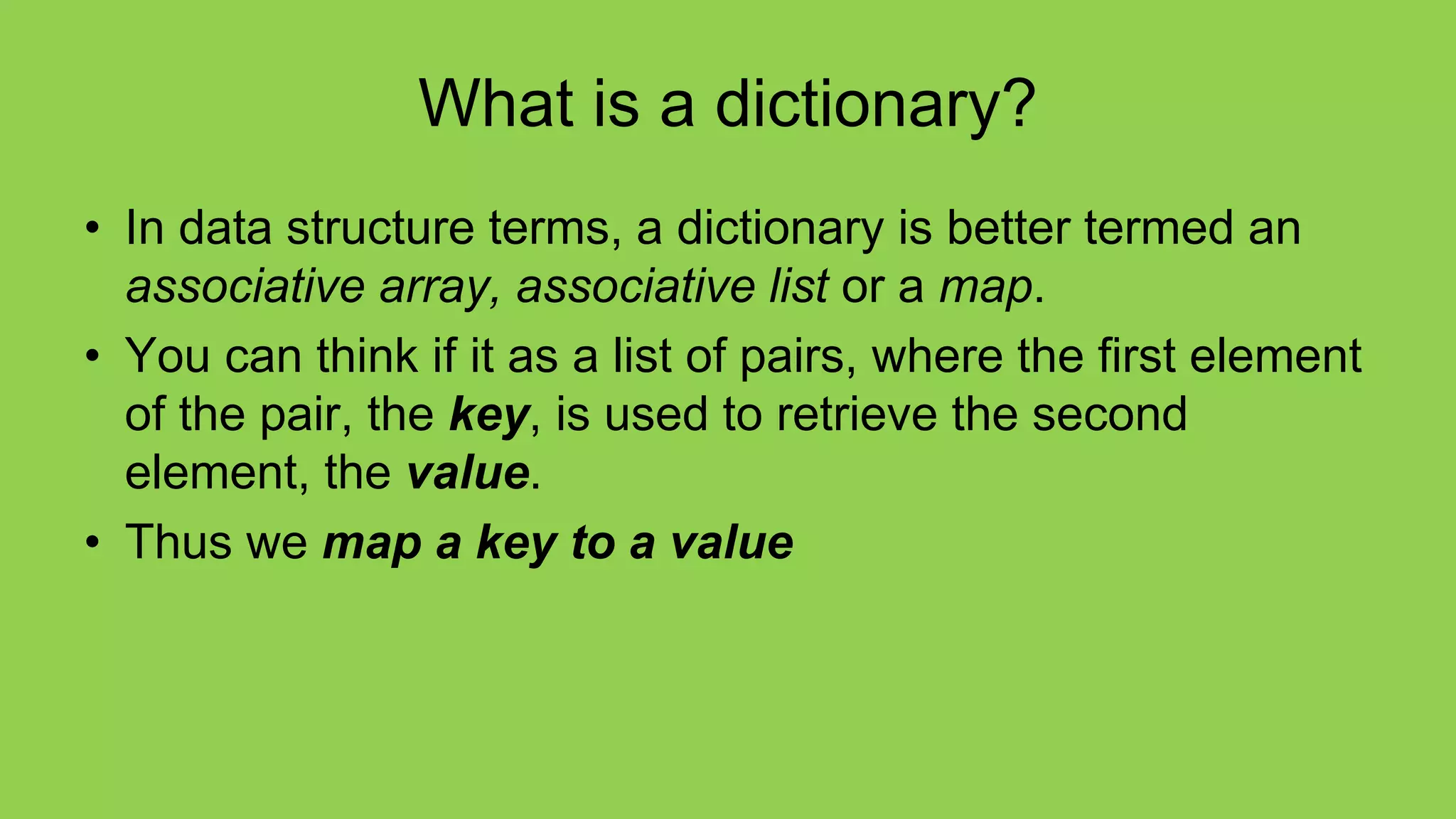
What is a dictionary?
• In data structure terms, a dictionary is better termed an
associative array, associative list or a map.
• You can think if it as a list of pairs, where the first element
of the pair, the key, is used to retrieve the second
element, the value.
• Thus we map a key to a value
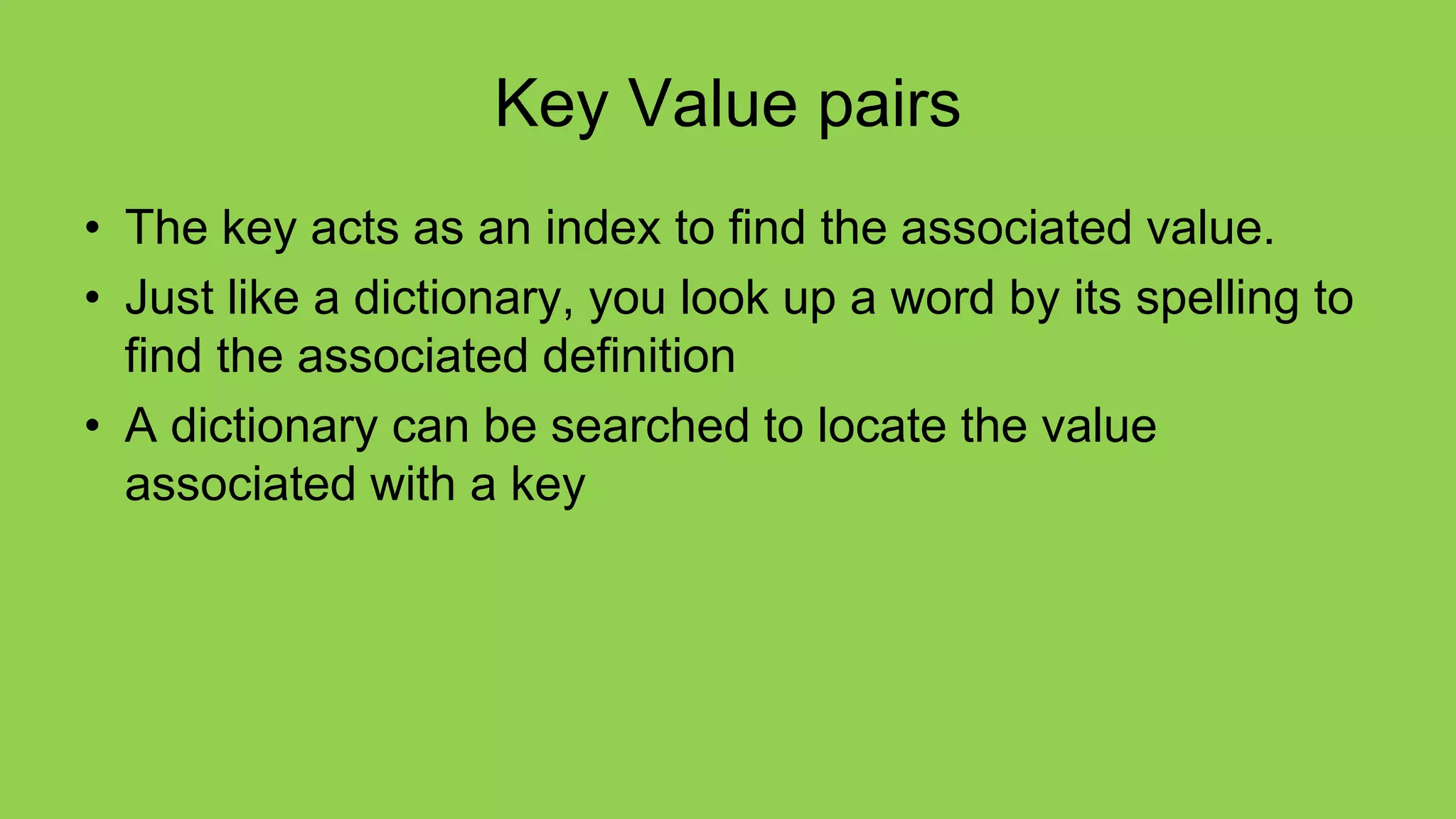
Key Value pairs
• The key acts as an index to find the associated value.
• Just like a dictionary, you look up a word by its spelling to
find the associated definition
• A dictionary can be searched to locate the value
associated with a key
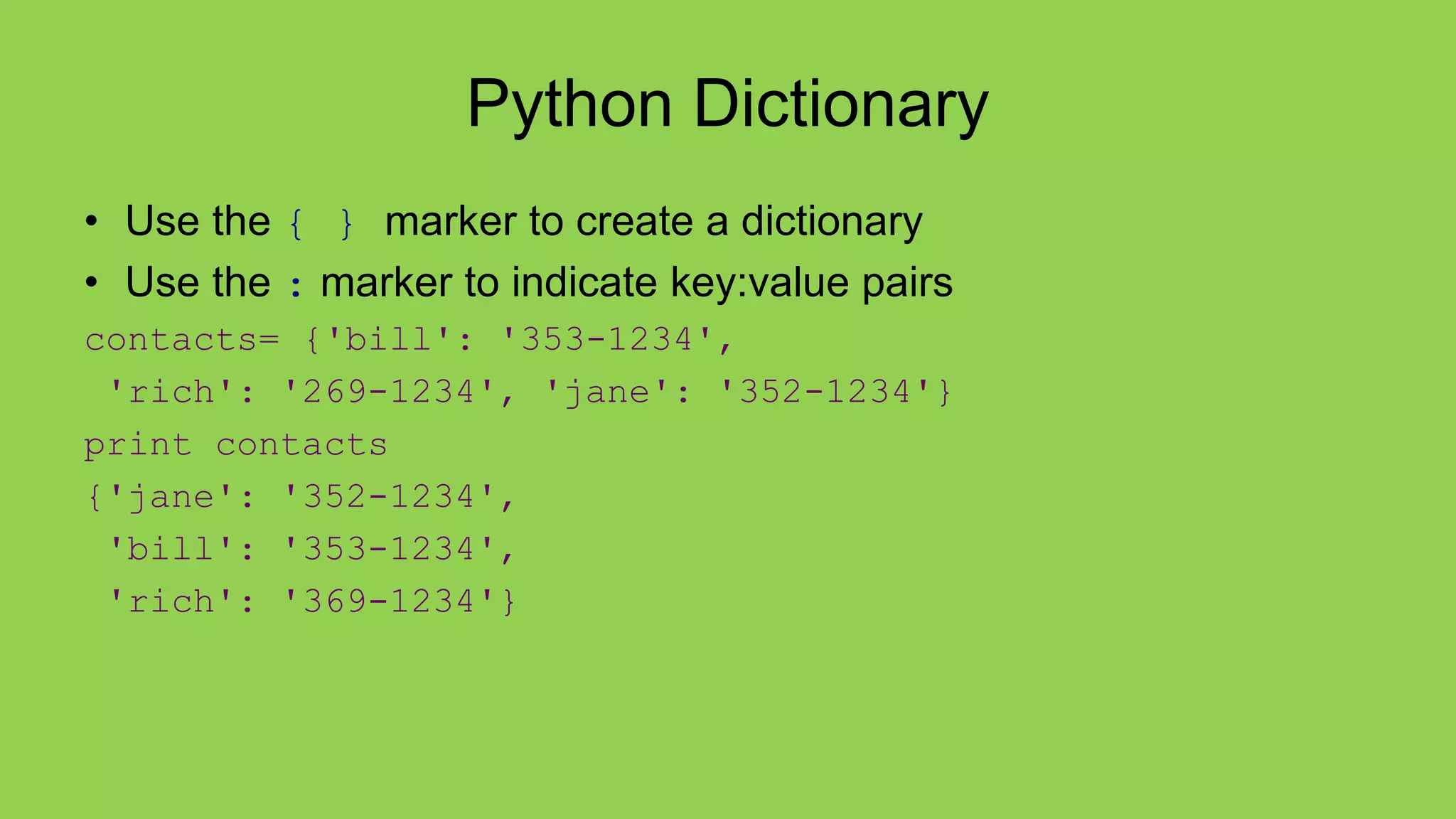
Python Dictionary
• Use the { } marker to create a dictionary
• Use the : marker to indicate key:value pairs
contacts= {'bill': '353-1234',
'rich': '269-1234', 'jane': '352-1234'}
print contacts
{'jane': '352-1234',
'bill': '353-1234',
'rich': '369-1234'}
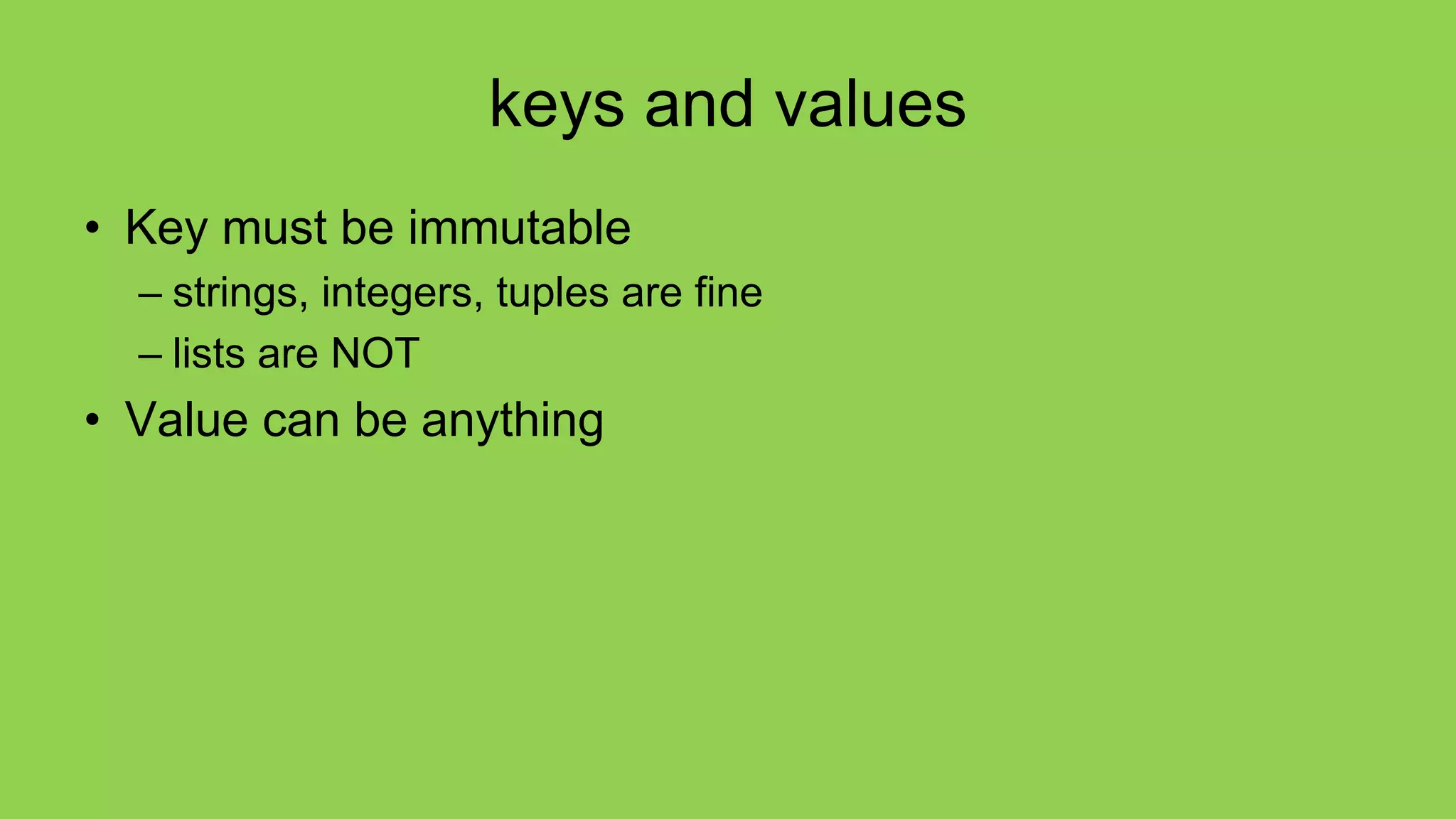
keys and values
• Key must be immutable
– strings, integers, tuples are fine
– lists are NOT
• Value can be anything
collections but not a sequence
• dictionaries are collections but they are not sequences
such as lists, strings or tuples
– there is no order to the elements of a dictionary
– in fact, the order (for example, when printed) might change as
elements are added or deleted.
• So how to access dictionary elements?
Access dictionary elements
Access requires [ ], but the key is the
index!
my_dict={}
– an empty dictionary
my_dict['bill']=25
– added the pair 'bill':25
print(my_dict['bill'])
– prints 25
Dictionaries are mutable
• Like lists, dictionaries are a mutable data
structure
– you can change the object via various
operations, such as index assignment
my_dict = {'bill':3, 'rich':10}
print(my_dict['bill']) # prints 2
my_dict['bill'] = 100
print(my_dict['bill']) # prints 100
again, common operators
Like others, dictionaries respond to these
• len(my_dict)
– number of key:value pairs in the dictionary
• element in my_dict
– boolean, is element a key in the dictionary
• for key in my_dict:
– iterates through the keys of a dictionary
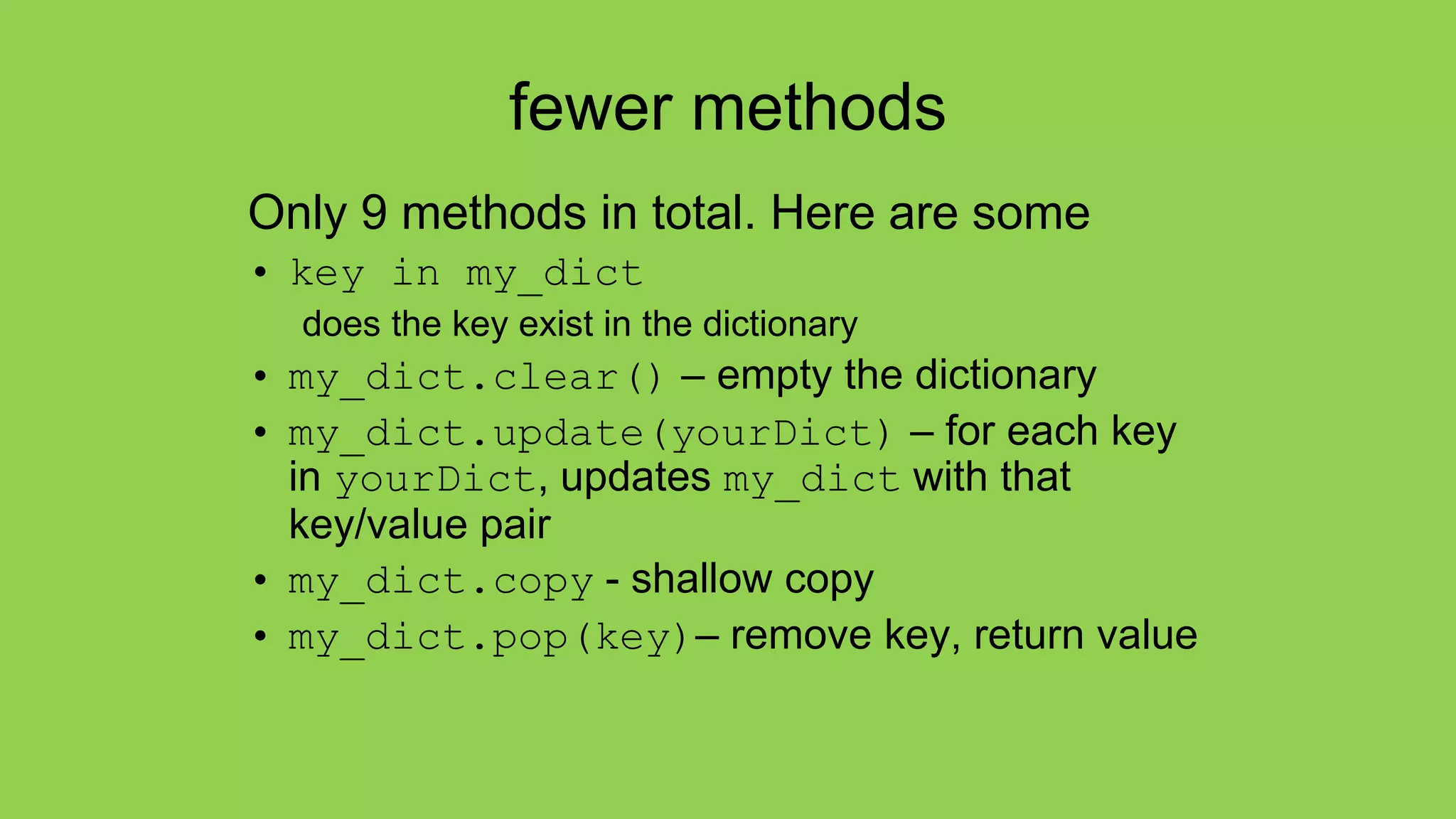
fewer methods
Only 9 methods in total. Here are some
• key in my_dict
does the key exist in the dictionary
• my_dict.clear() – empty the dictionary
• my_dict.update(yourDict) – for each key
in yourDict, updates my_dict with that
key/value pair
• my_dict.copy - shallow copy
• my_dict.pop(key)– remove key, return value
Dictionary content methods
• my_dict.items() – all the key/value pairs
• my_dict.keys() – all the keys
• my_dict.values() – all the values
There return what is called a dictionary view.
• the order of the views corresponds
• are dynamically updated with changes
• are iterable
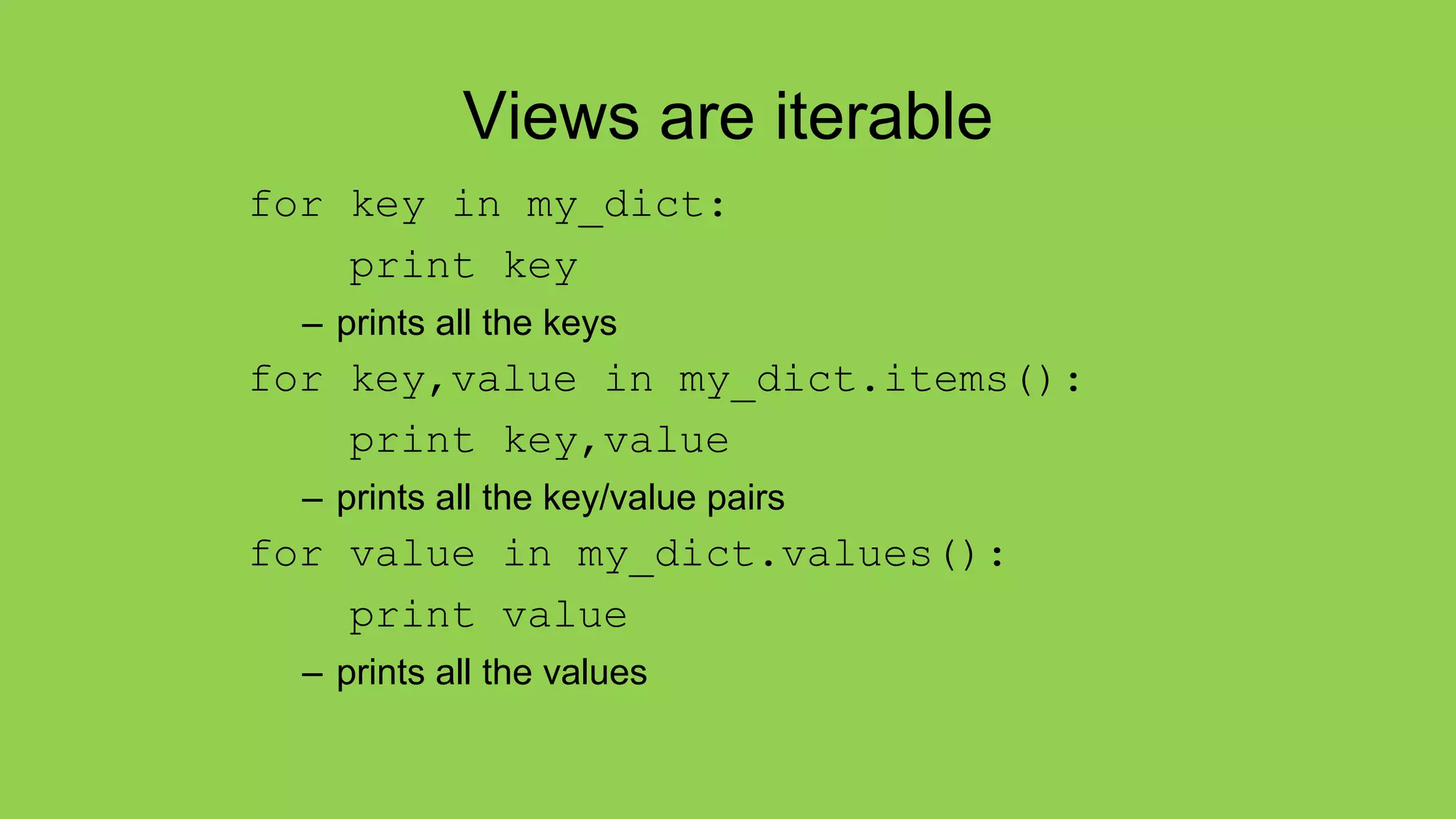
Views are iterable
for key in my_dict:
print key
– prints all the keys
for key,value in my_dict.items():
print key,value
– prints all the key/value pairs
for value in my_dict.values():
print value
– prints all the values
my_dict = {'a':2, 3:['x', 'y'], 'joe':'smith}
membership test
exceptions
get method
get method returns the value associated with a dict key or
a default value provided as second argument. Below, the
default is 0
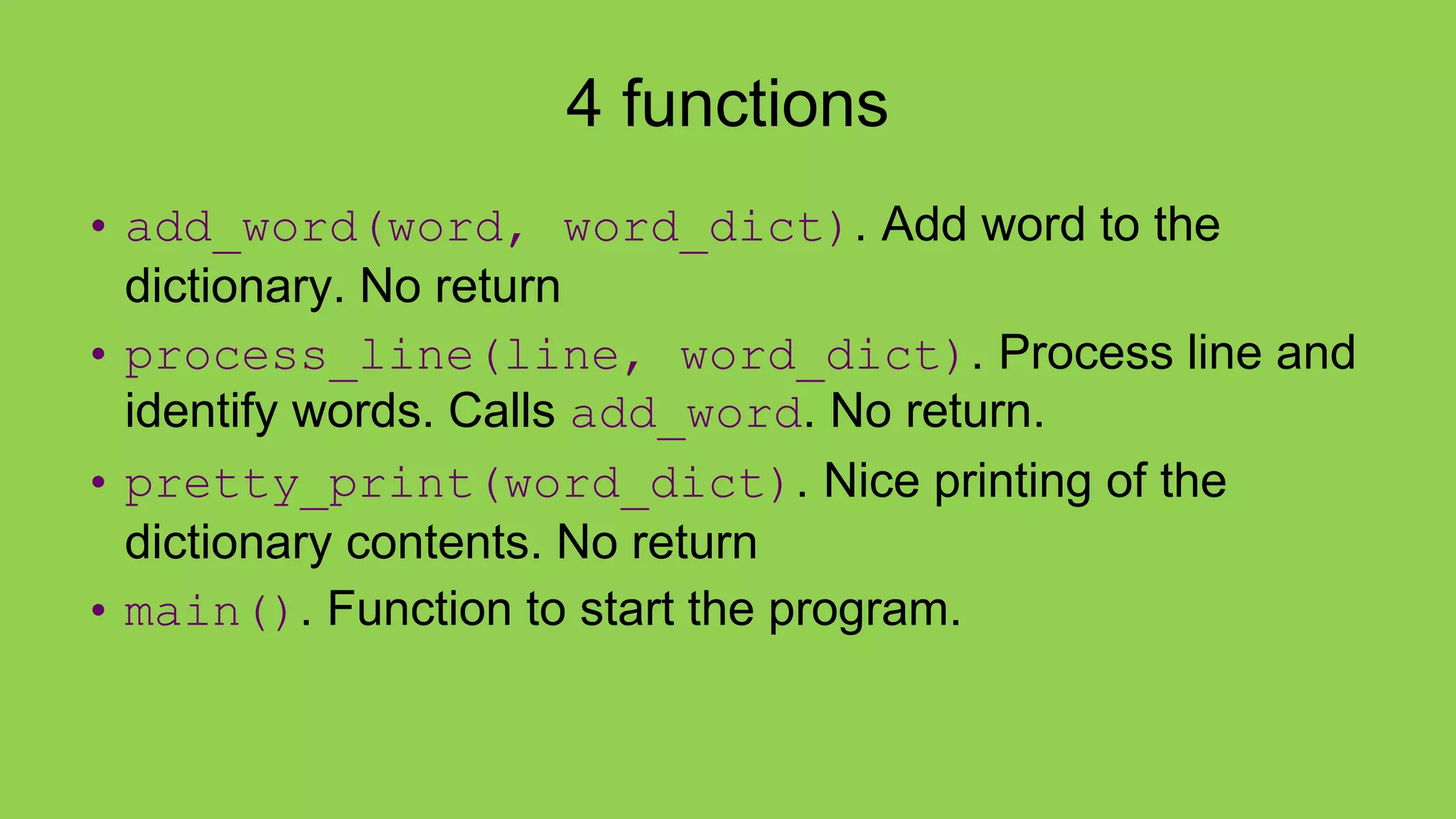
4 functions
• add_word(word, word_dict). Add word to the
dictionary. No return
• process_line(line, word_dict). Process line and
identify words. Calls add_word. No return.
• pretty_print(word_dict). Nice printing of the
dictionary contents. No return
• main(). Function to start the program.
Sets, as in Mathematical Sets
• in mathematics, a set is a collection of objects, potentially
of many different types
• in a set, no two elements are identical. That is, a set
consists of elements each of which is unique compared to
the other elements
• there is no order to the elements of a set
• a set with no elements is the empty set
Creating a set
Set can be created in one of two ways:
• constructor: set(iterable) where
the argument is iterable
my_set = set('abc')
my_set  {'a', 'b', 'c'}
• shortcut: {}, braces where the
elements have no colons (to
distinguish them from dicts)
my_set = {'a', 'b','c'}
Diverse elements
• A set can consist of a mixture of different
types of elements
my_set = {'a',1,3.14159,True}
• as long as the single argument can be
iterated through, you can make a set of it
no duplicates
• duplicates are automatically removed
my_set = set("aabbccdd")
print(my_set)
 {'a', 'c', 'b', 'd'}
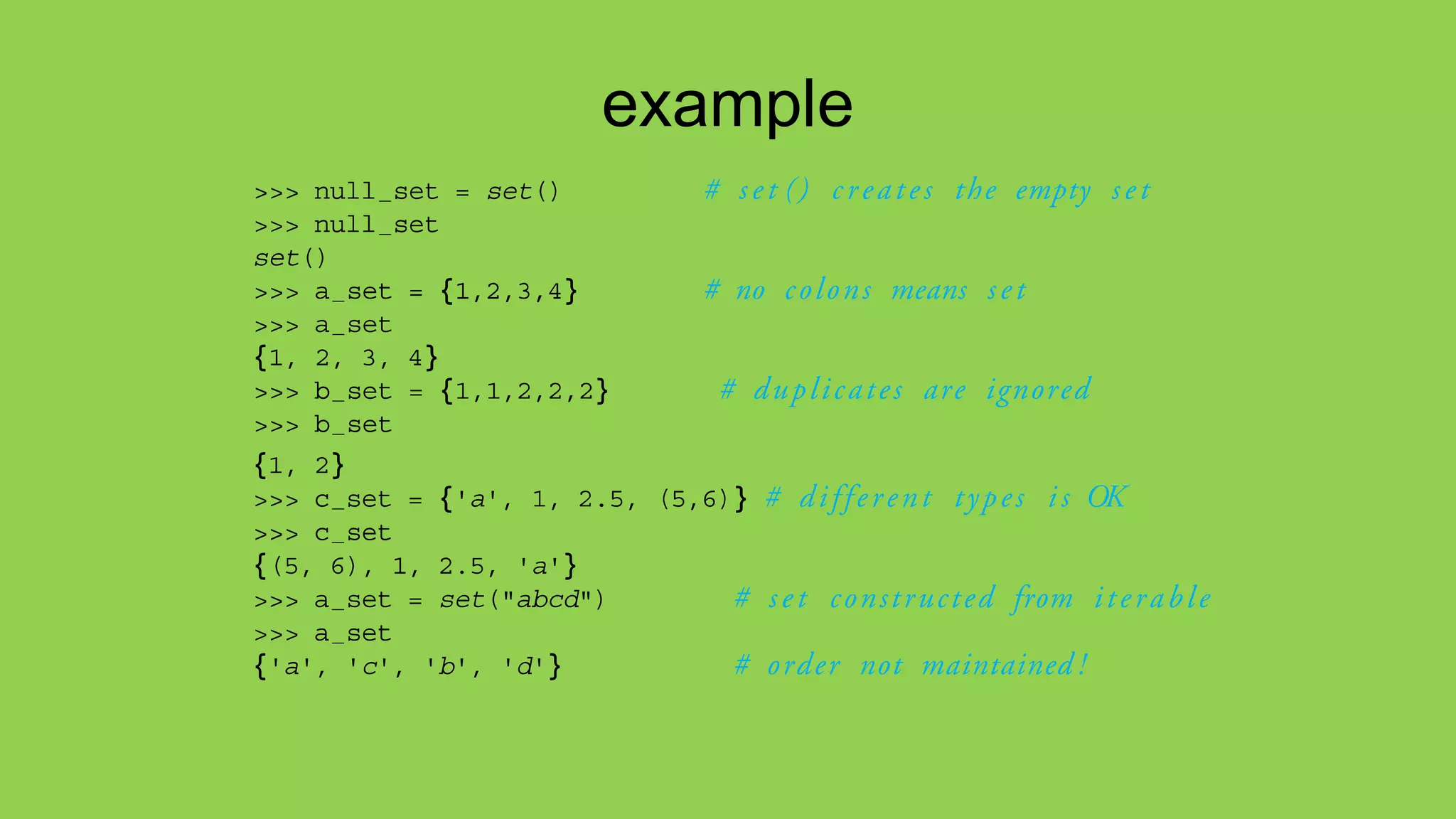
example
common operators
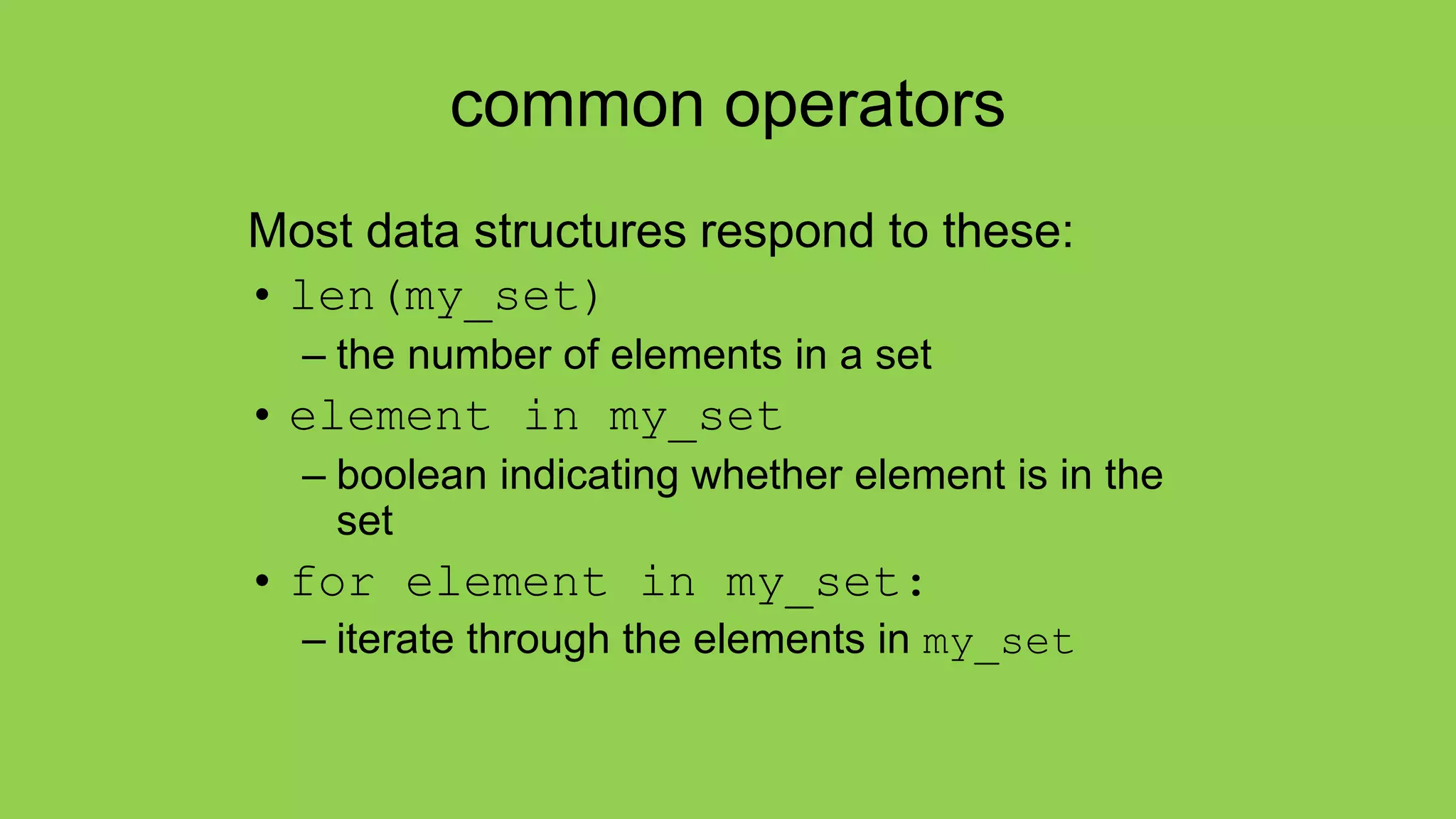
Most data structures respond to these:
• len(my_set)
– the number of elements in a set
• element in my_set
– boolean indicating whether element is in the
set
• for element in my_set:
– iterate through the elements in my_set
Set operators
• The set data structure provides some special operators
that correspond to the operators you learned in middle
school.
• These are various combinations of set contents
• These operations have both a method name and a
shortcut binary operator
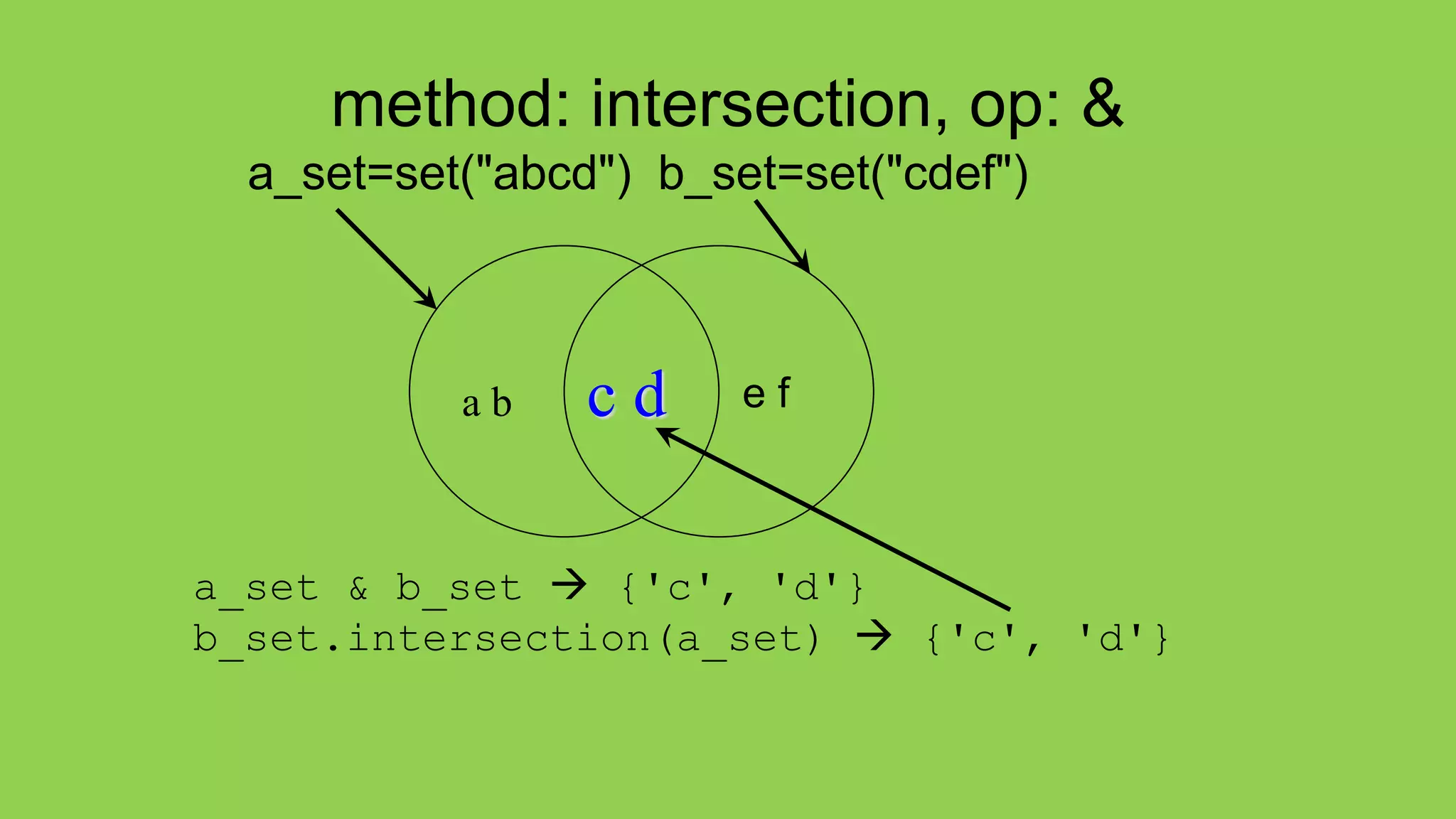
method: intersection, op: &
a_set=set("abcd") b_set=set("cdef")
a_set & b_set  {'c', 'd'}
b_set.intersection(a_set)  {'c', 'd'}
e f
a b c d
method:difference op: -
a_set=set("abcd") b_set=set("cdef")
a_set – b_set  {'a', 'b'}
b_set.difference(a_set)  {'e', 'f'}
e f
a b c d
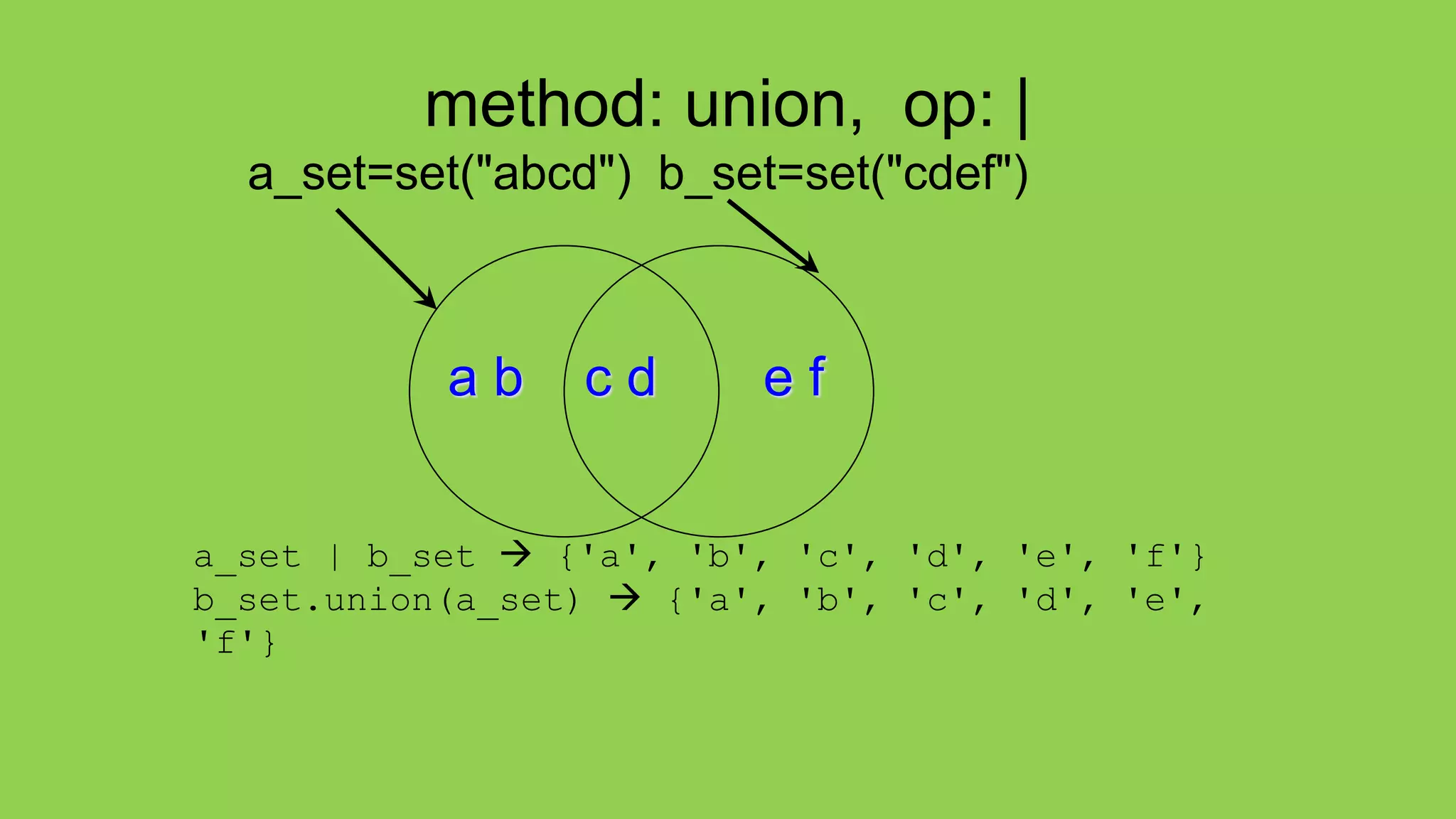
method: union, op: |
a_set=set("abcd") b_set=set("cdef")
a_set | b_set  {'a', 'b', 'c', 'd', 'e', 'f'}
b_set.union(a_set)  {'a', 'b', 'c', 'd', 'e',
'f'}
a b c d e f
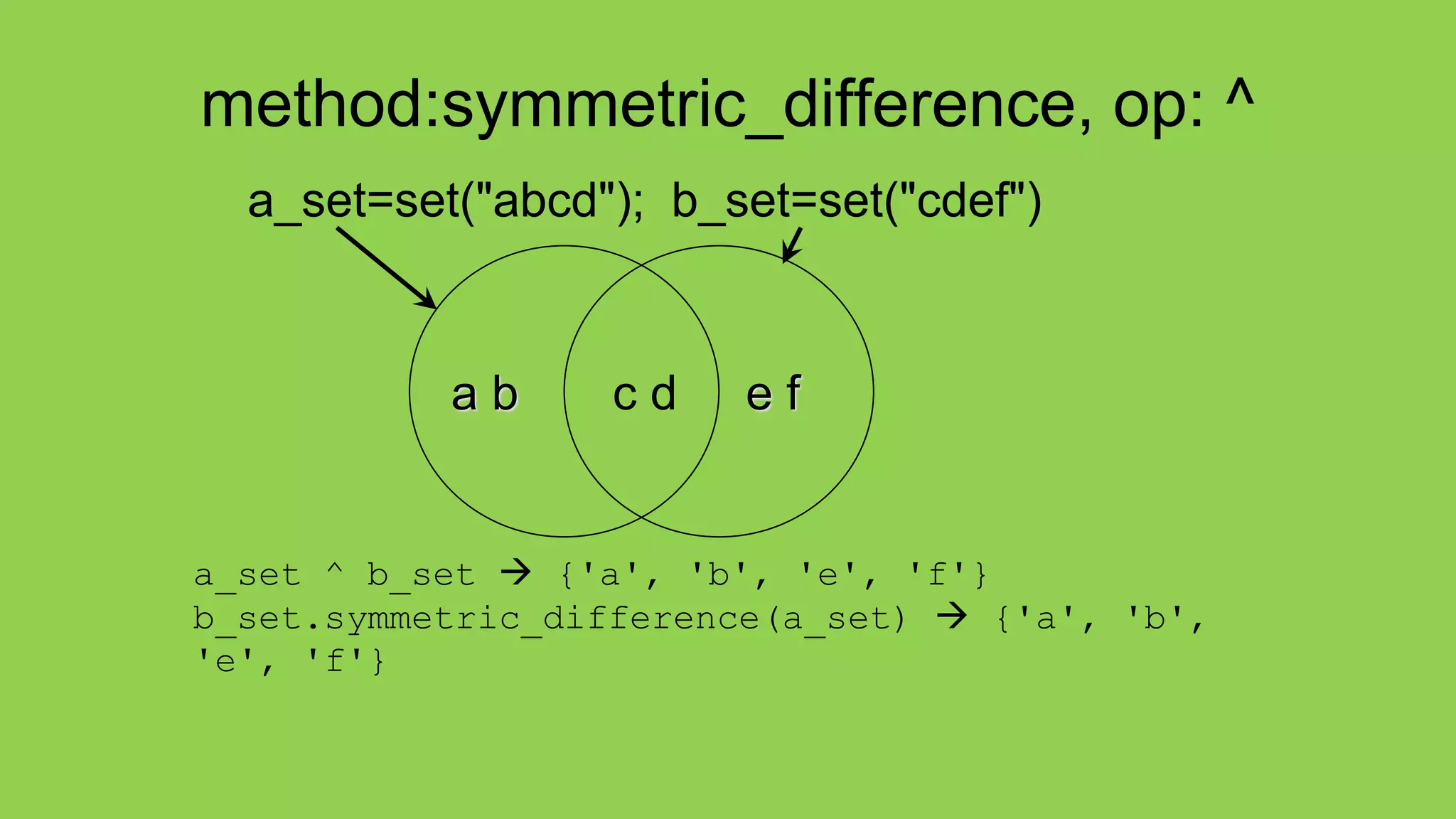
method:symmetric_difference, op: ^
a_set=set("abcd"); b_set=set("cdef")
a_set ^ b_set  {'a', 'b', 'e', 'f'}
b_set.symmetric_difference(a_set)  {'a', 'b',
'e', 'f'}
e f
a b c d
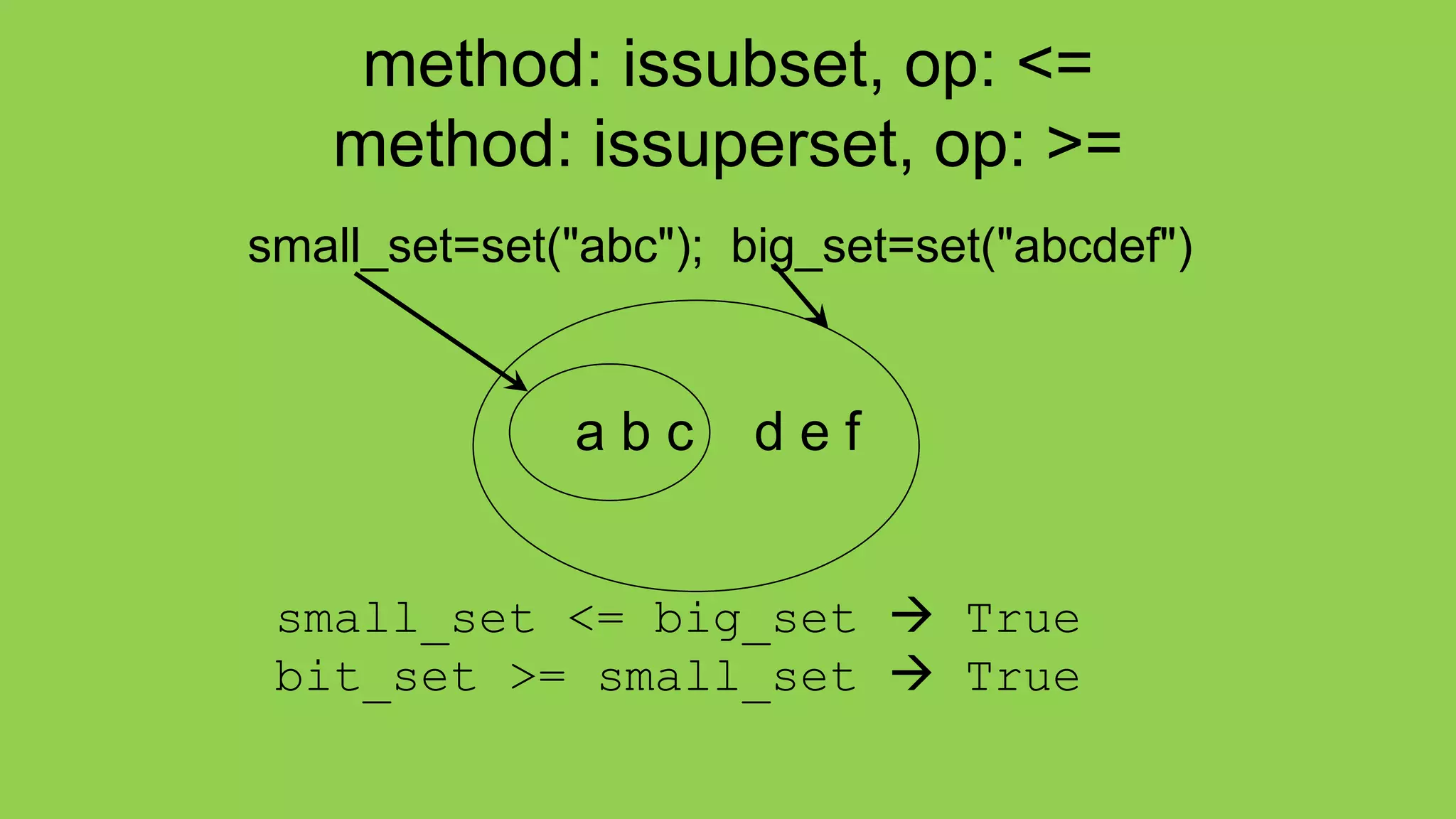
method: issubset, op: <=
method: issuperset, op: >=
small_set=set("abc"); big_set=set("abcdef")
small_set <= big_set  True
bit_set >= small_set  True
a b c d e f
Other Set Ops
• my_set.add("g")
– adds to the set, no effect if item is in set already
• my_set.clear()
– emptys the set
• my_set.remove("g") versus
my_set.discard("g")
– remove throws an error if "g" isn't there. discard
doesn't care. Both remove "g" from the set
• my_set.copy()
– returns a shallow copy of my_set
"The Practice of Computing Using Python",
Punch & Enbody, Copyright © 2013 Pearson Education, Inc.
Copy vs. assignment
my_set=set {'a', 'b', 'c'}
my_copy=my_set.copy()
my_ref_copy=my_set
my_set.remove('b')
my_set
myCopy
myRefCopy
set(['a','c'])
set(['a','b','c'])

Dictionaries and Sets

  • 1.
    What is adictionary? • In data structure terms, a dictionary is better termed an associative array, associative list or a map. • You can think if it as a list of pairs, where the first element of the pair, the key, is used to retrieve the second element, the value. • Thus we map a key to a value
  • 2.
    Key Value pairs •The key acts as an index to find the associated value. • Just like a dictionary, you look up a word by its spelling to find the associated definition • A dictionary can be searched to locate the value associated with a key
  • 3.
    Python Dictionary • Usethe { } marker to create a dictionary • Use the : marker to indicate key:value pairs contacts= {'bill': '353-1234', 'rich': '269-1234', 'jane': '352-1234'} print contacts {'jane': '352-1234', 'bill': '353-1234', 'rich': '369-1234'}
  • 5.
    keys and values •Key must be immutable – strings, integers, tuples are fine – lists are NOT • Value can be anything
  • 6.
    collections but nota sequence • dictionaries are collections but they are not sequences such as lists, strings or tuples – there is no order to the elements of a dictionary – in fact, the order (for example, when printed) might change as elements are added or deleted. • So how to access dictionary elements?
  • 7.
    Access dictionary elements Accessrequires [ ], but the key is the index! my_dict={} – an empty dictionary my_dict['bill']=25 – added the pair 'bill':25 print(my_dict['bill']) – prints 25
  • 8.
    Dictionaries are mutable •Like lists, dictionaries are a mutable data structure – you can change the object via various operations, such as index assignment my_dict = {'bill':3, 'rich':10} print(my_dict['bill']) # prints 2 my_dict['bill'] = 100 print(my_dict['bill']) # prints 100
  • 9.
    again, common operators Likeothers, dictionaries respond to these • len(my_dict) – number of key:value pairs in the dictionary • element in my_dict – boolean, is element a key in the dictionary • for key in my_dict: – iterates through the keys of a dictionary
  • 10.
    fewer methods Only 9methods in total. Here are some • key in my_dict does the key exist in the dictionary • my_dict.clear() – empty the dictionary • my_dict.update(yourDict) – for each key in yourDict, updates my_dict with that key/value pair • my_dict.copy - shallow copy • my_dict.pop(key)– remove key, return value
  • 11.
    Dictionary content methods •my_dict.items() – all the key/value pairs • my_dict.keys() – all the keys • my_dict.values() – all the values There return what is called a dictionary view. • the order of the views corresponds • are dynamically updated with changes • are iterable
  • 12.
    Views are iterable forkey in my_dict: print key – prints all the keys for key,value in my_dict.items(): print key,value – prints all the key/value pairs for value in my_dict.values(): print value – prints all the values
  • 13.
    my_dict = {'a':2,3:['x', 'y'], 'joe':'smith}
  • 14.
  • 15.
  • 16.
    get method get methodreturns the value associated with a dict key or a default value provided as second argument. Below, the default is 0
  • 17.
    4 functions • add_word(word,word_dict). Add word to the dictionary. No return • process_line(line, word_dict). Process line and identify words. Calls add_word. No return. • pretty_print(word_dict). Nice printing of the dictionary contents. No return • main(). Function to start the program.
  • 18.
    Sets, as inMathematical Sets • in mathematics, a set is a collection of objects, potentially of many different types • in a set, no two elements are identical. That is, a set consists of elements each of which is unique compared to the other elements • there is no order to the elements of a set • a set with no elements is the empty set
  • 19.
    Creating a set Setcan be created in one of two ways: • constructor: set(iterable) where the argument is iterable my_set = set('abc') my_set  {'a', 'b', 'c'} • shortcut: {}, braces where the elements have no colons (to distinguish them from dicts) my_set = {'a', 'b','c'}
  • 20.
    Diverse elements • Aset can consist of a mixture of different types of elements my_set = {'a',1,3.14159,True} • as long as the single argument can be iterated through, you can make a set of it
  • 21.
    no duplicates • duplicatesare automatically removed my_set = set("aabbccdd") print(my_set)  {'a', 'c', 'b', 'd'}
  • 22.
  • 23.
    common operators Most datastructures respond to these: • len(my_set) – the number of elements in a set • element in my_set – boolean indicating whether element is in the set • for element in my_set: – iterate through the elements in my_set
  • 24.
    Set operators • Theset data structure provides some special operators that correspond to the operators you learned in middle school. • These are various combinations of set contents • These operations have both a method name and a shortcut binary operator
  • 25.
    method: intersection, op:& a_set=set("abcd") b_set=set("cdef") a_set & b_set  {'c', 'd'} b_set.intersection(a_set)  {'c', 'd'} e f a b c d
  • 26.
    method:difference op: - a_set=set("abcd")b_set=set("cdef") a_set – b_set  {'a', 'b'} b_set.difference(a_set)  {'e', 'f'} e f a b c d
  • 27.
    method: union, op:| a_set=set("abcd") b_set=set("cdef") a_set | b_set  {'a', 'b', 'c', 'd', 'e', 'f'} b_set.union(a_set)  {'a', 'b', 'c', 'd', 'e', 'f'} a b c d e f
  • 28.
    method:symmetric_difference, op: ^ a_set=set("abcd");b_set=set("cdef") a_set ^ b_set  {'a', 'b', 'e', 'f'} b_set.symmetric_difference(a_set)  {'a', 'b', 'e', 'f'} e f a b c d
  • 29.
    method: issubset, op:<= method: issuperset, op: >= small_set=set("abc"); big_set=set("abcdef") small_set <= big_set  True bit_set >= small_set  True a b c d e f
  • 30.
    Other Set Ops •my_set.add("g") – adds to the set, no effect if item is in set already • my_set.clear() – emptys the set • my_set.remove("g") versus my_set.discard("g") – remove throws an error if "g" isn't there. discard doesn't care. Both remove "g" from the set • my_set.copy() – returns a shallow copy of my_set
  • 31.
    "The Practice ofComputing Using Python", Punch & Enbody, Copyright © 2013 Pearson Education, Inc. Copy vs. assignment my_set=set {'a', 'b', 'c'} my_copy=my_set.copy() my_ref_copy=my_set my_set.remove('b') my_set myCopy myRefCopy set(['a','c']) set(['a','b','c'])