© 2007 Wellesley Information Services. All rights reserved.
Best Practices to
Write, Deploy, and
Monitor Scheduled
Agents
Bill Buchan
HADSL
2
What We’ll Cover …
• Overview
• Agent Manager introduction
• Agent Manager: Scalability
• Scheduled agents: Tips and traps
• Scheduled agents: Monitoring
• Wrap-up
3
Introduction
• Who is the target audience?
 Lotus Notes developers who use server-based agents
• What is this talk about?
 It’s difficult to imagine a complex Notes application without
some form of scheduled agent
 However, these are often deployed quickly without much
thought as to how they can be managed and operated on a
reliable basis
 This session attempts to remedy this
4
Who Am I?
• Bill Buchan
• Dual Principal Certified Lotus Professional (PCLP) in
Domino v3, v4, v5, v6, v7
• 10+ years senior development consultancy for
Enterprise customers
 Learn from my pain!
• 5+ years code auditing
• CEO of HADSL
 Developing best-practice tools
5
Overview
• This session:
 Is mostly slide-based
 Contains a few code examples
 Is a deep dive in terms of theory
 Summarizes 10+ years of enterprise code auditing
6
What We’ll Cover …
• Overview
• Agent Manager introduction
• Agent Manager: Scalability
• Scheduled agents: Tips and traps
• Scheduled agents: Monitoring
• Wrap-up
7
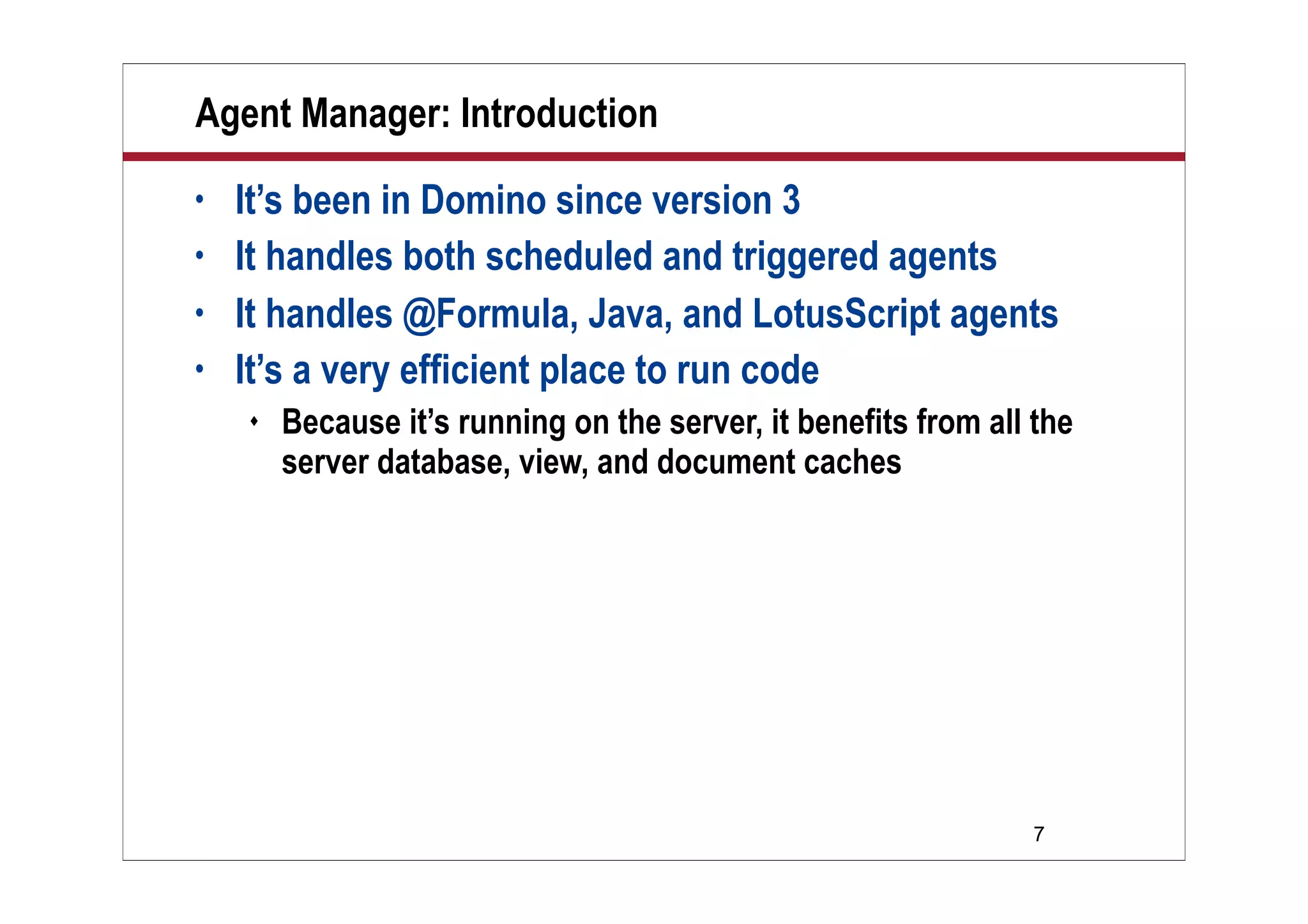
Agent Manager: Introduction
• It’s been in Domino since version 3
• It handles both scheduled and triggered agents
• It handles @Formula, Java, and LotusScript agents
• It’s a very efficient place to run code
 Because it’s running on the server, it benefits from all the
server database, view, and document caches
8
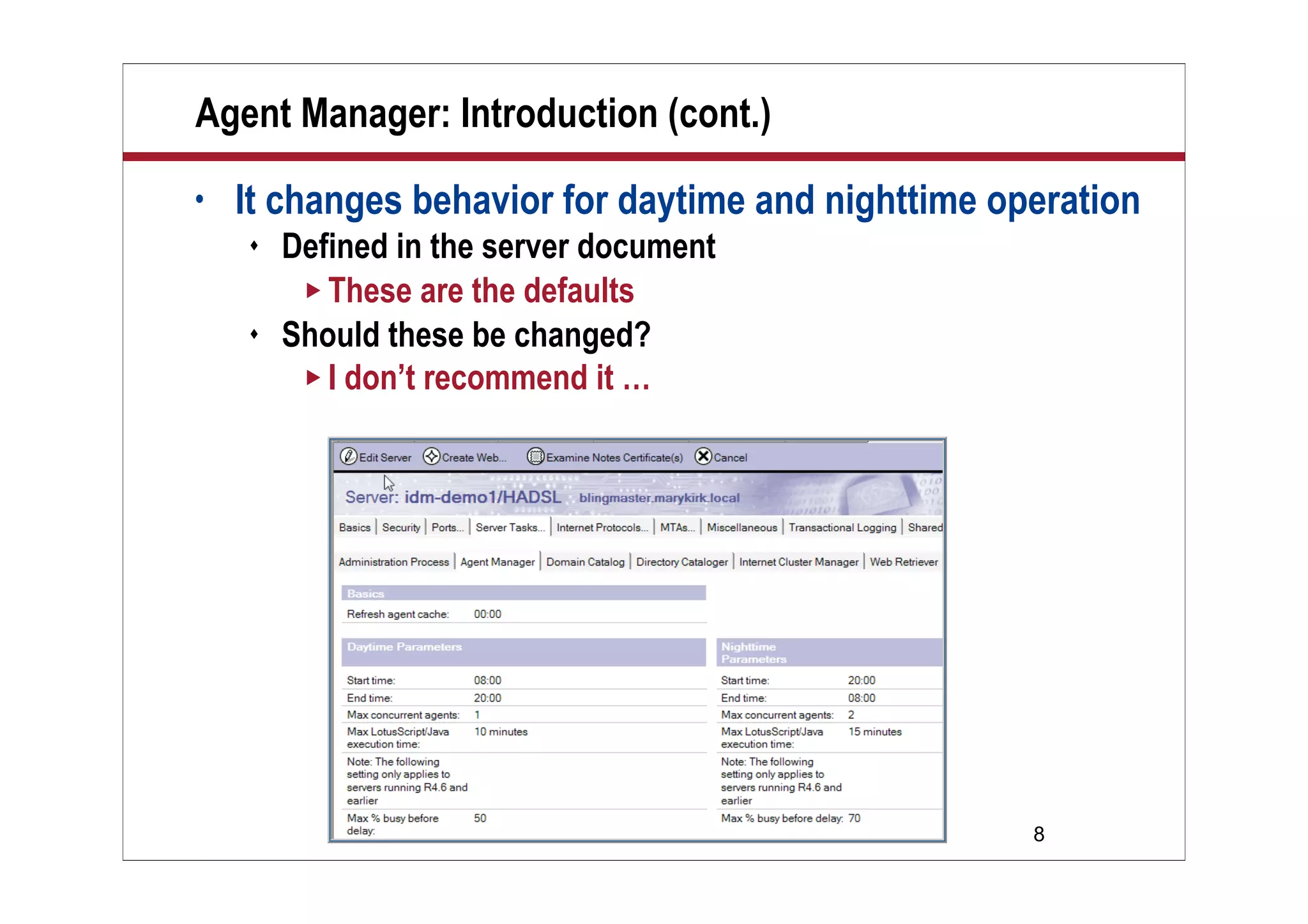
Agent Manager: Introduction (cont.)
• It changes behavior for daytime and nighttime operation
 Defined in the server document
 These are the defaults
 Should these be changed?
 I don’t recommend it …
9
Agent Manager: Security
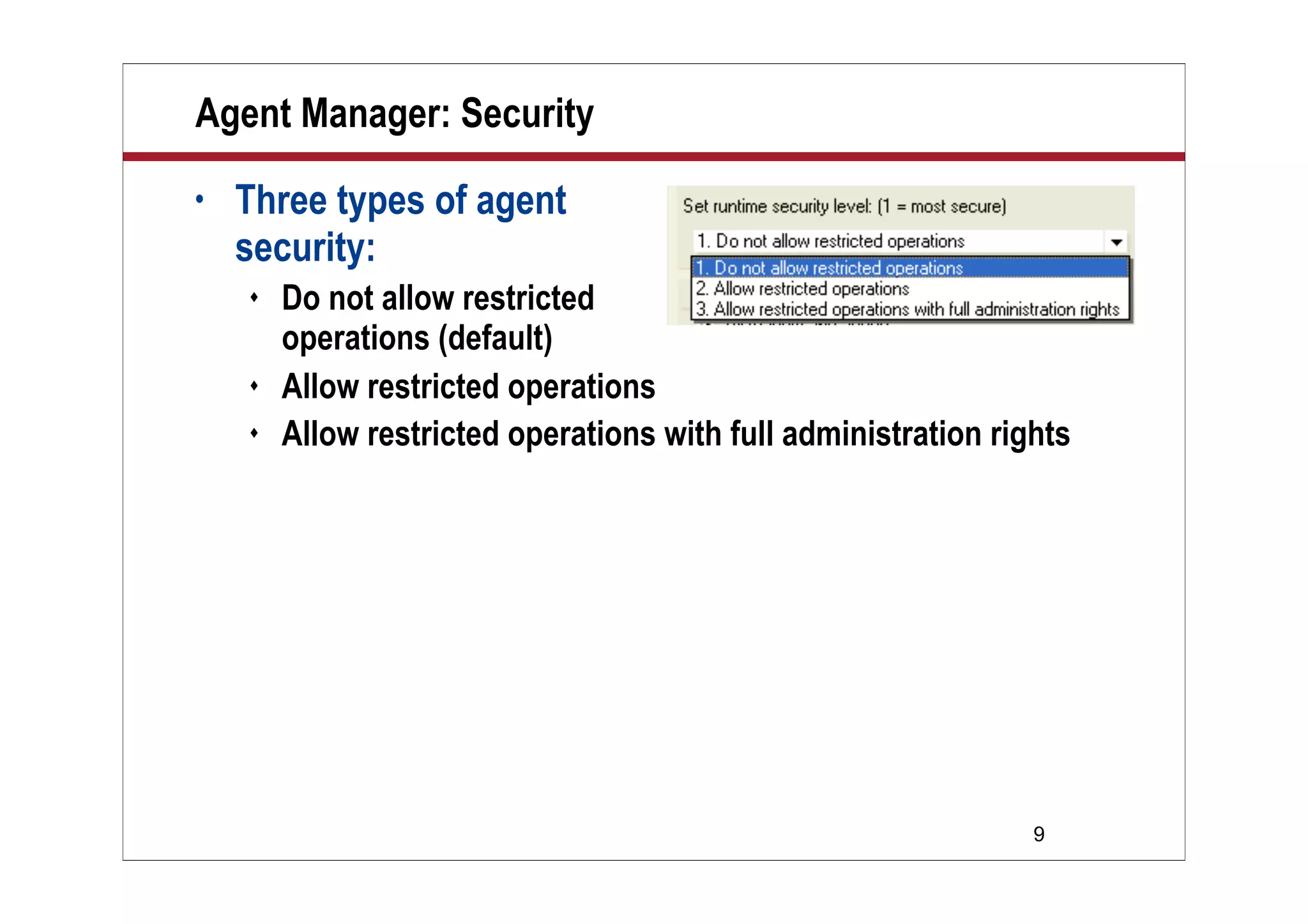
• Three types of agent
security:
 Do not allow restricted
operations (default)
 Allow restricted operations
 Allow restricted operations with full administration rights
10
Agent Manager: Security (cont.)
• What does this mean?
 Restrictions based on the code you write in your agent
• Restricted operations include:
 File I/O: File operations, kill, chdir, etc.
 Network operations (in Java)
 Using a disk-based NotesLog
 Environment variables
 Encryption and signing(!)
 Embedded objects
 Calling C API-based routines
11
Agent Manager: Security (cont.)
• Agent security was introduced on ND6
 Beware
• On a v5 upgrade to v6 or v7 upgrade, ALL agents by
default are set to level 1
 You have to find the agents that run restricted code, and
“upgrade” them
 Either examine every agent or use automated tooling, such as
Teamstudio Analyzer
 www.teamstudio.com
12
Agent Manager: Agent Types
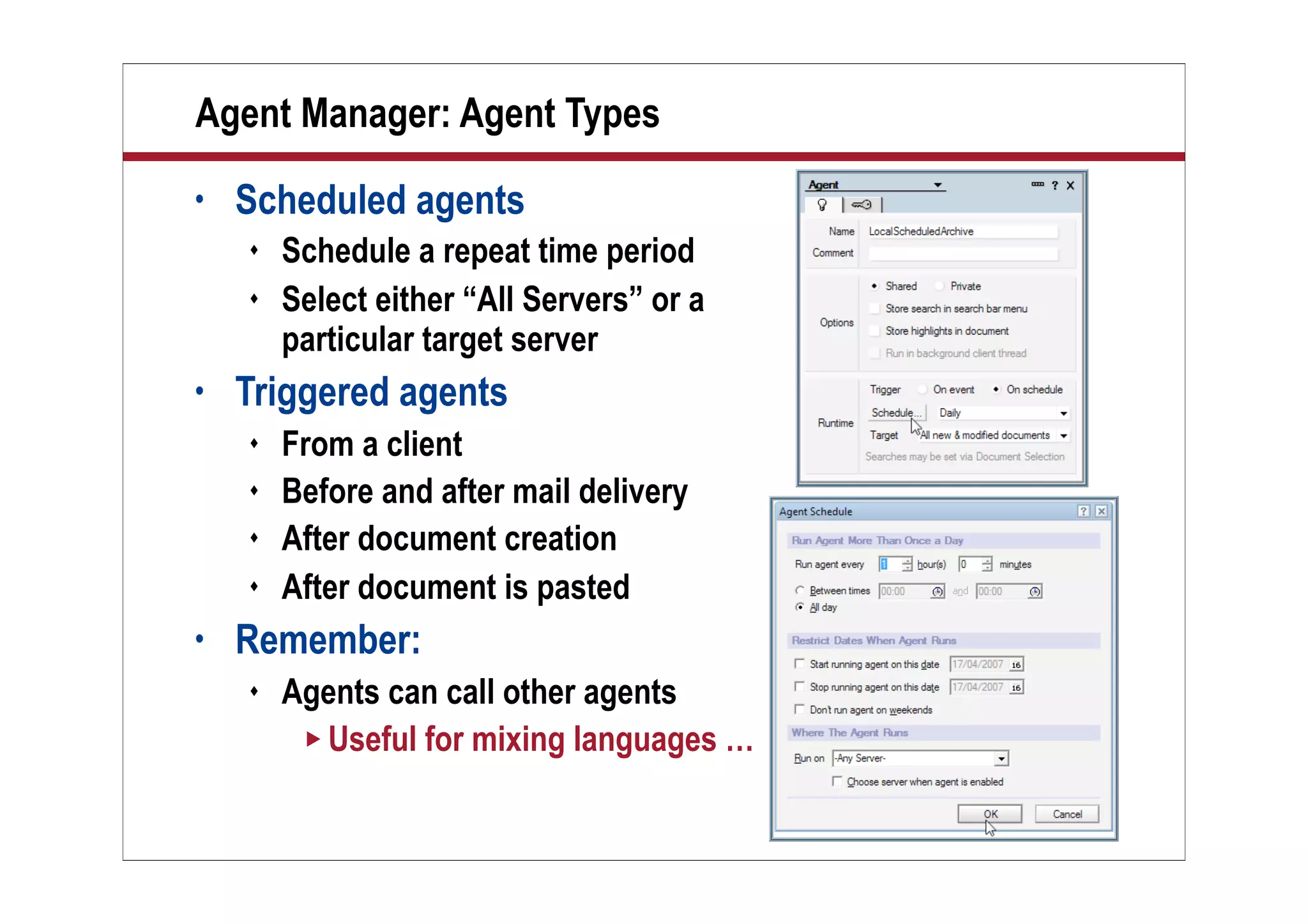
• Scheduled agents
 Schedule a repeat time period
 Select either “All Servers” or a
particular target server
• Triggered agents
 From a client
 Before and after mail delivery
 After document creation
 After document is pasted
• Remember:
 Agents can call other agents
 Useful for mixing languages …
13
What We’ll Cover …
• Overview
• Agent Manager introduction
• Agent Manager: Scalability
• Scheduled agents: Tips and traps
• Scheduled agents: Monitoring
• Wrap-up
14
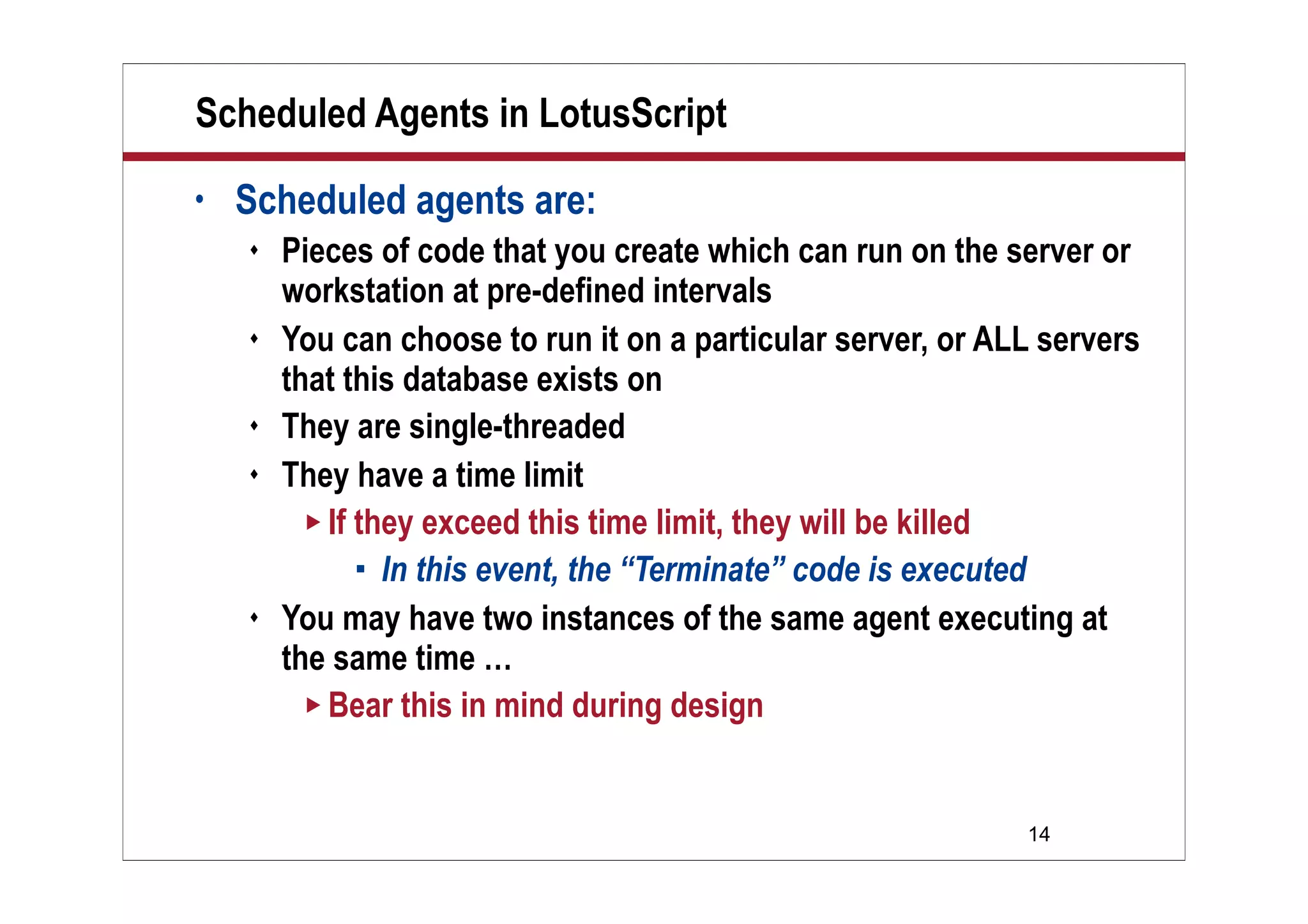
Scheduled Agents in LotusScript
• Scheduled agents are:
 Pieces of code that you create which can run on the server or
workstation at pre-defined intervals
 You can choose to run it on a particular server, or ALL servers
that this database exists on
 They are single-threaded
 They have a time limit
 If they exceed this time limit, they will be killed
 In this event, the “Terminate” code is executed
 You may have two instances of the same agent executing at
the same time …
 Bear this in mind during design
15
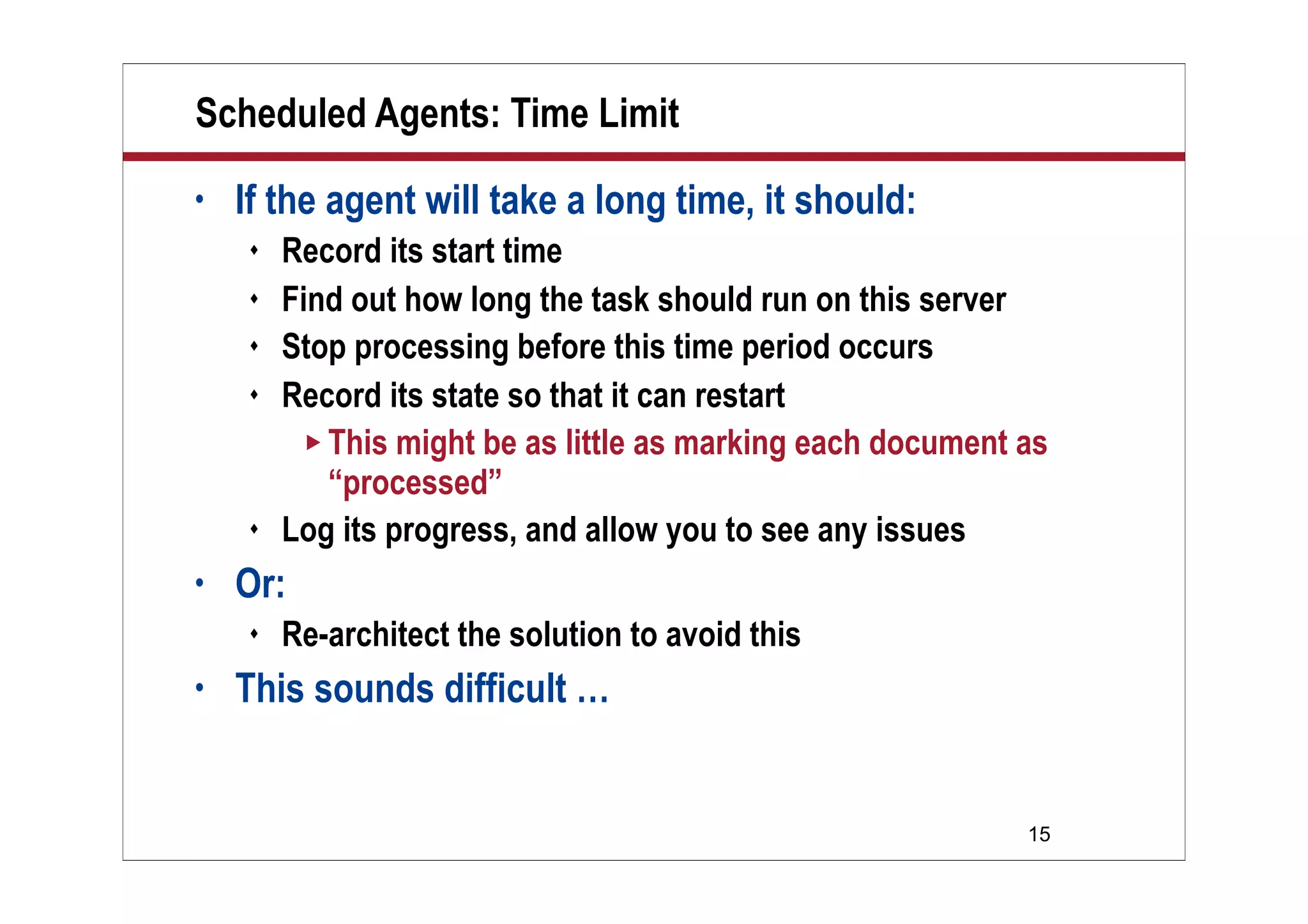
Scheduled Agents: Time Limit
• If the agent will take a long time, it should:
 Record its start time
 Find out how long the task should run on this server
 Stop processing before this time period occurs
 Record its state so that it can restart
 This might be as little as marking each document as
“processed”
 Log its progress, and allow you to see any issues
• Or:
 Re-architect the solution to avoid this
• This sounds difficult …
16
Demo
Demo
Brief Overview of
AgentClass
17
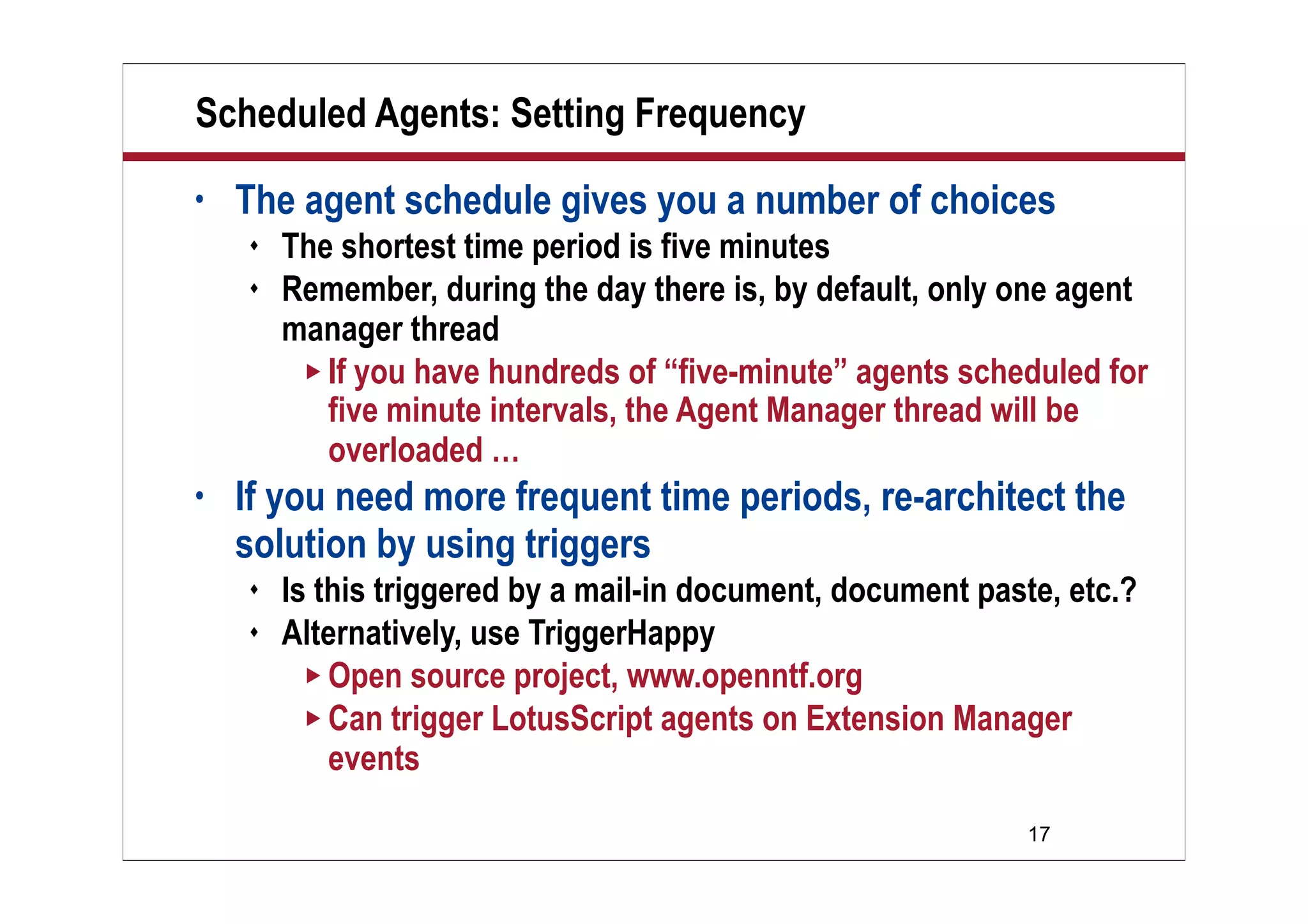
Scheduled Agents: Setting Frequency
• The agent schedule gives you a number of choices
 The shortest time period is five minutes
 Remember, during the day there is, by default, only one agent
manager thread
 If you have hundreds of “five-minute” agents scheduled for
five minute intervals, the Agent Manager thread will be
overloaded …
• If you need more frequent time periods, re-architect the
solution by using triggers
 Is this triggered by a mail-in document, document paste, etc.?
 Alternatively, use TriggerHappy
 Open source project, www.openntf.org
 Can trigger LotusScript agents on Extension Manager
events
18
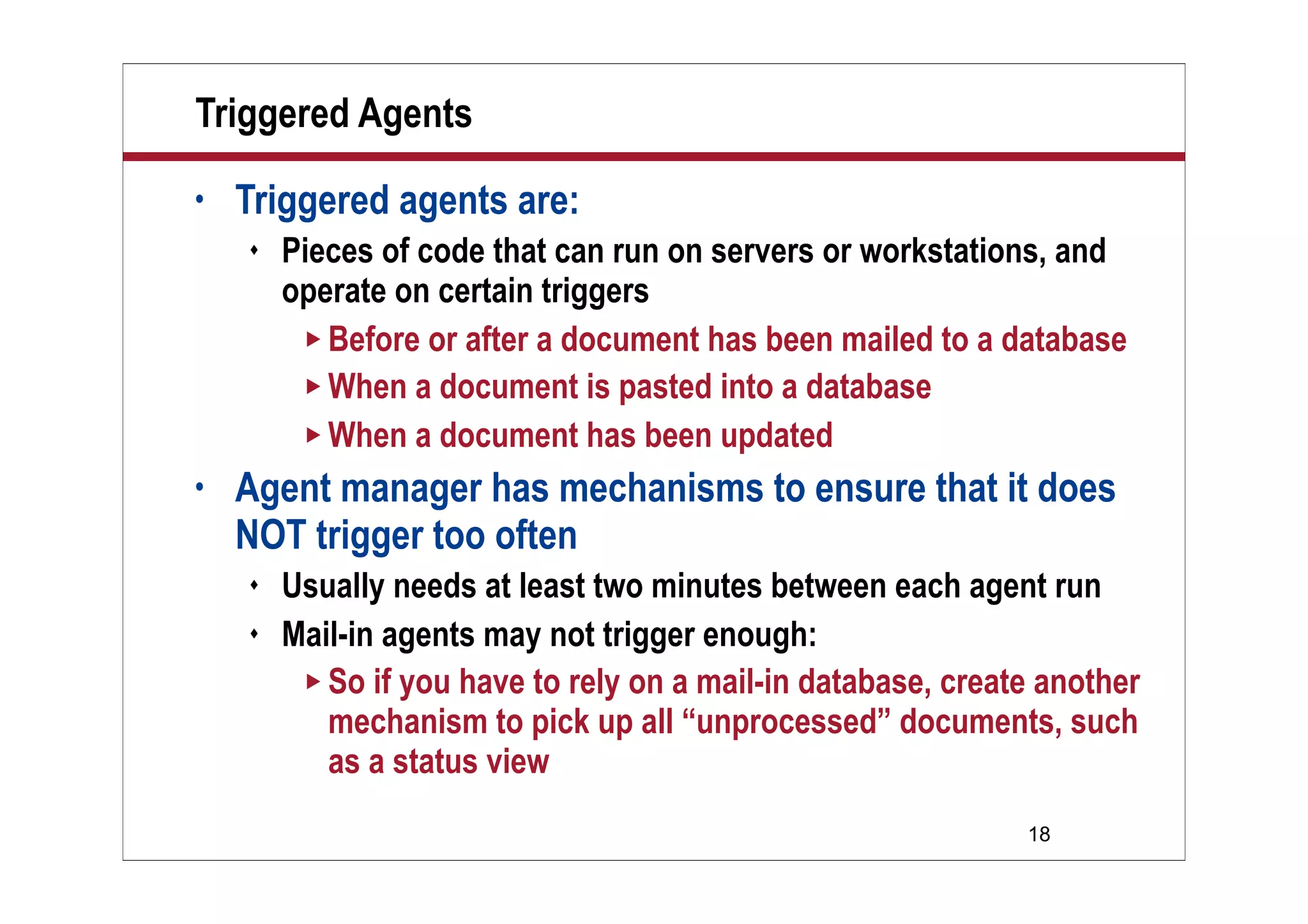
Triggered Agents
• Triggered agents are:
 Pieces of code that can run on servers or workstations, and
operate on certain triggers
 Before or after a document has been mailed to a database
 When a document is pasted into a database
 When a document has been updated
• Agent manager has mechanisms to ensure that it does
NOT trigger too often
 Usually needs at least two minutes between each agent run
 Mail-in agents may not trigger enough:
 So if you have to rely on a mail-in database, create another
mechanism to pick up all “unprocessed” documents, such
as a status view
19
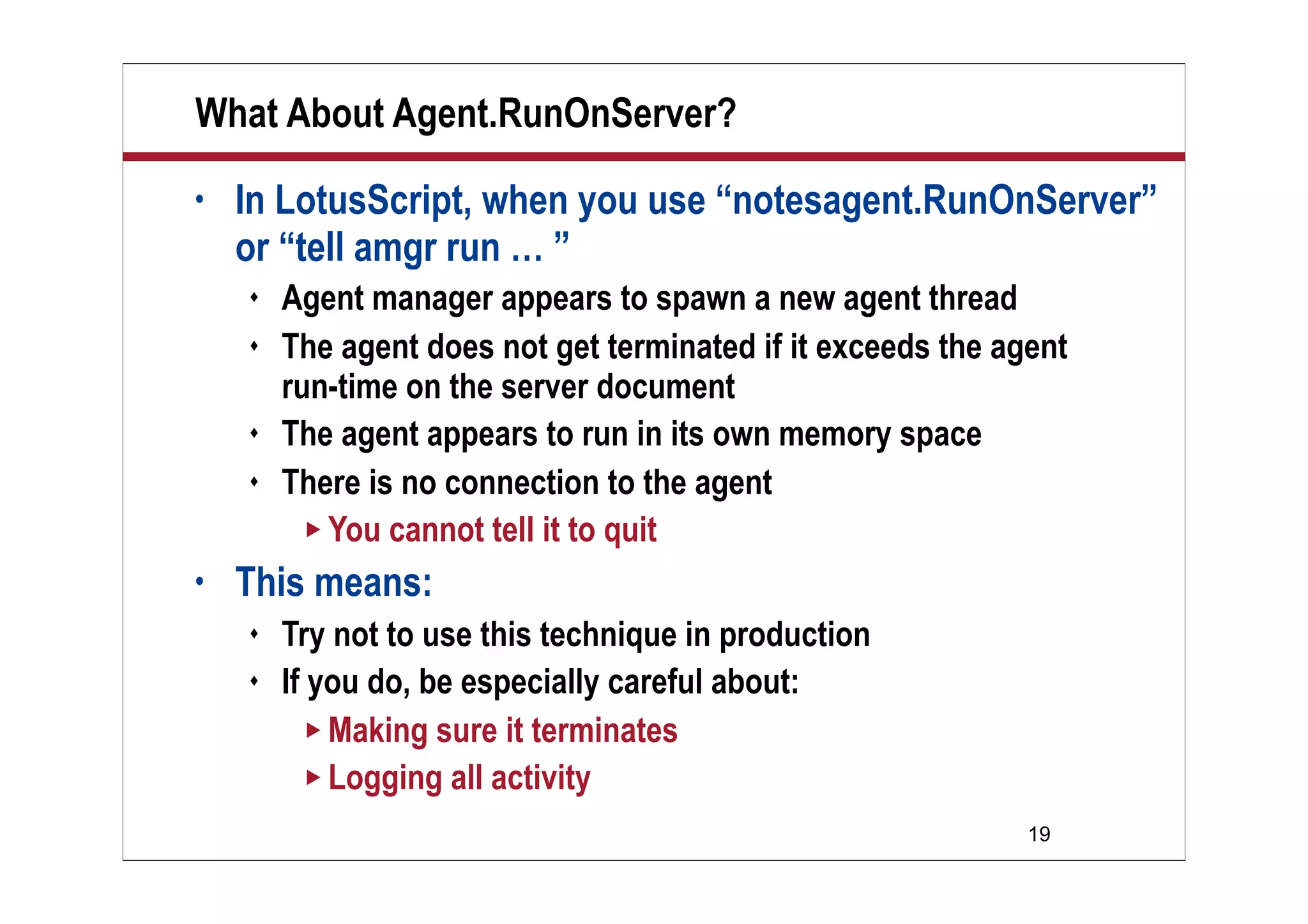
What About Agent.RunOnServer?
• In LotusScript, when you use “notesagent.RunOnServer”
or “tell amgr run … ”
 Agent manager appears to spawn a new agent thread
 The agent does not get terminated if it exceeds the agent
run-time on the server document
 The agent appears to run in its own memory space
 There is no connection to the agent
 You cannot tell it to quit
• This means:
 Try not to use this technique in production
 If you do, be especially careful about:
 Making sure it terminates
 Logging all activity
20
What We’ll Cover …
• Overview
• Agent Manager introduction
• Agent Manager: Scalability
• Scheduled agents: Tips and traps
• Scheduled agents: Monitoring
• Wrap-up
21
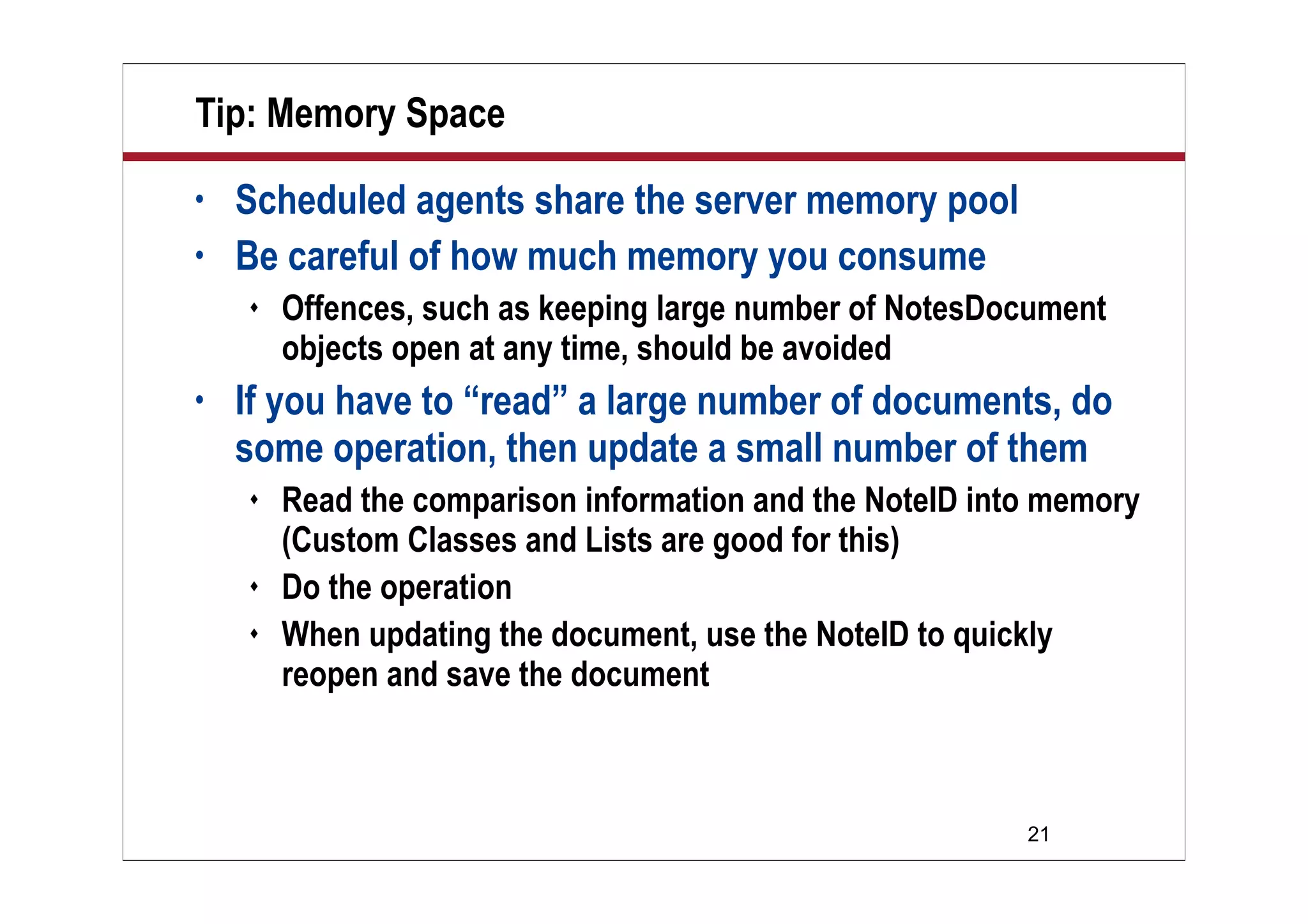
Tip: Memory Space
• Scheduled agents share the server memory pool
• Be careful of how much memory you consume
 Offences, such as keeping large number of NotesDocument
objects open at any time, should be avoided
• If you have to “read” a large number of documents, do
some operation, then update a small number of them
 Read the comparison information and the NoteID into memory
(Custom Classes and Lists are good for this)
 Do the operation
 When updating the document, use the NoteID to quickly
reopen and save the document
22
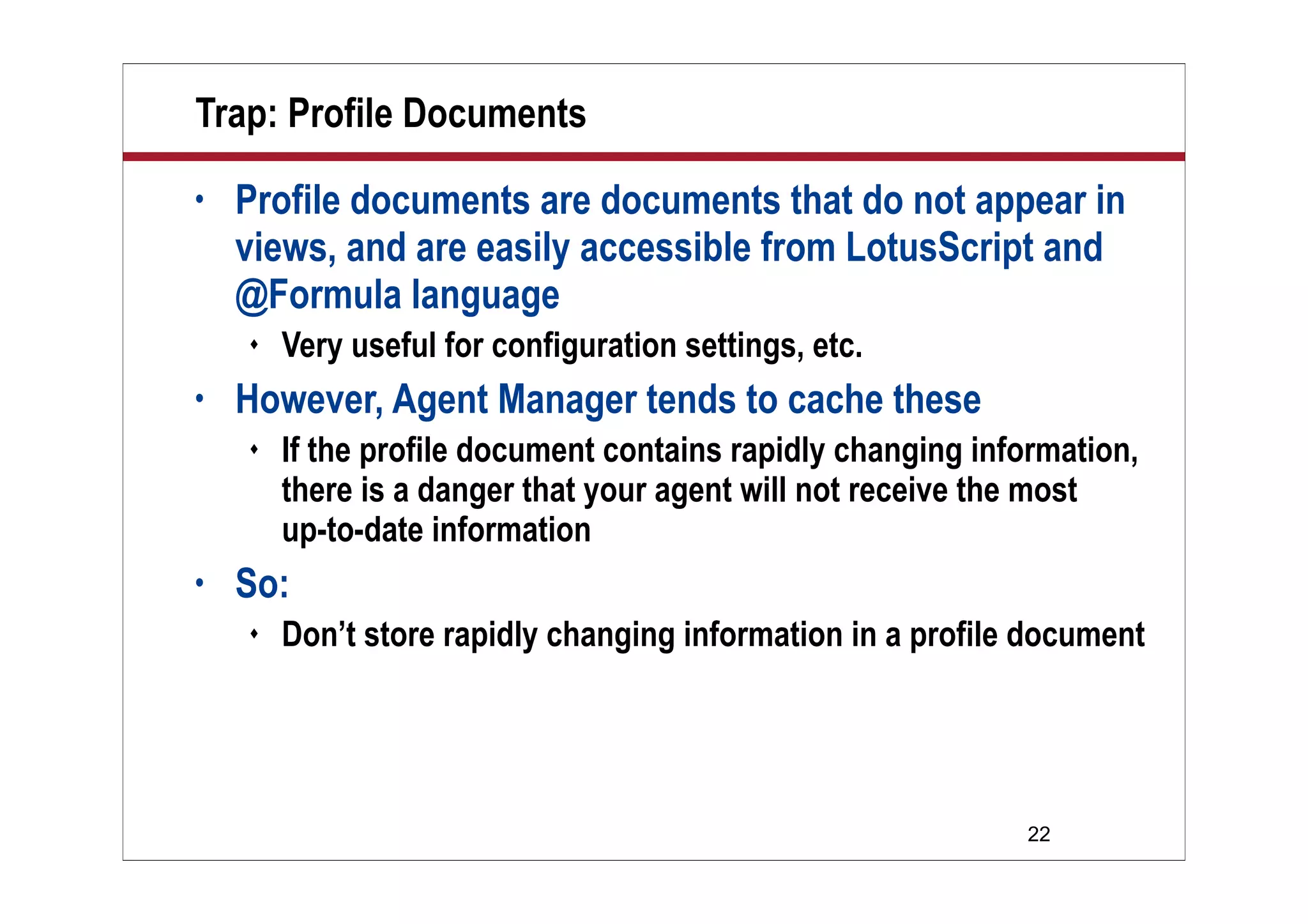
Trap: Profile Documents
• Profile documents are documents that do not appear in
views, and are easily accessible from LotusScript and
@Formula language
 Very useful for configuration settings, etc.
• However, Agent Manager tends to cache these
 If the profile document contains rapidly changing information,
there is a danger that your agent will not receive the most
up-to-date information
• So:
 Don’t store rapidly changing information in a profile document
23
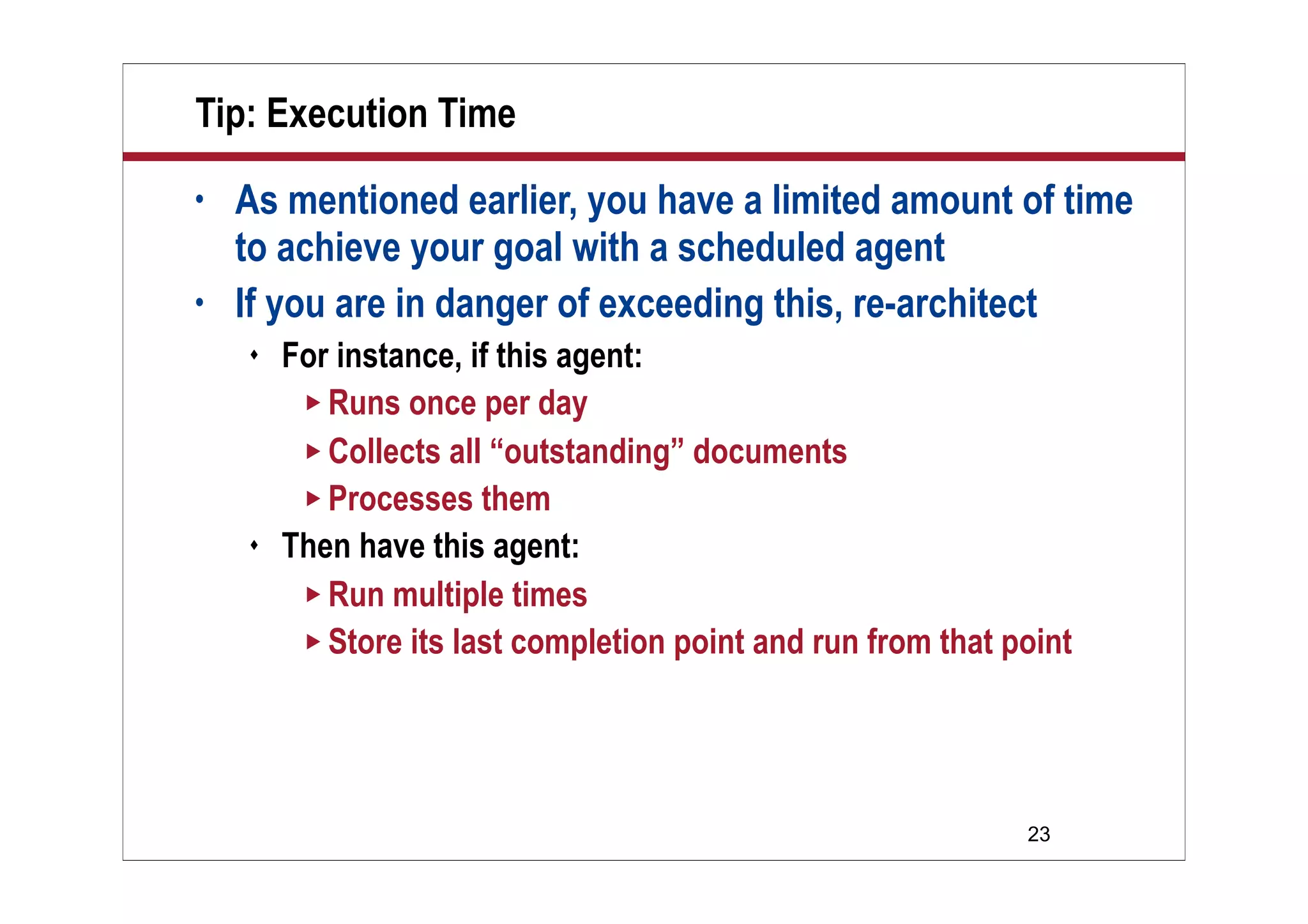
Tip: Execution Time
• As mentioned earlier, you have a limited amount of time
to achieve your goal with a scheduled agent
• If you are in danger of exceeding this, re-architect
 For instance, if this agent:
 Runs once per day
 Collects all “outstanding” documents
 Processes them
 Then have this agent:
 Run multiple times
 Store its last completion point and run from that point
24
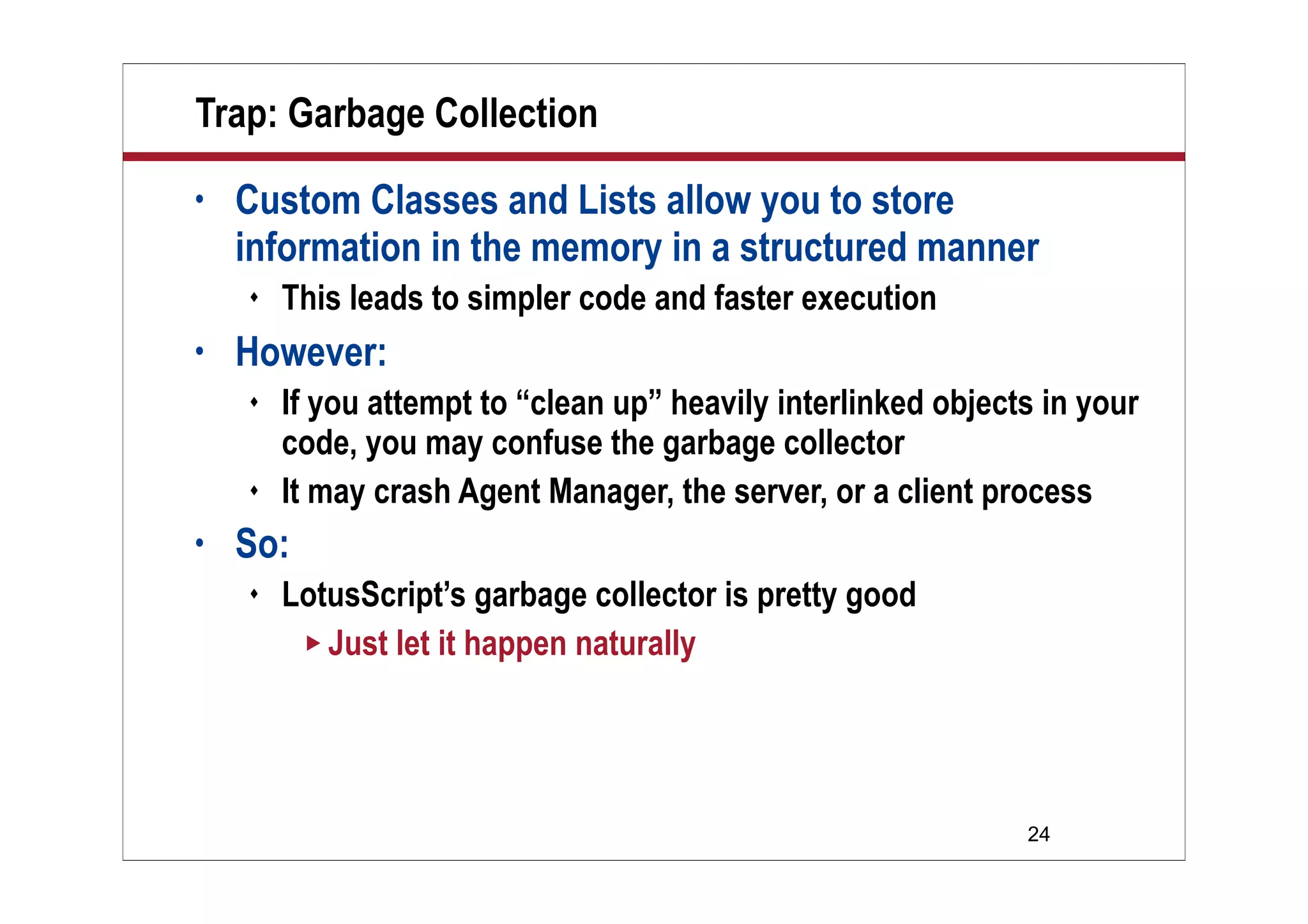
Trap: Garbage Collection
• Custom Classes and Lists allow you to store
information in the memory in a structured manner
 This leads to simpler code and faster execution
• However:
 If you attempt to “clean up” heavily interlinked objects in your
code, you may confuse the garbage collector
 It may crash Agent Manager, the server, or a client process
• So:
 LotusScript’s garbage collector is pretty good
 Just let it happen naturally
25
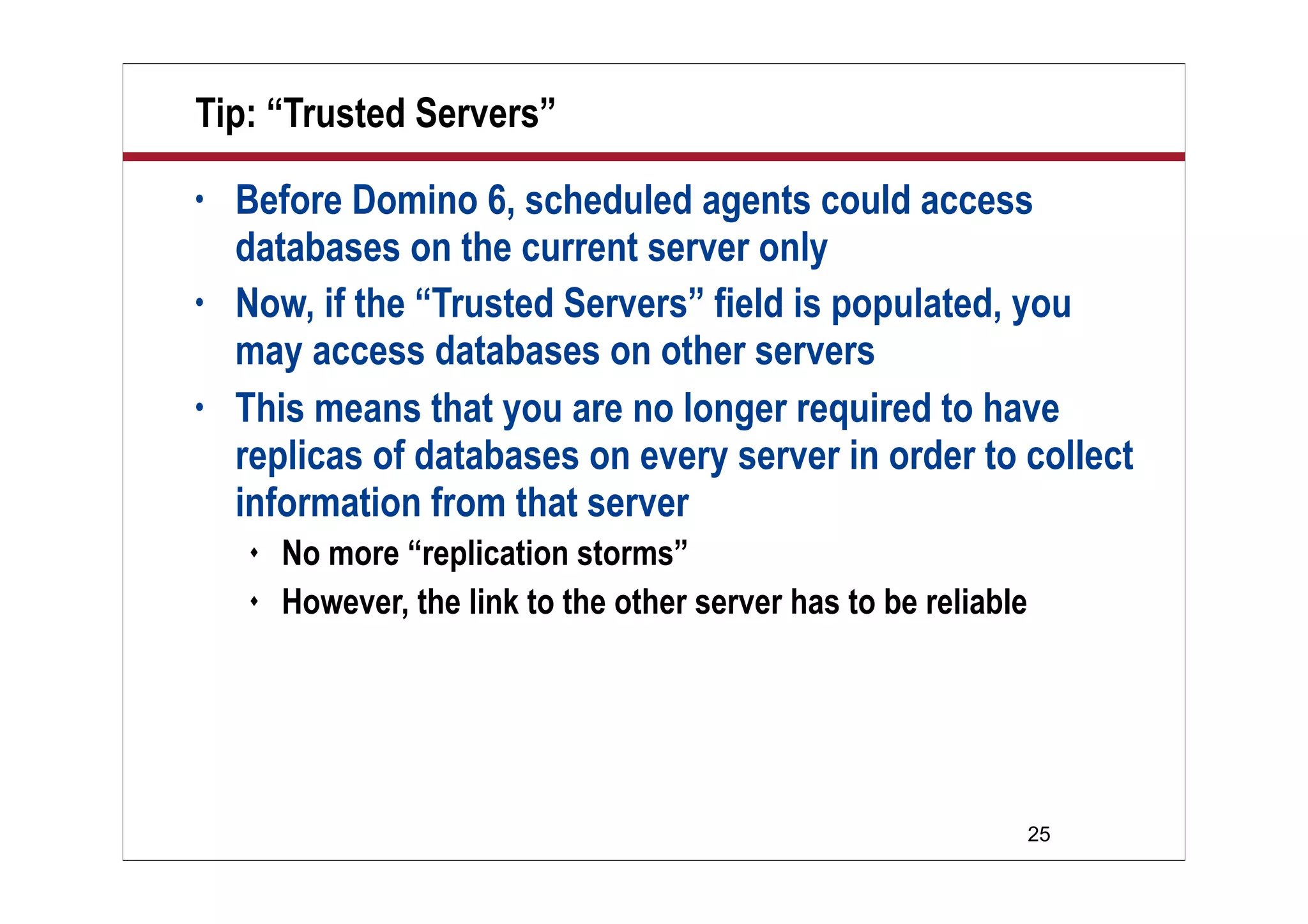
Tip: “Trusted Servers”
• Before Domino 6, scheduled agents could access
databases on the current server only
• Now, if the “Trusted Servers” field is populated, you
may access databases on other servers
• This means that you are no longer required to have
replicas of databases on every server in order to collect
information from that server
 No more “replication storms”
 However, the link to the other server has to be reliable
26
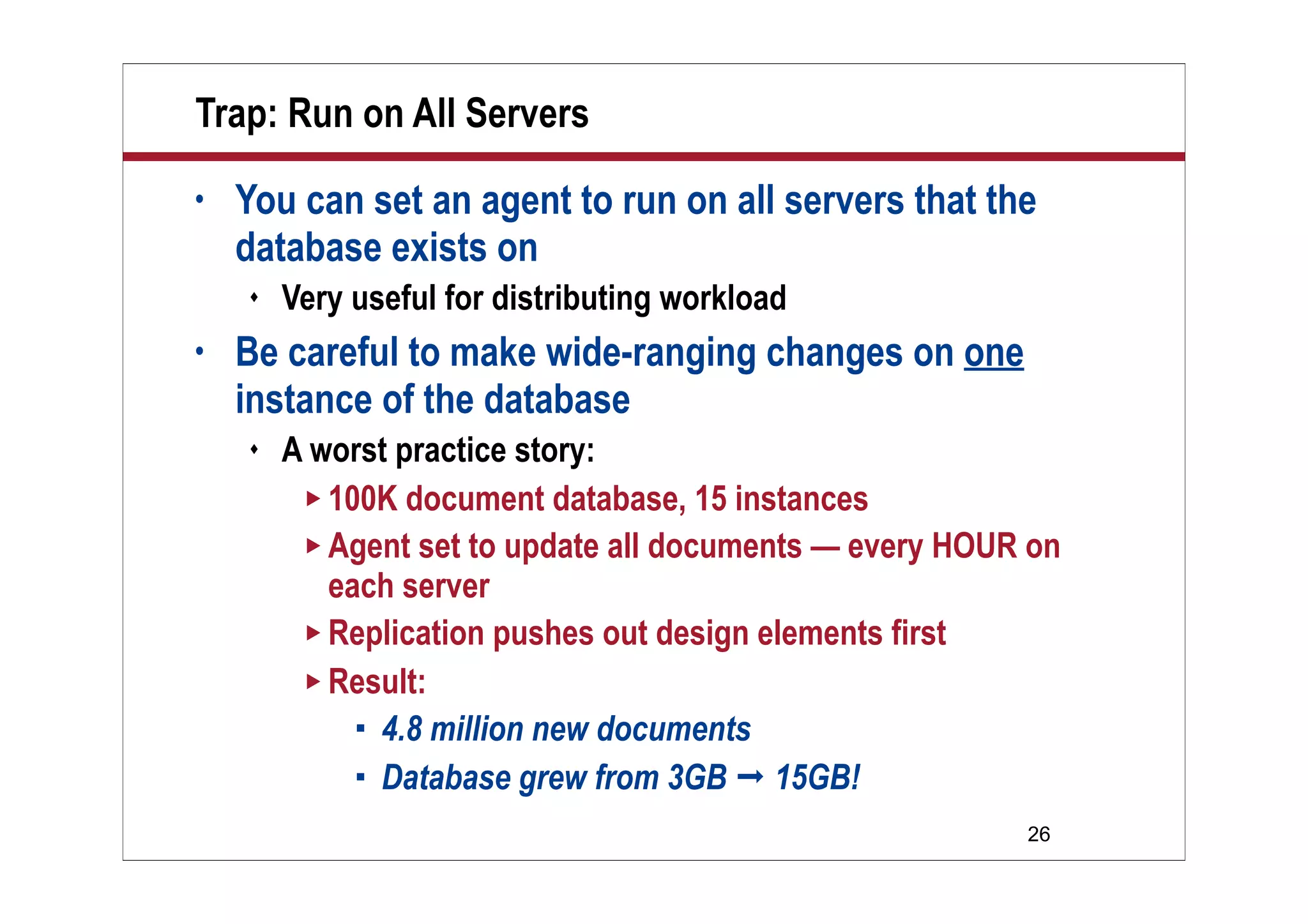
Trap: Run on All Servers
• You can set an agent to run on all servers that the
database exists on
 Very useful for distributing workload
• Be careful to make wide-ranging changes on one
instance of the database
 A worst practice story:
 100K document database, 15 instances
 Agent set to update all documents — every HOUR on
each server
 Replication pushes out design elements first
 Result:
 4.8 million new documents
 Database grew from 3GB  15GB!
27
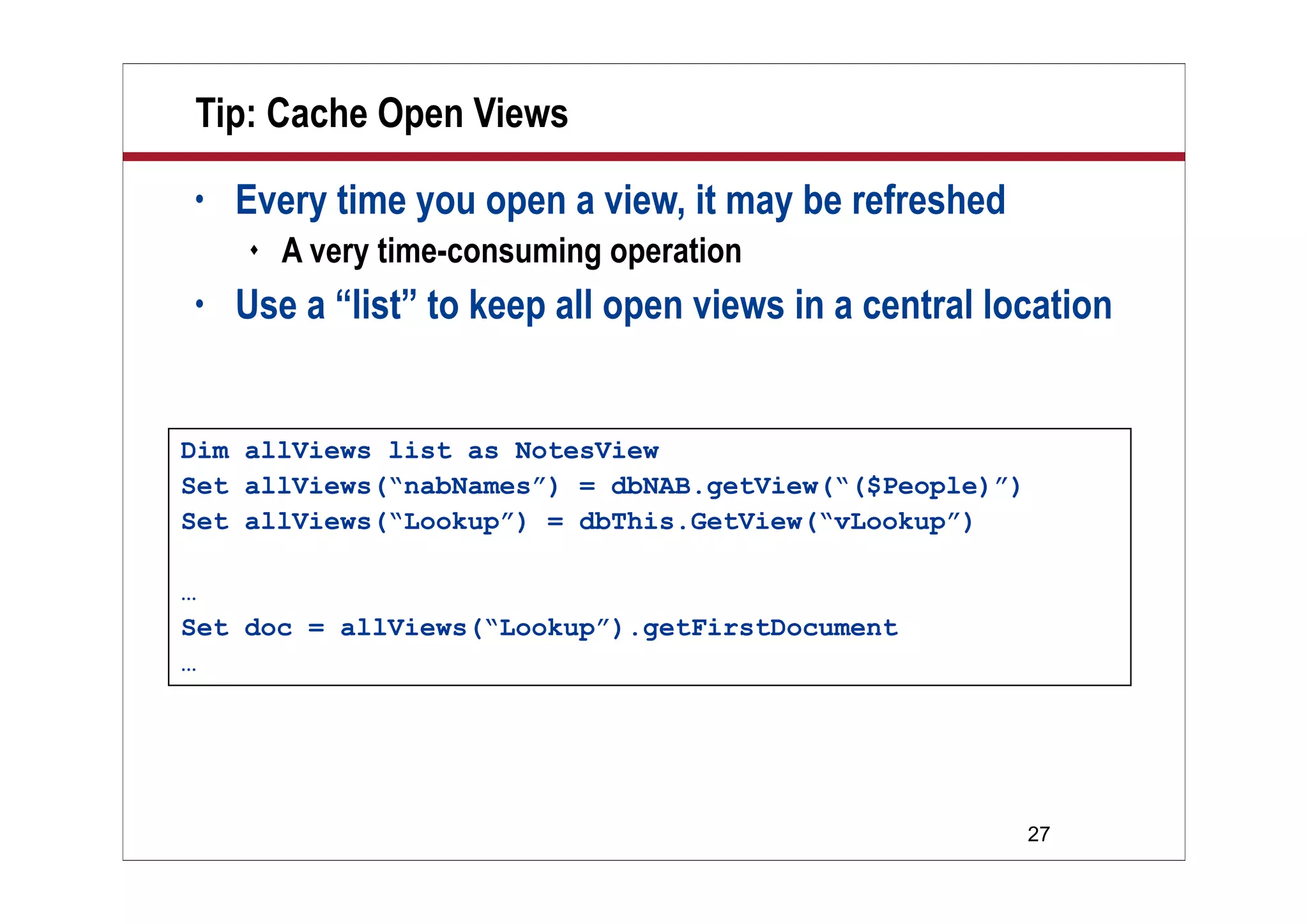
Tip: Cache Open Views
• Every time you open a view, it may be refreshed
 A very time-consuming operation
• Use a “list” to keep all open views in a central location
Dim allViews list as NotesView
Set allViews(“nabNames”) = dbNAB.getView(“($People)”)
Set allViews(“Lookup”) = dbThis.GetView(“vLookup”)
…
Set doc = allViews(“Lookup”).getFirstDocument
…
28
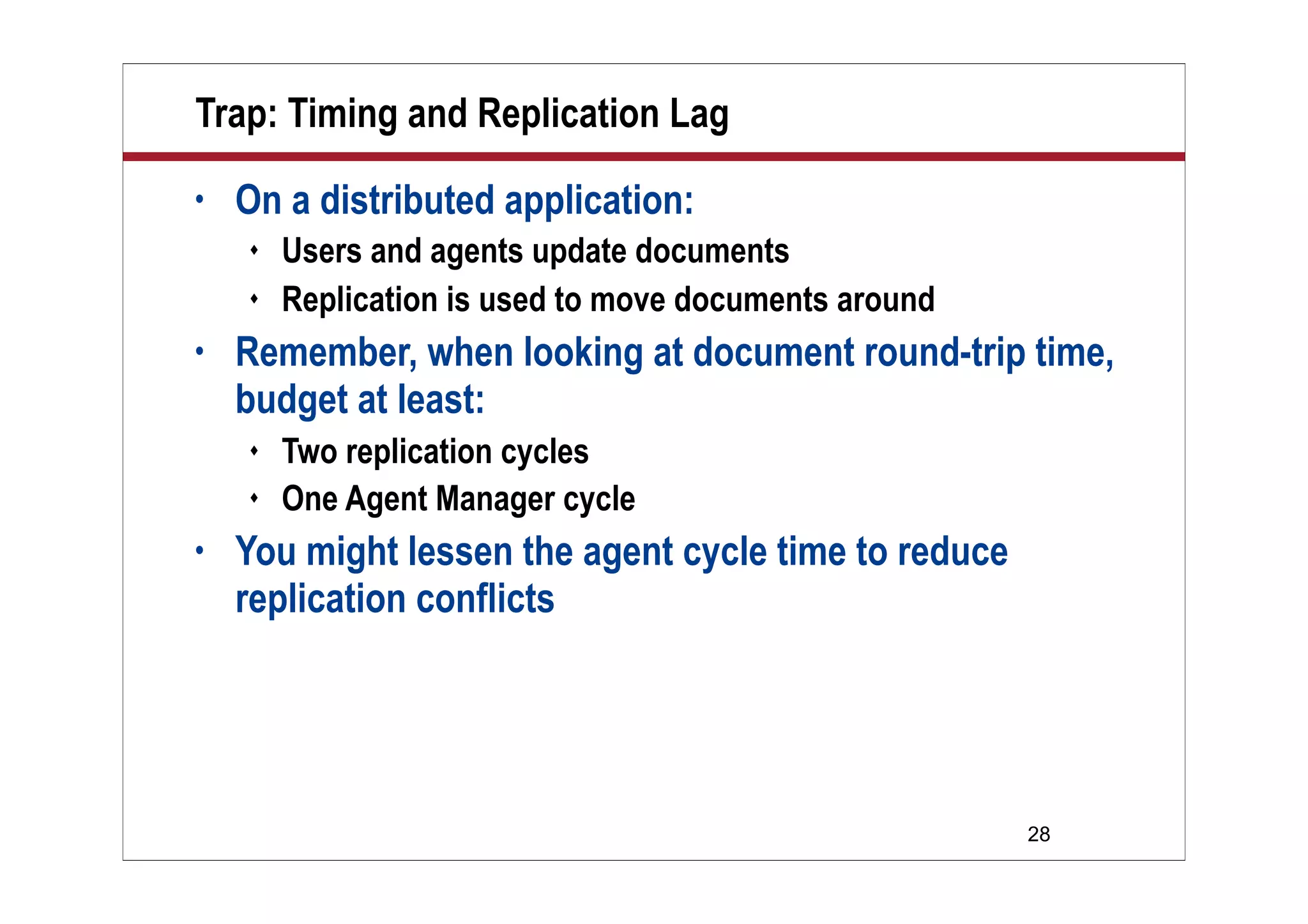
Trap: Timing and Replication Lag
• On a distributed application:
 Users and agents update documents
 Replication is used to move documents around
• Remember, when looking at document round-trip time,
budget at least:
 Two replication cycles
 One Agent Manager cycle
• You might lessen the agent cycle time to reduce
replication conflicts
29
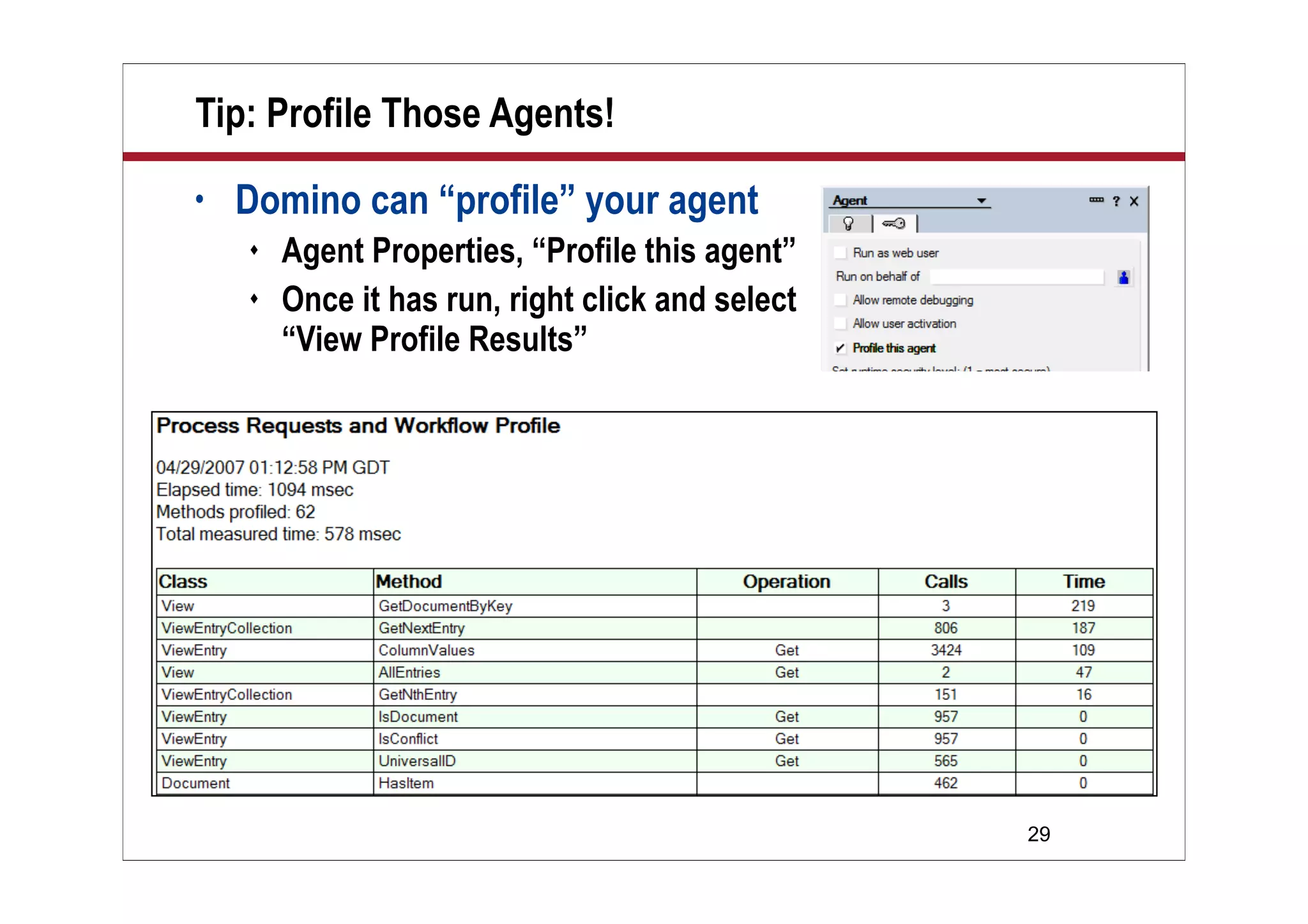
Tip: Profile Those Agents!
• Domino can “profile” your agent
 Agent Properties, “Profile this agent”
 Once it has run, right click and select
“View Profile Results”
30
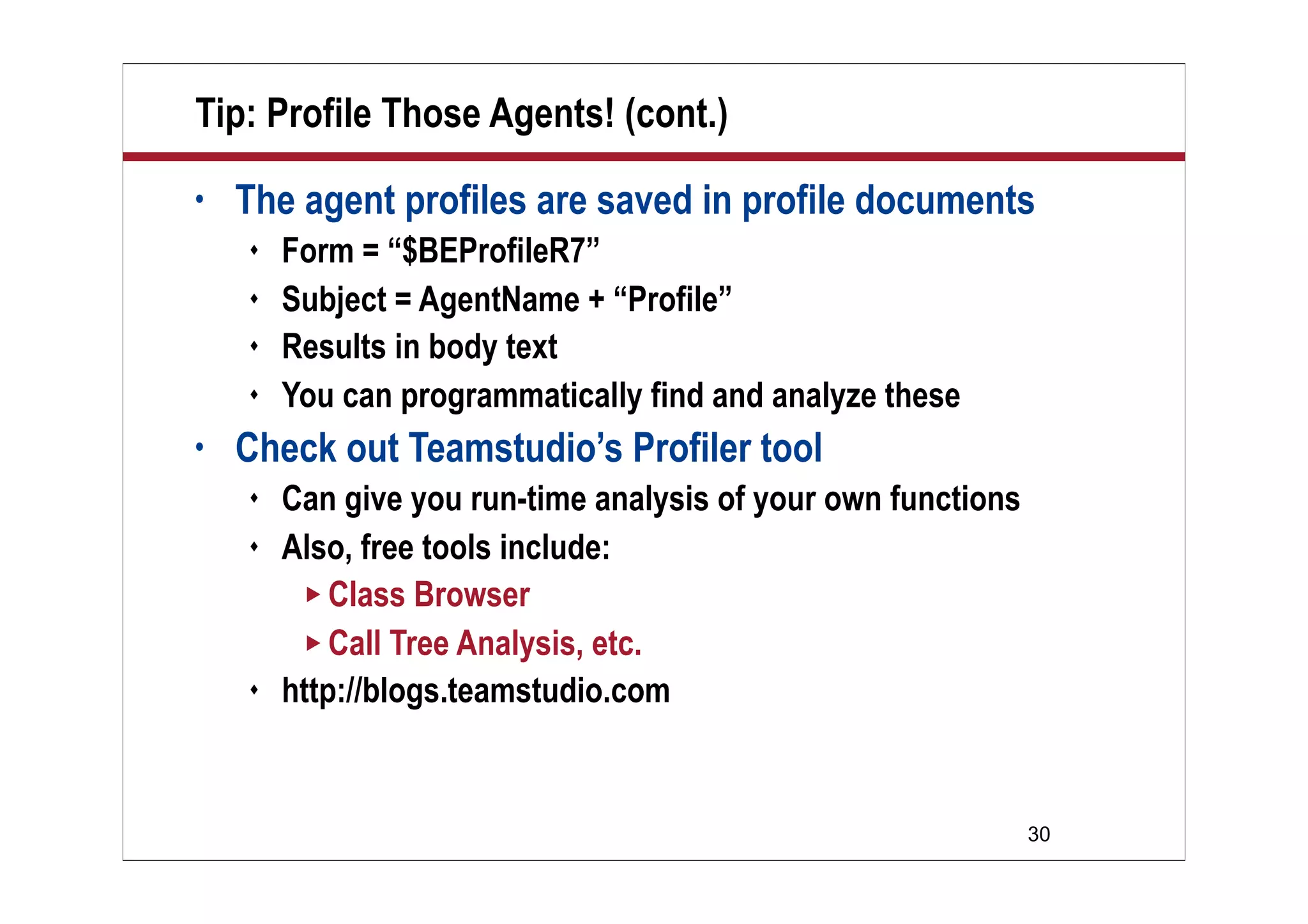
Tip: Profile Those Agents! (cont.)
• The agent profiles are saved in profile documents
 Form = “$BEProfileR7”
 Subject = AgentName + “Profile”
 Results in body text
 You can programmatically find and analyze these
• Check out Teamstudio’s Profiler tool
 Can give you run-time analysis of your own functions
 Also, free tools include:
 Class Browser
 Call Tree Analysis, etc.
 http://blogs.teamstudio.com
31
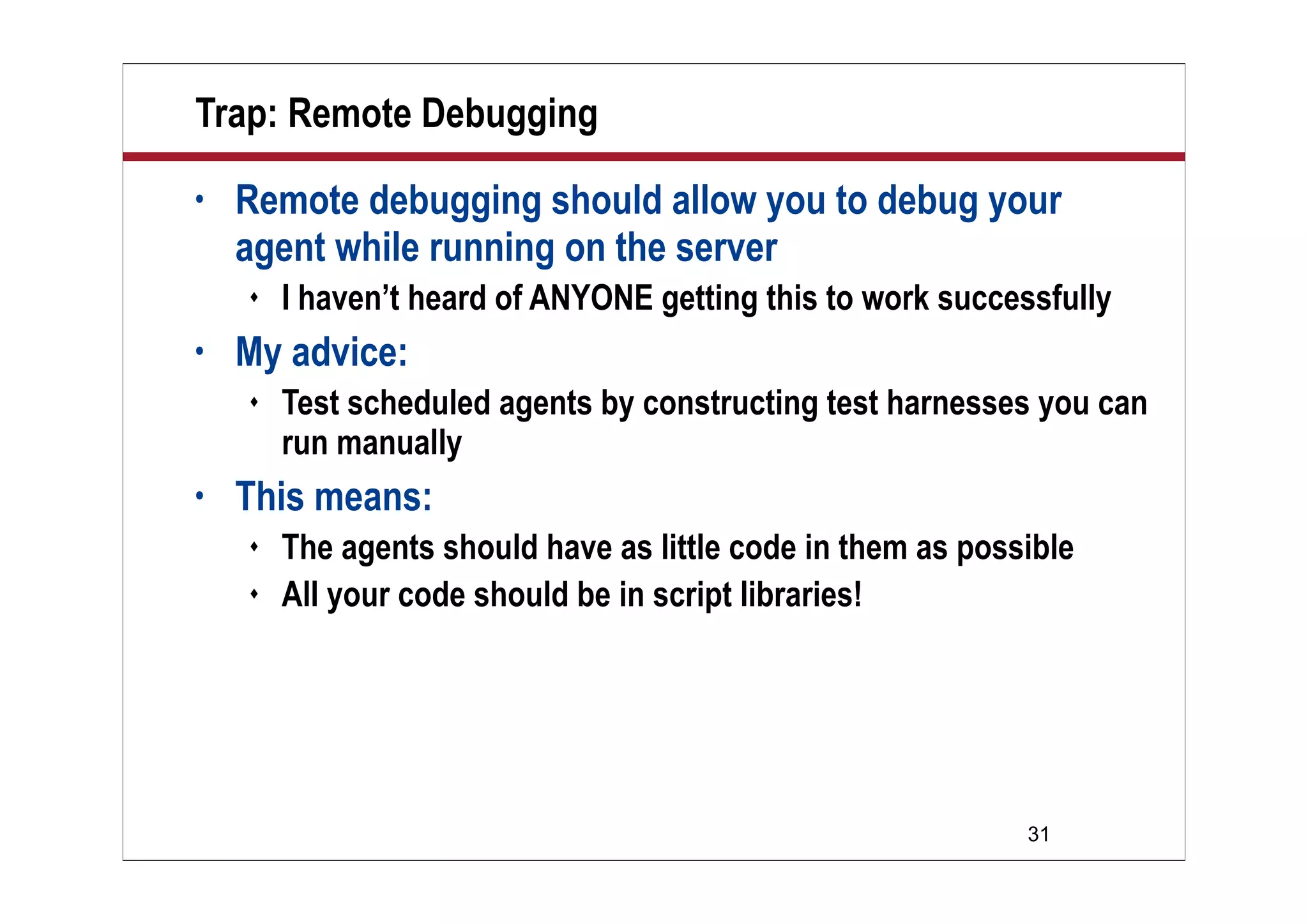
Trap: Remote Debugging
• Remote debugging should allow you to debug your
agent while running on the server
 I haven’t heard of ANYONE getting this to work successfully
• My advice:
 Test scheduled agents by constructing test harnesses you can
run manually
• This means:
 The agents should have as little code in them as possible
 All your code should be in script libraries!
32
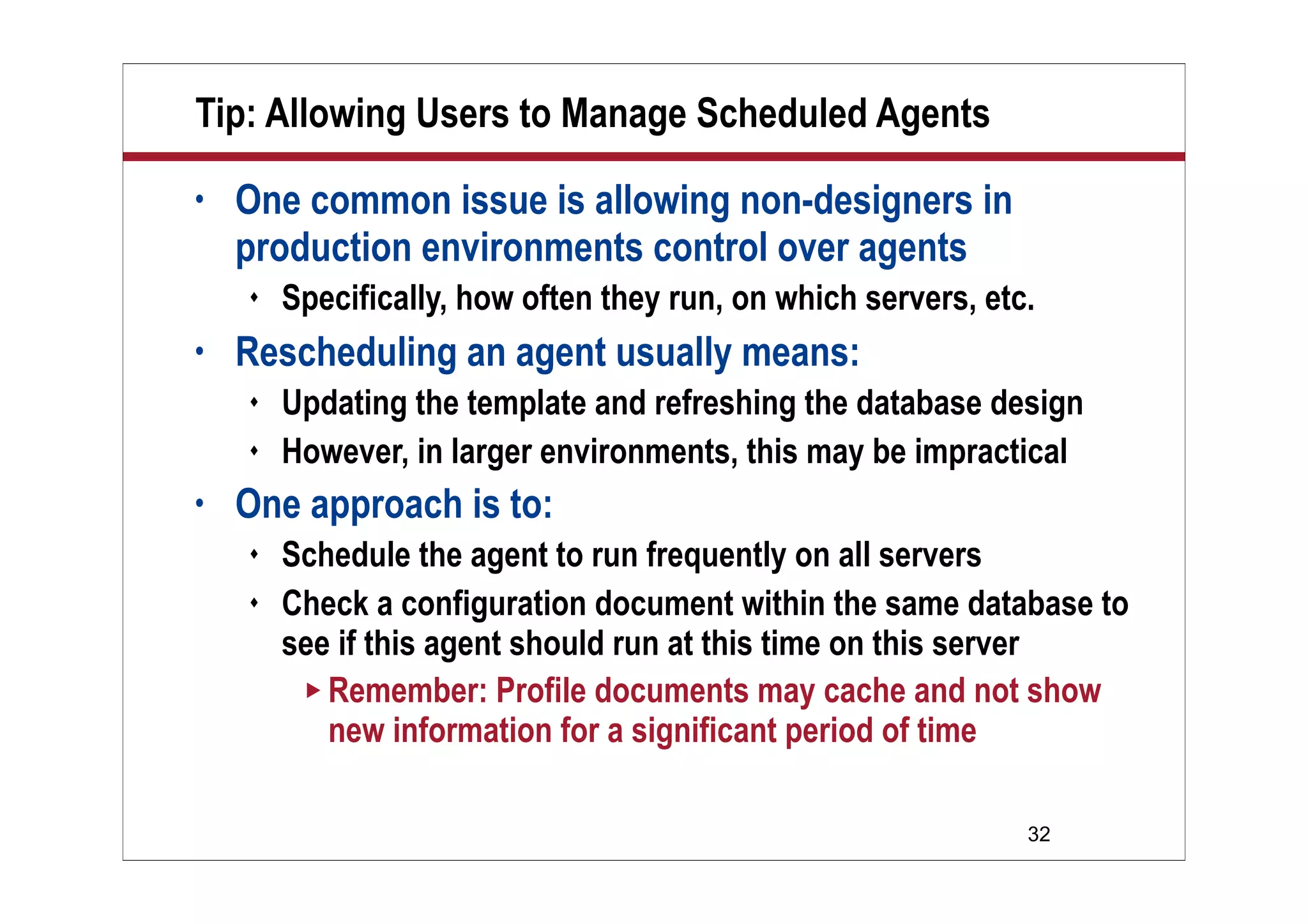
Tip: Allowing Users to Manage Scheduled Agents
• One common issue is allowing non-designers in
production environments control over agents
 Specifically, how often they run, on which servers, etc.
• Rescheduling an agent usually means:
 Updating the template and refreshing the database design
 However, in larger environments, this may be impractical
• One approach is to:
 Schedule the agent to run frequently on all servers
 Check a configuration document within the same database to
see if this agent should run at this time on this server
 Remember: Profile documents may cache and not show
new information for a significant period of time
33
What We’ll Cover …
• Overview
• Agent Manager introduction
• Agent Manager: Scalability
• Scheduled agents: Tips and traps
• Scheduled agents: Monitoring
• Wrap-up
34
Logging — Introduction
• Scheduled Agents should have:
 Logging. This logging should provide:
 Run-time information
 When did the agent start, where, and why?
 How many operations did it process?
 Error information
 For instance, if a run-time error was triggered, where
and how was it triggered? If there was a data error,
where did this occur? Did the agent then process
beyond this data error?
35
Logging — Style
• However:
 The NotesLog model creates a new document for every
log line
 This means that you either have minimal logging, or a
huge log file
• I recommend:
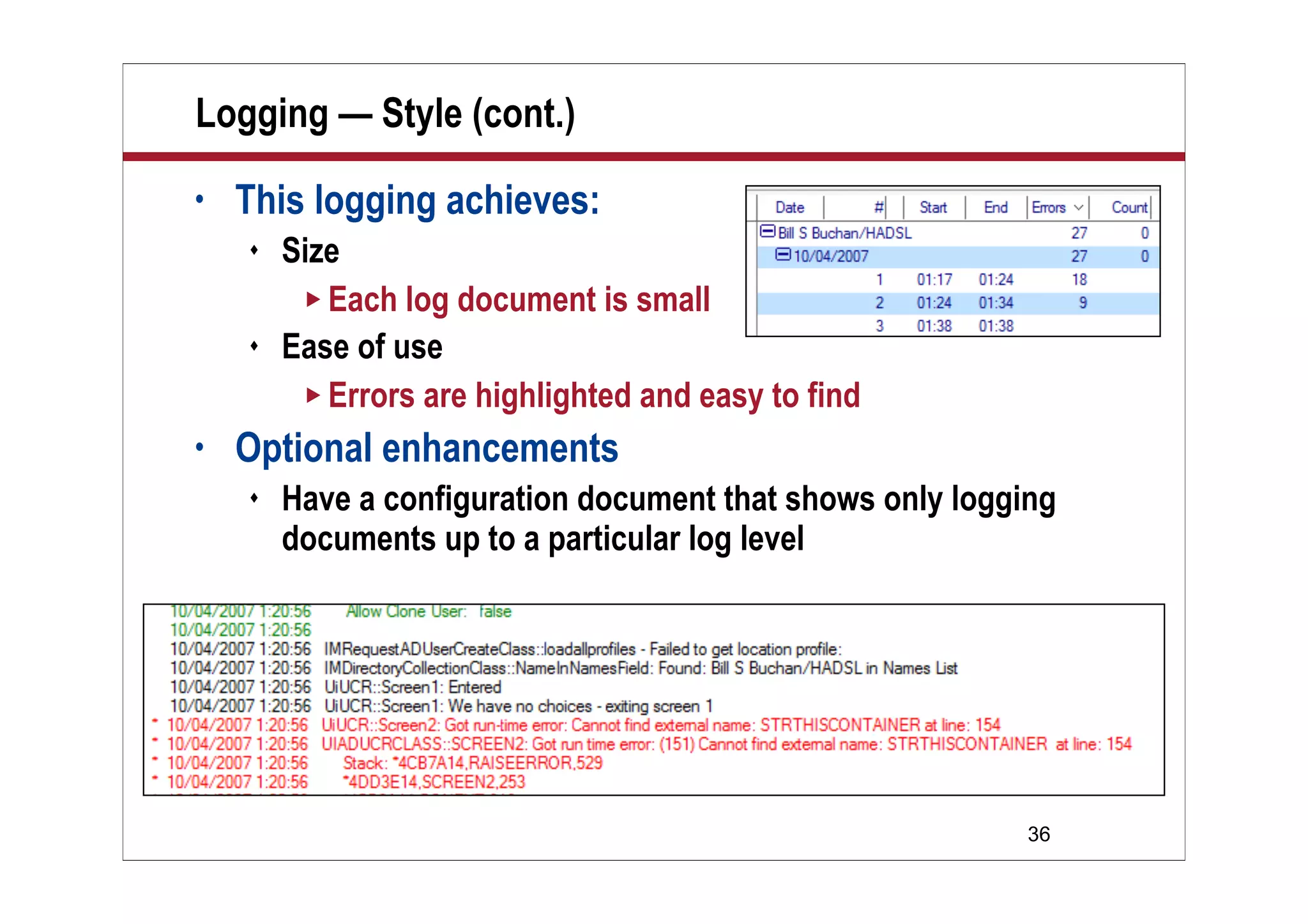
 You develop your own “ticker-tape” style log facility
 Similar to Notes log.nsf
 Color code different levels of error for easy debugging
 Count errors on the log view
36
• This logging achieves:
 Size
 Each log document is small
 Ease of use
 Errors are highlighted and easy to find
• Optional enhancements
 Have a configuration document that shows only logging
documents up to a particular log level
Logging — Style (cont.)
37
Logging — Performance
• Huge log databases are slow to open and consume lots
of space if replicated to all servers
• Why not mail log documents to a central log database?
 Fast
 Your agent doesn’t have to open the log
 Easy
 It’s very easy to set up a mail-in database and send the log
document via mail
 Secure
 You don’t have to grant author access for all users
38
Monitoring — Introduction
• Scheduled agents are rarely monitored
 Bad practice
 Failures are often found first by the users
• Business-critical agents should:
 Create a status document at the end of each run
 Possibly mail that status document to a central location
 Another agent should monitor those responses, and alert
operations if a status document is overdue
39
Monitoring — Requirements
• All scheduled agents should then:
 Be aware of which servers they start on
 Be aware of the amount of time they can run for
 Be aware of their final status
 Report success/failure criteria
 Be able to report other statistical information
• A central log database should then:
 Be aware of which databases, which servers, and which
scheduled agents are expected to report
 Raise alerts if these reports are overdue
40
Demo
Demo
Brief Overview of
AgentClass with
Monitoring
41
What We’ll Cover …
• Overview
• Agent Manager introduction
• Agent Manager: Scalability
• Scheduled agents: Tips and traps
• Scheduled agents: Monitoring
• Wrap-up
42
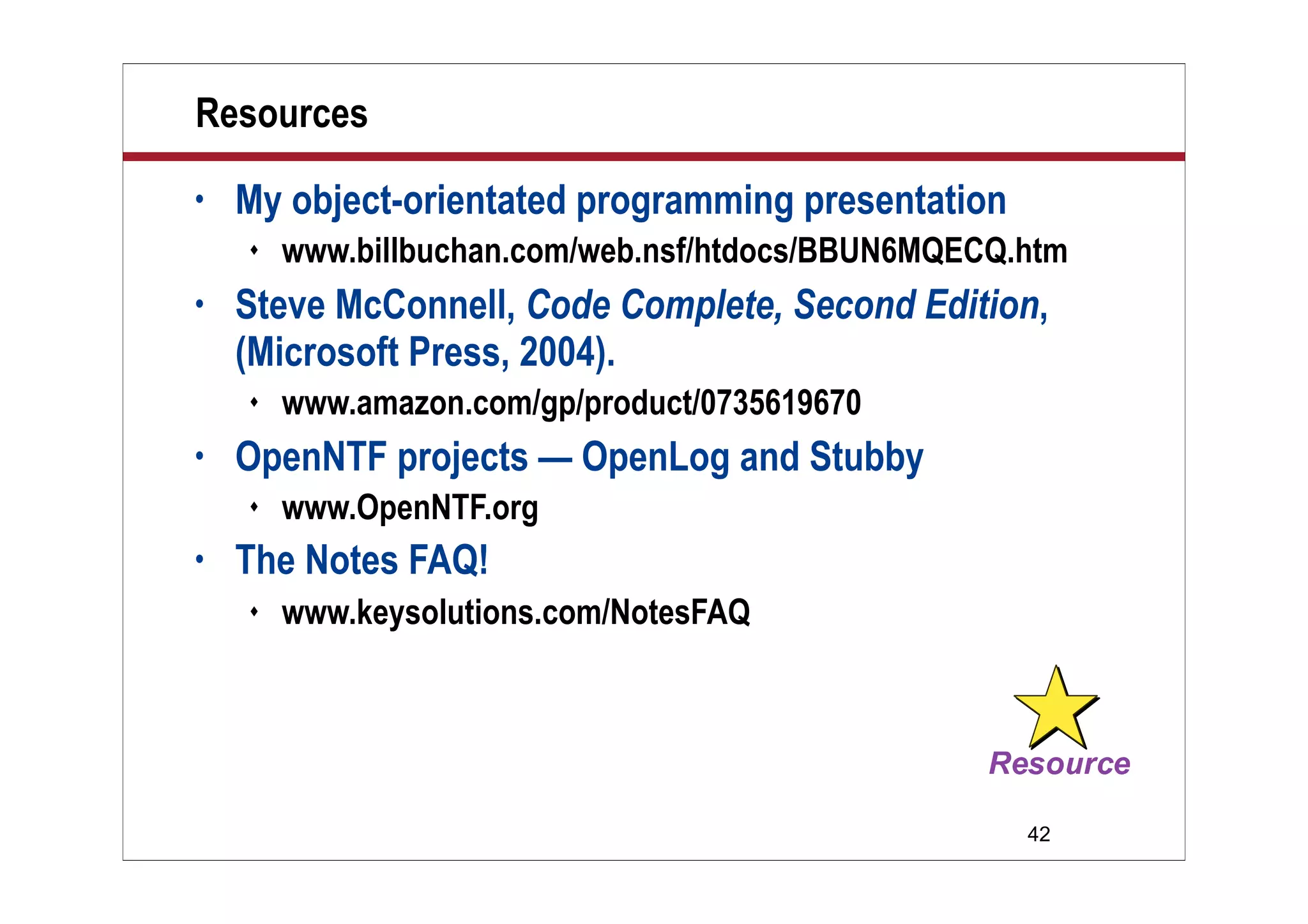
Resources
• My object-orientated programming presentation
 www.billbuchan.com/web.nsf/htdocs/BBUN6MQECQ.htm
• Steve McConnell, Code Complete, Second Edition,
(Microsoft Press, 2004).
 www.amazon.com/gp/product/0735619670
• OpenNTF projects — OpenLog and Stubby
 www.OpenNTF.org
• The Notes FAQ!
 www.keysolutions.com/NotesFAQ
43
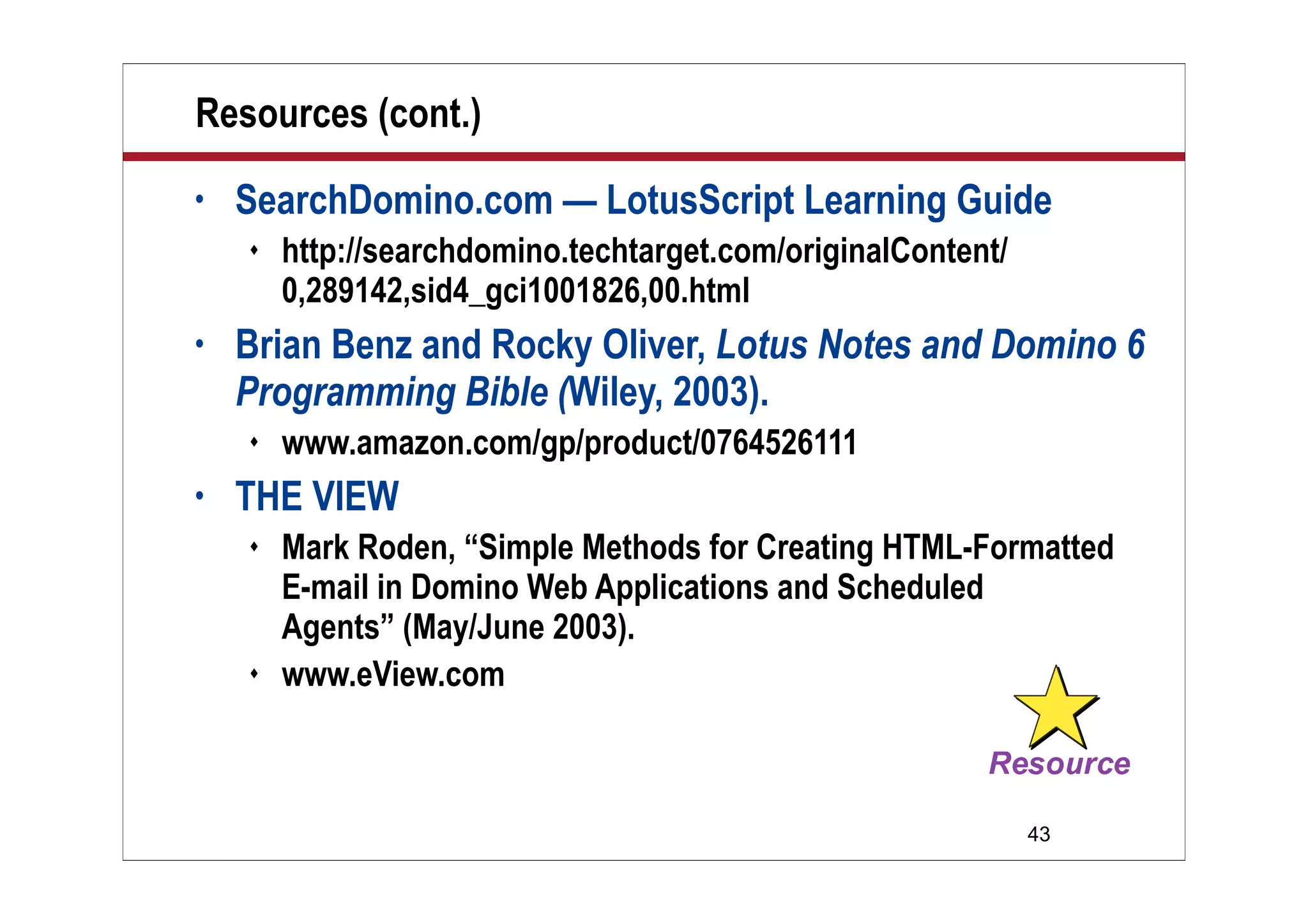
Resources (cont.)
• SearchDomino.com — LotusScript Learning Guide
 http://searchdomino.techtarget.com/originalContent/
0,289142,sid4_gci1001826,00.html
• Brian Benz and Rocky Oliver, Lotus Notes and Domino 6
Programming Bible (Wiley, 2003).
 www.amazon.com/gp/product/0764526111
• THE VIEW
 Mark Roden, “Simple Methods for Creating HTML-Formatted
E-mail in Domino Web Applications and Scheduled
Agents” (May/June 2003).
 www.eView.com
44
7 Key Points to Take Home
• Agent Manager is a harsh taskmaster
• Scheduled Agents should be time-sensitive
 Run quickly and behave well
 Profile your agents to understand where they spend their time
• Object-orientated techniques can:
 Help manage complexity
 Add standard code
• “If you can’t measure it, you can’t manage it”
45
7 Key Points to Take Home (cont.)
• Monitoring scheduled agents:
 Is not hard
 Aids environmental stability
 But be sensitive to how much logging information your
application generates
• Ensure that your agent security level is set correctly
• Avoid “notesAgent.RunOnServer” in production code
 It may create unmanageable Agent Manager “zombie”
processes …
46
Your Turn!
How to Contact Me:
Bill Buchan
Bill@hadsl.com

Dev buchan best practices

  • 1.
    © 2007 WellesleyInformation Services. All rights reserved. Best Practices to Write, Deploy, and Monitor Scheduled Agents Bill Buchan HADSL
  • 2.
    2 What We’ll Cover… • Overview • Agent Manager introduction • Agent Manager: Scalability • Scheduled agents: Tips and traps • Scheduled agents: Monitoring • Wrap-up
  • 3.
    3 Introduction • Who isthe target audience?  Lotus Notes developers who use server-based agents • What is this talk about?  It’s difficult to imagine a complex Notes application without some form of scheduled agent  However, these are often deployed quickly without much thought as to how they can be managed and operated on a reliable basis  This session attempts to remedy this
  • 4.
    4 Who Am I? •Bill Buchan • Dual Principal Certified Lotus Professional (PCLP) in Domino v3, v4, v5, v6, v7 • 10+ years senior development consultancy for Enterprise customers  Learn from my pain! • 5+ years code auditing • CEO of HADSL  Developing best-practice tools
  • 5.
    5 Overview • This session: Is mostly slide-based  Contains a few code examples  Is a deep dive in terms of theory  Summarizes 10+ years of enterprise code auditing
  • 6.
    6 What We’ll Cover… • Overview • Agent Manager introduction • Agent Manager: Scalability • Scheduled agents: Tips and traps • Scheduled agents: Monitoring • Wrap-up
  • 7.
    7 Agent Manager: Introduction •It’s been in Domino since version 3 • It handles both scheduled and triggered agents • It handles @Formula, Java, and LotusScript agents • It’s a very efficient place to run code  Because it’s running on the server, it benefits from all the server database, view, and document caches
  • 8.
    8 Agent Manager: Introduction(cont.) • It changes behavior for daytime and nighttime operation  Defined in the server document  These are the defaults  Should these be changed?  I don’t recommend it …
  • 9.
    9 Agent Manager: Security •Three types of agent security:  Do not allow restricted operations (default)  Allow restricted operations  Allow restricted operations with full administration rights
  • 10.
    10 Agent Manager: Security(cont.) • What does this mean?  Restrictions based on the code you write in your agent • Restricted operations include:  File I/O: File operations, kill, chdir, etc.  Network operations (in Java)  Using a disk-based NotesLog  Environment variables  Encryption and signing(!)  Embedded objects  Calling C API-based routines
  • 11.
    11 Agent Manager: Security(cont.) • Agent security was introduced on ND6  Beware • On a v5 upgrade to v6 or v7 upgrade, ALL agents by default are set to level 1  You have to find the agents that run restricted code, and “upgrade” them  Either examine every agent or use automated tooling, such as Teamstudio Analyzer  www.teamstudio.com
  • 12.
    12 Agent Manager: AgentTypes • Scheduled agents  Schedule a repeat time period  Select either “All Servers” or a particular target server • Triggered agents  From a client  Before and after mail delivery  After document creation  After document is pasted • Remember:  Agents can call other agents  Useful for mixing languages …
  • 13.
    13 What We’ll Cover… • Overview • Agent Manager introduction • Agent Manager: Scalability • Scheduled agents: Tips and traps • Scheduled agents: Monitoring • Wrap-up
  • 14.
    14 Scheduled Agents inLotusScript • Scheduled agents are:  Pieces of code that you create which can run on the server or workstation at pre-defined intervals  You can choose to run it on a particular server, or ALL servers that this database exists on  They are single-threaded  They have a time limit  If they exceed this time limit, they will be killed  In this event, the “Terminate” code is executed  You may have two instances of the same agent executing at the same time …  Bear this in mind during design
  • 15.
    15 Scheduled Agents: TimeLimit • If the agent will take a long time, it should:  Record its start time  Find out how long the task should run on this server  Stop processing before this time period occurs  Record its state so that it can restart  This might be as little as marking each document as “processed”  Log its progress, and allow you to see any issues • Or:  Re-architect the solution to avoid this • This sounds difficult …
  • 16.
  • 17.
    17 Scheduled Agents: SettingFrequency • The agent schedule gives you a number of choices  The shortest time period is five minutes  Remember, during the day there is, by default, only one agent manager thread  If you have hundreds of “five-minute” agents scheduled for five minute intervals, the Agent Manager thread will be overloaded … • If you need more frequent time periods, re-architect the solution by using triggers  Is this triggered by a mail-in document, document paste, etc.?  Alternatively, use TriggerHappy  Open source project, www.openntf.org  Can trigger LotusScript agents on Extension Manager events
  • 18.
    18 Triggered Agents • Triggeredagents are:  Pieces of code that can run on servers or workstations, and operate on certain triggers  Before or after a document has been mailed to a database  When a document is pasted into a database  When a document has been updated • Agent manager has mechanisms to ensure that it does NOT trigger too often  Usually needs at least two minutes between each agent run  Mail-in agents may not trigger enough:  So if you have to rely on a mail-in database, create another mechanism to pick up all “unprocessed” documents, such as a status view
  • 19.
    19 What About Agent.RunOnServer? •In LotusScript, when you use “notesagent.RunOnServer” or “tell amgr run … ”  Agent manager appears to spawn a new agent thread  The agent does not get terminated if it exceeds the agent run-time on the server document  The agent appears to run in its own memory space  There is no connection to the agent  You cannot tell it to quit • This means:  Try not to use this technique in production  If you do, be especially careful about:  Making sure it terminates  Logging all activity
  • 20.
    20 What We’ll Cover… • Overview • Agent Manager introduction • Agent Manager: Scalability • Scheduled agents: Tips and traps • Scheduled agents: Monitoring • Wrap-up
  • 21.
    21 Tip: Memory Space •Scheduled agents share the server memory pool • Be careful of how much memory you consume  Offences, such as keeping large number of NotesDocument objects open at any time, should be avoided • If you have to “read” a large number of documents, do some operation, then update a small number of them  Read the comparison information and the NoteID into memory (Custom Classes and Lists are good for this)  Do the operation  When updating the document, use the NoteID to quickly reopen and save the document
  • 22.
    22 Trap: Profile Documents •Profile documents are documents that do not appear in views, and are easily accessible from LotusScript and @Formula language  Very useful for configuration settings, etc. • However, Agent Manager tends to cache these  If the profile document contains rapidly changing information, there is a danger that your agent will not receive the most up-to-date information • So:  Don’t store rapidly changing information in a profile document
  • 23.
    23 Tip: Execution Time •As mentioned earlier, you have a limited amount of time to achieve your goal with a scheduled agent • If you are in danger of exceeding this, re-architect  For instance, if this agent:  Runs once per day  Collects all “outstanding” documents  Processes them  Then have this agent:  Run multiple times  Store its last completion point and run from that point
  • 24.
    24 Trap: Garbage Collection •Custom Classes and Lists allow you to store information in the memory in a structured manner  This leads to simpler code and faster execution • However:  If you attempt to “clean up” heavily interlinked objects in your code, you may confuse the garbage collector  It may crash Agent Manager, the server, or a client process • So:  LotusScript’s garbage collector is pretty good  Just let it happen naturally
  • 25.
    25 Tip: “Trusted Servers” •Before Domino 6, scheduled agents could access databases on the current server only • Now, if the “Trusted Servers” field is populated, you may access databases on other servers • This means that you are no longer required to have replicas of databases on every server in order to collect information from that server  No more “replication storms”  However, the link to the other server has to be reliable
  • 26.
    26 Trap: Run onAll Servers • You can set an agent to run on all servers that the database exists on  Very useful for distributing workload • Be careful to make wide-ranging changes on one instance of the database  A worst practice story:  100K document database, 15 instances  Agent set to update all documents — every HOUR on each server  Replication pushes out design elements first  Result:  4.8 million new documents  Database grew from 3GB  15GB!
  • 27.
    27 Tip: Cache OpenViews • Every time you open a view, it may be refreshed  A very time-consuming operation • Use a “list” to keep all open views in a central location Dim allViews list as NotesView Set allViews(“nabNames”) = dbNAB.getView(“($People)”) Set allViews(“Lookup”) = dbThis.GetView(“vLookup”) … Set doc = allViews(“Lookup”).getFirstDocument …
  • 28.
    28 Trap: Timing andReplication Lag • On a distributed application:  Users and agents update documents  Replication is used to move documents around • Remember, when looking at document round-trip time, budget at least:  Two replication cycles  One Agent Manager cycle • You might lessen the agent cycle time to reduce replication conflicts
  • 29.
    29 Tip: Profile ThoseAgents! • Domino can “profile” your agent  Agent Properties, “Profile this agent”  Once it has run, right click and select “View Profile Results”
  • 30.
    30 Tip: Profile ThoseAgents! (cont.) • The agent profiles are saved in profile documents  Form = “$BEProfileR7”  Subject = AgentName + “Profile”  Results in body text  You can programmatically find and analyze these • Check out Teamstudio’s Profiler tool  Can give you run-time analysis of your own functions  Also, free tools include:  Class Browser  Call Tree Analysis, etc.  http://blogs.teamstudio.com
  • 31.
    31 Trap: Remote Debugging •Remote debugging should allow you to debug your agent while running on the server  I haven’t heard of ANYONE getting this to work successfully • My advice:  Test scheduled agents by constructing test harnesses you can run manually • This means:  The agents should have as little code in them as possible  All your code should be in script libraries!
  • 32.
    32 Tip: Allowing Usersto Manage Scheduled Agents • One common issue is allowing non-designers in production environments control over agents  Specifically, how often they run, on which servers, etc. • Rescheduling an agent usually means:  Updating the template and refreshing the database design  However, in larger environments, this may be impractical • One approach is to:  Schedule the agent to run frequently on all servers  Check a configuration document within the same database to see if this agent should run at this time on this server  Remember: Profile documents may cache and not show new information for a significant period of time
  • 33.
    33 What We’ll Cover… • Overview • Agent Manager introduction • Agent Manager: Scalability • Scheduled agents: Tips and traps • Scheduled agents: Monitoring • Wrap-up
  • 34.
    34 Logging — Introduction •Scheduled Agents should have:  Logging. This logging should provide:  Run-time information  When did the agent start, where, and why?  How many operations did it process?  Error information  For instance, if a run-time error was triggered, where and how was it triggered? If there was a data error, where did this occur? Did the agent then process beyond this data error?
  • 35.
    35 Logging — Style •However:  The NotesLog model creates a new document for every log line  This means that you either have minimal logging, or a huge log file • I recommend:  You develop your own “ticker-tape” style log facility  Similar to Notes log.nsf  Color code different levels of error for easy debugging  Count errors on the log view
  • 36.
    36 • This loggingachieves:  Size  Each log document is small  Ease of use  Errors are highlighted and easy to find • Optional enhancements  Have a configuration document that shows only logging documents up to a particular log level Logging — Style (cont.)
  • 37.
    37 Logging — Performance •Huge log databases are slow to open and consume lots of space if replicated to all servers • Why not mail log documents to a central log database?  Fast  Your agent doesn’t have to open the log  Easy  It’s very easy to set up a mail-in database and send the log document via mail  Secure  You don’t have to grant author access for all users
  • 38.
    38 Monitoring — Introduction •Scheduled agents are rarely monitored  Bad practice  Failures are often found first by the users • Business-critical agents should:  Create a status document at the end of each run  Possibly mail that status document to a central location  Another agent should monitor those responses, and alert operations if a status document is overdue
  • 39.
    39 Monitoring — Requirements •All scheduled agents should then:  Be aware of which servers they start on  Be aware of the amount of time they can run for  Be aware of their final status  Report success/failure criteria  Be able to report other statistical information • A central log database should then:  Be aware of which databases, which servers, and which scheduled agents are expected to report  Raise alerts if these reports are overdue
  • 40.
  • 41.
    41 What We’ll Cover… • Overview • Agent Manager introduction • Agent Manager: Scalability • Scheduled agents: Tips and traps • Scheduled agents: Monitoring • Wrap-up
  • 42.
    42 Resources • My object-orientatedprogramming presentation  www.billbuchan.com/web.nsf/htdocs/BBUN6MQECQ.htm • Steve McConnell, Code Complete, Second Edition, (Microsoft Press, 2004).  www.amazon.com/gp/product/0735619670 • OpenNTF projects — OpenLog and Stubby  www.OpenNTF.org • The Notes FAQ!  www.keysolutions.com/NotesFAQ
  • 43.
    43 Resources (cont.) • SearchDomino.com— LotusScript Learning Guide  http://searchdomino.techtarget.com/originalContent/ 0,289142,sid4_gci1001826,00.html • Brian Benz and Rocky Oliver, Lotus Notes and Domino 6 Programming Bible (Wiley, 2003).  www.amazon.com/gp/product/0764526111 • THE VIEW  Mark Roden, “Simple Methods for Creating HTML-Formatted E-mail in Domino Web Applications and Scheduled Agents” (May/June 2003).  www.eView.com
  • 44.
    44 7 Key Pointsto Take Home • Agent Manager is a harsh taskmaster • Scheduled Agents should be time-sensitive  Run quickly and behave well  Profile your agents to understand where they spend their time • Object-orientated techniques can:  Help manage complexity  Add standard code • “If you can’t measure it, you can’t manage it”
  • 45.
    45 7 Key Pointsto Take Home (cont.) • Monitoring scheduled agents:  Is not hard  Aids environmental stability  But be sensitive to how much logging information your application generates • Ensure that your agent security level is set correctly • Avoid “notesAgent.RunOnServer” in production code  It may create unmanageable Agent Manager “zombie” processes …
  • 46.
    46 Your Turn! How toContact Me: Bill Buchan Bill@hadsl.com